Article

How a YouTube Video Transcript Generator Unlocks Your Content

February 5, 2026

Have you ever tried to find a specific quote or data point buried in a long YouTube video? It’s frustrating. You end up scrubbing back and forth, wasting valuable time. Important insights often feel trapped inside video, making them difficult to access and use.

This is where a YouTube video transcript generator completely changes the game. From my own experience, it's a tool that uses advanced AI—specifically Automatic Speech Recognition (ASR)—to convert the spoken words in a video into a clean, searchable text document. Instead of spending hours manually typing, you get an accurate transcript in just a few minutes.

Why a Transcript Generator is a Content Creator's Best Friend

For anyone who works with video—marketers, researchers, students, and creators—a transcript is more than just a convenience; it's a powerful asset. It transforms your video from a passive viewing experience into an active, searchable resource.

Here’s how it helps you get more value from your content:

  • Boost Your SEO: Search engines are smart, but they can't watch your video. They read text. By providing a transcript, you make every spoken word indexable, which helps you rank for a wider range of keywords and attract more organic traffic.
  • Repurpose Content Effortlessly: I often use transcripts to turn a single webinar into multiple assets. That hour-long video can quickly become the foundation for a blog post, social media updates, an email newsletter, or a detailed guide.
  • Make Your Content Accessible: Transcripts open up your videos to a much larger audience, including people who are deaf or hard of hearing. It also helps those who prefer reading over watching or are in a noisy place where they can't listen to audio.

The Clear Advantage of AI Over Manual Transcription

Let's be honest, transcribing by hand is a grind. It's tedious, time-consuming work that drains your energy. The move toward AI-driven tools is a direct response to the need for a more efficient way to handle video content.

The difference is staggering. For a typical 60-minute video, a skilled human transcriber might take 4 to 6 hours to produce a clean transcript. In my testing, an AI tool like HypeScribe delivers a transcript with up to 99% accuracy in under a minute.

This isn’t a small improvement; it's a fundamental change in how you can approach your workflow.

Manual Transcription vs. an AI Transcript Generator

Here’s a practical look at how using an AI transcript generator stacks up against doing it by hand for a typical 60-minute video.

MetricManual TranscriptionAI Transcript Generator (HypeScribe)
Time Investment4 to 6 hoursLess than 1 minute
Cost$60 - $150 (professional service)A few dollars (part of subscription)
Accuracy99%+ (with a good transcriber)Up to 99%
Turnaround Time24-48 hours (typical service)Instant
ScalabilityDifficult; limited by human hoursUnlimited; process hundreds of videos

The comparison makes it clear: AI offers an incredible blend of speed, cost-effectiveness, and high accuracy that manual methods just can't match. It gives you your time back to focus on the creative and strategic work that really matters.

Bar chart comparing manual vs. AI transcription showing manual is faster and more accurate.

Beyond just getting the text, this technology plays a huge role in making the web more inclusive. You can learn more about using AI auto-captioning for improved accessibility. By providing a text-based version of your video, you're ensuring that everyone can engage with your message, no matter how they choose to consume content.


How Do I Get a Transcript From a YouTube Video?

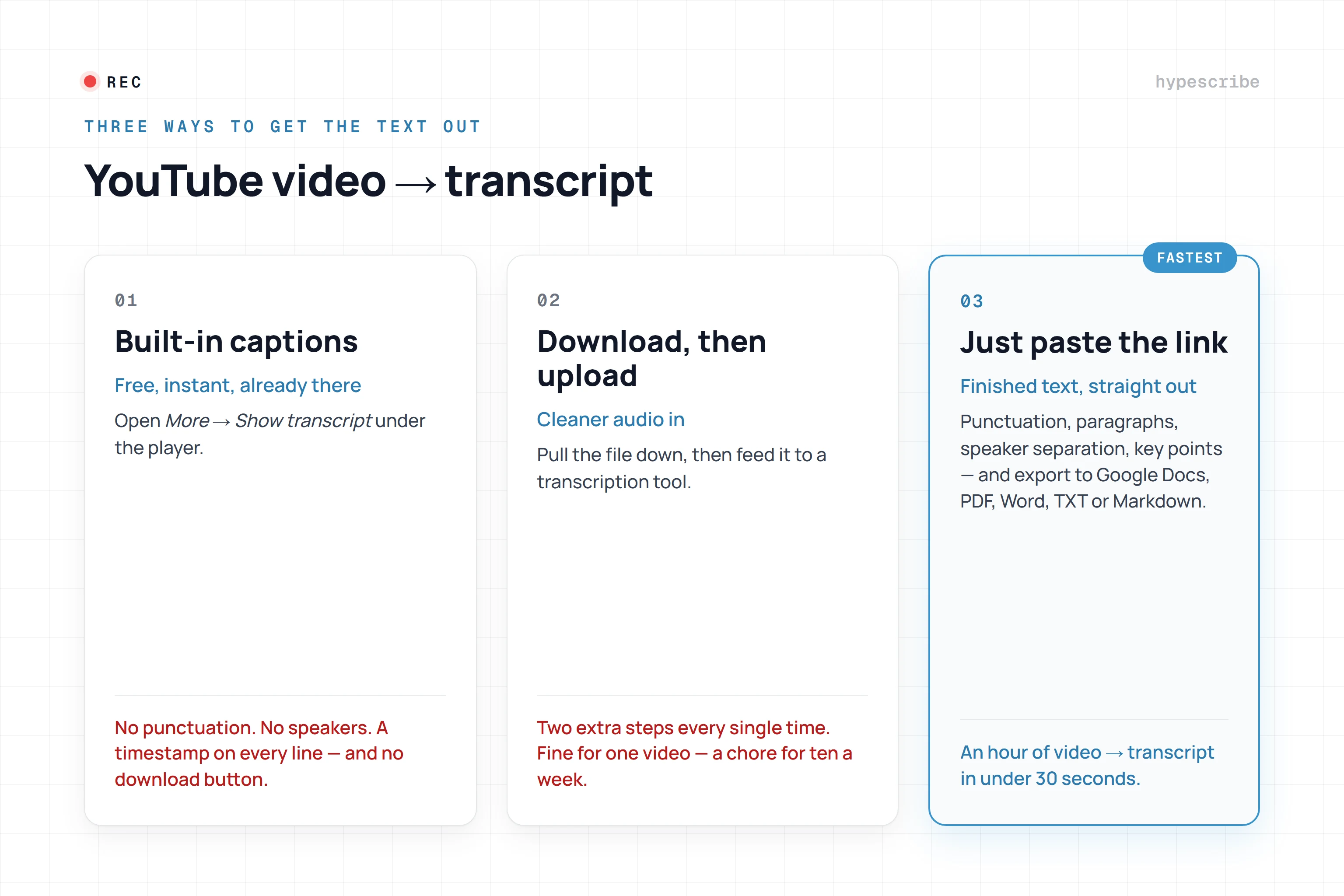
Getting your first transcript from a YouTube video is surprisingly fast and simple. There's no complicated software to install or a steep learning curve. The goal of a good tool is to get you from video to text with minimal friction, and it usually just takes a copy and paste.


Find the YouTube video you need, copy its URL, and drop it straight into the tool. HypeScribe handles the rest, grabbing the audio and letting its AI engine work its magic. In a few moments, the spoken words appear as an organized text document right on your screen.

This is my go-to method for public videos. I use it constantly to analyze a competitor's webinar, pull notes from a lecture, or save key quotes from a keynote speech. The speed is the real game-changer—a task that would take me hours to type out is usually done in less than a minute.

What if My Video is Private or Unlisted?

Not everything we work with is public. We often have private team meetings, unlisted client videos, or raw footage saved locally. For these cases, the process is just as straightforward: you simply upload the video file directly.

This is how I handle most of my day-to-day transcription needs for:

  • Team Meeting Recordings: To ensure no action items from a Zoom or Google Meet call get lost.
  • Confidential Interviews: For research or journalism where privacy is critical.
  • Draft Video Content: I'll often transcribe a video draft to easily create captions or spin it into a blog post before publishing.

You can drag and drop your MP4, MOV, or other standard video files into the uploader. The AI handles the local file with the same accuracy and speed as a YouTube link, giving you a searchable transcript while keeping your content completely private.

The interface is designed to be clean and simple, giving you the choice to either paste a link or upload a file right away.

Illustration of a magnifying glass over a document, symbolizing searchable video transcripts and a key.

As you can see, there’s no clutter. The goal is to get you to your transcript in a single click.

Why Instant Turnaround Matters

The real power here is efficiency. From my own testing, a tool like HypeScribe can turn an hour-long video into a full transcript in under 60 seconds. This isn’t just a convenience; it fundamentally changes how you work with video.

You're no longer just watching passively. With a transcript in hand almost instantly, you can become an active researcher—searching for keywords, pulling exact quotes, and repurposing information on the fly.

This kind of speed creates a much more dynamic workflow, allowing ideas from a video to be woven into your other projects without delay. For anyone interested in the tech that makes this possible, it's fascinating to learn how to build a YouTube transcript AI yourself.

Ultimately, if you need to create transcripts more than once in a blue moon, using a dedicated tool is a no-brainer. Having immediate access to the text keeps your creative momentum flowing.

How to Edit Your Transcript for Perfect Accuracy

An automated transcript provides a fantastic starting point, but the real magic happens in the final polish. I think of the initial AI-generated text as raw clay; a little refining turns it into a professional, ready-to-use document. This is your chance to catch nuances, fix tricky terminology, and ensure every word is perfect.

A visual representation of converting a YouTube video link into a text transcript document.

Most great transcription tools have a built-in interactive editor that syncs the text directly to the video's audio. This feature is a game-changer. As you read, you can click on any word, and the video playback will instantly jump to that exact moment. It makes finding and fixing small errors incredibly fast and intuitive.

Correcting Specialized Jargon and Names
The first thing I always scan for is jargon. As smart as modern AI is, it can stumble on industry-specific terms, unique company names, or product features it hasn't seen before. For example, it’s not uncommon for an AI to hear "HypeScribe" but write "hype scribe," or mistake "SaaS" for "sass."

Using the editor, you can quickly search for these terms and correct them. My personal workflow involves making a quick list of potentially tricky words before I start and searching for them right away. This simple check ensures the final transcript accurately reflects the language of your industry.

Proper nouns are another classic area for minor fixes. The AI might not catch the unique spelling of a guest's name or a city they mention. A quick pass to clean these up makes the entire document feel much more polished and professional.

Mastering Speaker Identification

If you’re transcribing an interview, panel discussion, or a meeting with multiple voices, accurate speaker labels are essential. A raw transcript can sometimes get confused about who is speaking, especially if people have similar voices or talk over one another.

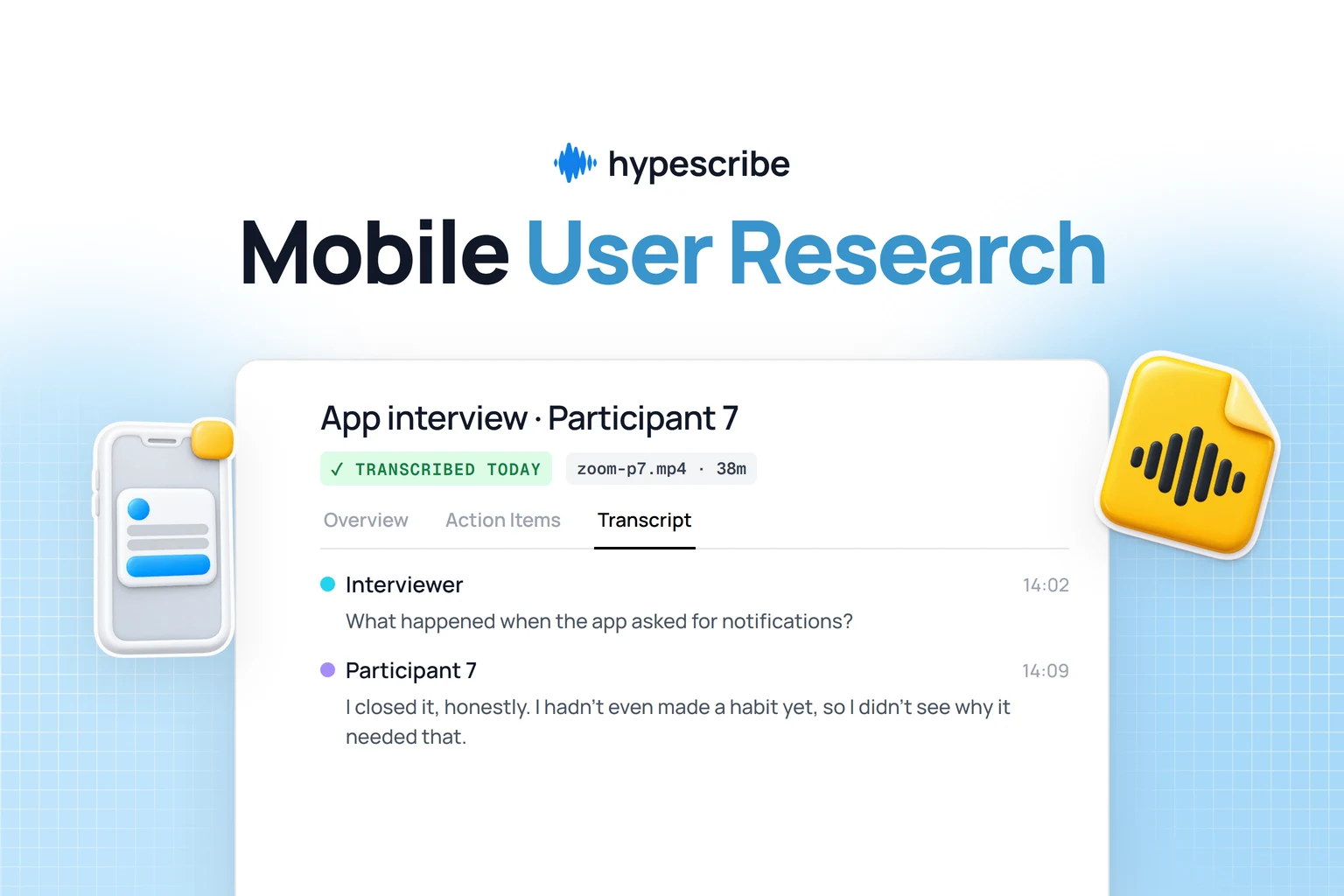
The ability to easily reassign speaker labels is a lifesaver. It transforms a confusing wall of text into a clear, readable dialogue, which is absolutely essential if you're pulling quotes or creating meeting minutes.

In HypeScribe's editor, it's as simple as clicking a paragraph and picking the correct person from a dropdown list. Taking a few minutes to verify these labels makes the transcript infinitely more useful for analysis or content repurposing. You can see how different platforms tackle this by exploring various types of AI-powered transcription software.

Adjusting Timestamps and Language Settings

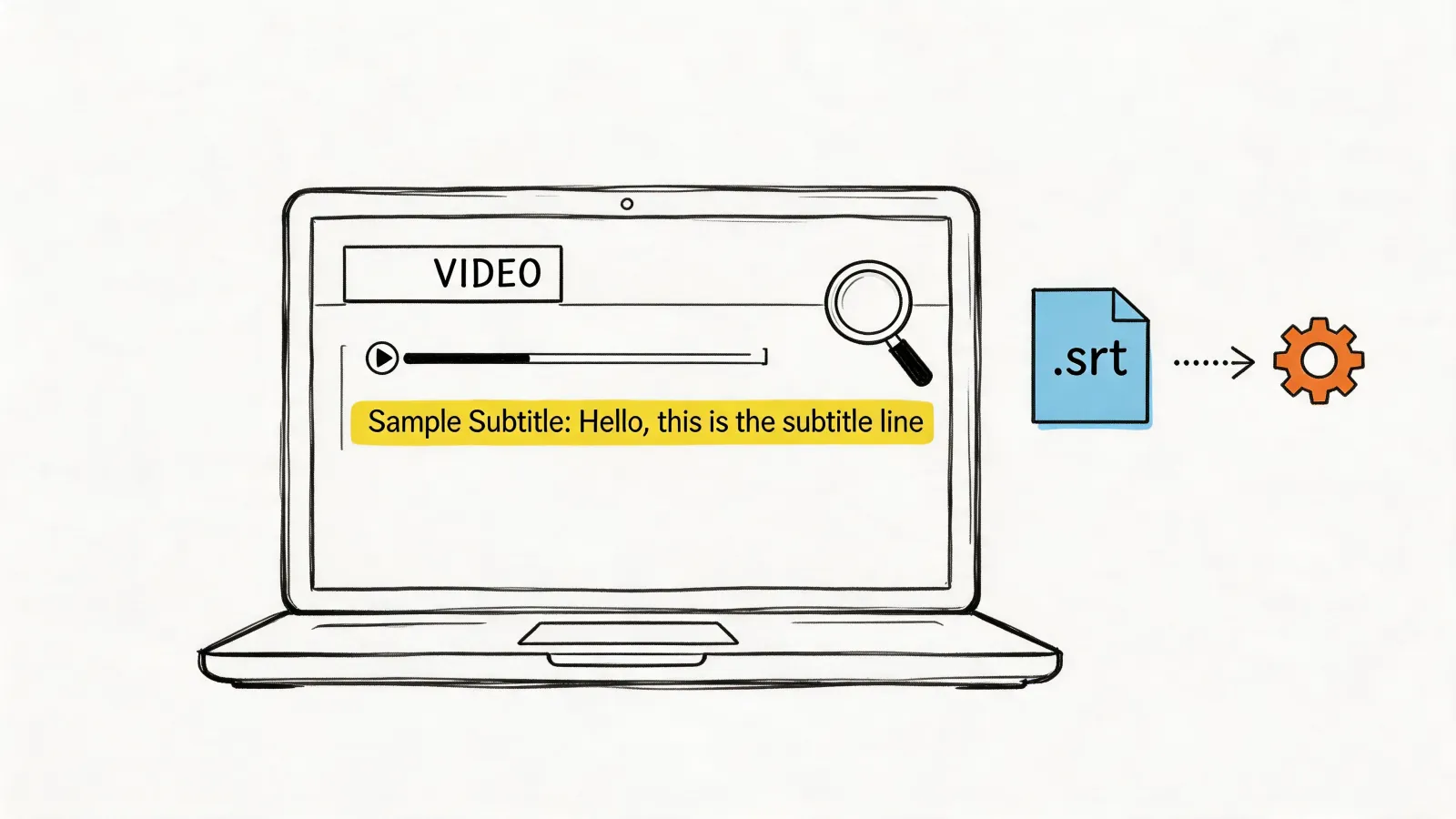
Precise timestamps are the backbone of good video captions (SRT files) and are crucial for pulling exact quotes. While the AI is usually very accurate, you might occasionally want to adjust a timestamp slightly to better align with a visual cue on screen. A good editor gives you the control to make these tiny adjustments for perfect synchronization.

And here’s a pro tip that has saved me countless headaches:

  • Select the Source Language First: Before you even hit "transcribe," double-check that you’ve selected the correct language. HypeScribe supports over 100 languages, and choosing the right one tells the AI which model to use. Getting this one step right can boost initial accuracy to over 99%, which means far less editing work for you.

How to Get Actionable Insights From Your Transcript

A transcript is so much more than a block of text. When you have an accurate transcript, you're really looking at a rich data source, full of potential insights. This is where modern tools go beyond just converting speech to text; they start to analyze the content itself. The real value isn't just knowing what was said, but understanding what it means.

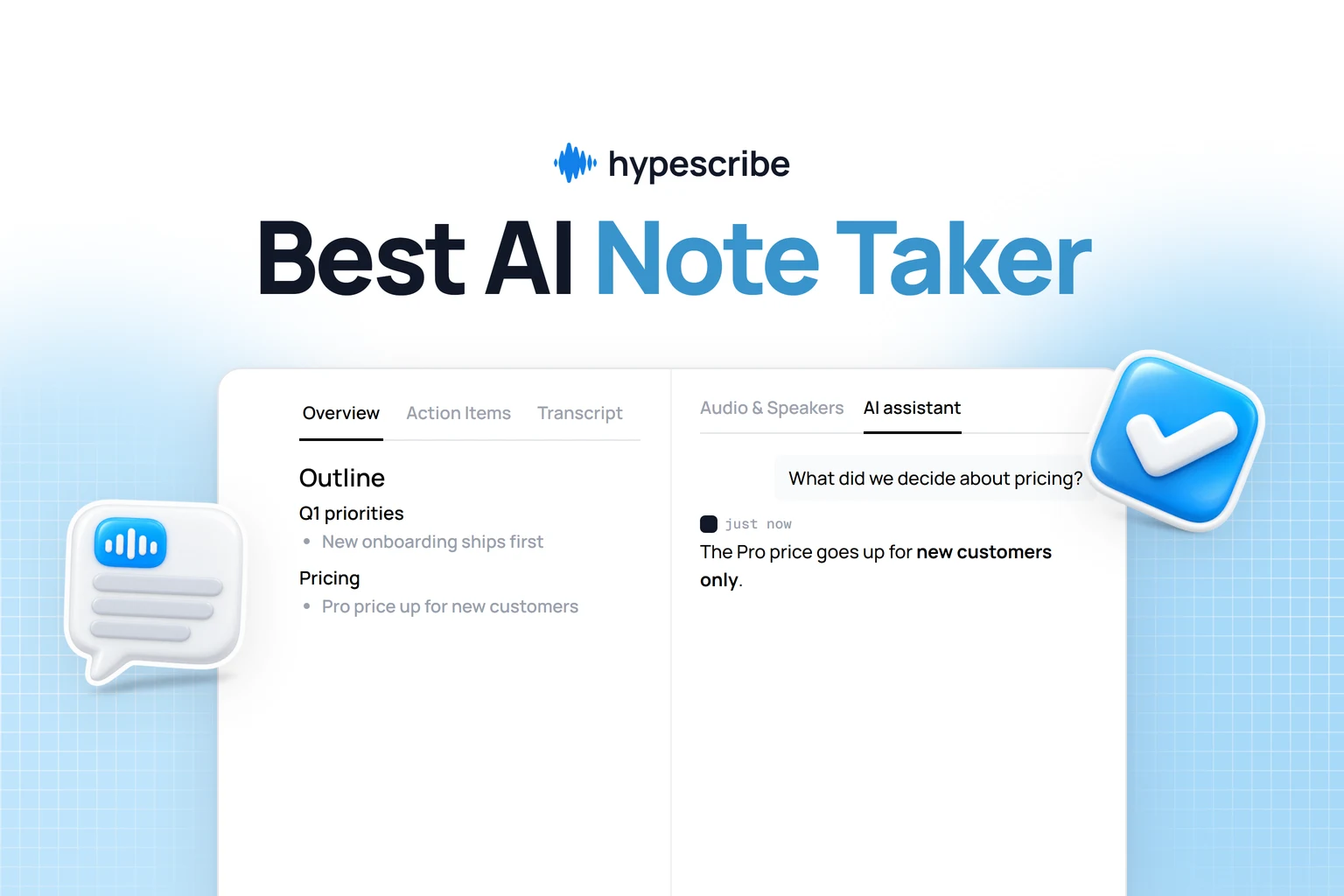
Imagine finishing a two-hour webinar and, instead of a massive text file, you get a clean, bulleted summary of all the key ideas. This is becoming a standard feature in great tools like HypeScribe. An AI assistant reads the entire conversation and pulls out the most important points, saving you from ever having to re-read or re-watch the whole thing.

From Raw Text to a Clear To-Do List

This layer of analysis turns a passive record into something you can actually use. The AI isn't just matching words; it's understanding context. It can spot when someone agrees to a task, proposes a next step, or makes a commitment.

This is a game-changer for team productivity. No more manually creating a list of follow-ups after a project meeting. A good YouTube video transcript generator can do it for you automatically. It listens for phrases that signal intent and gathers them into a neat list of action items, complete with context.

A transcript becomes truly powerful when it tells you not just what was said, but what to do next. Automating summaries and action items is what connects a conversation to real-world execution.

This feature alone can dramatically reduce the time it takes to act on information from a video, whether it's an internal meeting or a major industry keynote.

What This Looks Like in a Real-World Scenario

Let's imagine a marketing team needs to analyze a competitor's two-hour product launch keynote on YouTube. Their goal is to understand the new features, identify the core marketing message, and spot any strategic shifts.

The old way would involve someone watching the entire event and taking detailed notes—a task that could easily take half a day.

Here's the new workflow using a tool like HypeScribe:

  • They copy the YouTube link and paste it into the tool.
  • In about a minute, the full, accurate transcript is ready.
  • They click "Generate Summary" and instantly get a concise overview of the entire launch.
  • Next, they use the "Key Takeaways" function, which gives them a bulleted list of the most critical announcements and marketing angles.
  • Finally, if they have specific questions, they can use a chatbot feature to ask things like, "What was mentioned about the pricing model?" or "Summarize the section on their target audience."

In under 15 minutes, the team has a complete, digestible analysis. They've pulled out all the vital business intelligence without anyone being stuck watching a long video and can move straight to planning their competitive response. This is what efficient content analysis looks like.

A transcript sitting in a downloads folder isn't doing you any good. The real magic happens when you plug that text directly into the tools you use every day. Getting the content out of HypeScribe and into your workflow is where the raw data from a video becomes a genuinely useful asset for you and your team.

Sketch illustrating video analysis, extracting key insights from transcripts, and data visualization.

The first thing to consider is your export format. Choosing the right one from the get-go saves a ton of time you might otherwise spend wrestling with formatting issues.

Think about what you're trying to accomplish:

  • Sharing with your team? Your best bet is exporting to Google Docs or Microsoft Word. This makes it easy for colleagues to jump in, add comments, and make edits in a space they're already comfortable with.
  • Creating a blog post? A clean TXT or Markdown file is perfect. These are lightweight and easy to paste into WordPress or any other content management system without any weird formatting surprises.
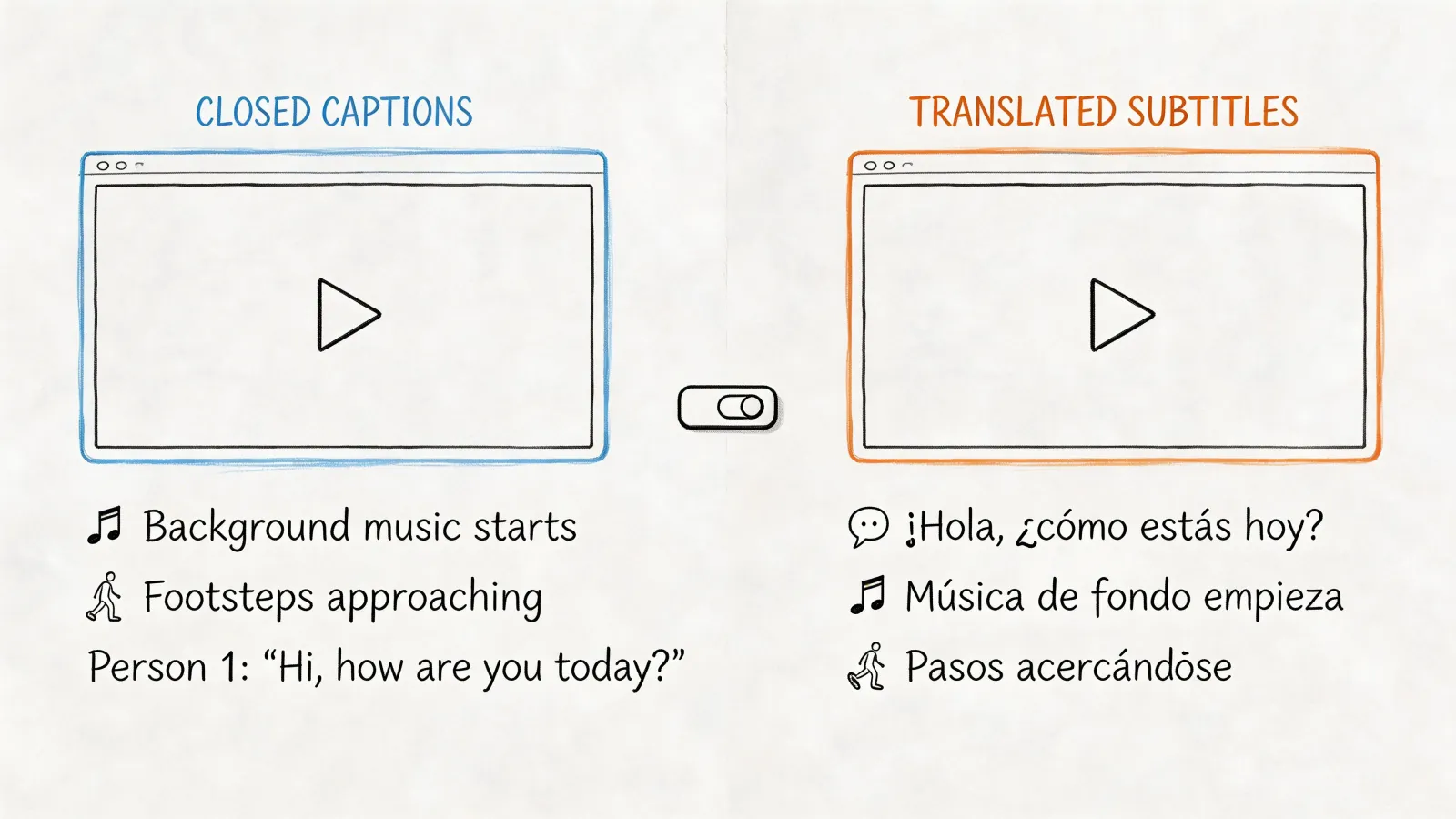
  • Adding video captions? You need an SRT file. This is the standard for a reason—it contains both the text and the precise timestamps required to sync the words perfectly with your video, which is non-negotiable for accessibility and engagement.

Going Beyond a Simple Download

But smart workflow integration is more than just hitting "export." This is where a tool like HypeScribe really shines, connecting directly with other platforms to create a smooth pipeline from spoken word to a permanent, searchable knowledge base.

For example, you can hook your transcription tool directly into meeting platforms like Zoom, Google Meet, or Microsoft Teams. This is a game-changer for building a central archive of your team's most important discussions.

Think about it: every key conversation—from a new client kickoff to an internal brainstorming session—is automatically transcribed, summarized, and saved in one central place. Suddenly, you have a "single source of truth" your team can search to find decisions, action items, or specific insights whenever they need them.

Building Your Own Knowledge Hub

This approach completely changes how your team manages information. Knowledge is no longer trapped in one person's head or scattered across a dozen different note-taking apps. It becomes a collective, searchable asset.

A new hire could search the meeting archive to quickly get up to speed on a project’s entire history. A project manager could instantly pull up a specific decision that was made three months ago.

That's the ultimate goal here. You're not just turning video into text; you're building an intelligent, accessible library of your organization’s spoken knowledge. To dive deeper into this, check out our guide on using a YouTube video to text converter to its full potential. By connecting these dots, you turn every conversation into a valuable, lasting resource.

Answering Your Top Questions About YouTube Transcript Generators

As we wrap up, you probably have a few questions. Adopting a YouTube video transcript generator can significantly change your workflow, so let's address some of the most common ones I hear. I want to make sure you feel completely comfortable getting started.

Just How Accurate Are AI Video Transcript Generators?

In my experience, a high-quality AI transcription tool can be incredibly precise, often hitting 99% accuracy. However, this is usually when the audio is crystal clear. The final result always depends on a few real-world factors.

Here's what makes the biggest difference:

  • Audio Clarity: A clean recording without background chatter, music, or heavy echo will always give you the best transcript.
  • Speaker Overlap: If multiple people are talking over one another, even the smartest AI will struggle to untangle who said what.
  • Thick Accents: While AI is getting remarkably good with various accents, particularly strong or uncommon ones can still present a challenge.
  • Technical Jargon: Specialized industry terms or unique product names might not be in the AI’s dictionary right out of the box.

The real beauty of a tool like HypeScribe is that even when the first draft isn't 100% perfect, the interactive editor makes cleaning it up simple. You can jump in and correct any niche terms or names in seconds, getting the final document to a flawless state.

Can I Transcribe Videos That Aren't in English?

Absolutely. This is where modern transcription platforms truly shine. The best services, including HypeScribe, handle an impressive number of languages—we're talking well over 100 different options.

Here’s the most important piece of advice I can give you: always tell the tool what language the video is in before you hit the transcribe button. Taking that one extra second ensures the AI uses the correct language model from the start, which makes a world of difference in the final accuracy.

Is It Safe to Upload My Videos to an Online Service?

That's an excellent and necessary question, especially if you're dealing with sensitive material like internal company meetings, client interviews, or pre-launch marketing content. Any reputable service takes security very seriously.

When you're choosing a platform, look for clear commitments to data protection. Here are the non-negotiables:

  • End-to-end encryption should be standard. This protects your files during upload and while they're stored on the server.
  • Complete user control is critical. You should have the power to permanently delete your source video and the generated transcript from their system whenever you choose.

This level of control ensures your private information always stays private.

What's the Best Way to Use a Transcript for SEO?

A transcript is a secret weapon for SEO. The simplest and most effective first step is to post the full transcript on the same page as your embedded video, much like a blog post. This instantly gives search engines a ton of keyword-rich content to index, helping you rank for all sorts of long-tail search queries related to what you discussed.

But don't stop there. You can get more value by:

  • Pulling out key quotes and impactful stats to share on social media, linking back to your video post.
  • Using the transcript as a detailed outline to write an even more comprehensive article.
  • Generating an SRT file from the transcript to create closed captions, which boosts accessibility and watch time—both are significant wins for SEO.

Ready to turn your video library into a goldmine of searchable, shareable content? With HypeScribe, you get top-tier accuracy, AI-powered summaries, and a workflow that just fits. Give it a try yourself and see what you've been missing. Start your free trial today at https://www.hypescribe.com.

Read more