A Practical Guide to Using a Meeting Summary Template
A meeting summary template is a pre-built outline for your meeting notes. It provides a consistent framework for capturing key decisions, action items, and major discussion points. Think of it as the tool that transforms a chaotic brainstorming session into a clear, actionable roadmap for your team.
Why Your Team Needs a Meeting Summary Template
Let’s be honest: most meeting notes are a graveyard of good intentions. They’re often a jumble of half-baked ideas, vague tasks, and commitments that everyone forgets the moment they leave the room. Without a structured way to capture what happened, you’re just hoping everyone’s memory is on the same page. That rarely works out, and it’s more than just an annoyance—it stalls real work.
This isn’t just a feeling; it’s a massive financial drain. Unproductive meetings cost U.S. companies over $250 billion annually. That staggering number shows just how much damage unclear outcomes and shoddy notes can do. If you want to dig deeper, you can find more insights about the high cost of inefficient meetings and how simple templates can make a difference.
A solid meeting summary template is the best defense against ambiguity. It forces you to stop just "taking notes" and start creating a strategic record that directly answers three critical questions:
- What did we decide?
- Who is responsible for what comes next?
- What are the specific next steps and when are they due?
From Ambiguity to Action
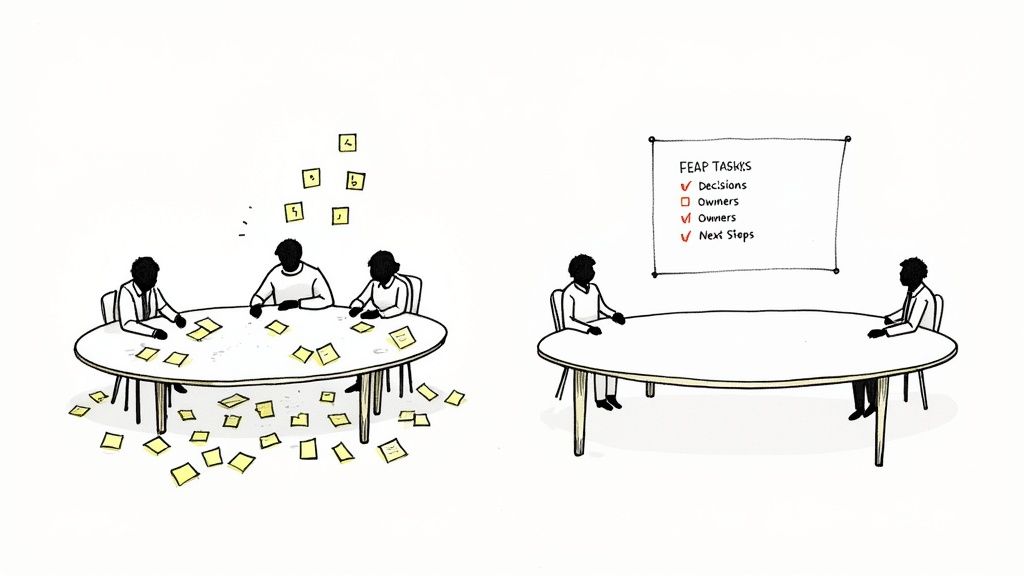
I’ll never forget a project I managed years ago that almost went completely off the rails because of ambiguous follow-ups. After a big kickoff meeting, two different developers started working on the exact same feature, while a third, critical task was left untouched. The reason? The notes were just a scattered list of bullet points with no names or dates attached.
It was a classic case of miscommunication. Everyone left that room with a slightly different idea of what they were supposed to do. We burned an entire week of development time before we caught the overlap.
That experience taught me a valuable lesson: a meeting’s true value isn't found in the conversation, but in the clear, documented actions that result from it. A template forces you to create that clarity.
Once we implemented a simple, consistent summary process, the project immediately got back on track. It wasn't just about writing things down; it was about building a reliable system that everyone could count on.
The Shift from Poor Notes to Effective Summaries
When your team starts using a template, it’s more than a procedural change. It fundamentally shifts how everyone thinks about meetings. Suddenly, there’s a shared language and a clear expectation for what a "successful" meeting actually produces.
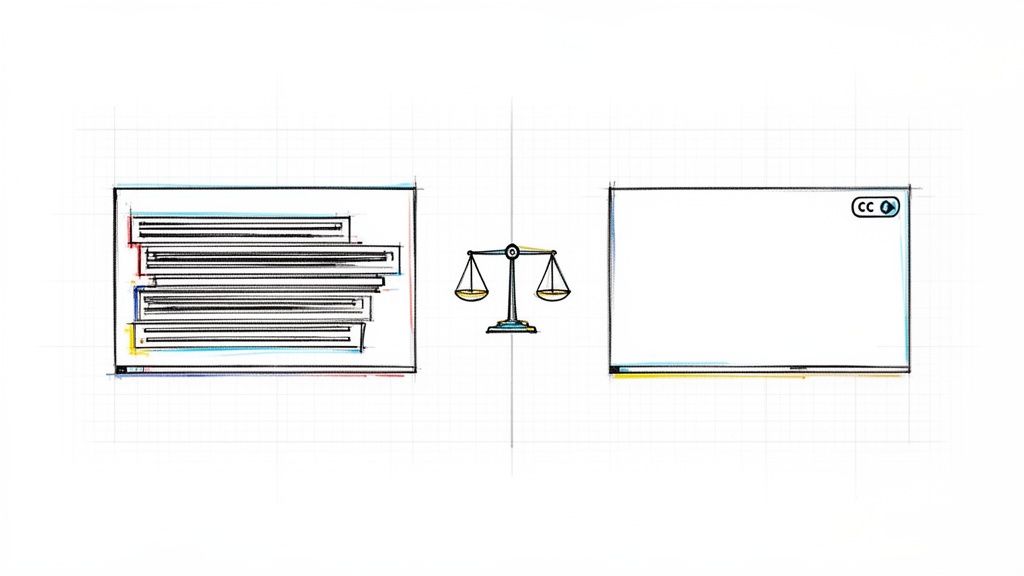
This table shows the practical difference between messy, unstructured notes and a clear, templated summary.
Ultimately, a meeting summary template is much more than a document. It’s an agreement. It’s a pact your team makes to value clarity, respect each other’s time, and commit to moving work forward together.
The Anatomy of an Effective Meeting Summary
Before you grab the first meeting summary template you find online, it's crucial to understand what makes one effective. A truly useful summary isn't just a transcript of who said what; it’s a strategic tool built for clarity and action. The best templates I've used all share a few core elements that are non-negotiable for turning a messy conversation into a clear path forward.
It’s easy to forget that this wasn't always standard practice. In the early 2000s, organizations began recognizing how standardized templates could boost efficiency. This trend accelerated once platforms like Microsoft 365 started offering customizable templates right inside tools like Word and Microsoft Loop.
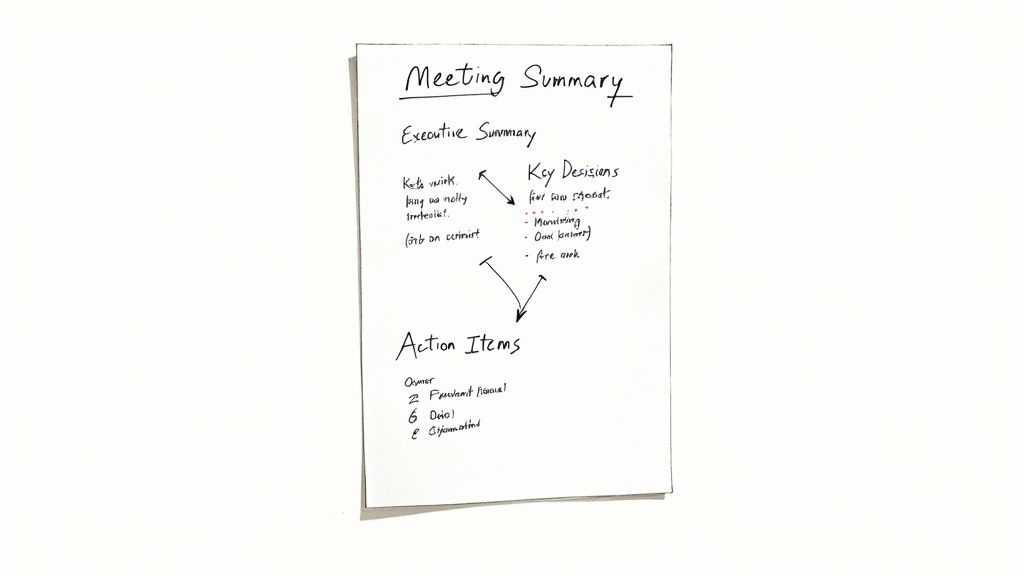
So, what are these essential building blocks?
A Punchy Executive Summary
Every solid meeting recap should begin with a high-level overview. This isn't the place for minute details. Think of it as the "TL;DR" (too long; didn't read) for busy executives or stakeholders who genuinely only have 30 seconds to get the gist.
This single, short paragraph should immediately answer two simple questions:
- What was the purpose of this meeting?
- What did we accomplish or decide?
It sets the stage and tells people why they should bother reading the rest.
Crystal-Clear Key Decisions
This is where the real value lies and is arguably the most critical part of the entire document. Decisions are what move the needle. This section’s job is to pull out every official decision made, remove the surrounding debate, and present the final outcome with zero ambiguity.
For example, don't just write a vague note. Document it with precision: "Decision: The Q4 marketing campaign will focus exclusively on paid social media channels, with the budget reallocated from print advertising." There’s no way to misinterpret that.
A meeting without a documented decision is just a conversation. This section turns talk into tangible progress by creating an official record of what the team has committed to.
If you want to get better at framing this part of your notes, we have a complete guide on how to write a meeting summary that actually drives results.
Action Items That Leave No Doubt
If decisions are the milestones, then action items are the engine that gets you there. This is where accountability is born. A poorly defined action item is a surefire recipe for dropped balls, missed deadlines, and widespread confusion.
The difference between a useless task and a powerful one comes down to one thing: specificity. Let’s look at a real-world example:
- Useless: "Review budget."
- Powerful: "Sarah to analyze Q3 marketing spend and present three cost-saving options by EOD Friday."
An effective action item always includes three things: a specific task, an assigned owner, and a firm deadline. This simple formula kills ambiguity. It makes it painfully obvious who is on the hook for what, and by when. As you build out your own meeting summary template, make columns for these three elements non-negotiable.
Three Field-Tested Meeting Summary Templates
Knowing what goes into a good meeting summary is one thing, but creating one that works for your specific needs is another. The right meeting summary template isn’t just about having a clean structure—it’s about matching the format to the meeting’s purpose. A quick daily check-in, for example, needs a completely different level of detail than a high-stakes client presentation.
I’ve spent years using and refining different formats. Below are three of my go-to templates that have consistently delivered results for my teams. Each one is built for a different scenario, so you can capture exactly what you need without creating extra work.
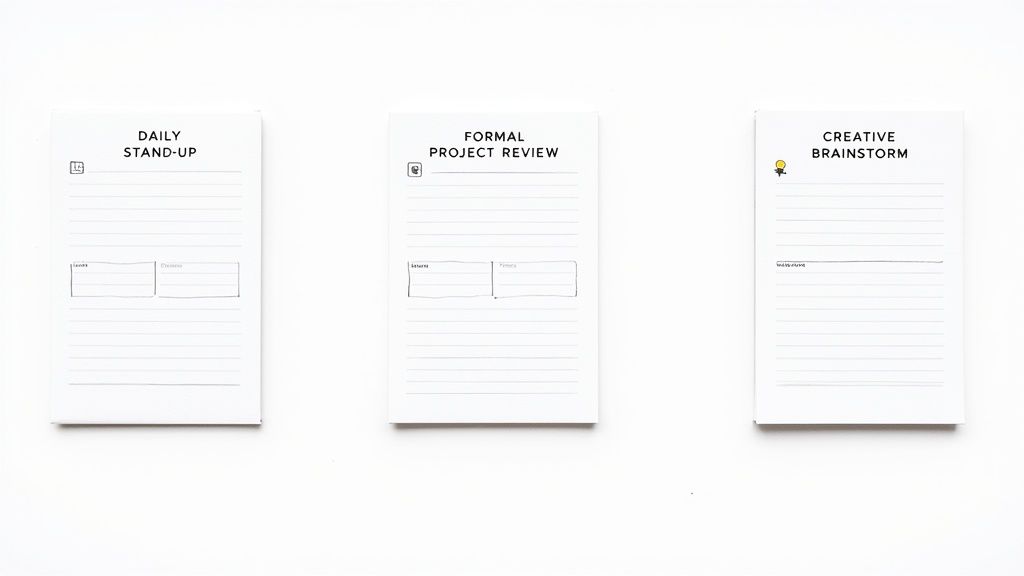
1. The Daily Stand-Up Template
This template is all about speed and clarity. Daily stand-ups are meant to be short and sharp, and the summary should reflect that. The point isn’t to document every word but to highlight progress, priorities, and roadblocks. It’s the perfect tool for keeping everyone on the same page for the day.
When to Use It: This is your go-to for daily or weekly team syncs, Agile stand-ups, and any quick project huddles.
Template:
- Meeting Date: [Date]
- Attendees: [List of names]
- Yesterday's Progress: (Quick bullets on key wins)
- Today's Priorities: (Bulleted list of the main tasks for today)
- Blockers / Risks: (Note anything stopping progress and who it affects)
- Task: [Specific action]
- Owner: [Name]
- Due: [EOD or specific time]
Insider Tip: Try to keep each section to five bullet points or less. If a discussion starts to spiral during the meeting, suggest taking it offline and just make a note of it in the summary. That keeps the stand-up moving.
2. The Formal Project Review Template
When you’re in front of clients, stakeholders, or leadership, your summary needs to be more formal. This format is built for those bigger moments—milestone reviews, project kickoffs, or any meeting where official decisions are made and need to be documented with full context. Think of it as the official record of the project's health and direction.
This is a much more detailed document than your average meeting notes. If you want to dive deeper into the nuances of formal documentation, our guide on a sample meeting minutes format is a great resource.
When to Use It: Ideal for client meetings, quarterly business reviews, project post-mortems, and steering committee updates.
Template:
- Meeting Title: [Project Name & Meeting Purpose]
- Date & Time: [Date], [Time]
- Attendees: [List of names and roles]
- Meeting Goal: [A one- or two-sentence objective]
- Executive Summary: [A quick paragraph on the key outcomes]
- Topic 1: [Summary of discussion]
- Topic 2: [Summary of discussion]
- Decision 1: [Clear statement of the decision]
- Decision 2: [Clear statement of the decision]
3. The Creative Brainstorm Template
Brainstorming sessions are meant to be a bit chaotic—that’s where creativity thrives. The challenge is capturing all that energy without losing the brilliant, actionable ideas that emerge. This template is designed to let you record ideas freely while ensuring the best ones are flagged for follow-up.
The goal of a brainstorm summary isn't to tame the chaos, but to find the signal in the noise. It’s all about separating the raw ideas from the real next steps.
For more inspiration on structuring different kinds of documents, checking out various business process documentation templates can give you some great ideas for organizing information effectively.
When to Use It: Perfect for ideation sessions, new feature planning, and strategic workshops.
Template:
- Session Topic: [The central theme of the brainstorm]
- Date: [Date]
- Participants: [List of names]
- Problem Statement: [The core question we're trying to answer]
- [Idea 1]
- [Idea 2]
- [Idea 3...]
- Theme A: [Brief description]
- Theme B: [Brief description]
- Investigate: [Idea to research] - Owner: [Name]
- Prototype: [Concept to build] - Owner: [Name]
Best Practices for Writing and Sharing Your Summary
Having a great meeting summary template is a solid first step, but its real power is unlocked through consistent habits. It's about turning a document into the backbone of your team's workflow, ensuring every discussion leads to clear, decisive action.
First things first: speed is everything. A summary that shows up in someone's inbox three days late is practically useless. The momentum from the meeting is gone, the context is fuzzy, and your team has already moved on. To keep the energy high, get the summary out within a few hours. I always aim to send it before signing off for the day. This simple act tells everyone that the decisions we made matter and the work starts now.
Write with Clarity and Objectivity
How you word the summary, especially when documenting debates, is critical. Your job is to be an impartial journalist, not a commentator. Stick to objective language that captures different perspectives without injecting emotion or taking sides.
For example, don't write this:
- Avoid: "John argued against the marketing budget, but Sarah’s better idea won."
Instead, frame it neutrally:
- Instead, write: "Two budget approaches were discussed. The first prioritized performance marketing, while the second focused on brand awareness. After reviewing the Q3 forecast, the team decided to proceed with the performance marketing allocation."
This approach keeps the summary a reliable record instead of a potential source of conflict. Here’s another quick tip: put the action items right at the top, just under the executive summary. People are busy. This lets them see exactly what they need to do without reading through everything else.
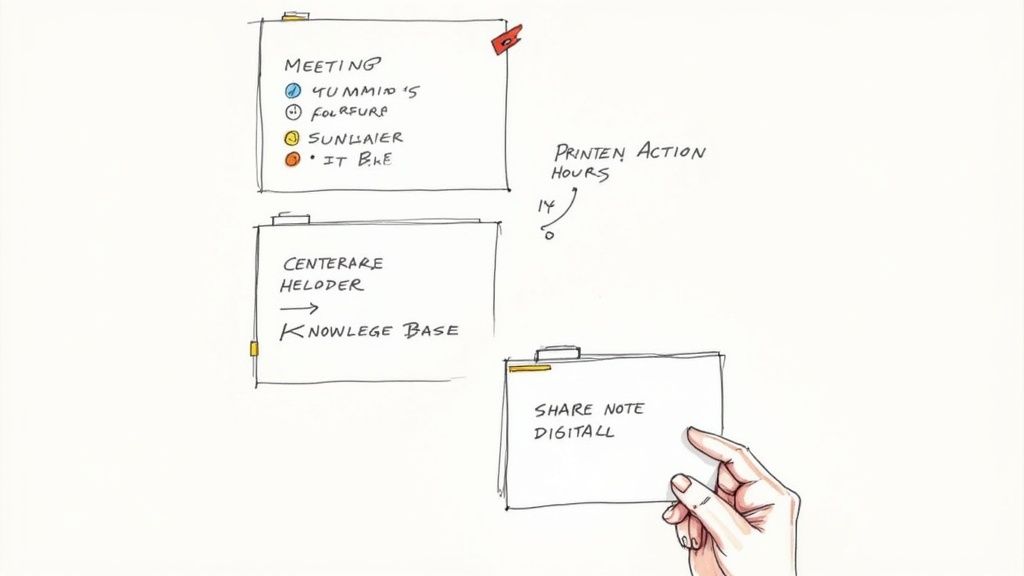
Create a Centralized Knowledge Base
Here’s a productivity game-changer I’ve used with my teams. Stop letting meeting summaries get buried in email chains or disappear into the Slack void. Create one central, searchable place for them to live. We’ve used a shared space in Confluence, a database in Notion, and even a simple, well-organized folder in Google Drive.
This simple step transforms individual meeting notes from disposable artifacts into a searchable, long-term knowledge base. It creates a single source of truth for your team's decisions and commitments over time.
Having this central hub is unbelievably powerful. New hires can get up to speed on project histories in a fraction of the time. Anyone can quickly look up why a decision was made six months ago. It’s more than just good organization—it builds a transparent culture where everyone has access to the team's collective memory.
Automating Your Meeting Summaries
Even with the perfect meeting summary template, the manual work of writing, editing, and sharing notes can consume your day. This is especially true with a calendar packed with back-to-back calls. The last thing anyone needs is more admin work.
This is where an automated workflow changes the game. Instead of designating a team member to frantically type notes, modern tools can handle it for you. Platforms like HypeScribe are designed to integrate into your existing workflow, turning a tedious task into something that happens automatically. This simple change can save your team hours every week.
How AI Meeting Assistants Work
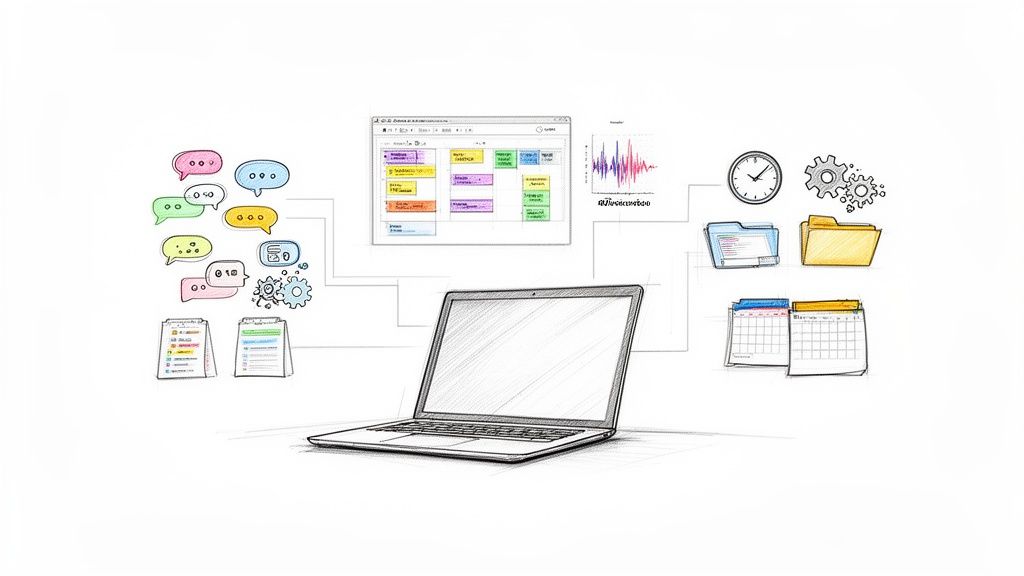
The first step is connecting an AI assistant to your calendar. With HypeScribe, this is a one-time setup. You give it permission to see your Google or Outlook calendar, and the tool knows your entire meeting schedule.
Once connected, it can join your calls on Zoom, Google Meet, or Microsoft Teams as a silent participant. Its sole job is to listen and create an accurate, real-time transcript of the entire discussion. This frees everyone up to actually participate in the meeting instead of worrying about capturing every word.
Here’s a look at the HypeScribe dashboard, where your recordings are processed and organized.
This gives you a central hub for all your meeting records, making it easy to find anything you need later on.
From Raw Transcript to Polished Summary
Having a full transcript is great for a detailed record, but the real magic is in the summary. AI doesn't just hear words; it understands context. As soon as your meeting ends, HypeScribe’s AI analyzes the transcript to pinpoint what actually matters.
It intelligently drafts a summary by extracting the most critical information:
- Key Decisions: Highlighting the final agreements and outcomes.
- Action Items: Identifying specific tasks and who is responsible for them.
- Important Topics: Grouping parts of the conversation into clear, logical themes.
This AI-generated draft becomes your new starting point. For a more detailed look at how this technology operates, check out our article on using an https://www.hypescribe.com/blog/ai-meeting-note-taker.
The point isn't to replace your judgment, but to eliminate 90% of the manual work. The AI handles the first draft, and you just add the final polish and context.
You can give the AI's summary a quick review, add nuance or clarify a point, and then hit send. It takes minutes, not hours. For teams looking to perfect this process, integrating the right AI meeting note taker is key. Automation ensures nothing important ever gets missed, no matter how chaotic your schedule is.
Answering Your Questions About Meeting Summaries
Even with the best templates, implementing a new process always sparks a few questions. When you're trying to get your team to consistently use a meeting summary template, it's best to address these common concerns head-on.
Let’s walk through the questions I hear most often so you can get everyone on the same page from day one.
How Long Should a Meeting Summary Be?
Think highlight reel, not a full transcript. For a standard one-hour meeting, you should aim for a single, scannable page. Anything longer, and you risk people not reading it at all.
Your summary really only needs to cover three things:
- The final decisions made.
- The key points that led to those decisions.
- The specific, actionable next steps.
The whole point is to make the critical information easy to find. Use bullet points and bold text to make it digestible in under a minute.
Who's in Charge of Writing the Summary?
This role needs to be assigned before the meeting starts. Don't just assume someone will step up. The meeting organizer, a project manager, or a designated note-taker are all good candidates.
For recurring meetings, I’m a huge fan of rotating the responsibility. It keeps everyone engaged, hones their listening skills, and gives the whole team a sense of ownership over the outcome.
When everyone has to take a turn writing the summary, they quickly learn what makes a good one, and the quality of your notes will improve across the board.
How Should I Handle Disagreements in the Notes?
Stay objective. Your job is to document what was said, not to editorialize or inject emotion. The summary should capture the substance of the debate, not the drama.
For instance, you could frame it this way: "Two main strategies were discussed for the Q4 launch. Option A focused on social media for cost efficiency, while Option B proposed a PR campaign for broader reach. After weighing the pros and cons, the team decided to move forward with Option A and will revisit the PR idea next quarter."
This approach clearly documents the different viewpoints and the final decision without taking sides.
Ready to stop taking manual notes and get perfectly structured summaries without the effort? HypeScribe uses AI to automatically transcribe, summarize, and pull out action items from your meetings. You get to focus on the conversation, not the keyboard. Start your free trial and automate your meeting workflow today.