
12 Best Voice to Text Apps for Android in 2026 (6 Free)

Typing on a phone is the slowest way to get a thought out of your head. Dictation fixes that: you speak, Android writes. The catch is that voice to text apps for Android solve very different problems — some are built for firing off quick messages, others for transcribing hour-long lectures with speaker names and summaries.
This guide covers 12 tools sorted by what each is actually good at. Six are completely free (Gboard, Live Transcribe, Google Recorder, Google Keep, Samsung Voice Recorder, Speechnotes); the rest charge for meeting bots, human-grade accuracy, or unlimited dictation. If you mostly work with recorded files rather than live speech, we keep a separate list of free audio-to-text transcription tools. Each entry lists the one limitation most likely to rule it out for you.
The criteria are simple: dictation accuracy, offline support, how long a recording the tool can handle, and what the free tier really includes.
1. HypeScribe: Best for Long Recordings on Any Android
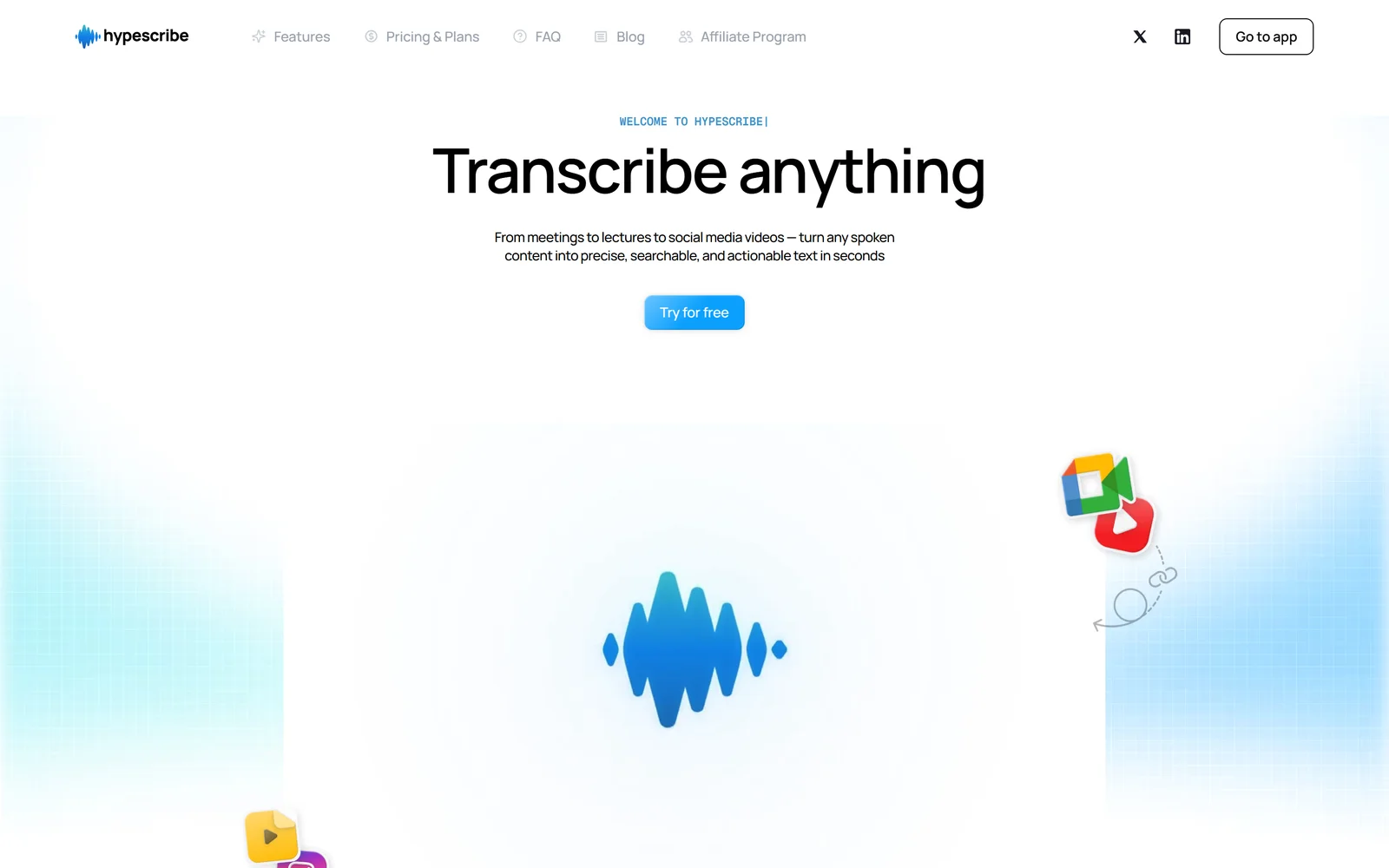
HypeScribe is not a Play Store app — it runs in the browser, and on Android that turns out to be an advantage: nothing to install, and it works the same on a Galaxy, a Pixel, or a five-year-old budget phone. Open app.hypescribe.com, upload a recording or paste a link (YouTube, Zoom, Google Drive, and 12 more sources), and you get a transcript with speaker labels, an AI summary, and action items.
Where It Beats Native Apps
Phone dictation tools hit a wall on long audio. HypeScribe charges per file, not per minute: one token covers one recording, whether it runs 5 minutes or 4 hours. That makes it the cheap option for lectures, interviews, and meeting recordings that would burn through Otter's free minutes in a day. Finished transcripts land in a searchable library, and a built-in chat answers questions about what was said.
The free plan gives 3 transcriptions a month (up to 1 hour each) with no card required — enough to test it against whatever recorder app you use now.
Website: https://www.hypescribe.com
2. Gboard: Best for Quick, Everyday Dictation
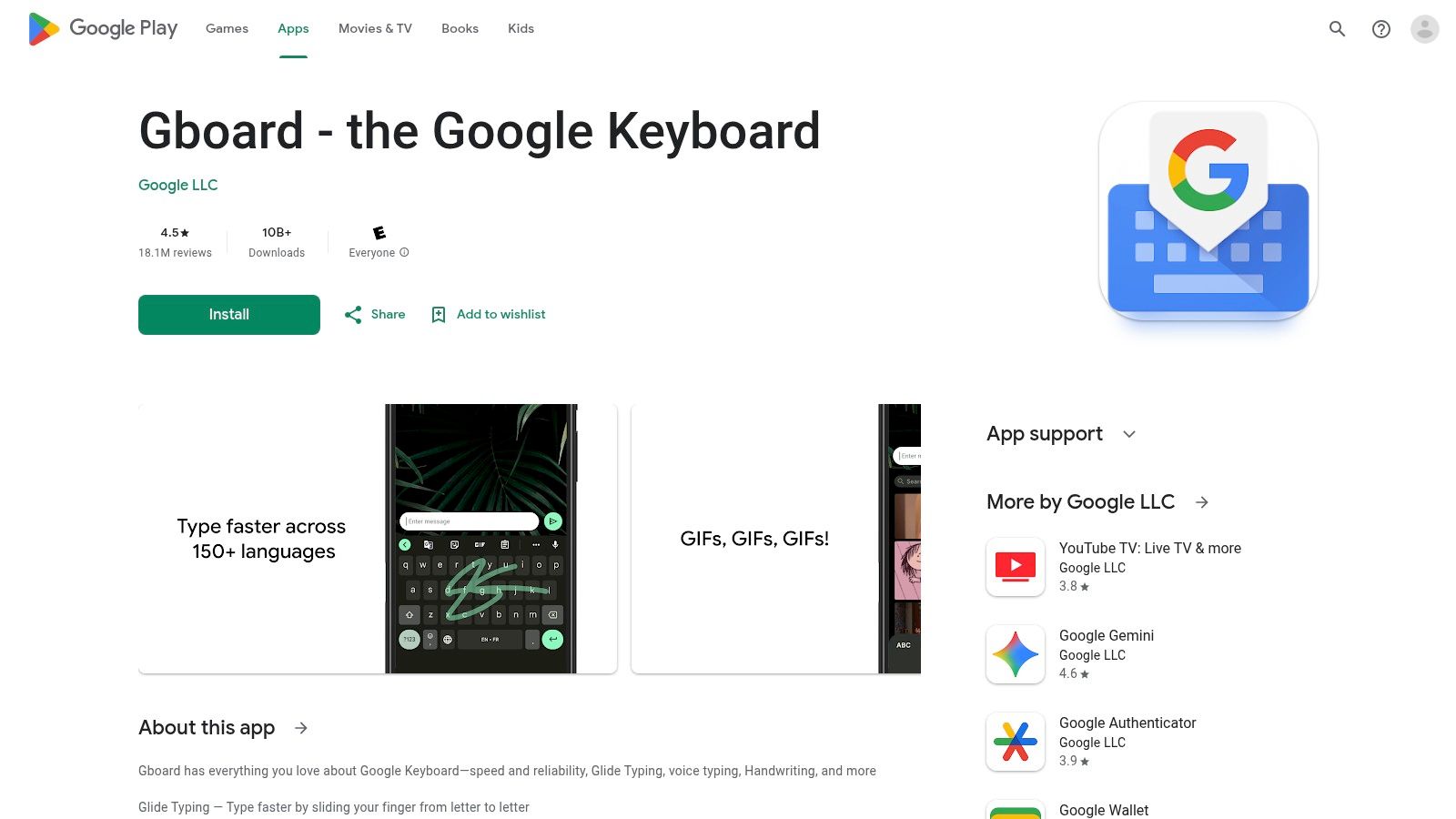
Gboard is often the default keyboard on Android devices, making its powerful voice typing feature one of the most accessible voice to text apps for android. It isn't a standalone transcription app but rather an integrated dictation tool available in any app that uses a keyboard. By tapping the microphone icon, you can dictate texts, emails, notes, and searches using Google’s speech recognition — fast enough that for short messages it beats typing.
How I Use Gboard Daily
Gboard's strength is that it is already everywhere: any text field on the phone becomes dictation-ready, no separate app. It handles natural speech well, including commands for punctuation like "comma" or "new paragraph." Newer versions are rolling out an enhanced voice toolbar, which simplifies stopping dictation and switching languages on the fly. However, its convenience is also its limitation; it is designed for short-form dictation, not for transcribing long audio files or meetings.
To improve its accuracy, I always recommend speaking clearly and at a moderate pace. You can also go into Gboard's settings and enable "Faster voice typing" which may download language packs for offline use, making it reliable even without an internet connection. Most dedicated speech-to-text tools, by contrast, need a connection for advanced processing.
Website: https://play.google.com/store/apps/details?id=com.google.android.inputmethod.latin
3. Live Transcribe & Sound Notifications: Best for Real-Time Accessibility
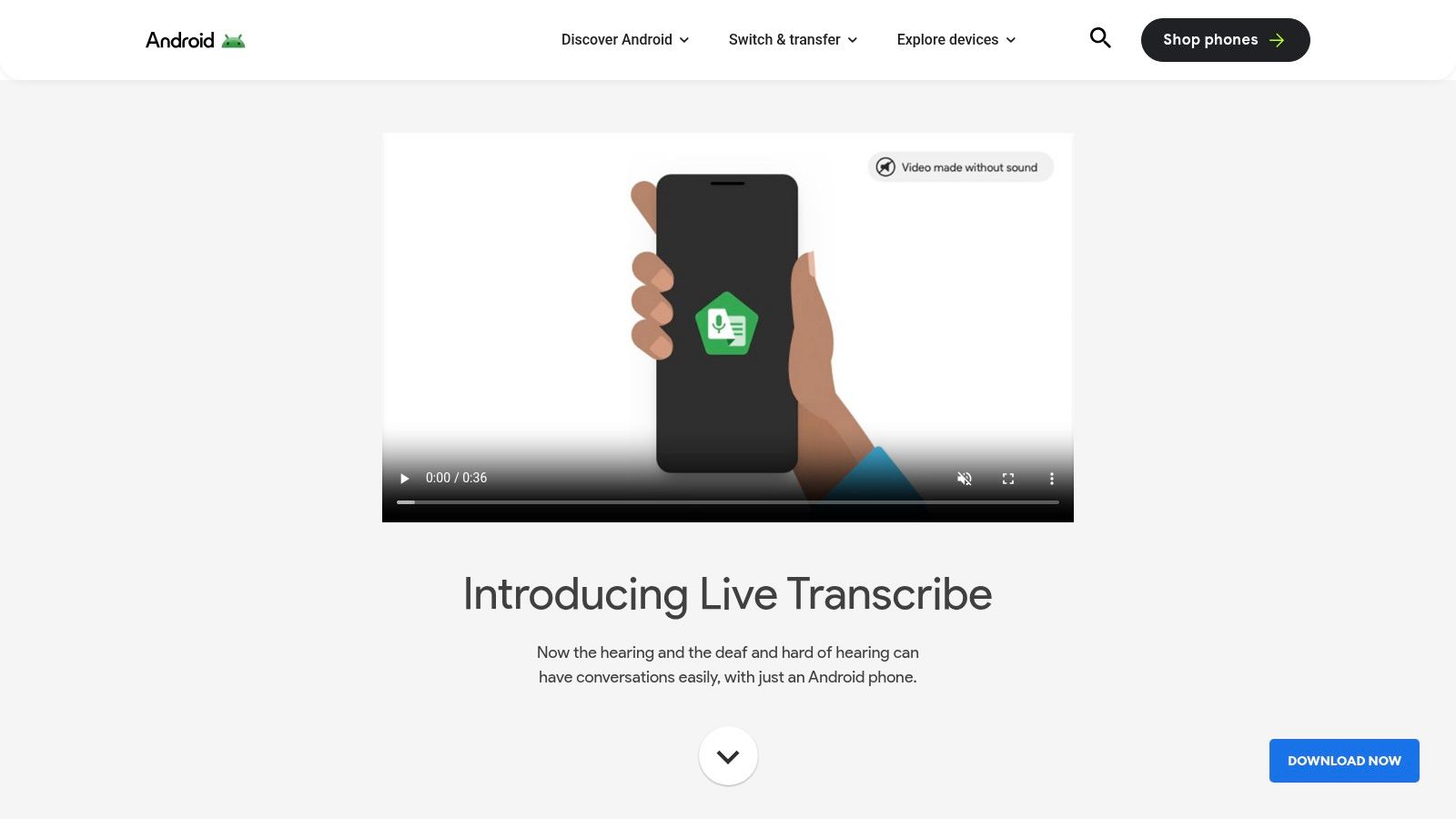
Live Transcribe is a free accessibility app from Google designed to provide real-time captions for everyday conversations. While many voice to text apps for android focus on creating documents, Live Transcribe turns your phone into an instant captioning device for live conversations, lectures, or media. It puts spoken dialogue on screen in over 70 languages and dialects, with almost no lag.
Why It’s a Powerful Communication Tool
The app does one thing: words appear on a clean, readable screen almost as they are spoken. For those needing a temporary record, it offers an option to save transcripts on-device for up to three days. The app also includes sound notifications, which can alert users to important noises like smoke alarms or doorbells.
Based on my tests, Live Transcribe is ideal for temporary captioning in noisy environments or for quick, informal conversations. I use it as a communication aid rather than a document tool — export and formatting options are close to none. For the document side of the job, see real-time transcription software.
Website: https://www.android.com/accessibility/live-transcribe/
4. Google Recorder: Best for Pixel Phone Users
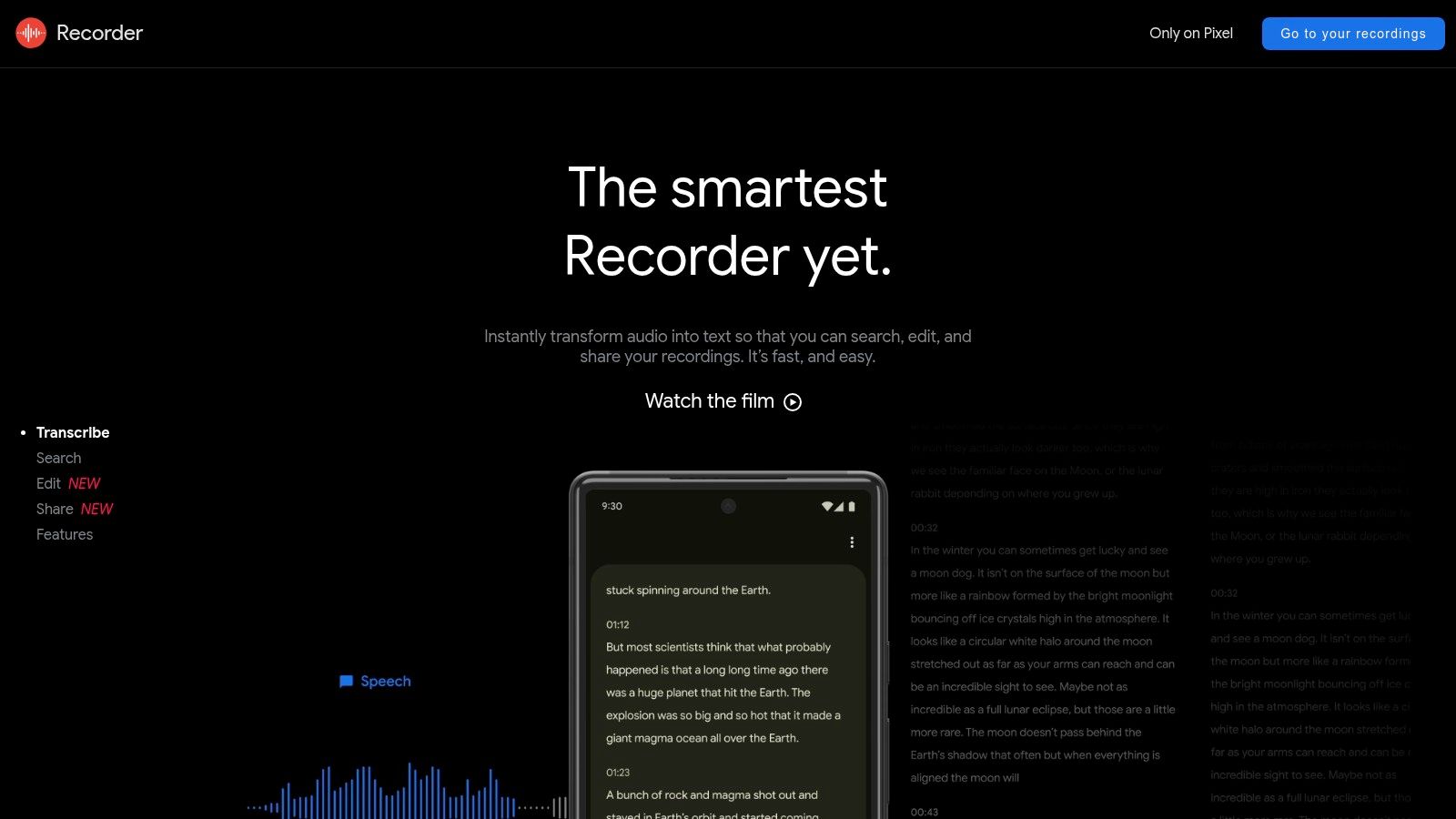
For users with a Google Pixel smartphone, the pre-installed Recorder app is one of the most powerful and privacy-focused voice to text apps for android available. Its standout feature is its ability to perform high-quality transcription entirely on-device, meaning your audio data doesn't need to be sent to the cloud for processing. This makes it fast and private for sensitive conversations, interviews, or personal notes.
How It Delivers an Unmatched Experience on Pixel
Google Recorder adds automatic speaker labels on supported Pixel models, which makes interview transcripts much easier to read, and newer Pixels generate AI summaries of recordings. There is a clean companion website (recorder.google.com) for accessing, playing back, and editing your transcripts on a desktop.
One underrated feature: search works across both audio and transcript of every past recording, so you can find a phrase without re-listening to hours of material. This is a fundamental skill if you want to know how to record audio on android effectively.
Website: https://recorder.google.com
5. Google Keep: Best for Quick Voice Memos
Google Keep is a lightweight, no-frills way to capture thoughts on the fly. Rather than a transcription service, it is a digital sticky-note app where voice memos are automatically transcribed and saved next to the audio, and everything syncs instantly across your phone, tablet, and computer.
A Simple and Fast Way to Capture Ideas
Google Keep’s user experience is built around speed and simplicity. You tap the microphone icon, speak your note, and the app captures both the audio and the text. This makes it perfect for dictating shopping lists, setting reminders, or drafting quick ideas without needing to type. While it lacks advanced features like timestamping or speaker identification, its ability to quickly copy text to Google Docs makes it a great starting point for more detailed documents.
I recommend using labels to organize your voice notes. For instance, create a "Meeting Ideas" or "Blog Drafts" label to quickly filter and find specific transcribed thoughts later. This turns a simple tool into a more organized repository.
Website: https://keep.google.com
6. Otter.ai: Best for Transcribing Meetings and Team Collaboration
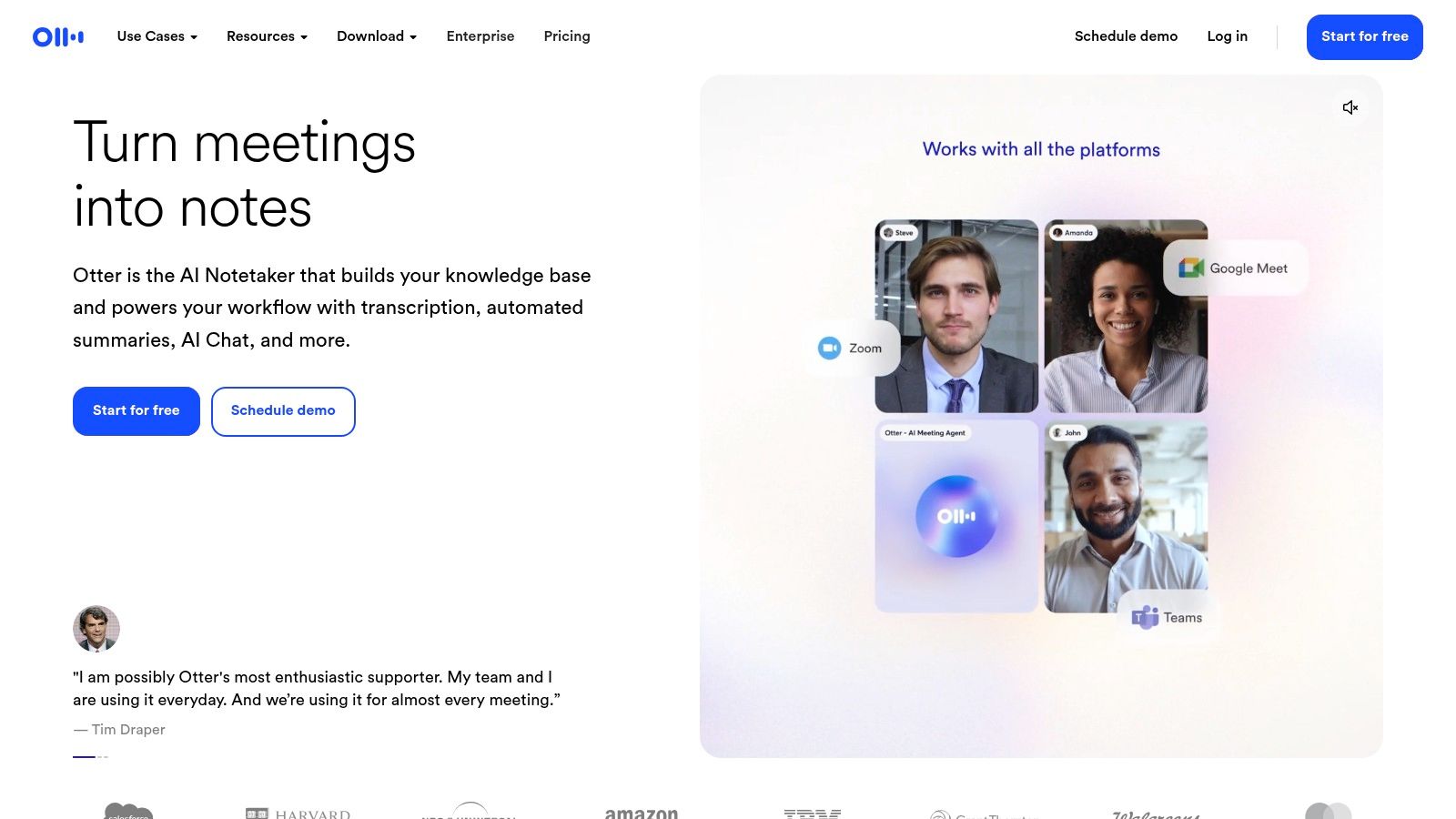
Otter.ai is an AI transcription service built for meetings, lectures, and interviews. Among voice to text apps for android its edge is the ecosystem around the transcript. It not only transcribes live audio with impressive accuracy but also enriches the text with speaker identification, searchable keywords, and automated summaries, turning messy conversations into structured, actionable notes.
Why It’s a Go-To for Professionals
Otter is built around meetings. Its "OtterPilot" joins Zoom, Google Meet, or Microsoft Teams calls on its own, records the audio, and produces a live transcript for all participants. You can highlight, comment, and assign action items right in the transcript, and the mobile and web apps stay in sync.
Connect your calendar to Otter to have OtterPilot scheduled for upcoming meetings automatically. This ensures you never forget to record and transcribe an important discussion, even if you join late.
Website: https://otter.ai
7. Rev Voice Recorder: Best for Guaranteed Accuracy
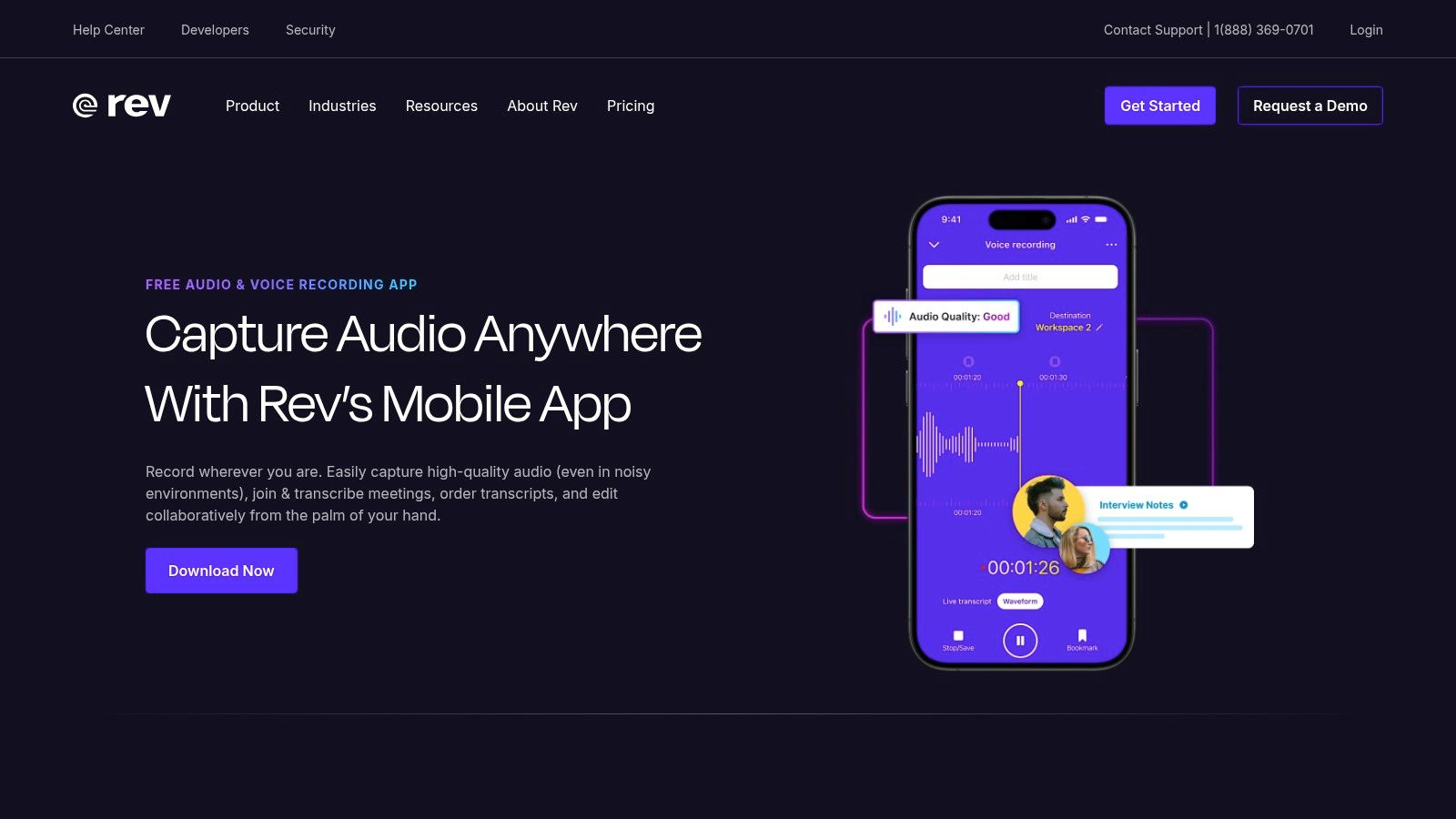
Rev offers a unique hybrid approach among voice to text apps for android, combining a free, high-quality mobile voice recorder with professional transcription services. You record audio in the app and order either a fast AI transcript or one typed by a human professional. This model is ideal for users who need guaranteed accuracy for important content like interviews, legal depositions, or media production.
When to Choose AI vs. Human Transcription
Rev's core strength is its direct integration with professional services, removing the need to transfer audio files between different platforms. The app's interface is clean and focused on recording, with options to trim audio before submitting your order. The distinction between the 90% accurate AI service and the 99% accurate human service gives users flexibility based on their budget and needs. While the app itself is free to use for recording, the transcription is a paid, per-minute service.
From my experience, for critical recordings where speaker identification and nuance are essential, the human transcription service is worth the investment. Use the AI option for less formal notes or when you just need a rough draft quickly and cost-effectively.
Website: https://www.rev.com/apps-and-tools/voice-recorder
8. Notta: Best for AI Summaries and Multi-Platform Use
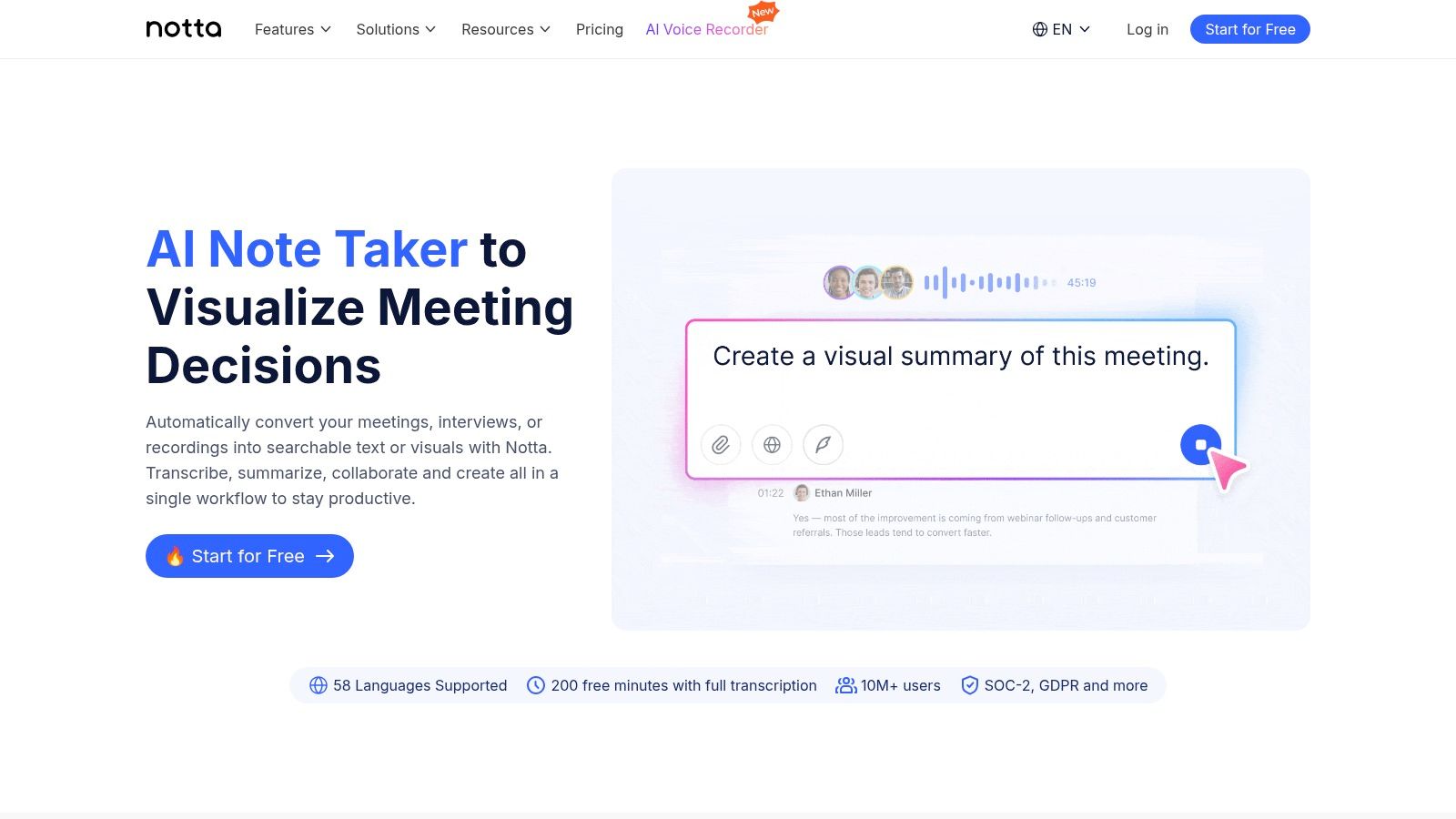
Notta is an AI transcription service for capturing and summarizing conversations. While many voice to text apps for android focus on dictation, Notta is aimed at meetings, interviews, and lectures, with a mobile app and a web dashboard that stay in sync. Its main selling point is AI summaries that pull action items, key topics, and decisions out of long recordings.
What Makes Notta Stand Out?
Notta’s real-time transcription is accurate, and it also takes uploads of existing audio or video files. It plugs into Zoom and Google Meet to transcribe and summarize sessions automatically, and recordings sync between the phone and the web instantly. However, its reliance on an internet connection means it lacks an offline mode for its mobile app.
Based on my testing, you should use the custom vocabulary feature before a meeting to add specific names, acronyms, or industry jargon. This significantly improves the accuracy of your transcriptions and makes the final AI summary more relevant and useful.
Website: https://www.notta.ai
9. Transkriptor: Best for Bulk Transcription
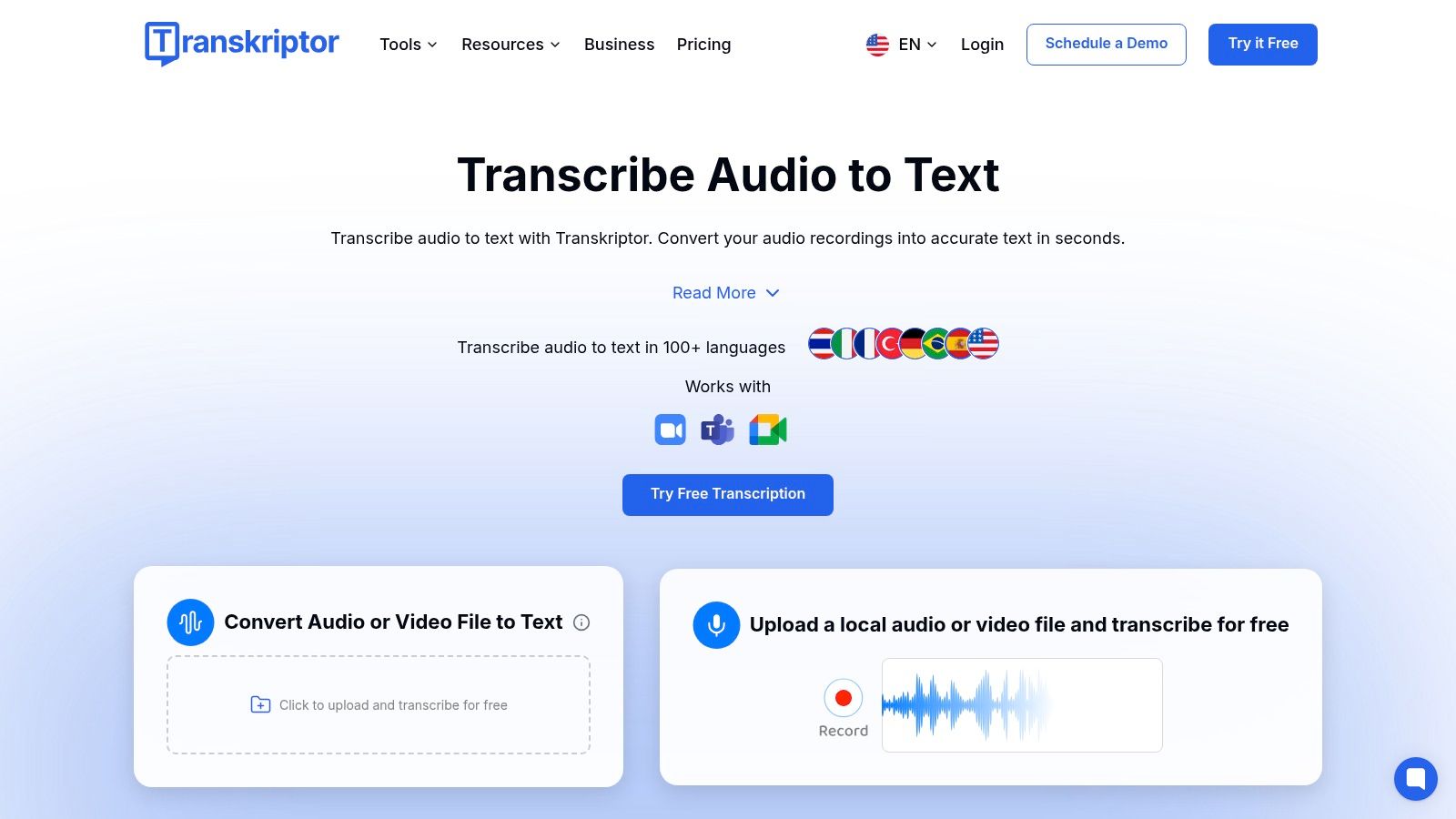
Transkriptor is an AI transcription service built for bulk audio and video files — for people who need more than on-the-fly dictation. While it has a dedicated Android app, its strength lies in its web platform and integrations, which allow you to transcribe meetings from Zoom, Google Meet, and Microsoft Teams automatically. It’s designed for students, journalists, and professional teams who regularly need to convert lengthy recordings into accurate, editable text.
Who Should Use Transkriptor?
Transkriptor sells high-volume transcription packages with multi-language support. Its ability to identify and separate different speakers is a key feature for interview and meeting transcripts. The platform also offers automated summaries, saving users time by extracting the most critical points from a long recording. While the transcription is entirely AI-driven, its accuracy is competitive for clear audio, and the interface makes it easy to edit and export files.
To maximize accuracy, always upload the highest-quality audio file you have. Before transcribing a meeting, tell the participants, then let the meeting-bot integrations take the recording straight to a finished text document.
Website: https://transkriptor.com
10. Dragon Anywhere: Best for Professional Long-Form Dictation
Dragon Anywhere by Nuance brings professional-grade, continuous dictation to your Android device, making it one of the most powerful voice to text apps for android for serious document creation. Unlike apps that transcribe short voice clips, Dragon is designed for long-form dictation, allowing you to create reports, emails, and articles entirely by voice. It’s built for professionals who need high accuracy and voice editing commands away from the desk.
What Makes Dragon a Premium Choice?
Dragon Anywhere adds cloud sync and deep customization: custom words like industry jargon or client names raise its already high accuracy. The key feature is voice-based editing — you format, correct, and navigate documents without touching the keyboard. The subscription model, however, positions it as a premium tool rather than a casual utility.
I've found that spending time training the app with its custom vocabulary feature pays off. Adding acronyms, technical terms, and names you use often raises accuracy noticeably within a few sessions.
Website: https://shop.nuance.com/home-professional-and-consumer
11. Samsung Voice Recorder: Best for Galaxy Device Owners
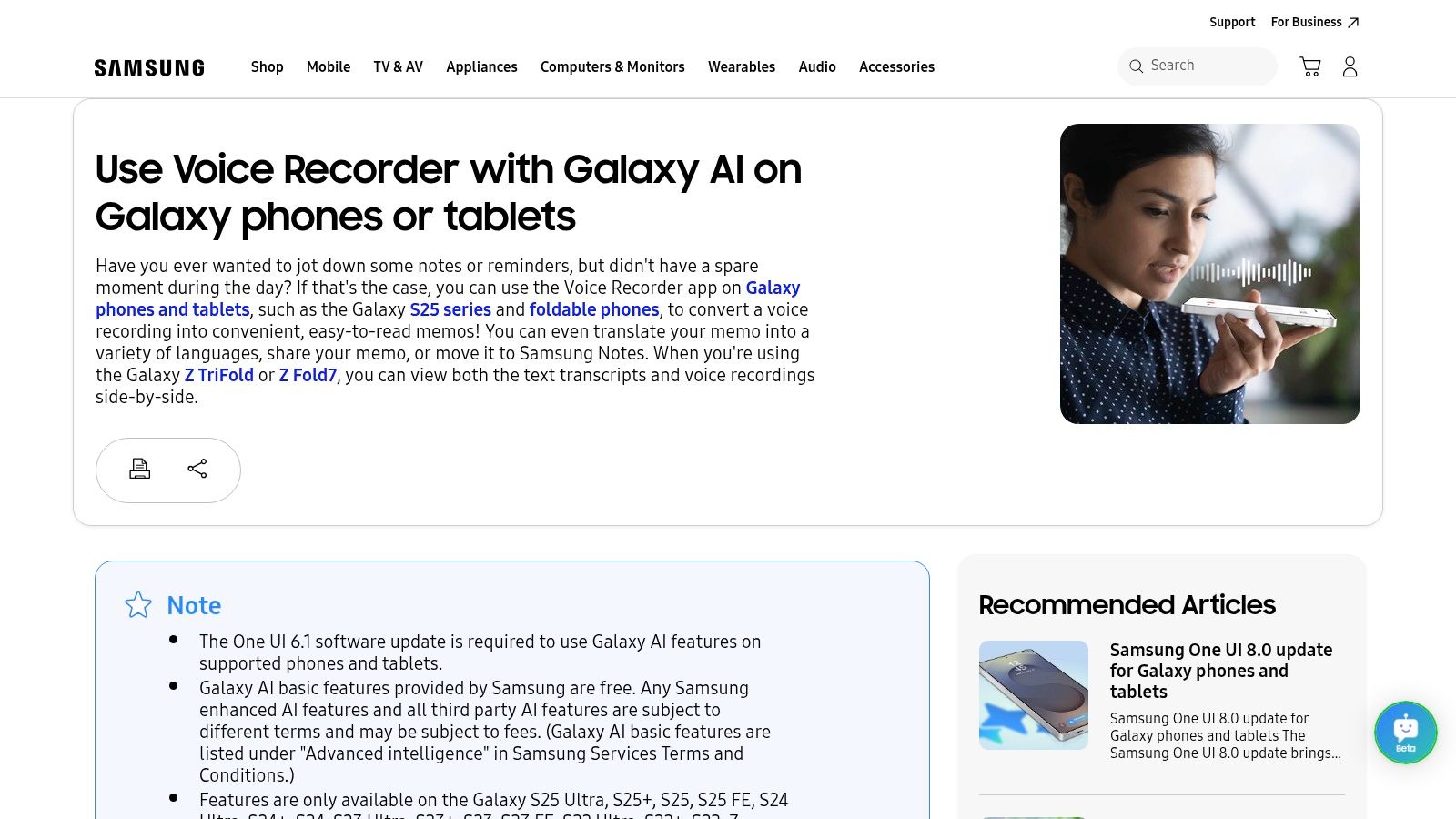
For users with modern Samsung devices, one of the best voice to text apps for android is already built-in. The native Samsung Voice Recorder app, supercharged by Galaxy AI on supported models (One UI 6.1+), offers powerful transcription features without needing a third-party download. It's designed for deep integration into the Samsung ecosystem, allowing users to record audio and instantly generate a text transcript, complete with speaker labels and summaries.
An Integrated and Powerful Native Tool
The workflow is short: record a meeting or lecture, tap "Transcribe," and export the text straight to Samsung Notes. The AI also produces summaries of long recordings. While the transcription accuracy is strong for a native tool, its most advanced features are hardware-dependent, meaning the experience varies greatly across different Galaxy models.
My tip is to check if your device supports AI transcription by opening the Voice Recorder app, making a recording, and seeing if a "Transcribe" option appears when you open the file. This confirms you have the necessary hardware and software combination.
Website: https://www.samsung.com/us/support/answer/ANS10000942/
12. Speechnotes: Best Free App for Long Dictation
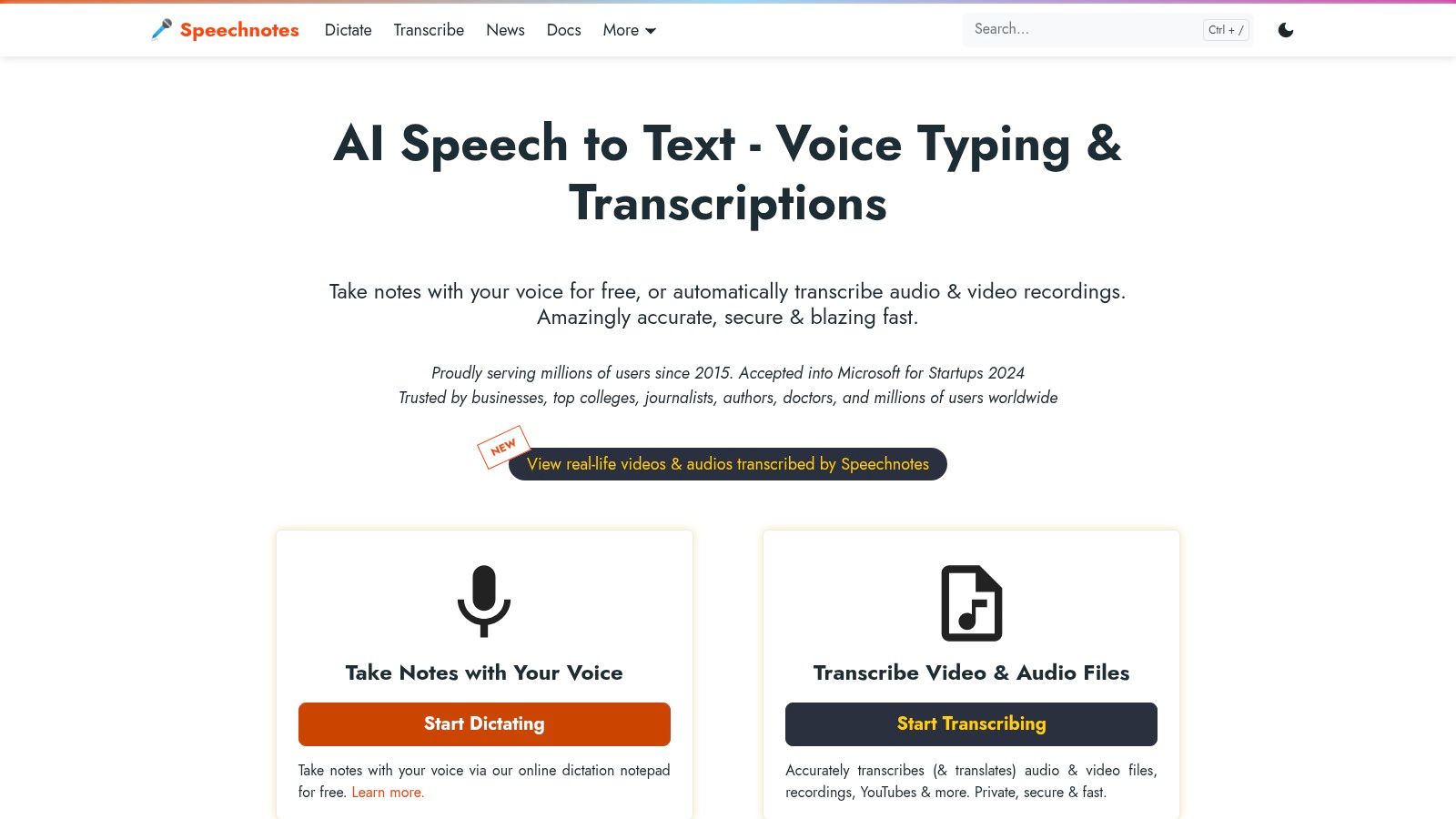
Speechnotes is a long-standing and highly accessible tool that bridges the gap between a simple notepad and a dedicated dictation app. Available as both an Android app and a browser-based tool, it’s designed for continuous, uninterrupted speech-to-text conversion. Its primary function is to offer a clean, distraction-free space where you can speak your thoughts, notes, or drafts without constant interruptions, making it a reliable choice among voice to text apps for android.
Why I Recommend Speechnotes
What sets Speechnotes apart is its simplicity and focus on long-form dictation; it won't stop listening until you tell it to. This is invaluable for brainstorming sessions or drafting content where pauses are natural. If you write for a living, our guide to the best dictation software for writers compares desktop-grade options. The app also supports custom voice commands for punctuation and formatting, which streamlines the editing process. While its accuracy relies on Google's speech engine, its lightweight interface ensures it runs smoothly on most devices.
A useful workflow I've adopted is using the browser-based version on my computer for drafting longer documents and then accessing the notes via the cloud on my Android app for quick edits on the go. Notes follow you between devices without any manual transfer.
Website: https://speechnotes.co/
12 Android Voice-to-Text Apps — Feature Comparison
Choosing the Right Voice-to-Text App for Your Needs
There is no single "best" app on this list — only the one that matches what you actually record. The range runs from built-in Gboard for quick messages to dedicated platforms like HypeScribe, Otter.ai, and Notta for meetings and long recordings.
Key Takeaways for Making Your Decision
The most critical first step is to identify your primary use case. Are you a student needing to capture every word of a lecture, a journalist conducting field interviews, or a project manager trying to distill action items from a team meeting? Your answer will guide you toward the right features.
- For Casual, Everyday Use: If your goal is simple dictation for notes, emails, or texts, the integrated solutions are often sufficient. Gboard and Google Keep offer excellent, no-cost options that are already part of the Android ecosystem, requiring no extra downloads or complex setups.
- For Accessibility and Real-Time Needs: For individuals who are deaf or hard of hearing, or for anyone needing instant captions of live conversations, Google's Live Transcribe is the clear pick: real-time accuracy plus 70+ languages.
- For Professional and Academic Transcription: When accuracy, speaker identification, and editing matter, dedicated services win. HypeScribe, Otter.ai, Notta, and Transkriptor are built for meetings, interviews, and lectures, with shareable transcripts, summaries, and keyword search. If your recordings run long, compare per-minute versus per-file pricing first — on multi-hour audio the difference is large.
- For High-Stakes Accuracy: For legal, medical, or publication-ready content where precision is non-negotiable, a hybrid approach like Rev (app for recording, human service for transcription) or a professional-grade dictation tool like Dragon Anywhere provides the highest level of reliability.
Final Considerations Before You Commit
Before settling on a service, especially a paid one, consider a few final factors. Evaluate the app's privacy policy to understand how your data is handled. Test its offline capabilities if you frequently work in areas with poor connectivity. Finally, check integrations: syncing transcripts to Notion, Slack, or your CRM saves real time. For tools beyond Android, see our roundup of the best voice-to-text software.
The short version: quick texts — Gboard; live captions — Live Transcribe; Pixel or Galaxy owners — your built-in recorder; anything longer than a voice memo — a dedicated service with per-file pricing.
Recorded something longer than a voice memo? HypeScribe turns audio and video of any length into a transcript with a summary and action items — one token per file, whether it runs 5 minutes or 4 hours. Try it free: 3 files a month, no card required.
Related reading


































































































