A Sample Meeting Minutes Format That Actually Works
A good sample meeting minutes format is more than just a template; it's a tool for getting things done. Too often, teams jot down notes that get lost in a shared drive, leading to missed deadlines and confusion. From my experience managing projects, the solution is simple: adopt a structured format that puts clarity, decisions, and action items first. This transforms minutes from a boring archive into a practical roadmap.
Why Most Meeting Minutes Fail and How to Fix It
Let's be honest—most meeting minutes are a chore to write and even worse to read. They often end up as a wall of text that nobody looks at again. This isn't just a minor annoyance; it has real consequences. I've personally seen projects grind to a halt because no one could remember what was decided just two weeks earlier. This often leads to finger-pointing because action items were vague and accountability was missing.

This problem is especially damaging for remote teams, where written documentation is the single source of truth. When the minutes are useless, team alignment breaks down, and productivity suffers. The root cause is simple: unstructured notes lack the key ingredients that drive work forward.
The Real Cost of Poor Documentation
The fallout from bad minutes goes beyond frustration. It creates a ripple effect of inefficiency that can derail a project. When documentation is weak, you'll see a familiar pattern:
- Missed Deadlines: Vague tasks without a clear owner or due date are the first to be forgotten.
- Team Misalignment: People start working from different assumptions about project goals because there’s no clear record of decisions.
- Wasted Time: You end up having the same conversation over and over because the outcome of the first meeting was never properly captured.
Many of these issues can be avoided by learning how to take meeting notes effectively. The goal isn't just to record what was said; it's to capture what was decided and what needs to happen next.
A great format transforms minutes from a passive record into an active roadmap. It's not about compliance; it's about creating a tool that builds momentum and holds everyone accountable.
The Shift to Action-Oriented Formats
The solution is to move away from rambling, narrative-style notes and adopt a structured, action-oriented format. A well-designed sample meeting minutes format is more than just a template—it’s a system built for clarity. It forces the note-taker to focus on outcomes, not just the conversation itself.
The data backs this up. Organizations using structured templates see a 67% higher completion rate for action items and implement decisions 34% faster. These numbers show that a good format is a driver of productivity, ensuring that talk leads to tangible results. By using a clear structure, you ensure everyone leaves the meeting on the same page, knowing exactly what they need to do.
The Core Components of Effective Meeting Minutes
Great meeting minutes are all about outcomes, not a word-for-word recap. Think of them as a strategic summary built for action. Any effective sample meeting minutes format is built on a few essential parts that let anyone—even someone who missed the meeting—understand the key results in seconds.

The goal is to create a useful, scannable document that keeps work moving forward. The best formats use clear headings and structured information so people can quickly find what they need.
Let’s break down the essential building blocks. To make it simple, here's a table covering the core elements of a professional meeting minutes format.
Core Elements of a Professional Meeting Minutes Format
This structure ensures nothing gets missed. Now, let's look at what makes each of these sections work.
Essential Meeting Details
This is the basic information that gives your minutes context. It’s the who, what, when, and where of your meeting, and it should always be at the top of the page for easy reference.
- Meeting Title: Be specific. "Q4 Marketing Campaign Kickoff" is much better than "Marketing Meeting."
- Date and Time: List the full date with start and end times.
- Location or Platform: Was it in a conference room, or on a platform like Zoom or Google Meet?
- Attendees: List everyone who was there. I also find it helpful to note any key absentees, especially if their input is needed for a follow-up task.
This foundational information is crucial for record-keeping and helps anyone who reads the minutes later to immediately understand the context.
A well-structured header is like the cover of a book—it tells you exactly what you're about to read. Skipping these details can cause real confusion later when someone is trying to find a specific decision.
Agenda, Decisions, and Discussion Summaries
This is the core of your minutes, capturing what was discussed and, most importantly, what was decided. The key here is clarity and brevity. You are summarizing the outcome, not transcribing the entire debate.

For each agenda topic, jot down the key discussion points that led to the final decision. This captures the "why" without getting lost in details. For example, instead of writing a long paragraph about a budget debate, you could say: "After reviewing Q3 spending, the team decided to reallocate the event budget to digital ads to maximize ROI."
Right after that summary, state the final decision in a clear sentence. I always use bold text to make decisions stand out.
- Decision: The Q4 event budget will be reallocated to digital advertising.
- Decision: The project deadline is moved to November 30th to accommodate new feature requests.
This simple structure makes it easy for stakeholders to scan the document and find the critical results without reading every word.
Action Items with Clear Ownership
This might be the most important part of the entire document. Without clear action items, meetings are just expensive conversations with no follow-through. To create accountability, every action item needs to be specific, assigned, and have a deadline. For a deeper dive, you can learn more about separating meeting notes and action items.
A vague task like "Look into the budget issue" is useless because it's not actionable.
Instead, a strong action item is concrete and clear:
- Action Item: Sarah to create a revised budget report reflecting the new ad spend allocation and share it with the team by EOD Friday, Oct 25th.
- Action Item: Mark to update the project timeline in Asana to reflect the new November 30th deadline by Monday, Oct 28th.
By assigning a name and a deadline, you turn a vague idea into a real task. This clarity is what separates minutes that get forgotten from minutes that drive progress.
Putting It All Into Practice: A Real-World Example
Talking about templates is one thing, but seeing them in action is another. Let's walk through a complete, filled-in example from a common scenario: a project kickoff meeting.
This sample shows how a skilled note-taker can distill a lively conversation into a document that's clear, concise, and actionable.
As you read, notice how the summary focuses on outcomes, not a word-for-word recap. That’s the key. Anyone—even someone who missed the meeting—can glance at this and immediately know what was decided and what happens next.
Meeting Title: Q4 "Project Horizon" Marketing Campaign Kickoff
Date: October 21, 2024
Time: 10:00 AM - 11:00 AM
Location: Zoom (Recording link available in project folder)
Attendees: Maria Garcia (Marketing Lead), David Chen (Content Strategist), Sarah Jenkins (Social Media Manager), Tom Riley (PPC Specialist)
Absentees: None
Agenda and Decisions
1. Campaign Goals & KPIs Review
- Discussion: Maria presented the primary goal: generating 500 qualified leads by the end of Q4. Tom noted the current ad budget might not be enough. After discussion, the group explored reallocating funds from the Q4 events budget to increase digital ad spend.
- Decision: The team confirmed the 500 MQLs target. An additional $15,000 will be moved from the events budget to the Project Horizon digital ad spend.
2. Target Audience & Messaging
- Discussion: David shared his persona research on small business owners. Sarah suggested focusing messaging on pain points like time-saving and efficiency, rather than features. Everyone agreed this would be more effective.
- Decision: We will target the "SMB Owner" persona. All creative and copy will be based on the core message: "Automate Your Growth."
3. Channel Strategy & Timeline
- Discussion: The team agreed on a multi-channel strategy, starting with a strong push on LinkedIn and Google Ads, supported by organic social content. A shared content calendar is needed to coordinate efforts.
- Decision: The official campaign launch date is set for November 4, 2024.
Key Takeaway: Notice the pattern? Every discussion point leads to a concrete, bolded decision. This format makes the outcomes impossible to miss and turns a long narrative into a scannable summary.
Action Items
This is where the conversation turns into action. This section ensures that every task has a single owner and a hard deadline, which eliminates any "I thought someone else was doing that" confusion.
- Tom Riley to update the master budget spreadsheet with the new ad spend and build the initial campaign shells in Google Ads. Due: Oct 25, 2024.
- David Chen to write a content brief based on the "Automate Your Growth" message and share it with the team for review. Due: Oct 28, 2024.
- Sarah Jenkins to create a three-week social media content calendar to support the campaign launch. Due: Oct 30, 2024.
- Maria Garcia to schedule the next weekly check-in for November 1st. Due: Oct 22, 2024.
This structure creates a reliable source of truth after the meeting, ensuring the entire team is aligned and ready to work.
Best Practices for Writing Minutes People Actually Read
Creating a document is one thing; creating a resource your team uses is another. The difference often comes down to a few key practices that turn your minutes from a simple record into a valuable tool. This process starts before the meeting and continues after it ends.

The goal is to be objective, concise, and clear. You're not writing a novel; you're building a roadmap for action.
Prepare Before the Meeting Starts
The best note-takers I've known don't just show up and start typing; they prepare. Preparation means reviewing the agenda beforehand to understand the key topics and desired outcomes. This simple step allows you to create an outline in your document, ready to be filled in.
This proactive approach frees you up to actively listen for decisions and action items instead of just trying to transcribe every word.
Be Objective and Action-Oriented
When taking minutes, your job is to be a neutral observer. This can be challenging, but it's crucial to avoid adding your own opinions or interpretations. Stick to the facts: what was discussed, what was decided, and who is responsible for what comes next.
Focus on outcomes, not the play-by-play. Instead of writing, "John and Sarah had a long debate about the budget," write, "After discussion, the team decided to reallocate $5,000 from events to digital ads." The second version is factual, concise, and useful.
To ensure your minutes are clear and capture the essence of the meeting, mastering summarization skills is essential. It's about boiling down complex discussions into simple, actionable points.
Format for Scannability and Speed
No one wants to read a wall of text. Use smart formatting to make your minutes easy to scan for important information.
- Use Clear Headings: Break up the document with headings that match each agenda item.
- Emphasize Key Information: Use bold text for decisions, deadlines, and the names of people assigned to tasks.
- Leverage Bullet Points: Lists are perfect for summarizing discussion points or breaking down multi-step action items.
This structure makes it easy for a busy teammate to find what they need in less than 30 seconds.
Adapt to Modern Meeting Rhythms
Meeting culture has changed. A significant 45% of meetings now last exactly 30 minutes. With nearly one-third of meetings involving people across multiple time zones, efficiency is crucial. For these quick check-ins, your minutes need to be even more streamlined, focusing almost exclusively on blockers and action items.

Finally, don't let them sit. Send out the draft minutes within 24 hours while the conversation is still fresh. This quick turnaround maintains momentum and allows for corrections, ensuring the final record is accurate.
Using AI Tools to Make Your Life Easier
Taking minutes manually is difficult. When the conversation is moving quickly, it's easy to miss crucial details while trying to listen, understand, and type.
This is where AI transcription tools can help. They act as your efficient assistant, not a replacement. These platforms can produce an accurate transcript of the entire conversation, identify who said what, and even provide a first draft of key takeaways and action items.
This changes your role from a frantic typist to a strategic editor, allowing you to focus on ensuring the final record is truly useful.
From a Wall of Text to Clear Minutes
The real benefit of using an AI tool is that it changes your starting point. You're no longer staring at a blank page, trying to remember a conversation. Instead, you begin with a structured draft that has already done most of the work.
This lets you focus your energy where it matters most: refining the notes for clarity, adding context that a machine might miss, and ensuring the final document reflects the true intent of the discussion.
For example, an AI might flag every time someone says "I'll get that done." Your job is to add the human touch—confirming the specific task, assigning it to the right person, and setting a realistic deadline. You can learn more about using AI for meeting minutes to understand how powerful this approach can be.
The point is to delegate the tedious work of transcription to technology. This frees you to focus on what humans do best: capturing accurate decisions and ensuring everyone knows what to do next. You’re not just documenting; you're creating a blueprint for action.
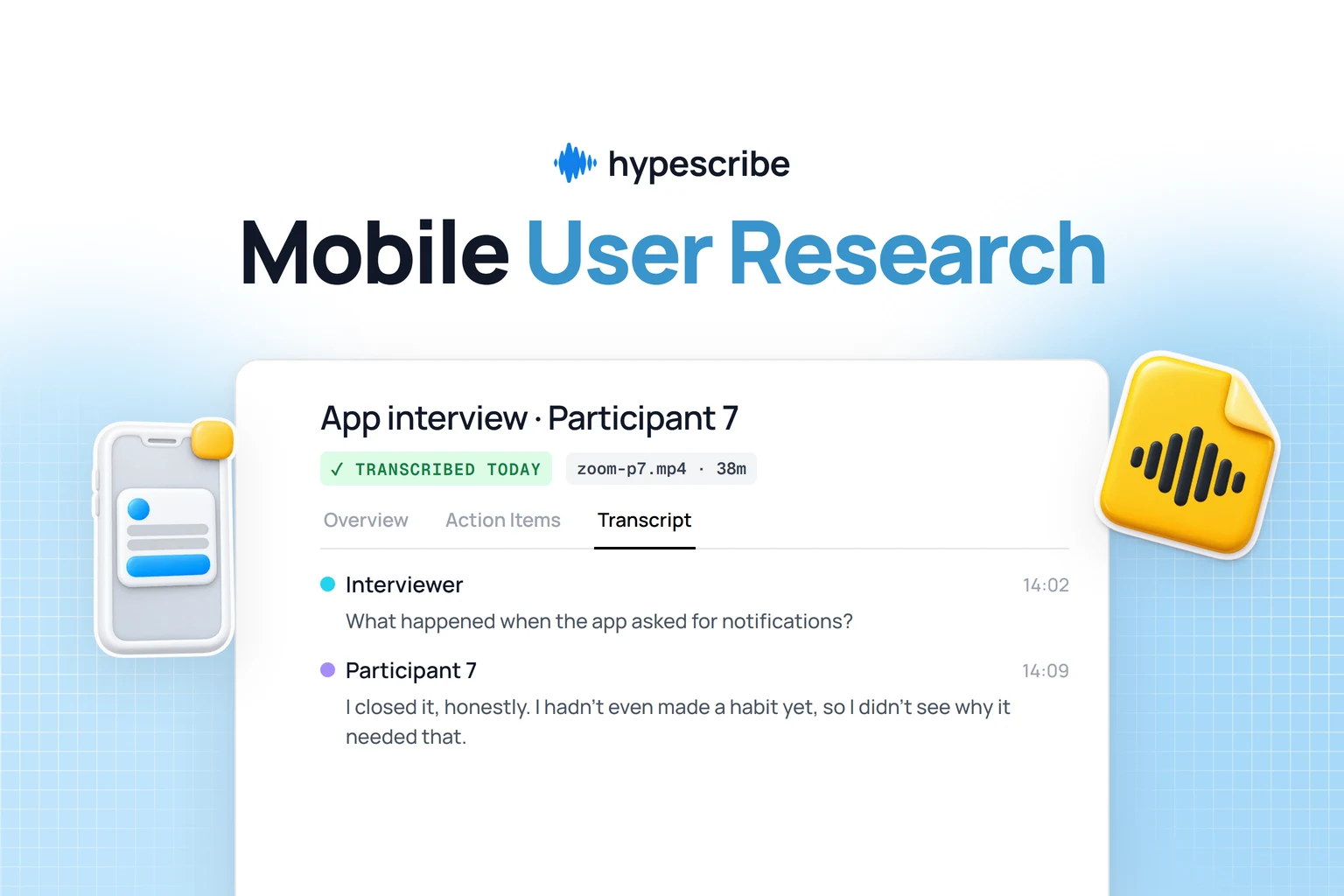
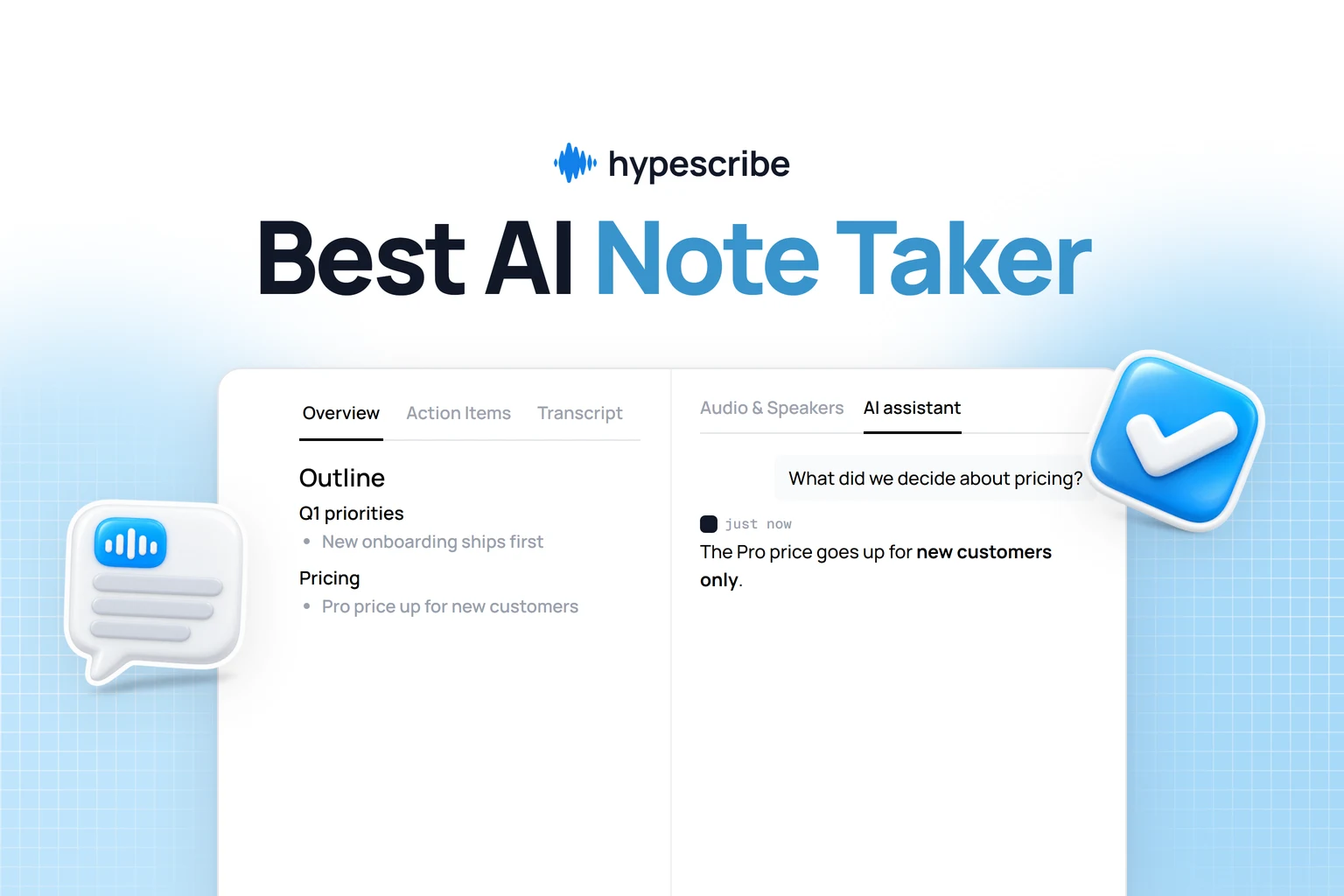
Here’s a quick look at how a tool can take raw audio and organize it into something you can work with.
See how it’s not just a block of text? The tool has already pulled out summaries and highlights, giving you a huge head start.
A Simple AI Workflow
You don't need a complex process to make this work. Here’s a simple, four-step approach that can save you a lot of time.
- Record and Transcribe: Use a tool like HypeScribe to either record the meeting live or upload the audio or video file afterward. Within minutes, you’ll have a complete, speaker-labeled transcript.


- Get the AI Summary: Most tools have a one-click summary feature. Use it to let the AI generate a draft highlighting main topics, decisions, and potential action items.
- Review and Polish: This AI-generated summary is your starting point. Copy it into your template and refine it. Clean up the language, add any missing context, and make sure the action items are crystal clear.
- Send It Out: With the minutes polished and accurate, you can distribute them to the team while the meeting is still fresh in everyone's mind.
Following this workflow can easily cut your minute-taking time in half. More importantly, it ensures your records are more accurate, so your team can spend less time on admin and more time getting work done.

Got Questions About Meeting Minutes? We've Got Answers
Even with a great template, tricky situations can arise when taking minutes. Let's tackle some of the most common questions. This is your guide for those gray areas that a standard sample meeting minutes format doesn't always cover.
How Much Detail Is Too Much Detail?
The answer depends on the meeting's purpose. There's no single rule, but my guiding principle has always been to capture just enough detail for someone who wasn't there to understand what was decided and why.
For a formal board meeting, you'll need to be meticulous, especially when recording motions and votes. But for a quick daily stand-up? A simple bulleted list of decisions and action items is enough. The biggest mistake is trying to transcribe the entire conversation.
Your job is to summarize discussions and document outcomes, not create a word-for-word transcript. Prioritize clarity and actionability. A scannable document is a useful one.
Who Gives the Final "Okay" on the Minutes?
In most cases, the minutes from the last meeting are approved at the beginning of the next one. This is standard procedure, especially in formal settings like board or committee meetings.
The chairperson usually asks attendees to review the draft. This is the time to point out errors or ask for clarifications. Once all corrections are made and everyone agrees, the group formally votes to approve them. At that point, the minutes become an official company record.
Are Meeting Minutes a Legal Document?
They can be. While legal requirements vary by industry and location, meeting minutes often serve as the official legal record of a company's decisions. This is especially true for board meetings, where minutes are crucial for proving that the board followed proper governance.
They can be used in legal disputes or audits as evidence of votes and resolutions. This is why it's so important to keep them objective and factual. Stick to what happened and leave personal opinions out of it.
What's the Ideal Turnaround Time for Sending Out Minutes?
Send them out quickly. My rule of thumb is within 24 to 48 hours after the meeting ends. This isn't just about being efficient; it’s about being effective.
When the draft is sent promptly, the discussion is still fresh, making feedback and corrections more accurate. More importantly, it allows your team to start on their action items right away. Waiting a week kills momentum and often leads to forgotten tasks.
Stop wasting time on manual note-taking and start creating perfect, actionable minutes instantly. HypeScribe uses AI to transcribe, summarize, and identify key action items from your meetings, giving you back hours of valuable time. Try it for free and see how effortless great documentation can be. Learn more about HypeScribe.