
The 12 Best Social Media Content Creation Tools for 2026

The hard part of social content is not making it — it is making enough of it. Which is why the most useful tools are the ones that turn one thing you already made into five. the right software isn't just a luxury—it's essential for staying relevant and efficient. With countless options available, each claiming to be the ultimate solution, finding the perfect tool can feel overwhelming. This guide cuts through the noise, offering a hands-on look at the 12 best social media content creation tools that solve real-world problems for creators and brands today.
We'll explore everything from all-in-one design suites to specialized AI-powered video editors and powerful repurposing platforms. The focus here is on practical use cases, honest limitations, and how these tools fit into a seamless, efficient workflow that saves time and delivers results. We move beyond generic feature lists to provide real usage insights, helping you decide which tool truly fits your specific needs, whether you're a solo influencer, a remote marketing team, or a large corporation. While many of the tools listed here have strong video capabilities, choosing the right editor is a critical decision that deserves a deeper look. For a detailed comparison, consulting a dedicated roundup of the best video editing software for social media can help you pinpoint the exact features you need.
Each tool in this list includes direct links and screenshots to give you a clear view of its interface and functionality. Our goal is to equip you with the information needed to build a powerful and sustainable content engine, helping you produce high-quality assets consistently and effectively.
1. HypeScribe
HypeScribe is a powerful foundation in any modern social media toolkit, specializing in turning spoken audio and video into actionable, written content. It acts as a force multiplier for repurposing, allowing creators to extract maximum value from every piece of recorded media, from podcast episodes and webinars to impromptu voice notes.
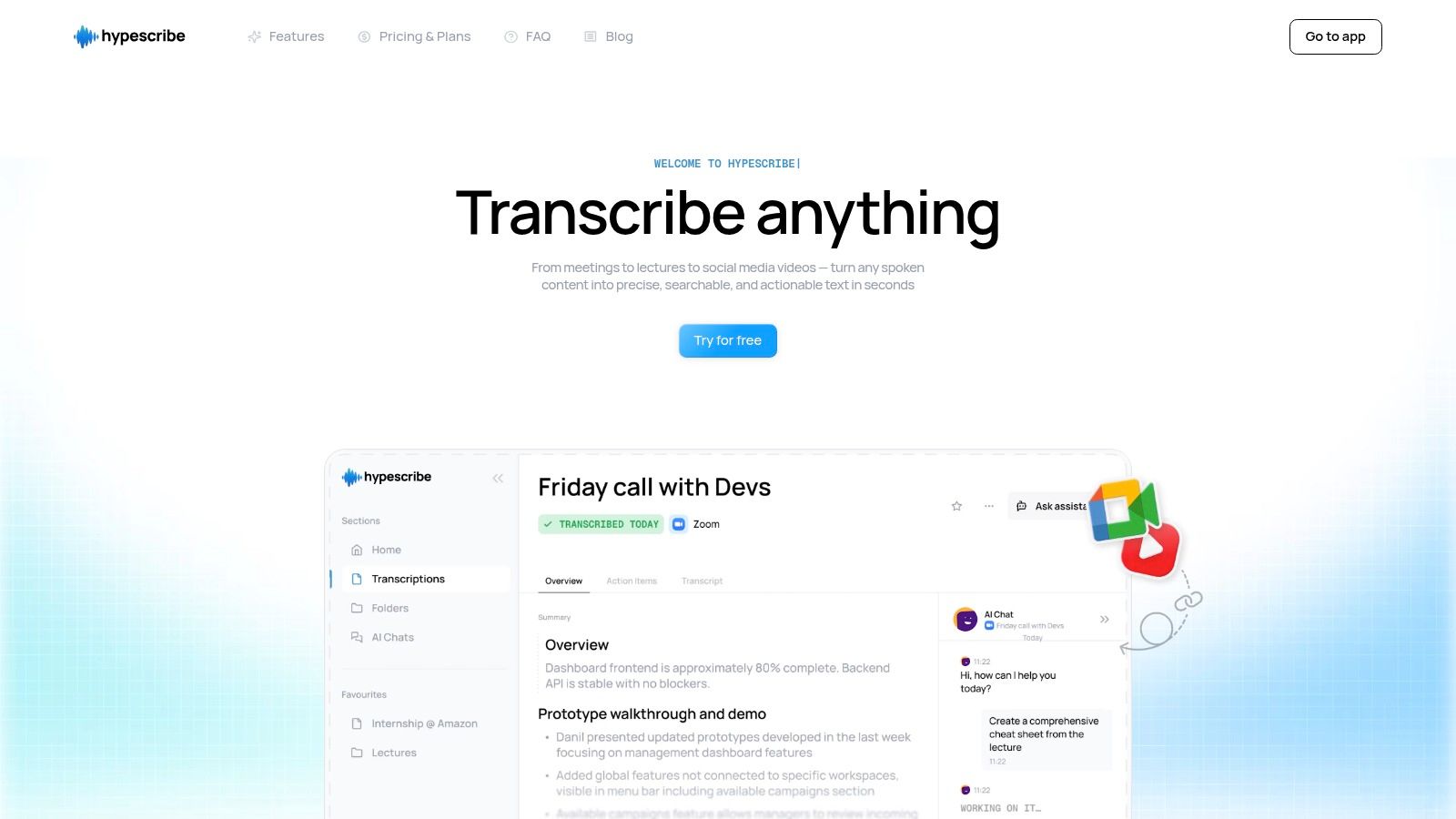
Its core strength lies in its speed and intelligence. HypeScribe can process up to an hour of audio in under 30 seconds, a critical advantage for creators working on tight deadlines. Beyond a simple word-for-word transcript, the platform automatically generates smart summaries, key takeaways, and action items. This transforms a passive recording into a launchpad for dozens of new content pieces, such as blog posts, Twitter threads, email newsletters, and video scripts.
Key Capabilities for Content Creators
The platform supports uploads from a wide array of sources, including direct file uploads and links from YouTube, Instagram, and Google Drive, making it exceptionally flexible. Its AI models are trained for high accuracy across 100+ languages and can discern different accents, a key feature for creators with a global audience. The ability to produce these outputs so quickly and accurately is a significant benefit for any content professional, which you can read more about in this detailed guide on AI-powered transcription software.
Pricing & Access
HypeScribe operates on a transparent, token-based model where one token equals one file of any length.
- Free Trial: 3 files per month (up to 1 hour each).
- Starter: $6.99/month for 30 files.
- Pro: $7.99/month for 60 files and meeting note-taker access.
- Ultra: $12.99/month for 300 files and expanded note-taker features.
Pros & Cons
- Pros: Exceptional processing speed. High accuracy with broad language support. Automatic summaries and takeaways greatly accelerate content repurposing workflows. Flexible input options and affordable, clear pricing.
- Cons: Transcription accuracy is naturally dependent on the source audio quality. Organizations with strict compliance needs may need to verify specific certifications like SOC 2 or HIPAA.
2. Canva
Canva is a dominant force in the design space for a reason: it makes creating professional-looking social media assets remarkably simple for non-designers. Its massive library of templates for everything from Instagram Stories and TikTok videos to multi-page carousels and YouTube thumbnails provides a strong starting point for any project. This platform excels at speed and consistency, making it one of the most accessible social media content creation tools available.
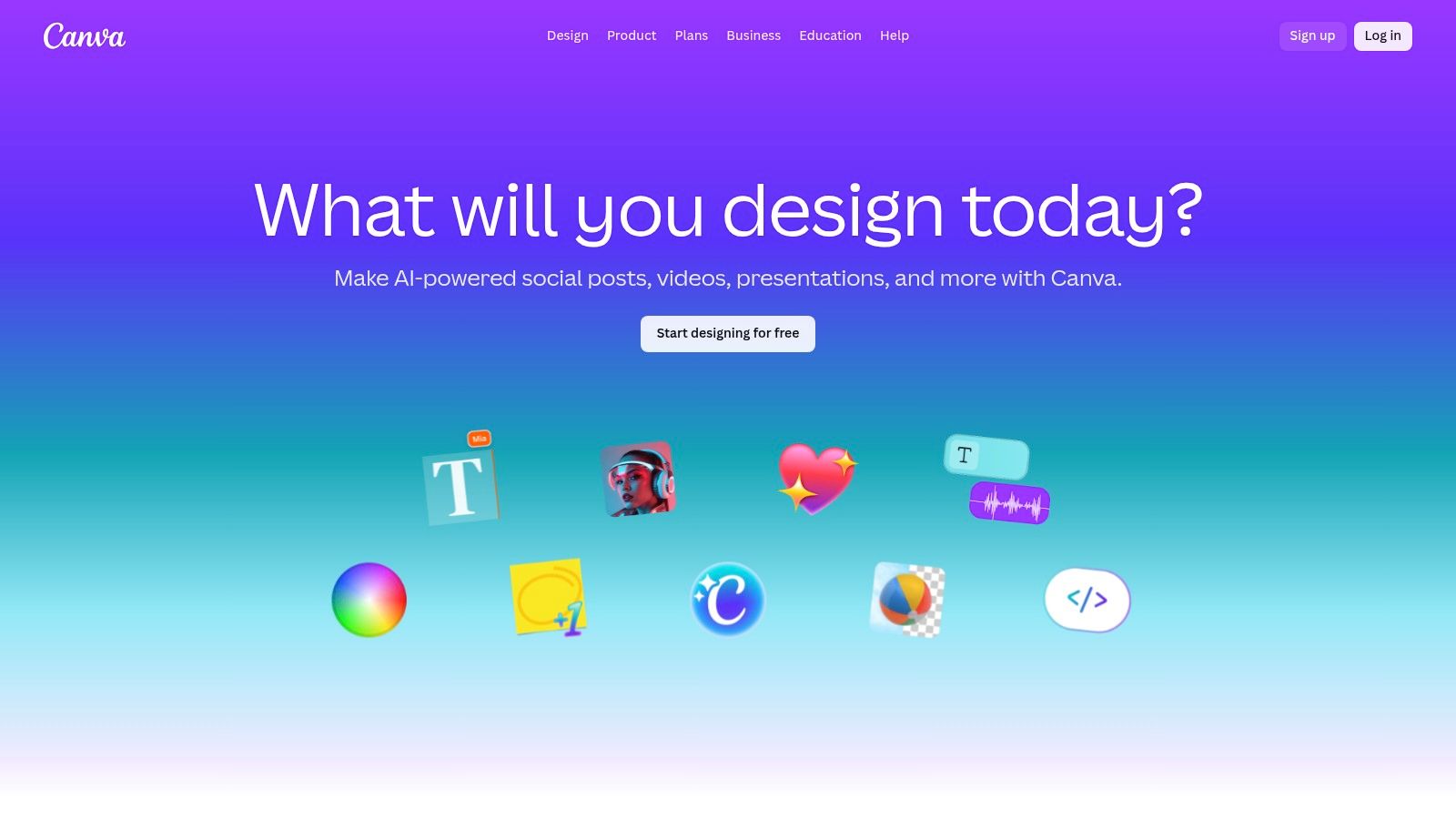
What separates Canva is its integration of "Magic" AI features and robust brand management. The Brand Kit allows teams to store logos, color palettes, and fonts to ensure all content remains on-brand with one click. Its AI tools, like the background remover and Magic Resize, automate tedious tasks, while Magic Write assists with copywriting directly within a design.
Key Details & Best Use Cases
- Pricing: Offers a generous free plan. Canva Pro starts at $14.99/month for one person, with Canva for Teams pricing based on user count.
- Best For: Social media managers, small businesses, and content creators who need to produce a high volume of quality graphics and short videos quickly without extensive design skills. It's also ideal for teams needing to maintain brand consistency across all visual content.
- Practical Tip: Use the "Styles" tab to apply your Brand Kit colors and fonts to any template instantly. This avoids the generic "Canva look" and aligns the design with your brand identity in seconds.
- Pros: Very easy to learn, massive template and stock asset library, excellent for team collaboration.
- Cons: Designs can appear generic without customization; some advanced features found in dedicated photo or video editors are missing.
Website: https://www.canva.com
3. Adobe Express
Adobe Express is Adobe's direct answer to the need for fast, accessible design, positioning itself as a powerful alternative for creators already familiar with the Adobe ecosystem. It combines intuitive, template-based design with the sophisticated power of Adobe Firefly generative AI. This integration allows users to create social posts, reels, and other assets quickly while accessing the high-quality Adobe Stock library.
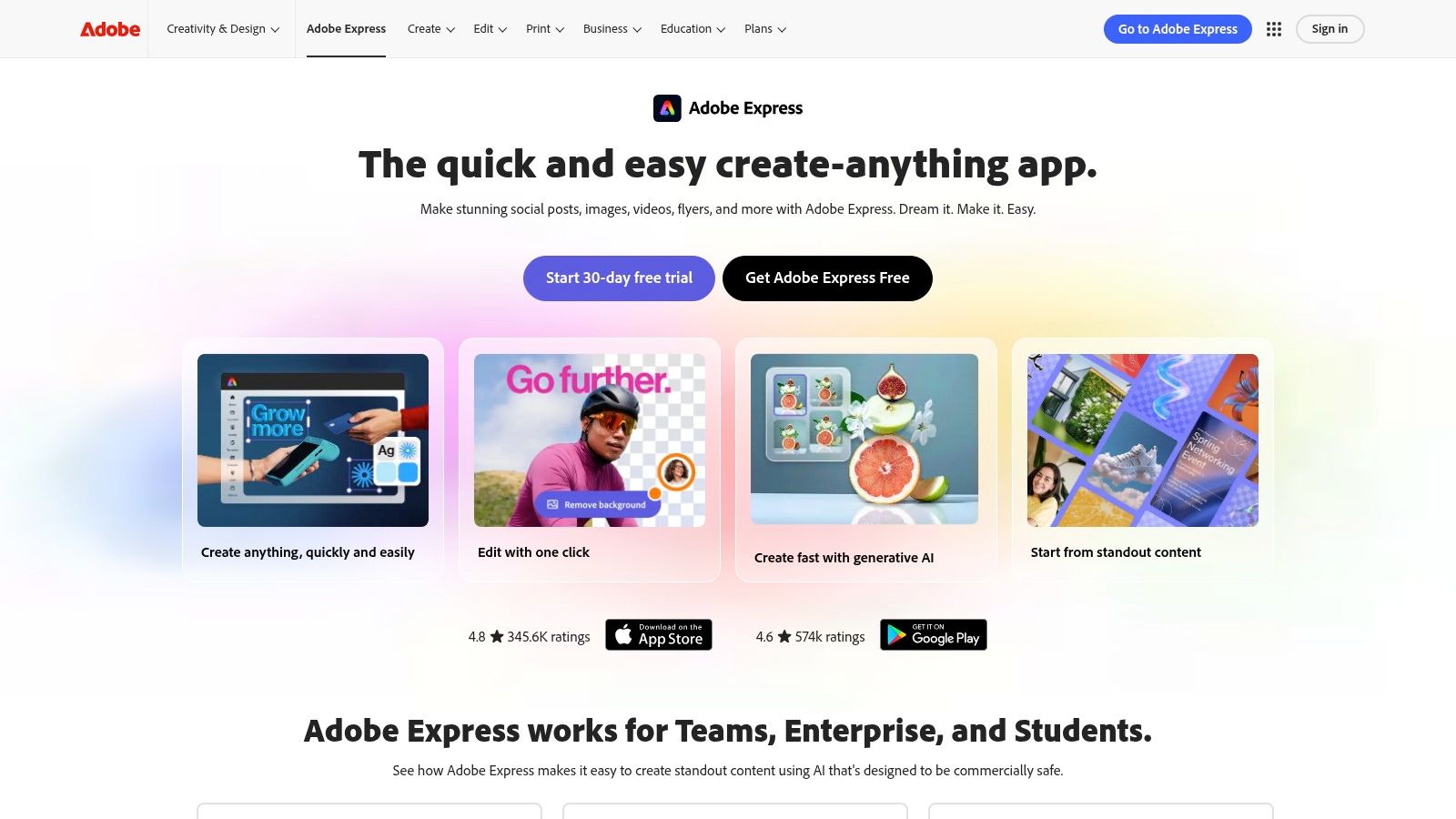
What truly sets Adobe Express apart is its seamless connection to the professional Creative Cloud suite and its "commercially safe" generative AI. Features like text-to-image, generative fill, and animated text effects are powered by Adobe Firefly, which is trained on licensed content. For teams, this provides a smoother path for graduating to more advanced tools like Photoshop or Premiere Pro when needed, while brand controls ensure consistency across all projects.
Key Details & Best Use Cases
- Pricing: A free plan is available with core features. The Premium plan starts at $9.99/month and includes more assets, features, and generative credits.
- Best For: Marketers and creators invested in the Adobe ecosystem, teams prioritizing brand safety with AI-generated content, and users who want a simple tool with a clear upgrade path to professional-grade applications.
- Practical Tip: Use the built-in content scheduler to plan and publish your creations directly to platforms like Instagram, Facebook, and X (Twitter). This centralizes your workflow from design to distribution within a single platform.
- Pros: High-quality assets from Adobe Stock, Firefly AI is designed for commercial safety, great integration with other Adobe products.
- Cons: Some advanced AI features and credit allowances are gated behind the premium plan; the broader Adobe pricing structure can be complex.
Website: https://www.adobe.com/express
4. CapCut
CapCut has become the go-to video editor for short-form content, largely due to its deep integration with TikTok and its mobile-first design. It specializes in making social-native video editing quick and intuitive, packing powerful features into a simple interface. The platform is built for speed, allowing creators to jump on trends with ready-to-use templates, effects, and sounds, making it a highly effective tool for Reels, Shorts, and TikToks.
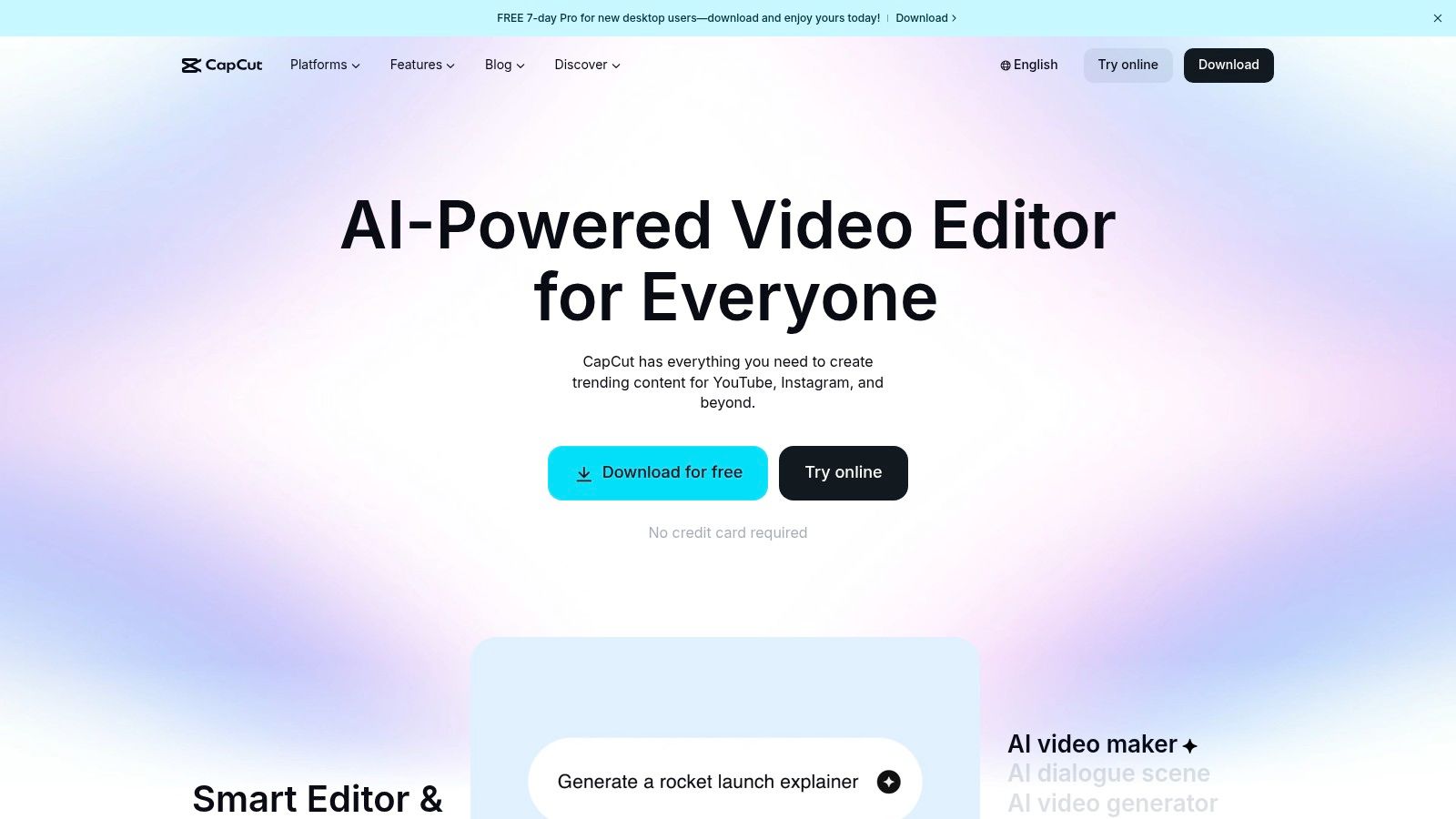
What truly sets CapCut apart is its robust, free auto-captioning feature. The AI-powered transcription is remarkably accurate and provides extensive styling options, a critical element for accessible content. This focus on captions, combined with a growing suite of AI tools and cross-device syncing between mobile, desktop, and web apps, gives creators a flexible and powerful workflow for producing engaging videos without a steep learning curve. The process for adding these captions is straightforward, and understanding the basics of closed captioning can further improve content accessibility.
Key Details & Best Use Cases
- Pricing: A very capable free version is available. CapCut Pro plans start at around $7.99/month, adding cloud storage, 4K exports, and access to premium effects and templates.
- Best For: Content creators, influencers, and social media managers focused on producing a high volume of trend-driven short-form video for TikTok, Instagram Reels, and YouTube Shorts. It's perfect for those who need fast, mobile-friendly editing with strong captioning capabilities.
- Practical Tip: Use the "Auto Reframe" feature when repurposing a video for different platforms. It intelligently adjusts the video's framing to fit various aspect ratios (like 9:16 for Reels or 1:1 for a feed post), saving significant time on manual adjustments.
- Pros: Excellent for fast, social-native edits, robust free tier for most needs, abundant social-ready templates and automated captions.
- Cons: Pricing and feature availability have been in flux as more tools move behind the Pro paywall; may be too basic for complex, professional video projects.
Website: https://www.capcut.com
5. Descript
Descript approaches video and audio editing from a completely different angle by making it as easy as editing a text document. It automatically transcribes your recordings, allowing you to cut, copy, paste, and delete sections of your audio or video by simply editing the text. This unique workflow makes it one of the most efficient tools for repurposing long-form content like podcasts, webinars, or interviews into short, shareable clips.
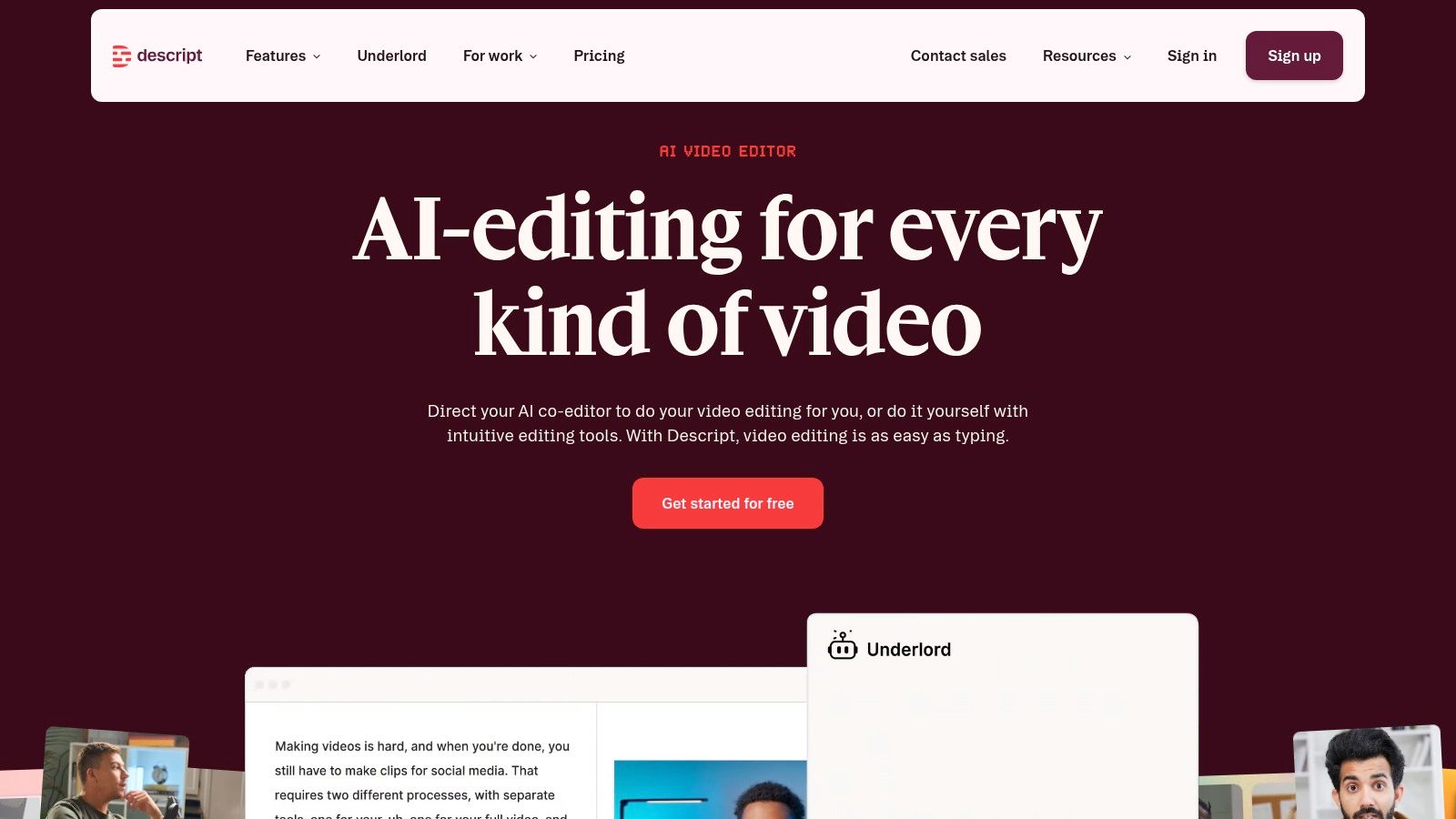
What makes Descript stand out is its collection of powerful AI features built directly into the editing process. You can remove filler words ("um," "uh") with a single click, use the Studio Sound feature to remove background noise and enhance voice quality, and even create a clone of your own voice with Overdub for correcting mistakes. This combination of text-based editing and AI assistance dramatically speeds up the creation of polished social media content from raw recordings.
Key Details & Best Use Cases
- Pricing: Offers a free plan with limited transcription. Creator plan starts at $15/month per user, with Pro and Business tiers offering more features and higher usage limits.
- Best For: Podcasters, marketers, and course creators who need to quickly extract high-quality video or audio clips from longer recordings. It's also perfect for teams that need to collaborate on video scripts and edits without deep technical video editing knowledge.
- Practical Tip: Use the "Find good clips" AI action to automatically identify the most interesting or shareable moments in a long transcript. This is a huge time-saver for finding potential social media highlights in an hour-long meeting or podcast episode.
- Pros: Extremely fast for creating rough cuts and social clips from transcripts; excellent for repurposing long-form content; AI features like filler word removal are very effective.
- Cons: The text-based workflow can have a learning curve for editors used to traditional timelines; usage is metered by transcription hours and AI credits, which requires some planning.
Website: https://www.descript.com
6. Kapwing
Kapwing is a powerful, browser-based video editor built for the speed of social media. It removes the friction of downloading software, allowing creators to jump directly into editing short-form video content. Its core strength lies in making complex tasks, like adding animated subtitles or resizing a video for multiple platforms, incredibly straightforward. This focus on accessibility makes it a standout choice for creators who need to work fast.
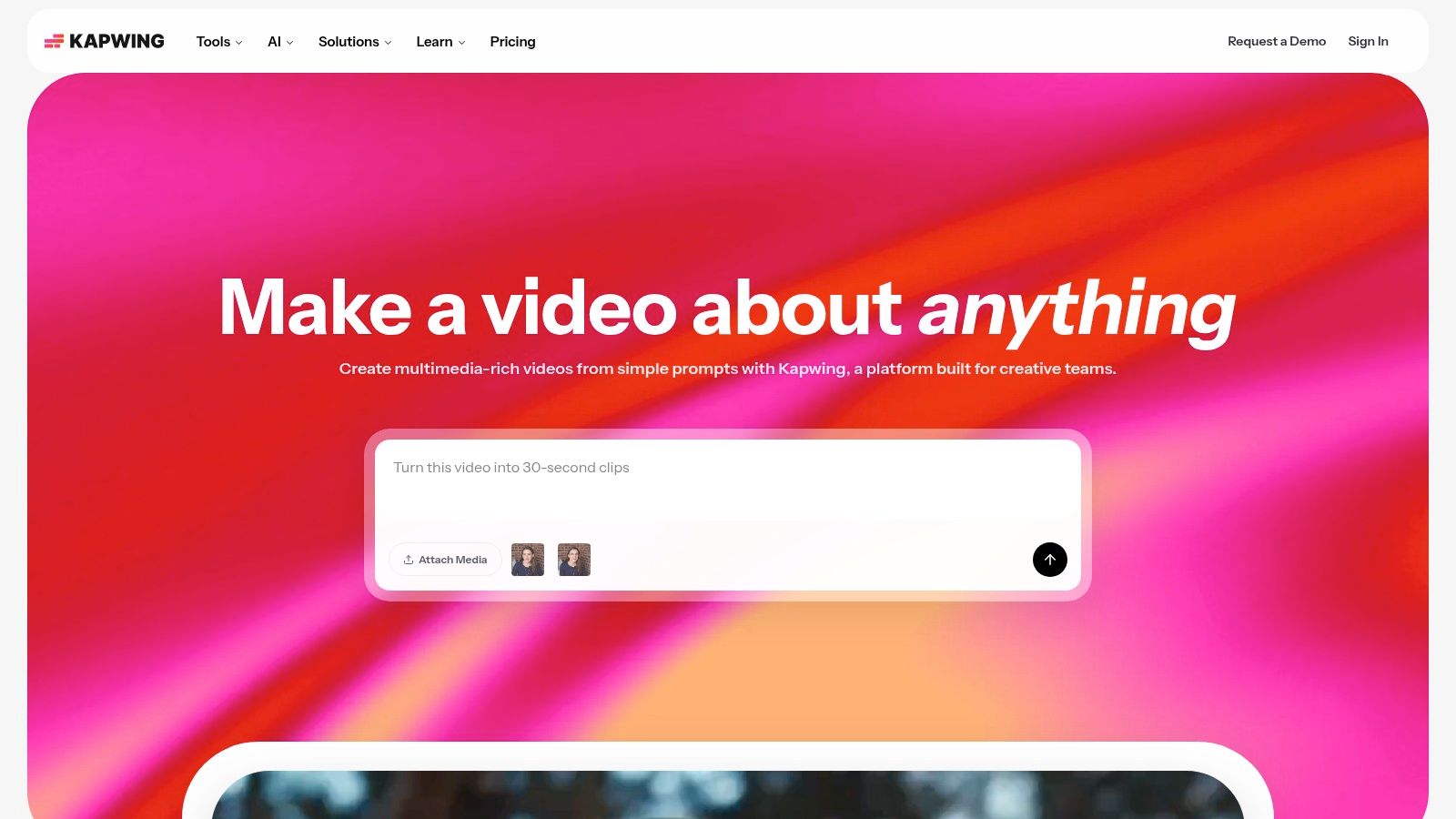
What truly sets Kapwing apart is its suite of AI-powered features designed for global audiences and quick turnarounds. The platform excels at auto-subtitling, AI-powered dubbing and translation, and text-to-speech, which are essential for maximizing reach. Users can simply paste a link to an existing video to start editing immediately, a feature that drastically speeds up the process of creating reaction videos or commentary content.
Key Details & Best Use Cases
- Pricing: A free plan is available with watermarks. The Pro plan starts at $24/month per user, unlocking 4K exports and removing watermarks. Team plans are also available.
- Best For: Solo content creators and social media teams focused on producing subtitled short-form video for platforms like TikTok, Reels, and YouTube Shorts. It's also perfect for those who need to quickly repurpose existing video content from the internet.
- Practical Tip: Use the "Smart Cut" feature to automatically remove silences from your video clips. This instantly makes your talking head videos more dynamic and engaging without tedious manual editing.
- Pros: Entirely web-based for easy access and collaboration, powerful captioning and translation tools, simple interface that is quick to learn.
- Cons: Browser performance can be a limitation for very long or complex video projects; AI features operate on a credit system, so plan selection is important for heavy users.
Website: https://www.kapwing.com
7. Microsoft Clipchamp
Microsoft Clipchamp offers a surprisingly powerful and accessible video editing experience, particularly for those already within the Windows and Microsoft 365 ecosystem. It provides a straightforward, browser-based editor that feels intuitive for beginners, focusing on core tasks like trimming clips, adding text, and exporting social-ready videos. Its integration with Windows makes it a go-to choice for quick edits without installing complex software.
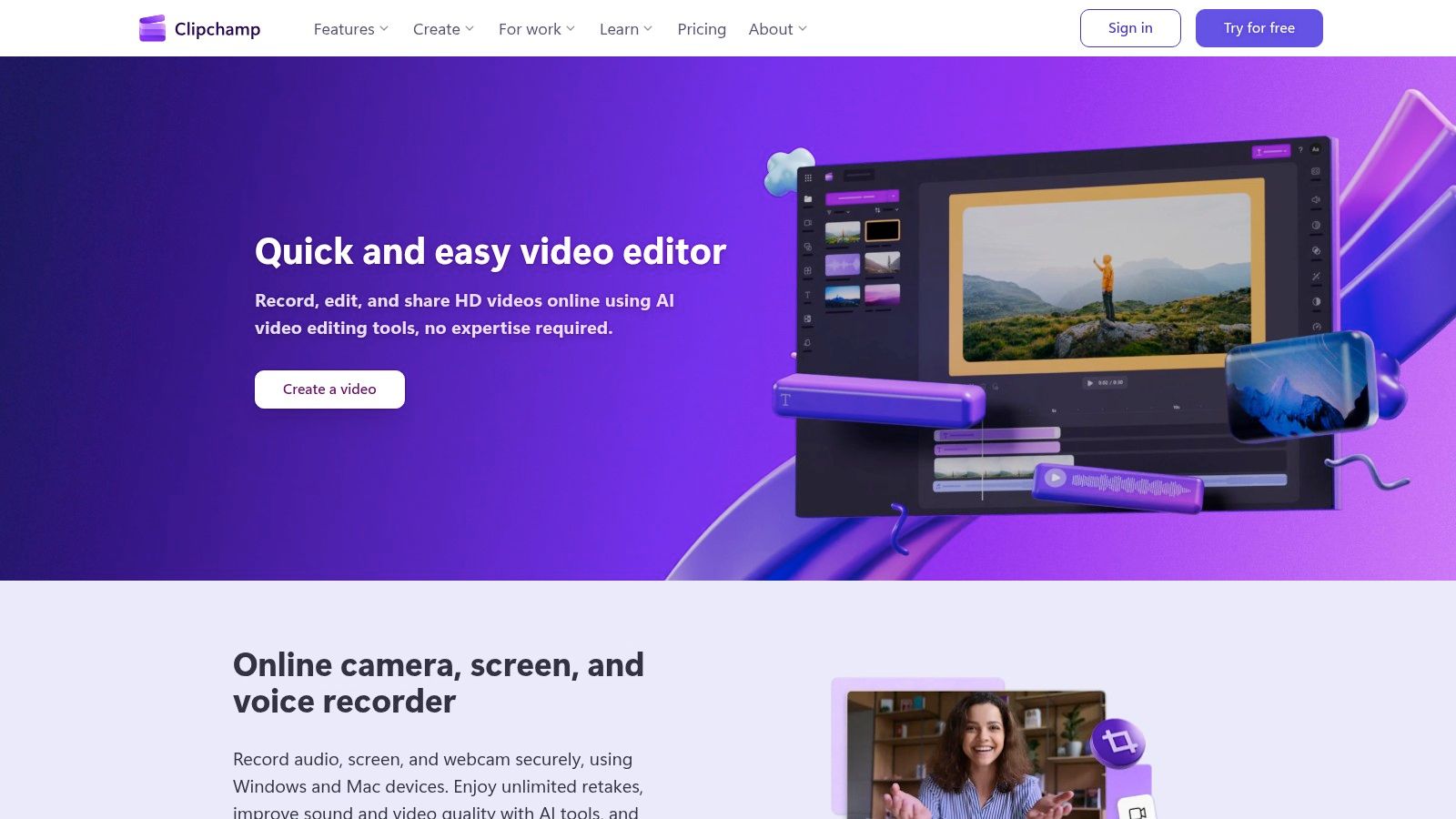
What makes Clipchamp a strong contender is its suite of AI-powered features available even on its free tier. Tools like auto-subtitling, text-to-speech for voiceovers, and silence removal automate time-consuming parts of the video creation process. For users with a Microsoft 365 subscription, premium features like 4K exports, a stock asset library, and a brand kit for maintaining visual consistency are automatically unlocked, adding significant value.
Key Details & Best Use Cases
- Pricing: A generous free plan includes unlimited watermark-free 1080p exports. The Premium plan ($11.99/month) adds 4K exports, a premium stock library, and a brand kit. This plan is included with Microsoft 365 Personal and Family subscriptions.
- Best For: Content creators, small businesses, and marketers who need a simple yet capable video editor for social media content. It is especially ideal for Windows users and Microsoft 365 subscribers looking to create polished short-form videos without a steep learning curve.
- Practical Tip: Use the "Auto compose" feature to let Clipchamp's AI analyze your clips and suggest a structured video with music and transitions. This is a great way to quickly assemble a first draft for a reel or TikTok video that you can then refine manually.
- Pros: Excellent free plan with 1080p exports and no watermarks, strong value for Microsoft 365 subscribers, seamless integration with the Windows ecosystem.
- Cons: Not designed for high-end color grading or professional NLE workflows; some advanced features are locked behind the premium subscription.
Website: https://clipchamp.com
8. InVideo (InVideo AI)
InVideo is an AI-powered video creation platform designed to dramatically cut down the time it takes to produce social media videos. Instead of starting from scratch, users can input a script, a URL to an existing article, or a simple text prompt, and the AI will generate a complete video draft. It automatically selects relevant stock footage and images, adds text overlays, and generates a voiceover, making it one of the fastest tools for content repurposing and ad creation.
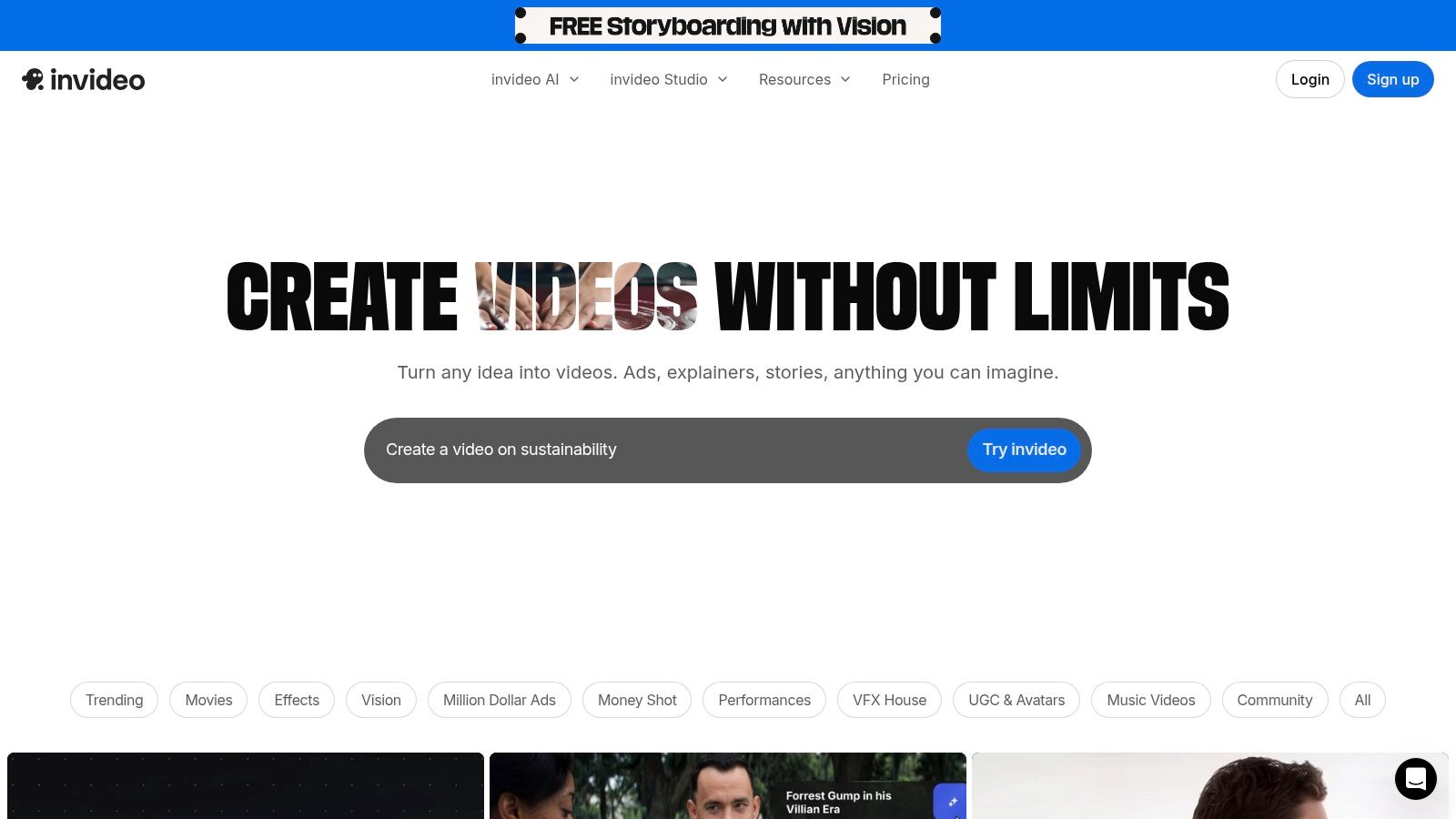
What makes InVideo stand out is its workflow-centric approach. The platform is built for specific, repeatable video formats like listicles, promotional ads, and explainer videos. It offers AI avatars and a range of synthetic voice options that can be configured to a specific brand voice, allowing for the consistent, scalable production of faceless video content without needing a camera or microphone. This focus on AI-driven assembly makes it a strong choice for teams that prioritize volume and speed.
Key Details & Best Use Cases
- Pricing: Offers a free plan with watermarked exports. Paid plans start at $25/month ($20/month billed annually) and are based on AI generation credits and stock media usage.
- Best For: Marketing teams, affiliate marketers, and content creators who need to quickly convert blog posts into videos, produce social media ads at scale, or create informational videos without filming original footage.
- Practical Tip: Start by giving the AI a URL to one of your existing blog posts. Review the video draft it creates and note which scenes work well, then use the editor to swap out any weak stock clips or refine the script for better pacing.
- Pros: Extremely fast for creating initial video drafts, great for repurposing written content, and clear usage quotas for credits and stock assets.
- Cons: The credit-based system can be confusing at first, and the AI-generated avatars and voices can sometimes feel synthetic or robotic.
Website: https://invideo.io
9. Lumen5
Lumen5 specializes in one powerful function: turning text into engaging social media videos. It is built for content repurposing, allowing marketing teams and creators to transform blog posts, articles, or any long-form text into dynamic video content with minimal effort. The platform uses AI to analyze your text, suggest relevant stock footage and images, and create a storyboard, making it an exceptional tool for scaling video production.
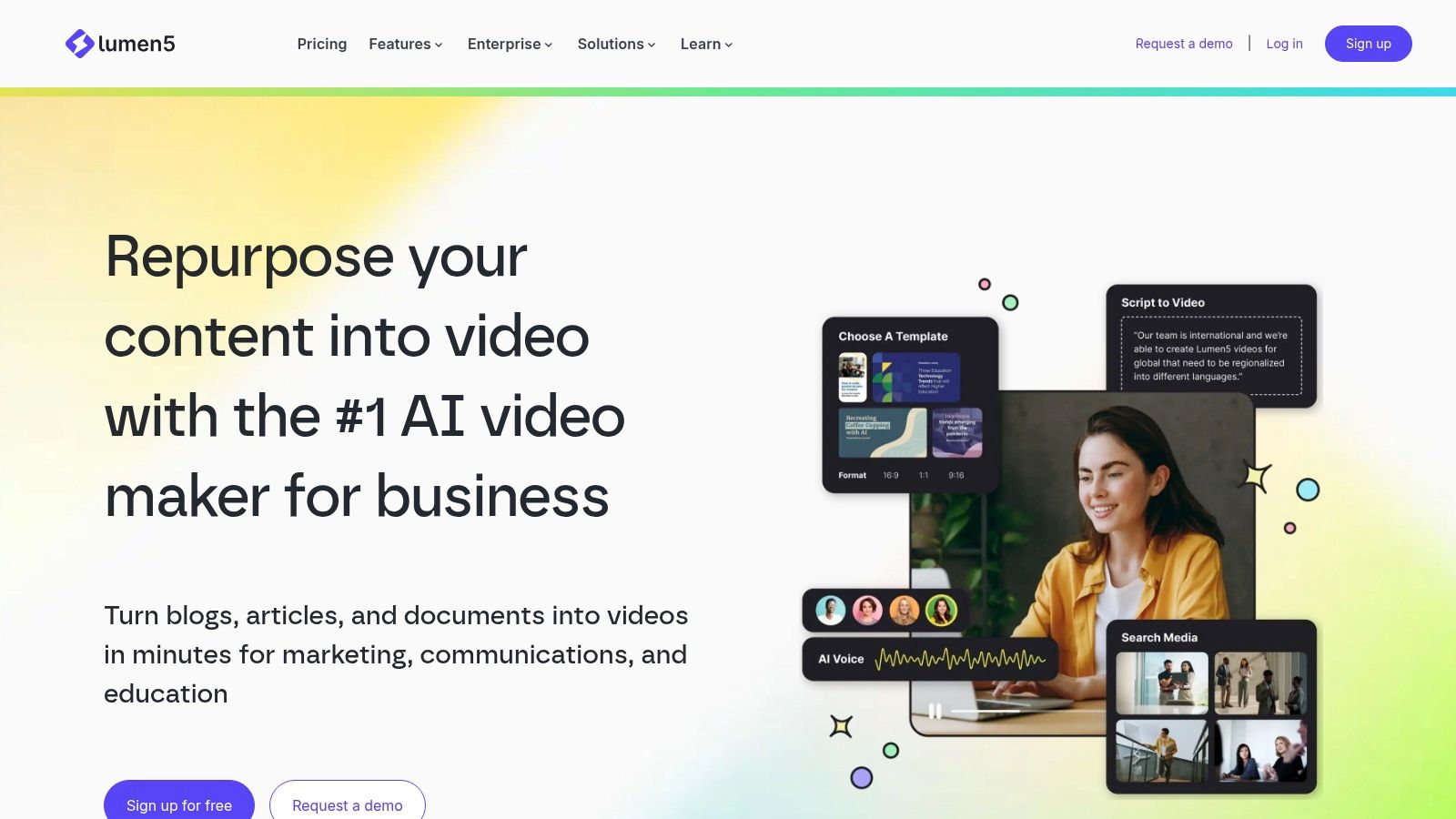
What makes Lumen5 stand out is its direct URL-to-video workflow. By simply pasting a link to an article, the AI drafts a video script and pulls key visuals, which can then be customized. For B2B content marketers, this process dramatically shortens the time it takes to convert a high-performing blog post into a shareable LinkedIn video or a series of Twitter clips. This focus on efficiency makes it one of the most practical tools for content-heavy brands.
Key Details & Best Use Cases
- Pricing: A free plan with watermarked videos is available. Paid plans start at $29/month (billed annually) for the Basic tier, with Professional and Enterprise plans offering more features.
- Best For: B2B marketers, content marketing teams, and publishers who need to repurpose written content into video format efficiently for platforms like LinkedIn, Facebook, and Twitter.
- Practical Tip: After pasting your URL, carefully review the AI-generated script. The AI does a good job, but you'll want to refine the text on each scene to ensure it matches the pacing and message you intend for a video format.
- Pros: Excellent for quickly repurposing long-form content, strong business-oriented brand controls, and an intuitive, template-driven interface.
- Cons: Higher-tier plans can be pricey for individuals or small creators; video customization is less flexible than a traditional video editor.
Website: https://lumen5.com
10. VistaCreate (formerly Crello)
VistaCreate operates as a strong, value-focused alternative in the graphic design space, offering a user-friendly, template-driven approach similar to its main competitors. It’s built for creators and marketers who need to produce a steady stream of attractive social media graphics, animations, and short videos without a steep learning curve. The platform's core strength lies in its massive, well-organized library of assets and templates that are ready to be customized.
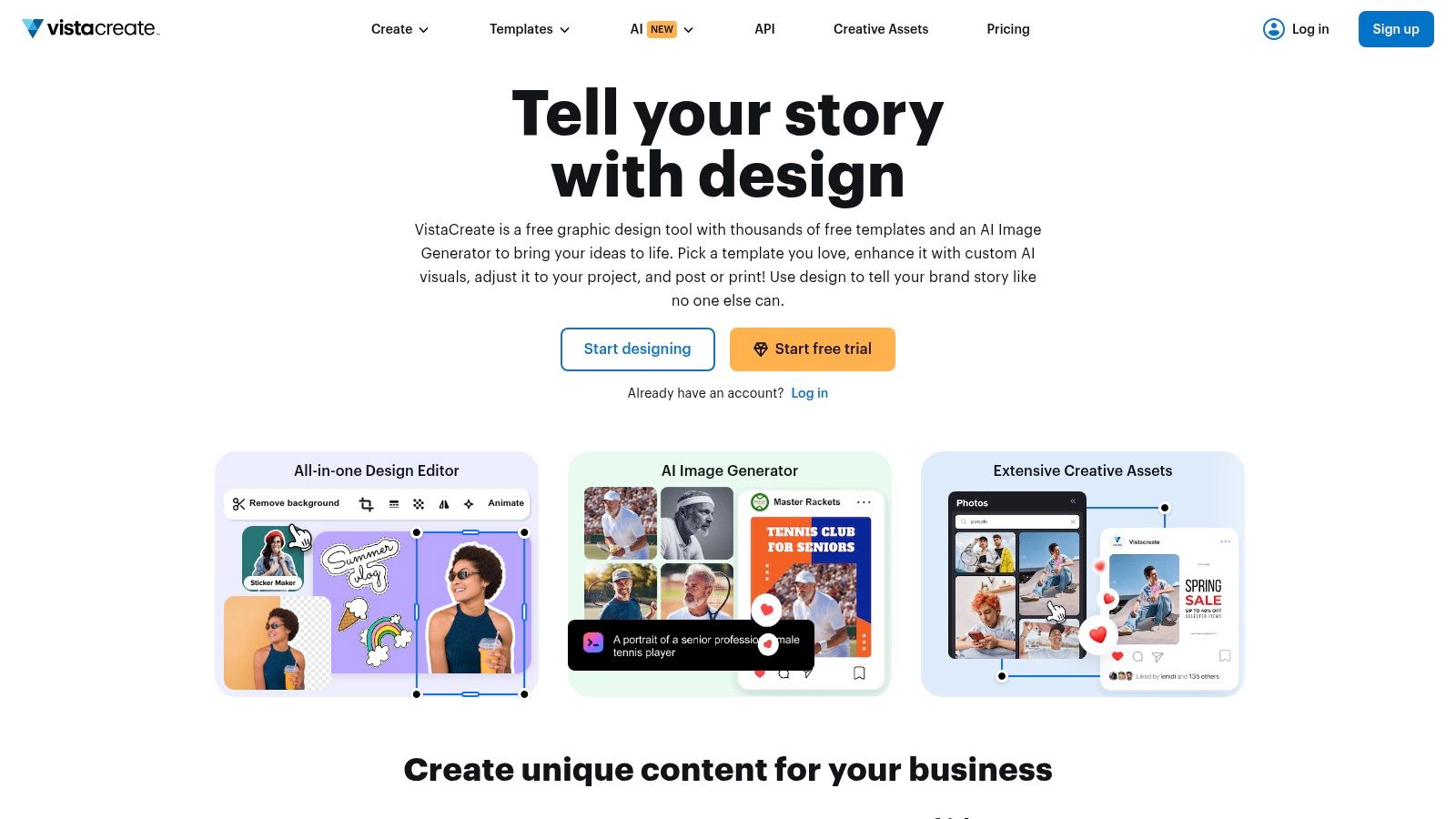
What makes VistaCreate a compelling choice is its Pro plan, which unlocks an enormous catalog of over 170 million royalty-free assets. This vast selection of photos, videos, and vectors provides exceptional creative freedom for its price point. While the interface is clean and functional, it focuses on core design needs like background removal and brand kit management, making it one of the most practical social media content creation tools for budget-conscious teams.
Key Details & Best Use Cases
- Pricing: A free Starter plan is available. The Pro plan is $13/month ($10/month when billed annually).
- Best For: Solopreneurs, small business owners, and social media managers looking for a cost-effective design tool with a gigantic asset library. It’s an excellent fit for those who prioritize content variety and speed over advanced, specialized features.
- Practical Tip: Explore the "Animations" category when creating designs. VistaCreate has a rich library of animated templates and objects that can make a static Instagram post or Story much more engaging with minimal extra effort.
- Pros: Extremely large stock asset library included with the Pro plan, familiar drag-and-drop editor, great value for money.
- Cons: The user interface is less polished than some market leaders; lacks the more advanced video editing and AI features of its larger competitors.
Website: https://create.vista.com
11. Snappa
Snappa positions itself as the antidote to complex and bloated design platforms, offering a refreshingly simple and fast way to create online graphics. It’s built for speed, making it perfect for social media managers and creators who need to produce high-quality visuals like blog banners, YouTube thumbnails, or social media posts without a steep learning curve. The platform provides perfectly-sized templates for all major social networks, removing the guesswork from image dimensions.
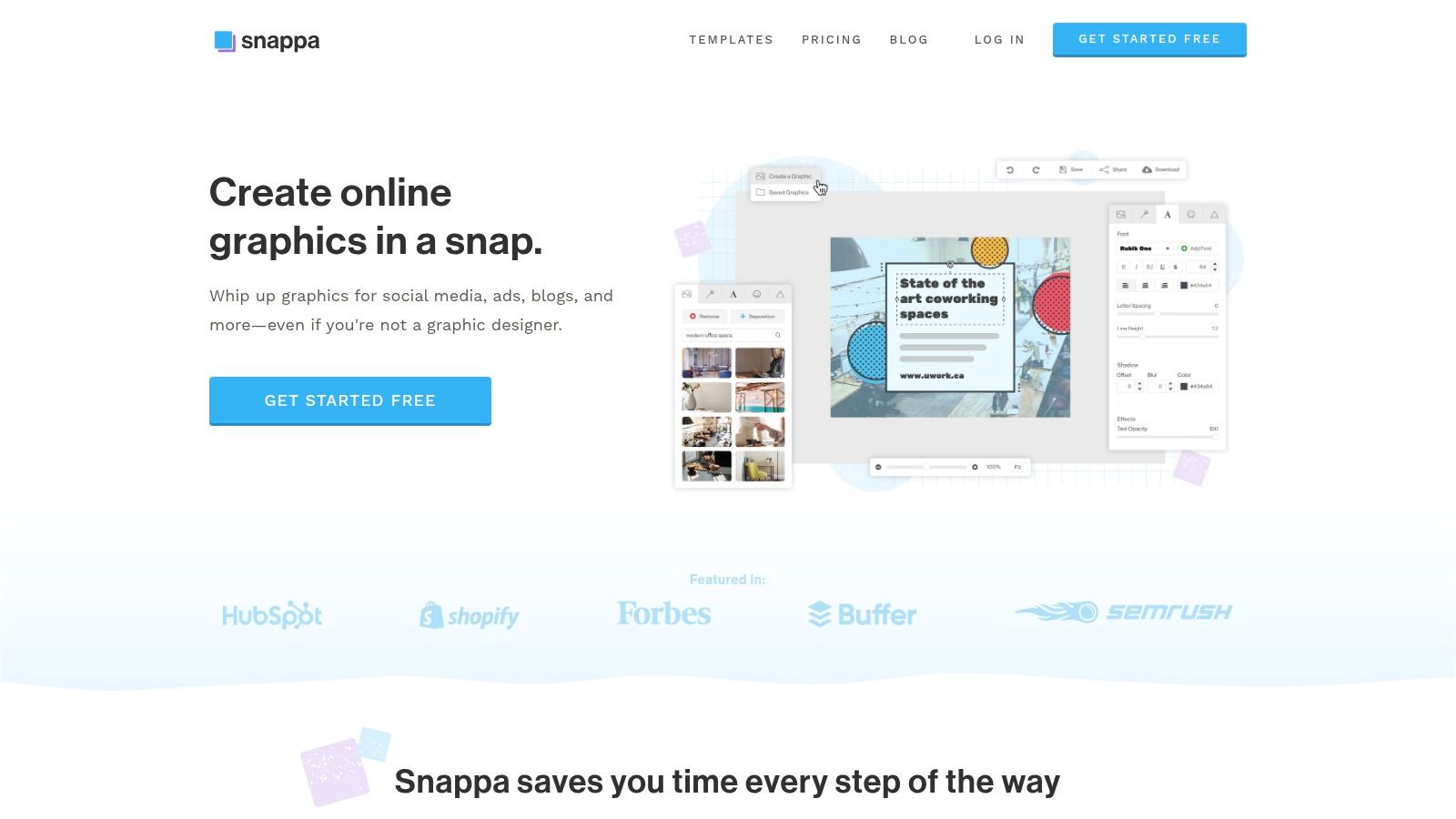
What makes Snappa a strong contender is its focus on efficiency for non-designers. Key features like the one-click background remover, a large library of royalty-free HD photos, and easy font uploads help users create professional-looking content in minutes. Its direct integration with Buffer allows for seamless scheduling of graphics as soon as they're created, closing the loop from creation to publication. This makes it one of the more straightforward social media content creation tools for rapid production.
Key Details & Best Use Cases
- Pricing: Free plan with limited downloads. The Pro plan is $15/month for one user, and the Team plan is $30/month for 5 users, both offering unlimited downloads.
- Best For: Solo content creators, bloggers, and small business owners who prioritize speed and simplicity over advanced features. It's an excellent choice for those who feel overwhelmed by more complex tools and just need to get quality graphics made quickly.
- Practical Tip: Connect your Buffer account directly within Snappa. After finishing a design, you can share it to your Buffer queue without ever leaving the platform, saving valuable time in your content workflow.
- Pros: Extremely easy to learn and use, affordable pricing structure with unlimited downloads on paid plans, direct integration with social scheduling tools.
- Cons: No video or animation capabilities, and it lacks the advanced AI-driven features found in larger competitors.
Website: https://snappa.com
12. Jasper
While visual tools handle the graphics, Jasper addresses the other critical half of the equation: the words. It's an AI writing assistant designed to generate on-brand marketing copy at scale, turning it into a powerful companion for social media teams. Instead of just producing generic text, it allows you to create specific Brand Voice, Knowledge, and Audience profiles, ensuring that every caption, hook, and call to action aligns with your established identity.
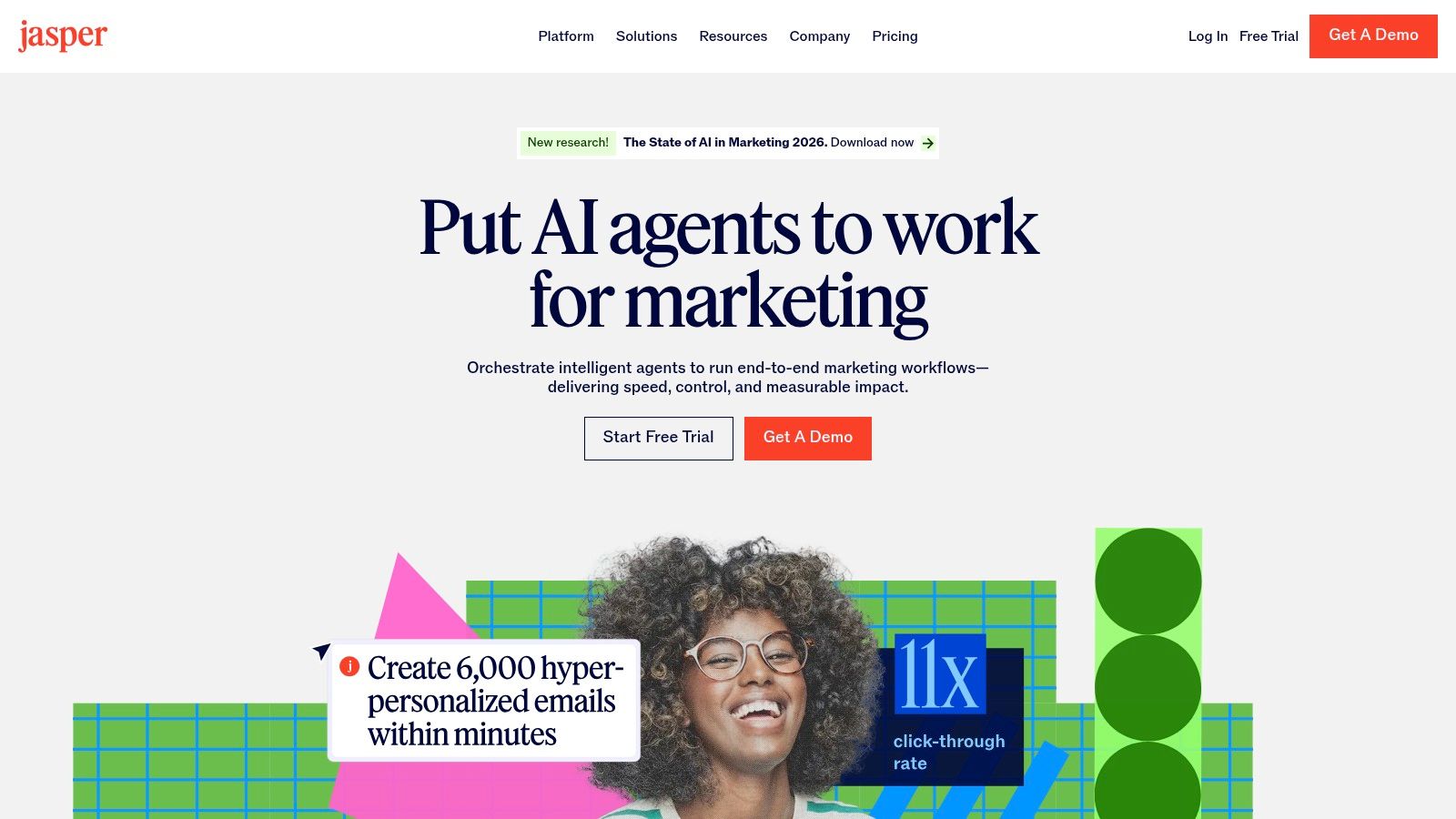
What makes Jasper stand out among the crowd of AI writers is its focus on marketing workflows. The Campaign Canvas, for example, helps you brainstorm and produce variations of a single idea for different platforms, from a short Twitter post to a more detailed LinkedIn update. This makes it one of the most practical social media content creation tools for executing multi-channel strategies efficiently and saving significant copywriting time.
Key Details & Best Use Cases
- Pricing: Starts with a Creator plan at $49/month. Pro and Business plans add features like Brand Voices, collaboration, and advanced security.
- Best For: Marketing teams, social media managers, and agencies who need to produce high volumes of short-form copy like captions, CTAs, and ad variations. It's especially useful for maintaining a consistent brand voice across multiple writers and platforms.
- Practical Tip: Spend time "training" your Brand Voice by uploading marketing materials like blog posts, website copy, and brand guidelines. The more context Jasper has, the less editing you'll have to do on the generated outputs.
- Pros: Strong at creating short social copy and ad variations, on-brand controls reduce editing time for teams, integrates well into broader marketing workflows.
- Cons: Requires a separate subscription from your primary design or video tools, the quality of output is highly dependent on the quality of your prompts and brand inputs.
Website: https://www.jasper.ai
One Recording, Five Posts
The cheapest content you will ever produce is content you already made. A single 30-minute recording reliably yields a week of posts.
The order matters: transcribe first, then decide what to cut. Scrubbing through audio looking for good moments takes far longer than reading for them.
Top 12 Social Media Content Creation Tools — Feature Comparison
Building Your Ultimate Content Creation Toolkit
Navigating the extensive list of social media content creation tools can feel overwhelming. We've explored everything from all-in-one design platforms like Canva and Adobe Express to specialized video editors such as CapCut and Descript. The central truth is that no single application can solve every problem for every creator. The goal is not to find one perfect tool, but to build a personalized and efficient 'stack' that aligns with your specific workflow, budget, and content strategy.
Your ideal toolkit is a direct reflection of your content pillars. A brand focused on educational long-form video might make Descript its cornerstone, using HypeScribe to transcribe recordings into blog posts, email newsletters, and quote graphics. Conversely, a B2C company targeting a younger demographic on TikTok and Instagram might prioritize CapCut for its trend-driven templates and effects, pairing it with Snappa for quick, no-fuss graphics. The most effective approach is to identify your primary content format and build your toolset around it.
From Individual Tools to an Integrated System
The real power emerges when you stop seeing these applications as standalone solutions and start connecting them into a seamless workflow. This is where strategic repurposing becomes a game-changer. A single recorded webinar, for instance, is not just one piece of content. When processed through a transcription and editing tool, it can be systematically deconstructed into dozens of assets.
Consider this practical workflow:
- Record: Host your webinar or client call.
- Transcribe: Upload the recording to HypeScribe to get a clean, speaker-labeled transcript.
- Repurpose: Identify key quotes, data points, and compelling stories from the transcript.
- Use those quotes in Canva to design a week's worth of shareable graphics.
- Pull short, impactful video clips using Descript's text-based editor and format them for Reels or Shorts.
- Turn a key section of the transcript into a detailed LinkedIn article or blog post.
- Use Jasper to expand on a specific point from the discussion for a deeper-dive thought leadership piece.
- Team Size & Skill Level: Is this for a solo creator or a large team? A tool with a steep learning curve might be a poor fit for a team needing to produce content quickly, whereas a power user might feel limited by a simpler interface.
- Primary Content Format: Do you produce more video, static images, or written content? Prioritize tools that excel in your most important format. While some tools do a bit of everything, specialists often deliver better results for their core function.
- Budget & Scalability: Start with free trials to test the workflow. Does the pricing model fit your current budget, and can it scale as your needs grow? Be realistic about which premium features you will actually use.
- Niche Content Needs: Sometimes, your strategy requires a highly specific type of content. If your brand voice relies on humor and relatability, for example, supplementing your core tools with a specialized AI meme generator can help you quickly create engaging, on-trend visuals that resonate with your audience.
This integrated system transforms one hour of work into a rich, multi-platform content calendar, saving you immense time while ensuring brand consistency.
Making Your Final Selection: Key Considerations
Before committing to a subscription, it’s critical to assess each tool against your unique needs. Don't just chase the most popular option; choose the most practical one. Ask yourself a few key questions:
Ultimately, the best social media content creation tools are the ones that remove friction from your process, allowing you to focus on creativity and strategy rather than technical hurdles. Start small, perhaps with a powerful design tool and a solid transcription service. Master that workflow, then gradually add new applications as your strategy evolves. By being intentional and strategic, you can build a content creation engine that not only works but works wonders for your brand.
Repurposing starts with a transcript. HypeScribe turns a podcast episode, webinar or interview into text with the key points already pulled out — the raw material for a week of posts. Try it free: three files a month, no card required.


































































































