How to Transcribe a YouTube Video to Text (The Easy Way)
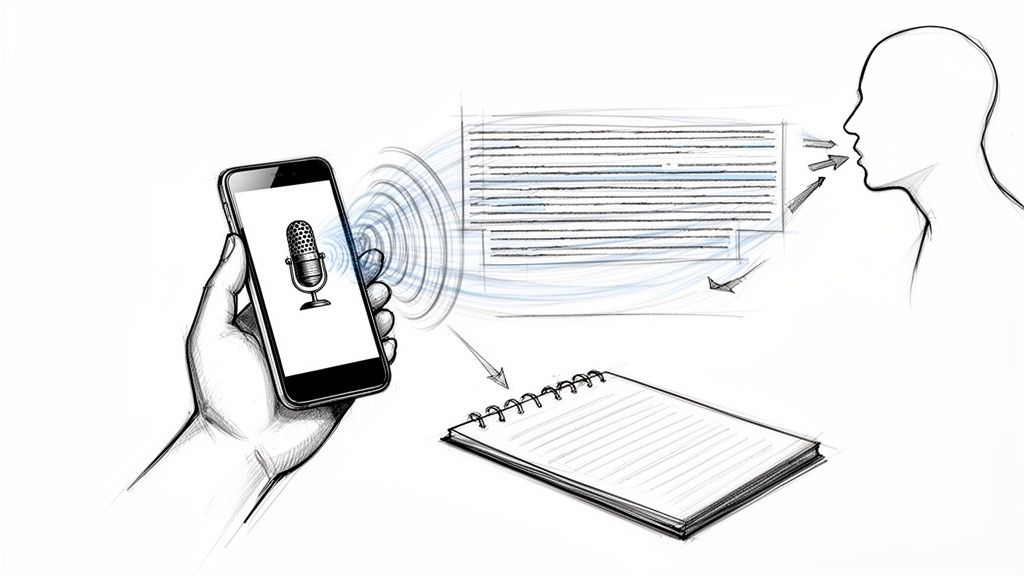
If you need to get a text transcript from a YouTube video, you could use YouTube's built-in feature. But from my experience, for real speed and accuracy, an AI transcription service is by far the most efficient way to go. These tools are built for this exact task—you just paste a video link and get back a clean, formatted transcript in minutes.
Why Bother Transcribing YouTube Videos?
Turning a YouTube video into text isn't just a technical task; it's a smart strategy for growth, accessibility, and content marketing. I've found that while video might be king, the written word still holds incredible power, especially when it comes to search engines and reaching people who consume content differently. A transcript makes your video’s content completely discoverable by search crawlers, which can’t “watch” a video but can easily index text.
This simple act opens up your content to a whole new world of organic search traffic. But beyond SEO, transcribing serves a huge, often overlooked audience. Think about how people actually watch videos today:
- Accessibility for All: Transcripts and captions make your content accessible to viewers who are deaf or hard of hearing, ensuring your message lands with everyone.
- Silent Viewers: Lots of people watch videos on mute—on the train, at the office, or in other quiet places. A transcript lets them follow along without ever hitting the volume button.
- Enhanced Learning: For educational or complex topics, a transcript is a game-changer. It allows viewers to review key information, search for specific terms, and really dig into the material.
The Data Behind Transcription's Impact
The benefits here aren't just theoretical; they show up in the numbers. With over 500 hours of content uploaded to YouTube every minute, creators need every possible edge to stand out.
Research shows that captioned videos can get 7.32% more lifetime views, and some studies report that captions can attract 40% more views overall. This makes perfect sense when you consider that around 69% of viewers watch videos with the sound off in public.
For creators and marketers, these numbers mean better performance. Even a small percentage increase in views or watch time on a platform where over a billion hours are watched daily is a massive win for reach and impact.
A Foundation for Content Repurposing
Perhaps the biggest win of all is that a transcript is the ultimate starting point for content repurposing. That one video can be spun into dozens of other assets. For a deeper dive, check out this guide on how to get a transcript from a YouTube video for captions and SEO, which really unpacks its versatility.
With the text in hand, you can effortlessly create blog posts, social media updates, email newsletters, and even ebooks. This approach multiplies the value of your original video production efforts. You can learn more about how to do this effectively with these content repurposing strategies and get the most out of every single piece you create.
What Are My Options for Transcribing a Video?
So, you need to turn a YouTube video into text. What's the best way to do it?
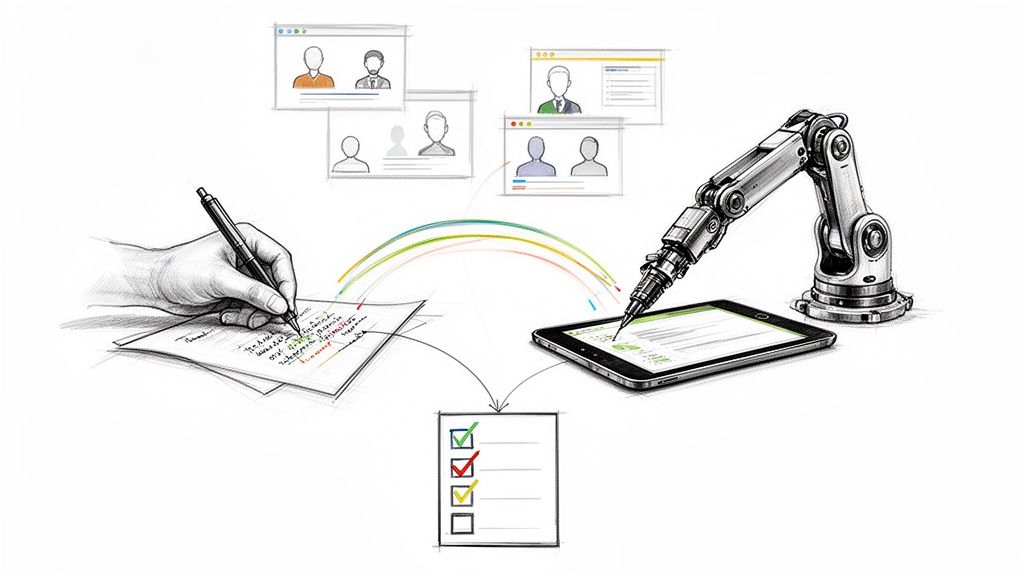
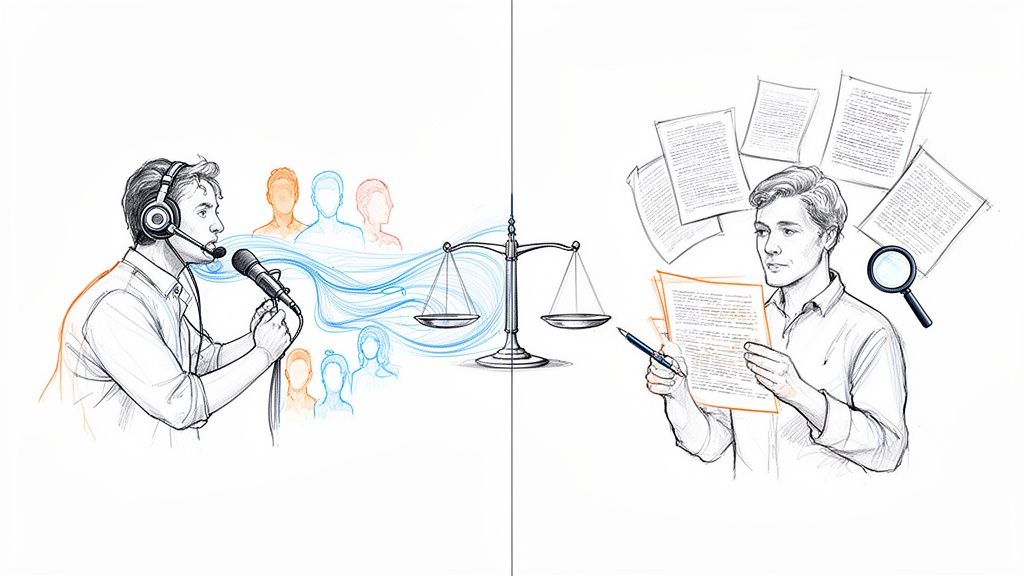
Honestly, it all boils down to what you're trying to achieve and what you value most: speed, accuracy, or keeping your costs low. You've got a few different routes you can take, from using YouTube's own tools to rolling up your sleeves and typing it out, to letting a dedicated AI service do the heavy lifting. Each has its pros and cons.
The right path really depends on your end goal. Are you just grabbing a quote? Do you need simple captions? Or are you repurposing the video into a full-blown blog post? This little decision tree can help you visualize the workflow and pick the smartest approach for your project.
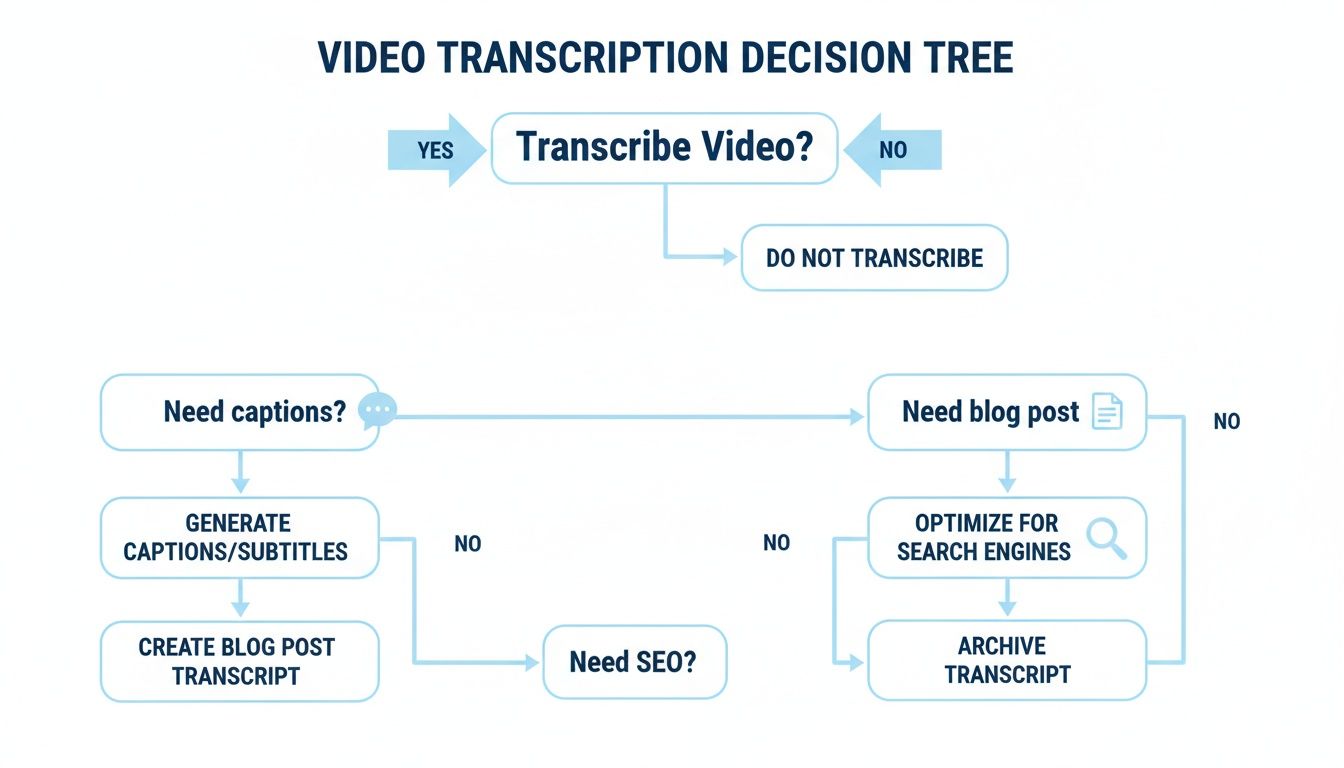
As you can see, the why behind your transcription project points you toward the right balance of speed and precision.
Method 1: Using YouTube's Built-In Transcript
For a quick, no-frills option, YouTube's own auto-generated transcript is a decent place to start. It’s free and already there. Just click the three dots below the video player and hit "Show transcript."
But let's be real—it comes with some big catches:
- Hit-or-Miss Accuracy: The auto-captions can be all over the place. They often get tripped up by accents, complex industry terms, or even just a few people talking at once.
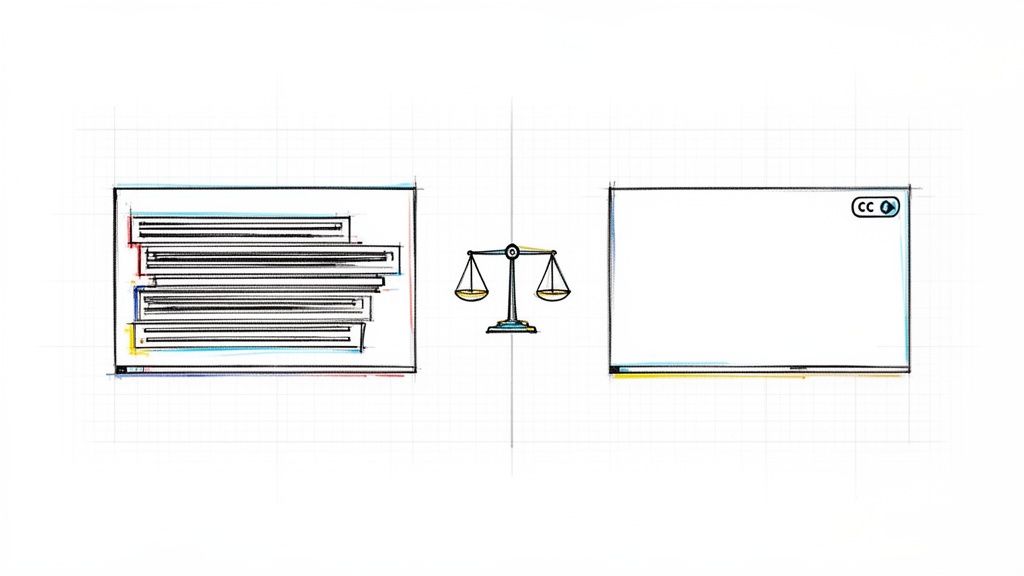
- A Wall of Text: The output is usually a giant, unformatted block of words. Forget about proper punctuation or paragraph breaks. This makes it a real pain to read, let alone use for anything serious.
- The Cleanup Crew is You: You’ll have to copy it all, paste it into a document, and then spend a good chunk of time manually fixing everything.
Method 2: The Old-Fashioned Manual Transcription
The classic method is just what it sounds like: you play the video and type out every word you hear. This approach gives you 100% control over the final text, guaranteeing flawless accuracy and perfect formatting from the get-go.
This is a solid choice for very short clips where every single word has to be perfect—think a critical legal deposition or a powerful customer testimonial for your website.
The huge, glaring downside? It takes forever. A professional typist might need four or five hours to transcribe just one hour of video. For the rest of us, that makes manual transcription a non-starter for anything longer than a couple of minutes.
Method 3: The Power of AI Transcription Services
This is where things get interesting. Modern AI-powered transcription services like HypeScribe have completely changed the game. These tools are built specifically to turn audio and video into text quickly, accurately, and without breaking the bank. You just paste a YouTube link, and the AI gets to work.
The shift here is massive. A decade ago, getting a professional human transcription could set you back over $120 per hour of audio. Today, AI services deliver results that are just as good (and often better) for a tiny fraction of that cost, frequently dropping below $15 per hour. That's a staggering 87.5% reduction in price.
This change, paired with accuracy rates that now consistently top 95%, has made it practical for creators, marketers, students, and businesses to finally transcribe their entire video libraries.
Key Takeaway: AI tools do more than just transcribe. Modern services often include features like automatic speaker labeling, easy timestamp removal, and even AI-generated summaries. They turn a raw transcript into a polished, usable document you can put to work immediately.
YouTube Transcription Methods Compared
To help you decide at a glance, here’s a quick head-to-head comparison of your main options.
Ultimately, for anyone who needs to regularly convert YouTube videos into text, an AI service is the clear winner, offering the best blend of accuracy, speed, and affordability.
For a deeper dive into the different AI tools available, check out our guide on the best AI transcription software to find the one that fits your workflow perfectly.
How to Transcribe a YouTube Video Using an AI Tool
If you need a reliable transcript from a YouTube video, especially for longer content, using a dedicated AI transcription service is the way to go. Forget spending hours typing it all out by hand or trying to clean up YouTube's often-garbled auto-captions. These tools are built specifically for one thing: turning speech into clean, accurate text with almost no effort on your part.
Let's say you want to turn a one-hour podcast interview from YouTube into a blog post. Manually, that’s a huge time sink. With an AI tool, it's a completely different story.
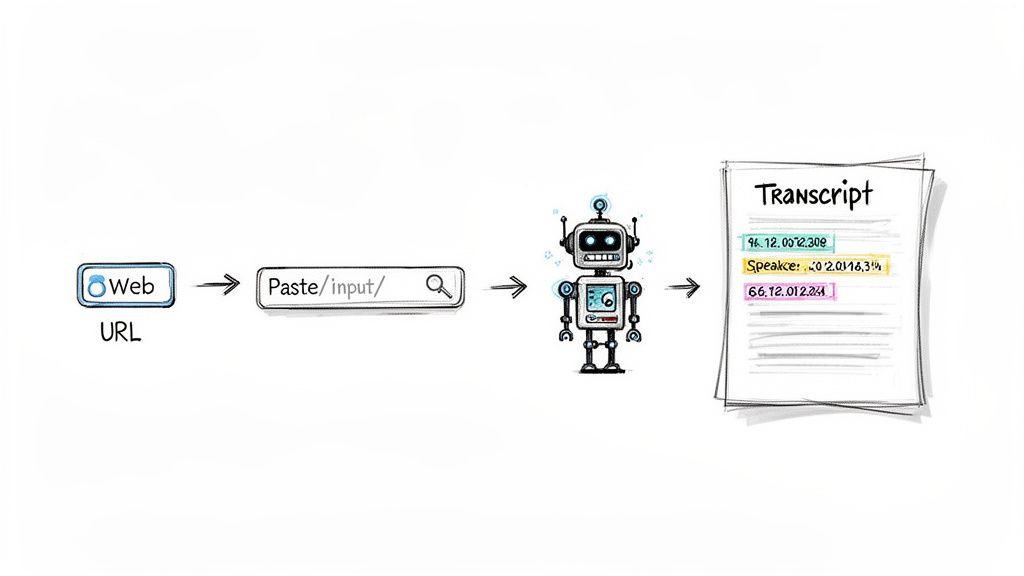
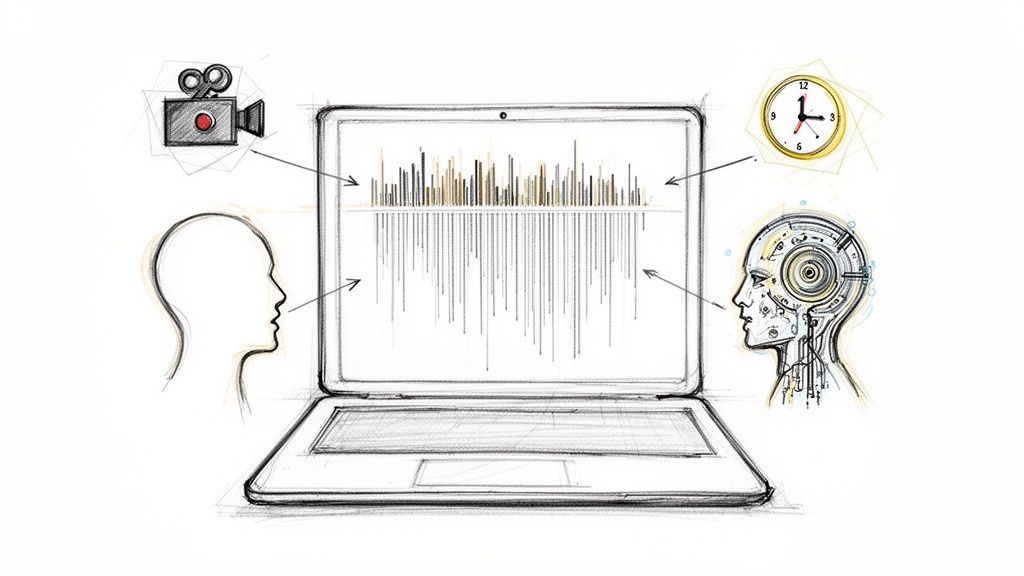
Most modern services, including our own HypeScribe, work on a simple premise: you give it the source, and the AI does the heavy lifting. Instead of the four or five hours it might take you to type everything out, the entire transcript is often ready in less than a minute. This completely changes the game, turning a tedious chore into a quick step in your content creation process.
From YouTube URL to Usable Text
The magic of using an AI service really shines with its link-based workflow. You don't need to download huge video files or fuss with any extra software.
- First, just go to the YouTube video you want to transcribe and copy the URL from your browser's address bar.
- Next, head over to your transcription tool and find the spot to paste a YouTube link. Pop it in there.
- Finally, hit the transcribe button. That's it. The AI gets to work, pulling the audio from the video and converting it into text behind the scenes.
This method isn't just for public videos, either. If you're a creator with private or unlisted content, you can simply download your video file and upload it directly. Your content stays secure, and you still get the same fast, accurate transcript. If you're curious about other options, you can explore more ways to convert audio to text to see what fits your project best.
The real value here isn't just getting the raw text. It’s about getting a structured, feature-rich document that you can actually use right away—not just a giant wall of words.
Understanding the AI-Powered Output
What you get back from a good AI service is light-years ahead of YouTube's basic transcript. The AI doesn't just recognize words; it understands the flow of a conversation, which is a massive help for making sense of the content.
Here are a few key features that make a real difference:
- Speaker Identification (Diarization): This is a lifesaver. The AI can automatically tell who is speaking and label them. For our podcast example, it would clearly mark lines from the "Host" and the "Guest," saving you a ton of editing time.
- Accurate Timestamps: Every word or paragraph gets a timestamp, linking it directly to that moment in the video. This is incredibly useful for creating subtitles or pulling specific quotes without scrubbing through the entire video.
- High Accuracy: When the audio quality is decent, today's AI can hit up to 99% accuracy. It’s surprisingly good at catching names, jargon, and complex sentences that older tech would stumble over.
This combination of speed, accuracy, and smart features gives you a clean, organized, and searchable document. The hours you save can be put back into what actually matters: creating great content, sharing key insights, or documenting important meetings.
Editing and Polishing Your AI-Generated Transcript
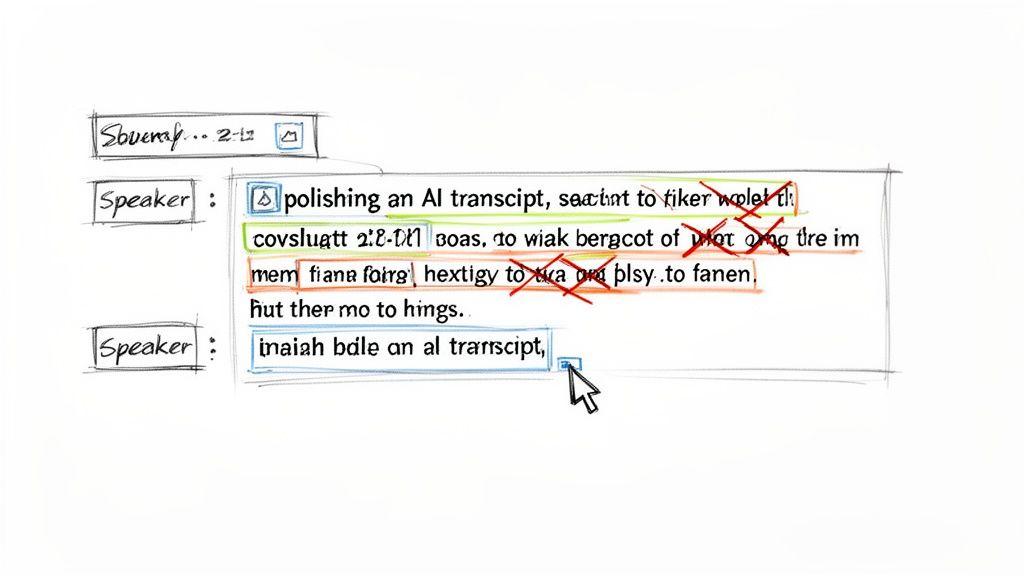
An AI transcript will get you 95% of the way there, but that last 5% is where a human touch really shines. This is your opportunity to catch the subtle mistakes that even the most advanced AI can overlook, transforming a good draft into a flawless final document.
Think of it this way: the AI does the grunt work, saving you hours of tedious typing. Your role is to come in at the end for a quick quality check, ensuring the text is perfect for its intended use, whether that's a blog post, video captions, or detailed meeting notes.
Fine-Tuning for Accuracy and Clarity
Modern AI transcription tools, including HypeScribe, are built for this. They usually feature an interactive editor that links the text directly to the video's audio. As you read through the transcript, you can just click on any word to hear the exact moment it was spoken. This makes verifying and correcting any errors incredibly fast.
Here’s what I typically look for during my review pass:
- Proper Nouns and Jargon: AI often stumbles on unique company names (like "HypeScribe" itself), niche brand names, or industry-specific acronyms. A quick find-and-replace usually cleans these up in seconds.
- Homophones: This is a classic AI slip-up. Words that sound the same but mean different things—like "their," "there," and "they're"—are easy for a human to spot but tricky for a machine. Reading for context is the only way to catch them.
- Filler Words: To make a transcript more readable and professional, I always do a quick search for conversational fluff like "um," "uh," and "you know." Removing these instantly tightens up the text.
The point of this editing stage isn’t to re-do the AI’s work. It's about making small, high-impact tweaks. You can often polish an hour-long transcript in just 5-10 minutes, making sure it’s accurate and ready to go.
If you want to dive deeper into refining machine-generated text, these practical tips for humanizing AI content are a great resource.
Formatting Your Final Transcript
Once the content is accurate, the last step is to format it for its final destination. This really depends on what you plan to do with it.
For instance, if you transcribe a YouTube video to text to create subtitles, you’ll definitely want to keep the timestamps. They're essential for syncing the words with the video. On the other hand, if you're turning the video's content into an article or podcast show notes, you’ll want to remove the timestamps for a cleaner, more natural reading experience. Most tools have a simple toggle for this.
Finally, double-check that speaker labels are clear, especially if multiple people were talking. It’s also a good idea to break up any dense blocks of text into shorter, more readable paragraphs. With those finishing touches complete, you can export your polished transcript as a TXT, PDF, or Word file and start putting your content to work.
Handling Complex Videos with Multiple Languages or Speakers
Let's be honest, transcription gets messy. The real world isn't a single person speaking clearly into a microphone. You'll run into panel discussions with people talking over each other, interviews with thick accents, or even videos where speakers switch languages mid-sentence.
These scenarios can feel like a transcription nightmare, but this is where modern AI tools really show their worth. The secret isn't just hitting "transcribe" and crossing your fingers. A little bit of setup and knowing what features to look for makes all the difference.
Tackling Multiple Languages and Accents
Most high-quality AI services, including platforms like HypeScribe, can handle a huge range of languages and dialects. Before you upload anything, dig into the language settings. For instance, if you're transcribing someone with a strong Scottish accent, choosing "English (UK)" instead of the default "English (US)" can dramatically improve the accuracy. It's a small tweak that pays off big.
What about videos where speakers jump between, say, Spanish and English? Some of the smarter platforms can actually detect and transcribe both languages in the same file. This is a game-changer. It means you don't have to run the video through the transcriber twice, once for each language, and then try to stitch it all together manually.
Mastering Videos with Multiple Speakers
If you're transcribing anything with more than one person—interviews, podcasts, focus groups—look for a feature called speaker diarization. That’s the fancy term for the AI’s ability to figure out who is speaking and when.
Without it, you get a confusing block of text. With it, the transcript is neatly organized and easy to read:
- Speaker 1: "Welcome back to the podcast. Today, we're discussing..."
- Speaker 2: "Thanks for having me. I'm excited to dive in."
This feature alone will save you hours of painstaking manual editing. Once the AI has done the heavy lifting, you can just go in and replace the generic labels like "Speaker 1" with actual names.
Pro-Tip: The single best thing you can do for an accurate transcript is to start with good audio. Clear voices with minimal background noise give the AI clean data to work with, which is the foundation for a great result.
Pushing through these complex transcription jobs is more than worth the effort. Think about it: about 65% of people turn to YouTube to find solutions. A clean transcript makes your content accessible to everyone—people who are deaf or hard of hearing, non-native speakers, or even just someone watching with the sound off.
This wider accessibility translates directly into better performance. Data shows that captioned videos can get up to 40% more views and see a 7.32% increase in lifetime views. You can dig deeper into these stats over at Designrr.io.
A Few Common Questions About Transcribing YouTube Videos
When you start turning videos into text, a few questions always seem to pop up. You might be wondering about the legal side of things, how good the AI really is, or simply what the fastest way to get it done is. Let's clear up some of the most common queries.
Is It Actually Legal to Transcribe a YouTube Video?
This is a big one, and the answer really boils down to what you plan to do with the text.
If it's just for your own use—say, for personal study notes, research, or grabbing quotes for a school project—you're generally in the clear. This kind of personal use typically falls under the fair use doctrine. You're not trying to pass off the work as your own or make money from it.
But the lines get drawn pretty clearly if you want to go public. If you plan to publish the full transcript on your website, include it in a commercial product, or use it for any kind of profit, you absolutely need permission from the video's creator. Using their work without consent is a copyright violation. The golden rule? When in doubt, stick to transcribing your own videos or get explicit permission first.
How Good Is AI Transcription Compared to a Human?
I've seen AI transcription tools evolve firsthand, and modern services are incredibly good. For videos with clear audio, it's not uncommon to see accuracy rates hitting up to 99%. That's easily on par with—and often faster than—a professional human transcriber. AI shines when the speaker is clear and there isn't a lot of background chatter.
Of course, it's not flawless. The AI can sometimes get tripped up by:
- Thick accents or multiple regional dialects
- Lots of background noise or music
- People talking over each other
- Very specific industry jargon or brand names
Even in these trickier situations, the AI transcript is usually still a fantastic starting point, often over 90% correct. All it takes is a quick 5-10 minute read-through to clean up any small mistakes and perfect the text.
It's not just about accuracy, though. The real magic of AI is getting that high level of accuracy at a fraction of the cost and time. For most people, that combination makes it the best choice.
Can I Get a Transcript for a Private or Unlisted Video?
Yes, but you usually can't just paste the link. Most online tools that work by pasting a YouTube URL need the video to be public or unlisted so their system can access it. A private video will just throw up an error.
Thankfully, there's a simple way around this. If you have a private video you need to transcribe, the best method is to download the video file to your computer first. Once you have the MP4 file saved on your hard drive, you can just upload that file directly to the transcription service. This completely bypasses the URL issue and keeps your private content secure while the AI does its work.
What's the Absolute Fastest Way to Transcribe a Long Video?
Hands down, an AI-powered service is the only answer here. It's not even a close race. A tool like HypeScribe, for instance, can take a full one-hour video and return a complete, timestamped transcript in less than a minute.
Think about the alternatives. Typing it out yourself would take hours, even for a fast typist. Trying to clean up YouTube's own auto-captions is a frustrating mess of copying, pasting, and fixing formatting. For anyone working with long videos like interviews, podcasts, or lectures, AI transcription saves an incredible amount of time and effort. It's a total game-changer for efficiency.
Ready to turn your YouTube videos into perfect text in just a few clicks? HypeScribe uses powerful AI to give you lightning-fast transcripts, summaries, and key insights. Stop the manual work and start focusing on what matters. Try HypeScribe today and see the difference.