
12 Free Action Items Templates for 2026 (Excel & Notion)

Every meeting produces decisions, and about half of them evaporate before anyone opens a task tracker. An action items template is the cheapest fix: a fixed set of columns — task, owner, deadline, status — that forces vague agreement into something someone is on the hook for.
Below are 12 places to get one, grouped by how you work: downloadable spreadsheets (Smartsheet, Vertex42, ProjectManager), workspace platforms where the list lives next to your projects (Notion, ClickUp, Confluence), visual and design-first options (Miro, Canva), formal document formats (eForms), and AI tools that write the list for you straight from the meeting audio (HypeScribe).
For each one: what it actually gives you, what it costs, and the limitation worth knowing before you commit.
1. HypeScribe
HypeScribe fills the template in for you. Instead of a blank document, you get an action items template generated from the meeting itself — upload the recording or let the bot sit in the call, and the list of tasks comes back written, with the context of who said what.
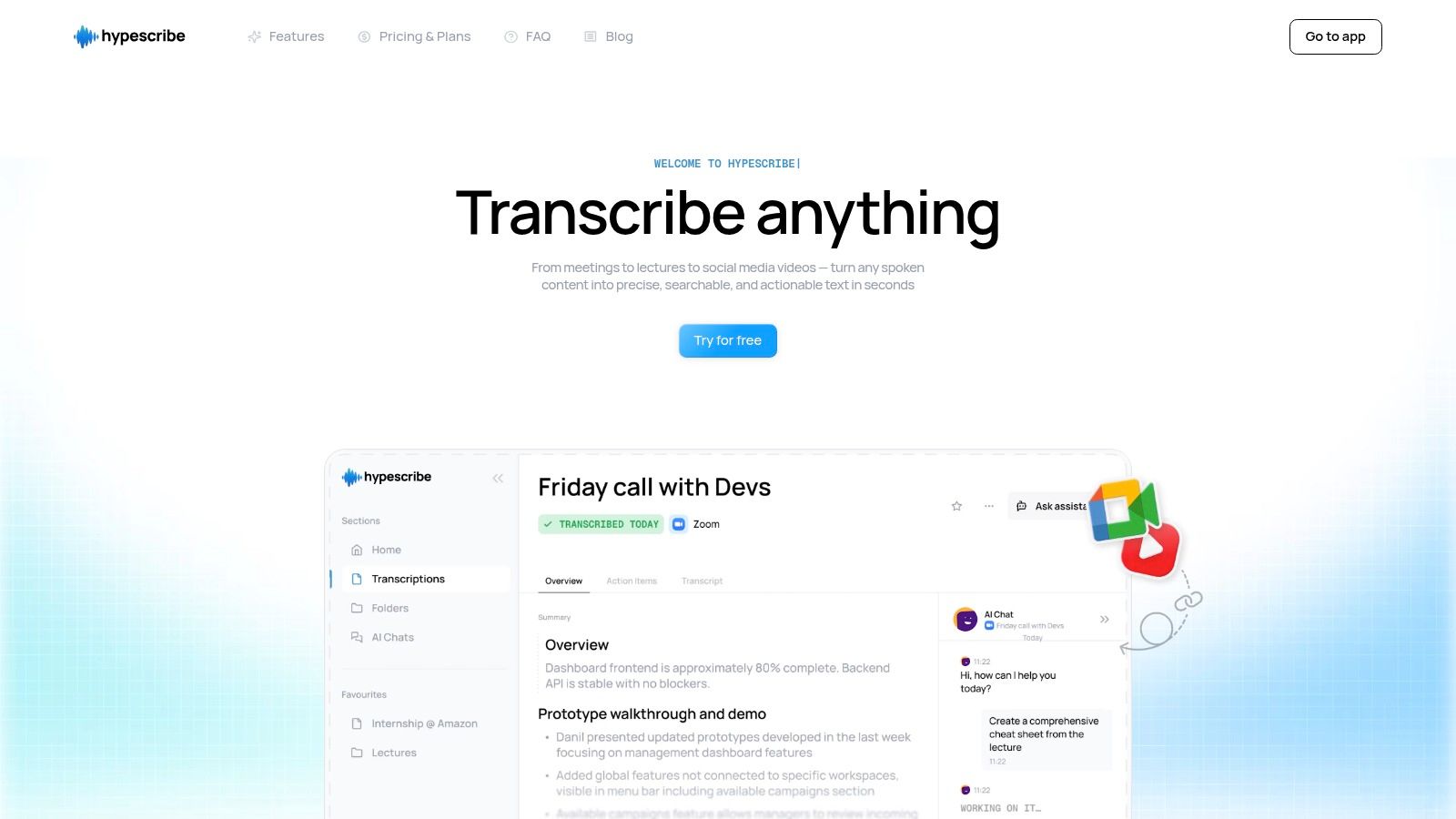
It reads the dialogue — live or from a recording — pulls out the decisions, and turns them into a structured list you can export to Google Docs, Word, or PDF. The point is not saving typing time: it is that nothing said out loud quietly fails to make it onto the list.
Key Features & Use Cases
- AI-Powered Action Item Generation: HypeScribe's AI analyzes transcripts to automatically identify and list tasks, deadlines, and assigned individuals, creating a ready-to-use action plan.
- Live Meeting Integration: It connects directly with Zoom, Google Meet, and Microsoft Teams to transcribe and summarize discussions as they happen, ensuring no action item is missed.
- Multi-format Export: Users can easily export the generated action items and full transcripts to various formats (Docs, Word, PDF, TXT), so the list lands wherever your team already works.
It handles 99+ languages and holds up on imperfect audio, which matters for distributed teams recording calls on whatever hardware they have.
Practical Implementation
The free plan covers 3 transcriptions a month, no card required. Paid plans start at $6.99/month on a token system: one token per file regardless of length, so a three-hour workshop costs the same as a 10-minute standup. The limitation is the flip side of that — if you record many short clips, three free files disappear fast. For more on the approach, see AI meeting minutes.
Website: https://www.hypescribe.com
2. Smartsheet
Smartsheet keeps a library of free action item trackers in Excel, Google Sheets, Word, and PDF. If your team lives in spreadsheets, or you want something working today before evaluating project management software, start here.

There are variants for specific situations: board meeting action items, project action logs, and a RAID matrix (Risks, Assumptions, Issues, Decisions). Each template comes with a clear, logical structure, including pre-defined columns for owner, due date, priority, and status, reflecting best practices in task management.
Key Features and Insights
- Variety of Formats: Immediate access to Excel, Google Sheets, Word, and PDF files caters to nearly any team's software preference.
- Specialized Templates: Beyond a generic action items document, Smartsheet provides variants for specific scenarios like board meetings and project risk management.
- Ease of Access: All templates download free, with no sign-up.
The main limitation is that these are static files. For dynamic tracking and collaboration, you would need to use them within Smartsheet's own software, which the site subtly promotes.
Link: Smartsheet Action Items Templates
3. ProjectManager
ProjectManager.com gives away a free action items template for Excel. It is a plain tracker with the fields you need and nothing you don't — task ID, owner, priority, status, notes.
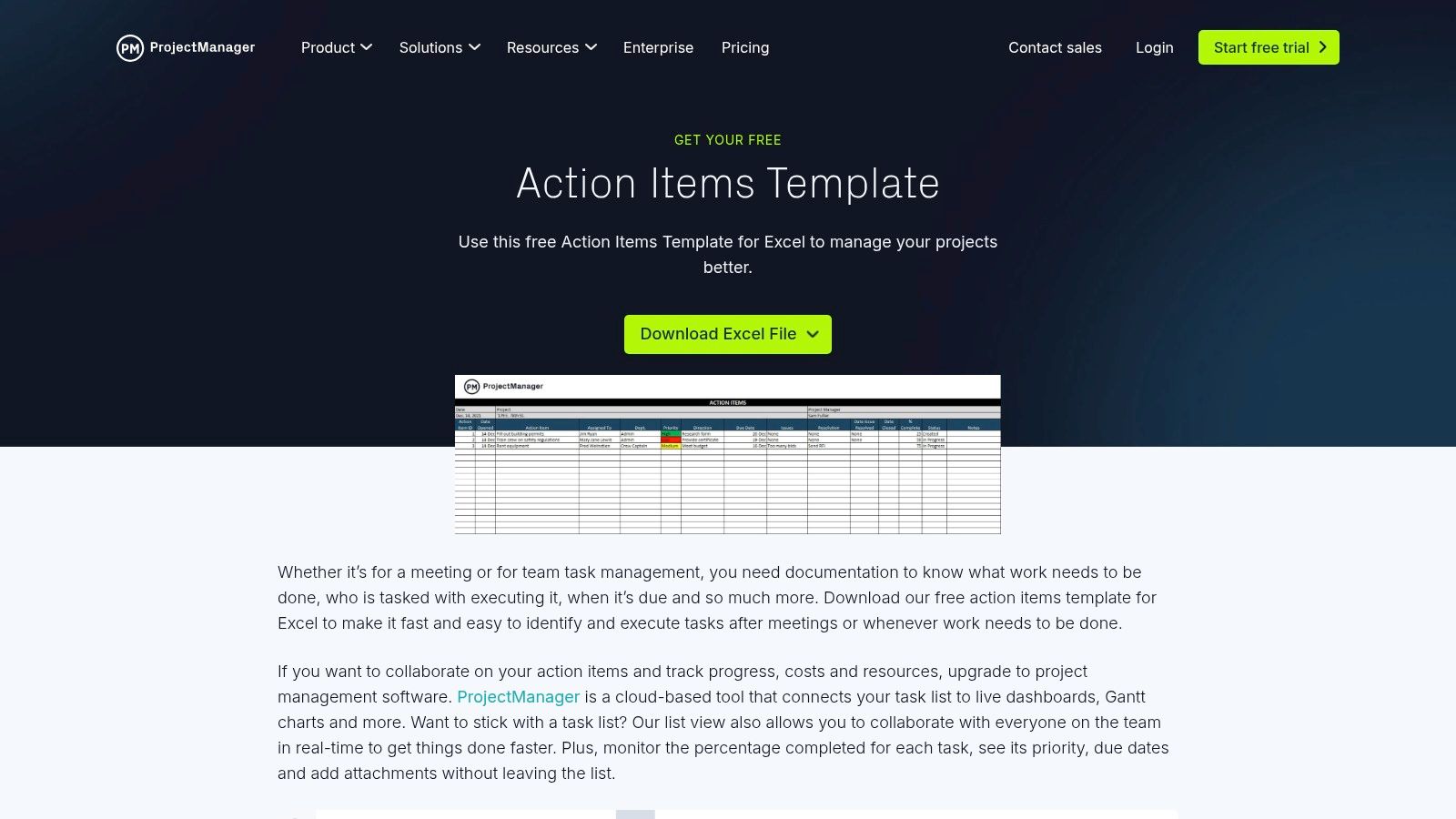
The reason to pick this one over any other Excel file: your data imports straight into ProjectManager's own software later, with Gantt charts and dashboards, so the spreadsheet is not a dead end. This is especially useful for teams that need to capture action items during video calls; you can learn how to record a Teams meeting to ensure no detail is missed.
Key Features and Insights
- Ready-to-use Excel tracker: task ID, owner, priority, status, and notes, ready to fill in.
- Educational Context: The site offers helpful content on how to effectively manage action items within a broader project management framework.
- Upgrade path: the spreadsheet imports into their cloud software when you outgrow it.
The primary limitation is its single-format offering, as it's only available for Excel. True collaborative features and advanced tracking are locked behind the paid software subscription.
Link: ProjectManager Action Items Template
4. Vertex42
Vertex42 makes carefully built spreadsheets — action item documents in Excel and Google Sheets, in two flavours: a plain tracker, and a version with a JAM (Just-A-Minute) ranking system for prioritising tasks inside the meeting notes themselves.
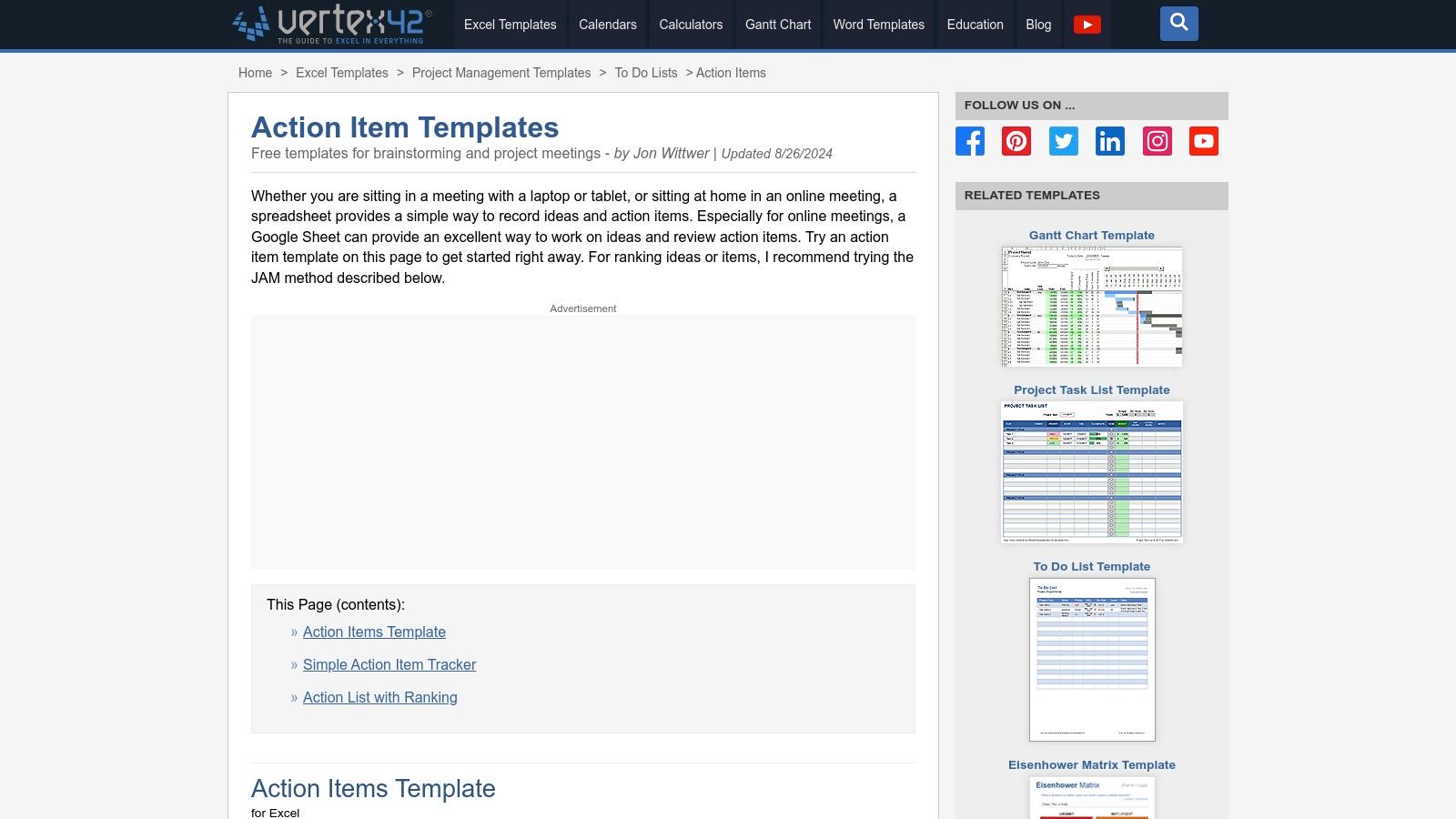
Each template comes with documentation — including how the built-in formulas for status and ranking work, which is rare for a free download. The Google Sheets version supports live editing and comments for remote teams. Free for private use.
Key Features and Insights
- Practical Variants: Offers templates for simple tracking and a unique JAM ranking system to help teams prioritize action items during meetings.
- Formulas Included: Spreadsheets come with pre-built formulas that automate status updates and calculate task rankings, saving manual effort.
- Documented: each template ships with instructions, not just the file.
- Collaboration-ready: the Google Sheets versions support live co-editing and comments.
The primary limitation is its spreadsheet-only format, which lacks the dynamic, integrated features of a dedicated project management platform. The license also restricts any form of redistribution or commercial resale.
Link: Vertex42 Action Items Templates
5. Notion
Notion takes the opposite approach to a downloadable file: meeting notes and tasks live in the same workspace, connected. Users can start with a pre-built meeting notes template or create their own, embedding a task database directly within the page. This setup allows teams to capture action items in real-time during discussions and immediately assign owners and due dates.
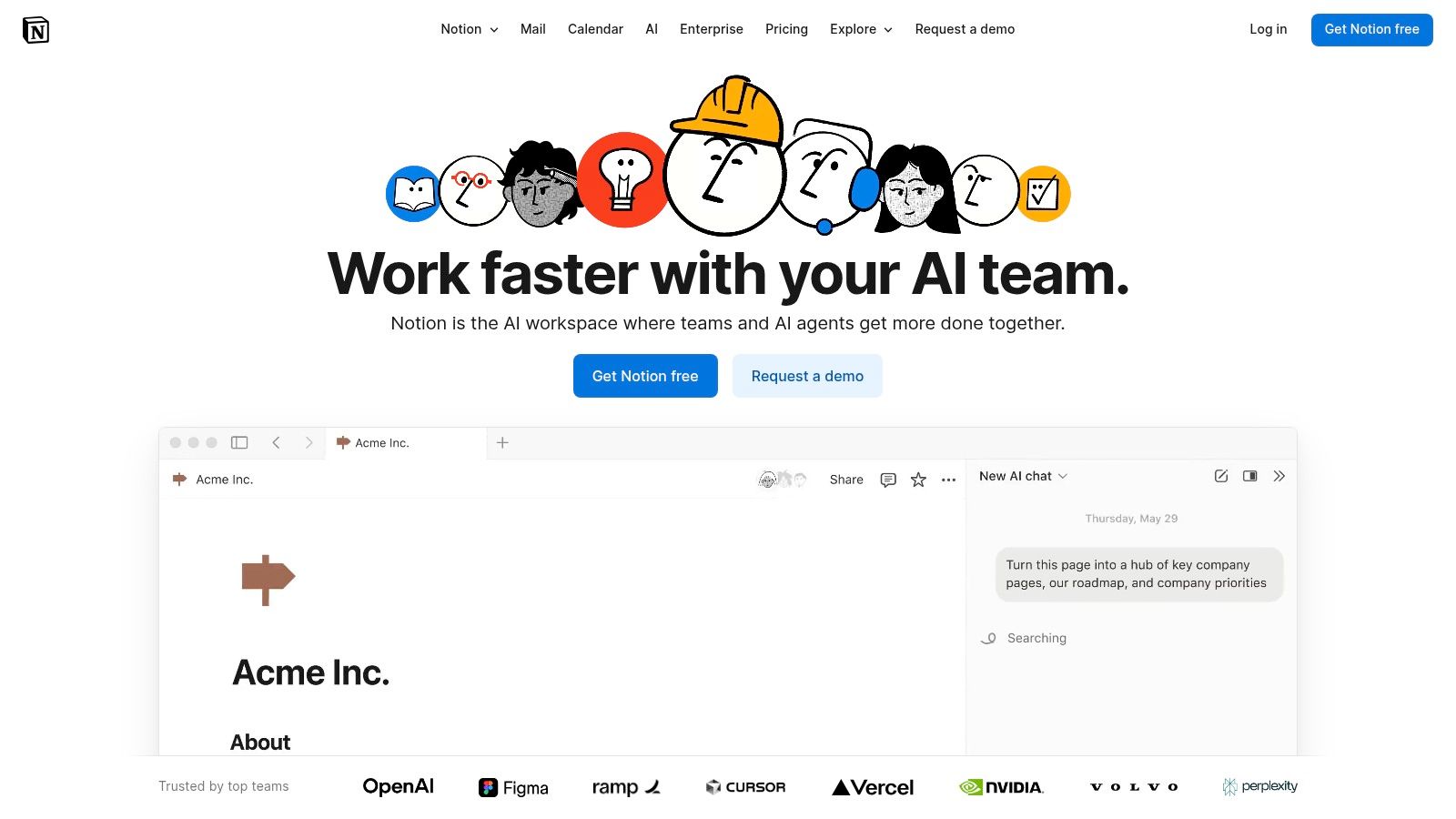
The payoff is relational databases: an action item created in one meeting's notes also appears on the master team task list, so nothing is stranded in an isolated document. With filters, each person can build a dashboard showing only their own items across every meeting.
Key Features and Insights
- One workspace: meeting notes connect to a central task database, so nothing is copied between apps.
- Relational Databases: Allows action items to be viewed both in the context of a specific meeting and on a master project or team task board.
- Extensive Customization: Templates can be easily duplicated and modified, with a vast community library offering inspiration and ready-to-use solutions.
- For existing Notion teams: live collaboration and notifications come along for free.
The primary limitation is the initial setup. Linking databases and creating filtered views requires a learning curve, making it less of a quick, downloadable solution and more of an investment in building a system.
Link: Notion Template Gallery
6. ClickUp
ClickUp's Template Center has action registers, meeting minutes, and SMART action plans — not files you download, but templates that become live tasks inside the platform, linked to your projects from the first day.
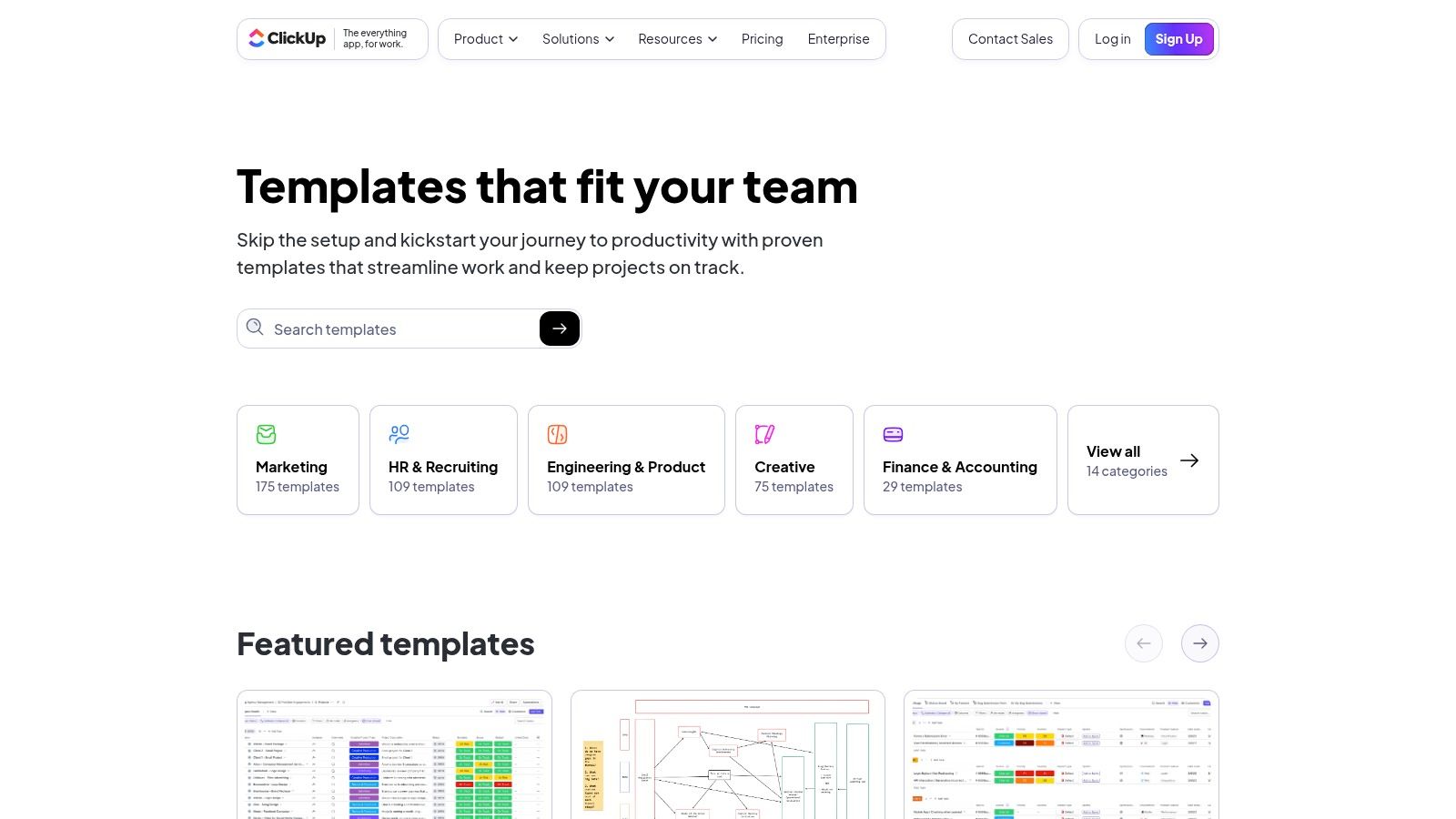
Templates arrive with fields for owner, source meeting, and progress, and you can add or change fields freely — useful for teams whose process shifts every quarter. For example, by integrating these templates with automated meeting notes from the best online transcription service, teams can ensure no action item from a discussion is ever missed.
Key Features and Insights
- Linked to projects: action registers and minutes become real tasks tied to your boards.
- Highly Customizable: Users can easily modify templates with custom fields, statuses, and automations to match their team’s workflow.
- Free Tier Access: Core templates are available on all plans, including the generous free tier, making it accessible for small teams and startups.
The main limitation is that the templates provide the most value when used within the full ClickUp platform. For those not wanting to adopt a new project management tool, the learning curve for its advanced features might be a drawback.
Link: ClickUp Templates
7. Miro
Miro puts the action items on a whiteboard instead of in a table. Its "Meeting Action Items" template is a canvas the team fills in during the call — which fits workshops and creative sessions, where tasks need to stay visually connected to the ideas that produced them.
Several people can add, edit, and comment at once — the main thing a static document cannot do. The template still carries the standard fields: owner, due date, priority, status. This format makes it easy to link action items directly to related meeting notes, diagrams, or project boards, keeping everything in one interconnected workspace.
Key Features and Insights
- Visual format: tasks sit next to the brainstorm that produced them.
- Real-Time Teamwork: Multiple users can work on the template at the same time, perfect for capturing action items during a live meeting.
- Integrated Workspace: Easily link your action items to other Miro boards, documents, and assets for a holistic project view.
A key limitation is the free plan, which restricts users to only three editable boards. For teams managing multiple projects, a paid subscription becomes necessary to fully leverage Miro’s capabilities.
Link: Miro Meeting Action Items Template
8. Atlassian Confluence
Confluence builds the action items template into its "Meeting Notes" blueprint, and turns the notes into a searchable archive. It pays off mainly for teams already running Jira. Decisions and task assignments live in the same document as the discussion notes.
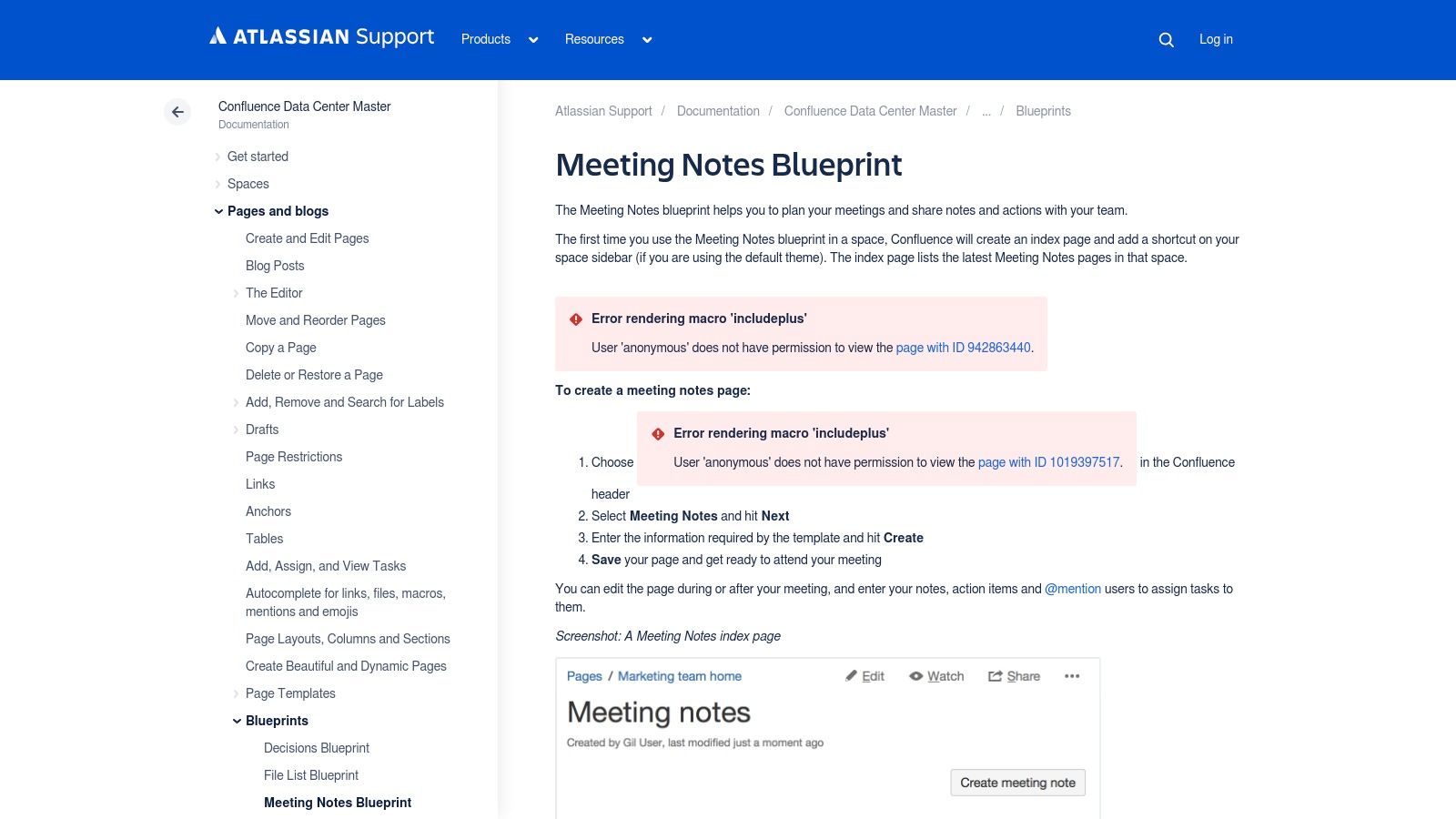
Assign items with @mentions and set due dates during the meeting; from there they either stay in Confluence or sync to Jira as tickets. Every past decision stays searchable — useful six months later when someone asks why.
Key Features and Insights
- Integrated Task Management: Assign tasks with @mentions and due dates directly within meeting notes, which can sync to Jira projects.
- Structured Blueprints: The Meeting Notes template provides a professional, pre-formatted structure for decisions and action items.
- Searchable Knowledge Base: Confluence indexes all notes, making it simple to find past decisions and track the history of action items.
The primary limitation is its ecosystem-centric design. While powerful, its full benefits are best realized when used with other Atlassian tools, which may not suit every organization.
Link: Atlassian Confluence Meeting Notes Blueprint
9. Canva
Canva's angle is looks. Its meeting minutes and agenda designs include action item sections, and the output is a branded document you can send to a client or a board without embarrassment.
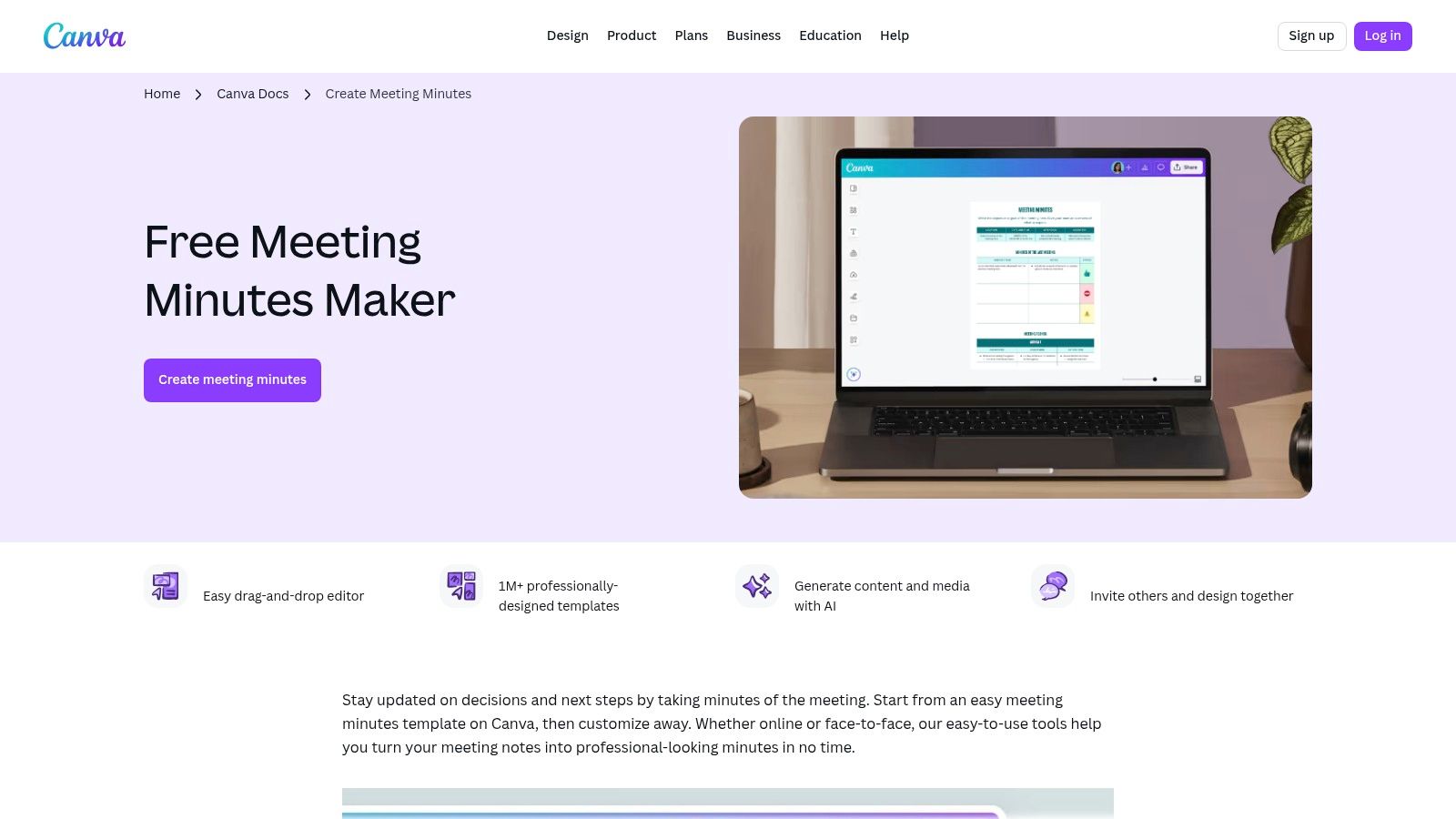
The drag-and-drop editor lets anyone swap logos and colours to match brand guidelines with no design skills. The layouts separate agenda points, decisions, and next steps, so the action items stay readable.
Key Features and Insights
- Designer-made: a large library of layouts that present action items in a finished document.
- Easy Customization: The intuitive drag-and-drop editor allows for quick branding with custom logos, fonts, and colors.
- Multiple Export Options: Documents can be easily downloaded as a PDF for printing, sharing via email, or embedding in presentations.
The primary limitation is that Canva creates static documents. While excellent for recording and distributing action items, the platform does not offer dynamic tracking or real-time status updates. For active management, these action items must be transferred to a dedicated project management tool.
Link: Canva Meeting Minutes Templates
10. eForms
For teams requiring a formal, document-centric approach, eForms provides a free and downloadable action items record integrated within a classic meeting minutes format. It specializes in producing official-looking documents suitable for board meetings, committees, or any setting where a compliant, traditional record is necessary. The templates are available in Word, PDF, and ODT, ensuring broad compatibility with standard office software.
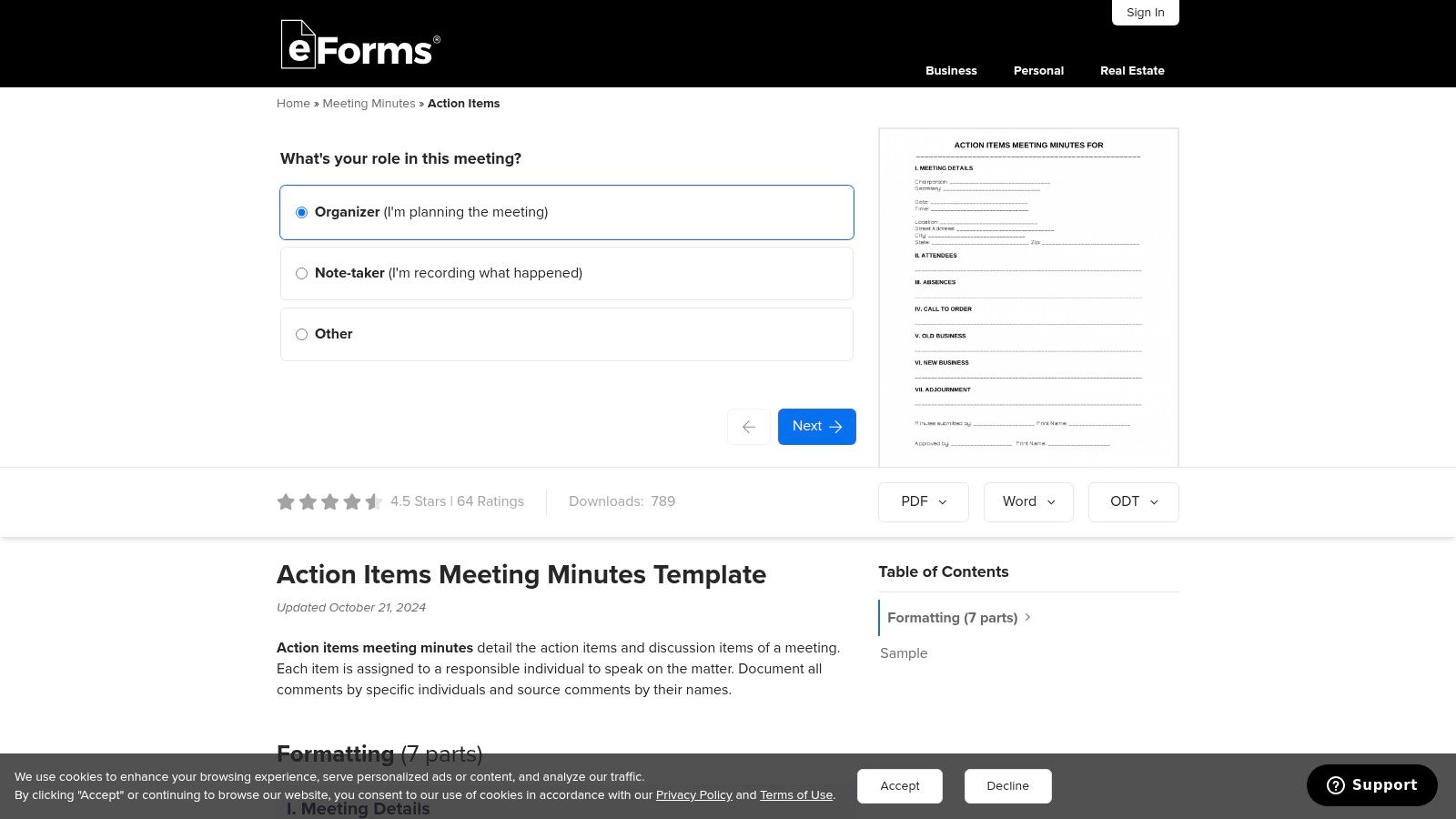
The layout follows formal minutes conventions: meeting details, attendees, motions passed, then an action items table with task, owner, and deadline. Built for records that get archived, not for tracking work in flight.
Key Features and Insights
- Formal Document Formats: Access to Word, PDF, and ODT files makes it perfect for official record-keeping.
- Structured for Compliance: The layout covers what formal minutes require, including action assignments.
- Free: immediate download, no sign-up.
The primary limitation is the static nature of these documents. They are not designed for live collaboration or real-time status updates, serving more as a record of what was decided rather than a dynamic project management tool.
Link: eForms Meeting Minutes with Action Items
11. Lucid Meetings
Lucid Meetings treats action items as outputs of a meeting rather than free-floating tasks, and covers the whole lifecycle from agenda to post-meeting report. So instead of a static action items template you get a system that captures them live.
Items are assigned during the call, so nobody leaves unclear on what they took on. Automated follow-up emails and open items carried into the next agenda handle the part most teams forget.
Key Features and Insights
- Live Capture: Action items can be assigned and documented in real-time during a meeting, directly linked to the relevant agenda topic.
- Automated Follow-Up: The system sends automated reminders and includes open action items in subsequent meeting agendas to drive completion.
- Spreadsheet Integration: Users can import and export action items in bulk using CSV or XLSX formats, bridging the gap between the platform and other tools.
The primary limitation is its focus on meeting-centric workflows. It’s best suited for organizations needing to improve meeting productivity, but may be too structured for teams seeking a simple, standalone task tracker.
Link: Lucid Meetings
12. Etsy
Etsy is an unexpected but real source: thousands of independent designers sell downloadable templates in Word, Excel, and Google Docs. Worth a look if standard corporate layouts do not fit your brand or taste.
Styles run from minimalist to colourful, and the range covers simple agendas with an action log up to full planner bundles. You pay once instead of subscribing, and seller reviews give you some quality signal before buying.
Key Features and Insights
- Wide Variety of Styles: Access thousands of unique, artist-designed templates that cater to niche aesthetic and branding requirements.
- Instant Digital Downloads: Files are available immediately after a small, one-time payment, often including Word, PDF, and Google Docs versions.
- Seller Reviews for Quality: Built-in user ratings help you assess the quality and usability of a template before committing to a purchase.
The primary limitation is that these are static files created by different sellers, so quality and functionality can vary. They are designed for print or manual digital entry rather than live, collaborative tracking within a dedicated software ecosystem.
Link: Etsy Meeting Agenda Templates
Action Items Template Tools Comparison
How to Choose the Right Action Items Template for Your Team
The best tracker is the one your team will actually open on Monday. A print-friendly Vertex42 sheet is right for a weekly huddle and wrong for a multi-stage software project with dependencies — that one needs Confluence or ClickUp.
Four questions that narrow it down
1. Is manual note-taking your biggest bottleneck?
If the primary challenge is capturing accurate notes and action items from spoken conversations, then automation is your answer. Manually transcribing meetings is time-consuming and prone to error.
- Your best bet: HypeScribe — it transcribes the meeting, labels who spoke, and extracts the action items, so nobody has to take notes instead of participating.
2. Is your workflow centered around spreadsheets?
Many teams operate efficiently within a spreadsheet environment. If your processes are already built on grids, rows, and columns, there’s no need to introduce a completely new system.
- Your best bet: Start with Smartsheet for a powerful, database-like spreadsheet experience or Vertex42 for simple, effective, and free Excel and Google Sheets templates.
3. Are action items part of a larger project management ecosystem?
When action items are deeply connected to broader project timelines, tasks, and documentation, you need an integrated platform. A standalone template means you'll constantly be transferring information between systems.
- Your best bet: Consider full project management hubs like ProjectManager, ClickUp, or Notion. These tools allow you to link action items directly to project boards, wikis, and task cards, creating a single source of truth.
4. Is visual collaboration and presentation critical?
For brainstorming sessions, creative reviews, or client-facing presentations, the visual layout of your action items can be as important as the content. A text-heavy list can stifle creativity and engagement.
- Your best bet: Turn to visual-first platforms like Miro for infinite whiteboard collaboration or Canva to design polished, professional-looking action item lists that are easy to share and understand.
Whichever you pick, the template only works if filling it in is easier than not filling it in. That is the real test — not the feature list.
If the hard part is capturing items in the first place, HypeScribe writes them for you: upload the recording or let the bot join the call, and get back a transcript, a summary, and the action items template already filled in. Try it free — 3 files a month, no card required.



































































































