Transcribe video to text online: A Quick, Accurate Guide

Getting a text version of your video online is surprisingly simple. From my experience, the process is straightforward: you upload your video file or paste a link from a platform like YouTube into an AI-powered service. I personally use HypeScribe for this. The tool processes the audio, and in just a few minutes, you get a complete, editable transcript. It's that easy. Spoken words become a searchable, reusable asset you can work with immediately.
Why Transcribing Your Videos Is a Core Content Strategy
Before we get into the step-by-step, let's talk about why this is so critical. Turning video into text is no longer a niche task just for accessibility compliance. It’s become a core strategy for anyone who creates content—journalists, marketers, researchers, and educators.
Imagine turning a two-hour webinar recording into a fully searchable document. Instead of scrubbing through the video, you can instantly find that one crucial quote you need. That's the real magic of modern transcription—it unlocks the value trapped inside your video files.
Turning Locked-Up Content into Flexible Assets
The true power isn’t just getting the text; it’s what you can do with it afterward. A video file keeps all its valuable information trapped inside. A transcript sets it free.
Here’s what that looks like in practice:
- Create More Content, Faster: That one video can now be the starting point for a dozen other assets. Spin it into blog posts, social media snippets, email newsletters, or even training guides.
- Get Found on Google: Search engines are great at reading, but they can't watch a video. A transcript provides keyword-rich text for them to crawl, helping your content appear in search results.
- Make Your Content Accessible to Everyone: Transcripts are essential for people with hearing impairments and help you meet important legal guidelines, like the WCAG 2.2 AA standard.
- Help Your Team Work Smarter: For remote teams, meeting transcripts are a game-changer. Anyone can scan for action items or key decisions without having to re-watch the entire recording.
It's not just about accessibility, either. Many people simply prefer reading. One survey found that 46% of people read transcripts because they’re short on time, and 55% use them to quickly check if a video is even worth watching.
This shows that transcripts have become valuable content in their own right. They give people a faster, more direct way to get the information they need.
The Shift to Automated Tools is Unstoppable
The move toward automated transcription isn't just a fleeting trend. We’re seeing a fundamental change in how businesses and creators manage their information. Slow, manual transcription is being replaced by AI solutions that are faster, cheaper, and often just as accurate.
The numbers back this up. The global AI transcription market is expected to explode from $4.5 billion to a staggering $19.2 billion by 2034. That’s a compound annual growth rate of 15.6%. You can learn more about the AI transcription market's growth and see what it signals for the future of content.
In the end, tools like HypeScribe take a simple process and turn it into a massive advantage, unlocking efficiency and value you might not have even realized was there.
How to Transcribe a Video to Text: A Proven Workflow
Alright, let's get down to the practical steps to transcribe video to text online. I'll walk you through a reliable workflow using HypeScribe as our guide, focusing on the steps that I've found lead to a polished, accurate transcript every single time.
Believe it or not, the process starts before you even think about uploading a file.
Your final transcript is only as good as the audio you feed the AI. I've learned that spending just a few minutes on prep work makes a world of difference, saving a ton of editing headaches later. If your recording has a lot of background hum or wildly different volume levels, a quick cleanup is worth its weight in gold.
For audio that needs a little more TLC, it helps to know how to get audio from video and clean it up. Giving the AI a clean source is the single best thing you can do for accuracy.
Getting Your Video into the System
Once your file is ready, you need to get it into HypeScribe. Thankfully, modern tools know that your content lives in different places, so they give you a few flexible options. You don't always have a neat MP4 file sitting on your desktop.
This quick table shows the different ways you can import your content, making it easy to choose the right method for your situation.
HypeScribe Input Methods for Maximum Flexibility
Personally, I use the URL paste function all the time for transcribing educational webinars or conference talks from YouTube. It completely skips the download step and gets me straight to the text.
Configuring Your Transcription for the Best Results
After your video is in the system, you get to the most important part: telling the AI what it's listening to. Nailing these settings is the key to getting that near-perfect first draft.
First, specify the language spoken in the video. HypeScribe supports over 100 languages and dialects, so get specific. If you have a British speaker, choose "English (UK)" instead of the generic "English." This small detail helps the AI pick up on specific accents and local phrases much more accurately.
Next, you'll want to turn on speaker identification. This feature is a game-changer. It automatically detects and labels each new person who speaks (e.g., "Speaker 1," "Speaker 2"), turning a confusing wall of text into a clean, readable conversation. This is an absolute must-have for interviews, panel discussions, or team meetings. You can always rename the speakers later to their actual names.
This whole process—from upload to AI transcription to repurposing the text—is the backbone of a modern content strategy.

It shows just how fast you can turn a raw video into a flexible asset you can use for blog posts, social media, or company knowledge bases.
Editing and Exporting Your Final Transcript
The AI will generate a draft in just a few minutes, but you're not done yet. HypeScribe’s interactive editor is where you put the final polish on the text. It brilliantly syncs the transcript with the audio, so when you click on a word, the video jumps to that exact spot.
This feature is incredibly useful for correcting niche jargon or figuring out what someone mumbled. You can even slow down the playback to catch every single word.
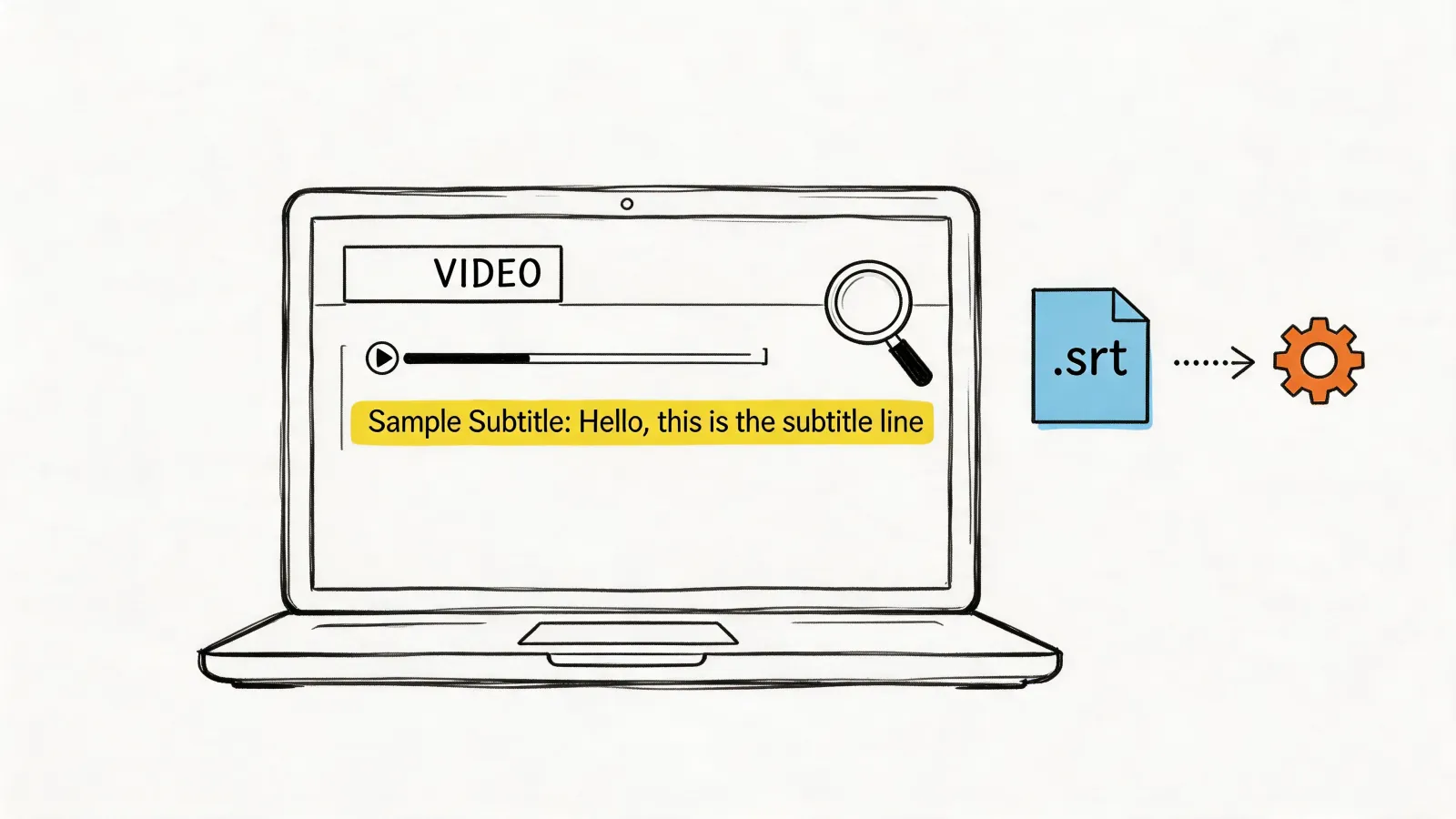
Once it's perfect, you can export your work in several formats. Need a simple text file (.txt)? No problem. A formatted Word document or a PDF? Done. For video producers, you can even export directly to subtitle formats like SRT.
But it doesn't just stop at the text. HypeScribe can also generate AI-powered summaries, pull out key takeaways, and even list action items. This moves your transcript from being just a record of what was said to an actionable tool. You can then use the output with other free AI content creation tools to quickly draft blog posts or social media updates, closing the loop on your content workflow.
How to Get the Most Accurate Transcript Possible
Getting words on a page is easy. Getting the right words on the page, however, takes a little more finesse. When you need to transcribe video to text online, the quality of what you get out is directly tied to the quality of what you put in. While a tool like HypeScribe is incredibly smart, it can't work miracles with poor-quality source material.
To consistently hit that 99% accuracy benchmark, you need to set the AI up for success. I’ve learned over the years that treating the AI like a human listener is the best approach. If a person would struggle to understand the audio, the AI will too. Here are the same practices I use to get near-perfect transcripts every single time.
It All Starts with Clean Audio
Honestly, this is the big one. The most significant factor influencing your transcript's accuracy is the quality of the audio itself. Garbled, noisy, or distant audio is the number one enemy of any transcription engine. Before you even think about uploading, a little prep work goes a long way.
- Use a Decent Mic: Your laptop's built-in microphone is fine for a casual chat, but it picks up everything—keyboard taps, room echo, the fan whirring. A simple external USB mic will make a world of difference by isolating the speaker's voice.
- Find a Quiet Spot: Record away from humming refrigerators, open windows, or background conversations. If you're on a group call, ask everyone to mute their mics when not speaking. This simple bit of etiquette cleans up the audio feed dramatically.
- Mind Your Distance: The closer the mic is to the person speaking, the better. This is why you see podcasters with mics right in front of them or TV hosts with small lavalier mics clipped to their collars. It strengthens the voice signal and reduces background interference.
My Two Cents: You don't need a pro-level recording studio. Just being conscious of your recording environment and using a dedicated microphone will do more for your transcription accuracy than anything else.
Clear Speakers, Clearer Transcripts
Beyond the tech, the way people speak plays a huge role. You can't always control this, especially if you're working with found footage, but it’s something to keep in mind for any recordings you create or facilitate.
Clear articulation is king. Mumbling, speaking too fast, or trailing off at the end of sentences can easily confuse the AI. It's trying to match sounds to words, so giving it a clean signal is essential.
Multiple speakers add another layer of complexity. When people talk over each other, it's a nightmare for transcription software to untangle. If you're running a meeting you plan to transcribe, gently guide the conversation to ensure only one person speaks at a time. It makes for a better meeting and a far more accurate transcript.
Tell HypeScribe What to Expect
Finally, take a moment to configure your settings inside HypeScribe. These simple adjustments tell the AI engine exactly what it's listening for, which primes it for a much more accurate result.
The most important setting here is the language. HypeScribe supports over 100 languages and dialects, so be specific. If your video features someone with a thick Australian accent, choosing "English (Australia)" will yield significantly better results than the generic "English" option because the AI model is trained on those unique speech patterns.
This kind of precision doesn't come at the cost of speed, either. Modern transcription AI can process audio 3-5 times faster than real-time. That means you can get a transcript for a one-hour video in as little as 12-20 minutes. This incredible efficiency is a key reason the technology has become so popular, with early enterprise adoption in North America paving the way. You can explore more data on AI transcription efficiency statistics.
Combine clean audio, clear speakers, and the right software settings, and you've created the perfect recipe for a highly accurate transcript right from the start.
Getting More From Your Transcript with Advanced Features
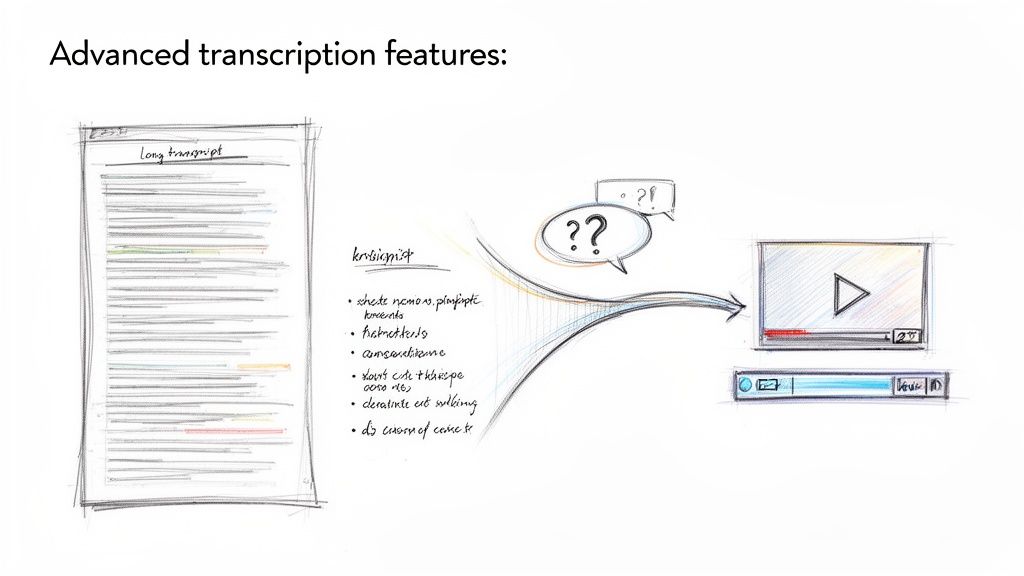
Getting a basic transcript is a great first step, but that's really just scratching the surface. The real magic happens when you start using tools that dig deeper into the content. A simple block of text is just a record; a smart, interactive transcript becomes your secret weapon for productivity.
Modern platforms like HypeScribe are built for this very purpose. They do more than just turn speech into words—they help you pull out the meaning, save a ton of time, and convert spoken conversations into real, actionable intelligence. It's a fundamental shift that turns transcription from a simple task into a cornerstone of how we manage knowledge.
Instantly Summarize Long Videos
We've all been there. You get a link to a one-hour project meeting or a long webinar that you absolutely need the key takeaways from, but you just don't have the time to watch the whole thing. This is where AI summarization completely changes the game.
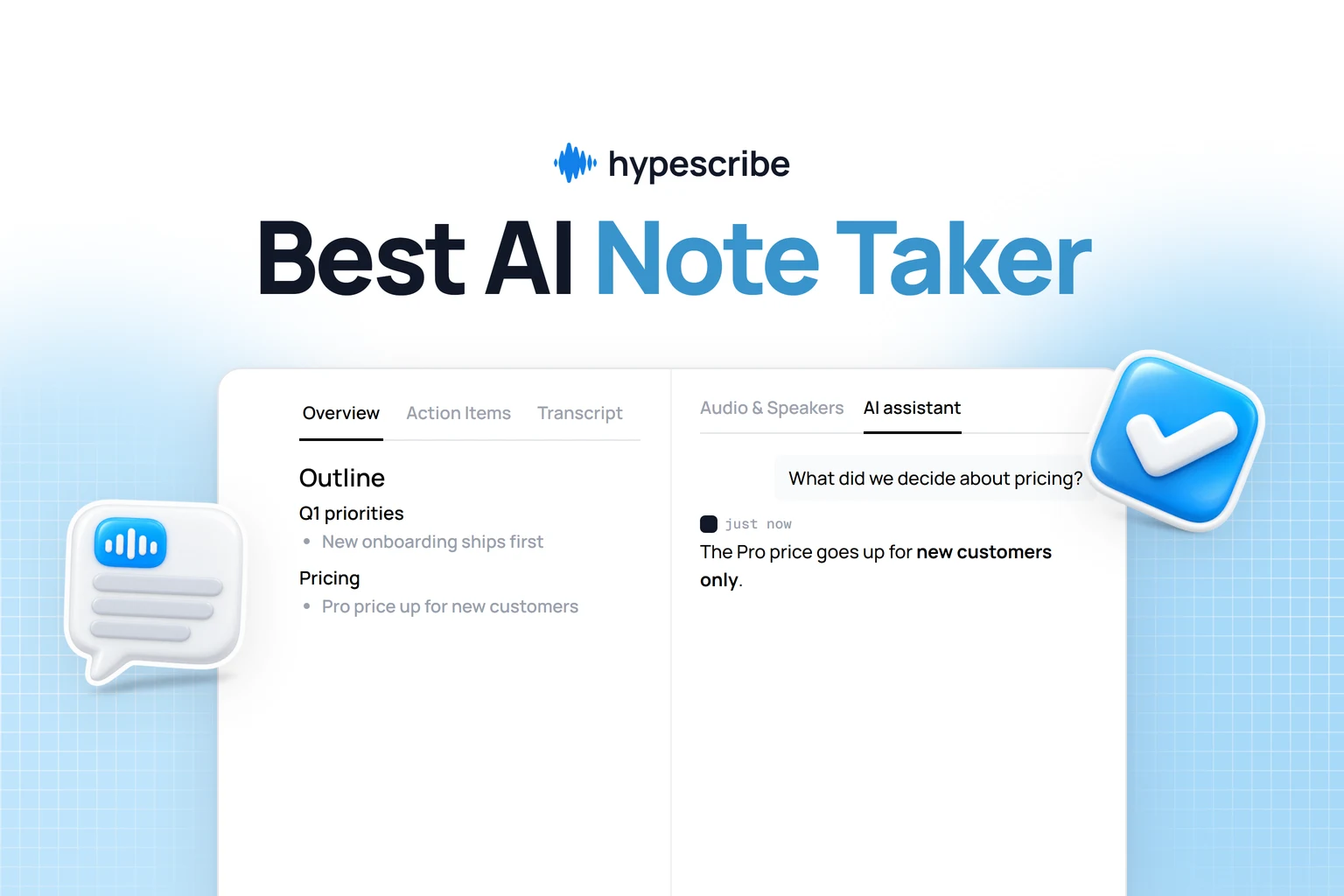
With a feature like HypeScribe’s summarizer, the AI can analyze the entire transcript and boil it down to a concise, scannable overview. It pulls out the most important topics, highlights decisions, and even generates a neat list of action items. For any busy team, this is a lifesaver, keeping everyone on the same page without sinking hours into playback.
Ask Questions and Get Instant Answers
Trying to find that one specific comment inside a long video can feel like looking for a needle in a haystack. You end up scrubbing back and forth on the timeline or endlessly scrolling through the transcript. It’s tedious and wildly inefficient.
An integrated AI chatbot flips this experience on its head. This feature essentially lets you "talk" to your video.
- Need to recall what a client said about the budget? Just ask, "What was the final decision on the Q3 budget?"
- Trying to find a specific instruction? Try asking, "What were the steps outlined for the product launch?"
The AI scans the entire transcript in a flash and gives you the exact answer, complete with the timestamp. Suddenly, your video library becomes an interactive, searchable knowledge base.
Turning your video content into a conversational database dramatically cuts down the time you spend searching for information. It allows you to find specific quotes, data points, or decisions almost instantly, freeing you up for more important work.
Transcribe Live Meetings and Stay Focused
The ability to transcribe video to text online isn't just for videos you've already recorded. Real-time transcription can turn a tool like HypeScribe into your personal assistant during live meetings. By connecting it to your Zoom or Google Meet calls, you get a live transcript rolling as the conversation happens.
This lets you stay fully present and engaged in the discussion instead of having your head down, frantically trying to take notes. When the meeting's over, you have a complete and accurate record ready to be summarized and shared. This area is seeing huge growth—the online transcription market was valued at $0.67 billion and is expected to hit $1.67 billion by 2033.
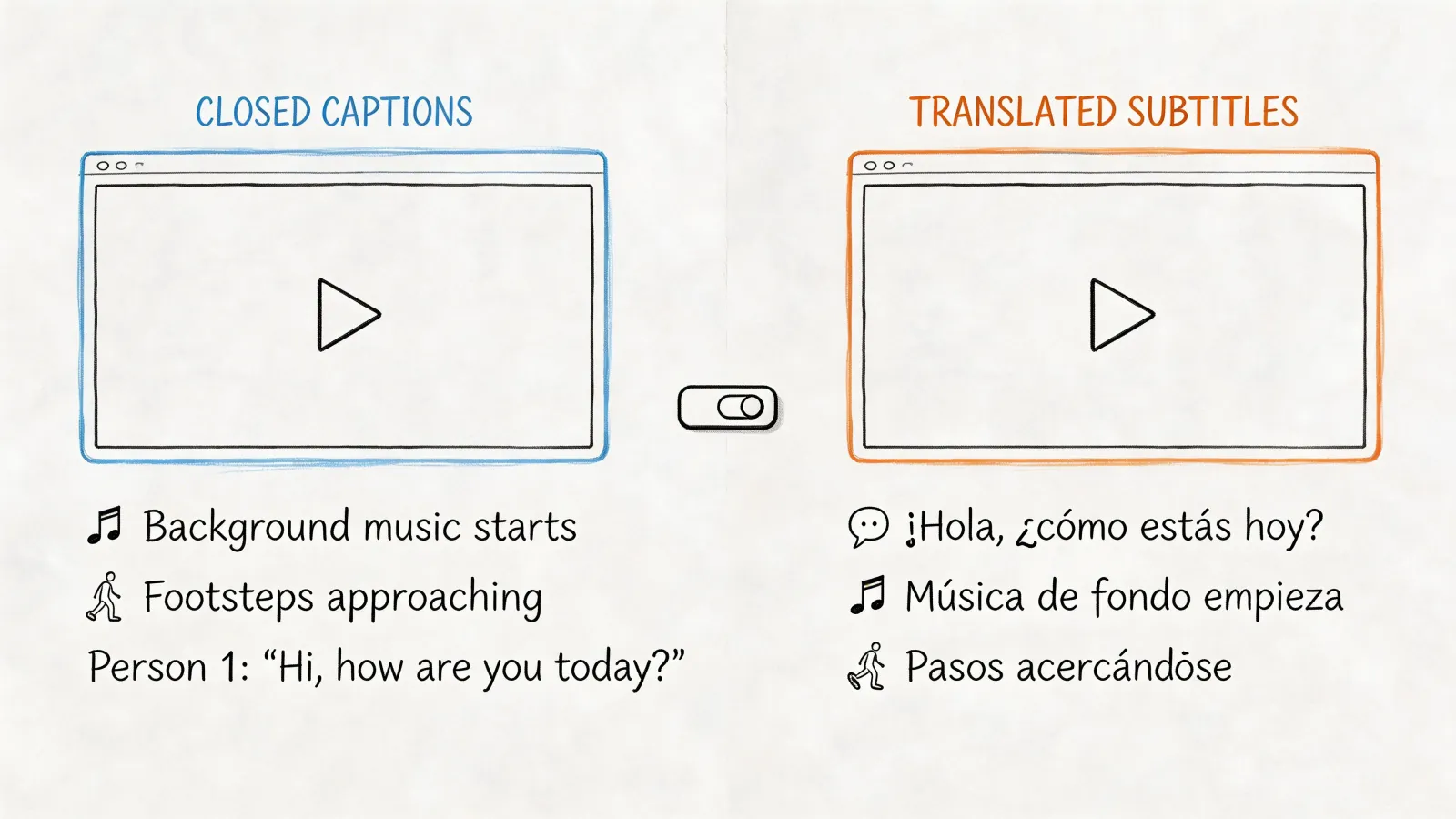
At the end of the day, these advanced features completely redefine what a transcript can be. It’s no longer just a wall of text. It's a dynamic, intelligent, and actionable asset. Once your video is transcribed, you can use that text to seamlessly add subtitles to videos, boosting both viewer engagement and accessibility. You can also dive deeper into the nuances by reading our guide on what is closed captioning.
Juggling Teamwork and Data Security
Let's talk about something that can keep any professional up at night: data security. When you’re transcribing sensitive videos—think confidential client interviews, internal strategy sessions, or unreleased research—you're not just uploading a file. You're entrusting a service with valuable information.
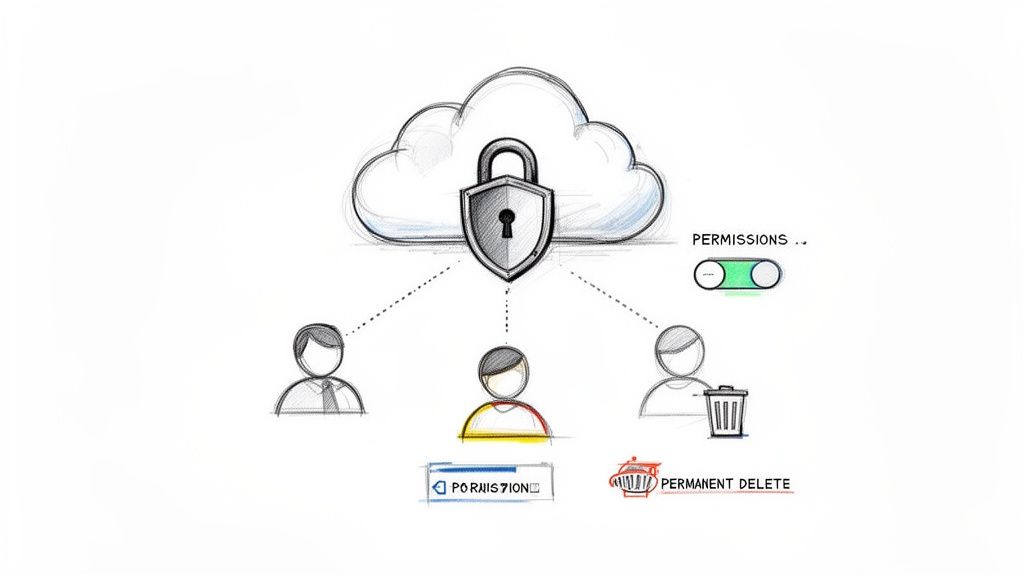
That trust has to be earned. With HypeScribe, security isn't an afterthought; it's baked into the process from the very beginning. As soon as you hit "upload," your files are protected by end-to-end encryption. This means your data is scrambled and unreadable while it travels to the server and while it’s stored there. It’s the gold standard for keeping digital information safe.
But real security goes deeper than just encryption. What happens to your files after the job is done? That's where you need to be in the driver's seat.
You Should Always Own Your Data
A big part of managing your data is knowing the service’s retention policy. How long are your files kept? Can you actually delete them for good? With HypeScribe, you have complete authority.
You can permanently delete both the original video file and the finished transcript whenever you want. And when I say delete, I mean it. They're gone, scrubbed from the servers entirely. This gives you absolute confidence that your proprietary information isn't just sitting around in a forgotten corner of the cloud.
Security isn't just a feature; it's the foundation of a trustworthy workflow. Having the ability to permanently delete your files ensures you retain full ownership and control over your intellectual property.
For anyone working with legal depositions, private therapy sessions, or any other confidential material, this level of control isn't just nice to have—it's essential.
Smart Collaboration Without the Security Headaches
Security becomes even more complex when you bring a team into the mix. You need to share transcripts and collaborate, but you can't afford to open up security holes by emailing sensitive files back and forth.
HypeScribe’s teamwork features were designed to solve this exact problem, creating a workflow that's both efficient and locked down.
Here’s how you can collaborate safely:
- Share Secure Links, Not Files: Forget attaching text documents to emails. Just generate a secure, shareable link right from the platform. It's cleaner and much safer.
- Control Who Does What: You can assign different roles and permissions to your team members. Decide who gets to simply view a transcript versus who can edit or manage it. This is key to preventing accidental changes or unauthorized access.
- Fit It Into Your Existing Tools: Seamlessly move your transcripts into secure environments your team already uses, like Google Docs or Microsoft Word, without a hitch.
By combining strong encryption with user-controlled data deletion and secure sharing, you get a system that lets you handle even the most sensitive content without losing a wink of sleep.
Your Top Transcription Questions, Answered
When you first dive into transcribing videos online, a few questions always seem to pop up. Getting straight answers to these common queries can make the whole process smoother and help you pick the right service for your project.
Let's clear up some of the most frequent questions I hear from people new to transcription.
How Long Does It Really Take to Transcribe a One-Hour Video?
With a modern AI tool like HypeScribe, a one-hour video can be transcribed in just a few minutes. From my experience, it's typically around 12-15 minutes.
For perspective, if you were to do this by hand, you'd be setting aside 4-6 hours of tedious work for that same hour of content. The speed of AI means you get a draft you can work with almost immediately, letting you jump straight into editing, pulling quotes, or creating summaries.
Can I Transcribe Videos in Other Languages, Like Spanish or French?
Absolutely. This is where AI truly shines. Top-tier platforms like HypeScribe are built for global content, supporting transcription in over 100 languages and dialects.
When you upload your file, you'll just need to select the video's original language from a list. This is a critical step because it tells the AI which specific language model to use, ensuring it accurately recognizes the unique sounds, slang, and accents of that language.
What's the Best Video Format for an Accurate Transcription?
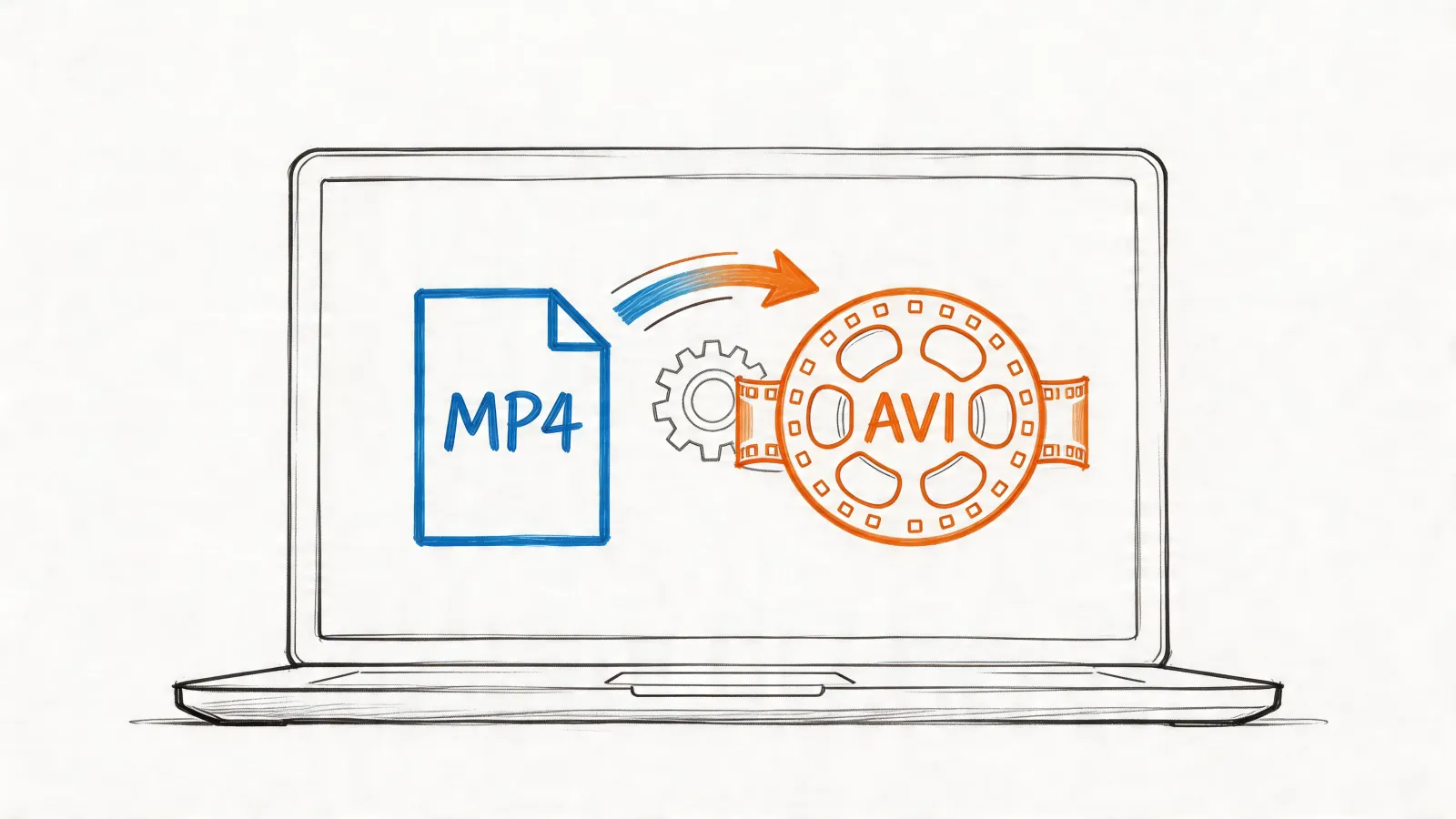
People often ask about MP4, MOV, or AVI, but the truth is, the video format isn't nearly as important as the audio quality within the video. For the best results, you need clean audio.
That means minimal background noise, clear speakers who aren't talking over each other, and a decent microphone.
The single biggest factor for an accurate transcript is clean audio. A crisp voice track gives the AI the best possible source material to work with, which will save you a ton of time on edits later.
If you happen to have a separate high-quality audio file (like a WAV or FLAC from a podcast recording), uploading that instead of the video can often produce even more precise results. It's also smart to think about the financial side; our guide on transcription service cost breaks down how factors like quality and features affect pricing.
Ready to see it in action? Try HypeScribe and turn your video content into valuable, searchable text in minutes. https://www.hypescribe.com