How to Write a Summary Of a Meeting That Actually Gets Things Done
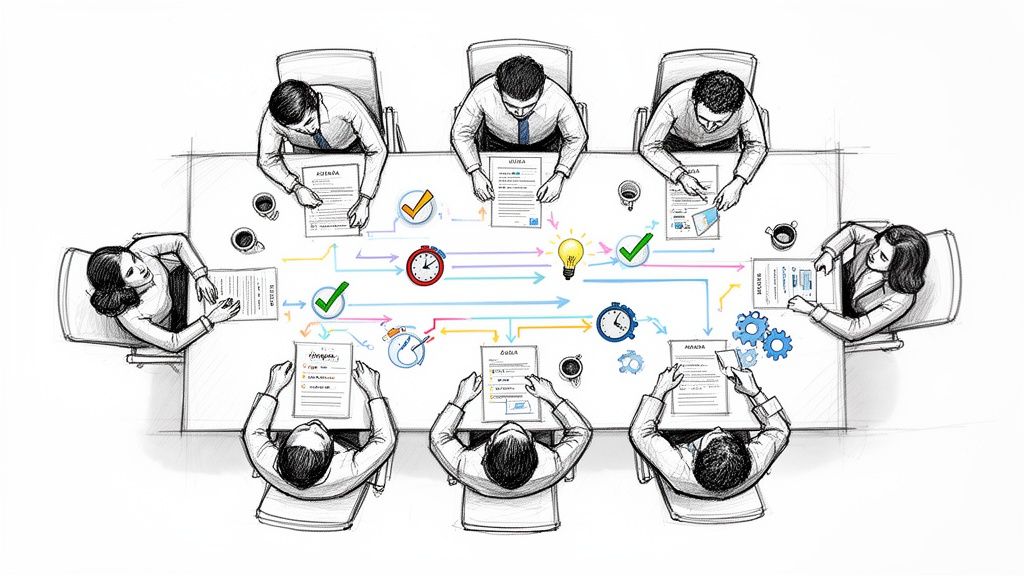
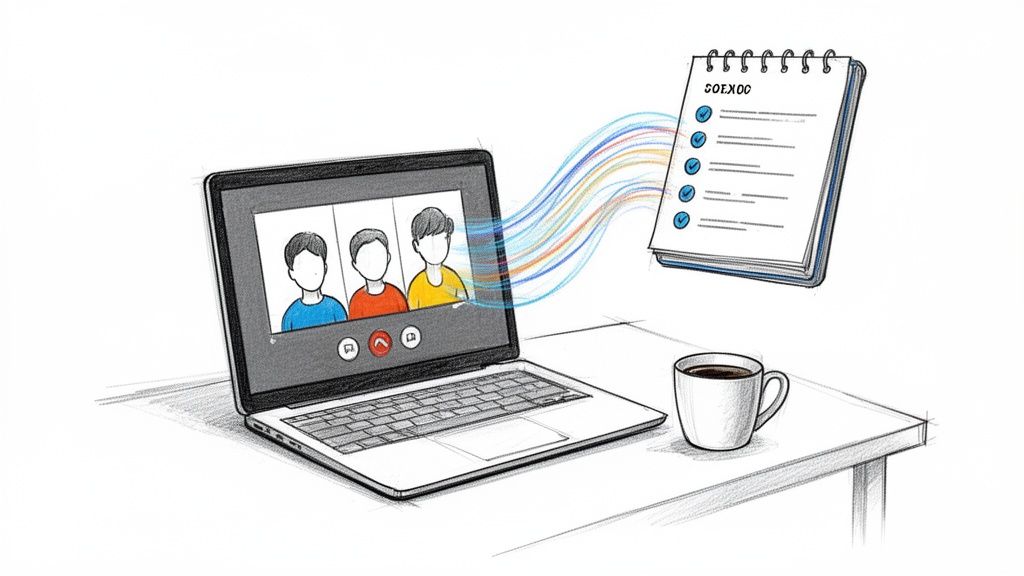
Ever leave a meeting feeling energized, only to realize a week later that nobody remembers who was supposed to do what? A solid summary of a meeting is your best tool to prevent that from happening. It’s not just a set of notes; it’s the bridge between a productive conversation and real-world action. This single document is what keeps momentum alive, prevents confusion, and holds everyone accountable.
Why a Meeting Summary Is Your Blueprint for Action
Think about it: a meeting without a summary is like a brainstorming session that just... ends. All those great ideas and important decisions float away as soon as everyone logs off. From my experience, the whole point of a good meeting summary is to capture those fleeting moments and turn them into a concrete plan everyone can follow. It becomes the official record, the single source of truth that clarifies what was agreed upon.
This is even more critical now that so many of us work remotely. When your team is spread across different cities or even continents, a clear, written summary ensures everyone is on the same page, including those who couldn't make the call. It completely eliminates the dreaded "Oh, I thought you were doing that" conversation that can bring a project to a screeching halt.

From Simple Notes to a Strategic Asset
I've learned to think of a meeting summary as the agreed-upon blueprint for what happens next. If the meeting is where you sketch out the design for a house, the summary is the detailed architectural plan the builders actually use. It’s a subtle but powerful shift from just recording what happened to defining what will happen.
Without that blueprint, brilliant insights and firm decisions simply fall through the cracks. We've all seen studies on workplace productivity, and they all point to the same thing: ambiguity is a killer. A sharp, well-written summary cuts right through it.
- Clarity on Decisions: It locks in the final conclusions, so there's no room for debate later.
- Accountability for Actions: It assigns specific action items to specific people with clear deadlines, creating a culture of ownership.
- Alignment Across Teams: It keeps everyone in the loop—including stakeholders who weren't there—on project goals and next steps.
A great meeting summary turns a temporary conversation into a permanent action plan. It's the key to making sure the time you spent in that meeting actually leads to something tangible.
This is how you keep the ball rolling. Instead of scheduling another meeting just to clarify what happened in the last one, your team can move forward confidently. Everyone knows exactly what they need to do, who’s responsible, and when it’s due. It’s a simple document that delivers powerful results.
What Are the Key Parts of an Effective Meeting Summary?
So, what makes the difference between a meeting summary that gets filed away and forgotten, and one that actually gets things done? It’s not about how long it is or using fancy business jargon. It all comes down to a clear, predictable structure that tells everyone exactly what they need to know.
Think of it like a recipe. If you leave out a key ingredient, the whole dish just doesn't work. A great meeting summary is the same—it needs a few essential components to create clarity and make sure everyone is on the same page. Without a solid structure, important details get lost in the shuffle.

Start with the Basics
Before you get into the meat of the discussion, every summary needs to cover a few administrative details. This provides crucial context and makes the document easy to find and reference later. It might seem obvious, but skipping this step can make your notes a confusing mess down the road.
These foundational elements are simple but non-negotiable:
- Meeting Title and Date: Be specific. "Q3 Marketing Strategy Review" on October 26, 2023.
- List of Attendees: Jot down who was in the room (or on the call). This shows who’s in the loop.
- List of Absentees: Note any key people who couldn't make it. It’s a good reminder to bring them up to speed.
Getting these small details right at the top frames the entire summary and keeps things organized.
Distill the Key Takeaways
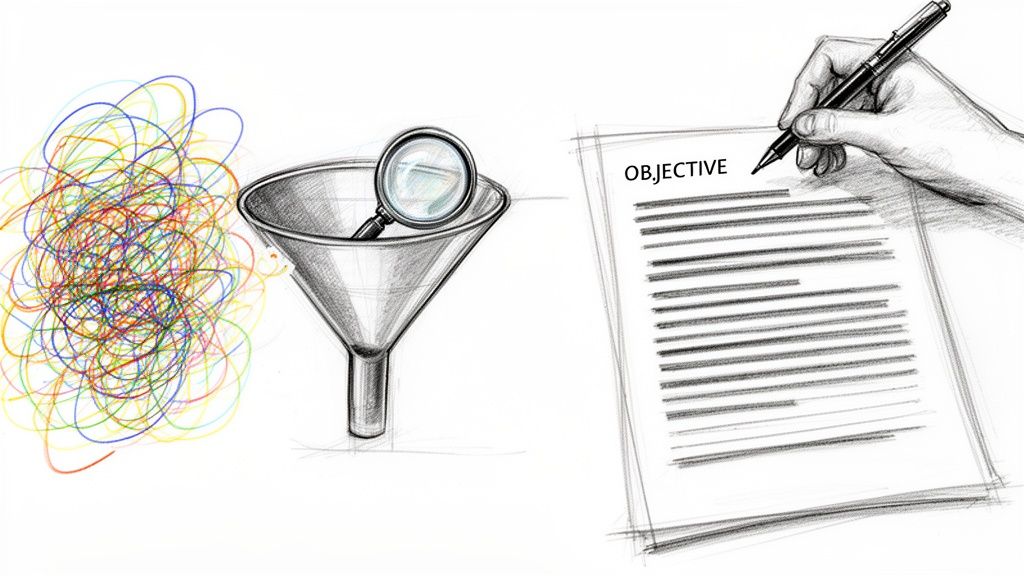
Next up is arguably the most important part for busy people: the key takeaways. This isn't a word-for-word transcript. It’s the high-level summary of the most important conclusions reached during the conversation.
I think of this as the "executive summary" section. If your boss only has 30 seconds to scan the document, what are the absolute must-know points? This section should immediately answer the question, "So, what did we accomplish in this meeting?"
A summary's real power is its ability to turn a long, winding conversation into a simple, actionable story. The key takeaways are the first and most important part of that story.
For example, a solid takeaway would be: "The team agreed to shift our social media budget from Platform X to Platform Y to better target a younger demographic, with the change taking effect next month." It's direct, informative, and sets the stage for what comes next.
Document Crystal-Clear Decisions
Decisions are the guideposts of a productive meeting. Any fuzziness here is a recipe for confusion and rework later on, so it’s vital to document every decision with absolute clarity. This section should be a simple list of every final choice that was made.
Vague statements like "we talked about the budget" are useless. A real decision is definitive and leaves no room for interpretation.
- Decision 1: The Q4 marketing budget is officially approved at $50,000.
- Decision 2: The project launch date has been moved to November 15th.
- Decision 3: Sarah’s team will now lead the new client onboarding process.
This level of clarity puts an end to future debates about "what we decided" and ensures everyone is aligned.
Define Action Items with the "Who, What, When" Framework
Finally, a great summary has to translate those decisions into tangible next steps. This is where the simple but powerful "Who, What, When" framework comes into play. For every single task, you need to clearly define these three elements to create real accountability.
This formula gets rid of any guesswork. If you want to dive deeper, we have a whole guide on how to document meeting notes and action items effectively.
Here’s the breakdown:
- Who: Assign the task to a specific person. Use a name, not a vague team assignment.
- What: Describe exactly what needs to be done. Be clear enough that there are no questions.
- When: Set a firm due date. "ASAP" is not a deadline.
When you nail this structure, your meeting summary stops being a simple record of the past and becomes a powerful tool that drives your projects forward.
How a Good Summary Makes Meetings Actually Productive
We’ve all been there—stuck in a meeting that drifts aimlessly, leaving everyone wondering what the point was. That’s why a sharp summary of a meeting isn't just bureaucratic fluff; it's the tool that turns conversation into action. It's the antidote to meeting amnesia.
By creating one definitive record of what happened, a summary gets everyone on the same page, whether they’re in the office or working from home. This simple document can kill off all those painful follow-up meetings that only exist to re-explain what happened in the last one.
Driving Accountability and Alignment
First and foremost, a meeting summary builds accountability. When action items are written down with names and deadlines next to them, there’s no place to hide. I've found this clarity is a game-changer for remote teams where crossed wires and missed messages are all too common.
Think of the summary as a public commitment. It’s a record of who said they’d do what, which moves things from vague promises to real tasks. This isn't about micromanaging people; it's about empowering them. Team members get clear ownership over their work, and managers can see progress without having to chase people for updates.
A great summary of a meeting does more than just record what was said. It codifies commitment, ensures alignment across the entire organization, and provides a clear roadmap for what happens next.
This creates a powerful chain reaction. When everyone understands their role, projects just move faster with fewer hiccups. You’ll start getting back all those hours once lost to confusion.
Creating a Single Source of Truth
Let’s be honest: human memory is terrible. Without a written summary, the details of a meeting live in a dozen different heads, each with its own version of events. A summary puts an end to the "he said, she said" confusion.
It becomes the official record everyone can turn to. This is incredibly useful when you need to:
- Onboard new team members: They can get caught up on project history and key decisions in a flash.
- Brief stakeholders: Leaders who missed the meeting can grasp the outcomes in just a few minutes.
- Settle disagreements later: The summary acts as the unbiased referee for what was actually decided.
Having this single, trusted document stops people from wasting time on rework and ensures the whole team is rowing in the same direction.
Boosting Project Velocity and ROI
At the end of the day, meetings are supposed to help the business. A solid habit of creating and sharing a summary of a meeting has a direct impact on your results. We all know that poor communication costs companies a fortune in wasted time and effort. Summaries are one of the simplest and most effective fixes.
Teams that make this a standard practice see their projects pick up speed. Why? Because clarity breeds action. Instead of sitting around waiting for someone to clarify a task, people can get to work right away. The return on this small investment of time is huge—you start turning meeting hours into real, productive output. It's not just about being more organized; it's about doing better business.
Meeting Summary Templates You Can Use for Any Situation
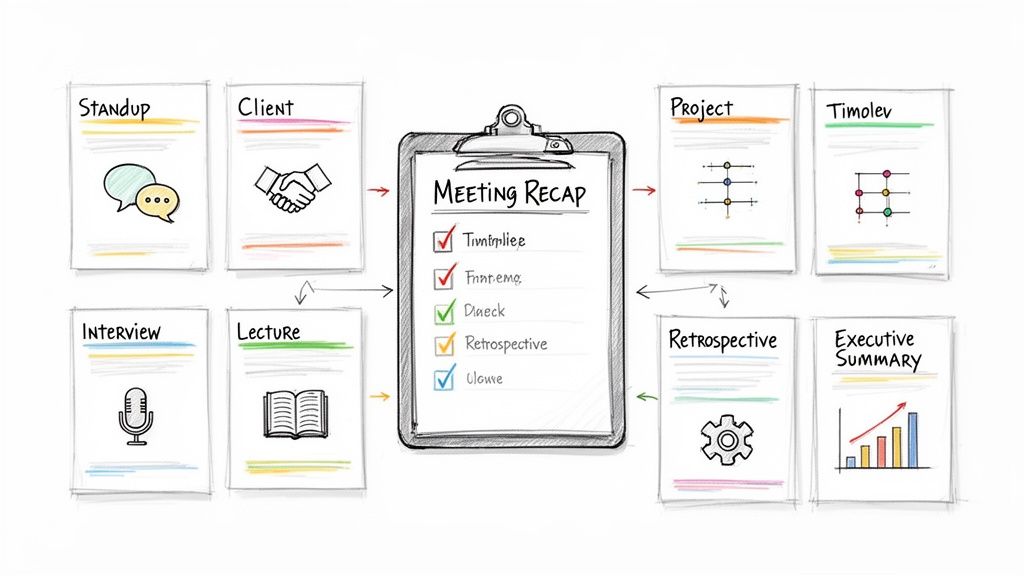
Knowing what goes into a meeting summary is a great start, but the real magic happens when you apply it. A summary of meeting for a formal board meeting needs a totally different approach than the quick notes from a daily stand-up. The trick is to match the template to the context of the conversation.
Not every meeting needs a stuffy, multi-page document. Sometimes, all it takes is a few bullet points to get everyone on the same page and moving in the right direction. To get you started, here are a few practical, copy-and-paste templates designed for different kinds of meetings. You can also explore a variety of meeting templates to see what else is out there.
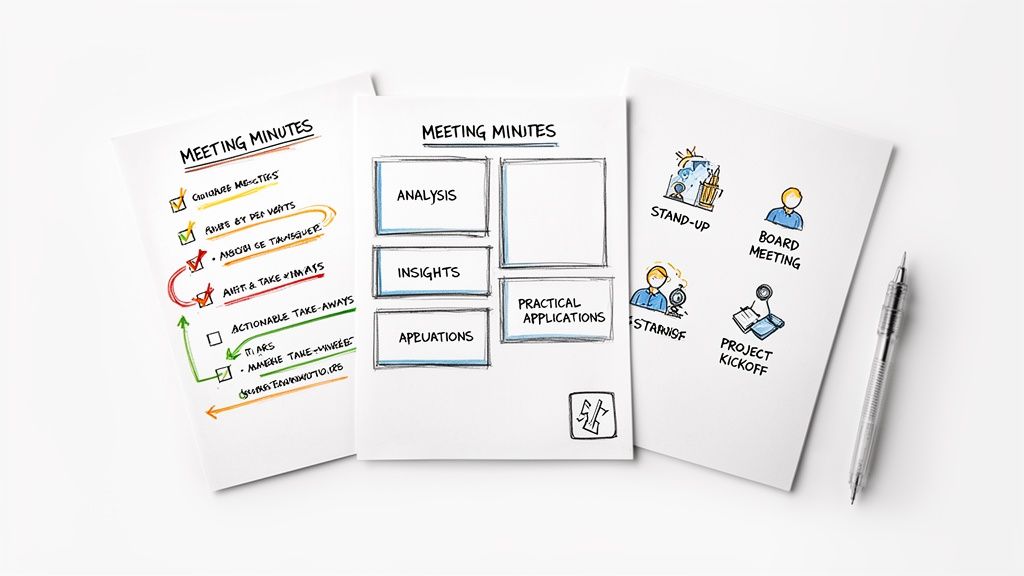
To illustrate how the components shift based on the meeting's purpose, let's compare three common scenarios. Notice how the focus changes from formal record-keeping to quick updates or idea capture.
Meeting Summary Templates For Different Scenarios
This table shows there’s no one-size-fits-all solution. The right template helps you capture what actually matters for that specific meeting type, saving you time and keeping the summary relevant.
A Formal Template for Board Meetings
When the stakes are high—think board reviews or quarterly planning—you need detail and formality. This template is built to capture official decisions and motions with absolute clarity, creating a formal record for all stakeholders.
- Meeting Title: [Official Meeting Title]
- Date & Time: [Date], [Start Time] - [End Time]
- Location: [Physical or Virtual Location]
- Attendees: [List of all present members]
- Absentees: [List of members who could not attend]
- Motions Presented: [Detailed description of each motion]
- Voting Record: [Record of votes: Approved/Rejected, with key vote counts if necessary]
- Key Decisions: [Bulleted list of all final decisions made]
- Action Items: [Who, What, When]
- Next Meeting: [Date and Time]
This structured approach leaves no room for interpretation, which is vital for compliance and governance.
An Agile Template for Daily Stand-Ups
Daily stand-ups are all about speed and keeping the momentum going. Your summary should be just as fast. It needs to zero in on progress, blockers, and what’s next—no fluff allowed.
The goal of a stand-up summary is pure velocity. It should take less than 30 seconds to read and instantly tell the team what they need to know to keep moving forward.
Here’s a lean format that gets the job done:
- Date: [Today's Date]
- What We Achieved Yesterday: [Brief highlights]
- Today's Priorities: [Main goals for the day]
- Blockers: [Any obstacles and who is assigned to help resolve them]
- Action Items: [Urgent tasks with owners]
This format keeps everyone laser-focused without getting bogged down in paperwork. You can find more formats like this in our complete guide to building the perfect meeting summary template.
A Creative Template for Brainstorming Sessions
Brainstorms are messy, energetic, and idea-driven. A rigid template would just kill the vibe. This summary is designed to capture big-picture concepts, interesting themes, and potential paths forward without forcing any premature decisions.
- Session Goal: [What were we trying to solve?]
- Main Ideas Explored: [A mind map or bulleted list of the core concepts discussed]
- Promising Themes: [Group related ideas together under themes]
- Next Steps for Exploration: [List of ideas worth digging into, with owners assigned to research them]
- Parking Lot: [Ideas to revisit later]
This flexible structure makes sure those "aha!" moments don't get lost while giving the best ideas room to grow.

Ultimately, a great summary acts as a catalyst. As you can see above, it helps align teams, cuts down on follow-up meetings, and drives real accountability. When these benefits come together, you get a much more efficient and focused workflow.
How to Automate Your Meeting Summaries with AI
Let's be honest—the biggest roadblock to creating a great summary of a meeting is the sheer effort involved. Juggling active participation with detailed note-taking is nearly impossible. And who wants to spend another hour after a meeting trying to piece it all together? This is exactly why so many conversations end with good ideas but no clear path forward.
Thankfully, there’s a much smarter way to handle this. AI-powered tools like HypeScribe can step in as your dedicated notetaker, letting everyone in the meeting actually focus on the discussion. It’s a simple switch that turns a tedious, manual task into an effortless and nearly instant one.
From Spoken Words to Structured Summaries
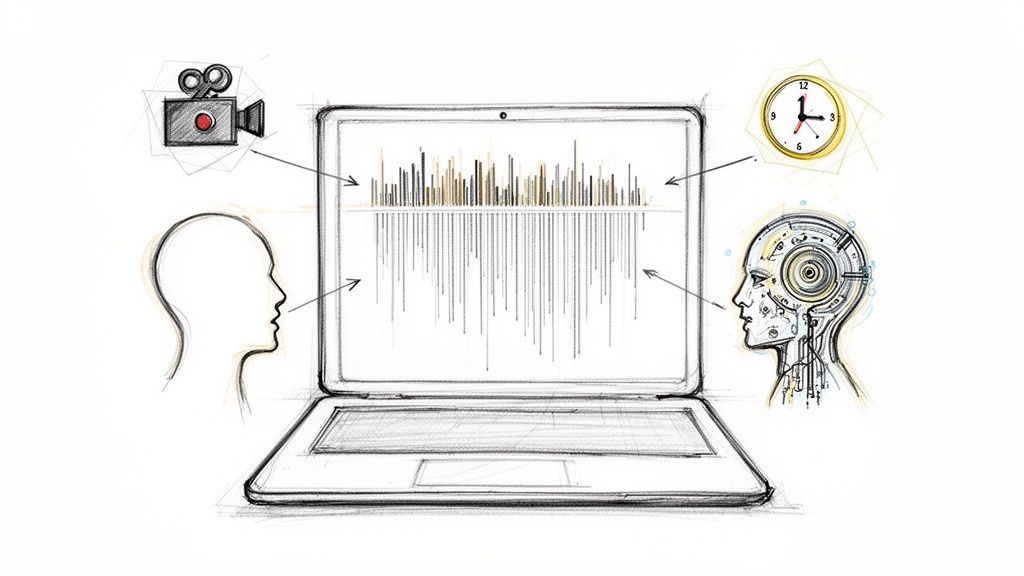
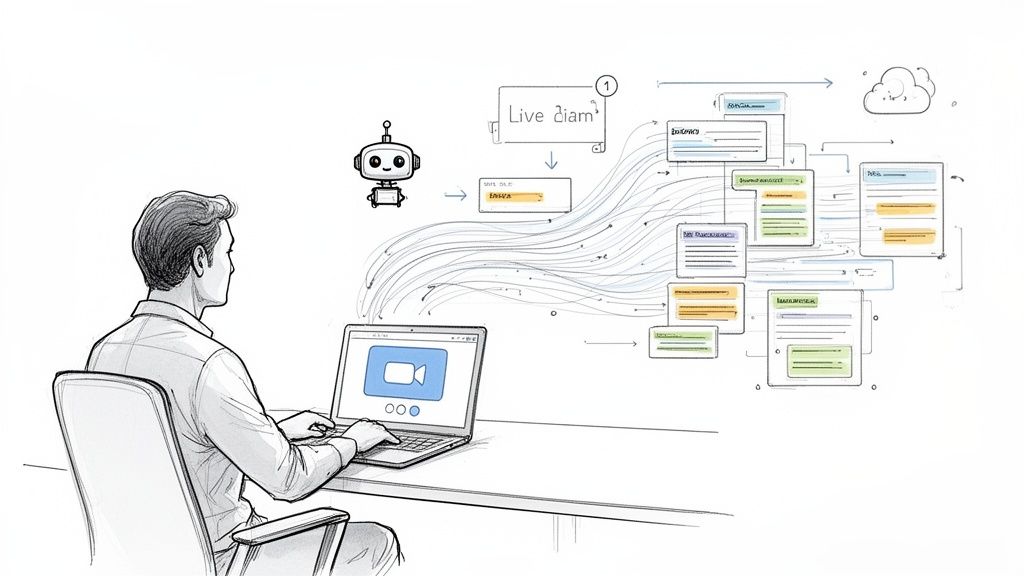
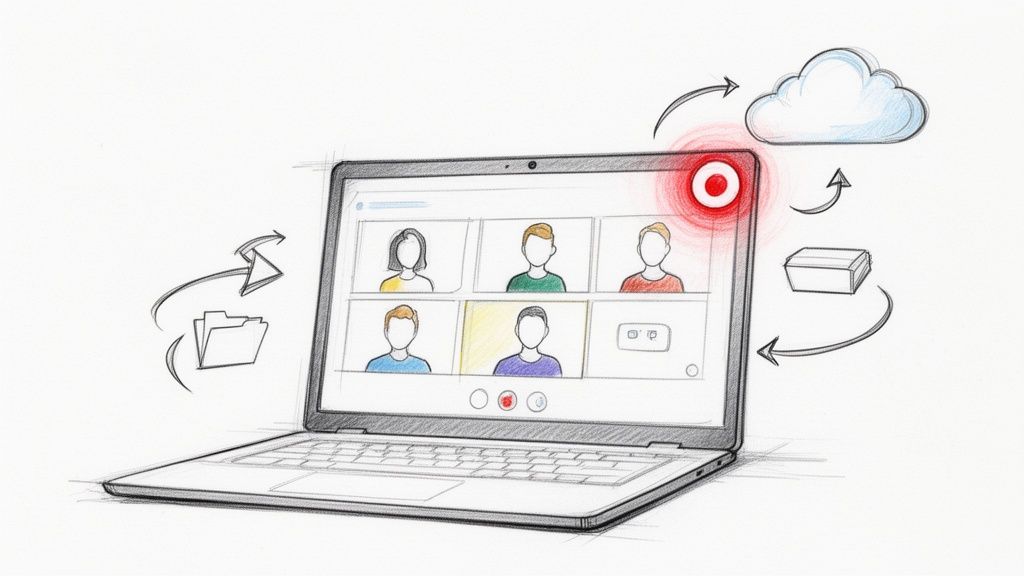
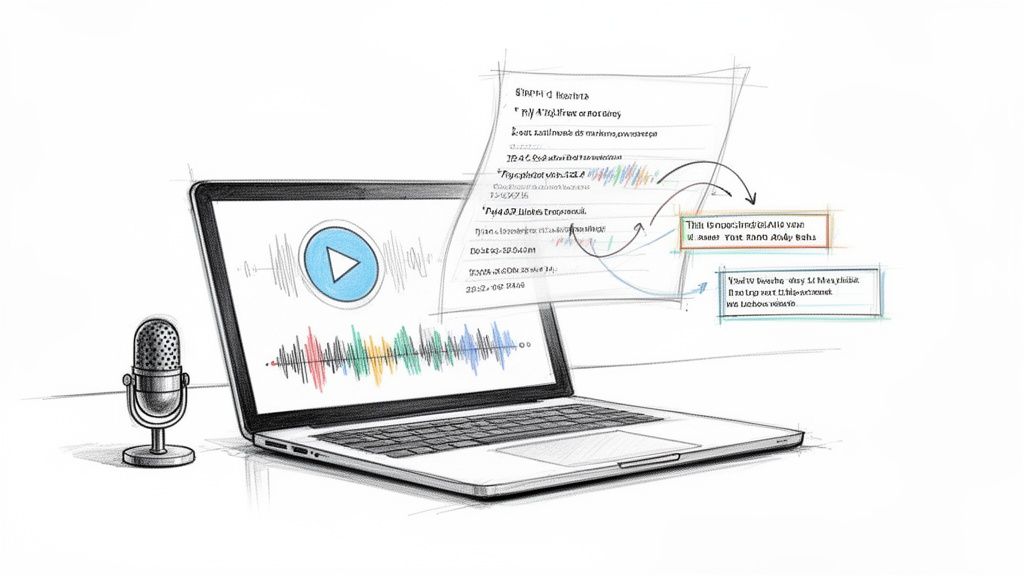
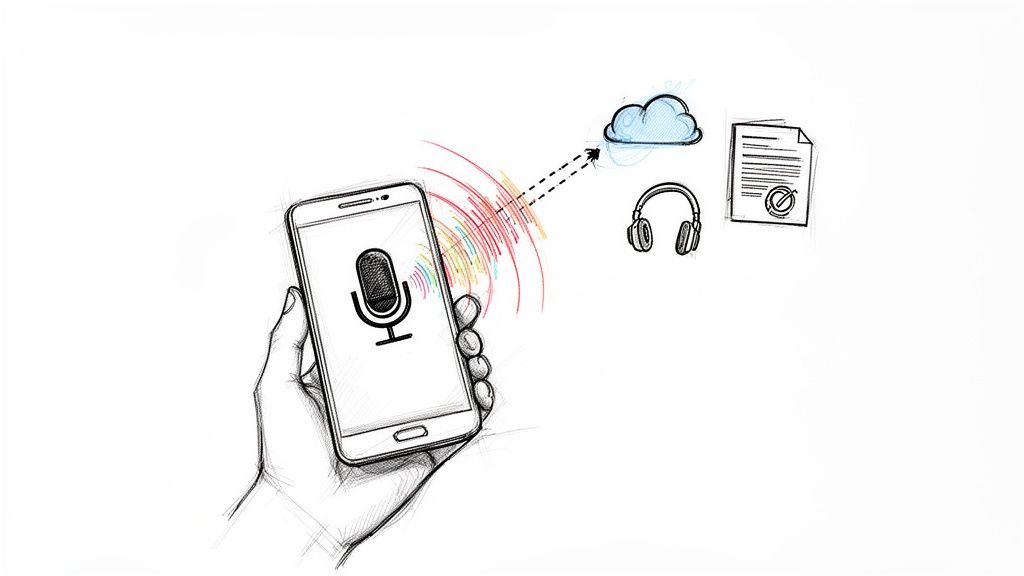
It all starts with the meeting audio. Most modern AI tools plug right into your favorite platforms—Zoom, Google Meet, Microsoft Teams—and join the call just like any other team member. If you have a pre-recorded session, you can just as easily upload the audio or video file.
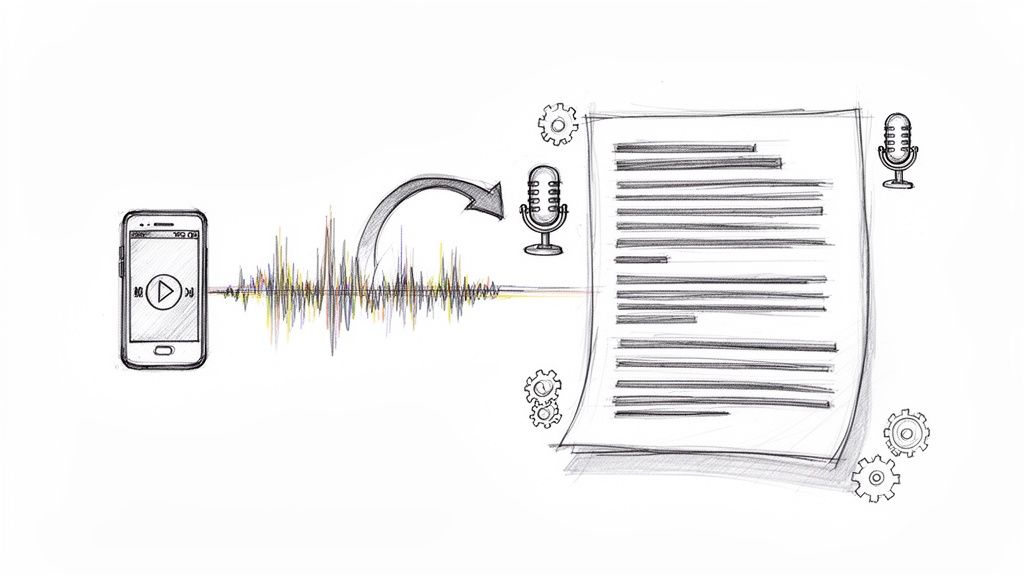
Once the meeting is over, the AI gets to work, generating a complete, time-stamped transcript of the entire conversation. This transcript becomes the raw data for your summary. The whole process works so well because of huge leaps in technologies like chatbot natural language processing, which helps the AI understand the nuances of conversation and correctly identify who said what.
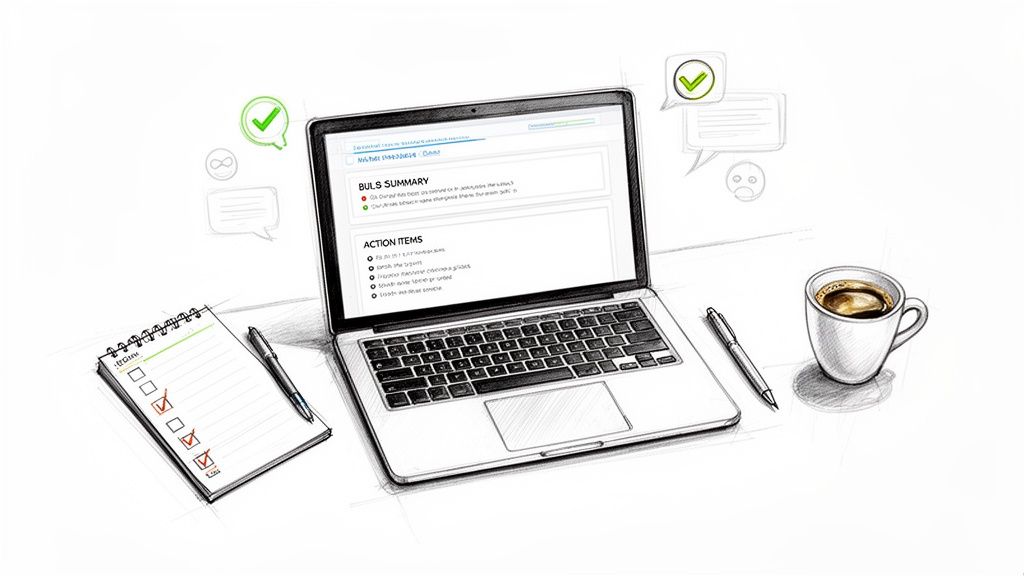
Here’s what a typical dashboard looks like where you can manage your recordings and transcripts.
The goal is simplicity. As you can see, everything is laid out so you can get from a full recording to a concise summary in just a few clicks.
Generating Your Summary in a Single Click
With the transcript ready, this is where the real magic happens. Forget sifting through pages of dialogue to hunt for the important bits. AI tools do the heavy lifting for you. In a single click, the platform analyzes the entire conversation and pinpoints what actually matters.
The core job of an AI summarizer is to find the signal in the noise. It’s trained to spot key decisions, assigned tasks, and major discussion points, then organizes them into a clean, easy-to-read format.
This automated process pulls out and neatly structures the most important parts of any meeting summary:
- Key Takeaways: A quick, high-level overview of the main ideas.
- Decisions Made: A clear list of all the final agreements.
- Action Items: Specific tasks assigned to team members, often with names and deadlines.
This means you can have a polished and accurate summary of a meeting in your hands just minutes after the call ends. Our guide on using AI for meeting minutes dives even deeper into this. That kind of speed keeps the momentum going, so your team can act on decisions while they're still fresh.
Editing and Exporting Your AI-Generated Summary
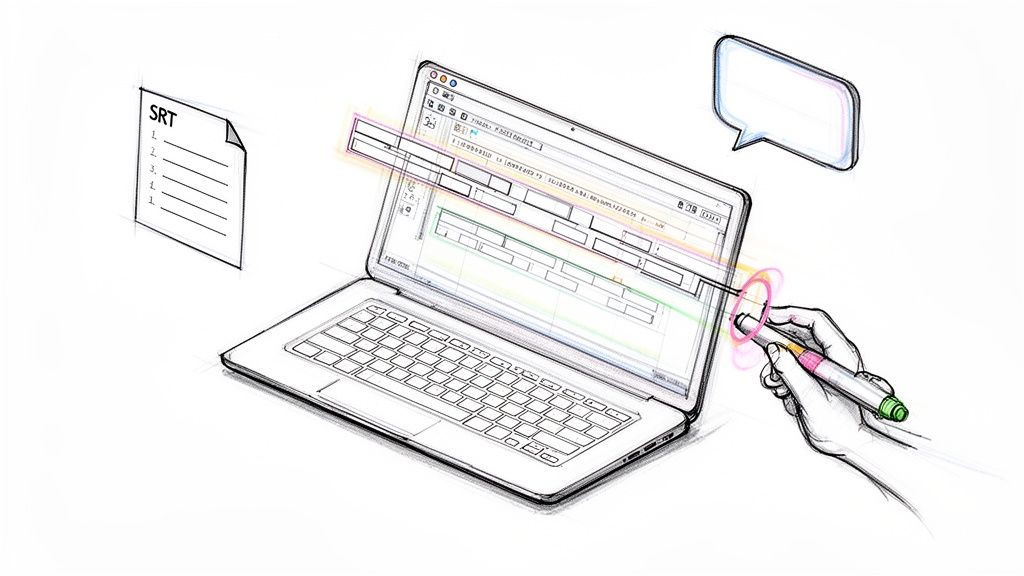
While AI is incredibly powerful, it’s not perfect. The final step is always a quick human review. The generated summary is completely editable, so you can easily tweak a sentence for clarity, correct a misspelled name, or add a specific nuance the AI might have missed.
This "human-in-the-loop" approach gives you the best of both worlds: the lightning speed of automation combined with the critical eye of human oversight.
Once you’re happy with the summary, you can export it as a PDF, Word doc, or Google Doc to share with the team. It’s a seamless workflow that completely changes how teams keep track of their progress and makes sure no important detail is ever lost.
Your Questions About Meeting Summaries, Answered
Even with the best of intentions, bringing a new process like meeting summaries into your team's routine can kick up a few questions. It's totally normal to hit a couple of snags when you’re trying to build new habits. This section tackles the most common sticking points head-on, giving you clear answers so you can start using summaries with confidence.
What Is the Difference Between Meeting Minutes and a Meeting Summary?
This is probably the most common point of confusion, but the difference is actually pretty simple—and important. Think of meeting minutes as the official, detailed record of a meeting, almost like a court transcript. They capture everything that was said, often in chronological order, and are sometimes legally required for formal proceedings like board meetings. Their whole purpose is to create a historical archive.
A meeting summary, on the other hand, is all about action. It’s designed to boil down a long conversation into the absolute essentials: the big decisions, the key takeaways, and what needs to happen next. It deliberately cuts out the fluff to focus everyone on what matters for moving forward. For 99% of the meetings you have day-to-day, a summary is a much better tool for getting things done.
While meeting minutes are written to record the past, a summary of meeting is built to shape the future. It’s less about what was said and more about what needs to be done.
Who Should Be Responsible for the Meeting Summary?
The classic approach was to assign this job to a junior team member or an admin. While that can work, it often puts one person in the tough spot of trying to participate in the conversation while also frantically taking notes. A more modern take is to have the meeting organizer own it, or to rotate the responsibility among the team.
But honestly, the best solution sidesteps the problem entirely. When you use an AI tool like HypeScribe, it joins the call just like any other participant, transcribes the conversation, and generates the summary for you automatically. The advantages here are pretty obvious:
- It frees everyone up: No one is stuck being the designated scribe, so every single person can be fully present and engaged in the discussion.
- It removes bias: The summary is based on what was actually said, not just one person’s interpretation or what they managed to jot down.
- It keeps things consistent: You get a high-quality, consistently formatted summary every single time, no matter who was in the meeting.
Automating the process makes the question of "who" a non-issue. Your team can just focus on the work, not the paperwork.
When Should the Meeting Summary Be Sent Out?
A summary's power fades fast. To be effective, it needs to land in everyone’s inbox while the conversation is still fresh in their minds. The sweet spot is within a few hours of the meeting ending, and it should never be sent more than 24 hours later. The longer you wait, the more context gets lost and the sense of urgency evaporates.
Sending it out quickly keeps the momentum going. It allows people to check their action items and ask for clarification right away, turning a good discussion into immediate progress. A late summary often leads to confusion and stalled tasks, which defeats the whole point. This is another spot where an AI tool really shines, letting you send out a polished summary just minutes after the call ends.
How Long Should a Meeting Summary Be?
There isn't a perfect word count, but the rule of thumb is this: "as short as possible, but as long as necessary." A good summary of meeting should be scannable. Your goal is for a busy teammate to look it over and get the gist of it in 60 seconds or less.
For a typical 30- to 60-minute meeting, a one-page summary is almost always enough. Lean on good formatting to make it easy to digest:
- Use bulleted lists for the main takeaways and decisions.
- Put action items in a simple table or a numbered list.
- Use bold text to make key details like names, dates, and numbers pop.
If you find your summary is getting long, you’re probably including too much of the play-by-play. Go back and be ruthless. Cut anything that isn't a core decision, a critical insight, or a concrete next step. Brevity is your best friend.
How Do I Get My Team to Actually Use the Summaries?
This is the big one. A perfect summary is worthless if it just sits unread in an inbox. Getting your team to buy in comes down to making the summaries consistently valuable and weaving them into your team's natural workflow.
First, make them incredibly easy to read. Keep them short, use clear headings, and use the same template every time. When people know exactly where to find the info they need, they’re far more likely to look.
Second, treat the summary as the official record. When someone asks a question in your team chat like, "Hey, what did we decide about the Q3 launch date?" don't just answer them. Instead, reply with a link to that specific section of the summary. This quickly teaches everyone that the summary is the first place they should check.
Finally, make the summary actionable. Manually copy the action items into your project management tool (like Asana, Jira, or Trello) and assign them to their owners. When the summary of meeting is what populates their to-do list, it stops being just another email and becomes a tool they can't afford to ignore.
Ready to stop taking notes and start driving action? HypeScribe automates your entire meeting workflow, from transcription to a perfectly structured summary with key takeaways and action items.
Get your effortless meeting summaries with HypeScribe today!