
Video Transcription Software: 12 Best Tools Tested (2026)

Video transcription tools differ on one axis more than any other: whether you are paying per minute or per file. On a two-hour recording that is the difference between a few dollars and a few cents. Whether you're a student transcribing a lecture, a journalist documenting an interview, or a remote team needing accurate meeting notes, having a reliable tool is essential. The manual process of transcribing is incredibly tedious, but modern software automates this task, delivering fast, searchable, and accurate text from your media files.
Below are 12 tools, each with what it does well, what it costs, and the limitation most likely to rule it out for you.
In this resource, you'll find a breakdown of each tool based on real-world use cases, helping you identify the perfect fit for your specific needs. You'll get:
- Detailed reviews of each software, including our highlighted choice, HypeScribe.
- Direct comparisons of core features like accuracy, speed, and language support.
- Clear pricing breakdowns to match your budget.
- Honest pros and cons based on practical experience.
- Screenshots and direct links to get you started quickly.
My goal is to provide a clear, scannable resource that cuts through the noise. I'll show you exactly what each platform offers, its limitations, and who it's best suited for, so you can make an informed decision without wasting time or money.
1. HypeScribe
HypeScribe is a powerhouse in the AI transcription space, delivering a comprehensive suite of tools that go far beyond simple speech-to-text conversion. It's built for users who need not just accuracy and speed but also intelligent post-transcription workflows. The platform is designed to transform spoken content from various sources—including direct uploads, live recordings, and a vast array of social media and cloud drive links—into structured, actionable intelligence.
This tool stands out as one of the best video transcription software options due to its remarkable processing speed; I've seen it transcribe an hour of video in under 30 seconds. This efficiency is paired with domain-tuned AI models that push for up to 99% accuracy across more than 100 languages, making it a reliable choice for global teams and diverse content creators. HypeScribe effectively eliminates the friction between conversation and action.
What Makes HypeScribe Stand Out?
What sets HypeScribe apart is its holistic approach to meeting and content management. An integrated AI note-taker joins Zoom, Google Meet, and Microsoft Teams calls to provide real-time transcripts. After the meeting, HypeScribe automatically generates concise summaries, key takeaways, and action items. A standout feature is its context-aware chatbot, which can answer questions by referencing your uploaded files, turning your transcript library into a searchable knowledge base. Its unique token-based pricing (1 file = 1 token) removes file length restrictions, a significant advantage for those working with long-form content like lectures or detailed interviews.
- Transcription Engine: Processes 1 hour of content in under 30 seconds with up to 99% accuracy.
- Language Support: Extensive coverage of over 100 languages and dialects.
- AI Meeting Assistant: Real-time transcription and automated summaries for popular meeting platforms.
- Input Flexibility: Accepts file uploads and direct links from YouTube, Google Drive, and major social platforms.
- Flexible Outputs: Export transcripts and summaries to Google Docs, Word, PDF, TXT, and Markdown.
- Security: Features encryption in transit and at rest, with options to delete source files and transcripts.
Pricing and Plans
HypeScribe offers a transparent and affordable pricing structure, with a generous free trial.
- Free Trial: 3 files per month (up to 1 hour each).
- Starter: $6.99/month for 30 files.
- Pro: $7.99/month for 60 files plus the meeting note-taker.
- Ultra: $12.99/month for 300 files and expanded note-taker access.
A key benefit I appreciate is that unused tokens roll over to the next month, ensuring you get full value from your subscription.
Who is HypeScribe Best For?
HypeScribe is an exceptional choice for professionals and teams who need to move quickly from discussion to execution. Its blend of speed, intelligent summarization, and a simplified pricing model makes it ideal for remote teams, journalists, consultants, and content creators. If your workflow involves long recordings or you need an integrated system to manage meeting knowledge, HypeScribe provides a powerful and cost-effective solution. To explore more about how these features compare, you can find a deeper dive into the capabilities of AI-powered transcription software on their blog.
Website: https://www.hypescribe.com
2. Rev
Rev has long been a dominant force in the transcription industry, building its reputation on a hybrid model that expertly blends AI efficiency with human-powered precision. This dual approach makes it an excellent choice for users who need both speed for everyday tasks and guaranteed accuracy for critical projects. Unlike many purely AI-driven platforms, Rev offers a clear, pay-per-minute rate for its 99% accurate human transcription and captioning services, which is a significant advantage for those who need occasional, high-stakes transcripts without committing to a subscription.

What Are Rev's Core Features?
Rev's platform is more than just a file uploader; it includes a comprehensive suite of tools designed for various workflows. The in-browser editor is intuitive for making quick corrections to AI-generated text, while its mobile app allows for on-the-go dictation. A standout feature for business users is the meeting notetaker, which integrates with Zoom, Google Meet, and Microsoft Teams to automate meeting documentation.
This makes Rev a great fit for corporate teams needing reliable records, journalists requiring verbatim interview transcripts, and academic researchers who cannot afford errors in their data.
- Transcription Services: Offers both automated AI transcription (starting at $0.25/minute) and human-powered transcription ($1.50/minute) with 99% accuracy.
- Captions & Subtitles: Provides English captions and global subtitles, also with AI and human options.
- Integrations: Connects with major platforms like YouTube, Vimeo, and Zoom for streamlined workflows.
- Best For: Professionals who need a mix of fast AI transcripts and flawless human-verified documents, valuing clear per-minute pricing.
Pros and Cons
For those prioritizing guaranteed quality for final-use content like legal proceedings, published interviews, or broadcast subtitles, Rev's human-powered services are a reliable investment.
Website: https://www.rev.com
3. Otter.ai
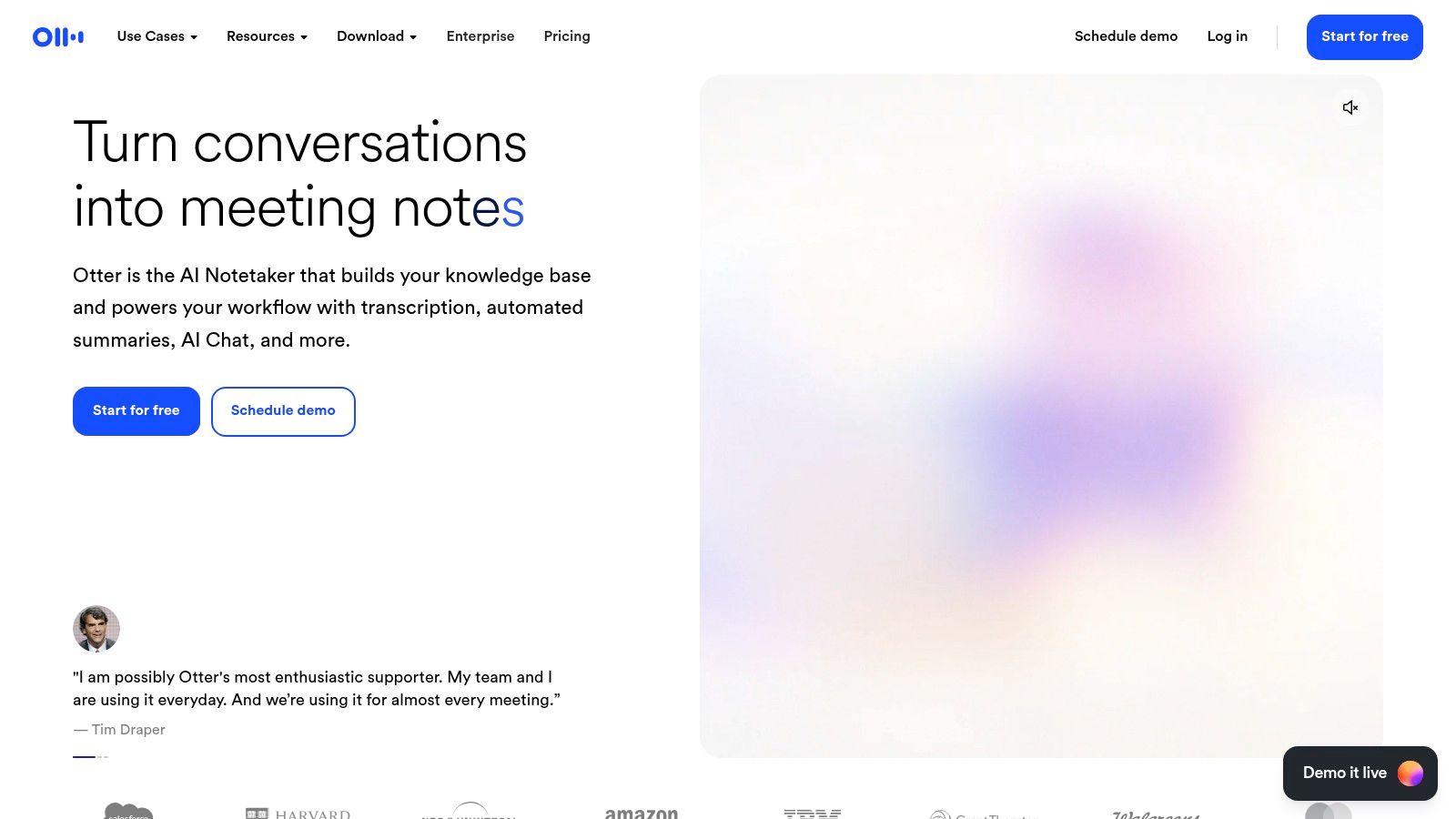
Otter.ai has carved out a unique niche by positioning itself as an AI meeting assistant rather than just a transcription service. Its platform is heavily optimized for live meeting capture, providing real-time transcription, speaker identification, and automated summaries. This makes it a go-to choice for teams, students, and journalists who need to transform spoken conversations into actionable, searchable notes instantly.
What Are Otter.ai's Core Features?
The core strength of Otter.ai lies in its seamless integration with meeting workflows. The OtterPilot automatically joins and records meetings from your calendar (Zoom, Google Meet, Microsoft Teams), delivering live notes without you lifting a finger. Users can highlight key points in real time, add comments, and assign action items directly within the transcript, making post-meeting follow-ups incredibly efficient.
This focus makes it the perfect tool for students capturing lectures, corporate teams documenting project meetings, and journalists recording interviews on the fly. Its generous free tier also provides an accessible entry point for individual users.
- Real-Time Transcription: Transcribes live meetings and conversations with speaker identification.
- AI Meeting Assistant: OtterPilot auto-joins and records calendar events, generating summaries and action items.
- Collaboration Tools: Allows users to highlight, comment on, and share transcripts with team members.
- Best For: Individuals and teams who primarily need to capture, summarize, and share notes from live meetings and conversations.
Pros and Cons
For users whose primary need is documenting and collaborating on live discussions, Otter.ai offers an intuitive and powerful solution that streamlines the entire process from conversation to conclusion.
Website: https://otter.ai
4. Descript
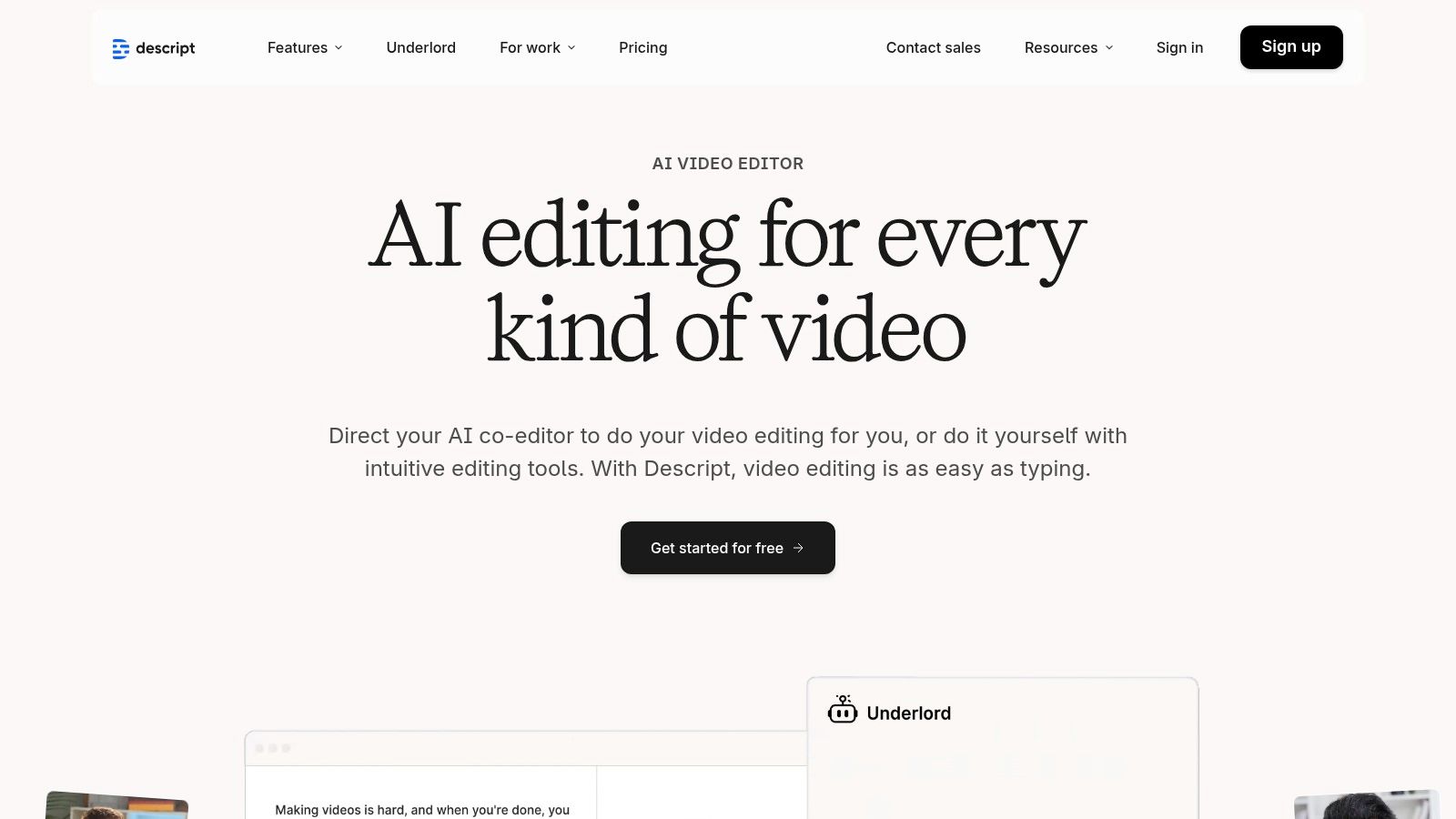
Descript revolutionizes the transcription process by treating it as the foundation of a complete audio and video editor. Its core innovation is "overdubbing" or text-based editing, which allows creators to edit their video or audio simply by editing the transcribed text. Deleting a word from the transcript automatically cuts it from the media, making it an incredibly intuitive workflow for content creators, podcasters, and marketers who want an all-in-one solution.
What Are Descript's Core Features?
Beyond simple transcription, Descript offers a suite of powerful AI-driven tools. Its "Studio Sound" feature can make amateur recordings sound professionally mastered with a single click, while the filler word removal tool ("um," "uh") cleans up audio effortlessly. The platform also includes a multitrack editor, screen recording, and a stock media library, positioning it as a full production suite.
This makes Descript the ultimate choice for YouTubers, course creators, and marketing teams who need to move quickly from raw recording to a polished, captioned final product without juggling multiple applications.
- Text-Based Video Editing: Edit video and audio by directly manipulating the automatically generated transcript.
- AI-Powered Tools: Includes one-click filler word removal, Studio Sound for audio enhancement, and AI-generated clips.
- All-in-One Platform: Combines transcription, screen recording, podcasting, and video editing in a single app.
- Best For: Content creators who value an integrated workflow and want to edit media as easily as editing a text document.
Pros and Cons
For anyone whose primary goal is creating and editing media content, not just transcribing it, Descript offers a uniquely powerful and streamlined experience that can significantly accelerate production timelines.
Website: https://www.descript.com
5. Trint
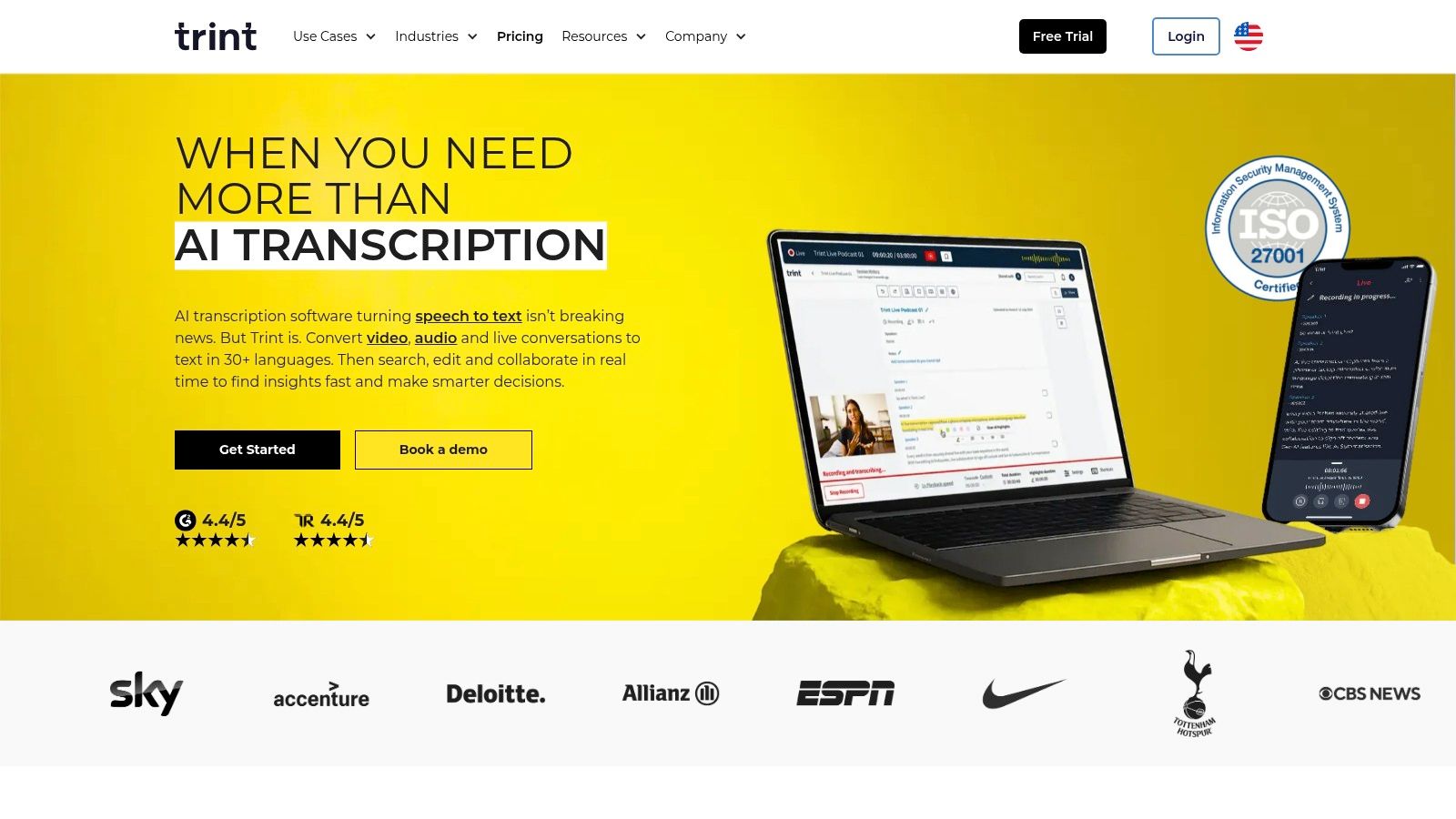
Trint is a powerful, cloud-based platform designed specifically for the rigorous demands of media teams, newsrooms, and large enterprises. It moves beyond simple transcription by integrating a collaborative editorial workflow, allowing teams to verify, edit, and assemble transcripts into compelling stories or reports. This focus on collaborative content creation makes it an excellent choice for organizations where transcripts are the starting point for a larger production process, not just the final output.
What Are Trint's Core Features?
Trint's platform excels at turning raw audio and video into structured, searchable content. Its editor allows users to highlight key quotes, assign speakers, and leave comments, making teamwork seamless. A key differentiator is its ability to translate transcripts into more than 50 languages, which is invaluable for global news outlets and international corporations.
This makes Trint a top-tier choice for journalists crafting stories from interviews, marketing teams localizing video content for different regions, and legal professionals collaborating on case files. The 7-day free trial provides a good opportunity to test its advanced features.
- Collaborative Tools: Features multi-user editing, commenting, and story-building tools directly within the platform.
- Translation: Offers robust translation capabilities to repurpose content for global audiences.
- Enterprise Security: Provides enterprise-grade options like SSO, enhanced security protocols, and API access for custom integrations.
- Best For: Newsrooms, media production houses, and enterprise teams needing a secure, collaborative transcription and content creation workflow.
Pros and Cons
For organizations where transcription is a central part of a collaborative content pipeline, Trint’s advanced workflow and security features justify its premium positioning.
Website: https://trint.com
6. Sonix
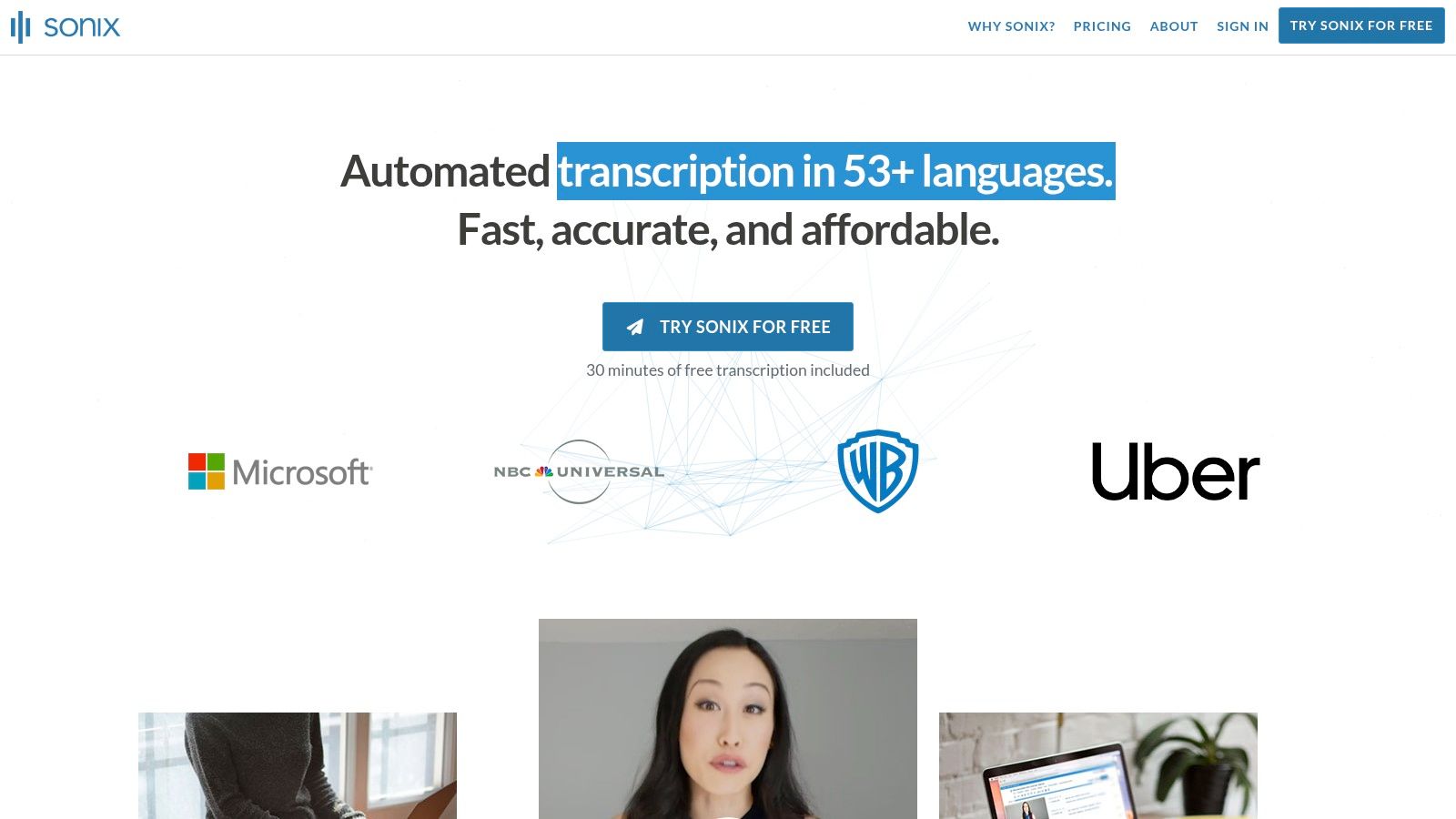
Sonix positions itself as an intelligent, automated transcription and translation platform, offering a strong balance between advanced features and accessible pricing. It stands out with a pay-as-you-go model that is pro-rated to the second, providing exceptional cost transparency for users with fluctuating needs. This flexibility, combined with powerful collaboration and analysis tools, makes it a compelling choice for teams and individuals seeking more than just a simple text-from-audio service.
What Are Sonix's Core Features?
Sonix's platform is built for workflow efficiency, featuring an in-browser editor that syncs audio playback with timestamped text for easy review. Its speaker diarization and custom dictionary features enhance accuracy, especially for content with specific terminology or multiple participants. Beyond transcription, Sonix offers automated translation into over 40 languages and AI-powered summaries and analysis, turning raw transcripts into actionable insights.
This makes Sonix an excellent choice for global teams needing multilingual content, academic researchers analyzing qualitative data, and media producers creating accessible video with accurate subtitles.
- Pricing Model: Offers pay-as-you-go rates pro-rated to the second and subscription plans for higher volume users. Includes a 30-minute free trial.
- Editing & Collaboration: Interactive editor with timestamps, speaker labeling, and tools for highlighting and commenting.
- Advanced Features: Provides automated translation, AI-driven summaries, and sentiment analysis as add-on capabilities.
- Best For: Users and teams who require both high-quality transcription and advanced tools for translation and content analysis, valuing a flexible pricing structure.
Pros and Cons
For organizations that need to repurpose video content for international audiences or extract deeper insights from conversations, Sonix’s integrated feature set provides a powerful, all-in-one solution.
Website: https://sonix.ai
7. Happy Scribe
Happy Scribe serves a global audience with its powerful combination of AI and human-powered transcription and subtitling services. It stands out with its extensive language support and a wide array of export formats, making it a favorite among media professionals, educators, and content creators who work with international content. The platform's transparent pricing for human services, clearly broken down by language, provides clarity for users budgeting for high-accuracy projects.
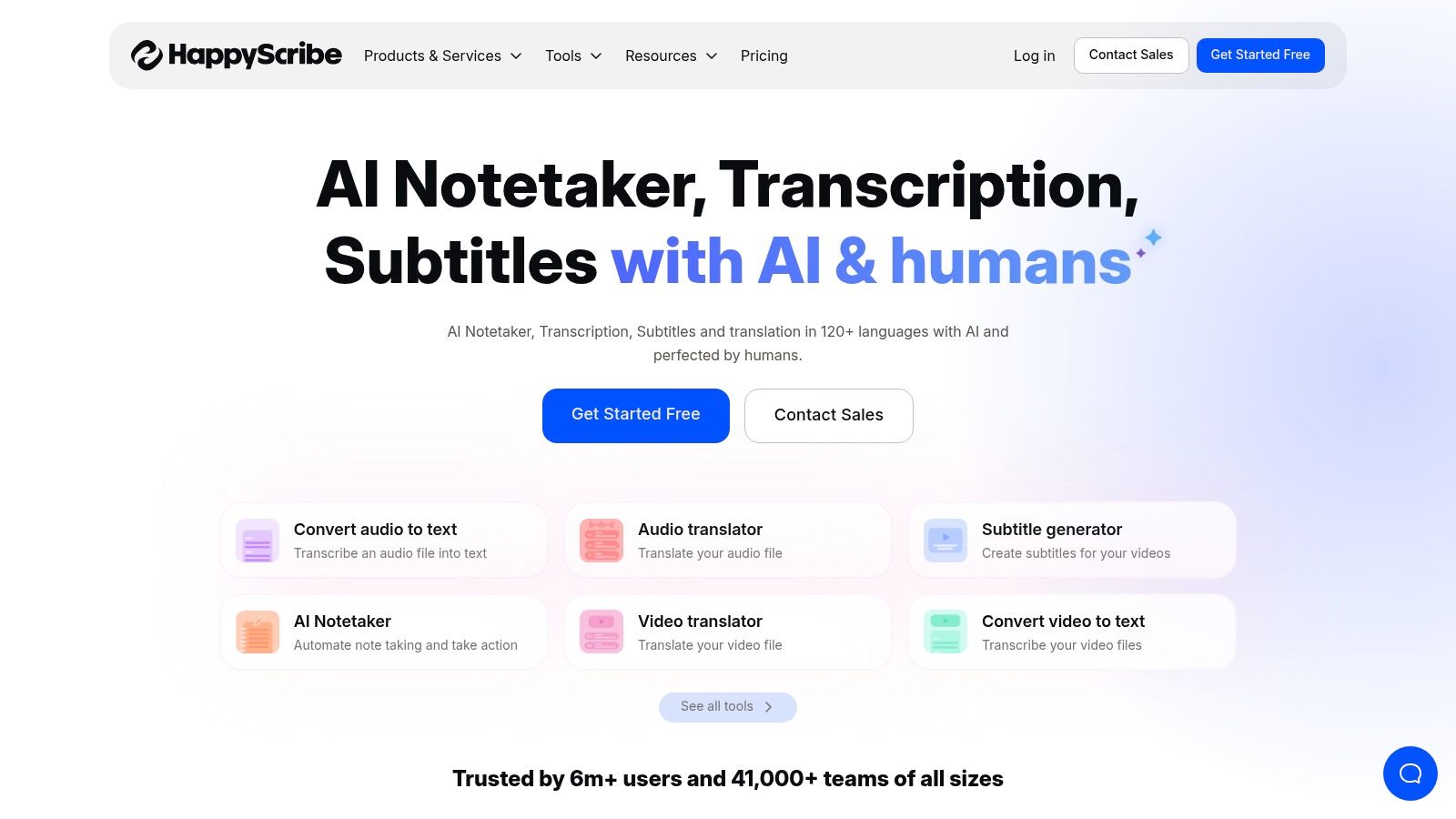
What Are Happy Scribe's Core Features?
Happy Scribe’s ecosystem is built for professional workflows, particularly those involving subtitles for broadcast or online video. Its interactive editor allows for easy collaboration and refinement of AI-generated transcripts, while the human-powered services guarantee professional-grade accuracy. The platform’s robust export options, including FCPXML, EDL, and STL, are a significant draw for video editors and production teams.
This makes Happy Scribe a great choice for media companies needing translated subtitles, universities creating accessible course materials, and podcasters looking to publish transcripts in multiple formats.
- Transcription Services: Offers automated AI transcription through subscription plans and human-made transcription with clear, per-minute pricing by language.
- Subtitles & Captions: Specializes in creating professional-grade subtitles and translations with human verification.
- Export Options: Supports a vast range of formats, including SRT, VTT, TXT, FCPXML, EDL, STL, and XML.
- Best For: Media teams, educators, and global businesses that require high-quality, multilingual subtitles and a variety of professional export formats.
Pros and Cons
For users whose primary need is producing accurate, professionally formatted subtitles for diverse global audiences, Happy Scribe offers a specialized and reliable toolset.
Website: https://www.happyscribe.com
8. Temi
Temi distinguishes itself in the transcription market with a laser focus on simplicity and a straightforward, pay-as-you-go model. It forgoes complex subscriptions in favor of a flat per-minute rate for its purely AI-driven service, making it an excellent choice for individuals and small teams with occasional or unpredictable transcription needs. This approach removes the barrier to entry, allowing users to get fast transcripts without any long-term commitment.
What Are Temi's Core Features?
Temi’s platform is built for speed and efficiency. Users can upload audio or video files directly, and the AI engine processes them quickly, often returning a transcript in minutes. The online editor is lightweight and functional, allowing for easy playback, correction of text, and adjustment of timestamps and speaker labels. Mobile apps for iOS and Android further enhance its convenience, letting users record and submit files from anywhere.
This makes Temi a solid option for students transcribing lectures, content creators needing quick drafts for captions, or any professional who requires a simple, no-frills tool for turning clear audio into text.
- Transcription Services: Automated AI transcription for a flat rate of $0.25 per minute.
- Editing & Export: Includes a simple editor with timestamps, speaker identification, and exports to Word, PDF, SRT, and VTT.
- Accessibility: Offers mobile apps for on-the-go recording and an API for custom developer integrations.
- Best For: Users who need fast, affordable AI transcripts for clear audio/video on an occasional basis and prefer to avoid subscriptions.
Pros and Cons
For those prioritizing affordability and speed for straightforward recordings, Temi's pay-per-use model is one of the most accessible and cost-effective solutions available.
Website: https://www.temi.com
9. Adobe Premiere Pro (Speech to Text)
For video editors and creative professionals already embedded in the Adobe ecosystem, Premiere Pro’s built-in Speech to Text feature offers a powerful, integrated solution. This tool eliminates the need for third-party services by bringing transcription and captioning directly into the editing timeline. Its primary advantage is workflow efficiency, allowing creators to generate, edit, and style captions without ever leaving their project, making it an ideal choice for those who value a seamless, all-in-one production environment.
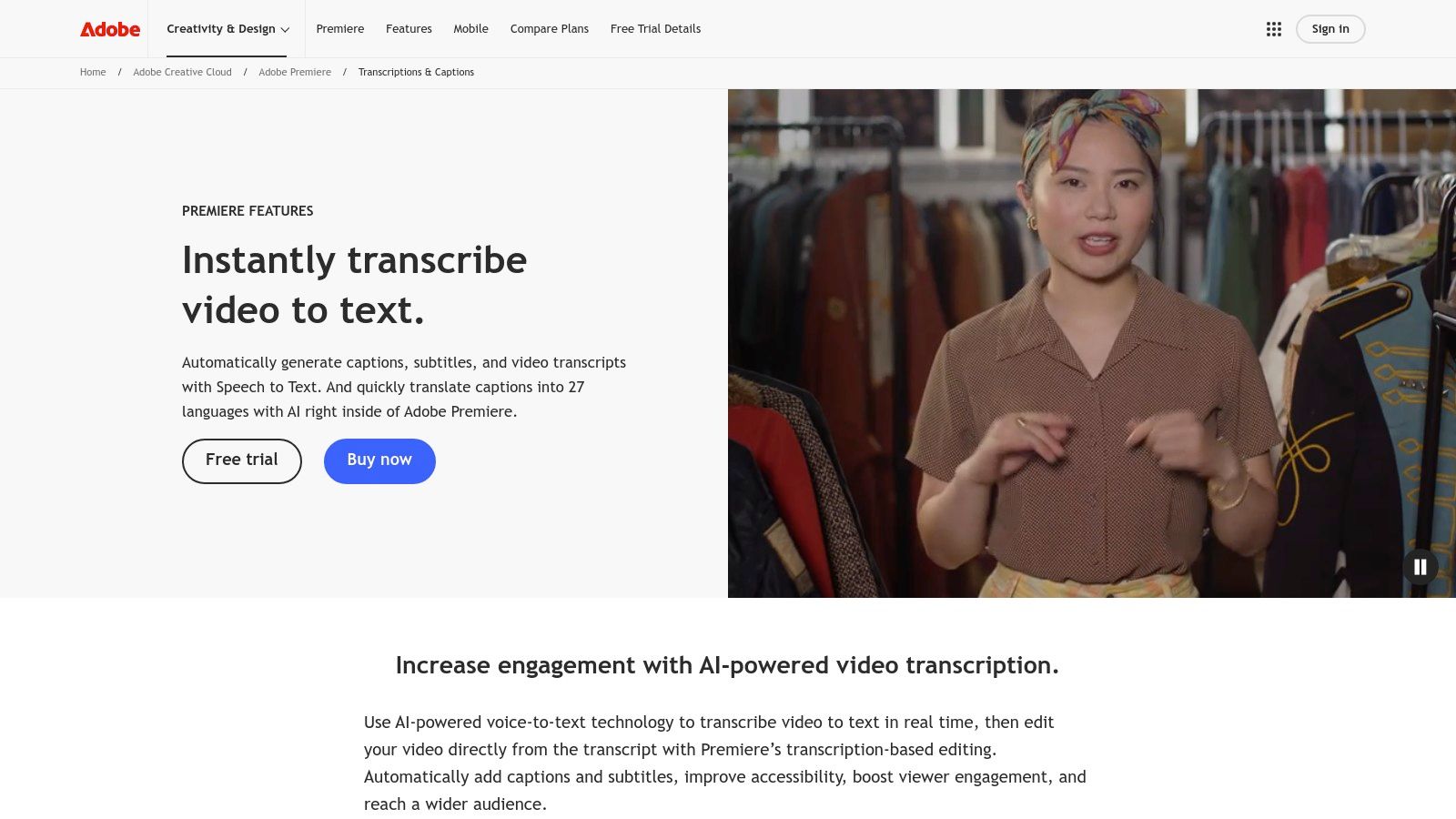
What Are Adobe Premiere Pro's Core Features?
The Speech to Text function is a core part of the Premiere Pro interface, designed to streamline the post-production process. Users can automatically generate a transcript of their entire sequence and use the text to navigate the video, making it simple to find specific soundbites. The text can then be used to create customizable captions that are directly linked to the timeline, ensuring perfect sync.
This makes it the best choice for professional video producers, marketing teams creating subtitled social media content, and filmmakers who need a direct path from editing to captioning. For those wanting to understand the fundamentals of this process, there are great resources on how to transcribe video to text that cover various methods.
- Integrated Workflow: Generate and edit transcripts and captions directly on the Premiere Pro timeline.
- Text-Based Editing: Use the transcribed text to edit your video, a revolutionary way to handle interview footage.
- Customizable Captions: Apply integrated caption styling and export in delivery-ready formats within Creative Cloud.
- Best For: Video editors and content creators who already use Adobe Premiere Pro and want to consolidate their workflow without external tools.
Pros and Cons
For dedicated video professionals, the convenience of having transcription natively integrated within their primary editing software is a significant time-saver that justifies its place in their toolkit.
Website: https://www.adobe.com/products/premiere/speech-to-text.html
10. Microsoft 365 – Transcribe in Word (web)
For organizations deeply embedded in the Microsoft ecosystem, the Transcribe feature within Word for the web is a surprisingly robust and convenient solution. It’s not a standalone product but rather an integrated tool for Microsoft 365 subscribers, allowing users to upload video or audio files directly into a Word document and receive a timestamped, speaker-separated transcript. This makes it an incredibly efficient choice for teams who live in Word, Outlook, and OneDrive and need a no-frills way to document meetings without leaving their familiar workflow.
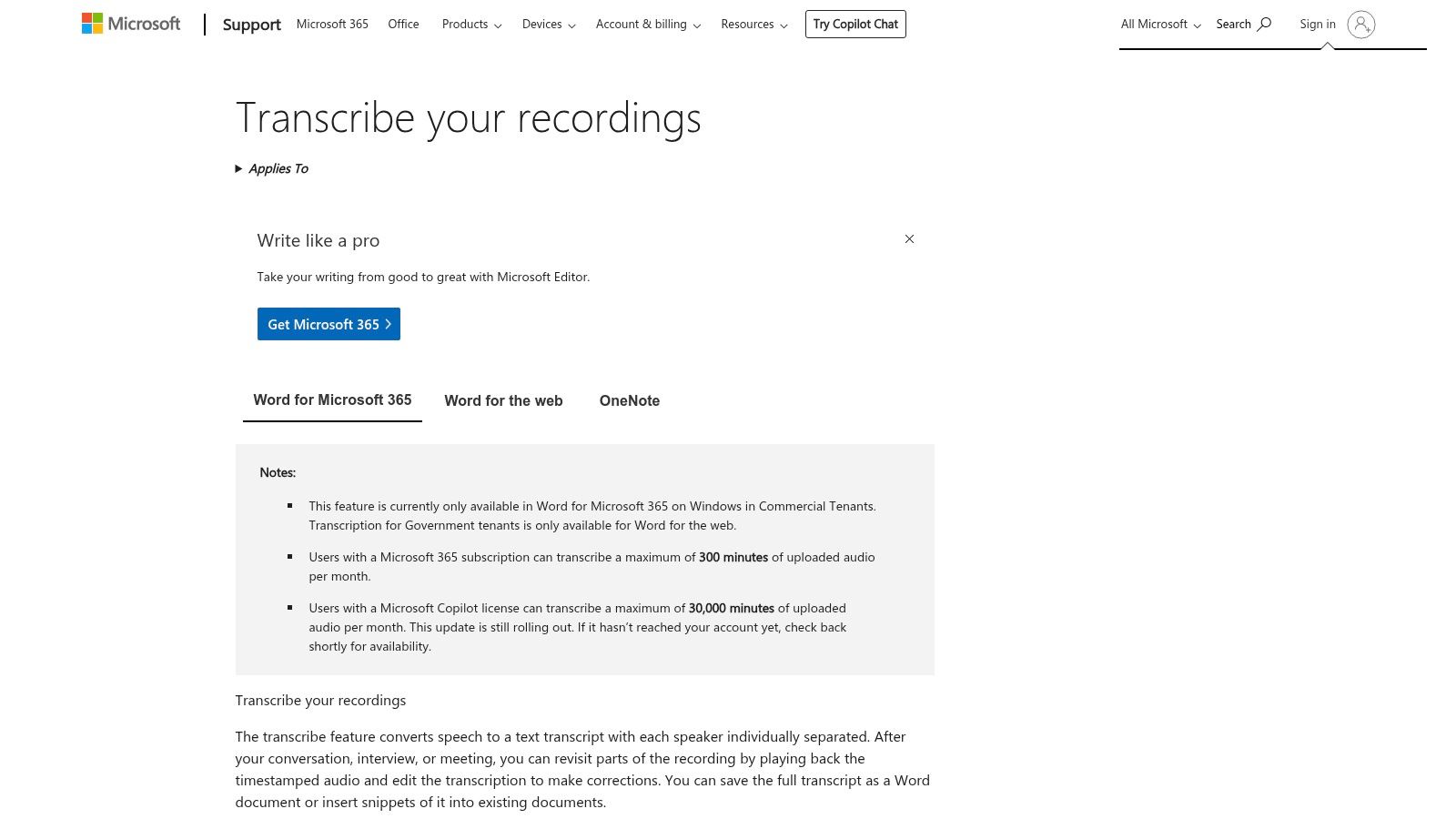
What Are Microsoft 365's Core Features?
The Transcribe function shines in its simplicity and integration. Users can upload a video file (like an .mp4) or audio recording, and the tool processes it in the background, generating a transcript directly in a side panel within Word. From there, you can easily insert snippets or the entire text into your document. The audio playback is synced with the text, making corrections straightforward.
This functionality makes it an excellent option for corporate users documenting internal meetings, students transcribing lectures directly into their notes, or HR professionals keeping records of interviews within the company's secure OneDrive environment.
- Integrated Transcription: Upload various audio/video formats and get a full transcript with timestamps and speaker labels directly within Word.
- OneDrive Storage: Recordings and their corresponding transcripts are automatically saved to your OneDrive, ensuring they are secure and shareable.
- Synced Playback: Click on any part of the transcript to play the corresponding audio, simplifying the editing and verification process.
- Best For: Microsoft 365 subscribers who need a convenient, built-in tool for transcribing meetings and interviews without adopting new software.
Pros and Cons
For those who already have a Microsoft 365 subscription, this built-in feature offers fantastic value for everyday transcription needs, eliminating the cost of a separate service.
11. VEED
VEED is not just a transcription tool; it's a comprehensive online video editor designed for speed and social media impact. It stands out by integrating automatic subtitling directly into a creative workflow, making it a favorite among content creators who need to produce visually engaging videos with stylized captions quickly. Its browser-based platform eliminates the need for complex software, empowering users to add, translate, and design subtitles with just a few clicks.
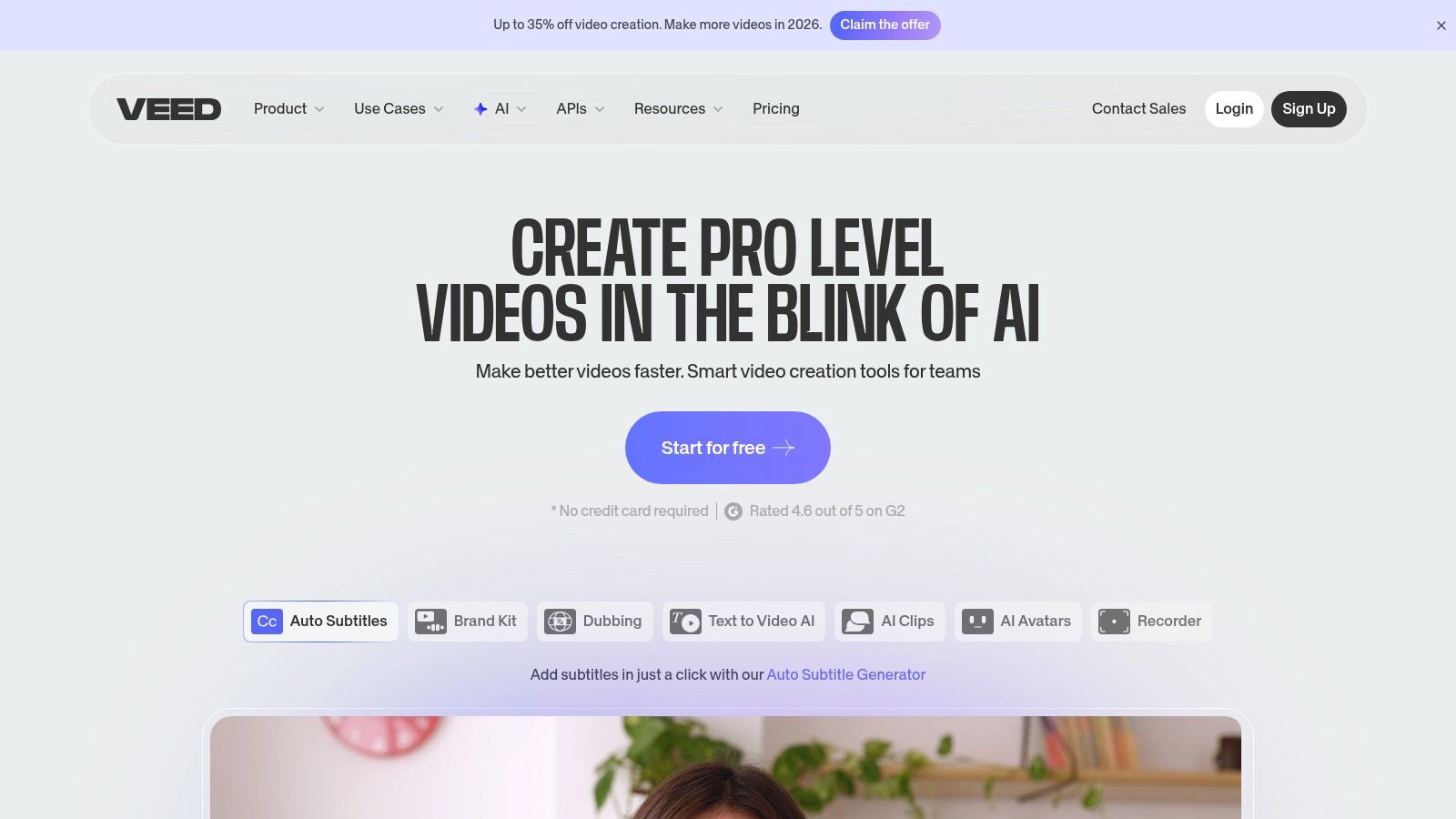
What Are VEED's Core Features?
VEED's core strength is its fusion of transcription with powerful video editing tools. The platform automatically generates subtitles and allows for extensive customization, from animated text presets to brand-specific fonts and colors. Speaker detection helps organize dialogue, while the ability to download SRT, VTT, or TXT files offers flexibility for other platforms. For those new to video accessibility, understanding what is closed captioning can highlight why these features are so crucial.
This makes VEED the perfect choice for social media managers, marketers creating training videos, and course creators who prioritize visual appeal and brand consistency in their captioned content.
- Auto-Subtitles & Translation: Generates captions automatically and translates them into multiple languages.
- Dynamic Styling: Offers a wide range of animated presets, custom fonts, and styling options for subtitles.
- Full Video Editor: Includes tools for cutting, adding text, images, and other creative elements.
- Best For: Content creators who need to produce visually striking, shareable videos with branded and styled captions directly in their browser.
Pros and Cons
For creators focused on platforms like Instagram, TikTok, and YouTube, VEED's ability to seamlessly blend accurate transcription with dynamic visual design is a game-changer.
Website: https://www.veed.io
12. Kapwing
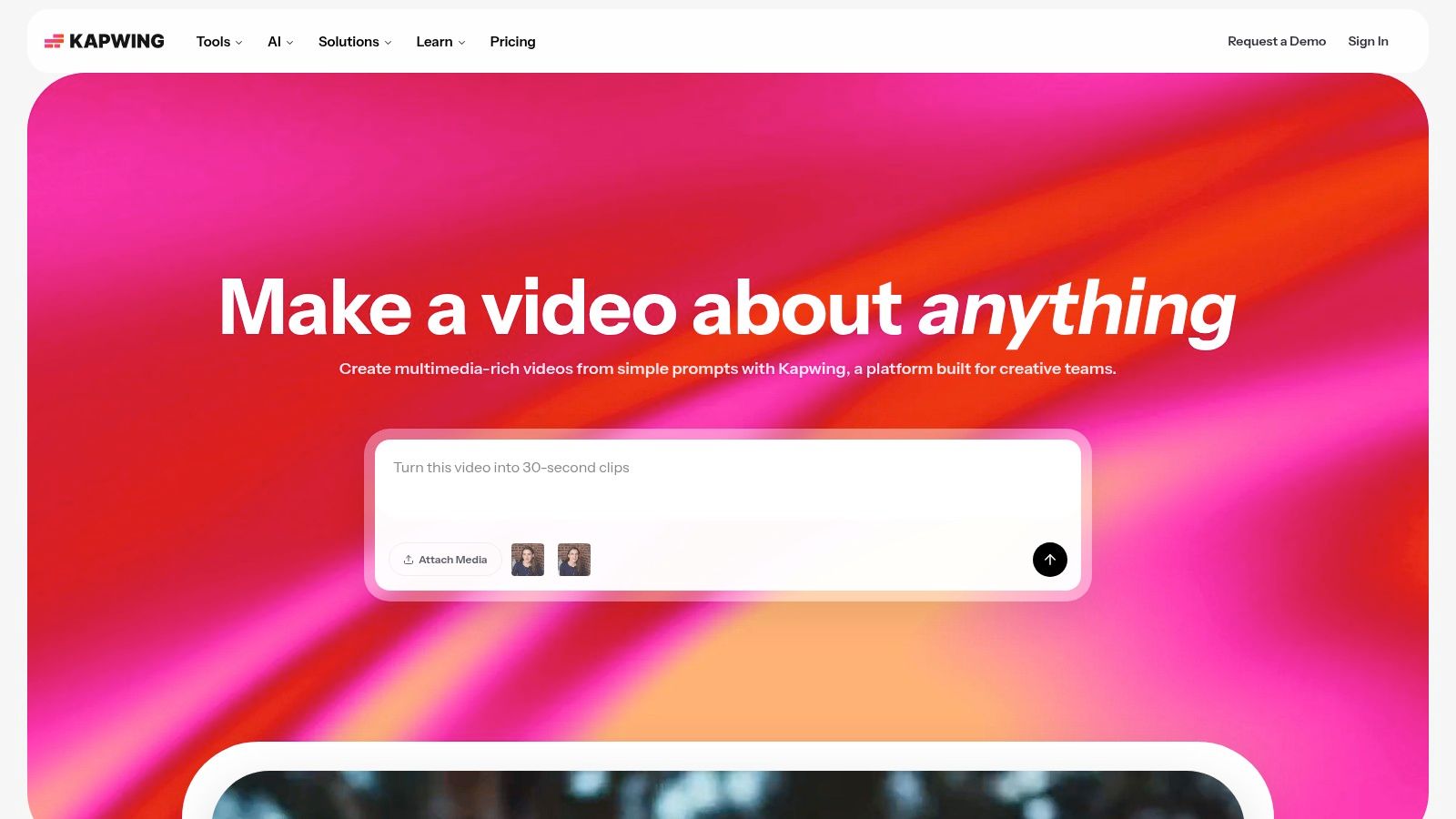
Kapwing positions itself primarily as an online video editor, but its powerful and user-friendly auto-subtitling feature makes it a go-to tool for content creators. Its strength lies in integrating transcription directly into the video creation workflow, allowing users to generate, edit, and style captions without ever leaving their browser. This makes it an incredibly efficient solution for creators focused on producing social-media-ready content with accessible, engaging subtitles.
What Are Kapwing's Core Features?
Kapwing’s platform is built for speed and simplicity. The AI-powered subtitle generator quickly transcribes video audio, allowing users to review and make corrections directly on the video timeline. Its standout features include the ability to translate subtitles into multiple languages and export the final transcript as a separate SRT or VTT file. The clear mapping of AI credits to transcription minutes in paid plans helps users easily manage their usage.
This makes Kapwing the perfect choice for social media managers, YouTubers, and online course creators who need to quickly add accurate captions and download transcripts for their content.
- Auto-Subtitling: AI-powered transcription with an easy-to-use subtitle editor and multiple styling options.
- Transcript Exports: Download transcripts in common formats like SRT and VTT for use on other platforms.
- Subtitle Translation: Automatically translate generated captions into over 60 different languages.
- Best For: Content creators and marketers who need a fast, browser-based tool to generate and embed captions directly into their video projects.
Pros and Cons
For creators whose primary goal is to produce captioned video content for platforms like YouTube, Instagram, and TikTok, Kapwing provides a seamless and cost-effective workflow.
Website: https://www.kapwing.com
Getting Better Transcripts (Before You Blame the Software)
Accuracy is decided by the audio more than by the tool. Four things move the number most, in rough order of impact.
Two practical notes. Uploading a higher-quality file helps: if you have the original recording, use it rather than a compressed copy. And if the audio is genuinely bad — a phone in a pocket, a crowded room — no tool on this list will save it, so re-record if you can.
Top 12 Video Transcription Tools Comparison
My Final Thoughts on Choosing a Transcription Tool
Navigating the crowded market for video transcription software can feel overwhelming, but finding the perfect tool is ultimately about matching its features to your specific workflow. Throughout this guide, I've explored a dozen powerful options, from all-in-one editing suites like Descript and Adobe Premiere Pro to dedicated, high-accuracy services like Rev and Trint. Each platform brings a distinct set of strengths to the table, tailored for different users, budgets, and technical demands.
There is no single "best" solution for everyone. The ideal choice hinges entirely on your primary use case. A journalist conducting sensitive interviews will prioritize the high security and accuracy of a tool like Trint, while a video creator might gravitate toward the integrated editing and captioning features of VEED or Kapwing. Similarly, a student transcribing lectures needs affordability and ease of use, which platforms like Otter.ai or even the built-in Transcribe in Word feature can provide.
How to Choose the Right Transcription Software for You
To make a confident decision, I recommend moving beyond marketing claims and focusing on a few critical, practical questions. This strategic approach will help you filter the options and select the software that truly enhances your productivity.
1. What is your core need?
- Meeting Productivity: If your goal is to capture action items and key moments from live meetings, look for real-time transcription, speaker identification, and integrations with tools like Zoom. HypeScribe and Otter.ai are leaders here.
- Content Creation: For podcasters and YouTubers, the ability to edit video by editing text (a feature pioneered by Descript) is revolutionary. Also, consider tools with robust subtitle styling options like VEED.
- Archival and Research: Academics and legal professionals need impeccable accuracy and searchable archives. Services like Rev (human transcription) or Sonix (with its advanced organizational features) are strong contenders.
2. How important is accuracy vs. speed?
- Automated services offer incredible speed, delivering transcripts in minutes. They are perfect for internal notes, rough drafts, and content discovery where 95-98% accuracy is sufficient.
- Human-powered services provide near-perfect accuracy (99%+) but come with a longer turnaround time and higher cost. They are essential for public-facing content or any scenario where precision is non-negotiable.
3. How is the user experience?
- Sign up for free trials. Nearly every tool on this list offers one. Upload a short, representative video file—one with background noise, multiple speakers, or technical jargon specific to your field.
- Assess the editor. How intuitive is it to correct errors? Can you easily assign speaker names, add notes, or export the format you need? A clunky editor can negate the time saved by automation.
Ultimately, implementing video transcription software is an investment in efficiency. It's about reclaiming hours once spent manually typing, unlocking the valuable data trapped in your video files, and making your content more accessible. By carefully considering your specific needs against the capabilities of these powerful tools, you can transform a once-tedious task into a seamless, automated, and invaluable part of your workflow.
If your files run long, price per file rather than per minute. HypeScribe charges one token per recording of any length — a four-hour video costs the same as a five-minute clip — and returns a transcript with a summary and action items. Try it free: three files a month, no card required.


































































































