The 12 Best Tools for Content Creators in 2026: My Definitive Guide

Creator tool lists usually fail by listing everything. This one is grouped by the bottleneck it removes — because the tool you need depends on which part of your process is actually slow. the challenge is finding the tools that actually deliver on their promises. This guide cuts through the marketing noise to give you a real-world look at the best tools for content creators, focusing on what truly matters: efficiency, quality, and impact. I've gone hands-on, testing and evaluating the gear and software that power successful creators today.
This isn't just another generic list. I'm providing an in-depth analysis designed to help you build a smarter, more effective creative stack. For each tool, I detail what it does, who it's for, key features, and transparent pricing. You'll also find my honest assessment of its pros and cons, complete with screenshots and direct links to help you make an informed decision quickly.
Whether you're a podcaster refining audio, a YouTuber editing video, or a blogger managing a content pipeline, this resource provides actionable insights. When beginning your journey, it's crucial to select the right foundational software. For a comprehensive comparison of leading options, consider reviewing the 12 Best Software for Editing Videos for YouTube guide, which offers a deep dive into the top choices for video editing. My goal here is to help you understand not just what each tool does, but how it integrates into a modern workflow, with practical use cases based on direct experience. Let's dive in and find the perfect additions to your toolkit.
1. HypeScribe
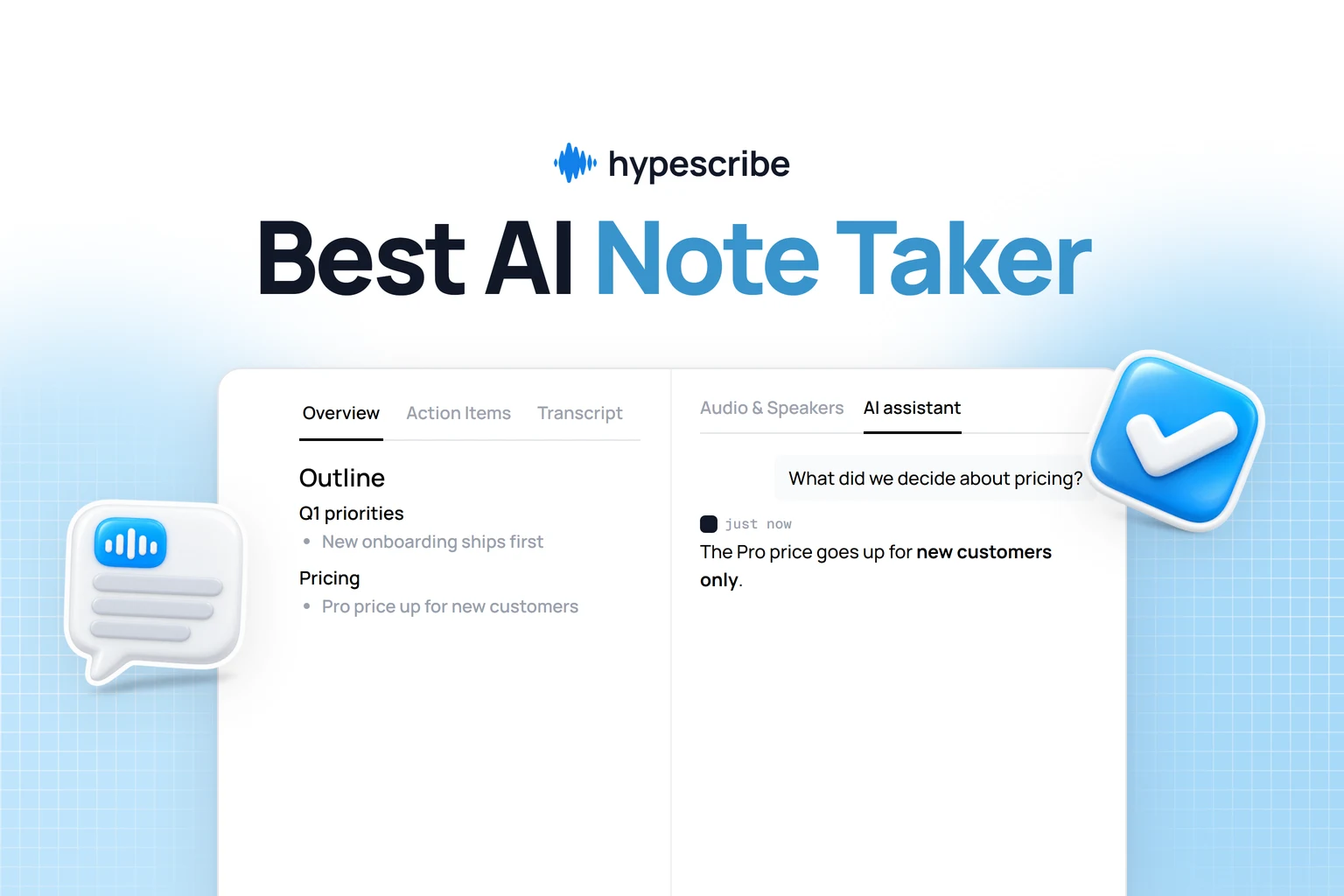
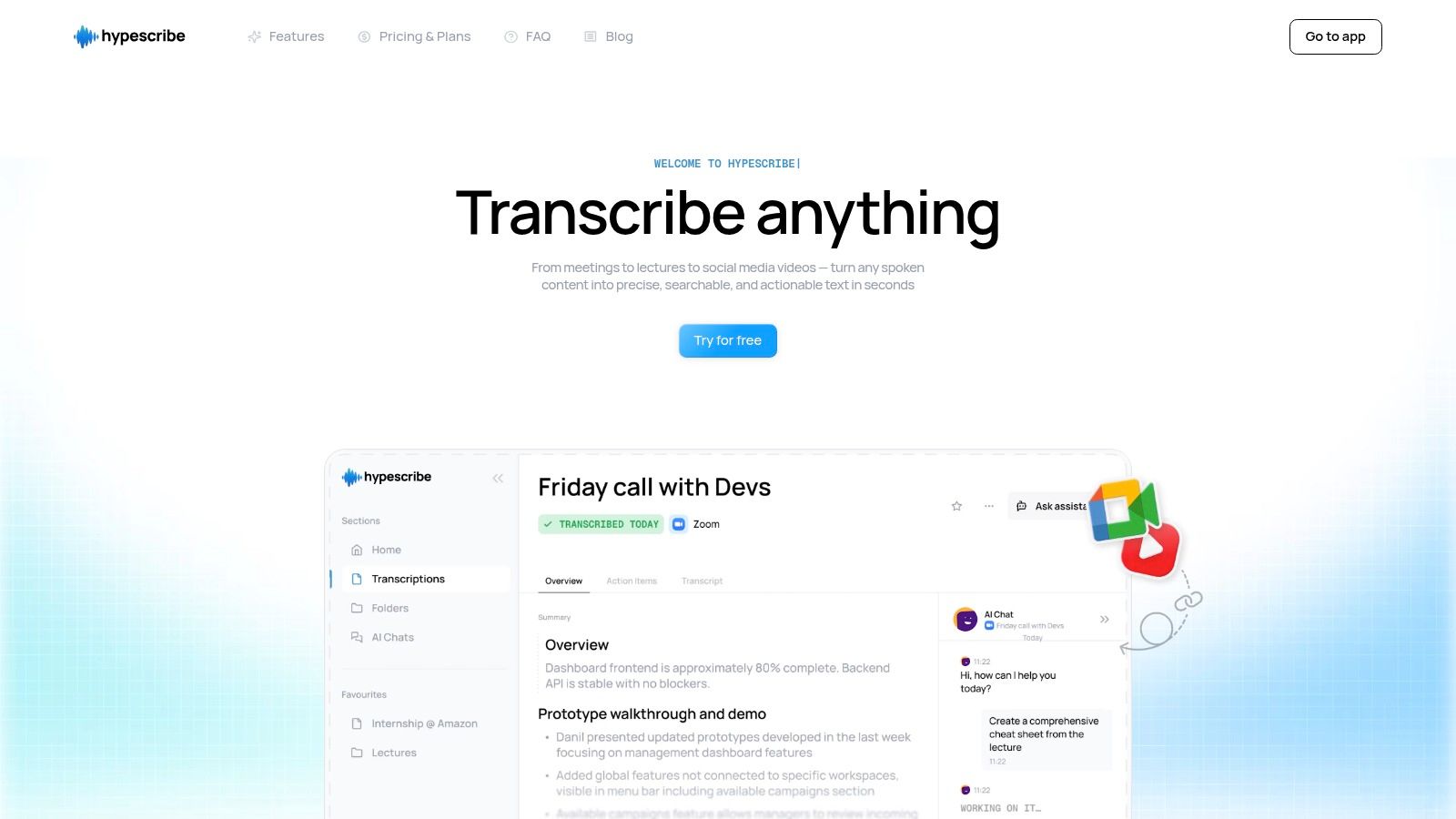
HypeScribe stands out as a premier tool for content creators who need to convert audio and video into actionable text. It’s not just a transcription service; it’s a productivity engine I've found essential for high-volume users like podcasters, video creators, journalists, and educators. Its core value lies in its exceptional speed and accuracy, processing an hour of audio in under 30 seconds with up to 99% precision across more than 100 languages.
This platform sets itself apart with a unique token-based system where one token equals one file, regardless of duration. This is a game-changer for creators working with long-form content like lengthy interviews, webinars, or raw video footage, eliminating the restrictive per-minute pricing that dominates the industry. This approach makes HypeScribe one of the best tools for content creators who need predictable, scalable transcription without worrying about file length.
Why HypeScribe Is a Top Choice
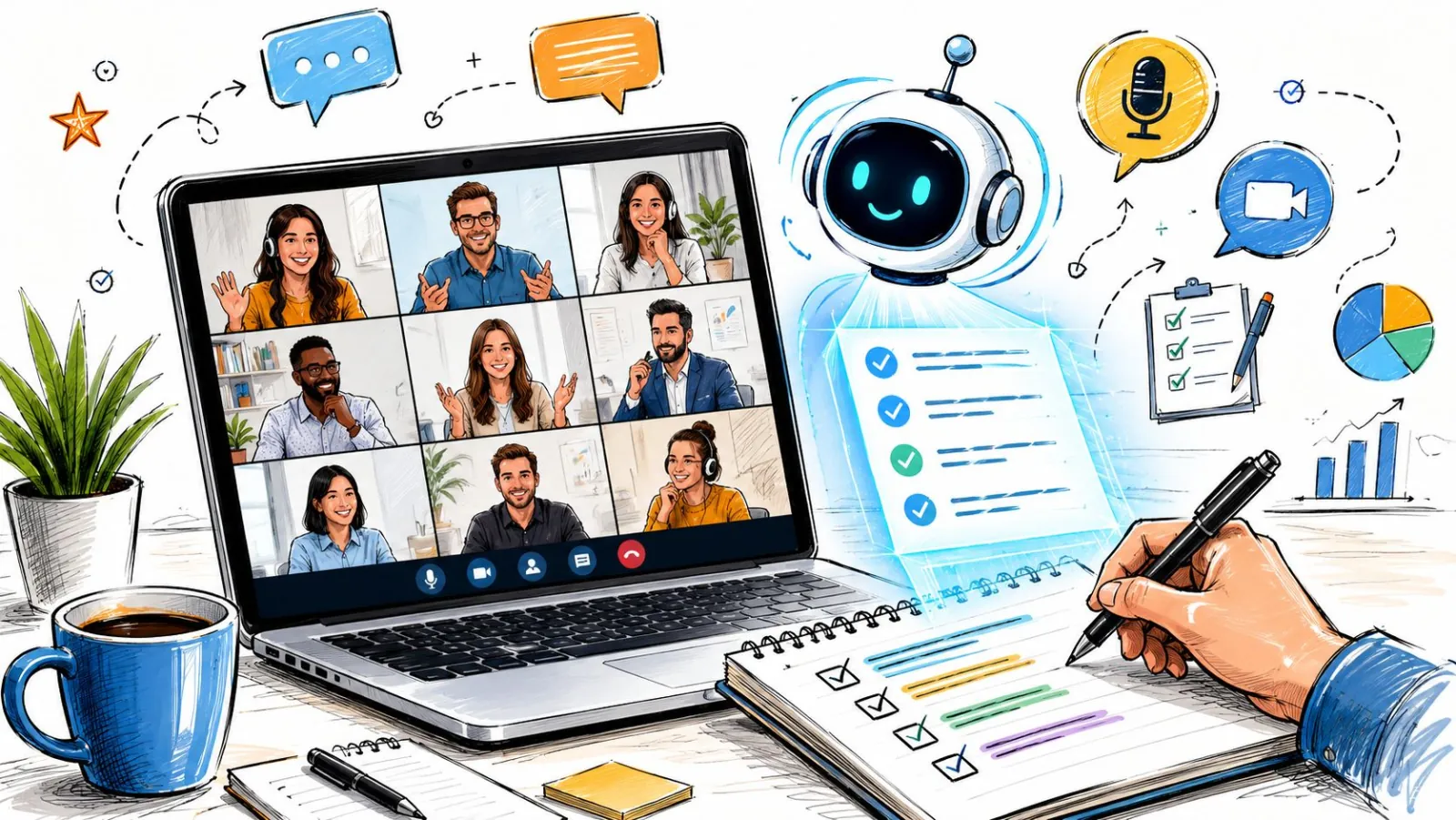
HypeScribe's feature set is built for modern content workflows. It can pull media directly from social links (YouTube, Instagram, etc.), transcribe live meetings with its note-taker for Zoom and Google Meet, and even features a chatbot that can answer questions based on the content of your transcribed files. This transforms a static transcript into a searchable knowledge base. For those new to the process, HypeScribe offers excellent guides on topics like how to transcribe audio to text effectively.
Key Features:
- Blazing-Fast Transcription: Processes up to an hour of media in under 30 seconds.
- Token-Based System: 1 token transcribes 1 file of any length, perfect for long-form content.
- Live Meeting Assistant: A real-time note-taker joins Zoom, Google Meet, and Microsoft Teams calls.
- Intelligent Analysis: Generates smart summaries, key takeaways, and action items from transcripts.
- Versatile Inputs & Exports: Accepts file uploads, social media links, and offers exports to Google Docs, Word, PDF, and more.
Pricing:
- Free Trial: 3 files per month (up to 1 hour each).
- Starter: $6.99/month for 30 files.
- Pro: $7.99/month for 60 files and note-taker access.
- Ultra: $12.99/month for 300 files and extended note-taker features.
ProsConsExtremely fast and accurate transcription ideal for tight deadlines.Accuracy can be impacted by poor audio quality (e.g., background noise).Unlimited-length file processing via tokens offers incredible value.Lacks formal compliance certifications like SOC2, which may be a need for some enterprises.Integrated tools like the meeting assistant and chatbot enhance productivity.Affordable, scalable pricing plans with a generous free trial.
Website: https://www.hypescribe.com
2. Amazon
While not a software tool, Amazon is the indispensable hardware marketplace for nearly every creator. It serves as a one-stop shop for sourcing essential gear, from your first microphone and ring light to advanced cameras and capture cards. Its massive selection and competitive pricing make it one of the best "tools" for content creators building or upgrading their studio setup.
Why It's a Go-To for Creator Hardware
Amazon is the go-to for rapidly acquiring standard creator hardware. It's ideal for new creators buying their first bundle, established professionals needing a replacement cable overnight, or anyone who values speed and selection over niche, specialty equipment.
Key Features & Considerations
- Massive Selection: Virtually every piece of gear-from cameras, mics, and lighting to obscure adapters and tripods-is available. You can find creator-focused bundles that package popular items together.
- Prime Shipping: For U.S.-based creators, Amazon Prime’s fast, often next-day, delivery is a lifesaver when equipment fails unexpectedly before a shoot.
- Extensive Reviews: The user review and Q&A sections are invaluable for vetting products. You can see real-world photos and learn about compatibility issues before you buy.
Pro Tip: Always check who the seller is. To avoid counterfeit or low-quality items, filter your search to show products “Sold by Amazon” or by the official brand storefront.
Pros:
- Unmatched delivery speed in the U.S.
- Competitive pricing due to marketplace competition.
- Easy, hassle-free returns process.
Cons:
- Quality can be inconsistent with third-party sellers.
- Bundles sometimes include redundant or low-quality accessories.
Website: https://www.amazon.com
3. B&H Photo Video
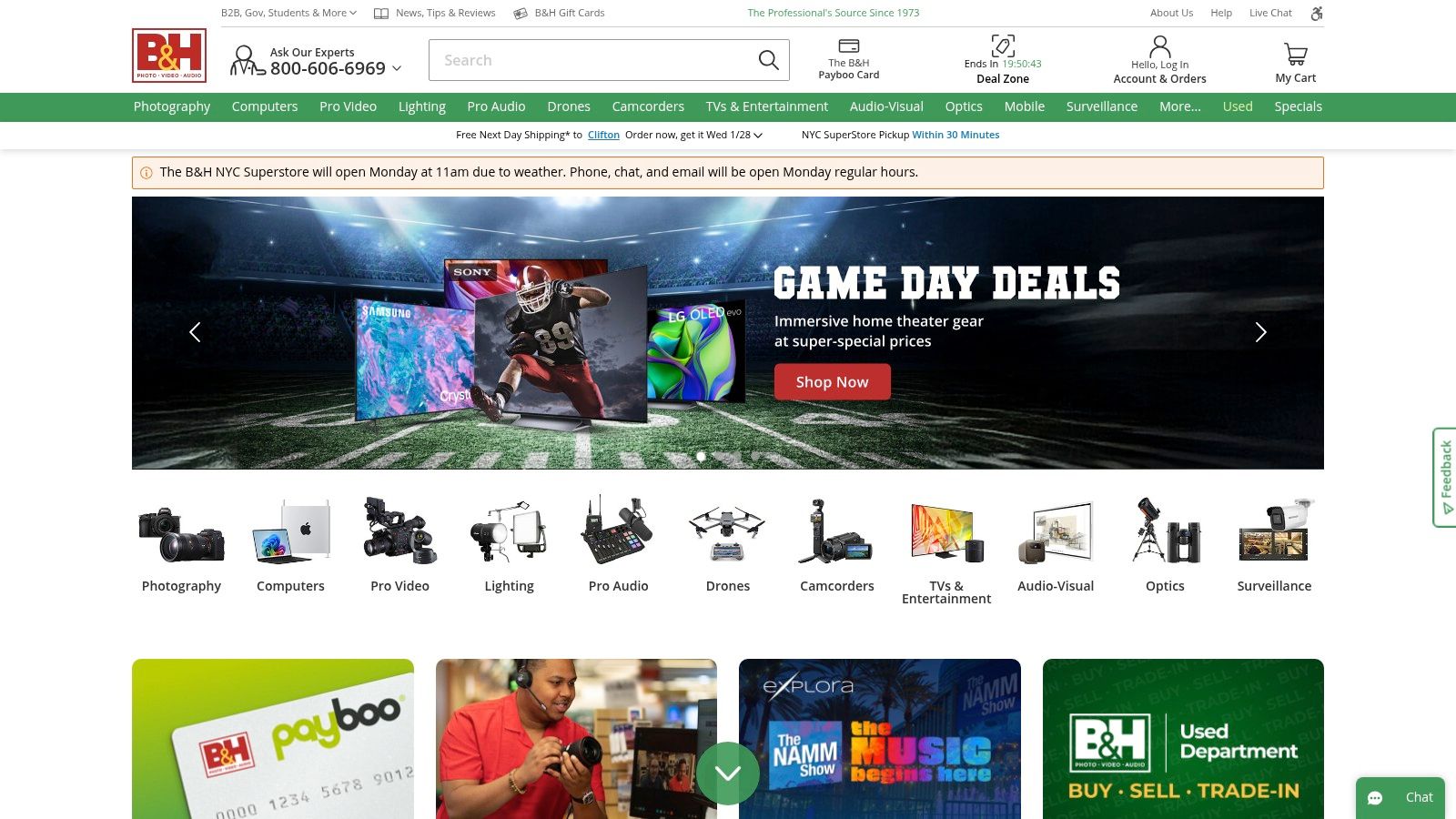
For creators who have outgrown basic kits and need specialized, pro-grade equipment, B&H Photo Video is the industry-standard marketplace. More than just a retailer, it functions as a comprehensive resource for high-end video, audio, lighting, and streaming gear. Its curated selection and deep product expertise make it one of the best tools for content creators serious about production quality.
Why It's a Favorite for Professional Gear
B&H Photo Video excels at providing professional and prosumer-level creator hardware. It is ideal for filmmakers, streamers, and podcasters who need specific, reliable equipment and value expert support, detailed specifications, and curated kits over sheer volume.
Key Features & Considerations
- Pro-Grade Assortment: B&H is an authorized dealer for professional brands like Blackmagic Design, ARRI, and RED, offering gear you won't find on general marketplaces.
- Expert Support: The customer service team and in-house experts provide credible, technical advice, helping you build a compatible and effective setup.
- Educational Content: The B&H eXplora blog and YouTube channel offer extensive tutorials, reviews, and industry insights that help creators make informed purchasing decisions.
Pro Tip: Use the "Used Department" section to find professional gear at a significant discount. All used items are thoroughly inspected and graded, offering a trustworthy way to upgrade your kit on a budget.
Pros:
- Trusted, authorized retailer for high-end professional brands.
- Detailed product listings with in-depth specifications and compatibility info.
- Excellent educational resources and expert customer support.
Cons:
- Highly anticipated new products can sell out quickly.
- Pricing is often set at MSRP, especially for new releases.
Website: https://www.bhphotovideo.com
4. Adorama
Adorama is a photography and electronics retailer that has become a creator-centric hub, specializing in curated gear bundles and high-end equipment. While similar to a general marketplace, its focus on dedicated landing pages for vloggers, podcasters, and streamers makes it one of the best tools for content creators looking for expert-vetted setups without endless research.
Why It's a Great Place for Vetted Setups
Adorama excels at providing all-in-one hardware solutions and professional-grade equipment. It is ideal for new creators seeking a complete starter kit (camera, mic, lighting) or established creators upgrading to specialized cameras, lenses, or audio interfaces from brands like Sony, Canon, and Shure.
Key Features & Considerations
- Curated Creator Kits: Adorama simplifies the buying process by offering pre-packaged kits for specific needs like vlogging or mobile content creation, ensuring all components work together seamlessly.
- Bundle Savings & Open-Box Deals: The platform frequently features bundle deals and a reliable open-box section, allowing creators to acquire professional gear at a significant discount.
- Expert-Driven Content: Unlike general retailers, Adorama’s site includes educational resources and buying guides created by photography and video professionals, helping you make informed decisions.
Pro Tip: Check the "Deal of the Day" and open-box sections before making a purchase. You can often find premium, like-new equipment with a full warranty for a fraction of the original price.
Pros:
- Excellent value in bundles designed for first-time creators.
- Strong focus on high-quality photography and video gear.
- Clear listings of what's included in each kit.
Cons:
- Navigating the deep category pages can be overwhelming.
- Promotional links and stock change frequently as deals end.
Website: https://www.adorama.com
5. Sweetwater
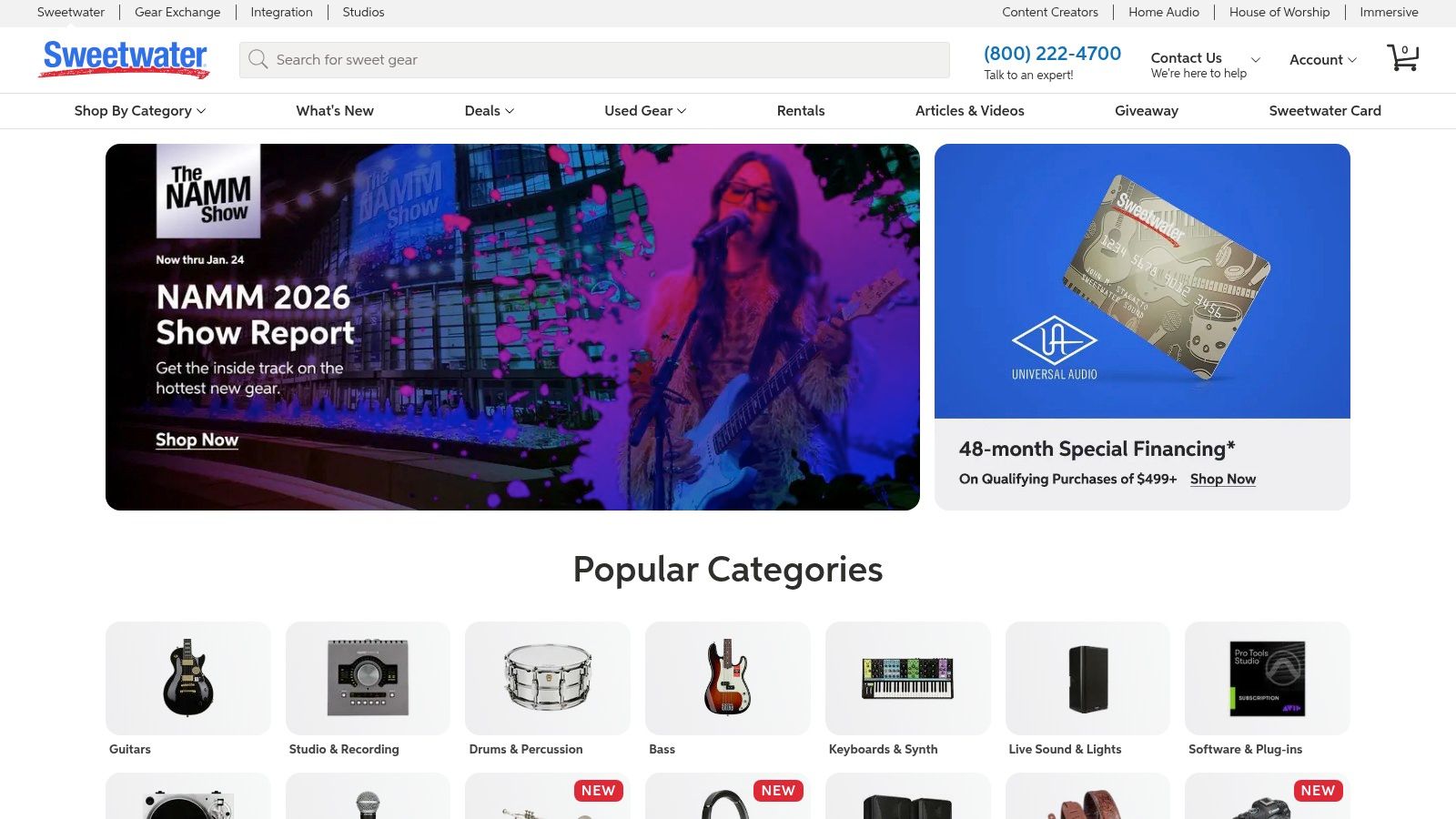
For creators who believe audio is king, Sweetwater is the specialized hardware destination. While others sell everything, Sweetwater focuses intensely on high-quality audio gear, from professional microphones and audio interfaces to podcasting bundles and studio monitors. Their expert-driven approach and dedicated support make it one of the best tools for content creators serious about leveling up their sound.
Why It's the Top Choice for Audio Gear
Sweetwater is the premier marketplace for purchasing specialized audio equipment with expert guidance. It is perfect for podcasters, streamers, and musicians who need reliable, high-fidelity gear and value technical support. New creators benefit from its curated, plug-and-play podcasting kits, while professionals appreciate the access to pro-level equipment and knowledgeable Sales Engineers.
Key Features & Considerations
- Expert Sales Engineers: Every customer is assigned a dedicated Sales Engineer who can provide personalized product recommendations and technical support, a feature unmatched by general retailers.
- Curated Creator Bundles: The platform offers thoughtfully assembled packages for podcasting and streaming that include everything needed to start, like a microphone, interface, headphones, and cables.
- In-Depth Product Information: Product pages are incredibly detailed, featuring extensive specs, high-resolution photos, and customer reviews to help you make an informed decision.
Pro Tip: Don't hesitate to call your assigned Sales Engineer. They can help you troubleshoot compatibility issues or recommend a specific microphone for your vocal tone and recording environment, saving you from costly purchasing mistakes.
Pros:
- Outstanding customer service and after-sales support.
- Highly knowledgeable staff who specialize in audio gear.
- Fast, free shipping on most items.
Cons:
- Primarily focused on audio; limited selection of cameras or lighting.
- Pricing can be slightly higher than mass-market retailers.
Website: https://www.sweetwater.com
6. Best Buy
For creators who need equipment now, Best Buy is an invaluable physical and digital marketplace. It bridges the gap between online shopping and immediate access, offering a curated selection of cameras, microphones, streaming gear, and lighting with the huge advantage of same-day, in-store pickup across the United States. This makes it one of the best tools for content creators facing last-minute equipment failures or urgent upgrade needs.
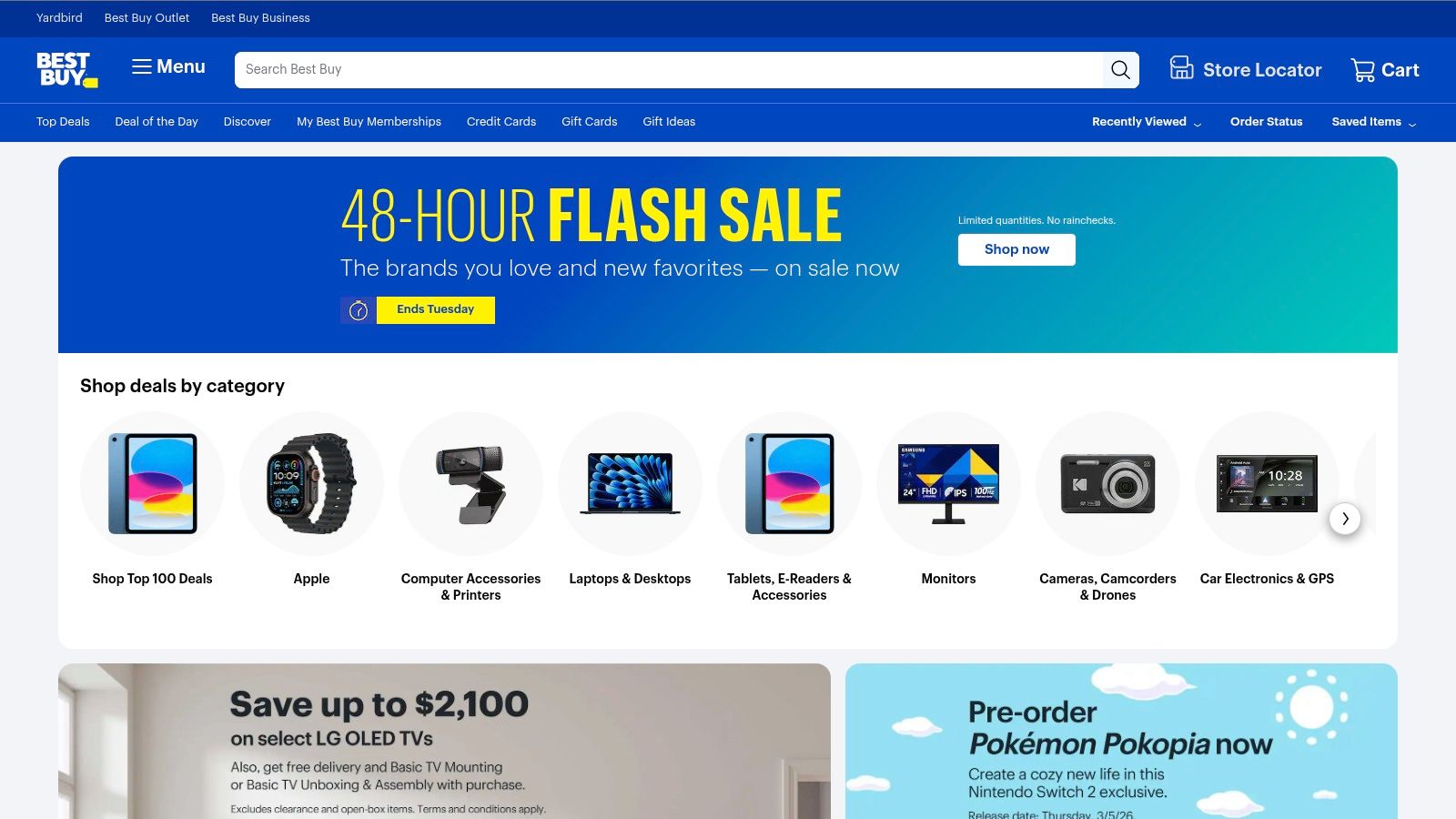
Why It's Useful for Immediate Needs
Best Buy is the solution for immediate hardware acquisition and hands-on browsing. It’s ideal for creators who need to replace a broken lens before a shoot, test how a microphone feels in their hands, or make a quick, hassle-free return without dealing with shipping labels and wait times.
Key Features & Considerations
- Same-Day Pickup: The ability to check local store inventory online, purchase an item, and pick it up within an hour is a game-changer for time-sensitive situations.
- Curated Creator Selections: Best Buy often groups products into "Content Creator Packages" or features dedicated sections with items like the GoPro Creator Edition kits and Elgato streaming controllers, simplifying the buying process.
- Financing and Protection: Options like store credit cards for financing larger purchases and Geek Squad protection plans provide peace of mind for expensive gear investments.
Pro Tip: Use the Best Buy app to check inventory at multiple nearby stores. Stock can vary significantly, and a store a few extra miles away might have the exact item you need in stock for immediate pickup.
Pros:
- Convenient for quick purchases, pickups, and exchanges.
- Nationwide presence is extremely useful for last-minute needs.
- Ability to see and handle products before buying.
Cons:
- Inventory and selection vary significantly by location.
- Pricing on specialized gear can be higher than online-only retailers.
Website: https://www.bestbuy.com
7. Elgato
Elgato is a foundational hardware brand whose website serves as the direct source for some of the most essential tools for content creators, particularly streamers and video producers. From the game-changing Stream Deck to professional-grade capture cards and lighting, the site is a hub for gear designed to automate and elevate production quality. It’s where creators go to build a cohesive, integrated studio ecosystem.
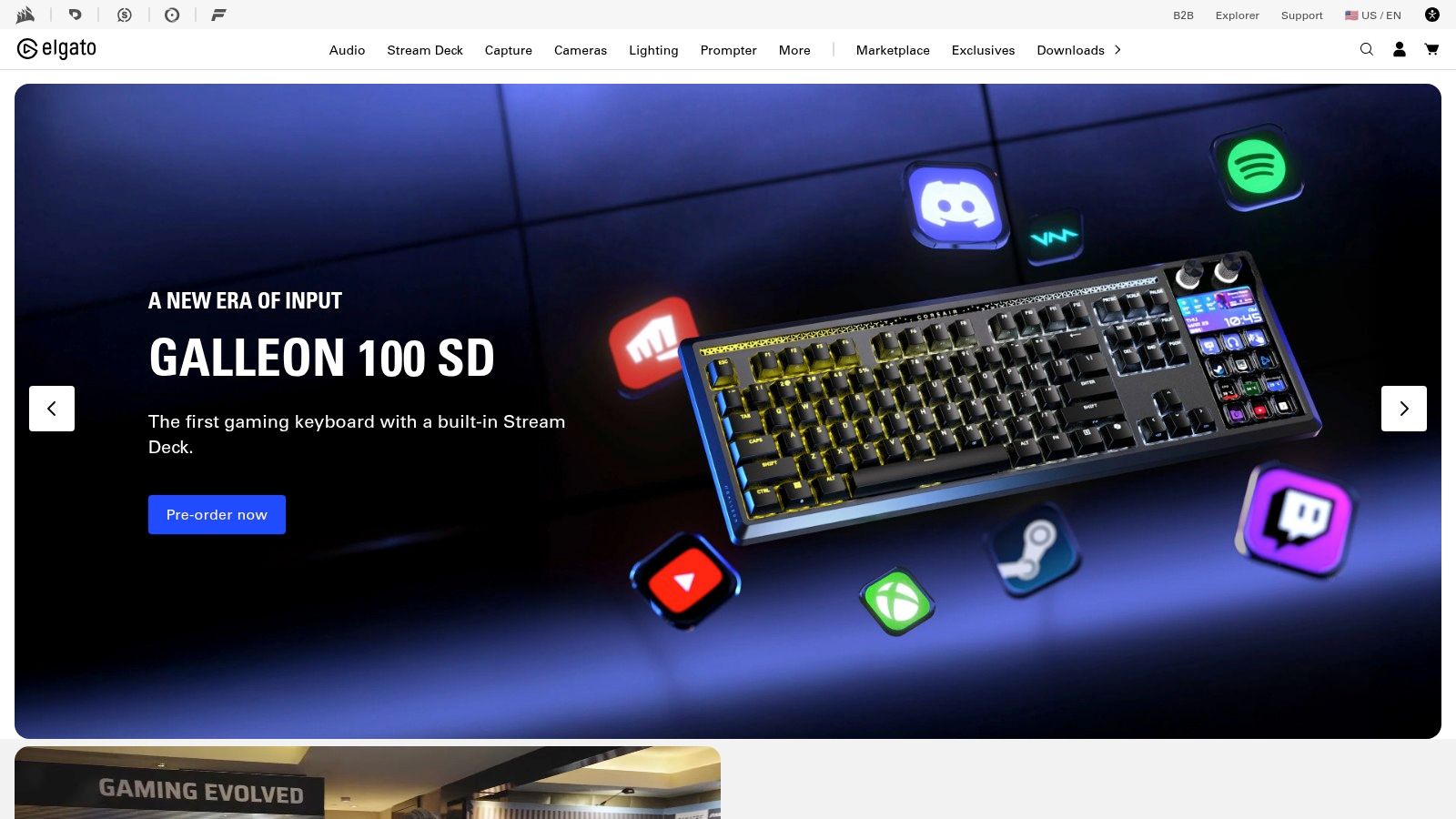
Why It's a Must-Have for Streamers
The Elgato website is the primary destination for purchasing hardware that creates seamless production workflows. It is ideal for streamers who need to automate complex scenes in OBS, YouTubers requiring high-fidelity capture devices, and any creator looking to build a professional-grade setup with components guaranteed to work together perfectly.
Key Features & Considerations
- Stream Deck Ecosystem: The site showcases the full range of Stream Deck macro pads (from the Neo to the XL), which offer unparalleled one-touch control over apps like OBS, Adobe Premiere Pro, and Zoom via a massive plugin library.
- Integrated Hardware: Elgato offers a complete suite of creator gear, including capture cards (Cam Link, HD60 X), microphones (Wave series), and lighting (Key Light), all designed for tight software integration.
- Direct Support & Resources: Buying directly provides access to official support, warranties, and a wealth of tutorials and guides to help you get the most out of your equipment.
Pro Tip: Before buying a Stream Deck, browse the Elgato Marketplace on their site to see the vast library of free and paid plugins. This will give you a clear idea of just how much you can automate in your specific workflow.
Pros:
- Hardware is tightly integrated with OBS, NLEs, and other creator software.
- Direct-from-brand support, warranties, and exclusive accessories.
- The undisputed industry standard for streaming and workflow automation tools.
Cons:
- Carries a premium price tag compared to generic alternatives.
- High-demand products and popular variants can often be out of stock.
Website: https://www.elgato.com
8. Adobe Creative Cloud
For professional creators, Adobe Creative Cloud is the undisputed industry-standard suite of applications. It's a comprehensive ecosystem that includes everything from video editing (Premiere Pro) and motion graphics (After Effects) to audio mastering (Audition) and graphic design (Photoshop, Illustrator). It's the go-to tool for creators who need a powerful, integrated, cross-app workflow for producing high-quality content.
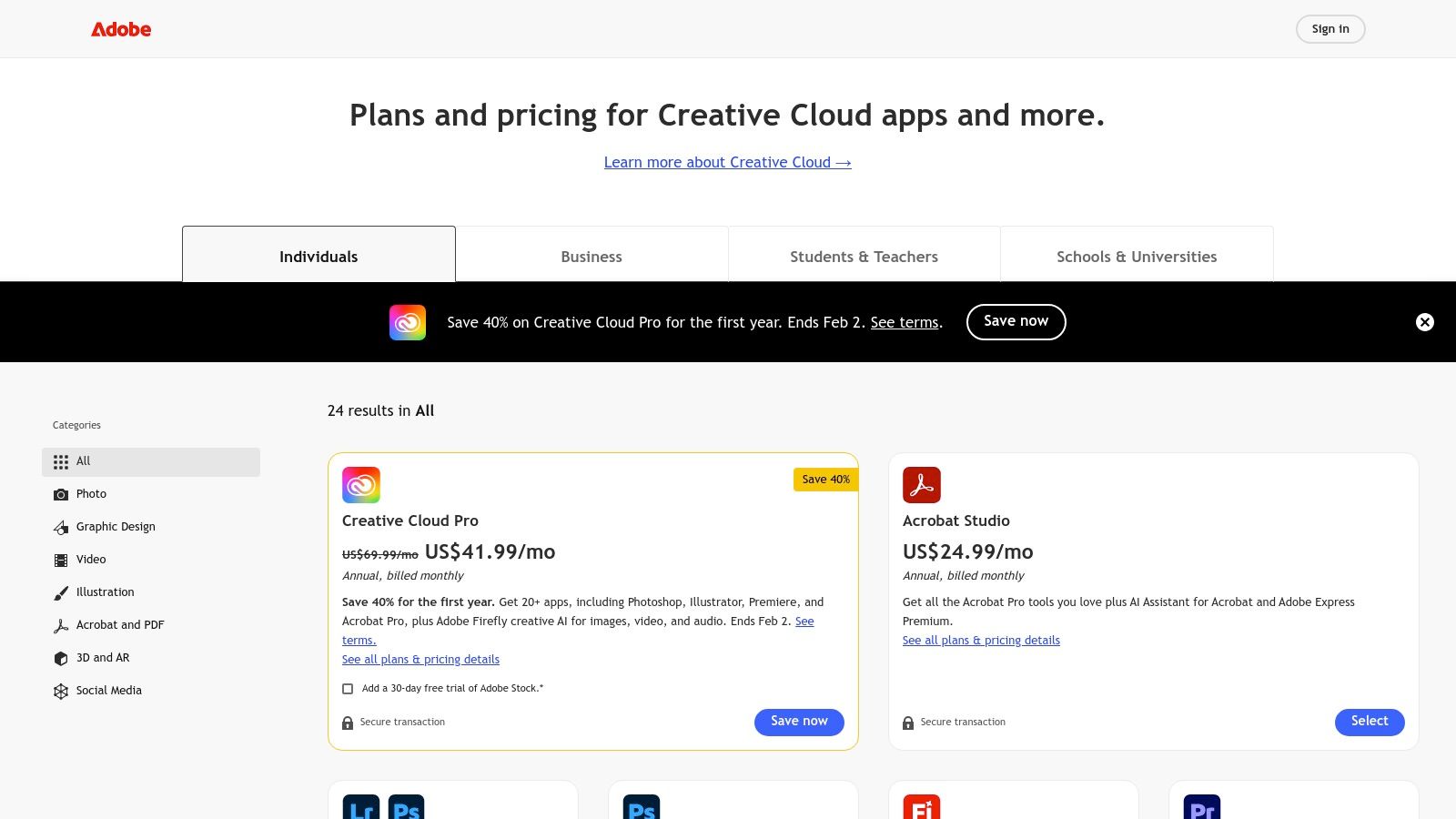
Why It's the Industry Standard
Adobe Creative Cloud is designed for professional creators, creative teams, and aspiring professionals who require a robust, all-in-one toolchain. It’s ideal for YouTubers, filmmakers, podcasters, and designers who need advanced features and seamless integration between different stages of the creative process, from initial design to final video export.
Key Features & Considerations
- Comprehensive App Suite: Gain access to over 20+ interconnected apps, including Premiere Pro for video editing, Audition for audio, Photoshop for images, and After Effects for visual effects. This makes it one of the most versatile tools for content creators.
- Integrated AI & Cloud Features: The suite incorporates Adobe Firefly for generative AI tasks and includes cloud storage for assets. Frame.io is also integrated for streamlined video review and approval workflows with clients or collaborators.
- Deep Editing Capabilities: Premiere Pro offers advanced editing features like automated transcription and text-based editing. For those needing to learn more, discovering how to transcribe video to text can dramatically speed up editing.
Pro Tip: Take advantage of the Adobe Stock integration to quickly find high-quality stock footage, music, and templates directly within your editing applications, saving significant time on sourcing assets.
Pros:
- A powerful, interconnected ecosystem widely used by creative professionals.
- Industry-standard software ensures compatibility and access to vast learning resources.
- Frequent discounts and special pricing are available for students and educators.
Cons:
- Represents a significant subscription cost, especially for higher-tier plans.
- Advanced applications like After Effects have a steep learning curve for new users.
Website: https://www.adobe.com/creativecloud/plans
9. Apple — Final Cut Pro
For content creators invested in the Apple ecosystem, Final Cut Pro is a powerhouse video editor known for its speed, efficiency, and one-time purchase model. It leverages Apple's hardware and software integration to deliver exceptionally smooth performance, especially on modern Apple silicon chips. This makes it a top choice for YouTubers and filmmakers who need a reliable, high-performance editor that won’t get bogged down by 4K footage or complex timelines.
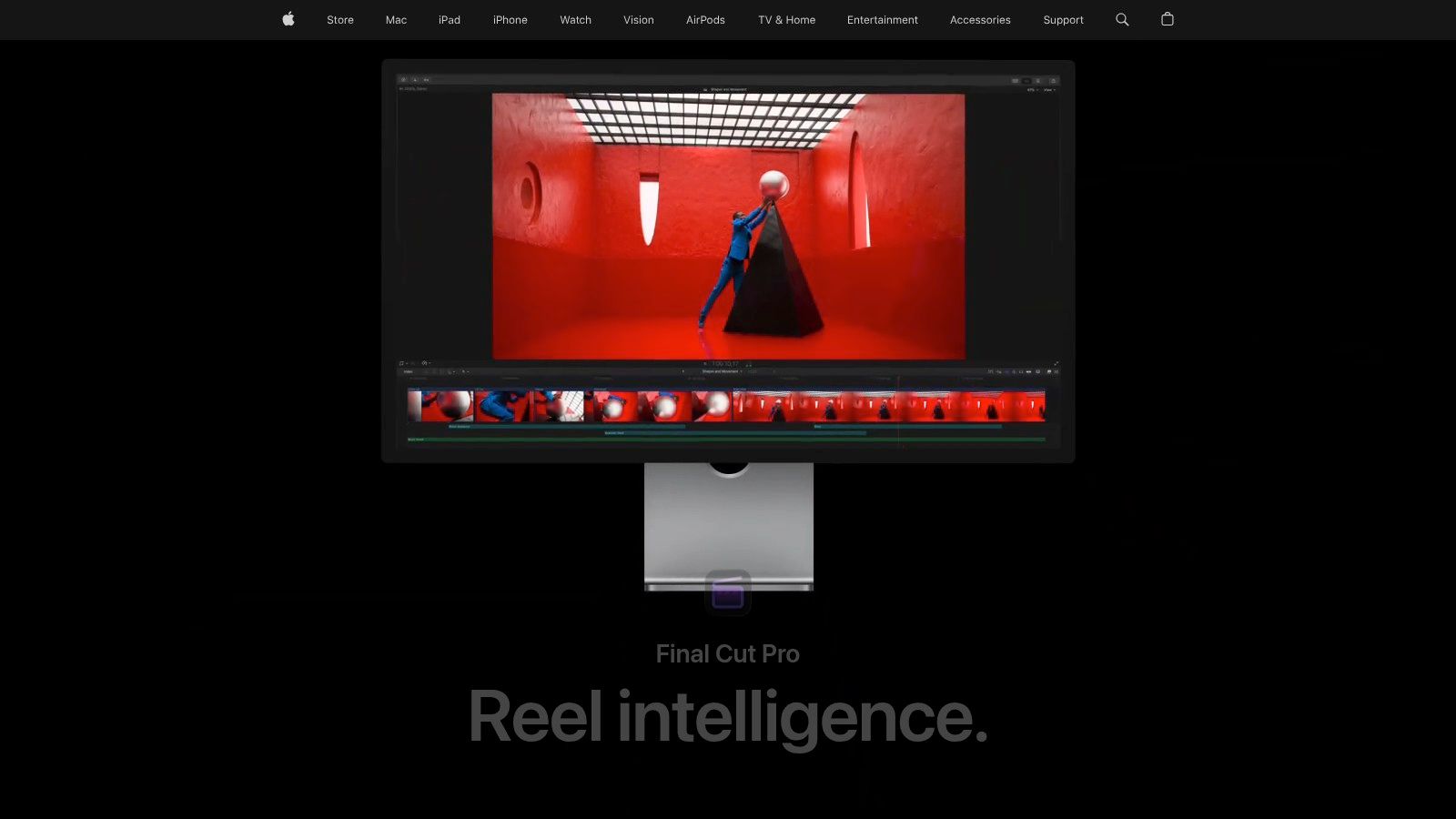
Why Mac-Based Creators Love It
Final Cut Pro is designed for professional-level video editing, from short-form social content to feature-length films. It is ideal for Mac-based creators, particularly YouTubers and independent filmmakers, who value rapid rendering times and a fluid, non-subscription workflow. Its magnetic timeline is especially intuitive for those new to advanced editing.
Key Features & Considerations
- Optimized Performance: Engineered specifically for macOS and Apple silicon, it offers incredible speed for rendering, exporting, and real-time effects playback without dropped frames.
- Magnetic Timeline: A unique, trackless timeline that automatically keeps clips connected and prevents sync issues, which streamlines the editing process and reduces tedious adjustments.
- Apple Ecosystem Integration: Seamlessly works with other Apple creative apps like Motion for motion graphics and Logic Pro for advanced audio mixing, creating a unified production environment.
Pro Tip: Take advantage of the tight integration with Compressor. You can create custom export presets in Compressor and access them directly within Final Cut Pro to streamline your publishing workflow for YouTube, Vimeo, and other platforms.
Pros:
- One-time purchase option avoids recurring subscription fees.
- Exceptional performance and stability on Mac hardware.
- Intuitive interface that is easier for beginners to learn than some rivals.
Cons:
- Exclusively available on macOS, limiting collaboration with PC users.
- The third-party plugin ecosystem is smaller compared to Adobe Premiere Pro.
Website: https://www.apple.com/final-cut-pro/
10. Canva
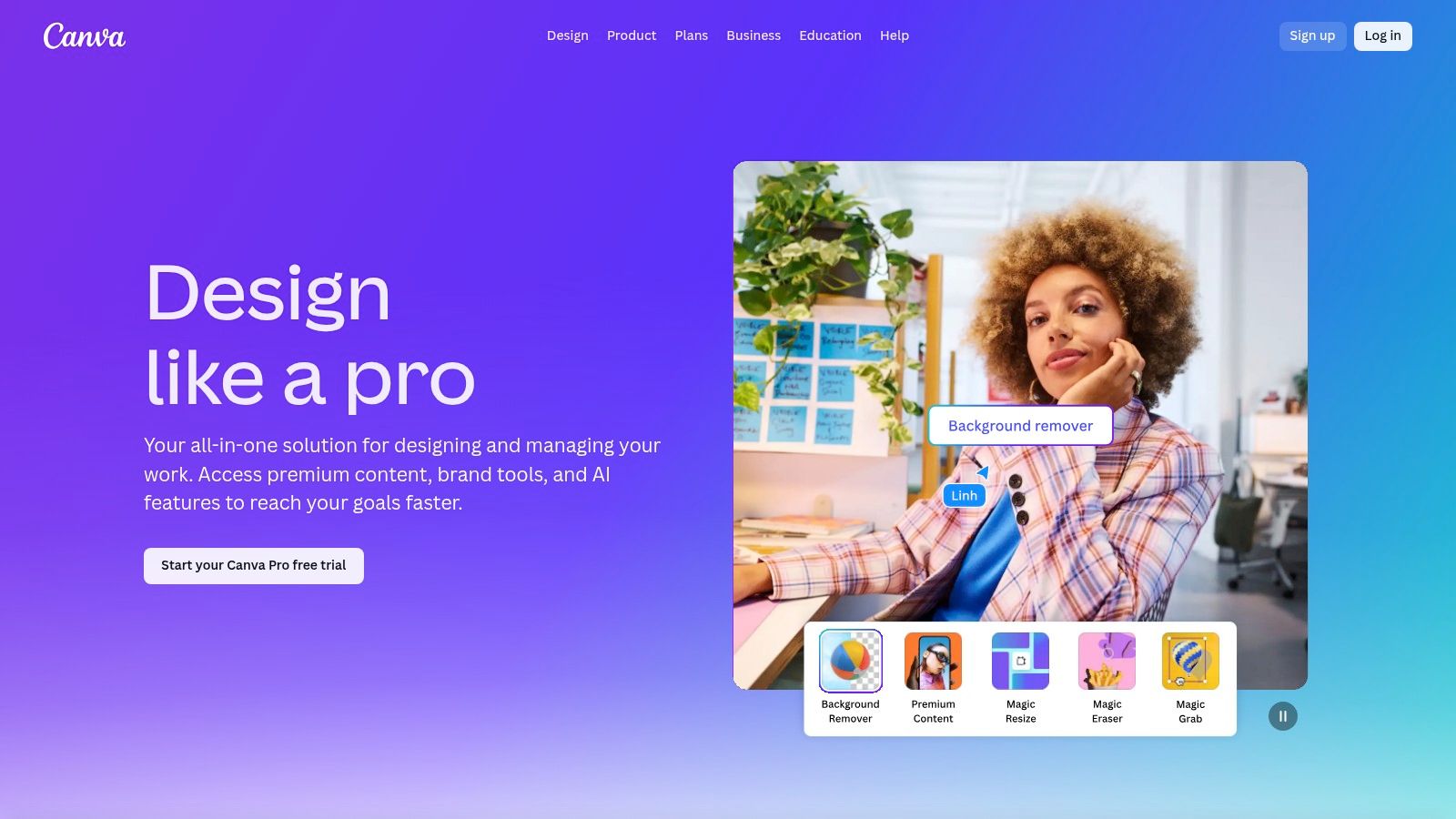
Canva is the ultimate cloud-based design suite for creators who aren't professional graphic designers. It empowers anyone to produce stunning visuals for social media, YouTube thumbnails, presentations, and digital products without a steep learning curve. Its drag-and-drop interface and massive template library make it one of the best tools for content creators who need to produce on-brand assets quickly and consistently.
Why It's the Best for Quick Visuals
Canva excels at creating templated, brand-aligned visual content at scale. It's ideal for YouTubers batch-creating video thumbnails, social media managers designing a month of posts, and course creators building slide decks and workbooks. If you need professional-looking graphics without learning complex tools like Photoshop, Canva is for you.
Key Features & Considerations
- Massive Template & Asset Library: Access millions of photos, graphics, videos, and fonts, plus thousands of ready-to-edit templates for everything from Instagram Stories to podcast cover art.
- Brand Kits & Magic Switch: Pro users can create brand kits with logos, colors, and fonts for one-click branding. The "Magic Switch" feature instantly resizes a design for different platforms, saving hours of manual work.
- AI-Powered Tools: Canva has integrated dozens of AI features, including Magic Write for copy, a background remover, and text-to-image generation, which speeds up the entire creative workflow.
Pro Tip: Use the "Styles" feature to quickly apply your brand kit colors and fonts to any template. This instantly transforms a generic template into a custom, on-brand asset.
Pros:
- Extremely intuitive and easy for non-designers to learn.
- Excellent for batch-creating consistent assets like thumbnails.
- All-in-one platform with scheduling and team collaboration.
Cons:
- Lacks advanced features for professional print or complex photo editing.
- Pricing for teams has increased, making it a bigger investment.
Website: https://www.canva.com/pro/
11. Blackmagic Design — DaVinci Resolve
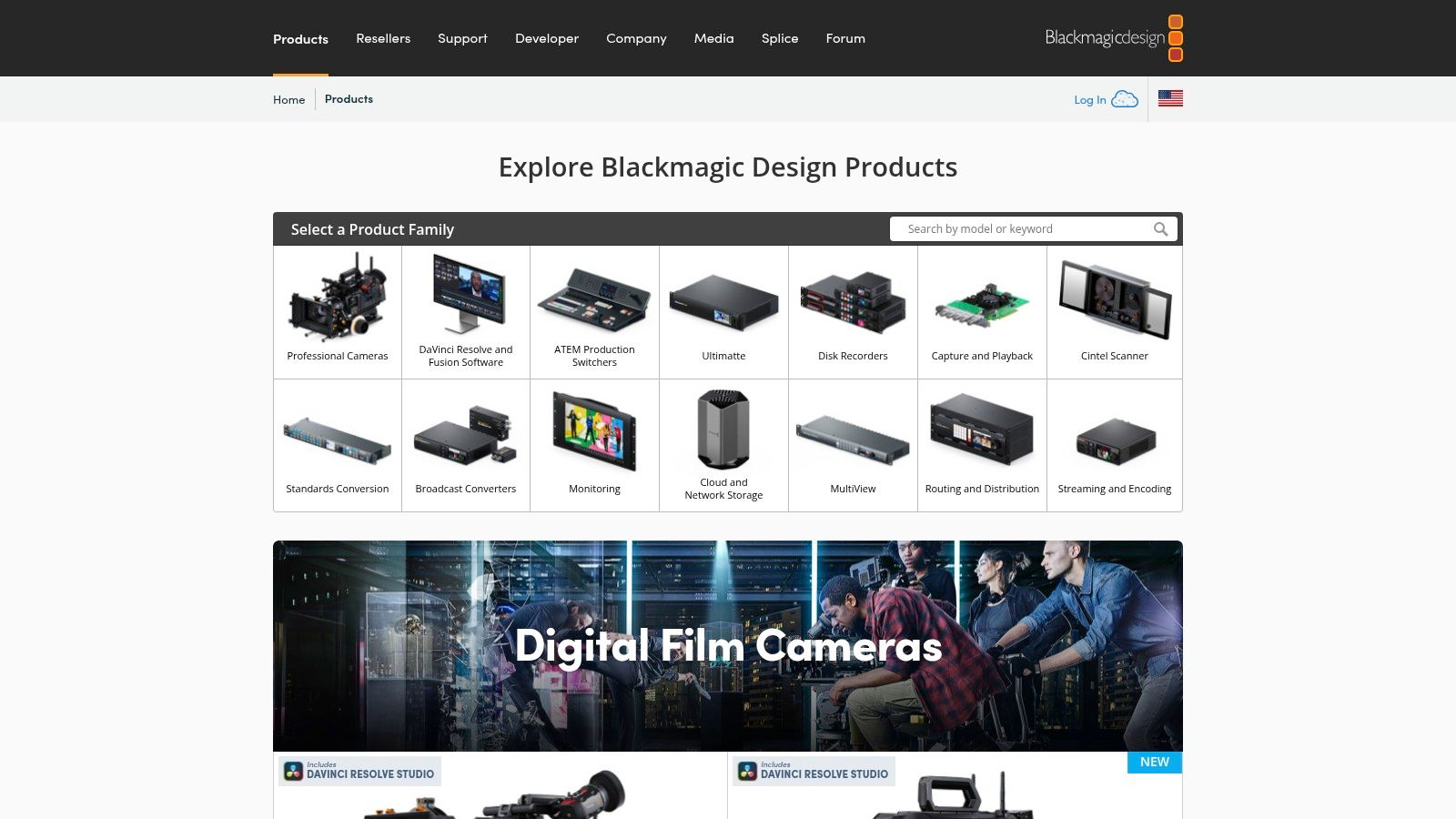
DaVinci Resolve has become a powerhouse in the video editing world, offering a complete post-production suite that rivals expensive subscription-based software. It integrates professional editing, industry-leading color correction, visual effects (Fusion), and audio post-production (Fairlight) into a single application. This all-in-one approach makes it one of the best tools for content creators looking to streamline their workflow without compromising on quality.
Why It's the Best All-in-One Editor
DaVinci Resolve is for video creators who demand professional-grade tools without recurring fees. It's ideal for YouTubers, indie filmmakers, and social media managers who handle everything from initial edits to final color grades. While beginners can start with its generous free version, it truly shines for creators ready to master a more complex, powerful system for the long term.
Key Features & Considerations
- All-in-One Workflow: Move seamlessly between editing, color grading, VFX, and audio mixing within one application, eliminating the need to switch between different programs.
- Powerful Free Version: The free edition of Resolve is incredibly robust, offering more features than many paid competitors, including 4K editing and advanced color tools.
- One-Time Purchase Studio Version: The paid Studio version unlocks advanced features like noise reduction, more AI tools, and higher resolutions for a single, affordable lifetime license. This is a huge advantage over competitors' subscription models.
Pro Tip: Spend time in the "Cut" page for rapid assembly of social media clips and rough cuts. For more detailed work, use the "Edit" page. This dual-page approach helps manage different stages of your editing process efficiently.
Pros:
- Extremely powerful free version is sufficient for most creators.
- Studio version is an affordable one-time purchase.
- Industry-standard color grading tools are built-in.
Cons:
- Has a steep learning curve, especially for Fusion and Fairlight.
- Can be resource-intensive, requiring a powerful computer for smooth performance.
Website: https://www.blackmagicdesign.com/products/davinciresolve
12. OBS Project (OBS Studio)
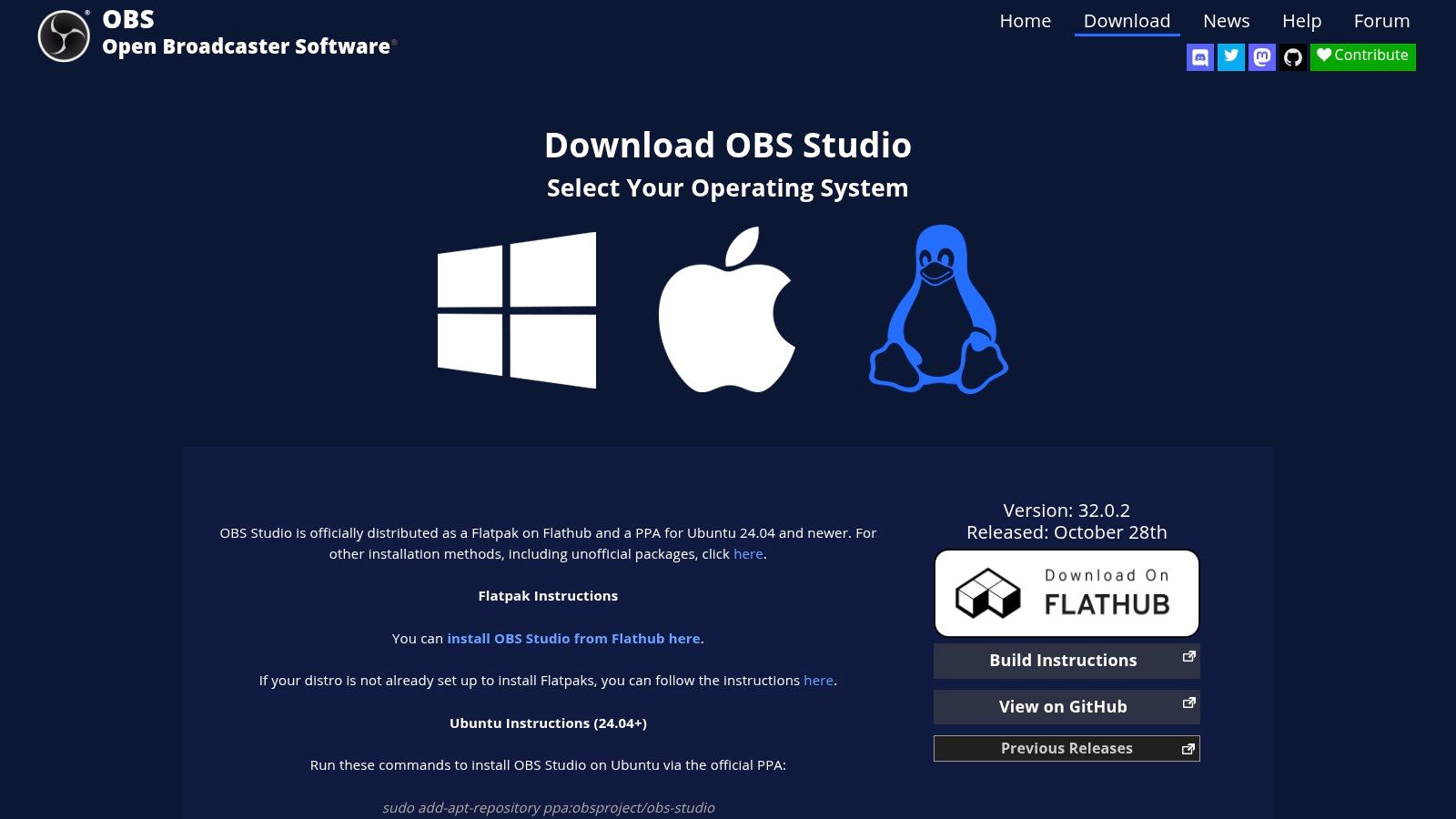
For anyone serious about livestreaming or creating high-quality screen recordings, OBS Studio is a foundational tool. This free, open-source software is the industry standard for broadcasting and video capture, offering a level of control that browser-based tools cannot match. It allows creators to combine multiple sources like webcams, screen shares, and graphics into a single professional-looking output.
Why It's the Foundation for Streaming
OBS Studio is essential for livestreamers, gamers, educators creating tutorials, and anyone producing complex video content like webinars or product demos. It is ideal for creators who need to switch between different scenes, overlay graphics, or manage multiple audio and video inputs for a polished, broadcast-quality production.
Key Features & Considerations
- High-Performance Capture: OBS excels at real-time video and audio capturing and mixing. You can create unlimited scenes composed of multiple sources, including window captures, images, text, browser windows, and webcams.
- Extensive Customization: A massive community-driven plugin ecosystem allows you to add features like advanced audio controls, custom transitions, and integrations with services like Twitch and YouTube.
- Multi-Platform Streaming: It can simultaneously stream to major platforms like Twitch, YouTube, and Facebook Live while also recording a high-quality local copy for later editing.
Pro Tip: Spend time in the settings to configure your output resolution, bitrate, and encoder. A well-configured OBS setup prevents dropped frames and ensures a smooth, high-quality stream for your viewers.
Pros:
- Completely free with no watermarks or limitations.
- Extremely powerful and flexible for complex, multi-source productions.
- Strong community support and a vast library of plugins and tutorials.
Cons:
- The learning curve can be steep for absolute beginners.
- Optimal encoding settings can be complex to configure without research.
- Users must be careful to download only from the official website to avoid malware.
Website: https://obsproject.com/download
Find Your Bottleneck First
Adding tools to a process that is not the problem just adds cost. Diagnose before you buy.
A rough test: if you have unfinished recordings sitting on a drive, your bottleneck is processing, not creating. Most creators buy for the second problem while having the first.
Top 12 Content Creator Tools Comparison
How to Build Your Perfect Creator Stack
Navigating the vast landscape of software and hardware can feel overwhelming, but the journey to finding the best tools for content creators is less about acquiring everything and more about strategic selection. As we've explored, the ultimate creator toolkit isn't a one-size-fits-all package. It’s a personalized, integrated system designed to eliminate friction, amplify your creativity, and streamline your production from initial idea to final publication. The goal is to build a workflow where technology serves your vision, not the other way around.
The key takeaway is that efficiency and quality are not mutually exclusive. Tools like Adobe Creative Cloud and DaVinci Resolve offer unparalleled power for video production, while platforms like Canva democratize design, allowing anyone to create stunning visuals without a steep learning curve. Similarly, OBS Studio provides a robust, free solution for live streaming and recording, proving that a high budget isn't a prerequisite for professional output. The most effective creators are those who thoughtfully combine these solutions into a cohesive "stack."
How do I choose my ideal tools?
So, where do you begin? Start by performing a simple audit of your current creative process. Identify the single biggest bottleneck that consumes your time and energy.
- Is it manual transcription? If you spend hours typing out interviews or video dialogue, a tool like HypeScribe is a non-negotiable starting point. It can reclaim dozens of hours per month, giving you clean text to use for show notes, blog posts, or video captions.
- Is it video editing complexity? If you're struggling with a cumbersome editor, consider your needs. Do you require the industry-standard power of Final Cut Pro or Adobe Premiere, or would the more intuitive, all-in-one approach of DaVinci Resolve (with its free version) be a better fit?
- Is it content repurposing? Are your finished videos sitting on a single platform? A solid transcription and a tool like Canva can help you quickly transform a single video into a dozen different assets: quote graphics, audiograms, blog posts, and more.
- Is it the money side? Once sponsorships and platform payouts add up, bookkeeping starts eating evenings. If you're a US freelancer or run an LLC, an AI bookkeeping tool such as Jupid connects to your bank and Stripe accounts, sorts transactions into Schedule C categories and prepares a Schedule C for your accountant.
Your ideal stack should feel like a set of interconnected gears, each one turning the next. A practical workflow example might start with recording a podcast using gear from Sweetwater or B&H Photo Video. Next, you run the audio through HypeScribe to get a full transcript and an AI-generated summary. That transcript can then be used to create captions in Adobe Premiere Pro, while key quotes from the summary are turned into social media graphics in Canva. Each tool handles a specific job, creating a highly efficient assembly line for your content.
What are the final considerations?
As you integrate these platforms, remember that mastering a few tools deeply is far more valuable than having a superficial knowledge of many. Take advantage of free trials and free tiers to test how a tool fits into your existing process before committing financially. Does it integrate well? Is the user interface intuitive for you? Does it solve the problem you hired it to solve?
Finally, creating amazing content is only half the battle; ensuring it gets seen is just as critical. Once you've assembled your core creative software, don't forget the importance of visibility; exploring the best YouTube SEO tools can significantly enhance your content's reach. By pairing a powerful creation stack with a smart distribution strategy, you create a holistic system for success. The best tools for content creators are ultimately the ones that empower you to spend less time on tedious tasks and more time doing what truly matters: creating valuable, engaging content for your audience.
If your bottleneck is turning recorded material into text — podcasts, interviews, video scripts — HypeScribe does it per file rather than per minute, with a summary and key points included. Try it on your next recording.