12 Best Free Transcription Audio to Text Tools in 2026

Free transcription tools always come with a catch. The useful question is not whether there is one, but which catch you can live with. Whether you're documenting interviews, capturing meeting minutes, or creating subtitles for a video, finding a reliable and accurate tool is essential. The challenge, however, lies in sifting through a crowded market to find a service that offers free transcription audio to text without compromising on quality or privacy. Many free options come with significant limitations on file length, features, or accuracy, making it difficult to find the right fit for your specific needs.
Below are 12 free options — web apps, browser tricks and open-source models you run yourself — with the specific limit of each spelled out: minutes per month, file length, export restrictions or setup effort.
Navigating the diverse landscape of options can be time-consuming. To get a broader perspective on the top-tier platforms, you can also explore comprehensive lists that outline the 12 Best Audio to Text Converter Free Online Tools in 2026. Our guide, however, focuses on a curated selection, providing deep insights into each tool's real-world performance. We’ll cover everything from language support and data security to available export formats, giving you all the information needed to select the perfect free transcription solution confidently and get back to your work.
1. HypeScribe
HypeScribe establishes itself as a powerful, well-rounded solution for anyone seeking fast and dependable free transcription audio to text. It moves beyond simple word-for-word output by integrating workflow-ready features that turn raw conversations into structured, actionable information. Its core strength lies in its speed and accuracy, processing an hour of clear audio in under a minute, which is a significant advantage for users on tight deadlines.

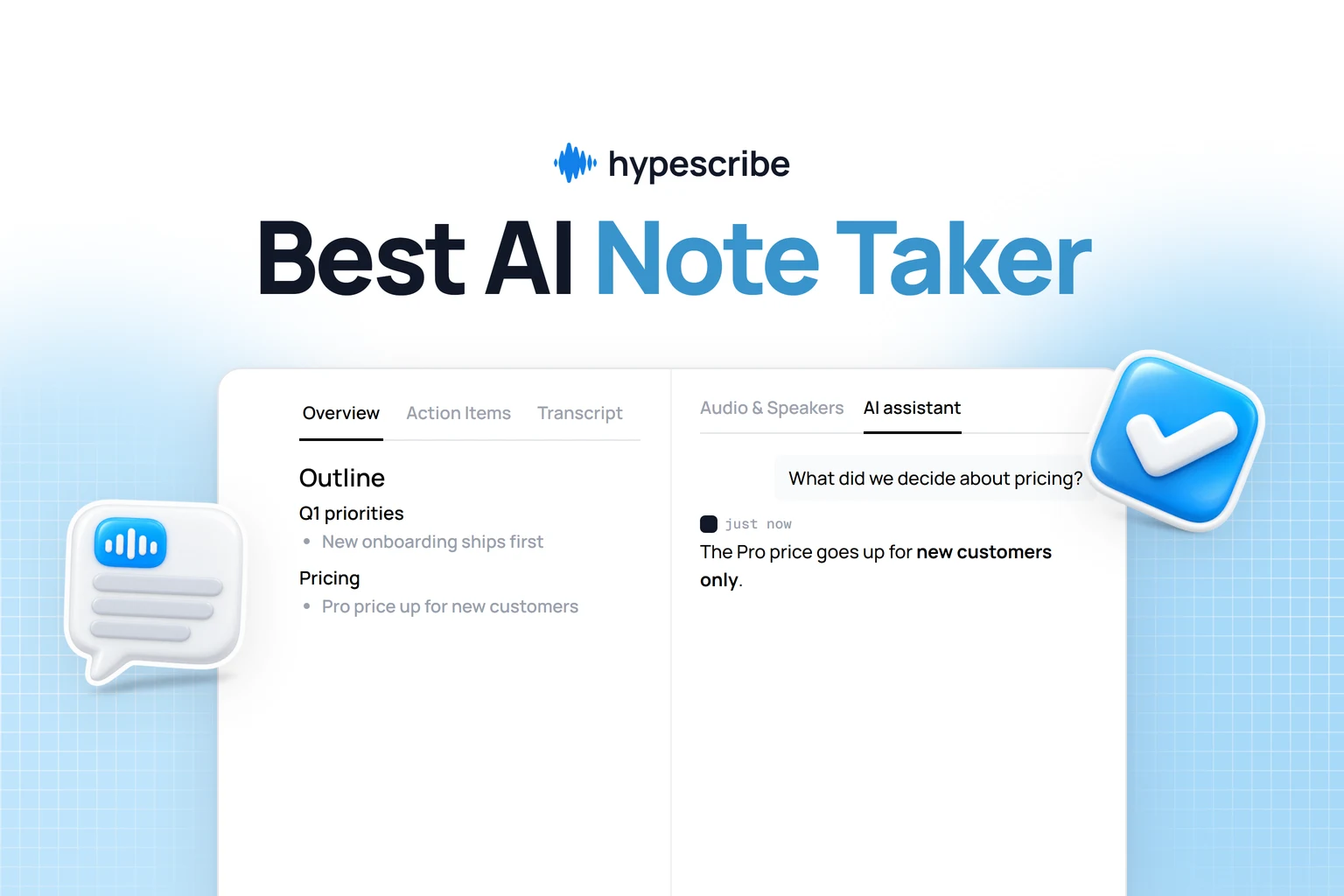
What truly sets HypeScribe apart is its intelligent post-transcription analysis. The platform automatically generates smart summaries, identifies key takeaways, and lists action items, making it perfect for busy professionals, students, and content creators. Instead of sifting through pages of text, you get the essential points immediately.
Key Strengths and Use Cases
HypeScribe's token-based model is a notable feature. Rather than billing per minute, it uses a per-file system where one token equals one file of any length. This approach is ideal for transcribing long-form content like webinars, extended interviews, or multi-hour lectures without worrying about escalating costs.
Practical Applications:
- Remote Teams: Use the live note-taker for Zoom, Google Meet, and Teams to automatically document meetings and distribute action items.
- Students & Researchers: Transcribe lengthy lectures or interviews and use the AI chatbot to quickly find specific information within your entire library of transcripts.
- Content Creators: Paste links from YouTube, Vimeo, or social media to generate transcripts and summaries for video descriptions, blog posts, or show notes.
Our Take: HypeScribe is more than a transcription service; it’s a productivity tool. The combination of high accuracy, rapid processing, and AI-driven summaries provides a direct path from conversation to execution, saving significant manual effort.
Pricing and Access
HypeScribe offers a straightforward free trial that includes 3 transcription tokens per month (for files up to 1 hour each), allowing users to test its full capabilities. For those with greater needs, paid plans are available, starting at $6.99/month for 30 files. Data is encrypted, and users can delete source files and transcripts for privacy.
- Pros: Extremely fast processing, high accuracy, unlimited file length, and valuable AI summaries.
- Cons: The one-token-per-file model can be inefficient if you primarily work with many very short audio clips.
- Website: https://www.hypescribe.com
2. Otter.ai
Otter.ai has established itself as a front-runner in real-time transcription, particularly for meetings and interviews. It functions as an AI meeting assistant, capable of joining your live calls on platforms like Zoom, Google Meet, and Microsoft Teams to provide a running transcript. This makes it an excellent tool for professionals and students who need to capture detailed notes without the distraction of manual typing.

Its ability to differentiate between speakers and assign them unique labels is a standout feature, saving significant editing time. The transcripts are searchable, and you can easily share them with collaborators, who can then add comments or highlight key takeaways directly within the platform. Exploring an online audio to text converter like Otter.ai can greatly improve meeting documentation.
Pricing and Limitations
While powerful, Otter.ai's free "Basic" plan has notable restrictions. You get a monthly allowance of 300 transcription minutes, but each individual recording or import is capped at 30 minutes. Critically, the free plan only allows you to import three audio or video files for transcription over the lifetime of your account. Once you've used those three imports, you can only use it for live recordings unless you upgrade.
- Free Plan: 300 minutes/month, 30-minute limit per conversation, 3 lifetime file imports.
- Best Use Case: Ideal for transcribing short, live conversations like daily stand-ups or brief interviews.
For users needing more, paid plans offer higher minute allowances and remove the import and duration caps.
3. Notta
Notta positions itself as a versatile, cross-platform AI notetaker designed for both real-time capture and file transcription. It's accessible via the web, iOS, Android, and a Chrome extension, making it a flexible choice for users who switch between devices. The platform can join your live meetings on Zoom, Google Meet, and Microsoft Teams or transcribe uploaded audio and video files, generating summaries and highlights along the way.
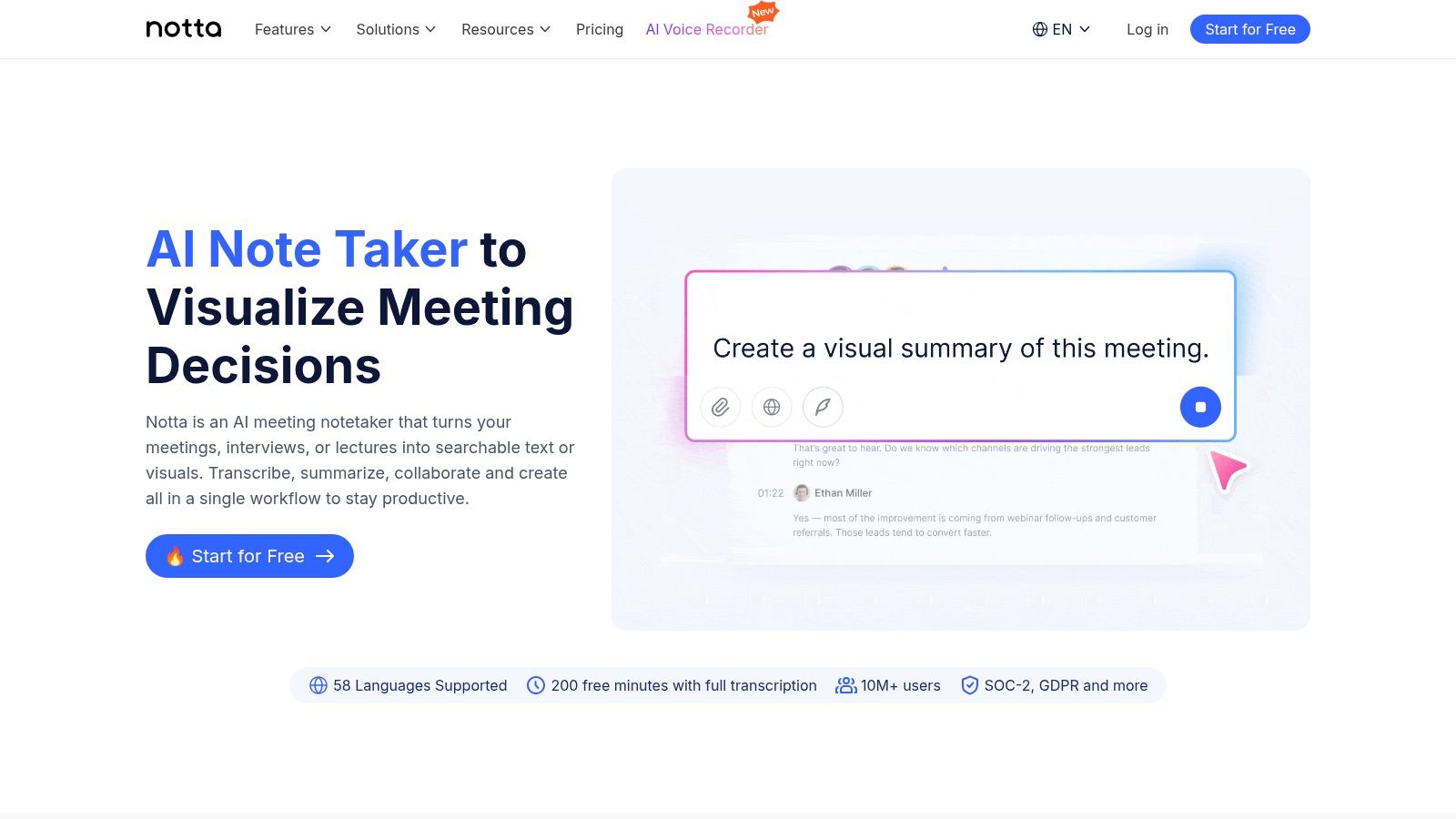
Its strength lies in its easy onboarding and availability across multiple platforms, ensuring a consistent user experience whether you're at your desk or on the go. The ability to generate concise summaries is particularly useful for quickly grasping the key points of long recordings. Understanding the capabilities of real-time transcription software like Notta helps professionals and students efficiently manage information from meetings and lectures.
Pricing and Limitations
Notta provides a perpetual free plan, which is a significant advantage as you won't be automatically pushed into a paid subscription. However, this free tier comes with usage and feature limits. While the exact minute allowance isn't publicly specified on their main pricing page, it is designed for lighter use. Users get an optional short Pro trial to test advanced features and larger minute allotments, but this is time-limited. This makes Notta a solid choice for those seeking a dependable tool for occasional free transcription audio to text tasks without a long-term commitment.
- Free Plan: Limited monthly minutes, feature restrictions. An optional time-limited Pro trial is available.
- Best Use Case: Excellent for individuals needing a multi-device solution for transcribing short lectures, meetings, or personal notes.
4. Descript
Descript approaches transcription from a unique angle, positioning itself as a text-based audio and video editor. It's built for creators, podcasters, and anyone who needs to not just transcribe audio but also edit it seamlessly. The core concept is powerful: edit your audio or video by simply editing the automatically generated text transcript. This makes it an exceptional tool for content creation, allowing you to delete filler words or rearrange sentences in your audio just by cutting and pasting text.
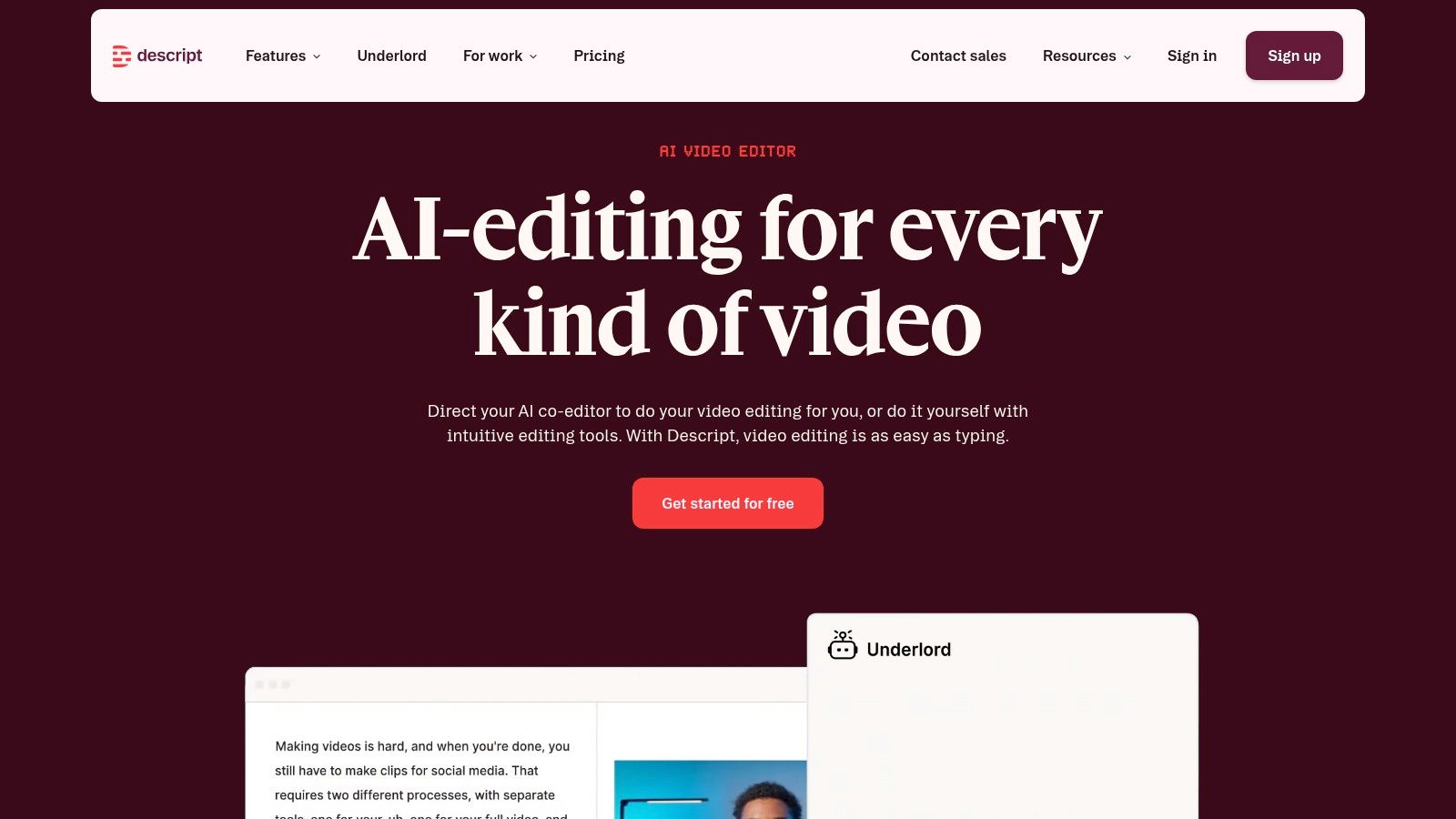
The platform provides a very fast workflow from import to a polished final product. Beyond its core editing function, it includes screen recording, simple multitrack editing, and speaker detection, making it a robust solution for more than just free transcription audio to text. For anyone looking to turn raw recordings into publishable content, Descript provides an intuitive, text-first editing experience. Their strong community and extensive learning resources also help new users get up to speed quickly.
Pricing and Limitations
Descript’s free plan is designed as an entry point to its creative ecosystem and comes with strict limits. Users receive one hour of transcription per month, which is a significant constraint for regular use. Additionally, any videos you export on the free plan will have a Descript watermark. Heavier editing, filler word removal on multiple files, and other advanced features are locked behind its paid tiers.
- Free Plan: 1 hour of transcription/month, watermark on video exports, limited features.
- Best Use Case: Ideal for content creators and podcasters wanting to test a text-based editing workflow on short projects.
For those producing content regularly, upgrading to a paid plan is necessary to unlock the platform’s full potential and remove the tight usage caps.
5. Fireflies.ai
Fireflies.ai operates as an intelligent AI meeting assistant, focusing on automating the entire post-meeting workflow. It can automatically join your calendar events on platforms like Zoom, Google Meet, and Microsoft Teams, or you can upload audio files directly. Its primary function is to provide not just a transcript, but also a summary, action items, and other key insights, making it a powerful tool for teams looking to extract actionable information from their conversations.

The platform is built for collaboration, offering a shared team workspace where members can comment, create soundbites, and search across all past meetings. This centralized knowledge base is a significant advantage for organizations aiming to document and easily retrieve institutional knowledge. The AI-powered search allows users to ask questions about their meetings and get instant answers, a feature that distinguishes it as a more advanced solution for free transcription audio to text.
Pricing and Limitations
Fireflies.ai provides a generous free tier that includes its core transcription and summary features, but with specific credit-based limits. Users on the free plan receive a limited number of transcription credits, which are consumed by both live meetings and file uploads. While it allows for more uploads than some competitors' free plans, you'll need to monitor your credit usage. The system's transparency about these limits is a definite plus.
- Free Plan: Limited transcription credits (pool for live meetings and uploads), 800 minutes of storage per seat, and transcription for 3 public web conference recordings.
- Best Use Case: Teams that need automated summaries and action items from meetings and can operate within a credit-based system.
Upgrading to a paid plan unlocks unlimited transcription, more storage, and advanced features like custom topics and integrations with CRM and project management tools.
6. Sembly AI
Sembly AI positions itself as an intelligent meeting assistant rather than just a simple transcription service. It’s designed to join your live calls on platforms like Zoom, Google Meet, and Microsoft Teams, not only to record and transcribe but also to analyze the conversation. This makes it a great choice for professionals who need more than just a wall of text; they need actionable insights from their discussions.

Its key strength lies in post-meeting processing. Sembly generates AI-powered summaries, identifies key topics, and automatically extracts action items and to-do lists, which it calls "Glances." This focus on digestible, actionable output separates it from services that provide only a raw transcript. The ability to search across all your past meetings for specific topics or decisions makes it a powerful knowledge management tool. Exploring Sembly AI at www.sembly.ai is worthwhile for anyone looking to make their meetings more productive.
Pricing and Limitations
The free "Personal" plan is meant for individuals and occasional use, offering a way to test the platform's core features. It provides a limited number of hours for free transcription audio to text each month, which is a significant restriction for heavy users. The free tier is primarily for live meeting recordings; file uploads may be limited or unavailable. Advanced features like team collaboration and deeper analytics are reserved for paid subscriptions.
- Free Plan: Includes 1 hour/month for live meeting recordings and 1 file upload (up to 1 hour).
- Best Use Case: Perfect for individual professionals or students who want automated summaries and action items from a few important meetings per month.
For teams or individuals with higher volume needs, upgrading to a paid plan is necessary to unlock more hours, unlimited uploads, and collaborative functions.
7. Tactiq
Tactiq operates as a clever Chrome extension designed to simplify meeting documentation by working directly within your browser. It integrates with major virtual meeting platforms like Google Meet, Zoom, and Microsoft Teams to capture live captions in real-time. This approach turns spoken dialogue into an organized, written record without requiring a separate app or bot to join your call, making it a subtle yet effective tool for anyone needing accurate meeting notes.

Its strength lies in its seamless workflow integration. Once a meeting ends, Tactiq provides an instant transcript complete with speaker labels and timestamps. You can then export this transcript to popular productivity tools such as Google Docs or Notion, or use the built-in AI features to generate a quick summary and identify action items. This method of free transcription audio to text is perfect for remote teams looking to maintain a clear record of decisions and responsibilities. The setup is simple: install the extension, join your meeting, and Tactiq handles the rest.
Pricing and Limitations
Tactiq's free plan is quite generous but has clear boundaries. It allows for the transcription of 10 meetings per month, which is sufficient for light users or those with infrequent, but important, calls. A key detail is that its accuracy depends entirely on the quality of the live captions generated by the meeting platform itself. If the host has disabled captions or the platform's native captioning is poor, Tactiq's output will be affected.
- Free Plan: 10 meeting transcripts per month, basic AI summaries.
- Best Use Case: Ideal for individuals and small teams needing to capture and summarize key points from a moderate number of weekly online meetings.
Upgrading to a paid plan removes the monthly transcript limit and unlocks more advanced AI capabilities, including custom prompts and more detailed insights.
8. Kapwing
Kapwing is a popular browser-based video editor that doubles as a powerful tool for content creators needing quick and accessible transcription. While its primary function is video editing, its automated subtitling feature provides a direct path to free transcription audio to text. Users can upload an audio or video file, and Kapwing's AI will generate time-coded subtitles, which can then be edited directly on the video timeline or exported as a separate transcript file.
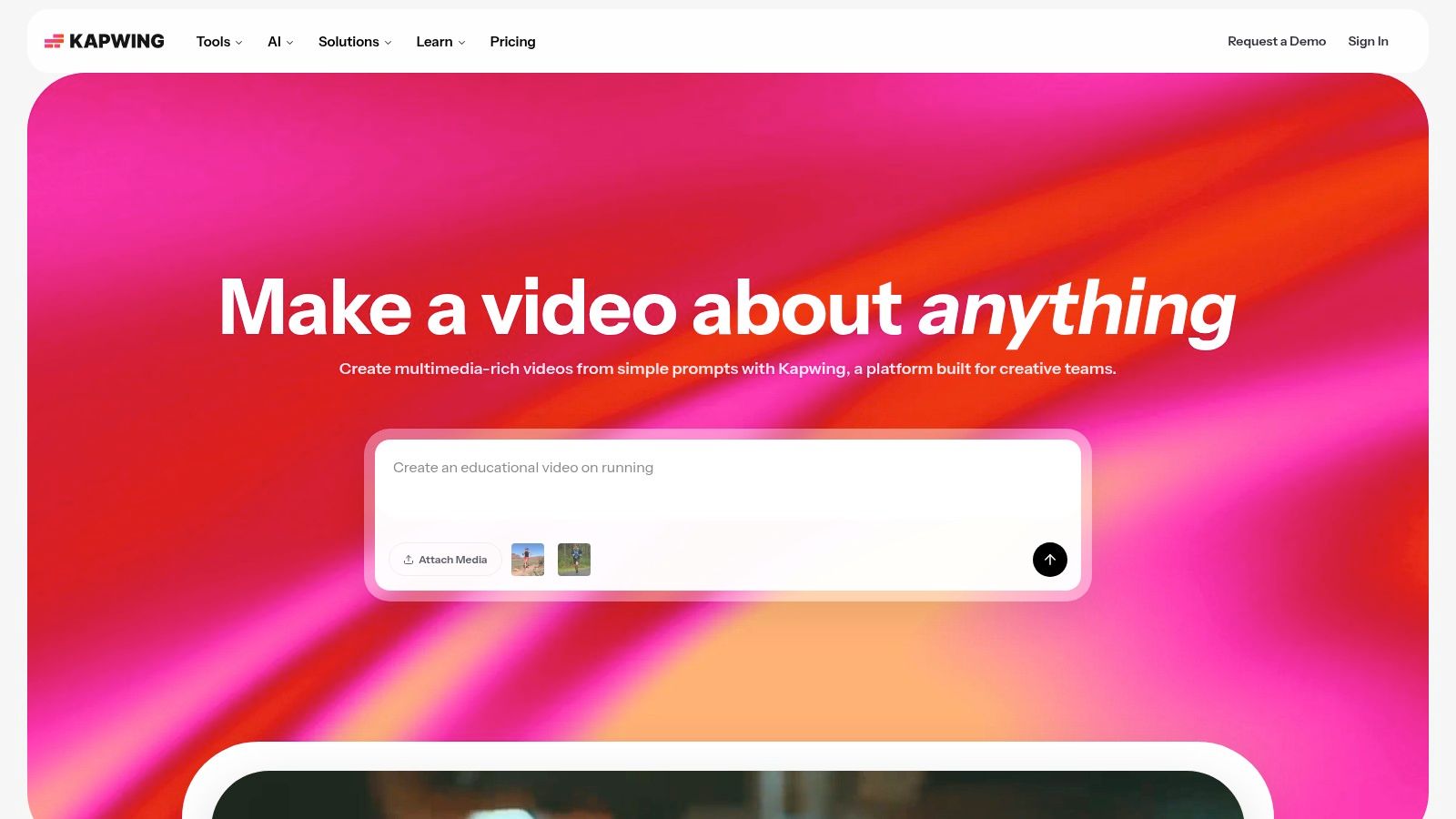
The platform's strength lies in its integration. You can generate a transcript and immediately use it to create styled, animated captions for social media content all within the same workflow. This is a significant advantage for video podcasters, marketers, and influencers who need both a text version of their audio and engaging video assets. The entire process happens online, requiring no software installation. You can find it at https://www.kapwing.com.
Pricing and Limitations
Kapwing operates on a freemium model with specific constraints on its free plan. Free users receive a limited number of credits to use on AI features, including transcription. Generated videos may have a Kapwing watermark, and project export quality is capped at 720p. The service is not designed for transcribing hours of audio in bulk; it's tailored for shorter, project-based tasks.
- Free Plan: Limited AI credits, watermarked video exports, 7-day project storage.
- Best Use Case: Excellent for creators who need to generate subtitles and a text transcript for individual video or audio projects.
Upgrading to a Pro plan removes watermarks, increases export quality, provides more storage, and allots significantly more AI credits for transcription.
9. MacWhisper
For Apple users prioritizing privacy, MacWhisper provides a powerful solution by running OpenAI's Whisper models directly on your device. This native macOS and iOS application performs all transcription offline, meaning your sensitive audio files never leave your computer. It’s an exceptional choice for journalists, researchers, or anyone working with confidential information who needs a secure method for converting audio to text. The app is optimized for Apple Silicon (M1/M2/M3 chips), delivering remarkably fast results.

Its core strength lies in local processing, which bypasses the privacy concerns associated with cloud-based services. You can drag and drop multiple files for batch transcription, and the app generates transcripts complete with timestamps and speaker identification tools. This makes it a highly practical tool for anyone looking for reliable free transcription audio to text software within the Apple ecosystem. You can find it directly on the Mac App Store.
Pricing and Limitations
MacWhisper's free version is surprisingly capable, allowing users to transcribe with the "Tiny" and "Base" Whisper models at no cost, which is sufficient for many personal tasks. However, it is exclusively available on Apple platforms, so Windows and Android users will need to look elsewhere. Accessing the more accurate "Medium" and "Large" models, along with other advanced features, requires a one-time purchase for the Pro version.
- Free Plan: Unlimited local transcription using the Tiny and Base models.
- Best Use Case: Perfect for Mac users who need to transcribe private or sensitive audio files offline without subscription fees.
Upgrading to MacWhisper Pro unlocks higher accuracy models and is a one-time payment, not a recurring subscription, offering long-term value for heavy users.
10. Aiko
For Apple ecosystem users who prioritize privacy, Aiko offers a unique and compelling solution. Developed by the reputable indie developer Sindre Sorhus, Aiko is a simple, privacy-first transcription app that runs OpenAI’s powerful Whisper model directly on your iOS, iPadOS, or macOS device. This on-device processing means your audio files never leave your machine, making it a standout choice for transcribing sensitive or confidential content without relying on cloud services.

The app is built with an open-source ethos and is designed for straightforward, offline transcription. It provides clean, sentence-level segmentation with timestamps, and you can easily edit the text directly within the app. Because it performs free transcription audio to text locally, Aiko is perfect for quick, offline tasks like turning a voice memo into text or transcribing a short recorded clip without needing an internet connection.
Pricing and Limitations
Aiko is completely free to download and use from the App Store. The primary limitation is its exclusivity to the Apple ecosystem, so it is not an option for Windows or Android users. Since it runs locally, its performance depends on your device’s hardware, and downloading the larger, more accurate Whisper models can consume significant storage space. It’s a dedicated transcription tool, not a live meeting assistant, so it cannot join calls like other platforms.
- Free Plan: Completely free; no minute limits or file caps. All processing is done on-device.
- Best Use Case: Ideal for Apple users who need to transcribe private audio files quickly and securely without an internet connection.
Its focused, privacy-first approach makes it an excellent utility for journalists, researchers, or anyone handling confidential information. You can find Aiko on the official website.
11. OpenAI Whisper
For users who prefer complete control over their data and transcription process, OpenAI's Whisper model offers a powerful open-source solution. Unlike web-based services, Whisper is a speech-to-text model you run on your own computer or server. This technical approach provides unmatched privacy and flexibility, making it an excellent option for handling sensitive audio files or for developers building transcription features into their own applications.
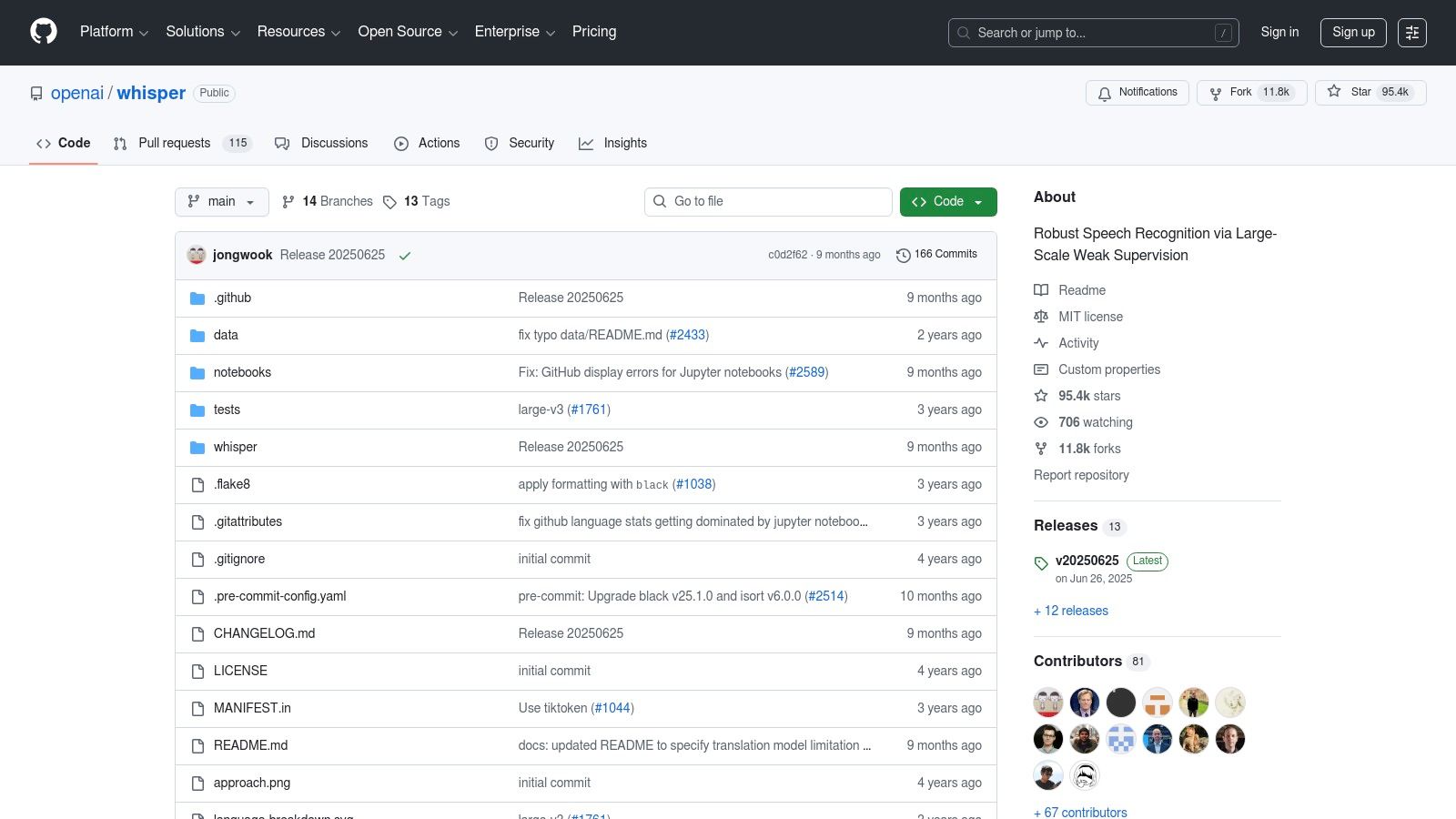
The model's accuracy is widely recognized as top-tier, often rivaling or surpassing paid commercial services, especially with clear audio. It supports dozens of languages and can even perform translation alongside transcription. While the official release is a command-line tool, a rich ecosystem of free, user-friendly graphical interfaces (GUIs) has been developed by the community, making this powerful free transcription audio to text tool more accessible to non-programmers. A direct link to the project can be found on its GitHub repository.
Pricing and Limitations
Whisper is completely free to use as open-source software, with no minute caps, file size limits, or feature restrictions. The "cost" comes in the form of technical setup and required computing resources. Running the larger, more accurate models can be slow on older computers without a dedicated graphics card (GPU). You are responsible for installing Python, the model itself, and any dependencies.
- Free Plan: Unlimited use, but requires you to provide the hardware and perform the setup.
- Best Use Case: Ideal for technical users, developers, or anyone needing to transcribe sensitive or large volumes of audio locally with high accuracy.
12. Vosk
For developers or privacy-conscious individuals seeking complete control over their transcription workflow, Vosk offers a powerful offline solution. It's not a ready-to-use web application but a lightweight speech recognition toolkit built to run on-device. This means your audio data never leaves your computer, making it an excellent choice for sensitive content and custom projects where privacy is paramount.
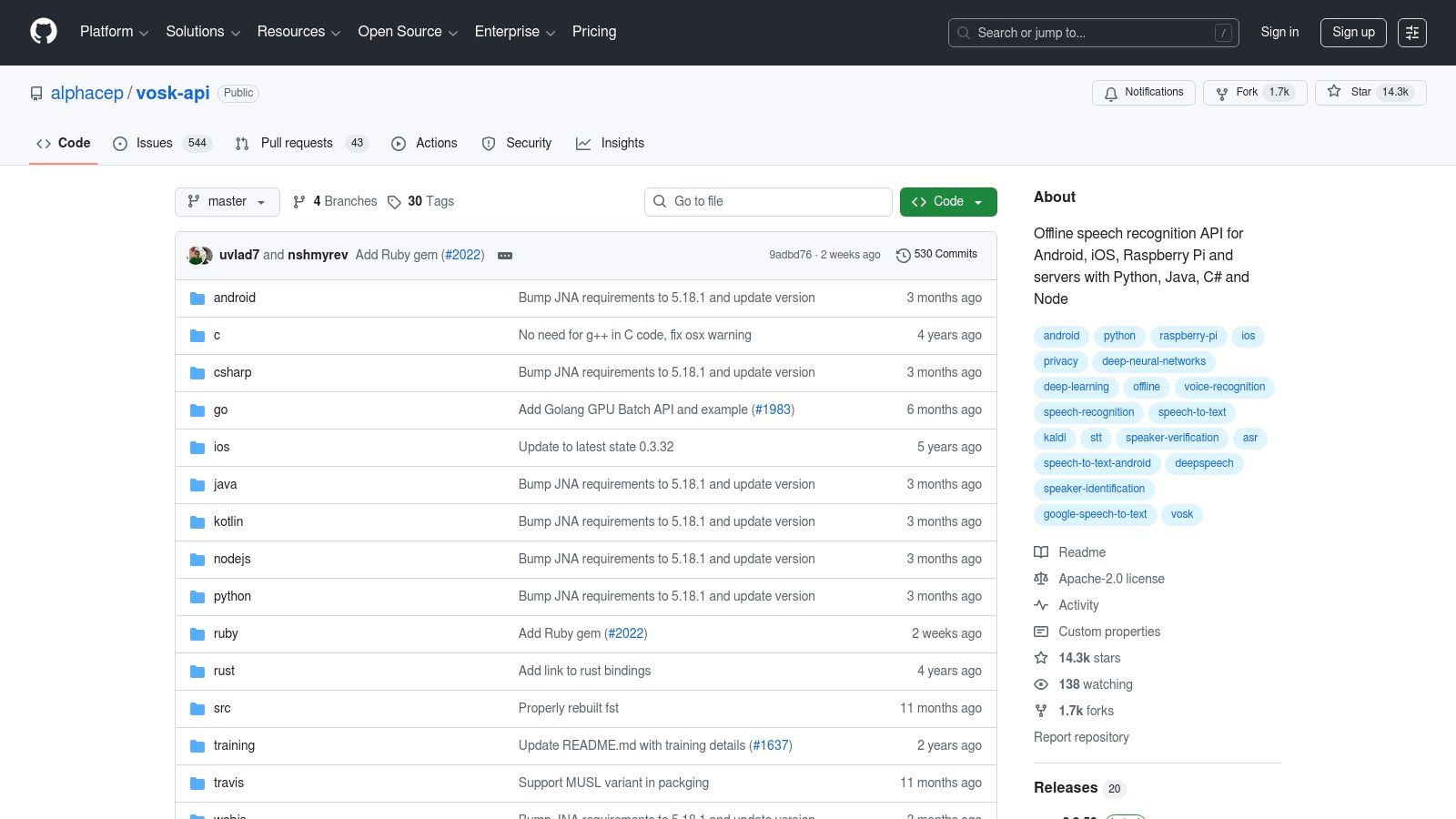
The primary advantage of Vosk is its versatility. It provides bindings for numerous programming languages, including Python, Java, and C#, allowing it to be integrated into custom applications, mobile apps, or even low-power hardware like a Raspberry Pi. This developer-centric approach gives you the freedom to build your own tool for free transcription audio to text. For those interested in the technical aspects, exploring how to transcribe audio to text for free with tools like Vosk can reveal a lot about the underlying technology.
Pricing and Limitations
Vosk is an open-source project, making it entirely free to download and use. The "cost" comes from the technical expertise required to implement it, as there is no consumer-facing user interface. You must download language models, which vary in size, and write code to process your audio files. Its accuracy is generally good for its size but may not match the performance of massive, cloud-based commercial models, especially with complex audio.
- Free Plan: Completely free and open-source; usage is unlimited.
- Best Use Case: Ideal for developers building custom transcription features or users who need a fully offline, private transcription solution and are comfortable with a command-line interface.
The main limitation is its accessibility; it is strictly a tool for those with some programming knowledge.
What "Free" Usually Costs You
Free tiers are limited in five predictable ways. Knowing which limit you will hit first saves testing a tool that was never going to work.
One more worth checking before you upload anything sensitive: whether the free tier trains models on your audio. Paid plans usually opt you out; free ones sometimes do not, and that is stated in the privacy policy rather than on the pricing page.
Top 12 Free Audio-to-Text Transcription Tools Comparison
From Spoken Words to Actionable Insights
Navigating the world of free transcription audio to text tools reveals a powerful and accessible ecosystem. As we've explored, the days of tedious manual transcription are fading, replaced by a diverse set of solutions ranging from sophisticated AI meeting assistants like HypeScribe and Fireflies.ai to powerful open-source engines like OpenAI's Whisper. The key takeaway is that a "one-size-fits-all" free solution doesn't exist. Your ideal tool depends entirely on your specific needs, technical comfort, and privacy requirements.
For remote teams and professionals, the value lies in automated meeting summaries and action item tracking. Tools like Otter.ai, Sembly AI, and Notta excel here, integrating directly into your calendar and video conferencing apps to provide real-time transcripts and post-meeting intelligence. However, their free tiers often come with limitations on monthly minutes or the number of imports, making them best suited for individuals or small teams with moderate usage.
Choosing Your Transcription Path: Key Considerations
Making the right choice requires a clear understanding of your priorities. Don't just pick the first option you see; instead, evaluate each tool against these critical factors:
- Accuracy vs. Convenience: Browser-based tricks and built-in OS tools offer incredible convenience for quick notes or drafting content. Yet, they often lack the speaker identification and higher accuracy of dedicated AI platforms, especially with multiple speakers or background noise.
- Privacy and Data Security: When dealing with sensitive information from client meetings, interviews, or internal strategy sessions, data privacy is paramount. Open-source, offline tools like MacWhisper or a self-hosted Vosk instance give you complete control over your data. In contrast, cloud-based services require you to trust their security protocols and data handling policies. Always review the privacy policy before uploading sensitive audio.
- Use Case Specificity: Your goal dictates the best tool. A journalist might prioritize high accuracy and speaker labels from a tool like Descript, which also offers robust editing features. A student transcribing a lecture may find a simple web app like Kapwing's transcriber sufficient for creating study notes.
Implementing Your Solution for Maximum Impact
Once you've selected a tool, effective implementation is the next step. Remember that even the best AI transcription is rarely 100% perfect. Plan to spend a small amount of time proofreading and editing the output for critical errors in names, technical terms, or key phrases.
For the best results, always start with high-quality audio. Using an external microphone, minimizing background noise, and ensuring speakers are close to the recording device will dramatically improve the accuracy of any transcription tool you choose. By combining good recording practices with the right free transcription service, you can effectively turn spoken conversations into searchable, editable, and actionable text, unlocking valuable insights that were previously trapped in audio files.
If your recordings run longer than most free tiers allow, HypeScribe's free plan takes three files a month at up to an hour each, with speaker labels and a summary — no card required. Try it free.