Fireflies.ai Alternative: HypeScribe vs Fireflies (2026)
Article
Fireflies.ai Alternative: HypeScribe vs Fireflies (2026)
Author:
Igor Trunin
CMO at HypeScribe
November 4, 2026
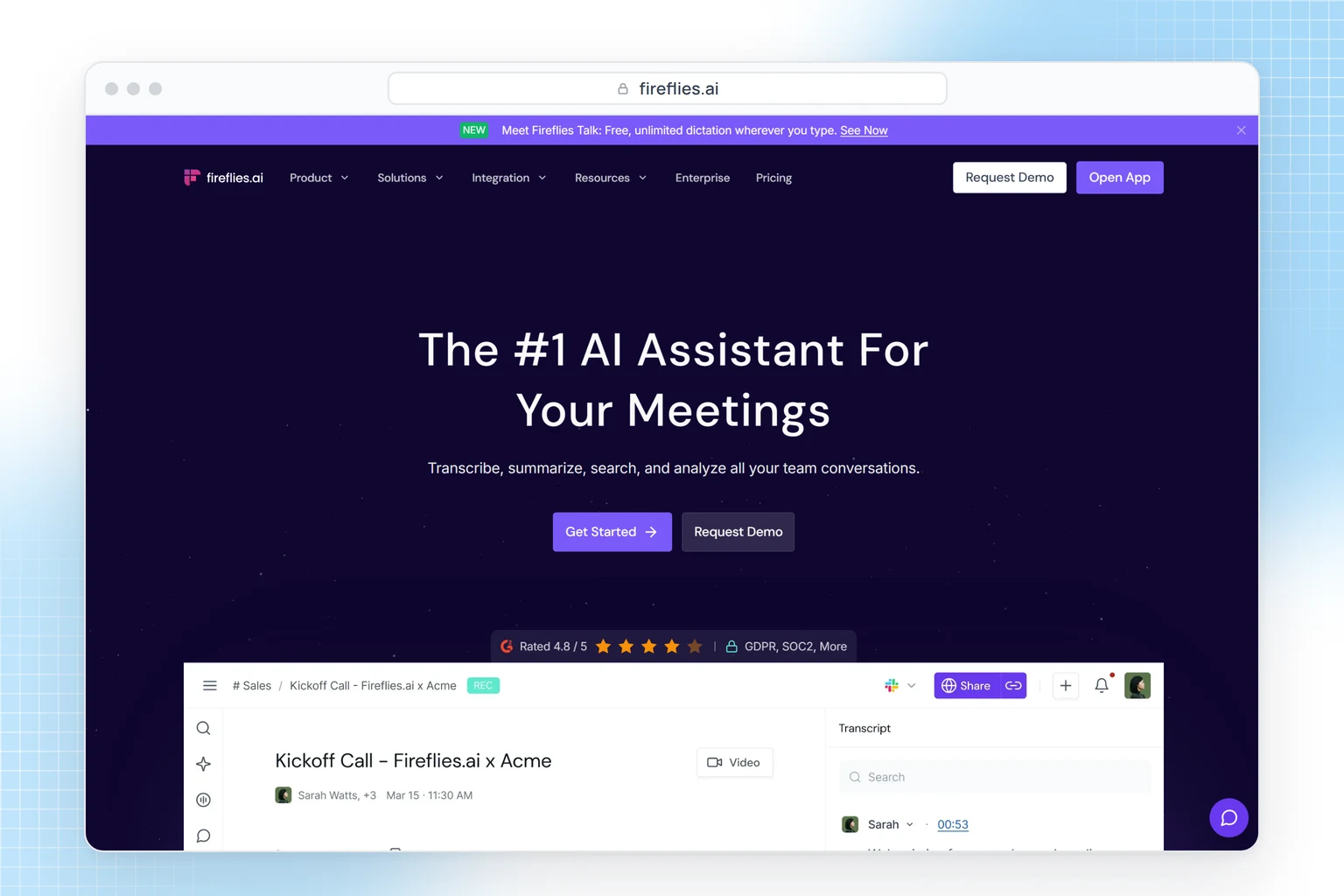
Choose Fireflies.ai if your team meets on many platforms, your deals live in Salesforce, or you want a free plan that transcribes calendar meetings when auto-join is on.
Choose HypeScribe if you transcribe YouTube, Loom or other public links, want to pick the AI model for your questions, or need the notes translated for your team.
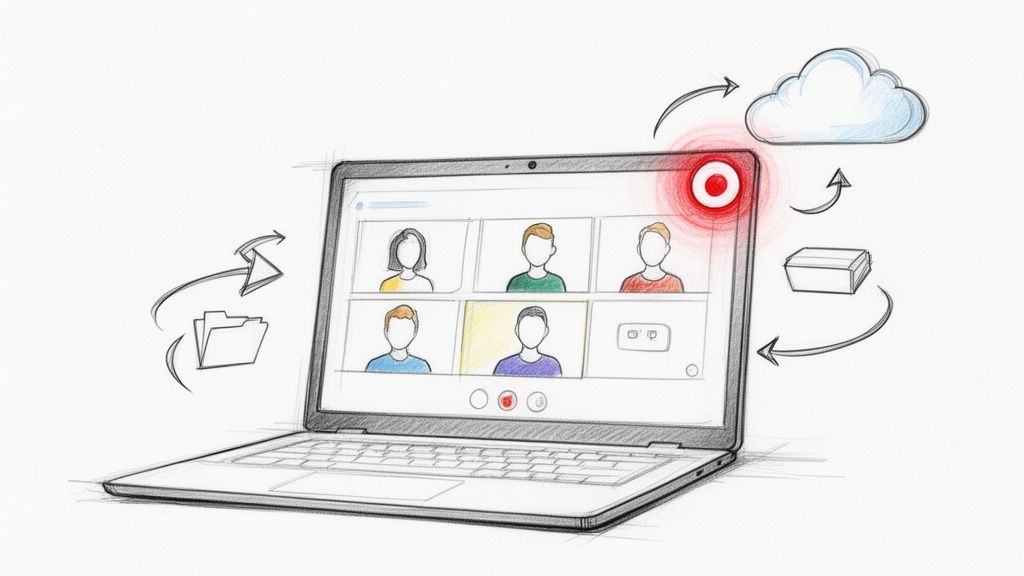
Both take uploaded recordings and send a notetaker to Zoom, Google Meet and Teams. Fireflies shows the transcript live; HypeScribe has it ready after the call.
Fireflies.ai or HypeScribe
Who each one is for
Pick Fireflies.ai if
Your team meets on many platformsWebex, GoTo Meeting, Dialpad and more, not only Zoom
You sell in SalesforceCRM autofill, Zapier and 100+ integrations
You want a free plan for callsUnlimited meeting transcripts with calendar auto-join
Pick HypeScribe if
Recordings come from outside meetingsYouTube, TikTok, Loom and Google Drive links, files, rooms
You record without a bot and keep the audioLive Record saves the recording and labels speakers
You want notes in another languageTranslate the overview and action items
HypeScribe vs Fireflies.ai at a glance
HypeScribe
Fireflies.ai
Built for
Calls, files and links from YouTube, Loom and more
Team meetings, sales and recruiting calls
How to try it
7-day trial, then paid plans
Free plan; Pro from $10 a seat a month billed yearly
Notetaker for calls
Zoom, Google Meet, Teams
9 platforms, including Webex, GoTo Meeting and Dialpad
Live transcript during the call
No: the transcript is ready after the call
Live transcript and Live Assist
Record without a bot
Live Record in the browser; keeps the audio and speakers
Web recorder and phone apps; the desktop mode for calls saves no audio
Upload files
From a computer or phone
Up to 150 minutes per file
Paste a link
YouTube, TikTok, Instagram, Loom, Google Drive and more
Not listed (Dropbox files through a connector)
Languages
99+
100+; languages other than English are in beta
AI chat
Pick GPT, Claude, Grok or DeepSeek
AskFred, paid for with AI credits
Translate the notes
Overview and action items
Not listed
Export
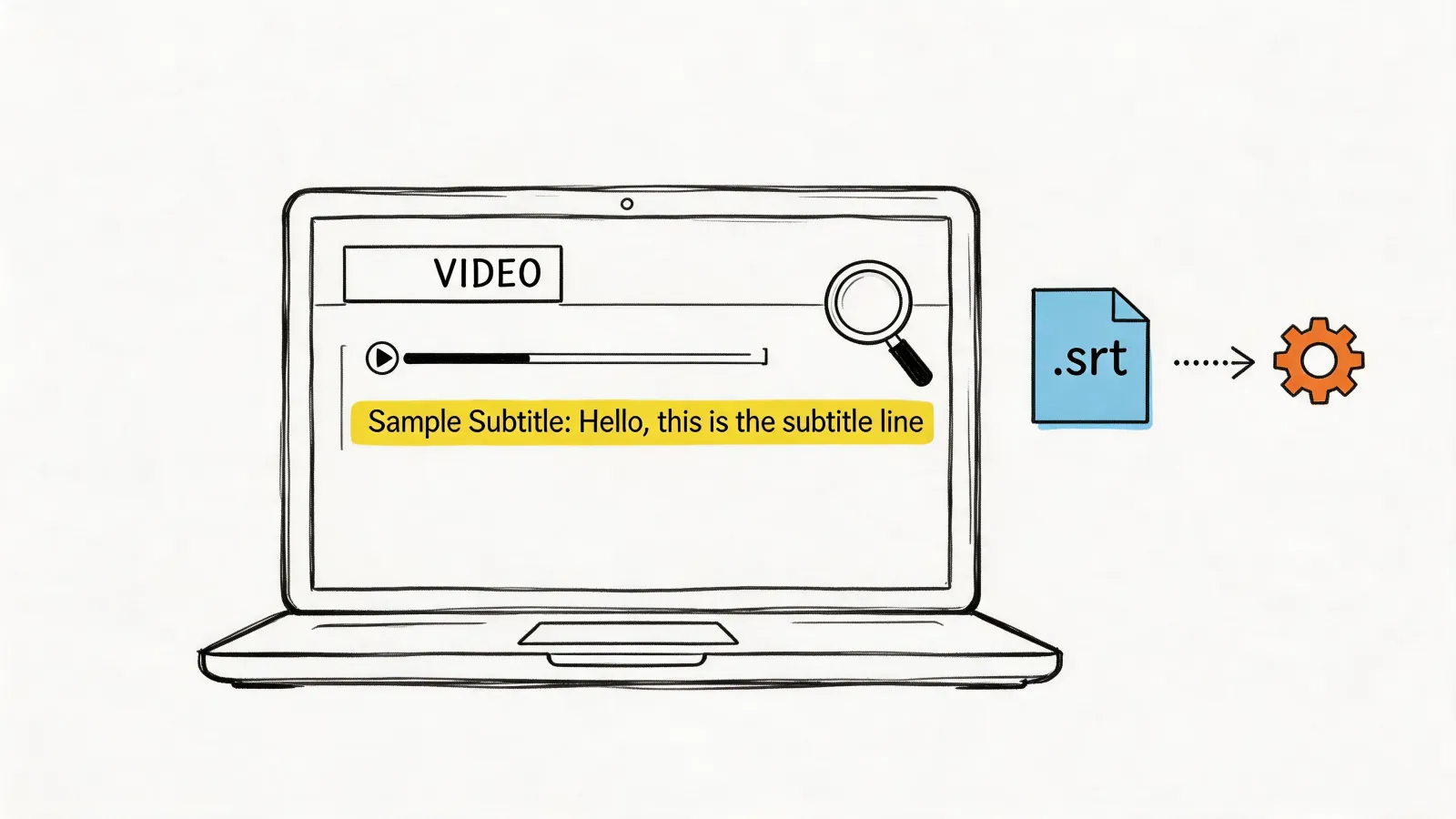
TXT, DOCX, PDF, SRT, Markdown, Google Docs
From Pro: PDF, DOCX, SRT, CSV, JSON, MD; none on free
Integrations
18 apps: Slack, Notion, Linear, Jira, HubSpot and more
100+, including Salesforce, HubSpot and Zapier
MCP and API
MCP and API keys
API on every plan; MCP with any account
Apps
Browser on a computer and a phone
iPhone, Android, Mac, Windows, Chrome
Privacy and compliance
Recordings never used to train AI
Doesn't train on customer data; SOC 2 Type II; HIPAA on Enterprise
Where Fireflies.ai is better
More meeting platforms
Fireflies' bot joins Zoom, Google Meet and Teams, and also Webex, GoTo Meeting, Dialpad, Lifesize and Jitsi.
HypeScribe's notetaker covers Zoom, Meet and Teams.
A free plan for calls
With calendar auto-join on, the free plan transcribes the meetings the bot joins without a cap (for accounts made since September 2026). Summaries are limited, file uploads use separate credits, and you can't download anything on free.
HypeScribe has a 7-day trial, then paid plans.
Live help during the call
A live transcript and Live Assist suggestions while people talk, on the web, desktop, phone and Chrome.
HypeScribe gives you the transcript after the call.
Apps for every device
iPhone, Android, Mac and Windows apps record meetings in a room and take files. The desktop app also catches WhatsApp, FaceTime, Discord and phone calls without a bot.
HypeScribe runs in the browser.
Sales and team tools
More than 100 integrations, including Salesforce, CRM autofill and Zapier, plus talk-time and sentiment analytics, topic trackers and 200+ AI Skills such as BANT and MEDDIC notes.
HypeScribe saves notes to HubSpot, but has no Salesforce or Zapier.
Compliance
Fireflies lists SOC 2 Type II, GDPR and ISO 42001, and HIPAA on Enterprise, and its API works even on the free plan.
HypeScribe doesn't list these certifications.
Where HypeScribe is better
Public links
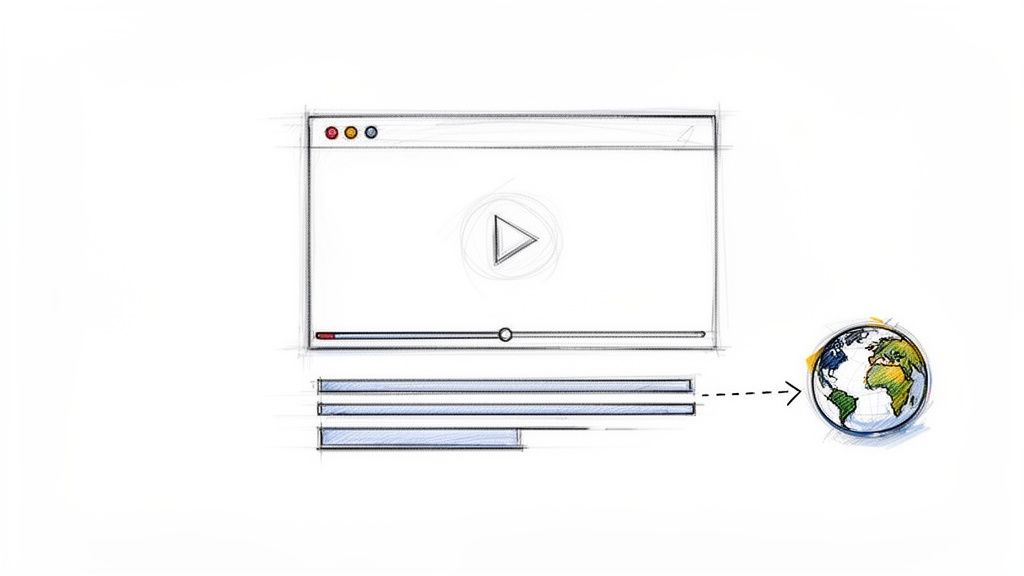
In HypeScribe, paste a webinar on YouTube, a Loom from a colleague or a lecture shared on Google Drive into Transcribe by URL. It also takes TikTok, Instagram, X, Vimeo and other sites, and direct links to audio or video files.
Fireflies doesn't list import from YouTube or other public links.
The recording stays with the notes
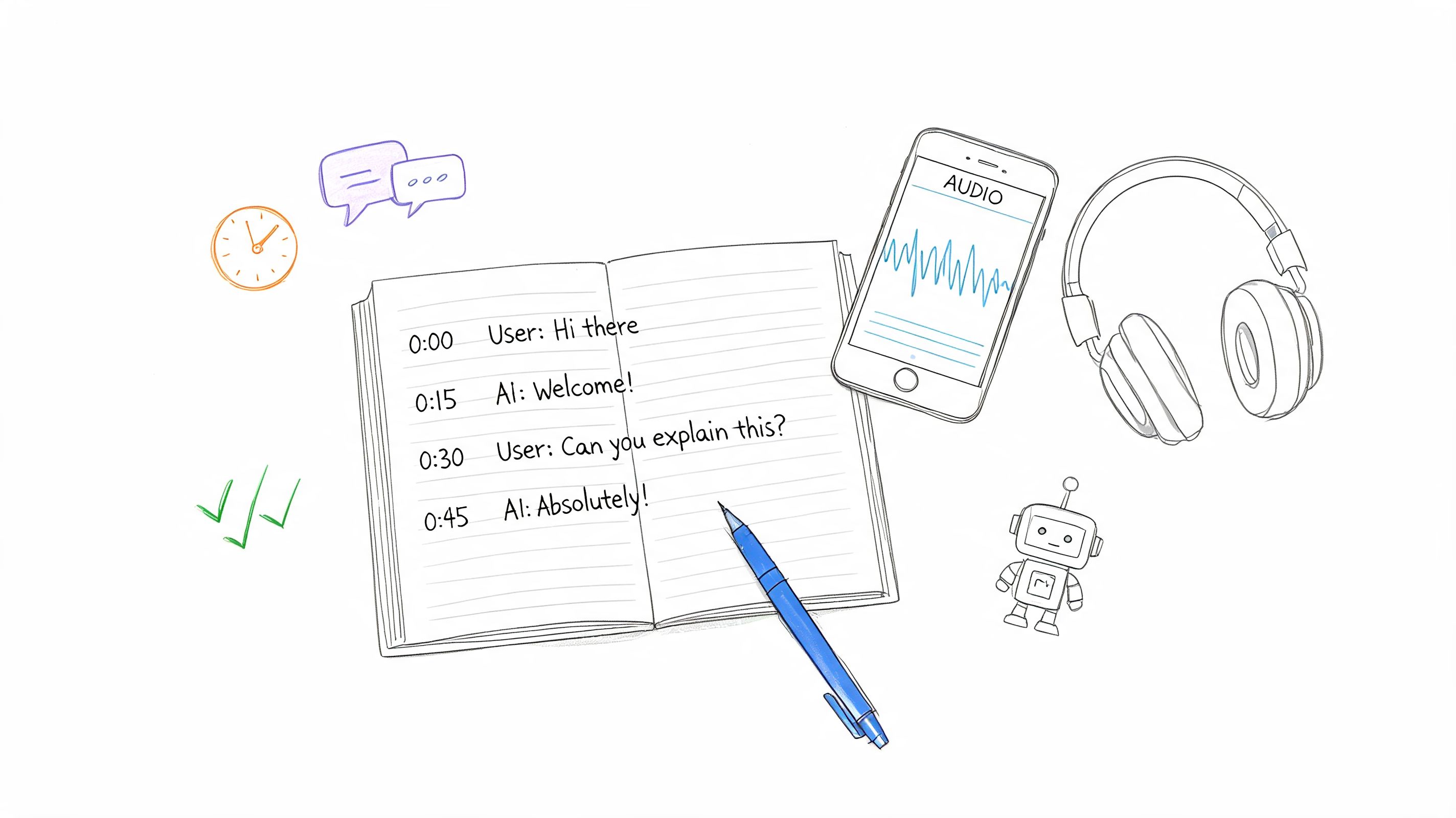
Everything HypeScribe records, including Live Record in a room or a lecture, keeps the audio and splits the transcript by speaker.
Fireflies records rooms with its web recorder and phone apps, but its desktop mode for calls without a bot saves no audio or video and labels people Speaker 1 and Speaker 2.
Notes in your language
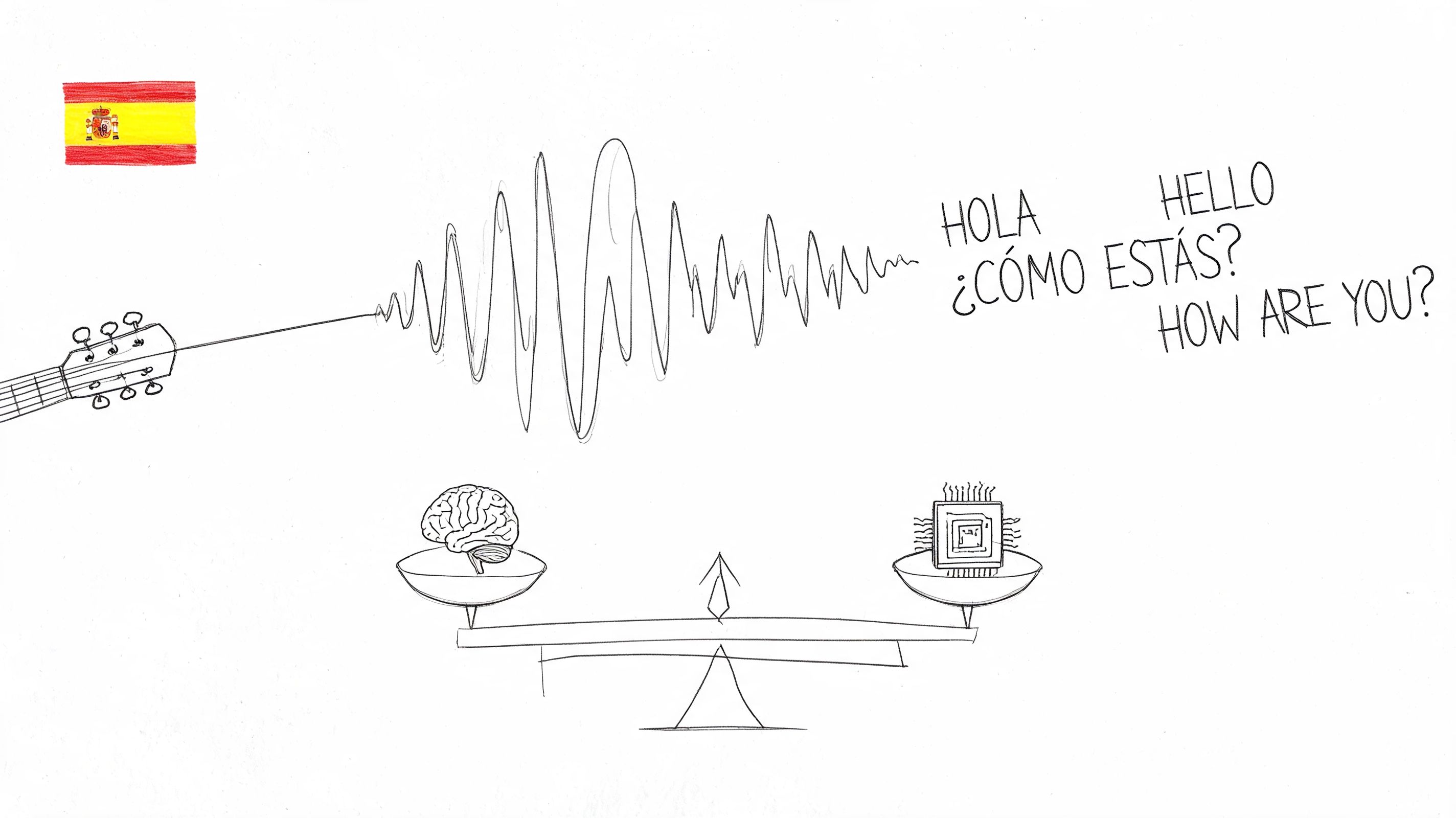
If the call was in Spanish and your team reads English, translate the overview and action items with one button.
Fireflies doesn't list translation.
AI chat on the model you pick
Ask about the recording with GPT, Claude, Grok or DeepSeek, then check the answer with Play from here.
Fireflies' AskFred runs on AI credits (more below).
Tasks where your team works
Action items come as a checklist, and everything goes where your team works:RecapSlack, Telegram or GmailTasksLinear, Jira, GitHub, Asana, Trello, Todoist or NotionCall notesHubSpot Press Send, ask the AI chat to do it, or send new recordings automatically. MCP and API keys let you work with recordings from Claude, ChatGPT, Claude Code, Codex or Cursor.
Privacy
HypeScribe doesn't see or store your recordings, and you can delete your transcripts at any time.
Nobody on the team watches, listens to or reads them, and they are never used to train AI.
Files are encrypted, and a transcript stays private until you share it.
Fireflies also says it doesn't train AI on customer data.
Got a recording that isn't a meeting? Paste a YouTube or Loom link, upload a file or record a lecture in the browser, and get the transcript, overview and action items. 7-day trial, then paid plans.
Meeting transcripts (unlimited with calendar auto-join), limited summaries, 400 minutes of storage, 20 AI credits, no downloads
Pro
$18 per seat
$10 per seat a month
Unlimited transcripts and summaries, 8,000 minutes of storage, downloads, 20 AI credits
Business
$29 per seat
$19 per seat a month
Unlimited storage, conversation intelligence, team analytics, mixed-language calls, 30 AI credits
Enterprise
Yearly only
$39 per seat a month
SSO, HIPAA, private storage, custom data retention, 50 AI credits
Prices are in US dollars, from Fireflies' pricing page. Every plan caps uploaded files at 150 minutes; paid plans include 3,000 upload minutes per user a month, then $0.01 a minute. A recorded meeting is capped at 2 hours on Free and Pro. The 7-day Business trial needs a card. HypeScribe has a 7-day trial, then paid plans.
AI credits come on top. AskFred questions, AI Skills and AI-picked soundbites use AI credits, separate from transcription. Each plan has a one-time allowance: 20 credits on Free and Pro, 30 on Business, 50 on Enterprise. When a paid plan runs out, Fireflies moves you to its smallest credits plan, $5 a month for 50 credits; free users hit a paywall. If your team asks AskFred a lot, budget for credits on top of the seat price.
Moving from Fireflies.ai to HypeScribe
1
Get your recordings out
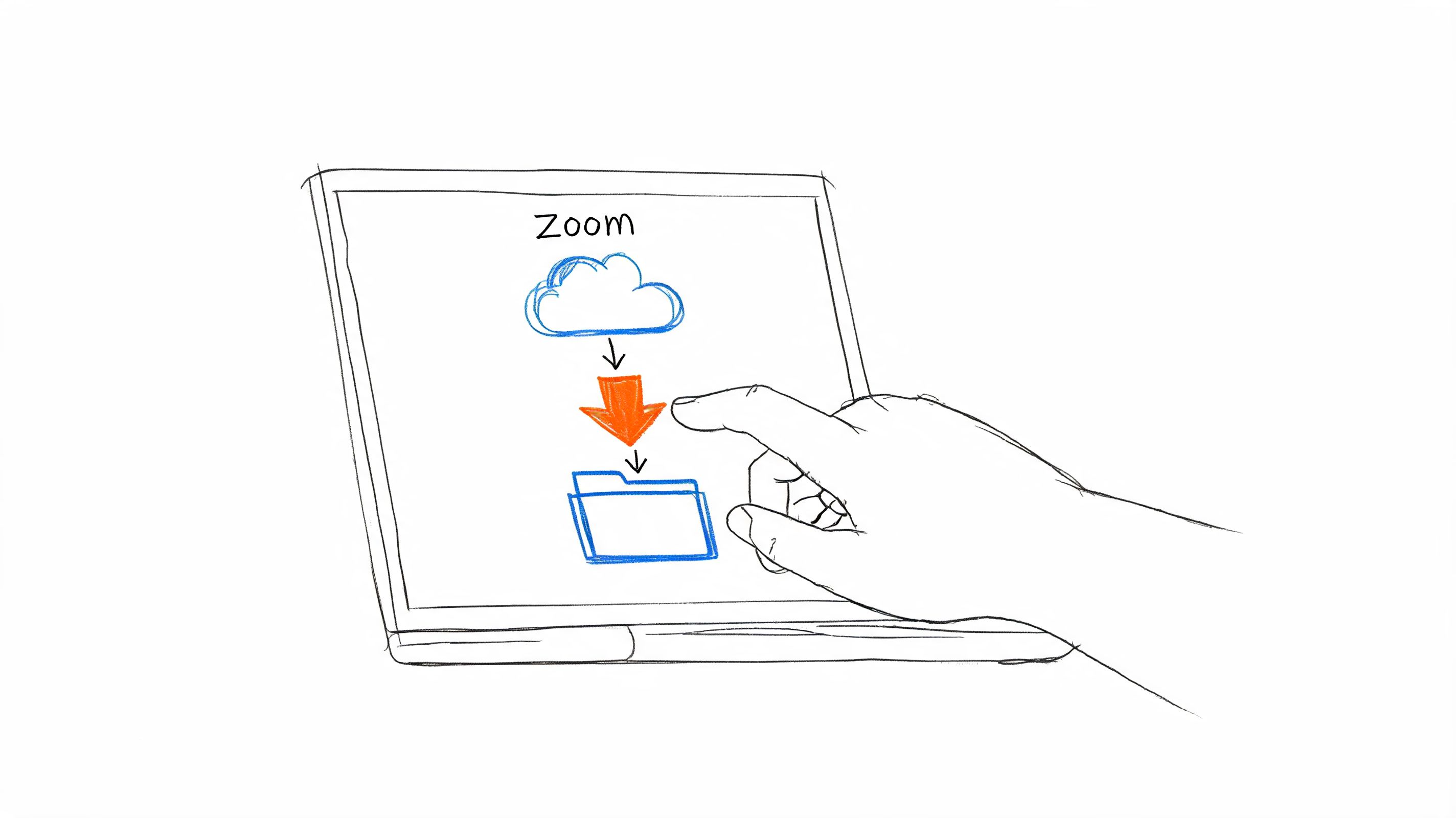
On Pro and higher, download the MP3 or MP4 from each meeting. On any plan, you can ask Fireflies for a full account export: a ZIP with audio, video, transcripts and summaries, sent within 24 to 48 hours. The link works for 7 days.
2
Upload them to HypeScribe
Choose Transcribe file and add the recordings, or forward them to your private HypeScribe email address. HypeScribe transcribes them again and builds the overview and action items; it doesn't import Fireflies' text, so keep the ZIP.
3
Move your meetings
Press Meeting notes and paste the link of your next Zoom, Google Meet or Teams call, or connect Google Calendar and turn on auto-join (it's off by default).
You get a transcript with speakers, an overview and action items you can send to Slack, Notion or Linear. Try HypeScribe for a week before you pick a plan.
Yes, if you transcribe public links, want to pick the AI model or need the notes translated. If your team meets on Webex or GoTo Meeting, works in Salesforce or needs call analytics, Fireflies fits better.
Is Fireflies.ai free?
It has a free plan. With calendar auto-join on, it transcribes the meetings the bot joins without a cap, but summaries are limited, storage is 400 minutes and downloads need a paid plan.
Does HypeScribe work with Webex?
Not with a bot. HypeScribe's notetaker joins Zoom, Google Meet and Teams. For a Webex call, record it and upload the file, or use Live Record if you're in the room.
Can I move my Fireflies.ai recordings to HypeScribe?
Yes. Request the account export from Fireflies, then upload the audio or video to HypeScribe, which transcribes it again.
We checked Fireflies.ai's pricing page, help center and product pages on November 4, 2026. Prices and features change often. If something here is out of date, email support@hypescribe.com and we'll fix it.