English to German Translation with Audio: A How-To Guide
You’ve got an English recording that needs to work for German listeners. It might be a client call, a lecture, a product demo, or an interview you need to publish fast. The usual friction shows up immediately. The transcript isn’t clean, the translation sounds stiff, and the generated voice either feels too robotic or too polished for the material.
That’s why english to german translation with audio is no longer just a translation task. It’s a production workflow. The teams that get strong results treat it like post-production, not like a single button click. They clean the source, inspect the transcript, translate for meaning, choose the right German voice, and only then export.
Done well, the process is fast enough to run in-house and controlled enough to trust for client-facing work.
Why Accurate Audio Translation is Now Within Reach
A few years ago, many organizations had two bad options. They either sent audio to a human translation vendor and waited, or they used cheap automation and spent more time fixing the output than they saved. That gap has narrowed sharply.
Modern platforms for English to German audio work now reach up to 99% accuracy across 100+ languages and can process up to 60 minutes of audio in under 30 seconds, as shown on ElevenLabs' English to German audio translation page. The same source notes that AI workflows can reduce traditional dubbing costs by up to 80%. For teams moving content across the US-EU trade corridor, where activity reaches $1.3 trillion annually, and where 40% of hybrid teams face multilingual needs, that speed is no longer a nice extra. It’s operationally useful.
What changed isn’t just model quality. The whole stack got better. Speech recognition is stronger, translation engines are better at context, and synthetic voices no longer flatten everything into the same cadence. If you’re handling recorded meetings or training content, that combination matters more than any single feature.
What’s now practical for everyday teams
You can run this workflow on common production tasks without building a custom localization pipeline:
- Client meetings: Turn an English recording into German text and audio for stakeholders who weren’t in the room.
- Lectures and training: Produce German narration that tracks the original lesson closely enough for internal learning use.
- Interviews and media clips: Localize fast enough to publish while the content is still timely.
Practical rule: If the source audio is decent and the terminology is manageable, AI is now good enough to produce a first pass you can review instead of a mess you have to rebuild.
That’s the important shift. The machine isn’t replacing editorial judgment. It’s doing the heavy first pass at a speed that changes the economics of the job.
For teams already using AI in adjacent workflows, this sits naturally beside AI-powered transcription software. The same discipline applies here. Strong outputs come from a clean input, a verified transcript, and one or two careful intervention points instead of endless manual cleanup.
Where the confidence should come from
You still shouldn’t assume every file will translate cleanly. Fast doesn’t mean reckless. Heavy accents, overlapping speakers, and mid-sentence switching between English and German can still trip up even strong systems.
But accurate english to german translation with audio is now within reach because the workflow is predictable. When it works, it works for clear reasons. When it fails, the failure points are usually visible and fixable.
Preparing Your Source Audio for Flawless Translation
The fastest way to ruin a translation is to upload messy audio and hope the model figures it out. It won’t, at least not consistently. Most quality problems start before transcription.

When I prep files for localization, I’m not trying to make them sound beautiful. I’m trying to make them legible to speech recognition. That means reducing distractions, smoothing level changes, and checking whether the format matches the platform’s limits.
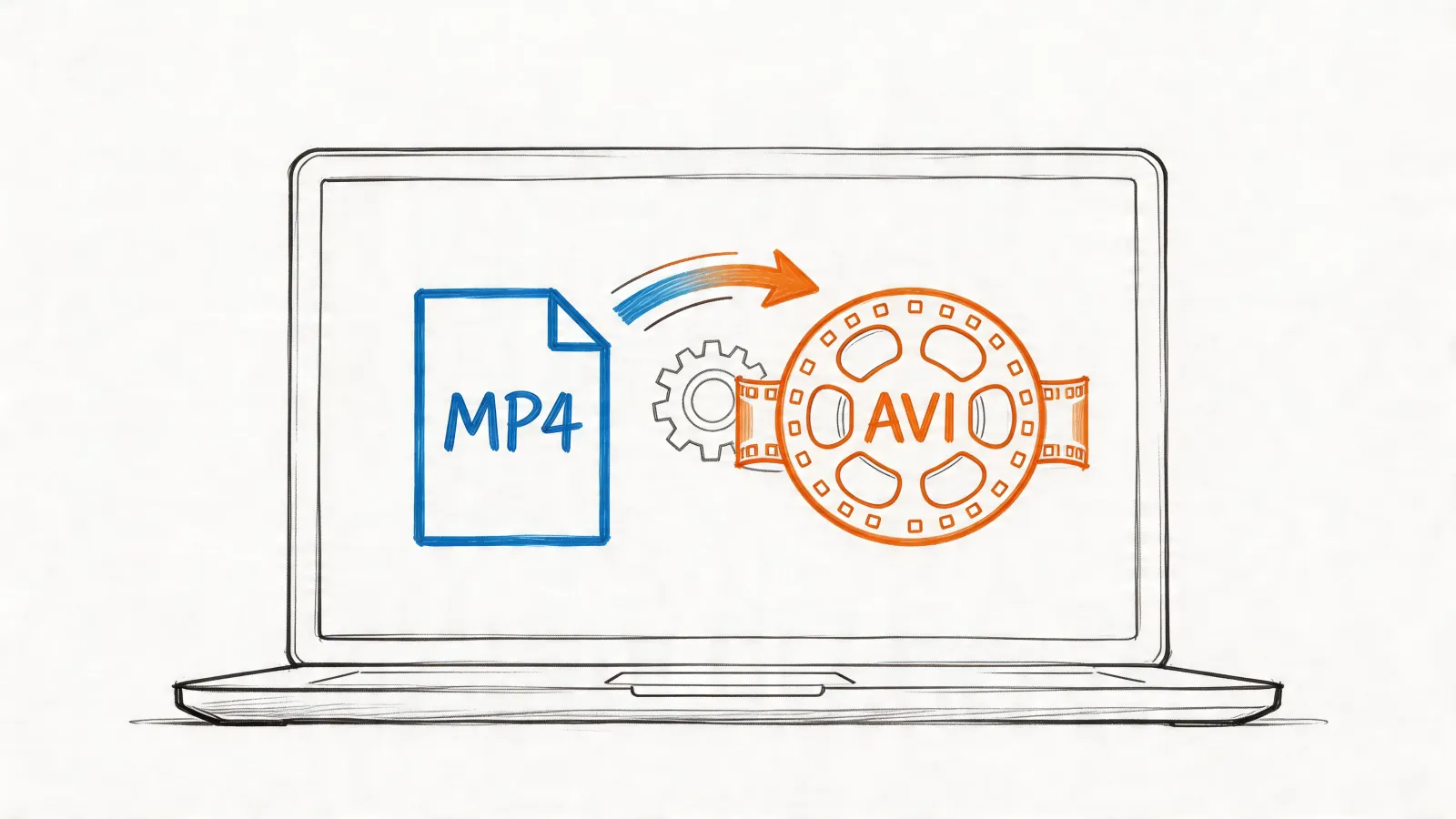
Modern platforms commonly support MP3, MP4, WAV, and FLAC, with file size limits that range from 50MB to 500MB, according to RecCloud’s overview of English to German audio translation. That same source points out a common failure case: systems often struggle with code-switching and heavily accented speech.
The pre-flight checklist I actually use
Before uploading anything, check these five things:
- Speaker separation: If two people talk over each other, trim or split the section if possible. Crosstalk creates transcript ambiguity that gets amplified in translation.
- Level consistency: Quiet speakers and clipped peaks both hurt recognition. If one speaker is far softer than another, normalize before upload. If you need a simple capture setup, a dedicated audio recorder device guide helps more than trying to rescue bad recordings later.
- Background control: HVAC hum, keyboard noise, café music, and room echo don’t always sound terrible to humans, but they confuse recognition models.
- File format choice: WAV or FLAC is usually safer when you need maximum clarity. MP3 is often fine for clean speech and easier to move through production quickly.
- Language consistency: If the speaker jumps between English and German, flag those sections before transcription so you know where to inspect more carefully.
Format choice isn’t cosmetic
Here’s the quick decision frame I use:
| Format | Best use | Trade-off |
|---|---|---|
| WAV | Important interviews, lectures, archival recordings | Larger files |
| FLAC | High-quality source with smaller footprint than WAV | Not always the default export from recording tools |
| MP3 | Fast-moving workflows, podcasts, meeting recordings | Compression can soften detail |
| MP4 | Video-based localization workflows | Audio quality depends on source export |
The mistake I see most often is exporting a low-bitrate MP3 from a noisy original, then blaming the translator. By that point, the damage is already baked in.
Clean audio beats clever prompting. If the model can’t hear the word properly in English, it won’t magically produce the right German term later.
What to do with difficult material
Some audio needs triage before it ever enters the translation queue:
- For accented English: Listen for recurring terms the model might miss and create a small correction list.
- For panel discussions: Split long sessions by speaker segment or agenda topic.
- For volume-heavy teams: Choose a platform with API access for batch handling. RecCloud specifically recommends API-ready tools for high-volume workflows in multilingual environments.
Ten minutes of prep often saves far more time in transcript correction and German voice revision. That’s the part many teams learn only after they’ve already generated three unusable versions.
The Core Workflow From English Audio to German Text
The working pattern is simple. Transcribe first. Review second. Translate third. The order matters because each stage depends on the one before it.
The visual below captures the production flow clearly.

Most modern systems use a layered pipeline. The engine first transcribes the English speech, then translates the meaning into German, then generates audio if you need voice output. Transmonkey’s English to German audio translator page describes this clearly: speech recognition models such as OpenAI’s Whisper handle the English transcript first, then the system applies semantic translation so the output preserves meaning rather than translating word by word. That same source also notes that manually reviewing the English transcript before German generation “dramatically improves accuracy” and that this workflow can reduce costs by up to 80% compared with professional human translation.
Step one means transcript, not translation
Upload the English audio and get the transcript first. Don’t rush to the German output.
If the transcript is wrong, the translation will usually be confidently wrong. That’s worse than a visible transcription error because it sounds polished while carrying the wrong meaning. Proper nouns, acronyms, product names, and specialized terminology are the usual danger points.
Here’s where editors and producers earn their keep. Read the English transcript against the audio. Fix obvious recognition misses before you generate the German text.
The quality gate that changes everything
The review pass should focus on specific categories, not broad perfectionism:
Names and brands
Company names, software products, people, and place names often need manual correction.Technical vocabulary
Industry jargon tends to transcribe unevenly, especially if the speaker talks fast or uses shorthand.Sentence boundaries
A bad punctuation break in English can change the translation logic downstream.Numbers and abbreviations
Spoken shorthand can become nonsense if the transcript guesses wrong.
The best German translation usually comes from a boringly accurate English transcript, not from a clever translation setting.
This is also the point where educational content benefits from note-style preprocessing. If you regularly work from long lectures or recorded explainers, this workflow to turn YouTube videos into notes is a useful reference for structuring spoken material before you localize it.
The mechanics are easier to understand when you can see them in action.
Why semantic translation beats literal conversion
English and German don’t line up neatly at the sentence level. Word order, compound nouns, formality choices, and idiomatic phrasing all create friction. A literal engine may preserve individual words while damaging the point.
A semantic system does better because it tries to carry over the intended meaning. That matters in business recordings where speakers hedge, qualify, or imply action without stating it in textbook phrasing. It matters even more in interviews, where tone and intent often sit between the words.
A practical check I use is this: read the German text as if it were originally written in German. If it sounds like translated English, inspect the English source sentence again. Usually the issue started there.
What works and what doesn’t
| Workflow choice | Usually works | Usually fails |
|---|---|---|
| Review transcript before translation | Better terminology and cleaner German syntax | Skipping review to save time |
| Fix names and jargon early | Stable downstream output | Hoping TTS pronunciation settings will rescue wrong text |
| Translate by segment | Easier QA on long files | One giant unbroken transcript |
| Use context-aware translation | More natural German | Literal phrase-by-phrase conversion |
For english to german translation with audio, the translation stage is not where you want surprises. You want controlled, traceable decisions. That starts with the transcript.
Generating and Refining Your German Audio Output
A clean German text is only half the job. The voice can still make the output feel wrong.

I’ve seen excellent translations undermined by poor voice selection more often than by translation errors. The wording was fine, but the narrator sounded too theatrical for compliance training, too formal for a podcast clip, or too youthful for an executive briefing. Listeners notice that mismatch immediately, even if they can’t explain it.
Match the voice to the job
Don’t start with gender or accent. Start with function.
- Formal lectures and training: Choose a steady German voice with restrained pacing and clear articulation. You want authority without sounding stiff.
- Interviews and documentaries: A warmer, more conversational voice usually lands better, especially if the source speaker is relaxed or reflective.
- Corporate explainers: Neutral delivery is safer than dramatic delivery. In multilingual business content, distraction is the enemy.
- Social clips or creator content: You can be more flexible with energy, but the voice still needs believable rhythm.
Producers often overcorrect. They try to “upgrade” the content with a premium-sounding voice. That usually hurts authenticity.
What to listen for during voice auditions
Run a short sample through at least two or three German voices. Don’t judge on the first sentence. Judge on a paragraph that includes names, transitions, and at least one longer sentence.
Use this checklist:
- Pacing: Does the voice rush dense lines or drag simple ones?
- Intonation: Does it rise and fall naturally, or does every sentence end with the same pattern?
- Pronunciation control: Can you adjust brand names, acronyms, and unusual proper nouns?
- Register: Does the delivery sound formal, neutral, or casual in the way your audience expects?
- Listening fatigue: Can someone hear ten minutes of this without irritation?
A translation can be accurate and still sound wrong. Voice choice decides whether listeners trust the message.
If your source audio has uneven dynamics, fixing those before synthesis also helps your review process because you’ll hear pacing problems more clearly. A simple auto sound levelizer workflow is useful when your original recording swings between quiet and loud sections.
The right voice depends on audience, not technology
Here’s a practical comparison:
| Use case | Better voice profile | Common mistake |
|---|---|---|
| Lecture | Controlled, precise, medium pace | Overly animated delivery |
| Interview | Natural, warm, slightly flexible rhythm | News-anchor voice for intimate content |
| Training module | Clear, neutral, low-friction | Too much personality |
| Marketing clip | Branded tone with energy | Artificial enthusiasm that sounds synthetic |
Final audio QA should be human
Even when the synthesis sounds polished, do one listening pass with intent. If you have a German-speaking colleague, use them. If you don’t, at least review against the German text and the original English meaning.
Focus on three things:
- Awkward phrasing
- Mispronounced names
- Mismatched emotional tone
A lot of teams stop when the TTS sounds smooth. Smooth isn’t the same as correct. Some of the worst localization misses sound perfectly fluent.
Adapting Your Workflow for Different Use Cases
One workflow never fits every recording. A board meeting, a university lecture, and a field interview ask for different editorial decisions even if the same tools sit underneath them.

The mistake is treating english to german translation with audio like a universal export setting. It’s closer to mixing. The source type should change your decisions about segmentation, review depth, voice tone, and what counts as “good enough.”
Meetings need accountability, not elegance
In team meetings, the critical issue is usually attribution. Who agreed to what matters more than rhetorical polish.
For meetings, I prioritize:
- Speaker labeling when available
- Clear action items
- Accurate company and product references
- Removal of filler only when it doesn’t change intent
Cross-talk is the biggest obstacle here. If two people interrupt each other, translation quality drops quickly because intent gets tangled before the German stage even starts.
A meeting translation doesn’t need to sound literary. It needs to preserve decision-making cleanly.
Lectures need terminology discipline
Academic and training material breaks for a different reason. The problem isn’t usually noise. It’s domain language.
If you’re handling a lecture, prep a glossary before translation. It can be as simple as a small list of terms, names, and repeated concepts. That gives you a review target when checking the English transcript and the German output.
For lectures, consistency beats flair. If a technical term appears five times, it should land the same way every time unless context clearly changes it.
The voice also needs restraint. Students and trainees tolerate plain delivery far better than unstable terminology.
Interviews need tone preservation
Interviews are where literal translation often sounds the worst. People hesitate, backtrack, joke, soften criticism, or answer emotionally. A polished but rigid German translation can erase the point of the exchange.
For interviews, I usually keep more of the original rhythm. That may mean preserving pauses in the audio version or resisting the urge to over-edit the transcript before translation. You want coherence, but you also want the speaker to still sound like a person.
This becomes even more important in podcast and audience-facing media. Teams working on larger multilingual content programs can borrow ideas from these AI translation and localization strategies, especially around keeping voice and format aligned across episodes or recurring content.
A quick comparison that helps in practice
| Content type | Main risk | Best adjustment |
|---|---|---|
| Meetings | Lost ownership of decisions | Prioritize speaker clarity and action items |
| Lectures | Inconsistent terminology | Build and check a glossary |
| Interviews | Flattened tone and emotion | Preserve conversational rhythm |
If you choose the workflow based on what the recording is trying to do, quality improves fast. Most translation mistakes aren’t model failures. They’re workflow mismatches.
Finalizing and Exporting Your Multilingual Content
By the end of the process, the primary question is simple. What form does the German version need to take so someone can use it effectively?
For some projects, a standalone German audio file is enough. For others, you need a subtitle file, a transcript for legal review, or a revoiced video with the English track replaced. Export choice is part of the production decision, not an afterthought.
Use the output that matches the job
I keep export decisions tied to the distribution channel:
- German MP3 or WAV: Best for internal training playback, podcasts, and voice-only distribution
- German text transcript: Useful for review, search, records, or handoff to another editor
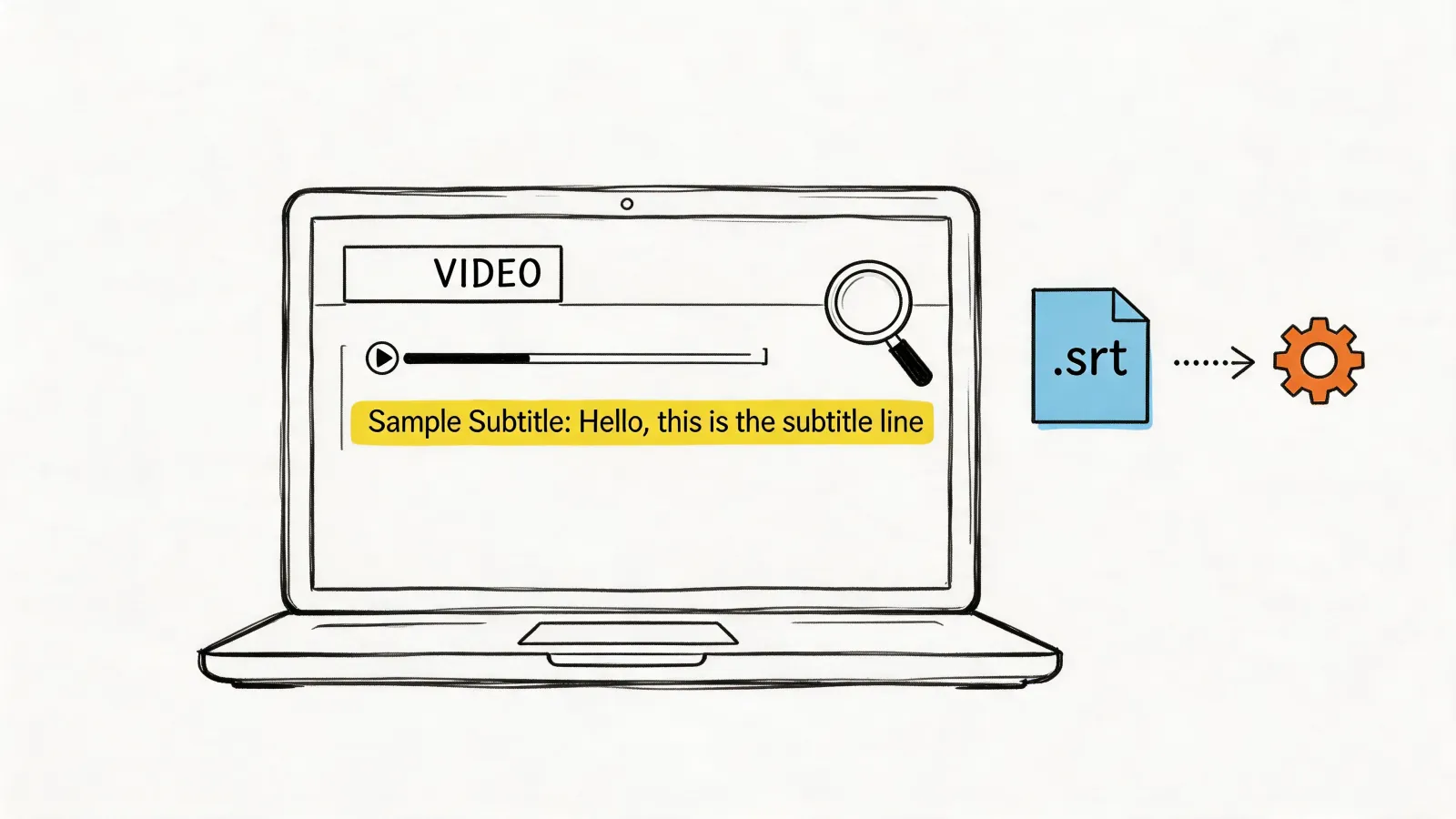
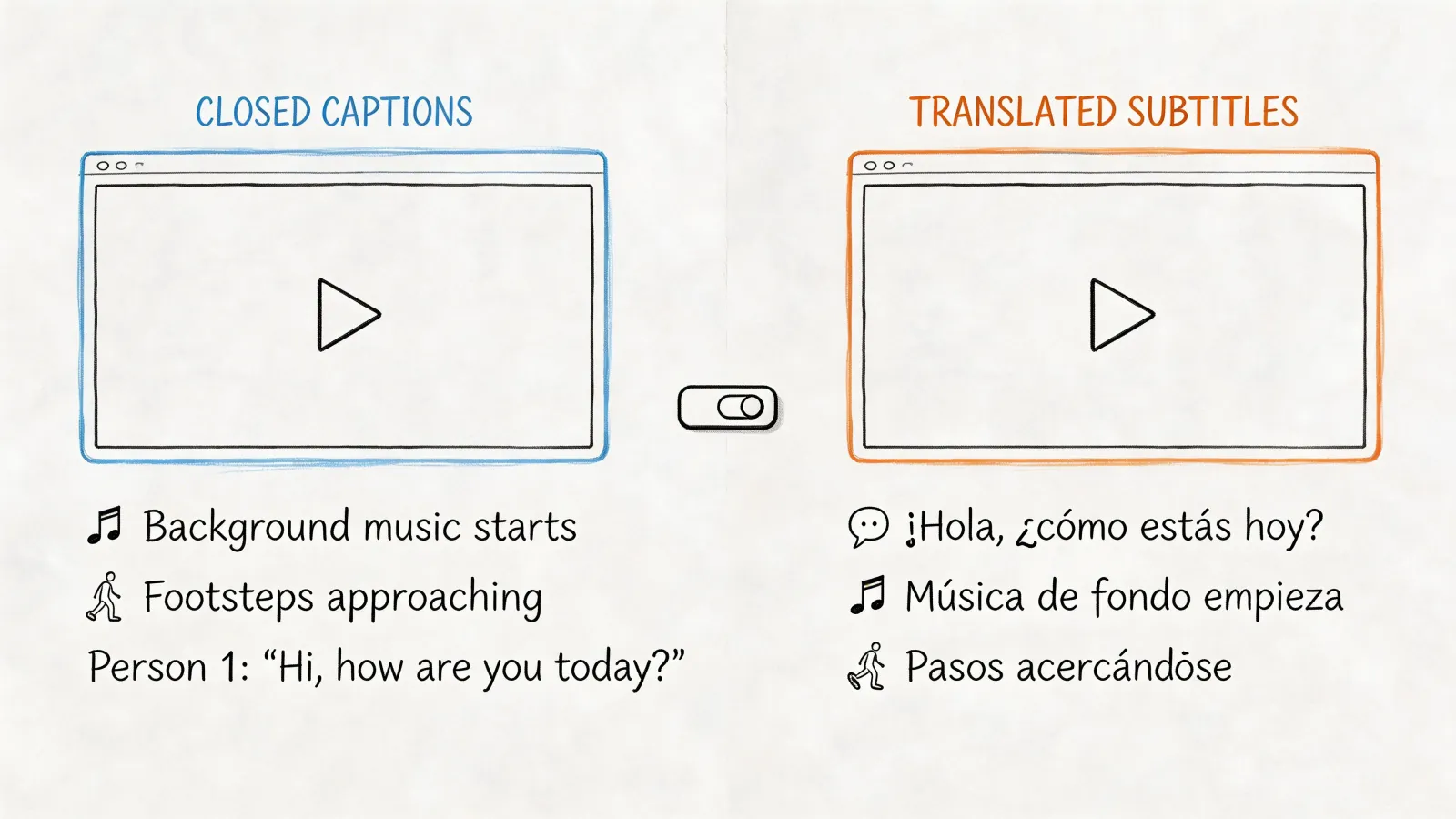
- Subtitle files such as SRT: Best when viewers still need the original video
- Revoiced video: Strong option for presentations, product demos, and audience-facing training
If you’re creating short-form promotional or creator-style media, the packaging step matters almost as much as the translation itself. This piece on AI multilingual UGC videos is a useful companion read because it focuses on how translated voice, format, and audience expectations interact once the content leaves the editing timeline.
Why today’s workflow is this reliable
The quality available now didn’t appear by accident. A big part of it comes from training data that made English-German speech systems far more usable.
The LibriVoxDeEn corpus, released in 2021 by Heidelberg University, includes over 100 hours of German audio aligned with 50,000+ parallel English sentences, according to Heidelberg University’s LibriVoxDeEn project page. That dataset is foundational for training high-accuracy speech and translation models, enabling word error rates under 10% and supporting practical workflows for the 25% of EU firms reporting language barriers.
That foundation shows up in day-to-day production. Faster transcription, more stable translation, and more reliable German output all depend on those underlying speech-text alignments being strong.
The repeatable framework
If you want a compact version of the process, use this sequence:
- Prepare the source audio.
- Transcribe the English speech.
- Review the transcript carefully.
- Translate for meaning, not just words.
- Generate the German voice output.
- Refine with a final listening pass.
- Export in the format the audience needs.
That’s a workable system for meetings, lectures, interviews, and media clips. It’s also realistic enough to repeat without building a dedicated localization department.
If you want a faster way to run this workflow from raw recording to transcript, summaries, exports, and meeting notes, try HypeScribe. It’s a practical option when you need spoken content turned into searchable, editable output quickly without adding more production overhead.