
Best Voice to Text Software: My Ultimate 2026 Review & Top Picks

Voice-to-text splits into two jobs that get confused constantly: dictation, where you speak and text appears live, and transcription, where a recording becomes text afterwards. Tools built for one are usually poor at the other.
This guide cuts through the noise. I've personally tested and analyzed the top transcription services to help you make an informed decision based on your specific needs. Instead of just repeating marketing descriptions, you'll find an honest assessment of each platform's real-world performance, based on my experience using them. I'll examine critical factors like transcription accuracy, how well it identifies different speakers, language support, and how it integrates with tools you already use.
My goal is to provide a practical resource that directly answers your question: which voice to text software is right for you? I'll help you find the ideal match for your workflow, whether you're a solo user, part of a large enterprise team, or a developer building a custom application. Let’s dive into the detailed reviews.
1. HypeScribe
HypeScribe establishes itself as a premier choice for the best voice to text software by combining exceptional speed, high accuracy, and practical, AI-driven features that move users from raw audio to actionable insights. It’s designed for professionals, students, and creators who need more than just a transcript; they need a tool that intelligently processes spoken content. Its core strength lies in a unique, token-based system that entirely removes file duration limits. This makes it ideal for processing long-form content like multi-hour lectures, extensive interviews, or detailed project meetings without worrying about hitting a time cap.
The platform advertises an impressive processing speed, claiming to transcribe a one-hour audio file in under 30 seconds. This efficiency, paired with up to 99% accuracy across over 100 languages, makes it a reliable workhorse for time-sensitive tasks. Beyond the raw text, HypeScribe automatically generates smart summaries, identifies key takeaways, and lists action items. This transforms a static transcript into a functional document that facilitates immediate follow-up. For a deeper dive into how it stacks up against others, you can explore their analysis of the top speech to text software available today.
Key Features and Use Cases
HypeScribe’s feature set is built for practical application. The integrated Note-Taker can join Zoom, Google Meet, and Microsoft Teams calls to provide real-time transcription and generate summaries, a significant benefit for remote and hybrid teams. A file-aware chatbot allows you to ask direct questions about your uploaded content, like "What were the main decisions made in last week's project sync?"
It supports a wide range of inputs, from standard audio/video files (MP3, MP4, WAV) to direct links from over 10 platforms, including YouTube, Instagram, and Google Drive. This flexibility is a huge time-saver for content creators and researchers who work with online media.
Pricing:
- Free Trial: 3 files per month (up to 1 hour each).
- Starter: $6.99/month for 30 files.
- Pro: $7.99/month for 60 files and Note-Taker (10 meetings).
- Ultra: $12.99/month for 300 files and Note-Taker (30 meetings).
- Annual plans offer savings up to 45%.
Pros:
- No file length limits, making it perfect for long-form audio.
- Extremely fast transcription with high claimed accuracy.
- Automated summaries and action items streamline workflows.
- Integrated meeting assistant and file-query chatbot.
Cons:
- Meeting limits on the Note-Taker may be restrictive for some users.
- Lacks explicit mention of enterprise-level compliance certifications like HIPAA.
Website: https://www.hypescribe.com
2. Otter.ai
Otter.ai has carved out a significant niche as a premier AI meeting assistant, making it one of the best voice to text software options for teams and individuals immersed in virtual collaboration. Its core strength is the seamless integration with major video conferencing platforms like Zoom, Google Meet, and Microsoft Teams. During a live meeting, the OtterPilot bot can join, record audio, and generate a real-time transcript with impressive accuracy, including identifying different speakers.
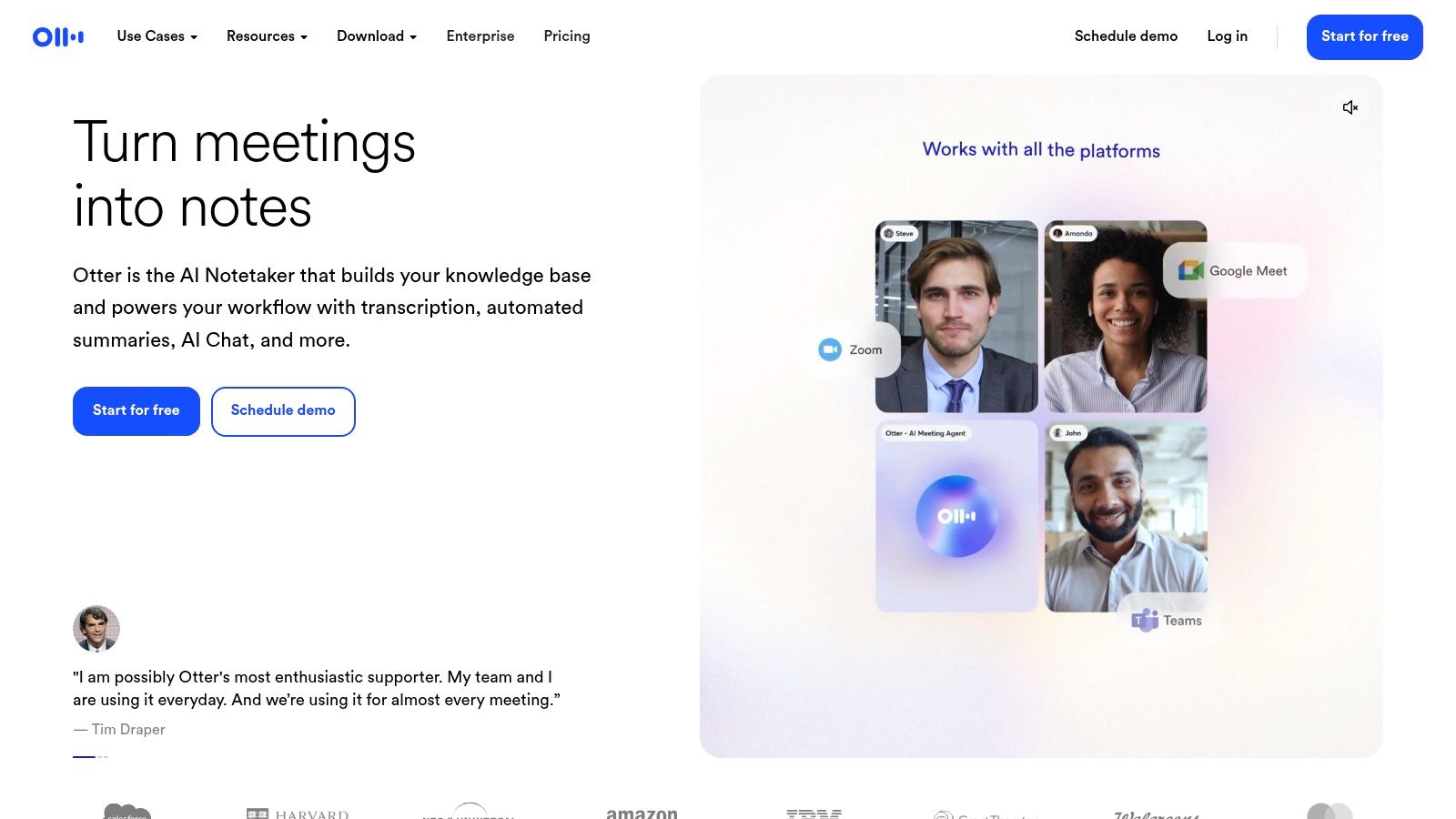
This platform goes beyond simple transcription. After a meeting, Otter generates an AI-powered summary, extracts keywords, and even identifies action items, which helps teams quickly align on next steps. The user experience is straightforward, and transcripts are stored in a searchable, collaborative workspace where users can add comments, highlight text, and share notes. This transforms a simple transcript into an interactive document for your entire team.
What Is Otter.ai Best For and How Much Does It Cost?
- Best For: Remote teams, students, and journalists who need to capture, summarize, and share meeting or lecture notes efficiently.
- Pricing: A free plan is available, offering 300 monthly transcription minutes and a 30-minute limit per conversation. Paid plans (Pro, Business) unlock more minutes, advanced features like OtterPilot, and additional import/export options, starting at $10 per user/month when billed annually.
- Standout Feature: The Otter AI Chat allows you to ask questions directly about the meeting content, get summaries, and generate follow-up emails, all within the transcript view.
While its meeting-centric features are top-notch, its language support is limited primarily to English. For those who need broader language capabilities or different feature sets, exploring some strong Otter.ai alternatives might provide a better fit for specific international needs.
Website: https://otter.ai
3. Rev
Rev secures its spot as one of the best voice to text software options by uniquely bridging the gap between automated speed and human precision. While many platforms focus solely on AI, Rev provides a two-tiered approach. Users can opt for a rapid AI-driven transcription suitable for quick notes and general content, or they can choose Rev’s flagship human transcription service, which delivers near-perfect accuracy guaranteed by professional transcriptionists. This makes it an invaluable tool for legal, academic, and media professionals where every word matters.

The platform’s strength lies in its straightforward process and reliable output. You simply upload your audio or video file, select your desired service, and receive a notification when the transcript is ready. The browser-based editor is clean and functional, allowing users to review the text alongside the audio, correct any errors, and easily manage timestamps and speaker labels. Having both AI and human services under one roof eliminates the need to juggle multiple vendors for different accuracy requirements.
Who Should Use Rev and What Does It Cost?
- Best For: Journalists, researchers, and legal professionals who require guaranteed accuracy; content creators needing polished captions and subtitles.
- Pricing: AI transcription starts at a low per-minute rate. Human transcription is priced per audio minute, with a higher cost but a 99% accuracy guarantee. They also offer services for captions and foreign subtitles with clear, upfront pricing.
- Standout Feature: The hybrid service model allows you to get a quick AI draft and then, if needed, elevate it to a human-perfected transcript without leaving the platform, providing ultimate flexibility for any project budget or deadline.
While the human-powered service is more expensive and not instantaneous, its accuracy is top-tier. For teams that need deep meeting integrations and real-time collaborative notes, other dedicated meeting assistants may be a better fit.
Website: https://www.rev.com
4. Trint
Trint is engineered for teams that need to do more than just transcribe audio; they need to turn it into actionable content. It stands out as a powerful collaborative platform, making it one of the best voice to text software choices for journalists, researchers, and media production teams. Its workflow is built around transforming raw audio and video files into verifiable stories, scripts, and reports with exceptional speed and accuracy across dozens of languages.
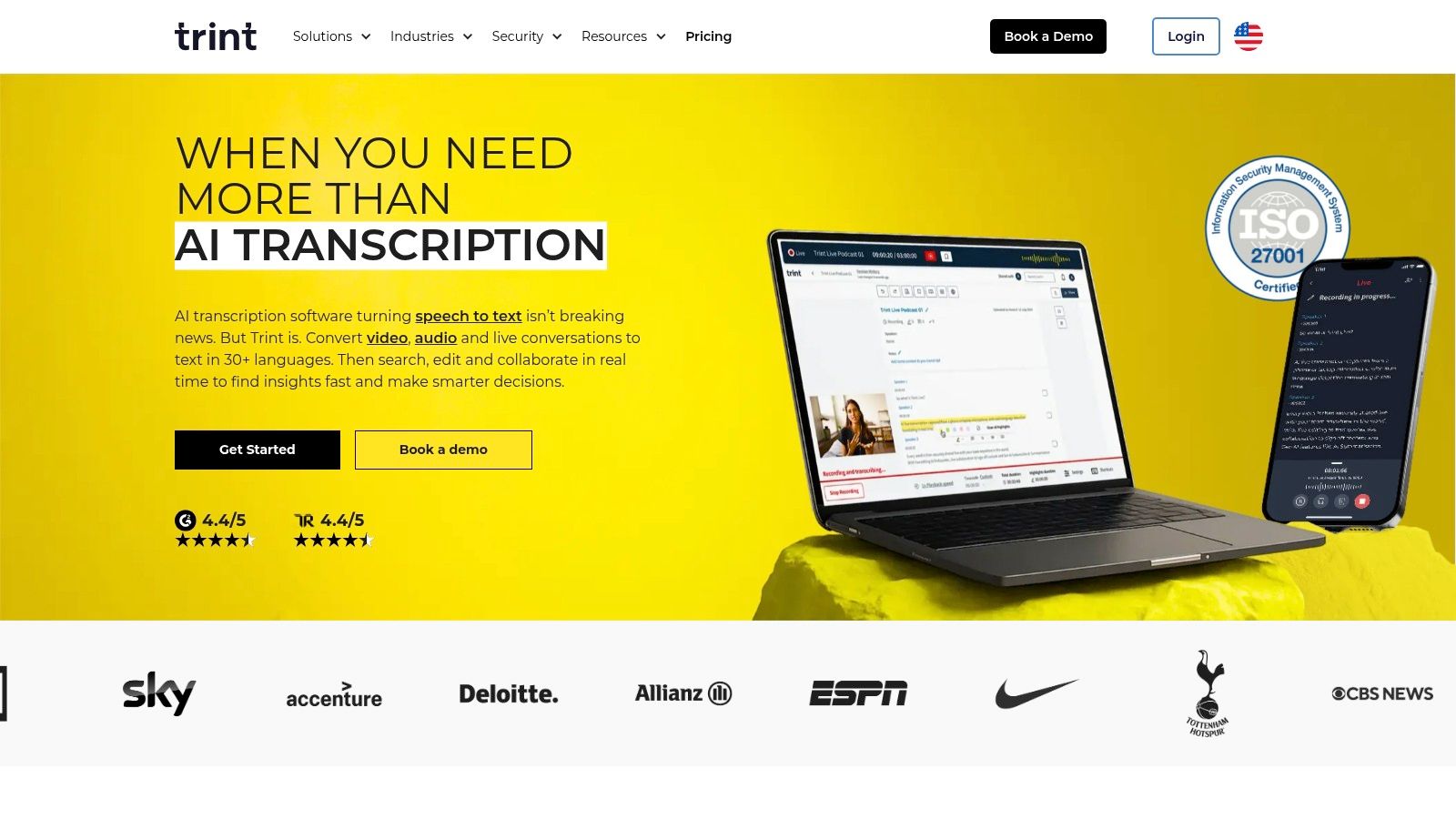
The platform merges an automated transcription engine with a text editor that feels like a word processor. This allows teams to highlight key quotes, assign speaker names, leave comments, and even timecode specific sections of the transcript. Live transcription for events and meetings is also available, allowing for real-time collaboration. The focus is less on passive note-taking and more on active content creation, bridging the gap between recording and publishing.
Is Trint a Good Fit for You and What's the Price?
- Best For: Newsrooms, media creators, academic researchers, and marketing teams who need to collaborate on turning spoken word into polished, publishable content.
- Pricing: Trint's pricing is geared toward professional teams. Plans start with the Starter option at $60 per user/month, billed annually. An Advanced plan adds more collaboration tools, and custom Enterprise tiers are available for larger organizations. A free trial is offered.
- Standout Feature: The Vocab Builder allows users to create a custom dictionary of specific names, jargon, or acronyms, which significantly improves transcription accuracy for specialized topics.
While its collaborative editing and multi-language support are excellent, its pricing structure is higher than many competitors, placing it firmly in the professional and enterprise market. Individuals or small teams with simple transcription needs may find it overly complex.
Website: https://trint.com
5. Sonix
Sonix positions itself as a high-accuracy, enterprise-ready transcription service, making it one of the best voice to text software choices for organizations where security and multilingual support are critical. It stands out by combining automated transcription with a powerful, browser-based editor that allows users to polish their transcripts to near-perfect accuracy. With support for over 53 languages and dialects, Sonix serves a global user base, automatically detecting speakers and applying timestamps for clear, organized documentation.
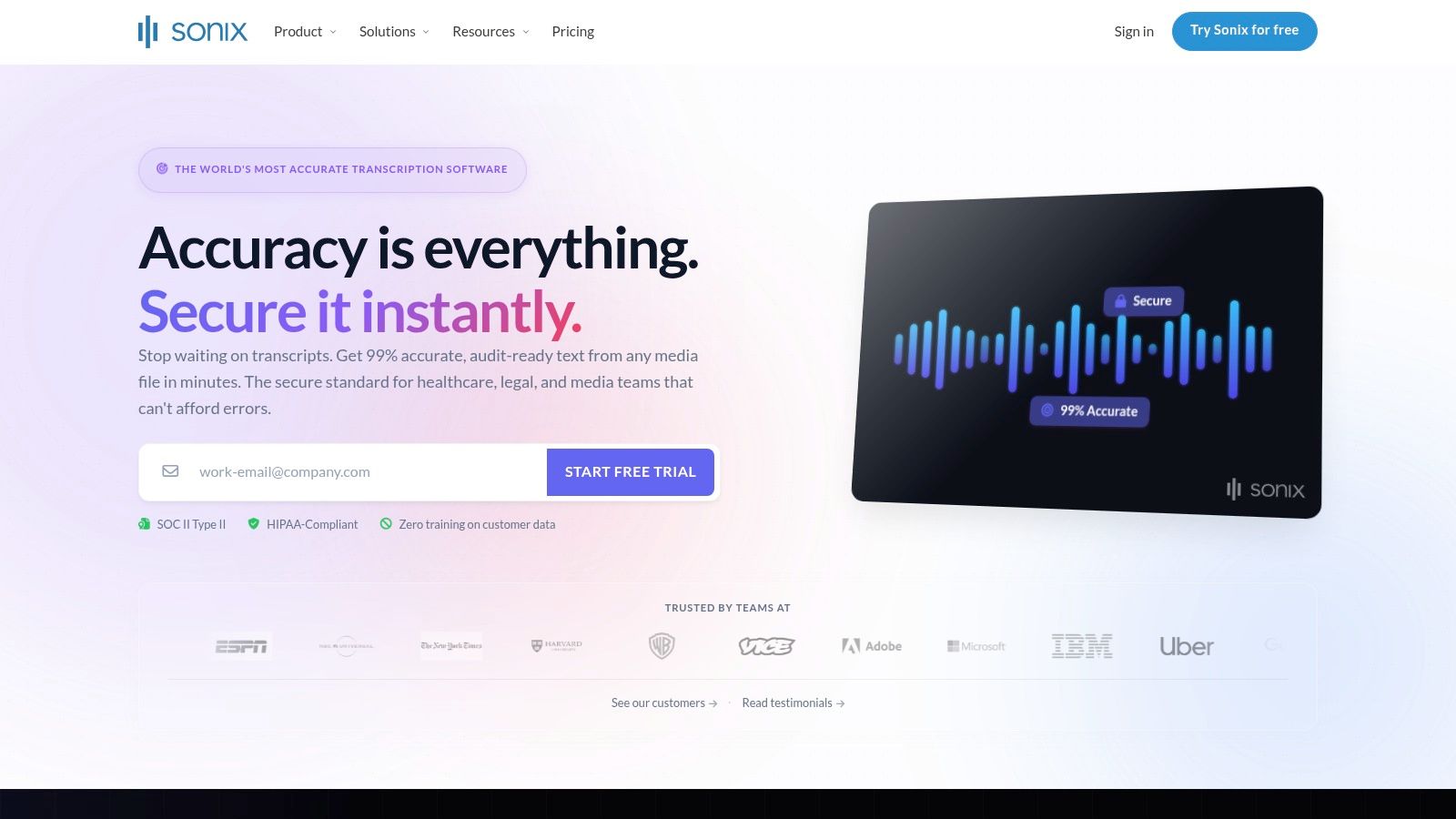
The platform is built with business needs in mind, offering a strong security posture that includes SOC 2 Type II compliance and options for HIPAA-readiness. This makes it a reliable choice for legal, medical, and corporate teams handling sensitive information. The interface is clean and user-friendly, allowing for easy collaboration where team members can view, edit, and comment on transcripts. Additionally, its API and integrations with tools like Zoom and Adobe Premiere Pro allow for seamless workflows.
Who Benefits From Sonix and How Is It Priced?
- Best For: Global corporations, healthcare providers, and media production teams requiring secure, accurate, and multilingual transcription.
- Pricing: Sonix offers a flexible model with a subscription plus pay-as-you-go per-hour rates. The Standard plan is $10 per hour, while the Premium subscription ($22 per user/month) lowers the rate to $5 per hour and adds advanced features. Custom enterprise pricing is available.
- Standout Feature: The platform's in-browser editor synchronizes audio playback with the text, allowing you to click on any word to hear the corresponding audio, which greatly speeds up the proofreading and editing process.
While Sonix excels in accuracy and security, its pricing model can be a bit complex to forecast, as costs depend on both a subscription and per-hour usage. Features like translation and AI analysis are available but come at an additional cost, requiring careful planning for budget-conscious teams.
Website: https://sonix.ai
6. Fireflies.ai
Fireflies.ai establishes itself as a powerful meeting automation platform, making it one of the best voice to text software choices for teams that live in their calendars. Its "set-it-and-forget-it" approach is a major draw; once connected to your calendar, its AI assistant, Fred, automatically joins, records, and transcribes your calls on platforms like Zoom, Google Meet, and Microsoft Teams. This hands-off process ensures no meeting detail is ever lost, creating a fully searchable knowledge base of all your conversations.
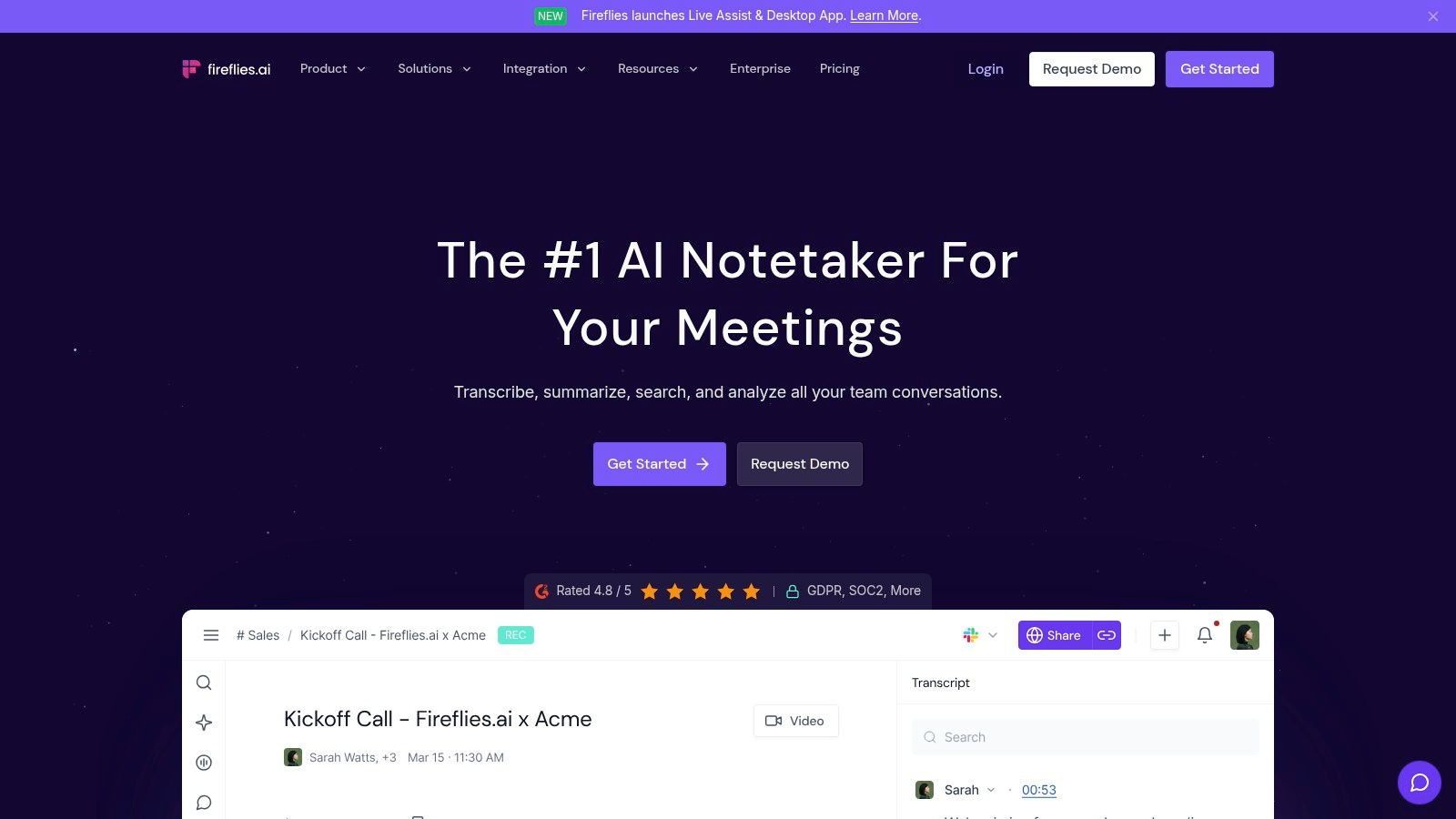
Beyond simple transcription, Fireflies excels at post-meeting analysis. It generates concise summaries, pulls out key action items, and organizes the transcript into different topics. The platform integrates directly with popular CRMs like Salesforce and Hubspot, as well as project management tools like Asana, allowing teams to push meeting notes and tasks into their existing workflows automatically. Its broad language support, covering over 60 languages, also makes it a strong option for global teams.
Who Should Use Fireflies.ai and What's the Cost?
- Best For: Sales, customer success, and operations teams that need automated meeting capture and seamless CRM or workflow integration.
- Pricing: A free plan is available with limited transcription credits and 800 minutes of storage per seat. Paid plans (Pro, Business) offer more transcription credits, AI summaries, and extensive integrations, starting at $10 per seat/month when billed annually.
- Standout Feature: The AskFred AI assistant acts like a conversational search engine for your meetings, allowing you to ask questions about past discussions and get instant answers without rereading transcripts.
While the platform is a leader in meeting intelligence, its focus is narrower than general-purpose transcription tools. For users who need a more versatile AI meeting note taker or want to transcribe media files outside of a meeting context, other solutions might be a better fit.
Website: https://fireflies.ai
7. Notta
Notta positions itself as a highly accessible and versatile cross-platform transcription service, ideal for individuals and teams who need to capture audio from various sources. It excels at real-time transcription for live meetings, interviews, and lectures, offering dedicated apps for web, iOS, and Android. This makes it a great piece of voice to text software for users who work across different devices and need to sync their recordings and notes seamlessly.
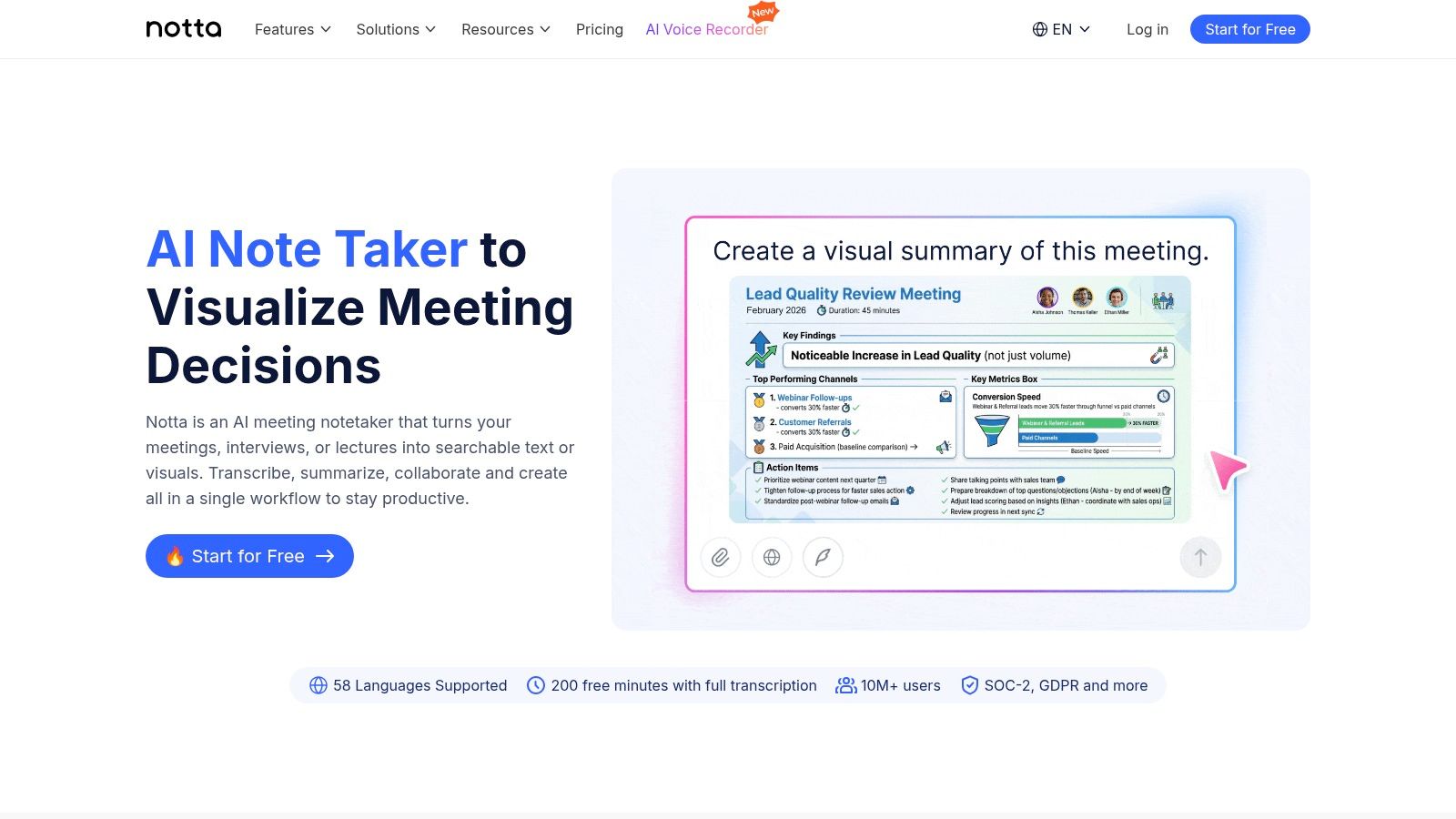
Beyond standard transcription, Notta integrates AI to generate concise summaries, identify action items, and even translate transcripts into multiple languages, adding significant value for global teams. The platform’s interface is clean and user-friendly, allowing you to easily manage recordings, edit transcripts, and share your work. A standout aspect for privacy-conscious organizations is the enterprise option, which guarantees that company data will not be used for AI model training.
What Is Notta Best For and How Is It Priced?
- Best For: Professionals, students, and teams needing a reliable, multi-device solution for transcribing meetings, interviews, and academic lectures with AI-powered summaries.
- Pricing: A free plan is available with 120 monthly minutes but has per-recording time limits. Paid plans (Pro, Business, Enterprise) offer larger minute bundles, advanced features like translation, and remove recording caps, starting at $8.25 per month when billed annually.
- Standout Feature: The Notta Bot can automatically join your Google Meet, Zoom, or Microsoft Teams calls to record and transcribe them, ensuring you never miss a detail even if you can't attend.
While the free and lower-tier plans have recording time limits that may be restrictive for lengthy sessions, its straightforward pricing and strong cross-platform support make it a very dependable choice. The added translation and data privacy options on higher tiers provide a clear upgrade path for growing teams.
Website: https://www.notta.ai
8. Nuance Dragon (Professional v16 and Dragon Medical One)
Nuance Dragon has long been a benchmark for high-accuracy, professional-grade dictation, solidifying its place as one of the best voice to text software solutions for specialized fields. Unlike many cloud-based transcription services focused on meetings, Dragon excels at continuous, real-time dictation directly into applications. Its core advantage lies in its powerful speech engine that adapts to your voice and vocabulary over time, delivering exceptional accuracy for hands-free document creation, email composition, and command-and-control of your computer.
The platform is offered in two primary versions: Dragon Professional for general business use and the highly specialized Dragon Medical One for clinicians. The medical version is a standout, providing access to extensive medical vocabularies and seamless integration with Electronic Health Record (EHR) systems. This allows doctors and medical staff to dictate patient notes directly into records, drastically reducing administrative time and improving documentation quality. The software's ability to learn and recognize specific terminology makes it indispensable in legal, medical, and technical professions where precision is critical.
Who Is Dragon For and What Does It Cost?
- Best For: Medical professionals, lawyers, authors, and any user requiring high-accuracy, continuous dictation for creating long-form documents or controlling their computer with voice commands.
- Pricing: Dragon Professional v16 is sold as a one-time perpetual license for $699. Dragon Medical One is a cloud-based subscription typically sold through resellers, with pricing varying based on the provider and contract terms.
- Standout Feature: The ability to create custom commands allows users to automate multi-step tasks with a single voice phrase, such as "Insert email signature" or "Format new client report," offering a deep level of workflow personalization.
While Dragon’s accuracy in specific domains is top-tier, its higher price point and focus on individual dictation rather than multi-speaker meeting transcription make it a specialized tool. The desktop version lacks the collaborative features of modern SaaS platforms, and the cloud-based medical product has a more complex procurement process.
Website: https://www.nuance.com/dragon.html
9. Google Cloud Speech-to-Text (API)
For developers and businesses looking to build custom applications with powerful voice recognition, Google Cloud's Speech-to-Text API stands as an industry benchmark. Unlike user-facing applications, this is a developer-grade tool that provides access to the same automatic speech recognition (ASR) technology powering Google's own products. Its strength lies in its accuracy, scalability, and flexibility, allowing you to integrate top-tier transcription directly into your own software, workflows, and services. It supports both real-time (streaming) transcription for live events and batch processing for pre-recorded audio files.
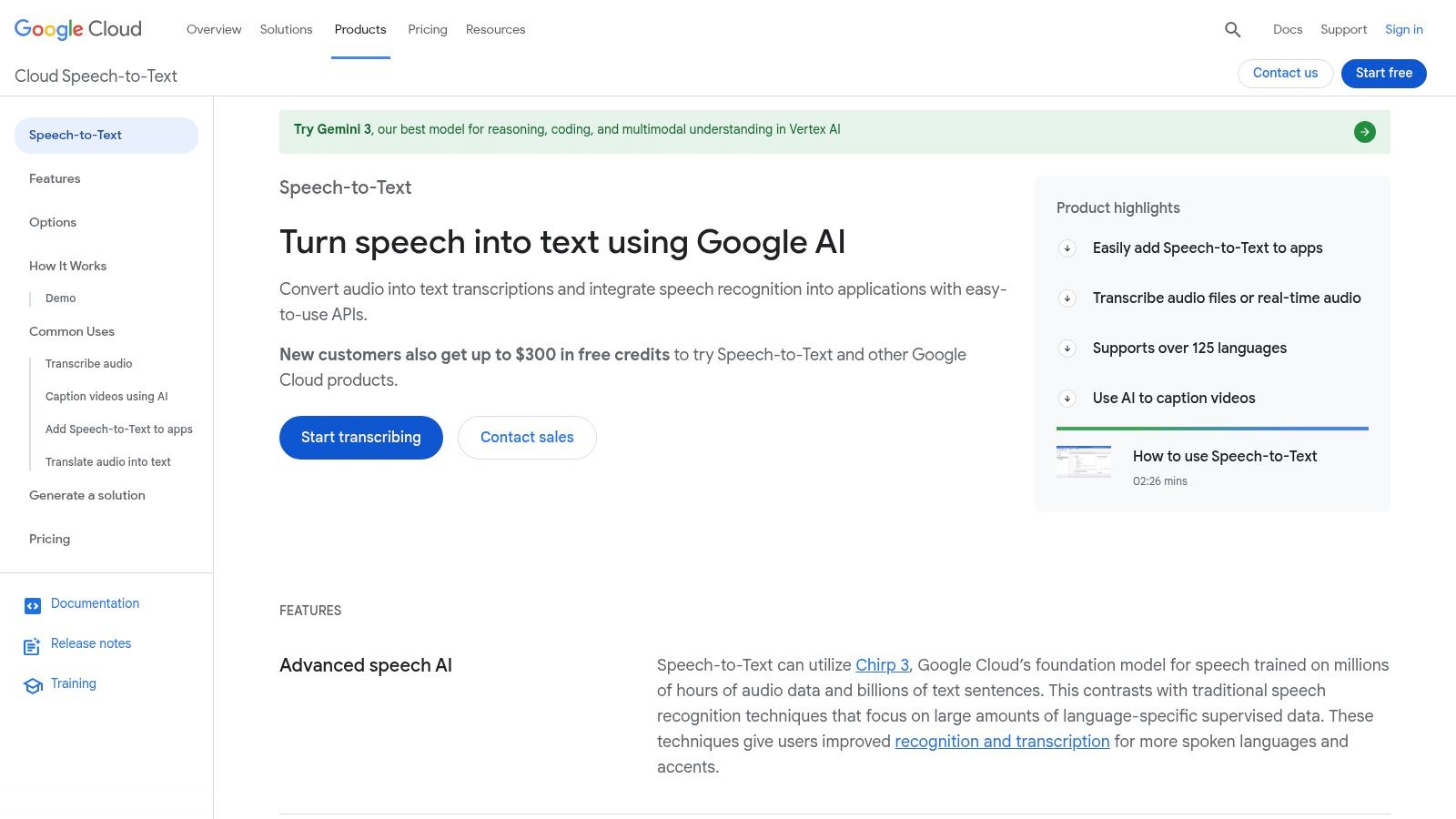
This API offers advanced features that are critical for sophisticated applications. Developers can implement speaker diarization to identify who spoke when, generate word-level time offsets for precise captioning, and apply different transcription models optimized for specific use cases like phone calls or video content. The service is built on the robust Google Cloud Platform (GCP), ensuring high availability and security. While it's not a plug-and-play solution for the average user, it is one of the best voice to text software foundations for creating custom products.
Who Is Google's API For and What Is the Price?
- Best For: Developers, startups, and enterprises building custom applications that require highly accurate, scalable voice-to-text capabilities.
- Pricing: Follows a pay-as-you-go model. There is a free tier offering 60 minutes per month. Paid usage is billed per minute of audio processed, with different rates depending on the model used. Note that costs can also include other GCP services like data storage or network egress.
- Standout Feature: The ability to choose from a library of pre-trained models for specific audio types (e.g., telephony, video, medical dictation) to significantly improve transcription accuracy for specialized domains.
The primary drawback is its complexity; it requires setting up a Google Cloud project, managing API keys, and handling billing configuration. This is a tool for building, not a ready-made transcription app.
Website: https://cloud.google.com/speech-to-text
10. Microsoft Azure AI Speech (Speech-to-Text)
Microsoft Azure AI Speech stands out as an enterprise-grade solution, making it one of the best voice to text software choices for organizations deeply integrated into the Microsoft ecosystem. This platform is not a standalone app but a powerful API that developers can use to build custom voice-enabled applications. It offers exceptional accuracy in both real-time and batch transcription modes, catering to diverse business needs from live event captioning to offline audio file processing.
Its primary strength lies in customization. Organizations can train custom speech models using their own data, significantly improving recognition accuracy for domain-specific terminology, accents, or noisy environments. This is a critical feature for industries like healthcare, finance, or legal services. Furthermore, it integrates seamlessly with Azure’s robust security, compliance, and identity management tools, providing a secure foundation for handling sensitive data.
What Are the Use Cases and Pricing for Azure's API?
- Best For: Enterprises and developers building custom applications that require high-accuracy transcription and integration with the Microsoft Azure cloud.
- Pricing: Follows a pay-as-you-go model. A free tier includes 5 audio hours per month. Standard pricing is usage-based, typically around $1 per audio hour, with costs varying based on the specific model used (e.g., standard, custom). Azure's billing can be complex for newcomers.
- Standout Feature: The ability to build custom speech models tailored to specific acoustic environments, speaking styles, and vocabulary. This allows for superior accuracy in specialized use cases where generic models often fail.
While its power and customization options are top-tier, Azure AI Speech is a developer-focused tool. It requires technical expertise to implement, and its pricing structure can be difficult to predict without a clear understanding of Azure quotas and services. It's built for scale and integration, not for simple, out-of-the-box personal use.
Website: https://azure.microsoft.com/pricing/details/cognitive-services/speech-services/
11. Deepgram (API)
Deepgram positions itself as a modern speech platform built for developers, making it one of the best voice to text software choices for creating custom applications. Unlike turnkey meeting assistants, Deepgram is an API-first service that provides the foundational building blocks for businesses to integrate real-time or batch transcription into their own products. Its key strengths are low-latency streaming for live applications and high accuracy across different audio sources, including phone calls, meetings, and media.
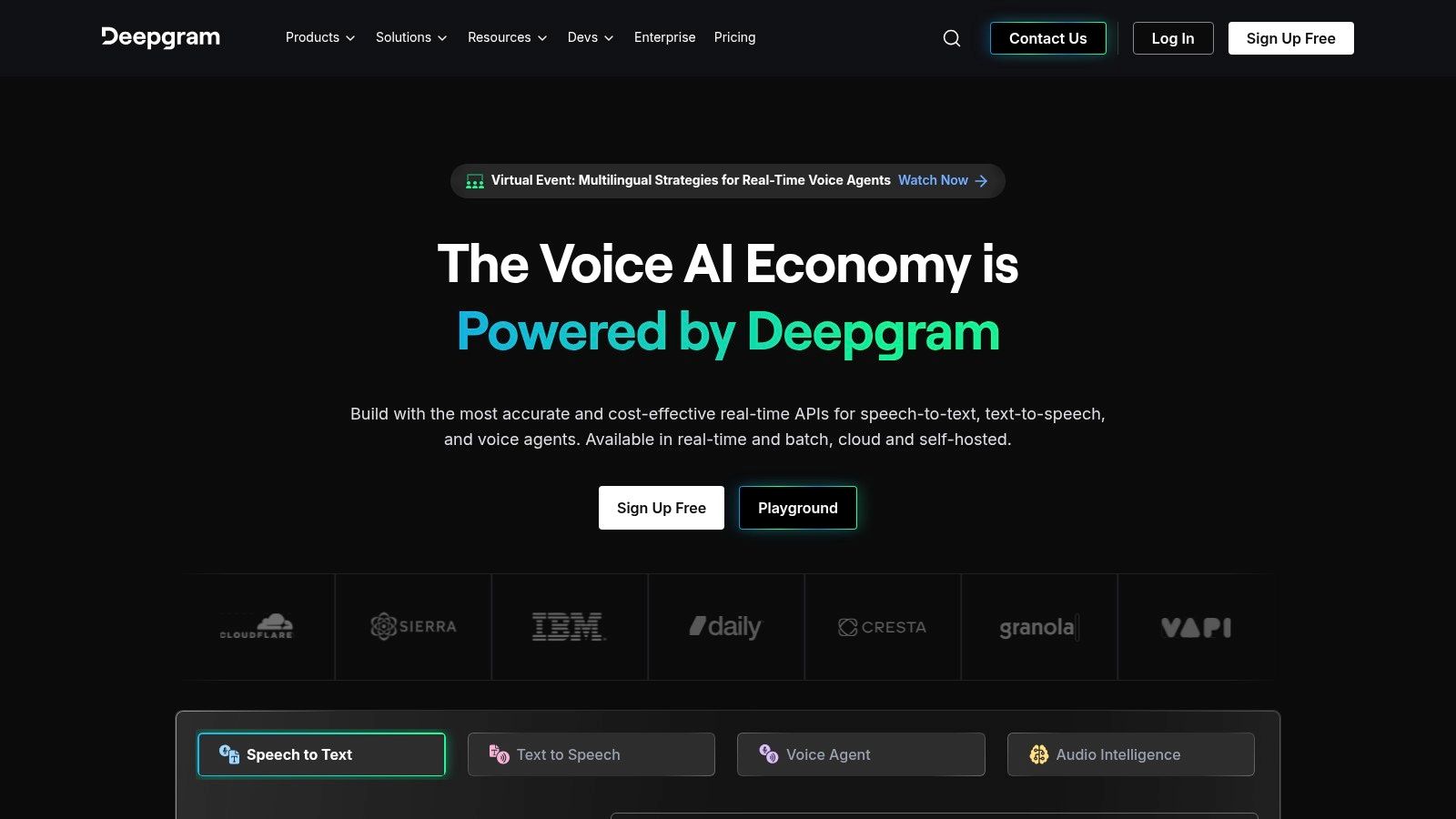
The platform is engineered for performance, offering advanced features like speaker diarization, multichannel audio processing, and intelligent topic and keyword detection directly through its API. For developers, this means they can build sophisticated voice-enabled features, such as contact center analytics dashboards or real-time captioning for video streams. The developer-focused experience is supported by clear documentation and SDKs for popular programming languages, simplifying integration.
Who Is Deepgram's API For and What Does It Cost?
- Best For: Developers and businesses building custom voice applications, contact centers analyzing calls, or media platforms needing scalable, high-speed transcription.
- Pricing: A free tier provides $200 in credits to start. After that, pricing is pay-as-you-go based on usage, with transparent rates per minute that vary by model (e.g., Nova-2 for general use, Telephony for phone calls).
- Standout Feature: Its model training capabilities allow companies to create custom speech models trained on their specific audio data, which can significantly improve accuracy for unique accents, industry jargon, or noisy environments.
Because Deepgram is an API, it requires engineering resources to implement and is not a ready-to-use tool for individual consumers. However, for companies that need a powerful, scalable, and customizable voice-to-text engine to build upon, its performance and transparent pricing model are very compelling.
Website: https://deepgram.com
12. OpenAI Whisper (API)
For developers and businesses seeking to build custom applications with powerful transcription capabilities, OpenAI's Whisper model stands out as one of the best voice to text software engines available. Accessed via an API, Whisper provides a robust, large-scale model trained on a massive dataset, resulting in exceptional accuracy across diverse accents, languages, and even in noisy environments. It’s the foundational technology that powers many other transcription apps, making it a go-to for those who need direct control and integration.
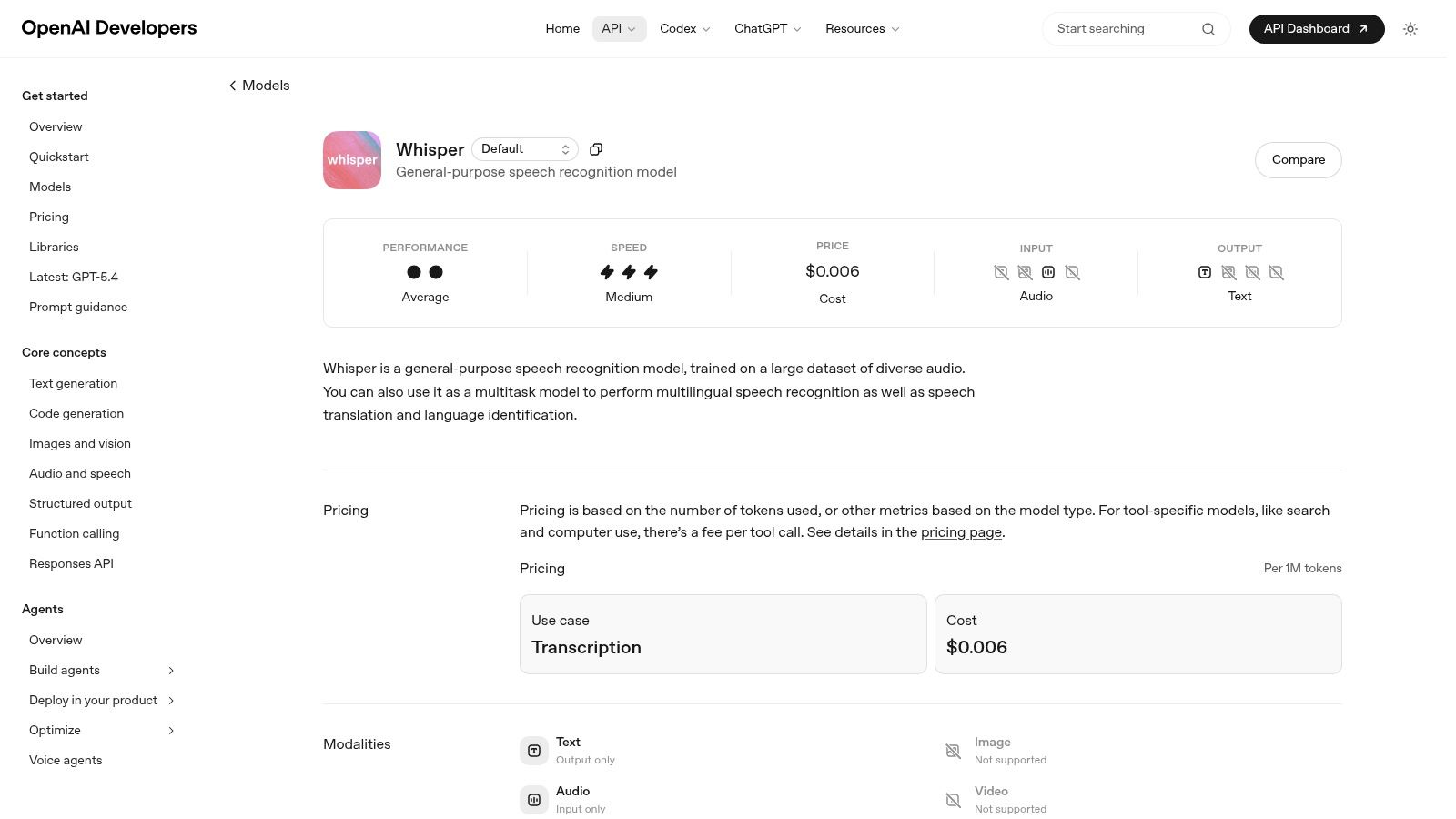
Unlike the other tools on this list, Whisper is not a ready-to-use application with a user interface. It’s a model that requires programming knowledge to implement. This makes it incredibly flexible, allowing it to be integrated into any workflow, from custom mobile apps to internal company software for analyzing audio files. The model supports both transcription (audio to text in the original language) and translation (audio in another language to English text), making it a versatile choice for global applications.
Who Should Use Whisper's API and What's the Price?
- Best For: Developers, startups, and enterprises that need to integrate high-accuracy transcription directly into their products, services, or internal tools.
- Pricing: The API operates on a pay-as-you-go model, priced per minute of audio processed. The current rate is highly competitive, starting at $0.006 per minute. Open-source versions of the model can also be self-hosted, which requires technical expertise but can be more cost-effective at scale.
- Standout Feature: Its open-source availability allows for self-hosting and fine-tuning. This gives organizations complete control over their data and the ability to adapt the model to specific acoustic environments or terminologies, a level of customization not available in off-the-shelf software.
Because it lacks a front-end interface, Whisper is not a solution for the average user. It's a component for builders who want to incorporate state-of-the-art speech recognition into their own creations.
Website: https://platform.openai.com/docs/models/whisper-1
Dictation or Transcription: Pick the Right Half
Buying the wrong category is the most common mistake here, and it is easy to avoid.
If you need both — drafting by voice and processing recordings — use two tools. Nothing on the market does both well, and the compromise versions do neither.
Top 12 Voice-to-Text Tools: Quick Comparison
Final Thoughts: How to Choose the Right Voice to Text Software for You
Navigating the world of automated transcription reveals a clear truth: there is no single "best voice to text software" for everyone. Your ideal solution depends entirely on your specific workflow, technical comfort level, and budget. As we've explored, the market offers a diverse range of tools, from user-friendly SaaS platforms like HypeScribe and Otter.ai to powerful, developer-focused APIs like OpenAI's Whisper and Google Cloud Speech-to-Text.
The journey from spoken word to searchable text has become remarkably accessible. For students and educators, tools that offer generous free tiers and clear speaker identification are invaluable for turning lectures into study guides. Journalists and researchers, on the other hand, should prioritize high accuracy with challenging audio and robust security to protect sensitive source information. For fast-paced corporate teams, the real value lies in integrations that push meeting summaries and action items directly into project management software like Asana or Slack, effectively closing the loop on communication.
Key Factors for Your Final Decision
Making the right choice requires moving beyond a simple feature list. It's about finding a tool that integrates so smoothly into your daily tasks that you forget it's even there.
Here are the critical factors to weigh before you commit:
- Accuracy vs. Context: Don't just look at the percentage of correctly transcribed words. Consider the tool's ability to understand industry-specific jargon, handle multiple accents, and correctly punctuate sentences. An 85% accurate transcript that captures key terms correctly is often more useful than a 95% accurate one filled with nonsensical phrases.
- Workflow Integration: The best software doesn't just create a transcript; it accelerates your entire process. Does the tool connect with your calendar to automatically join meetings? Can it export to the formats you need, like SRT for video captions or DOCX for reports? A tool that saves you five manual steps is worth its weight in gold.
- Total Cost of Ownership: Look beyond the monthly subscription fee. Consider the time saved by your team, the cost of human review needed to correct errors, and any additional charges for processing large volumes or using advanced features. A slightly more expensive tool might offer a far greater return on investment through superior accuracy and automation.
- The User Experience: A clunky, confusing interface can negate the benefits of even the most accurate transcription engine. A truly effective tool feels intuitive and supportive. Ultimately, the best voice-to-text software should aim to deliver what some call a "Lovable AI," providing not just functionality but also an efficient and engaging user experience that genuinely drives business growth.
Your Next Steps
Your search for the perfect voice-to-text software starts with self-assessment. Begin by clearly defining your primary use case. Are you transcribing clean, single-speaker audio or chaotic, multi-participant meetings? Next, take advantage of the free trials offered by nearly every platform we've covered, especially our top picks like HypeScribe, Otter.ai, and Fireflies.ai.
Upload a few real-world audio files that represent your typical recording conditions. Pay close attention to how each service handles background noise, different speakers, and specialized vocabulary. This hands-on testing is the only way to gain true confidence in a platform's capabilities and find the one that truly fits your needs, turning your spoken content into a valuable, accessible asset.
HypeScribe covers the second job: recordings in, transcript with summary and action items out, one token per file of any length. Try it free — three files a month, no card required.


































































































