
How to Send a Secure Email: A 2026 Guide
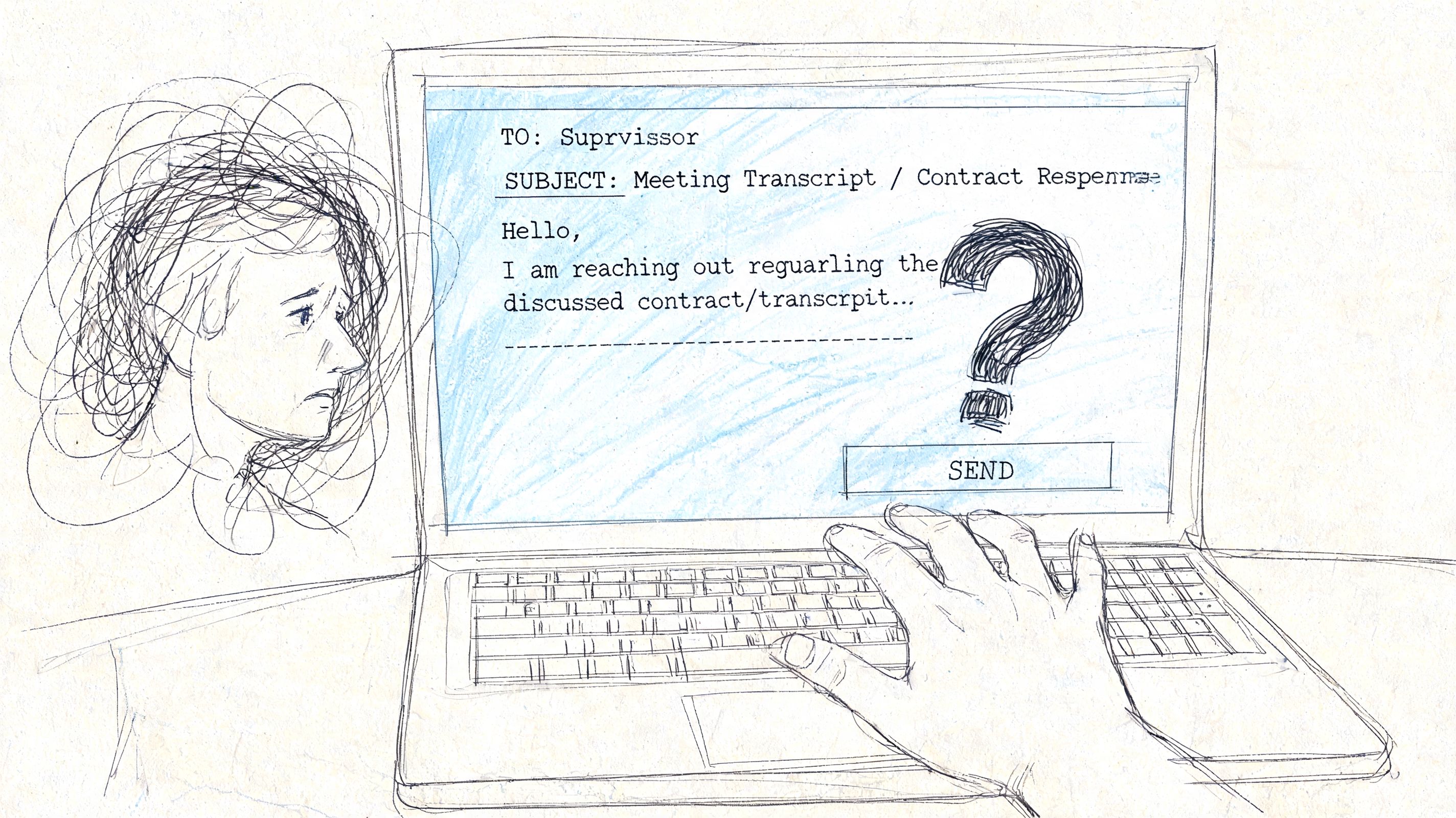
You're often not trying to send “secret spy email.” You're trying to send something ordinary that happens to be sensitive. A meeting transcript with personnel feedback. A draft contract. A client summary. A PDF export with action items that shouldn't get forwarded around a company Slack channel.
That's where people get stuck. Standard email feels convenient, familiar, and fast. It also creates a false sense of safety. If you've ever hovered over the Send button and thought, “This probably needs more protection than a normal attachment,” that instinct is right.
The practical question isn't whether secure email matters. It's which level of secure email fits the file, the recipient, and the risk. Some situations call for a secure email provider. Others justify full end-to-end encryption. Sometimes the best move is a protected file plus better identity checks and stricter post-send controls.
Why Your Standard Email Is Not Secure
Email is still often treated like a sealed envelope. It's closer to a postcard with a few locks added during transport.
A basic message can travel through multiple systems before it reaches the recipient. Some of that path may be protected. Some of it may not be. Even when transit is protected, that doesn't automatically mean the message stays private after delivery, or that the sender was really who they claimed to be.
Email also remains the easiest place for attackers to meet users where they already work. In 2026, email remains the primary attack vector for phishing attacks, with 90% of all phishing attacks beginning via email, and phishing attacks increased by 180% per week in 2025 compared to 2023, according to email threat reporting collected by Stripo.
Why ordinary workflows fail
The risk isn't limited to malicious interception. Teams also create exposure through normal habits:
- Auto-forwarding sensitive files to personal inboxes for “later”
- Sending attachments to the wrong contact because autocomplete picked the wrong name
- Trusting display names instead of verifying the actual sender
- Leaving documents in inboxes forever with no expiration or revocation
That's why secure email has to be treated as a workflow decision, not just a technical feature.
Practical rule: If the file would be a problem when forwarded, downloaded to an unmanaged device, or opened by the wrong person, standard email isn't enough.
There's also a provider-side piece that many email users never see. If your organization sends lots of email, weak authentication and weak filtering can turn a normal mailbox into an easy spoofing target. If you want a broader operational view, this guide to robust email security for providers is useful because it connects end-user habits with the infrastructure choices behind them.
Security isn't one thing
People ask how to send a secure email as if there's one correct method. There isn't.
Sometimes the right answer is convenience with solid built-in protection. Sometimes it's maximum control with PGP or S/MIME. Sometimes it's a secure portal or password-protected access because the recipient can't handle a more technical setup.
The mistake is choosing a method for its label instead of its fit. “Encrypted” on paper can still fail in practice if the recipient can't open it, verify it, or handle it safely.
Choosing Your Security Level A Quick Comparison
If you need to send a secure email, start by deciding what you're protecting against. Are you mainly worried about casual exposure, spoofing, and inbox mistakes? Or do you need stronger privacy because the content is legally, financially, or operationally sensitive?
The answer changes the tool.
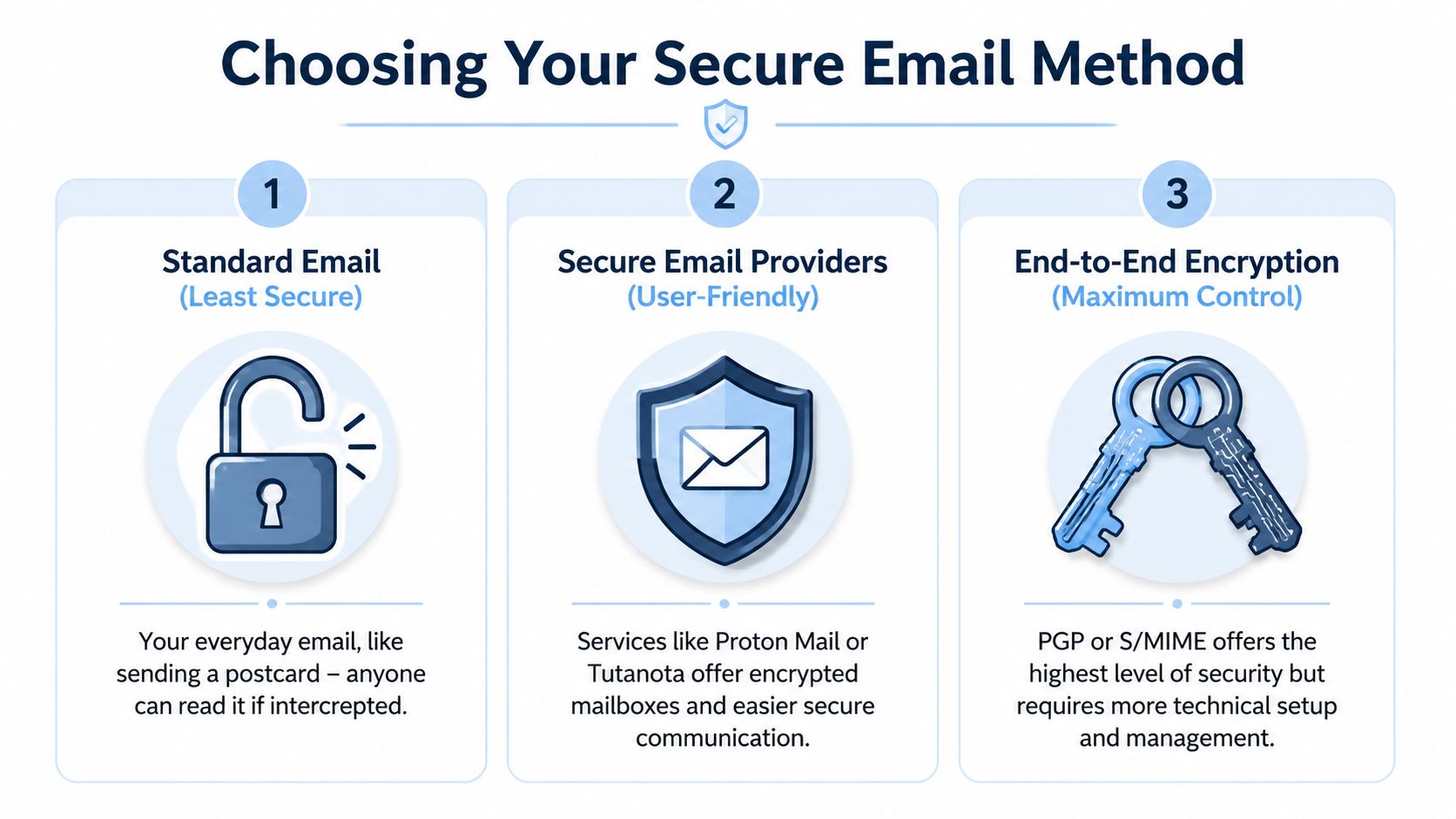
Email security methods compared
| Method | Security Level | Ease of Use (Sender) | Recipient Experience |
|---|---|---|---|
| Standard email with basic transport security | Low | Very easy | Familiar, but weak protection |
| Secure email provider such as Proton Mail or Tutanota | Strong for most business use | Easy to moderate | Good if same provider, manageable fallback for others |
| PGP or S/MIME end-to-end encryption | Highest control | Harder | Often difficult unless recipient is already set up |
| Password-protected file or secure link | Moderate and situational | Easy | Usually simple, but depends on password-sharing discipline |
The biggest real-world problem isn't picking a strong method. It's getting the other person to use it correctly. A 2025 Verizon DBIR report noted that 68% of email breaches involve misconfigurations or incompatible systems, and 42% of organizations cite recipient incompatibility as a top barrier to secure email adoption, as summarized by Mailhippo's secure email guide.
What works well in practice
Three patterns tend to hold up.
- Secure providers for mixed audiences. If you send to both internal staff and outside contacts, providers that offer password-protected links to non-encrypted accounts usually create less friction.
- PGP or S/MIME for high-stakes relationships. This works best when both sides already expect it and can maintain keys or certificates.
- Protected files for one-off sharing. This is useful when the document matters more than the body of the email and you need a quick fallback.
Some services also help bridge compatibility gaps. Proton Mail offers password-protected links to non-encrypted accounts, and RMail provides universal decryption through apps, which matters when the recipient can't mirror your setup.
The most secure method on paper can be the least secure method in the field if the recipient falls back to screenshots, forwarding, or “just send it unencrypted.”
Match the method to the audience
A project manager sending notes to internal legal and IT staff can support more setup overhead than someone emailing a board member, candidate, or outside client. That's why a tiered approach works better than ideology.
A simple way to decide:
- Use a secure provider when you need strong privacy with the least friction.
- Use PGP or S/MIME when both sides can support a formal encryption workflow.
- Use a secure link or protected attachment when the recipient won't manage keys and the file still needs better handling than normal email.
If your team handles transcripts, exports, or notes that include personal or client information, it also helps to review the service-level handling of stored data. HypeScribe's own privacy policy is a good example of the kind of operational detail worth checking before you decide how email should fit into your workflow.
The Easiest Method Using Secure Email Providers
For many, the best answer is a secure email provider. Not because it's perfect, but because it closes the gap between strong protection and realistic adoption.
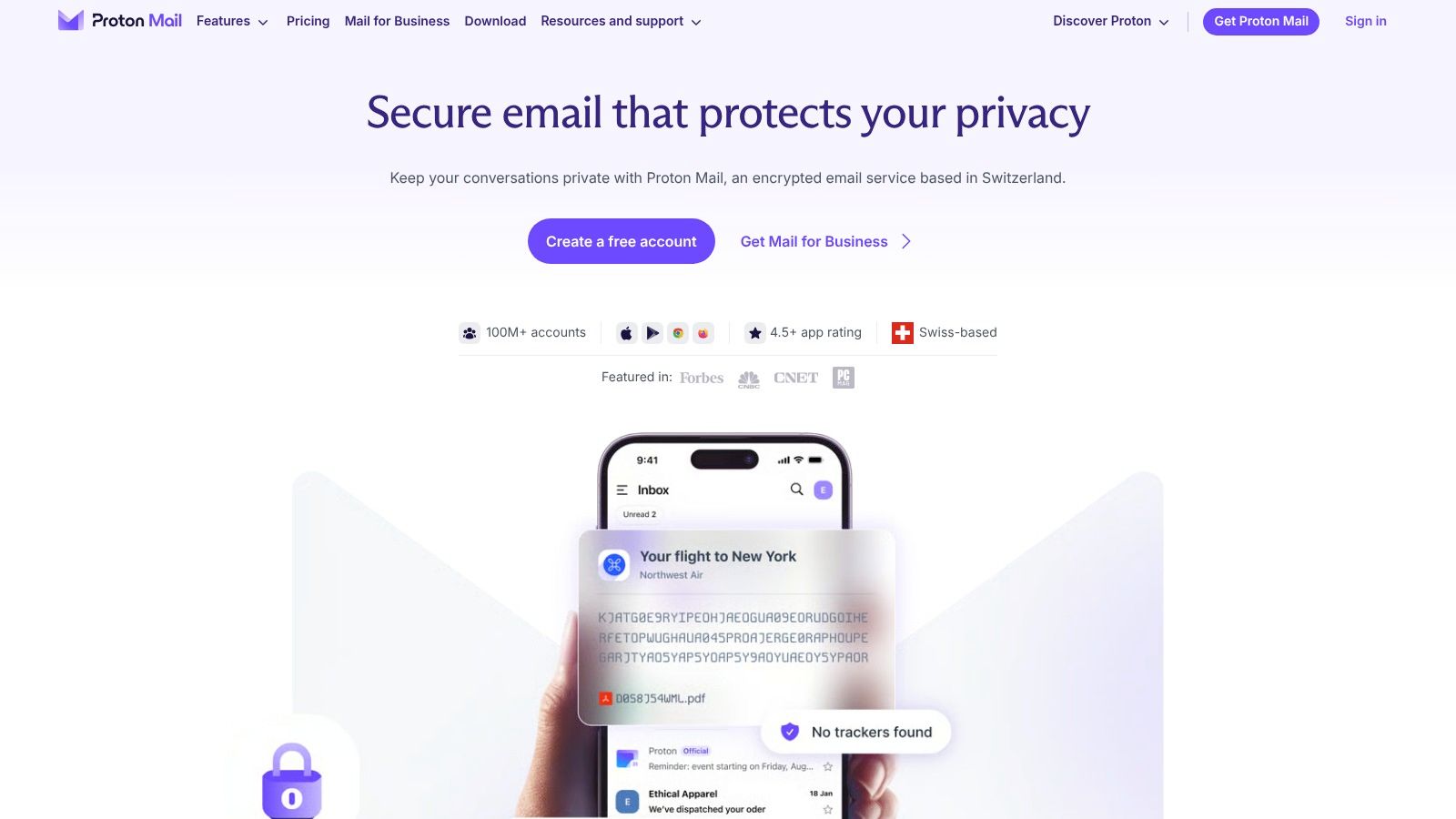
With providers like Proton Mail or Tutanota, the service handles much of the encryption complexity for you. That matters because true end-to-end encryption usually depends on both sender and recipient having compatible cryptographic setups, and that's where many teams lose momentum.
What this method actually gives you
A good secure provider typically combines a few things people often confuse:
- Encryption at rest so stored messages are protected
- TLS in transit so the connection between systems is protected while sending
- Simpler end-to-end workflows when both users are within the same ecosystem
- Fallback access for outside recipients through password-protected message views or secure links
For sensitive transcript sharing, that balance is hard to beat. According to TitanFile's guide to secure email, end-to-end encryption requires both sender and recipient to have matching cryptographic setups, but providers like ProtonMail reduce that challenge by offering password-protected access for non-users. The same source notes best practices like AES-256 for data at rest and TLS for data in transit, while avoiding the manual adoption friction that often stalls rollouts.
A practical sending workflow
This is the workflow that tends to work without turning email into an IT project:
- Write a short message that avoids placing the most sensitive details in the subject line.
- Attach the file only if the provider encrypts attachments inside the same protected flow.
- If the recipient isn't on the same secure platform, send the protected-message version and share the password through a separate channel.
- Verify the recipient identity before sending anything sensitive enough to matter.
The separate channel matters. If you email the password in the same thread, you haven't really solved much.
Field note: The strongest usability win is when the recipient doesn't need to install anything just to read one secure message.
The experience is easier to understand when you see it in action:
Where secure providers fall short
This method still has trade-offs.
A secure provider doesn't automatically fix bad recipient behavior. Someone can still copy text out, download an attachment to an unmanaged laptop, or forward information manually if the platform doesn't add tighter post-send controls. It also doesn't guarantee that every outside recipient will immediately trust the secure-message prompt. Some will mistake it for phishing unless you prepare them.
That's why secure providers work best when you pair them with small operational habits:
- Warn the recipient first if they've never received a secure message from you
- Keep the subject line neutral so sensitive details don't leak outside the protected body
- Use attachment scanning before delivery and before opening returned files
- Limit who receives the file instead of defaulting to broad CC lists
For many organizations, this is the point where security becomes usable enough to stick.
For Ultimate Control End-to-End Encryption with PGP or S/MIME
If you need the strongest direct control over email content, PGP or S/MIME is the serious option. It's not the easiest option. That's the trade.
These methods use public-key cryptography. The easiest way to think about that is this: you give people a public way to lock a message for you, but only you hold the private key that can open it. That separation is what makes true end-to-end encryption powerful.

When this level makes sense
This isn't the default answer for everyday business mail. It makes sense when the message itself needs maximum protection and both sides can maintain the setup.
Typical fits include:
- Legal and executive communication with established secure practices
- Journalistic or research communication where source protection matters
- Long-term partner relationships where both organizations can support certificates or keys
- Highly sensitive files where provider access, mailbox storage, or third-party trust is a concern
PGP and S/MIME in plain terms
They solve a similar problem in slightly different ways.
- PGP is often chosen by people who want more independent control over key management.
- S/MIME is commonly used in enterprise environments where certificate management fits existing IT processes and supported mail clients.
Both require setup. Both require recipient readiness. Both are less forgiving when something is misconfigured.
If the other person can't reliably use the same encryption method, you don't have a secure email workflow. You have a support burden.
What the setup burden looks like
The hidden cost isn't only technical installation. It's ongoing handling.
You have to think about:
- Key or certificate exchange
- Identity verification before trusting a public key or certificate
- Client support in tools like Thunderbird, Apple Mail, or enterprise mail systems
- Recovery planning if a private key is lost or a device is compromised
This is why many teams overestimate their readiness for manual encryption. They assume “more secure” means “better,” then discover that routine communication slows down, recipients get confused, and people create insecure workarounds outside the approved path.
The right mindset for PGP or S/MIME
Use this route when control matters more than convenience.
If you're building a stable, repeated, high-trust communication channel with a small set of recipients, PGP or S/MIME can be excellent. If you're trying to send a one-off sensitive note to a non-technical stakeholder, it's usually the wrong tool.
That distinction matters. Good email security isn't about choosing the hardest option. It's about choosing the option people can sustain without breaking the process.
Securing Attachments and Verifying Sender Identity
Sometimes you don't need a full encrypted-mail ecosystem. You need to protect one file and reduce the chance that a spoofed or altered message slips through. That calls for layered security, not purity.
Attachment protection and sender authentication solve different problems. One protects content. The other helps confirm the message came from the right place.
Protect the file, then separate the password
If you're sending a single sensitive document, a password-protected ZIP archive or encrypted PDF is often a practical fallback.
The rule is simple:
- Protect the attachment itself so the file isn't readable if the email is exposed
- Send the password separately by phone, secure chat, or another channel
- Name the file clearly but not revealingly so the filename doesn't disclose sensitive context
- Scan files before opening and before sending to reduce attachment-based risk
This isn't equivalent to a mature secure mail platform. It is often much better than attaching a raw document to a normal email and hoping the recipient handles it carefully.
Verify the sender, not just the message
A secure-looking email can still be fake. That's where SPF, DKIM, and DMARC matter.
According to BitLyft's guide to secure email authentication, SPF identifies which servers are authorized to send mail for your domain, DKIM adds cryptographic signatures to help verify message integrity, and DMARC defines what should happen when authentication checks fail. The same source warns that organizations often miss 30-40% of their email sources during setup, which can create deliverability problems and leave gaps.
That matters even for teams that mostly care about file-sharing. If your domain's email authentication is weak, attackers can spoof your address and send convincing fake “secure file” messages to clients, candidates, or staff.
A simple operational step is to periodically check SPF and DKIM records with a dedicated validator, especially after adding a new sending service or automation.
Sender trust and message secrecy are different controls. You need both.
Keep your file system as tidy as your inbox
Email security gets weaker when files are hard to classify and easy to mis-send. A messy folder structure makes people grab the wrong version, attach the wrong export, or share a broader document than intended.
That's why this companion guide on how to organize digital files is relevant to email hygiene too. Better naming, tighter folder discipline, and fewer duplicate exports reduce accidental disclosure before encryption even enters the picture.
After You Hit Send Post-Send Security Hygiene
Many users stop thinking about email security once the message leaves the outbox. That's too early.
Delivery is only one part of exposure. After a recipient opens the message, the content can still be forwarded, downloaded, copied, or accessed later on a compromised device. If your secure email process ends at “message sent successfully,” you're missing the part that often matters most.
Why post-send control matters
A 2025 Ponemon Institute study found that 55% of encrypted emails are accessed by unintended parties post-delivery due to no revocation features, as summarized by Cloaked's review of secure email practices. The same source notes that standard Gmail and Outlook setups using only TLS protect the message in transit, but not in storage, and points to expiration timers and self-destruct features in tools like Proton Mail and RMail as important post-send controls.
That's the operational gap many teams miss. They focus on encryption while sending, but leave documents available indefinitely afterward.
What to add after sending
Post-send hygiene usually means building a short control list around the message:
- Set expiration when the recipient only needs temporary access
- Use revocation where available for messages that shouldn't remain accessible after a milestone or personnel change
- Review audit visibility so you can confirm whether the recipient accessed the protected message
- Limit downstream sharing with platform controls when supported
- Track especially sensitive sends in your own records
If your email tool supports these features, use them deliberately. They're not decorative settings.
A message can be encrypted and still be overexposed if it remains accessible long after the business need ends.
Build this into compliance habits
This matters for teams that deal with internal reviews, HR notes, client deliverables, and regulated workflows. Temporary access and revocation are often closer to the business need than permanent inbox storage.
It also changes how you think about recipient readiness. A less technical recipient may be fine with a secure-link workflow if the message expires automatically and doesn't leave a durable copy sitting in a standard mailbox.
For organizations formalizing these habits, this guide to compliance training best practices is a useful companion because secure email works better when staff know which files require expiration, which messages require identity checks, and which workflows should never happen over standard email.
The best secure email setup is rarely the one with the longest feature list. It's the one your team can use consistently, your recipients can understand, and your process can control even after the message is opened.
If your team creates sensitive meeting notes, summaries, and transcripts, HypeScribe helps you capture and organize them quickly so you can apply the right sharing method afterward. It turns spoken content into searchable text, summaries, and action items, supports exports in formats teams already use, and gives you a cleaner workflow before you decide how to send a secure email.


































































































