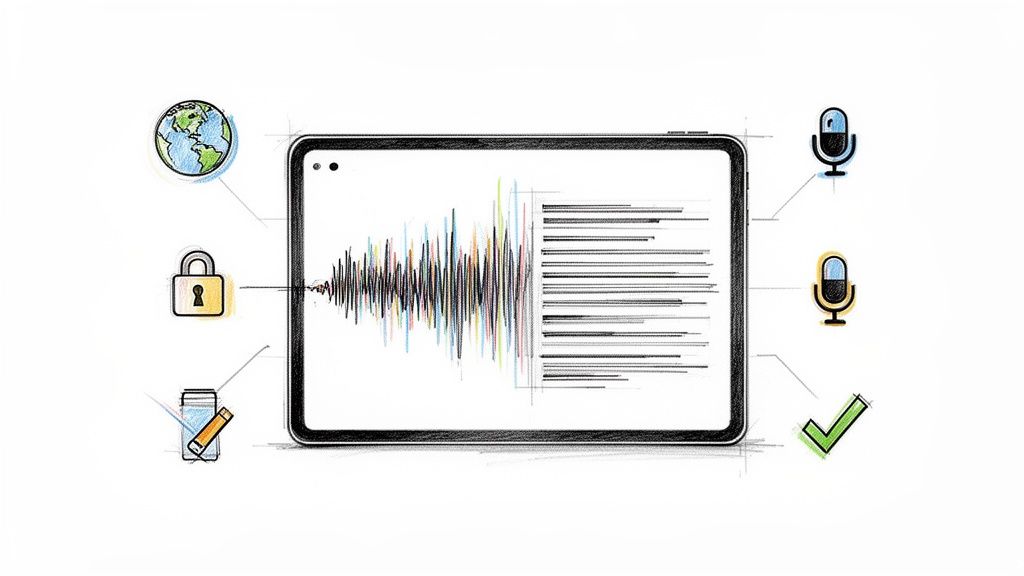
Any audio or video format, up to 2 GB per file. What happens between drag-and-drop and a finished transcript with summary and action items.
Tired of manual notes? We tested the 12 best ai note taking app options to find the ultimate tool for transcription, summaries, and meeting insights.
Discover the best apps for recording lectures. Our 2026 guide covers top picks for iOS, Android, and web with AI transcription, summaries, and more.
Stop manual transcription. We tested dozens to find the best voice to text software for speed, accuracy, & features. Read our 2026 review.
Searching for reliable Otter AI alternatives? Discover the top 12 transcription tools for teams, students, and creators based on accuracy, features, and price.
Discover the top tools for free transcription audio to text. Compare web apps, offline software, and mobile solutions to find the perfect fit for your needs.
Discover the top 12 social media content creation tools for 2026. This guide covers video, design, and AI tools to streamline your workflow.
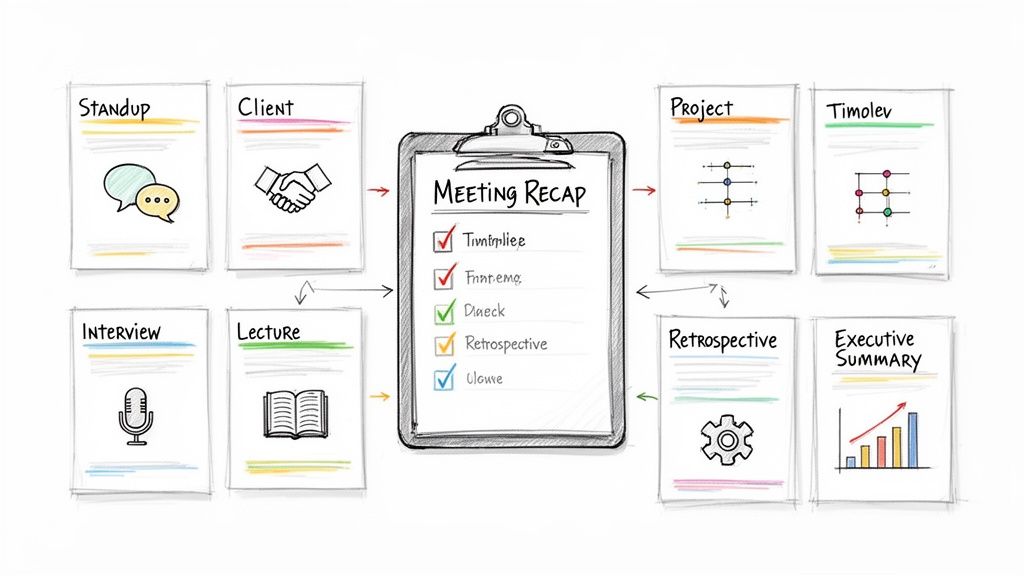
Discover the top 12 meeting recap template options to streamline your workflow. Find free, downloadable templates for any meeting type and boost productivity.
Upload any video, get accurate text with speakers and summaries. 12 video transcription tools compared by accuracy, speed and price.
Discover the 12 best tools for content creators, from AI transcription to pro video editors. Elevate your workflow with this comprehensive, hands-on guide.
Discover the top student productivity apps for note-taking, task management, and focus. Boost your grades with these essential tools and workflows.
Tired of manual notes? Discover the best meeting note taking app for your team. We review 12 AI tools for transcription, summaries, and action items.
Discover the best free transcription software of 2025. We tested 12 top tools for accuracy, features, and limits to help you convert audio to text instantly.
Discover 10 actionable knowledge management best practices. Learn how to capture, organize, and share knowledge to boost team efficiency and innovation.
Searching for the best transcription software for interviews? Discover the top tools for accuracy, speed, and turning conversations into actionable text.
Discover the top 12 meeting minutes template sample options, from free downloads to AI-powered tools. Find the perfect format for your team today.
Discover the best meeting transcription app for your team. We compare top AI tools based on accuracy, integrations, and unique features to boost productivity.
Discover the best dictation software for writers. Our guide compares top tools on accuracy, features, and price to help you write faster and smarter.
Discover the top 6 free online audio to text converters in 2025. Compare features, free tiers, and find the best tool for your transcription needs. Read the Hypescribe blog.
Discover the 12 best AI transcription software solutions of 2025. We tested for accuracy, speed, and features to help you find the right tool.
Tired of manual note-taking? Discover the best meeting notes app to automate transcription, summarize discussions, and track action items effortlessly.
Record, transcribe and summarize meetings automatically. 12 meeting recording apps compared by accuracy, price and platforms — free options included.
Discover the best online transcription service for your needs. We review 12 top AI and human services for accuracy, speed, price, and features.
Discover how meeting minutes AI can streamline your workflow. Learn tips to choose the best AI note-taker and automate your meetings efficiently.
Discover the 12 top speech to text software solutions of 2025. Our in-depth review covers accuracy, pricing, and real-world use cases to help you choose.
8 AI transcription tools tested on the same hour of audio: accuracy, speed, price per file. Where Otter, Fireflies and Descript fall short.
No record button in Google Meet? It's the plan, the admin policy, or your role. Here's who can record, how to do it, and what to do on a phone.
Convert a YouTube video to a text transcript without the timestamp mess: built-in captions, the download route, and the one-click way to get clean, exportable text.
AI notetakers like Otter and Fathom auto-join and record meetings. Here's when you legally need consent — by US state, at work, and under GDPR.
Master speaker identification. Learn its difference from diarization, and how AI clarifies audio into labeled transcripts. Your 2026 guide.
Discover how to easily transcribe video to text. Read our comparison of HypeScribe and Trint to find the best value for your budget.
An honest comparison of HypeScribe vs Happy Scribe to help you choose the best tool for podcast transcription and content management.
Recording someone without consent is legal in 38 states but banned in 12 — and California's law can reach you across state lines. Here's what's actually legal.
Explore conversation intelligence tools in our ultimate 2026 guide. Discover key features, use cases, and choose the best platform for your team.
Master the interview transcript format APA style requires. Get step-by-step instructions, examples, and templates for citing published and personal interviews.
Learn how to convert voice memo to text on any device. This guide covers free native tools, pro AI apps like HypeScribe, and tips for 99% accuracy.
Compare HypeScribe and Sonix to discover the right speech to text transcription software for your budget and productivity needs.
Ready to master writing notes on iPad? This guide provides step-by-step workflows for setup, apps, handwriting, organization, and turning audio into text.
Learn the safest methods for a free conversion from YouTube to MP3 on web, desktop, and mobile. Our guide covers quality, safety, and legal tips for 2026.
Unlock the power of Zoom meeting notes AI. Our guide shows you how to enable, optimize for accuracy, and manage privacy for perfect automated summaries.
Looking for the ideal ai meeting transcription platform? Compare HypeScribe and Fireflies.ai to see which tool wins for your meetings and workflow.
Looking for an efficient ai video transcription tool? Read our review comparing HypeScribe and Descript to find the best fit for your workflow.
Looking for a reliable YT to MP4 download method? Our 2026 guide covers the best online tools, software, and safety tips for saving YouTube videos.
Compare HypeScribe and Rev to find out which automatic transcription software offers flat-rate pricing without file length restrictions.
Master Facebook video transcription: native captions, AI tools. Transcribe public, private, & group videos for content repurposing & SEO. Get the 2026 guide.
Learn what compliance recording is, why it's critical, and how to implement a compliant solution. Our 2026 guide covers regulations, tech, and common pitfalls.
Need to import a Google Calendar to Outlook? Learn how to sync or import your calendar on desktop, web, and mobile with our step-by-step 2026 guide.
Discover the 10 essential usability research questions for 2026. Get expert examples for moderated tests, surveys, and interviews to improve your UX.
Tired of bad meeting notes? An AI meeting summary can help. Learn how they work, the benefits, critical risks, and how to choose the right tool in our guide.
Searching for the best video to text converter? We tested 10 top tools for accuracy, speed, and price. Find the perfect one for your workflow in 2026.
Demystify speech to text accuracy claims. Learn key metrics like WER, impact factors, and how to pick the best transcription tools for your needs.
Struggling with email limits? Learn how to send large video files by email. Use cloud storage, compression, & transfer services to deliver your videos in 2026.
Learn how to audio record on iPhone using the built-in Voice Memos app and third-party tools. Get pro tips on quality, file management, and transcription.
Learn how to transcribe podcast to text with our step-by-step guide for 2026. Compare automated vs. manual methods, improve accuracy, & repurpose content for
Learn how to enable and use Teams meeting transcription with our step-by-step guide. Fix common issues, improve accuracy, and discover advanced alternatives.
Unlock your audio memories! Our guide covers digitising cassette tapes from start to finish. Get hardware setup, recording settings, & restoration tips here.
Looking for video to text transcription free? Explore our curated list of 10 tools, apps, and methods, from AI web apps to offline solutions. Find the best fit.
Discover the best podcast transcript generator for SEO, accessibility, and content repurposing. Get accurate transcripts effortlessly.
Master converting WAV to MP3 on any device. Our 2026 guide reveals free tools, command-line automation, and optimal quality settings for perfect audio.
Need to convert a video to text? Learn how to use a YouTube transcription tool with our step-by-step guide. Maximize accuracy, edit, and export for any project.
Need an MP3 to M4A audio converter? Learn to convert files on any device, optimize settings for quality, and prepare audio for fast transcription.
Learn to run an effective post mortem meeting that goes beyond blame. Our guide covers planning, facilitation, and turning insights into real action items.
Explore lawyer and client confidentiality vs. attorney-client privilege. Learn vital rules, exceptions, and secure your sensitive information in the digital
Discover the best Zoom meeting recording software for your team. This guide explains key features, benefits, and how to choose the right solution for 2026.
Get our complete skip level meeting questionnaire with 8 templates. Includes questions for engagement, culture, and manager feedback. Start today.
Find the best YouTube free converter video for your needs. We review 10 top tools for safety, speed, and format support, plus key privacy and legal tips.
Learn how to master adding text in Final Cut Pro. Our guide covers basic titles, animation, formatting, plugins, and key troubleshooting tips for pro results.
Learn to translate German speech to English from audio & video. This 2026 guide covers tools, quality checks & workflows.
Master recording with iPhone in 2026! Get pro tips for high-quality audio, video, screen capture, and preparing files for transcription.
Learn to reduce MOV file size with QuickTime, HandBrake & FFmpeg. Master changing codecs, resolution, and bitrate to shrink videos efficiently, preserving
Read the iconic Independence Day movie president speech. Get the full transcript, famous quotes, and explore its cultural impact. Relive Whitmore's address.
Learn safe and effective methods for converting YouTube video to MP3. Our 2026 guide covers web tools, desktop apps, quality settings, and legal best practices.
Need an audio to text converter? Compare HypeScribe vs TurboScribe: accuracy, speed, pricing, and which can transcribe any video to text best.
Learn exactly what is a video transcription in this 2026 guide. Discover its definition, how it differs from captions, SEO benefits, and creation steps.
Need meeting transcription software? Compare HypeScribe vs Otter.ai: speed, accuracy, pricing, and why HypeScribe is the smarter choice.
What is a corrupted file? Learn causes, how to spot corruption in docs or videos, and practical steps to repair or recover your data in 2026.
Looking for a Fireflies AI alternative? Compare HypeScribe vs Notta for Zoom meeting transcription, accuracy, speed, pricing, and features.
Explore our complete guide to law enforcement technology. Discover key tools like AI & body cams, their benefits, risks, and ethical rules shaping policing.
Need a Spanish transcription service? This guide compares human vs. AI, explains accuracy, and lists key features to choose the right service for your project.
Unlock better support with AI for customer service. Discover key technologies, ROI, use cases, and best practices for a successful 2026 implementation.
Find the best audio to text software mac for your needs. We review 10 top tools for accuracy, speed, and features for students, creators, and pros.
Learn how to download a Zoom recording as a host or participant. This guide covers cloud links, local files, and mobile, plus common permission fixes.
Stop wasting time on manual meeting notes. Let HypeScribe AI transcribe, summarize, and organize your Zoom, Google Meet, and Teams calls automatically.
Yes — Ohio lets you record calls you're part of. Rules for multi-state calls, workplace recordings and the penalties for breaking them.
Master your case with these 8 types of questions for cross examination. Learn strategy, examples, and pitfalls to challenge witness testimony effectively.
Download our level 10 meeting template and guide. Master the 90-minute agenda and facilitator tips to solve real issues and drive results in 2026.
Learn how to send a secure email in 2026. This guide covers encryption, secure providers, password-protected files, and post-send hygiene for sensitive data.
Learn how to use youtube save mp4 tools for high-quality offline viewing. Our 2026 guide covers the best software, mobile apps, and legal safety tips.
Master the art of managing research projects with our 2026 guide. Get actionable tips on planning, budgeting, data management, and effective dissemination.
Master how to record Instagram videos for Reels, Stories & Live. Get our 2026 guide on in-app tools, settings, and accessibility features.
Learn how to capture streaming video from any source in 2026. Our guide covers tools, methods for protected content, and legal tips for meetings and streams.
Translate a Spanish video to English with our 2026 guide. Explore AI tools, manual workflows, subtitles, and dubbing for professional results.
Learn a practical workflow for German to English translation audio. Our guide covers tools, transcription, editing, and exporting for accurate results.
Learn how to record facetime call with audio on Mac, iPhone & iPad in 2026. Our guide covers built-in tools, consent laws, and transcription.
Learn everything about recording on YouTube in 2026. This guide covers equipment, software, editing, and post-upload tips like transcription for success.
Learn how to write a transcript accurately and efficiently. Our guide covers manual vs. AI workflows, formatting, and proofreading for professional results.
Wondering how do I download MP4 from YouTube? Explore safe, official methods and third-party tools. Learn the risks and discover smarter workflows for 2026.
Learn how to trim an MP4 video on any device. Our guide covers free tools for Windows, Mac, web, and FFmpeg for lossless cuts. Perfect for transcription.
Load SRT files, fix subtitle delay, change fonts and auto-download subs in VLC — every setting with exact menu paths.
Discover the best AI tools for content creators. Our 2026 guide covers top picks for video, writing, and design to boost your workflow and creativity.