Lawyer and Client Confidentiality: Digital Protection 2026

You're probably reading this on a laptop with multiple tabs open. One tab has email. Another has a cloud folder. A third has a meeting app that can record, summarize, and transcribe a client call in seconds. You may also have your phone nearby, lighting up with text messages from a partner, a client, or opposing counsel.
That's ordinary legal work now. It's also where confidentiality gets tested.
For most lawyers, the biggest mistakes aren't dramatic. They happen in routine moments. A call taken on public Wi-Fi. A draft sent to the wrong auto-complete contact. A transcript uploaded to a tool no one properly vetted. A screen shared too quickly. The legal duty is ancient, but the risk surface is modern.
Why Lawyer-Client Confidentiality Matters More Than Ever
A lawyer sitting in a café might think, “I'm only confirming a few facts with the client.” But if that call includes names, strategy, health details, pricing terms, allegations, or internal business plans, the issue isn't whether the conversation feels formal. The issue is whether client information is being exposed.
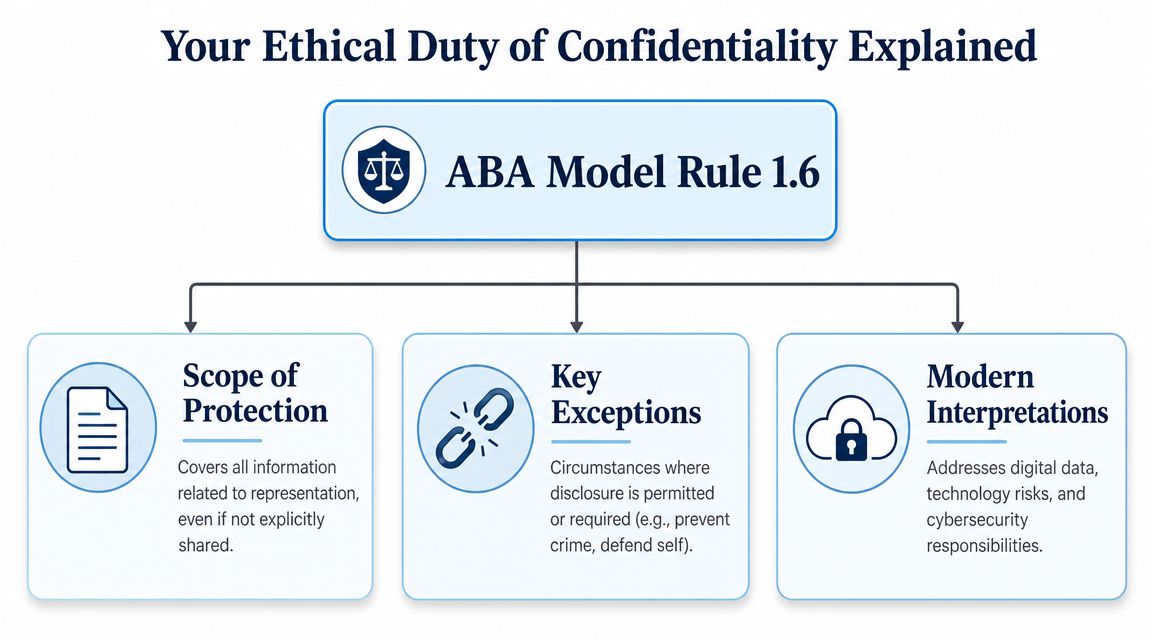
Lawyer and client confidentiality has been a core legal norm for more than four centuries. Modern U.S. ethics rules frame it broadly. Under Model Rule 1.6, a lawyer must not reveal information relating to the representation of a client unless the client gives informed consent, the disclosure is impliedly authorized, or another exception applies, as discussed in this Georgetown Law overview of confidentiality and modern ethics rules.
Confidentiality now lives inside everyday tools
That broad rule matters because confidential information doesn't just live in a signed letter or a privileged memo. It lives in:
- Email threads that summarize client goals
- Call recordings and voice notes
- Cloud folders with draft contracts and exhibits
- Messaging apps used for quick updates
- Calendars and meeting invites that reveal the existence of a matter
- AI tools that process spoken or written client material
A new associate often expects confidentiality to be a courtroom concept. It isn't. It's an operational rule that follows the matter wherever the information goes.
Practical rule: If a piece of information relates to the representation, treat it as protected before you start asking whether it would be privileged in court.
The stakes are practical, not abstract
Clients don't experience confidentiality as a doctrinal category. They experience it as trust. They assume their lawyer will protect their information whether it appears in a deposition outline, a billing narrative, a voicemail, or a transcript of an internal interview.
That matters across practice areas. In military matters, for example, timing, discretion, and early legal advice can shape outcomes long before a formal hearing, which is one reason clients often look for a clear explanation of a military attorney's role in UCMJ cases. The confidentiality duty attaches to that early guidance too, not just to what later appears in court.
The Crucial Difference Between Confidentiality and Privilege
People use “confidential” and “privileged” as if they mean the same thing. They don't. If you mix them up, you'll make bad judgment calls about email, meetings, third parties, and records management.

Think fortress and shield
Use this mental model.
Confidentiality is the fortress. It surrounds the whole representation.
Privilege is the shield. It's a narrower protection used when someone tries to force disclosure of certain communications.
The distinction is simple once you see the different jobs each rule performs.
| Concept | What it protects | Why it exists | How it can be lost |
|---|---|---|---|
| Confidentiality | All information relating to the representation | To govern lawyer conduct | By improper disclosure or mishandling |
| Privilege | Confidential communications for legal advice | To resist compelled disclosure in proceedings | By sharing outside the privilege circle |
What confidentiality covers
The ethical duty of confidentiality is broader than attorney-client privilege. It covers all information relating to the representation of a client, regardless of source, as explained in this discussion of confidentiality and privilege by Bressler.
That means the protection doesn't depend on who first created the information. A public document collected for the file can still fall within the confidentiality duty once it relates to the representation. So can a scheduling detail, an internal strategy note, or a summary prepared by staff.
What privilege covers
Privilege is narrower. It protects confidential communications made for the purpose of seeking or receiving legal advice. That's why privilege questions often turn on who was present, why the communication happened, and whether it stayed inside the proper circle.
A new associate usually gets tripped up here: a document may be confidential even if it isn't privileged. That's common.
If confidentiality is your office-wide security policy, privilege is your litigation-specific evidentiary defense.
A quick example
Suppose a client emails you asking for legal advice about a contract dispute. You reply with analysis. That exchange may be privileged if it remains confidential and stays within the proper group.
Now change the facts. The same email gets forwarded to an outside friend “for thoughts,” or copied to someone who doesn't need to be involved in the legal advice. The privilege may be gone. But your ethical duty to maintain confidentiality doesn't disappear just because the evidentiary protection weakened.
That's why lawyers who understand only privilege often underprotect information in daily practice. The fortress is wider than the shield.
Your Ethical Duty of Confidentiality Explained
The hard part isn't memorizing the rule. The hard part is applying it when technology changes faster than firm habits.
Reasonable efforts is the real standard
Modern ethics guidance doesn't promise perfect security. It requires reasonable efforts to prevent unauthorized disclosure or access. That phrase matters because it recognizes reality. No system is risk-free. The question is whether the lawyer acted thoughtfully, proportionally, and competently.
In practice, “reasonable” changes with the situation. A routine scheduling email doesn't call for the same controls as a merger strategy memo, a criminal defense interview, or a file with medical records.
What reasonable looks like in practice
A useful way to think about the standard is to ask four questions before you use a tool or workflow:
What kind of information is involved?
A generic meeting request is different from a witness statement or trade secret material.Who can access it?
Access should match need. If everyone in the firm can open it, you have a problem.Where does it travel and sit?
Information in transit and information at rest both matter.What happens after the task is done?
Retention, deletion, and export settings matter just as much as initial upload.
Common areas where lawyers misjudge risk
Newer lawyers often focus on the dramatic threat and miss the ordinary one. Most confidentiality problems begin with convenience.
- Email forwarding: Sending a chain without checking who's included
- Shared drives: Leaving broad default permissions in place
- Mobile devices: Reading or dictating sensitive details in public
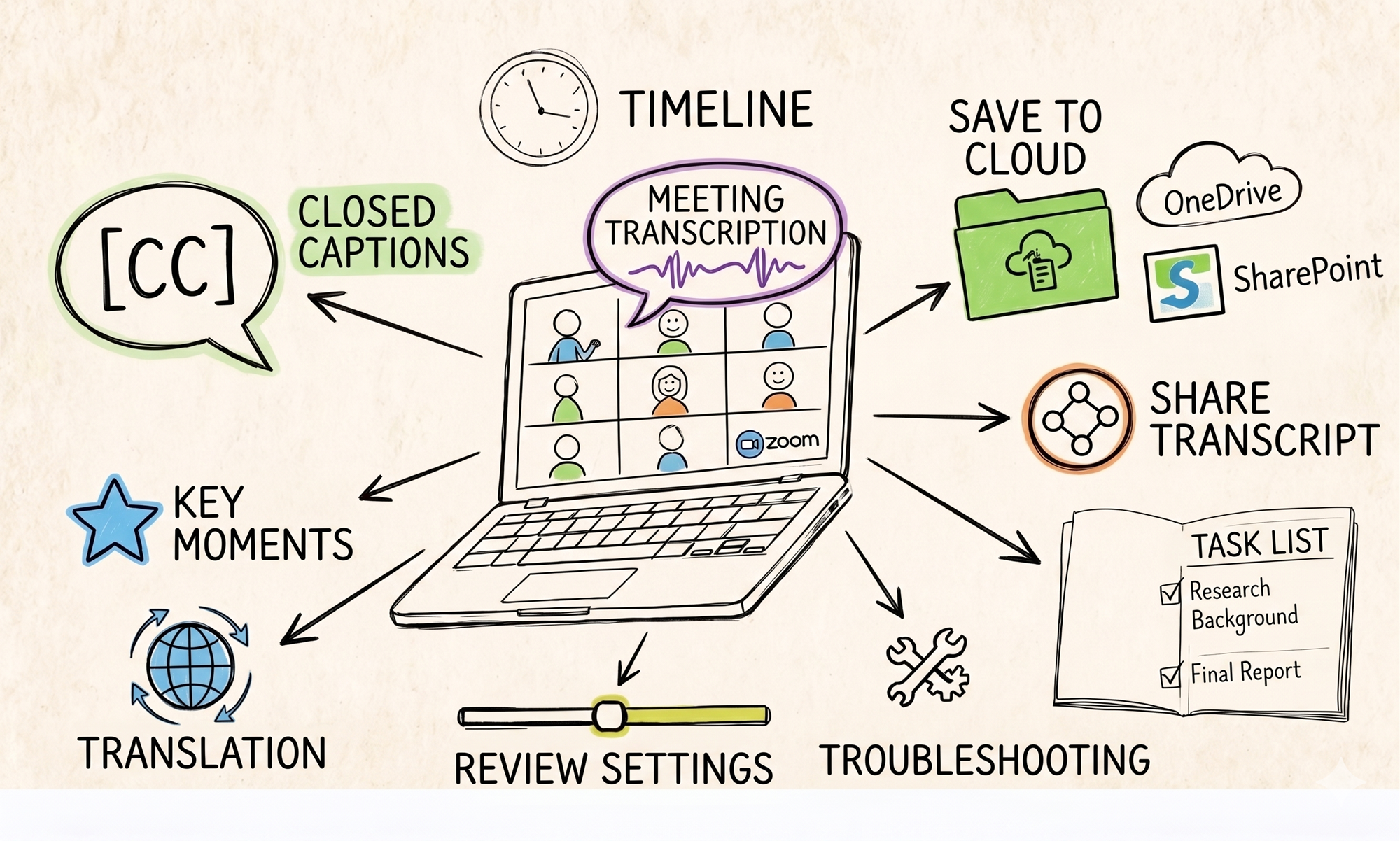
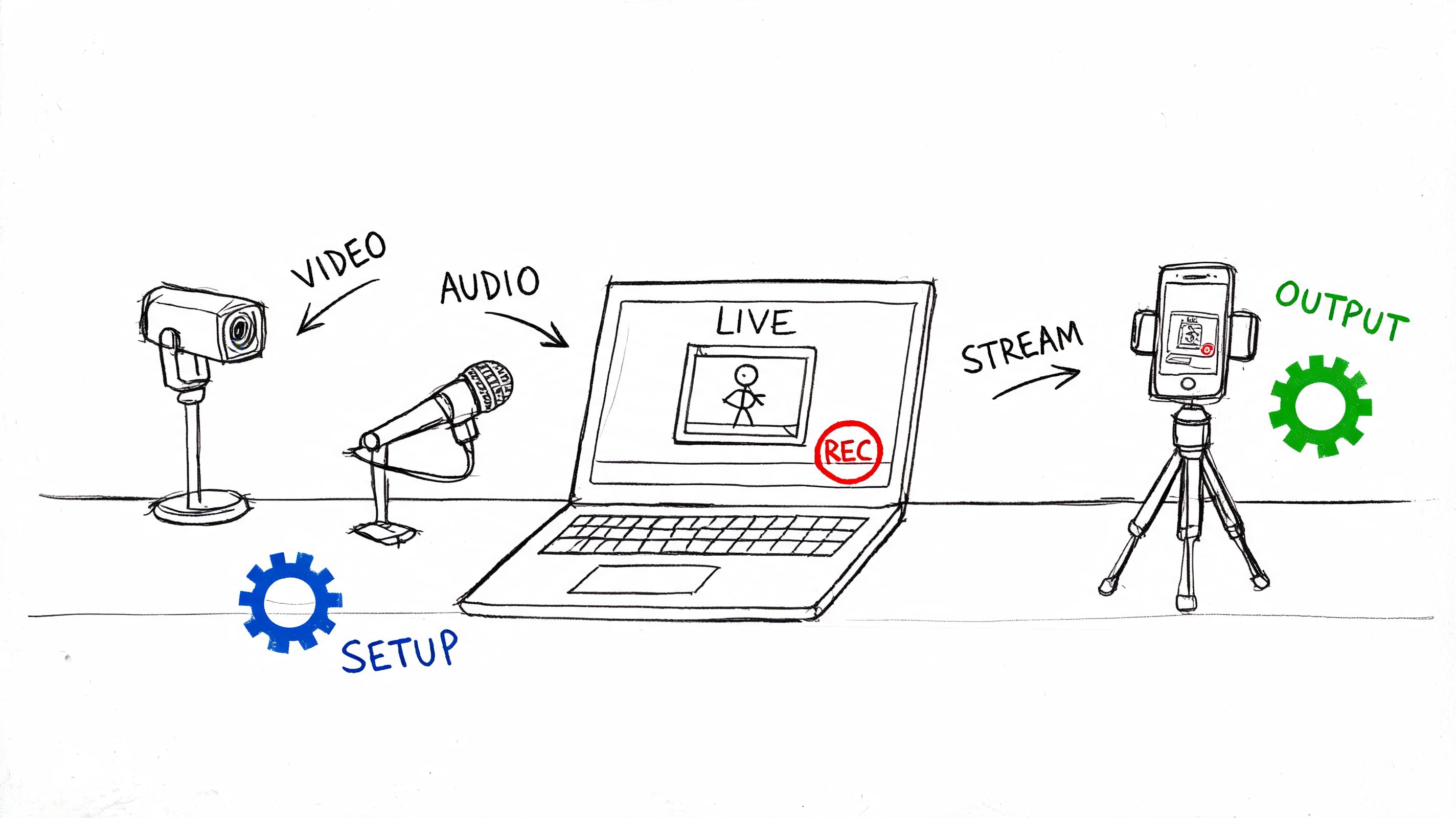
- Meeting tools: Recording calls without a clear policy on storage and deletion
- Vendor use: Assuming a common platform is appropriate just because many people use it
The safest habit is to pause before transmission, not after an incident.
A better professional mindset
Treat confidentiality like conflict checking. It shouldn't be a vague aspiration. It should be built into intake, communication, supervision, vendor review, and file closing.
That means documenting choices. If you use a cloud repository, a transcription system, or a remote meeting platform, someone in the firm should be able to explain why the tool is appropriate, what protections it offers, who may use it, and what the internal rules are.
When Confidentiality Can Be Broken or Waived
Most lawyers know there are exceptions. Fewer can spot the moment when a routine act turns into a serious waiver problem.

Scenario one and the client seeking help for a future wrong
A client asks for advice about legal exposure from past conduct. That's a classic legal representation problem.
Now change one detail. The client asks how to structure the next step so a fraud won't be detected. At that point, the issue isn't ordinary legal counseling. It raises one of the best-known boundaries on protection. Lawyers need to recognize when a communication is no longer about lawful advice but about using legal services to further wrongdoing.
The lesson is practical: don't assume every client communication gets the same protection merely because it was sent to a lawyer.
Scenario two and informed client consent
A corporate client wants outside public relations support during a sensitive matter. The legal team believes limited information sharing is necessary. If the client gives informed consent, disclosure may be permitted within the scope of that consent.
That sounds easy, but the risk sits in the details. What exactly may be shared? With whom? For what purpose? In what format? A vague “that's fine” on the phone isn't a strong operating model for a high-risk matter.
Scenario three and the accidental waiver
A partner forwards a client's legal advice email to an outside consultant without carefully defining the consultant's role. Suddenly, the privilege analysis gets complicated. The broader duty of confidentiality may still exist, but the narrower protection may have been damaged by expanding the audience.
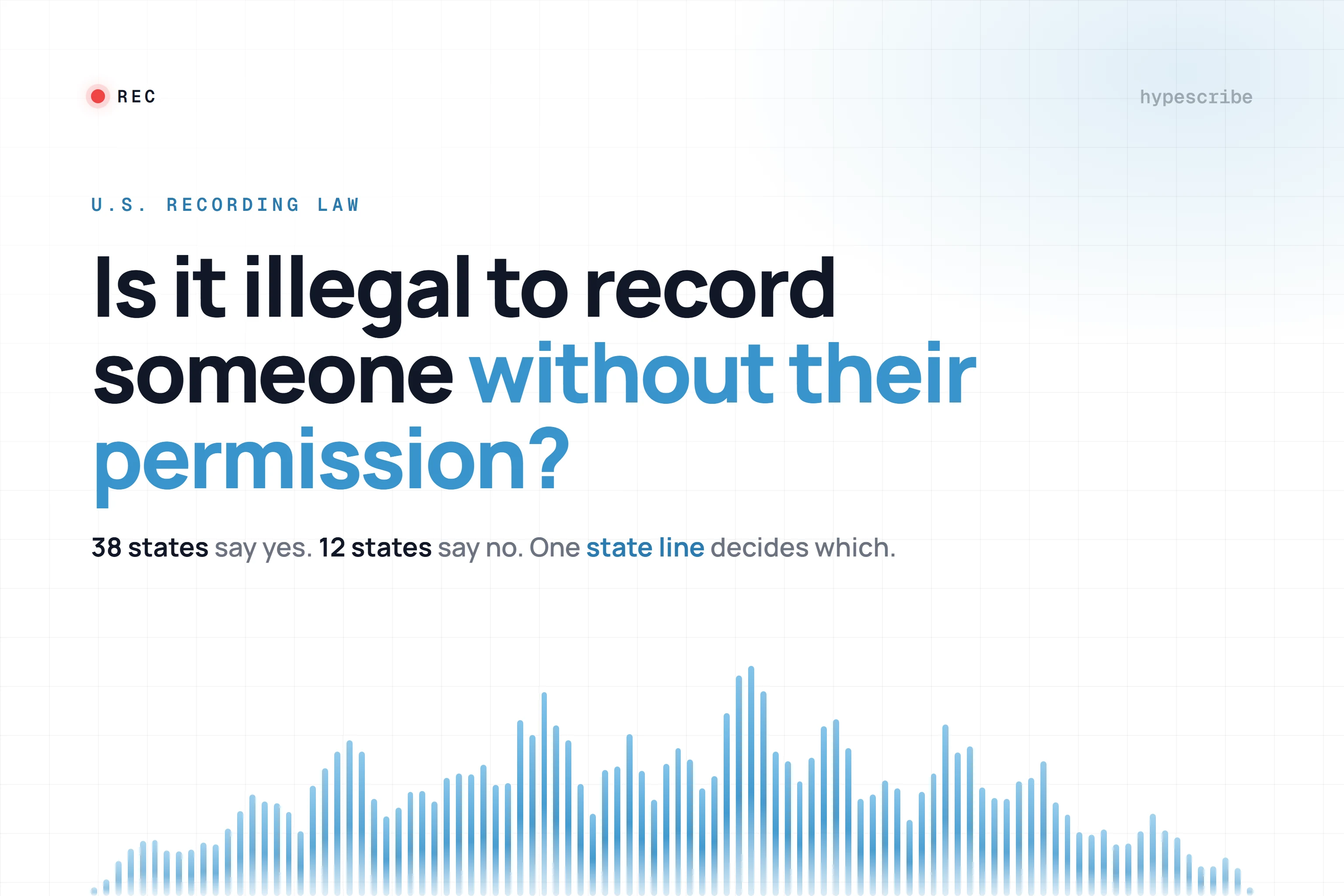
Many modern mistakes often manifest in these situations. The same danger appears when someone records a call casually, stores it in the wrong place, or forgets the consent and disclosure rules that can apply to recordings. Teams that use calls regularly should understand the practical issues discussed in this guide on whether you can record a phone call.
A waiver often begins with a helpful impulse. “I'll just loop them in” causes more trouble than most lawyers expect.
A short checklist before sharing
Ask these before you add a person, forward a message, or upload a file:
- Need to know: Does this person need the information for the legal work?
- Role clarity: Is their role defined well enough to justify inclusion?
- Client awareness: Has the client consented where consent is required?
- Scope control: Can you share less and still accomplish the task?
How Confidentiality Is Lost in the Real World
Confidentiality failures don't come from one source. They come from a mix of attack, carelessness, and poor tool choices.
A useful reality check comes from the ABA's 2018 Legal Technology Survey Report. About 23% of respondents said their firms had experienced a security breach at some point, as summarized in this discussion of safeguarding client data and cyber risk_Ries_Safeguarding_Client_Data.pdf). That matters because it shows confidentiality isn't just threatened by gossip or sloppy filing. It's threatened at operational scale.
Malicious attacks
Lawyers hold valuable material. Trade secrets. business plans. Personal data. Settlement strategy. Internal investigations. That makes firms attractive targets.
A common pattern looks like this: an attacker compromises an email account, watches, and waits for a useful moment. Then the attacker exfiltrates documents, sends fake payment instructions, or monitors a live matter to gain an advantage. The legal issue and the cybersecurity issue become the same issue.
Employee error
Not every breach is complex. Many are ordinary.
- Misdirected messages: Auto-complete sends the draft to the wrong “John”
- Wrong attachment: A lawyer sends internal notes instead of the filed version
- Overbroad permissions: A shared folder includes people outside the matter team
- Loose meeting practices: A call is recorded and stored where others can access it
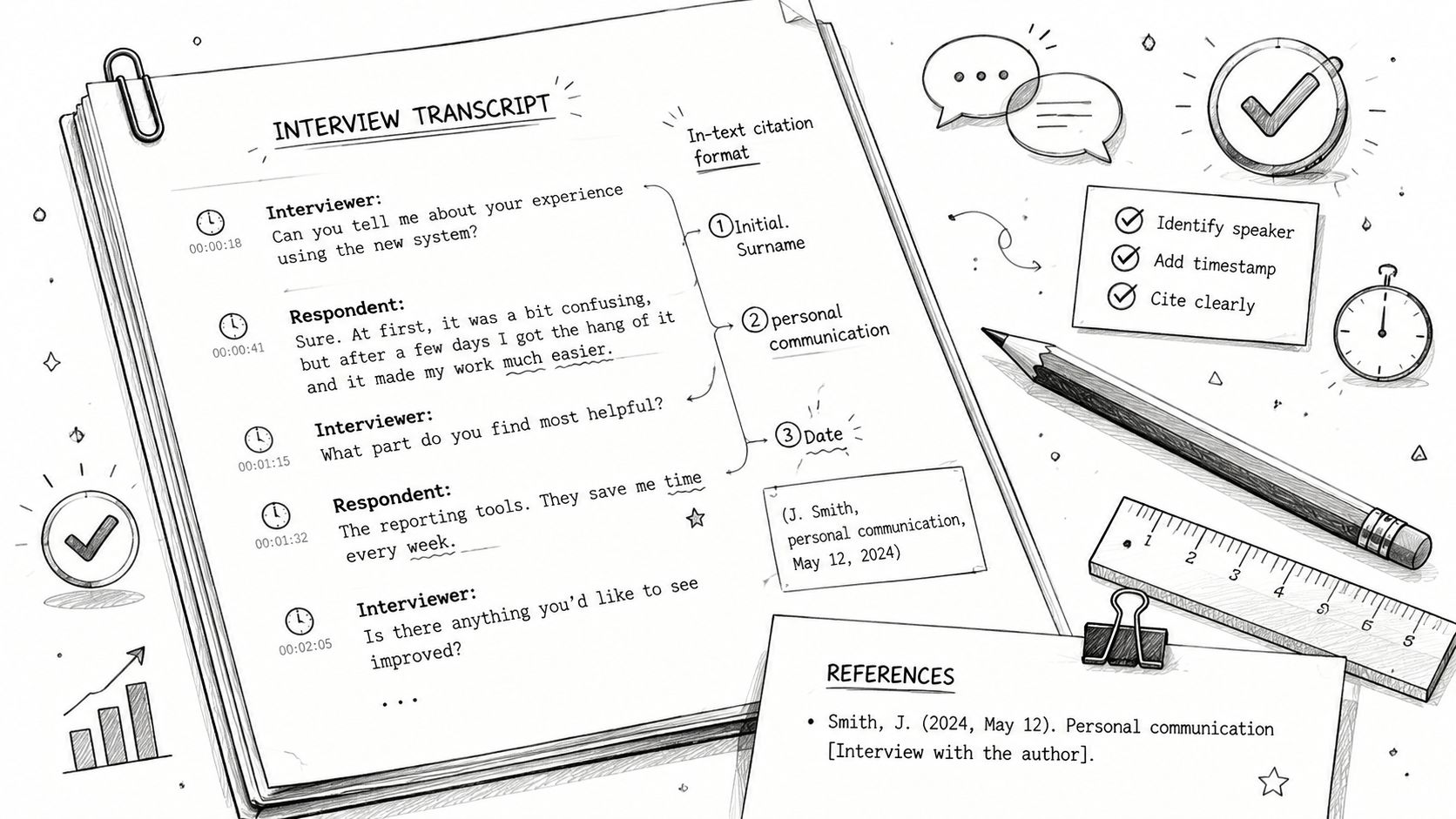
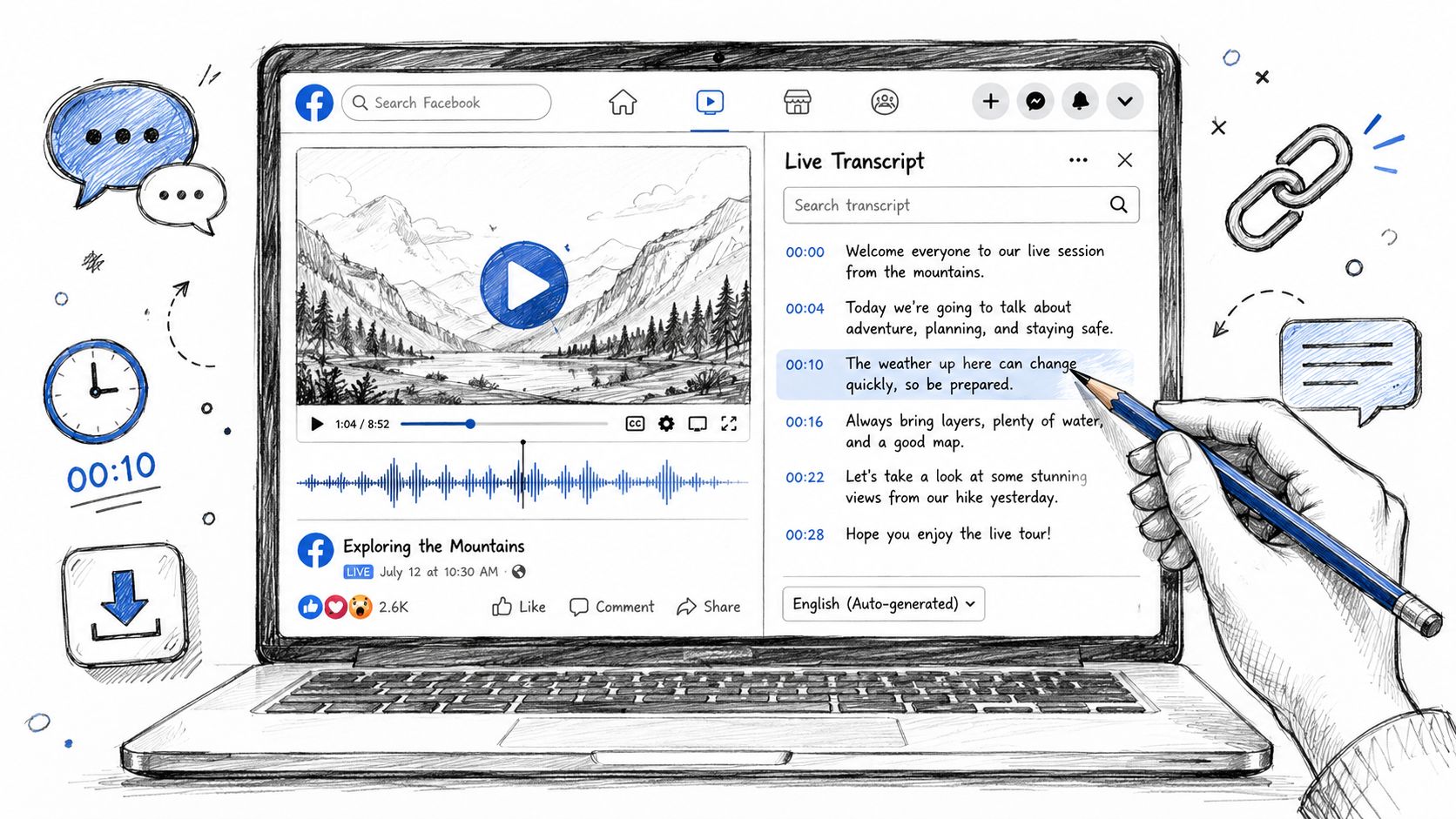
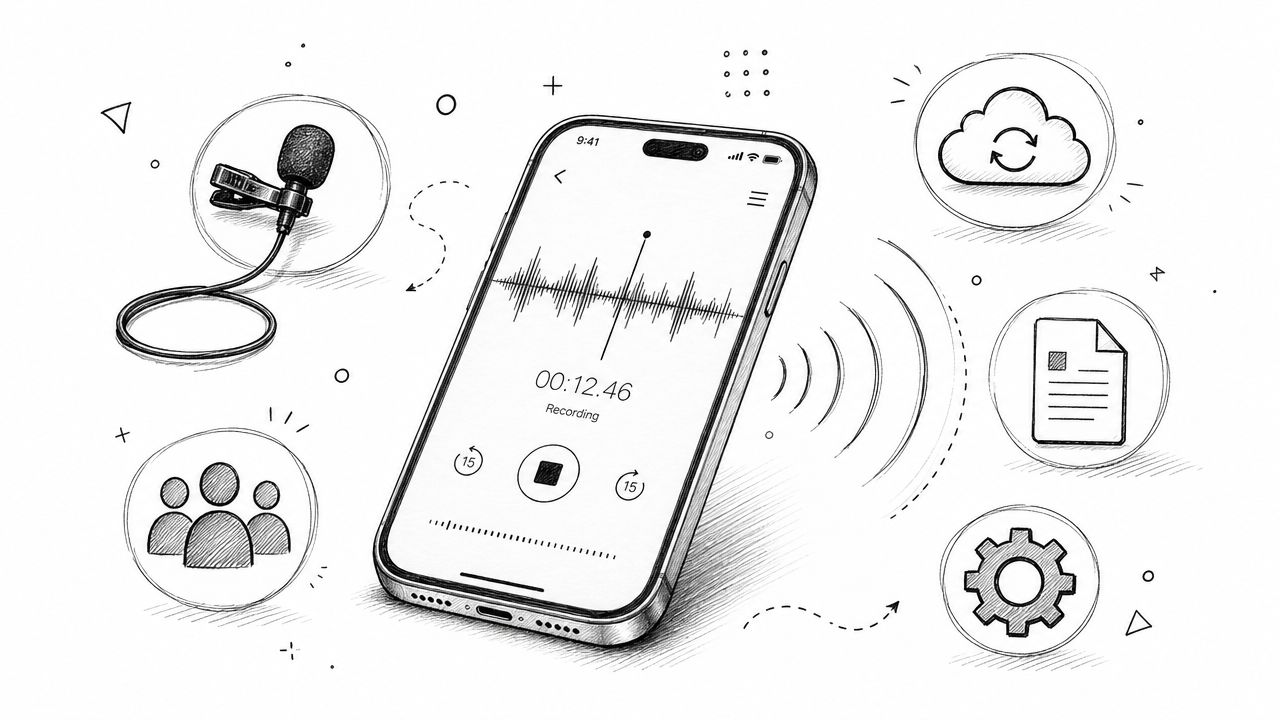
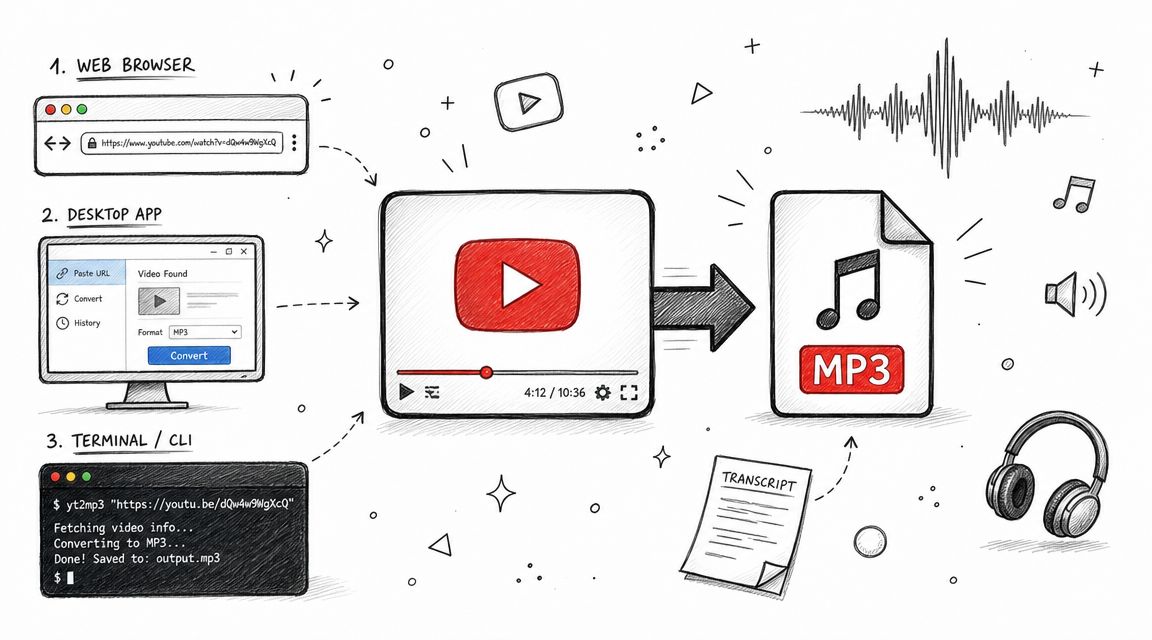
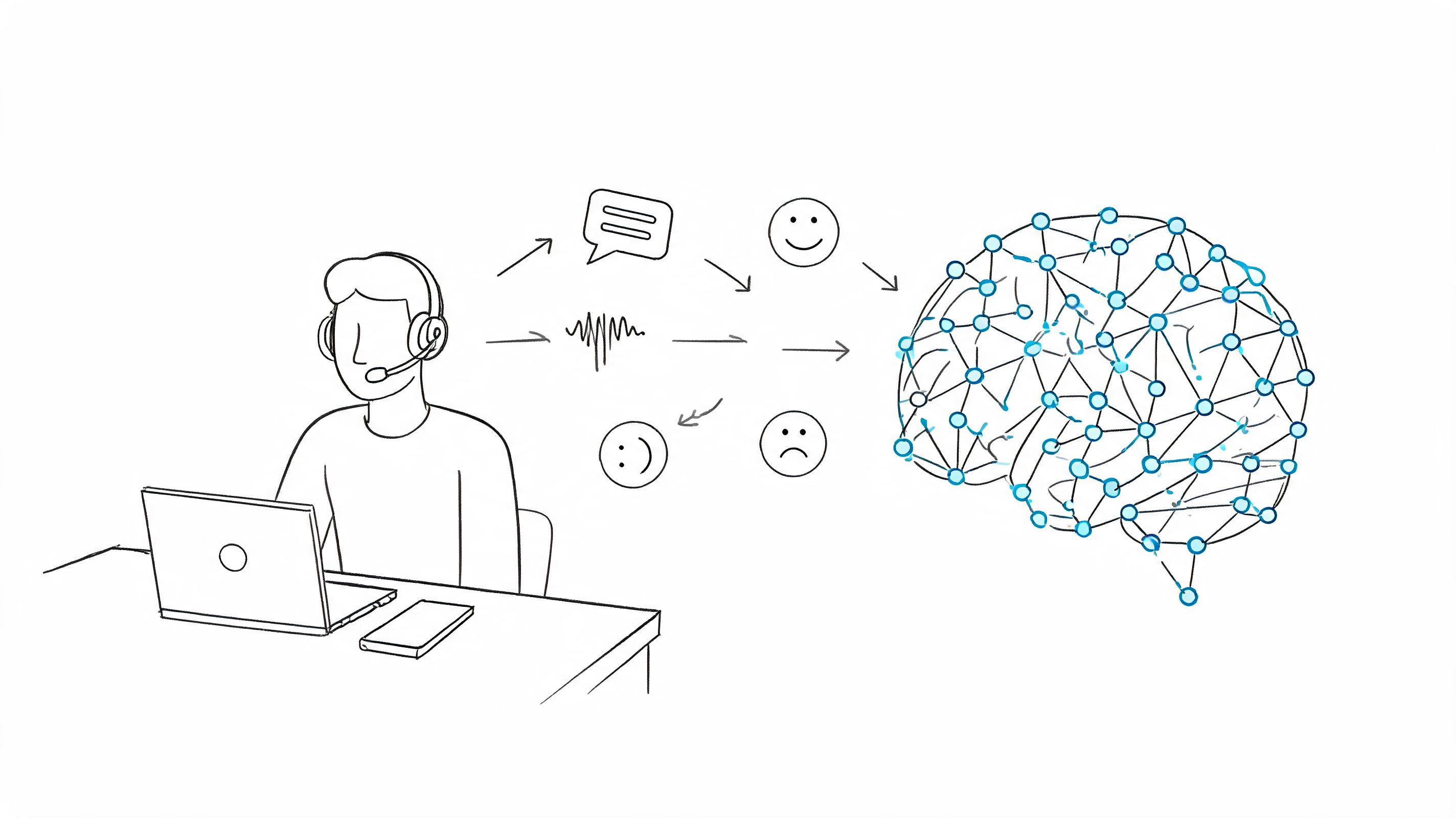
This is one reason firms need clear policies for recordings, summaries, and transcripts. If your team relies on digital meeting notes, it helps to think through the workflow from capture to deletion, not just the convenience of recording meetings and transcribing.
Insecure technology choices
Some tools create risk because no one asked basic questions before adoption. Where is the data stored? Is it encrypted in transit and at rest? Can access be restricted? Can source files be deleted? Who at the vendor can access customer content?
Tools don't become ethically acceptable because they save time. They become acceptable when the firm understands the risk and controls it.
The practical takeaway is simple. Confidentiality in modern practice is partly a legal discipline and partly an information-governance discipline.
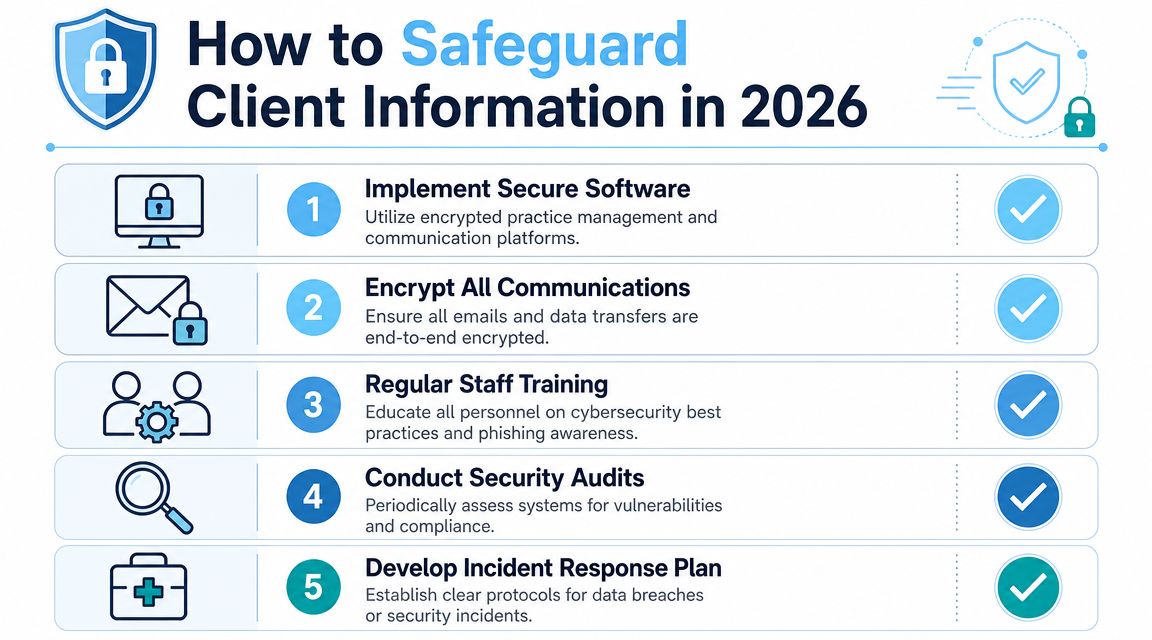
How to Safeguard Client Information in 2026
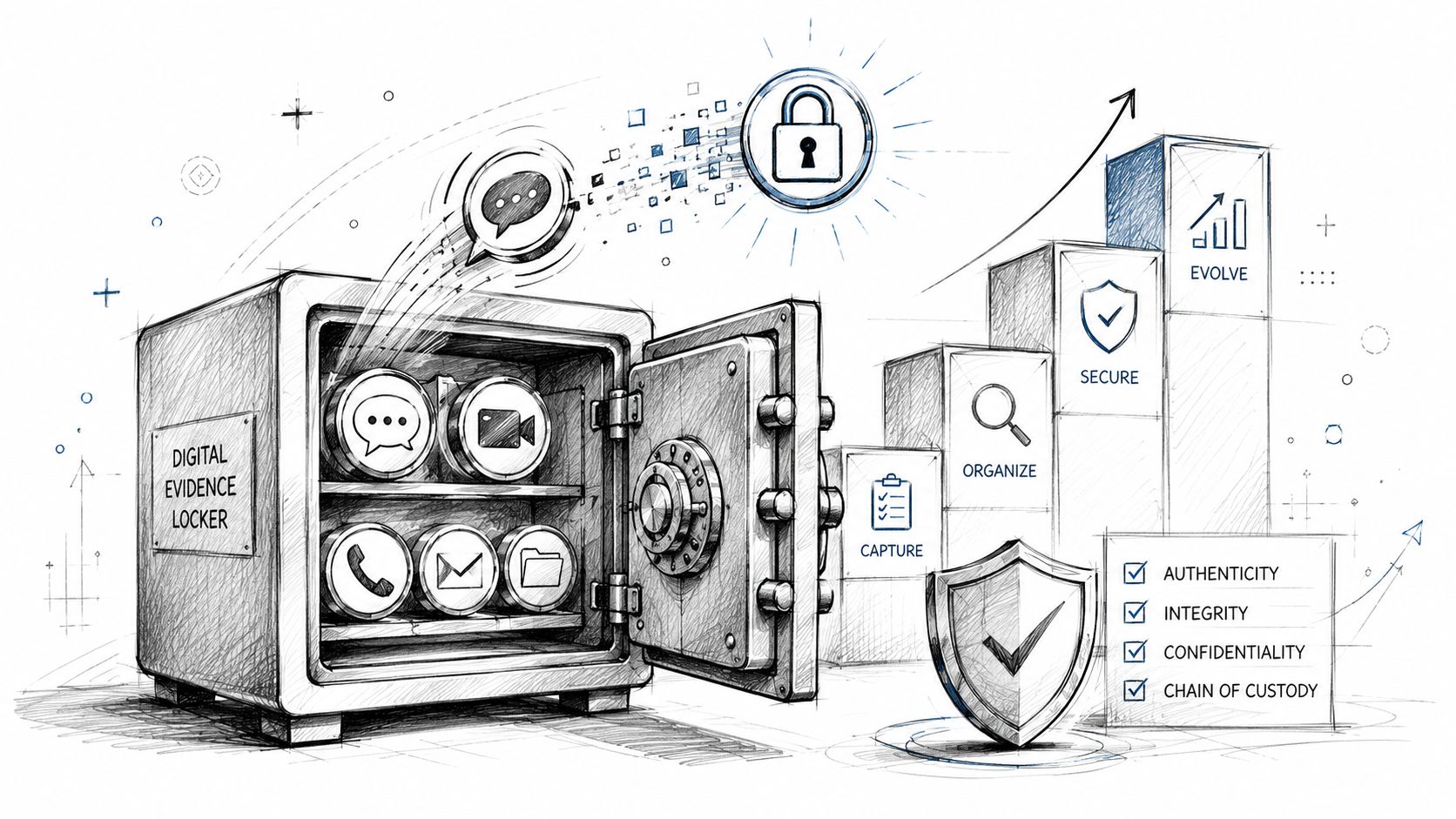
Good confidentiality practice isn't built on one magic product. It's built on habits, policies, and vetted systems working together.
Start with communication controls
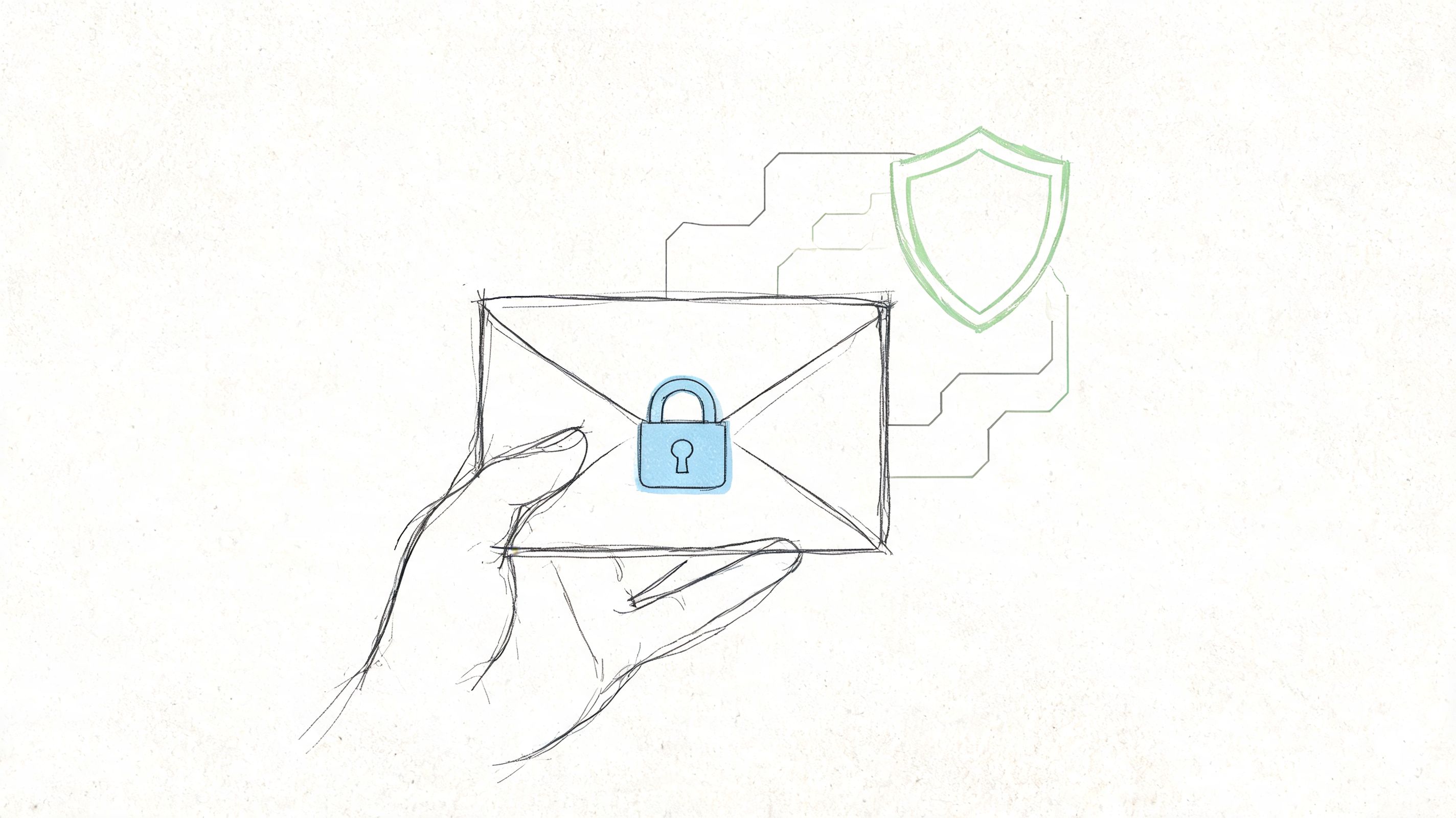
Email remains one of the easiest places to make an expensive mistake. Use secure channels for sensitive exchanges, limit forwarding, and build a habit of checking recipients before sending. For matters involving especially sensitive material, define approved communication methods at the start of the engagement.
If your team needs a plain-language baseline, this walkthrough on how to send a secure email is a useful operational reference.
Lock down storage and access
A strong storage policy answers practical questions, not abstract ones.
- Matter-based permissions: Access should follow the file, not the office directory.
- Retention rules: Don't keep recordings and exports longer than needed.
- Version discipline: Store final, draft, and privileged work product in clearly separated ways.
- Mobile safeguards: Require device locks and clear procedures for lost devices.
Physical security still matters too. Digital confidentiality is weakened when anyone can walk into a room, view a screen, or access an unattended device. Firms that manage shared spaces, client rooms, or controlled entrances often look to broader secure access solutions as part of the same protection mindset.
Here's a concise overview worth watching before you finalize your internal controls.
Vet third-party vendors like a lawyer
Law firms increasingly use cloud platforms, e-signature tools, intake systems, and AI transcription services. That's workable, but only if someone asks disciplined questions.
When evaluating a vendor, look for:
| Question | Why it matters |
|---|---|
| Is data encrypted in transit and at rest? | It reduces exposure during transfer and storage |
| Can admins control access? | Matter-level restrictions are basic hygiene |
| Are deletion options available? | Some tasks don't justify long-term retention |
| Can the vendor explain its security practices clearly? | Vague answers are a warning sign |
| Does the tool fit the sensitivity of the matter? | Convenience should not outrun risk analysis |
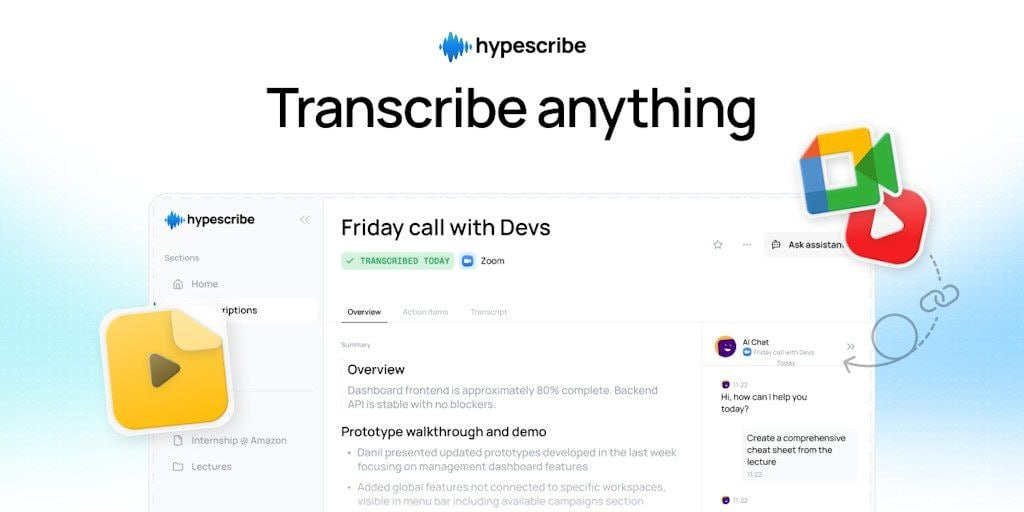
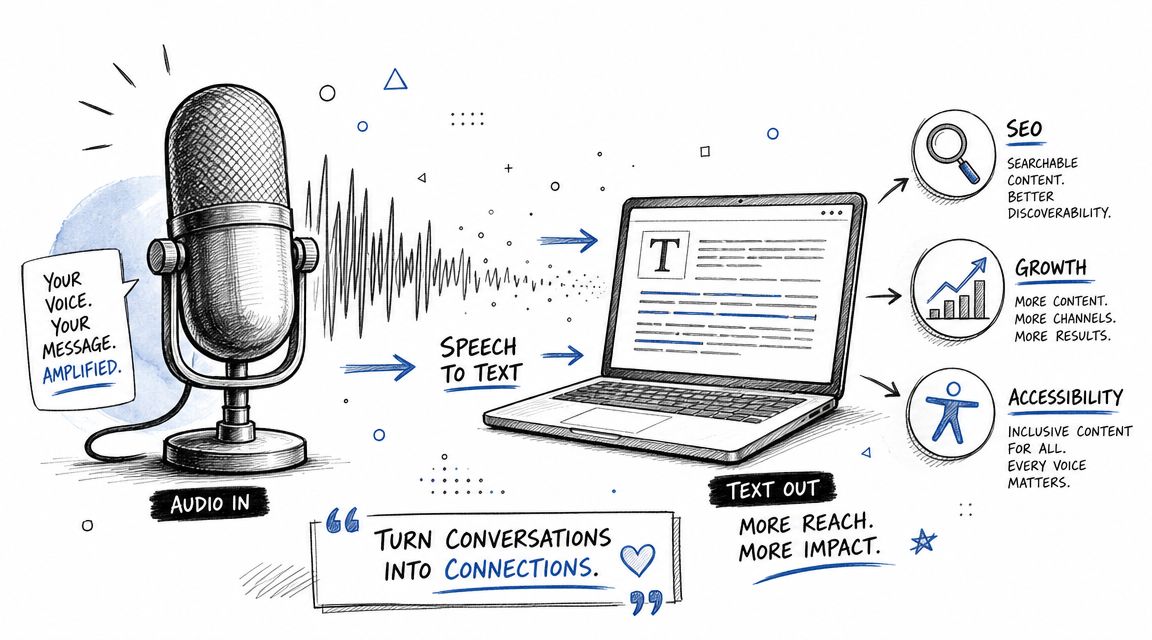
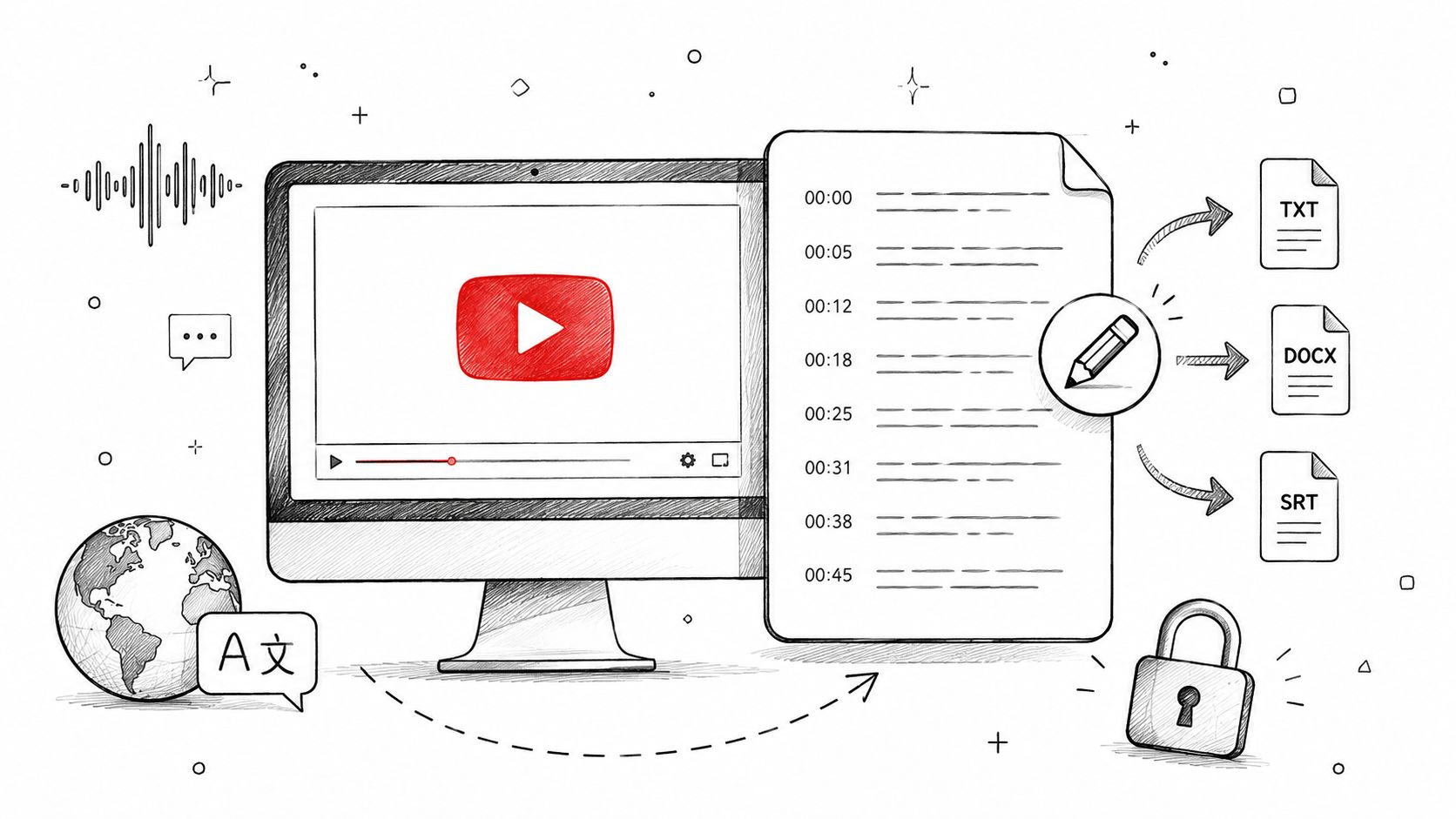
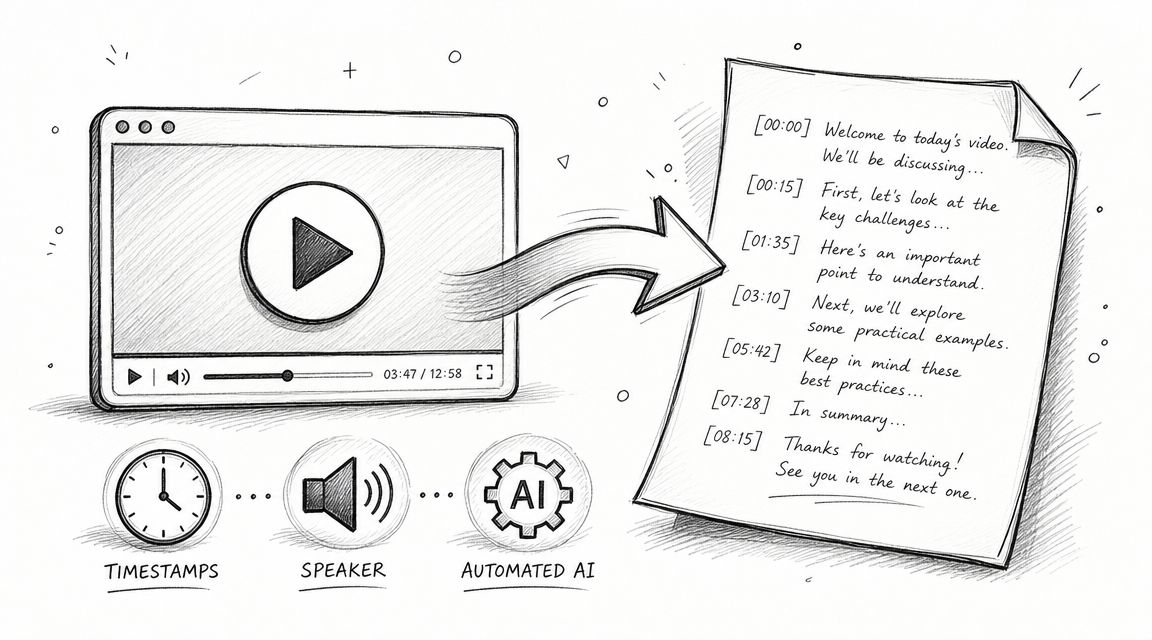
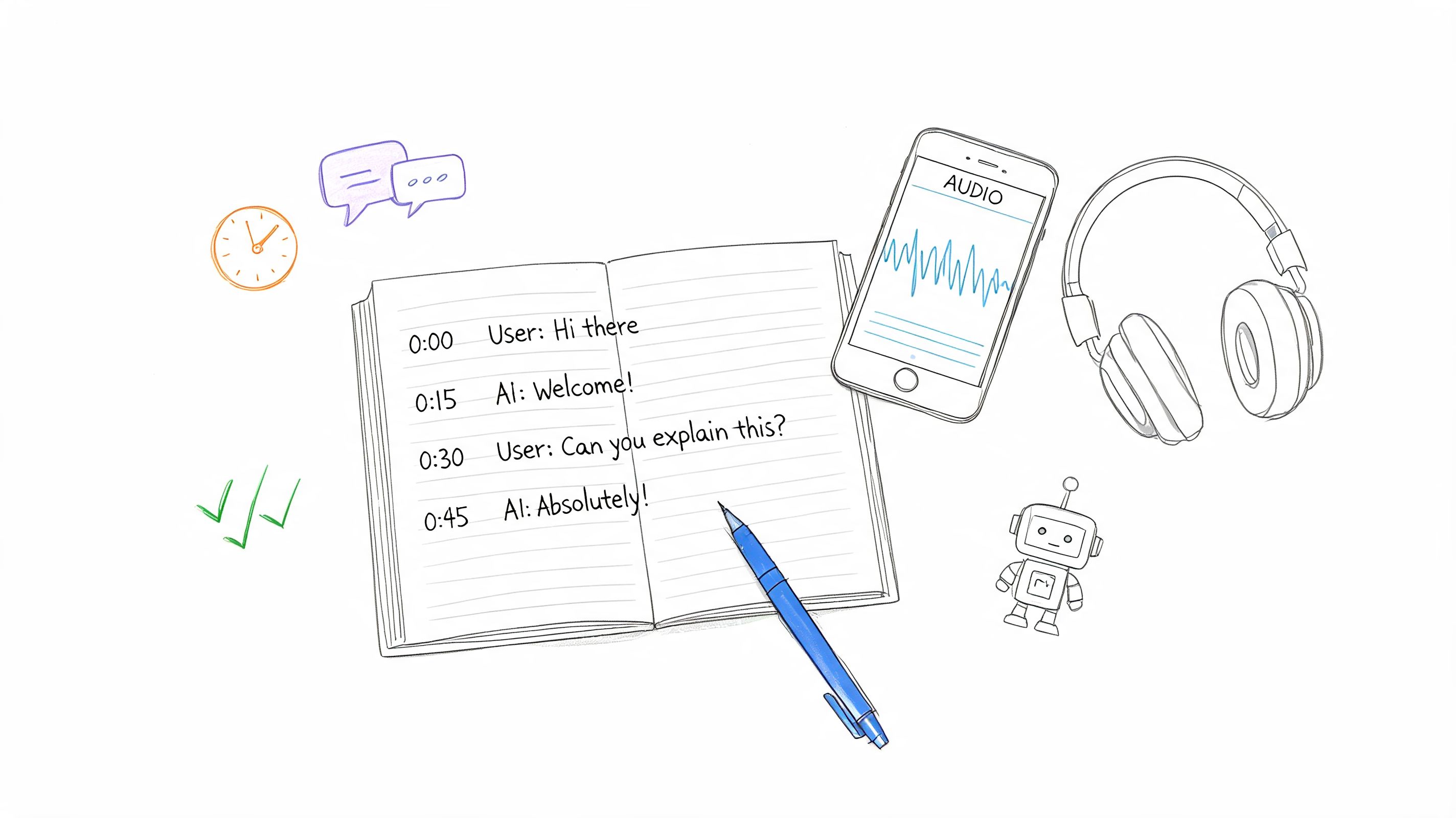
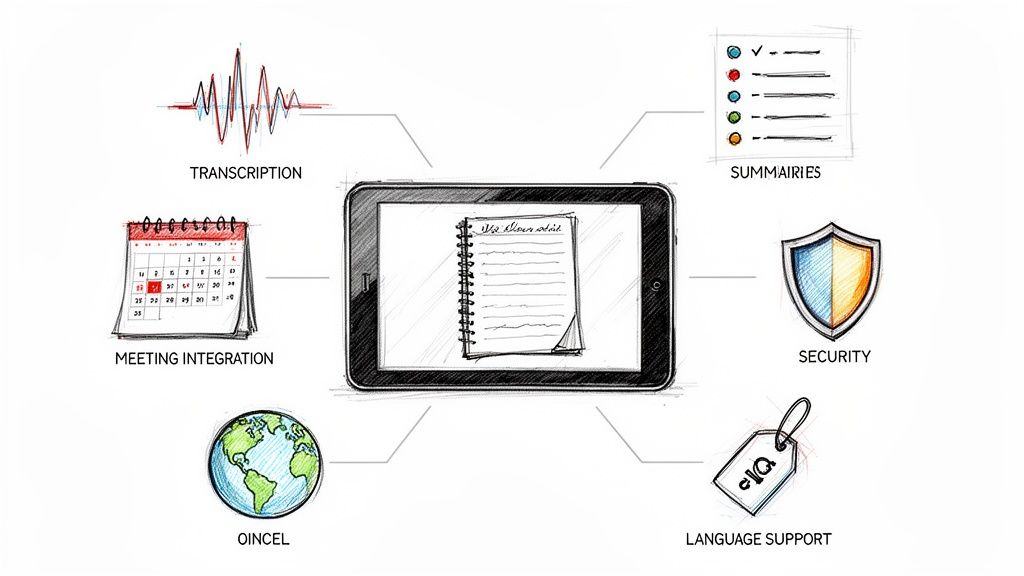
For example, if a team uses AI transcription for interviews or client meetings, it should review exactly what the service does with uploaded audio, transcripts, summaries, and stored files. One option in this category is HypeScribe, which provides transcription, summaries, exports, encryption in transit and at rest, and optional deletion of source files and transcripts. Whether that tool is appropriate depends on the matter, the firm's policy, and the vendor review process.
Train people, not just systems
The best policy in the world fails if no one follows it. Partners should assume that younger lawyers and staff need concrete examples, not just a PDF handbook. Show them what a risky forwarding decision looks like. Show them how to configure access on a matter folder. Show them what should never be pasted into a casual chat.
The standard isn't perfection. It's sustained, reasonable, professional care.
Making Confidentiality a Core Part of Your Practice
The fortress and shield model helps because it changes how lawyers work day to day. If you remember only privilege, you'll focus on litigation moments. If you understand confidentiality, you'll protect the full life cycle of client information.
That shift matters. A firm that treats confidentiality as a core operating discipline usually communicates better, supervises better, and chooses technology more carefully. Clients notice that. They may not ask about every setting in your software stack, but they can tell when your team handles sensitive information with calm precision.
Trust is built in the small decisions
Confidentiality lives in dozens of routine choices:
- Who joins the call
- Where the file is stored
- Whether recording is necessary
- How long data is retained
- Which vendor gets access
- What gets said in public spaces
Those choices form your professional reputation.
A similar principle applies to your public-facing systems. A law firm website, intake flow, or contact form can either reinforce trust or undermine it, which is why firms reviewing their digital presence often study Rebus' expertise in law firm web design with an eye toward clarity, professionalism, and safer client interactions.
Strong confidentiality practice isn't just compliance. It's part of how a modern firm proves it deserves the client's trust.
Review your workflows. Check your vendors. Tighten your permissions. Train your people. If a process touches client information, it deserves deliberate design.
If your team records meetings, interviews, or client calls and needs a controlled way to turn speech into searchable text, HypeScribe is worth evaluating as part of your vendor review process. It offers AI transcription, summaries, exports, encryption in transit and at rest, and deletion options, which makes it relevant for firms building more careful workflows around spoken client information.