
10 Best Audio to Text Software Mac (2026 Guide)
You just finished a long client interview, recorded a lecture you need to study from, or wrapped a team brainstorm that produced ten useful ideas and twenty loose threads. The value is in the audio, but getting it back out by hand is slow, tiring work. Replaying, pausing, typing, rewinding, and trying to catch names or action items is how hours disappear.
That's where audio to text software mac buyers care about earns its keep. The right app turns raw recordings into searchable text you can edit, share, quote, and reuse. Instead of treating a meeting or recording like a black box, you can pull out decisions, speaker quotes, summaries, and follow-ups fast.
On Mac, the choice is wider than it used to be. Some tools run locally for privacy. Others are built around cloud collaboration, live meeting bots, and AI summaries. If you're weighing the differences in cloud vs local AI, that distinction matters more than the marketing page usually admits. Local tools usually win on control and sensitive audio. Cloud tools usually win on automation, sharing, and meeting workflows.
This guide gets straight to the point. These are the tools I'd shortlist for real macOS use, with clear recommendations for creators, students, journalists, and teams that need usable transcripts instead of another pile of files.
1. HypeScribe
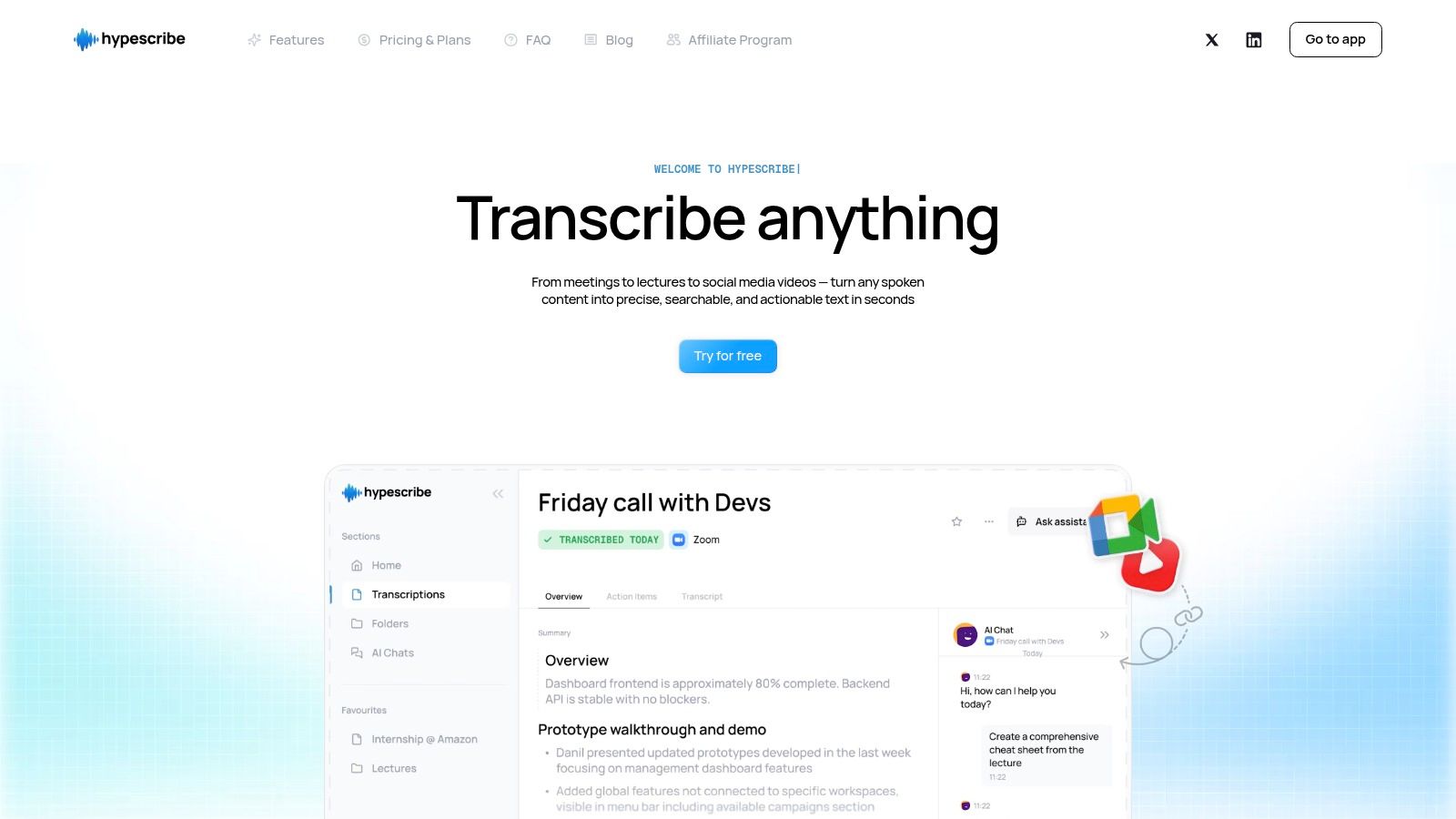
HypeScribe fits Mac users who do more than one kind of transcription work. A creator might upload a podcast interview in the morning, a student might process a recorded lecture in the afternoon, and a small team might need meeting notes by evening. Few tools handle all three use cases cleanly.
What makes it stand out is the pricing model. HypeScribe charges by file through tokens, not by runtime, so long recordings are less annoying to manage. If you regularly work with full interviews, webinars, lectures, or raw podcast files, that structure is easier to budget around than minute-based plans that punish longer source material.
Best for mixed workflows on Mac
This is the strongest fit for people whose transcription needs change week to week. It supports uploaded audio and video, pasted links, and meeting capture through its note taker for Zoom, Google Meet, and Microsoft Teams. That range matters if you want one Mac-friendly tool for creators, students, solo operators, and small teams instead of separate apps for each job.
In day-to-day use, the value is not just getting a transcript. It is getting from recording to something usable. Summaries, action items, search, Q&A, and export options reduce the amount of copying and reformatting after the transcript is finished. That is the difference between a transcript archive and a tool you keep open.
A few points matter in practice:
- Token-based billing: Better for long files and less stressful than watching the clock.
- Meeting support: Useful for teams that need recurring notes, not just one-off uploads.
- Export options: Google Docs, Word, PDF, TXT, and Markdown cover common Mac writing and publishing workflows.
- Transcript Q&A: Helpful when you need one quote, decision, or answer without rereading everything.
If you're comparing it with a meeting-first option, this breakdown of HypeScribe vs Otter alternatives for transcription workflows is a useful companion.
There are trade-offs. Free usage is limited, and note taker capacity is tied to plan level, so heavier users will outgrow the entry tier quickly. Audio quality still decides how much cleanup you will do afterward. Crosstalk, industry jargon, weak microphones, and noisy rooms will still create errors, which is true of every tool in this list.
For Mac users who switch between content production, study material, interviews, and team meetings, HypeScribe is the most versatile starting point in this roundup. It is the pick I would give the generalist.
2. Otter.ai

Otter.ai is the safe pick for professionals who live in meetings and want transcripts to feel like shared notes rather than static documents. On Mac, that matters because the majority of users aren't transcribing old files all day. They're trying to keep up with Zoom calls, recurring team syncs, and client conversations.
Otter works well when the transcript is only the starting point. Speaker labels, searchable notes, AI summaries, and collaboration features make it easier to use in live business workflows than in archival or editorial ones.
Best for managers and client-facing teams
If your calendar is packed and your problem is “I missed that decision” rather than “I need a pristine interview transcript,” Otter fits. The Mac desktop app and browser workflow are both straightforward, and the auto-join meeting bot is convenient when you want notes captured without remembering to hit record manually.
What works:
- Live meeting coverage: It's designed around Zoom, Google Meet, and Microsoft Teams habits.
- Shared visibility: Teams can search past conversations instead of asking for recaps.
- Post-meeting usefulness: Summaries and templates reduce cleanup work.
What doesn't:
- Plan gating: Some integrations and admin controls sit higher up the pricing ladder.
- Import constraints: If your use case is mostly uploading lots of recorded media, Otter can feel less generous than upload-first tools.
Otter is strongest when meetings are the source of truth. It's less compelling when your real workload is podcasts, interviews, or large media archives.
If you're comparing it against newer options, this breakdown of Otter.ai alternatives is a useful next read.
For Mac buyers, the decision is simple. Pick Otter when collaboration is the priority. Skip it if privacy, local processing, or heavy media editing matters more.
3. Descript

Descript is what I'd put in front of a podcaster, course creator, or YouTuber before I'd give them a transcript-only app. On Mac, it feels less like dictation software and more like a production workspace that happens to be built around text.
That difference matters. If your transcript is there to help you edit audio or video, Descript makes more sense than a meeting-first platform.
Best for creators editing by transcript
Descript's real advantage is text-based editing. Delete a sentence in the transcript and you remove it from the audio or video timeline. For creators, that is often the moment the app clicks. It reduces the gap between reviewing what was said and shaping the final piece.
Its other creator-focused features help round out the workflow:
- Studio Sound: Useful when the recording is decent but needs polish.
- Remove Filler Words: Helpful for spoken-first content that needs tightening.
- Screen and remote recording: Good fit for tutorials, interviews, and educational content.
- Caption export: Important if your transcript also feeds subtitles and short-form clips.
The downside is that Descript can be more tool than some people need. If all you want is fast audio to text software mac users can upload to and export from, this can feel heavy. It rewards people who will use the editor.
I usually steer people away from Descript when their workflow is mostly “record meeting, get notes, send summary.” It shines when you're publishing. If your Mac is part studio, part writing desk, and part content repurposing machine, Descript earns its place quickly.
4. MacWhisper
MacWhisper earns its place for a different reason than the tools around it. Open a sensitive interview on your Mac, hit transcribe, and keep the file on the device the whole time. For many users, that changes the buying decision immediately.
Best for journalists and private local transcription
MacWhisper fits journalists, researchers, lawyers, consultants, and anyone else handling recordings that should stay off a third-party server. It is built for macOS, runs locally, and takes good advantage of Apple Silicon. In practice, that means a private workflow that also feels fast enough to use every day, not just in edge cases.
The trade-off is straightforward. You get control and privacy, but not the same collaboration layer you would get from Otter.ai, Fireflies.ai, or other meeting-first tools. If your job involves shared notes, team comments, or automated meeting follow-ups, a cloud platform will usually create less friction. If your priority is accurate transcripts on one Mac, with as little exposure as possible, MacWhisper is a stronger fit.
MacWhisper offers a free version and paid upgrades through its own app and site, with Pro features aimed at heavier local transcription workflows. The exact plan details can change, so it makes more sense to check the current pricing on the product site than rely on third-party roundups. What matters in real use is the value proposition. You are paying for a native Mac app, local processing, and a setup that respects confidential source material.
I usually recommend MacWhisper to the person who records long interviews, oral histories, research sessions, or client calls and does not want those files leaving the machine.
If privacy comes first, MacWhisper is the clearest recommendation in this list.
Its limitations are real. Cleanup, collaboration, and downstream automation are lighter than what you get in browser-based team products, and some users will need to experiment with models and settings to find the right speed-to-accuracy balance. For solo Mac workflows, though, it is one of the easiest recommendations here because the use case is so clear.
5. Sonix
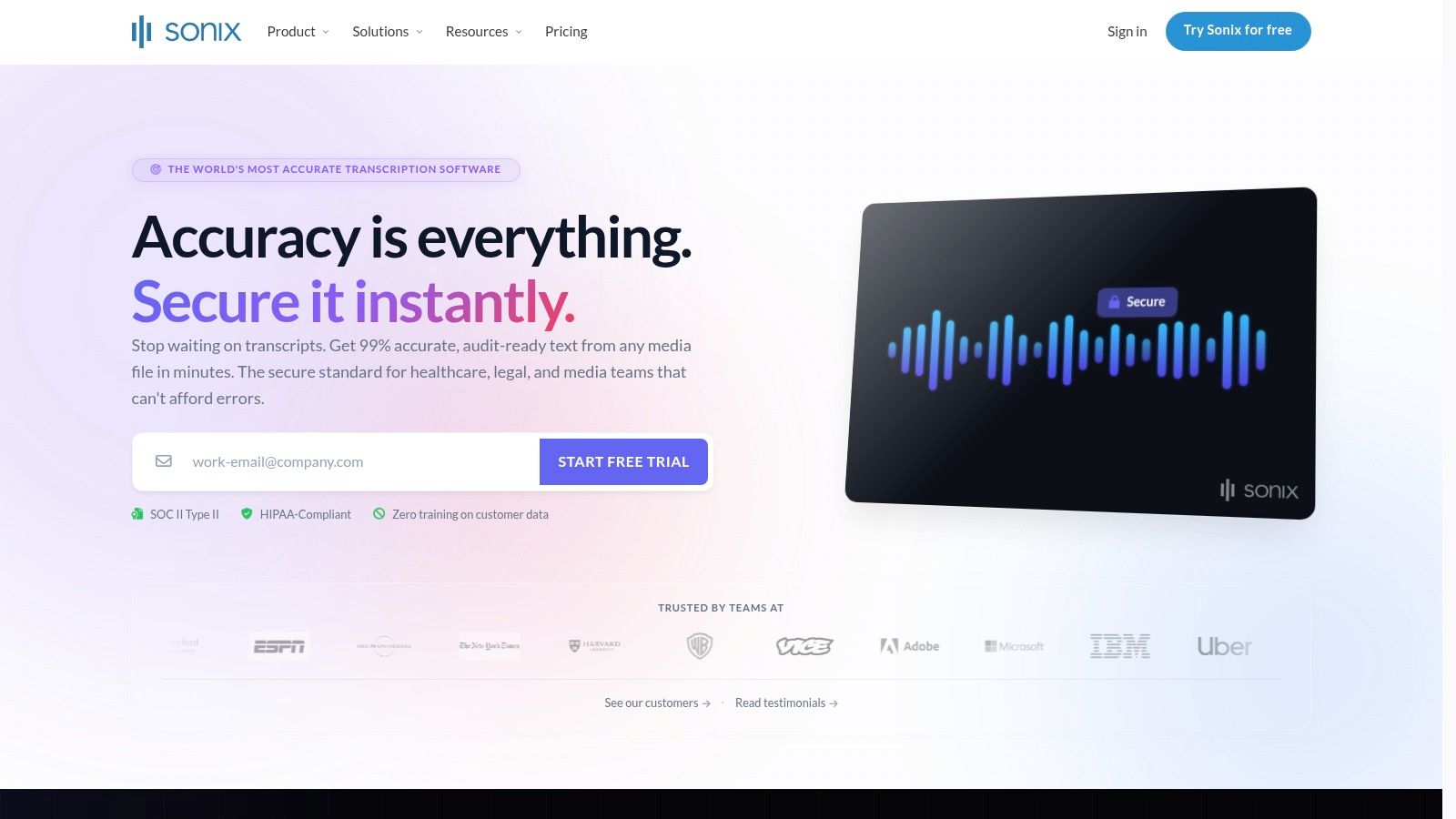
Sonix fits a common Mac workflow. You record an interview, webinar, or training session, open the file in a browser, clean the transcript, then turn it into captions or translated deliverables without switching tools three times.
That is the reason Sonix stands out here. It is less about note-taking and more about post-production for spoken content. For people who publish, localize, or hand off polished transcripts to clients, that distinction matters.
Best for multilingual business content
I usually point Sonix toward teams producing webinars, customer interviews, training libraries, or international marketing assets. The transcript is only one part of the job. They also need subtitles, speaker cleanup, translation support, and exports that fit the next step in the workflow.
Sonix has published its own adoption statistics around transcription demand and time savings in Sonix's meeting transcription adoption statistics. I would treat that as vendor-published context, not independent market research. The practical takeaway still holds. Buyers increasingly want transcripts that can be edited, repurposed, and published, not just stored.
Sonix handles that well:
- Subtitle and caption exports: Useful if your Mac workflow ends in video, training content, or localized media.
- Clean browser editing: Fast to review without installing a heavier desktop app.
- Translation-friendly workflow: A better fit for teams working across languages than tools focused mainly on meeting notes.
The trade-off is pricing clarity at the high end. Some AI features and higher-usage needs can push you into add-ons or a more complex bill than simpler all-in-one plans. If you want one predictable subscription for frequent meetings, another tool may be easier to budget. If you need polished transcripts that move cleanly into subtitles and multilingual deliverables, Sonix is one of the better picks on this list.
6. Rev

Rev earns its spot because not every Mac transcription job should be handled by AI alone. Sometimes you need a cleaner record, a human-reviewed transcript, or documentation that can stand up to closer scrutiny.
That's where Rev is still different. It gives you both automated transcription and a path to human transcription, captions, and subtitles without forcing you to leave the same ecosystem.
Best for legal, research, and high-stakes transcripts
If the transcript might be quoted in a report, used in a legal context, or reviewed by someone who cares about exact wording, Rev makes sense. The human option is the selling point. AI-only tools are often fine for internal notes, but not every workflow is that forgiving.
Here's how I'd frame the trade-off:
- Use Rev AI transcription when speed matters and you can review the output.
- Use Rev human transcription when the transcript is part of the deliverable.
- Use captions and subtitle services when accessibility or publishing is part of the job.
Rev is less appealing for budget-conscious, high-volume projects because human review adds cost quickly on long recordings. It also isn't the cleanest option if you want a single collaborative Mac workspace for meetings, files, and summaries. But for transcript quality that may need stronger assurance, Rev is one of the few tools here that covers both ends of the spectrum.
7. Notta

Notta is one of the easier tools to recommend to solo users who want a modern meeting assistant without buying into a big enterprise stack. It works well on Mac through the web and desktop flow, and it covers both live transcription and uploaded files.
This is the kind of product that tends to click with students, freelancers, and small teams. It feels lighter than enterprise suites, but still useful beyond simple dictation.
Best for students and solo professionals
Notta works well when your week includes lectures, remote calls, interviews, and ad hoc voice notes. You get speaker identification, summaries, translation support, and a clean editor without needing a complicated setup.
I like it most for people who want:
- Cross-platform convenience: Mac at the desk, phone on the move.
- Simple transcript cleanup: Enough editing features without overbuilding the workflow.
- Meeting support: Useful if classes, interviews, or client calls are recurring.
The compromise is that some organizational and governance features move into higher-tier plans. That's normal in this category, but it matters less to individuals than to larger teams.
For a student or independent consultant searching for audio to text software mac options that won't feel bloated, Notta is one of the better balanced choices.
8. Happy Scribe
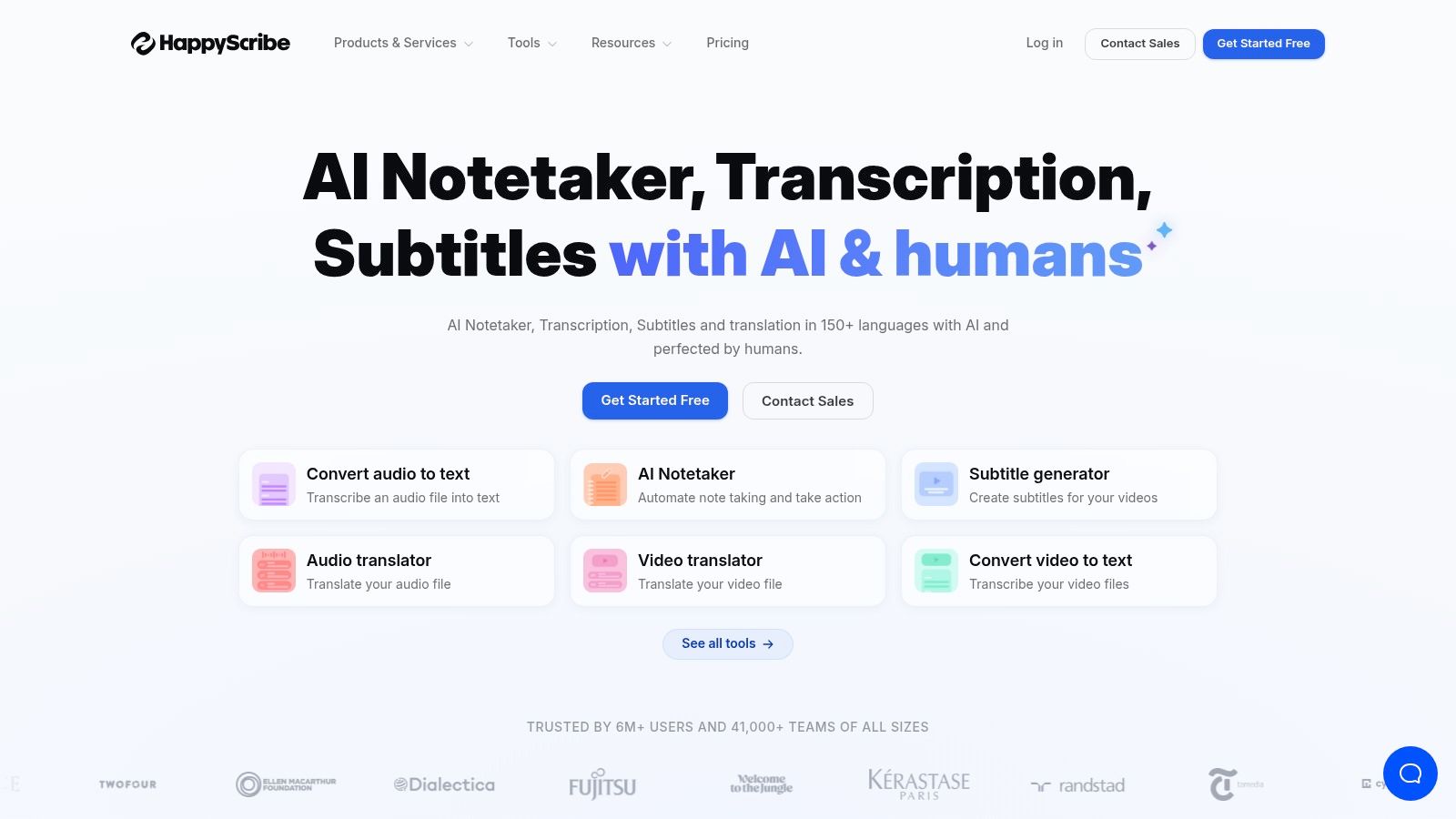
Happy Scribe is a strong fit when transcription and subtitling belong in the same workflow. A lot of Mac users don't just need text. They need captions, translated subtitles, and collaboration around media assets.
That's where Happy Scribe distinguishes itself. It combines AI transcription with optional human proofreading and a good spread of subtitle formats.
Best for video teams and translated captions
If you handle webinars, interviews, educational videos, or social content across languages, Happy Scribe deserves a look. It's practical for teams that want one system for transcript editing and subtitle export rather than stitching those jobs together manually.
Its strengths are pretty clear:
- Multilingual orientation: Better fit for cross-language publishing than meeting-only tools.
- Subtitle output: Important for video-first teams.
- Optional human support: Useful when AI gets you close but not all the way.
What you need to watch is usage creep. If your work involves a lot of AI extras or collaboration-heavy features, plan boundaries matter. Happy Scribe is best when you know your workflow is media and caption driven, not just note taking.
9. Trint

Trint has always made the most sense to me in editorial environments. Newsrooms, documentary teams, and media organizations need more than a transcript export. They need collaborative editing, assembly, and governance.
That newsroom DNA still shows. Trint is built for teams that treat transcripts as raw reporting material.
Best for journalists and editorial teams
When several people need to review, edit, pull quotes, and shape a story from interviews or live recordings, Trint is a better fit than general productivity apps. The collaborative editor and story-building features matter more here than in standard business use.
The strongest reasons to choose it:
- Editorial workflow support: Better than generic meeting recap tools.
- Collaboration: Multiple people can work from the same source material.
- Enterprise controls: Useful for larger media organizations.
The biggest drawback is buying clarity. Public pricing is less straightforward than many alternatives, so smaller teams may need to talk to sales before they can compare it properly. If you're a solo journalist, MacWhisper or Rev may be easier to adopt. If you run an editorial operation, Trint becomes much more compelling.
10. Fireflies.ai

A common Mac workflow problem looks like this: a rep finishes six calls, a manager wants the takeaways in the CRM, and nobody has time to clean up notes by hand. Fireflies.ai is built for that kind of environment.
It records meetings, generates transcripts, pulls out summaries and action items, and sends that information into the tools teams already use. That last part matters more than the transcript itself for a lot of companies.
Best for sales and operations teams
Fireflies is a strong fit for teams running repeatable conversations with a clear next step after every call. Sales follow-ups, customer success check-ins, onboarding calls, support reviews, and internal handoff meetings all benefit from automatic capture plus searchable history.
What stands out on Mac is how little manual work it asks from the team once it is set up. The meeting bot handles collection, and the platform is designed to push notes into systems where work happens. For managers, that usually means better visibility. For reps and coordinators, it means less copy-pasting after every call.
The trade-off is straightforward. Fireflies makes the most sense when transcripts are operational records, not polished final documents. If you need careful line editing, publication-ready quotes, or local-only processing, other tools in this list fit better. If your team needs meeting content to trigger follow-up work, assign tasks, and stay searchable across accounts and projects, Fireflies is one of the more practical options to shortlist.
Top 10 Mac Audio-to-Text Tools Comparison
| Product | Core features ✨ | Quality & Speed ★ | Pricing & Value 💰 | Target Audience 👥 | Unique Selling Points |
|---|---|---|---|---|---|
| HypeScribe 🏆 | ✨ Token-based unlimited-length uploads; transcripts, AI summaries, action items, NoteTaker & chatbot; 100+ langs | ★ Claimed up to 99% accuracy; ~1 hr transcribed in <30s | 💰 Free (3 tokens/mo); Starter $6.99; Pro $7.99; Ultra $12.99; tokens roll over | 👥 High‑volume users, teams, creators | 🏆 ✨ Lightning-fast token model, file-referencing chatbot, encryption & delete options |
| Otter.ai | ✨ Live transcription, speaker ID, templates, Mac app, imports | ★ Solid live accuracy; good speaker detection | 💰 Freemium → paid tiers; some import limits on Pro | 👥 Teams & professionals needing live meeting notes | ✨ Auto-join bots, collaborative notes & sharing |
| Descript | ✨ Text-based audio/video editing, multitrack, Studio Sound, captions | ★ High for creators; strong post‑production tools | 💰 Free tier + credits/minutes model for heavy use | 👥 Podcasters, video creators, educators | ✨ Edit audio by editing text; powerful cleanup (Studio Sound) |
| MacWhisper | ✨ On-device Whisper/Parakeet, batch, watch folders, local exports | ★ Privacy-first; very fast on Apple Silicon | 💰 💰 One-time license; no cloud fees | 👥 Journalists, researchers, privacy-conscious users | ✨ Fully local transcription, strong Apple Silicon performance |
| Sonix | ✨ Multilingual transcription, subtitles (SRT/VTT), robust editor, API | ★ Reliable multilingual accuracy; speaker diarization | 💰 💰 Transparent per-hour or subscription pricing | 👥 Teams needing translation/subtitling & predictable costs | ✨ Rich subtitle/translation exports; enterprise controls |
| Rev | ✨ AI transcripts + optional human transcripts, captions & subtitles | ★ AI fast; human option ~99% accuracy | 💰 💰 Pay‑per‑minute for human; AI lower-cost but human can be costly | 👥 Legal, research, enterprises needing certified accuracy | ✨ Human-verified certified transcripts & broad file support |
| Notta | ✨ Live & file transcription, speaker ID, Chrome extension, translation | ★ Good accuracy for individuals; generous quotas | 💰 💰 Competitive Pro quotas; cross‑platform pricing | 👥 Students, solo professionals & small teams | ✨ Cross-platform apps, generous individual allowances |
| Happy Scribe | ✨ AI transcription (60+ langs), subtitle exports, optional human proofreading | ★ Solid multilingual results; collaborative editor | 💰 💰 Pay-as-you-go + extra AI credits; human proofreading add-on | 👥 Subtitling & translation teams | ✨ Wide subtitle formats + human proofreading option |
| Trint | ✨ Live & file transcription, collaborative editor, story-building tools | ★ Enterprise/media-grade workflows & governance | 💰 💰 Enterprise/pricing often via sales; per-seat models | 👥 Newsrooms & enterprise media teams | ✨ Editorial workflow features, SSO/SCIM & compliance |
| Fireflies.ai | ✨ Auto-join meeting bot, transcribe, summaries, action items, integrations | ★ Good meeting recaps; advanced features may use AI credits | 💰 💰 Unlimited on paid plans; extra credits for AI Apps | 👥 Sales, support & ops teams tied to CRMs | ✨ Broad CRM integrations, easy team deployment |
From Spoken Words to Searchable Knowledge
The best audio to text software for Mac does more than save typing. It changes the value of your recordings after the fact. A client call becomes a searchable project record. A lecture becomes study material you can skim and quote. An interview becomes a source file you can work from instead of a two-hour replay commitment.
The main mistake people make is shopping as if all transcription tools solve the same problem. They don't. HypeScribe, Otter.ai, and Fireflies.ai are strongest when you want a meeting assistant and usable outputs like summaries or action items. Descript is better when the transcript is part of an editing workflow. MacWhisper is the clear privacy-first option for local processing on Apple hardware. Rev still matters when a human-reviewed transcript is the safer choice. Sonix, Happy Scribe, and Trint make more sense when subtitles, multilingual content, or editorial collaboration are part of the job.
That's also why “best” depends on who you are. Creators usually get more value from Descript or HypeScribe than from a pure meeting bot. Journalists and researchers often care more about MacWhisper, Trint, or Rev. Students and solo professionals usually want something lighter, which is where Notta often lands well. Teams that need consistency across recurring calls often do best with Otter.ai or Fireflies.ai.
A practical way to decide is to test one real file and one real meeting before committing. Don't upload the clean demo recording. Upload the messy interview with two speakers. Run the team call with interruptions. Export the transcript and ask a simple question: would you use this output tomorrow? If the answer is no, the feature list doesn't matter.
The category is moving fast, but the buying criteria stay pretty stable. You want accuracy that holds up on your kind of audio. You want a workflow that matches how you already work on Mac. And you want transcripts to become useful knowledge, not just another document you never open again.
If you want more ideas on turning AI outputs into practical workflows, the writing on our ChatGrow blog is worth a look. Then try the free tiers where they exist. A short hands-on test will tell you more than a dozen landing pages.
If you want one tool that handles uploaded files, meeting notes, summaries, action items, and flexible exports without overcomplicating your Mac workflow, try HypeScribe. It's a strong fit for people who want transcripts they can use, not just store.


































































































