
How to Write a Transcript: A Practical Guide for 2026

You’ve got the recording. It might be a client interview, a lecture, a hiring call, a research interview, or a meeting nobody wants to rewatch. The hard part isn’t getting the audio anymore. The hard part is turning it into text people can use.
That’s where most transcripts fail. They exist, but they aren’t useful. Speaker labels drift. Important words are wrong. Filler gets removed when it matters, or kept when it doesn’t. Nobody can find the quote they need. Nobody trusts the final document enough to use it for decisions, analysis, or publication.
A good transcript fixes that. It gives you a searchable record, a clean audit trail, and a document you can quote, annotate, share, or build from. If you’re learning how to write a transcript, the primary job is not “type what you hear.” Instead, the task is deciding what kind of record you need, then using a workflow that gets you there without wasting hours.
From Audio File to Actionable Text
The typical starting point for transcription is often misguided. This involves opening a blank document, hitting play, and attempting to keep pace. That’s the fastest way to create a slow, frustrating mess.
A better starting point is to decide what the transcript must do after it’s finished. A research interview has to preserve wording, pauses, and uncertainty. A weekly team meeting usually needs readable notes, speaker attribution, and a clean list of follow-ups. A podcast transcript may need to become captions, show notes, and repurposed content.
Start with the use case, not the keyboard
When I look at an audio file, I ask three practical questions first:
- Who will read this. A researcher, editor, manager, lawyer, or client will all expect different levels of detail.
- What will they do with it. Quote it, code it, review decisions, publish it, or archive it.
- What must be preserved exactly. Wording, timing, speaker turns, interruptions, or just the meaning.
Those answers decide almost everything that follows.
A transcript is only “accurate” in context. A verbatim research transcript and cleaned-up meeting notes can both be accurate, if they match the job.
What a working transcript should give you
A useful transcript usually does at least four things well:
- Makes the recording searchable so you can find topics, phrases, and decisions quickly.
- Preserves accountability by showing who said what.
- Supports downstream work such as analysis, editing, captioning, reporting, or training.
- Reduces re-listening because the text is trustworthy enough to stand in for the original in most routine tasks.
That’s why transcription is worth doing properly. Once spoken material becomes reliable text, it stops being trapped inside a recording.
Preparing Your Audio and Choosing a Transcript Style
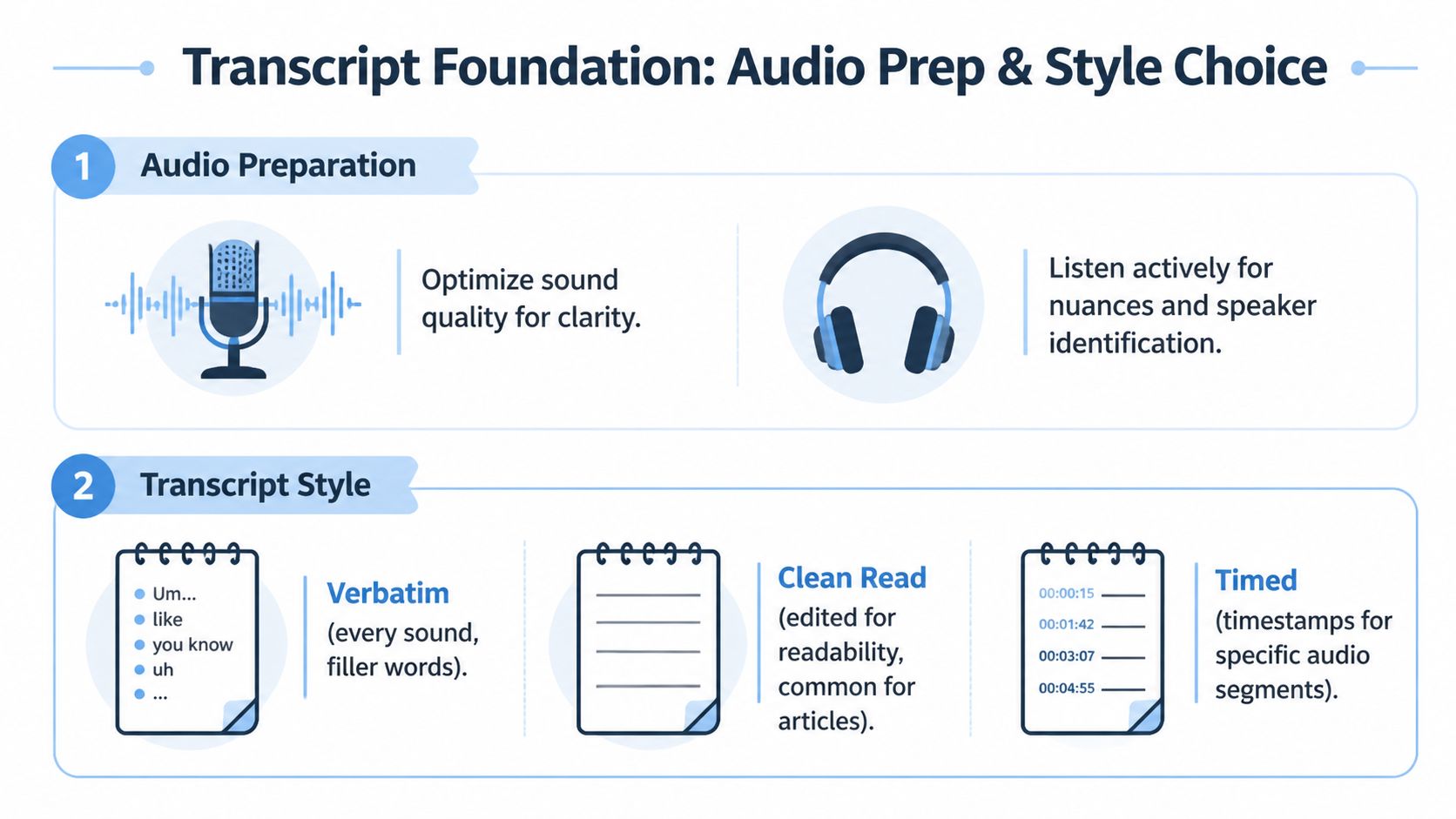
Before writing a single line, fix the two variables that shape the whole job. First, make the audio as workable as possible. Second, choose the transcript style before you begin. If you skip either step, you’ll lose time later.
Clean audio saves more time than fast typing
Transcription quality starts before the first word is typed. If the file has echo, overlapping voices, or background noise, every stage gets harder. Humans struggle. AI struggles. Editing takes longer.
Use this quick prep checklist:
- Check the source file early. Make sure it opens cleanly and isn’t clipped, corrupted, or missing sections.
- Listen to the first few minutes. Identify speaker count, accents, terminology, and obvious trouble spots.
- Rename files clearly. Include date, topic, and version so you don’t edit the wrong copy.
- Keep a term list nearby. Company names, product names, and specialist vocabulary are where errors pile up.
- Use decent capture gear next time. If you record often, it helps to review practical setup advice on audio recorder devices for clearer spoken recordings.
If your end goal is subtitles rather than a document transcript, tools built for video workflows can help. For example, some teams use PostSyncer to caption videos when they need on-screen captions tied closely to edited content.
Verbatim and clean verbatim are not the same job
The biggest mistake beginners make is choosing the style after they’ve already transcribed half the file. Decide first.
| Transcript style | Best for | Includes | Trade-off |
|---|---|---|---|
| Verbatim | Research interviews, legal review, sensitive documentation | Filler words, false starts, hesitations, repetitions, interruptions | More detail, slower to produce, harder to read |
| Clean verbatim | Meetings, lectures, content drafting, internal documentation | Meaningful spoken content with obvious clutter removed | Easier to read, but less exact as a record |
| Timed transcript | Video production, review workflows, editing collaboration | Text plus timestamps at defined points | More navigable, but adds formatting work |
According to GoTranscript’s guidance on writing a transcript, full verbatim transcription takes about 15% to 25% more time than clean verbatim. That’s not a minor choice. It changes the scope of the project.
Pick the style by consequence
Use verbatim when wording itself matters. Use clean verbatim when readability matters more than every spoken tic. Use timestamps when someone will need to jump back into the audio repeatedly.
If you’re unsure, ask what would cause more damage: losing nuance, or making the transcript harder to read.
Choosing Your Workflow Manual vs AI-Assisted
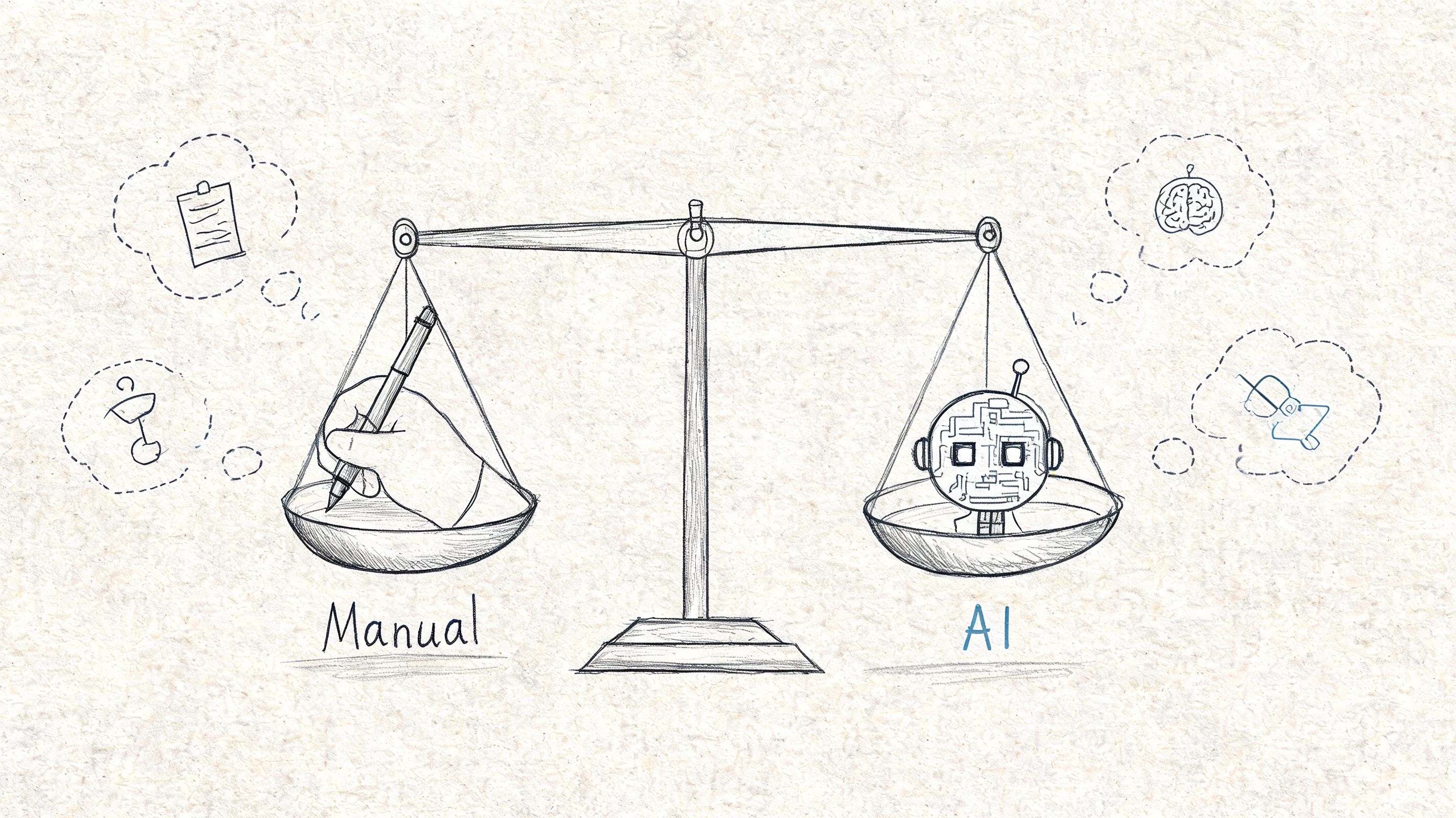
The old manual workflow still has a place. It’s just no longer the common default. If you’re deciding how to write a transcript in 2026, the more useful question is not “manual or AI?” It’s “where does human attention matter most?”
Manual transcription gives control, but it’s expensive in time
There are projects where manual transcription still makes sense. Dense interviews. Poor audio. Highly sensitive material. Situations where you need to hear every hesitation and make judgment calls in real time.
But manual transcription is slow. According to SpeakWrite’s transcription workflow guidance, professional transcriptionists typically need 4 to 6 hours to accurately transcribe one hour of audio. Using AI for the initial draft and reserving human effort for verification and specialized editing can reduce that to 1 to 2 hours.
That’s the key shift. AI doesn’t eliminate editing. It changes what humans spend time on.
AI-assisted transcription works best as a review model
The strongest modern workflow is usually this:
- Generate the first draft with AI
- Review against the audio
- Correct meaning, names, and speaker labels
- Format for the actual use case
- Export in the right format
That review model is faster because blank-page typing disappears. Your job becomes editor, verifier, and formatter.
Some people use AI transcript workflows the same way they handle video or lecture content. If you’re summarizing long recordings from public platforms, this guide to converting YouTube videos to notes shows the same principle in a related format: let a tool create the raw material, then shape it into something useful.
Where HypeScribe fits
For an AI-assisted workflow, one option is AI-powered transcription software. HypeScribe can generate transcripts from uploaded files, links, live meetings, or direct recording, then let you work from the transcript as an editable draft rather than starting from scratch.
The key trade-off is simple:
- Manual only gives you maximum control from the first pass.
- AI-assisted gives you speed, then asks you to apply judgment where the draft is weak.
The smartest workflow usually isn’t “trust AI” or “reject AI.” It’s “use AI where repetition is expensive, and use human review where mistakes matter.”
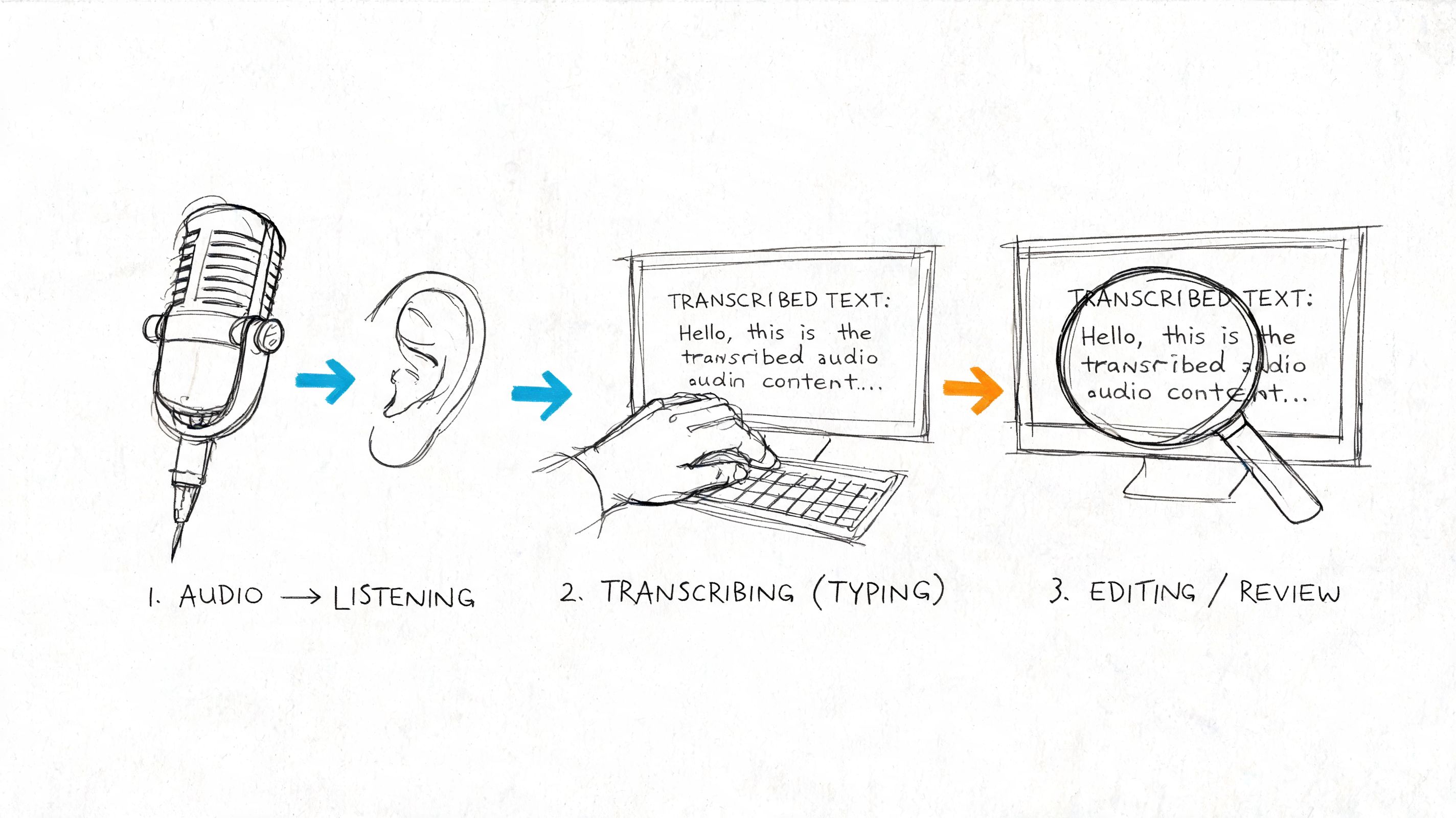
The Core Transcription Process Explained
A transcript usually goes off course in the middle, not at the start. The first few minutes feel manageable. Then a cross-talk section appears, someone mumbles a name, and consistency starts slipping. That is where process matters.
Label speakers clearly and early
Speaker labels should be set before the transcript gets long. Changing conventions halfway through creates cleanup work and causes mistakes during review.
Use one format for the full file:
- INTERVIEWER / PARTICIPANT
- SPEAKER 1 / SPEAKER 2
- Real names or approved pseudonyms
Real names are easier to read. Generic labels are safer for anonymized research. I use names only when identity is confirmed and permitted. Otherwise, neutral labels keep the document cleaner and reduce the risk of exposing personal information.
Put the label at the start of each new turn. For difficult audio, short speaker turns are better than long blended paragraphs.
Build the draft in small, controlled passes
The fastest way to lose accuracy is typing straight through a full recording while trying to solve every problem live. A better workflow is to work in short sections, usually 20 to 60 seconds at a time, then confirm what you captured before continuing.
A practical sequence looks like this:
- Play a short segment
- Type or review the draft for that segment
- Pause and fix obvious wording issues
- Tag unclear words before they pile up
- Move to the next segment
This works in manual and AI-assisted transcription. If you start with an AI draft from HypeScribe, the same rule applies. Review in chunks instead of scanning the whole file passively. That is how you catch subtle errors in names, speaker turns, and repeated phrases.
If any passage sounds too polished after AI transcription, run it back against the audio. Spoken language is usually messier than generated text. For publication-facing copy, some teams also run cleaned transcript excerpts through tools such as Humanize AI Text, but only after the wording is verified against the recording.
Use timestamps where they save time
Timestamps are only useful when they help someone find the audio again. Random placement makes the page harder to read.
Add them in places that serve a real purpose:
- At speaker changes in messy or overlapping audio
- At regular intervals in long recordings
- At decisions, quotes, or topic shifts
- At points a client, editor, or researcher will likely revisit
For legal, research, or production work, timestamps are part of the audit trail. For a simple internal meeting transcript, lighter timestamping is often enough. Match the density to the job.
Mark uncertainty instead of guessing
Good transcription shows the difference between what is confirmed and what is unclear. Guessing closes that gap in a way the reader cannot see.
Use plain notation and keep it consistent:
- [word?] for an uncertain word
- [inaudible] for speech you cannot recover
- [crosstalk] when voices overlap
- […] only if your house style allows it for omitted or missing text
That small habit protects the integrity of the transcript. It also makes later review faster because the problem spots are already flagged.
If you cannot hear a word with confidence after replaying it, mark it and keep going.
Keep a live convention sheet
Long files create small inconsistencies that turn into major cleanup later. Keep a side note open with approved spellings, acronyms, names, punctuation choices, and any decisions about filler words or dialect.
This matters even more in AI-assisted work. The software can speed up first-draft production, but it will not maintain your project-specific rules unless you enforce them. A live convention sheet does that job.
How to Edit and Proofread for 99% Accuracy
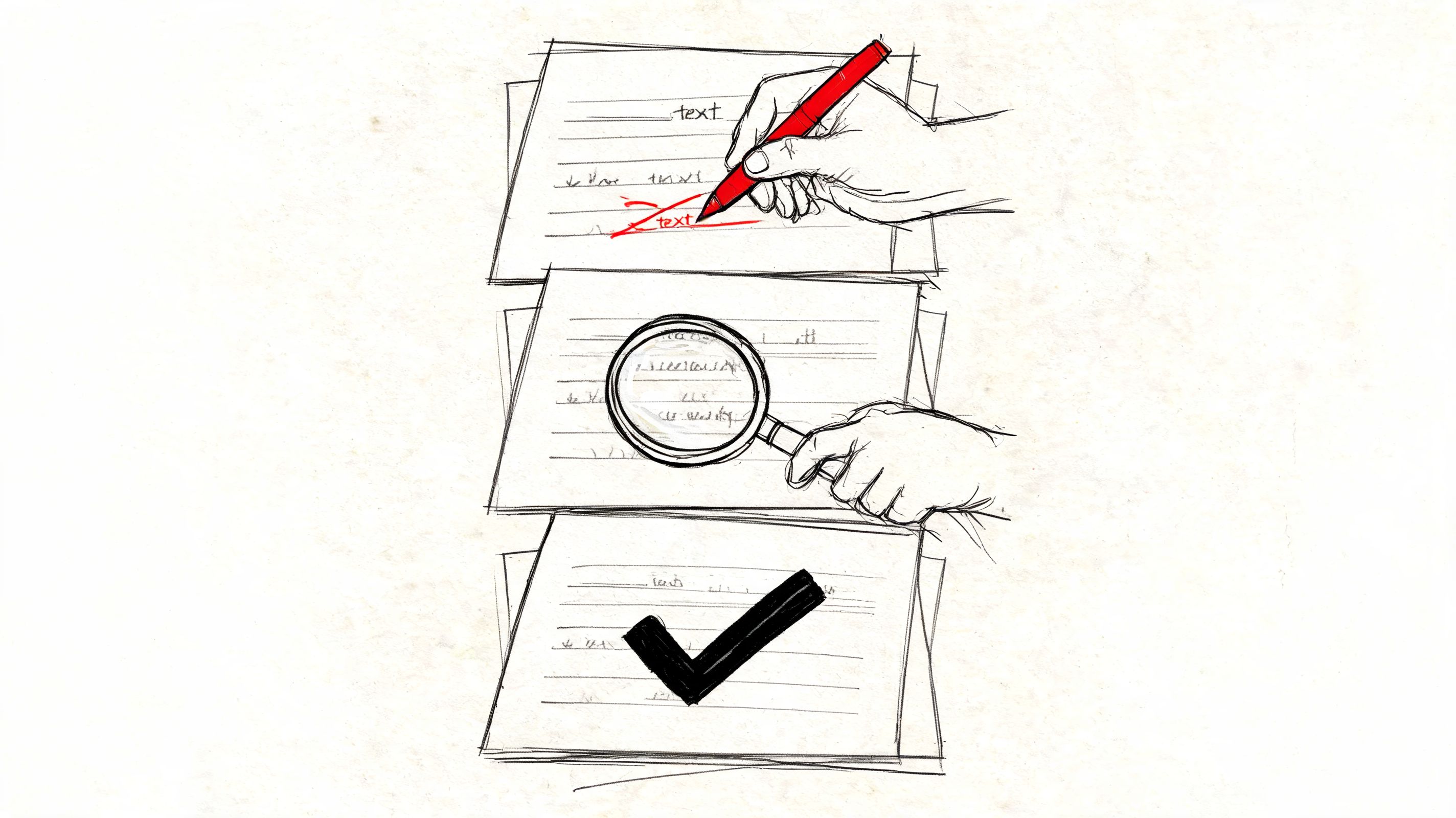
The draft is never the finished transcript. The quality jump occurs in revision, making the transcript dependable enough to share, publish, or analyze.
Edit in passes, not all at once
Trying to fix wording, punctuation, speaker labels, formatting, and logic in one readthrough is inefficient. You’ll miss things because your attention is split.
A stronger method is a four-pass review:
Accuracy pass
Listen with the transcript open. Fix misheard words, dropped phrases, and incorrect names.Formatting pass
Standardize capitalization, paragraph breaks, punctuation, timestamps, and speaker labels.Consistency pass
Make numbers, dates, acronyms, and terminology match throughout the document.Clarity pass
Only for clean verbatim or edited transcripts. Remove clutter, smooth obvious rough spots, and keep the speaker’s meaning intact.
According to the earlier SpeakWrite guidance already cited, this four-pass framework has been shown to achieve accuracy rates 12% to 18% higher than single-pass proofreading approaches.
What to listen for on each pass
Each pass should have one main job.
- Accuracy first. Don’t worry about commas while a name is still wrong.
- Formatting second. Once the words are right, make the document readable.
- Consistency third. Small inconsistencies make transcripts look sloppier than they are.
- Clarity last. If you edit too early, you can accidentally hide factual errors.
That order works because each pass removes a different class of mistakes.
A transcript gets cleaner faster when each review has a narrow target.
Use tools carefully when polishing readability
If you’re preparing a clean transcript for publication, article drafting, or internal circulation, readability matters. Some writers use tools like Humanize AI Text to soften rigid machine phrasing when they’re working from AI-generated summaries or derived content. That can help after transcription, but it should never replace checking the original audio.
The rule is simple. Fix the transcript from the recording first. Improve style only after the record is accurate.
Final Formatting Legal Considerations and Exporting
A transcript usually fails at the finish line, not in the first draft. The words may be accurate, but the file still creates friction because speaker labels are inconsistent, identifying details are left in, or the export format does not match the next job.
Use a clear transcript template
Set the document up so a new reader can understand it in under a minute. That means giving enough context at the top and using notation that stays consistent all the way through.
A solid header usually includes:
- Title or file name
- Date
- Topic or session name
- Participants or pseudonyms
- Interviewer or moderator
- Transcript style used
- Any notation rules applied
For speaker labels, keep one format and stick to it. Full names, initials, or role labels all work if used consistently. If audio is unclear, mark it the same way every time, such as [inaudible 00:12:14] or [unclear]. That small discipline saves time later when another editor, researcher, or legal reviewer has to trace a line back to the recording.
If you use AI to generate the first draft, this step matters even more. HypeScribe and similar tools can get you to a usable draft quickly, but the final document still needs human decisions about labels, redactions, and notation. That is the difference between a machine output and a transcript someone can rely on.
Handle privacy before sharing
Keep two versions when the material is sensitive. One master file for verification, one shareable file for everyone else.
The master version may contain real names, employer names, locations, or other identifiers that help you confirm accuracy against the recording. The shareable version should remove or replace anything that could expose a participant unnecessarily. In research work, that often means pseudonyms. In HR or internal investigations, it may mean role-based labels and targeted redactions.
Consent comes before distribution. If there is any doubt about whether the recording was lawful, check the rules before you send, publish, or archive the transcript. This guide on whether recording a conversation without consent is legal is a good starting point.
Export for the next step
Export based on use, not habit. A transcript headed for coding, review, publication, or captions should not leave your desk in the same format by default.
- TXT for plain archives or import into analysis tools
- Word or Google Docs for collaborative editing and comments
- PDF for fixed-format sharing
- Markdown for publishing workflows
- Caption-ready formats for video accessibility work
I also recommend naming the final file with a version label and date. For example: Interview_03_clean-verbatim_redacted_2026-05-01.docx. That prevents the common mess of "final," "final-final," and "final-use-this."
A transcript is ready when the next person can use it without asking who is speaking, what your notation means, or whether private details were handled properly.
If you want to shorten the path from raw recording to usable text, HypeScribe gives you a practical place to start. You can upload audio or video, generate a draft transcript, review it, pull out summaries and action items, then export the final version in the format your team or project needs.



































































































