Your Complete Guide to Closed Captioning Software in 2026

At its core, closed captioning software is a tool that transforms spoken words from a video into text on the screen. It’s like a real-time script that ensures your message is understood, even when the volume is muted.
What Is Closed Captioning Software and Why You Need It
Have you ever tried watching a video on a noisy train or struggled to follow a complex online lecture? Without captions, the information can be completely lost. This is where captioning software comes in, acting as an essential bridge between your content and every member of your audience.
The technology uses advanced speech-to-text algorithms to create a transcript from your video's audio. It then synchronizes that text with the video so the words appear precisely when they're spoken.
Expanding Your Reach Beyond Sound
While the most apparent benefit is making content accessible for people who are deaf or hard of hearing, the true power of captions lies in how they serve a much broader audience.
Consider these common scenarios:
- Sound-Off Environments: A huge percentage of social media videos are watched in "sound-off" mode. Whether someone is in a quiet office or on public transit, captions are the only way to capture their attention and convey your message.
- Language and Comprehension: For non-native speakers, reading along can dramatically improve understanding. It reinforces the spoken word and helps clarify pronunciation or unfamiliar vocabulary.
- Enhanced Learning: In educational content, captions are a game-changer. They accommodate different learning styles and make it easier for students to grasp complex topics and retain information.
Publishing a video without captions means you're leaving a significant portion of your potential audience behind. If you want to dive deeper into the basics, you can explore what closed captioning is and how it all works.
The Business Case for Captions
Adding captions isn't just about inclusivity; it’s a strategic business decision with measurable returns. A solid captioning workflow directly impacts your search visibility, legal compliance, and brand perception.
The market for closed captioning is projected to reach USD 2,897.33 million by 2032, expanding at a 10.5% CAGR. This growth isn't just a trend; it's driven by the entertainment industry and stringent regulations, like FCC rules mandating captions on 100% of video programming.
This incredible growth tells a clear story: captions are no longer a "nice-to-have" but a core expectation. To make it even clearer, let's break down the main advantages of using a reliable captioning tool.
Key Benefits of Using Closed Captioning Software
This table gives you a quick snapshot of how integrating captioning software delivers real, measurable value.
Ultimately, implementing closed captioning is one of the most effective ways to improve your video's performance across the board. It makes your content more discoverable, accessible, and engaging for everyone.
Choosing Between Live AI and Offline Human Captioning
So, you're ready to add captions. The next decision is figuring out the right way to create them. Not all closed captioning software is the same, and your choice depends on two key questions: when do you need the captions, and who—or what—is going to create them?
Think of it like hiring a note-taker. Do you need a lightning-fast stenographer for a live conference, or a meticulous editor to proofread a final document? Both are incredibly useful, but they solve different problems.
The Speed of Live vs. The Precision of Offline
The first fork in the road is deciding between live and offline captioning.
- Live Captioning: This is for anything happening in real-time—webinars, live-streamed events, broadcast news, or critical all-hands meetings. The goal is immediate access, with captions appearing just a few seconds after someone speaks. Speed is the top priority.
- Offline Captioning: This method is for pre-recorded content, such as your finished YouTube videos, online courses, or company training modules. Since the content isn't live, you have the flexibility to fine-tune the captions for perfect accuracy before you publish.
Your content type dictates the choice. If you regularly host live events, a tool offering real-time transcription is essential. You can learn more about its applications in our guide on real-time transcription software.
The Great Debate: AI vs. Human Captioning
Once you know when you need captions, the next step is deciding who creates them. This is where you weigh the classic trade-offs between speed, cost, and accuracy by choosing between an AI engine and a human professional.
An AI-powered tool is like a brilliant, high-speed assistant. It can process hours of audio in minutes and produce a draft that's surprisingly accurate, especially with clear audio. Anyone exploring modern AI solutions might find the Descript AI video editor an interesting example of how deeply transcription and video editing have become integrated.
A human captioner, on the other hand, is your seasoned expert. They bring a level of nuance, context, and polish that machines are still learning to master. They can effortlessly parse overlapping speakers, heavy accents, and complex background noise.
The market for captioning solutions is booming, projected to hit USD 66.21 billion by 2035. Software is leading the charge, making up a massive 71.9% of that market. This explosive growth is driven by accessibility laws, underscoring the demand for both fast AI and precise human services.
This trend shows a strong need for both options. Let's put them head-to-head.
AI-Powered vs. Human-Powered Captioning
Choosing the right approach depends entirely on your specific needs, budget, and quality standards. This comparison breaks down the key differences to help you decide.
In my experience, a hybrid approach often works best. You can use AI-powered closed captioning software like HypeScribe to get a fast, affordable, and highly accurate first draft. From there, a quick human review to catch any minor mistakes gives you the best of both worlds—the incredible speed of AI with the final polish of a human touch.
Must-Have Features in Modern Captioning Software
Choosing the right closed captioning software is like buying a car. Plenty of options will get you from point A to B, but the best ones have features that make the journey smoother, safer, and more efficient. To help you look beyond basic sales pitches, let's break down the core features that separate a great tool from a merely functional one.
First, you need to know which path you're on. This decision tree can help you determine whether to prioritize speed for live content or accuracy for pre-recorded videos.
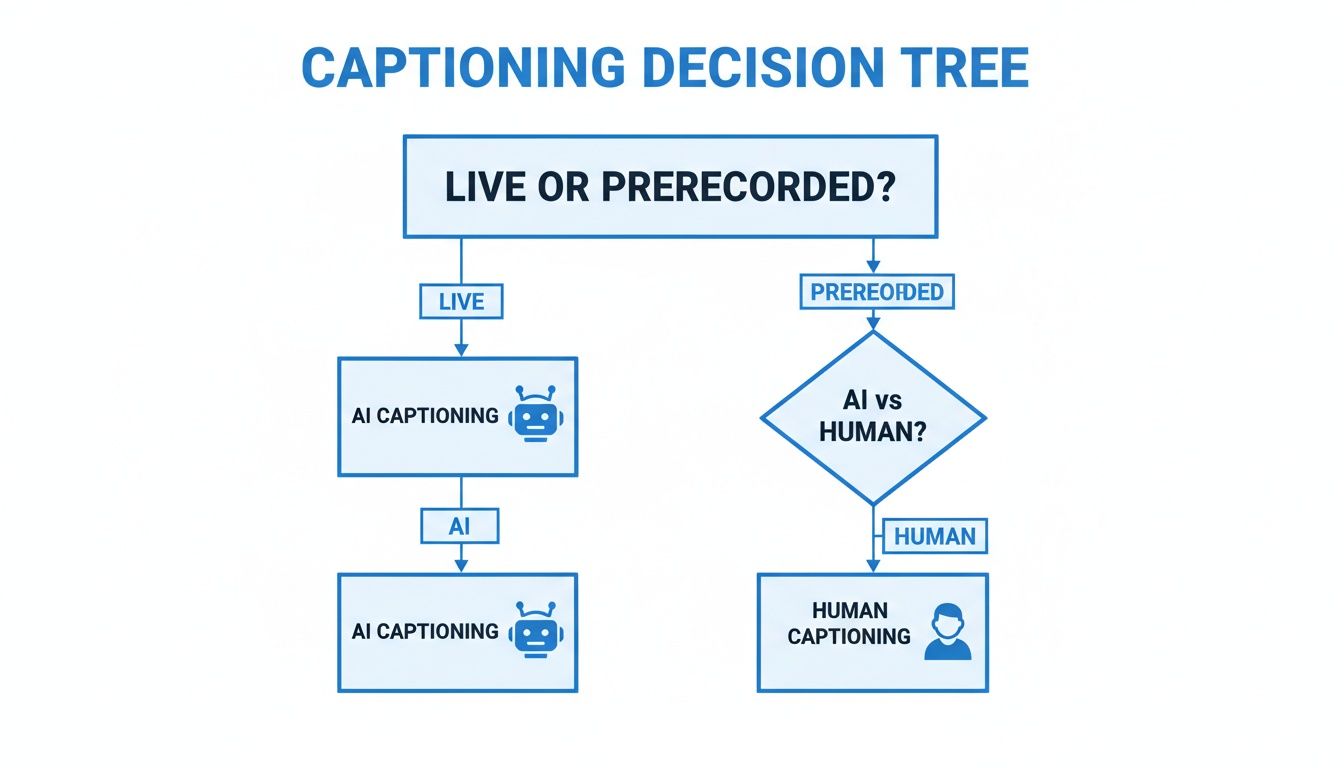
As you can see, live content almost always points toward AI for its speed. For pre-recorded video, you get a choice: the rapid turnaround of AI or the nuanced precision of a human captioner.
High Accuracy and Low Error Rates
Accuracy is the foundation of good captioning. If your captions are filled with errors, they don’t just look unprofessional—they can create confusion, alter your message, and undermine your credibility. The industry measures this with Word Error Rate (WER), a metric that counts how many words the software gets wrong.
A lower WER is always better. While perfect 100% accuracy is the goal, today's top-tier AI tools can get incredibly close, often hitting 98-99% accuracy with clear audio. For any professional content or to meet legal accessibility standards, that level of precision is essential.
Custom Vocabulary for Niche Terminology
Imagine recording a lecture on particle physics or a training video filled with company-specific acronyms. A standard speech-to-text engine will struggle with that specialized language. This is where a custom vocabulary feature becomes your most valuable asset.
This tool lets you "teach" the software your unique terms, brand names, and jargon, ensuring they're spelled correctly every single time. It's a simple feature that saves countless hours of manual corrections. If you produce specialized content, this is a non-negotiable feature.
For example, a software company can add its product names to the dictionary, while a university can add the names of its faculty and course codes. The result is a transcript that's perfectly tuned to your specific context.
The ability to define custom terms transforms a generic tool into a specialized assistant. It’s the difference between captions that are merely present and captions that are truly useful and accurate for your specific audience.
Speaker Identification and Diarization
For any video with more than one speaker—an interview, a webinar panel, a podcast—speaker identification is critical. This feature, also known as diarization, identifies who is speaking and labels the captions accordingly (e.g., "Sarah," "Speaker 2").
Without it, a transcript from a dynamic conversation becomes a confusing block of text. With speaker labels, the dialogue is easy to follow, making the content far more accessible and the transcript infinitely more useful.
Multi-Language Support and Translation
In today's connected world, your content has a global stage. Multi-language support is what gets you on it. The best captioning platforms don't just transcribe in English; they can handle dozens of languages and even translate the captions for you.
This opens up a world of possibilities. You can:
- Transcribe a video in its original language, whether it's Spanish, French, or Mandarin.
- Translate your English captions into multiple other languages to create subtitles.
- Expand your audience to international markets without recreating your content from scratch.
This feature makes global communication feel effortless, turning a single video into a valuable resource for people all over the world.
Seamless Platform Integrations
Finally, a modern tool has to play well with others. Your captioning software shouldn't be a silo. Look for direct integrations with the platforms you already use, like video hosts YouTube and Vimeo or meeting tools like Zoom and Google Meet.
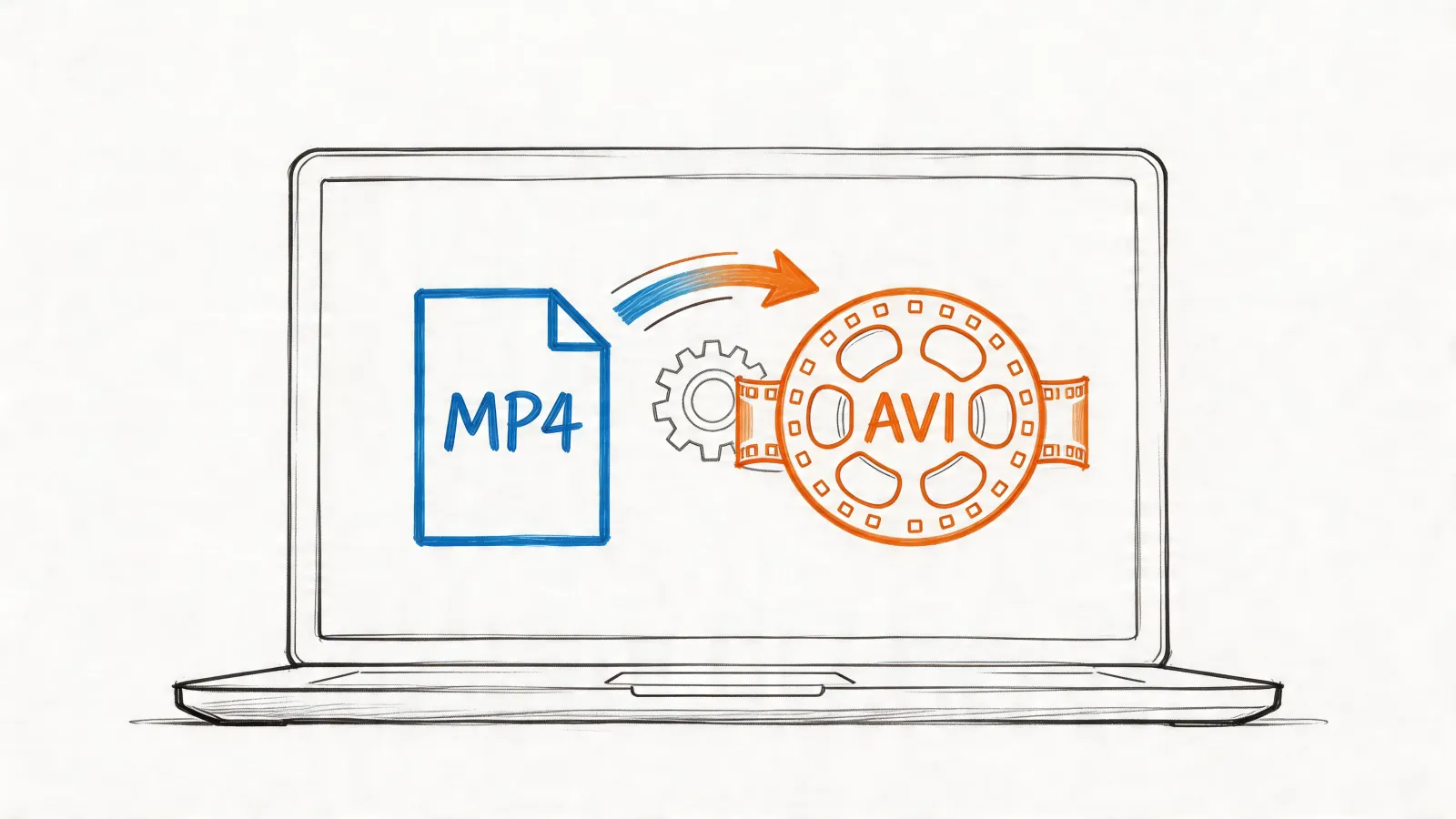
A solid integration automates the entire process. You can pull videos or meeting recordings into the system and get captions back without the headache of manual uploads and downloads. This also extends to having flexible export options. To learn more about different file formats, check out our guide on what an SRT file is and why it’s become the go-to standard for captions.
Understanding Accessibility Laws and Staying Compliant
Thinking about legal compliance can feel overwhelming, but the core principle of accessibility is simple: make your content available to everyone. This isn't just a box-ticking exercise; it's about reaching the 15% of the world's population who live with some form of disability.
For anyone producing video, providing accurate closed captions is the most fundamental step toward inclusion. Using professional closed captioning software is the most straightforward way to meet legal standards and, more importantly, connect with your entire potential audience.
A Quick Tour of Major Accessibility Regulations
You don't need to be a lawyer to understand the basics of digital accessibility laws. While there are several key regulations, they all share the same goal of ensuring equal access to information.
Here’s a look at the key regulations you should be aware of:
- The Americans with Disabilities Act (ADA): Originally a U.S. civil rights law for physical spaces, courts have consistently applied the ADA to the digital world. This means that for most public-facing businesses, your website and video content must be accessible.
- Section 508: This regulation is crucial for anyone working with the U.S. government. Section 508 mandates that all federal agencies, and any organization receiving federal funds, must make their technology and electronic information accessible to people with disabilities. Compliance is not optional here.
- Web Content Accessibility Guidelines (WCAG): Think of WCAG as the international rulebook for accessibility. It isn't a law itself, but it provides the technical standards that most laws around the world are based on. It offers a clear, tiered roadmap for compliance.
Getting a handle on these website accessibility laws is a smart first move for any creator or organization looking to operate responsibly.
Who Needs to Comply and What Does It Mean?
If you're creating public-facing video content, you should plan for compliance. This applies across the board—from universities and government agencies to entertainment companies and businesses of all sizes. Ignoring accessibility doesn't just exclude a large segment of your audience; it exposes your organization to serious legal risks.
The demand for compliance is a major reason the captioning and subtitling market is expected to hit USD 6.25 billion by 2026. The U.S. has required captions on all video delivered over the internet since 2012, and global standards like WCAG 2.1 require them for top-tier AAA compliance.
The bottom line is that providing accurate captions is no longer optional. It's a fundamental requirement for communicating effectively and legally in the modern era.
So, what does "compliant" captioning actually involve? It comes down to four key criteria. Your captions must be:
- Accurate: They must be a true reflection of the audio, without significant errors.
- Synchronized: Text has to appear on screen at the same time the words are spoken.
- Complete: The captions must cover the video from beginning to end.
- Accessible: It must be simple for any user to find and enable them.
This is where a good closed captioning software becomes invaluable. It handles the heavy lifting by helping you generate accurate, perfectly timed caption files that meet these critical standards. Being proactive is the best defense and a clear sign of your commitment to accessibility.
Putting It All Together: A Look at HypeScribe in Action
We’ve covered what makes for great closed captioning software, but theory only gets you so far. Let's look at how these ideas come to life with a tool built to solve the real-world headaches of transcription and captioning. HypeScribe was designed from the ground up to deliver on accuracy, speed, and genuine utility.
At its core, HypeScribe is powered by an AI that hits up to 99% accuracy right out of the box. This isn't just a number; it means you get a transcript you can actually trust as a starting point, saving you from endless edits. It also supports over 100 languages, making your content accessible to a truly global audience without extra hassle.
The whole process starts with a clean, simple dashboard. Just upload your media or paste a link, and you're off.
This no-fuss interface is intentional. It’s designed to get you from raw video or audio to a finished transcript in minutes, not hours.
From Hours of Audio to Instant Insights
Speed is where the magic really happens. HypeScribe can process an hour-long recording and produce a full transcript in just a few minutes—sometimes even faster. This kind of turnaround transforms captioning from a dreaded, time-consuming task into a quick, effortless step in your workflow.
What does this look like in practice?
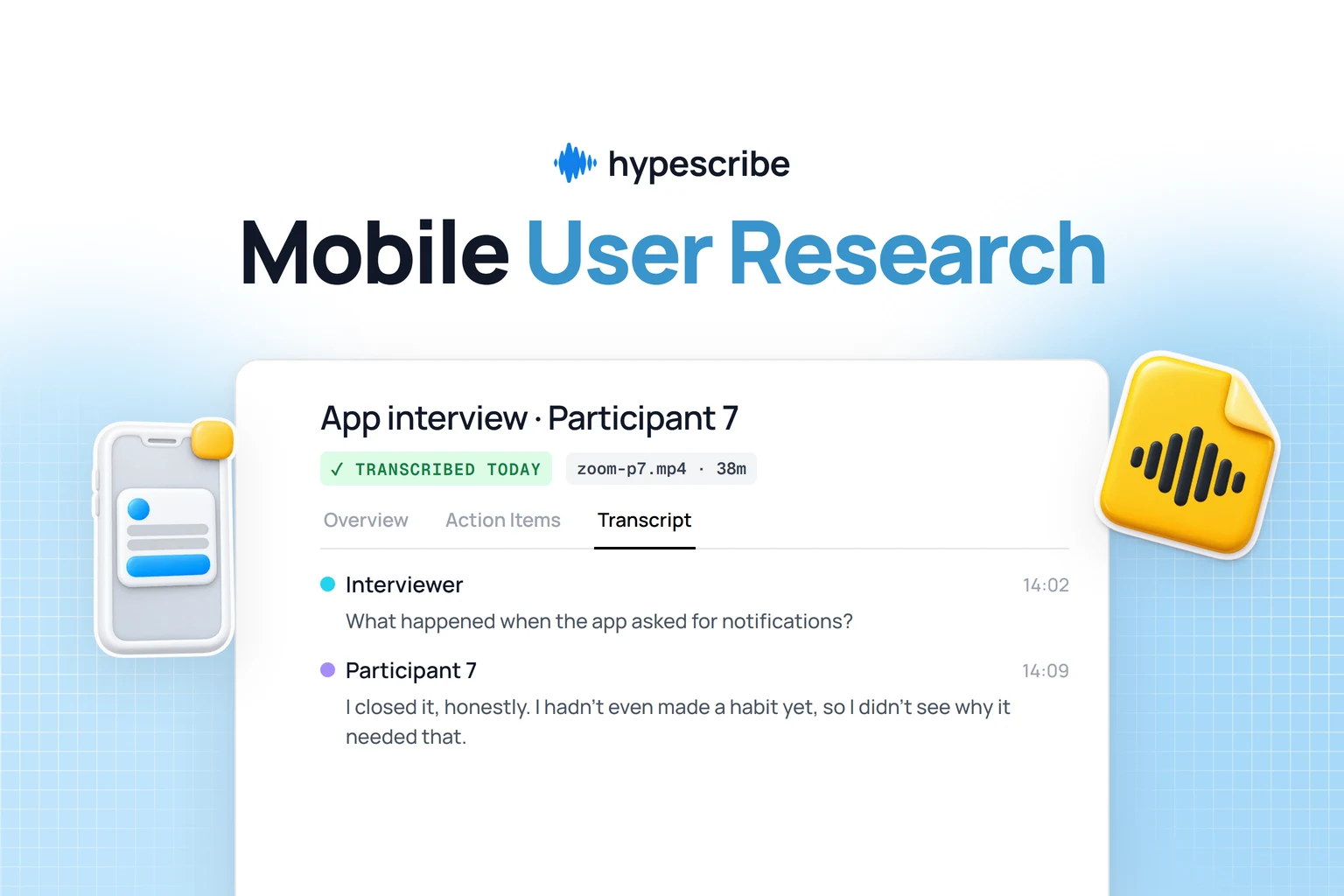
- For Remote Teams: That two-hour Zoom meeting you just finished? It’s instantly converted into a summarized transcript with clear action items. Anyone who missed the call can get the key points in five minutes instead of watching the entire recording.
- For Journalists: You can have a transcript of an interview ready before you even get back to your desk. This lets you start pulling quotes and shaping your story immediately, which is a game-changer when you're on a tight deadline.
- For Content Creators: You can generate a perfect SRT file for your new YouTube video in less time than it takes to upload the video itself. Every single piece of content goes live fully accessible and optimized for search.
HypeScribe isn’t just about turning speech into text—it’s about giving you back time. By automating the most tedious parts of documentation, it frees you and your team to focus on the work that actually matters.
Smart Features That Solve Real Problems
Here’s where HypeScribe moves beyond just fast, accurate transcription. It’s built with smart features that understand context, making your content more useful.
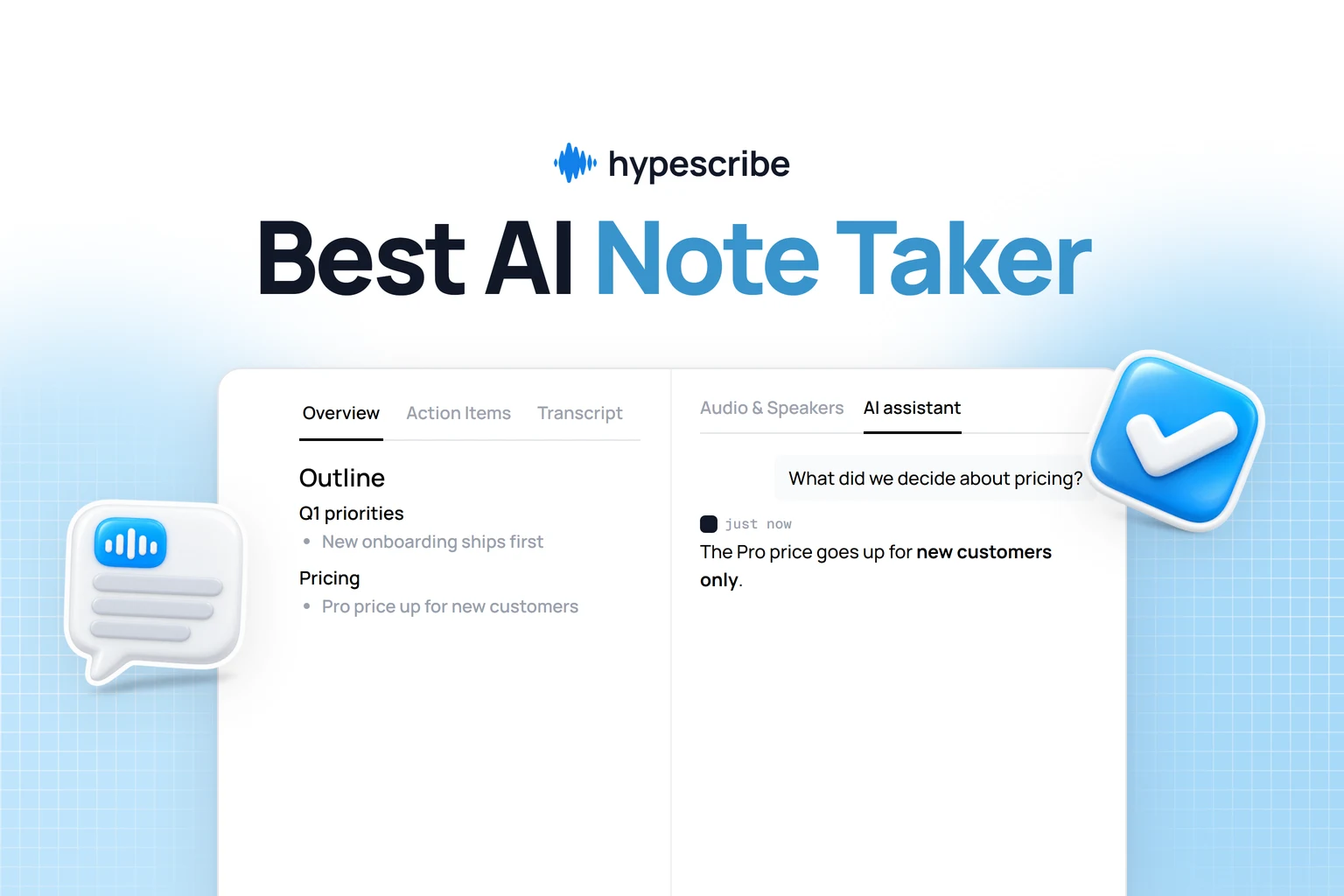
A perfect example is the integrated AI note-taker for Zoom, Google Meet, and Microsoft Teams. Instead of just recording, HypeScribe joins your meeting as a silent participant, transcribing in real time. Once the meeting ends, it automatically generates a smart summary, pulls out key takeaways, and lists action items. A chaotic brainstorm suddenly has structure, and there’s no more confusion about who is supposed to do what.
Your Content, Now a Searchable Database
Another incredibly useful feature is the HypeScribe chatbot. After you’ve uploaded your files—whether they’re meeting recordings, college lectures, or podcast interviews—you can start asking them questions directly.
Think about it. If you're a student with dozens of hours of recorded lectures, you no longer have to scrub through videos to find a specific concept. You can just ask the chatbot, "What did the professor say about the causes of the French Revolution?" It will instantly pull the exact quotes and context from your files.
This effectively transforms your entire library of audio and video into your own personal, searchable knowledge base. It’s a smarter way to find what you need, when you need it. Ultimately, the best closed captioning software doesn't just tell you what was said; it helps you understand and act on it.
Your Step-by-Step Implementation Checklist
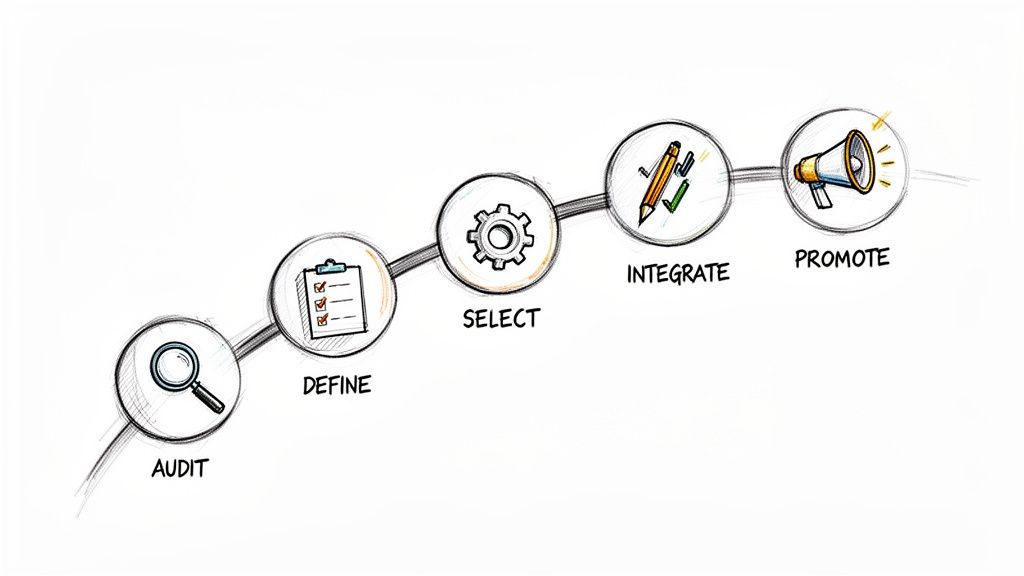
Knowing you need captions is one thing; actually adding them to your videos is another. While it can feel like a huge project, the key is to break it down into manageable steps.
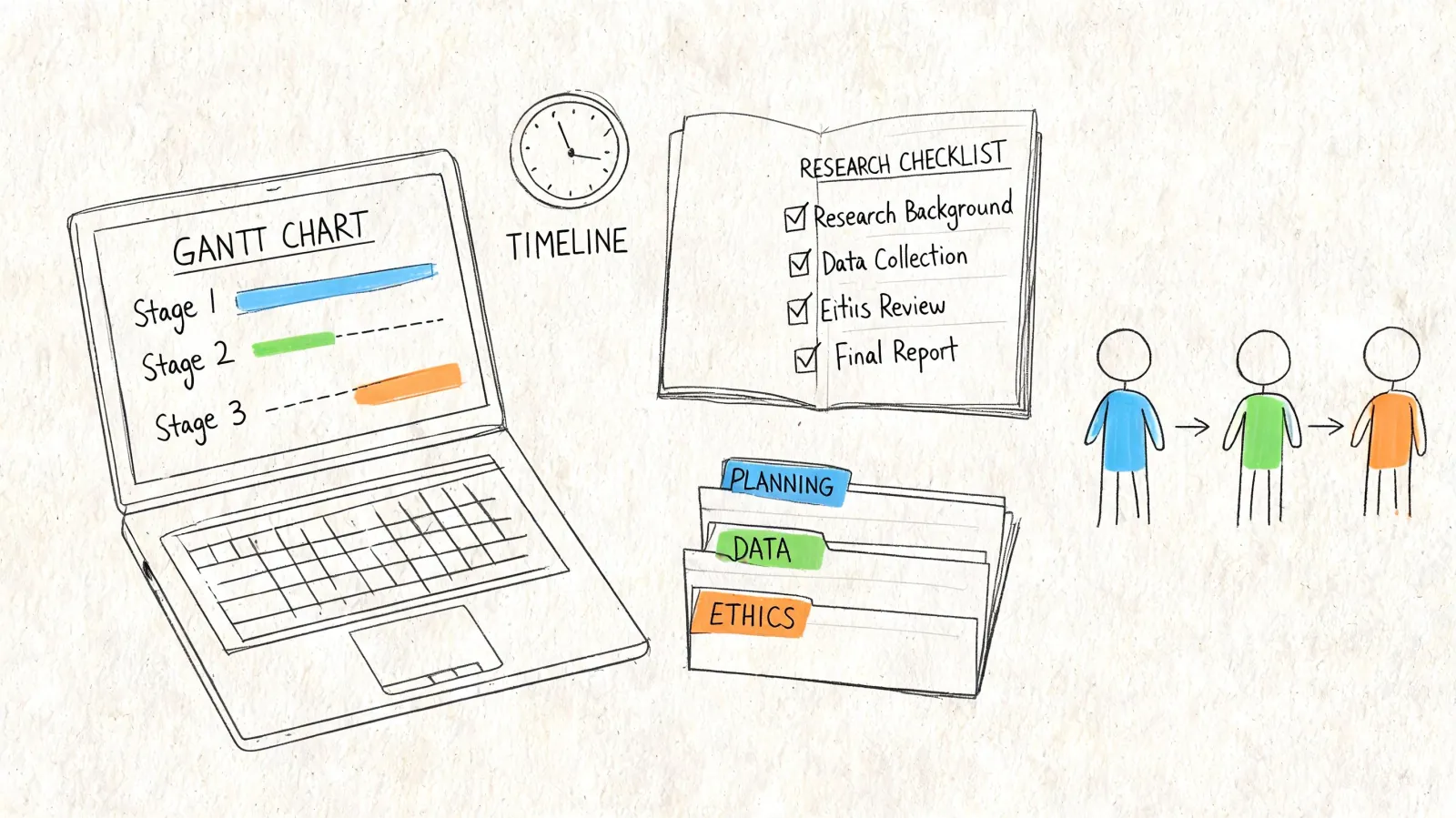
This checklist is your roadmap. It’s designed to walk you through the entire process, from figuring out what content you have to sharing your newly accessible videos with the world.
1. Audit Your Existing Content Library
First, you need to know what you’re working with. Before you choose a software, take a complete inventory of all your video and audio assets—marketing videos, internal training sessions, webinars, podcasts, and social media clips.
The goal is to understand the scale of your captioning needs. How many hours of content do you already have? How much new content are you creating each month? The answers will guide you to the right type of closed captioning software and plan.
2. Define Your Live and Offline Needs
With your content audit complete, the next question is when you need captions. The tools for a live event are completely different from those for a pre-recorded video, so it's critical to separate your needs.
- Live Needs: Think about any real-time events you run, like a company all-hands meeting, a public webinar, or a streamed conference. For these, you’ll need a solution built for instant, on-the-fly transcription.
- Offline Needs: This bucket includes your existing video library and any new content you record ahead of time. Here, the focus is on creating and polishing caption files (like SRTs) that you can upload to platforms like YouTube and Vimeo.
3. Select and Set Up Your Software
Now that you have a clear picture of your requirements, you can start shopping for software. Look for a versatile tool like HypeScribe that can handle both live and offline captioning, delivers high accuracy, and supports all the languages your audience speaks.
Once you’ve made a choice, take some time to set up your account and explore the dashboard. Getting comfortable with the interface early on will make the next steps much smoother.
4. Integrate with Your Platforms
The secret to making captioning a consistent habit is to make it incredibly easy. A great way to do this is by integrating your new software directly with the platforms you already use every day.
By connecting your captioning tool to Zoom, Google Meet, YouTube, or your video host, you can automate most of the work. This eliminates the tedious process of manually downloading and re-uploading files for every single video.
A seamless integration is the key to consistency. When generating captions is just a click away within your favorite platform, it stops being a chore and becomes a natural part of your process.
5. Establish a Quality Review Process
Even the best AI isn't perfect. That’s why a quick human review is always a smart final step. Set up a simple quality assurance (QA) process where a team member gives the generated captions a quick once-over.
This isn’t about re-transcribing the whole video. The review should focus on catching tricky errors—like misspellings of names, industry-specific jargon, or unique company acronyms. This final polish is what takes your captions from "good enough" to truly professional.
6. Promote Your Newly Accessible Content
You did the work, so now it’s time to share the news! Once your videos are captioned, let people know. A simple announcement on social media or in your newsletter can go a long way.
Highlighting that your content is now fully accessible does more than just serve your current audience. It publicly demonstrates your commitment to inclusivity, which can help you attract new viewers and build a stronger, more loyal brand.
Your Top Closed Captioning Questions, Answered
As you dive into creating video content, a few key questions about captioning will likely come up. Here are direct answers to the most common ones to help you make the best decisions for your content and audience.
What Is the Difference Between Closed Captions and Subtitles?
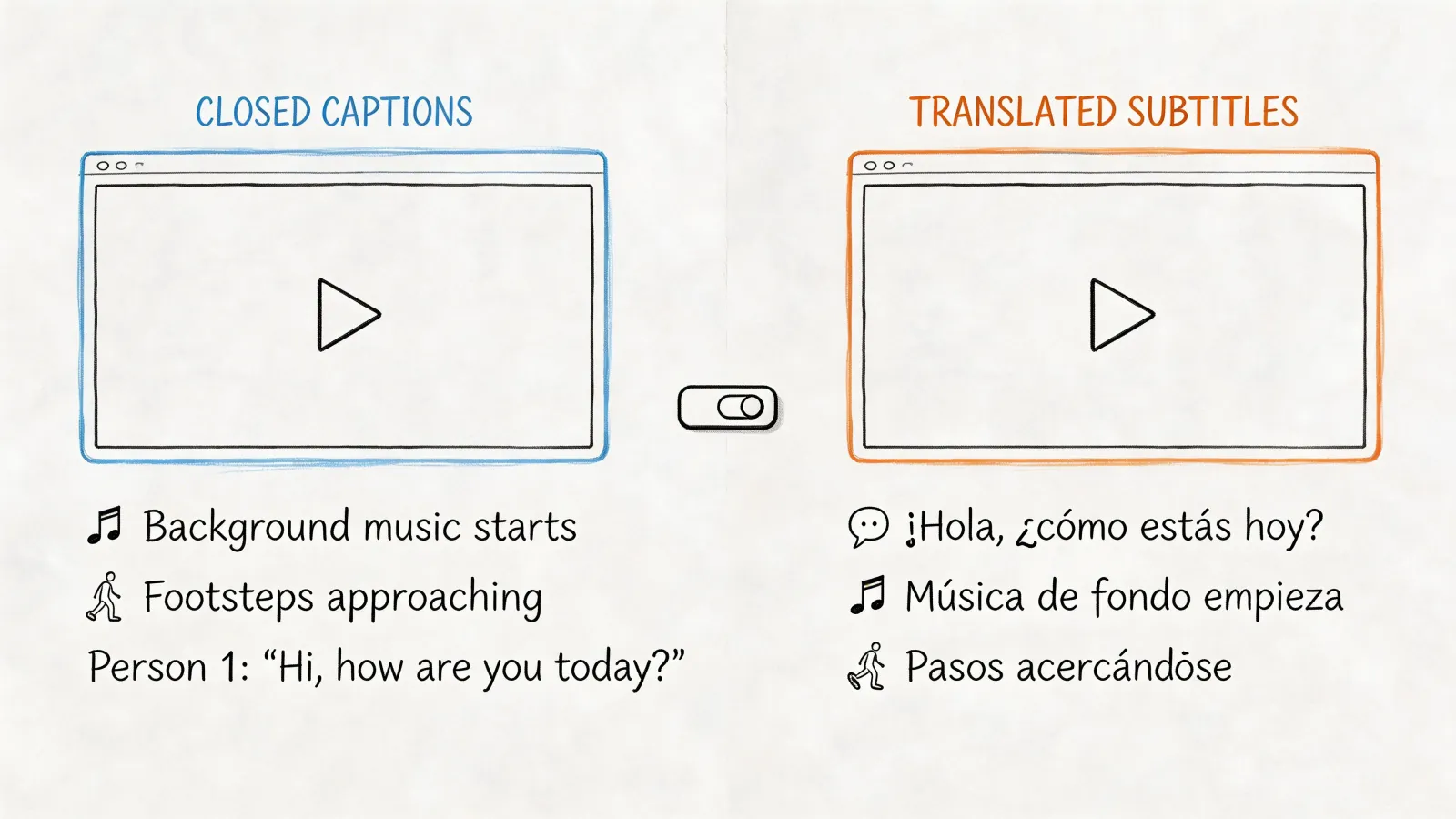
This is the most common question we hear. While they both appear as text on your screen, they are designed for different purposes.
Think of it this way: subtitles translate what's being said, while captions describe what's being heard.
Closed captions (CC) are for viewers who are deaf or hard of hearing. They don't just transcribe dialogue; they also include essential non-speech sounds that provide context, like [upbeat music] or [phone ringing]. Their goal is to create an equivalent experience for someone who cannot hear the audio.
Subtitles, on the other hand, are for viewers who can hear the audio but don't understand the spoken language. They are a pure translation of the dialogue. The best closed captioning software will help you create both, empowering you to connect with a global and accessible audience.
How Accurate Is AI-Powered Captioning Software?
That's an excellent question, and the answer has changed dramatically in recent years. While human transcriptionists were once the undisputed gold standard for accuracy, today's AI is remarkably close.
Top-tier software like HypeScribe can now reach up to 99% accuracy, especially with clear audio. This is typically measured with a metric called Word Error Rate (WER), where a lower score is better. You might still need to perform a quick review to fix a unique company name or a piece of industry jargon, but AI provides a near-perfect draft in minutes. This saves a massive amount of time and money compared to starting from scratch.
Can I Add Captions to My Social Media Videos?
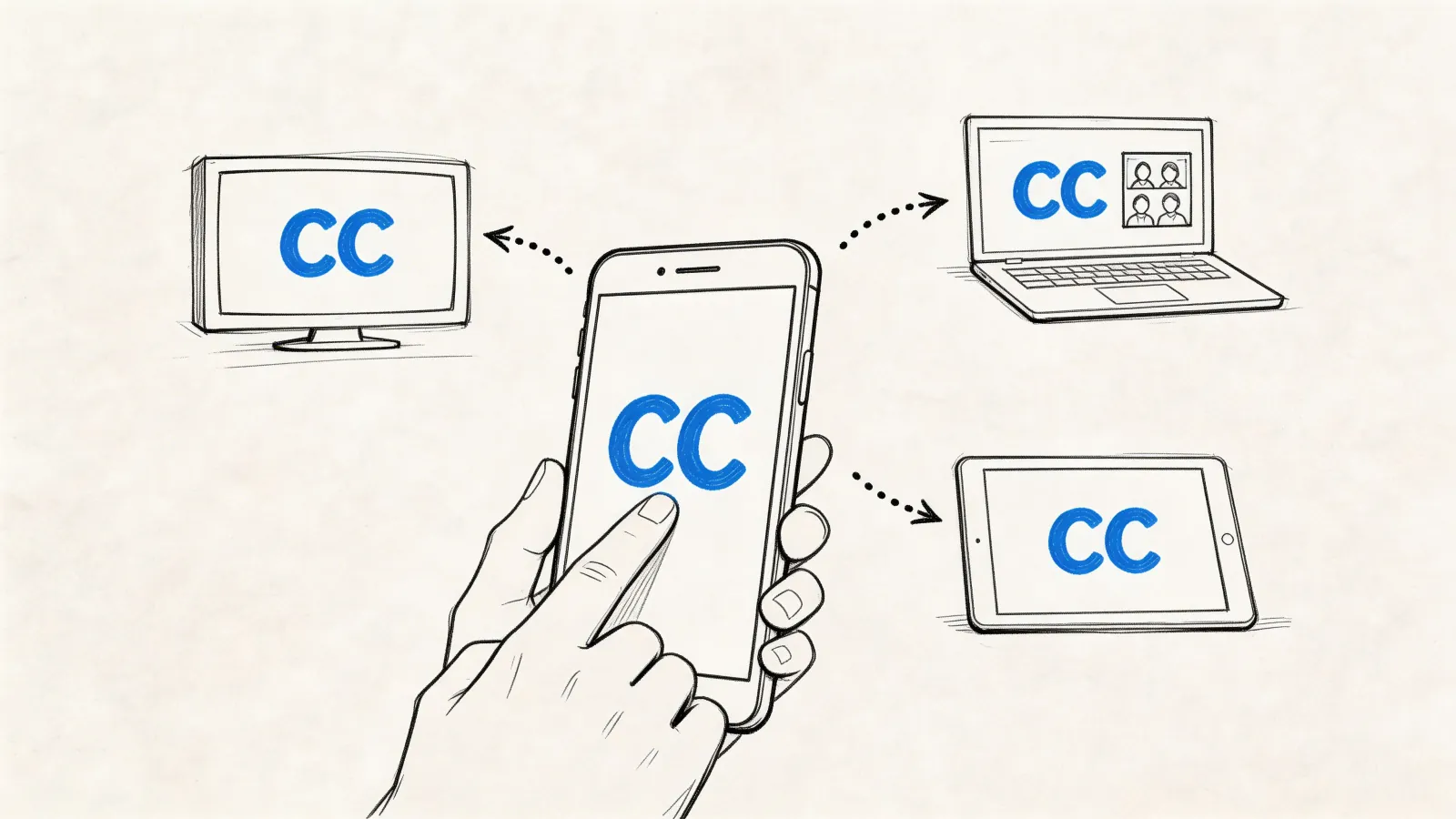
Yes—and you absolutely should. A large number of users, especially on platforms like LinkedIn and Instagram, watch videos on their phones with the sound off. Without captions, your entire message is lost.
Adding captions to your social posts is a straightforward process:
- Generate Your Captions: Use your software to create a transcript and captions from your video file.
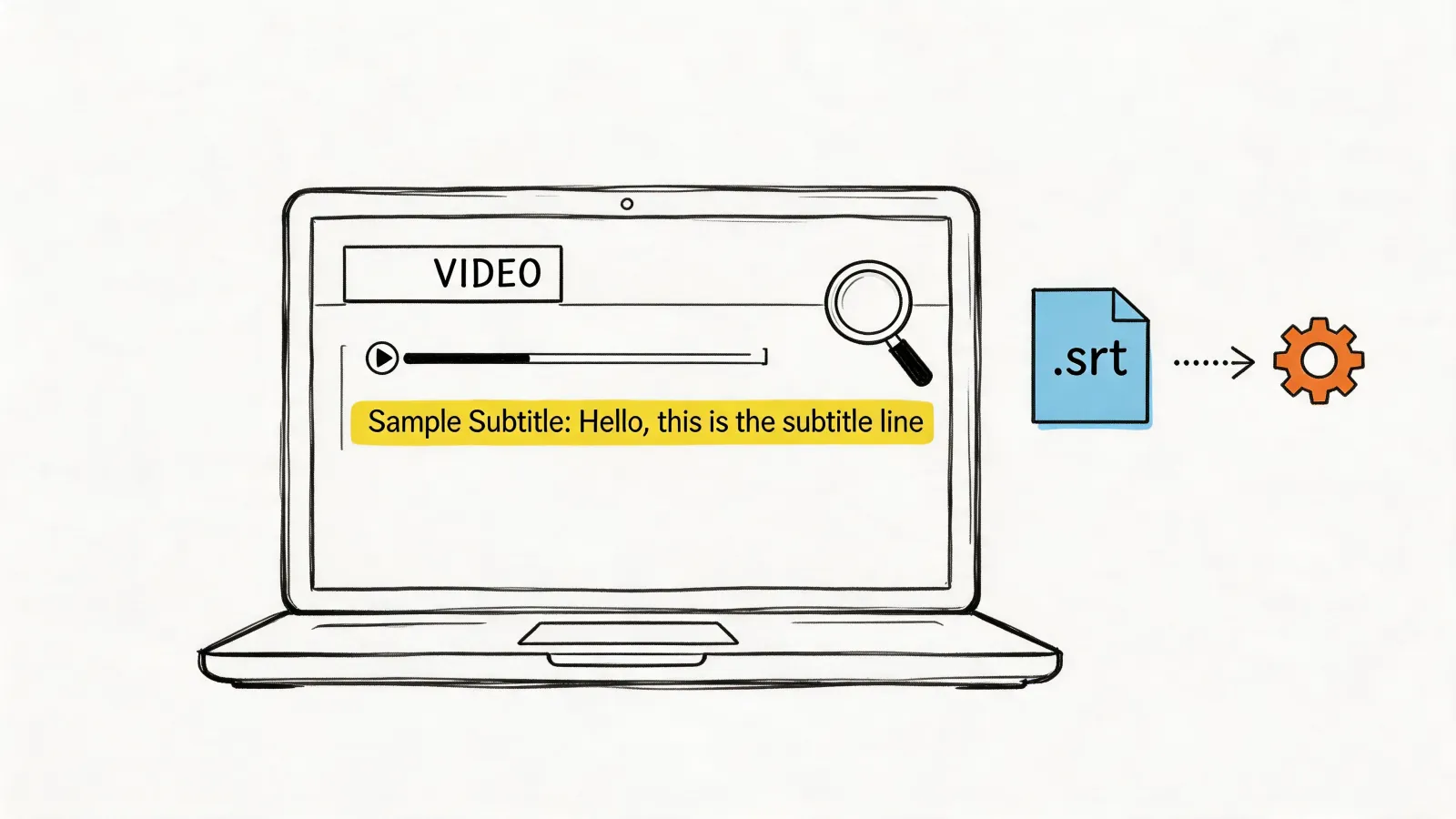
- Export the File: Save the captions as a .SRT (SubRip Subtitle) file. This is the universal format that almost every platform recognizes.
- Upload to Socials: When you upload your video to YouTube, Facebook, or LinkedIn, look for the option to upload your .SRT file along with it.
That simple process makes your content instantly more accessible and far more engaging, dramatically increasing its potential reach.
Ready to make your content accessible to everyone? HypeScribe offers an AI-powered solution that delivers up to 99% accuracy across 99+ languages, with features designed to make your captioning workflow fast and effortless. See how it works at https://www.hypescribe.com.