12 Best Otter.ai Alternatives for Transcription in 2026

Otter.ai has become a go-to tool for automated transcription, but it's not always the perfect fit. Many users, from corporate teams to solo creators, find themselves looking for alternatives due to usage limits, a need for higher accuracy with technical jargon, or specific integrations that Otter doesn't offer. If you're searching for a transcription service that better matches your workflow, you've come to the right place.
This guide is based on our direct experience testing the 12 best Otter AI alternatives available today. We've moved beyond marketing claims to evaluate how each platform performs in the real world. You'll learn how tools like HypeScribe, Descript, and Fireflies.ai stack up in terms of:
- Transcription Accuracy & Speed: We tested how well they handle different accents and background noise.
- Key Features: We looked for practical tools like real-time notes, speaker identification, and AI-powered summaries.
- Integrations: We checked for connections with essential platforms like Zoom, Slack, and Google Drive.
- Pricing & Ideal Users: We'll help you find the right fit for your budget, whether you're a student, journalist, or part of a large enterprise.
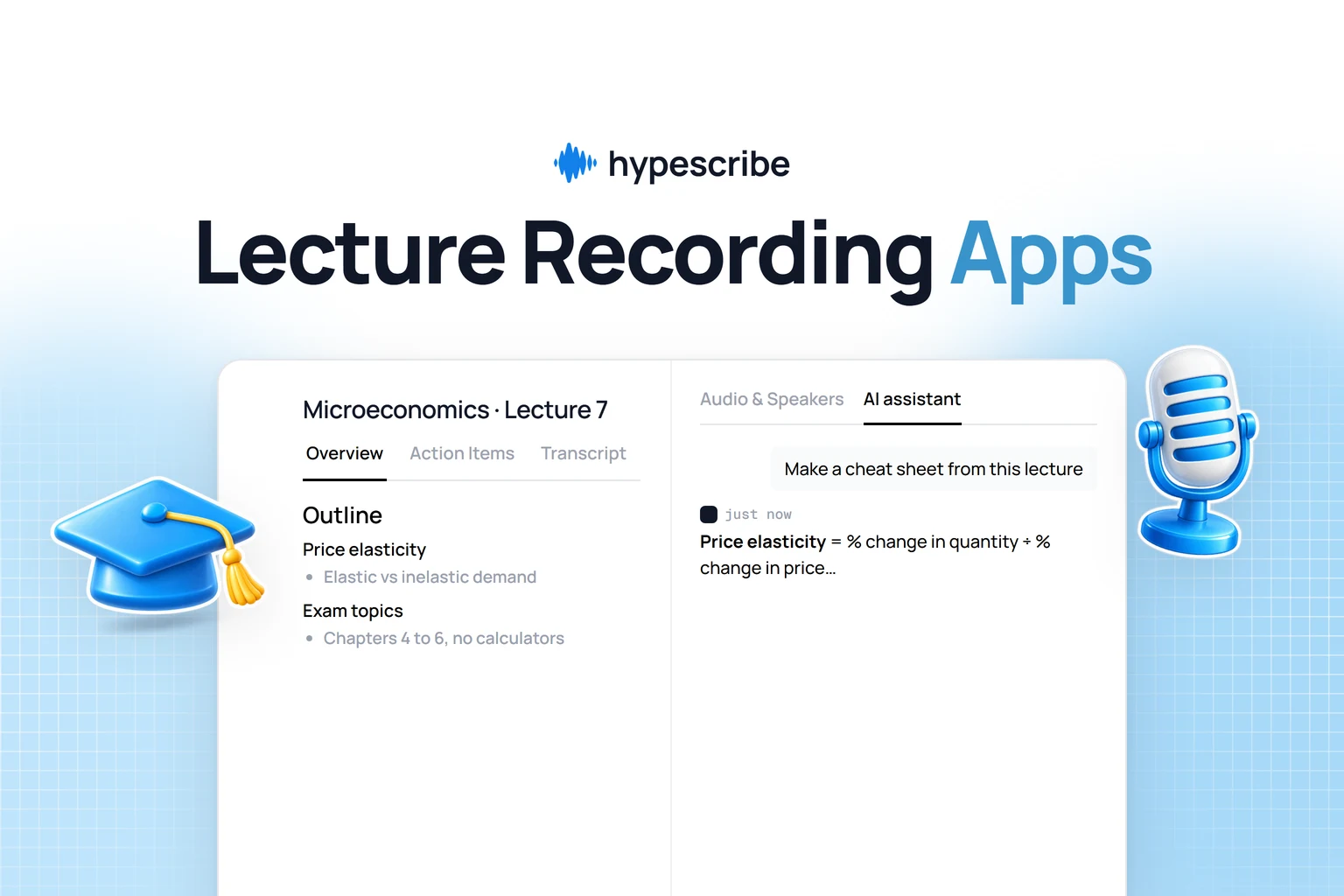
Each review includes detailed pros and cons based on our testing, helping you make an informed decision quickly. To get the most accurate results from any service, remember that high-quality audio input is key. For those in academia, exploring the best lecture recording apps for educators can help optimize your source material. Our goal is to help you find a tool that doesn't just convert speech to text, but fundamentally improves how you capture and use important information.
1. HypeScribe

HypeScribe is the alternative we would reach for first. Unlike Otter, it is not boxed into meetings: it takes files, a voice recording, or a pasted link from YouTube, Instagram or Google Drive, and turns it into clean text fast. It’s built to process large volumes of audio and video quickly, transcribing up to an hour of content in under 30 seconds with up to 99% accuracy. This speed makes it a prime choice for professionals who need to move from conversation to execution without delay.
What we found most useful is HypeScribe's flexible token-based system and broad input support. Instead of strict time limits, each token represents one file, which allowed us to transcribe long-form content like lectures or detailed interviews without penalty. You can upload files directly, record on the go, or paste links from a wide array of platforms including YouTube, Instagram, and Google Drive. The platform then generates smart summaries, identifies key takeaways, and lists actionable items, converting discussions into a clear work plan. Its built-in chatbot can even search your entire library of transcripts to find specific information on command. To understand the technology behind this performance, you can learn more about advancements in AI-powered transcription software.
Pricing
HypeScribe’s pricing is transparent and designed for scalability. Its token system is straightforward, with unused files rolling over to the next month.
- Free Trial: 3 files per month (up to 1 hour each).
- Starter: $6.99/month for 30 files.
- Pro: $7.99/month for 60 files and a real-time note-taker (10 meetings).
- Ultra: $12.99/month for 300 files and an expanded note-taker (30 meetings).
HypeScribe vs. Otter.ai
Best For
HypeScribe is an ideal solution for remote teams, students, and content creators who handle a mix of pre-recorded and live content. Its speed and ability to generate actionable outputs make it a standout choice for turning meetings into concrete tasks, while its support for URL-based transcription is a significant advantage for creators and marketers analyzing video content.
- Pros: Exceptionally fast transcription, high accuracy across 100+ languages, flexible file length, and powerful AI summaries.
- Cons: The "one token per file" model may be less cost-effective for users with many very short recordings.
Visit Website: https://www.hypescribe.com
Try HypeScribe free. Paste a link, drop a file, or send it into your next meeting, and get a clean transcript, summary, and action items in seconds. Start your first transcription free.
2. Rev
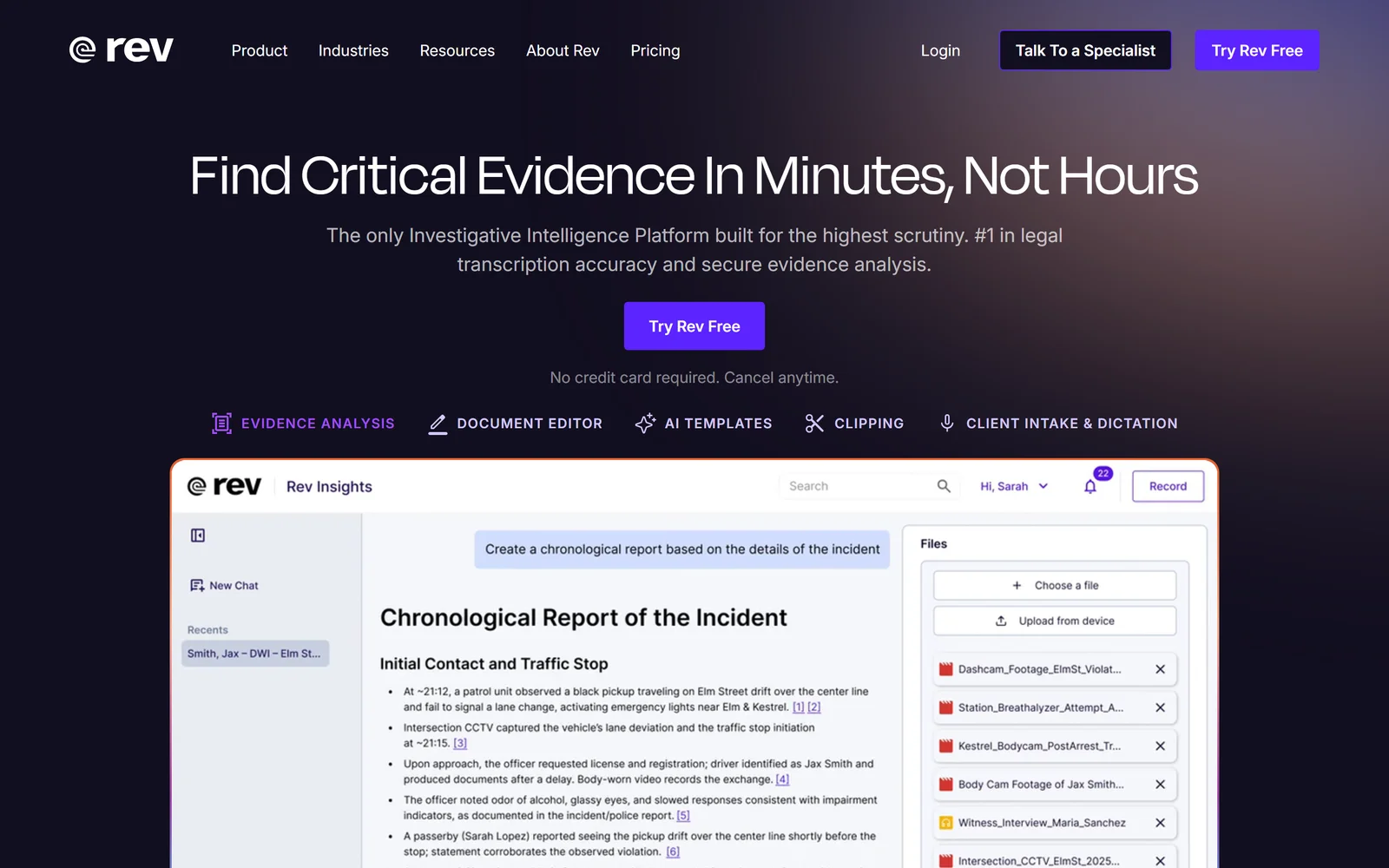
Rev earns its spot as a powerful Otter.ai alternative by offering a unique hybrid model that combines AI-driven speed with the option for human-powered accuracy. This dual capability makes it an ideal choice for users who need both rapid, automated transcripts for daily meetings and flawless, professional-grade transcripts for critical content like legal proceedings or published interviews. Our experience showed that Rev is more than a transcriber; it’s a comprehensive media asset management tool.
Its AI Notetaker for Zoom, Google Meet, and Microsoft Teams functions much like Otter, generating real-time notes, summaries, and action items. However, Rev's key differentiator is its integrated workflow. We could start with a fast AI transcript and, if the accuracy wasn't sufficient for our needs, upgrade to a human-powered one with a single click from the same dashboard. This flexibility eliminates the need to manage multiple vendors. For organizations requiring strict security and compliance, Rev offers enterprise-grade features like SOC 2 and HIPAA support on higher-tier plans.
Key Features, Pricing, and Use Cases
Pros:
- Provides a flexible “AI + human” workflow within one vendor.
- Offers deep enterprise controls and compliance options (SOC 2, SSO, HIPAA).
Cons:
- Seat-based pricing can become expensive for smaller teams.
- The extensive feature set might require a longer onboarding process.
Visit the official website: rev.com
3. Temi (by Rev)
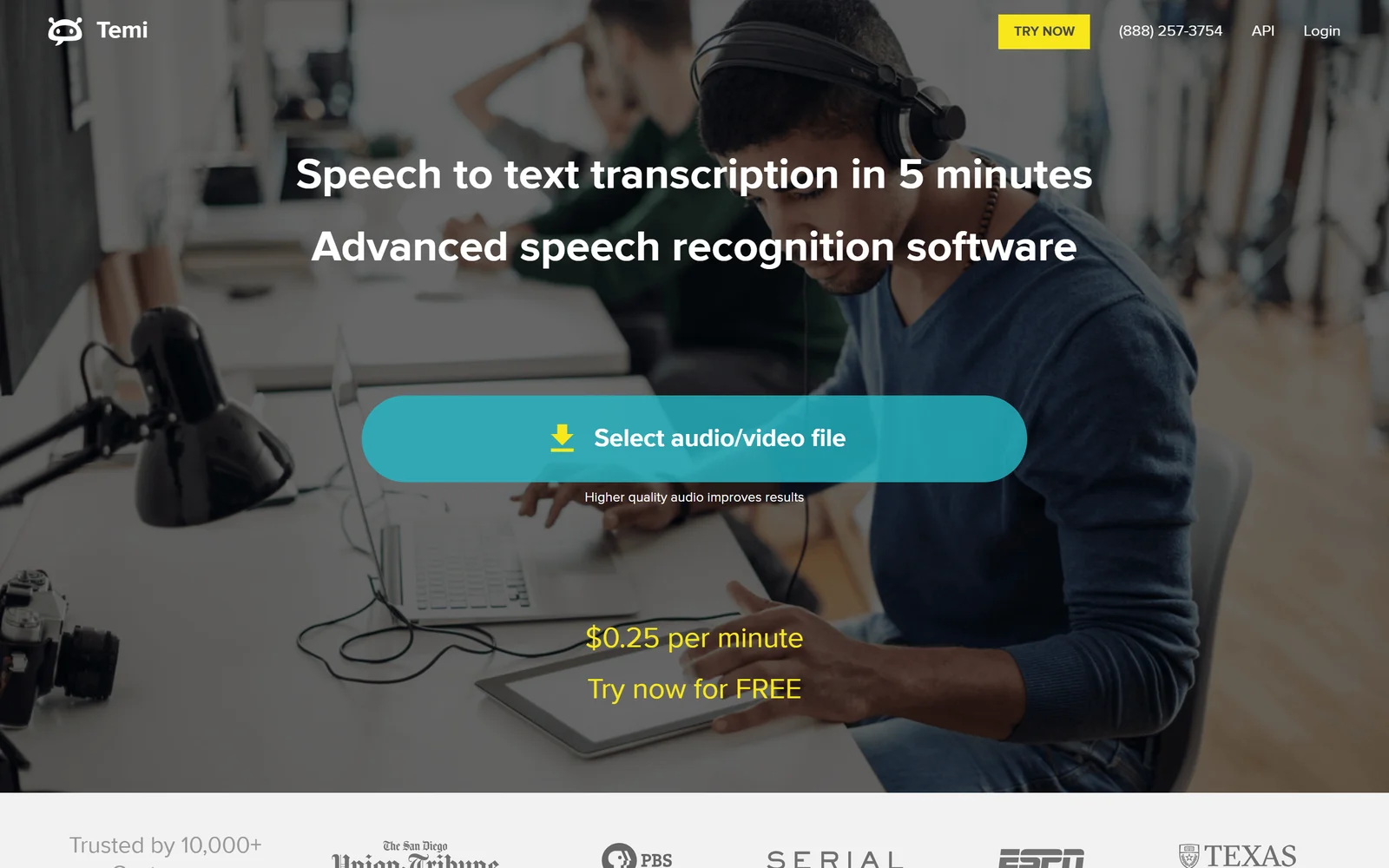
Temi is one of the best Otter.ai alternatives for users who need high-quality automated transcription without a monthly subscription. Powered by the same advanced speech recognition engine as Rev, Temi operates on a straightforward pay-as-you-go model. This makes it perfect for occasional users like students, freelance journalists, or small business owners who only need to transcribe audio or video files intermittently and want to avoid recurring charges.
The service is incredibly simple to use: you upload your file, pay a flat per-minute rate, and receive a machine-generated transcript in minutes. While it lacks the real-time meeting assistant features and deep collaboration tools found in Otter.ai, its strength lies in its simplicity and cost-effectiveness for one-off projects. We used the platform's web-based editor to clean up the transcript, identify speakers, and export the final text in various formats, including DOCX, PDF, and SRT for subtitles. For anyone who prioritizes a simple transaction over a feature-rich platform, Temi is a standout choice.
Key Features, Pricing, and Use Cases
Pros:
- Extremely straightforward per-minute pricing with no commitment.
- Great for ad-hoc interviews, lectures, and short, infrequent projects.
Cons:
- Lacks the collaboration and live meeting features of dedicated tools.
- Accuracy, while good, may require manual cleanup for complex audio.
Visit the official website: temi.com
4. Sonix
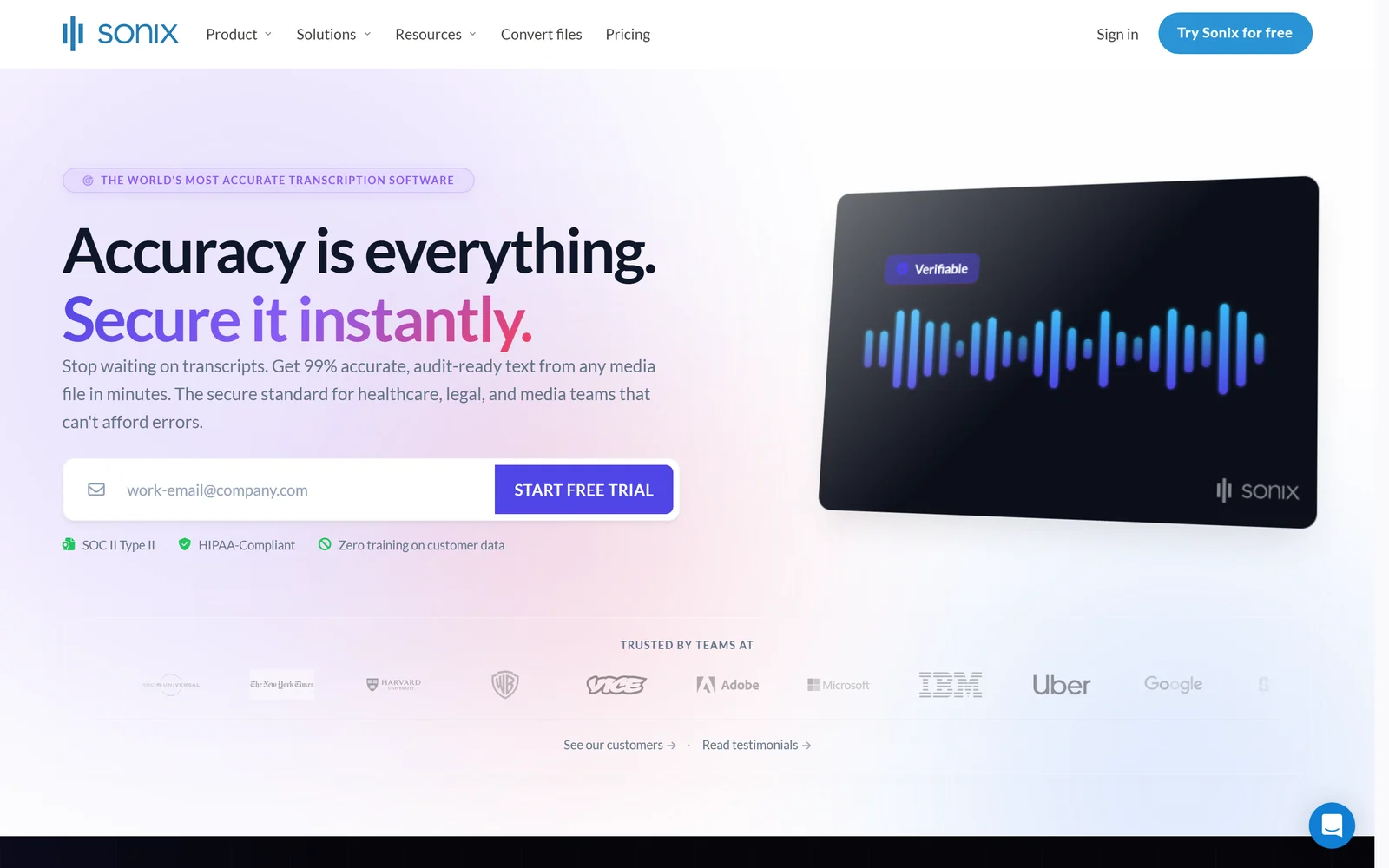
Sonix is a strong Otter.ai alternative for professionals who need more than just meeting notes; they need a robust platform for editing, translating, and preparing media for production. It is particularly well-suited for journalists, filmmakers, and content creators who treat transcripts as a core part of their workflow. The platform’s strength lies in its meticulous, browser-based transcript editor, which allowed us to have fine-grained control, collaborate, and easily export our work.
Unlike meeting-focused tools with unlimited plans, Sonix separates platform access from usage, which can be more economical for teams with steady but not constant transcription needs. A standout feature we tested is its ability to transcribe in over 50 languages and quickly translate the output, making it invaluable for global content teams. For organizations looking to extract deeper meaning from their audio library, an optional AI analysis add-on can identify themes and sentiments across multiple transcripts, providing a broader view of your content.
Key Features, Pricing, and Use Cases
Pros:
- Clear, transparent per-hour pricing scales well from ad hoc projects to high-volume workflows.
- Strong export options for captions, subtitles (SRT, VTT), and professional media editing software.
Cons:
- You pay for every hour transcribed, even on subscription plans, which is different from unlimited meeting tools.
- Core team collaboration features are reserved for the higher-tier Premium plan.
Visit the official website: sonix.ai
5. Trint
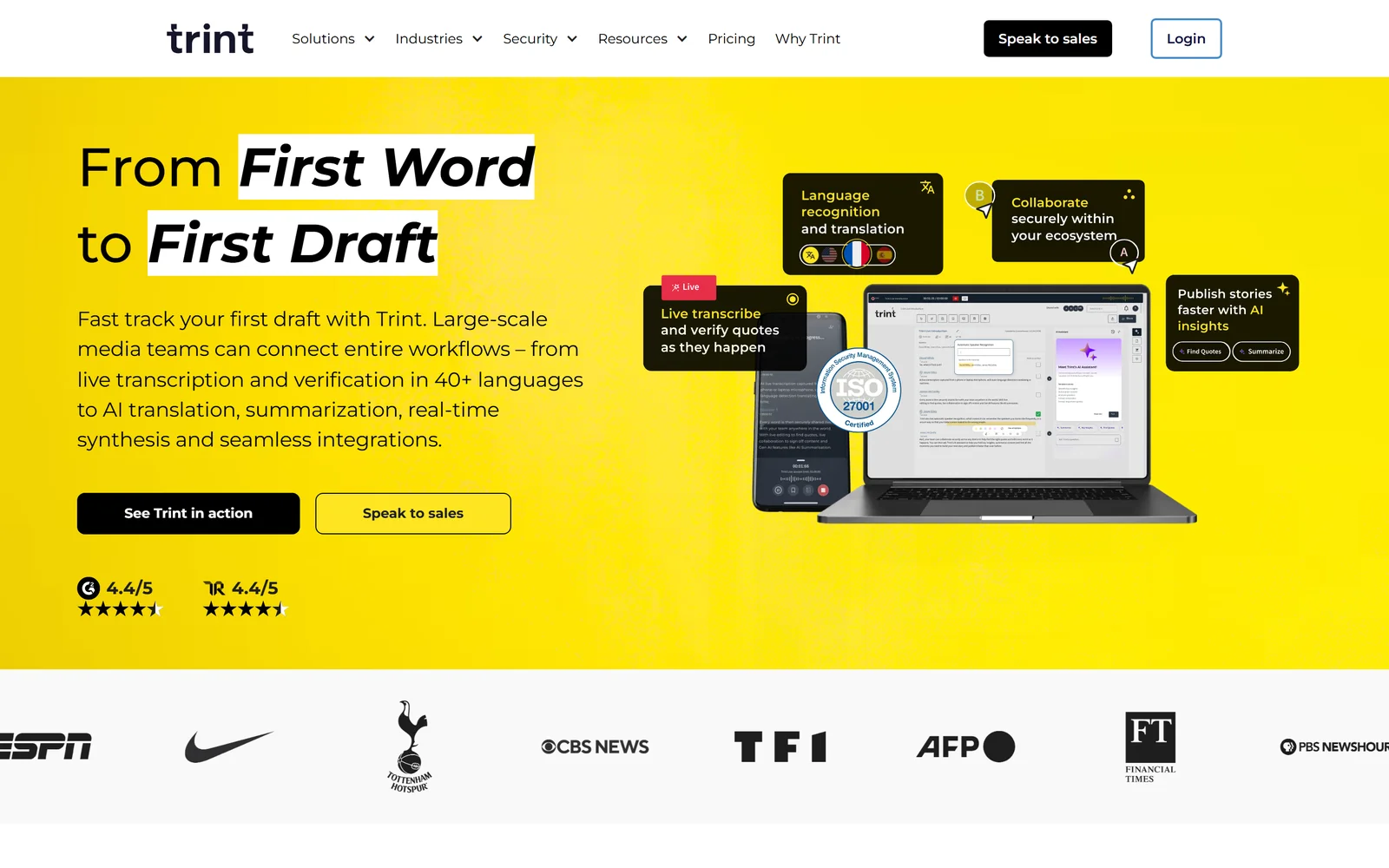
Trint carves out its niche as a strong Otter.ai alternative specifically for media professionals and newsrooms. Its platform is built around a collaborative editorial workflow, making it ideal for journalists, documentarians, and content creators who need to move from raw audio to a published script or subtitled video. Trint goes beyond simple transcription by integrating tools for highlighting key quotes, assembling rough cuts, and assigning speaker names within a shared workspace.
The core of the platform is its interactive, time-coded transcript editor, which functions like a text document married to an audio/video player. This design makes it easy for teams to find, verify, and pull soundbites for stories. We found its key differentiator to be this deep focus on content creation and publishing readiness. Instead of just delivering a transcript, Trint provides a foundation for building narratives, adding subtitles, and even translating content into multiple languages, streamlining the entire media production pipeline from a single interface. For teams that live by deadlines, this integrated process is a significant advantage.
Key Features, Pricing, and Use Cases
Pros:
- Excellent for editorial workflows like pulling quotes and building scripts.
- Offers built-in subtitling and translation features.
- Well-established in journalism and broadcast environments.
Cons:
- Pricing is geared toward professional teams and is higher than many competitors.
- The "unlimited" transcription on certain plans may be subject to fair-use policies.
Visit the official website: trint.com
6. Happy Scribe
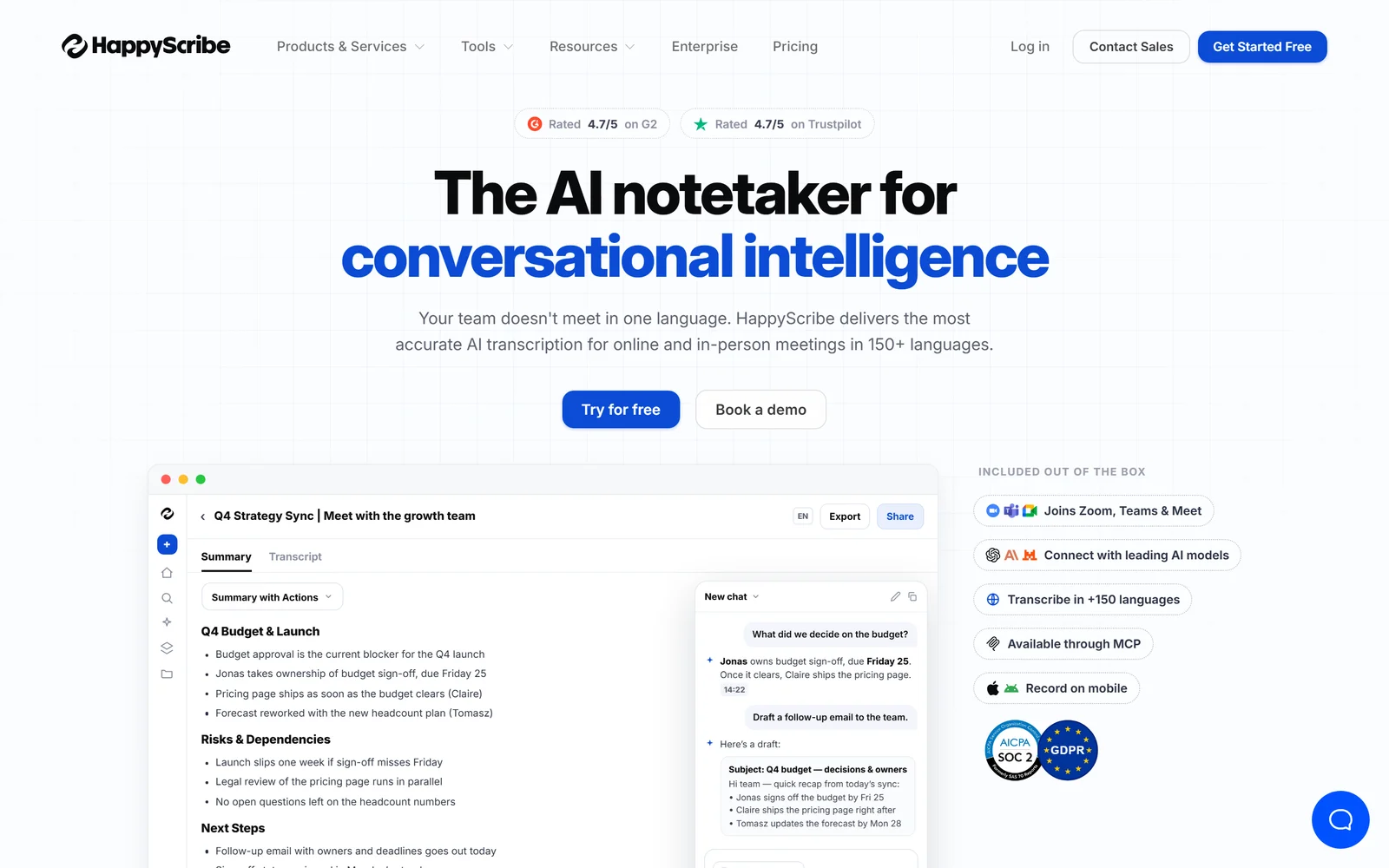
Happy Scribe positions itself as an excellent Otter.ai alternative for users who prioritize multilingual support and flexible output formats, particularly for content creation. It serves as an all-in-one platform for transcription and subtitling, combining AI efficiency with an optional human-verification layer. This makes it a strong contender for podcasters, video editors, and global teams who need to repurpose audio and video content for different audiences and platforms.
The service's core strength lies in its simplicity and transparent pricing model. While its AI Notetaker for Zoom, Meet, and Teams provides the real-time functionality expected from a modern transcription tool, its true value is in the post-meeting workflow. We found it easy to export transcripts into a wide array of subtitle formats (SRT, VTT, etc.) or professional editing software files (FCPXML, EDL). This integration with content creation workflows, combined with its support for over 60 languages, sets it apart for those focused on producing polished, accessible media.
Key Features, Pricing, and Use Cases
Pros:
- Clear, minute-based pricing with simple top-ups ($0.20/min).
- Strong subtitle and translation support with a wide variety of export formats.
Cons:
- A watermark is present on some exports in the Free and Basic plans.
- Human proofreading services are an additional cost, separate from the AI minute allowances.
Visit the official website: happyscribe.com
7. Descript
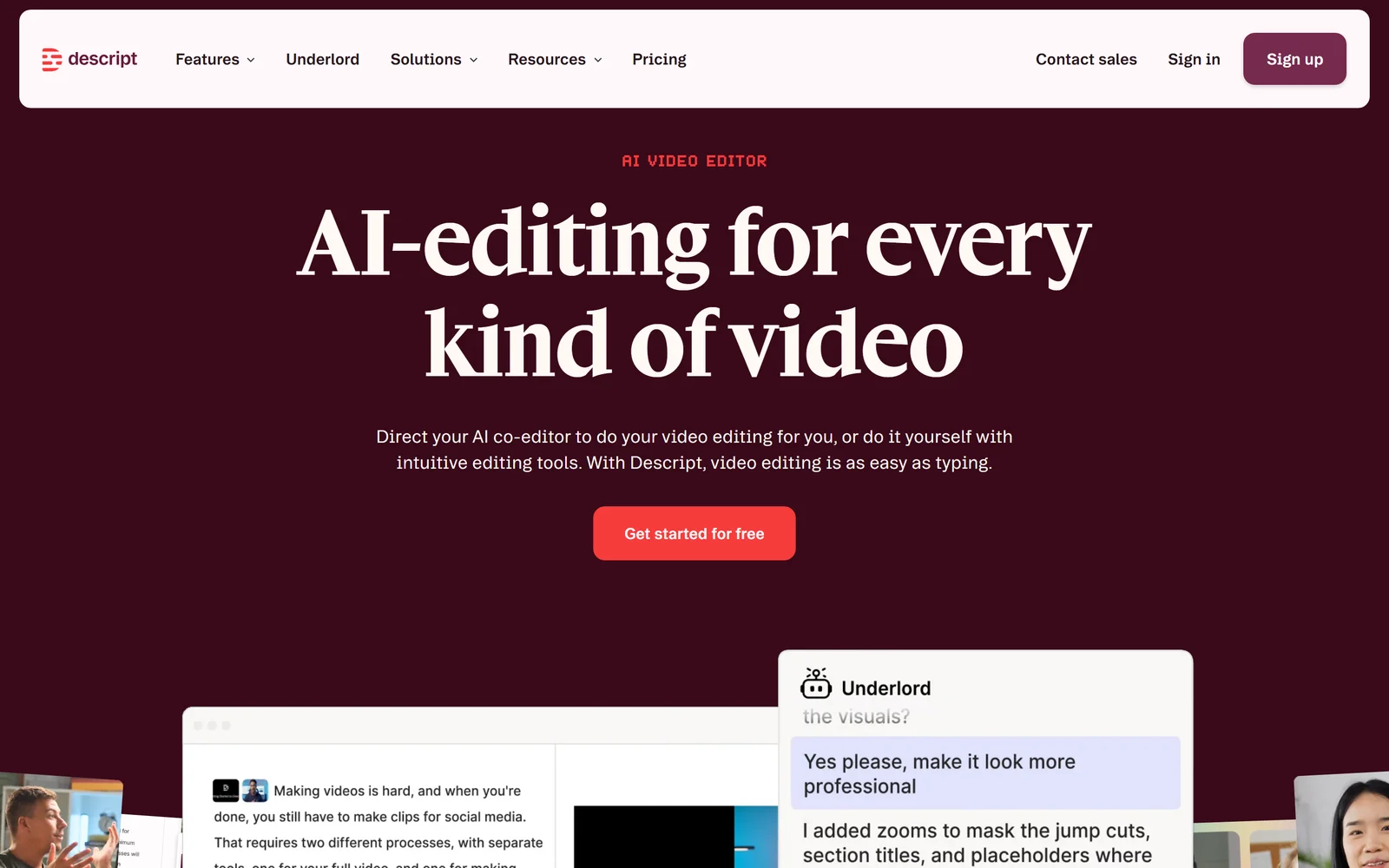
Descript offers a unique approach compared to other Otter.ai alternatives by treating transcription as an integral part of a larger creative process. It is an all-in-one audio and video editor where the transcript is the foundation for content creation. This makes it the go-to choice for podcasters, video creators, and multimedia professionals who don't just want a transcript but need to edit the underlying media as if it were a text document. Based on our experience, instead of scrubbing through a timeline, you simply edit the text, and the corresponding audio or video is cut, moved, or deleted.
The platform goes far beyond simple note-taking with features like text-based multitrack editing, AI-powered filler-word removal ("um," "uh"), and "Overdub" voice cloning to correct mistakes without re-recording. While Otter focuses on capturing meeting notes, Descript is built for production workflows. For teams, Descript offers collaborative projects with pooled transcription hours, making it an efficient hub for production teams. If you need to not just capture what was said but also shape it into a polished final product, Descript is an exceptional tool. This workflow is especially useful for those who need to record and transcribe meetings for content repurposing.
Key Features, Pricing, and Use Cases
Pros:
- Excellent for anyone whose transcription needs are part of an audio/video production workflow.
- Productivity features like filler-word removal and Overdub dramatically speed up editing.
Cons:
- Transcription hours are capped per editor, and heavy users may need to purchase add-ons.
- The video and production features can be overkill if you only need meeting transcripts.
Visit the official website: descript.com
8. Fireflies.ai
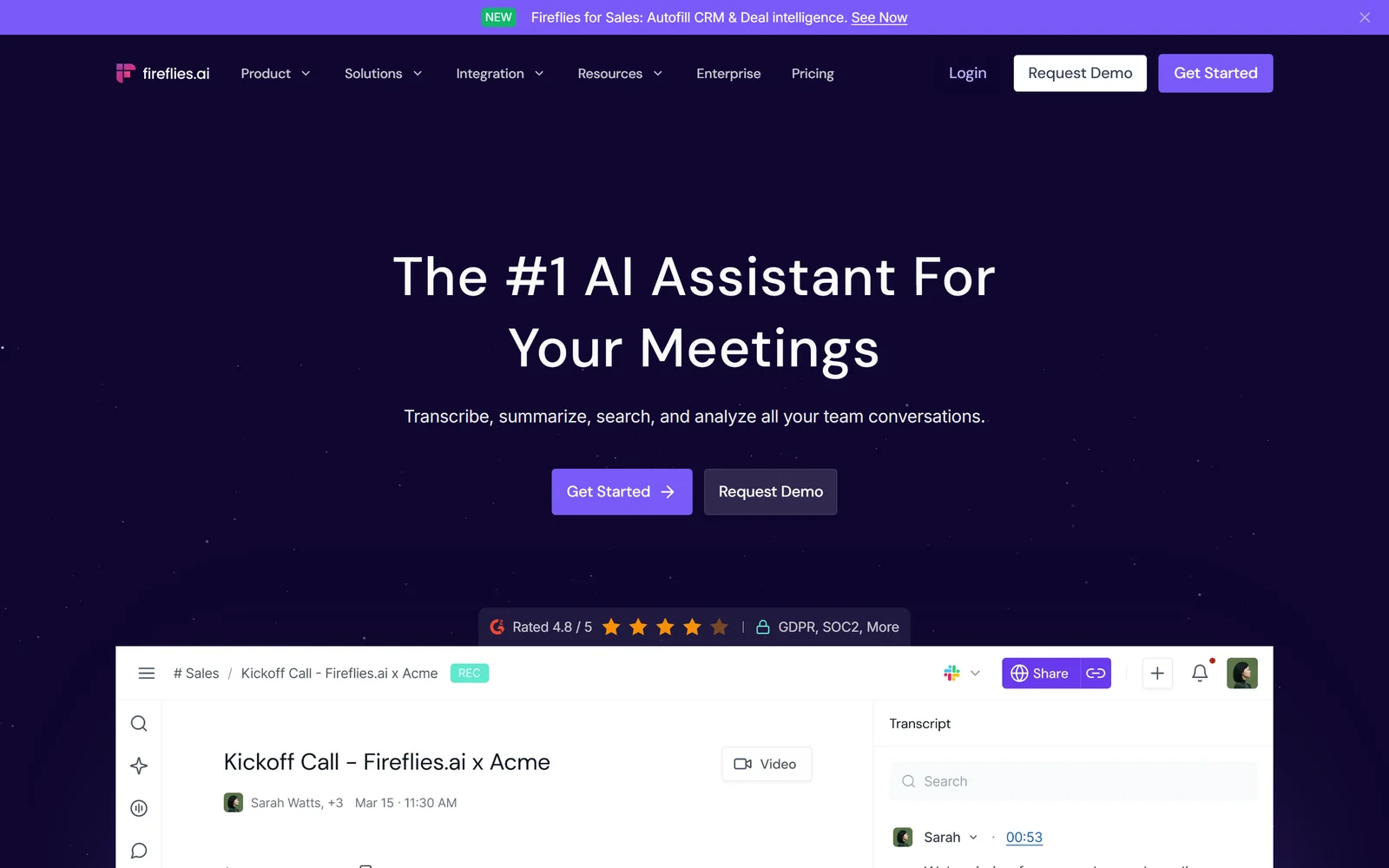
Fireflies.ai distinguishes itself as an Otter.ai alternative by focusing on extensive automation and generous transcription allowances for teams. It operates as an AI meeting assistant that can automatically join, record, and transcribe your calls across major platforms. This hands-off approach makes it a favorite for busy teams who want to ensure every meeting is documented without manual intervention. A key advantage is its support for transcription in over 100 languages, making it a powerful tool for global organizations.
The platform's standout feature, based on our review, is its "unlimited" transcription and storage positioning on paid tiers, which is highly competitive. Beyond transcription, Fireflies.ai provides a suite of conversation intelligence tools, including topic trackers and sentiment analysis, that help teams extract deeper insights from their discussions. Its AskFred AI assistant allows you to query meeting content directly, functioning like a search engine for your conversations. While the bot's presence in meetings can require clear communication about consent, users can opt for a Chrome extension for a more discreet capture method. As you explore different types of meeting transcription software, the value of this automated intelligence becomes clear.
Key Features, Pricing, and Use Cases
Pros:
- Competitive pricing with generous or unlimited transcription on paid plans.
- Extensive integration library connects with most popular CRMs and project management tools.
Cons:
- The meeting bot can feel intrusive to external participants if not announced.
- Some advanced AI features operate on a credit system, which may have limits.
Visit the official website: fireflies.ai
9. Fathom
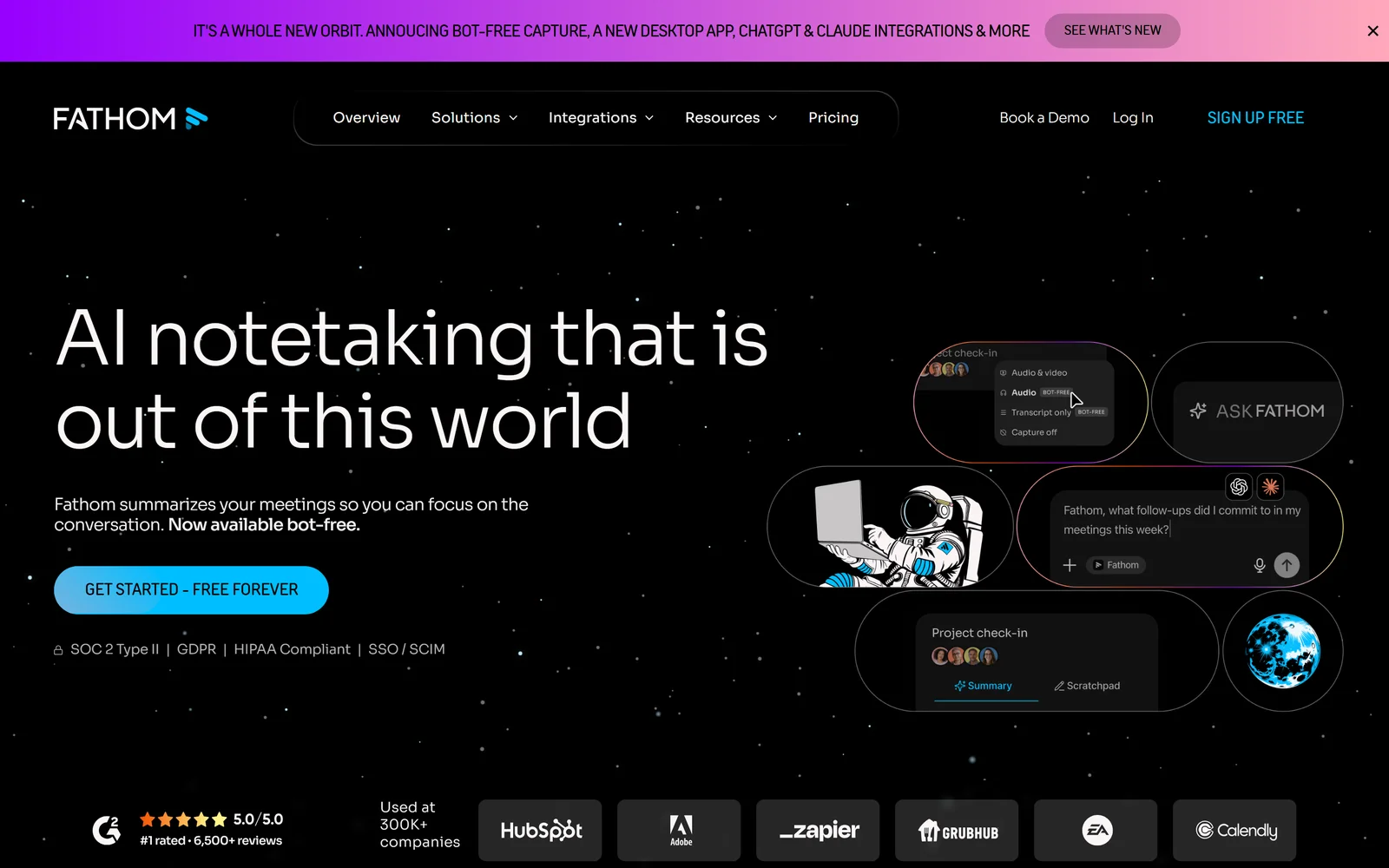
Fathom is a strong Otter.ai alternative because of its exceptionally generous free tier for individual users and a clear, value-driven path for team collaboration. It positions itself as a meeting assistant first, excelling at recording, transcribing, and summarizing video calls in real time. For solo entrepreneurs, students, or professionals looking to organize their meeting intelligence without an immediate budget, Fathom’s offer of unlimited recordings and transcriptions is a major draw.
The platform automatically generates call summaries, action items, and follow-up notes, which we found can be synced directly to popular CRMs like Salesforce and HubSpot on paid plans. What makes it stand out is its user-friendly interface that simplifies highlighting key moments during a live call. This feature creates instant, shareable clips. As teams grow, Fathom scales with them, introducing team-wide search capabilities, collaborative playlists for coaching, and advanced call metrics, making it a practical choice that can evolve with an organization’s needs.
Key Features, Pricing, and Use Cases
Pros:
- Highly generous free plan makes it accessible for individuals.
- Offers a 90-day guarantee on paid plans and special programs for nonprofits.
Cons:
- Advanced CRM sync and admin controls (like SSO) are gated behind higher-tier plans.
- Less focused on offline file transcription compared to dedicated transcription services.
Visit the official website: fathom.ai
10. Sembly AI
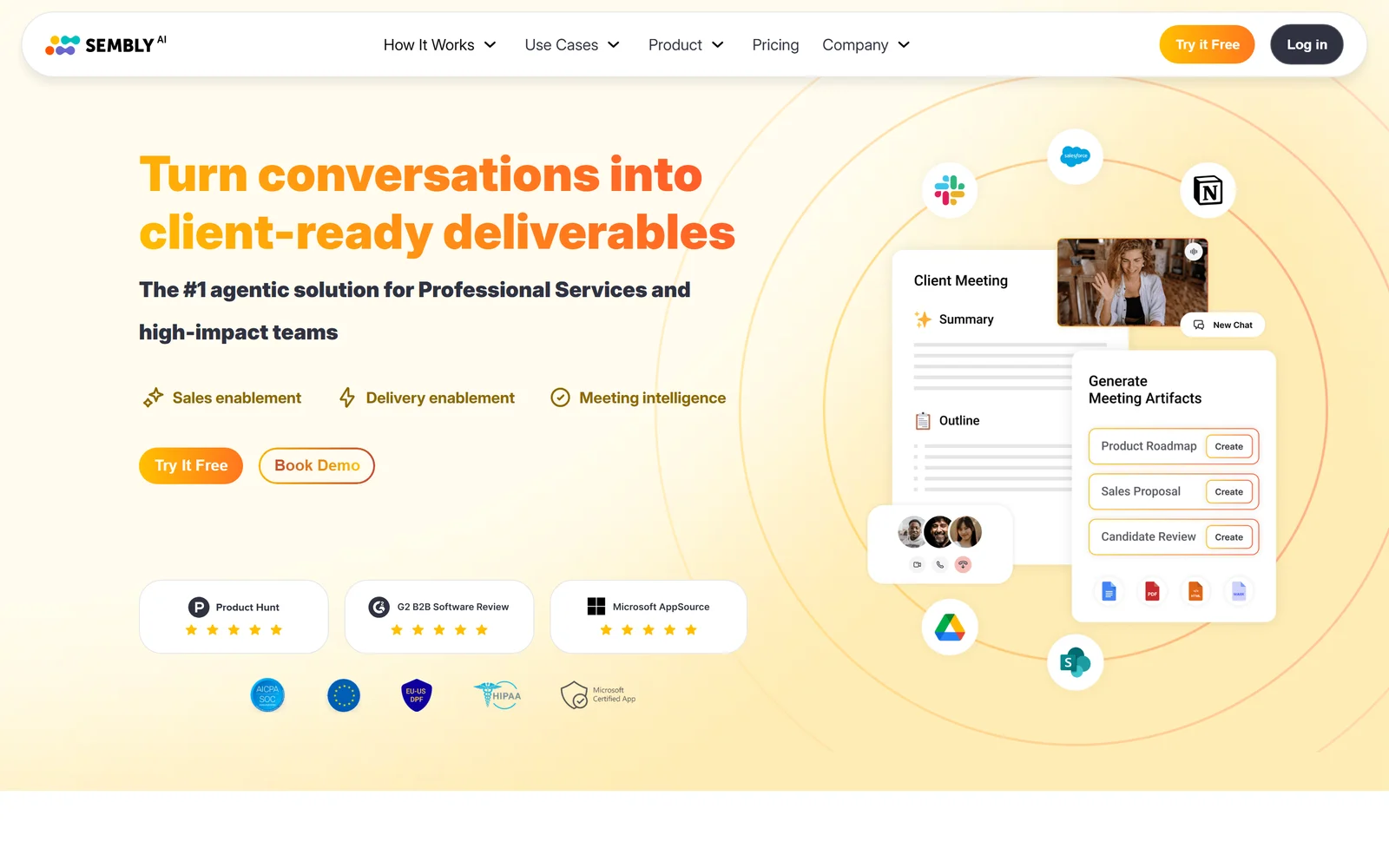
Sembly AI stands out as an Otter.ai alternative by focusing on team-centric meeting intelligence and robust administrative controls. While it provides core transcription services for platforms like Zoom, Teams, and Google Meet, its real strength lies in what it does with that data. The platform automatically generates AI notes, detects tasks, and identifies risks or issues discussed, making it a proactive assistant rather than just a passive recorder.
Based on our testing, the platform's standout feature is its customizable agent, Semblian 2.0, which can be tailored to fit specific team needs. This, combined with advanced analytics and compliance options like HIPAA support on its highest tiers, makes Sembly an excellent choice for regulated industries or organizations that require granular control over their data. It’s designed not just to document meetings but to make them more productive and insightful through deep analysis, offering a level of team management that goes beyond simple transcription.
Key Features, Pricing, and Use Cases
Pros:
- Rich admin and compliance features (HIPAA, SSO) suited for regulated teams.
- Good value with unlimited online meeting recording on paid plans.
Cons:
- Audio upload hours are capped per user on each tier (e.g., 5-15 hours/month).
- The feature set and plan names require careful review to ensure they meet your needs.
Visit the official website: sembly.ai
11. Supernormal
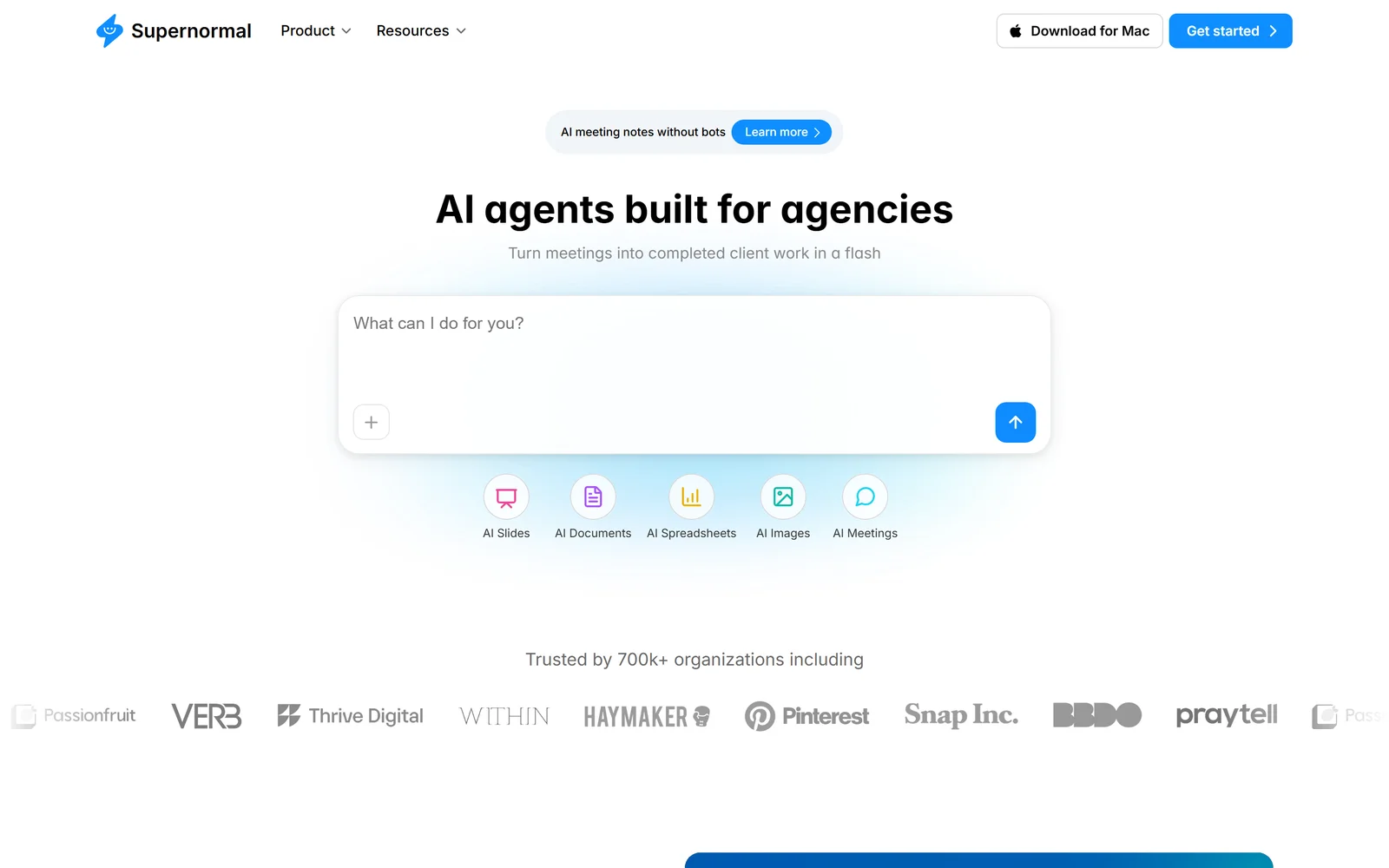
Supernormal differentiates itself as an Otter.ai alternative by focusing on creating fast, structured, and templated meeting notes. It is engineered for teams that prioritize immediate, organized summaries over verbatim transcripts, integrating smoothly with Google Meet, Zoom, and Microsoft Teams. This platform is particularly effective for users who want to apply a consistent format to their meeting outputs, making it easier to track action items, decisions, and key takeaways across different sessions and projects.
The standout feature is its use of meeting templates, which allow you to pre-define the structure of your notes before a meeting even starts. This ensures all critical information is captured in a consistent way every time. While its core function is creating AI-generated notes and summaries, the Business plan grants access to GPT-4, providing more nuanced and accurate outputs. Furthermore, Supernormal offers robust integrations with key business tools like Asana, Salesforce, Slack, and Zapier, positioning it as a central hub for meeting documentation that feeds directly into existing workflows.
Key Features, Pricing, and Use Cases
Pros:
- Simple plan design and quick setup, making it accessible for small teams.
- Affordable access to GPT-4-powered notes and enterprise-style controls on the Business plan.
Cons:
- The Starter plan has storage limits (1,000 minutes/member).
- Access to GPT-4 and custom templates requires upgrading to the more expensive Business plan.
Visit the official website: supernormal.com
12. Notta
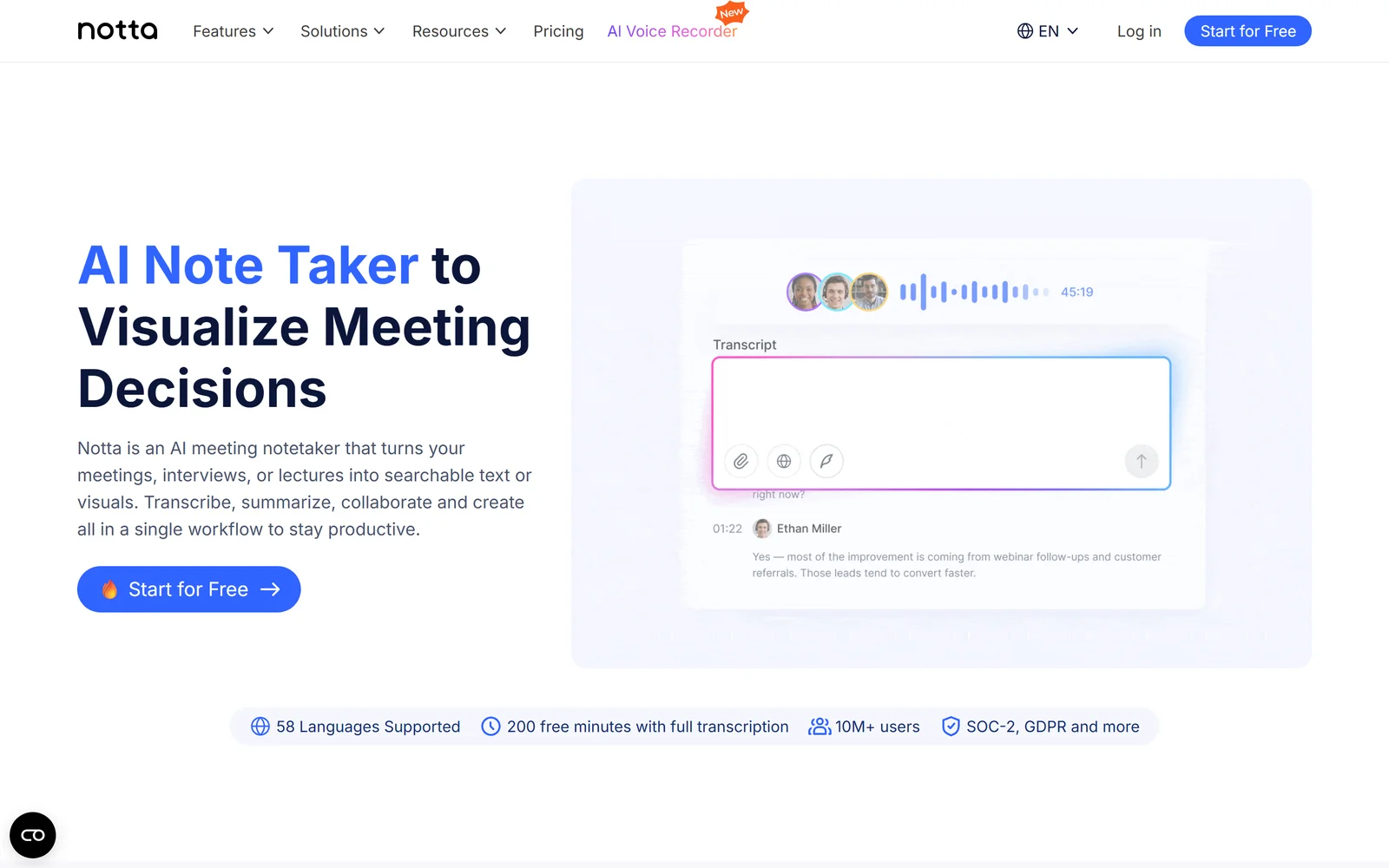
Notta has earned its place as a highly accessible and cost-effective Otter.ai alternative, focusing on generous transcription allotments and broad platform availability. It is designed for individuals and teams who need a reliable, cross-device transcription tool without a steep price tag. Notta's strength lies in its balance of core features, including live meeting transcription and speaker identification, with a pricing model that offers significant value, especially for heavy users.
The platform provides a cohesive experience across its desktop app, mobile app, and Chrome extension, ensuring you can capture conversations wherever they happen. Its AI is adept at generating not just transcripts but also concise summaries, action items, and other key takeaways using predefined templates. For businesses, Notta provides essential administrative controls, SOC 2 and ISO compliance, and SAML SSO on higher tiers, making it a scalable solution that can grow with a team’s security and collaboration needs. This makes it a strong choice for teams seeking high-volume transcription at a low per-seat cost.
Key Features, Pricing, and Use Cases
Pros:
- Competitive pricing with 1,800 minutes on the Pro plan and unlimited on Business.
- Offers a full suite of apps including desktop, mobile, and a Chrome extension.
Cons:
- The free tier is highly restrictive, with a 3-minute limit per conversation.
- Advanced security features like SAML SSO are reserved for enterprise-level plans.
Visit the official website: notta.ai
Before You Switch: Getting Your Data Out of Otter
Moving transcription tools is easy. Moving your archive is where people get stuck, so do this before you cancel.
One thing worth testing before you commit: run the same recording through your shortlist and compare the transcripts side by side. Accuracy claims are close on paper; on your audio, with your accents and your jargon, the gap is usually obvious in one file.
Otter.ai Alternatives: 12-Tool Comparison
Moving Beyond Transcription to True Insight
The search for Otter AI alternatives has clearly evolved past a simple need to convert audio into text. As we've explored with tools like HypeScribe, Descript, and Fireflies.ai, the real goal is to find a platform that elevates your entire information workflow. It's no longer enough to just get a transcript; the expectation now is for that transcript to be a launchpad for action, analysis, and content creation.
The journey through these twelve options reveals a fundamental shift: automated transcription is becoming a commodity. The true value now lies in what happens after the words are on the page. Does the tool summarize key points accurately? Does it identify and assign action items? Can it distinguish between speakers with high precision? Most importantly, does it integrate smoothly with the project management, communication, and storage systems you already use?
Your Decision Framework: Choosing the Right Alternative
Selecting the best tool from this extensive list requires thinking about your primary needs. A one-size-fits-all solution is a myth. Instead, your choice should be guided by how you and your team actually work.
For Creative Professionals (Journalists, Podcasters, Video Editors): Your focus should be on accuracy and editing capabilities. Tools like Descript, with its overdubbing and text-based video editing, or Sonix, with its robust in-browser editor and timestamp alignment, offer significant advantages. They treat the transcript not as a final document but as a raw material for creation.
For Collaborative Teams (Corporate, Remote, Hybrid): The critical factors are integration and automated intelligence. Fireflies.ai, Fathom, and Sembly AI excel here, acting as dedicated meeting assistants that plug directly into your calendar and CRM. Their ability to generate summaries, track topics, and push action items into platforms like Slack or Asana saves countless administrative hours. Our top recommendation, HypeScribe, also shines in this area with its balance of speed, accuracy, and team-focused features.
For Academics and Researchers (Students, Educators): High accuracy, support for specialized terminology, and simple export options are paramount. Human-powered services like Rev provide near-perfect transcripts for critical research, while tools like Notta offer a great balance of affordability and functionality for transcribing lectures and study groups.
Implementing Your New Transcription Tool
Once you’ve made a choice, the transition is the next step. Before fully committing, run a pilot test with a small group or a single, non-critical project. Evaluate not just the transcript quality but the entire user experience. How easy is it to upload files? Can you quickly correct errors? Does the summary capture the actual essence of the conversation?
Consider your data migration strategy. If you're moving from Otter.ai, export your most important transcripts first. Check if your new tool allows bulk imports or if you'll need to move files manually. This initial effort ensures you don't lose valuable historical records.
The rapid advancement in this space is a direct result of progress in artificial intelligence. As AI continues to evolve, moving beyond simple transcription to provide deeper insights, a foundational understanding of the technology through specialized AI courses becomes increasingly valuable for professionals looking to stay ahead.
Ultimately, the right Otter AI alternative will feel less like a tool you have to manage and more like an extension of your team. It will reduce cognitive load, eliminate tedious administrative work, and, most importantly, help you find the signal in the noise. By choosing a platform that aligns with your specific goals, you can finally move from just documenting conversations to unlocking the actionable intelligence hidden within them.
If what pushed you off Otter was the 30-minute cap or running out of monthly minutes, HypeScribe prices per file instead: one token covers a recording of any length. Try it free — three files a month, no card required.