Your Guide to Zoom Meeting Recording Software

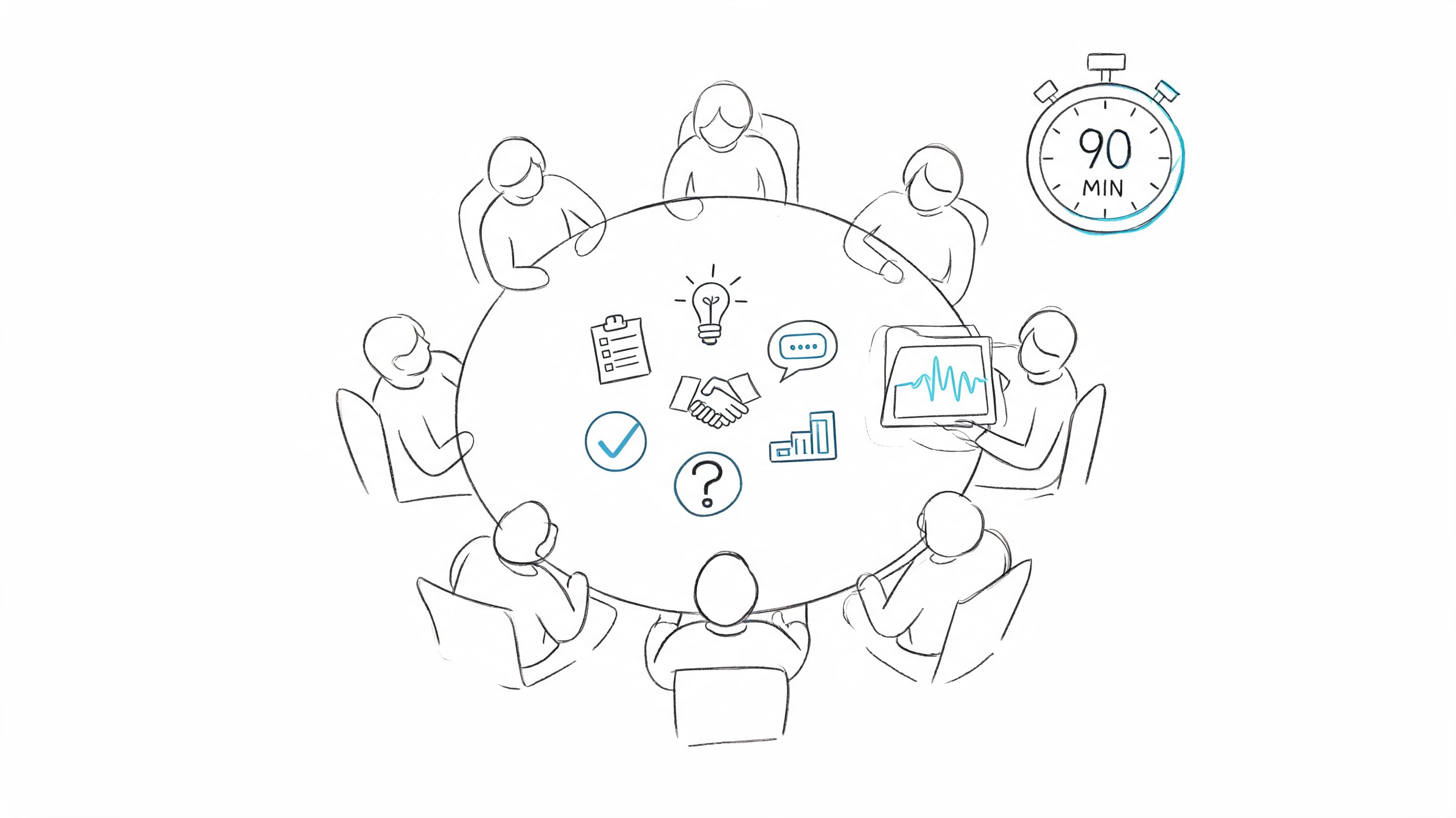
A Zoom meeting ends. Everyone agrees it was productive. The client nodded on the budget point, engineering flagged a dependency early, and someone volunteered to draft the rollout plan.
Then the call closes and the scramble starts.
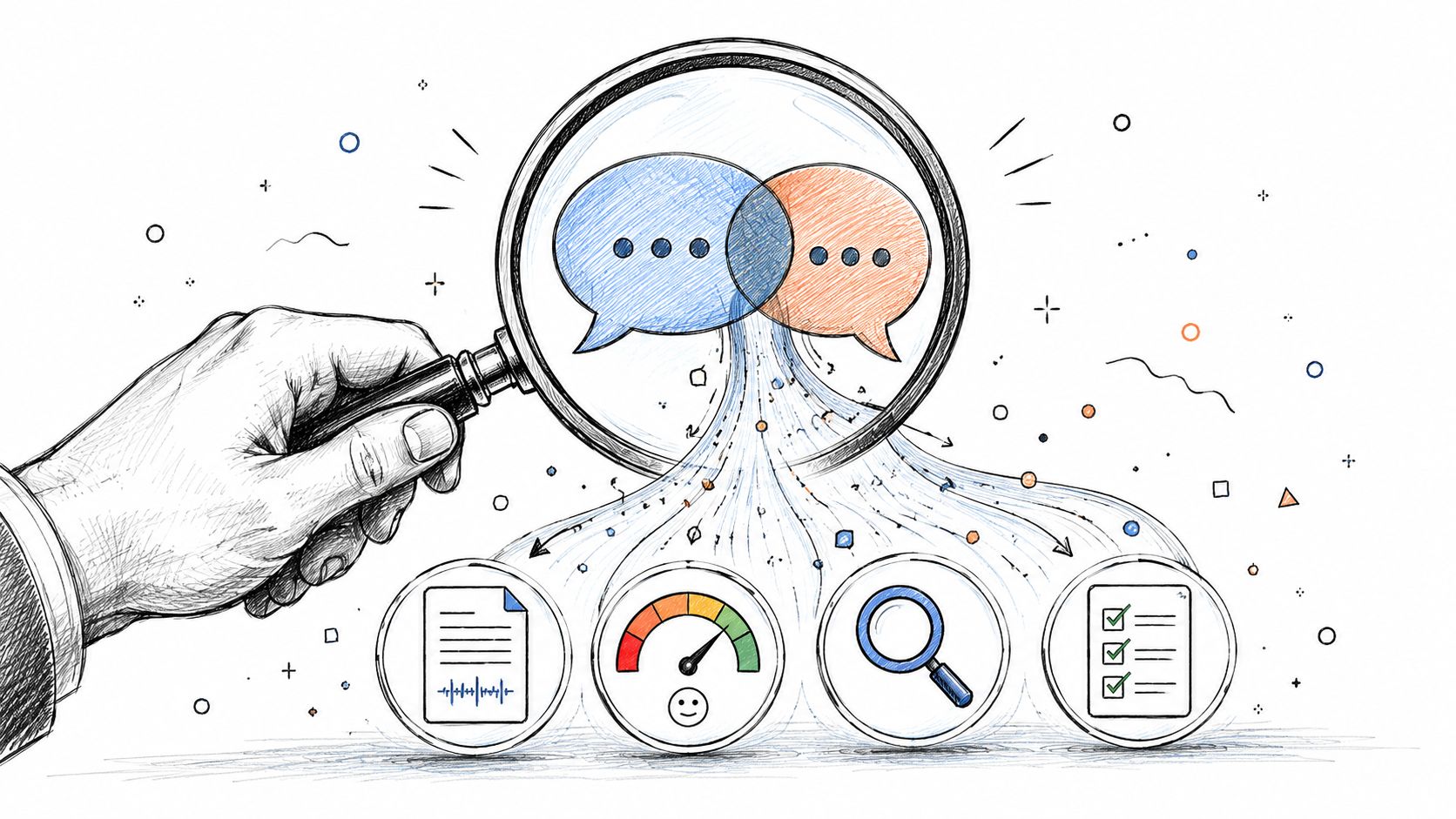
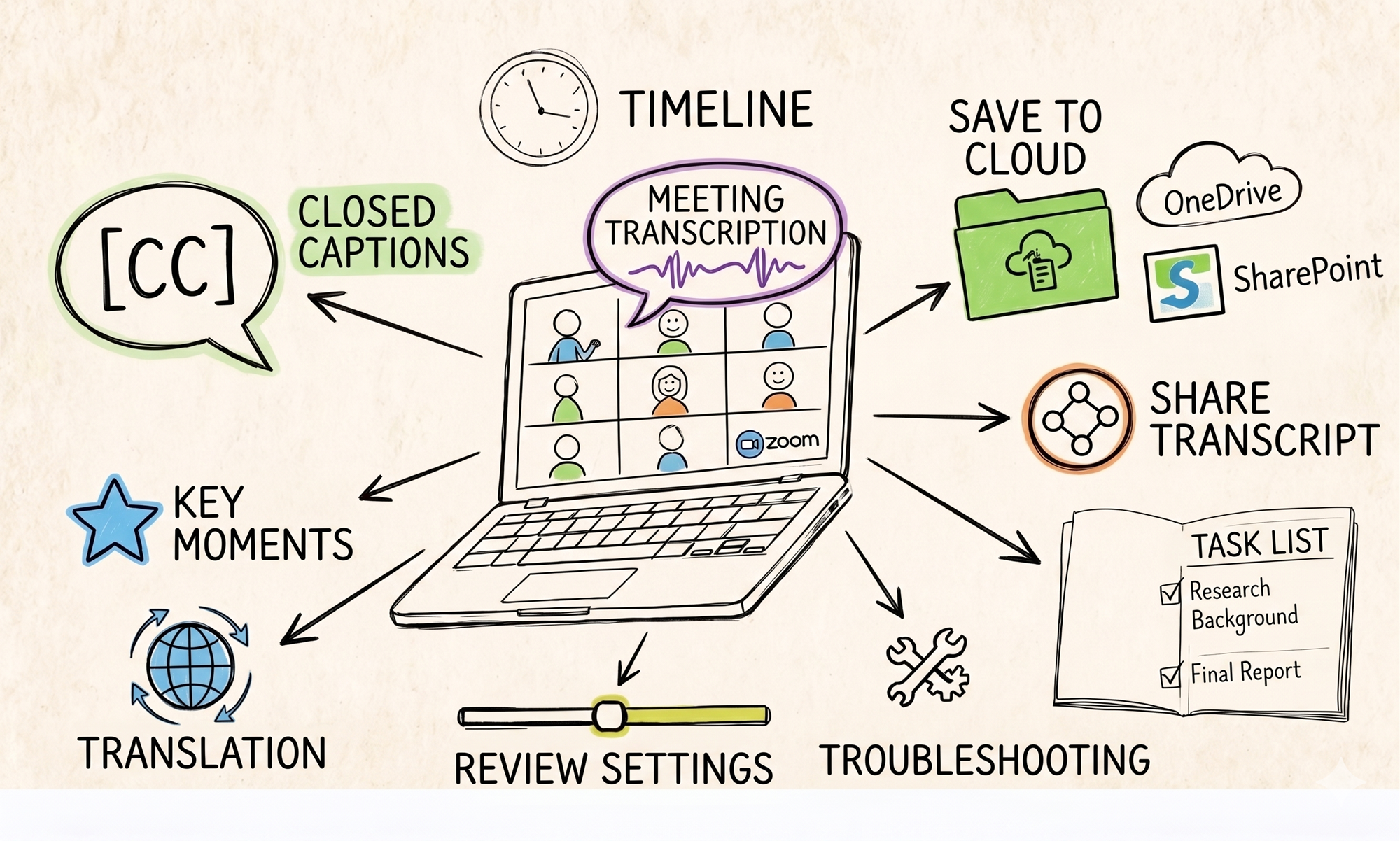
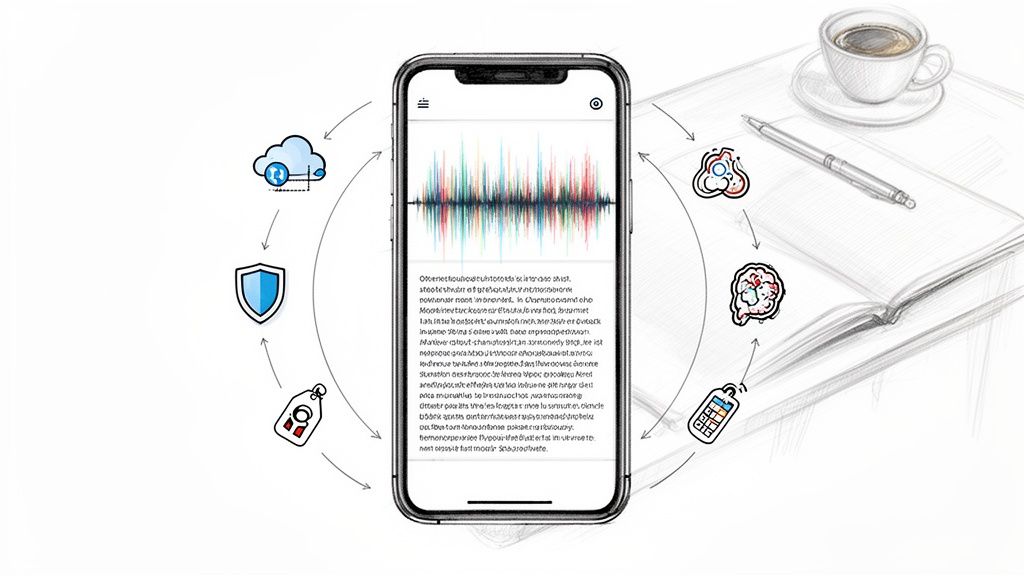
One person is rewriting half-legible notes. Another is asking in Slack who owns the follow-up. Someone else remembers a decision differently than the rest of the group. By the next morning, the team has a recording somewhere, a chat log somewhere else, and no clean path from conversation to execution. This is why teams start looking for Zoom meeting recording software. They don't need another video file. They need a system that preserves decisions, captures context, and turns discussion into work people can act on.
The Post-Meeting Scramble Is Over
The pattern is familiar. A weekly project review runs long, the last five minutes are rushed, and the most important action item gets assigned in passing. Later, the team remembers the debate but not the exact decision. Nobody wants to rewatch the entire meeting just to confirm one sentence.
That friction adds up fast. Zoom reported that a typical employee spends 392 hours per year in meetings, and nearly 75% of leaders take notes or share action items multiple times a week in its 2025 meeting statistics. Those numbers explain why the administrative load around meetings has become its own operational problem.
When teams only treat recordings as archives, they still lose time. They just lose it after the meeting instead of during it.
Practical rule: If your recording doesn't make decisions easier to find later, it's storage, not meeting intelligence.
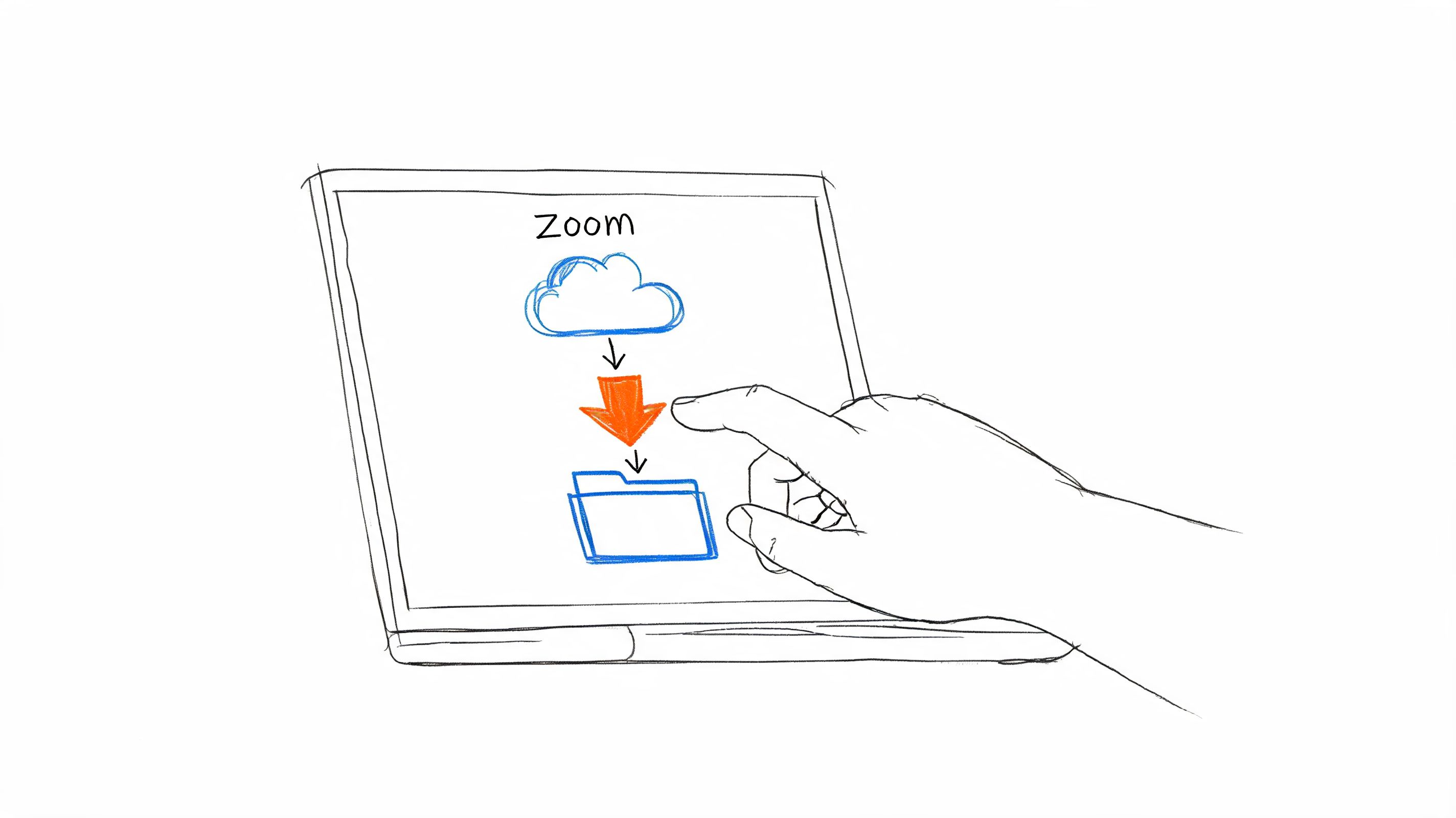
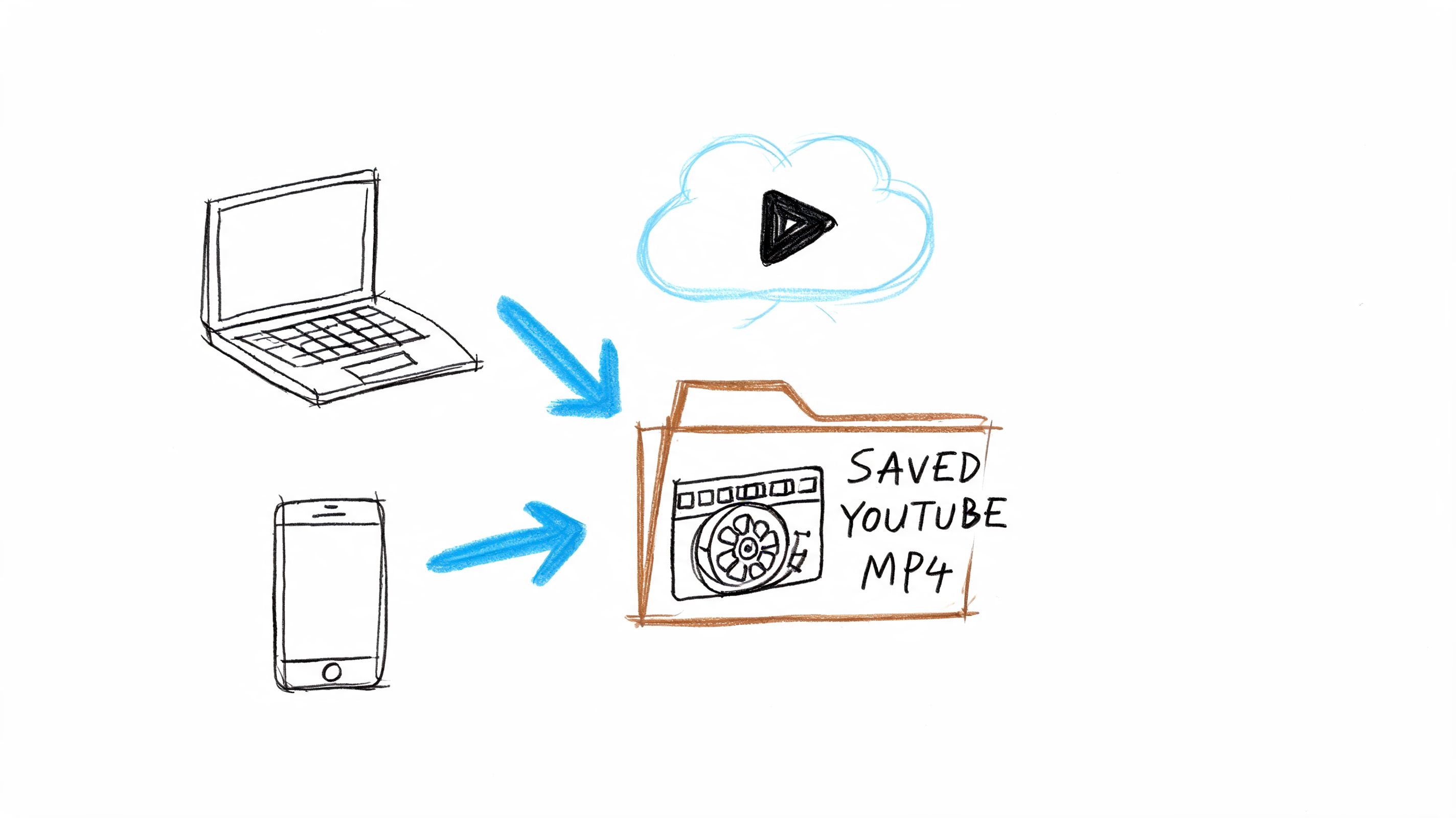
A lot of teams first solve this by making recordings easier to access. If that's your current step, a quick guide to downloading a Zoom recording helps. But access is only the baseline. True improvement comes when the recording becomes searchable, structured, and tied to next actions.
Beyond Zoom's Built-in Recorder
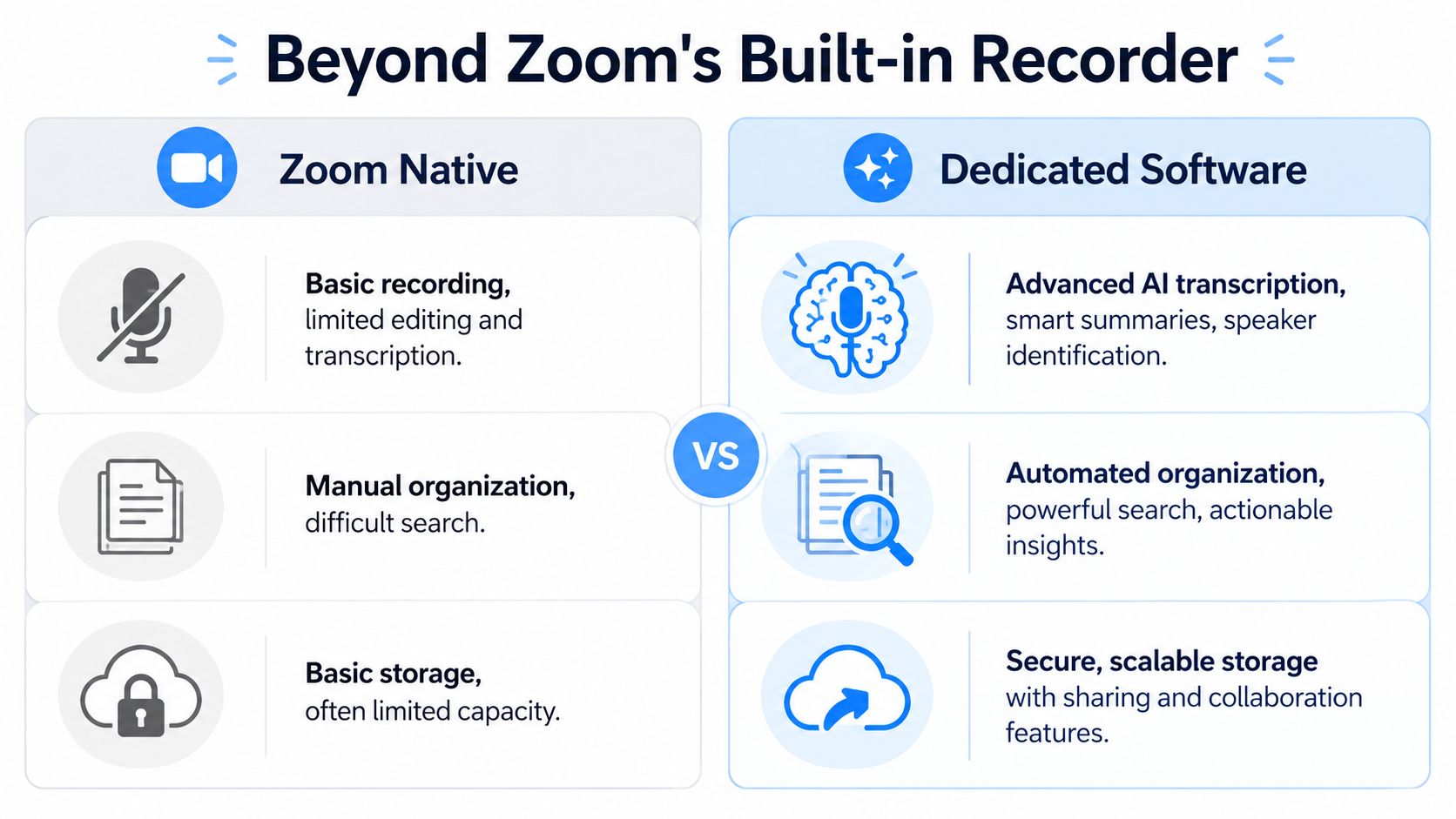
Zoom's native recorder is useful. It captures the meeting. It gives teams a way to preserve what happened. For simple documentation, that's enough.
But teams often outgrow “save the video” quickly.
Zoom became the center of a huge meeting ecosystem because of its reach. The platform hit 350 million daily meeting participants in December 2020 and hosted more than 45 billion webinar minutes in 2020, according to Zoom statistics compiled by Business of Apps. Once meetings reached that scale, a second category of tools emerged around them. Not better cameras. Better workflows.
A recorder saves evidence
Zoom's built-in recorder is a lot like a basic security camera. It records what happened. If you already know what you're looking for, that can work.
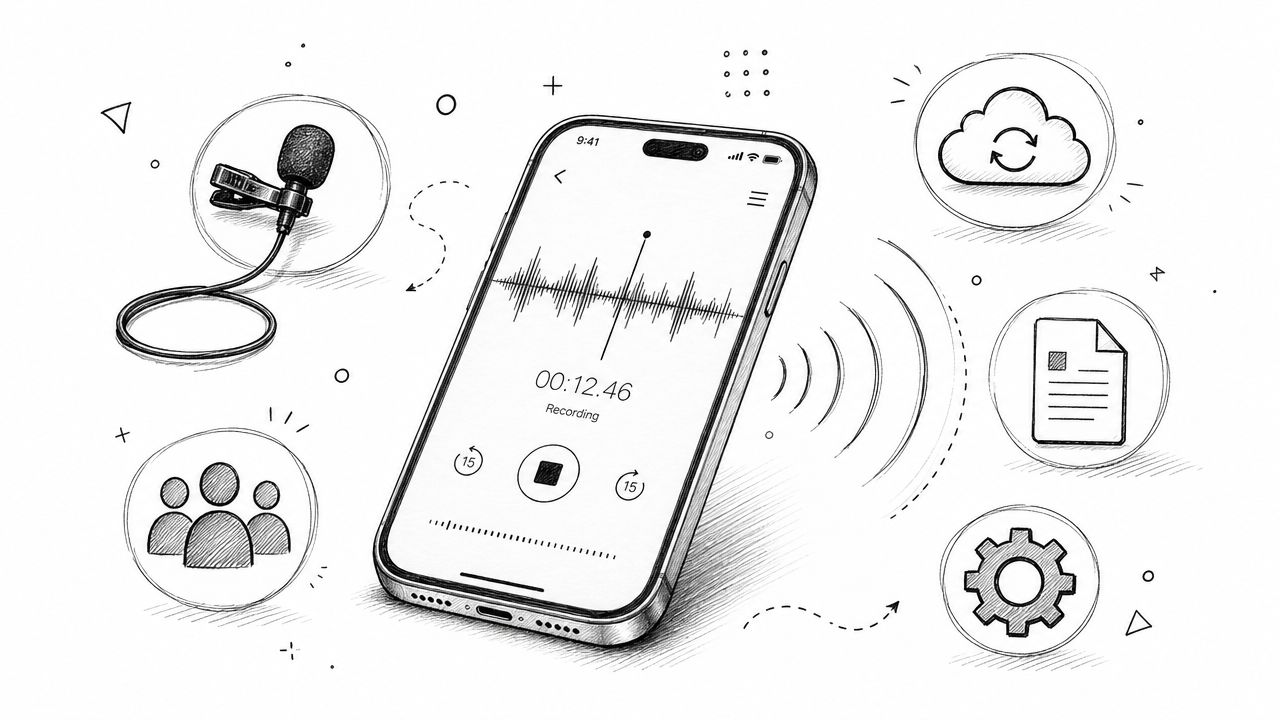
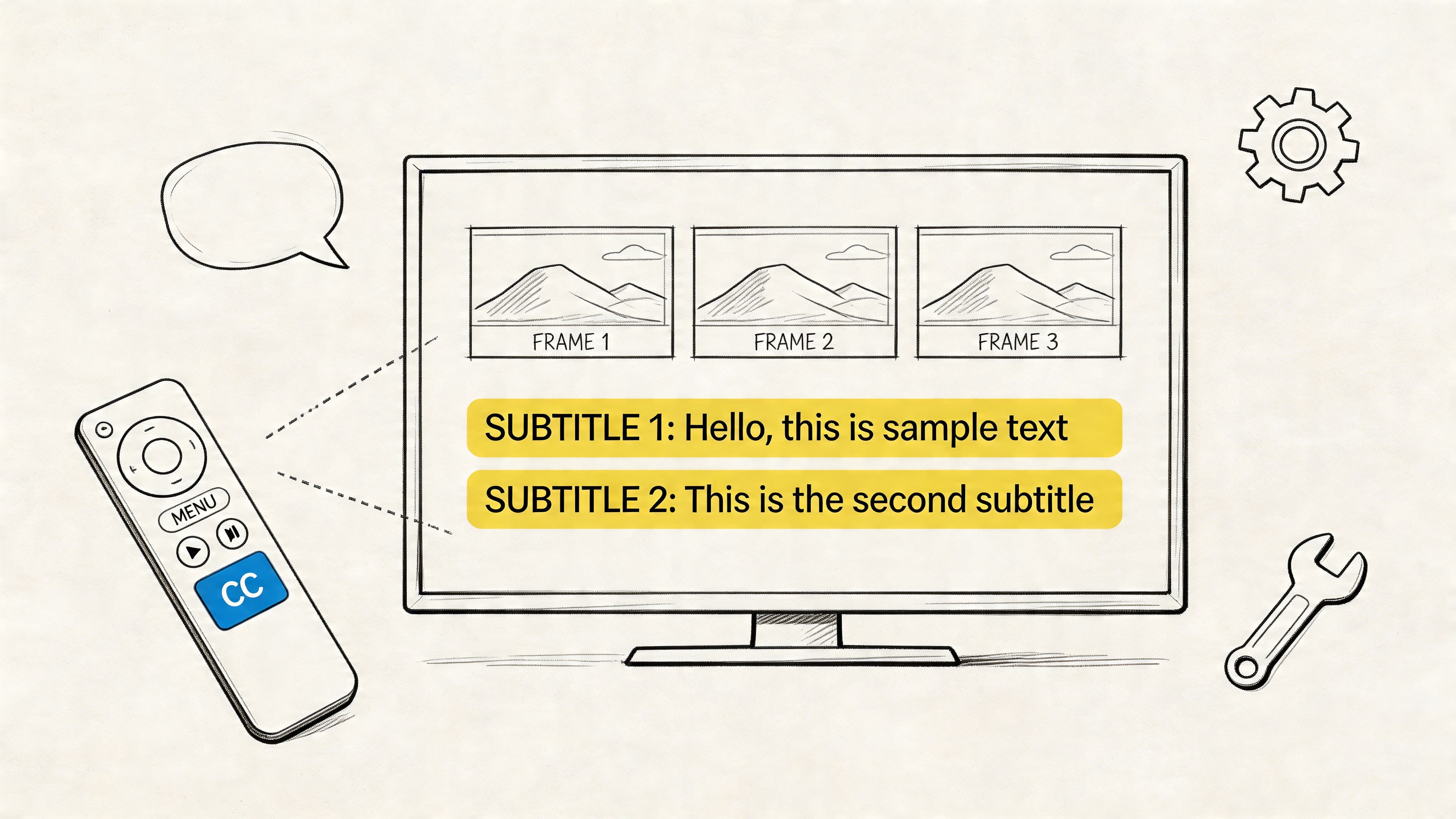
Local recording can include video, shared content, audio files, chat messages, and closed captions, based on Zoom's local recording support documentation. That's more useful than many people realize. You're not only capturing faces and voices. You're preserving side comments in chat, captions, and presentation context.
Still, a raw recording creates a retrieval problem. Teams have to remember the meeting title, find the correct file, scrub to the right point, and manually pull the takeaway into a task system or document.
Meeting software creates an asset
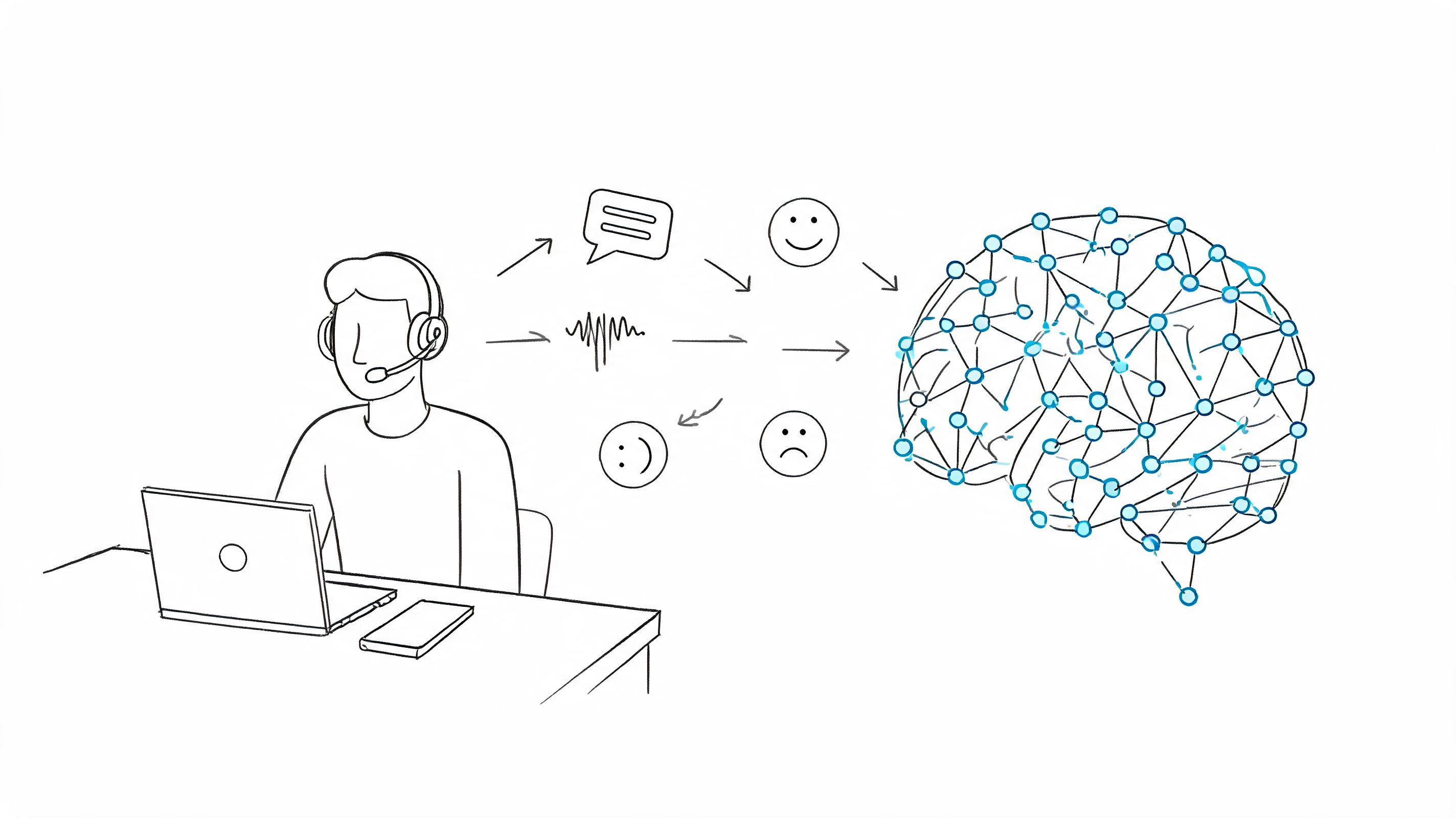
Dedicated Zoom meeting recording software does something different. It treats the meeting as source material that can be processed.
That usually means the tool can:
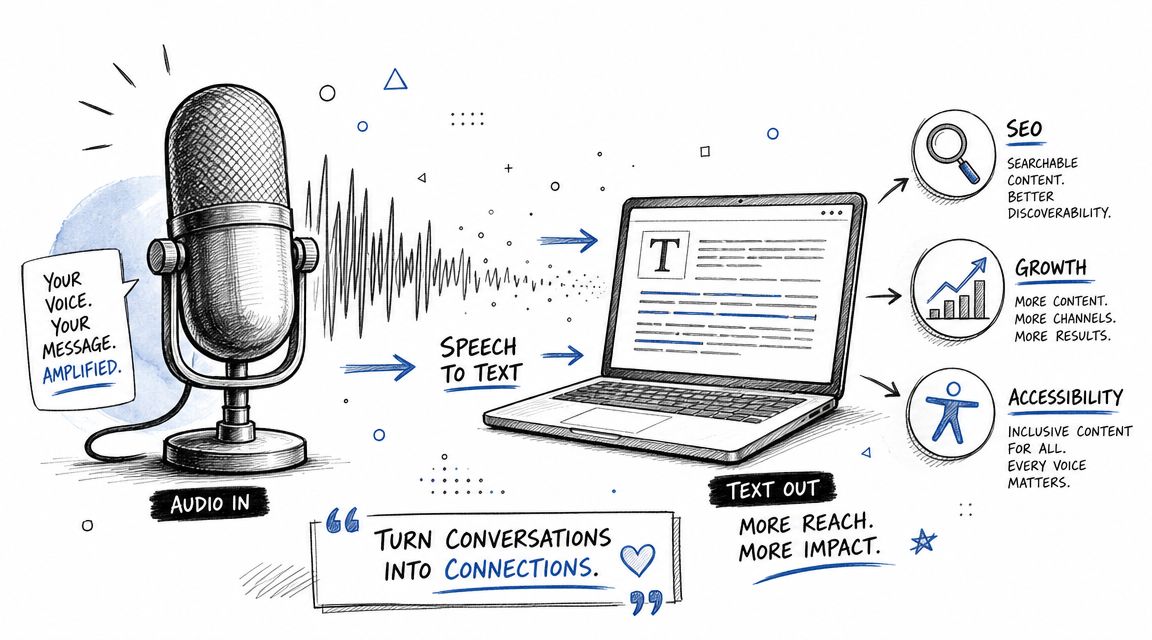
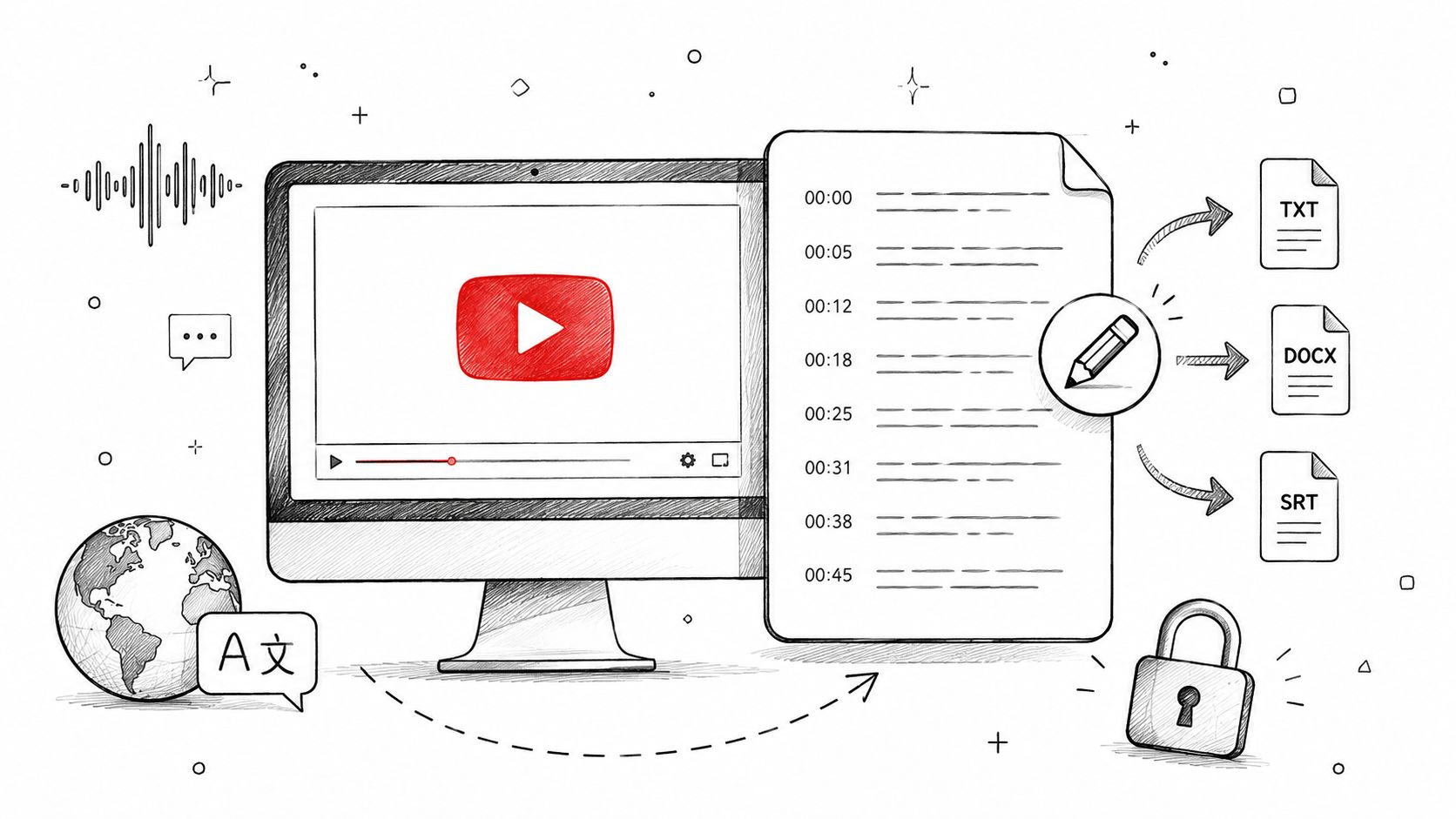
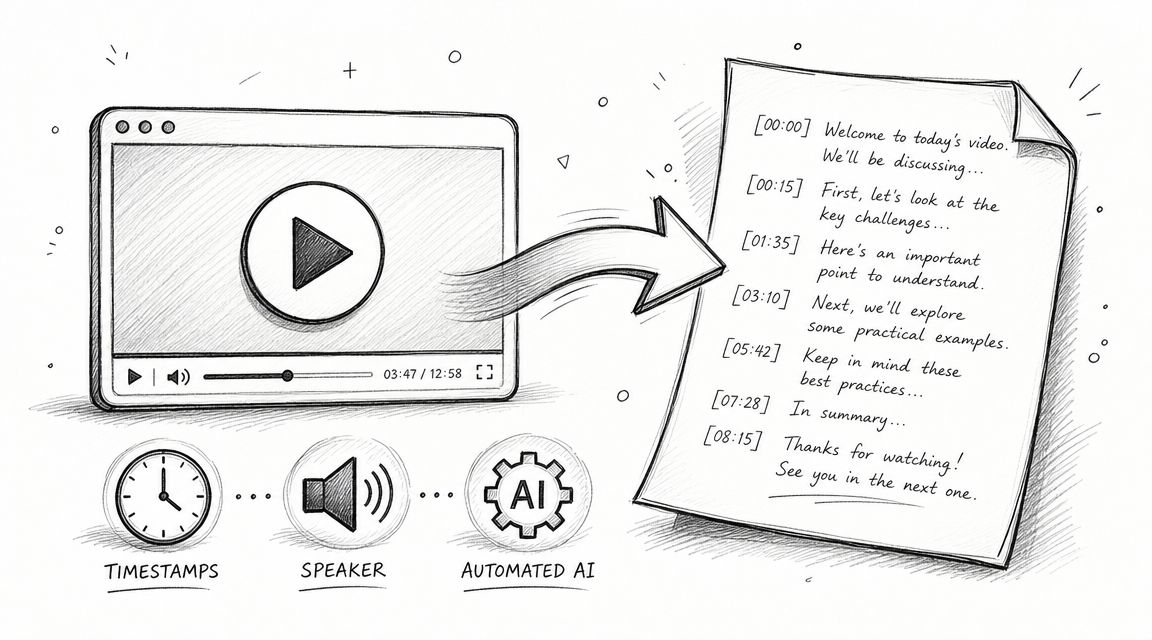
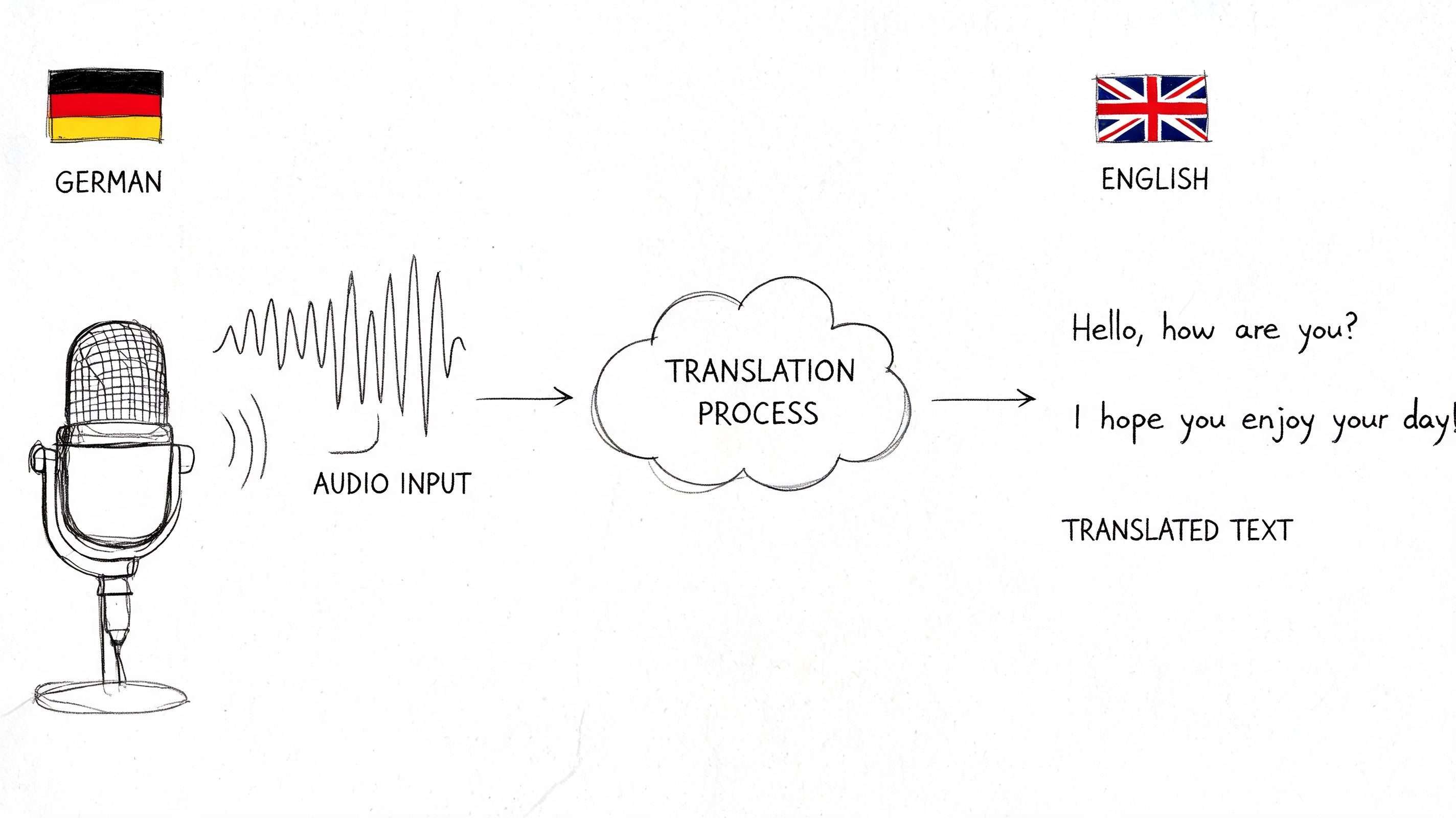
- Transcribe the conversation so people can search for a phrase instead of replaying the whole file
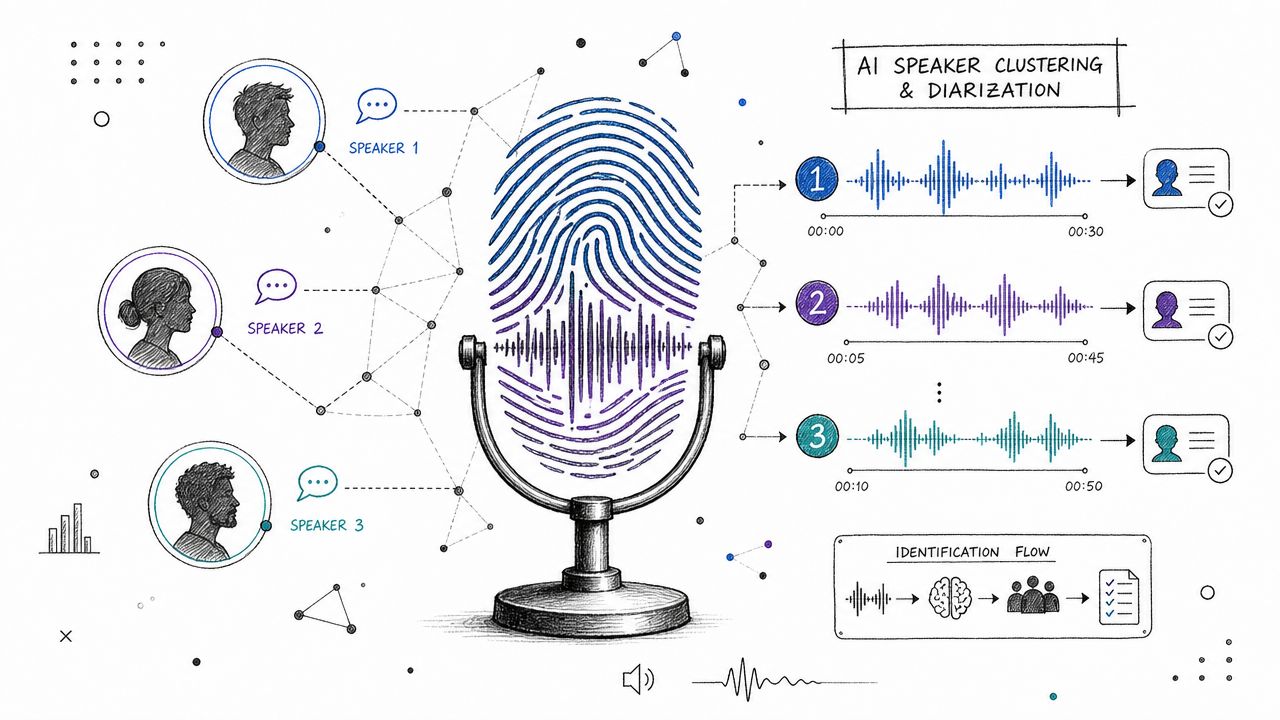
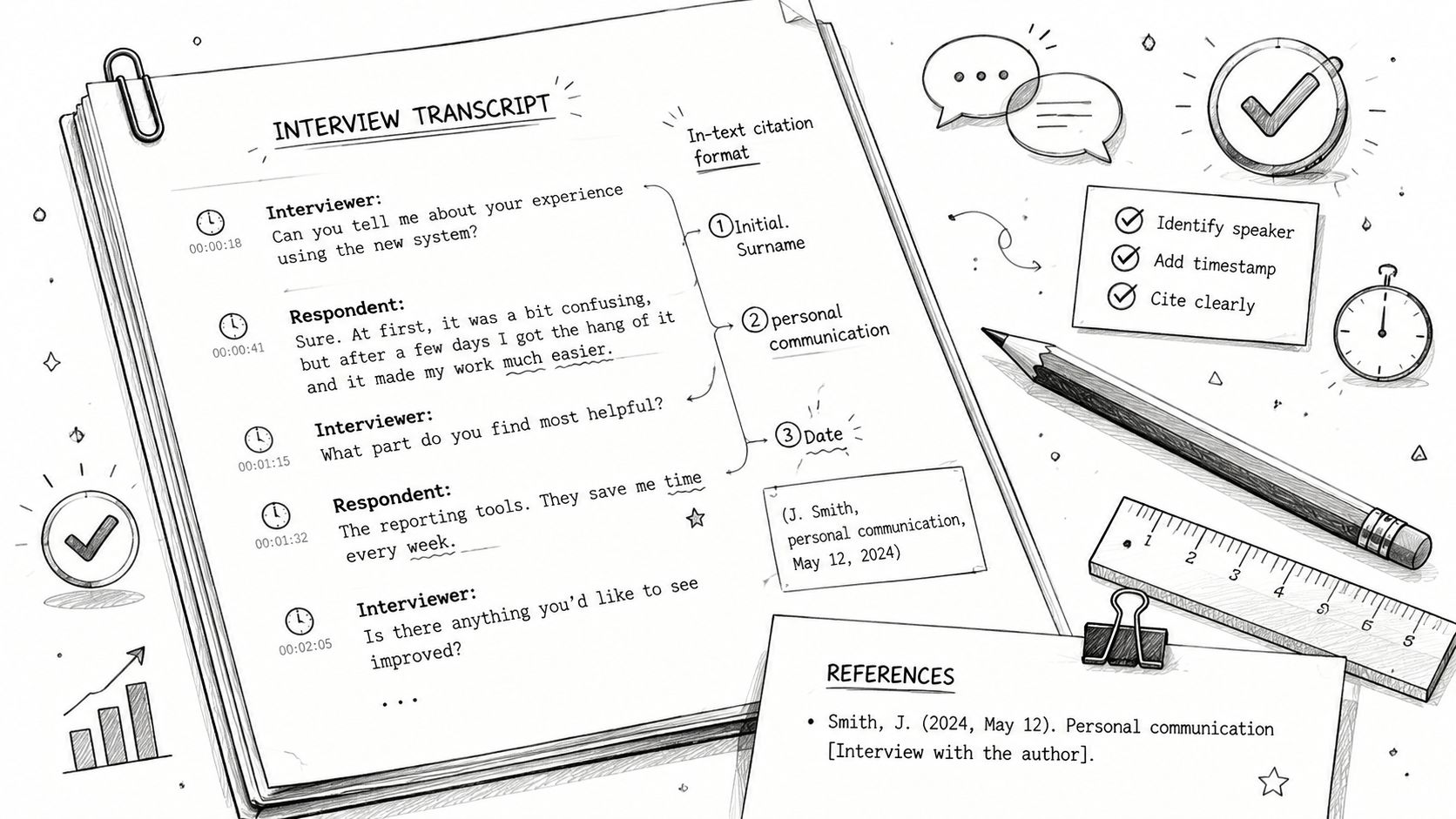
- Identify speakers so comments don't blur together
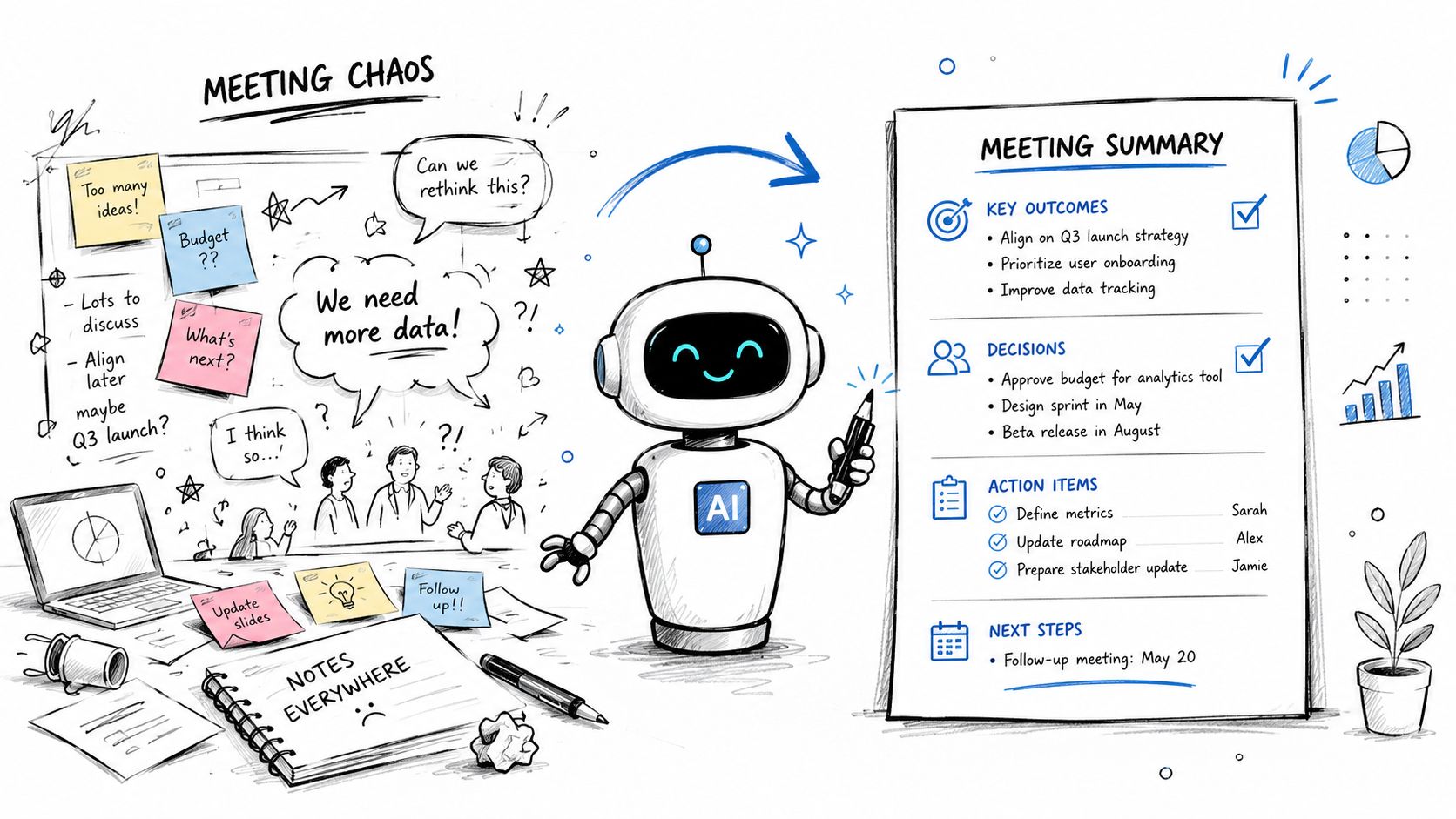
- Generate summaries and action items so follow-up work starts faster
- Organize recordings centrally so they become part of team knowledge, not one person's local folder
The gap is easiest to understand this way. A native recording answers, “Did we capture the meeting?” A dedicated platform answers, “Can we use what happened in the meeting tomorrow, next month, or during onboarding?”
The most valuable meeting recording isn't the one you can store. It's the one your team can query.
That's the shift most buyers miss. Zoom meeting recording software isn't just about capture. It's about making meetings operationally usable.
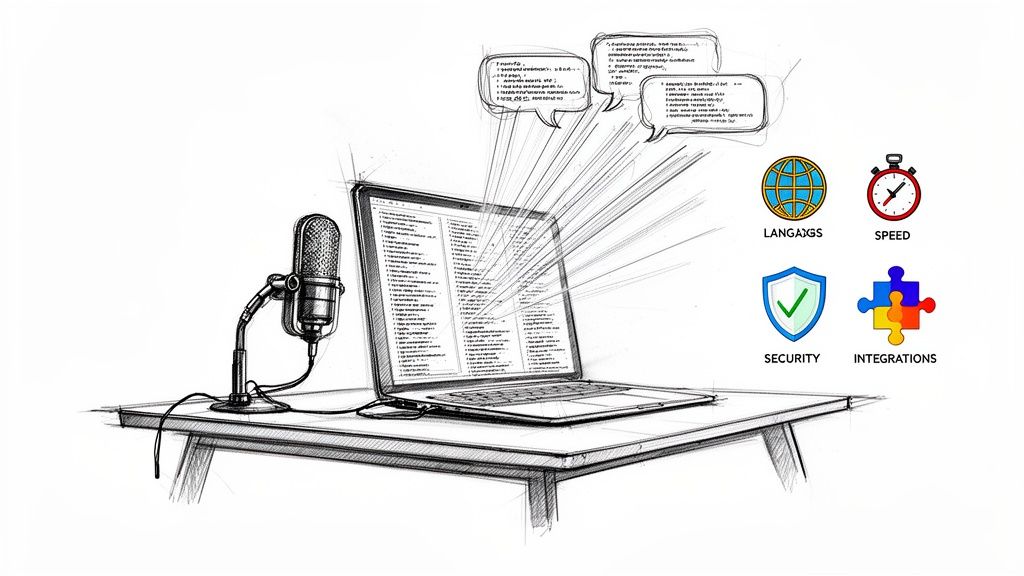
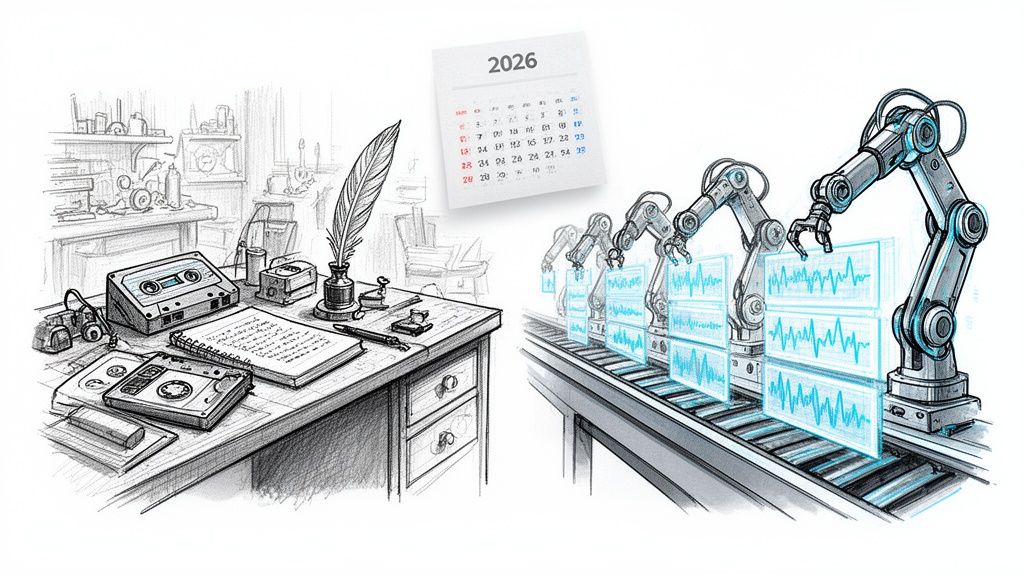
Essential Software Features to Look For in 2026
Feature lists get noisy fast. Most of them mix nice-to-haves with workflow-critical capabilities and leave buyers comparing jargon instead of outcomes.
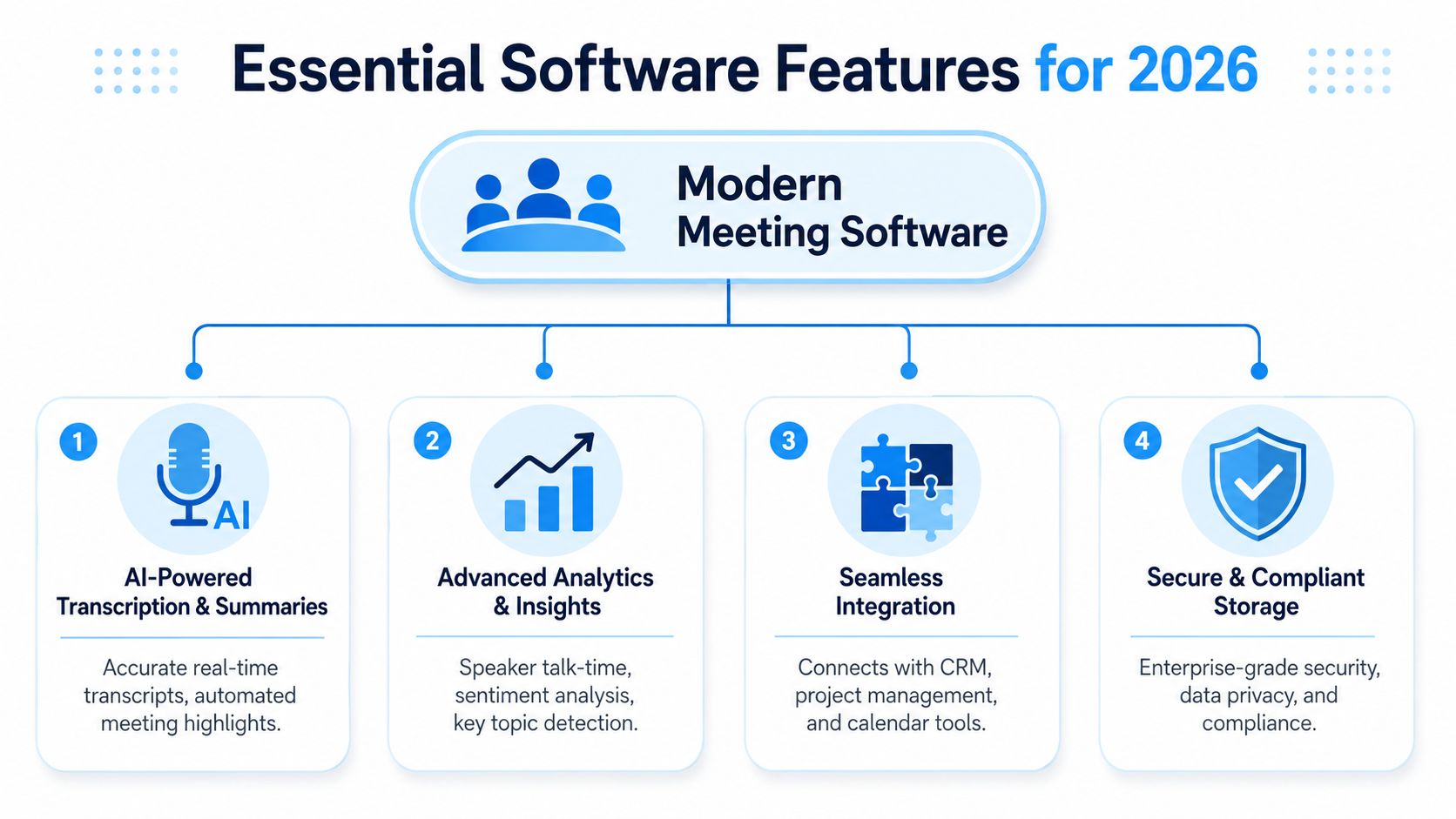
A better way to evaluate Zoom meeting recording software is to ask one question for each feature: what problem does this remove for the team after the meeting ends?
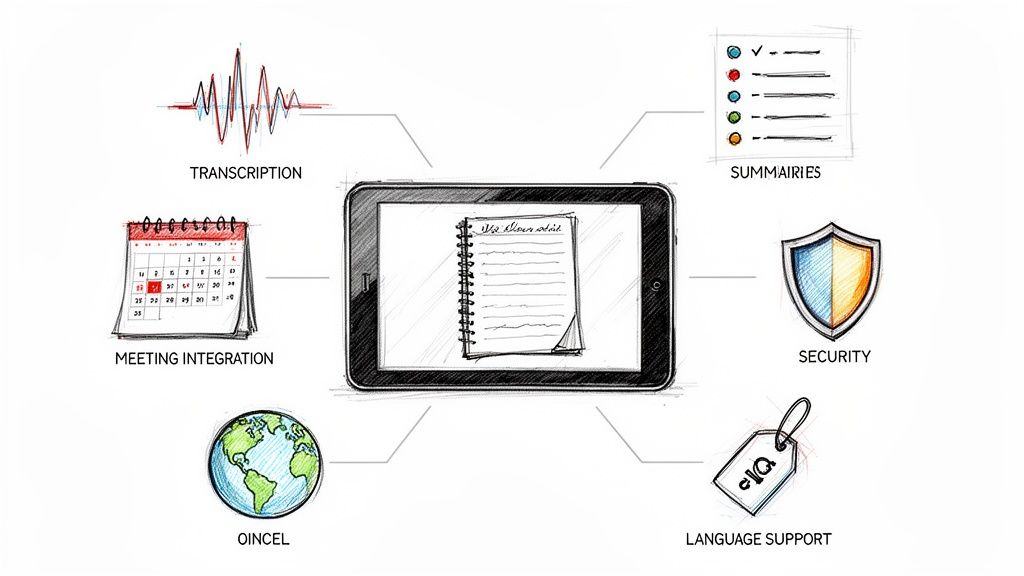
Transcription that people can trust
If the transcript is sloppy, everything built on top of it gets worse. Summaries drift. action items get assigned incorrectly. Search becomes unreliable.
Look closely at how a tool handles overlapping speech, names, jargon, and speaker separation. Diarization matters because “someone said this” isn't enough in project work. Teams need to know who committed to what.
If transcription quality is a major evaluation factor, it helps to understand what AI-powered transcription software should do in live business settings, especially when meetings include technical terms, customer language, or multiple speakers.
Summaries that reduce admin work
A summary should save time, not create another review task. Good summaries pull out decisions, unresolved questions, and next steps in a format a manager can forward without rewriting.
What usually fails in practice is the vague recap. “The team discussed timeline and risks” doesn't help anyone. Useful summaries are specific enough that a person who missed the meeting can catch up without asking for a second meeting.
Here's the standard I use:
- Decision capture: Does the summary state what the team decided?
- Action ownership: Does it show who owns the next step?
- Open loops: Does it flag what still needs an answer?
Search and retrieval
Search is where a recording library becomes fully useful. Without it, recordings turn into digital attic space.
A searchable archive lets teams retrieve the exact pricing discussion from a customer call, the one sentence where scope changed, or the training answer a new hire needs. That matters even more in organizations that repurpose meeting content into internal docs, clips, and learning material.
Integrations that move work forward
The recording itself rarely finishes the job. The actual value appears when meeting outputs connect with the rest of the team's stack.
Look for tools that fit into how your team already works:
- Project management alignment: Push action items into task systems instead of leaving them in a transcript
- Knowledge capture: Export notes into shared docs or internal knowledge bases
- Calendar awareness: Join the right meetings automatically so people don't have to remember setup steps every time
Buy for the handoff, not just the capture. Most teams break the workflow after the transcript is generated.
Security and control
Meeting data includes strategy, customer details, hiring conversations, and internal debate. A usable platform needs access controls, retention options, and straightforward deletion workflows.
This is one of the easiest places to make a bad purchasing decision. Teams get excited about summaries, then discover later that the platform makes governance awkward. If your compliance or legal team is going to ask hard questions, involve them before rollout, not after procurement.
How Teams Use Recording Software to Boost Productivity
The fastest way to understand the value of Zoom meeting recording software is to look at where teams lose time today. It usually isn't on the call itself. It's in the repeated effort after the call: note cleanup, recap writing, re-explaining decisions, and coaching from memory.

Sales teams use it for coaching
A sales manager doesn't need every call recorded just to build an archive. They need reusable examples.
When a rep handles a pricing objection well, that clip becomes coaching material. When discovery calls keep stalling at the same point, the transcript helps the manager spot the pattern without sitting in every live meeting. Searchable recordings also help reps review exactly how a customer described their pain points before the next call.
What doesn't work is storing dozens of calls in folders with generic names. That creates volume, not learning.
Project and operations teams use it for accountability
I see the cleanest operational gain in how project meetings are handled. Such meetings often contain dozens of small commitments that never make it into a task board unless someone catches them manually.
A better workflow creates a record of:
- Decisions: scope approved, date shifted, stakeholder signoff needed
- Owners: who agreed to send, review, fix, or escalate
- Dependencies: what can't move until another team finishes its piece
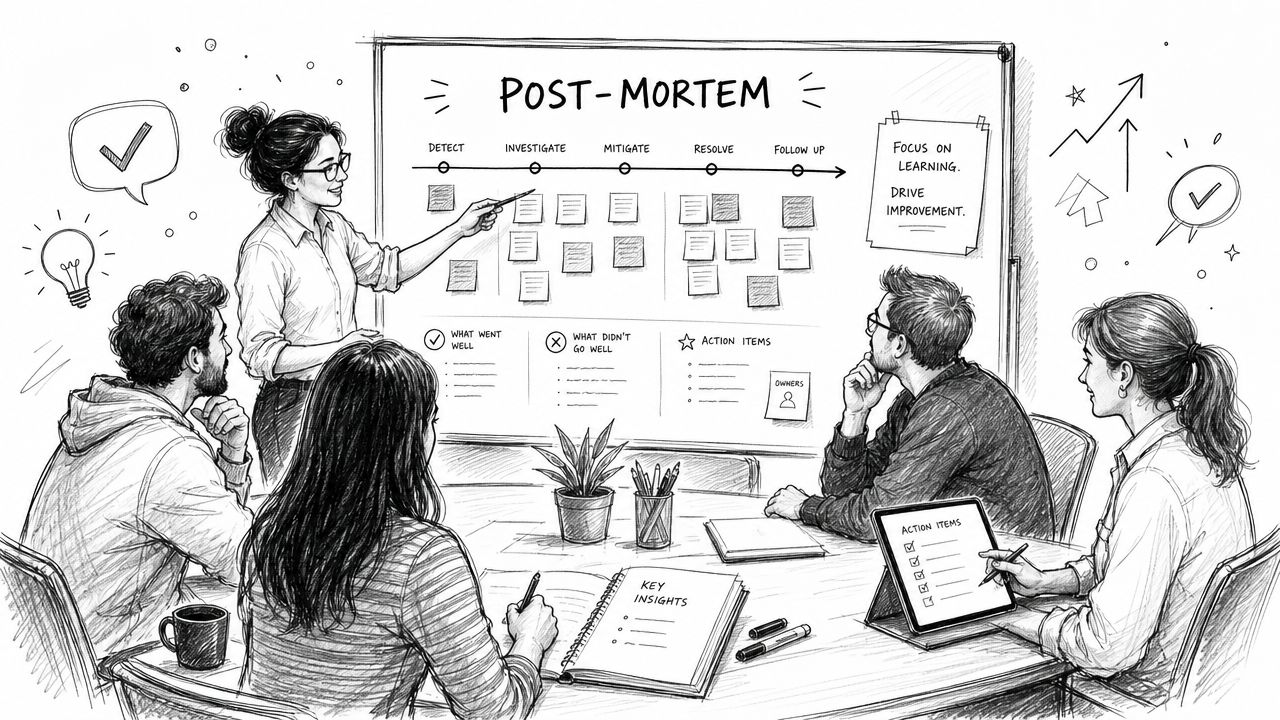
That changes the follow-up meeting. Instead of reopening old conversations, the team starts with what was already decided.
A transcript helps memory. A decision log helps delivery.
HR and people teams use it for consistency
Hiring panels, onboarding sessions, internal training, and policy briefings all benefit from recorded context. HR teams often need clear documentation, but they also need controlled access because these conversations can be sensitive.
The useful pattern here is selective sharing. Recruiters may need interview notes. Hiring managers may need summary access. Not everyone needs the full recording.
Marketing and research teams use it for voice of customer work
Customer interviews and feedback sessions are some of the richest source material in a business. They're also easy to lose because the insights are buried inside long conversations.
Recording software helps teams pull out phrasing customers use, compare recurring objections, and keep a searchable library of source conversations for campaigns, messaging, and product work. The key is making these files searchable enough that marketers can return to them without asking the original interviewer for help.
Training and education teams use it for reuse
Trainers and educators already know that one live session often needs a second life. The recording becomes review material, internal documentation, or the base for future lessons.
What makes the difference is whether the output is editable and searchable. A plain video supports replay. A processed transcript supports reuse.
How to Choose the Right Zoom Meeting Recording Software
Teams often don't fail at selection because there are no good options. They fail because they compare products at the wrong level. They ask which tool records Zoom meetings, when the critical question is which setup produces usable outputs without creating extra admin work later.
That distinction matters because, as covered in independent guidance on recording workflows, the issue isn't only capture. It's whether you can get usable, searchable, multi-angle content without manual editing overhead, especially when you need diarized transcripts or programmatic recording that native options often don't provide, as discussed in this Zoom recording workflow analysis.
Start with the job to be done
Before you compare vendors, define the primary use case. A team that needs a compliance archive has a different requirement than a sales org that wants searchable coaching clips. A content team repurposing interviews also has different needs than an internal PMO trying to reduce note-taking.
I usually sort needs into three buckets:
- Archive first: keep the meeting, retain the file, access it later if needed
- Search first: find decisions, quotes, and topics quickly
- Action first: generate summaries, owners, and follow-up work automatically
That one exercise narrows the shortlist fast.
Compare the categories, not just the brands
Here's the practical trade-off most buyers are deciding between.
| Capability | Zoom Native Recording | Basic 3rd-Party Recorder | AI Meeting Assistant (e.g., HypeScribe) |
|---|---|---|---|
| Core capture | Strong for straightforward recording | Usually strong | Strong |
| Searchability | Limited without extra processing | Varies | Usually central to the product |
| Speaker attribution | Limited or inconsistent depending on setup | Varies | Usually a buying priority |
| Summary and action items | Basic to limited | Often minimal | Common workflow feature |
| Workflow integration | Mostly manual | Sometimes light export options | Usually broader handoff options |
| Best fit | Archiving and simple replay | Simple external capture | Teams that need meeting outputs turned into work |
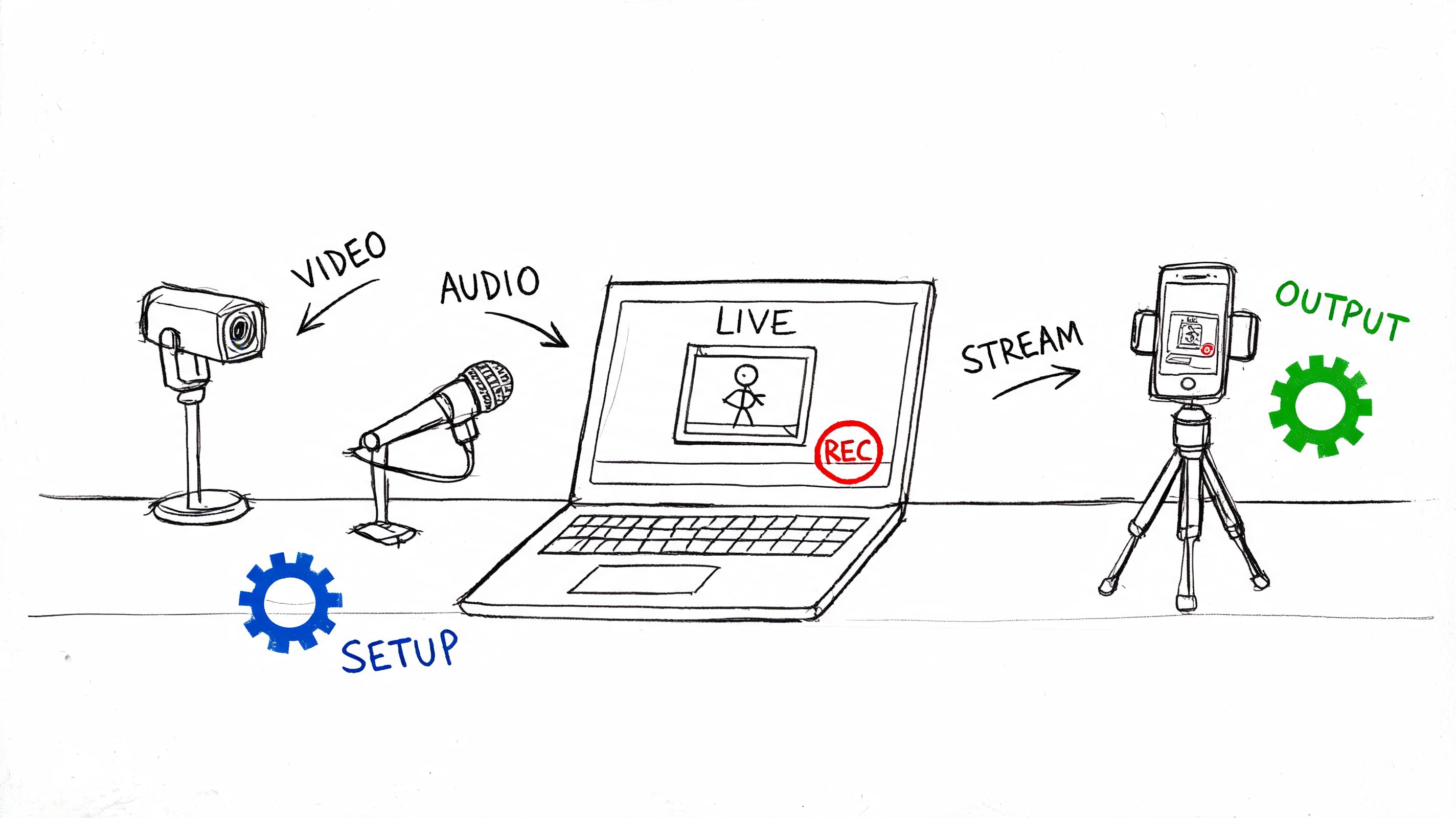
A church team evaluating recording for ministry, events, or remote participation runs into a similar decision. The operational questions in this guide to setting up church video for outreach map surprisingly well to business use cases: capture quality, ease of distribution, and how much manual cleanup the team can realistically sustain.
Questions that expose weak tools fast
Don't stop at a demo. Ask operational questions.
What happens after the meeting ends?
If the answer is basically “you get a file,” the workflow is still manual.How are summaries structured?
You want outputs that separate decisions, risks, and next steps.Can the tool fit your meeting mix?
Some teams run customer interviews, internal standups, hiring calls, and training sessions in the same week. The software has to handle those contexts cleanly.How much setup does it require from users?
The more users have to remember, the lower adoption gets.What control do you have over access and retention?
If governance is clumsy, rollout gets harder than it should.
Good meeting software removes work from the busiest person in the room. If it adds review steps, it won't stick.
The right choice usually becomes obvious once you compare for workflow friction instead of headline features.
Implementation Guide Integrating HypeScribe with Zoom
Implementation tends to look harder on paper than it is in practice. The main challenge isn't technical setup. It's deciding what the meeting output should look like before you switch the tool on.
Start there.
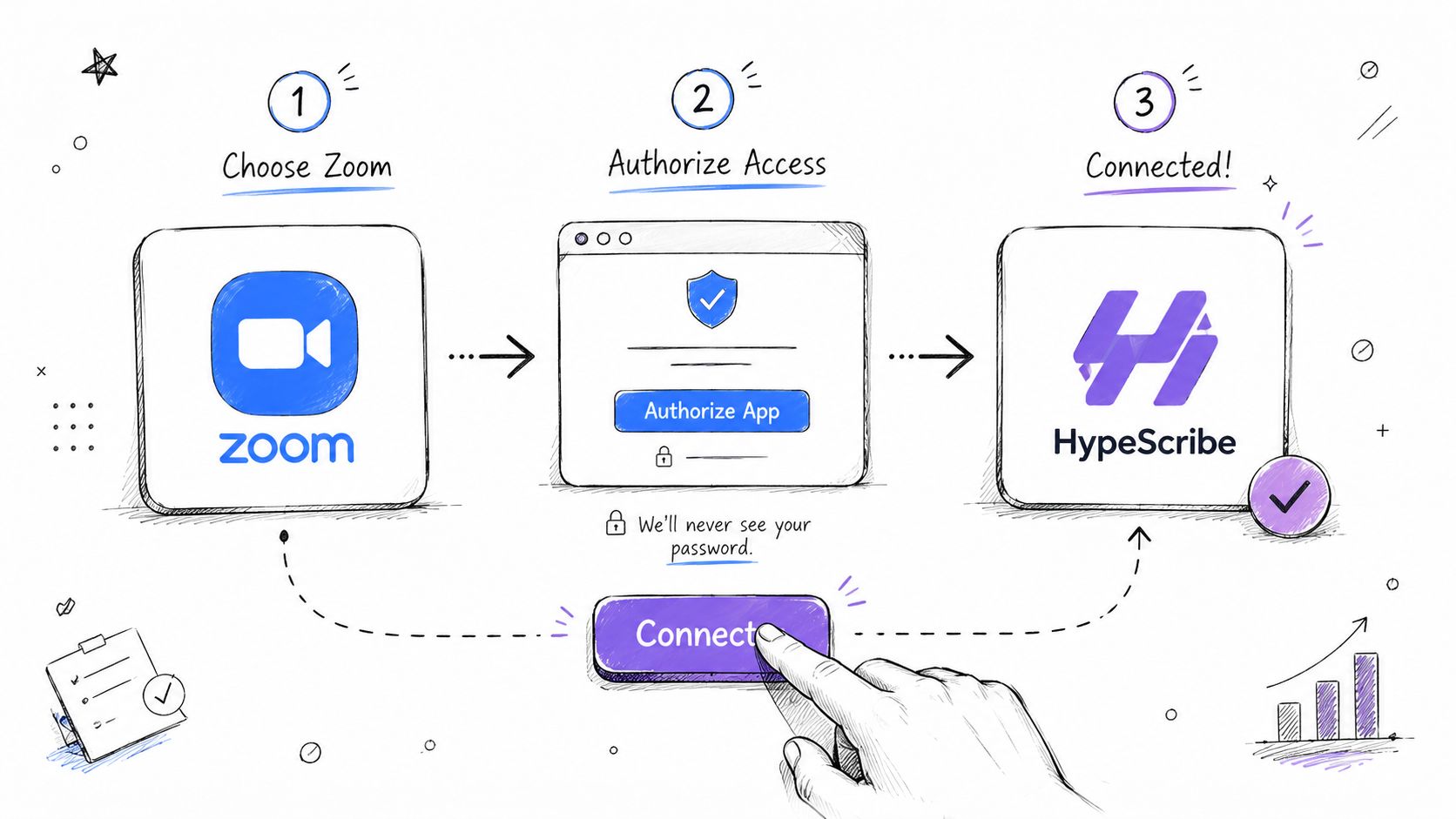
Step 1 Connect the account and decide scope
Connect Zoom and define which meetings should be captured. Don't begin by recording everything. Start with the meetings where follow-up quality matters most, such as project reviews, customer calls, or hiring interviews.
This is also the point where teams should align on output preferences. Do you want full transcripts for every call, or only summaries for internal syncs? Do managers need action-item extraction by default? Those choices affect adoption more than the integration itself.
For teams evaluating transcript workflows specifically, this guide to Zoom AI transcription is useful context because it focuses on how recorded speech turns into usable notes rather than just how the meeting gets captured.
Step 2 Configure the meeting workflow
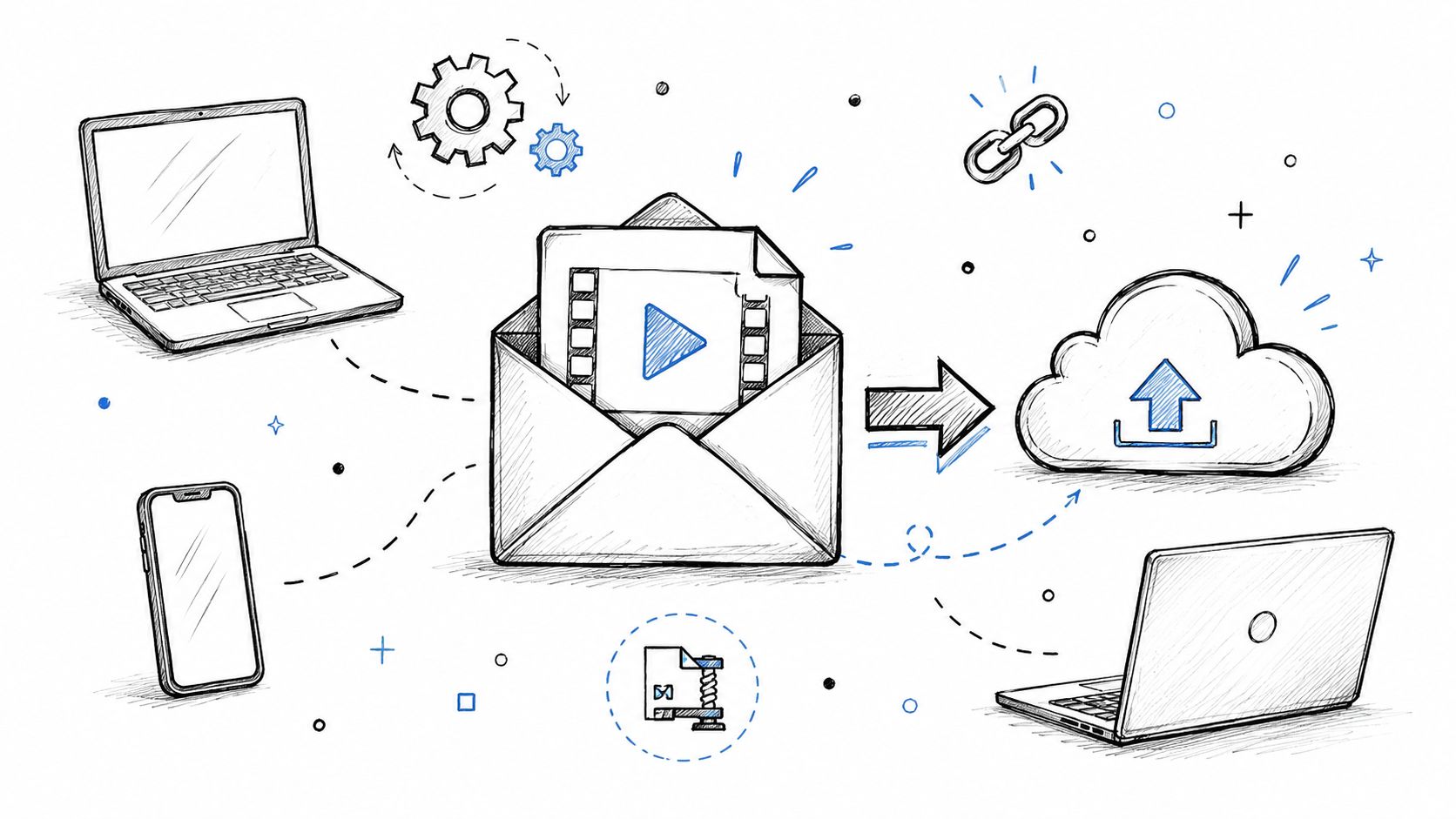
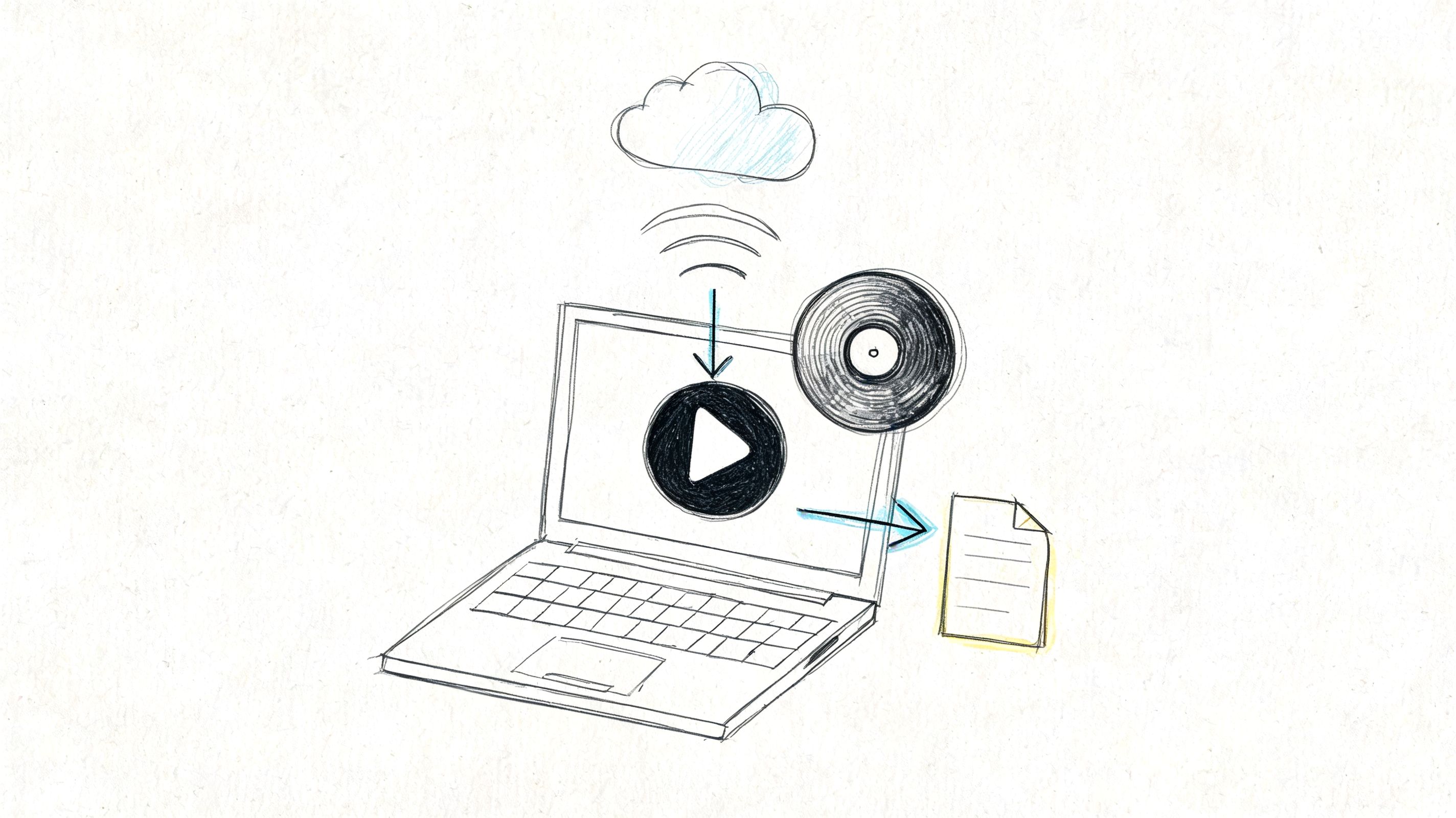
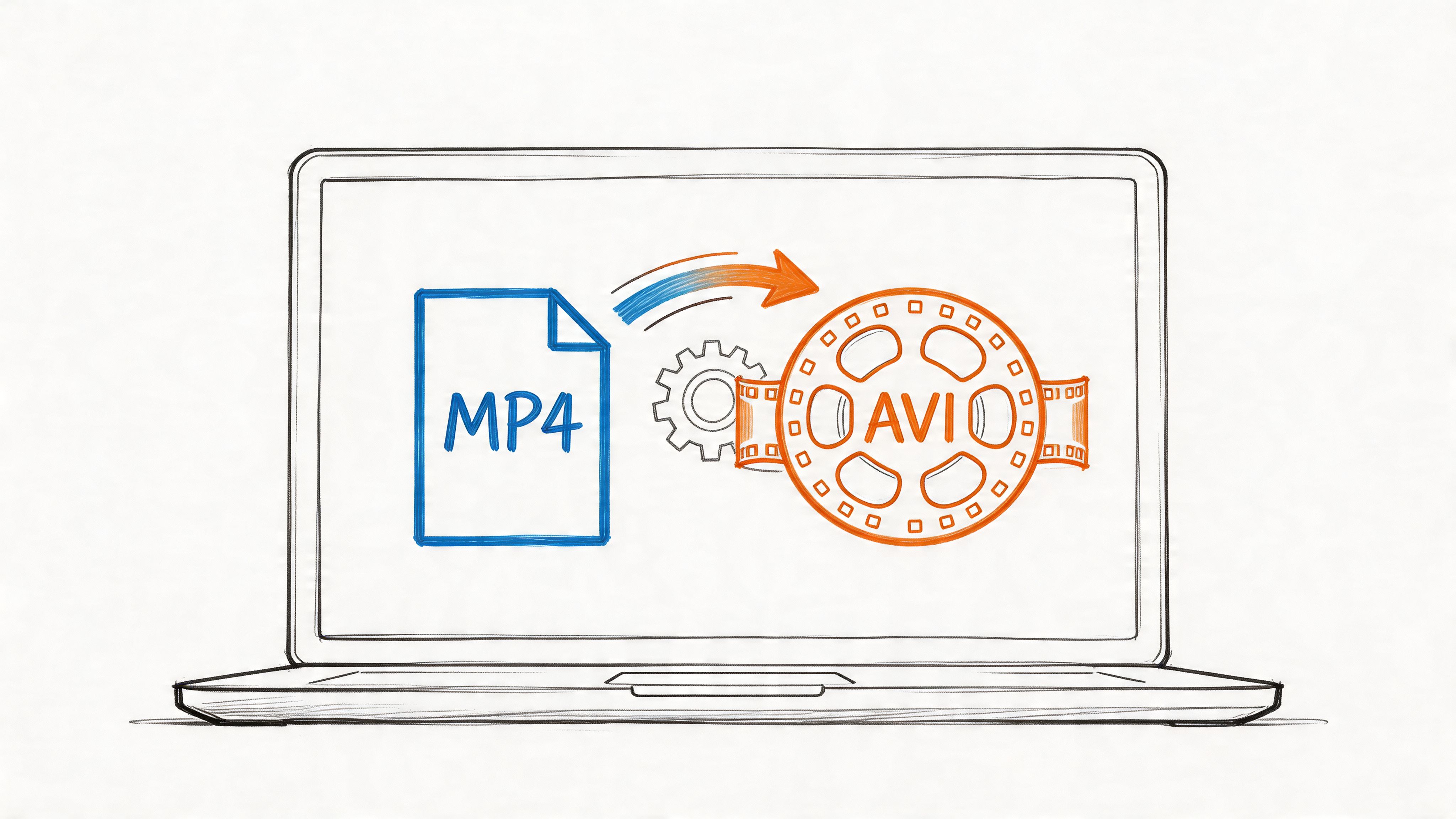
Zoom's native local recorder creates a folder with multiple files, and the main MP4 is processed after the meeting during a conversion step, as outlined by the University of Colorado's Zoom recording tutorial. That detail matters because manual workflows often break right here. Someone has to wait for conversion, locate the right file, upload it, and then start transcription or indexing separately.
An integrated setup removes most of that friction.
What I recommend in practice:
- Pick a default behavior: decide whether the note-taker joins automatically or only selected meetings
- Define output rules: summaries for internal meetings, fuller transcripts for external calls
- Set ownership: choose who receives the meeting output first, usually the organizer or team lead
This avoids the common rollout mistake where everyone gets every transcript and no one knows what's important.
Step 3 Run a controlled pilot
Don't launch organization-wide on day one. Run a short pilot with one team that already feels the pain of missed follow-ups.
A solid pilot should test:
- Meeting coverage: did the tool join the right calls consistently?
- Output quality: were transcripts and summaries usable without heavy editing?
- Team behavior: did people open and use the outputs?
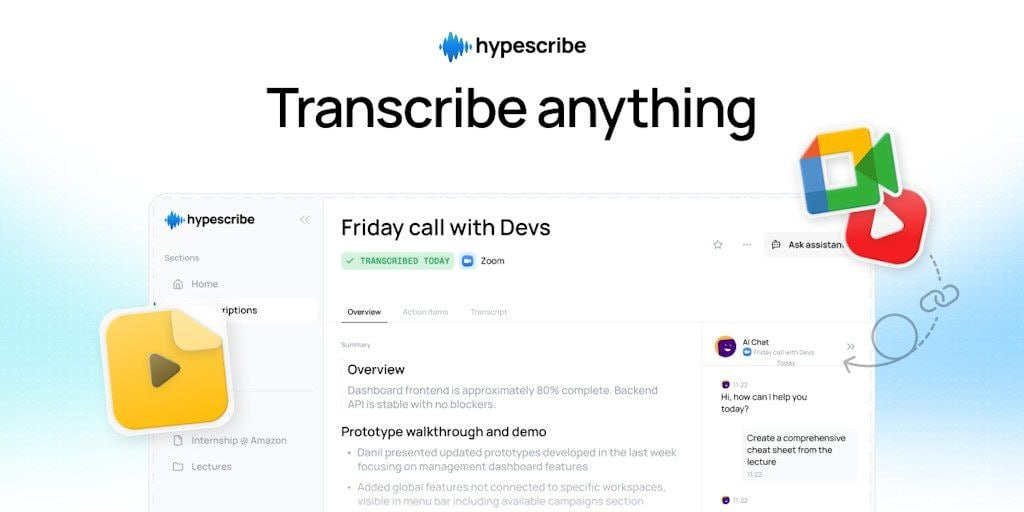
An integrated option like HypeScribe makes sense to trial because it combines meeting capture, transcription, summaries, action items, and searchable outputs in a single workflow rather than splitting those steps across separate tools.
A short product walkthrough helps here:
Step 4 Standardize the handoff after each meeting
The final mile matters most. Teams often install the tool successfully and still fail to change behavior.
Create one standard operating pattern after each meeting:
- Organizer reviews the summary.
- Action items get confirmed or corrected.
- Final output is shared to the right channel or workspace.
- Open decisions get transferred into the team's work system.
If you don't define that last handoff, even good Zoom meeting recording software becomes another place where information sits instead of moving.
Key Privacy and Compliance Considerations
A recorded meeting is a business record. Treat it that way from day one.
The risk is rarely the recording itself. The risk shows up later, when a sales call transcript gets shared too widely, an interview recording sits in storage longer than policy allows, or a customer success summary includes account details that should have stayed with a smaller group. Teams that get value from recording software usually solve this with process first, then software settings.
Privacy review should cover the full workflow, not just capture. Ask four direct questions:
- What are you recording? Audio, video, chat, captions, transcripts, summaries, and action items can all carry sensitive information.
- Who can see each layer? A manager may need the summary but not the full file. Legal or HR may need tighter controls than a project team.
- How long should each asset stay available? Full recordings often need a shorter retention window than summaries or task lists.
- How do you delete or restrict data when required? That includes source files, transcripts, AI notes, and exports sent to other systems.
Teams make good or bad operational choices. If every participant gets every transcript by default, access control is already broken. If nobody owns retention, old meeting data will pile up until it becomes a legal and security problem.
What responsible teams put in place
Start with a simple operating policy:
- Notify participants clearly: make it obvious when recording or transcription is active
- Set role-based access: separate permissions for admins, meeting hosts, managers, and general viewers
- Apply retention rules by meeting type: sales, hiring, support, and internal leadership meetings should not all follow the same schedule
- Support deletion workflows: make sure the team can remove recordings, transcripts, and generated notes without manual cleanup across multiple tools
- Document approved use cases: define which meetings can be recorded and which should stay off the record
One practical rule helps a lot. Default to sharing summaries and action items broadly, and keep raw recordings limited to people with a clear need.
What to look for in software
Buyers should check for controls they can enforce. Encryption matters. So do SSO, role-based permissions, audit logs, data residency options if your company needs them, and clear retention settings that do not depend on manual cleanup.
Deletion deserves extra scrutiny. Some tools delete the video but leave transcript fragments, exports, or synced copies in connected apps. That creates compliance gaps fast.
A recording platform helps the team follow policy. It does not create policy for them. Legal, HR, security, and operations should agree on rules before broad rollout, especially for hiring interviews, customer calls, finance discussions, and internal personnel matters.
If your team is ready to move from raw meeting files to searchable transcripts, summaries, and action items, HypeScribe is worth evaluating as part of that workflow. The value is not just recording Zoom calls. It is turning meeting content into usable outputs while still giving admins control over access, retention, and cleanup.