
Hypescribe VS Descript Alternative and Review
Descript made its name by the ability to edit video through text.
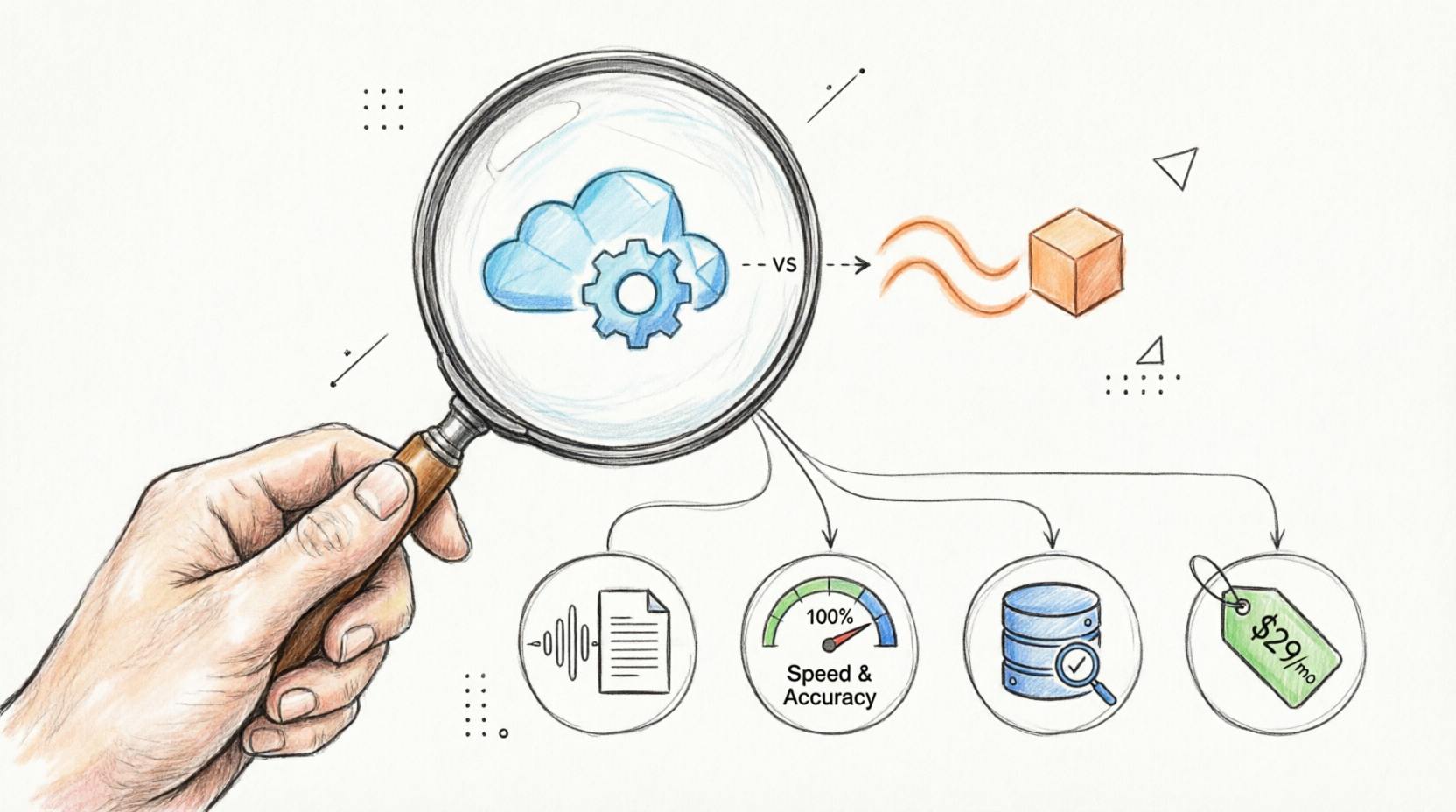
It’s a hit with both marketers and creators – that’s for sure. Yet, if you’re not trying to pump out polished videos but rather just want to search and pull info from raw audio, Descript’s editing suite is probably way more than you actually need. Meanwhile, HypeScribe approaches audio from a different angle – it’s literally a central hub for everything you’ve ever said/recorded.
Here’s how these two actually compare.
Core Focus & Peak Potential – Tie (Depends On the Exact Goal)
Descript is a video editor first, period. Its transcription is really mostly there for filler-word cleanup and AI green-screens. In other words, it’s made for those who need to ship their already finished media.
In contrast, HypeScribe is all about pulling info out of audio. Here, you drop in a file (or paste a link), and it:
- Generates out summaries.
- Extracts out action items.
- Provides you a chat interface to ask questions about your own recordings.
Thus, it treats the audio like an archive, not a video timeline.
File Length & Flexibility – HypeScribe
Descript caps usage by the hour: if you upload a lengthy lecture, the service will chew through most of your monthly allowance all at one go. However, HypeScribe runs on a per-file system – one file here equals one credit, no matter how long it is.
Transcription Speed & Workflow – HypeScribe
Descript juggles indexing and rendering, so its backend is somewhat ‘heavy’. HypeScribe, on the other side, aims at just one goal: processing audio as fast as possible: it can do an hour of recording in just under 30 seconds. That’s the clear winner here.
Accuracy & AI Analysis – HypeScribe
Descript’s AI is mostly tuned for audio cleanup (with the local feature called ‘Studio Sound’) and for some video tweaks. The transcription itself is decent, but it’s really just a stepping stone for video editing. HypeScribe’s AI, contrarily, is all about the text and what it means: it achieves up to 99% accuracy and keeps learning specific terms the more you use it.
Pricing & Value – HypeScribe
Descript bills you by transcription hours and video export quality, while HypeScribe charges per file and doesn’t factor in file length.
Be more precise, the Descript pricing is as follows:
- Free – $0/month (1 transcription hour, 720p export, basic AI tools).
- Hobbyist – $16/month (10 transcription hours, 1080p export, ‘Studio Sound’ feature).
- Creator – $24/month (35 transcription hours, 4K export, full AI video generation).
And HypeScribe pricing looks something like this:
- Free Trial – 3 files a month.
- Starter – $6.99/month (30 files of any length).
- Pro – $7.99/month (60 files + 10 AI meeting notetaker joins).
- Ultra – $12.99/month (300 files + 30 AI meeting notetaker joins).
All in all, HypeScribe gives you much more room to work for significantly less money – you’re not paying for 4K video rendering that you probably never-ever will touch.
Declaring a Champion AI Video Transcription Tool – HypeScribe
Descript is still a solid pick if you’re editing a podcast or, let’s say, generating B-roll. But as a straightforward transcription/meeting tool HypeScribe definitely wins. It’s suitable for all types of users – whether they are researchers, students, or professionals who want to have a searchable and usable tool for work.
FAQs About Audio to Text Converter
- Is Descript a Good Choice Just For Transcribing Daily Meetings?
Honestly, no, as Descript is built primarily for media production.
- Can I Transcribe a YouTube Video Without Downloading It First?
With HypeScribe, sure thing. Here, you just need to paste the link. On the other hand, Descript makes you download the file and drag it into the editor yourself, which can be annoying.
- Which Tool is Better If I Have Extremely Long Audio Files?
HypeScribe. Descript deducts every and a single minute from the monthly cap, while HypeScribe’s per-file system treats all recordings exactly the same: one credit.
- Which Service Handles Niche and/or Industry Slang Better?
Again, it’s HypeScribe. Its AI is built to pick up specific field’s vocabulary over time, so both tech-terms and acronyms will actually stick.



































































































