HypeScribe vs Otter.ai (2026): Otter.ai Alternative Compared
Article
HypeScribe vs Otter.ai (2026): Otter.ai Alternative Compared
Author:
Igor Trunin
CMO at HypeScribe
November 4, 2026
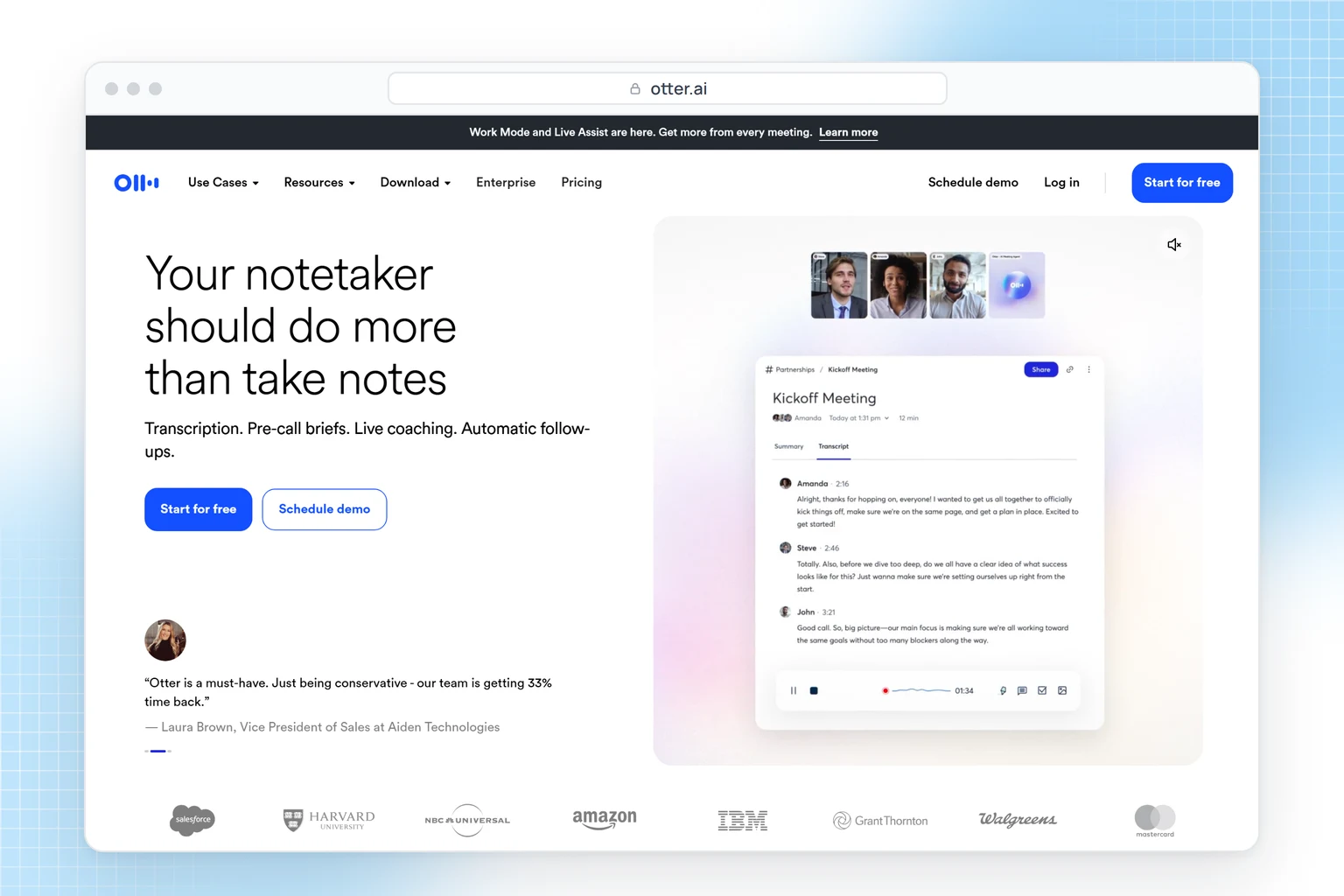
Choose Otter.ai if you want a live transcript during calls, apps for iPhone, Android, Mac and Windows, or a free plan for meetings.
Choose HypeScribe if you transcribe YouTube, Loom or other links, need a language outside Otter's six, or want the notes and tasks sent to Slack, Notion or Linear.
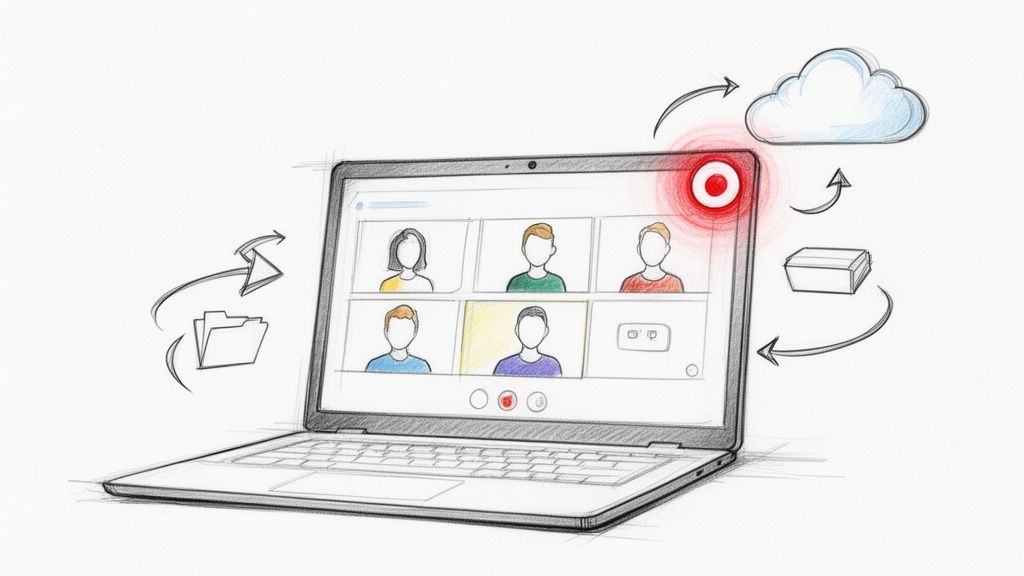
Both take uploaded recordings and send a notetaker to Zoom, Google Meet and Teams. Otter shows the transcript live; HypeScribe has it ready after the call.
Otter.ai or HypeScribe
Who each one is for
Pick Otter.ai if
You want text while people talkLive transcript on every plan, captions in Google Meet
You need a free plan for calls300 minutes a month, up to 30 minutes per conversation
You want native appsiPhone, Android, Mac and Windows, with or without a bot
Pick HypeScribe if
Recordings come from more than callsFiles, YouTube and other links, rooms and lectures
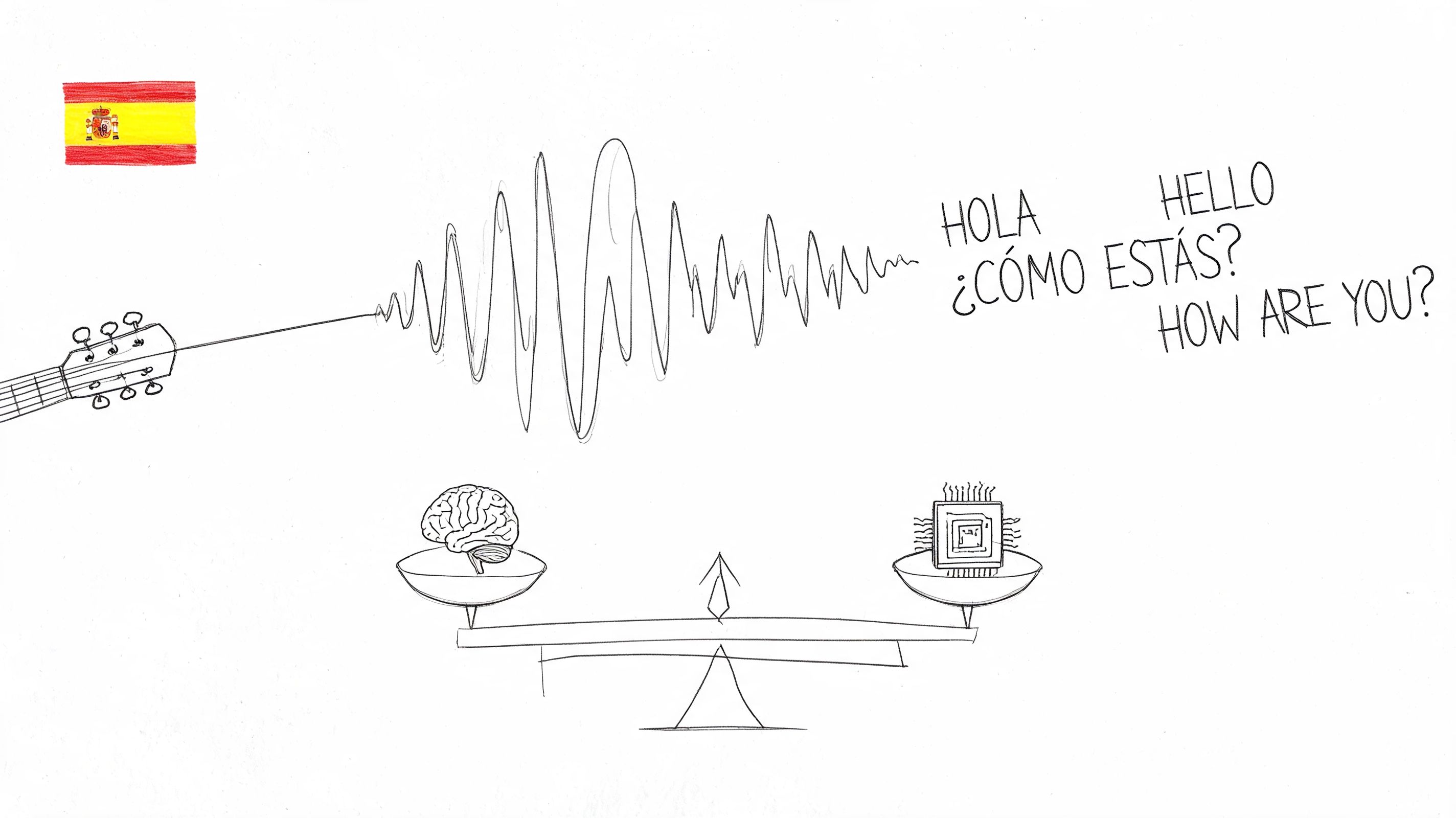
You need a language Otter lacks99+ languages; Otter transcribes 6
Notes should land in your toolsTasks to Linear, Jira or Asana; MCP for Claude and ChatGPT
HypeScribe vs Otter.ai at a glance
HypeScribe
Otter.ai
Built for
Files, links, calls and meetings in a room
Live meetings: sales, recruiting and team calls
How to try it
7-day trial, then paid plans
Free Basic plan; Pro from $8.33 a month billed yearly
Notetaker for calls
Zoom, Google Meet, Teams
Zoom, Google Meet, Teams
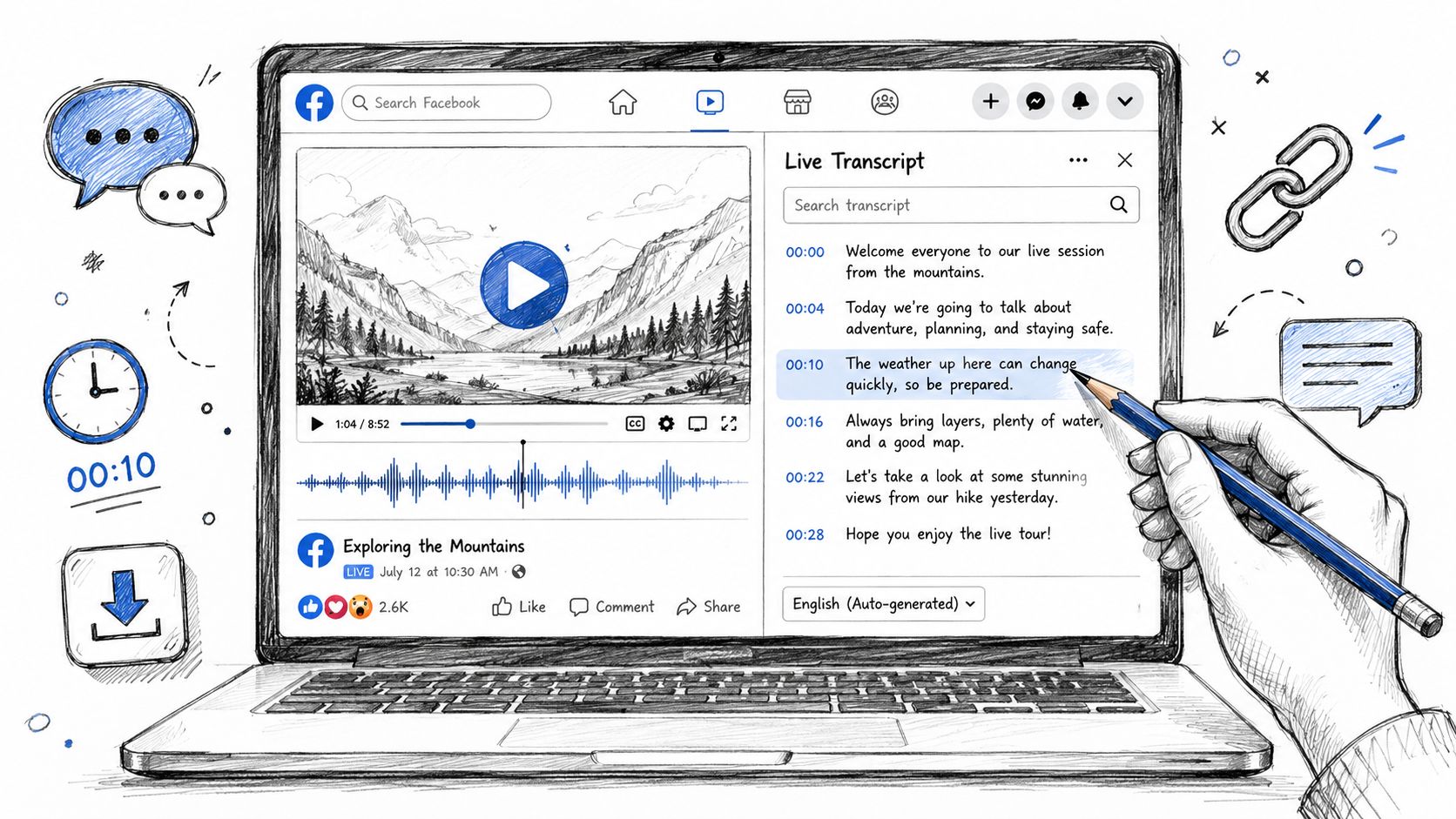
Live transcript during the call
No: the transcript is ready after the call
On every plan
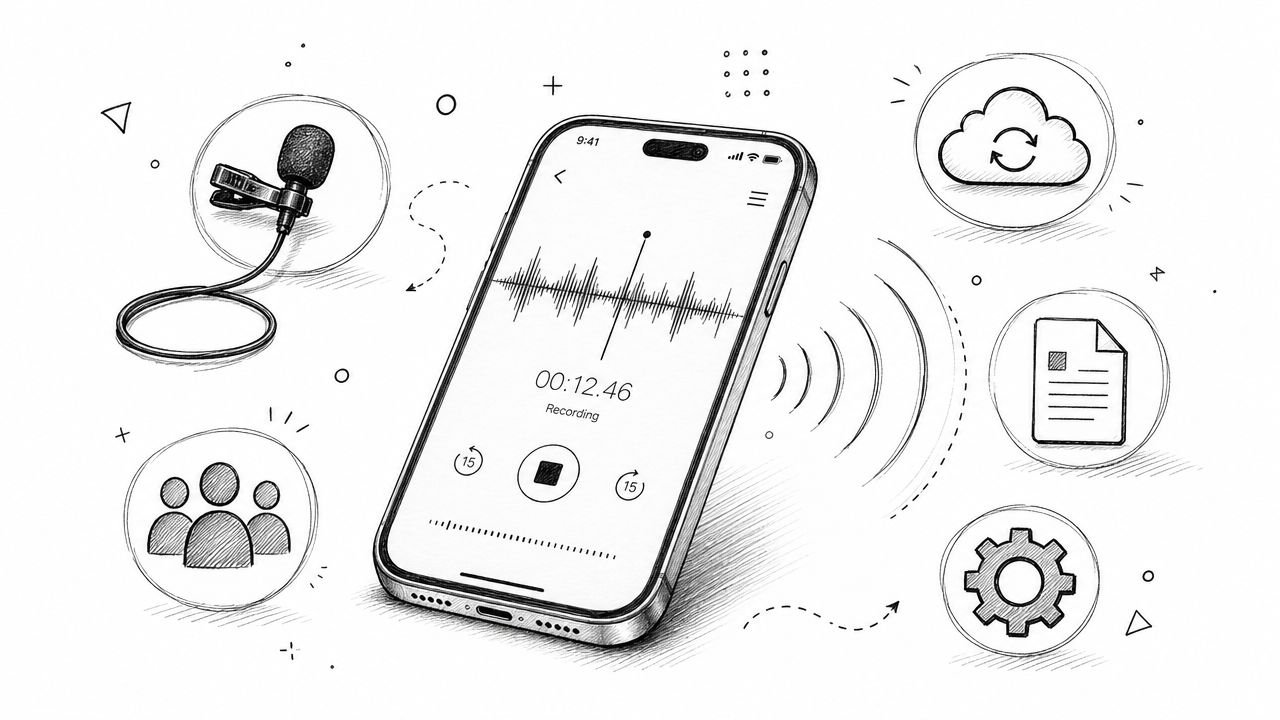
Record without a bot
Live Record in the browser, for rooms and lectures
Desktop app for Mac and Windows, including WhatsApp and FaceTime calls
Upload files
From a computer or phone
3 imports per account on the free plan, 10 a month on Pro
Paste a link
YouTube, TikTok, Instagram, Loom, Google Drive and more
No
Languages
99+
6 (German and Chinese in beta)
Summary and action items
Overview, outline and an action-item checklist
Summary, outline and action items
AI chat
Pick GPT, Claude, Grok or DeepSeek
20 questions a month on free, 200 on Business
Export
TXT, DOCX, PDF, SRT, Markdown, Google Docs
TXT on free; PDF, DOCX and SRT from Pro
Integrations
18 apps: Slack, Notion, Linear, Jira, HubSpot and more
36 listed, 25 of them through sales; Zapier from Pro
MCP and API
MCP and API keys
MCP on every plan; API on Enterprise
Apps
Browser on a computer and a phone
iPhone, Android, Mac, Windows
Privacy and compliance
Recordings never used to train AI
SOC 2 Type 2; HIPAA on Enterprise; trains its own AI on de-identified recordings
Where Otter.ai is better
Text while people talk
Otter writes the transcript live on every plan and shows notes and captions inside Google Meet (in Zoom from the Business plan).
HypeScribe's notetaker gives you the transcript after the call ends.
A free plan that covers calls
Otter Basic sends the bot to Zoom, Meet and Teams, writes summaries with action items and answers 20 AI Chat questions a month. The limits: 300 minutes a month and 30 minutes per conversation.
HypeScribe has a 7-day trial, then paid plans.
Apps and recording without a bot
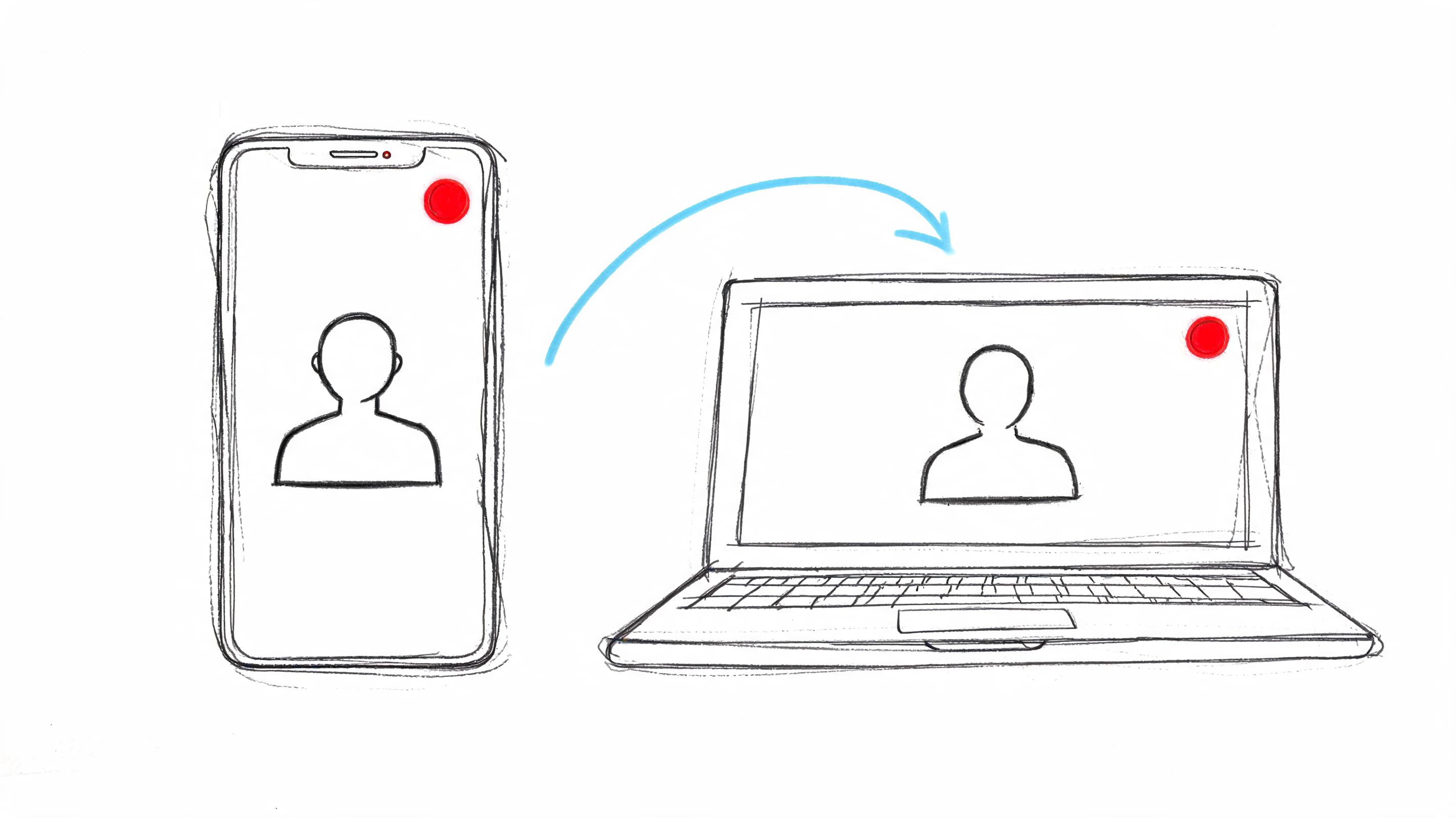
Otter has apps for iPhone, Android, Mac and Windows. The desktop app records calls without a bot, even in headphones, including WhatsApp, FaceTime and Slack huddles.
HypeScribe runs in the browser.
Built for teams that meet a lot
The notetaker joins from Google or Outlook calendars (HypeScribe connects Google Calendar), up to three meetings at once on Business.
Salesforce and sales features
Otter syncs calls to Salesforce, connects to Zapier, and adds pre-call briefs, live coaching and a vocabulary list for names and terms.
HypeScribe saves notes to HubSpot, but has no Salesforce, Zapier or custom vocabulary.
Compliance paperwork
Otter lists SOC 2 Type 2, and on Enterprise HIPAA with a BAA and SSO.
HypeScribe doesn't list these, so if your security team asks for them, Otter has them.
Where HypeScribe is better
Links
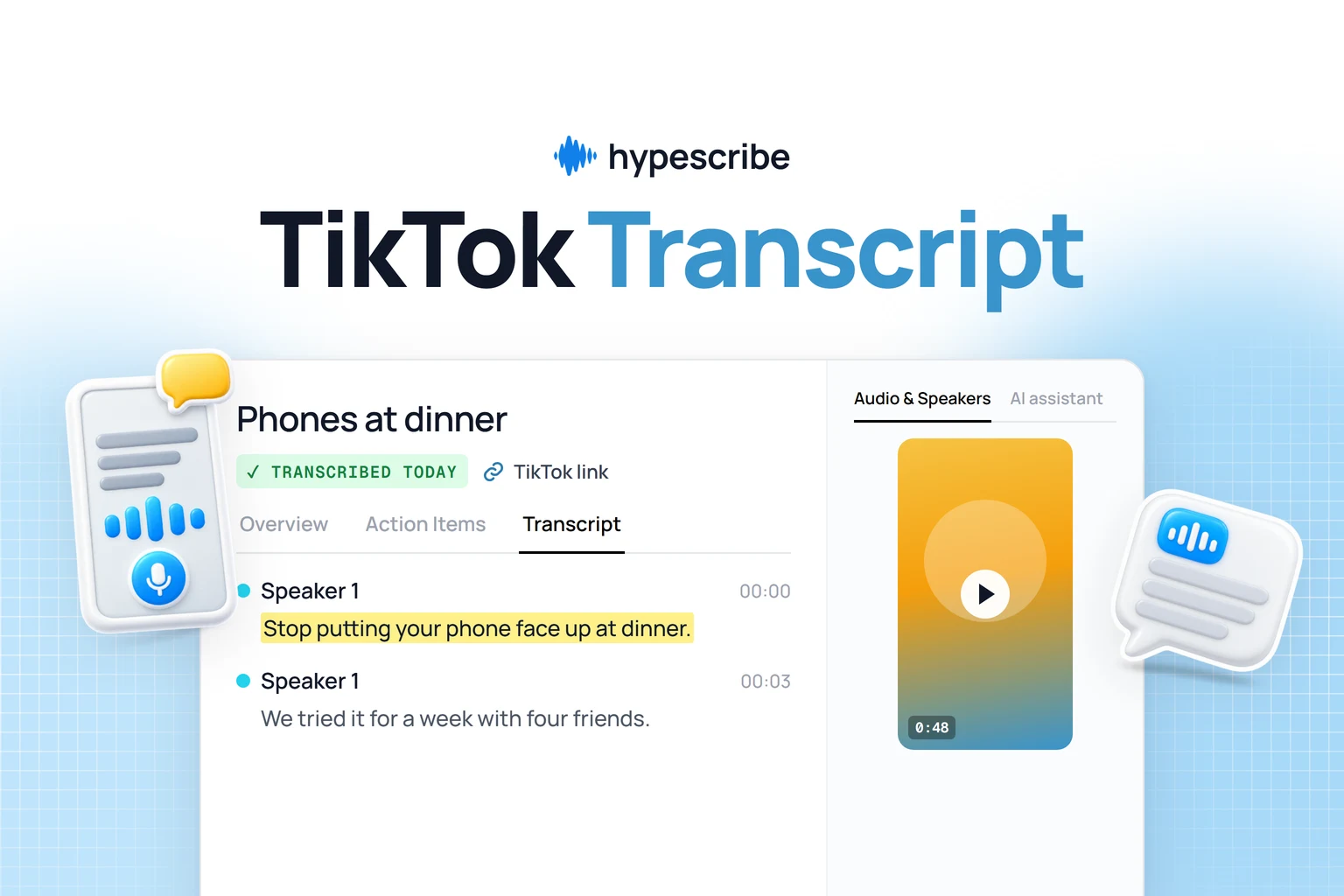
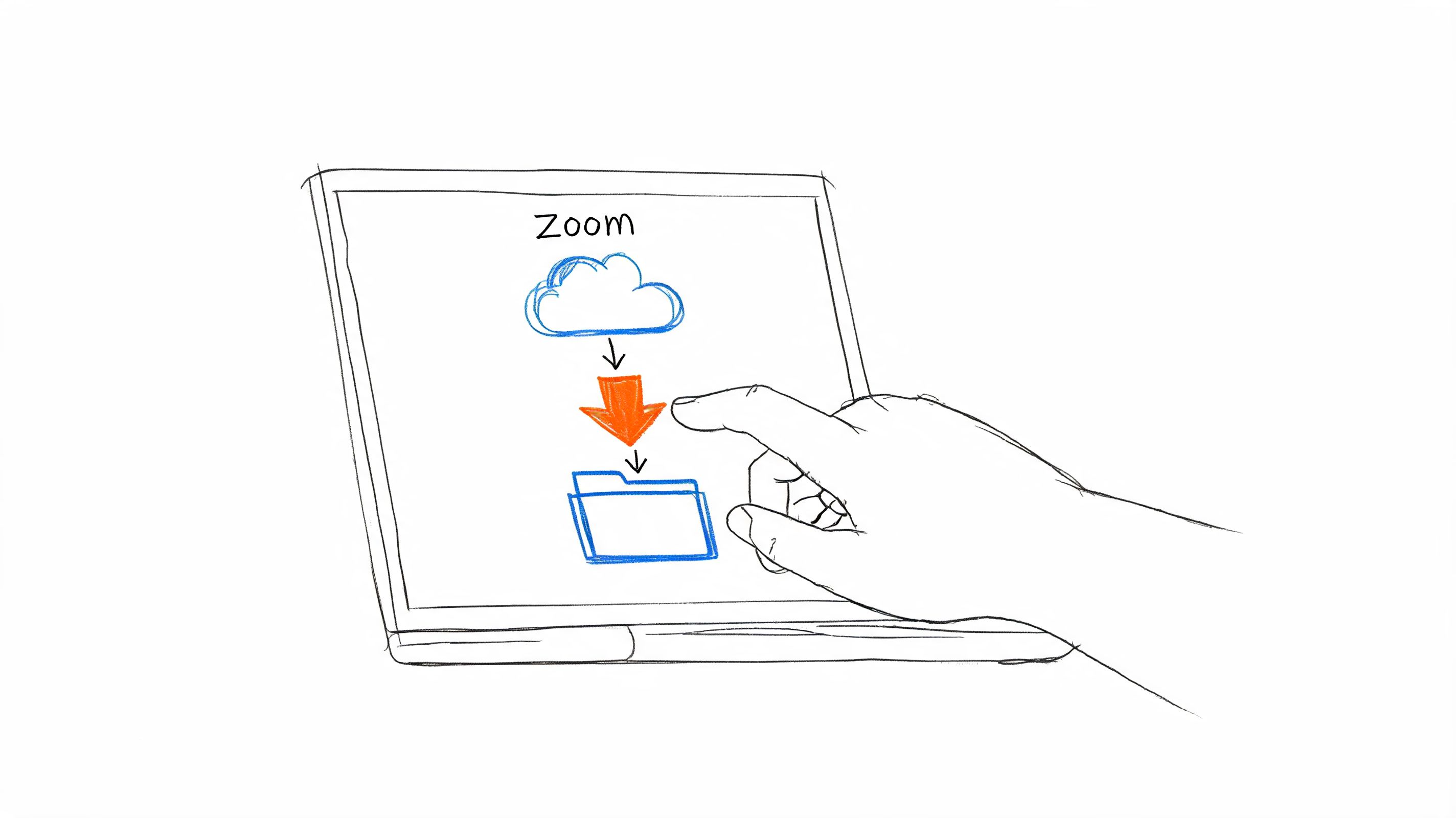
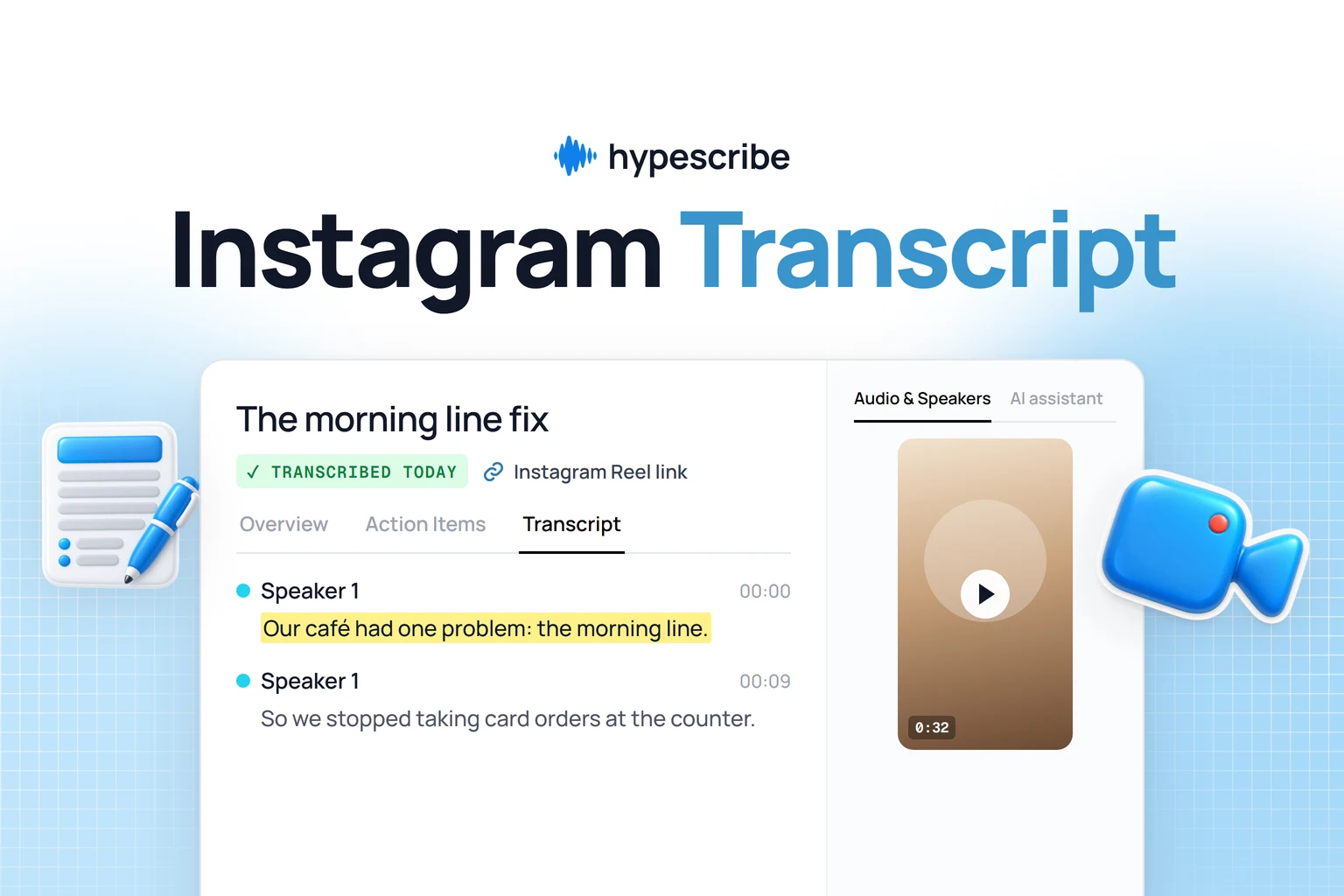
In HypeScribe, Transcribe by URL takes public videos from YouTube, TikTok, Instagram, X, Vimeo, Loom, Google Drive and other sites, and direct links to audio or video files.
Otter also imports files and records in the browser, but it doesn't take links: you download a video first, and the free plan allows 3 imports in total.
99+ languages
HypeScribe works with 99+, so an interview in Portuguese or a lecture in Hindi gets the same notes.
Action items come as a checklist you can export or send: RecapSlack, Telegram or GmailTasksLinear, Jira, GitHub, Asana, Trello or NotionCall notesHubSpot Press Send, ask the AI chat to do it, or send new recordings automatically.
Ask about a recording with GPT, Claude, Grok or DeepSeek, then check the answer with Play from here.
MCP and API without an enterprise contract
Read and search your recordings from Claude, ChatGPT, Claude Code, Codex or Cursor through MCP, and use API keys in your own scripts.
Otter has MCP on every plan too, but its API is Enterprise only.
Privacy
HypeScribe doesn't see or store your recordings, and you can delete your transcripts at any time.
Nobody on the team watches, listens to or reads them, and they are never used to train AI.
Files are encrypted, and a transcript stays private until you share it.
Otter's privacy policy says it trains its own AI on de-identified recordings and transcripts.
Have a YouTube link or a call in Portuguese? Paste the link or upload the recording and get the transcript, overview and action items. 7-day trial, then paid plans.
300 minutes a month, 30 minutes per conversation, 3 file imports in total, the 25 latest conversations, TXT export
Pro
$16.99 per user
$8.33 per user a month
1,200 minutes a month, 90 minutes per meeting, 10 imports a month, full history, PDF, DOCX and SRT
Business
$30 per user ($24 for 3 months for new subscribers)
$19.99 per user a month
Unlimited meetings, imports up to 6,000 minutes a month, 4 hours per conversation, bulk export
Enterprise
Ask sales
Ask sales
API and webhooks, SSO from 100 users, HIPAA as an add-on, custom data retention, video replay for Zoom and Meet
Prices are in US dollars, from Otter's pricing page. The Business trial lasts 7 days and needs a card. HypeScribe has a 7-day trial, then paid plans.
Moving from Otter.ai to HypeScribe
1
Export the audio from Otter
Open a conversation, choose Export and turn on the audio file (MP3). On Basic and Pro you export one conversation at a time; bulk export to a ZIP is on Business and Enterprise.
2
Upload it to HypeScribe
Choose Transcribe file and add the MP3, or forward it to your private HypeScribe email address. HypeScribe transcribes the audio again and builds the overview and action items. It doesn't import Otter's text, so keep the TXT export if you want the original.
3
Move your meetings
Press Meeting notes and paste the link of your next Zoom, Google Meet or Teams call, or connect Google Calendar and turn on auto-join (it's off by default).
You can run both for a week on the same calls and compare the notes before you cancel anything.
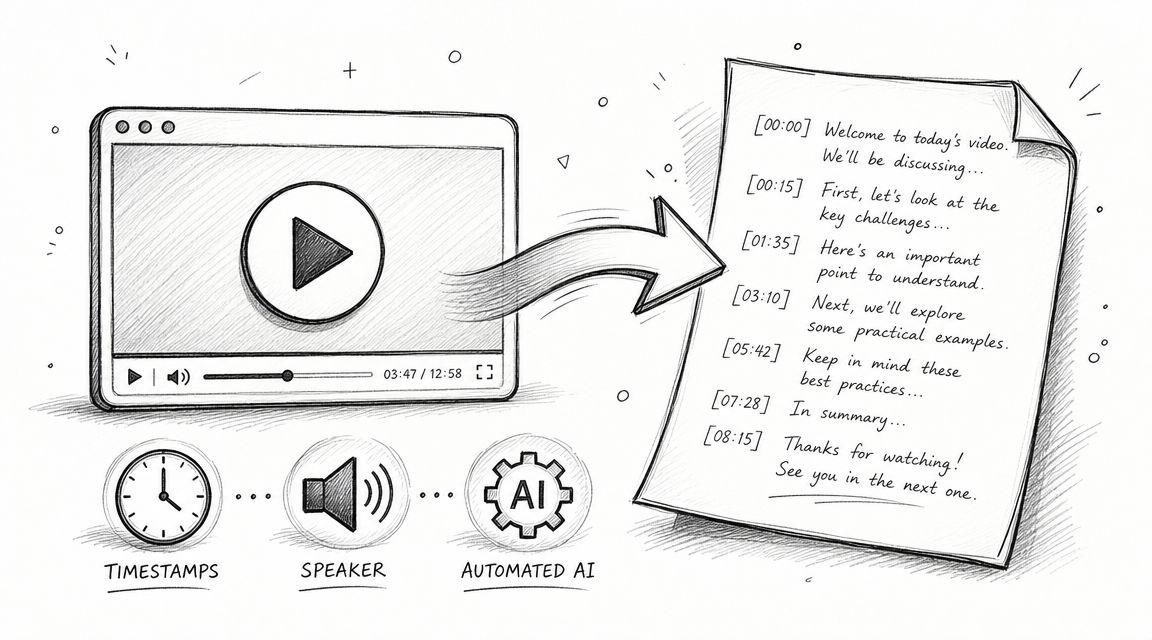
You get a transcript with speakers, an overview and action items you can send to Slack, Notion or Linear. Try HypeScribe for a week before you pick a plan.
Yes, if you transcribe links, need a language beyond Otter's six, or want notes sent to your tools. If you mostly need a live transcript during Zoom or Meet calls, Otter does that and HypeScribe doesn't.
Can Otter.ai transcribe a YouTube video?
Not from a link. Otter asks you to download the video and import the file, which counts toward its import limit. In HypeScribe you paste the link into Transcribe by URL.
Does HypeScribe have a live transcript like Otter?
No. HypeScribe's notetaker records the call and the transcript, overview and action items are ready after it ends.
Can I move my Otter.ai recordings to HypeScribe?
Yes. Export the audio from each conversation in Otter and upload it to HypeScribe, which transcribes it again. Otter's text and notes don't carry over.
We checked Otter.ai's pricing page, help center and product pages on November 4, 2026. Prices and features change often. If something here is out of date, email support@hypescribe.com and we'll fix it.