TikTok Transcript: How to Get the Script of a TikTok Video

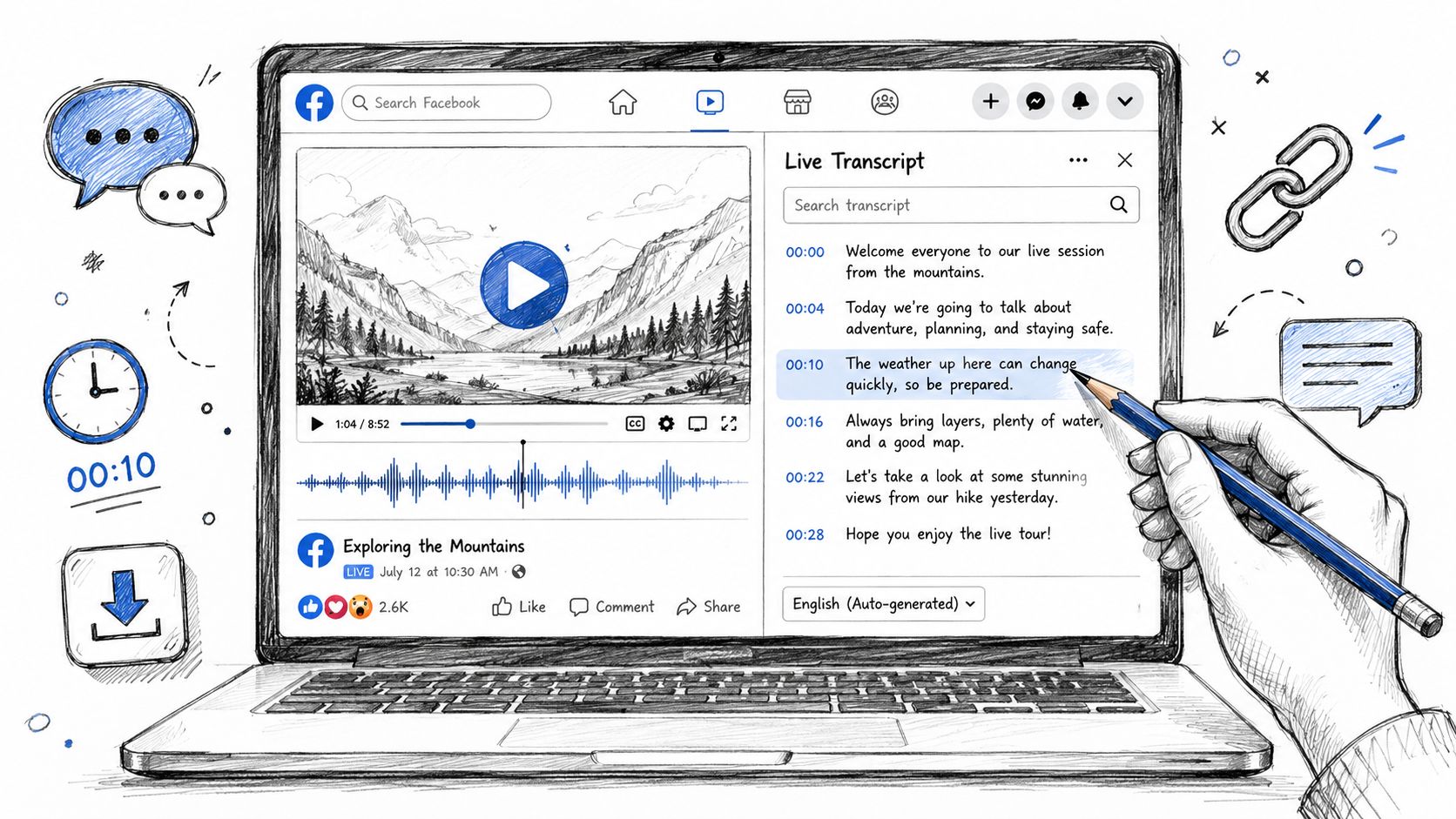
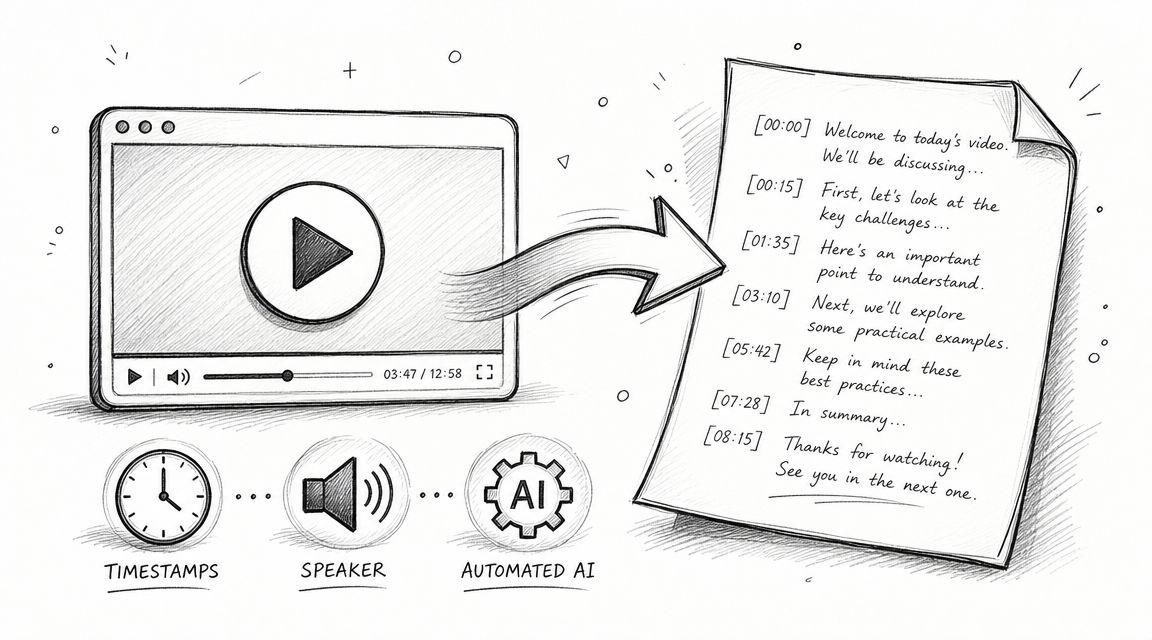
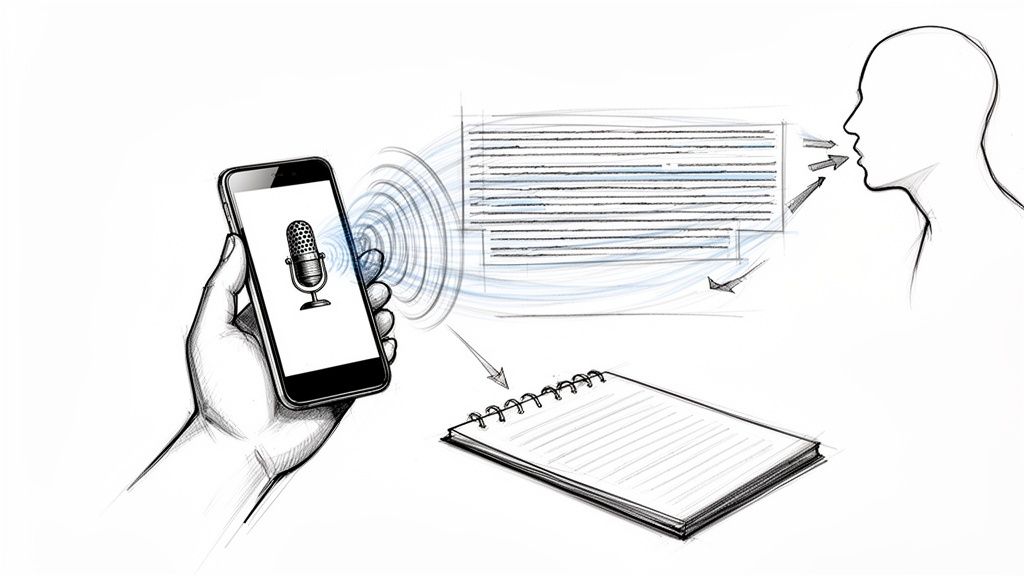
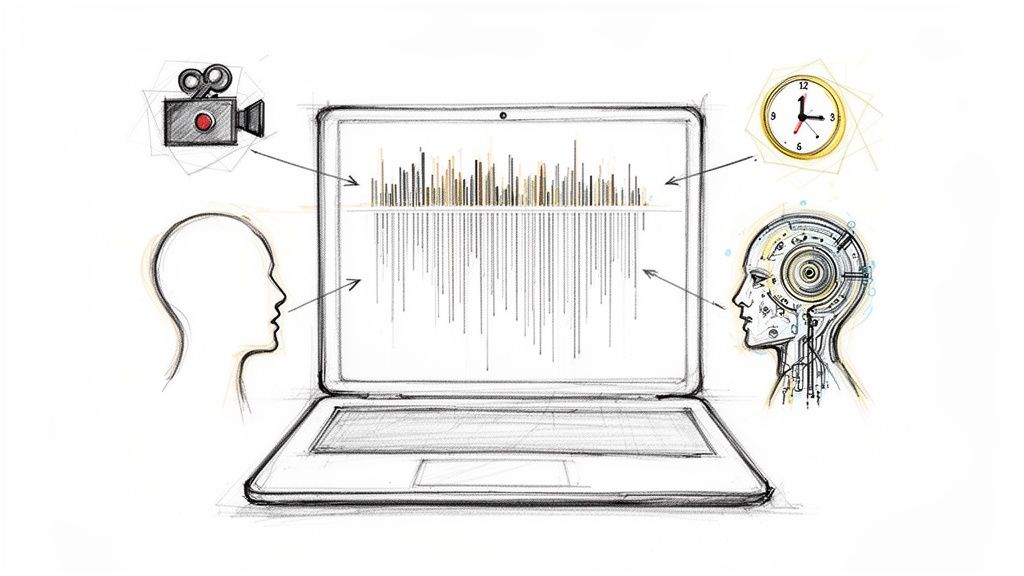
To get a TikTok transcript, copy a public video's link and paste it into HypeScribe's Transcribe by URL. You get the whole script with timestamps, usually in a few minutes. TikTok adds automatic captions to many videos, but its help pages only describe turning them on and off, not copying them as text.
How to get a TikTok transcript
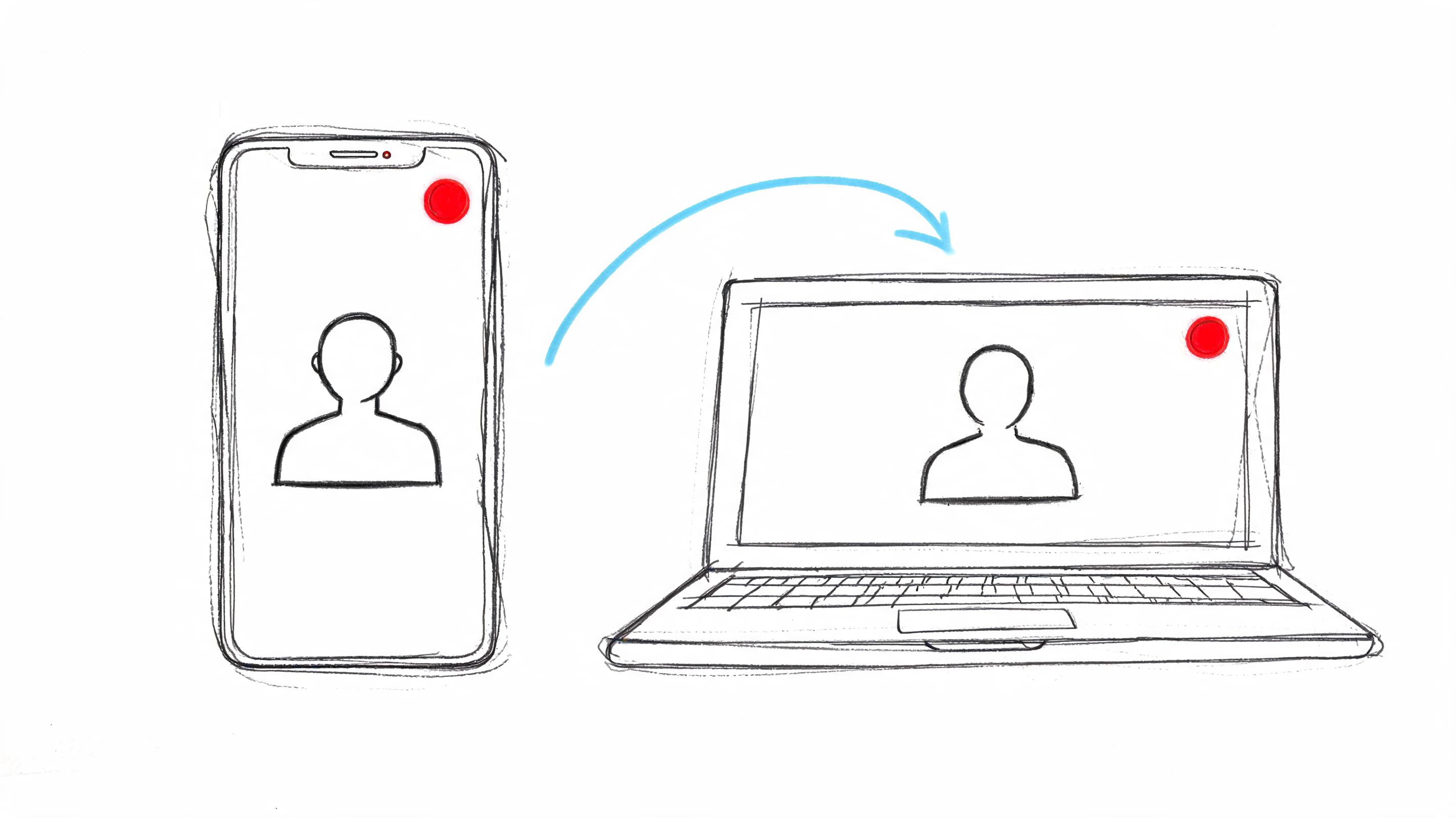
- Copy the link. In the TikTok app, tap Share on the video and copy the link. On a computer, copy the address from the browser; it looks like tiktok.com/@name/video/….
- Paste it into HypeScribe. Open Transcribe by URL and paste the link.
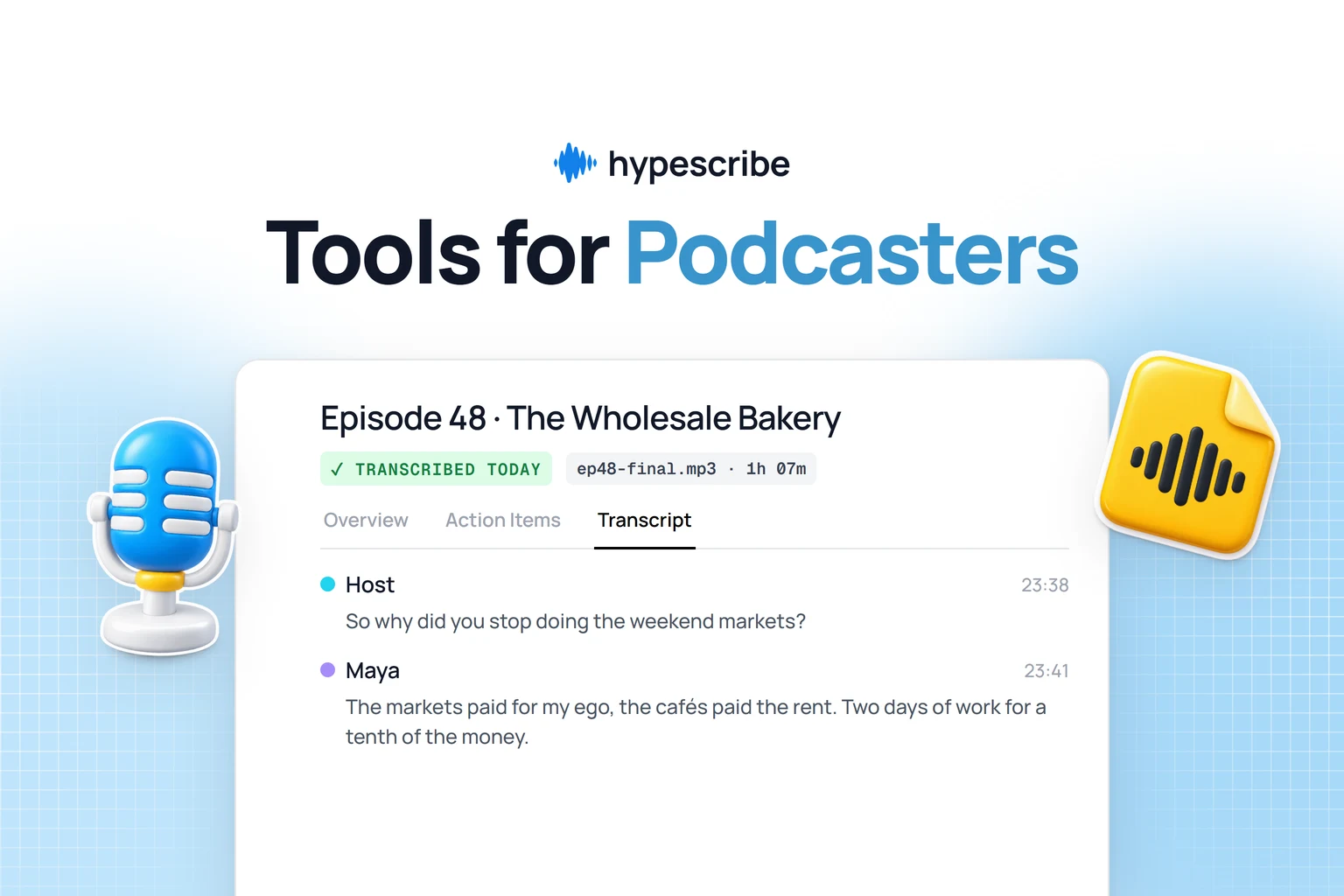
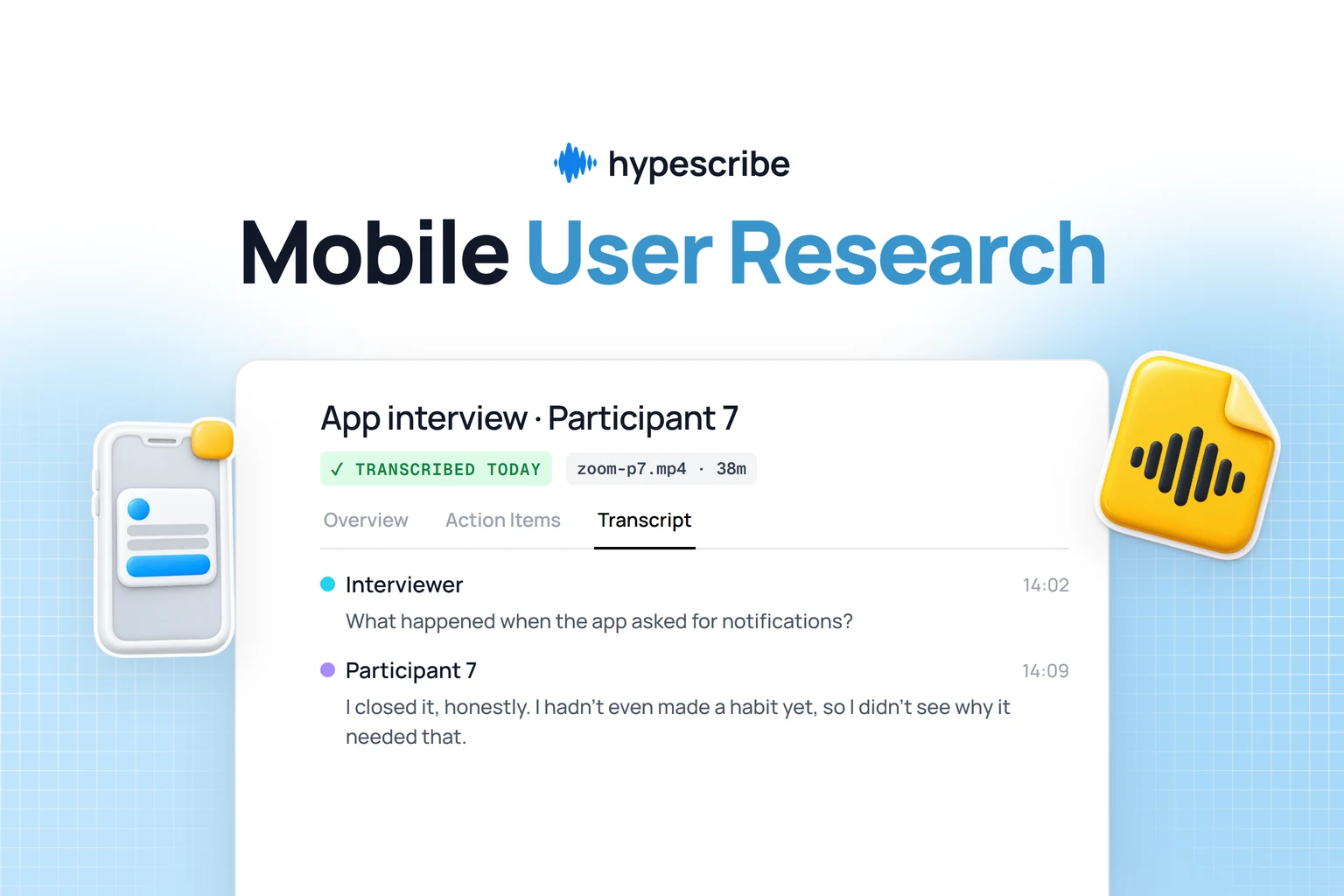
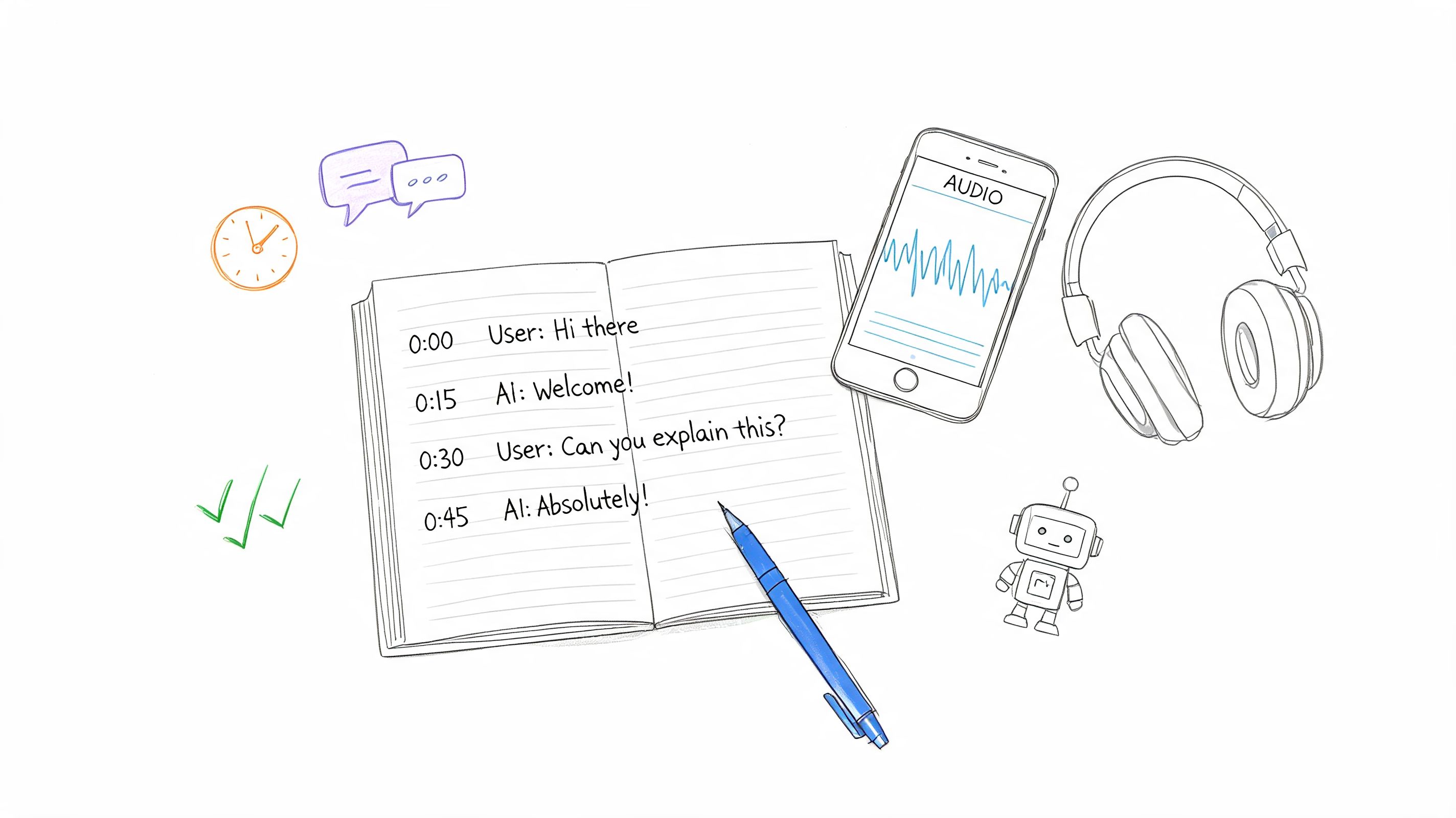
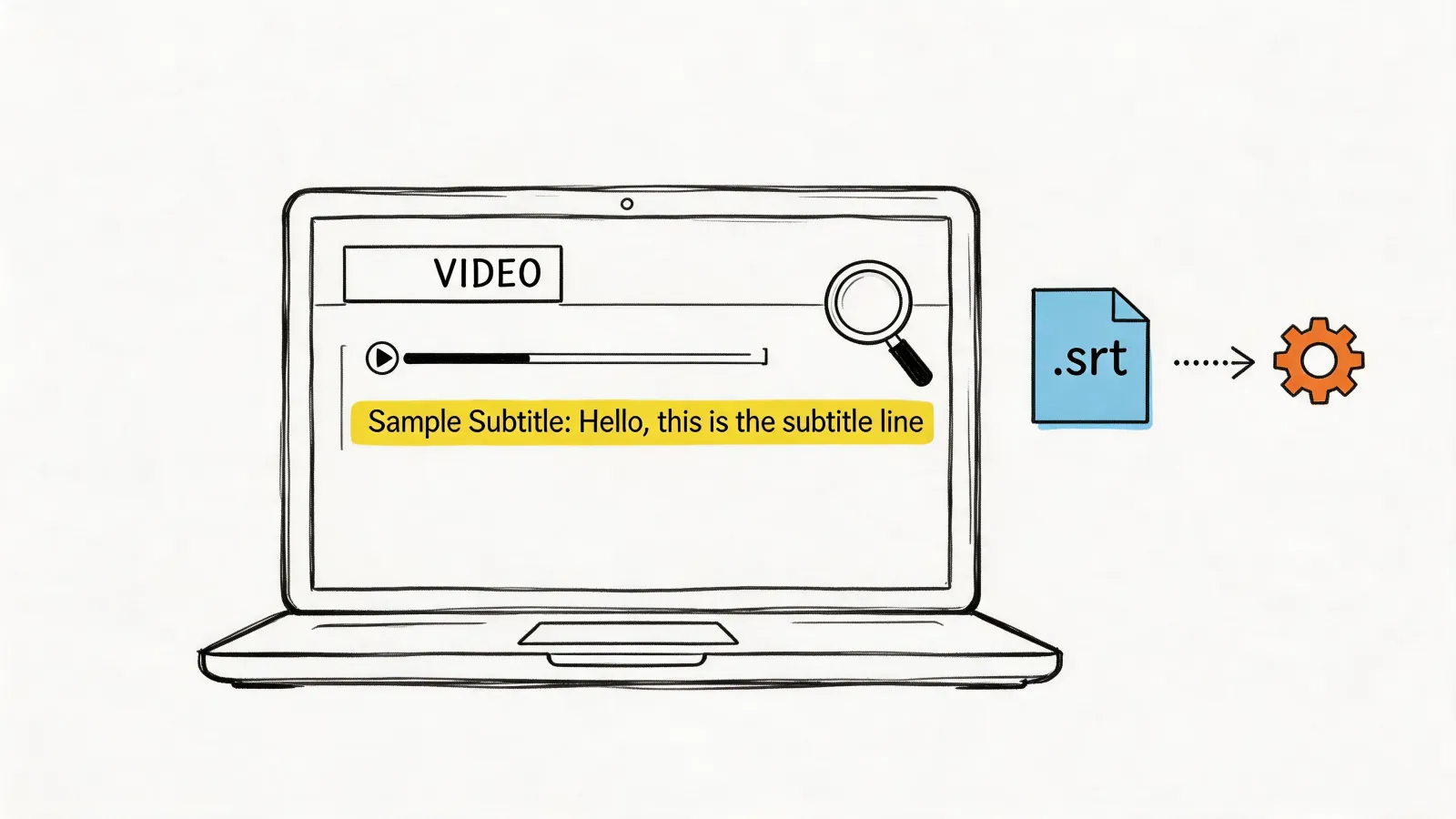
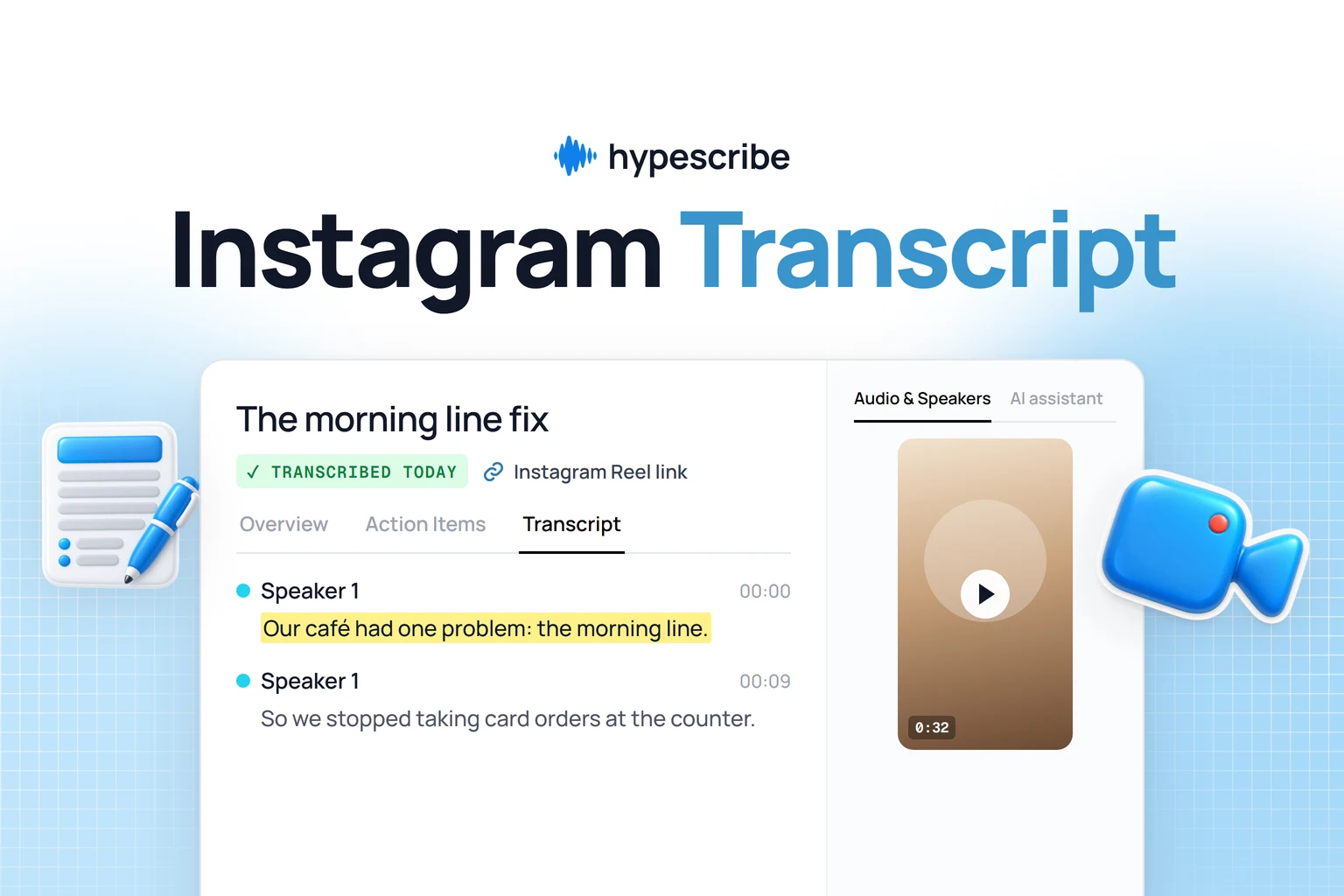
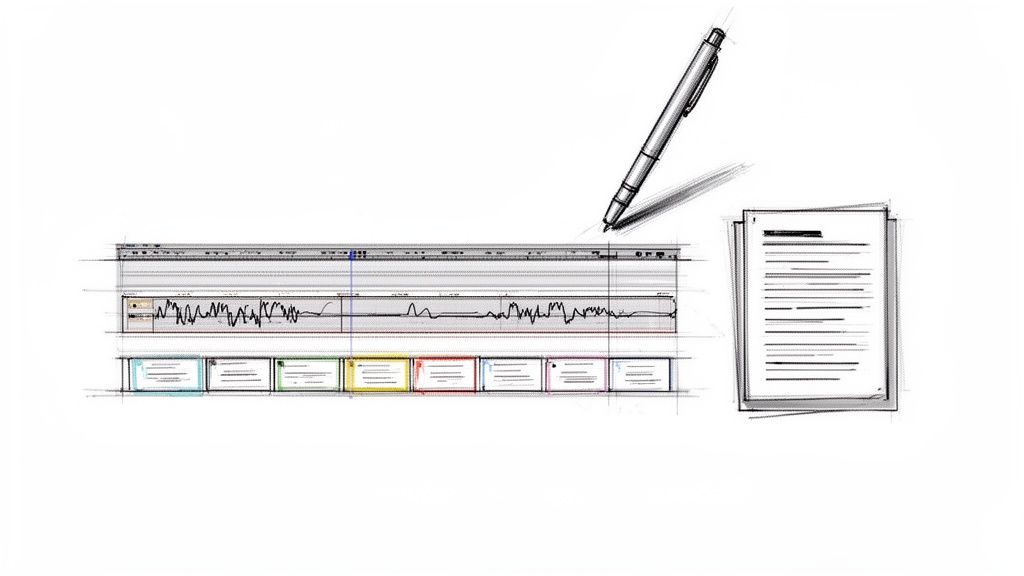
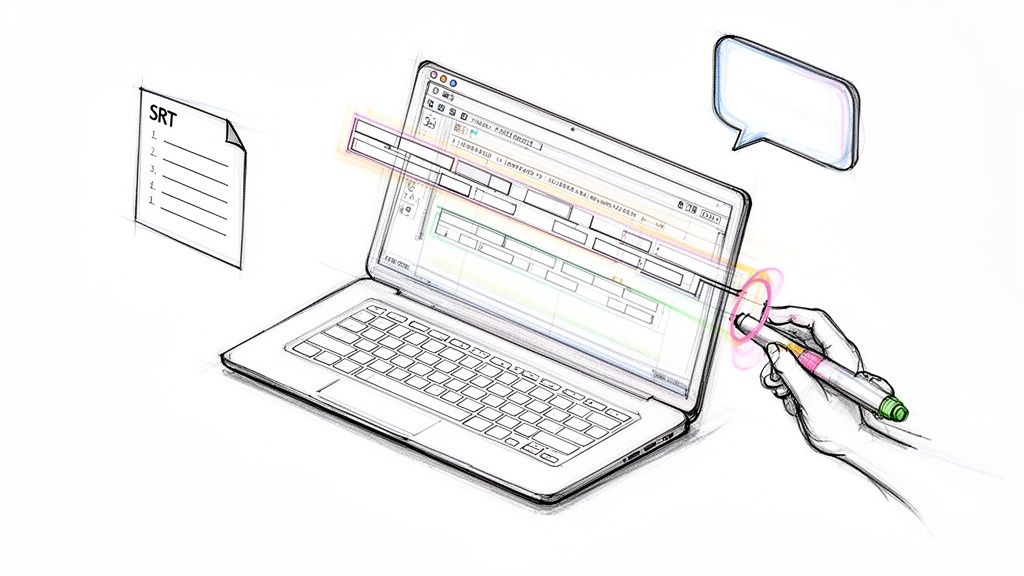
- Read and copy the script. Each line has its speaker and timestamp. Fix any word in place, then copy the text or download it as DOCX, PDF, TXT, SRT or Markdown.
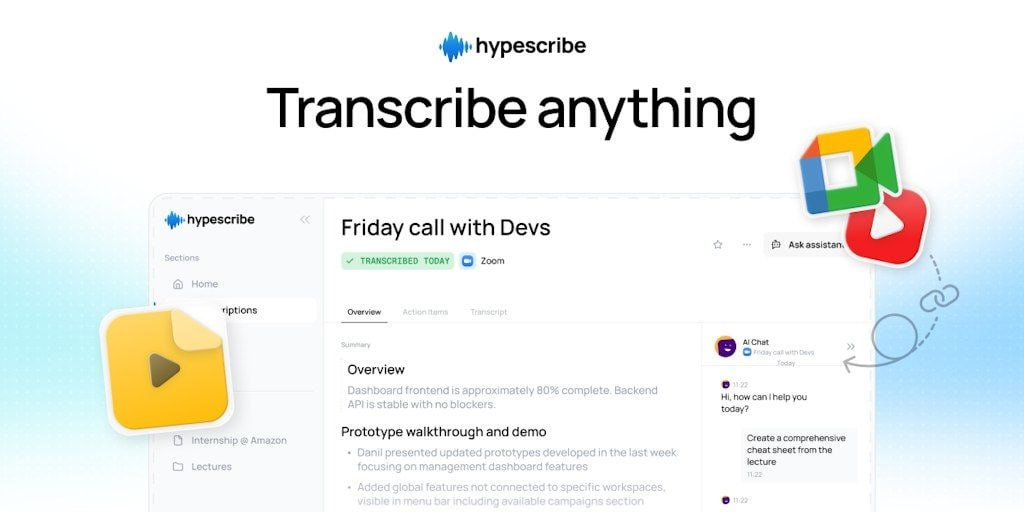
It works on a phone in the browser, with nothing to install. The same box takes links from YouTube, Instagram, X, Facebook, Reddit, Vimeo, Twitch, Loom, SoundCloud and Google Drive.
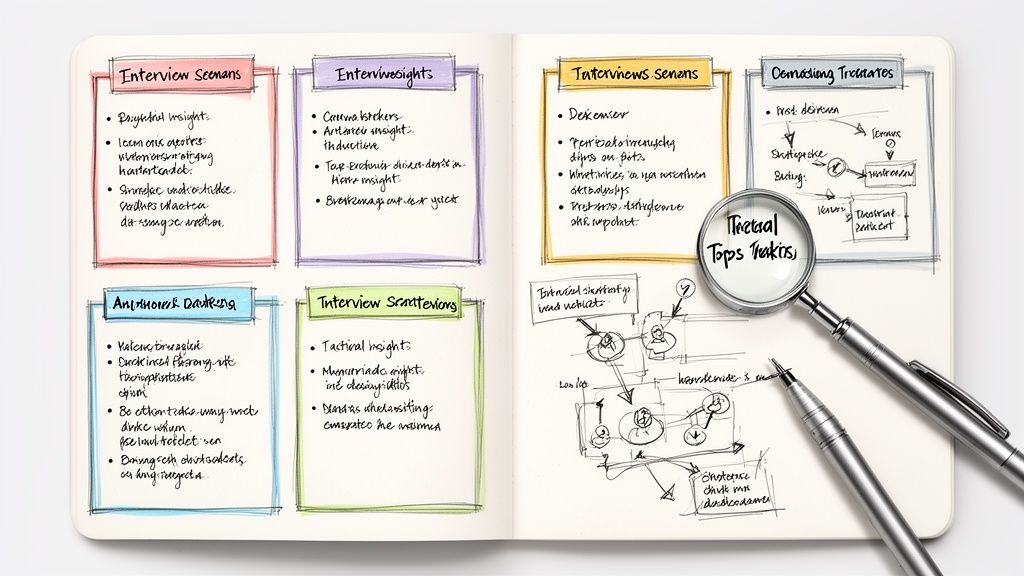
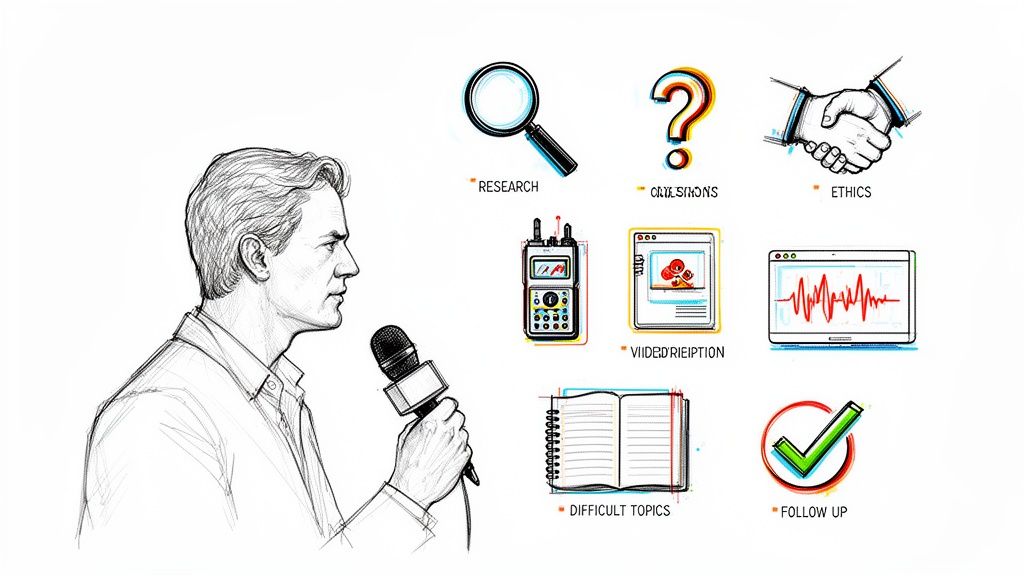
Break the script down: why did this TikTok work?
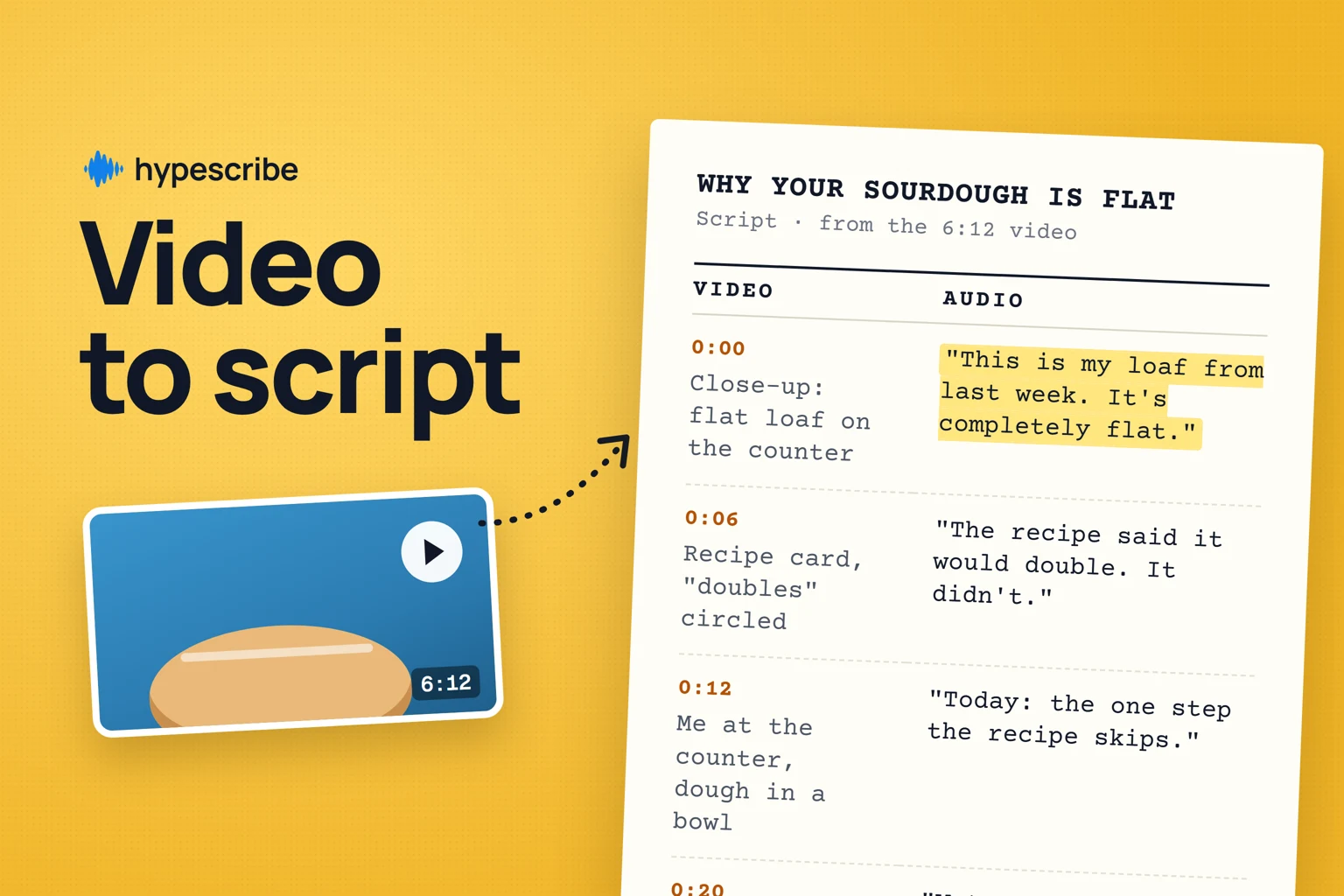
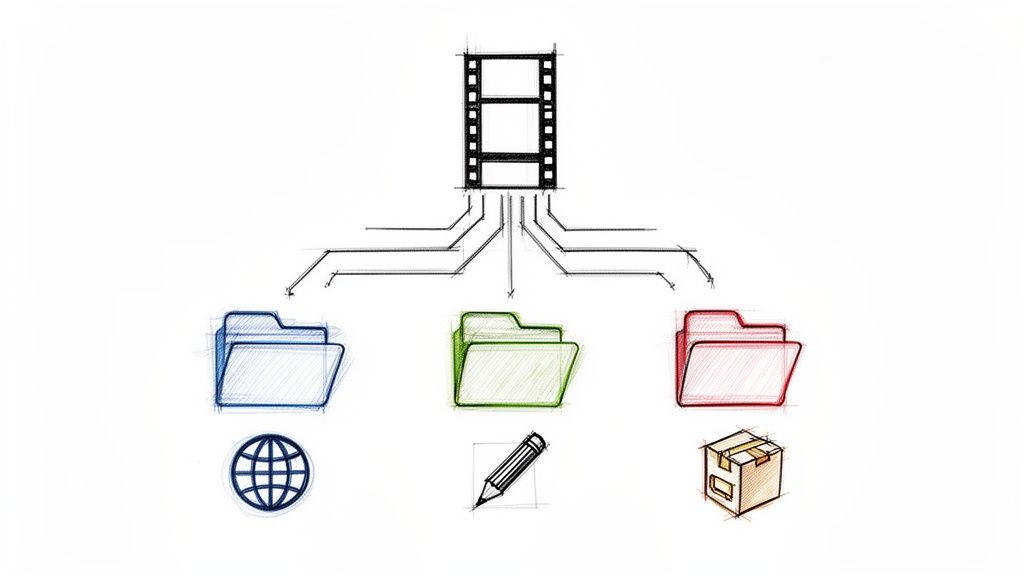
Here's a made-up 48-second TikTok, split into five parts with the line that starts each one:
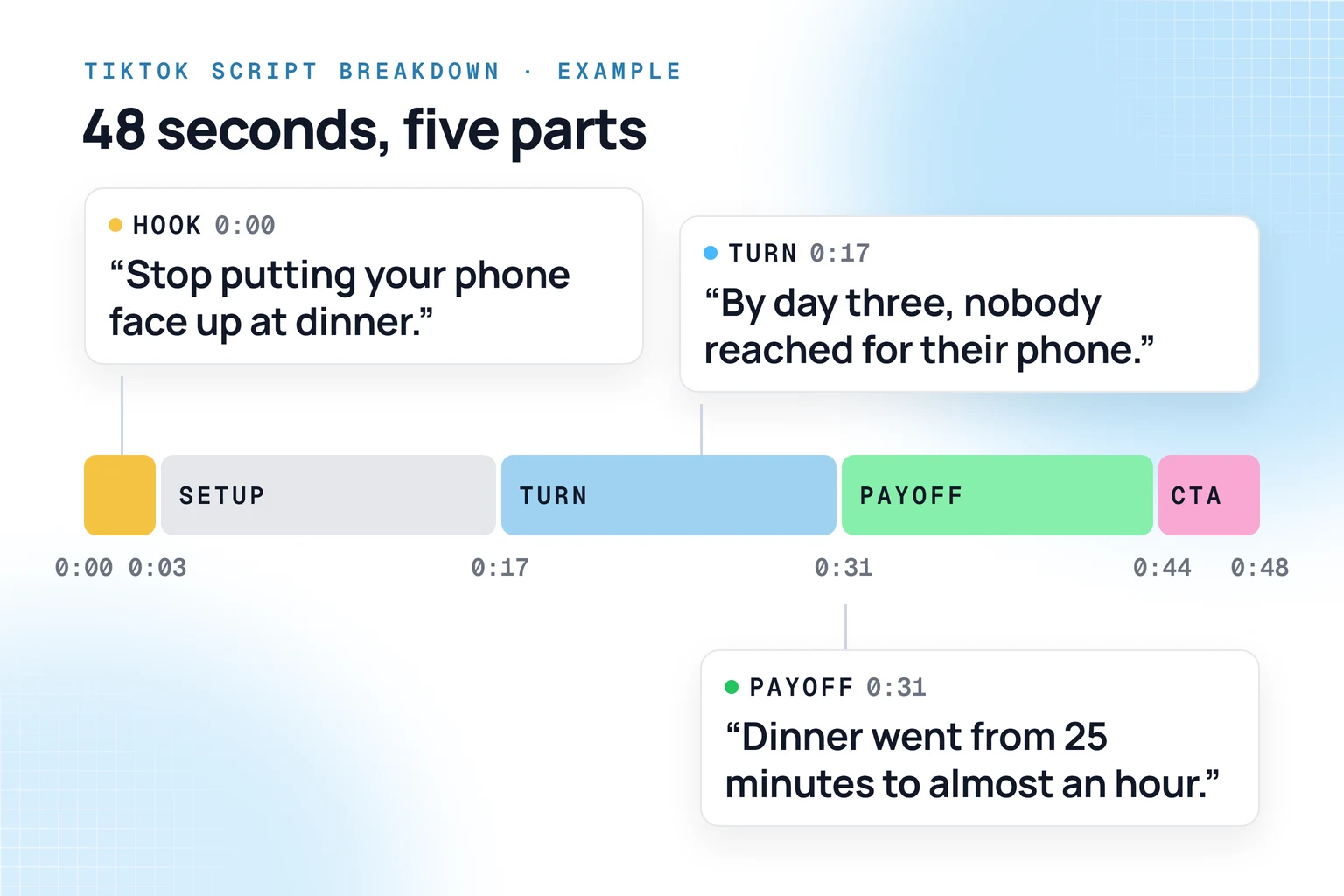
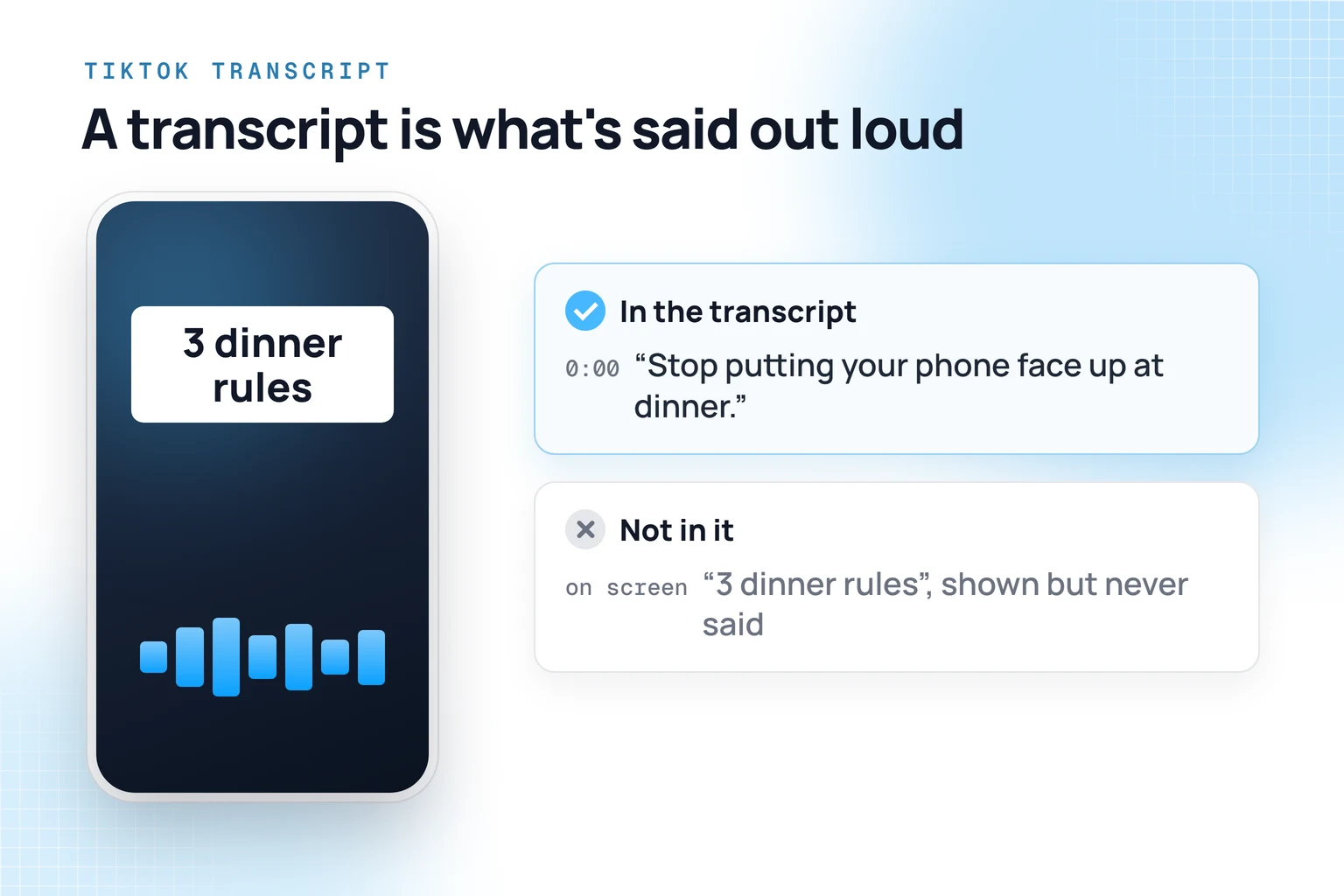
Select a line in HypeScribe and press Play from here to hear how it was delivered. A transcript holds the spoken words only: text that appears on screen without being said isn't in it, so copy that by hand.
Which TikTok videos you can transcribe
TikTok allows uploads of up to 60 minutes, and long videos go into HypeScribe the same way, so a tutorial or a recorded LIVE works like a 30-second clip.
TikTok captions or a transcript?
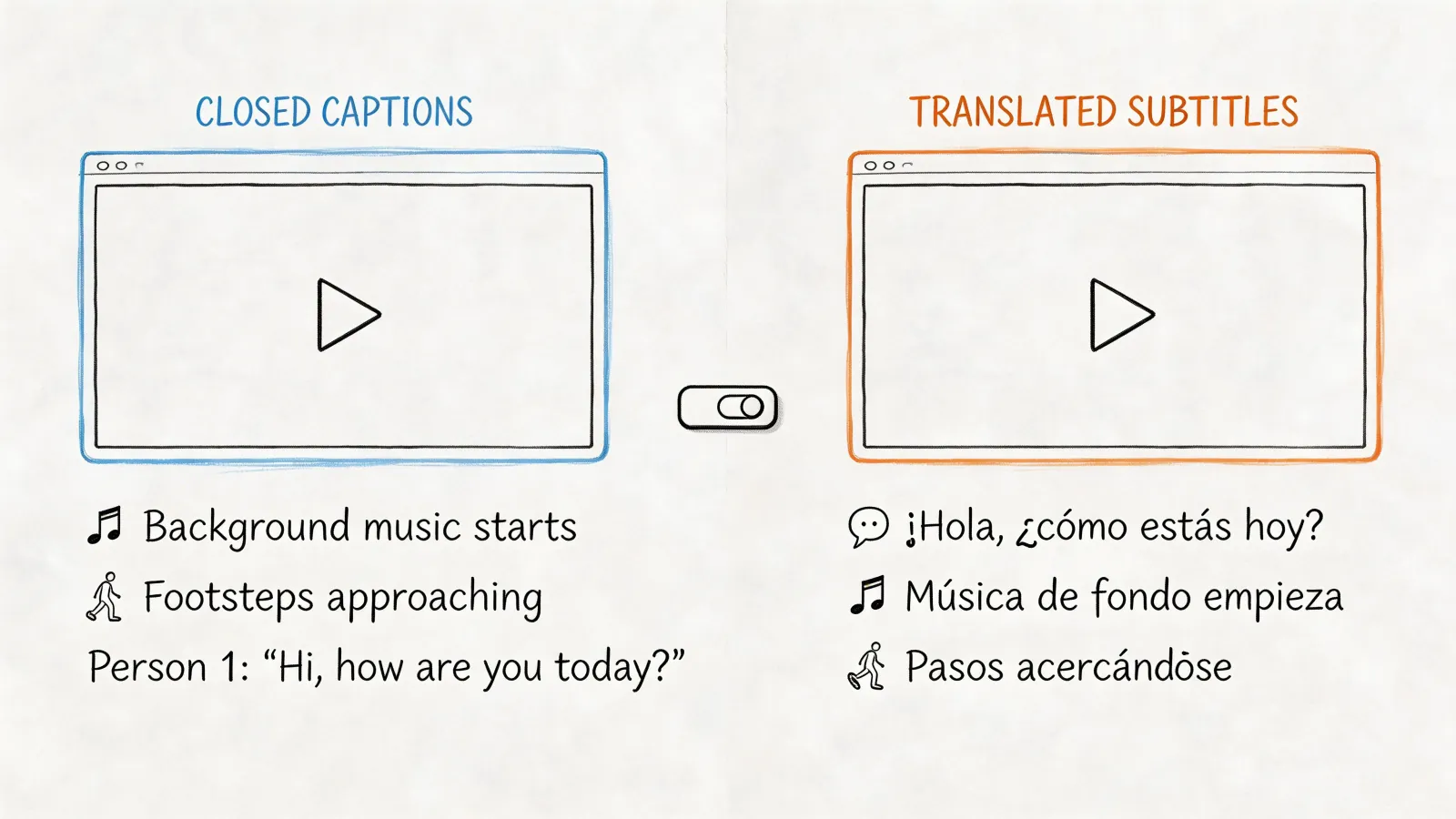
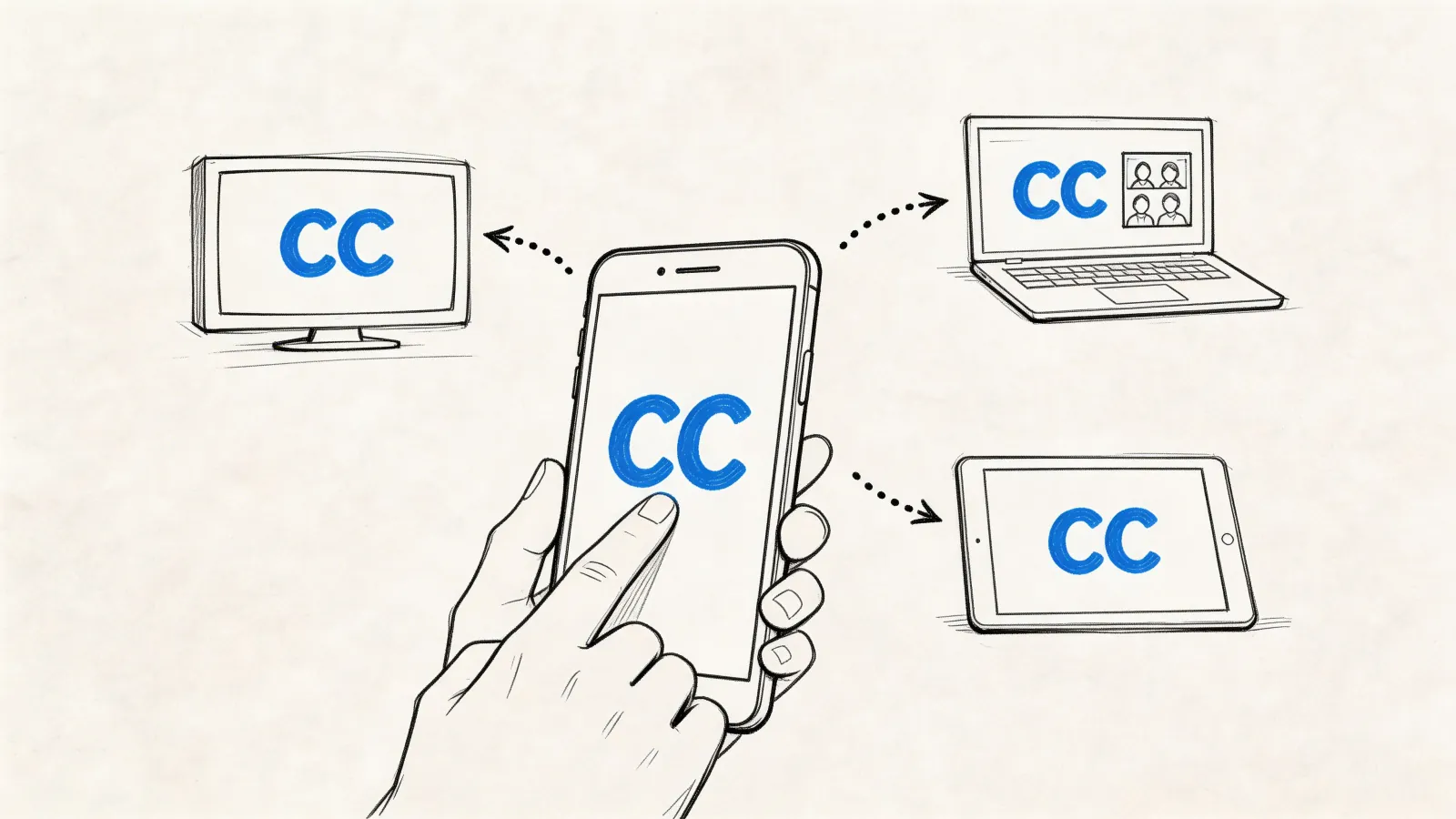
TikTok now generates captions automatically for eligible uploaded videos, and the creator can edit or remove them. Viewers switch them on under Share, then Captions, when the post has them. Captions are made for watching with the sound off. A transcript gives you the spoken words on their own, with speakers and timestamps. More on the difference in closed captions vs subtitles.
What to do with a TikTok script in HypeScribe
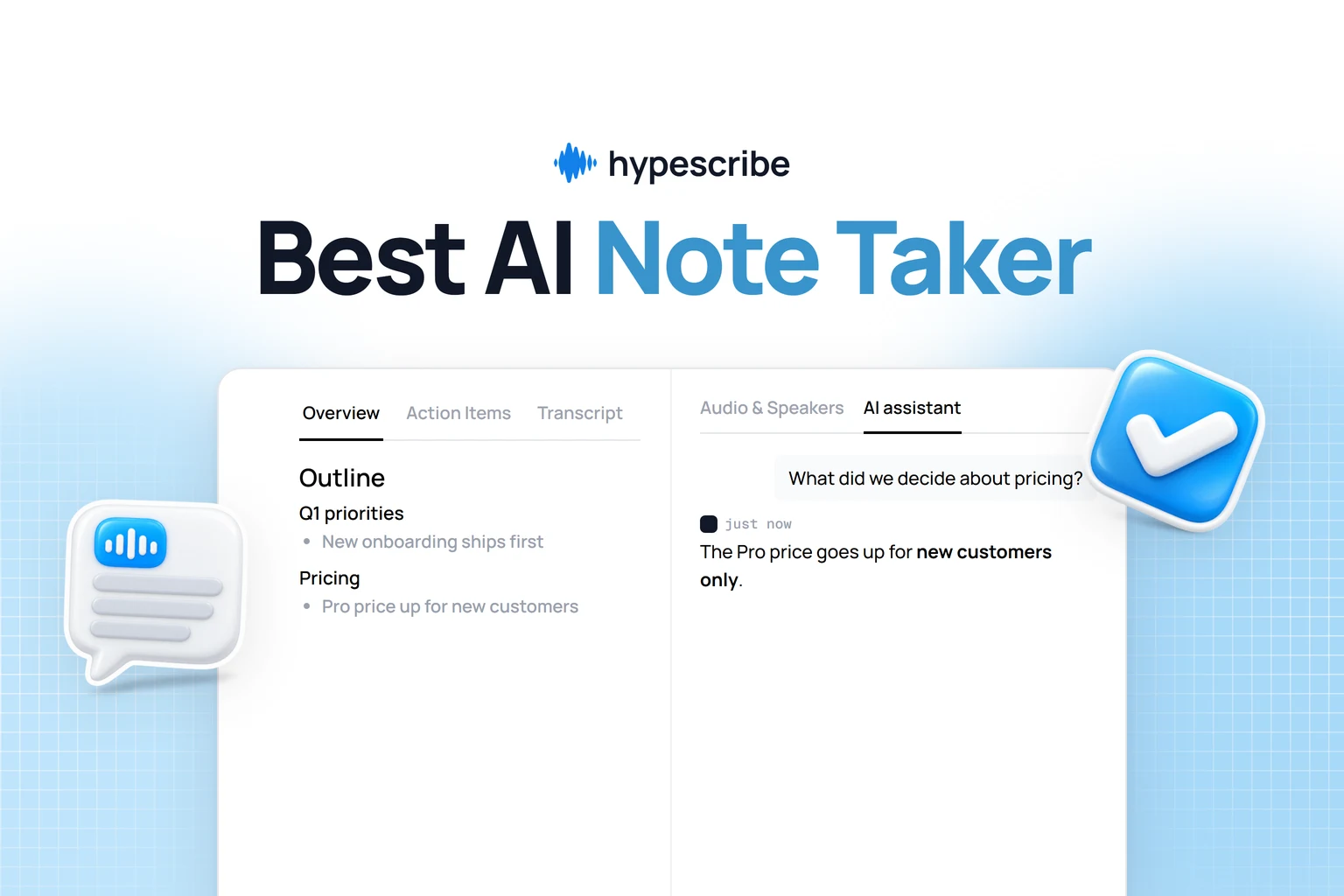
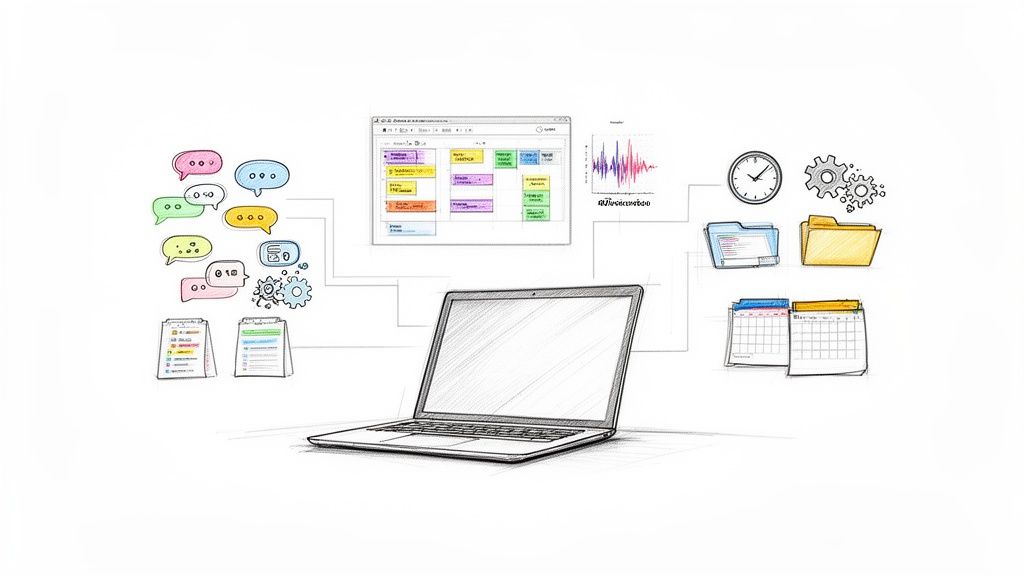
Next to the transcript you get an Overview, an Outline and Action Items. Then ask the AI assistant, on GPT, Claude, Grok or DeepSeek:
- Split this into hook, setup, turn, payoff and call to action, with the words for each.
- Write three hooks for my channel in the same style.
- What would a 15-second version keep?
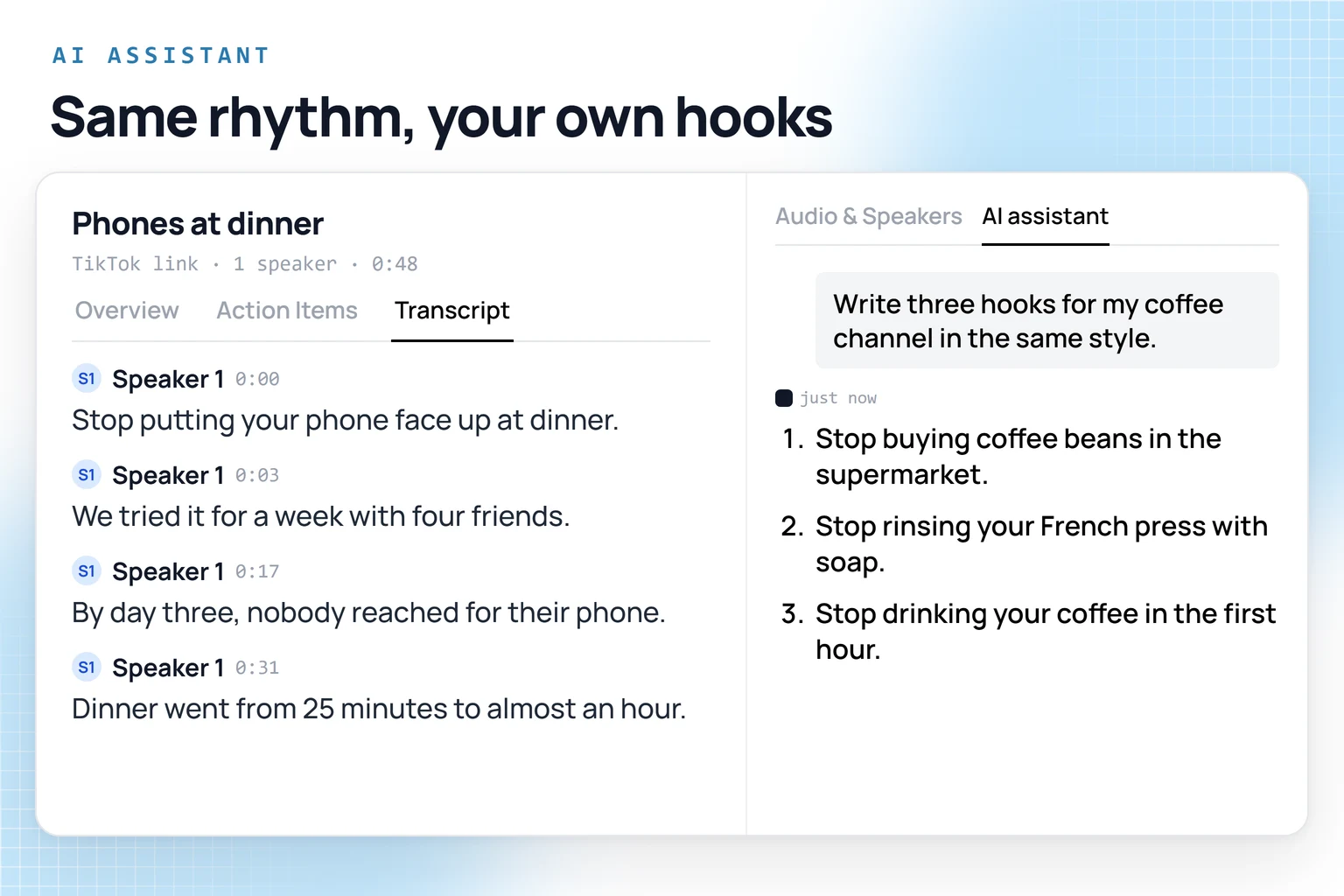
For example, asked for hooks for a coffee channel, the assistant could keep the shape of "Stop putting your phone face up at dinner" and suggest "Stop rinsing your French press with soap."
Save the scripts you study into one project and you have a swipe file. Claude and ChatGPT can search your library through MCP and compare the scripts you pick. Export to Google Docs or send it to Notion when you write, or pull transcripts into your own tools through the API. The same works for Instagram Reels and YouTube videos.
HypeScribe has a 7-day trial, then from $6.99 a month for 30 recordings. For recording, editing and scheduling, see our list of tools for content creators.
TikTok
Turn what you studied into your own script
Break down a video that worked, then ask the assistant for hooks and a first draft for your channel.
FAQ
Does TikTok have a transcript feature?
It has automatic captions on the video. Its help pages describe captions, not a transcript you can copy.
Can I get the transcript of someone else's TikTok?
Yes, if the video is public. Copy its link and paste it into HypeScribe. For a private account, ask the creator for the file.
Is there a free way to get a TikTok transcript on an iPhone?
Live Captions on iPhone 11 and later turns any audio the phone plays into text, and you can tap Copy Captions. It works in real time, so you play the whole video while it listens.
What is a TikTok script extractor?
A tool that pulls the spoken words out of a TikTok, usually from its link. HypeScribe works the same way, from the link.
Can TikTok write a script for me?
TikTok's Symphony Creative Studio writes new scripts with AI, after you log in with a TikTok for Business account on a computer. Its documented script tool starts from a brief, not from an existing video; to work from a video that already did well, start with its transcript.