Video to Script: How to Get the Script of a YouTube Video

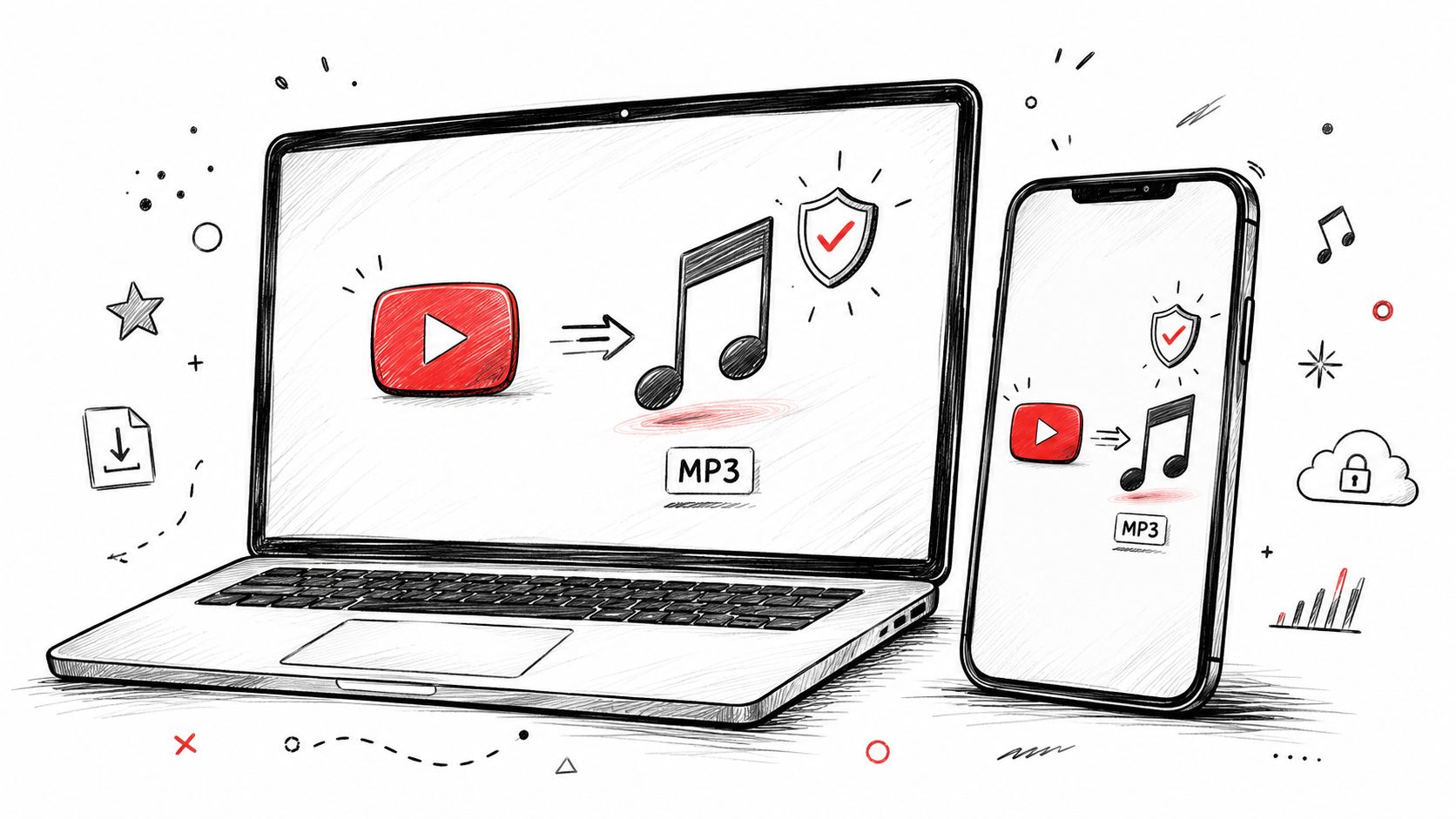
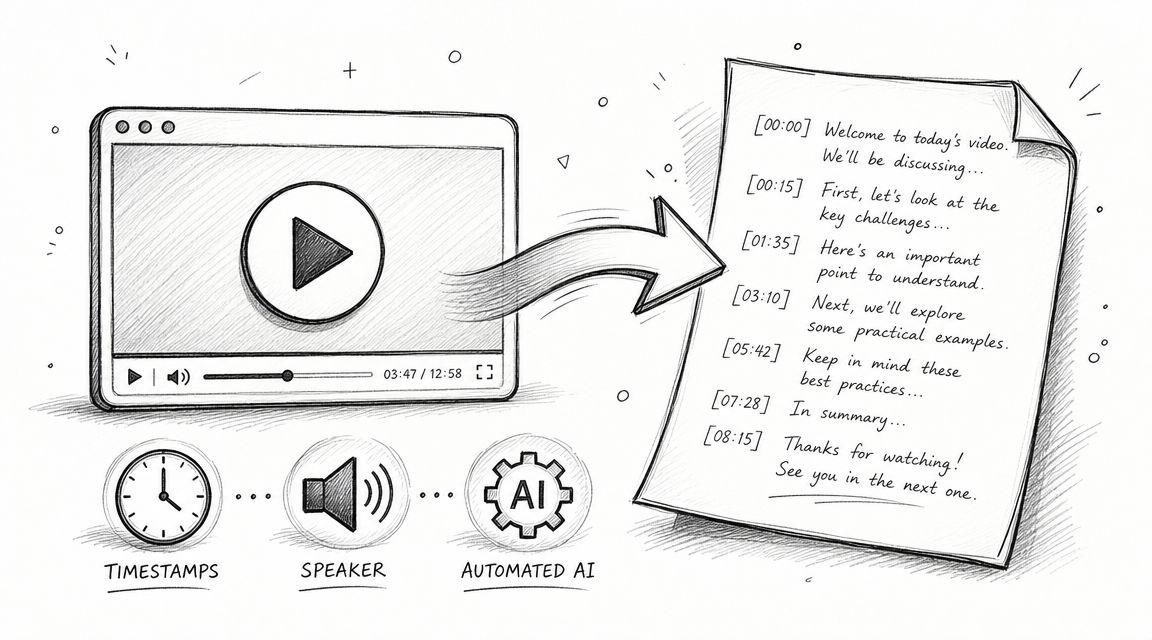
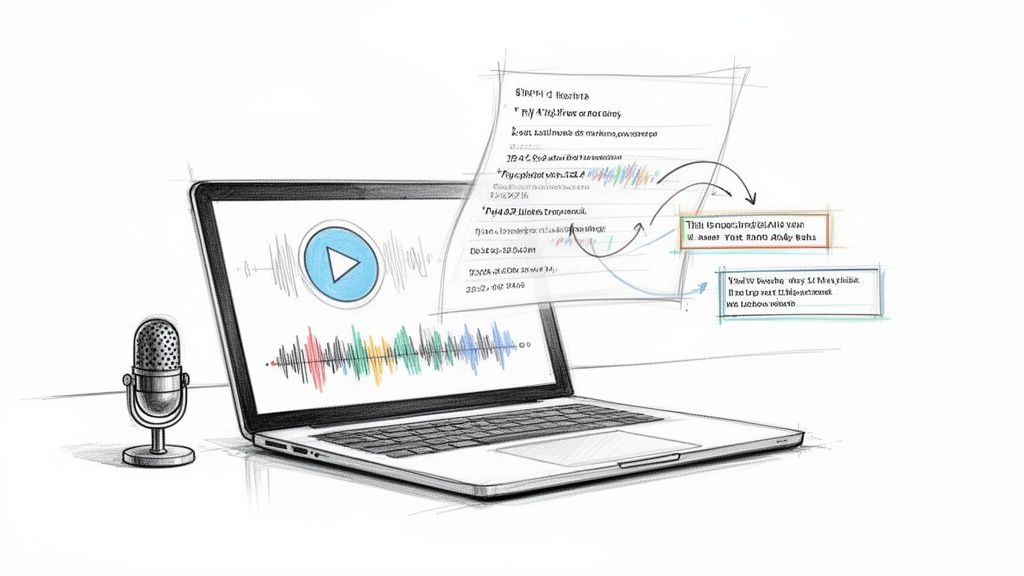
To get the script of a YouTube video, start with its transcript. Click Show transcript in the video description, or paste the link into HypeScribe and get every line with speakers and timestamps. Then turn it into a script with what's said and what's shown. You end up with a script rebuilt from the finished video; the creator's own draft may have differed.
Transcript vs script: what's the difference?
A raw transcript is everything that was said, in order, ums included. A script is the plan for a video: the lines in sections, with notes on what the viewer sees. Here's a made-up 20 seconds from a 6:12 video, "Why your sourdough is flat", both ways:
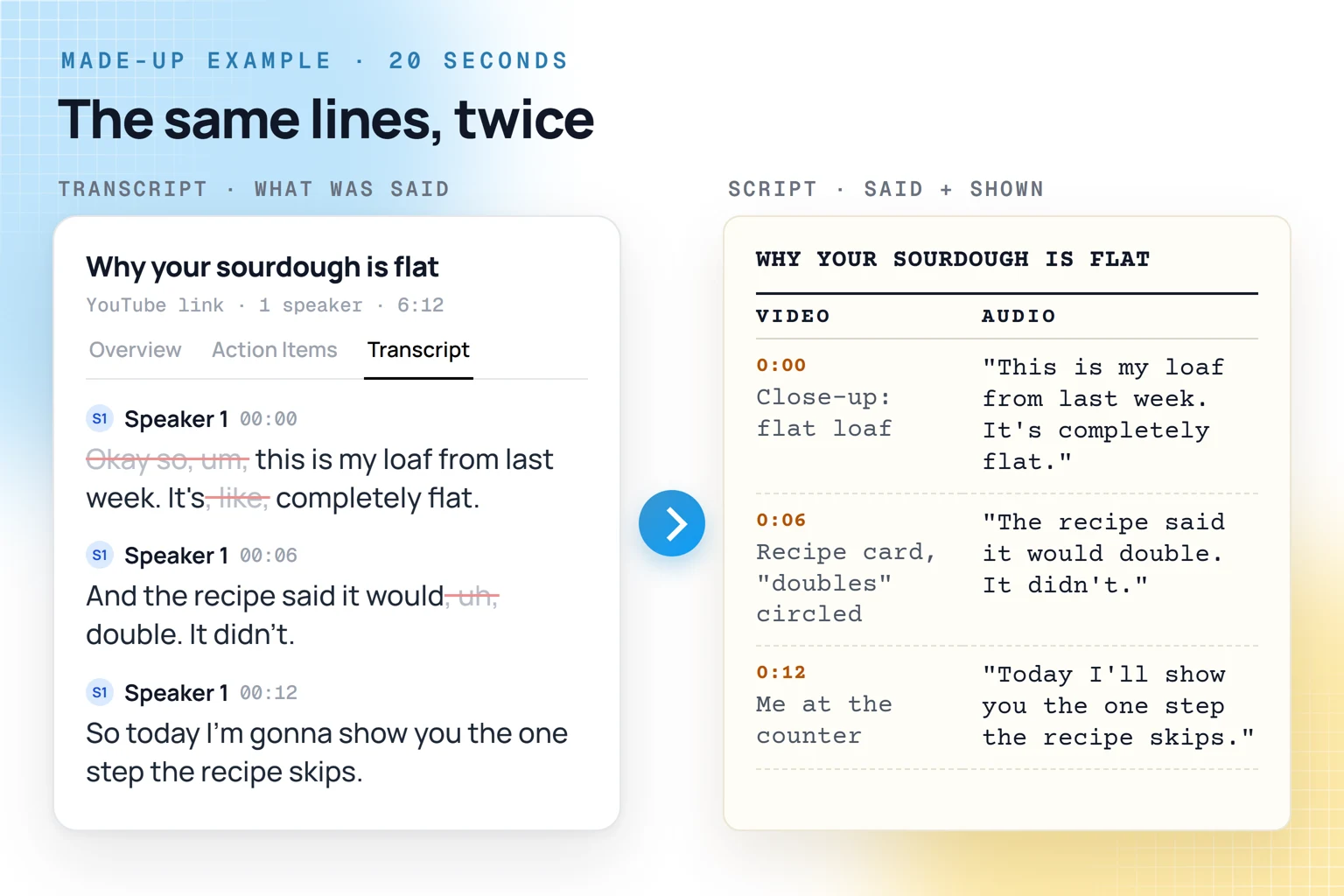
The raw transcript, as said: "Okay so, um, this is my loaf from last week. It's, like, completely flat. And the recipe said it would, uh, double. It didn't. So today I'm gonna show you the one step the recipe skips."
The same lines as a script:
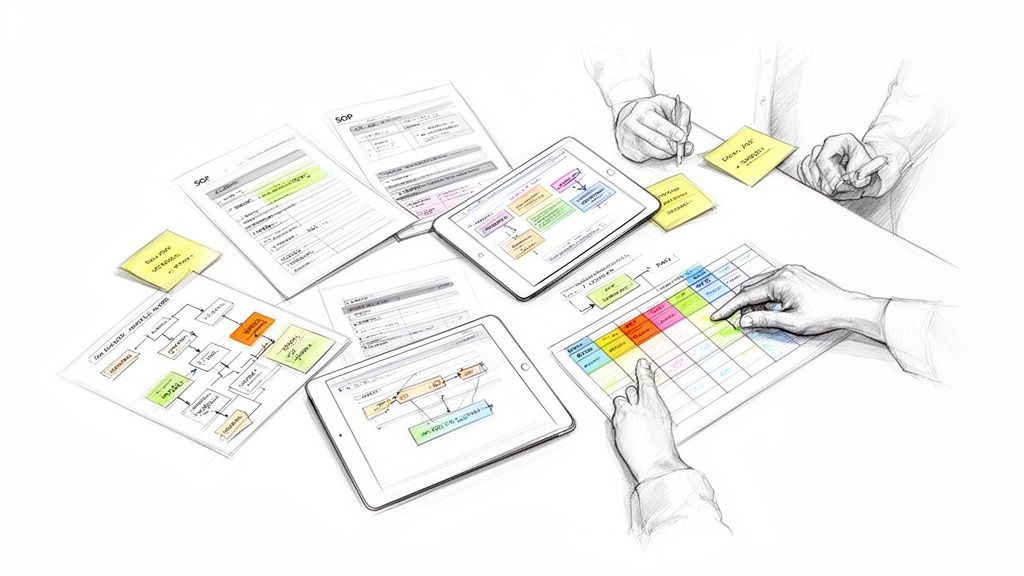
Video scripts are often written as a table with two main columns, known as an A/V script: one column for what the viewer sees, one for what they hear. That's the format this guide builds.
Step 1: get the transcript of the YouTube video
On YouTube
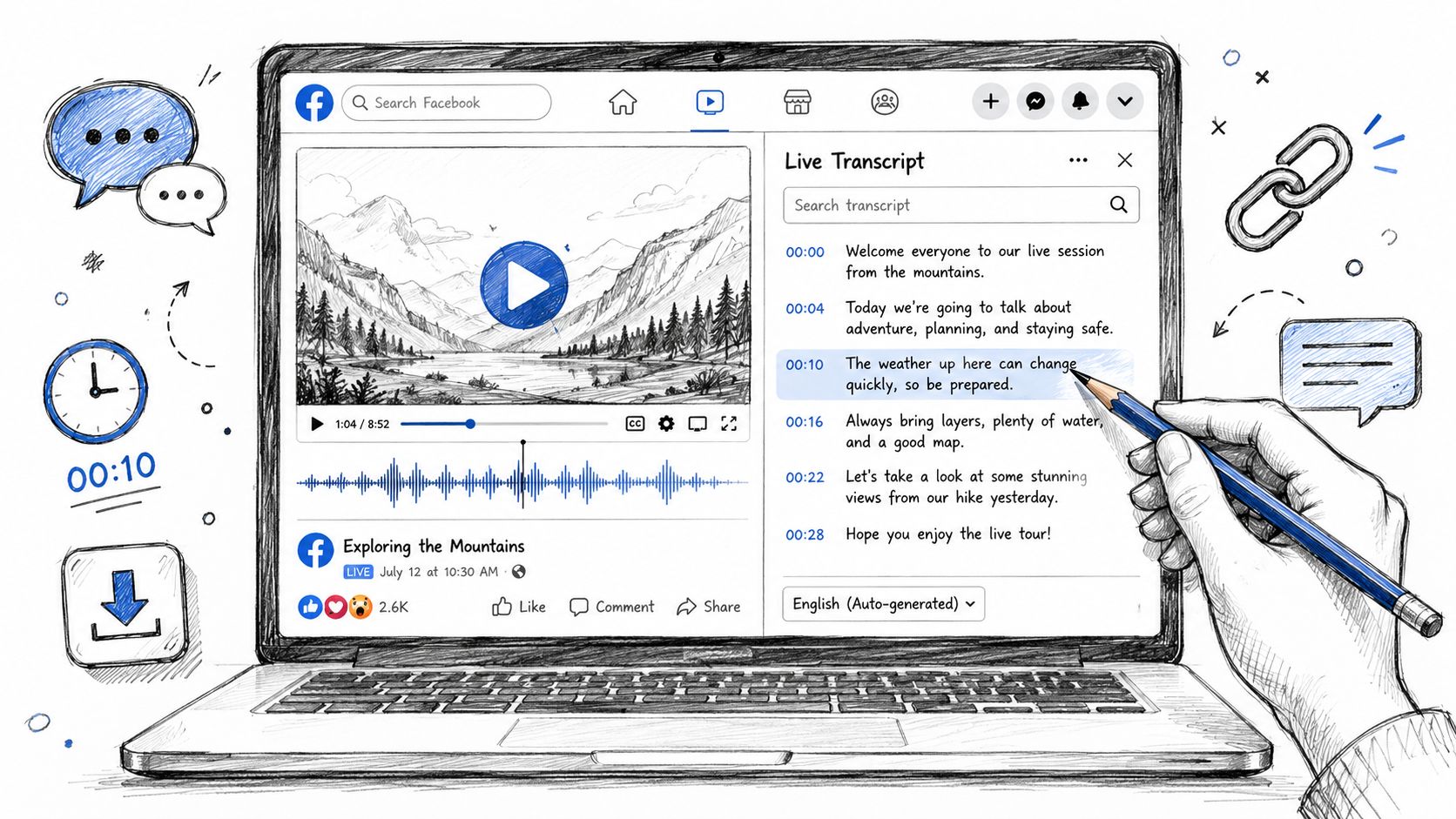
Under the video, open the description and click Show transcript. YouTube's help page gives the same step for a computer, Android and iPhone. The transcript scrolls as the video plays, and clicking a line jumps to that moment. On a computer you can try selecting the lines and pasting them into a document; the time of each line may come along, so delete those.
It only appears on videos that have captions. Automatic captions can be missing when the audio is poor, people talk over each other, the language isn't supported or the video is too long.
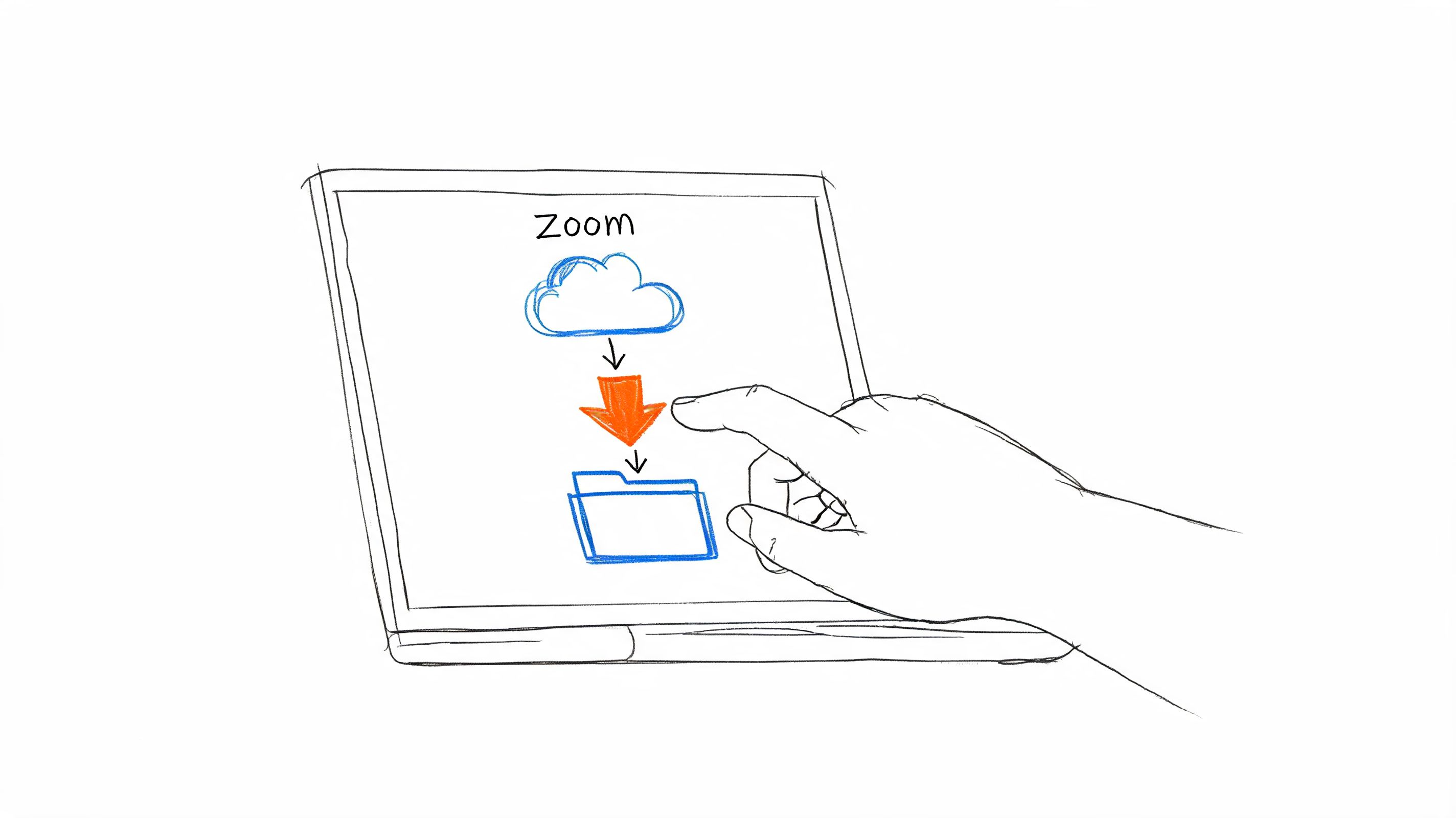
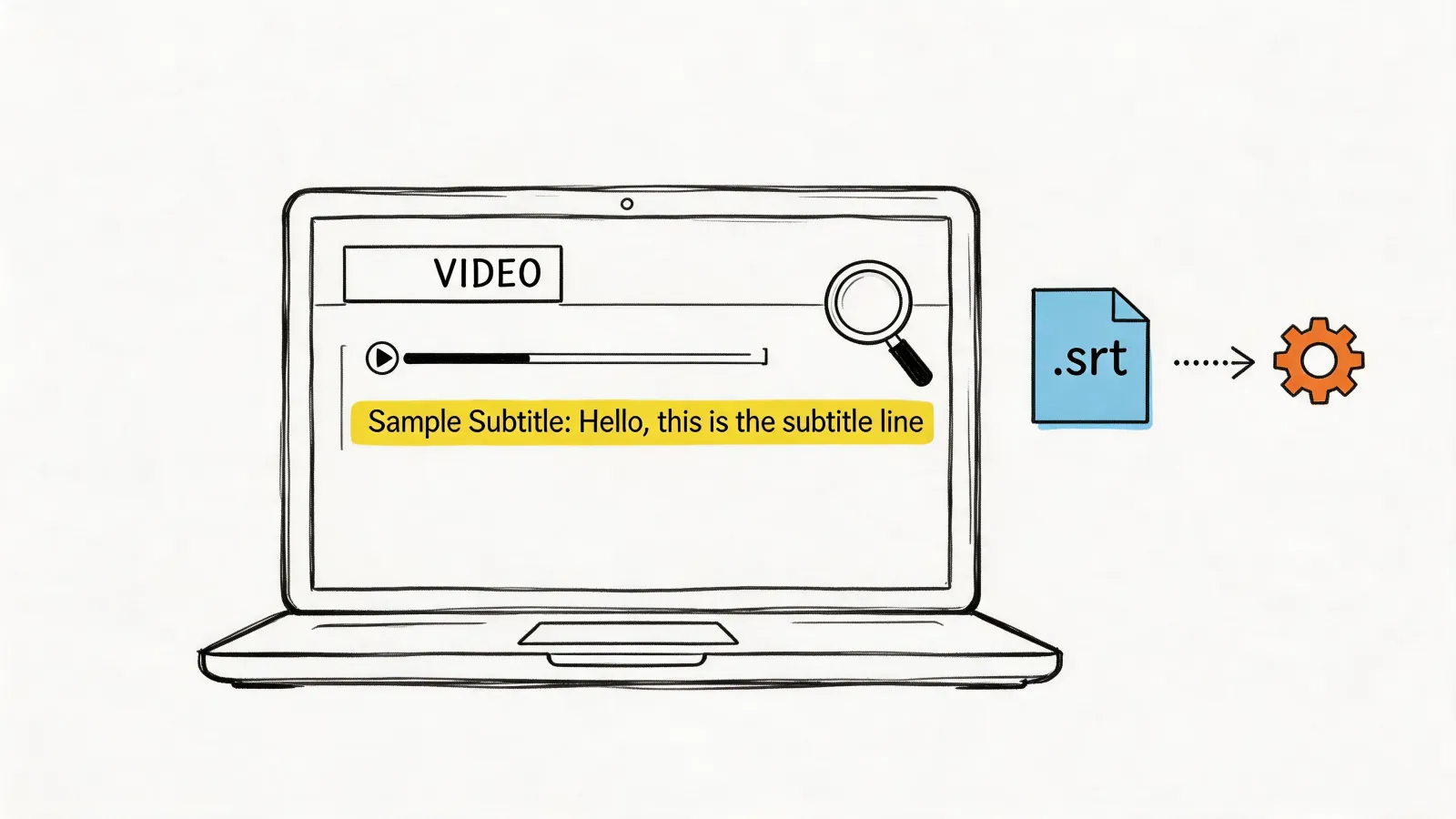
For your own video, YouTube Studio gives you the caption file: Subtitles, the video, Edit next to the language, then Options and Download subtitles.
In HypeScribe
- Copy the link. On a computer, copy the address of the video. In the YouTube app, tap Share and copy the link.
- Paste it into HypeScribe. Open Transcribe by URL and paste the link. Shorts links work the same way.
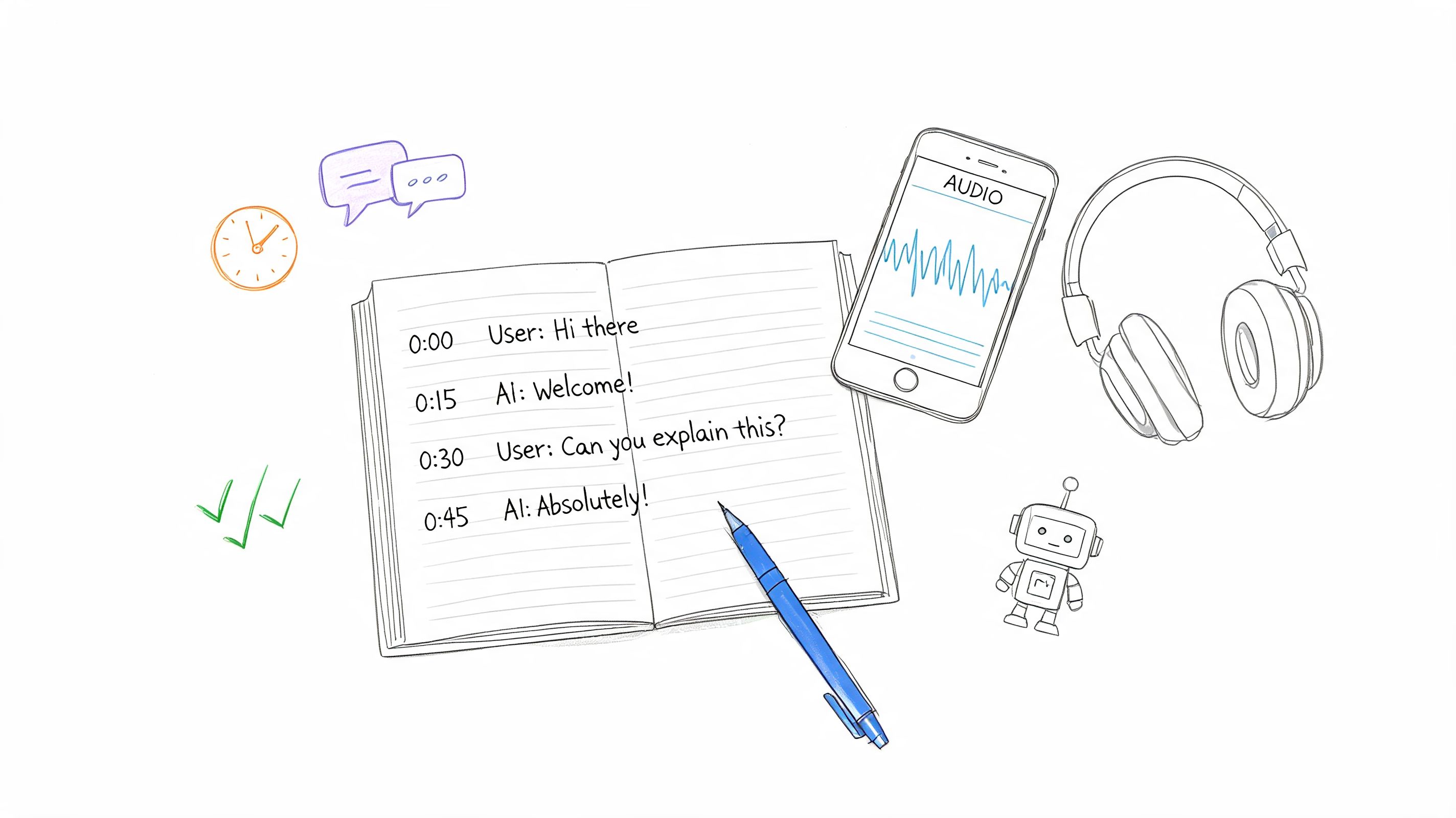
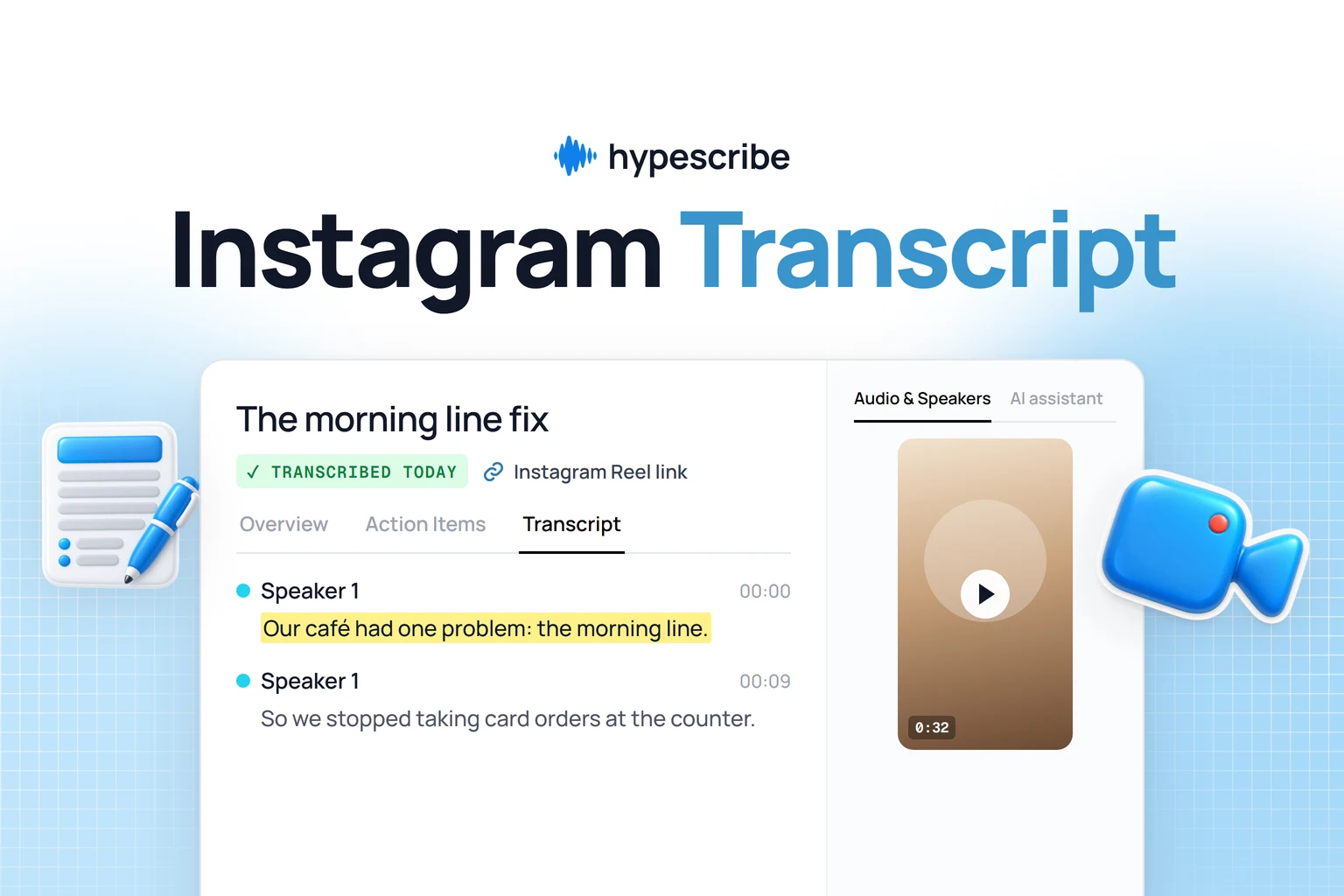
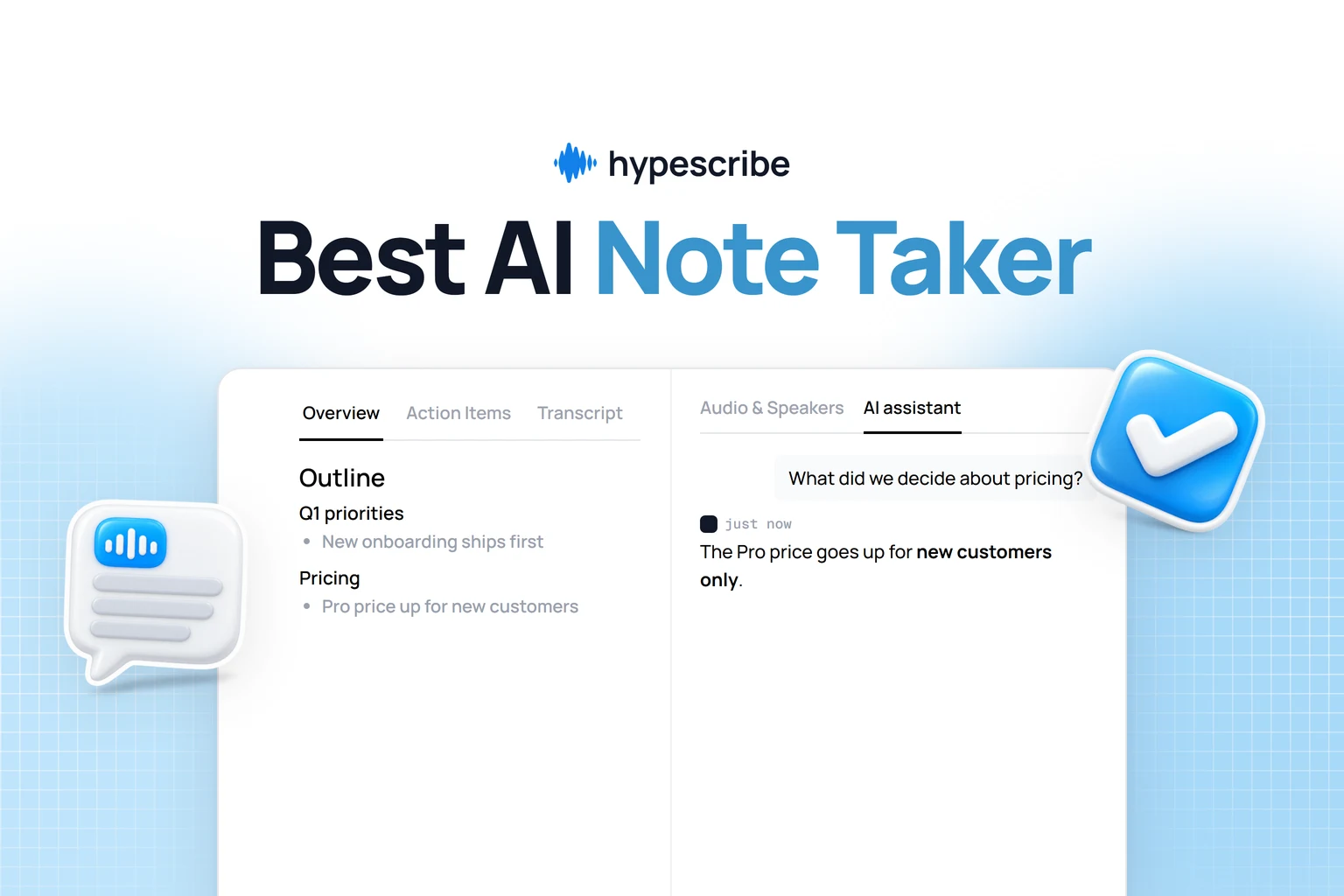
- Open the transcript. Every line has a speaker and a timestamp, usually ready in a few minutes. The Overview tab holds a summary and the Outline, and Action Items sit next to it.
You don't need captions on the video: HypeScribe transcribes the audio itself. The same box takes links from Instagram, TikTok, X, Facebook, Reddit, Vimeo, Twitch, Loom, SoundCloud and Google Drive, or a direct link to a file. If you only need the text, our guide on how to get a transcript of a YouTube video covers that part in more detail.
Step 2: clean up the lines
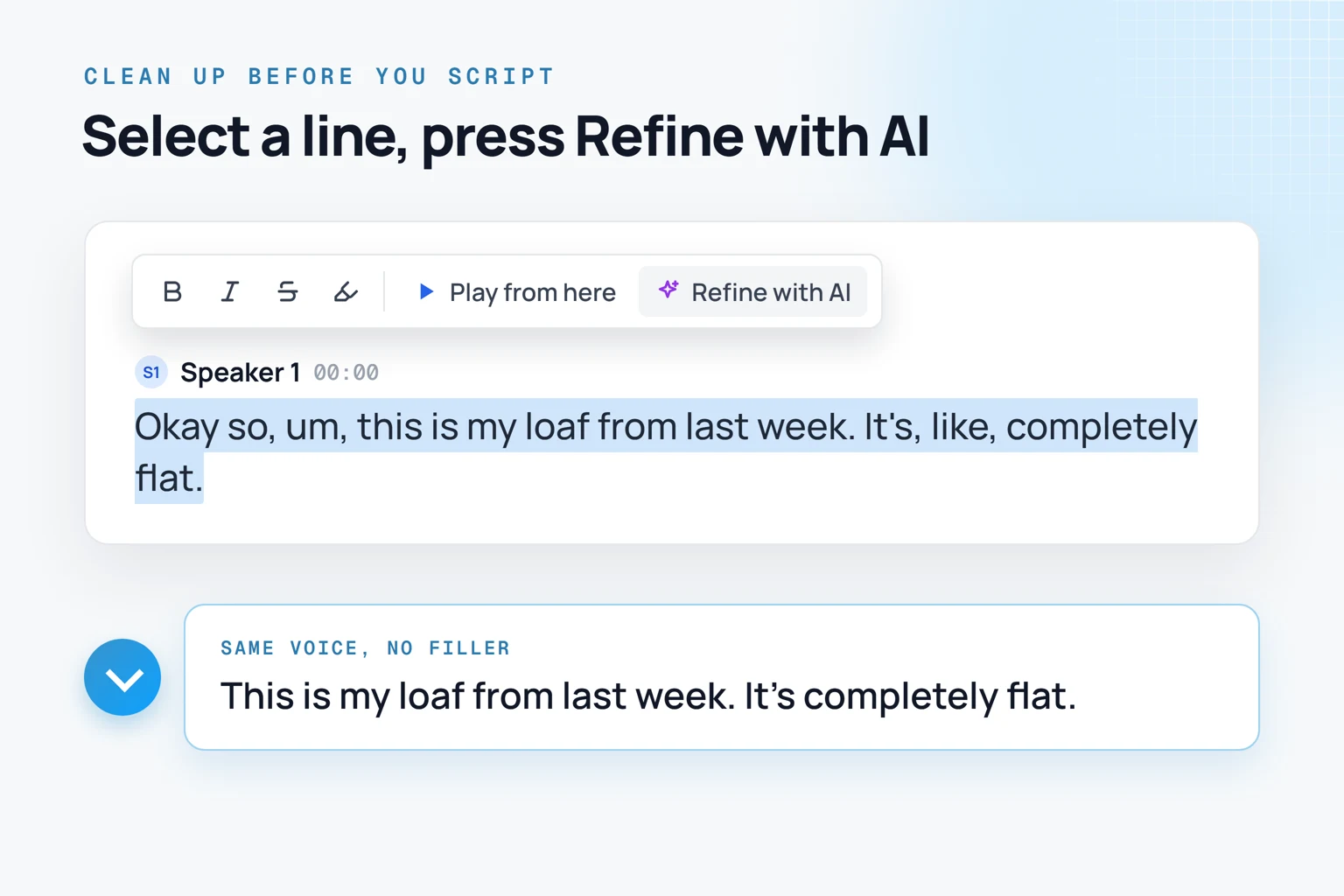
Select a line and press Refine with AI. It fixes grammar and removes filler words like um and uh, and keeps the speaker's voice. Rename Speaker 1 to the creator's name once, and the name changes everywhere, exports included.
If you copied YouTube's transcript instead, English automatic captions may add a few extras: words in capitals for loud speech, sound tags like sighs and background noise, and "[ __ ]" in place of swear words.
Leave the lines you plan to quote exactly as they were said.
Step 3: find the sections
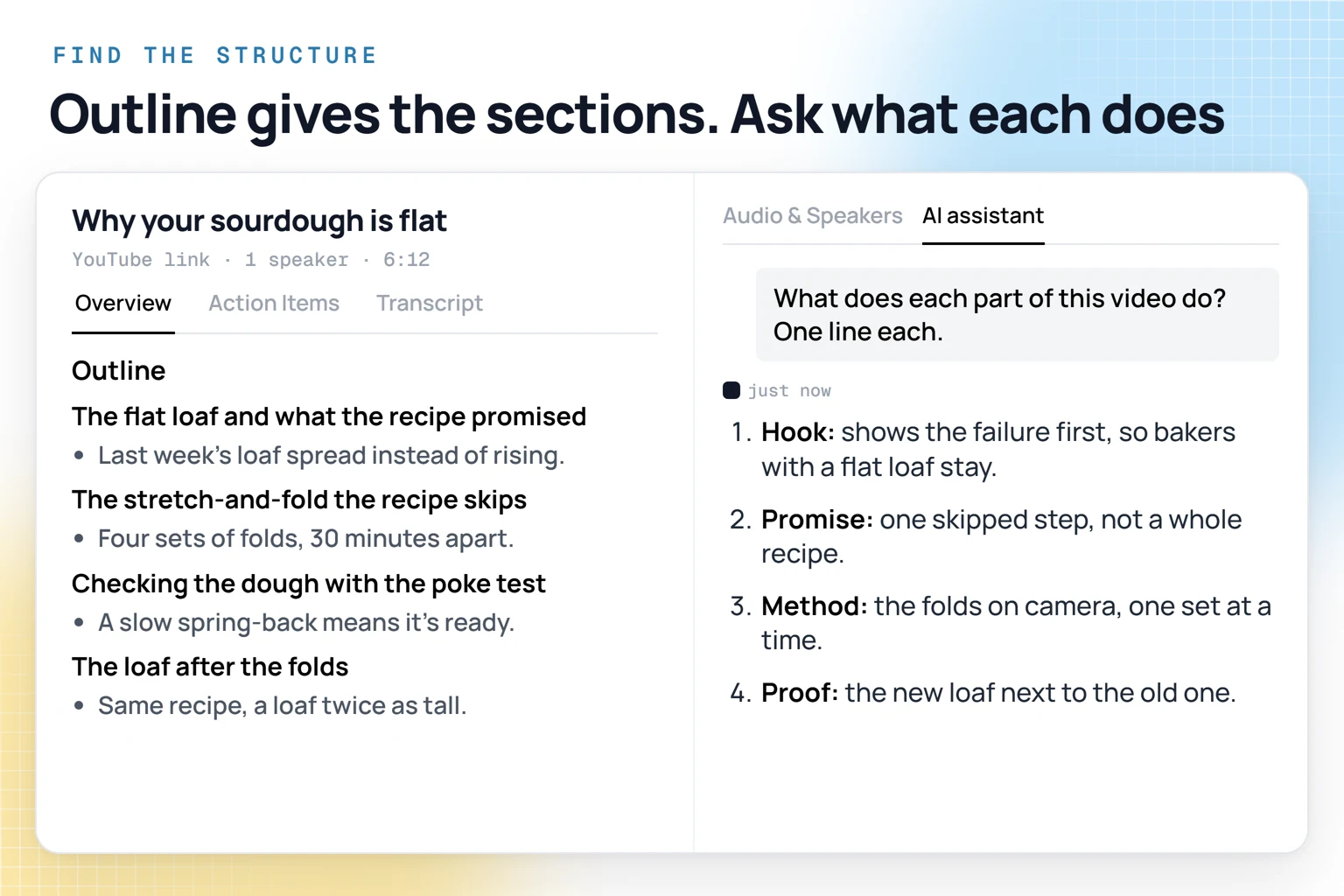
Open the Overview tab. The Outline lists the topics of the video in the order they come up, and each topic is a starting section for your script. In the sourdough video, the first topic, "The flat loaf and what the recipe promised", holds both the hook and the promise. To find where a section starts, search the transcript for a word from that topic, find the line where the speaker moves on to it and note the timestamp.
Then ask the AI assistant, on GPT, Claude, Grok or DeepSeek, how the video is built:
- What does each part of this video do? One line each.
- Where does the intro end, and what does it promise?
- What happens in the first 30 seconds that makes people keep watching?
YouTube Analytics shows how many viewers are still watching after the first 30 seconds, so that stretch is worth studying line by line. The assistant answers from the transcript, so it knows what was said, not what was shown.
Step 4: lay it out as a two-column script
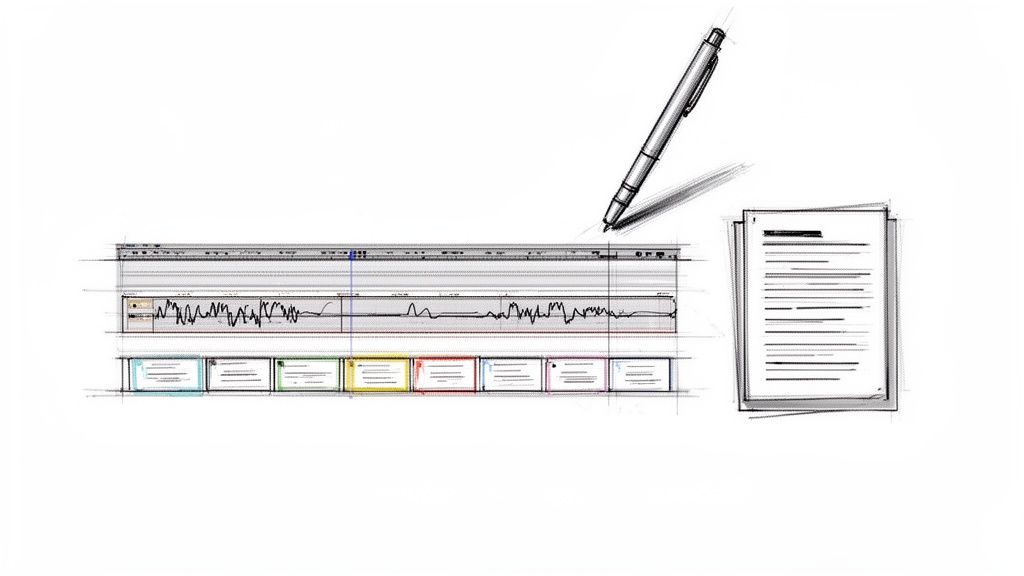
The full script comes from an export, not from the chat. Export the transcript to Google Docs or as a DOCX file. Make a table with a time column and the two script columns, and put each section's lines in the Audio column. For the Video column, go back to HypeScribe, select the first line of a section and press Play from here: for a regular YouTube video (not a Short), the video plays next to the transcript from that moment. Write down the shot, any text on screen and any cut. Start a new row whenever the picture changes, even inside one section. If music or a sound effect matters to a scene, note it in the Audio column too.
Copy this template into your doc:
Turn it into your own script
What you take from someone else's video is the structure: how fast the hook gets to the point, what the promise is, how many steps, where the proof comes. Keep that and write your own words around it. Here's the sourdough opening turned into a video about cold brew:
YouTube's own advice on hooks is the same: the intro should deliver what the title and thumbnail promised, and get to it fast.
The assistant helps with this part too: ask for "a hook for my video about cold brew in the same style as this one", or for shot ideas for your new video. Then read your draft out loud with a timer. If it runs long, cut a repeated explanation or a part that doesn't serve the promise.
To study a 30-second opening on its own, the same breakdown works on a TikTok script or an Instagram Reel. Save the videos you study into one project and you have a swipe file to come back to. Send a transcript to Notion or Google Docs with the Send button when you write. Claude and ChatGPT can search the library through MCP, and API keys let you connect your own tools. HypeScribe has a 7-day trial, then from $6.99 a month for 30 recordings. For filming, editing and scheduling, see our list of tools for content creators.
Video to script
Study a video before you script your own
Paste a video you want to learn from and see its sections before you watch it a second time.

FAQ
How do I get the script of a YouTube video for free?
On a computer, click Show transcript in the video description and try selecting the lines to copy. It works when the video has captions. You get the words with timestamps, then cut the filler and add the shots yourself.
Can I get the creator's original script?
Only if the creator shares it. What you can get is the transcript, and from it a script rebuilt from the finished video.
Can I get the script of a YouTube Short?
Shorts get automatic captions, but YouTube's help doesn't describe a transcript panel for them. Paste the Shorts link into HypeScribe and you get the lines with timestamps the same way.
Can I upload my finished script to my own video?
Yes, the spoken lines, as long as they match what's said in the video. Leave out the shot notes. In YouTube Studio you can paste a transcript as captions, and YouTube sets the timing automatically. YouTube doesn't recommend this for videos over an hour or with poor audio.
Can AI turn a YouTube video into a script?
Partly. HypeScribe gives you the transcript, the Outline and an assistant that explains what each part does and writes hooks for your topic. What's on screen and your own words are still your job.