
12 Best Student Productivity Apps to Ace Your Studies

Student productivity apps mostly fail for one reason: they add a system to maintain on top of the work. The ones worth keeping remove a step instead of adding one.
Inside, you'll find a detailed breakdown of each application, complete with screenshots and direct links so you can get started right away. We'll explore everything from powerful task managers and focus timers to innovative tools that can transform how you study—starting with a powerful way to capture every word from your lectures without typing a single note. My goal is to help you build a personalized digital toolkit that fits your unique learning style and academic demands.
For those looking to integrate more advanced technology into their routine, exploring the 12 Best AI Study Tool Options can revolutionize your entire learning approach. By finding the right software, you can spend less time managing information and more time actually understanding it. Let's dive in and find the perfect apps to build your smarter study system.
1. HypeScribe: Your AI Note-Taker for Lectures and Research
HypeScribe is a standout among student productivity apps because it fundamentally changes how you capture and process academic information. Instead of frantically trying to type notes during a lecture, which splits your focus, HypeScribe lets you be fully present and engaged with the material. The platform’s biggest strength is its AI-powered transcription, which turns hours of audio or video into accurate, searchable text in just minutes.
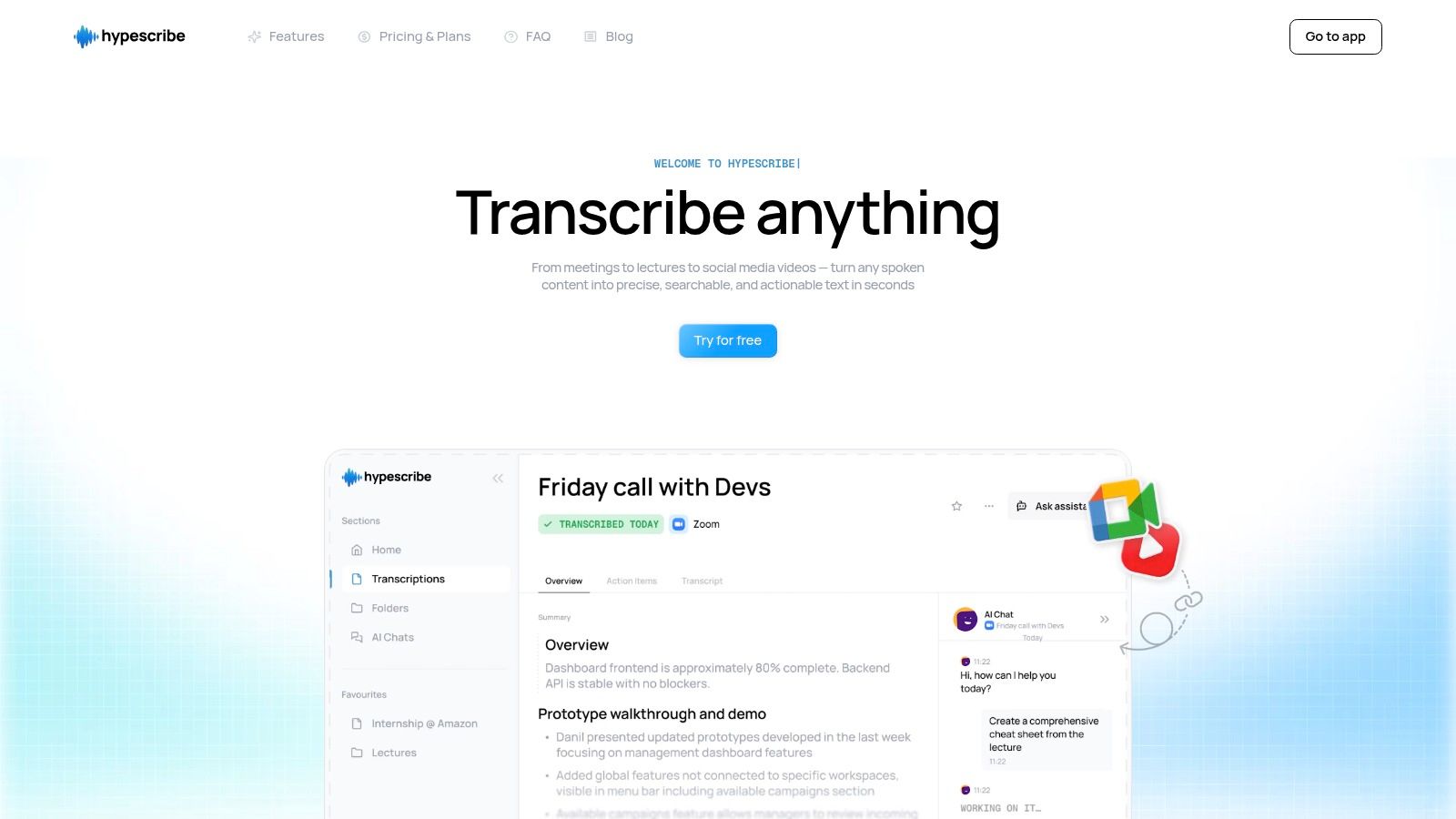
This tool effectively replaces manual note-taking. You can upload recorded lectures, paste a YouTube link for a research video, or even invite its real-time note-taker to your online classes. The process is incredibly efficient—a one-hour file gets transcribed in under 30 seconds. This capability goes beyond simple transcription; HypeScribe becomes a dynamic study partner.
How I Use It as a Student
- AI Transcription & Summaries: The platform boasts up to 99% accuracy across over 100 languages. For me, this means I can upload a dense lecture on quantum physics or a discussion in a foreign language class and get a precise text document. The Smart Summaries feature then distills this transcript into key takeaways, which is perfect for last-minute exam revision or quickly grasping core concepts.
- Real-Time Note-Taker: On paid plans, you can have HypeScribe join your Zoom or Google Meet calls. It acts as a silent participant, transcribing the entire discussion. This has been invaluable for group projects and study sessions where multiple people are speaking at once.
- File-Aware Chatbot: This is a game-changer for research and writing papers. I upload my lecture notes, interview recordings, and research articles. Then, I can ask the chatbot specific questions like, "What were the main arguments against this theory mentioned in the lecture?" and get instant, context-aware answers pulled directly from my materials.
Pricing and Getting Started
HypeScribe uses a credit-based system instead of a per-minute model, which is great for students dealing with long lecture files. A free trial is available to test its capabilities. Paid plans offer more credits and unlock advanced features like the real-time note-taker. While the per-file model might be less ideal for lots of short recordings, it offers excellent value for the typical hour-long lecture format.
Website: https://www.hypescribe.com
Pro-Tip: To get the most out of it, I organize my uploaded files into folders by course. This turns the File-Aware Chatbot into a specialized knowledge base for each of my subjects. If you want a deeper dive into the technology, you can find a comprehensive guide on how to transcribe audio to text effectively.
2. Apple App Store
For students invested in the Apple ecosystem, the App Store is the best place to start looking for great student productivity apps. It's a secure, centralized hub where every application is vetted for quality and safety. Unlike searching the web, the App Store provides thoughtfully assembled collections and editor's picks, making it easier to find top-tier planners, note-takers, and focus timers specifically optimized for iPhone, iPad, and Mac.

The user experience is seamless. Billing, subscriptions, and even refunds are handled directly through your Apple ID, which removes the friction of trying and buying new tools. While you can browse on the web, the actual download has to happen on your device, which can be a minor inconvenience. The platform's main limitation is its exclusivity; many of its best apps aren't available on Android or Windows, which is a key consideration for students using multiple platforms.
What Makes It Useful for Students?
- Curated Collections: Editor-picked lists like "Apps for Class" and "Productivity Power-Ups" help you discover high-quality apps without endless searching.
- Trusted Ecosystem: Secure payments, transparent user reviews, and clear privacy information provide a trustworthy environment.
- Seamless Management: Subscriptions and purchases are managed in one place, simplifying your digital toolkit.
Website: apps.apple.com
3. Google Play Store
For the millions of students using Android phones, tablets, and Chromebooks, the Google Play Store is the go-to source for effective student productivity apps. As the official marketplace for Android, it offers a massive library of tools, from sophisticated note-takers and calendar organizers to simple focus timers and PDF editors. Its dedicated Productivity category and Editors’ Choice spotlights make it easier to sift through the options and find reliable applications.
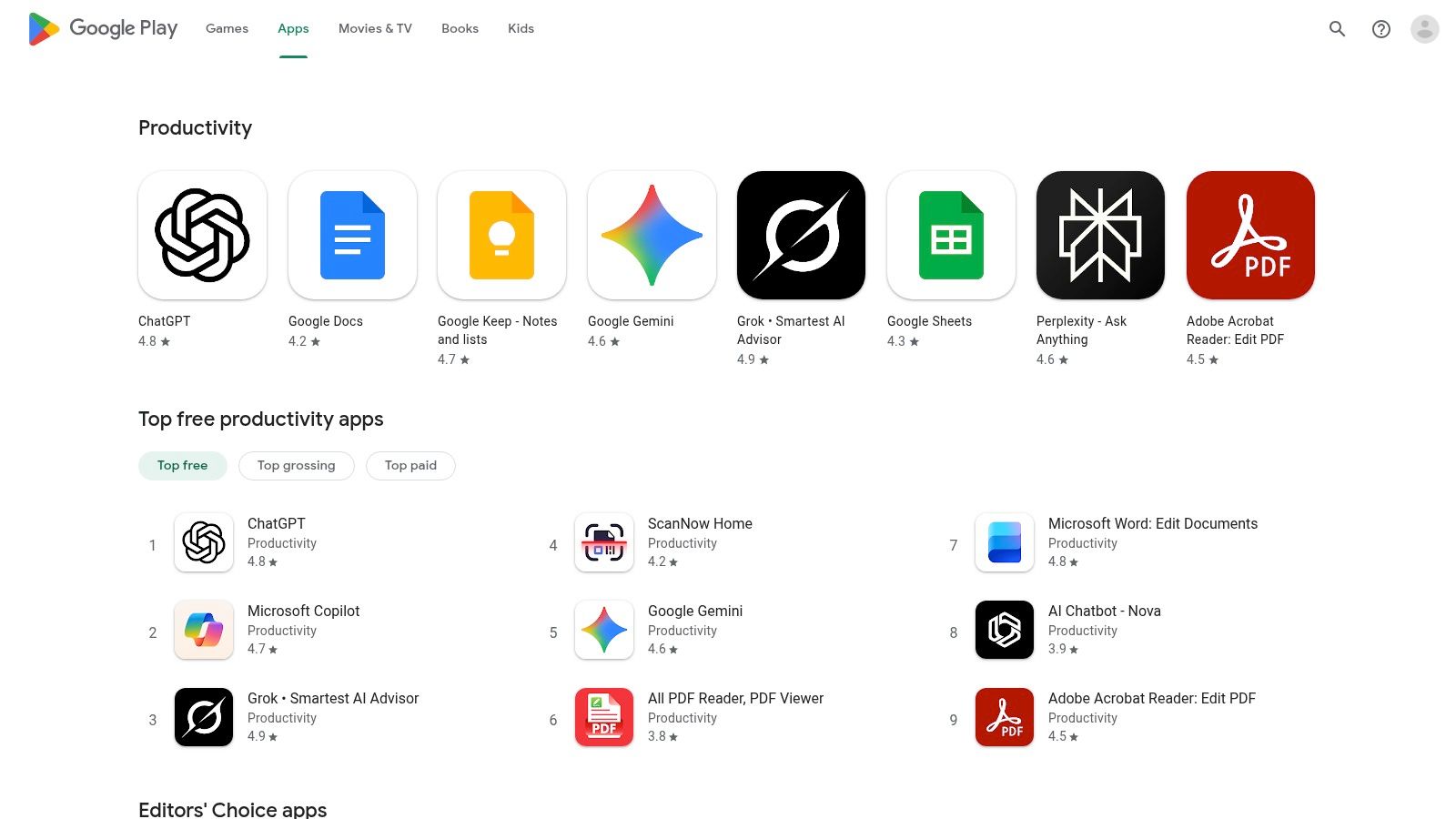
The experience is tightly integrated with the Google ecosystem, so you can manage subscriptions and payments through a single Google account, which simplifies budgeting. The platform also clearly displays app permissions and device compatibility. While the sheer volume of apps is a major advantage, the quality can vary significantly. I've found that many free apps are supported by ads or in-app purchases, which can be a distraction when you're trying to focus on work.
What Makes It Useful for Students?
- Vast App Catalog: You get an enormous selection of productivity tools, including many free and open-source alternatives not found elsewhere.
- Centralized Management: Subscriptions and payments are handled via your Google account, offering unified control and easy tracking.
- Editors’ Choice & Categories: Curated sections help highlight top-performing and trusted apps, saving you time on discovery.
Website: play.google.com
4. Microsoft Store
For students who primarily work on Windows devices, the Microsoft Store is the native and most secure place to find powerful student productivity apps. It's a central hub for Windows-verified software, offering everything from advanced note-takers and PDF editors to timers and planners. By providing curated lists like “Best-rated” and “Most popular,” it simplifies the search for effective tools that are optimized for the Windows environment.
The experience is deeply integrated with the operating system; app licenses and purchases are tied directly to your Microsoft account for easy management. This ensures secure installations and seamless automatic updates. While it's great for Windows users, its main limitation is that some apps are platform-exclusive, which can complicate workflows if you also use macOS or iOS devices. I've also found its app catalog can feel a bit more fragmented compared to the mobile app stores.
What Makes It Useful for Students?
- Verified App Delivery: All apps are scanned for security and get automatic updates, maintaining system integrity.
- Curated Discovery: Filters by price, rating, and on-sale items, along with "Most popular" lists, help students find top-tier apps efficiently.
- Centralized Management: Licenses and downloads are tied to a single Microsoft account, simplifying app management across multiple Windows devices.
Website: www.microsoft.com/en-us/store/most-popular/apps/pc?category=productivity
5. Chrome Web Store
For students who live and study inside their web browser, the Chrome Web Store is an essential resource for finding great student productivity apps in the form of extensions. It's a centralized marketplace for tools that directly enhance your browsing experience, offering everything from tab managers and focus blockers to citation generators and web clippers. Unlike standalone software, these extensions integrate seamlessly into your browser, making them perfect for those of us using Chromebooks or relying on a browser-first workflow.
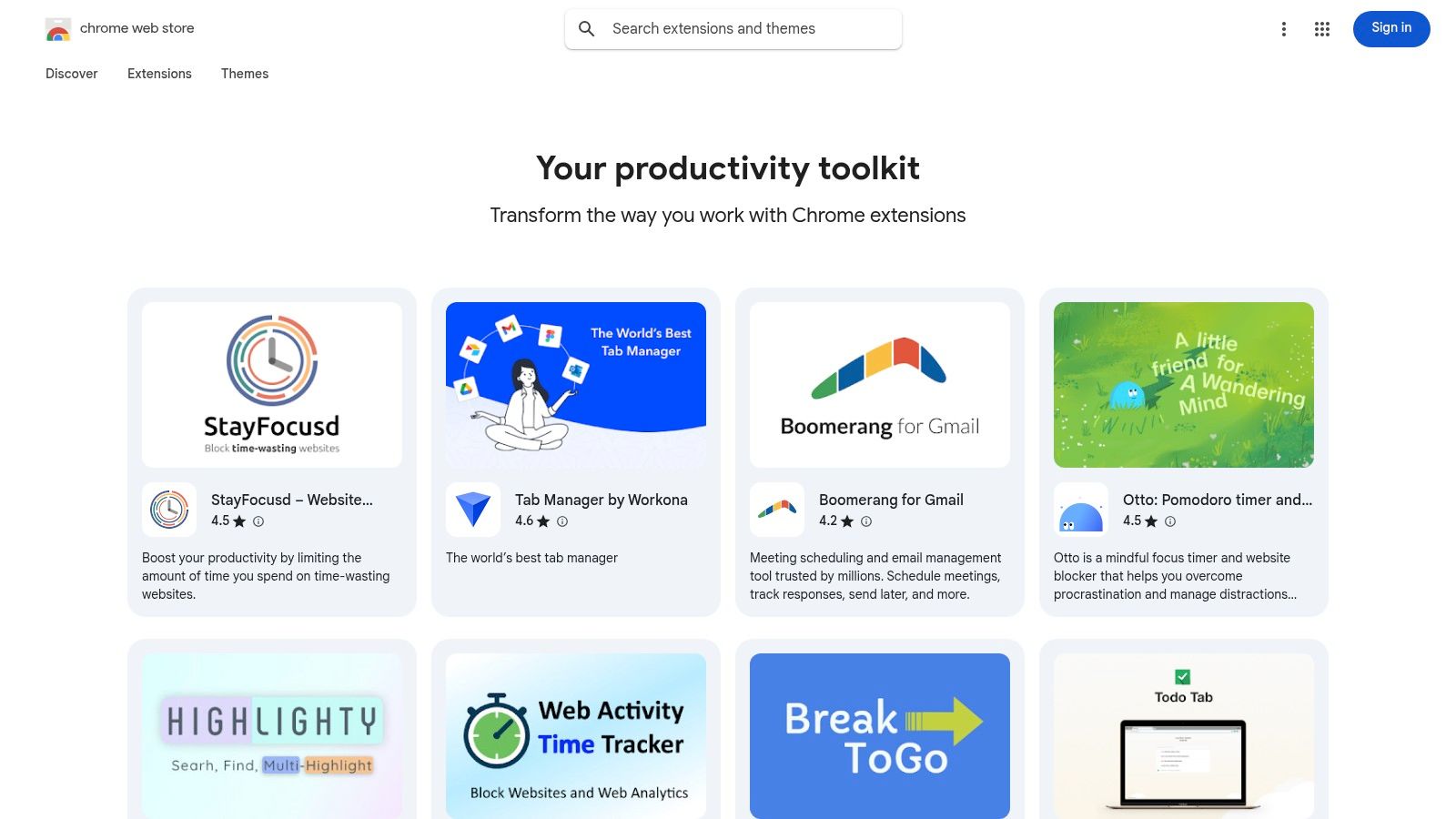
The user experience is incredibly convenient, with one-click installs and automatic updates removing any technical friction. While this is a major plus, the quality of extensions can vary a lot. My advice is to carefully review user ratings and, most importantly, the permissions an extension requests before installing it to ensure your data is private and secure. The huge number of free and freemium options, however, makes it an excellent, low-cost way to build a customized study environment.
What Makes It Useful for Students?
- Curated Productivity Collections: Themed collections like "Your productivity toolkit" help you discover well-regarded extensions without sifting through thousands of options.
- One-Click Installs: Trying and removing extensions is instant, allowing you to experiment with different tools to find what fits your study habits best.
- Many Free Options: A large percentage of the most useful extensions are free or offer generous freemium tiers, making them accessible on any student budget.
Website: chromewebstore.google.com/collection/productivity
6. Setapp
For students on Mac and iOS, Setapp offers an unbeatable “all-you-can-eat” subscription for student productivity apps. Instead of buying individual tools, one monthly fee unlocks a curated library of over 260 premium applications. This bundle includes everything from advanced PDF editors and focus timers to powerful note-takers and mind-mapping software, making it an incredibly cost-effective way to build a comprehensive digital toolkit for your studies.
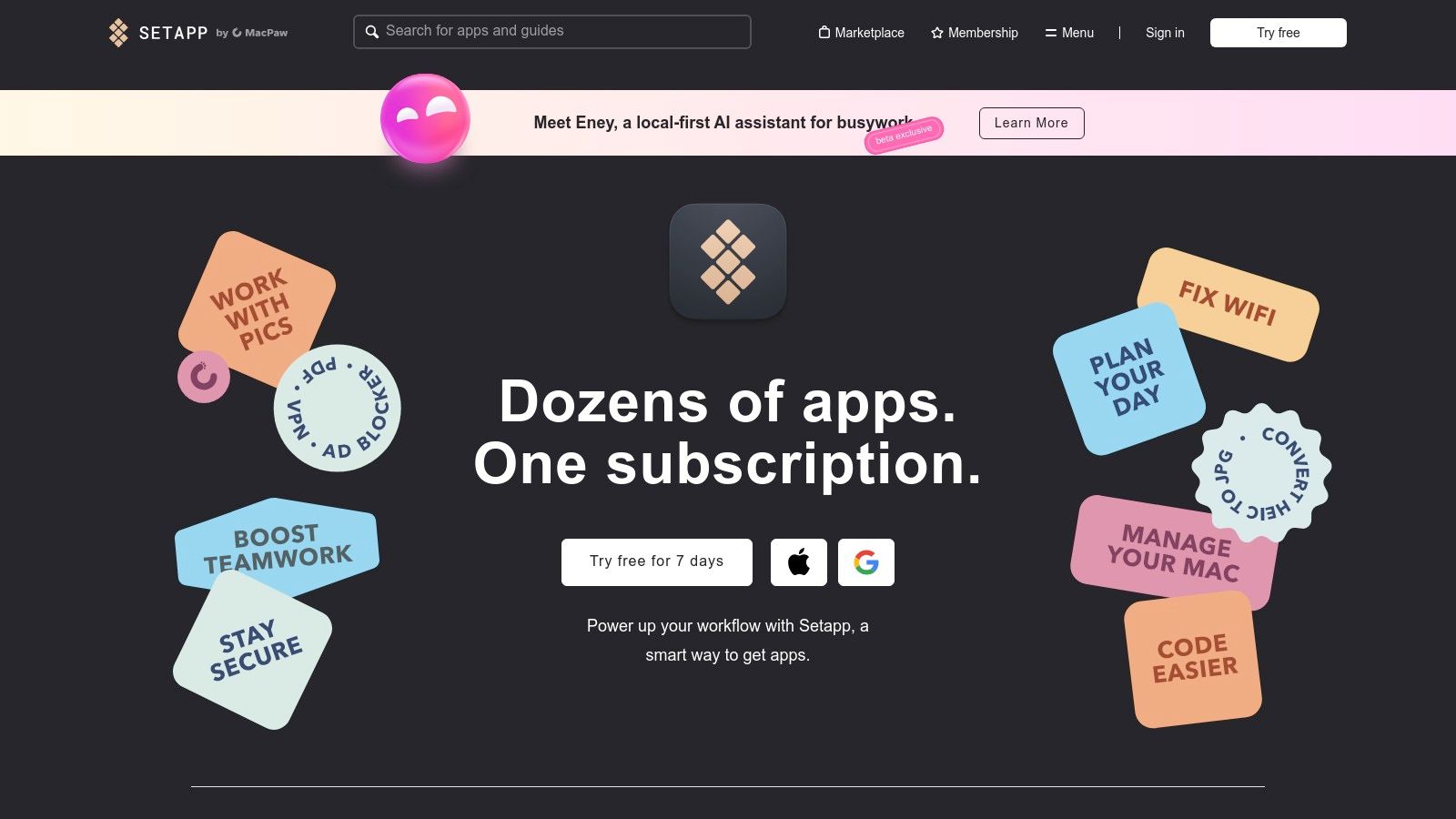
The platform functions like a specialized app store where every app is fully unlocked, with no ads or in-app purchases. Its search function lets you find tools by task, such as "annotate PDF," to quickly discover the right solution. The main drawback is its exclusivity to the Apple ecosystem. Also, while education discounts are available, the best value requires an upfront annual payment, which may be a consideration for students on a tight budget.
What Makes It Useful for Students?
- Single Subscription: Access a massive library of 260+ premium Mac and iOS apps for one fixed price, offering exceptional value.
- Curated Quality: Every app is vetted, ensuring you get high-quality, reliable tools without endless searching and trial-and-error.
- Education Discounts: Eligible students with a .edu email address can get significant discounts, making it even more affordable.
Website: setapp.com
7. Notion for Education
Notion for Education offers a powerful, all-in-one digital workspace that consolidates notes, tasks, and wikis into a single system. For me, it serves as a central hub for organizing every aspect of my academic life, from class schedules to collaborative research projects. Its unique strength is its modularity; you can build custom dashboards, databases, and pages using simple blocks, making it one of the most adaptable student productivity apps out there.
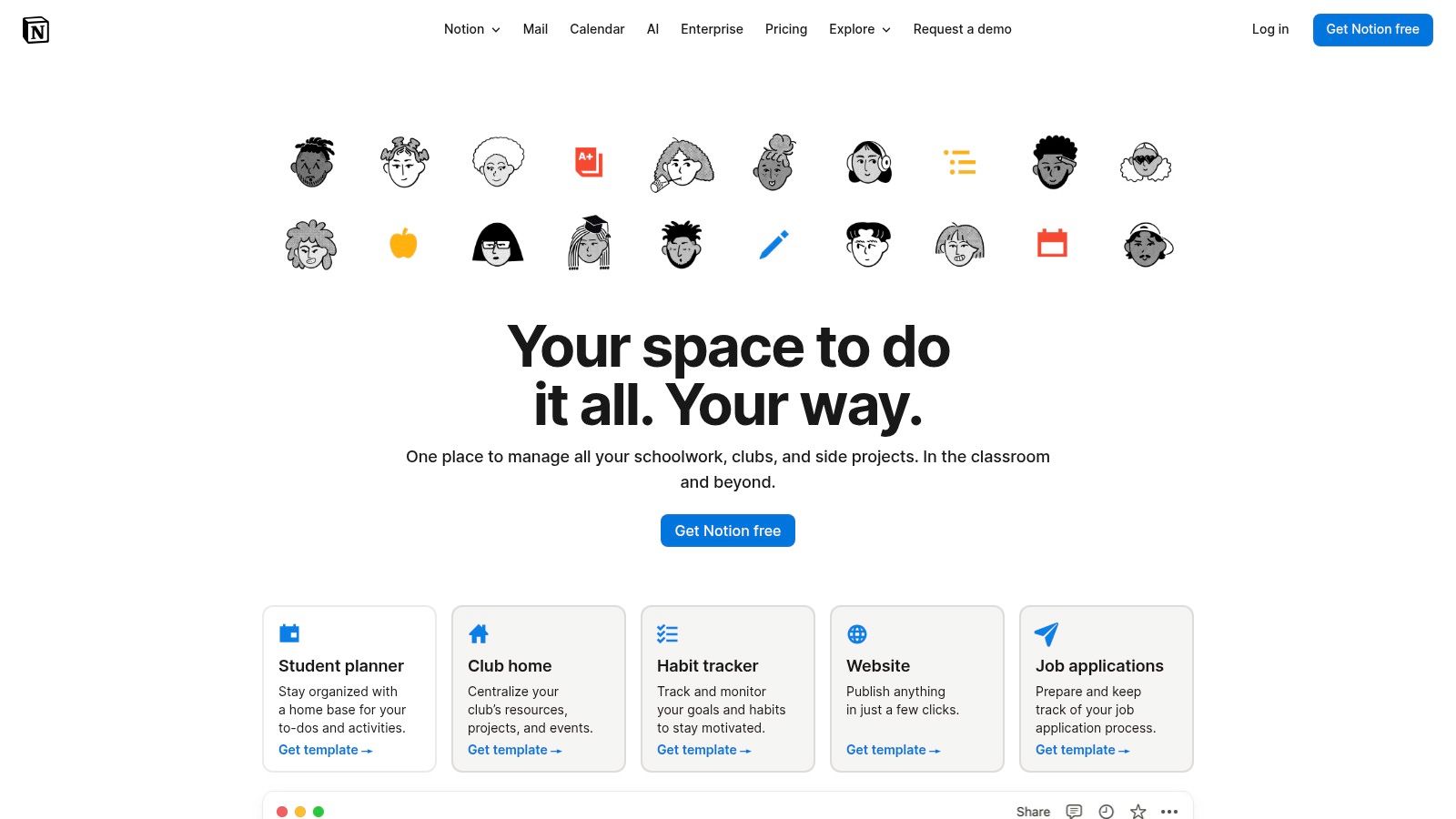
The platform’s generous education offer gives eligible students and educators free access to the Plus plan with a valid school email address. This unlocks premium features perfect for group work and knowledge management. While its advanced capabilities can present a learning curve, its flexibility is unmatched, allowing me to tailor various note-taking methods directly within its interface. The main drawback is that robust offline support requires some initial setup, which can be a hurdle if you need constant access without an internet connection.
What Makes It Useful for Students?
- Integrated Workspace: It combines databases, Kanban boards, calendars, and wiki pages, so you don't need a bunch of different apps.
- Generous Education Offer: The free Plus plan for students and educators unlocks powerful features like unlimited file uploads and version history.
- Real-Time Collaboration: I can share pages and databases with classmates for group projects, study guides, and shared resource libraries.
Website: www.notion.com/product/notion-for-education
8. Todoist
Todoist is a masterclass in task management, offering a clean, intuitive interface that helps me organize everything from daily assignments to long-term project deadlines. As one of the most respected student productivity apps, it excels at quickly capturing tasks and sorting them with due dates, priorities, and labels. Its cross-platform availability ensures my to-do list is always in sync, whether I'm on my phone, laptop, or tablet.
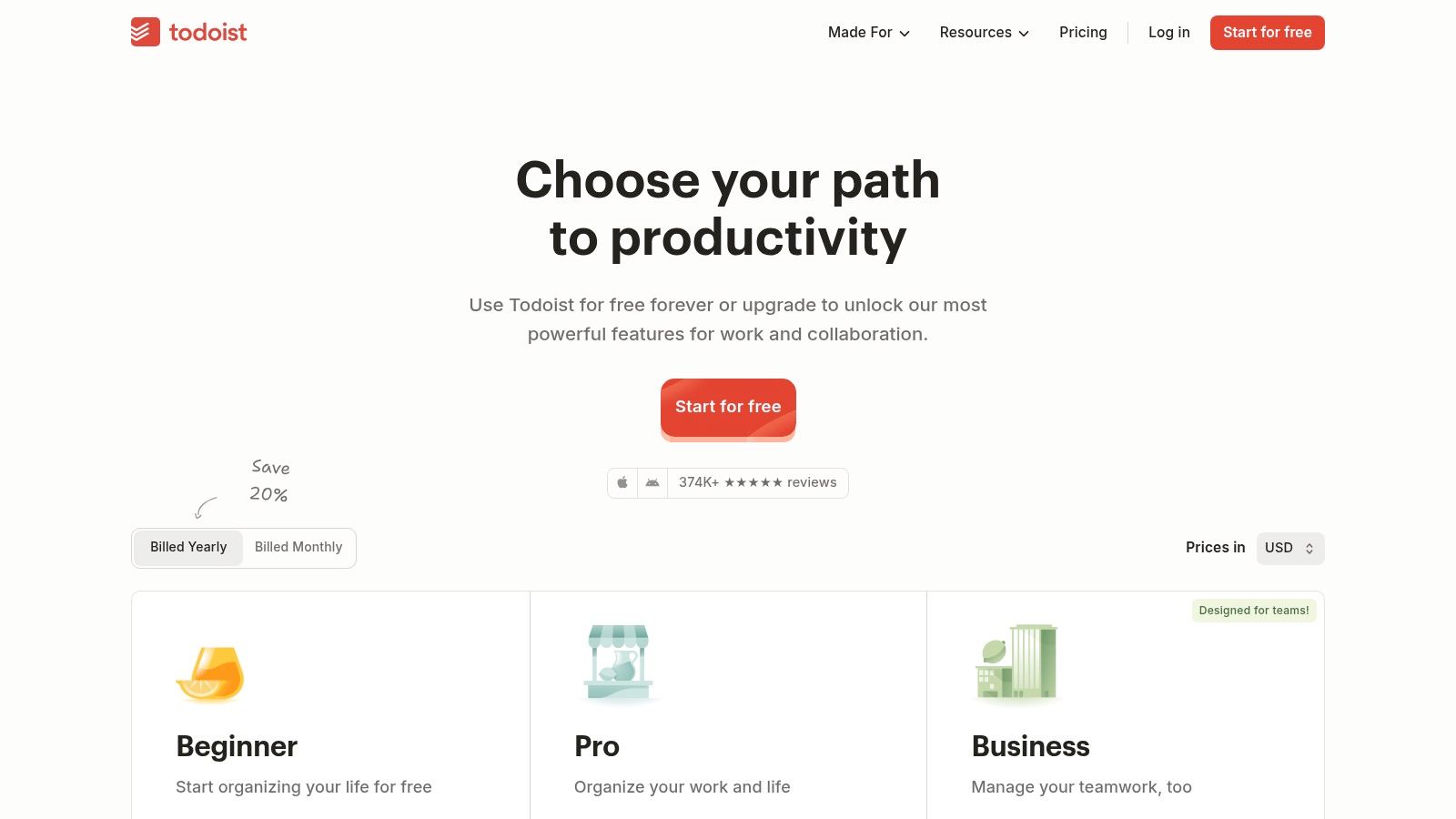
The platform's strength is its balance of simplicity and power. The free tier is robust enough for most individual students, but upgrading to the Pro plan unlocks indispensable features like reminders and advanced filters. Todoist integrates seamlessly with calendars and email, allowing you to centralize your entire academic workflow. By turning lecture notes or group meeting takeaways into actionable tasks, I can ensure nothing slips through the cracks, a process you can refine by learning how to transform notes into action items.
What Makes It Useful for Students?
- Fast Task Capture: Natural language processing lets you type deadlines like "Submit essay next Friday at 5pm," and Todoist schedules it automatically.
- Powerful Organization: You can use projects, sub-tasks, labels, and filters to create a customized system that matches your study habits.
- Productivity Tracking: The "Karma" feature visualizes your progress, providing motivation to stay consistent with your goals.
Website: https://www.todoist.com/pricing
9. Grammarly
For students aiming to produce polished, professional-quality writing, Grammarly is an indispensable tool. It's an AI-powered writing assistant that goes far beyond basic spell-checking, offering sophisticated suggestions on grammar, style, tone, and clarity. It integrates directly into my browser, email client, and word processor, providing real-time feedback on everything from lab reports and essays to scholarship applications. It helps ensure my work is clear and impactful.
The platform's strength is its ubiquity; browser extensions and app integrations mean it works almost everywhere I write, from Google Docs to social media posts. The user interface provides clear, actionable suggestions that actually help improve my writing skills over time, not just fix immediate errors. While the free version is robust, accessing advanced features like plagiarism detection and in-depth style analysis requires a Premium subscription, which can be a significant investment on a student budget.
What Makes It Useful for Students?
- Advanced Writing Suggestions: It offers feedback on grammar, punctuation, clarity, engagement, and delivery to elevate your writing.
- Ubiquitous Integrations: It works seamlessly across popular platforms like Google Docs, Microsoft Word, and major web browsers.
- Tone Detection: It analyzes your word choice and phrasing to help you convey the appropriate tone, whether it's academic, confident, or formal.
Website: grammarly.com
10. Forest: Focus for Productivity
For students battling digital distractions, Forest offers a unique, gamified approach to the Pomodoro technique. This app turns your focus sessions into a virtual tree-growing game; if you stay on task and avoid leaving the app, your tree flourishes. If you get distracted and use your phone for other things, the tree withers. This simple yet powerful visual metaphor makes it one of the most effective student productivity apps for building deep work habits.
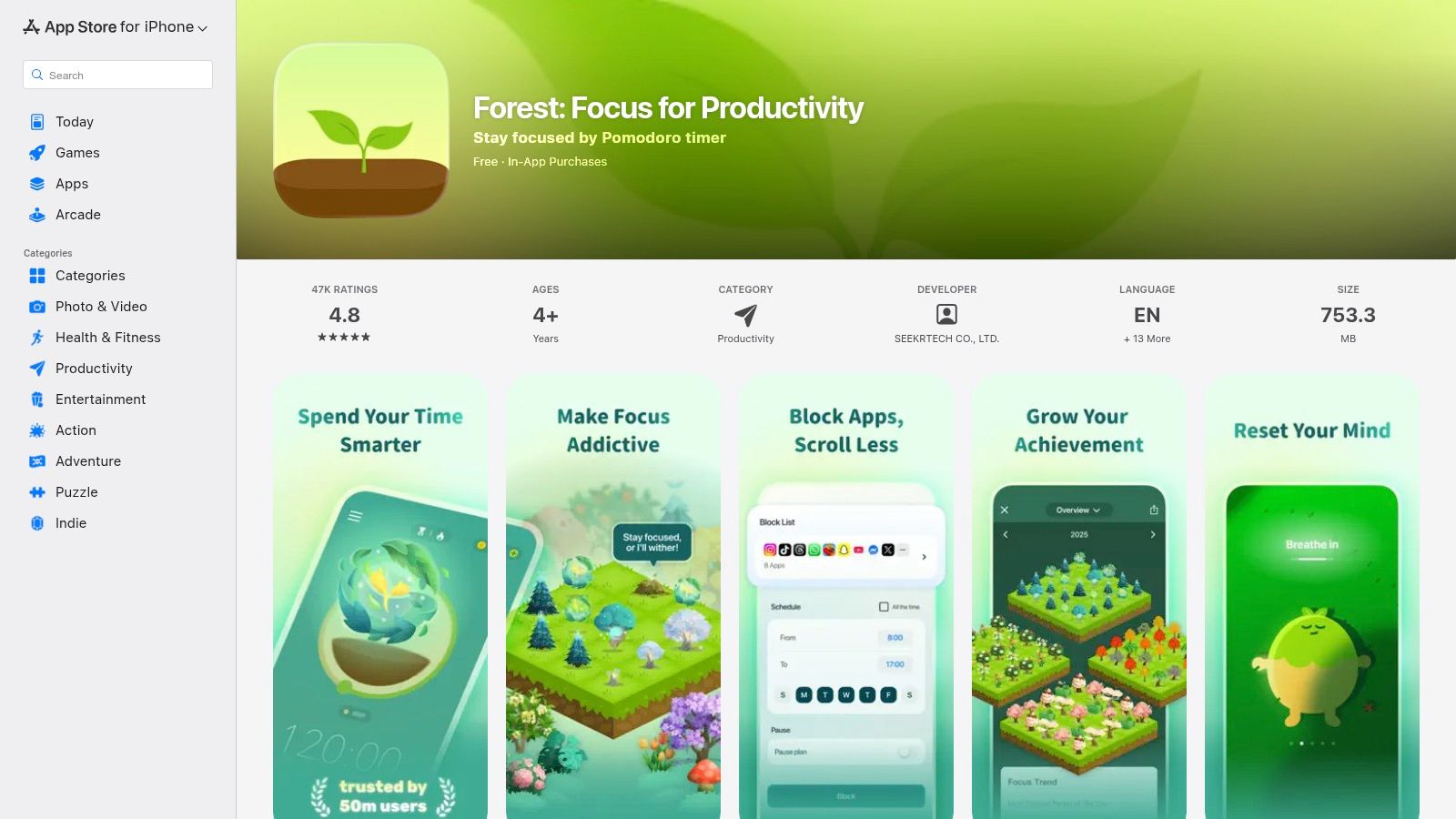
Forest’s charm lies in its simplicity and positive reinforcement. Over time, you build a virtual forest, which provides a satisfying visual record of your focused hours. It integrates well with other tools; you can use Forest to time your study blocks while using a separate app for note-taking. The primary drawback I've noticed is inconsistent pricing and feature availability across platforms. The iOS app is a one-time purchase, while the Android version is free with an optional Pro upgrade, which can be confusing if you use multiple devices.
What Makes It Useful for Students?
- Gamified Focus Sessions: You grow virtual trees during timed Pomodoro sessions, which die if you leave the app, discouraging phone use.
- Progress Tracking: Visualize your focused work with a personal forest and detailed statistics, motivating you to maintain your streak.
- Cross-Device Syncing: An optional browser extension lets you sync focus sessions between your phone and computer to block distracting websites.
Website: apps.apple.com/us/app/forest-focus-for-productivity/id866450515
11. GitHub Student Developer Pack
For students in STEM fields, particularly computer science, the GitHub Student Developer Pack is an unparalleled resource. It bundles an incredible collection of premium developer tools, services, and other student productivity apps at no cost. Once you're verified as a student, you gain access to a treasure trove of software that would otherwise be expensive, covering everything from coding environments and cloud hosting to design assets and password managers. This isn't just a single app but a gateway to a professional-grade toolkit.

The value is simple: verify your student status once and unlock dozens of offers. This centralized approach saves significant time and money, eliminating the need to apply for individual student discounts across various platforms. However, the benefits aren't permanent. Many offers are time-limited or convert to paid plans after a year, and the specific partners included in the pack can change. It's best suited for students looking to experiment with professional tools for their projects without a financial commitment.
What Makes It Useful for Students?
- Access to Premium Tools: Get free access to powerful software from partners like Canva, Microsoft Azure, and JetBrains.
- Significant Savings: The combined value of the included subscriptions and credits can easily reach thousands of dollars.
- One-Time Verification: A simple, one-off verification process unlocks a wide range of benefits for the duration of your studies.
Website: education.github.com/pack
12. Capterra
For students who want to do deep research before committing to a tool, Capterra is an essential software discovery platform. It's a massive, searchable library of business and productivity software that lets you compare dozens of student productivity apps side-by-side. Instead of just listing apps, it provides verified user reviews, detailed feature breakdowns, and pricing information, which is invaluable for finding alternatives to popular but expensive tools.
The experience is centered around its powerful filtering system, which helps you narrow down options by features, platform, and pricing models like free or open source. This helps you move beyond mainstream recommendations to find niche tools that might be a perfect fit for your specific study habits. While the site is free to browse, it's important to remember that some listings are sponsored. I always cross-reference high-ranking results with user reviews to get the most objective view.
What Makes It Useful for Students?
- Advanced Filtering: Sort tools by specific features, pricing models, and user ratings to quickly find what you need.
- Verified User Reviews: Access authentic feedback from real users to understand the pros and cons of each application before you try it.
- Side-by-Side Comparison: Directly compare the features and pricing of up to four different apps to make an informed decision.
Website: capterra.com/productivity-software/
Which App Actually Fixes Which Problem
Before installing anything, it helps to name the problem. Most students have one of these four, and the wrong app makes it worse.
One rule that survives every term: fewer tools beat better tools. Every app you add is a thing to maintain, and maintenance competes with studying.
Student Productivity: 12-Resource Comparison
How to Build Your Perfect Student Productivity Stack
Navigating the world of student productivity apps can feel overwhelming. The goal isn't to download every app on this list, but to strategically build a personalized system—or "stack"—that directly solves your unique academic challenges. We've explored everything from AI transcription with HypeScribe and task management in Todoist to the all-in-one digital brain of Notion. The key is that the most effective productivity system is one you will actually use consistently.
First, Identify Your Core Needs
Before committing to any tool, take a moment to figure out your biggest pain points. Are you struggling to keep up with note-taking during fast-paced lectures? Do you often miss deadlines or lose track of assignments? Is procrastination your worst enemy? Your answers will guide your choices.
- For the Disorganized Note-Taker: Start with an automated transcription tool like HypeScribe. Capturing every word from lectures frees you to engage with the material in real-time. You can then organize these transcripts in a central hub like Notion for easy searching and review.
- For the Overwhelmed Project Manager: A solid task manager is non-negotiable. Todoist is excellent for breaking down large assignments into small, manageable steps. Combining this with a clear calendar is essential. In fact, a cornerstone of any productive student's toolkit should be reliable online student scheduling software to manage classes, study sessions, and personal commitments.
- For the Easily Distracted Learner: Tools like Forest offer a gamified approach to deep focus, helping you build better study habits. By making your focus sessions tangible, you create a powerful incentive to stay off your phone and on task.
Create a Cohesive Workflow
The true power of these student productivity apps is unlocked when they work together. Your goal should be to create a seamless flow of information that reduces manual effort and mental clutter. For example, a powerful workflow could involve using HypeScribe to record and transcribe a lecture, then using its AI summary to create flashcards or notes directly within Notion. At the same time, you could add key deadlines and study blocks mentioned in the lecture into Todoist.
This integrated approach transforms separate tools into a unified system that supports your entire academic journey. Remember to leverage the free trials and student discounts mentioned throughout this guide. Experiment with different combinations to find what truly enhances your learning process and reduces stress. Ultimately, the perfect productivity stack is the one that empowers you to stop worrying about organization and start focusing on what really matters: achieving your academic goals.
The most time-consuming part of studying is turning recorded lectures into usable notes. HypeScribe does that: upload the recording, get a transcript with a summary and the key points. Try it free — three lectures a month, no card required.


































































































