
The 12 Best Transcription Software for Interviews in 2026

Interview transcription has one requirement the rest of transcription does not: you need to know exactly who said what, and be able to prove it later against the audio. If you've ever tried manually transcribing recordings, you know it's a slow, tedious process that often leads to missed nuances and inaccurate quotes. Relying on handwritten notes is even less reliable, leaving you with incomplete records that are difficult to search and analyze. This inefficiency creates a bottleneck, slowing down your entire workflow from analysis to final output.
The solution I've found to be most effective is using dedicated transcription software. These powerful tools leverage artificial intelligence to convert spoken words into text quickly and with remarkable accuracy. They can distinguish between speakers, add timestamps, and provide interactive transcripts that make finding key moments effortless. Using the best transcription software for interviews transforms your raw audio into a searchable, editable, and shareable asset. This allows you to focus on the insights within the conversation, not the mechanics of documenting it.
This guide will help you find the perfect tool for your specific needs. Having tested numerous platforms, from HypeScribe to Otter.ai and beyond, I've evaluated them based on real-world use cases. For a comprehensive overview of various tools designed to convert spoken words into text, you can explore guides on the best audio transcription software. Here, you will find a detailed breakdown of each option, complete with my take on its pros, cons, pricing, and a direct link to try it out. My goal is to show you exactly how to choose the right software to streamline your interview workflow, save hours of manual labor, and ensure you never miss a critical detail again.
1. HypeScribe
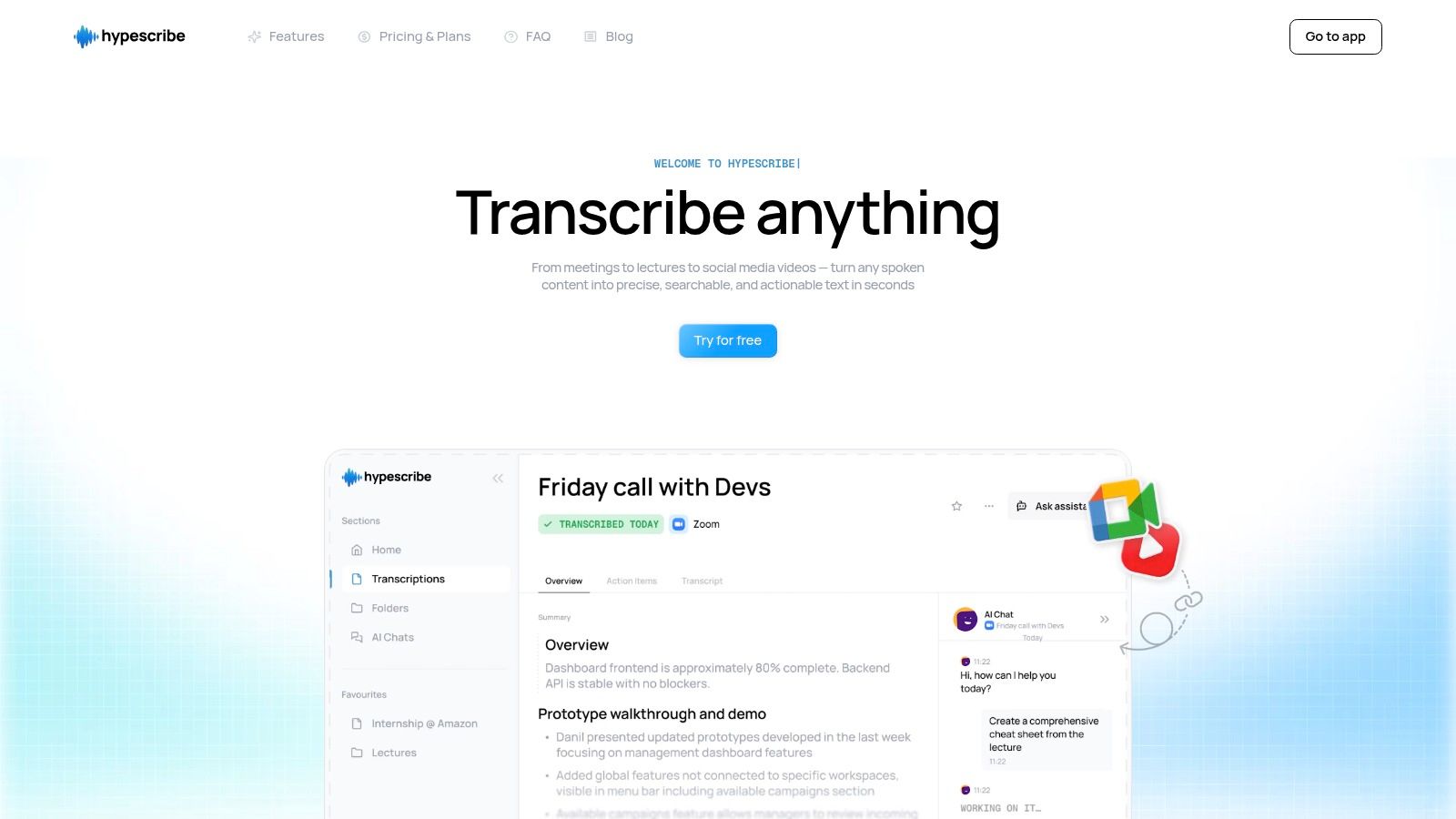
HypeScribe stands out as my top choice for professionals seeking the best transcription software for interviews, combining exceptional speed, high accuracy, and a powerful suite of productivity features. It’s built not just to convert audio to text, but to transform conversations into actionable insights, making it an invaluable tool for journalists, researchers, HR professionals, and hybrid teams. Based on my experience, its core strength is its ability to process up to an hour of audio in under 30 seconds, achieving up to 99% accuracy across more than 100 languages.
Core Strengths for Interview Transcription
HypeScribe's unique token-based system is a significant advantage, removing conventional time limits on file length. Instead of tracking minutes, you get a set number of tokens (1 token = 1 file), which simplifies usage for long-form interviews or extensive focus groups. This system, combined with support for diverse inputs—from direct uploads and live meetings (Zoom, Google Meet, Teams) to links from YouTube and social media—provides unmatched flexibility in how you capture conversations.
The platform excels by turning raw transcripts into structured, usable data. After transcription, HypeScribe automatically generates intelligent summaries, identifies key takeaways, and creates a list of action items. This moves you directly from discussion to execution. A standout feature I found particularly useful is the built-in chatbot that can reference your transcribed files, allowing you to instantly ask questions and retrieve specific information from past conversations.
Pricing and Availability
HypeScribe offers a transparent, scalable pricing model suitable for individuals and teams.
- Free Trial: 3 files per month (up to 1 hour each).
- Starter: $6.99/month for 30 files.
- Pro: $7.99/month for 60 files and expanded note-taker capacity.
- Ultra: $12.99/month for 300 files and maximum note-taker access.
Unused tokens roll over, ensuring users get full value from their subscription.
Final Assessment
Pros:
- Exceptional Speed and Accuracy: Transcribes one hour of audio in under 30 seconds with up to 99% accuracy.
- Flexible Inputs: Supports file uploads, social media links, live meetings, and a built-in recorder.
- Action-Oriented Features: Delivers automatic summaries, action items, and a file-aware chatbot.
- Transparent Pricing: Token-based system offers unlimited file length and roll-over benefits.
Cons:
- The free plan is limited to three files monthly, which may be insufficient for high-volume users.
- Transcription fidelity, while high, is still dependent on the source audio quality.
Website: https://www.hypescribe.com
2. Otter.ai
Otter.ai has cemented its place as one of the best transcription software for interviews, particularly for teams who need live, collaborative note-taking. It shines in remote interview settings by integrating directly with Zoom, Google Meet, and Microsoft Teams. Its AI-powered "OtterPilot" can automatically join meetings, take notes, capture slides, and generate a real-time summary, making it feel like an invaluable assistant for user researchers, journalists, and HR professionals.
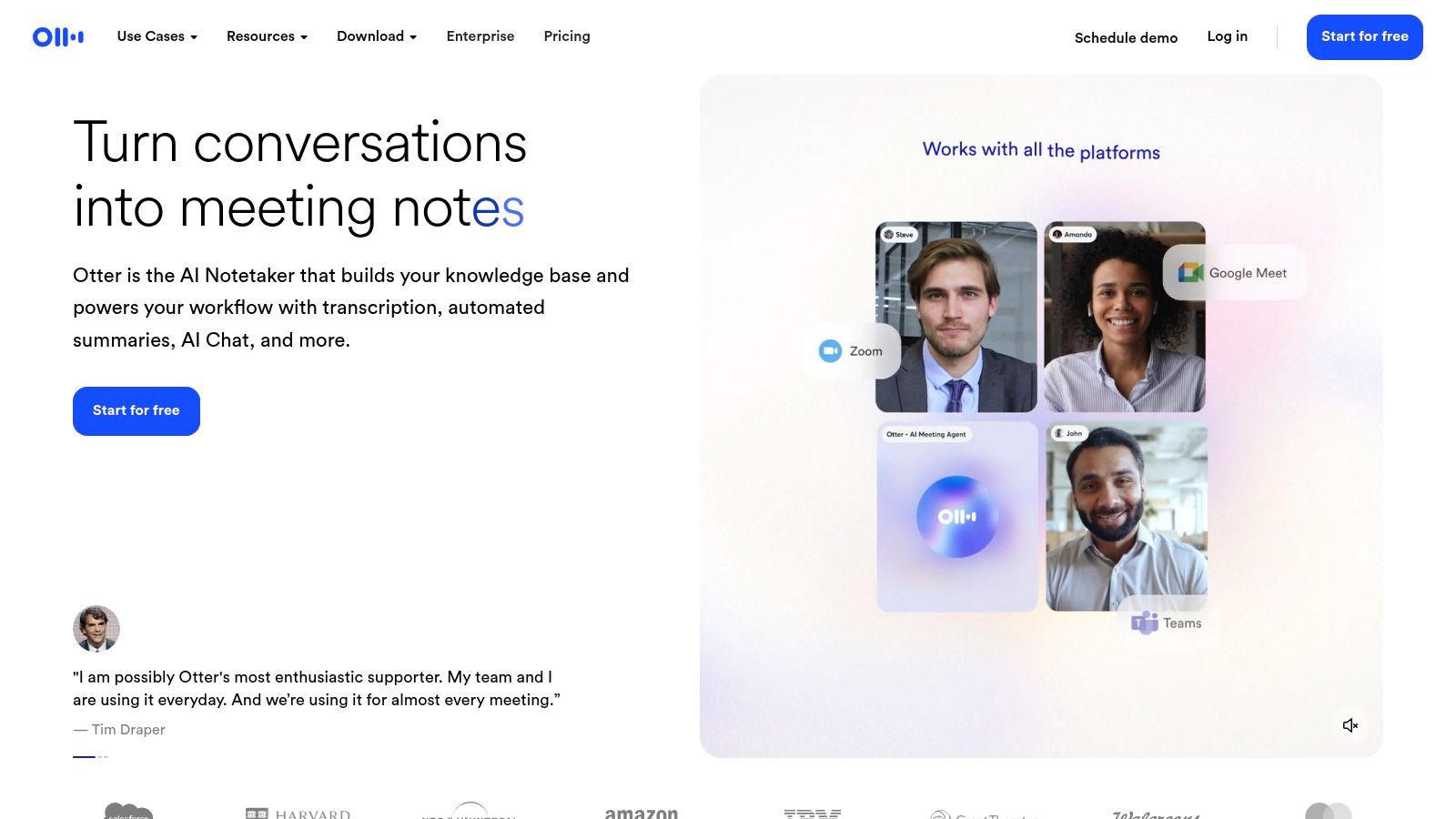
The platform’s strength lies in its ability to create a searchable, interactive transcript almost instantly. You can highlight key moments, add comments, and assign action items directly within the transcript, streamlining the analysis process. The user interface is clean and intuitive, making it easy to find and review past conversations. For a deeper dive into how it stacks up against competitors, you can explore this detailed review of transcription tools for interviews from HypeScribe.
Key Features & Pricing
Otter.ai offers a multi-tiered pricing structure that caters to different needs, from individuals to large enterprises.
- Free Basic Plan: Offers real-time transcription with a limit of 30 minutes per conversation and 3 imported audio/video files total.
- Pro Plan ($16.99/mo): Increases limits to 90 minutes per conversation and allows 10 imports per month, ideal for individual professionals.
- Business Plan ($35/user/mo): Unlocks team-centric features like shared custom vocabulary, admin controls, and advanced analytics.
While the free plan is a great starting point, the Pro and Business tiers unlock the platform’s full potential. A key limitation is the import cap on lower tiers, and in my testing, non-English transcription accuracy can vary, with its strongest performance in English.
Best for: Teams conducting live remote interviews who need collaborative, real-time notes and summaries.
Visit the website: https://otter.ai
3. Rev
Rev offers a unique hybrid model that combines powerful AI transcription with a highly accurate human-powered service. This makes it my go-to choice when the stakes are high and near-perfect accuracy is non-negotiable, such as for legal depositions, broadcast-ready content, or critical qualitative research interviews. The platform lets you start with a fast, affordable AI transcript and then, if needed, seamlessly upgrade to a human-perfected version with a single click.
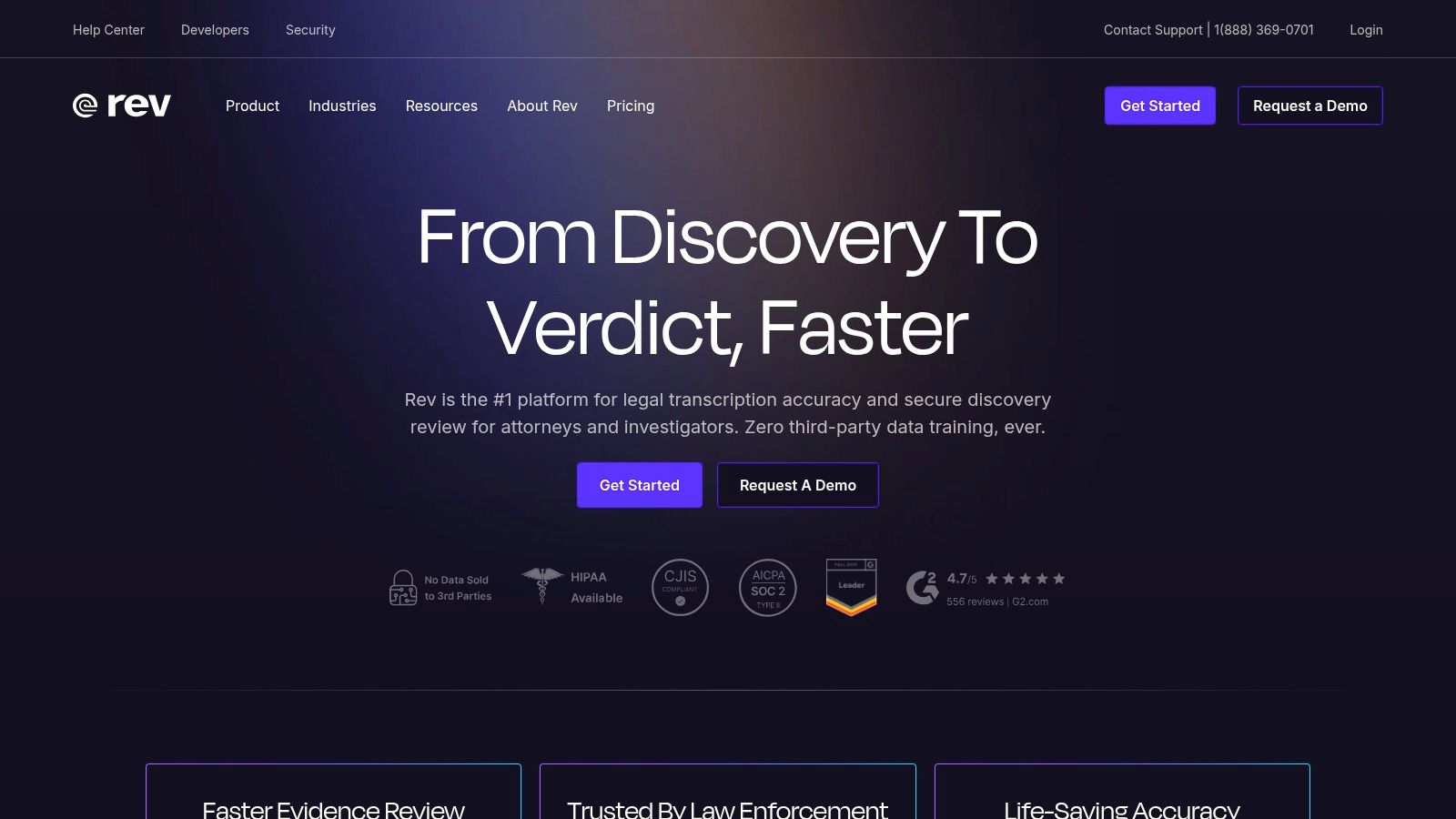
The strength of Rev lies in its transparent, pay-as-you-go pricing and its commitment to quality, especially on the human side, which guarantees 99% accuracy. Its services extend beyond simple transcription to include professional captions and foreign subtitles, making it a versatile tool for video producers and global teams. For those new to the process, understanding the nuances between automated and manual methods is key; this guide on how to transcribe an interview from HypeScribe provides valuable context.
Key Features & Pricing
Rev’s pricing is straightforward and based on usage, with clear per-minute rates for each of its services.
- Automated AI Transcription ($0.25/min): Provides a machine-generated transcript with up to 90% accuracy, delivered in minutes. Includes speaker identification and timestamps.
- Human Transcription ($1.50/min): Delivers a 99% accurate transcript completed by a professional transcriptionist, typically within 24 hours. Ideal for complex audio with multiple speakers or background noise.
- English Captions/Subtitles ($1.50/min): Human-powered captions for video content, ensuring accessibility and compliance.
The primary drawback is the cost of human transcription, which is significantly higher than purely AI-driven software. However, for interviews where every word matters, the investment provides an unparalleled level of accuracy and reliability that automated tools cannot yet match.
Best for: Researchers, journalists, and legal professionals who require guaranteed 99% accuracy for critical interviews.
Visit the website: https://www.rev.com
4. Descript
Descript transforms the traditional transcription process into a full-fledged content creation workflow, making it more than just a tool for turning audio into text. It stands out as one of the best transcription software for interviews when your end goal is a polished piece of content, like a podcast or video clip. The platform’s core innovation is its text-based audio and video editor, which allows you to edit your recording simply by editing the transcribed text. Deleting a word or sentence in the transcript automatically removes it from the audio/video file.

This intuitive approach dramatically lowers the barrier to audio and video editing for researchers, marketers, and content creators. I've been particularly impressed by its AI-powered "Studio Sound" feature, which can make amateur recordings sound professionally produced with a single click, and its filler-word removal tool ("um," "uh") that cleans up conversations instantly. For a deeper look at its capabilities, you can explore this overview of the best AI transcription software from HypeScribe.
Key Features & Pricing
Descript's pricing is based on transcription hours and access to advanced editing features.
- Free Plan: Includes 1 hour of transcription and 1 watermark-free video export per month, perfect for trying out the core features.
- Creator Plan ($15/user/mo): Provides 10 hours of transcription per month and unlimited watermark-free exports.
- Pro Plan ($30/user/mo): Offers 30 hours of transcription per month and unlocks the full suite of AI features, including Studio Sound and filler-word removal.
The main limitation to be aware of is the transcription hour cap on each plan; users with high-volume needs may find the Pro or custom Enterprise plan necessary. The platform is incredibly powerful but might be overkill for those who only need a simple, unedited text transcript.
Best for: Content creators, podcasters, and video producers who need to edit and repurpose interview recordings into polished, publishable media.
Visit the website: https://www.descript.com
5. Sonix
Sonix is a powerful option for professionals looking for fast, automated transcription with the added benefit of translation into over 38 languages. It's recognized as one of the best transcription software for interviews because of its impressive speed and an in-browser editor that makes cleaning up transcripts straightforward. The ability to handle both transcription and translation in one workflow is a significant advantage for global teams and researchers conducting international studies.
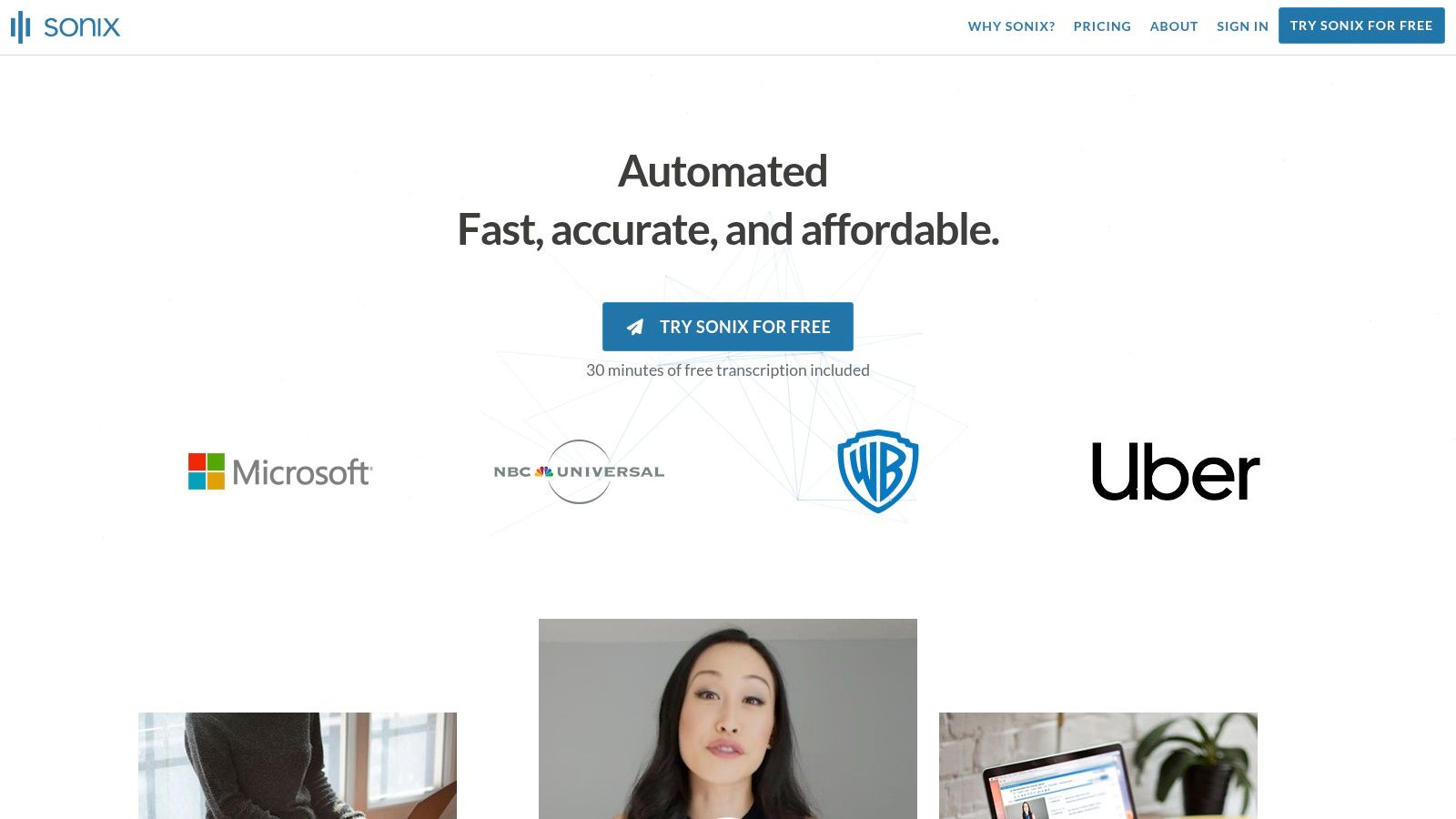
The platform’s user interface is clean, allowing you to easily upload files, manage projects, and collaborate with team members by sharing read-only or editable transcripts. Sonix offers excellent organizational tools, including custom dictionaries and folder management, which help maintain consistency and order across multiple interview projects. This makes it a scalable solution that can grow from a single user’s occasional needs to enterprise-level volumes.
Key Features & Pricing
Sonix provides both subscription and pay-as-you-go plans, offering flexibility for different usage patterns.
- Standard Pay-as-you-go: Billed at $10 per hour, this is ideal for users with infrequent transcription needs.
- Premium Subscription ($22/user/mo + $5/hr): A better value for frequent users, offering a lower per-hour rate and advanced features like centralized billing and user management.
- Enterprise Plan (Custom Pricing): Designed for large organizations needing advanced security, compliance features, and dedicated support.
While the pay-as-you-go model offers excellent transparency, it’s important to note that translation services are billed separately at the same rate as transcription, which can increase costs for multilingual projects. Some advanced collaboration and security features are also reserved for the higher-tier plans.
Best for: Researchers and global teams who need fast transcription and translation capabilities with flexible, transparent pricing.
Visit the website: https://sonix.ai
6. Temi
Temi offers one of the most straightforward and affordable automated transcription services on the market, making it an excellent choice for users who need fast, no-frills transcripts without a subscription commitment. The platform's simplicity is its greatest strength; you can upload an audio or video file and receive a machine-generated transcript in minutes. This makes it a popular tool among students, journalists, and researchers who need to quickly process interviews on a tight budget.

The user experience is incredibly simple. After receiving the transcript, Temi provides a built-in web editor where you can correct errors, adjust speaker labels, and modify timestamps before exporting the final document. The editor is intuitive, allowing for quick playback and text correction, which is essential given that the accuracy is entirely dependent on the source audio's clarity.
Key Features & Pricing
Temi’s pricing is a clear pay-as-you-go model, avoiding the complexity of tiered subscriptions. This simplicity is a major reason I consider it some of the best transcription software for interviews when cost is the primary factor.
- Pay-As-You-Go ($0.25/minute): This single pricing tier applies to all users. There are no monthly fees or hidden costs.
- Free Trial: Your first uploaded file, up to 45 minutes long, is transcribed completely free of charge, offering a risk-free way to test the service.
- Key Features: Includes automatic timestamping, speaker identification, and multiple export formats like DOCX, PDF, TXT, and SRT.
The primary drawback is that Temi is an AI-only service, meaning there is no option for human review to improve accuracy. For interviews with clear audio and minimal background noise, it performs well, but its effectiveness can drop significantly with challenging audio conditions.
Best for: Individuals and small teams needing fast, budget-friendly automated transcription for high-quality audio recordings.
Visit the website: https://www.temi.com
7. Happy Scribe
Happy Scribe stands out as a versatile transcription service ideal for users who need a blend of AI speed and human accuracy, especially for multilingual content. It offers both automated and human-powered transcription, making it an excellent choice for researchers, global teams, and media professionals conducting interviews in various languages. Its support for over 120 languages and dialects in its AI transcription and 35+ for human services is a significant advantage over many competitors.
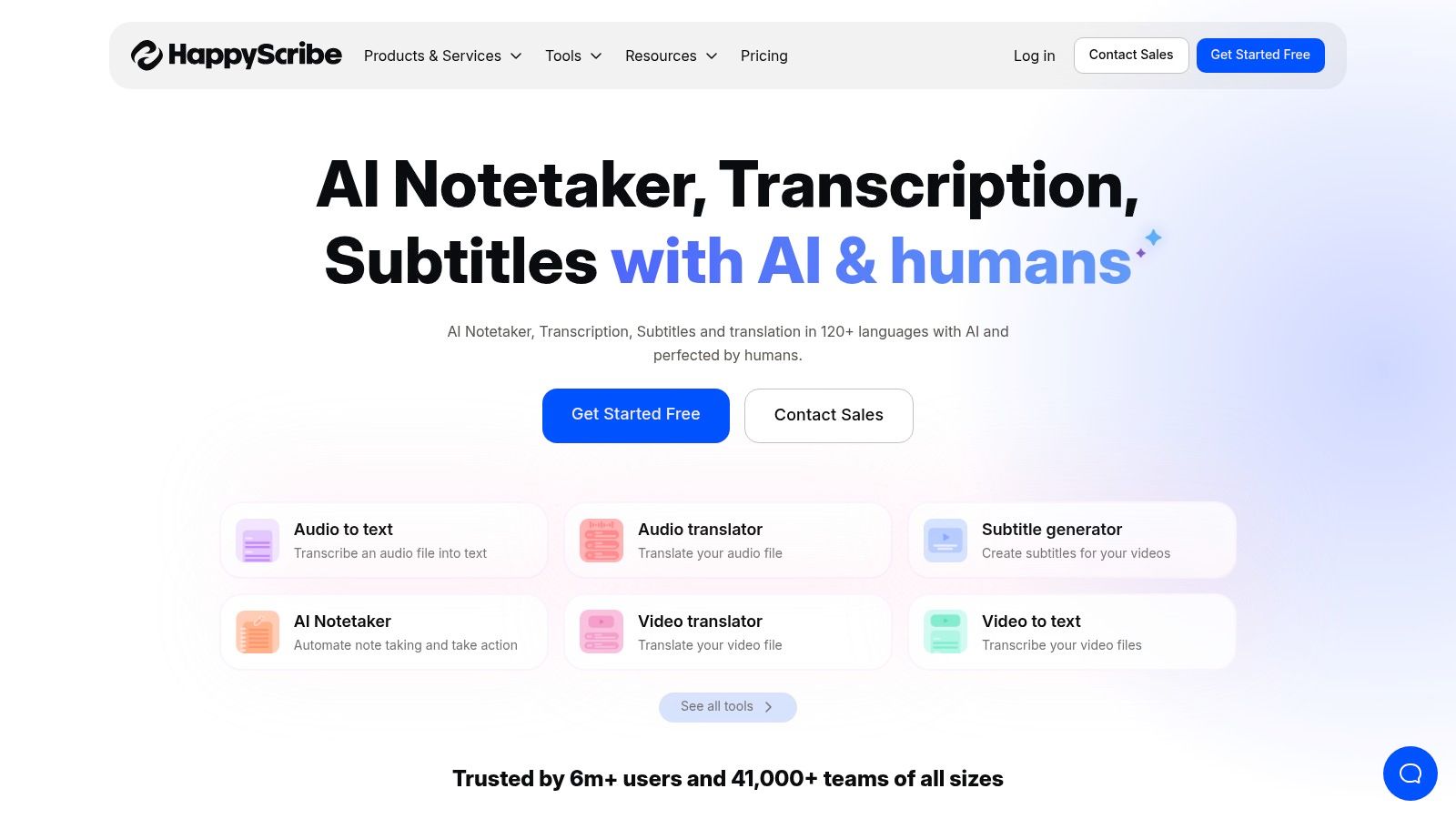
The platform’s strength is its flexibility. You can start with a quick, affordable AI-generated transcript and then, if needed, elevate it to near-perfect accuracy by ordering a human review directly within the same workflow. The collaborative editor allows teams to review and polish transcripts together, adding speaker names and notes. Integrations with platforms like Google Drive, Dropbox, and YouTube streamline the process of importing and exporting files, making it a highly practical tool for various media workflows.
Key Features & Pricing
Happy Scribe's pricing is straightforward and separated by service type, allowing users to pay for exactly what they need.
- Automatic Transcription: Priced at $12 per month for 120 minutes, with a free trial available. This plan is suited for users who need fast, good-quality AI transcripts.
- Human-Made Transcription: Starts at a transparent $2.00 per minute. This service guarantees 99% accuracy and is ideal for final-use cases like broadcast, legal, or academic publications.
- Human-Made Subtitles: Also starts at $2.25 per minute, ensuring accessibility and professional quality for video content.
The main consideration is cost, as human services are significantly more expensive than the automated option, although this is standard for the industry. While the primary currency shown is often Euros, pricing is available in USD, but users should be mindful of potential conversion nuances.
Best for: Professionals and organizations requiring high-accuracy transcriptions for multilingual interviews or broadcast-quality outputs.
Visit the website: https://www.happyscribe.com
8. Notta
Notta positions itself as a powerful, cost-effective tool for individuals and teams who frequently conduct and transcribe interviews. It excels by offering a versatile combination of live transcription for meetings and a robust system for uploading and processing pre-recorded audio or video files. Its cross-platform synchronization allows you to seamlessly capture conversations on a desktop via its Chrome extension, mobile app, or by importing files directly, making it one of the most flexible options for transcription software for interviews.

The platform provides accurate speaker identification and generates concise AI-powered summaries, which significantly speeds up the post-interview analysis. You can also add custom vocabulary to improve the accuracy for industry-specific jargon or unique names. Its straightforward interface makes it easy to record new sessions or import existing files, while team-focused features provide valuable reporting and collaboration tools.
Key Features & Pricing
Notta’s pricing is highly competitive, especially for those who need a large volume of transcription minutes each month.
- Free Plan: Includes live transcription with a limit of 120 minutes per month (3-5 minutes per session depending on the platform).
- Pro Plan ($13.99/mo): A generous offering with 1,800 minutes per month, making it ideal for researchers, students, and journalists.
- Business Plan ($59/user/mo): Designed for teams, this plan includes 2,400 minutes per user, team collaboration features, and advanced reporting.
While the annual pricing offers significant savings, a minor drawback I noticed is that some pricing pages can default to other languages, so be sure you are viewing the correct region-specific information. Its generous monthly minute allotments make it a top contender for users with high-volume transcription needs.
Best for: Individuals and teams needing a high volume of monthly transcription minutes at a competitive price.
Visit the website: https://www.notta.ai
9. Fireflies.ai
Fireflies.ai functions as an AI meeting assistant that automates the entire process of recording, transcribing, and summarizing interview calls. It integrates seamlessly with top video-conferencing platforms like Zoom, Google Meet, and Microsoft Teams by sending its AI bot, Fred, to join and document the conversation automatically. This makes it an excellent choice for teams that need a hands-off solution for capturing interview data without manual intervention.
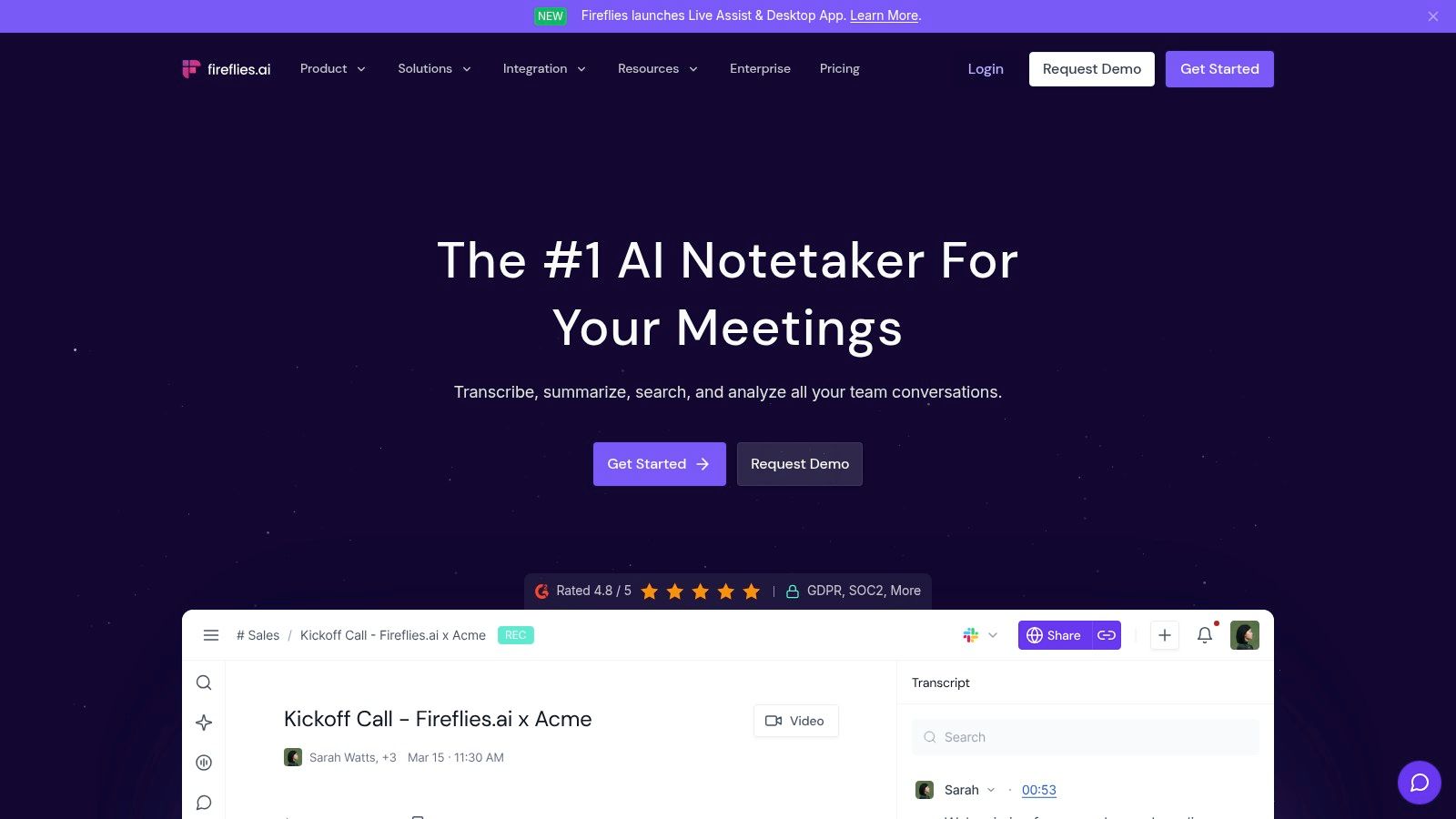
The platform’s core strength is turning unstructured conversation into a searchable knowledge base. After an interview, Fireflies.ai provides a transcript complete with action items, key topics, and other important metrics. Its "AskFred" AI assistant allows you to ask questions about the meeting content and receive instant answers, which significantly accelerates the analysis phase of qualitative research or candidate evaluation. The extensive integration options and broad language support further establish it as a versatile tool.
Key Features & Pricing
Fireflies.ai provides a clear pricing model with unlimited transcription on its paid plans, making it highly scalable for growing teams.
- Free Plan: Offers limited transcription credits and 800 minutes of storage per seat, with features like automated summaries and search.
- Pro Plan ($18/seat/mo): Provides unlimited transcription, 8,000 minutes of storage, AI summaries, and the ability to download audio and transcripts.
- Business Plan ($29/seat/mo): Adds unlimited storage, video recording, and advanced team features like conversation intelligence and analytics.
While the Free tier is useful for occasional use, storage limitations can be a constraint. The real power for teams using transcription software for interviews is unlocked in the paid tiers, which offer the robust features needed for creating a centralized, searchable repository of all interview data.
Best for: Teams looking for a fully automated meeting assistant to capture and organize interview insights into a searchable knowledge base.
Visit the website: https://fireflies.ai
10. Microsoft 365 Word (Transcribe in Word)
For professionals already embedded in the Microsoft ecosystem, the built-in Transcribe feature in Word for the web offers a surprisingly competent and convenient solution. Instead of relying on a third-party service, you can upload audio or video files directly into a Word document and let Microsoft's AI generate a transcript. This integration is its greatest strength, eliminating the need to switch between applications and streamlining the workflow for those who primarily work within Microsoft 365.
The feature automatically detects and separates speakers, applying timestamps that you can click to jump to the corresponding audio moment. Once transcribed, the entire text can be inserted into your document with a single click, ready for editing or analysis. While it lacks the advanced collaborative features of dedicated platforms, its simplicity makes it one of the best transcription software for interviews when you need a quick, no-fuss transcript without leaving your primary word processor.
Key Features & Pricing
Transcribe in Word is included with Microsoft 365 subscriptions, making it a cost-effective choice for existing users.
- No Additional Cost: Included with a valid Microsoft 365 subscription (e.g., Personal, Family, or Business plans).
- Monthly Upload Limits: Users are typically limited to 300 minutes of uploaded audio per month, a key constraint for high-volume transcription.
- Integrated Workflow: The transcript is generated alongside your document, allowing for easy editing and formatting using familiar Word tools.
The primary drawback is the strict monthly minute cap, which resets each month and can be a significant roadblock for researchers or journalists with heavy interview schedules. However, for occasional use or for transcribing a small batch of interviews, its accessibility and seamless integration are hard to beat.
Best for: Microsoft 365 users who need a simple, integrated transcription tool for a low volume of interviews.
Visit the website: https://www.microsoft.com/microsoft-365
11. Trint
Trint is a powerful cloud-based transcription platform designed for high-stakes professional environments like newsrooms, research institutions, and large-scale content creation teams. It distinguishes itself with a strong focus on collaborative workflows, allowing multiple stakeholders to review, edit, and approve interview transcripts seamlessly. This makes it one of the best transcription software for interviews where accuracy, security, and team-based editing are paramount.
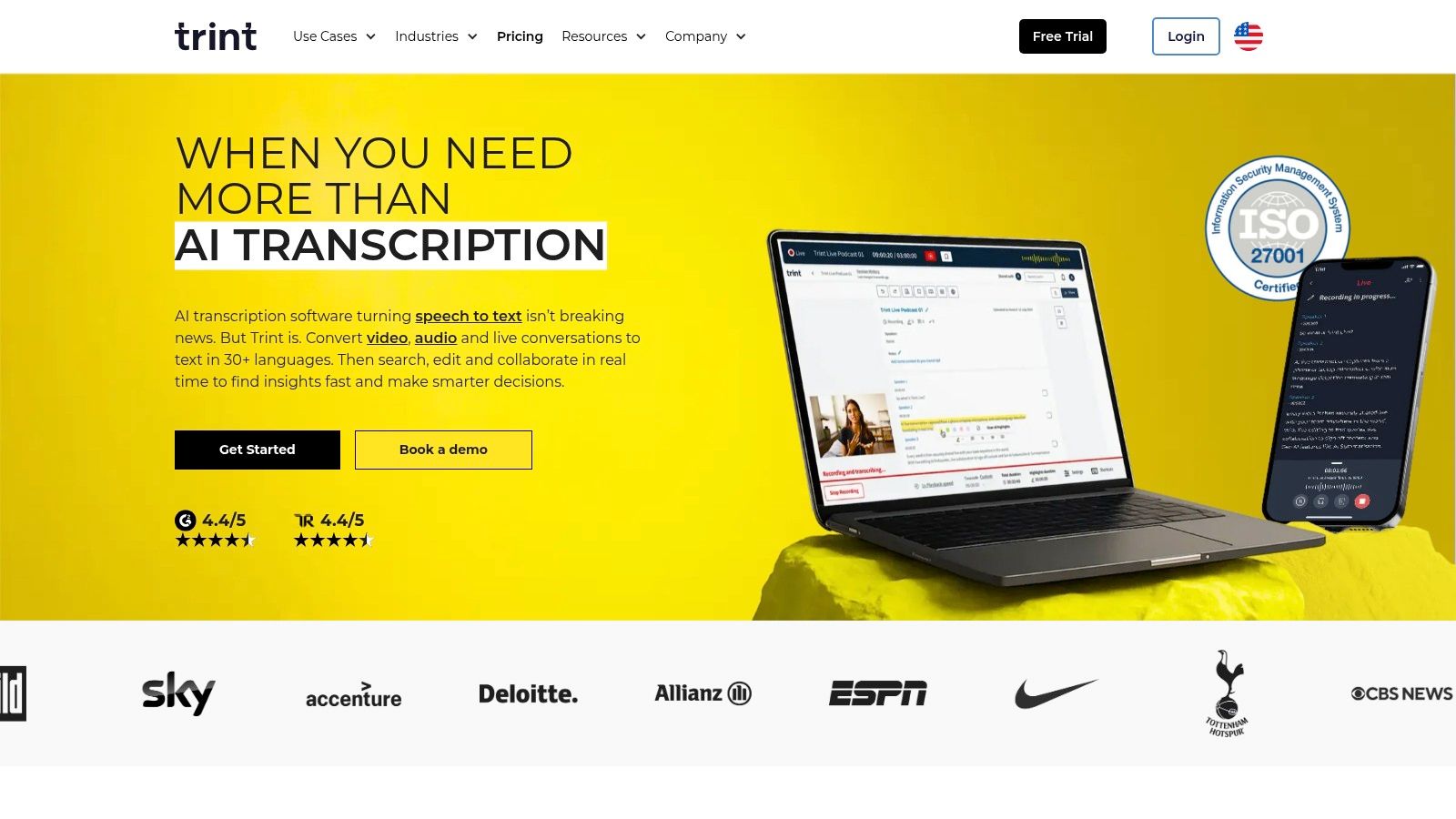
The platform goes beyond simple transcription by integrating features like multi-user editing, commenting, and version control directly into the workflow. You can also create translations and captions, making it a comprehensive tool for turning spoken-word interviews into various content formats. The interface connects audio/video playback directly to the transcribed text, which simplifies the process of verifying accuracy and making precise edits.
Key Features & Pricing
Trint’s pricing is geared towards professional teams and organizations with complex needs, emphasizing customized solutions.
- Starter Plan ($60/user/mo): Aimed at individuals, this plan allows for the transcription of 7 files per month and includes access to the collaborative editor.
- Advanced Plan ($75/user/mo): Offers unlimited transcriptions, real-time transcription, and advanced collaboration features.
- Enterprise Plan (Custom Pricing): Tailored for large organizations with needs for advanced security, dedicated support, and API access.
While the plans are more expensive than many competitors, the cost reflects its media-grade feature set and secure infrastructure. A key advantage is the 7-day free trial, which allows teams to test the platform’s fit for their specific workflows before committing. However, detailed pricing for enterprise-level features often requires contacting their sales team directly.
Best for: Newsrooms, academic researchers, and enterprise content teams requiring secure, collaborative transcription and content production workflows.
Visit the website: https://trint.com
12. G2 (Transcription category)
While not a transcription tool itself, G2’s transcription software category is an indispensable resource for anyone researching the best transcription software for interviews. It functions as a comprehensive marketplace, aggregating dozens of tools and presenting them alongside verified, real-user reviews. This allows you to compare platforms based on satisfaction ratings, feature sets, and market presence, providing a powerful layer of social proof before you commit.
The platform’s strength lies in its robust filtering and comparison capabilities. You can easily see side-by-side comparisons of top-rated tools, view screenshots of their interfaces, and read detailed feedback on everything from accuracy to customer support. G2 helps you cut through marketing claims to see how software performs in real-world scenarios for businesses of a similar size to your own, making it an efficient way to shortlist vendors and validate your choices.
Key Features & Pricing
G2 is a free-to-use review platform. Its value comes from the aggregated data and user-generated content it provides to aid your purchasing decision.
- Verified User Reviews: Access detailed feedback from real users, often highlighting specific pros and cons relevant to interview transcription.
- Side-by-Side Comparisons: Compare up to four products at once across features, pricing models, and user satisfaction scores.
- Segmented Rankings: Filter tools based on company size (small business, mid-market, enterprise) to find the best fit for your organization.
The main limitation is that some listings and rankings may be sponsored, and the pricing information can occasionally be outdated. It is always best to click through to the vendor’s official website to verify the most current plans and features before making a final decision.
Best for: Researchers and decision-makers looking to compare multiple transcription tools using real-user feedback and data-driven rankings.
Visit the website: https://www.g2.com/categories/transcription
Getting a Quotable Transcript
Four habits, all set before the interview starts, decide whether the transcript is usable for quoting.
On verification: never publish a quote from the transcript alone. Modern tools reach 95%+, but the 5% clusters exactly where speech gets emphatic — which is where quotes come from. Play the audio at that timestamp before it goes out.
Top 12 Interview Transcription Tools Comparison
How to Choose the Right Transcription Software for You
Navigating the crowded market for the best transcription software for interviews can feel overwhelming, but making the right choice boils down to understanding your specific workflow and priorities. Throughout this guide, we've explored a diverse landscape of tools, from AI-powered platforms that deliver instant results like Otter.ai and Notta, to human-powered services like Rev that guarantee near-perfect accuracy for a premium. The key takeaway is that the "best" tool is not a one-size-fits-all solution; it's the one that most seamlessly integrates into your process of turning spoken words into actionable insights.
Your decision should be a direct reflection of your needs. A journalist on a tight deadline might prioritize the rapid turnaround of an AI service like HypeScribe or Sonix, accepting minor inaccuracies for the sake of speed. Conversely, a researcher preparing a dissertation or a legal professional documenting a deposition will find the uncompromising accuracy of human transcription from services like Rev to be non-negotiable. For video creators and podcasters, a tool like Descript that combines transcription with powerful audio/video editing is a game-changer, fundamentally altering their content creation workflow.
Key Factors to Guide Your Decision
Before committing to a subscription, take a moment to evaluate what you truly need. This final self-assessment will ensure you invest in a solution that empowers your work rather than complicates it.
- Accuracy vs. Speed: What is your tolerance for error? If your transcripts are for internal notes or content outlines, a 95% accurate AI transcript is likely sufficient and incredibly efficient. If the transcript is for publication, legal evidence, or academic citation, the higher accuracy of a human-reviewed service is paramount.
- Budget and Scalability: How much are you willing to spend? Free tiers and pay-as-you-go models from providers like Temi or Microsoft 365's built-in tool are excellent starting points. However, if you conduct dozens of interviews per month, a subscription plan from HypeScribe, Otter.ai, or Trint will offer far better value and more advanced features.
- Workflow Integration: How will this tool fit into your existing process? Consider a tool's integrations with platforms like Zoom, Google Drive, or Slack. If your work is highly collaborative, features like shareable, comment-enabled transcripts found in Fireflies.ai or HypeScribe are critical.
- Security and Compliance: For those in healthcare, HR, or legal fields, data security is not just a feature—it's a requirement. Scrutinize the security protocols, data encryption standards, and compliance certifications (like GDPR or HIPAA) of any service you consider.
Getting the Most Out of Your Transcription Software
Once you've made your choice, a successful implementation involves more than just signing up. To maximize your return on investment, focus on optimizing your audio quality. Even the most advanced AI struggles with poor recordings.
Pro Tip: Always use an external microphone when possible, record in a quiet environment, and encourage speakers to avoid talking over one another. A few minutes of setup before an interview can save hours of correction time later.
Train your team on the software's key features, such as custom vocabulary lists for industry-specific jargon, speaker identification conventions, and efficient methods for reviewing and exporting transcripts. By establishing a consistent workflow from the beginning, you transform your new software from a simple tool into a powerful engine for knowledge management and productivity.
Ultimately, the goal is to close the gap between conversation and action. The right transcription software for your interviews will do more than just convert audio to text; it will unlock the valuable data trapped in your recordings, making it searchable, shareable, and actionable. It’s an investment in clarity, efficiency, and the power of the spoken word.
A 90-minute interview is one file in HypeScribe, not 90 billable minutes — with speaker labels and timestamps so any quote is one click from the original audio. Try it free: three files a month, no card required.



































































































