
How to Transcribe Video to Text: A Practical Guide

Figuring out how to transcribe video to text is a lot simpler than it sounds. You have two main paths: you can either manually type everything out yourself, or you can use an AI-powered tool like HypeScribe to handle the process for you. From my own experience, modern tools can generate a highly accurate transcript in just a few minutes, making the old-school method feel incredibly slow by comparison.
Why Turning Video Into Text Is a Strategic Move
Converting a video into a text document is about more than just having a script; it’s about unlocking the full potential of your media. Imagine your latest webinar becoming a series of SEO-friendly blog posts, or all your training videos transforming into a searchable knowledge base for your team. You’re essentially making your content work smarter, not harder.
This is quickly becoming standard practice, driven by the rise of AI transcription. The global market for this technology was valued at USD 4.5 billion and is expected to jump to USD 19.2 billion by 2034. That kind of growth shows just how essential transcription has become. You can find more of these automated transcription statistics on Sonix.ai.
Unlocking Content Potential
Once you transcribe a video, you make its core message more accessible and incredibly flexible. All the valuable insights from a one-hour presentation can suddenly be repurposed into dozens of different content formats.
Here’s what that looks like in practice:
- Better Accessibility: Transcripts make your content available to people who are deaf or hard of hearing. They also serve anyone who simply prefers reading over watching.
- A Major SEO Boost: Search engines can’t watch a video, but they can read text. A transcript gives Google something to crawl, helping you rank for valuable keywords spoken in your video.
- Content Repurposing Made Easy: A transcript is the perfect foundation for blog posts, social media snippets, detailed case studies, and email newsletters—all without starting from scratch.
Based on my experience, the real magic of transcription is its power to turn a single video into a content engine. Every video you create becomes a lasting asset that can boost engagement and grow your digital footprint.
This idea of making video content discoverable is exactly what the image below represents.
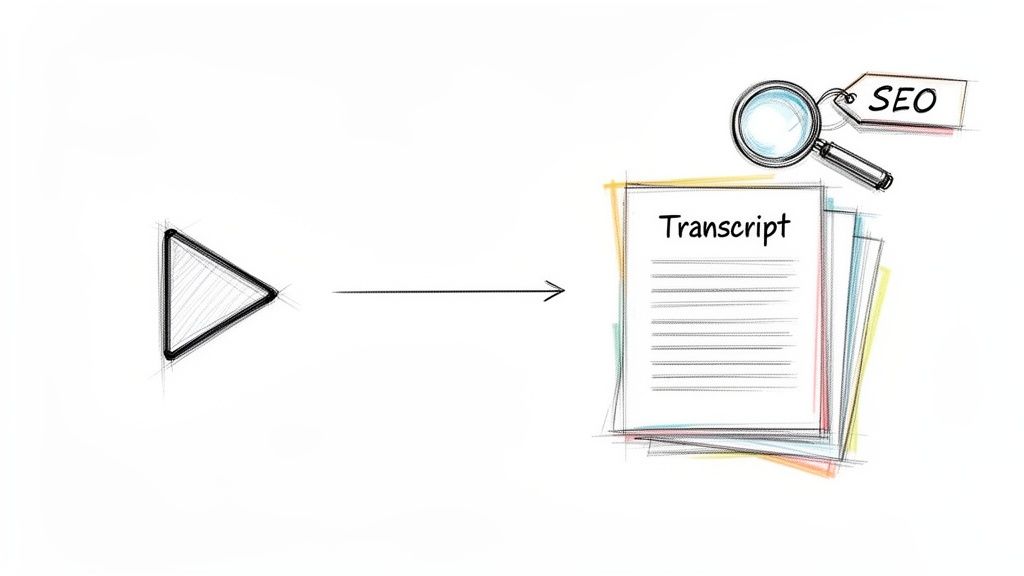
It’s a simple visual, but it perfectly captures the point: spoken words, once converted to text, become indexable assets that search engines can find, understand, and rank.
Choosing Your Transcription Method: Manual vs. AI
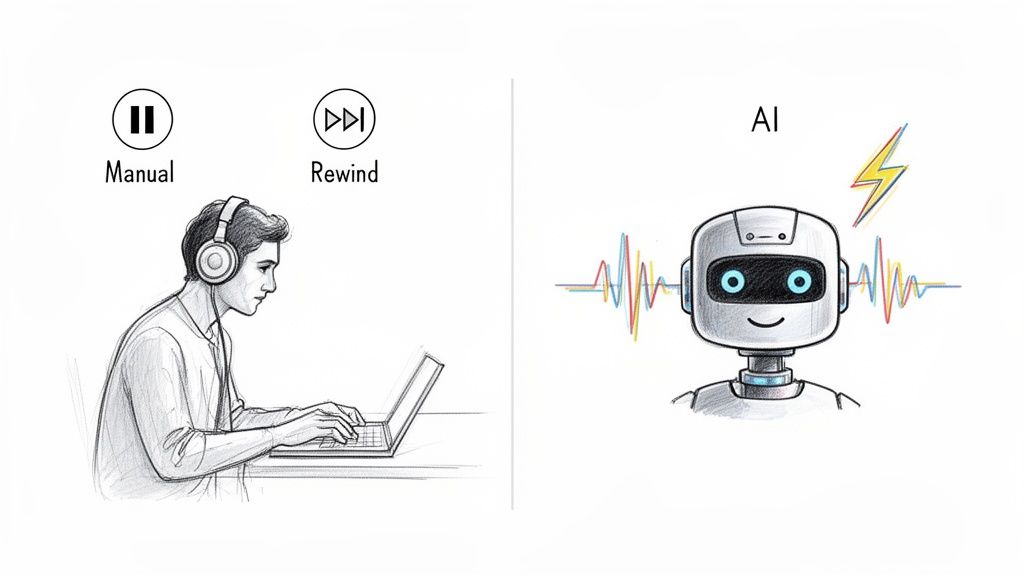
When you need to get spoken words from a video into text, you're at a crossroads: do you go the traditional manual route, or do you let AI handle it? This isn't just a technical choice—it's a decision that directly impacts your project's speed, cost, and final accuracy.
Let's break down what each path looks like so you can decide what’s right for your needs.
The Human Touch of Manual Transcription
Manual transcription is exactly what it sounds like: a real person sits down, listens carefully, and types out everything they hear. This method is built on human attention to detail.
This approach offers a level of nuance that algorithms can sometimes miss. A person can decipher thick accents, understand sarcasm, and make sense of overlapping conversations. That's why it's often the preferred method for high-stakes content like legal depositions or sensitive medical interviews where every word matters.
However, that precision comes at a high cost in both time and money. The industry standard is that it takes a skilled professional four to six hours to transcribe just one hour of audio. That timeline simply isn't practical if you're on a deadline or have a large volume of video files to process.
The Speed and Scale of AI Transcription
This is where AI transcription changes everything. Instead of hours, you're looking at minutes. From my tests, modern tools like HypeScribe can process a one-hour video in under a minute—a massive improvement in efficiency.
This incredible speed makes AI the go-to for anyone dealing with content at scale, including YouTubers, marketers, and researchers who need fast, reliable transcripts without a big budget. With clear audio, today's AI can achieve accuracy rates up to 99%, which is more than sufficient for most professional needs. If you want to dive deeper into the tech, our guide to AI-powered transcription software covers all the essentials.
Many people also use these services to generate captions, and it's worth exploring how AI video captioning tools can make your content more accessible.
Manual Transcription vs AI Transcription at a Glance
To make the choice clearer, here’s a direct comparison of the two methods.
Ultimately, the table shows a clear trade-off: manual transcription offers painstaking precision at a high cost, while AI delivers incredible speed and scalability for a fraction of the price.
Making the Right Choice for Your Project
So, how do you decide which path to take? It really boils down to your specific priorities. I recommend asking yourself these key questions:
- How fast do I need this? If the answer is "today," AI is your best bet. Manual transcription simply can't compete on speed.
- What's my budget? For ongoing or large-volume needs, AI is significantly more cost-effective.
- What's the audio quality like? If you have a clean recording with one or two clear speakers, an AI transcript will be nearly perfect. If it’s a noisy room with multiple people talking over each other, a human might be needed to sort it out.
- How sensitive is the material? For confidential content, you might feel more comfortable with a vetted human transcriber, though top-tier AI services offer robust security and privacy protections.
There's no single "best" way to transcribe a video. It's about finding the right balance of speed, accuracy, and cost that fits your project. For most modern workflows I've encountered, AI offers a powerful, practical, and efficient solution.
Your Workflow for AI-Powered Transcription
Getting started with AI transcription isn't complicated; it’s about following a simple, logical workflow. Once you see the process laid out, you'll realize how quickly you can turn a video file into a polished, searchable text document.
Let's walk through the steps, using a tool like HypeScribe as our guide.
The most important step happens before you even open the transcription tool. I can't stress this enough: the quality of your transcript is directly tied to the quality of your audio. You don’t need a professional studio, but a few small adjustments make a massive difference in accuracy.
Try to record in a quiet room. Use an external microphone if you have one. If there are multiple speakers, encourage everyone to speak clearly. This simple prep work provides the AI with the best possible source material, which means far less editing for you later on.
Getting Your Video into the System
With a clean recording ready, you can move on to the transcription itself. Modern tools have made this incredibly simple, and you generally have two main ways to get your content into the system.
- Direct File Upload: This is the classic method. Just drag and drop your video file (like an MP4 or MOV) right into the web app. It’s perfect for locally saved recordings, like a Zoom call you just finished or an interview you filmed yourself.
- Pasting a URL: For content that’s already online, this is a game-changer. Instead of downloading a video from YouTube just to re-upload it, you can simply copy and paste the link. Tools like HypeScribe can pull video directly from major platforms, turning online content into text with a single click.
This browser-based, link-pasting approach is becoming the standard. The online transcription services market, valued at USD 0.67 billion, is projected to hit USD 1.67 billion by 2033. This growth shows that users now expect to instantly convert videos from YouTube or Google Drive without cumbersome downloads. You can find more details about this growing market on Business Research Insights.
Configuring Your Transcription Settings
Before you hit "Transcribe," take a moment to review a few key settings. These options help the AI understand your content better and deliver a much cleaner transcript from the start.
- Select the Language: This is crucial. Make sure you choose the primary language spoken in the video. The best services can handle over 100 languages and dialects, so be as specific as you can.
- Enable Speaker Identification: If your video has multiple speakers—like a podcast or a panel discussion—this feature is a lifesaver. The AI analyzes the different voices and automatically labels who is speaking (e.g., "Speaker 1," "Speaker 2"). This alone saves a massive amount of formatting time.
- Choose Timestamps (Optional): Activating timestamps aligns the text with the video's timeline. This is incredibly useful for editing, as you can click on a word in the transcript and instantly jump to that exact moment in the video.
Once your settings are dialed in, let the AI work. Thanks to powerful processing, a one-hour video can be fully transcribed in as little as 30-60 seconds—a task that would take a human hours. For a closer look at the audio side of things, check out our guide on how to convert audio to text.
A smart AI transcription workflow isn’t just about speed; it's about setting the tool up for success. Choosing the right language and enabling speaker labels beforehand transforms a raw text output into a structured, easy-to-read document.
You'll also find that many powerful AI video editing tools now have transcription built right in, which can make your workflow even smoother by keeping everything in one place. By following these steps, you can reliably and efficiently turn any video into a valuable text asset.
Polishing Your Transcript: From Raw Text to a Perfected Document
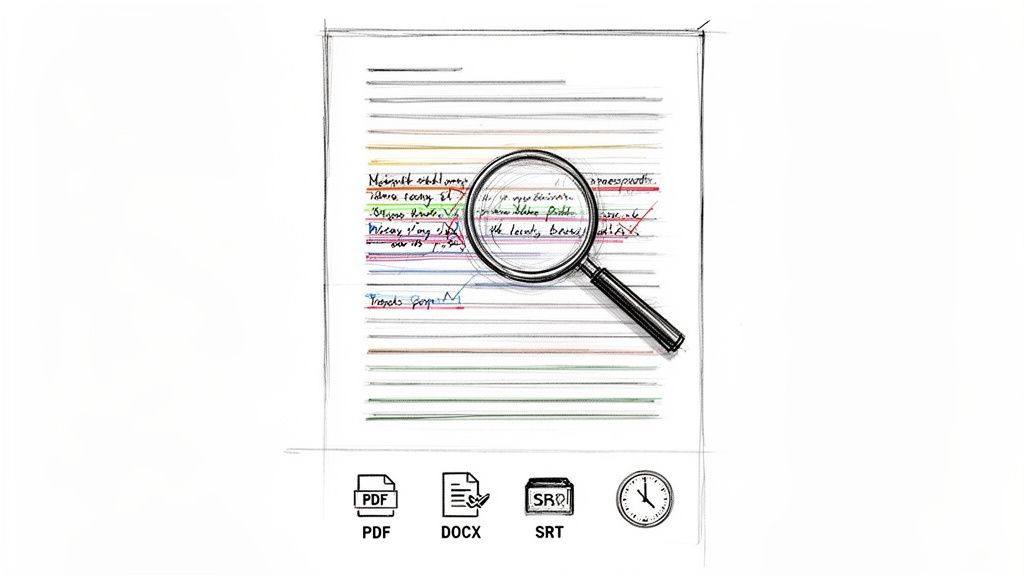
An AI-generated transcript is an incredible head start, but it's rarely the final product. The real value comes from the editing phase. This is where you transform a raw draft into a polished, professional document that’s ready to be shared, repurposed, or archived.
Most modern transcription platforms, including HypeScribe, come with an interactive editor. This is a game-changer. It syncs the text directly with your audio, so you can click on a word and instantly hear it spoken in the video. This makes proofreading fast and incredibly accurate, eliminating the need to constantly rewind.
Fine-Tuning for Clarity and Readability
When you dive into the editing process, you're doing more than just catching typos. The goal is to shape the text so it’s easy to read and makes perfect sense on its own, without the original audio.
Here's what I typically focus on:
- Punctuation and Flow: AI does a decent job with commas and periods, but it can struggle with the natural cadence of human speech. I always add paragraph breaks to separate different ideas, which prevents the "wall of text" and makes the content far more approachable.
- Speaker Labels: Ensure everyone is identified correctly. If the AI assigned generic labels like "Speaker 1," take a moment to change them to actual names. This makes a huge difference in clarity, especially for interviews or meetings.
- Adding Essential Context: Sometimes, what isn't said is just as important. I often add quick notes like
[laughter]or[audience applause]to capture the atmosphere of the recording. These small details preserve the tone and context.
This is your chance to ensure the transcript captures not just the words spoken, but the spirit of the conversation.
Think of your raw AI transcript as a block of marble. The initial shape is there, but your editing work is what carves out the details, making it a polished and valuable piece of content.
Choosing the Right Format for the Job
Once you're happy with the edits, the final step is exporting the transcript. The file type you choose is important, as it dictates how you can use the text. Each format is designed for a specific purpose.
Common Export Options
- TXT (.txt): This is your no-frills, plain text option. It’s universally compatible and perfect for quickly copying and pasting text into other apps or for simple archiving.
- Word (.docx): If you plan to do more heavy-duty editing, add comments, or incorporate the transcript into a larger report, DOCX is the way to go.
- PDF (.pdf): Need to share a final, unchangeable version? PDF is your best bet. It locks in the layout and formatting, making it look professional.
- Subtitles (.srt): This is the one you need if you're creating captions for your video. The SRT format includes not just the text but also the precise timestamps that video players require to sync the words with the picture.
Picking the right format is key to unlocking the full potential of your transcript. A well-edited and properly formatted document is a goldmine for creating new assets. To get some inspiration, check out our guide on effective content repurposing strategies.
Go Beyond Basic Transcription for Maximum Impact
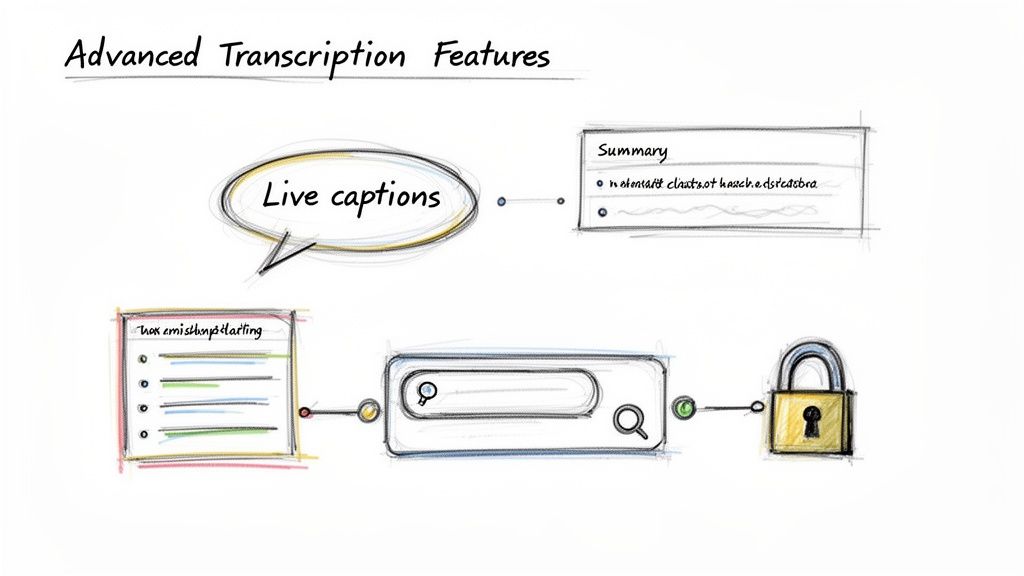
The best transcription tools today do much more than just convert speech to text. They have evolved into smart assistants that can transform how you work with meetings, interviews, and video footage. It’s less about just getting words on a page and more about creating a workflow that saves time and automatically extracts key insights.
One of the most practical upgrades is getting your transcript in real time.
Capture Conversations as They Happen
Imagine having a personal AI assistant join your live Zoom or Google Meet calls. That's a reality now. Tools like HypeScribe can plug right into your meetings and generate a live transcript as the conversation unfolds. This is a huge relief, as it lets you stop scribbling notes and actually focus on the discussion.
This isn't just a gimmick; it’s a direct response to how we work today. The numbers show the trend: the AI meeting transcription market is projected to grow from around USD 3.86 billion to a staggering USD 29.45 billion by 2034. This growth is fueled by remote and hybrid teams needing to turn live meetings into searchable records. You can find more stats about this trend in this report on video transcription efficiency on Sonix.ai.
From Raw Text to Real Insight
The magic really starts after the meeting ends. Instead of a giant wall of text, modern transcription services break down the entire conversation into something you can actually use.
Right away, you can get things like:
- AI-Generated Summaries: A quick, clean overview of what was discussed.
- Key Takeaways: A simple bulleted list of the most critical topics and decisions.
- Action Items: A checklist of who is responsible for what, so nothing gets missed.
This is the leap from a simple tool to a genuine productivity partner. It does the heavy lifting of rereading and synthesizing for you, which is an incredible time-saver in my workflow.
Another feature that feels like it’s from the future is the ability to chat with your transcript. Forget scrolling through pages of text. You can just ask a question like, "What did we decide for the Q4 budget?" and the AI will pull the exact answer from the conversation for you.
Of course, with all this sensitive business data, security is non-negotiable. Top-tier platforms are built with security first, using measures like end-to-end encryption to protect your information. They also give you the power to permanently delete your source files and transcripts from their servers, ensuring your confidential conversations stay that way.
Answering Your Top Questions About Video Transcription
When you start turning video into text, you're bound to have questions. Getting these sorted out from the start will save you a lot of headaches and help you get the most out of the process. Let's dig into what people ask most often.
Just How Accurate Is AI Transcription, Really?
This is the big one. Top-tier AI services can reach 99% accuracy, but that number depends heavily on your audio quality. Think crystal-clear speakers, minimal background noise, and no one talking over each other—that’s the ideal scenario.
If you're transcribing content with specialized jargon, thick accents, or lots of industry-specific acronyms, you'll definitely want to give the transcript a quick review. A human touch is great for catching those nuanced terms. But for the vast majority of standard business meetings, webinars, or lectures, the out-of-the-box accuracy is fantastic.
Pro Tip: Garbage in, garbage out. The single best thing you can do for accuracy is to start with high-quality audio. Even a few minutes of prep to get a clean recording will pay off big time.
How Much Time Will This Actually Take?
Here’s where you’ll see the most dramatic difference. A professional human transcriber typically needs about four to six hours to get through a single hour of video. It's a meticulous, time-consuming job.
In contrast, an AI tool like HypeScribe can process that same one-hour video in less than a minute. This speed is a game-changer. It means you can tackle huge backlogs of content—like an entire semester of lectures or a multi-day conference—and have searchable transcripts ready almost instantly.
Can I Just Use a Link, or Do I Have to Download the Video First?
Yes, you can absolutely use a link. Modern transcription platforms are designed with this exact workflow in mind. You shouldn't have to download a massive video file from YouTube or Vimeo just to upload it again.
Simply grab the URL, paste it directly into the tool, and let it handle the rest. The service will fetch the video from the source and start the transcription process automatically. It's a simple feature that saves a surprising amount of time and hassle.
What About Security? Is It Safe to Upload Confidential Videos?
Security is non-negotiable, especially with sensitive content. Any transcription service worth using prioritizes this. Look for platforms that mention end-to-end encryption, which protects your files both in transit and while they're stored.
The best services also put you in control, giving you the power to permanently delete your original files and the resulting transcripts whenever you want. This ensures that once your work is done, your confidential information doesn't linger on a server somewhere. It's your data, and you should always have full control over it.
Ready to see this in action? With HypeScribe, you can turn hours of video into accurate, usable text in just minutes. You'll get smart summaries and a workflow that just plain works. Give it a try for free and see for yourself at https://www.hypescribe.com.


































































































