12 Free Speech to Text Programs That Actually Work (2026)

"Free" in speech-to-text usually hides a catch: a 30-minute cap, a paywalled export button, or accuracy that costs you an hour of cleanup. This guide lists 12 speech to text programs free to use, with the actual catch of each spelled out next to what it does well.
The range runs from dictation tools already built into your computer (Windows Voice Typing, Apple Dictation, Google Docs) to AI platforms with real free tiers, to open-source models you run yourself. For every tool we note whether it handles live dictation, pre-recorded files, or both — and whether speaker identification and offline mode make it into the free version.
For each program, you will find:
- A concise summary of its core function and ideal user.
- Clear details on platform availability (Web, Windows, macOS, etc.).
- An honest look at the limitations of the free version.
- Direct links to get started and screenshots for a visual preview.
If you want a warm-up task before picking a tool, try transcribing a YouTube video — our guide to getting a transcript from a YouTube video walks through it step by step.
1. HypeScribe
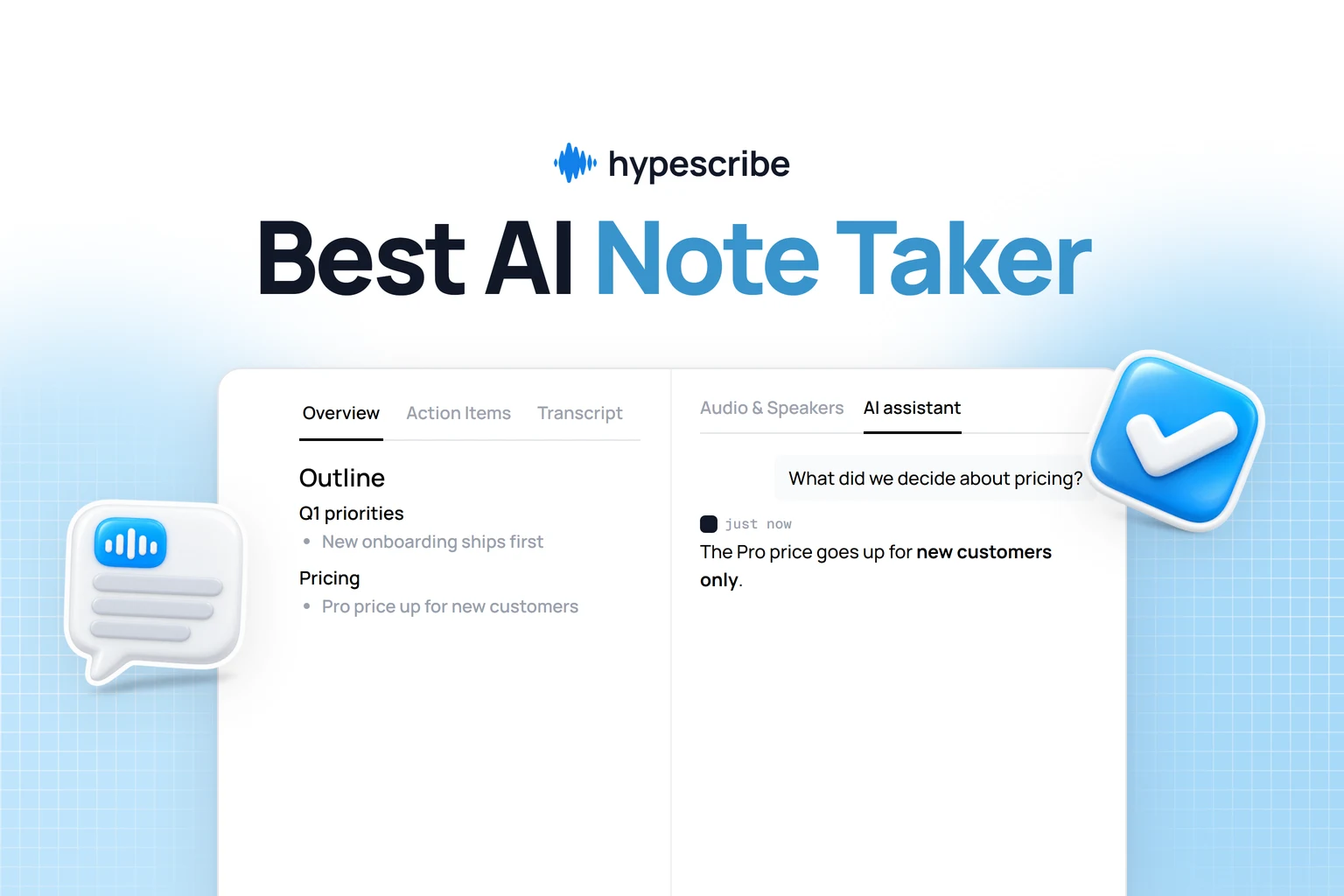
HypeScribe goes past plain speech-to-text: you upload a file or paste a link, and get back a transcript plus a summary, action items, and a chat that answers questions about the recording. Accuracy runs up to 99% across 99+ languages, and it holds up on varied accents and moderate background noise.
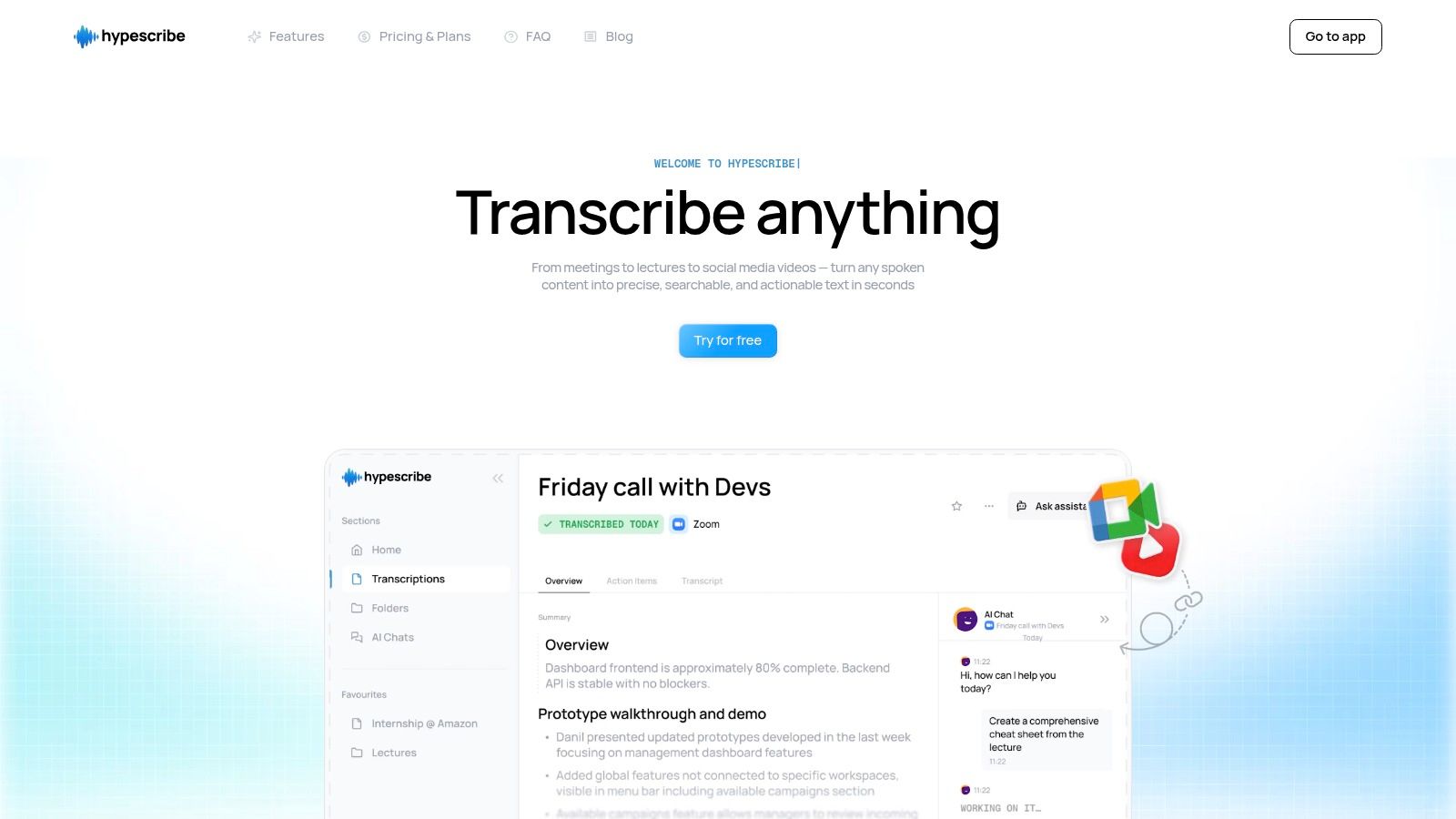
The difference from most tools on this list is what you get besides the text. A wall of transcript is a starting point; HypeScribe hands you the summary, the key takeaways, and the action items already extracted — which is what project managers, students, and journalists actually open the transcript for. Speed helps too: a one-hour audio file processes in under 30 seconds.
Key Features & User Experience
The built-in note-taker joins Zoom, Google Meet, and Microsoft Teams calls and produces live transcripts with summaries — useful when a team needs a record of every discussion without assigning someone to take notes.
The chat feature lets you ask questions of a transcribed file ("what deadline did we agree on?") instead of scrolling through it. Input is flexible: direct uploads, mobile recordings, and links from 15 platforms including YouTube, Google Drive, and Vimeo.
Files are encrypted in transit and at rest, and you can permanently delete source files and transcripts yourself.
Plan Details & Limitations
The free plan is genuinely usable, but know its structure:
- Free Trial: You can transcribe up to 3 files per month, with each file capped at one hour. This is an excellent way to test its accuracy and speed on substantial audio files.
- Paid Tiers: Subscription plans start at an affordable $6.99/month for 30 files, scaling up to Pro and Ultra tiers that offer more files and access to the real-time meeting note-taker.
The primary limitation is the file-based token system. The free plan's three-file limit can be quickly exhausted if you work with many short clips. Additionally, while its accuracy is high, it is still dependent on clear audio quality; heavily muffled or noisy recordings will see a performance decrease.
Best for: Teams needing actionable meeting summaries, content creators transcribing long-form video, and researchers managing extensive interview archives.
Learn More: https://www.hypescribe.com
2. Google Docs – Voice Typing
For those who live inside the Google ecosystem, one of the best free speech-to-text programs is already built into a tool you use daily. Google Docs Voice Typing lets you draft documents, take notes, and write emails without touching the keyboard — and it costs nothing beyond the Google account you already have.
Available directly within Google Docs via the "Tools" menu, it requires no installation or third-party accounts, just a Google account and the Chrome browser. The user experience is straightforward: click the microphone icon and start speaking. The transcription appears in real-time directly on the page.
Beyond simple dictation, Voice Typing supports a wide range of voice commands for editing and formatting. You can say "select paragraph," "go to the end of the line," "bold," or "insert table of contents" to manipulate your document hands-free. With those commands you can draft an entire essay or report start to finish. Accuracy is solid for general dictation, and it works in more than 100 languages.
Key Features & How to Access
- Access Requirements: Free for anyone with a Google account.
- Platform: Works best inside the Google Chrome desktop browser.
- Core Functionality: Dictate directly into a Google Doc, with support for voice-based editing and formatting commands.
- Best For: Students, writers, and professionals who need a quick, no-cost dictation tool for drafting documents and notes within a familiar word processor.
Website: https://docs.google.com
3. Microsoft Windows 11 – Voice Typing
For Windows users, one of the most convenient free speech-to-text programs is baked directly into the operating system. Windows 11 Voice Typing is a system-wide dictation feature that allows you to talk instead of type in nearly any text field, from a web browser to a desktop application. Its main advantage is its universal accessibility; there's no software to install or website to visit.

Activated with the simple keyboard shortcut Win + H, a small microphone widget appears, ready to capture your speech. It runs on Microsoft's Azure Speech services, so accuracy for general dictation is high — as long as you have an internet connection. Auto-punctuation adds periods and commas as you speak.
It lacks the editing commands of Google Docs, but it works anywhere: reply to an email in Outlook, jot notes in Notepad, fill out a web form — all by voice, no app switching.
Key Features & How to Access
- Access Requirements: Free for all users of Windows 11.
- Platform: Works across the entire Windows 11 operating system in any app with a text input field.
- Core Functionality: System-wide dictation invoked by a keyboard shortcut (Win + H), with auto-punctuation and multi-language support.
- Best For: Windows users who need a quick, integrated way to dictate text in various applications without installing third-party software.
Website: https://www.microsoft.com/en-us/windows/learning-center/how-to-use-voice-typing
4. Apple Dictation
On iPhone, iPad, and Mac the free dictation tool is already installed. Apple Dictation works system-wide — Messages, Notes, Pages, Safari, any text field — and its two selling points are offline support and privacy.

Unlike many cloud-based services, modern versions of Apple Dictation process speech directly on the device for many languages, meaning your words don't need to be sent to a server. On-device processing means your words never leave the phone, and dictation keeps working with no internet. Activate it by tapping the microphone icon on the keyboard, or with a keyboard shortcut on macOS.
The feature supports automatic punctuation and allows you to dictate emojis by name, adding a layer of expressiveness to your messages. For users needing more advanced accessibility, Apple's Voice Control feature provides comprehensive, hands-free navigation and control of the entire device, going far beyond simple text dictation. While its capabilities can vary by operating system version and language, its native integration makes it an incredibly convenient choice for Apple device owners.
Key Features & How to Access
- Access Requirements: Free for all users of compatible iPhone, iPad, and macOS devices.
- Platform: Natively integrated into iOS, iPadOS, and macOS.
- Core Functionality: System-wide dictation in any text field, with on-device processing for enhanced privacy and offline use. Supports automatic punctuation and emoji dictation.
- Best For: Apple users seeking a quick, private, and deeply integrated dictation method for daily tasks like sending messages, writing emails, and taking notes without installing extra software.
Website: https://support.apple.com/guide/iphone/dictate-text-iph2c0651d2/ios
5. Otter.ai (free plan)
While most free speech to text programs focus on general dictation, Otter.ai specializes in meetings and conversations. It is an AI meeting assistant that builds collaborative notes from live or recorded audio, and it labels who said what — the feature that matters most in interviews, team meetings, and lectures.
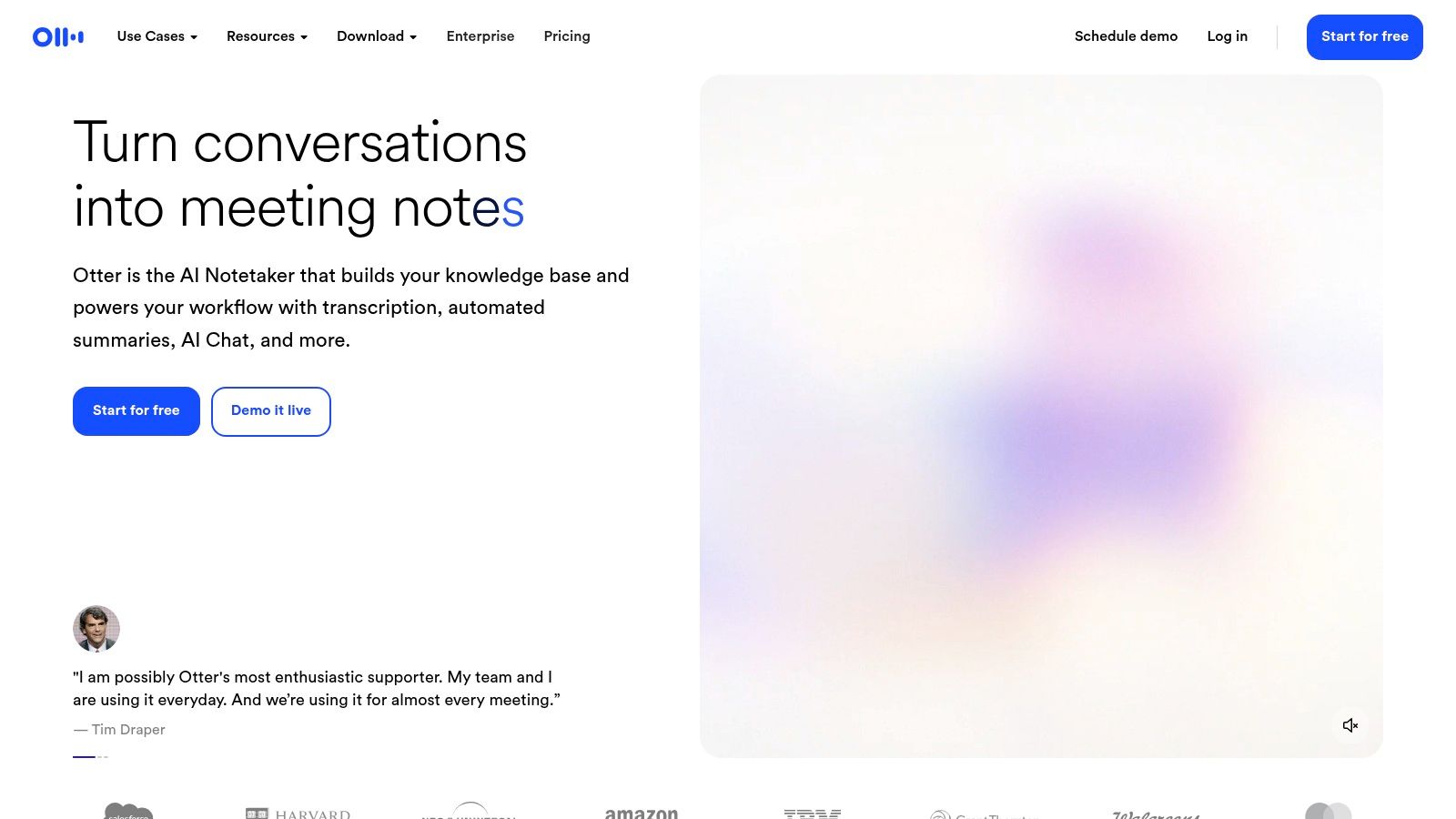
The free Basic plan offers a solid entry point, providing live transcription for virtual meetings on platforms like Zoom, Google Meet, and Microsoft Teams. Users can also upload audio or video files, although the options are more limited on the free tier. Transcripts are synchronized across devices, searchable, and can be easily shared with team members. For those wondering how to convert audio to text online free for meetings, Otter.ai's free plan is a compelling starting point.
The primary limitation of the free plan is its usage caps: 300 transcription minutes per month, with a maximum duration of 30 minutes per transcription. That suits occasional short meetings, not long sessions or audio archives. Within those limits, the collaboration features and speaker labels are hard to match for free.
Key Features & How to Access
- Access Requirements: Free Basic plan available after creating an account.
- Platform: Web-based, with integrations for meeting platforms and dedicated iOS and Android apps.
- Core Functionality: Live meeting transcription, speaker identification, searchable and shareable notes, and cloud synchronization.
- Best For: Individuals, students, and small teams who need to accurately transcribe and share notes from shorter meetings, interviews, or lectures.
Website: https://otter.ai
6. OpenAI Whisper (open-source)
For technically comfortable users who want full privacy and control, there is OpenAI’s Whisper. It is an open-source model you run locally on your own computer, so audio files never leave your machine — the strongest privacy guarantee on this list.
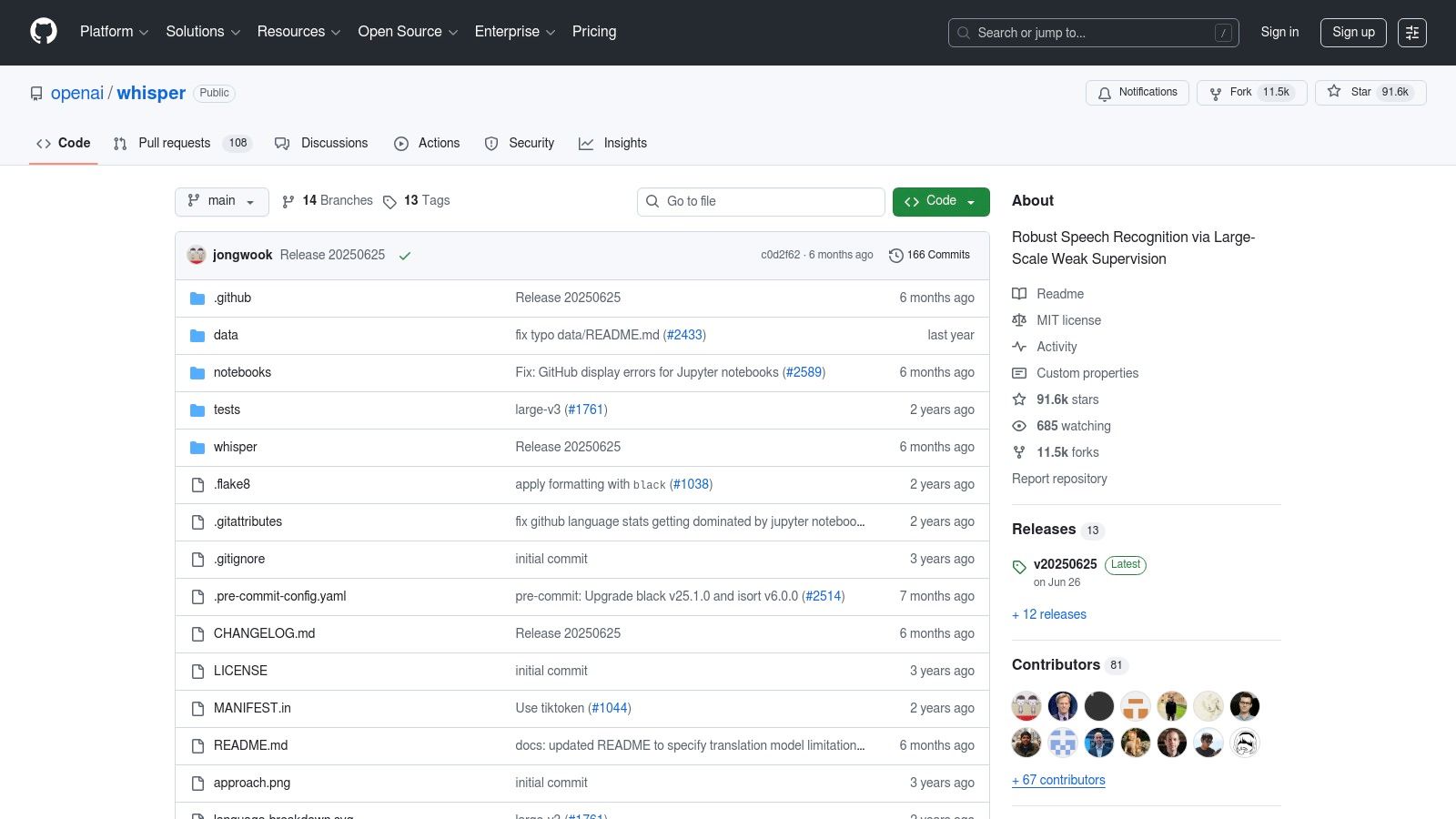
Trained on a massive and diverse dataset, Whisper provides exceptionally high accuracy across numerous languages, accents, and dialects, even in the presence of background noise. It offers several model sizes, allowing users to balance transcription speed with accuracy based on their hardware capabilities. While it requires setup using Python and the command line, this one-time effort unlocks unlimited, high-quality transcription for developers, researchers, and privacy-conscious individuals. For those interested in the technical side, you can explore detailed guides on how to convert audio to text using various methods.
Key Features & How to Access
- Access Requirements: Free (MIT License). Requires local installation of Python and other software.
- Platform: Works offline on Windows, macOS, and Linux. A GPU is recommended for faster performance.
- Core Functionality: Local, high-accuracy transcription of audio files with support for multiple model sizes, language identification, and translation.
- Best For: Developers, journalists, and privacy-focused users who need a reliable, offline transcription tool and are comfortable with a command-line interface.
Website: https://github.com/openai/whisper
7. Vosk (offline, open-source)
Vosk is an open-source toolkit for developers and hobbyists who need offline speech-to-text. Everything runs locally on the device, which fits embedded systems, secure corporate environments, and anywhere the internet is unreliable.
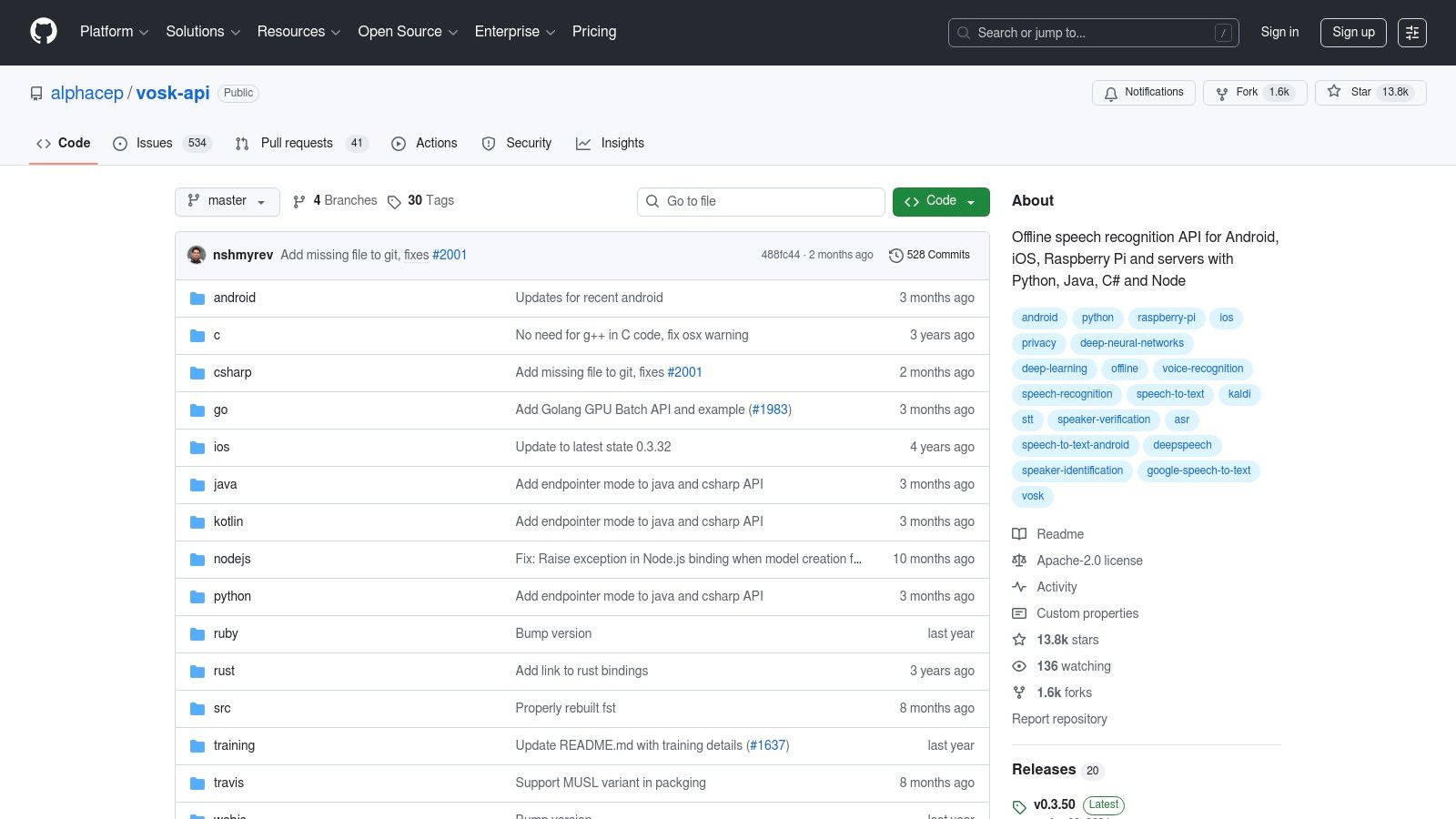
Vosk distinguishes itself with lightweight models that can run on a variety of hardware, from powerful servers to single-board computers like the Raspberry Pi. Its real-time streaming API is accessible through numerous programming languages, including Python, Java, and C#, giving developers significant flexibility to integrate it into their applications. While its out-of-the-box accuracy may not match the massive cloud models, especially with accented speech or background noise, its ability to use a reconfigurable vocabulary allows it to be fine-tuned for specific domains, improving performance for specialized tasks.
Key Features & How to Access
- Access Requirements: Completely free and open-source (Apache 2.0 license). Requires downloading the library and language models.
- Platform: Cross-platform, running on Linux, Windows, macOS, Android, iOS, and Raspberry Pi.
- Core Functionality: Offline, real-time speech recognition with bindings for multiple programming languages and support for over 20 languages.
- Best For: Developers and privacy-conscious users who need to build custom voice-enabled applications, smart home devices, or transcription tools that function entirely offline.
Website: https://github.com/alphacep/vosk-api
8. Speechnotes
Speechnotes is a browser-based dictation notepad with the lowest barrier to entry on this list: no install, no account. Open the site, click the mic, speak. It uses the speech recognition built into Chrome and Edge, which makes it a plain, working solution for notes, emails, and other short text.
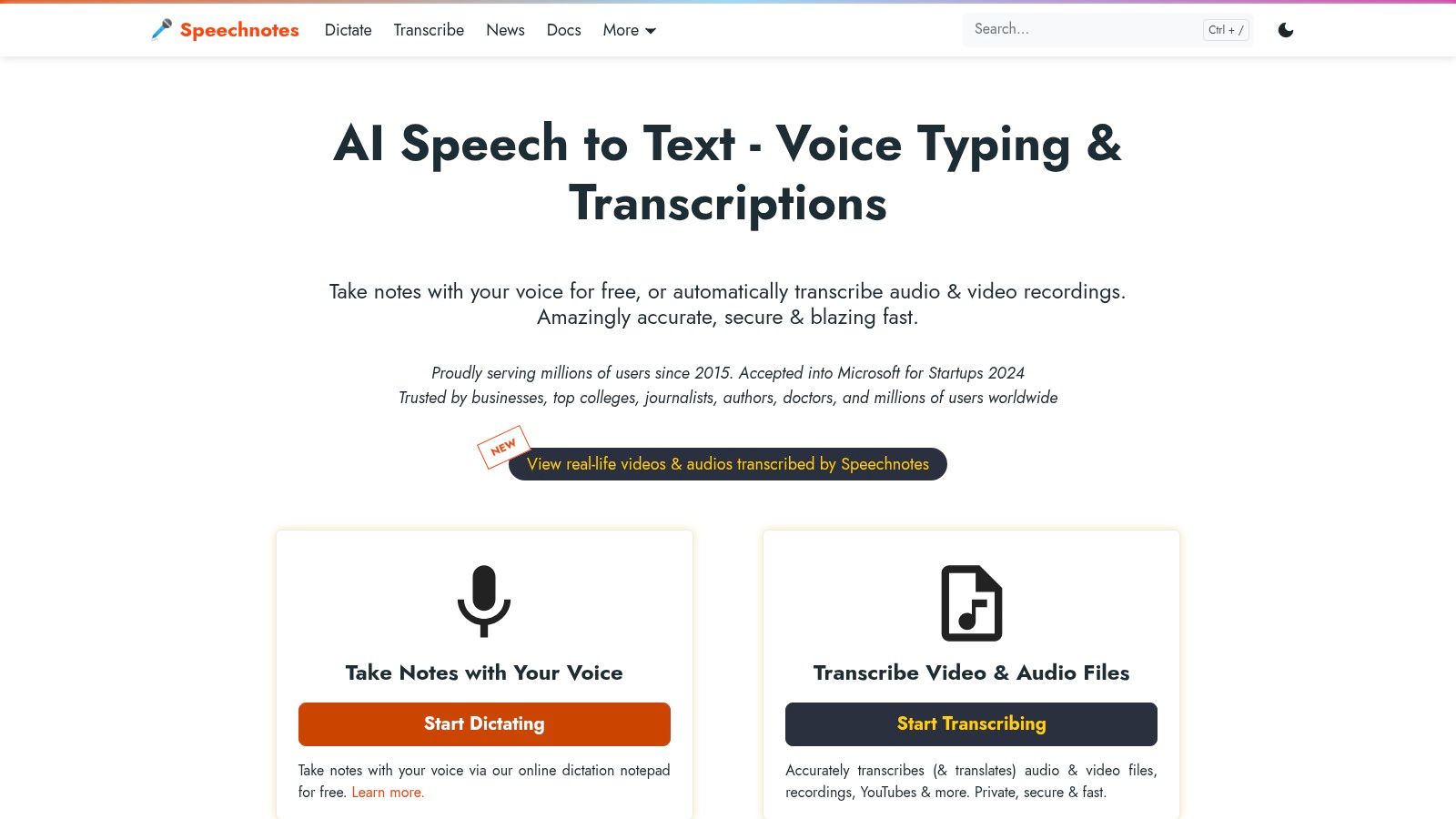
Text lands in the on-screen notepad with auto-capitalization and optional timestamps. The free dictation covers casual use; for audio and video files Speechnotes sells a separate pay-per-minute transcription service, so you only pay when you actually have a file to process.
Key Features & How to Access
- Access Requirements: Free for browser-based dictation; no account required.
- Platform: Web-based, works best in Google Chrome and Microsoft Edge browsers.
- Core Functionality: Real-time dictation in a simple online notepad with auto-save. Optional paid services are available for transcribing uploaded audio/video files.
- Best For: Users who need an immediate, zero-setup tool for quick dictation tasks, drafting notes, or testing out web-based voice recognition without any commitment.
Website: https://speechnotes.co/
9. Descript (free plan; desktop app)
Descript is a unique entry on this list, acting as a powerful audio and video editor with an integrated, high-quality transcription service at its core. While primarily a paid tool for creators, its free plan offers an excellent way to experience one of the most innovative speech-to-text workflows available. It's designed for podcasters, video editors, and anyone who works with media, allowing you to edit audio and video by simply editing the transcribed text.
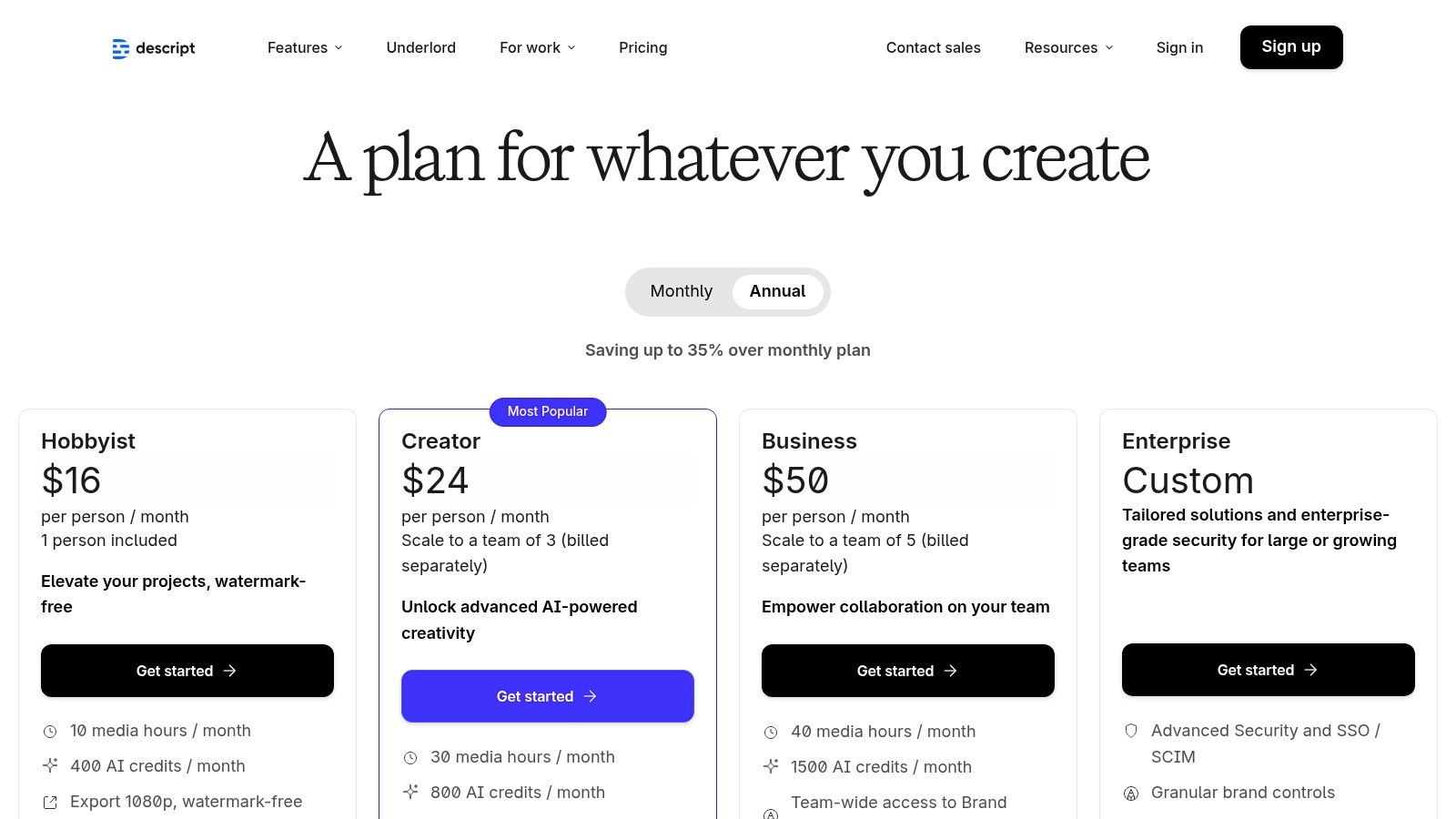
What makes Descript stand out is its "edit audio by editing text" paradigm. When you delete a word or sentence from the transcript, Descript automatically cuts the corresponding audio or video clip, streamlining the editing process immensely. The free tier provides a limited number of transcription minutes per month, which is enough to test its powerful features like automatic filler-word removal ("um," "uh") and AI-powered audio enhancement tools that can make low-quality recordings sound professional.
The free plan's limits rule out transcribing hours of content regularly, but as an on-ramp to an all-in-one production tool it works: you get to test the workflow before paying. Best fit — people who need to polish the final media, not just read the text.
Key Features & How to Access
- Access Requirements: Free plan available with limited monthly transcription minutes. Requires app download.
- Platform: Desktop app for both macOS and Windows.
- Core Functionality: Transcribes audio/video files and allows editing of media by manipulating the text. Includes AI tools for filler-word removal and audio cleanup.
- Best For: Podcasters, video creators, and journalists who need a combined transcription and media editing tool and want to test a professional workflow before committing to a paid plan.
Website: https://www.descript.com/pricing
10. Notta (free plan)
Notta is a meeting transcription assistant with a workable free plan for occasional use. It plugs directly into Zoom, Google Meet, and Microsoft Teams, recording and transcribing calls automatically — a meetings-first design most free tools on this list don't have.
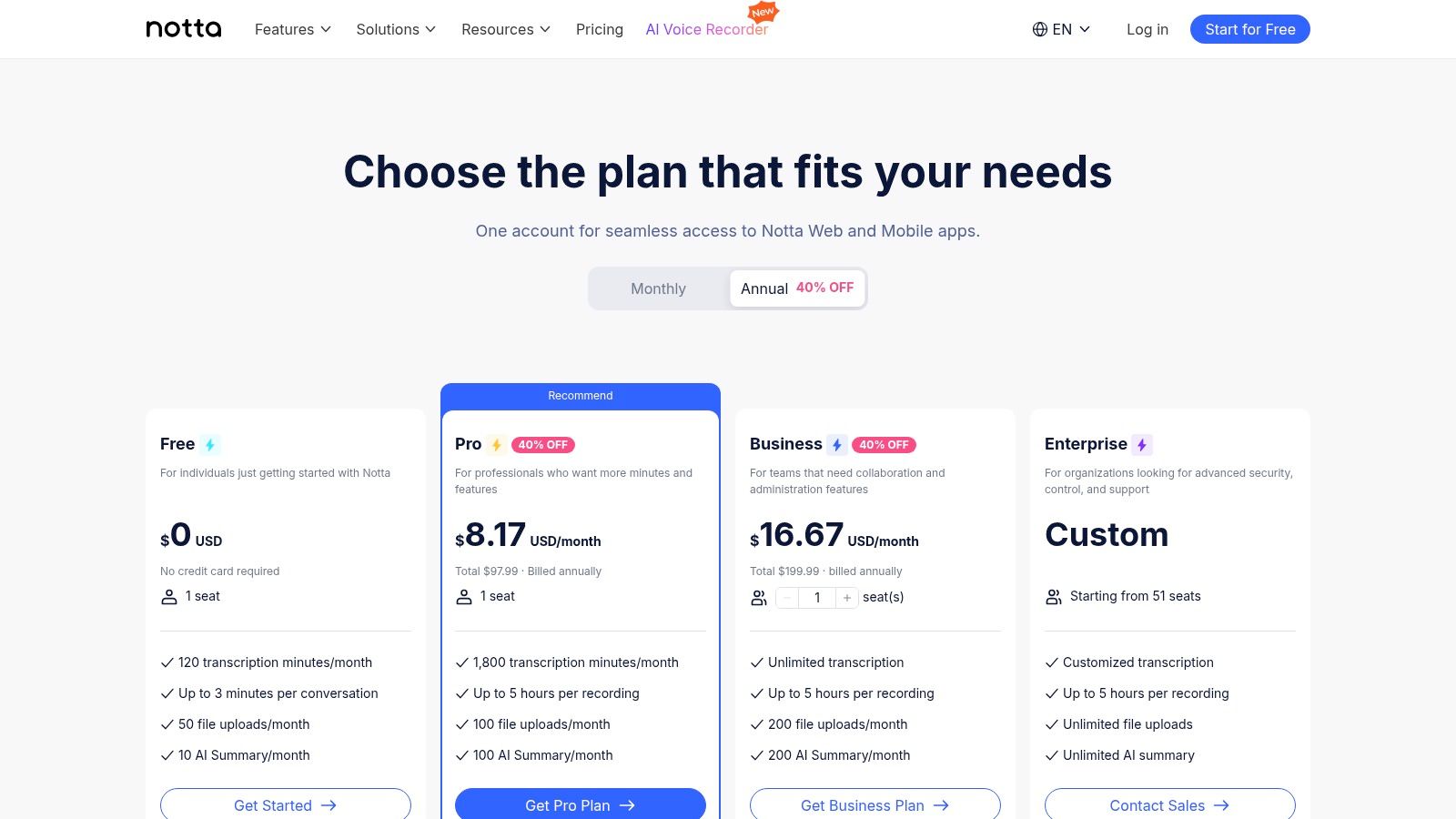
The free tier gives a perpetual account with 120 minutes of transcription per month, including speaker identification and AI summaries. The catch is severe though: a 3-minute cap per recording. Quick clips and short call fragments — yes; a full lecture or an hour-long meeting — only on paid plans.
Key Features & How to Access
- Access Requirements: Free plan available with a simple email signup.
- Platform: Web, Chrome Extension, and dedicated apps for iOS and Android.
- Core Functionality: Transcribes live meetings and audio files, identifies different speakers, and generates AI summaries. Includes bots for Zoom, Teams, Meet, and Webex.
- Best For: Professionals, students, and teams who need to transcribe meetings and interviews, turning spoken conversations into organized notes and action items.
Website: https://www.notta.ai/en/pricing
11. Amazon Transcribe (AWS)
For developers and businesses looking to build transcription capabilities into their own applications, Amazon Transcribe offers a powerful, cloud-based automatic speech recognition (ASR) service. Unlike consumer-facing apps, Transcribe is an API-driven tool within the Amazon Web Services (AWS) ecosystem. It's not a ready-to-use program but a foundational block for creating custom transcription solutions, making it one of the most scalable speech to text programs free for technical users.
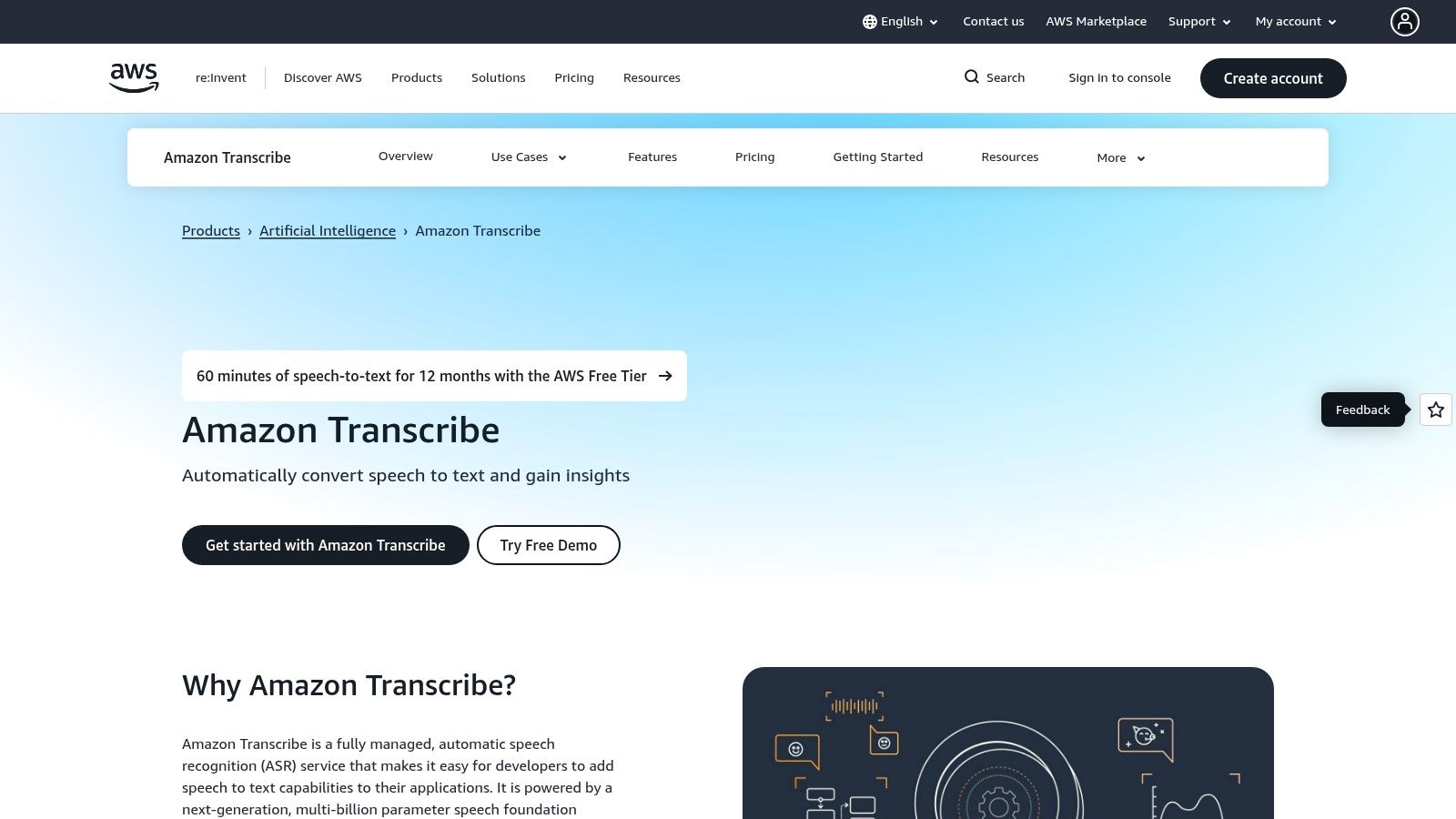
Accuracy and the advanced features are the draw, and new AWS customers get a real free tier to test them. You can process audio files in batches or transcribe audio streams in real-time. Amazon Transcribe excels at handling challenging audio, such as low-fidelity phone calls, and can identify multiple speakers (diarization) or process separate audio channels individually. This makes it ideal for building sophisticated applications, like automated call center analytics or media content indexing tools.
The setup is more involved than a simple download, requiring an AWS account and some technical knowledge to configure the service and integrate the API. However, for those needing production-grade transcription with the backing of a major cloud provider, the initial learning curve is well worth the effort. Its reliability and integration with other AWS services provide a pathway for building highly scalable transcription workflows.
Key Features & How to Access
- Access Requirements: Free AWS account required. The free tier includes 60 minutes of transcription per month for the first 12 months.
- Platform: Cloud-based service accessed via the AWS Management Console or API.
- Core Functionality: Provides both batch processing for pre-recorded audio files and real-time streaming transcription for live audio feeds. Supports advanced features like speaker diarization, custom vocabularies, and multi-channel audio.
- Best For: Developers, businesses, and technical users who need to integrate high-quality, automatic transcription into their own products, applications, or internal workflows.
Website: https://aws.amazon.com/transcribe
12. Microsoft Azure AI Speech (Speech-to-Text)
Microsoft Azure's AI Speech service is the other developer option. It is not a consumer app, but its "always free" tier — 5 audio hours a month — is enough to build and test real projects, with enterprise-grade accuracy and even custom model training available to free-tier users.
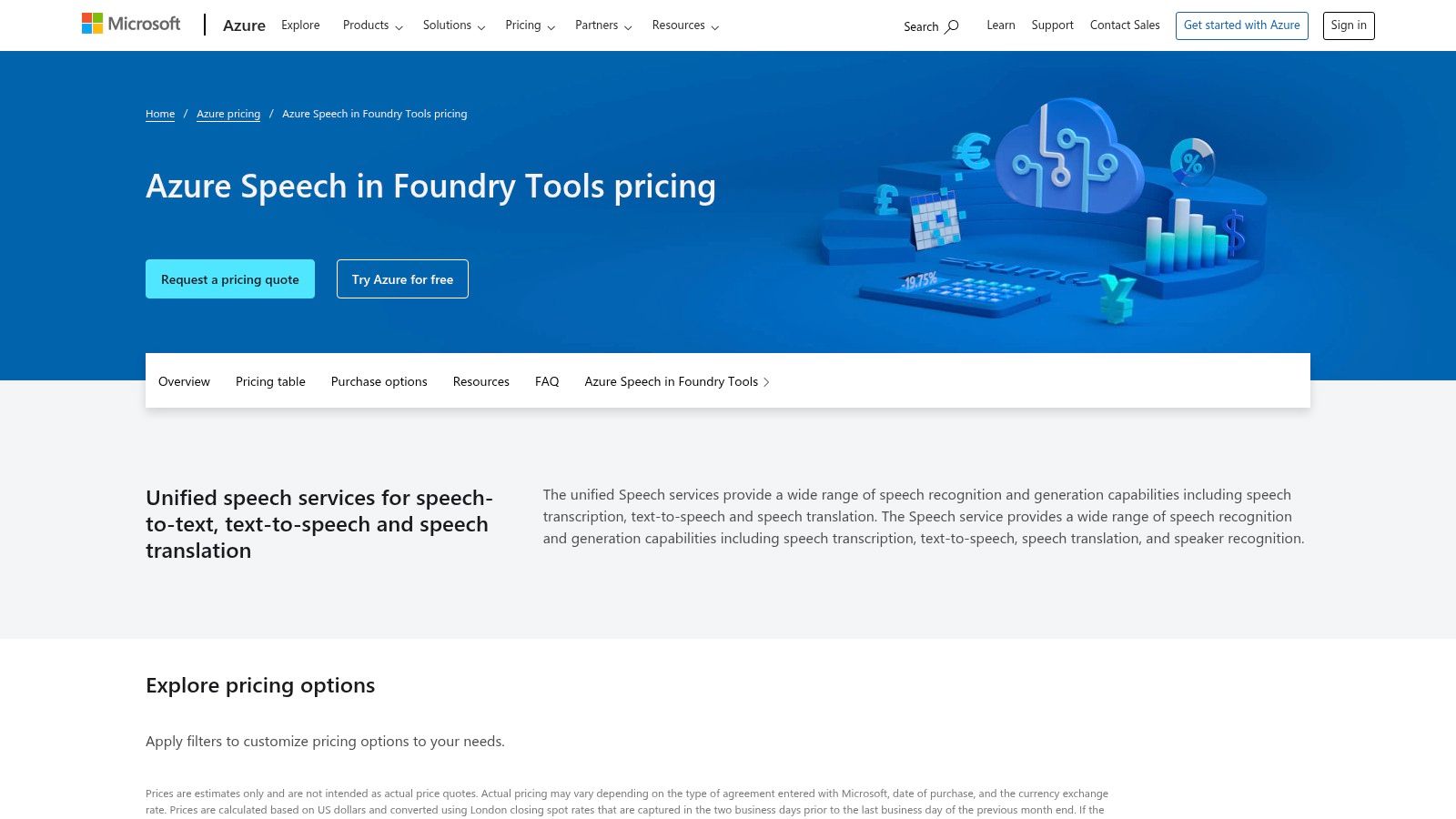
The service is fundamentally an API, meaning it requires some technical know-how to implement. Users need an Azure account and must configure the service to get API keys. However, Microsoft provides extensive documentation and SDKs for popular languages like Python, C#, and JavaScript, simplifying the integration process. This developer-first approach allows for immense flexibility, enabling transcription in custom apps, websites, or automated workflows. The platform’s free offering is ideal for prototyping a new software feature or handling low-volume transcription needs without any initial investment.
Azure’s platform includes advanced functionalities such as speech translation, speaker recognition, and diarization, even within the scope of its free services. This makes it a powerful backend for more complex audio processing tasks. By exploring the various top speech-to-text software options, you can see how Azure's developer-centric model compares to more user-friendly applications.
Key Features & How to Access
- Access Requirements: Free Azure account with a billing setup (no charge for free tier usage).
- Platform: Cloud-based API accessible via SDKs for various programming languages.
- Core Functionality: Provides 5 audio hours of standard speech-to-text per month for free, plus access to custom models, translation, and speaker recognition.
- Best For: Developers, hobbyists, and small businesses needing to integrate high-quality, free speech-to-text into their applications or internal tools for prototyping and low-volume use.
Website: https://azure.microsoft.com/pricing/details/cognitive-services/speech-services/
12 Free Speech-to-Text Tools — Feature Comparison
Final Thoughts
No tool on this list wins outright — each free tier trades something away, and the trick is picking the trade-off you can live with. Built-in tools (Windows Voice Typing, Apple Dictation, Google Docs) cost nothing and handle dictation; cloud platforms (HypeScribe, Otter.ai, Notta) add summaries and speaker labels but cap the free volume; open-source (Whisper, Vosk) is unlimited and private but wants a command line.
A student transcribing one lecture and a developer building offline transcription into an app need opposite things — which is why the "best free tool" question has twelve answers.
How to Choose the Right Free Tool for You
Making a final decision requires a clear-eyed assessment of your priorities. Before you commit to a single platform, consider these critical factors that we've highlighted throughout this guide:
- Your Primary Use Case: Are you transcribing live meetings, converting audio files, or dictating documents? A tool like Speechnotes is excellent for live dictation, while a service like Descript is built for editing audio and video content from pre-recorded files.
- Accuracy and Language Support: How critical is near-perfect accuracy? For technical jargon, multiple speakers, or accented speech, a sophisticated AI model like OpenAI's Whisper might be necessary. Also, confirm the tool explicitly supports your required languages and dialects.
- Platform and Accessibility: Where do you work? If you need a solution that works anywhere without installation, a web-based tool is ideal. If you require offline functionality for privacy or connectivity reasons, a program like Vosk is the only viable option.
- File Formats and Integration: Consider the entire workflow. Do you need to import various audio formats (MP3, WAV, M4A)? Do you need to export the transcript as a specific file type (TXT, DOCX, SRT)? Check these capabilities before investing time in a tool.
- Understanding the "Free" Limitations: "Free" almost always comes with a trade-off. Be realistic about the limits. This could be a cap on monthly transcription minutes (like with Otter.ai), a restriction on file size, or the absence of advanced features like speaker identification. Always read the fine print of the free tier.
Your Actionable Next Steps
Armed with this information, your path forward is clear. Don't just read about these tools; experiment with them.
- Shortlist Your Top 3: Based on the comparison table and detailed reviews in this article, select three programs that appear to best match your needs.
- Run a Test Project: Take a representative audio sample, perhaps a 5-minute meeting recording or a short voice memo, and run it through each of your shortlisted tools.
- Compare the Output: Evaluate the results side-by-side. Assess not just the raw accuracy but also the formatting, punctuation, and ease of editing. How much manual cleanup was required for each?
- Evaluate the User Experience: Which interface felt the most intuitive? Which tool integrated most smoothly into your existing process? The one that feels least like a chore is often the one you'll stick with.
An hour of testing on your own audio tells you more than any review — including this one. The speech to text programs free tiers above cost nothing to try, so try three.
If your test file is longer than 30 minutes, start with HypeScribe: the free plan takes 3 files a month up to an hour each, and one file costs one token regardless of length — with a summary, action items, and Q&A on top of the transcript. Try it free, no card required.
Related reading