How to Transcribe Video to Text Online Free: An Editor's Guide

Transcribing your video isn't just a technical task—it's one of the smartest things you can do for your content strategy. I've found it's the best way to take a single video and unlock its potential to be found, read, and shared in a dozen different ways.
Why Should You Transcribe Your Videos?
Before we get into the "how," it’s crucial to grasp the "why." If you're new to this, it’s worth understanding what video transcription entails and how it works. In a nutshell, transcription gives your spoken words a text-based life, making them discoverable and accessible to a much wider audience.
Let's be honest: search engines can't watch a video. They read text. By providing a transcript, you're handing Google a script of everything you said, which dramatically boosts your video's SEO. Suddenly, people searching for the niche topics you discussed can actually find you.
This isn’t a small trend. The global online transcription market is expected to reach USD 3.5 billion by 2025. This growth is fueled by everyone from media companies to online educators realizing they need accurate, searchable text versions of their audio and video content.
Squeeze Every Ounce of Value from Your Content
Think about that one-hour webinar you poured your heart into. As a video, it’s a single asset. But with a transcript? It’s a goldmine.
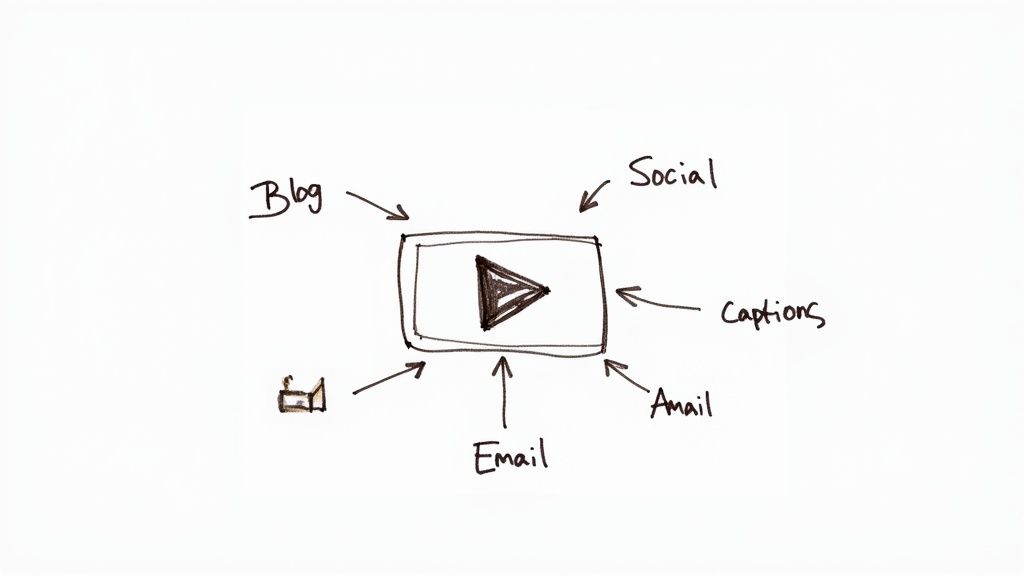
- Blog Posts: Pull out a 10-minute segment and you have a detailed, 1,500-word article ready to go.
- Social Media: Grab a handful of powerful quotes and turn them into shareable graphics or tweets.
- Email Newsletters: Summarize the key takeaways for a quick, value-packed email to your subscribers.
This is how you stop the content creation hamster wheel. Instead of starting from scratch every time, you’re building a connected ecosystem of content from a single recording. For anyone on YouTube, a reliable YouTube video to text converter is the first step in making this happen.
The real magic of transcription is multiplication. It makes your work more searchable, more accessible, and far more versatile, ensuring every word you speak delivers the most impact possible.
Choosing Your Transcription Path: AI vs. Manual
So, you need to turn a video into text. The first big decision you'll face is whether to let an AI handle it or to roll up your sleeves and do it manually. There’s no single right answer here—the best choice really comes down to what you value most for this specific project: speed, accuracy, or cost.
Let's break down the two main approaches.
AI vs. Manual Transcription At a Glance
This table gives you a quick snapshot to help you decide which method fits your needs.
As you can see, it's a classic trade-off. You're either paying with your time and money for precision, or you're saving both by accepting a transcript that's good but might need a little cleanup.
When to Go with AI Transcription
Let’s be honest: for most of us looking for a free online tool, AI is the way to go. The technology has gotten incredibly good, incredibly fast. This is a huge reason why the U.S. transcription market is expected to rocket past USD 32 billion by 2025. Speed is everything these days, and you can get more details on the growing transcription market trends.
Think about these common situations where I've found AI to be the clear winner:
- Quick Meeting Notes: You just need a searchable text file of your last team sync to find who agreed to what.
- Repurposing Content: You're turning a video interview or webinar into a blog post, but you know you’ll be editing and rewriting it anyway.
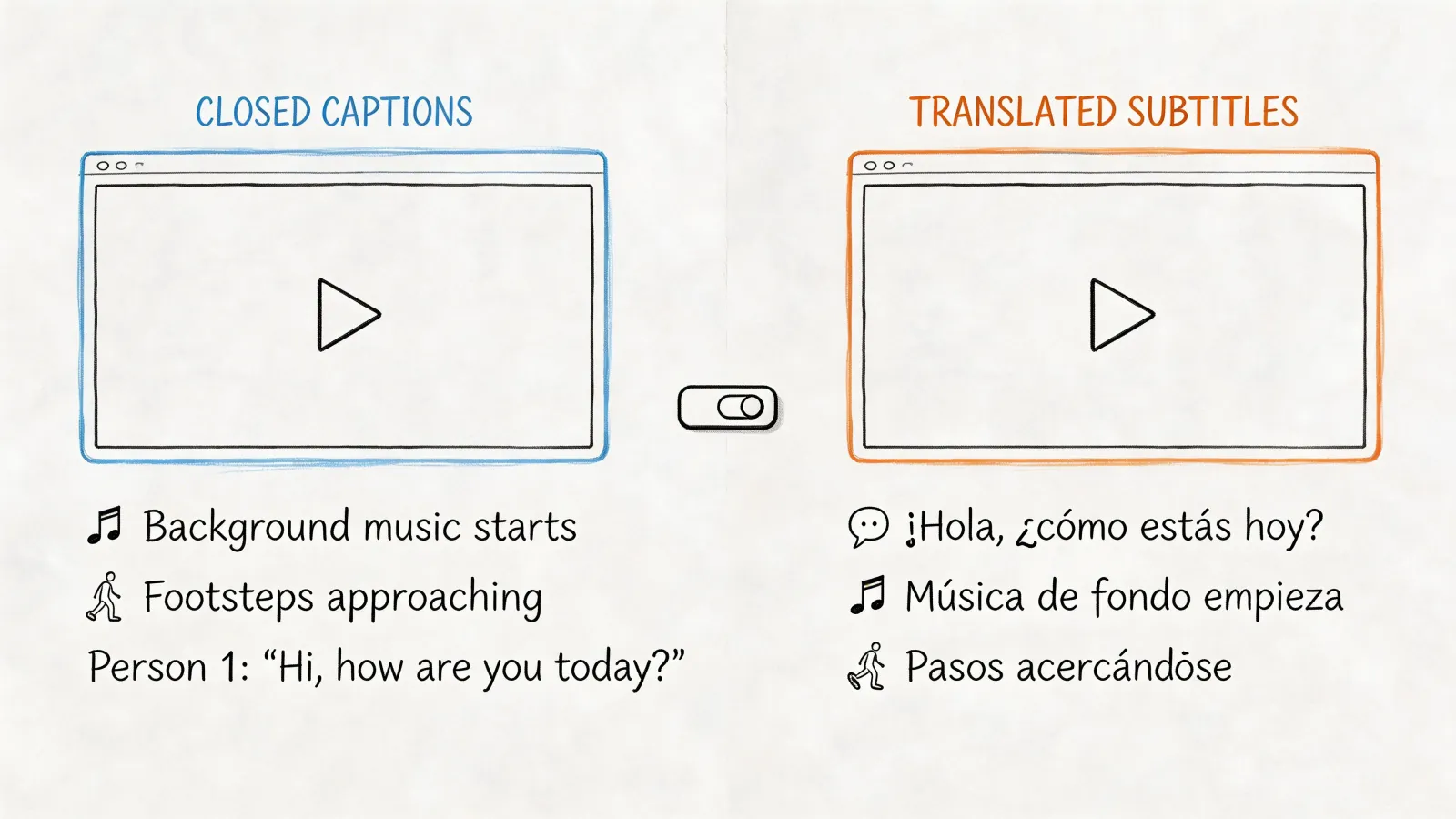
- Fast Subtitles: You need to get captions onto a social media video now, and perfection isn't the goal.
In these cases, an accuracy rate of 85-95% is more than enough to get the job done. You can always give it a quick scan and fix any glaring errors yourself.
Many modern AI video editing software tools even have transcription built right in, making it a seamless part of the video creation process.
Key Takeaway: For projects where speed and cost are the most important factors, AI transcription is your best friend. It turns spoken words into useful text almost instantly, letting you move on to the next task.
Why Manual Transcription Still Matters
On the flip side, manual transcription, done by a real person, is still the undisputed champion of accuracy. A human can easily untangle conversations with multiple speakers talking over each other, decipher thick accents, and understand niche industry jargon that would completely stump an algorithm.
This level of precision is non-negotiable for things like legal depositions, academic research, or any final product where every single word must be perfect. The catch? It takes a ton of time and, if you hire a professional, it won't be free.
How to Get Your Video Transcribed for Free Online
Diving into a free online transcription tool is surprisingly straightforward. Most services have an intuitive process that gets you from a video file to a text document in just a couple of minutes. It all starts with getting your video into their system, which usually means either uploading a file or just pasting a link.
The demand for this kind of tech is absolutely soaring. In 2024, the AI transcription market was already worth around USD 4.5 billion. By 2034, it’s projected to hit a staggering USD 19.2 billion. It makes sense when you think about all the video content we’re all creating for remote meetings, online courses, and social media. If you're curious, you can find more stats on the automated transcription market's rapid growth.
Getting Your Video into the System
Most free tools make adding your video dead simple. Look for a big, obvious button or a drag-and-drop area to upload a file right from your computer.
What if your video is already living online—like on YouTube or Vimeo? Many services let you skip the download-then-upload hassle by just pasting the video's URL. HypeScribe, for example, lets you plug in links from YouTube, Instagram, and even Google Drive, which is a huge time-saver if you work with a lot of cloud-based content. The process is pretty much the same whether you're working with video or just audio, which we cover in our guide on how to convert audio to text online for free.
From Upload to Transcript
Once your video is in the system, the tool will usually ask you to confirm the language spoken. Don't skip this—it's crucial for getting an accurate transcript. Some of the smarter tools might also ask you to specify how many people are speaking, which helps a lot with speaker labels later on.
After you've set those options, you just hit "go" and let the magic happen.
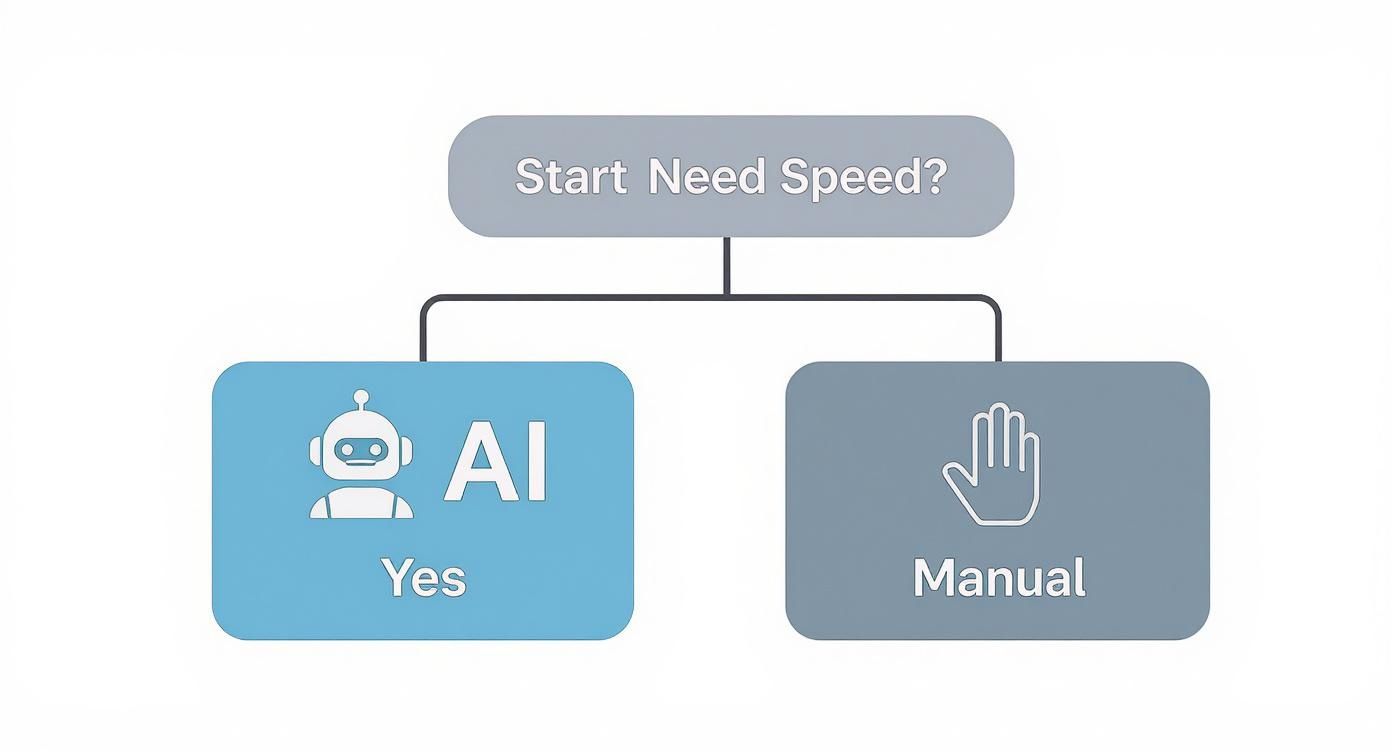
This really boils it down to one key question: how fast do you need it? If the answer is "now," AI is the clear choice.
So what happens next? The AI engine kicks into gear, breaking down the audio, matching speech patterns to text, and even throwing in some basic punctuation. The whole thing is automated and incredibly fast. A task that might take a person hours to transcribe by hand can often be done in just a few minutes, depending on your video's length. You'll typically see a progress bar tracking the job, and most services will shoot you an email when your transcript is ready to look at.
Secrets to Getting a More Accurate Transcript
Let's be honest: an AI is only as smart as the audio you feed it. If you want a top-notch transcript that barely needs any cleanup, you have to give the system clean, clear source material to work with. It really comes down to that old saying, "garbage in, garbage out."
The biggest culprit I see ruining transcripts is background noise. That humming air conditioner, the faint sound of a fan, or even distant chatter can throw an AI for a loop. Do yourself a favor and record in a quiet room. If that’s not possible, a good noise-canceling mic can be a lifesaver.
Another key factor is how people speak. When speakers are clear, don't mumble, and maintain a steady pace, the AI's job becomes infinitely easier. The real accuracy killer? People talking over each other. One person speaking at a time is a simple rule that pays huge dividends.
Prepping Your Audio for Best Results
Before you even think about uploading your file, spending just a couple of minutes on audio prep can save you a mountain of editing headaches later. These quick tweaks are my go-to's for anyone looking to transcribe video to text online free and get something that looks professionally done.
- Boost Low Volume: Is the audio super quiet? Use a basic audio editor to amplify the track before you upload it. Most free editors have a "normalize" function that works perfectly for this.
- Check Mic Placement: A microphone sitting too far away from the speaker is a recipe for disaster. It picks up all the echo and room noise, which muddies the main voice.
- Use a High-Quality Format: I know it's not always an option, but if you can, start with a less compressed format. A WAV file, for example, holds much more audio detail for the AI to analyze than a low-quality MP3.
Remember, the goal is to make the AI's job as easy as possible. The less guesswork the AI has to do, the more accurate your first draft will be, and that means way less time spent on manual corrections.
Once the AI has done its magic, the final pass is all you. Just give the text a quick scan. I always look for industry jargon, company names, and people's names, as these are the most common things an AI will stumble on. Fixing those few items is often all it takes. For a deeper dive into perfecting your output, check out our guide on using a video to text converter.
Polishing and Exporting Your Final Transcript
Getting that raw text from the AI is a huge time-saver, but the real magic happens in the final polish. This is where you transform a stream of words into a clean, genuinely useful document.
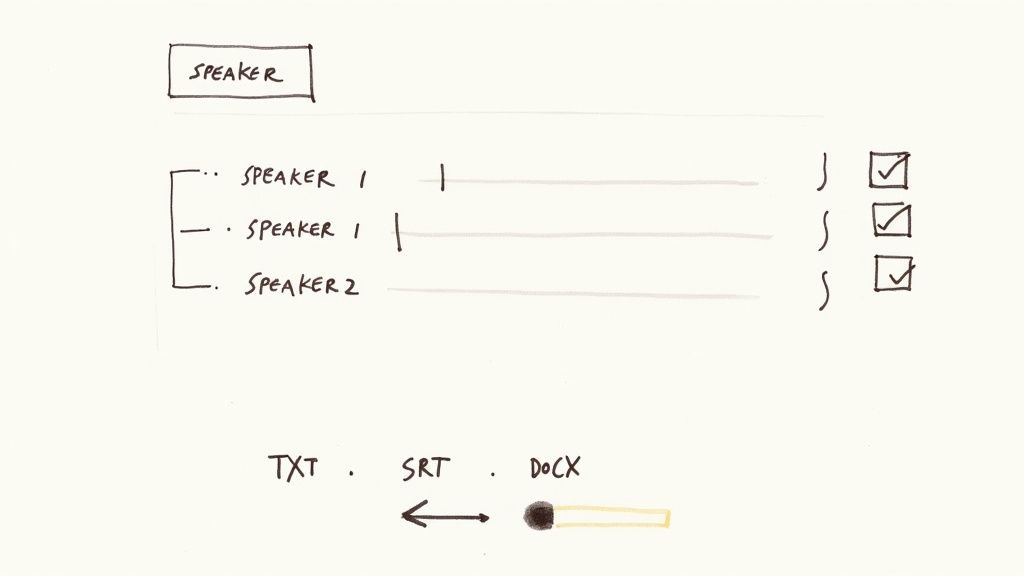
Most online transcription editors are built for this. They usually display the text right alongside your video's timeline, which is incredibly helpful. You can just hit play and edit any mistakes as you hear them. The first thing I always do is sort out the speakers. If you have a conversation with multiple people, assigning a name to each voice makes the whole transcript infinitely easier to read.
After that, it's time for a quick proofread. Modern AI is impressively accurate, but it’s not perfect. It often stumbles over unique names, industry-specific jargon, or words spoken with a thick accent. A quick scan to catch these little things really elevates the final product.
The goal isn't word-for-word perfection—it's about creating a useful asset. A clean, well-formatted transcript is something you can use again and again. In fact, research shows 25% of people actually prefer reading a transcript to watching the video, simply because it's faster.
Choosing the Right Export Format
Once you're happy with the edits, all that's left is to export your work. The format you pick really just depends on what you need the transcript for. When you transcribe video to text online free, these are the common options you'll run into:
- TXT (.txt): This is as basic as it gets—just plain text, no formatting. It’s perfect if you just need to copy and paste the content into an email or a simple note.
- DOCX (.docx): Heading to a blog post, article, or formal report? A Word document is your best friend. It keeps all the formatting intact and is easy for anyone to edit.
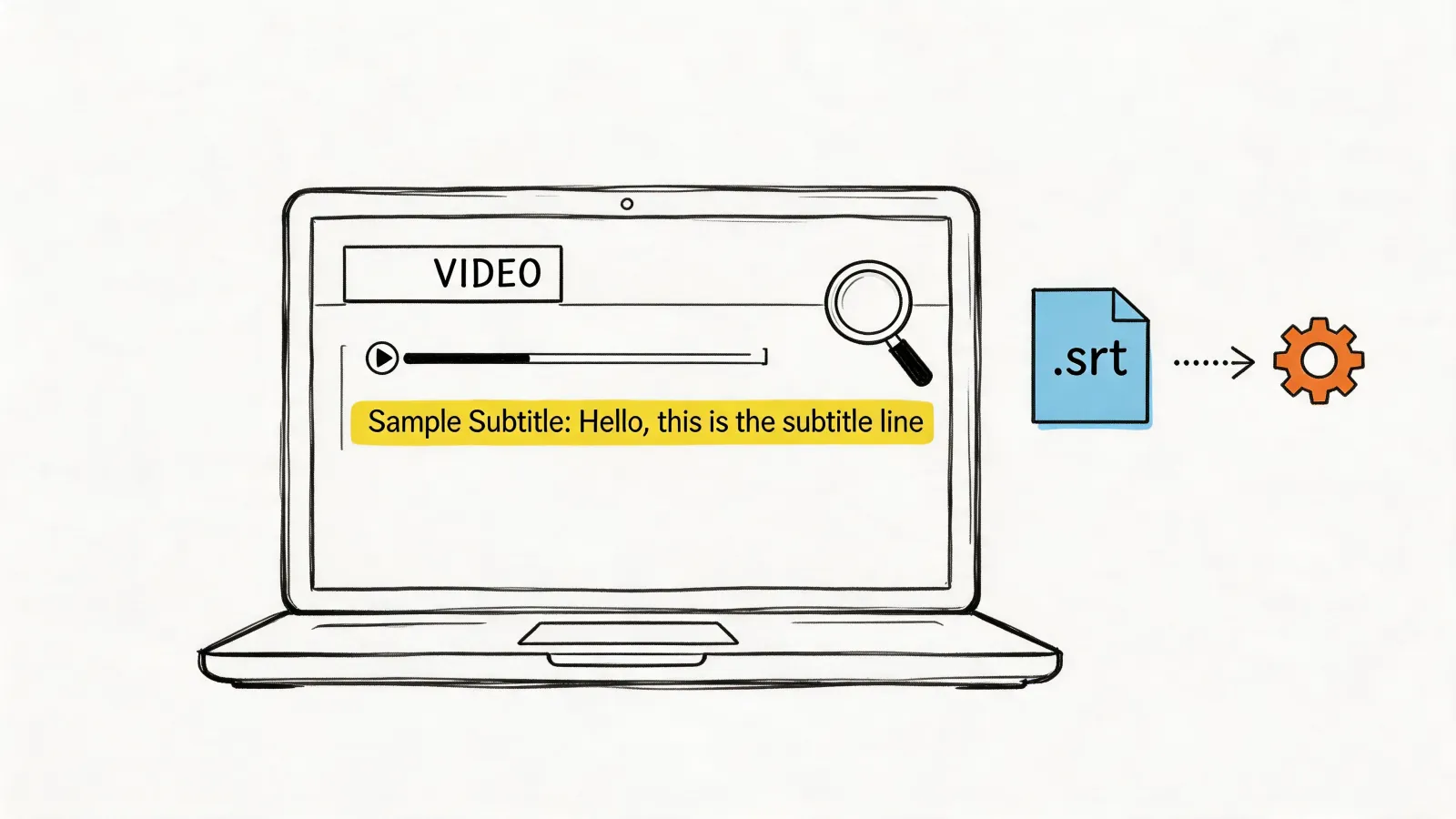
- SRT (.srt): This one is the gold standard for video captions. An SRT file is special because it contains not just the text but also precise timestamps. This ensures your captions sync up perfectly on platforms like YouTube or social media videos.
The choice is pretty simple. If you're repurposing your video into an article, go with DOCX. If you need to create accessible and engaging video captions, SRT is the way to go.
Common Questions About Free Video Transcription
When you first start looking into transcribing videos for free, a handful of questions pop up almost immediately. Let's get those sorted out right away, because knowing the answers can save you a ton of headaches down the road.
People always ask about speed first. With AI tools, the turnaround is incredibly fast. You can often get a transcript for a one-hour video in just a few minutes. It's a game-changer.
Manual transcription, on the other hand, is a completely different story. Even a seasoned pro will need about four to six hours to get through one hour of clear audio. That's a huge time commitment.
How Safe Are These Free Tools, Really?
This is a big one. You're uploading your content, so you have every right to be concerned about privacy. Most reputable services use encryption to keep your files safe while they're being uploaded and processed. Still, I always tell people to read the privacy policy before uploading a single file.
For anything truly sensitive or confidential, I'd steer clear of free platforms unless you've vetted their security policies and feel completely comfortable. It’s usually worth investing in a secure, paid service for peace of mind when privacy is critical.
What's the Best Video Format to Use for Accuracy?
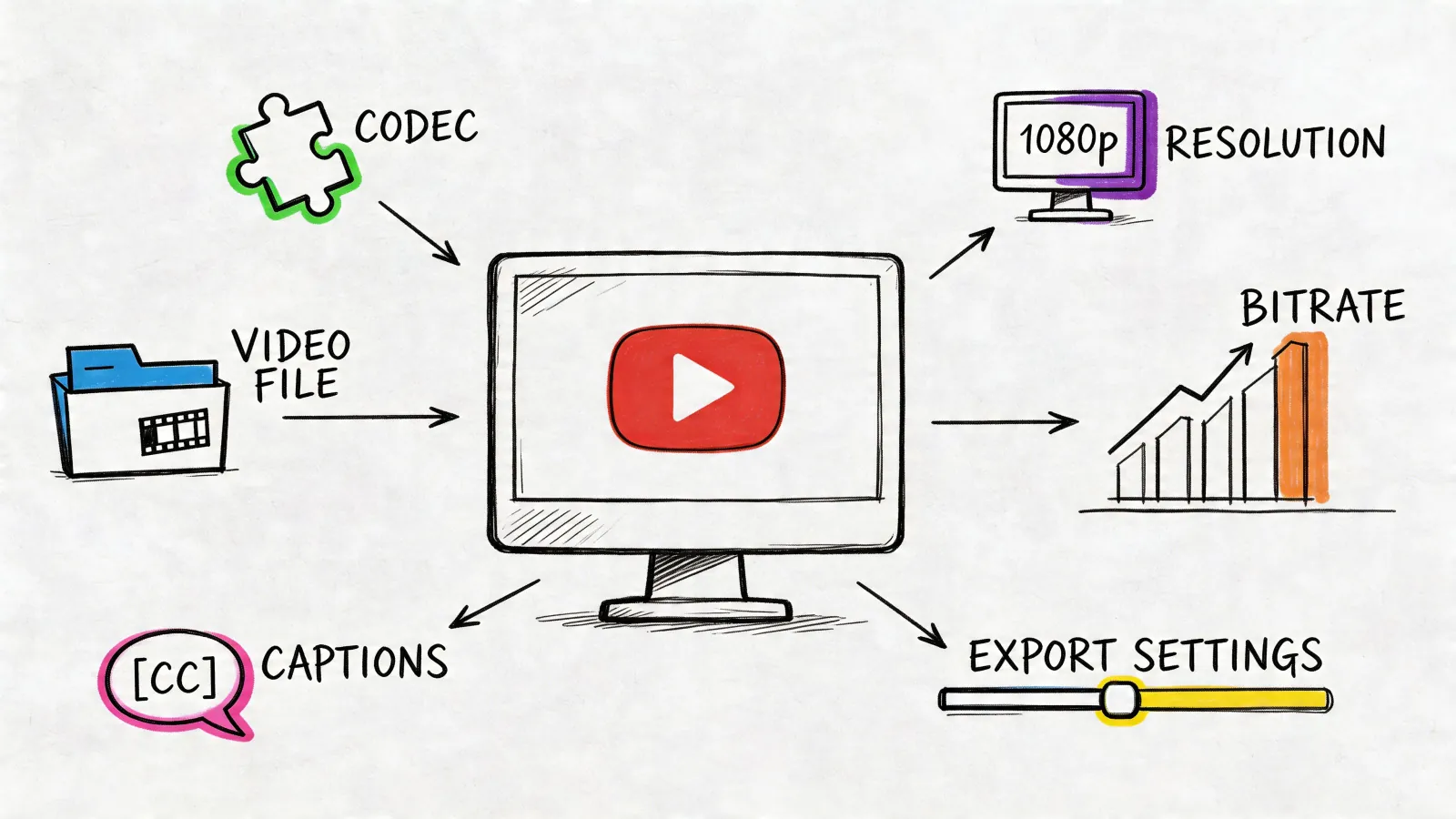
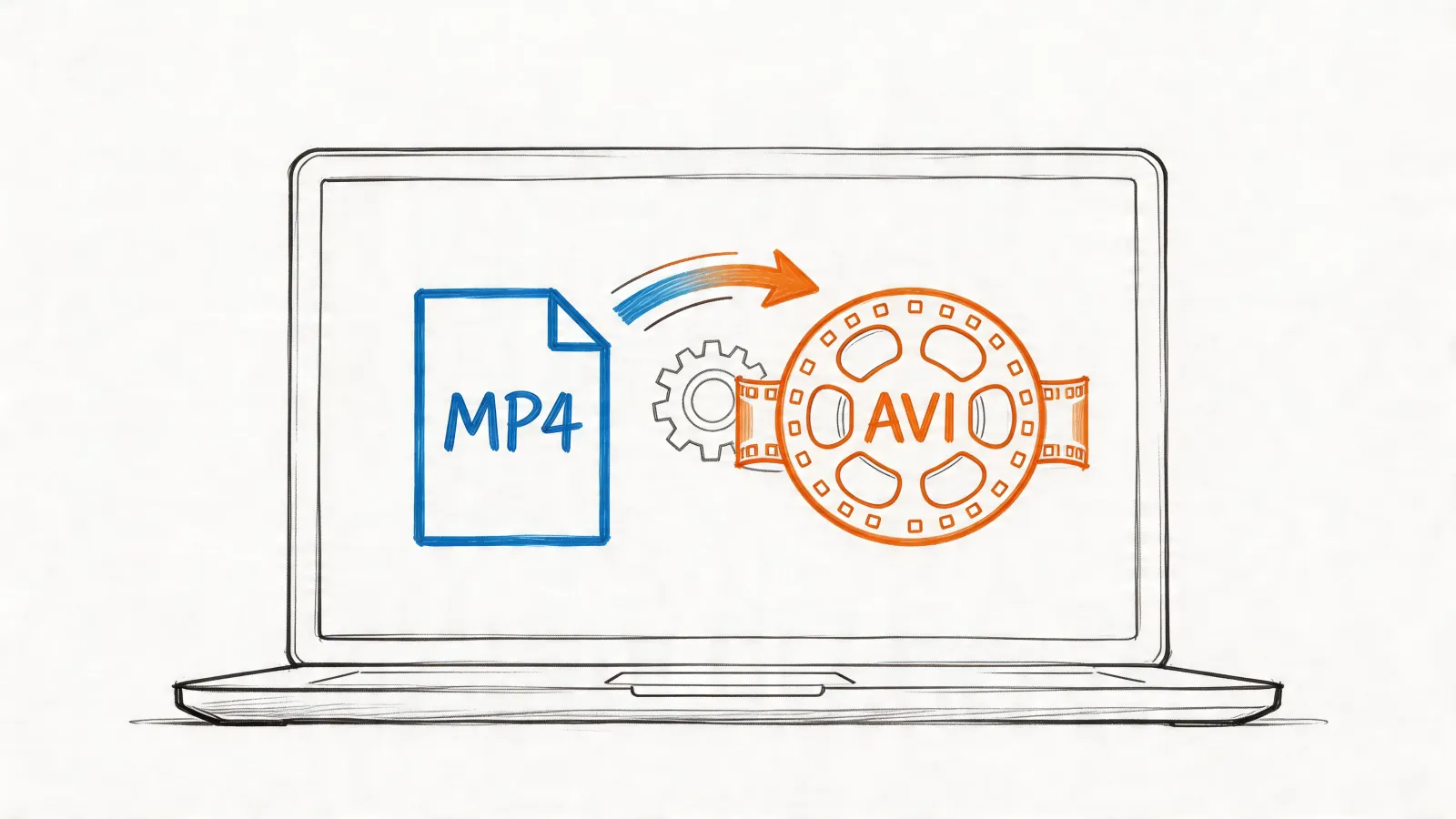
It's easy to get hung up on video formats like MP4 or MOV, but here's a little industry secret: the video format itself doesn't matter nearly as much as the quality of the audio inside that video. A crystal-clear audio track is what makes or breaks transcription accuracy.
To get the best results from any transcription tool, you need to focus on the source audio.
- Kill the background noise. Recording in a quiet space is non-negotiable.
- Speak clearly. Mumbling or heavy accents can really trip up the AI.
- Avoid crosstalk. When people talk over each other, it's the number one reason for transcription errors.
Honestly, the single best thing you can do for accuracy happens long before you upload anything. It's using a decent microphone during the original recording.
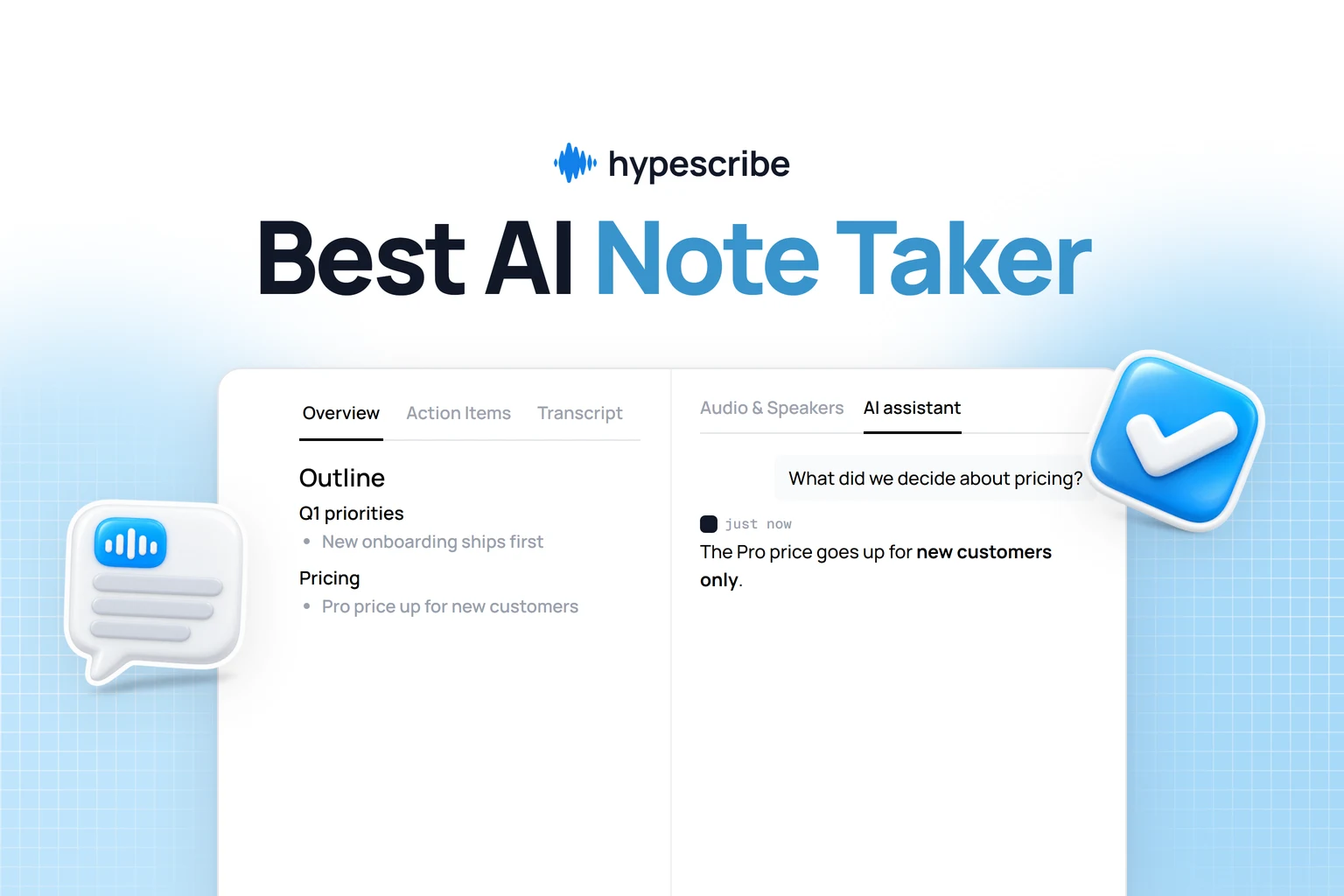
Ready to see how fast and accurate transcription can be? HypeScribe can turn your videos into text, create summaries, and pull out action items in seconds. Give HypeScribe a try for free and see for yourself.