
The 12 Best Free Transcription Software Options for 2026

Free transcription is genuinely usable now. The question is which free tier fits your recordings — the limits differ more than the accuracy does. But who has the time for tedious manual transcription or the budget for expensive services? The good news is, you often don't need either. The ecosystem of AI-powered tools has matured significantly, and finding the best free transcription software can fundamentally transform your workflow, whether you're a student, journalist, content creator, or part of a fast-moving team.
This guide is designed to cut directly through the noise and advertising claims. I've personally tested and evaluated the top contenders, focusing on the metrics that truly matter: transcription accuracy, generous free-tier limits, and practical features that solve real-world problems. Instead of just listing features, I'll show you which tools excel at transcribing messy meeting recordings versus which are better suited for clear, recorded lectures. I'll also highlight the critical limitations you need to know about before committing to a platform, helping you find the perfect fit for your specific needs—all without opening your wallet.
My goal is to provide a clear, actionable resource. You'll find a detailed breakdown of each tool's strengths, weaknesses, and ideal use cases. Each option is presented with screenshots and direct links to get you started immediately. To explore a comprehensive guide on the 12 best free transcription software options for 2025, you can refer to this article for an in-depth analysis that helps you make a truly informed decision. Let's find the right free tool to automate your transcription and reclaim your time.
1. HypeScribe
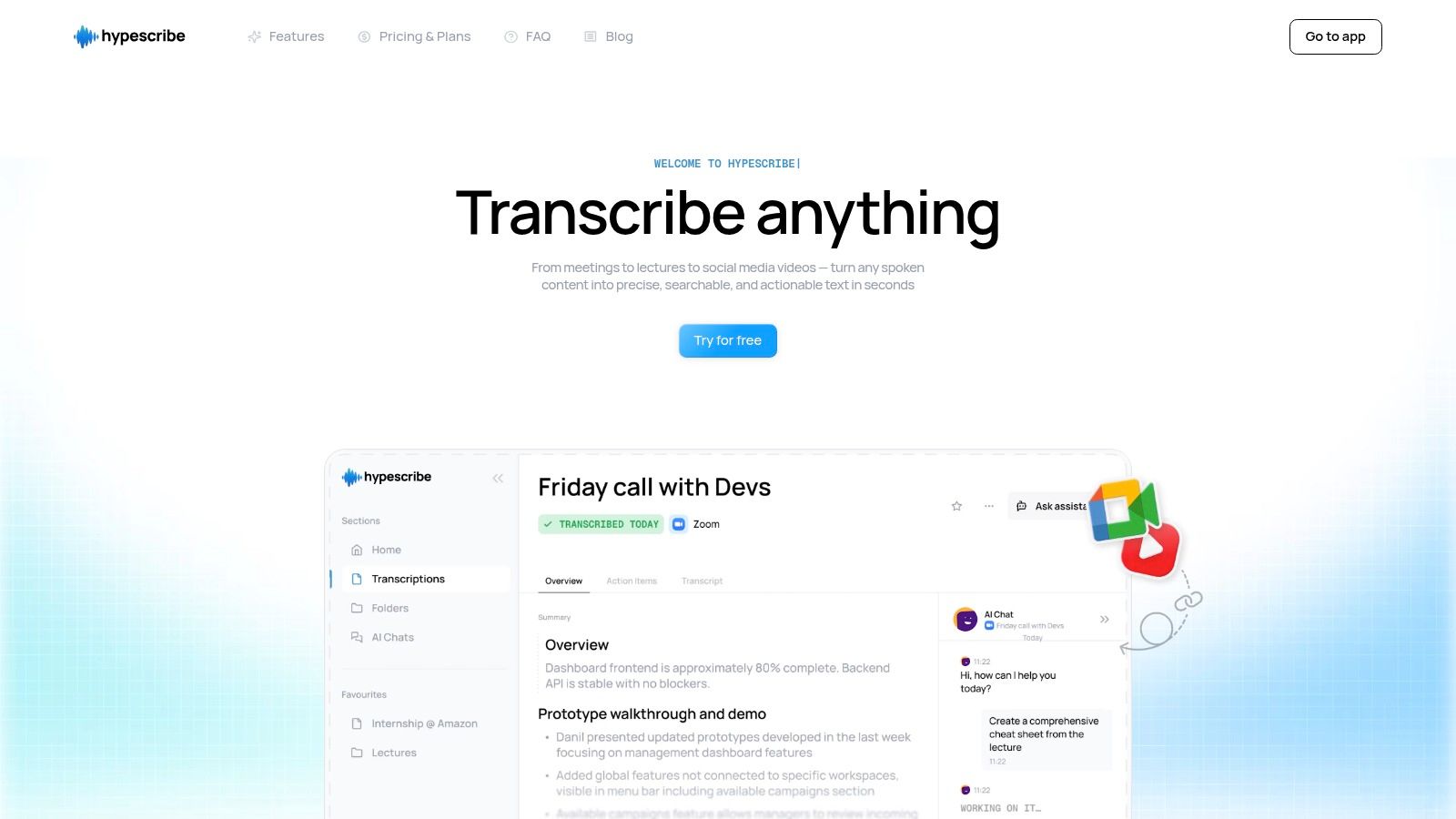
HypeScribe secures its top position by delivering an exceptional combination of speed, accuracy, and workflow-enhancing features that few competitors can match. It’s engineered not just to convert audio to text, but to transform spoken content into a structured, searchable, and actionable asset. This makes it an invaluable tool for professionals, students, and content creators who demand more than just a raw transcript.
The platform's core strength lies in its proprietary, self-improving AI, which achieves up to 99% accuracy across more than 100 languages. From my testing, it excels at handling various accents and filtering out background noise, a common failure point for many transcription tools. Where HypeScribe truly innovates is its token-based system: one token transcribes one file, regardless of duration. This unique approach liberates users from the restrictive per-minute billing common elsewhere, making it ideal for transcribing long-form content like lectures, extended interviews, or multi-hour meetings without financial penalty.
Key Features and Use Cases
HypeScribe is more than a transcriber; it's a productivity hub designed for modern workflows. Its features directly address common pain points for a diverse user base.
- Lightning-Fast Processing: Transcribe an hour of audio in under 30 seconds, a game-changer for journalists on a deadline or teams needing immediate meeting notes.
- Intelligent Summaries & Action Items: Beyond the transcript, HypeScribe automatically generates concise summaries, key takeaways, and a list of action items. This is perfect for project managers and teams who need to move from discussion to execution quickly.
- Broad Content Integration: Users can upload files, paste links from platforms like YouTube and Google Drive, or use the built-in recorder. The live NoteTaker integration for Zoom, Google Meet, and Microsoft Teams makes it one of the best choices for remote collaboration.
- File-Aware Chatbot: Ask questions about your transcribed content directly. A student could ask, "What were the main points about quantum mechanics?" and receive an instant, accurate summary from their lecture transcript.
Pricing and Plan Limits
HypeScribe offers a straightforward token-based model. The free plan provides a solid entry point to test its full capabilities.
PlanFiles per MonthMeeting NoteTakerPriceFree Trial3 (up to 1 hr each)NoFreeStarter30No$6.99/monthPro6010 meetings$7.99/monthUltra30030 meetings$12.99/month
Unused tokens conveniently roll over month-to-month on paid plans.
Pros and Cons
Pros:
- Unlimited File Length: The token system removes duration limits, ideal for long-form content.
- Exceptional Speed and Accuracy: Delivers highly accurate transcripts in seconds, even with challenging audio.
- Actionable Outputs: Automatic summaries and action items add significant value beyond a simple text file.
- Versatile Integrations: Works seamlessly with file uploads, web links, and live meetings.
- Enterprise-Grade Security: Features end-to-end encryption and allows users to delete source files and transcripts.
Cons:
- File-Based Free Plan: The free tier is limited to three files per month, which might be restrictive for users with many short recordings.
- Audio Quality Dependency: While robust, the highest accuracy is achieved with clear audio; heavily distorted recordings may need manual edits.
For those wanting to master the process, you can find a comprehensive guide on how HypeScribe turns audio into text.
Website: HypeScribe
2. Otter.ai
Otter.ai has become a go-to name in the world of meeting assistants, cementing its spot as one of the best options for real-time note-taking. It excels at transcribing live conversations from popular conferencing platforms like Zoom, Google Meet, and Microsoft Teams. The platform’s "OtterPilot" can automatically join your calendar meetings, record audio, and generate a transcript complete with speaker labels and a concise AI summary.
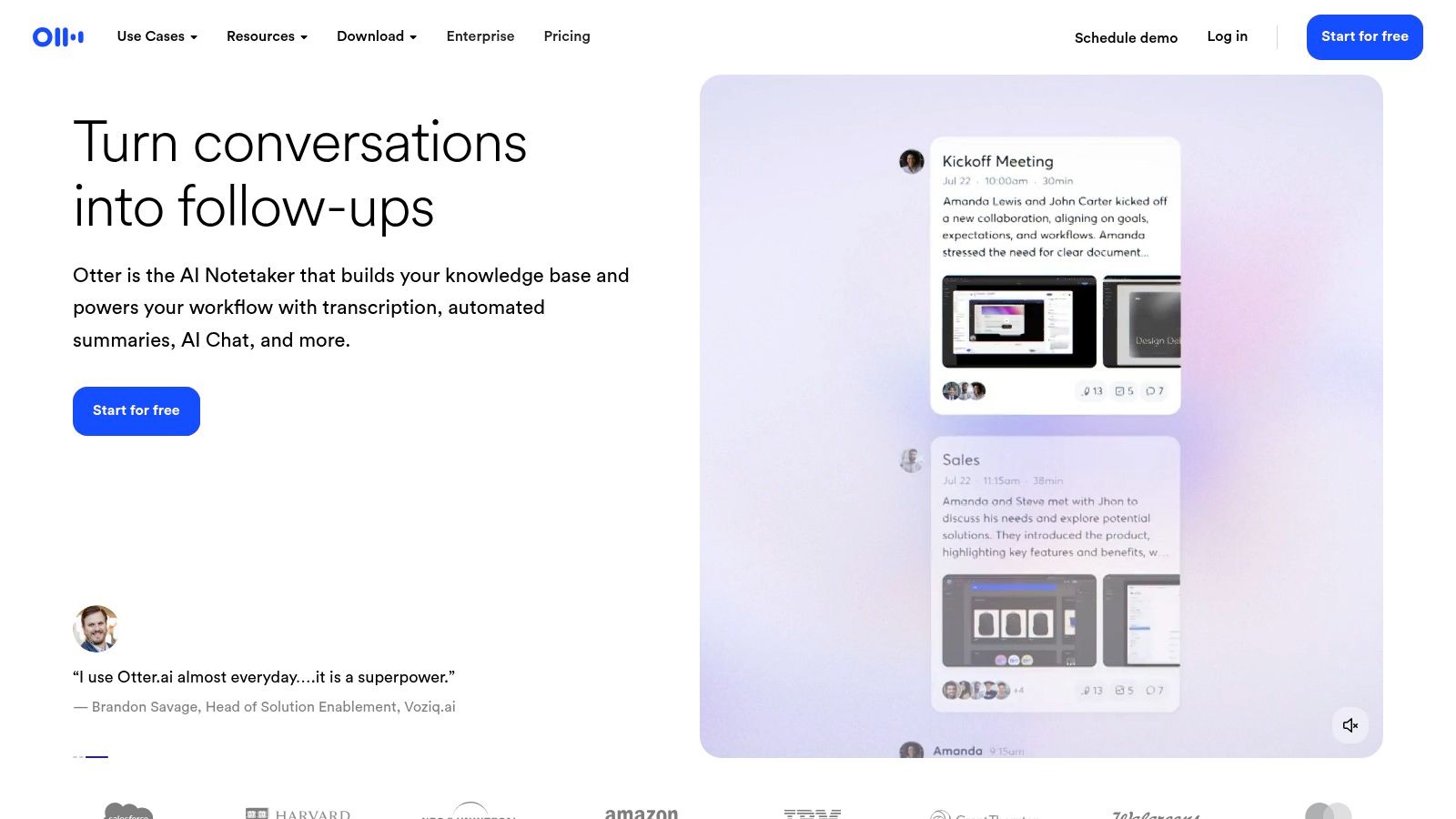
This makes it an invaluable tool for students recording lectures, journalists conducting interviews, or remote teams needing to capture action items without a dedicated notetaker. From my experience, the user interface is clean and intuitive, making it easy to onboard and start transcribing immediately.
Free Tier Limitations & Use Case
The free plan is generous enough for light, consistent use. You get 300 monthly transcription minutes, with a cap of 30 minutes per conversation. While you can connect your calendar for live meeting transcriptions, the free tier only allows you to import and transcribe a maximum of three audio or video files in total.
Ideal for: Individuals and small teams who primarily need live transcription for meetings and lectures rather than processing a large backlog of existing audio files.
Key Features and Assessment
Pros:
- Excellent for live meeting and lecture transcription
- Helpful AI summaries and keyword highlights
- Clean, user-friendly interface on web and mobile
Cons:
- Strict 30-minute cap per recording on the free plan
- Very limited audio/video file imports (3 total)
Website: https://otter.ai/
3. Descript
Descript approaches transcription from a unique angle, integrating it into a full-fledged audio and video editor. This makes it an outstanding choice for content creators, podcasters, and anyone who needs to not just transcribe, but also edit and repurpose their media. The platform’s core innovation is "text-based editing," where deleting a word in the transcript also removes the corresponding audio or video from your timeline.
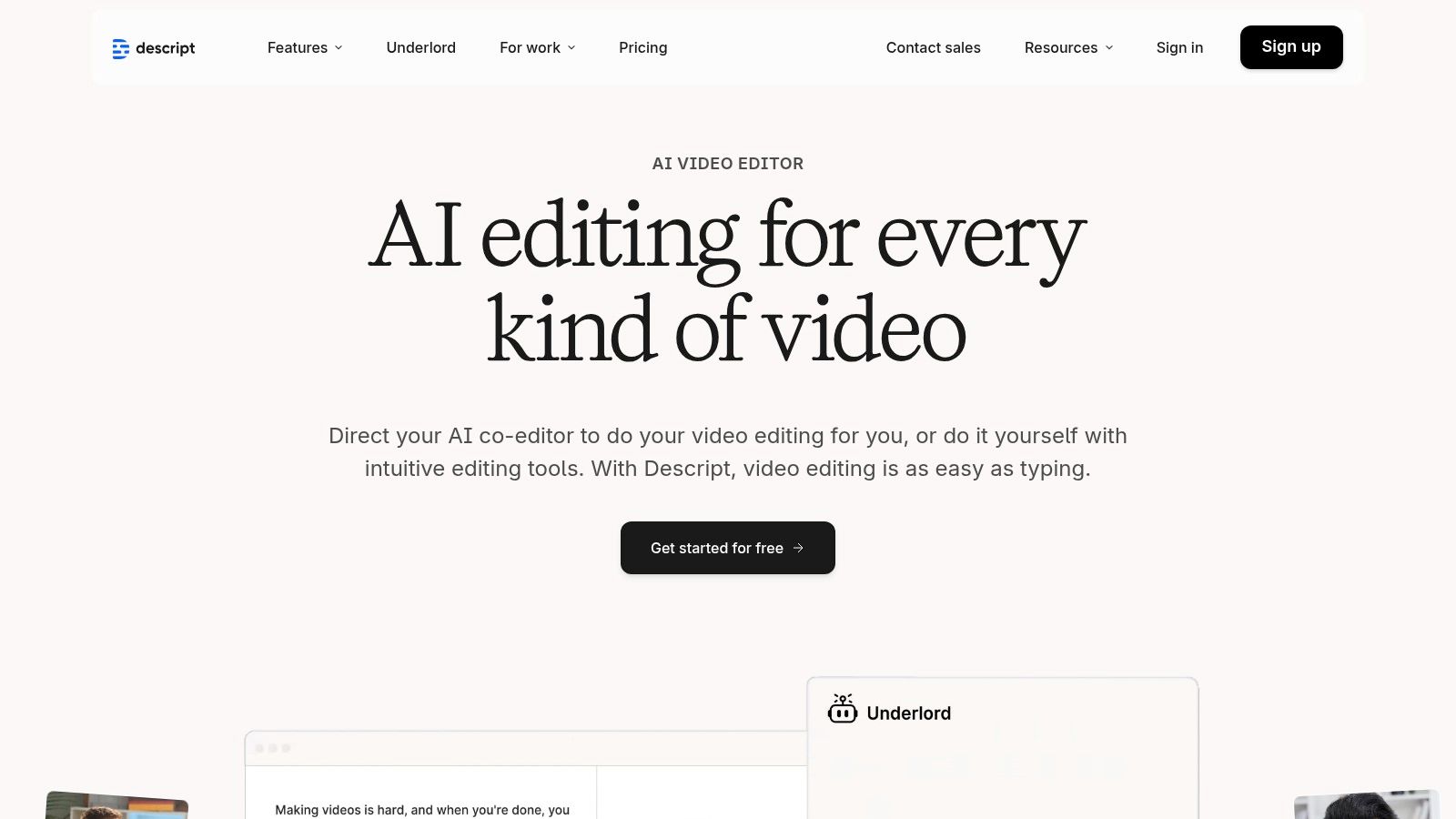
This workflow is incredibly intuitive for trimming filler words, creating short clips for social media, or structuring a narrative directly from the text. It streamlines the entire process from raw recording to finished product, making it a powerful tool for anyone producing polished content. In my use, the user experience felt clean and modern, although the software is more resource-intensive than a simple web-based transcriber.
Free Tier Limitations & Use Case
The free plan offers one hour of transcription per month, which is less than some competitors but resets monthly. Users are also limited to one non-watermarked video export per month, though audio exports are unlimited. This makes the free version suitable for smaller projects or for those who want to test the editing workflow before committing.
Ideal for: Podcasters, YouTubers, and course creators who need a seamless workflow from transcription to media editing and content repurposing.
Key Features and Assessment
Pros:
- Revolutionary workflow combines transcription with editing
- Excellent for repurposing content into clips and captions
- Clean, beginner-friendly user interface
Cons:
- Limited to 1 hour of transcription per month on the free plan
- The desktop application is more demanding than browser-based tools
Website: https://www.descript.com/
4. Notta
Notta positions itself as a powerful, all-in-one meeting and transcription service, earning its spot on this list for its blend of live capture and file processing. It is designed for both real-time meeting assistance and transcribing existing audio/video files, offering a versatile solution for a wide range of users. With a handy Chrome extension for capturing audio from any tab and seamless cross-device synchronization, Notta makes it easy to record and review transcripts anywhere.
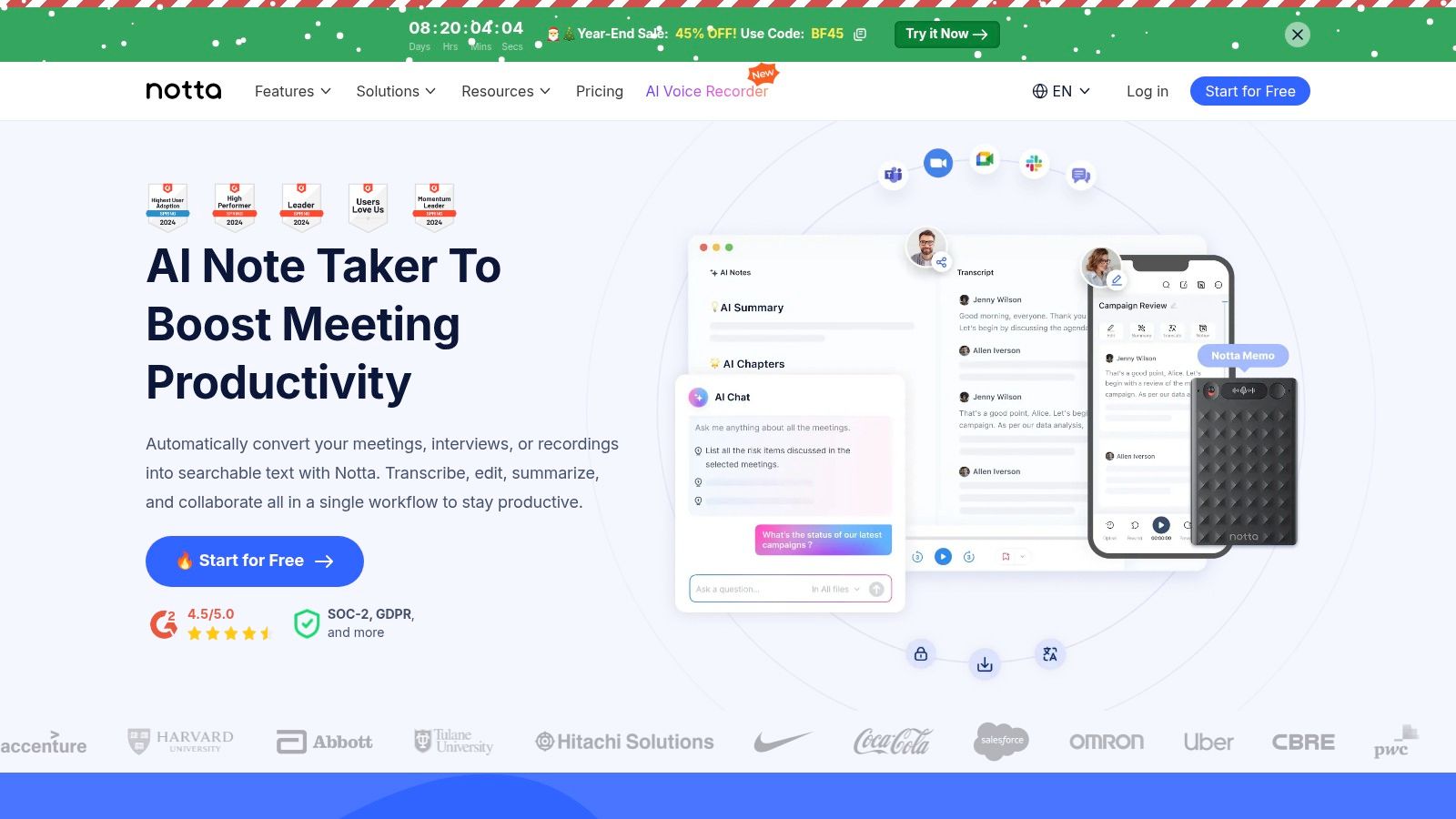
The platform provides a clean user experience, allowing for quick uploads and straightforward exports. Its AI-powered summaries help users distill key points from lengthy conversations, making it a productive tool for students, professionals, and content creators alike.
Free Tier Limitations & Use Case
The free plan offers a recurring monthly allowance of 120 minutes, which is a significant advantage over lifetime caps. However, live transcription is limited to 3 minutes per session, and file uploads are capped at 5 minutes per file. This makes the free version suitable for transcribing short audio clips, voice memos, or brief meeting segments rather than full-length lectures or interviews.
Ideal for: Individuals who need to transcribe numerous short audio or video clips regularly and value the recurring monthly minute allowance for personal note-taking.
Key Features and Assessment
Pros:
- Generous recurring monthly transcription minutes
- Clean, simple user interface on web and mobile
- Cross-device sync keeps notes accessible everywhere
Cons:
- Very restrictive per-recording time limits (3-5 minutes)
- Advanced export options are behind the paywall
Website: https://www.notta.ai/
5. OpenAI Whisper (open-source)
For users who prioritize privacy, control, and unlimited usage without per-minute fees, OpenAI's Whisper model stands out. Unlike cloud-based services, Whisper is an open-source speech recognition model that you run on your own computer. This makes it a fantastic free transcription option for developers, researchers, and tech-savvy individuals who need to process sensitive audio offline.
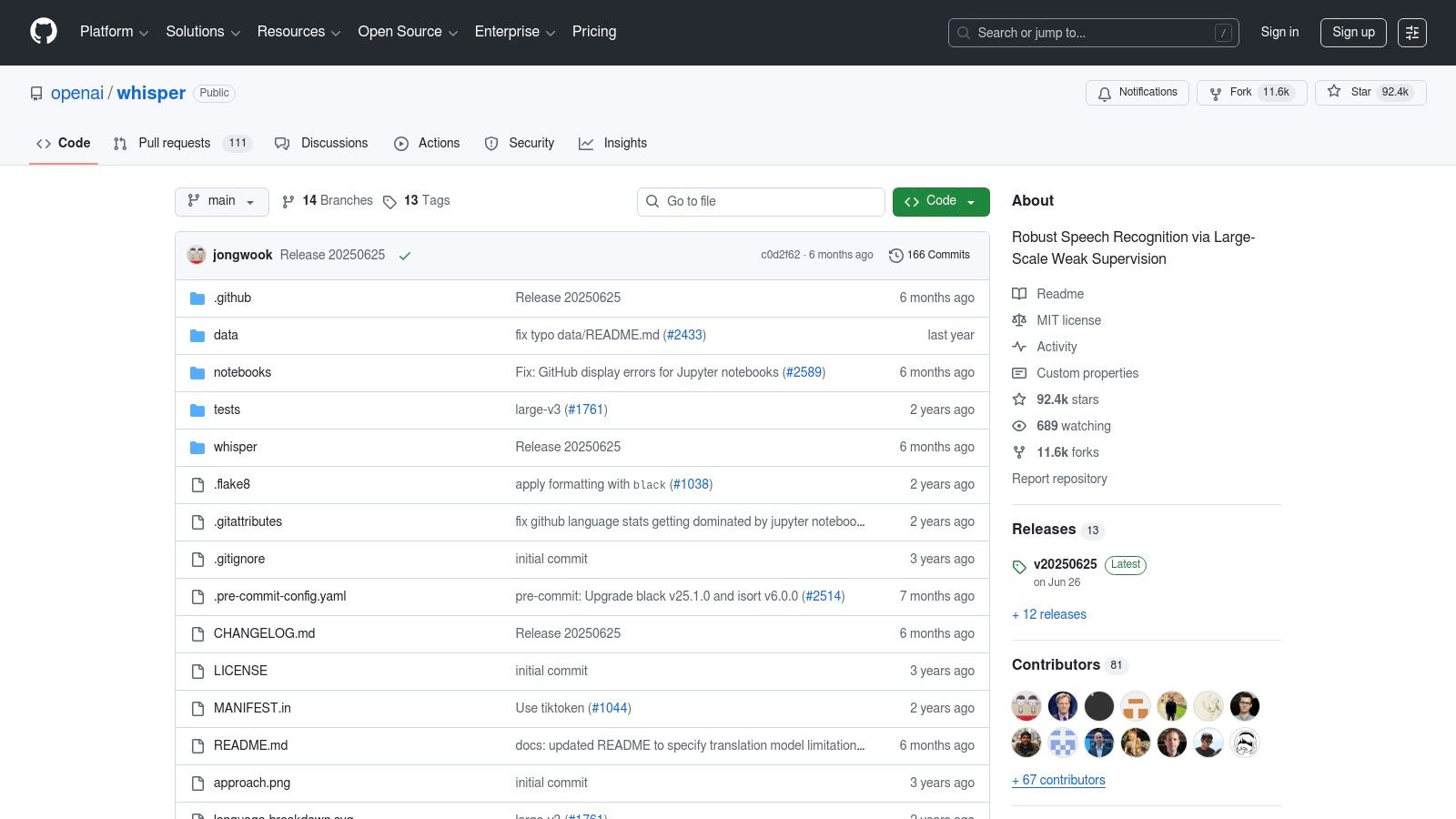
Its state-of-the-art accuracy across dozens of languages is its main draw, but it comes with a trade-off. There is no graphical user interface out of the box; instead, you interact with it via a command line or by integrating it into your own Python scripts. This technical barrier is significant, but for those who can overcome it, the power and flexibility are unmatched.
Free Tier Limitations & Use Case
Whisper is entirely free to use under its open-source license, with no limitations on minutes, file size, or number of transcriptions. The primary "cost" is the technical expertise required for setup and the computational resources of your own hardware. Processing large files can be slow without a powerful computer, particularly one with a dedicated GPU.
Ideal for: Power users, developers, and privacy-conscious individuals who are comfortable with the command line and need to transcribe large volumes of audio locally and without restrictions.
Key Features and Assessment
Pros:
- Completely free with no usage limits
- Processes files locally for maximum privacy and security
- State-of-the-art accuracy for many languages
- Works entirely offline
Cons:
- Requires significant technical skill to install and use (Python, ffmpeg)
- No built-in graphical user interface (GUI)
- Performance depends heavily on your computer's hardware (GPU is recommended)
Website: https://github.com/openai/whisper
6. Vosk (open-source, offline)
For developers and users who prioritize privacy and offline functionality, Vosk stands out as a powerful open-source solution. Unlike cloud-based services, Vosk is a speech recognition toolkit that runs entirely on your local machine. It supports over 20 languages and is designed to be lightweight, making it suitable for everything from powerful PCs to low-spec hardware like a Raspberry Pi.
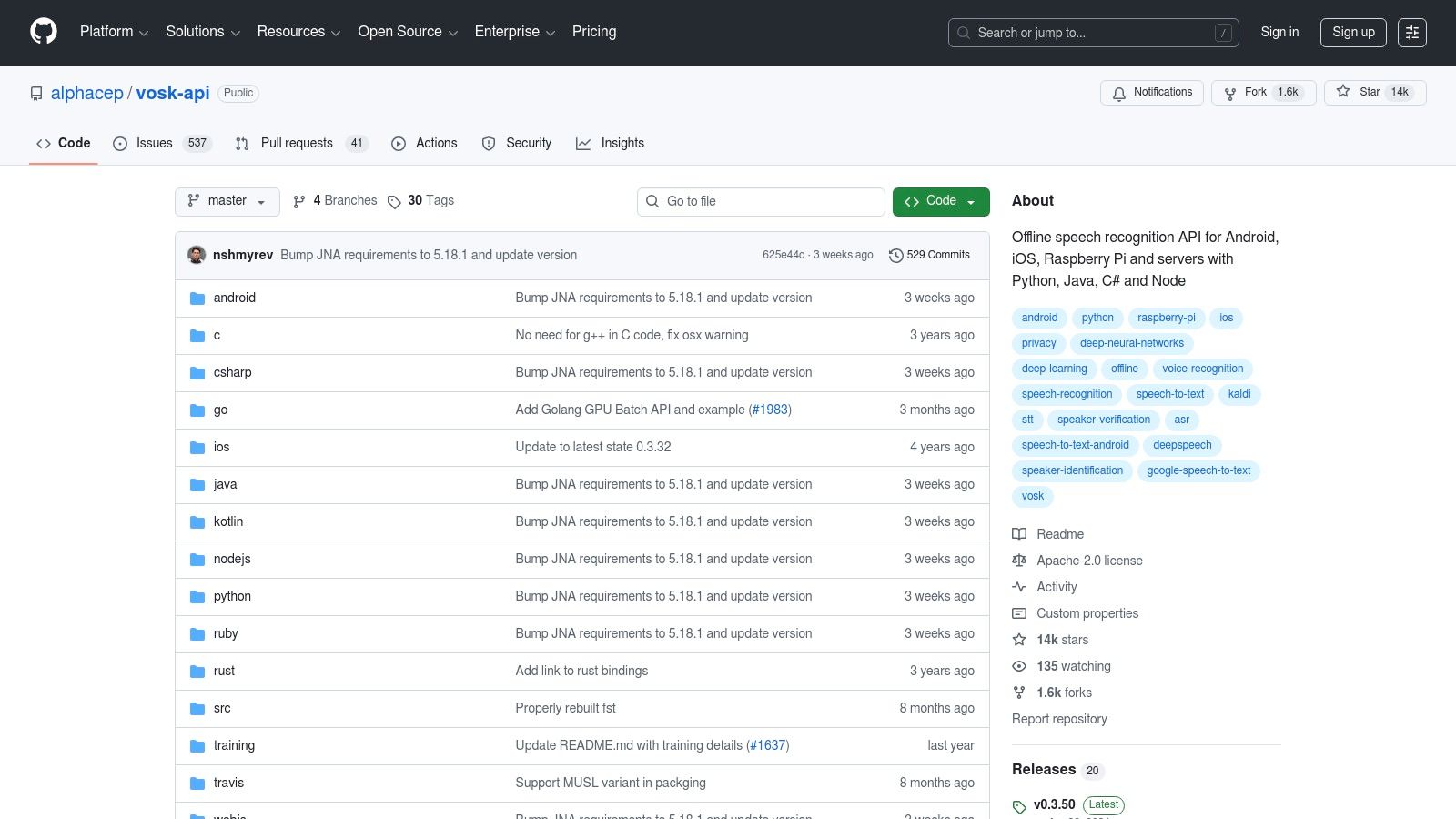
This approach is ideal for transcribing sensitive audio without sending data to third-party servers. Since it's a toolkit rather than a polished end-user application, it requires some technical know-how to implement. However, its comprehensive documentation and active community provide a solid foundation for building custom transcription solutions.
Free Tier Limitations & Use Case
As an open-source project, Vosk is completely free with no limitations on usage, minutes, or features. The primary "cost" is the time and technical skill required for setup and integration into your own applications or workflows. You are responsible for downloading the language models and implementing the code.
Ideal for: Developers, researchers, and privacy-conscious individuals who need to build custom, offline transcription applications for devices with limited resources.
Key Features and Assessment
Pros:
- Completely free and open-source with no usage limits
- Runs 100% offline, ensuring data privacy
- Lightweight models work well on low-power hardware
- Extensive language and platform support for developers
Cons:
- Requires programming knowledge to set up and use
- Lacks a ready-to-use graphical user interface (GUI)
- Accuracy may not match large, cloud-based commercial models
Website: https://github.com/alphacep/vosk-api
7. Google Docs – Voice Typing
Often overlooked, Google Docs’ built-in Voice Typing feature is a surprisingly powerful and completely free transcription tool available to anyone with a Google account. While it doesn't process pre-recorded audio files, it excels at real-time dictation, making it one of the most accessible options for drafting documents, taking notes, or transcribing audio you can play back in real-time. It operates directly within your document, converting your spoken words into text with impressive accuracy.
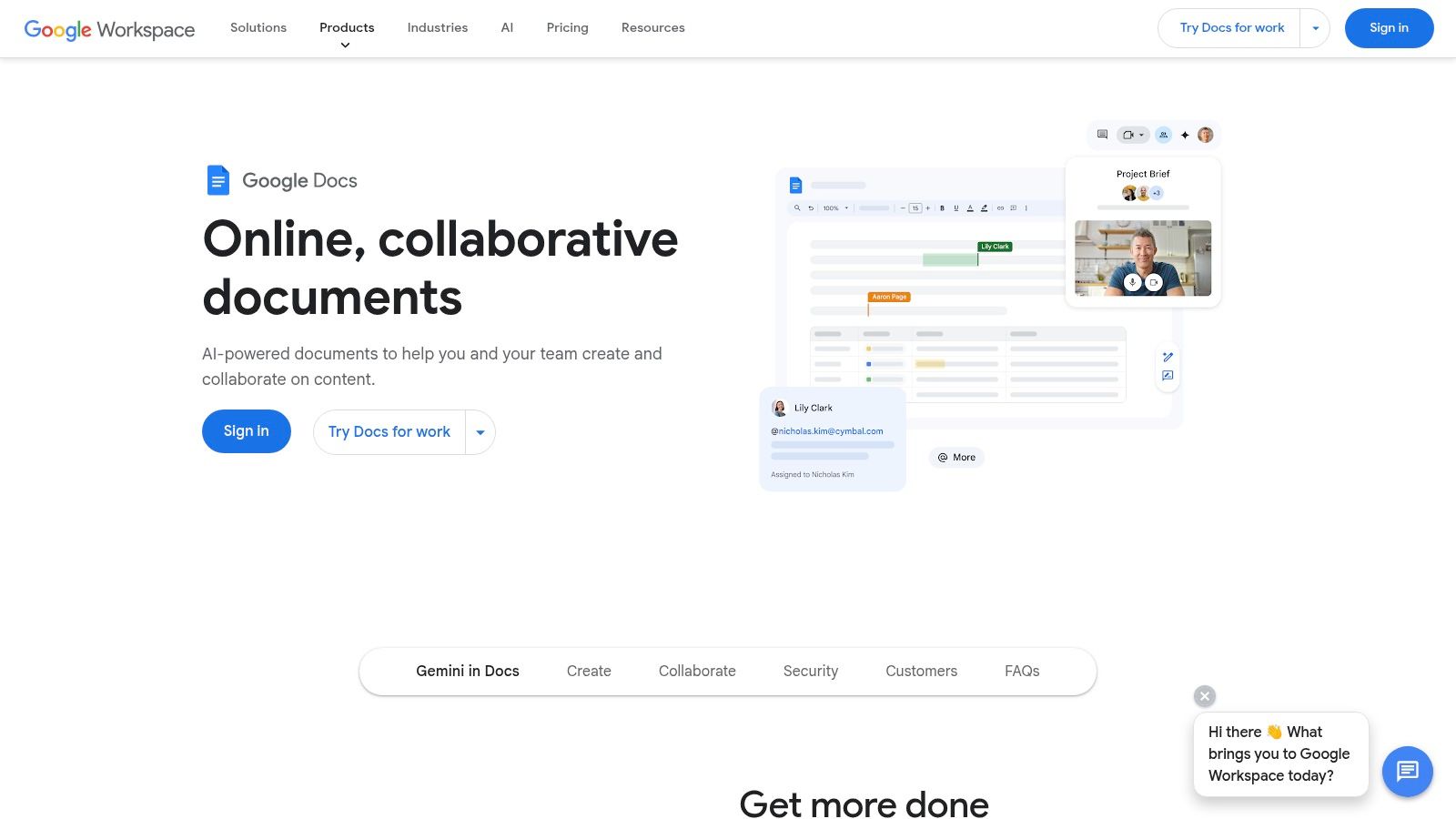
The tool is incredibly easy to use—simply open a document, go to Tools > Voice typing, and click the microphone icon. It also supports voice commands for basic formatting like "new paragraph" or "add a period," which streamlines the dictation process. This makes it a go-to choice for writers, students, or anyone looking to quickly capture thoughts without typing.
Free Tier Limitations & Use Case
Voice Typing is entirely free with a Google account, with no time limits or word caps. Its primary limitation is that it's designed exclusively for live dictation into a microphone and cannot transcribe an uploaded audio or video file. This means it's not suitable for transcribing interviews or meetings you've already recorded unless you play the audio out loud for the microphone to capture. This method can sometimes be a useful workaround if you need a way to transcribe Apple Voice Memos for free.
Ideal for: Students drafting essays, writers capturing ideas, and users needing to dictate notes or content directly into a document in real-time.
Key Features and Assessment
Pros:
- Completely free with no hidden limits for users with a Google account
- Highly accurate for clear, single-speaker dictation
- Conveniently built directly into a popular word processor
Cons:
- Cannot transcribe existing audio or video files
- Performance is optimized for the Chrome browser on desktop
Website: https://www.google.com/docs/about/
8. Live Transcribe by Google (Android)
Live Transcribe by Google is an accessibility-focused application that delivers powerful free transcription capabilities directly to Android users. Its primary function is providing instant, real-time captions for live, in-person conversations. It was designed to help people who are deaf or hard of hearing participate more easily in everyday interactions, but its utility extends to anyone needing a quick, on-the-go transcription tool.
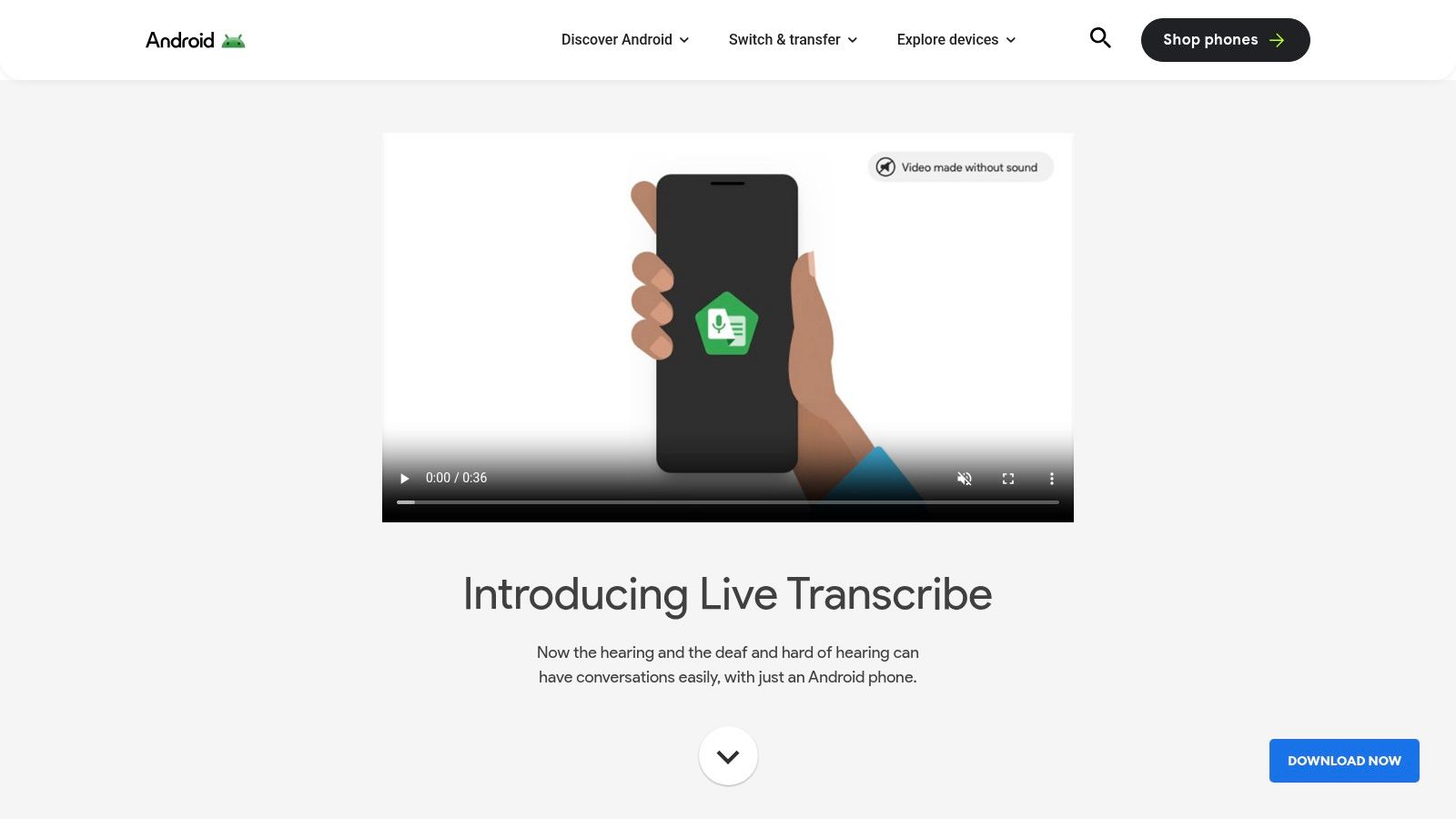
The app leverages Google’s powerful speech recognition technology to capture spoken words and turn them into text on your phone’s screen with impressive speed. It supports over 80 languages and can even detect non-speech sounds like a dog barking or a doorbell ringing, adding contextual awareness. Its interface is minimal and straightforward, prioritizing readability and immediate use.
Free Tier Limitations & Use Case
Live Transcribe is entirely free and built into the Android ecosystem. Its limitation isn't a feature paywall but its design purpose. The app is not built for transcribing pre-recorded audio files or exporting polished documents. Instead, it’s an in-the-moment tool for live captioning, and transcripts are typically ephemeral, though they can be saved for up to three days.
Ideal for: Individuals needing instant captions for live conversations, students in a classroom, or anyone who needs a quick, accessible way to visualize speech in real time.
Key Features and Assessment
Pros:
- Completely free with no usage limits
- Excellent accuracy for live, in-person speech
- Strong multi-language support and sound detection
- Privacy-focused, as conversations are not stored long-term
Cons:
- Only available on Android devices
- Cannot import or process existing audio/video files
- No dedicated export or formatting features
Website: https://www.android.com/accessibility/live-transcribe/
9. Google Recorder (Pixel phones)
For users within the Google ecosystem, the Recorder app on Pixel phones stands out for its seamless on-device integration. It’s designed for instant, offline audio capture and transcription, turning your phone into a powerful tool for recording lectures, interviews, or personal memos without needing an internet connection. The app automatically generates a searchable, timestamped transcript as you record.
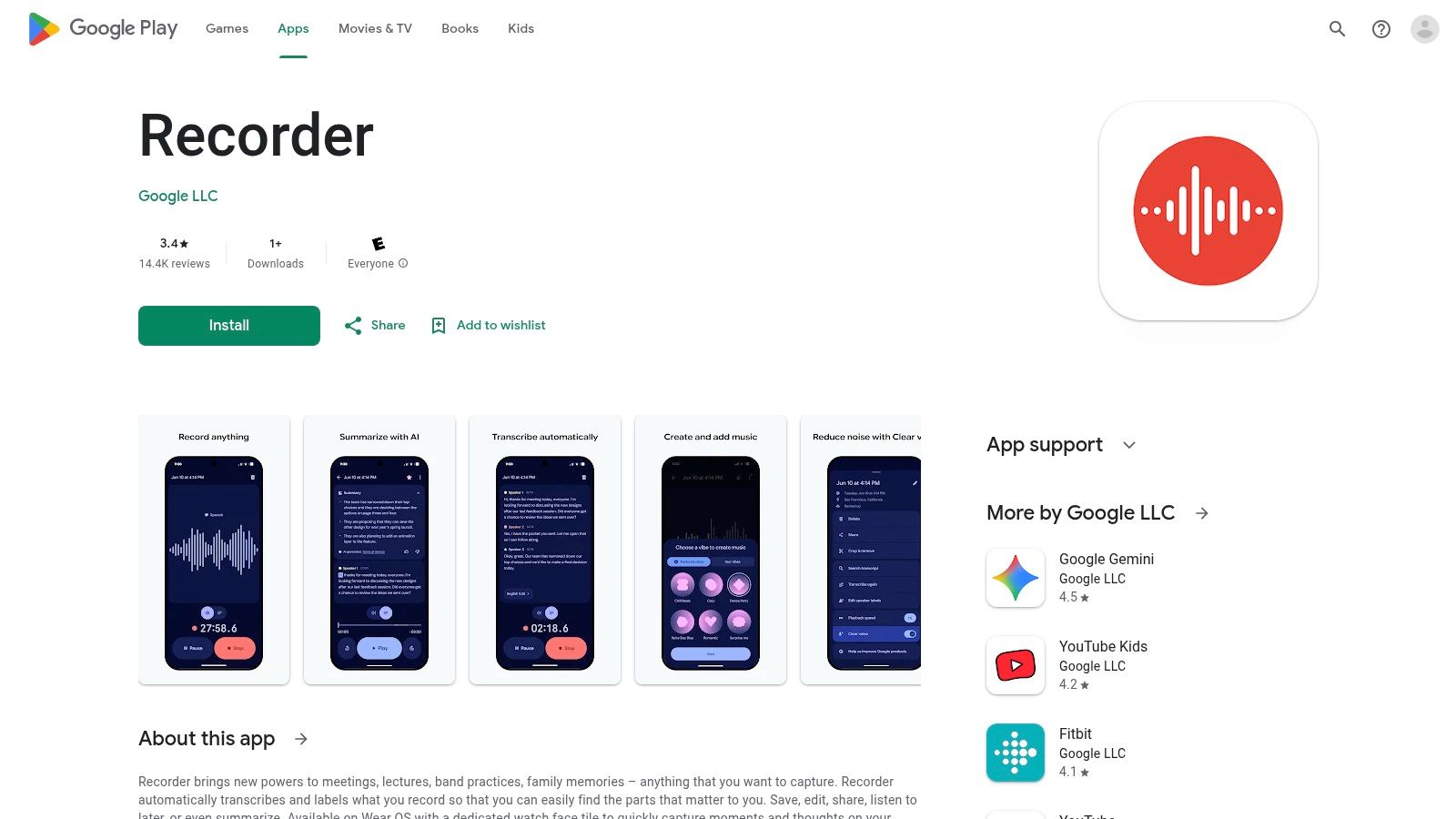
This makes it exceptionally convenient for journalists, students, and researchers who need reliable transcription in the field. The magic of Google Recorder is its simplicity and speed; processing happens locally on the device, ensuring privacy and immediate access to your text. You can even search your entire library of recordings for spoken words.
Free Tier Limitations & Use Case
Google Recorder is completely free for owners of Google Pixel phones, with no minute limits or feature paywalls. The primary limitation is its exclusivity; it is not available on non-Pixel Android devices or iPhones. It is built for personal, on-the-go recording rather than processing external audio files or transcribing live online meetings from a desktop.
Ideal for: Pixel phone owners who need a fast, private, and unlimited on-device tool for recording and transcribing in-person conversations, interviews, and lectures.
Key Features and Assessment
Pros:
- Completely free with no limits for Pixel users
- Excellent accuracy and works entirely offline for privacy
- Searchable and timestamped transcripts are generated instantly
Cons:
- Exclusively available on Google Pixel devices
- Lacks features for importing external files or transcribing web meetings
Website: https://play.google.com/store/apps/details?id=com.google.android.apps.recorder
10. Amazon Transcribe (AWS Free Tier)
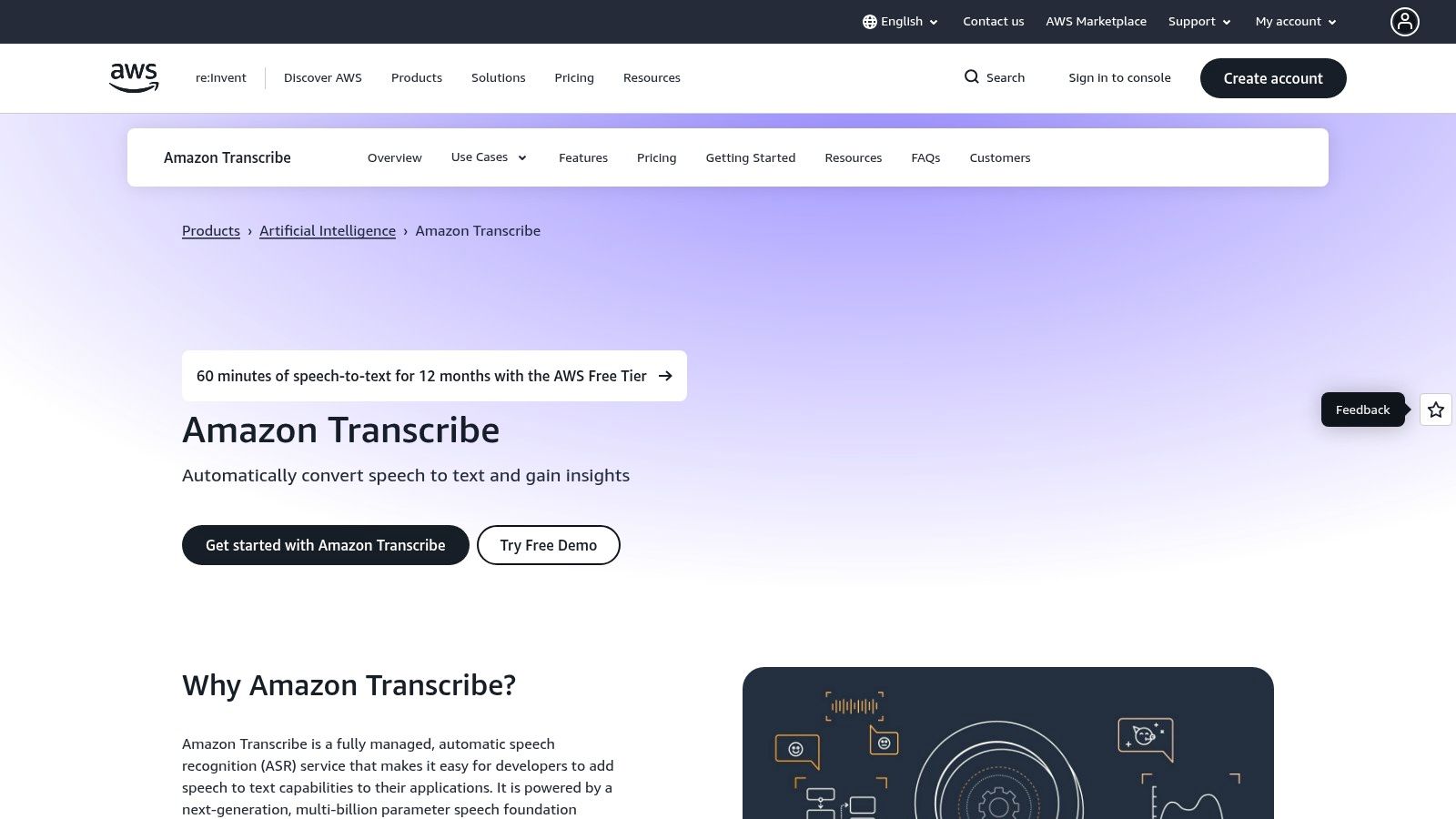
Amazon Transcribe is a developer-focused automatic speech recognition (ASR) service from Amazon Web Services (AWS) that offers a generous introductory free tier. While not a standalone app like others on this list, it provides the powerful, scalable engine that many transcription applications are built on, making it a great choice for those comfortable with a more technical setup. It excels at both batch processing pre-recorded files and real-time streaming transcription.
This service is ideal for developers or businesses looking to integrate high-quality transcription into their own products or workflows. Its features include custom vocabularies to recognize specific terms, speaker diarization, and automatic language identification, providing enterprise-grade capabilities for pilot projects or small-scale use without an initial financial commitment.
Free Tier Limitations & Use Case
The AWS Free Tier for Amazon Transcribe includes 60 minutes of audio per month for the first 12 months after signing up. This is sufficient for testing the API, running small proof-of-concept projects, or handling very light, occasional transcription needs. Unlike consumer-facing apps, it requires setting up an AWS account and interacting with the service via the AWS Management Console or APIs.
Ideal for: Developers, startups, and tech-savvy users who need to build transcription capabilities into an application or process a few files with advanced features like custom vocabularies.
Key Features and Assessment
Pros:
- Highly accurate and scalable enterprise-grade engine
- Advanced features like custom vocabularies are included
- Clear AWS Free Tier for initial testing and development
Cons:
- Requires an AWS account and technical setup (not for casual users)
- Free minutes expire after 12 months, then usage is billed
Website: https://aws.amazon.com/transcribe/
11. Microsoft Azure AI Speech to Text (Free F0)
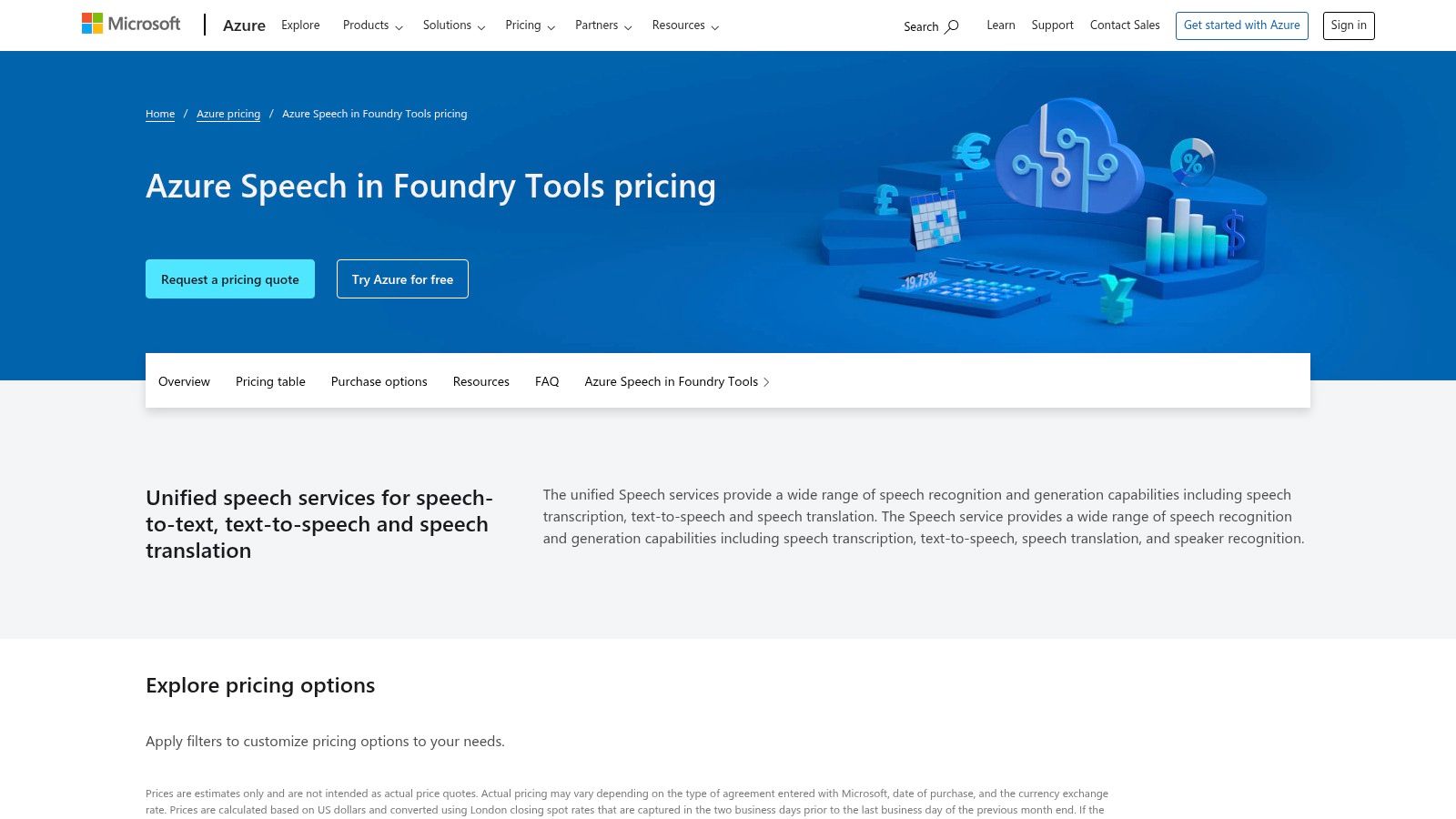
For developers or businesses building applications with voice capabilities, Microsoft’s Azure AI Speech to Text service offers an enterprise-grade solution. While primarily a paid cloud platform, its standing F0 free tier provides a generous monthly allowance, making it a solid option for projects with low-volume needs or those in the prototyping phase. It delivers highly accurate real-time and batch transcription powered by Microsoft’s advanced AI models.
Unlike most tools on this list, Azure is not a ready-to-use application but a set of APIs and SDKs meant for integration. This makes it ideal for building transcription features directly into custom software, websites, or internal business workflows. The platform supports extensive customization options to train models on specific vocabulary or speaking styles.
Free Tier Limitations & Use Case
The free F0 tier is quite powerful for a developer-focused tool. It includes 5 audio hours per month for both Standard and Custom Speech to Text models, which resets monthly. This allocation is sufficient for building and testing applications, powering a small internal tool, or handling occasional transcription tasks without incurring costs. The main hurdle is the initial setup, which requires an Azure account and some technical familiarity.
Ideal for: Developers, startups, and technically-savvy users who need to integrate high-quality transcription into their own applications or workflows on a small scale.
Key Features and Assessment
Pros:
- Generous 5 audio hours per month that resets
- Enterprise-level accuracy and features
- Excellent for developers integrating transcription into apps
Cons:
- Not a user-friendly, out-of-the-box application
- Requires Azure account setup, which can be complex
Website: https://azure.microsoft.com/pricing/details/cognitive-services/speech-services/
12. Kapwing
While primarily known as a browser-based video editor, Kapwing offers a powerful and accessible transcription feature that earns it a spot on our list. It’s designed for creators who need to generate subtitles and transcripts as part of their video editing workflow. Instead of being a standalone transcription service, it integrates this functionality directly into a comprehensive, user-friendly editing suite.
This makes Kapwing a one-stop shop for podcasters, social media managers, and YouTubers who want to create accessible content with captions. The platform allows you to automatically generate a transcript, edit it for accuracy alongside your video timeline, and then export it in various formats like SRT, VTT, or plain TXT. If you're looking for more ways to transcribe video to text online for free, there are many excellent tools available to explore.
Free Tier Limitations & Use Case
The free plan provides 10 minutes of transcription per month, which resets monthly. This is sufficient for short-form video content like social media clips or quick tutorials. A key limitation is that all videos exported from the free plan will have a Kapwing watermark. Projects are also limited to a 4-minute export length, regardless of the original video's duration.
Ideal for: Content creators and social media managers who need to generate and burn subtitles into short videos directly within their editing workflow.
Key Features and Assessment
Pros:
- Works entirely in the browser with no installation needed
- Seamlessly integrates transcription into a video editing workflow
- Easy to export transcripts and subtitles in multiple formats
Cons:
- Free exports include a watermark and a 4-minute length limit
- Monthly transcription minutes are very limited
- Can be overly complex if you only need a simple transcript
Website: https://www.kapwing.com/
Cleaning Up an AI Transcript in Ten Minutes
Free tools get you to roughly 90–95%. Getting the rest is a short, predictable edit — and it is always the same four categories of error.
Do not fix filler words unless you are publishing the transcript. For your own notes, "um" costs nothing to leave in and time to remove.
Top 12 Free Transcription Tools Feature Comparison
Making Your Final Choice: From Free Tier to Workflow Hero
Navigating the landscape of free transcription software can feel overwhelming, but as we've explored, the "best" tool is simply the one that slots most seamlessly into your specific workflow. The term 'free' itself represents a broad spectrum, from generous monthly minute allowances offered by services like Otter.ai and Notta to the powerful, self-hosted potential of open-source models like OpenAI's Whisper. Your ideal choice hinges entirely on your primary needs, not on a single universal metric of quality.
The key takeaway is to move beyond a simple comparison of features and instead evaluate each tool based on its core purpose and limitations. What works for a student transcribing a single two-hour lecture (like a file-based free trial from HypeScribe) will be fundamentally different from what a hybrid team needs for daily collaborative meeting notes (where Otter.ai often excels).
A Practical Framework for Your Decision
To make a confident choice, start by asking yourself three critical questions:
- What is my primary content source? Are you working with pre-recorded audio/video files, capturing live meetings and conversations, or simply dictating notes? This single question will immediately narrow your options. For example, Google Docs' Voice Typing is excellent for live dictation but useless for uploading a recorded interview.
- What is my tolerance for technical setup? Are you looking for a plug-and-play web app, or are you comfortable with the command line and initial configuration required for powerful offline tools like Vosk or Whisper? Your technical comfort level is a major deciding factor between cloud-based SaaS and open-source solutions.
- What happens after the transcript is generated? Do you need a simple text file, or is transcription just the first step? If you're a content creator who needs to edit video, a tool like Descript is a game-changer. If you need to integrate transcripts into a larger business system, the free tiers of AWS Transcribe or Azure Speech to Text might be your gateway.
Moving Beyond the Transcript: Workflow Integration
Ultimately, a transcription tool is only as valuable as the time it saves you. The most effective solutions don't just convert speech to text; they enhance your entire process. This could mean automatically identifying speakers, providing shareable links with synchronized audio playback, or integrating with your calendar and video conferencing apps.
As you evaluate your options, consider the bigger picture of how these tools are evolving. Understanding the broader trends in AI integration in post-production workflows can provide valuable context, helping you see how a simple transcript can become a foundational part of a much larger creative or operational process. The goal is to find a "workflow hero" that eliminates manual work, not just a tool that gives you a block of text. Start with the free tier of the tool that best matches your primary use case, test it with real-world audio, and see if its limitations are a deal-breaker. This hands-on approach is the surest way to find your perfect match.
HypeScribe's free plan counts files rather than minutes: three a month, up to an hour each, with speaker labels and a summary. Useful if your recordings are long enough to blow through a minute allowance. Try it free — no card required.


































































































