A Researcher's Guide to Transcription in Qualitative Research
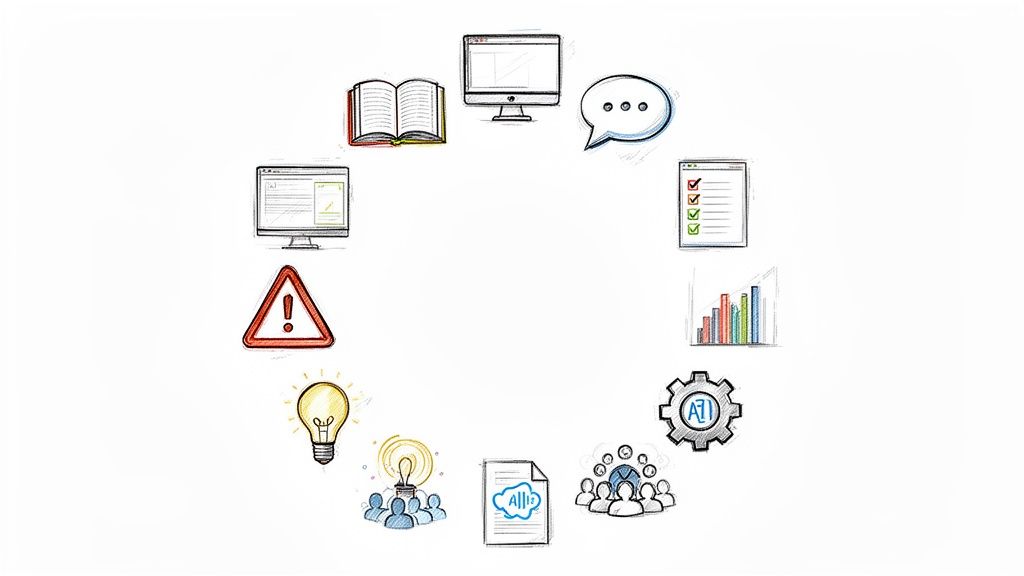
Transcription for qualitative research is the foundational process of converting audio or video recordings from interviews, focus groups, and observations into written text. This isn't just a simple administrative task; it's the critical first step in transforming rich, spoken data into a format that you can systematically analyze, code, and interpret to uncover meaningful themes.
Why High-Quality Transcription is Crucial for Your Research
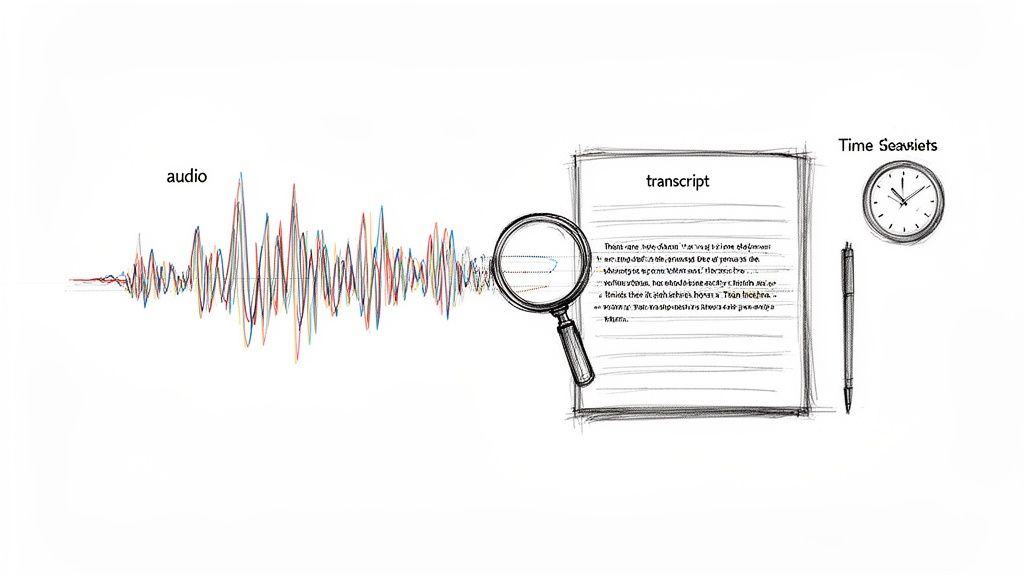
For as long as researchers have recorded interviews, transcription has been the necessary bridge between raw conversation and structured findings. Traditionally, this has been a major bottleneck. The long-standing rule of thumb is that it takes four to six hours of manual work for every single hour of audio. This is a significant investment of time that could be spent on analysis and writing.
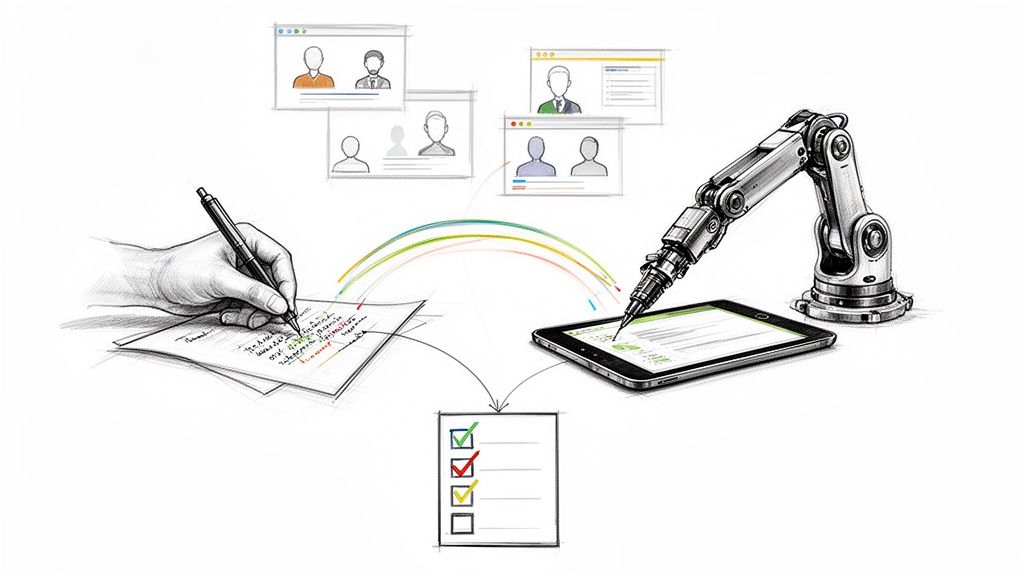
Fortunately, this reality is changing. Modern researchers are integrating AI-powered tools into their workflows to handle the initial heavy lifting of transcription. This shift isn't about replacing the researcher's critical thinking; it's about reclaiming valuable time for the work that truly requires human expertise: analysis and interpretation.
How Quality Transcription Elevates Your Study
A high-quality transcript is the bedrock of your entire study. If your transcript is inaccurate or incomplete, your analysis will suffer. It’s that simple. Investing in accuracy from the start provides several key advantages:
- Deeper Analysis: A searchable text document allows you to dig into the nuances of language. You can scrutinize word choices, identify recurring patterns, and connect concepts across multiple interviews in a way that’s impossible with audio alone.
- Enhanced Rigor and Credibility: A transcript serves as a verifiable record of what was said. This transparency significantly boosts the credibility and trustworthiness of your research findings when presenting to peers, committees, or publications.
- Efficient Team Collaboration: For research teams, transcripts are essential. They ensure everyone can access, review, and code the exact same data, which is vital for maintaining consistency and inter-rater reliability.
The growing demand for these services highlights their importance. The global transcription market was valued at USD 31.9 billion in 2020 and continues to grow, driven largely by researchers and professionals who need to dissect qualitative data. You can explore more data transcription insights to understand this trend.
When you view transcription not as a chore but as a critical phase of research, you unlock a deeper level of understanding. The subtle pauses, repeated phrases, and shifts in tone—often captured in a well-prepared transcript—are where the most profound insights hide.
This is precisely why modern tools like HypeScribe were developed. They support a hybrid approach, combining the speed of AI with the essential human oversight required for academic rigor. This method helps you transform conversations into solid, actionable insights—ethically and efficiently.
How to Prepare for Flawless Transcription
The quality of your transcription is determined long before you start the transcribing process. Think of it like preparing a kitchen before cooking a complex meal—proper setup makes all the difference. A clean, clear audio file is the most critical ingredient for an accurate transcript, whether you're using AI, a human service, or doing it yourself.
This preparation begins with your participants. Obtaining informed consent is more than a procedural step; it's a trust-building conversation. Clearly explain who will have access to the recording, how the transcript will be anonymized, and how the data will be securely stored. When participants feel respected and informed, they are more likely to provide open and honest responses.
Securing Crystal-Clear Audio Is Non-Negotiable
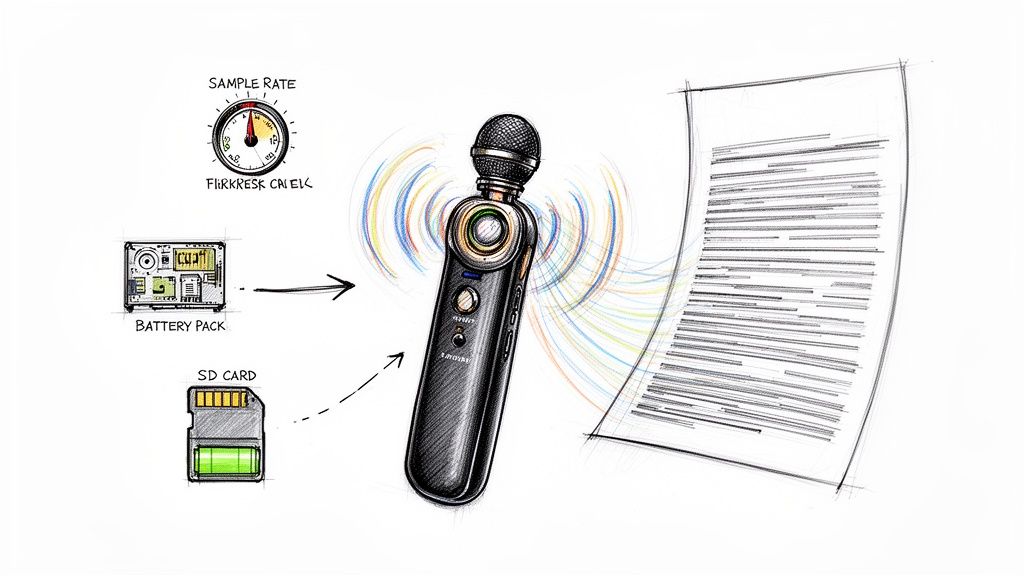
Your recording environment is paramount. I once attempted to transcribe an interview conducted in a bustling café, and it was a disaster. The resulting text was riddled with "[inaudible]" tags and guesswork, rendering it nearly useless for serious analysis.
A quiet room, in contrast, is a game-changer. From my experience, here are a few practical steps to ensure high-quality audio:
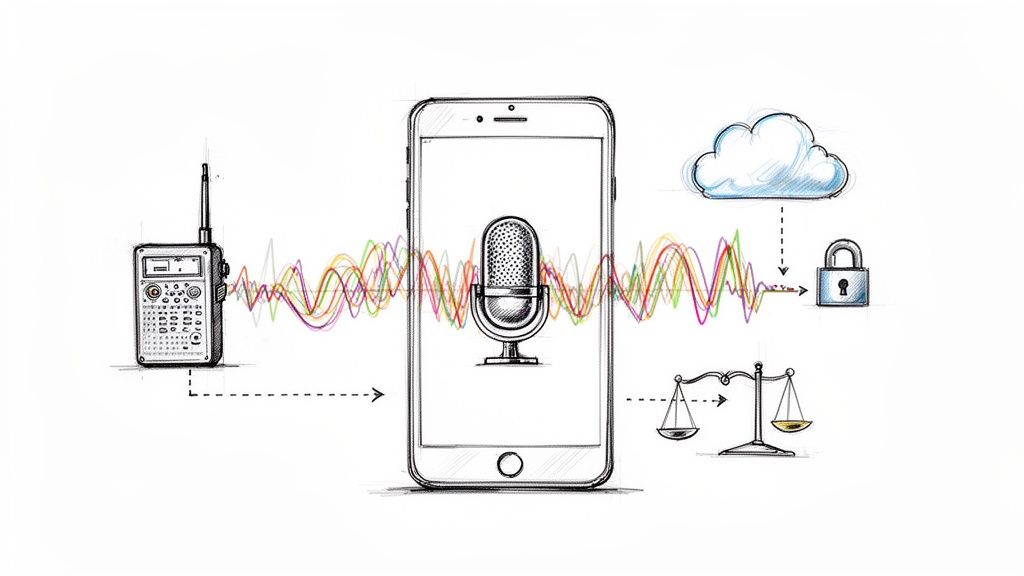
- Use an External Microphone: Your laptop or phone's built-in mic is not sufficient for research-grade audio. A simple lavalier (lapel) mic for interviews or a central omnidirectional mic for focus groups will dramatically improve clarity.
- Eliminate Background Noise: Choose your location carefully. Turn off fans, air conditioners, and phone notifications. Close doors and windows. Even the low hum of a refrigerator can obscure parts of a conversation.
- Always Perform a Sound Check: Before the interview begins, record a 30-second test. Play it back to check for volume levels and any strange buzzing or static. This simple check has saved me from unusable recordings more times than I can count.
A pristine audio recording is the greatest gift you can give your future self. It leads to faster, more affordable, and more accurate transcription, allowing you to focus on analysis instead of deciphering unclear speech.
Verbatim vs. Clean: Choosing Your Transcription Style
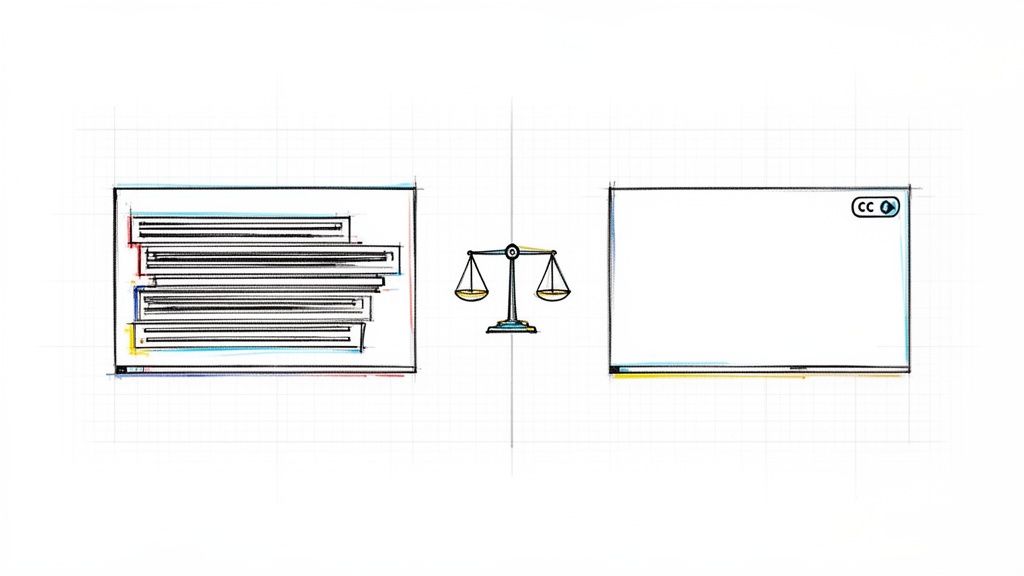
Before transcription begins, you must decide what the final text should look like. This decision depends entirely on your research questions and will dictate how you analyze the data. There are two primary styles:
- True Verbatim: This method captures everything—every "um," "ah," stutter, repetition, and awkward pause. It is the gold standard for discourse analysis, conversation analysis, or any study where non-verbal utterances are part of the data.
- Intelligent Verbatim (or "Clean Verbatim"): This is the most common choice for thematic or content analysis. It provides a more readable script by removing filler words, false starts, and stutters, focusing on the core message without sacrificing meaning.
Making this decision early ensures your transcript is fit for purpose from the outset, saving you from tedious re-editing later.
How to Use an AI-Assisted Transcription Workflow
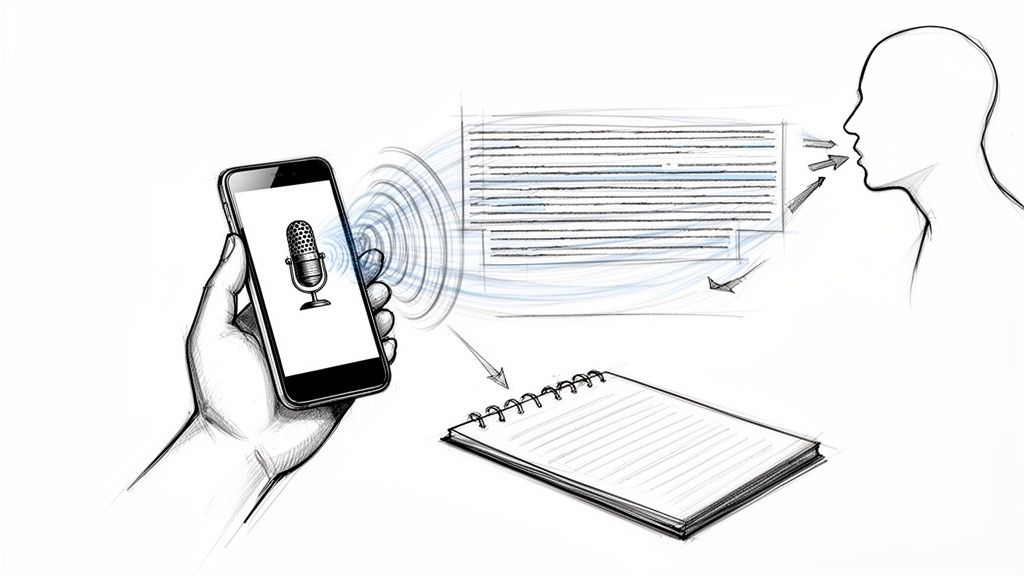
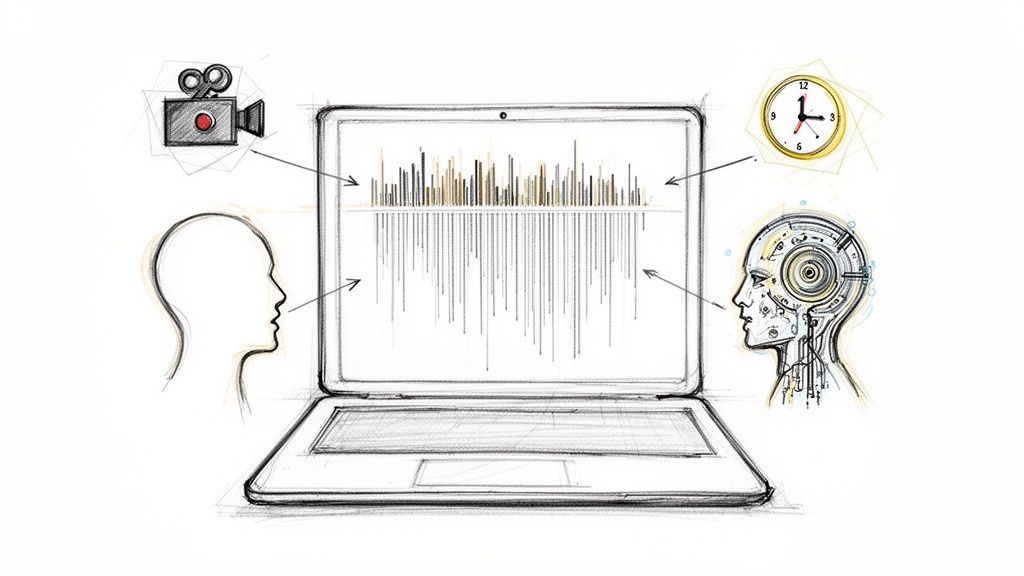
Shifting from manual transcription to an AI-assisted workflow is a significant leap forward for researchers. Instead of blocking off days to type out interviews, you can now upload your audio and receive a highly accurate first-draft transcript in minutes.
This AI-generated draft becomes your new starting point. I view the AI as a very fast but literal research assistant. It provides an excellent foundation, but it lacks your nuanced understanding of the project's context and subject matter. Your role transforms from typist to editor and analyst—a much more effective use of your expertise.
Refining the AI Draft into a Research-Ready Transcript
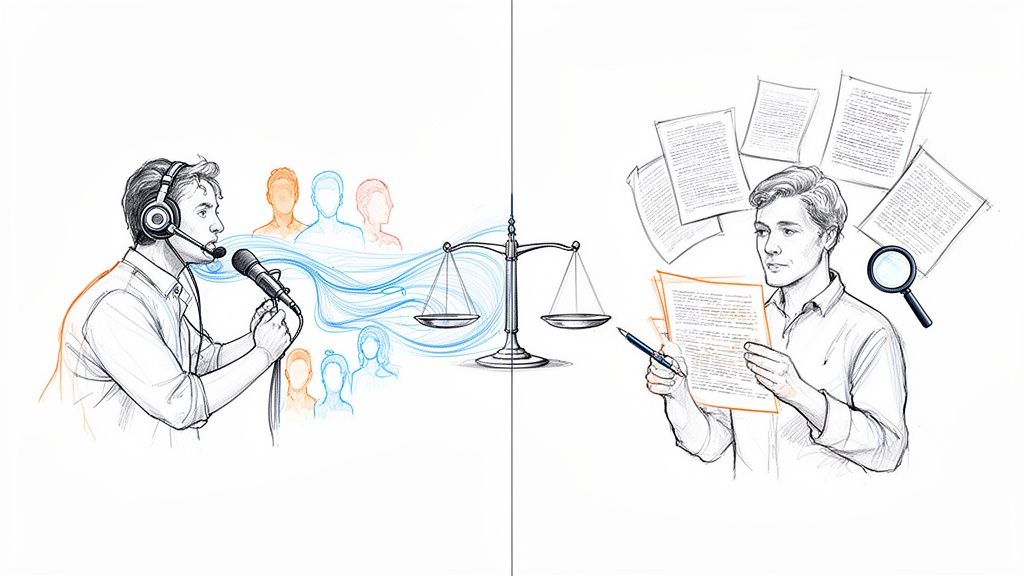
The power of this hybrid approach is most evident during the review process. This is where your human intelligence refines the AI's output to meet the high standards of qualitative research. You are listening for the subtleties that automated systems can't yet grasp.
Based on my experience, it's most effective to focus on these key areas during the editing pass:
- Correcting Jargon and Terminology: AI often struggles with industry-specific terms, acronyms, or complex academic concepts.
- Clarifying Ambiguity: You will encounter phrases that sound similar but have different meanings (e.g., "their" vs. "there"). Only a human can determine the correct word based on conversational context.
- Verifying Speaker Labels: While AI is good at distinguishing voices, it can get confused, especially when participants speak over one another. Double-checking who said what is essential.
This diagram breaks down the crucial preparation that happens before you use AI, which is key to getting a high-quality result.
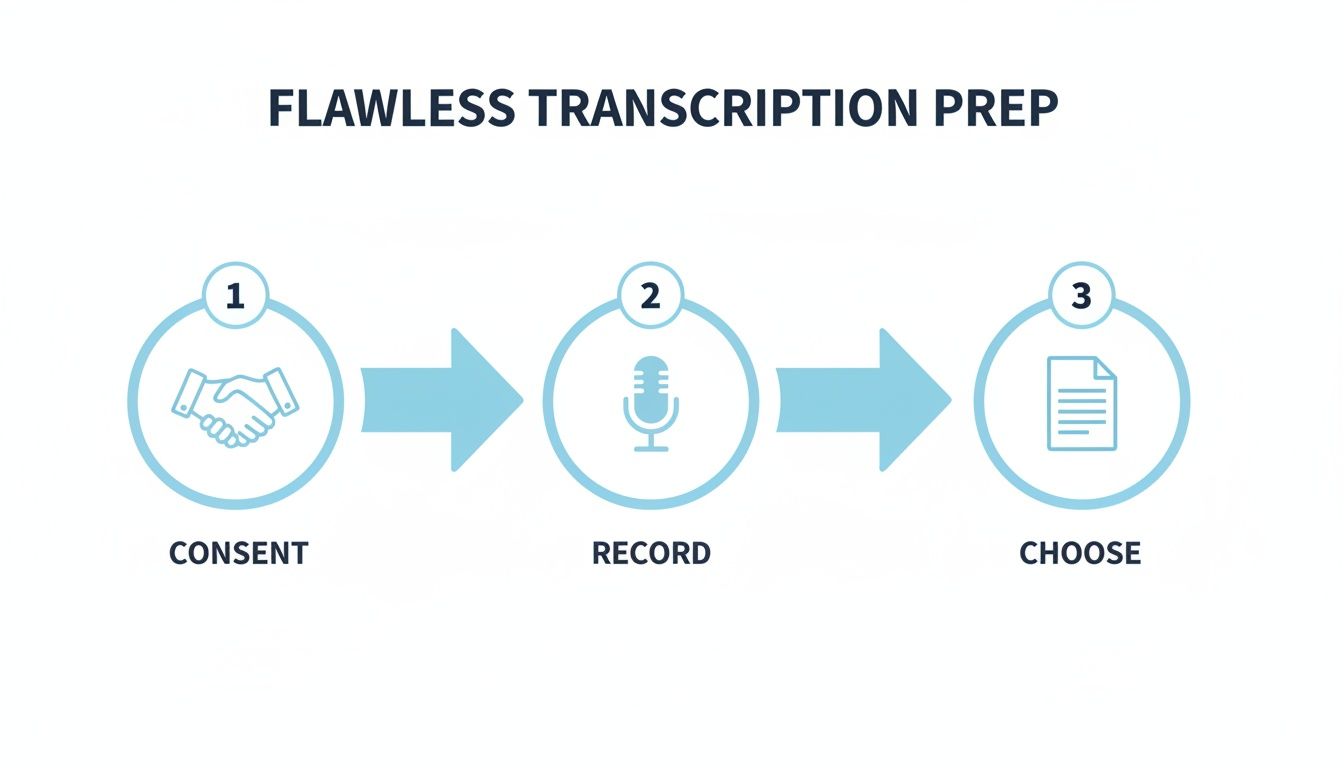
Mastering these steps—securing consent, making a clean recording, and choosing your transcription style upfront—dramatically improves the quality of the initial AI draft.
The time savings are substantial. In my own work, manual transcription can easily consume 6-10 hours for each hour of audio. AI tools generate the first draft in minutes, often with 95-99% accuracy for high-quality audio.
An AI-assisted workflow isn't just about speed; it's about redirecting your intellectual energy. By delegating the mechanical work to technology, you preserve your cognitive resources for the deep thinking and analysis that lead to groundbreaking insights.
Choosing the Right Tools to Maximize Efficiency
The right platform ties this entire workflow together. Look for tools designed specifically for researchers, where the AI-generated text is synchronized with the audio playback. This allows you to listen and make corrections within the same interface, a far more efficient process than switching between a media player and a text editor. This blend of speed and control is exactly what you need to produce a reliable transcript for your qualitative research.
To learn more about what to look for, our guide on AI-powered transcription software details the features that can accelerate your work. Understanding the broader context of how these systems operate is also useful; reading about AI-powered content automation can provide valuable background knowledge.
By embracing this modern, hybrid approach, you achieve the accuracy your research demands without the burnout, turning transcription from a roadblock into a launchpad for analysis.
Ethical Data Handling: A Researcher's Responsibility
Handling participant data is a profound responsibility at the heart of credible qualitative research. Once your interviews are transcribed, you possess a detailed, often sensitive, record of an individual's thoughts and experiences. Protecting this information is not just a data management task; it's an ethical commitment to the people who have trusted you with their stories.
This extends beyond simply storing files securely. It means actively protecting participant confidentiality from the moment of data collection through to the completion of your analysis. The first and most critical step in this process is thorough anonymization.
A Practical Guide to Anonymizing Your Transcripts
Anonymization is the process of removing or altering all personally identifiable information (PII) from your transcripts. This is a non-negotiable ethical and often institutional requirement, forming the bedrock of participant protection.
Think of it as creating a "clean" version of your data for analysis—one that retains rich insights while ensuring the speaker's identity remains completely protected.
You must meticulously scrub transcripts for key identifiers, including:
- Names: Replace real names with pseudonyms or consistent codes like "Participant A" or "Interviewee 1."
- Locations: Generalize specific places. "Mercy General Hospital" could become "a large urban hospital," and "the Starbucks on Main Street" could be described as "a downtown coffee shop."
- Organizations: Obscure the names of companies, schools, or other specific groups unless they are central to the study and you have explicit consent to name them.
- Dates: Use age ranges (e.g., "a woman in her late 40s") instead of exact birth dates.
- Job Titles: Broaden specific roles. For instance, "Senior Director of Marketing at XYZ Corp" can be generalized to "a senior manager at a technology firm."
Anonymization isn't about erasing context; it's about protecting people. The goal is to preserve the rich meaning within the data while severing any link back to the individual who provided it.
Ensuring Digital Security and Data Integrity
Beyond anonymizing the content, the digital files themselves require robust security. Storing sensitive interview data on a personal, unencrypted laptop is an unacceptable risk.
Always use secure, encrypted storage solutions. This may include cloud services offering end-to-end encryption or password-protected, encrypted external hard drives. At a minimum, your computer should have strong password protection and up-to-date security software.
If you use an AI transcription service, investigate its security and privacy policies. Look for clear statements on data handling, like those found in Wikio's privacy policy, which outlines responsible data management.
Finally, ensuring your transcript's accuracy is also an ethical imperative. A simple quality assurance (QA) check can make a significant difference. I typically ask a trusted colleague to review a 10% sample of my transcripts, comparing the text to the original audio. This peer review helps catch errors or inconsistencies I may have missed and validates that my anonymization is thorough, ultimately strengthening the credibility of my findings.
Properly managing these ethical considerations is a crucial part of the research process. For more strategies on refining your entire workflow, see our guide on how to organize research notes.
How to Format Transcripts for Analysis Software
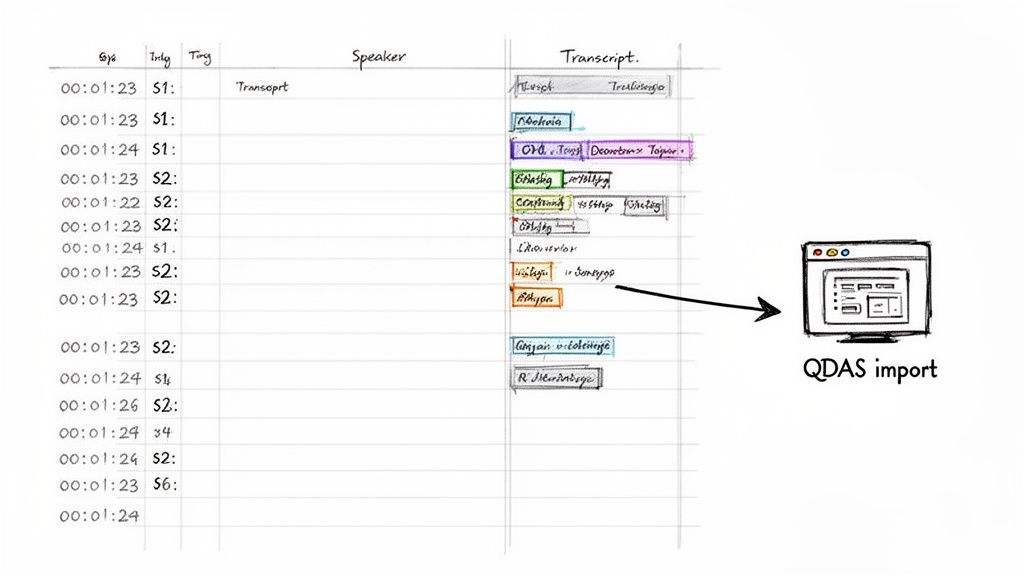
Once your transcript is clean, accurate, and anonymized, one final step remains before analysis can begin: formatting it for your software. This may seem like a minor technicality, but getting it right can save you hours of frustration.
A poorly formatted transcript can cause import errors or jumble your data within the software. Conversely, a well-structured file acts as a seamless bridge between your raw data and the insights waiting to be discovered.
The primary goal is to create a file that your Qualitative Data Analysis Software (QDAS)—such as NVivo, ATLAS.ti, or MAXQDA—can parse flawlessly. This usually comes down to consistent formatting, especially for speaker labels. For example, consistently using "Interviewer:" and "Participant 1:" allows the software to automatically separate speakers for coding and analysis.
How to Use Timestamps for Deeper Analysis
Timestamps are one of the most powerful yet underutilized tools in qualitative research transcription. You don't need a timestamp every few seconds, but placing them at key moments in the conversation is a game-changer.
My workflow involves adding a timestamp (e.g., [00:15:32]) at the beginning of each major topic shift or just before a particularly impactful quote.
This creates a direct link back to the audio. Later, during analysis, if a quote seems ambiguous on the page, you can instantly click the timestamp and hear the original tone, hesitation, or emphasis. This provides crucial context that text alone cannot capture and saves you from scrubbing through an hour-long audio file.
Think of your transcript not as a static document, but as an interactive map of the conversation. Strategic timestamps are the "you are here" markers that enrich your analysis and enhance its validity.
Choosing the Right File Format for Your Software
The file format you choose can significantly impact how smoothly your transcript imports into your QDAS. An incompatible format can strip away your careful formatting or cause errors. Fortunately, modern transcription tools offer multiple export options.
Before exporting, check your analysis software's documentation for its preferred format. Most QDAS tools are flexible, but each has its preferences.
Which File Format Should I Use for My QDAS?
This quick reference table can help you decide which file format is best for your specific QDAS setup.
While a .docx file is often suitable, I typically recommend a simple plain text (.txt) file as the safest option. It ensures a clean, error-free import, allowing your analysis software to correctly parse the text, speakers, and timestamps.
Properly formatting your transcript is the last step before you can dive into what your participants had to say. To better understand what comes next, read our in-depth guide on how to analyze qualitative data.
Advanced Tips to Accelerate Your Transcription Workflow
Once you're comfortable with a hybrid workflow, you can incorporate advanced techniques to further streamline the process. These are the strategies experienced researchers use to get a head start on analysis, transforming transcription from a preliminary task into the first phase of sense-making.
One powerful technique is to use the automated summary feature now common in AI tools. Before diving into the full transcript, read the AI-generated summary. This provides a high-level overview of the conversation, highlighting key themes and helping you orient yourself before you begin a detailed review.
"Teaching" Your AI for More Accurate Transcripts
To maximize the performance of any AI transcription tool, you need to provide it with context. This is where custom vocabularies and glossaries are incredibly effective.
Think of it as creating a "cheat sheet" for the AI. Before uploading your audio, you compile a list of important words, names, and jargon specific to your project. For instance, if you're interviewing medical professionals, you would add complex medical terms. For interviews with tech founders, you'd include company names and industry acronyms. This simple step dramatically improves transcription accuracy by turning a generic tool into a specialized assistant that understands the unique language of your research field.
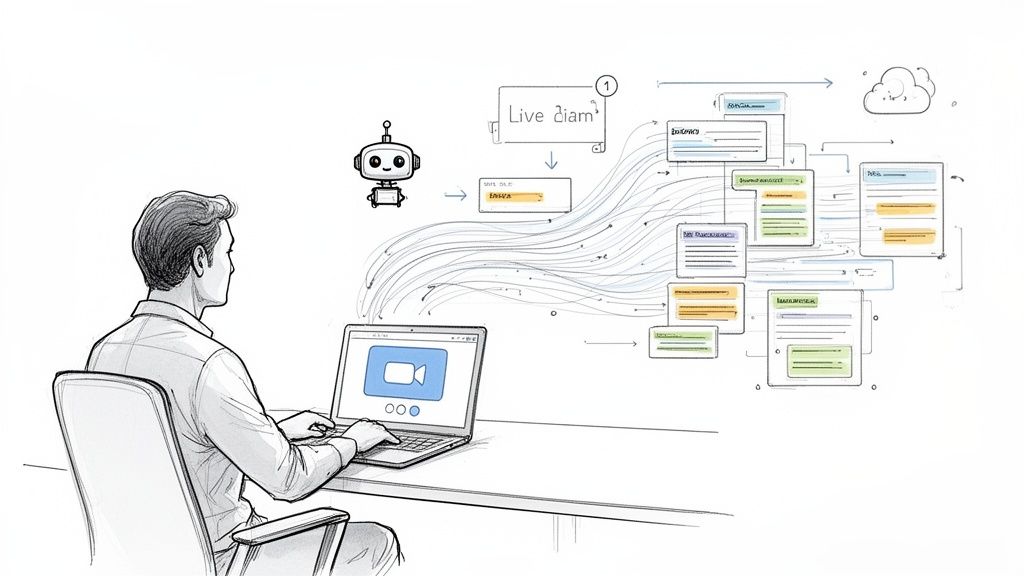
A game-changing practice is to use live, real-time transcription during remote interviews. As the conversation unfolds, you can see the text appear on your screen, allowing you to flag and timestamp critical quotes on the fly. You are essentially beginning your analysis before the interview has even concluded.
The shift to digital-first research methods has transformed how we work. Since 2020, the use of online interview platforms like Zoom has increased by over 400%, opening new possibilities for capturing and analyzing data in real time. This trend is a major driver of the transcription market's growth. You can read more about these emerging trends in qualitative research that are shaping modern research practices.
Ultimately, these strategies are about working smarter, not harder. They integrate transcription directly into your analytical process, saving you time and fostering a deeper connection with your data from the very beginning.
Frequently Asked Questions About Transcription
When you're deep in a qualitative research project, transcription can present unique challenges. It's natural to have questions about getting it right. Here are answers to some of the most common questions I hear from researchers.
What Level of Accuracy Is Necessary for My Research?
This depends entirely on your research methodology. If you are conducting a detailed discourse analysis where every hesitation, false start, and "um" constitutes data, you will need a strict, word-for-word verbatim transcript.
However, for most qualitative projects, such as those using thematic or content analysis, the standard is intelligent verbatim. This approach removes distracting filler words while preserving the core meaning, aiming for over 99% accuracy. The most efficient way to achieve this is to use an AI transcriber for the first draft, followed by a thorough human review and edit.
Should I Transcribe the Interviews Myself?
Transcribing everything yourself provides maximum control but comes at a significant cost: your time. The general rule is that it takes 4-6 hours of manual typing to transcribe just one hour of clear audio. This is valuable time that could be better spent analyzing your data and writing up your findings.
A more strategic approach is to divide the labor. Let a tool like HypeScribe handle the time-consuming first draft, which takes only a few minutes. Then, you can apply your expertise to the crucial final review and editing stage. This method saves a tremendous amount of time without compromising on quality.
What Is the Best Way to Handle Focus Group Transcription?
Focus groups present a unique challenge due to multiple speakers and overlapping conversations. Here, accurate speaker identification is the top priority.
First, ensure your audio setup is adequate to capture all voices clearly. At the start of the session, ask participants to state their names the first time they speak. While AI tools are reasonably good at differentiating speakers, you must manually verify the speaker labels in the transcript. Consistently labeling each speaker (e.g., "Participant A," "Participant B," or by pseudonym) is essential for making sense of the data during analysis.
Ready to stop wrestling with transcripts and get back to what matters—your research? HypeScribe uses powerful AI to turn your audio and video into accurate transcripts, concise summaries, and actionable takeaways in minutes. Spend less time typing and more time discovering insights.