
8 Best AI Transcription Tools in 2026 (Tested & Compared)

Every transcription tool claims 99% accuracy and a free plan. In practice they split into three camps: meeting bots that live inside Zoom and Teams, file crunchers that turn an upload or a link into text, and editing suites where the transcript is really there to cut video.
The "best AI transcription tool" isn't one tool — it's the one that matches what you actually feed it. Below are eight worth your time in 2026, what each is genuinely good at, where it falls short, and what it costs. We start with our pick for the widest range of jobs and stay honest about where the others win.
The short version
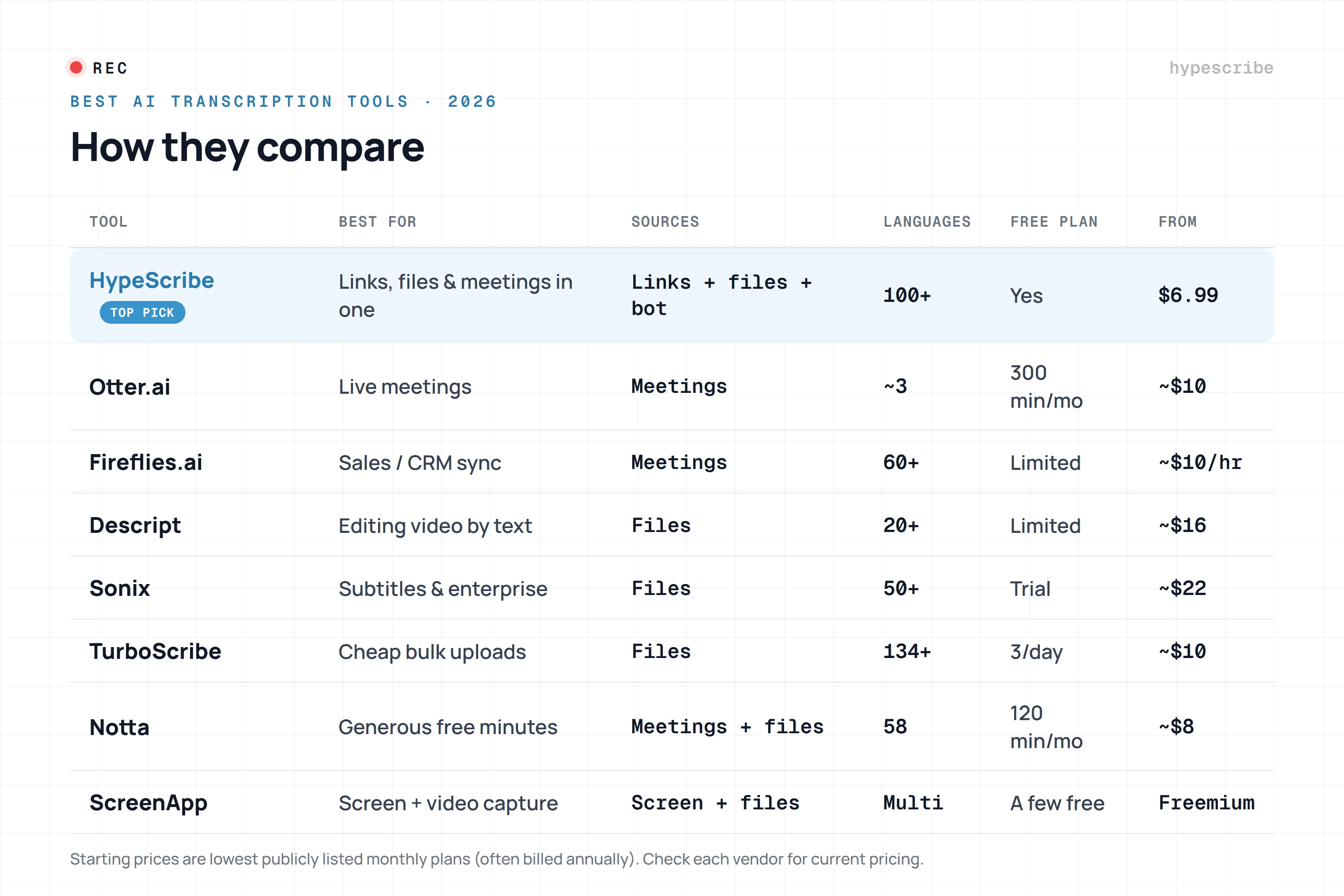
- Widest source support & best value: HypeScribe
- Live meetings & real-time notes: Otter.ai
- Sales teams & CRM sync: Fireflies.ai
- Video creators (edit by text): Descript
- Enterprise accuracy & subtitles: Sonix
- Cheap unlimited file uploads: TurboScribe
- Generous free minutes: Notta
- Quick screen + video capture: ScreenApp
1. HypeScribe — best all-rounder for links, files & meetings

HypeScribe earns the top spot because it doesn't force you to pick a camp. Paste a YouTube, Instagram, TikTok, Facebook, Loom, Twitch, Vimeo, Reddit or Google Drive link, drop an audio or video file, or send its Note Taker into a Zoom, Google Meet or Teams call — it all lands in the same place as clean, searchable text.
An hour of audio comes back in under thirty seconds, with accuracy the platform puts at up to 99% across 100+ languages and automatic language detection. From there you get an AI summary, a task list, and a chat you can ask questions across your whole library — not just one file. Export goes to Google Docs, Word, PDF, TXT or Markdown, and the source file is deleted after processing.
Pricing runs on tokens — one token per file, no length cap — with paid plans from $6.99/mo. There's a free tier for trying transcription (the Note Taker meeting bot is a paid feature).
Best for: creators, researchers and teams pulling text from many different sources.
Watch-outs: built for individuals and small teams — no deep CRM sync or shared-workspace admin like the enterprise suites.
2. Otter.ai — the default for live meetings
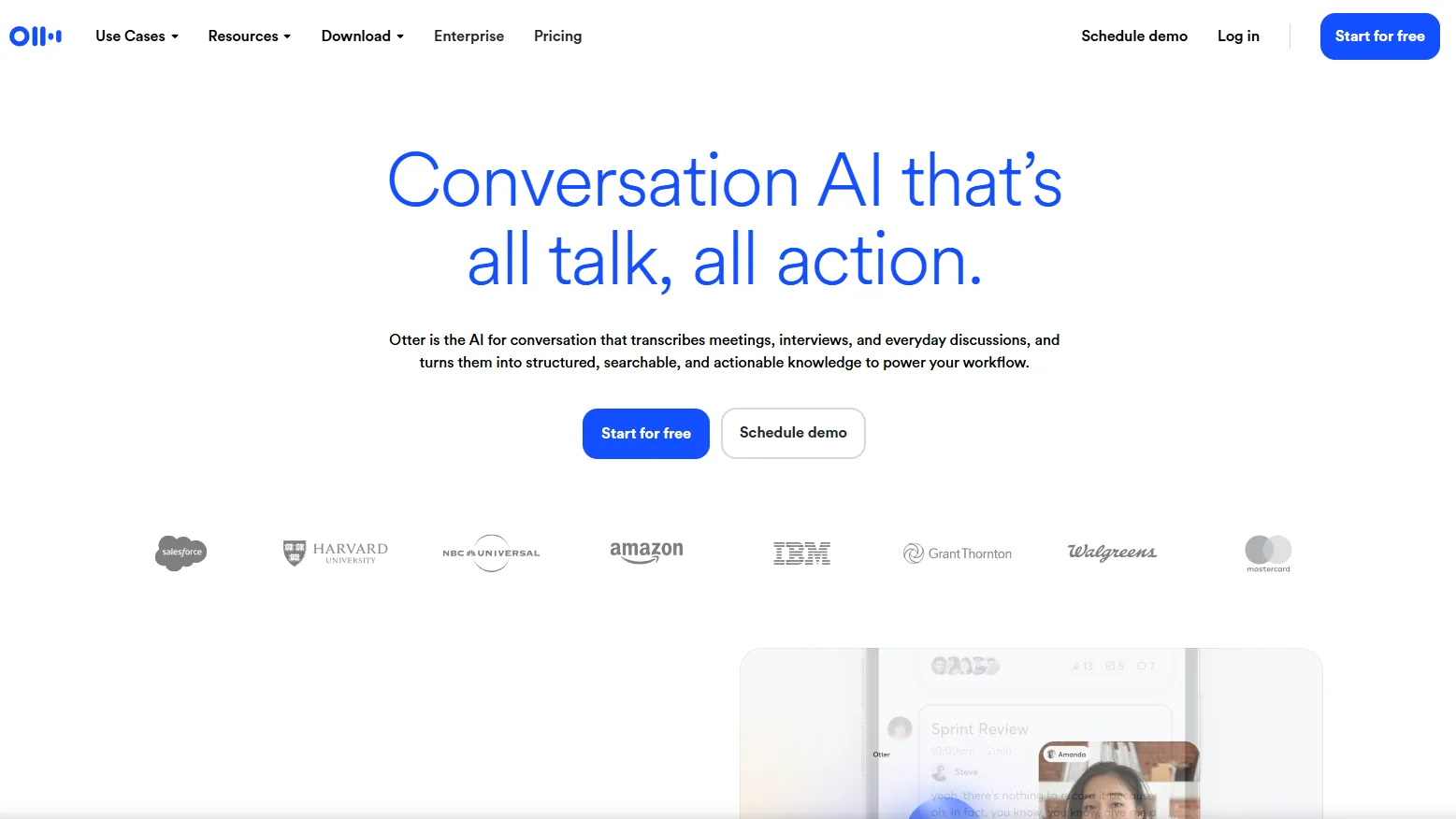
Otter is the tool most people mean when they say "AI meeting notes." It syncs to your calendar, joins Zoom, Google Meet and Teams, transcribes in real time with solid speaker labels, and pulls out action items automatically. Its live experience is still one of the smoothest at the price.
The free plan gives 300 minutes a month; paid plans run roughly $10–$17/user per month. It's meeting-first, though — feeding it random files or social links isn't its strength.
Best for: teams that live in recurring video meetings.
Watch-outs: monthly minute caps; weaker outside the meeting use case.
3. Fireflies.ai — meetings wired into your CRM

Fireflies is Otter's closest rival with a sales-team tilt. Its bot joins calls, transcribes, and — the real draw — pushes notes and action items into Salesforce, HubSpot and Pipedrive automatically. For revenue teams that live in a CRM, that integration is the whole point.
Entry pricing starts around $10/hr pay-as-you-go or ~$25/user per month, and the separate AI-credit system can make the true cost harder to read than the sticker price.
Best for: sales and customer teams that need meetings in the CRM.
Watch-outs: credit system on top of the plan price; overkill if you just want transcripts.
4. Descript — transcription for people editing video
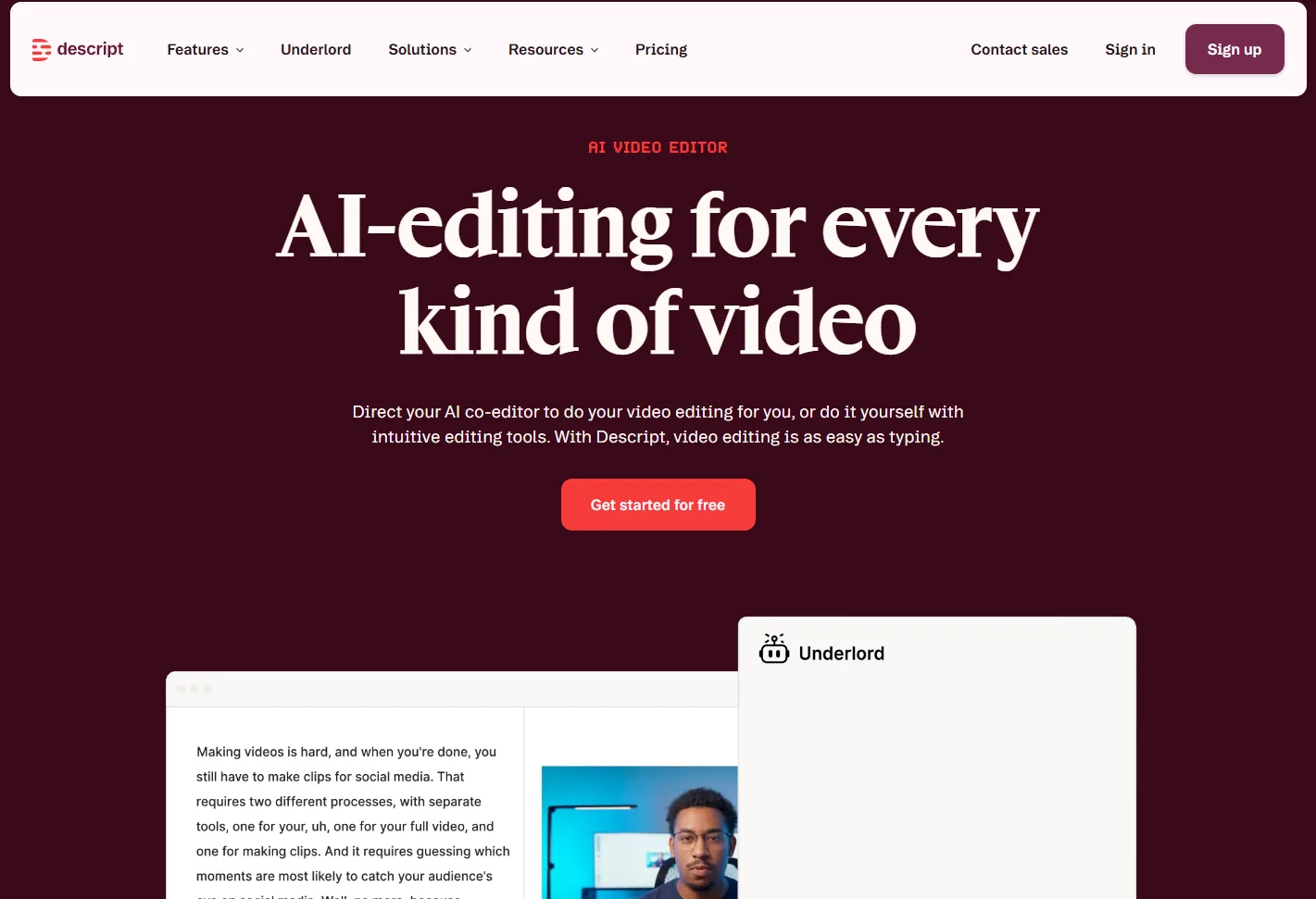
Descript is a different animal: it transcribes so you can edit. Delete a sentence in the transcript and the matching audio and video are cut too, filler words vanish with a click, and there's a full podcast/video studio around it. Accuracy sits in the mid-to-high 90s.
If your endpoint is a published episode rather than a plain transcript, nothing else on this list touches it. If you just need text, it's more tool than you need.
Best for: podcasters and video creators editing by text.
Watch-outs: heavier and pricier than a pure transcription tool.
5. Sonix — accuracy, subtitles & enterprise polish
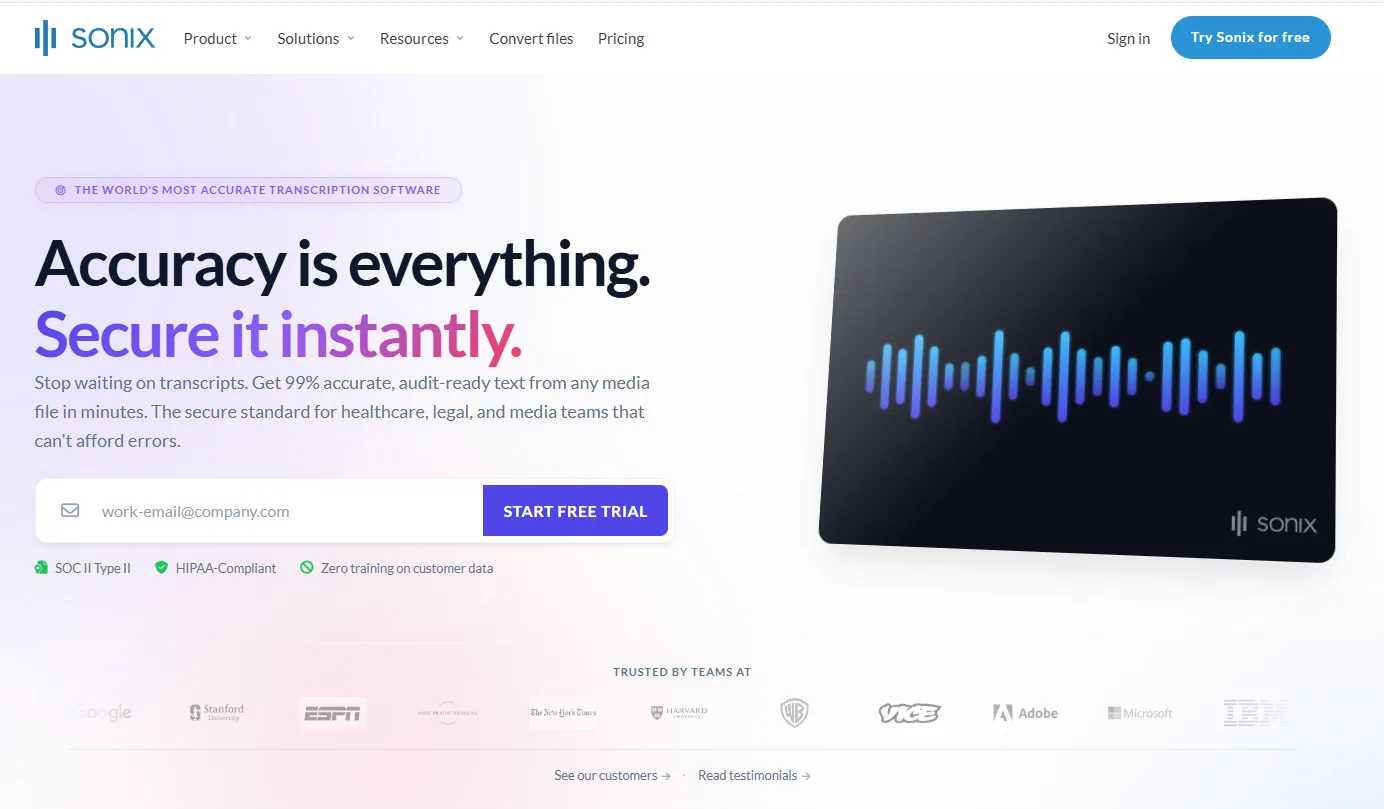
Sonix leans professional: up to 99% accuracy across 50+ languages, strong subtitle and translation tools, and security/compliance features (HIPAA available) that bigger teams need. It's a serious file-crunching platform rather than a meeting bot.
Premium runs about $22/user per month plus roughly $5 per audio hour, so heavy volume adds up — but for regulated or media workflows the polish is there.
Best for: media, legal and enterprise teams needing subtitles and compliance.
Watch-outs: per-hour charges make high volume expensive.
6. TurboScribe — cheap, unlimited file uploads
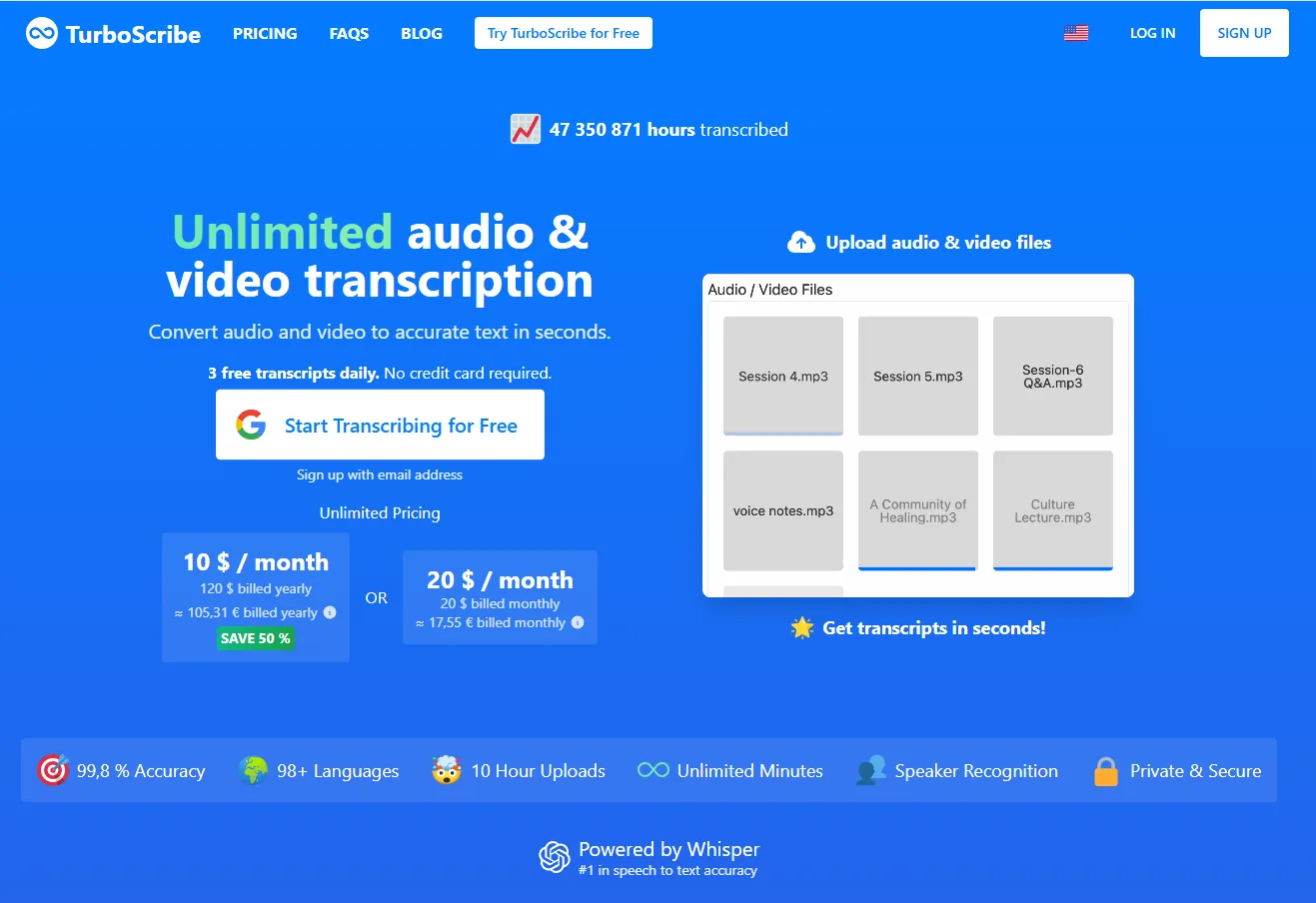
TurboScribe is the value pick for pure file transcription. The free plan does 3 files a day (up to 30 minutes each); the Unlimited plan is about $10/mo billed annually and lifts the caps to long files and 134+ languages. No meeting bot, no summaries stack — just fast, cheap uploads to text.
Best for: high-volume drag-and-drop transcription on a budget.
Watch-outs: file-only; light on the AI layer (summaries, chat, links).
7. Notta — the most generous free minutes

Notta gives 120 free minutes a month — four times Otter's free tier — and real-time transcription across ~58 languages. Pro (~$8/mo annually) unlocks full export and around 1,800 minutes. Clear single-speaker audio is where it shines; heavy accents and crosstalk are where it slips.
Best for: individuals who want to transcribe regularly for free or cheap.
Watch-outs: struggles with multiple speakers and specialized terms.
8. ScreenApp — grab a screen recording and transcribe it
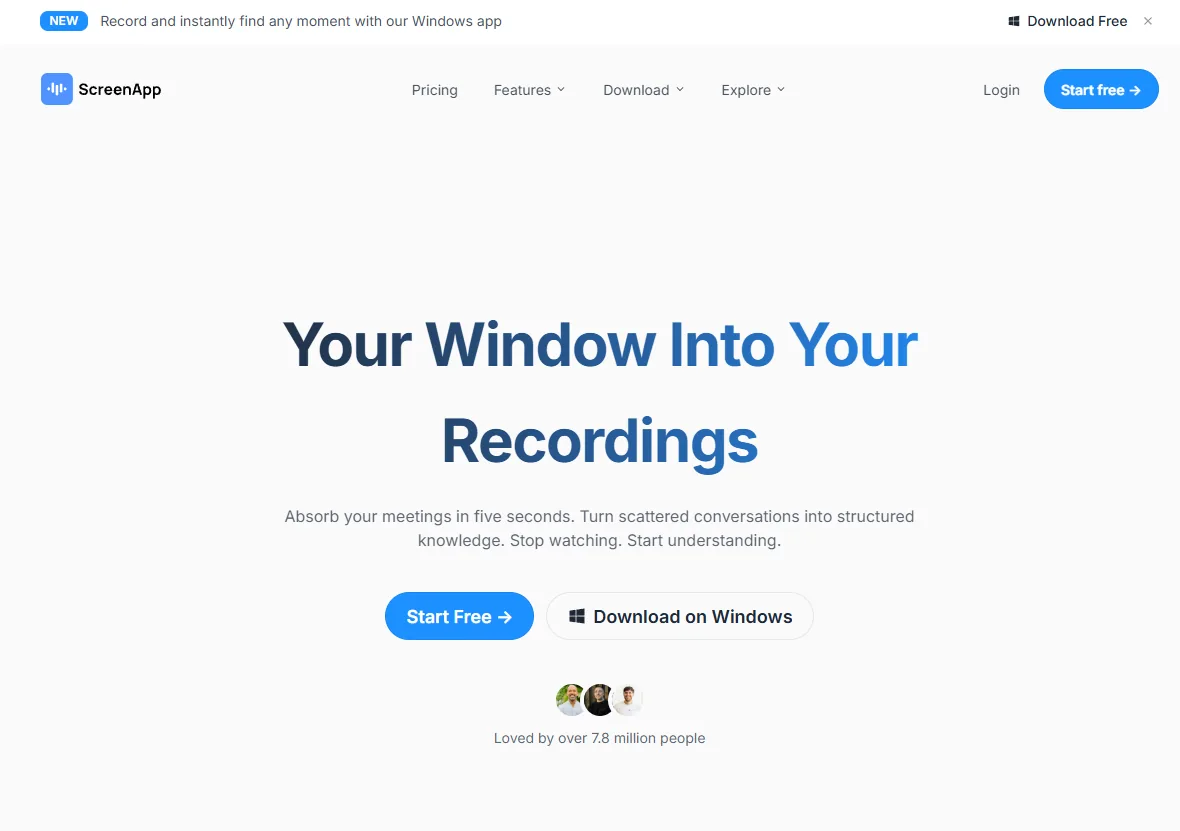
ScreenApp pairs a browser screen/video recorder with transcription, so you can capture something and turn it into text in one flow. The free tier covers a few videos with no card. Handy when the thing you need transcribed is on your screen right now.
Best for: quick capture-then-transcribe of on-screen video.
Watch-outs: lighter on languages and depth than the dedicated platforms.
How to choose
Match the tool to the input, not the marketing:
- Mostly live meetings? Otter (general) or Fireflies (CRM).
- Editing a podcast or video? Descript.
- Subtitles, compliance, enterprise volume? Sonix.
- Cheap bulk file uploads? TurboScribe; free minutes, Notta.
- All of the above from one place — links, files and meetings — with summaries and a chat over everything? HypeScribe.
Frequently asked questions
What is the most accurate AI transcription tool in 2026?
On clean, single-speaker audio, the leading tools (HypeScribe, Sonix, Rev) all reach up to 99% accuracy. Accuracy drops for everyone with heavy accents, background noise, or several people talking over each other — that's where a human review tier (Rev) or a strong model still helps.
Which AI transcription tool is best for YouTube or social media links?
HypeScribe is built for it — paste a YouTube, Instagram, TikTok, Vimeo or Google Drive link and it transcribes without any download. Most meeting-first tools (Otter, Fireflies) don't take arbitrary links.
Is there a free AI transcription tool?
Yes. Notta (120 min/mo) and Otter (300 min/mo) have generous free tiers, TurboScribe allows a few files a day, and HypeScribe includes a free tier for transcription. OpenAI's Whisper is free and open-source if you're comfortable running it yourself.
What's the difference between a meeting bot and a file transcriber?
A meeting bot (Otter, Fireflies) joins your live call and transcribes it in real time. A file transcriber (TurboScribe, Sonix) turns an existing recording or link into text. HypeScribe does both, plus link-based sources.
Related reading
- The 12 best Otter AI alternatives
- The best transcription software for interviews
- How to convert a YouTube video to text
- How to record meetings and transcribe them
Pricing and features change often — figures reflect publicly listed plans at the time of writing. Check each vendor's site for the latest.



































































































