A Comprehensive Guide to Transcribing Audio to Text Online in 2026
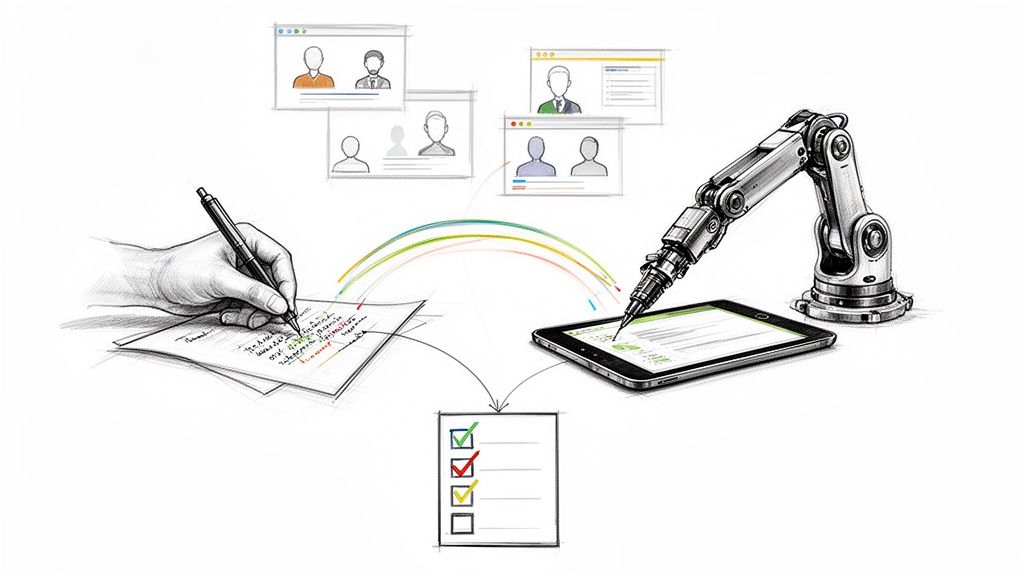
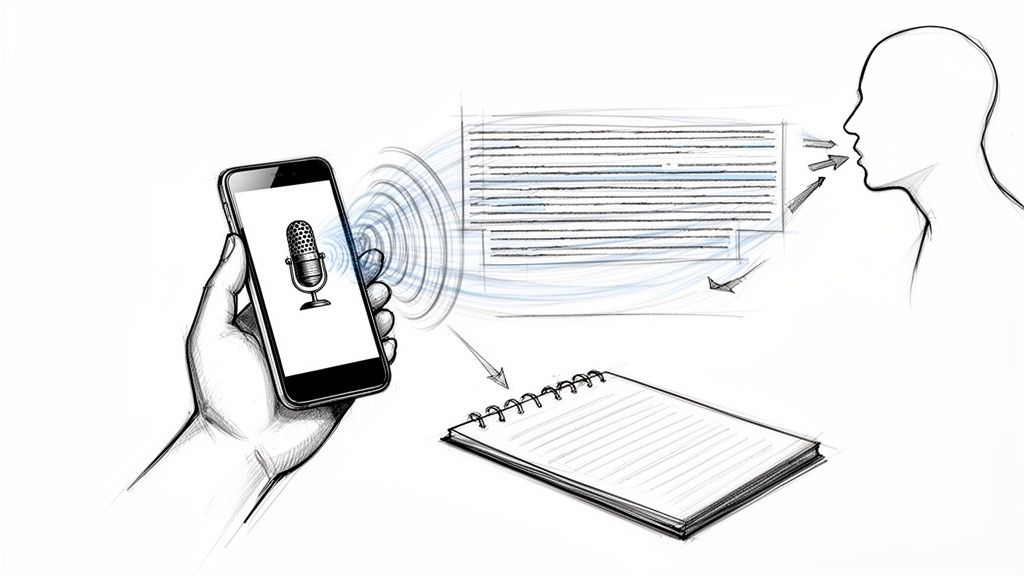
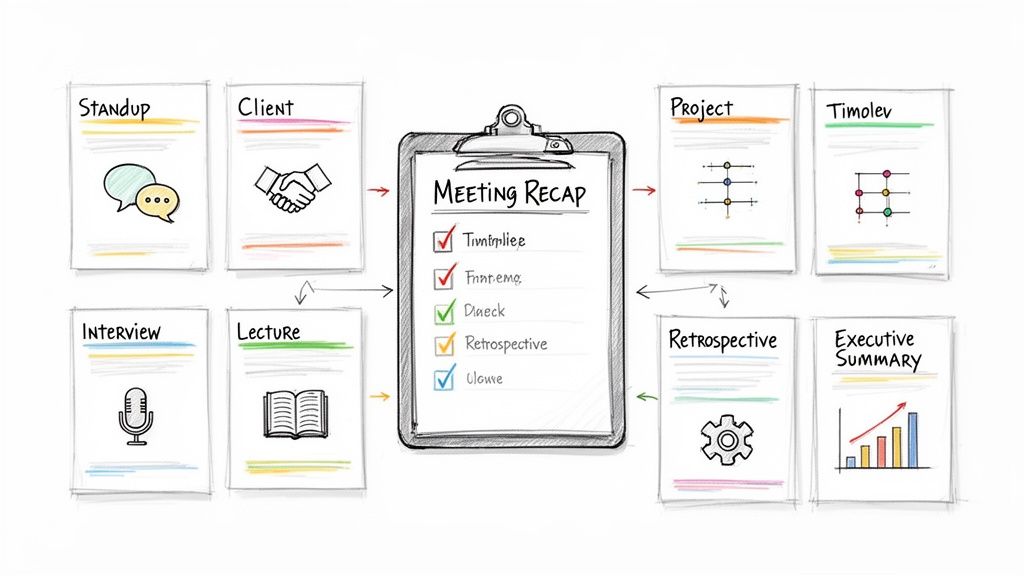
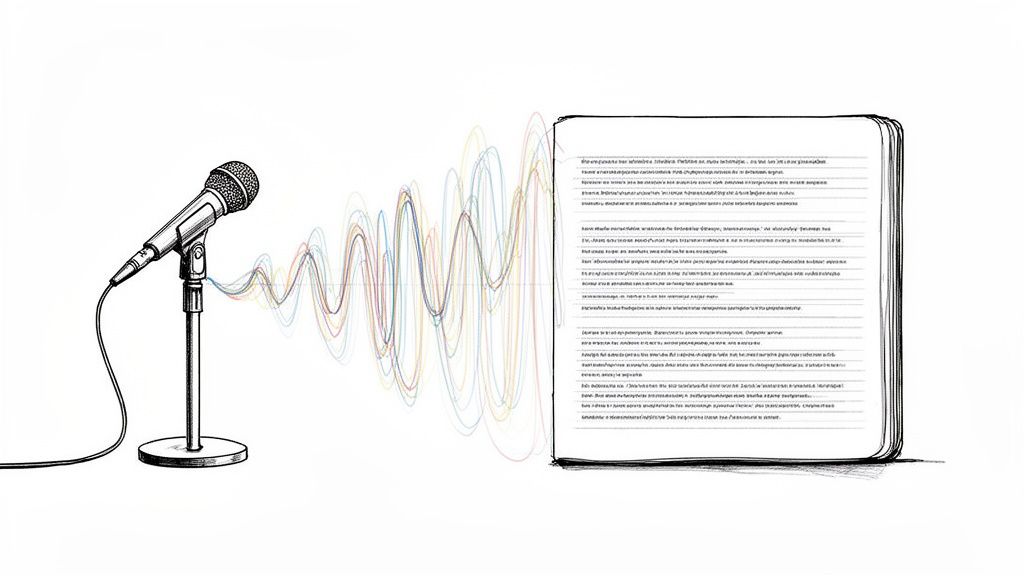
Manually typing out audio recordings is a tedious, time-consuming task that few people enjoy. Thankfully, the process has been revolutionized. You can now transcribe audio to text online in minutes using powerful AI services that automate the entire workflow. What once took hours of painstaking effort can now be accomplished almost instantly.
This technological leap is a game-changer for anyone who regularly works with spoken content, including professionals, students, and creators. It transforms how we interact with audio and video, making it more accessible and useful than ever before.
Why Do You Need Online Transcription?
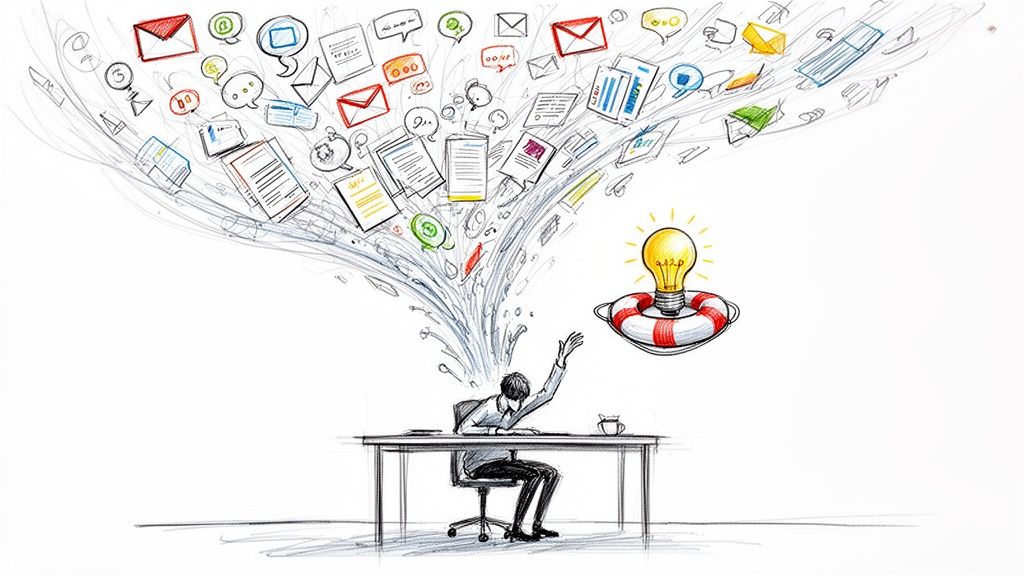
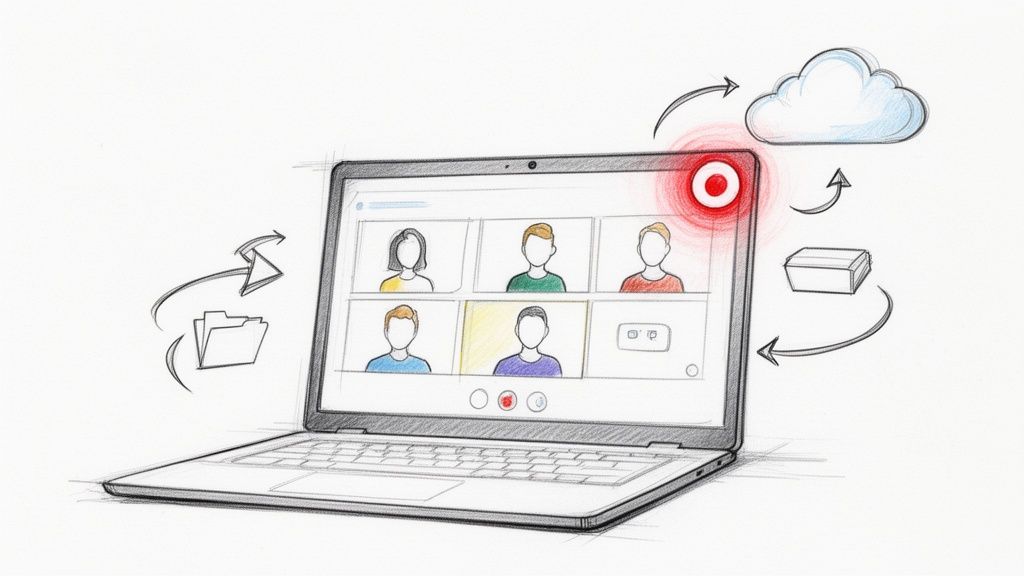
The shift towards remote and hybrid work means we're creating and consuming more recorded content than ever—video meetings, interviews, webinars, and lectures. But how do you efficiently find a specific piece of information buried in a one-hour recording? Sifting through audio and video is inefficient.
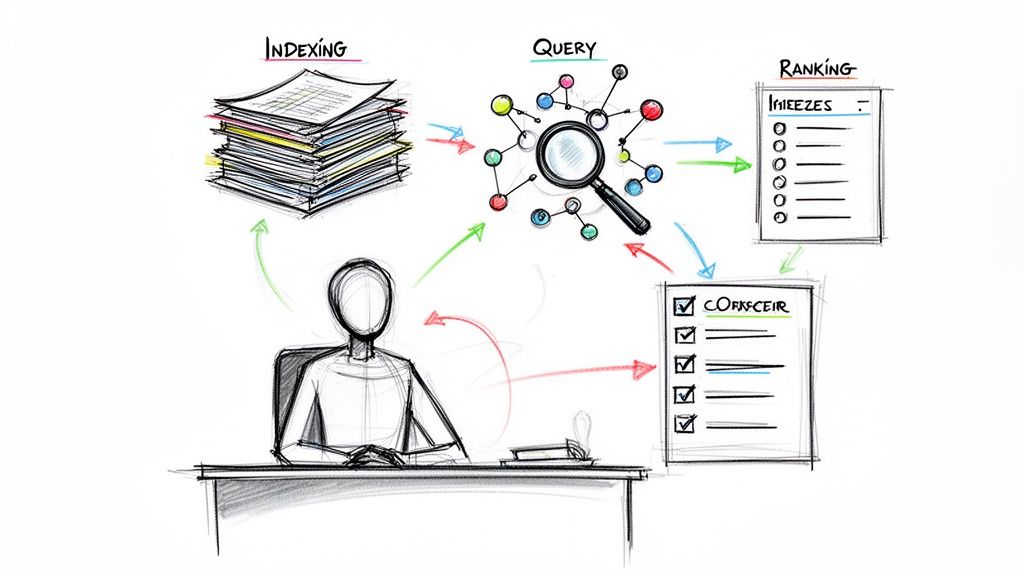
This is the problem online transcription services solve. They don't just save time; they make your audio and video files searchable, scannable, and truly valuable. By converting a meeting into a document, you can locate exactly what you need in seconds.
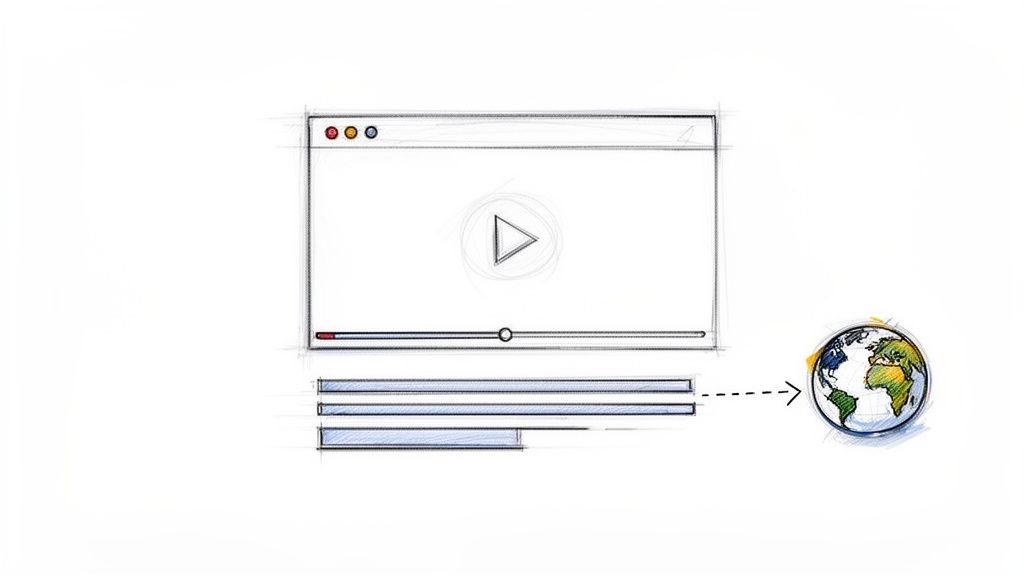
The best tools are designed for simplicity. Typically, you'll find a clean interface where you can drag and drop a file or paste a link to begin the transcription process.

This user-friendly approach ensures that anyone can use the technology without needing technical expertise.
How AI Has Transformed Transcription
Artificial intelligence is the engine driving this revolution. Advanced AI algorithms, like those powering services such as HypeScribe, are what provide incredible speed and accuracy. The market's growth reflects this shift: by 2023, platforms like HappyScribe had already attracted over 6 million users and 41,000 teams. This widespread adoption is a direct result of the global rise in remote work and the need for more efficient collaboration tools.
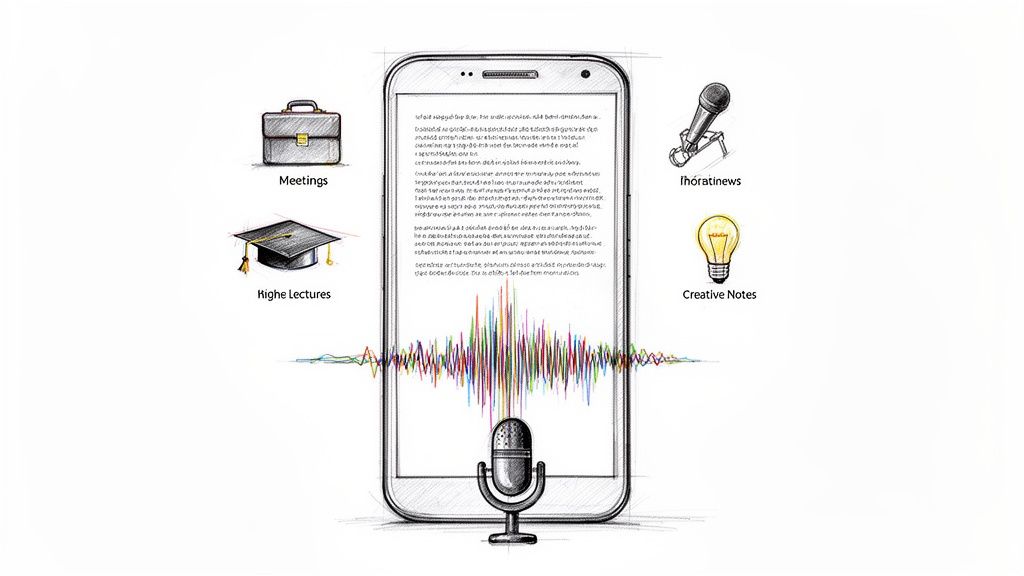
Consider the practical applications for different users:
- Students can get a full transcript of a two-hour lecture to review key concepts before an exam.
- Journalists can have an interview transcribed in minutes, ready to pull quotes for an article.
- Marketers can easily repurpose a podcast episode into a blog post, social media updates, and more.
The core value is turning passive audio into an active, usable asset. You can only listen to an audio file, but you can search, edit, summarize, and share a transcript.
A great example is Facebook video transcription, which demonstrates how making video content readable expands its reach and accessibility. This is a primary reason why many are turning to AI-powered transcription software to maximize the value of their content.
How to Prepare Your Audio for Accurate Transcription
Here’s a crucial insight: the secret to a great transcript isn't just the software—it’s the quality of the audio you provide. Even the most advanced AI will struggle with a messy, unclear recording.
A simple rule of thumb is: if a human can't understand what's being said, an AI probably can't either. When your goal is to transcribe audio to text online with high accuracy, your top priority should be capturing clean audio.
The good news is you don’t need a professional recording studio. Based on my experience, a few simple adjustments can boost transcription accuracy from a frustrating 85% to a near-perfect 99%. These tips apply whether you're recording a lecture, a client interview, or a podcast.
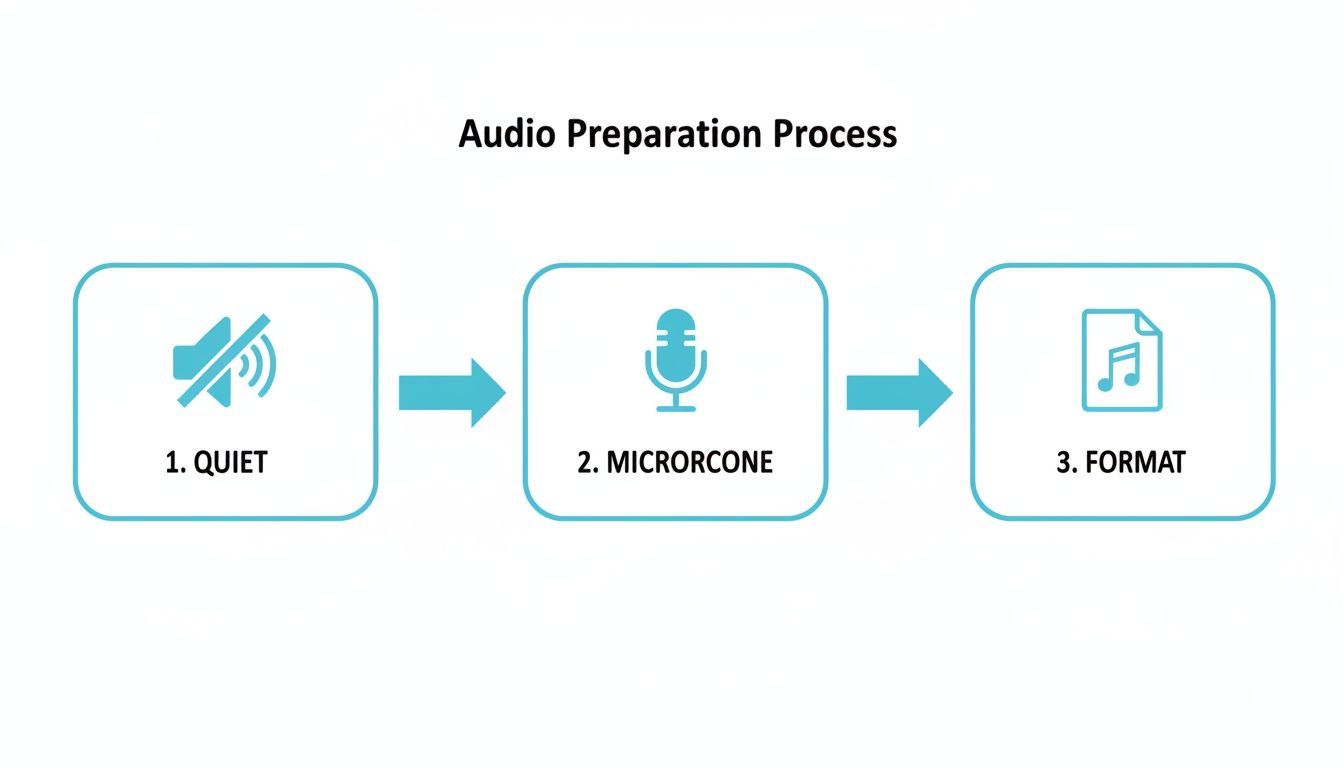
1. Find a Quiet Recording Environment
AI transcription tools are literal—they transcribe everything they hear. Background noise like a whirring fan, a barking dog, or the echo in a large room can confuse the AI, leading to inaccurate or nonsensical text.
Before you start recording, take a moment to find the quietest space available.
- Close windows and doors to block out external noise like street traffic or conversations in the hallway.
- Turn off background hums, such as air conditioners, noisy computer fans, or televisions. These sounds can easily degrade audio quality.
- Soften the room if possible. Hard surfaces like glass and bare walls create echo. Rooms with carpets, curtains, or furniture help absorb sound, making the speaker's voice clearer.
These small steps create a much cleaner audio signal for the transcription engine to process.
A quiet space is an AI's best friend. Taking just 30 seconds to reduce ambient noise before recording can save you 30 minutes of editing a messy transcript later.
2. Position Your Microphone and Speakers Correctly
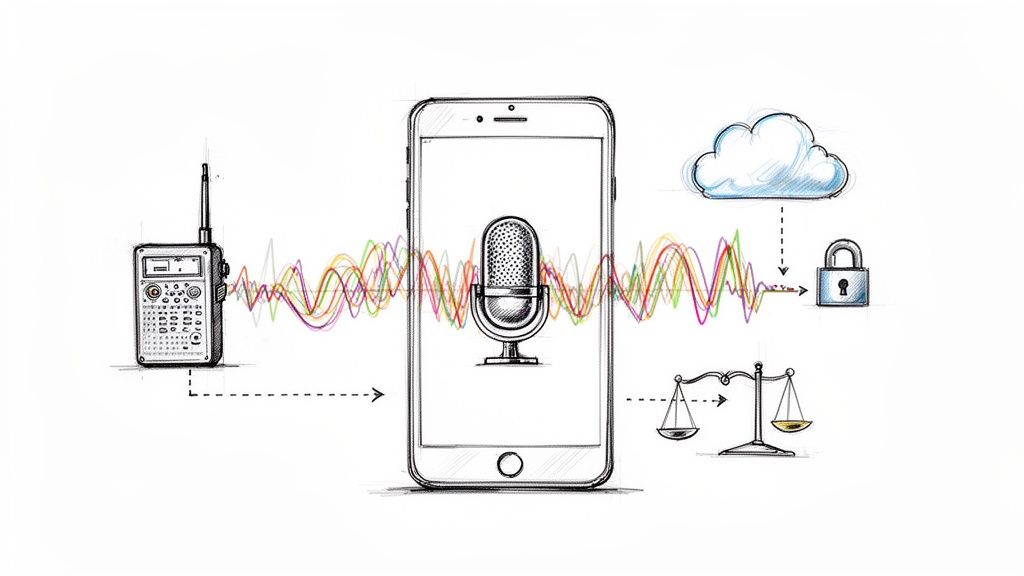
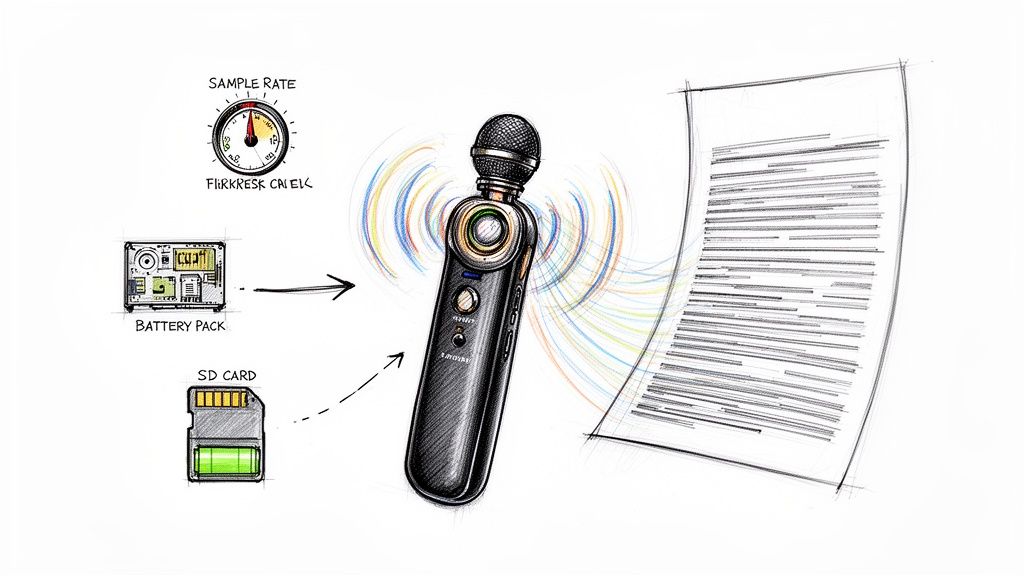
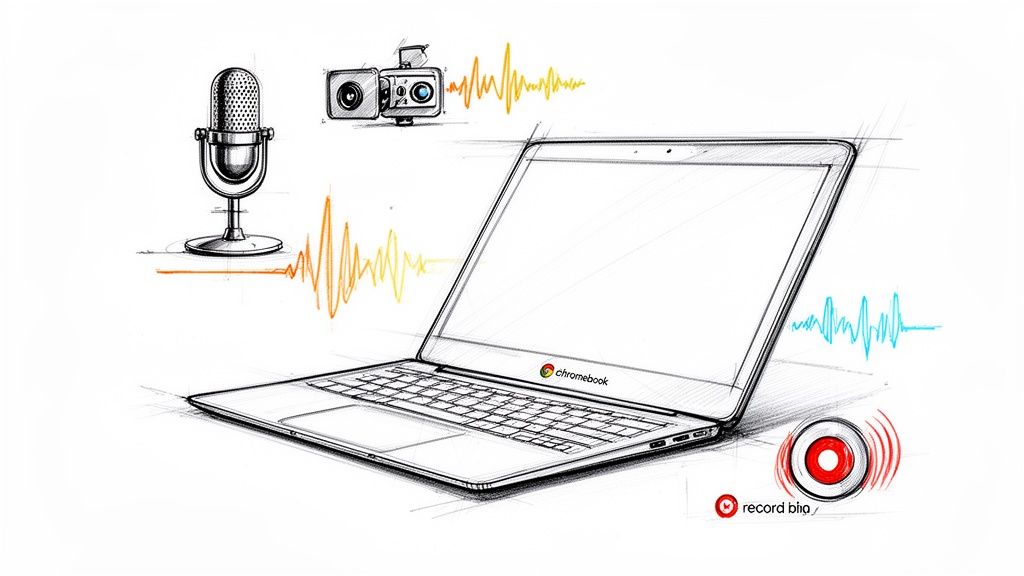
You don't need to buy an expensive microphone. The one built into your phone or laptop can work well if used correctly. The key is proximity: the closer the microphone is to the speaker, the stronger their voice will be relative to any background noise.
If multiple people are speaking, such as in an interview or team meeting, crosstalk is a major issue. When people talk over each other, the AI struggles to separate the voices and often makes errors. Encourage speakers to talk one at a time. If you are looking to upgrade your setup, our guide on choosing an audio recorder device has some solid, field-tested recommendations.
3. Choose the Right Audio File Format
Finally, consider your file format. While a service like HypeScribe can handle various formats, you can improve results by using a high-quality one. An uncompressed WAV file is the gold standard for audio quality. However, a high-bitrate MP3 is often a great compromise, offering excellent clarity with a smaller file size. You can usually configure this in your recording app's settings.
Your Step-by-Step Guide to Using an Online Transcription Tool
Once your audio file is prepared, you’re ready to turn it into text. Using a tool like HypeScribe is designed to be straightforward, allowing you to move from raw audio to a clean transcript with minimal effort.
There are several ways to input your audio, each suited for different scenarios. Let’s explore the options to help you choose the best one for your needs.
How to Get Your Audio into HypeScribe
Choosing the right input method from the start will save you time. Here’s a quick breakdown of the main ways to feed your audio into HypeScribe and when each is most useful.
| Input Method | Best For | Example Use Case |
|---|---|---|
| File Upload | Transcribing local audio/video files after an event. | You just finished a one-on-one interview and have the MP3 file on your desktop. |
| Paste a Link | Transcribing public content from the web. | A professor shared a YouTube link for a required lecture that you need to study. |
| Live Recording | Capturing and transcribing live events as they happen. | You need to transcribe a team meeting on Zoom to share notes with an absent colleague. |
As you can see, whether your audio is a file on your computer, a link from the web, or a live conversation, there's a straightforward path to getting it transcribed.
Do You Need a Transcript Now or Later?
Next, consider your workflow. Do you need the transcript after an event is over, or do you need it in real-time?
Batch processing is the standard for most transcription tasks. This is what happens when you upload a file or paste a link. The AI processes the entire recording at once and delivers the full transcript in minutes. This method is ideal for finished content like interviews, lectures, and pre-recorded meetings. In my experience, HypeScribe can process an hour-long recording in under 30 seconds.
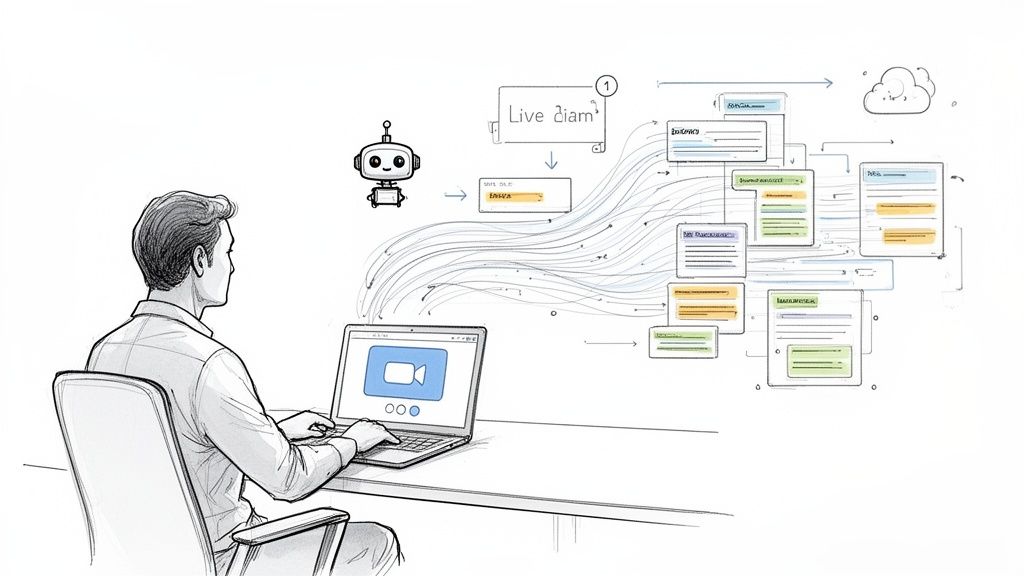
Real-time transcription, on the other hand, is for capturing conversations live. HypeScribe's meeting assistant can join your Zoom, Google Meet, or Microsoft Teams calls and generate a transcript as the meeting happens. This is a fantastic feature for keeping everyone aligned without needing a dedicated notetaker.
If you frequently use virtual meeting platforms, our guide on Zoom AI transcription offers specific tips for that environment.
Pro Tip: Before you hit "Transcribe," always double-check the language setting. HypeScribe supports over 100 languages, but an incorrect selection is one of the most common—and easily avoidable—reasons for a bad transcript.
After confirming the language and enabling speaker identification, all that's left is to click the button. The system will then convert the spoken words into a structured, readable document you can work with almost immediately.
How to Get Actionable Insights from Your Transcript
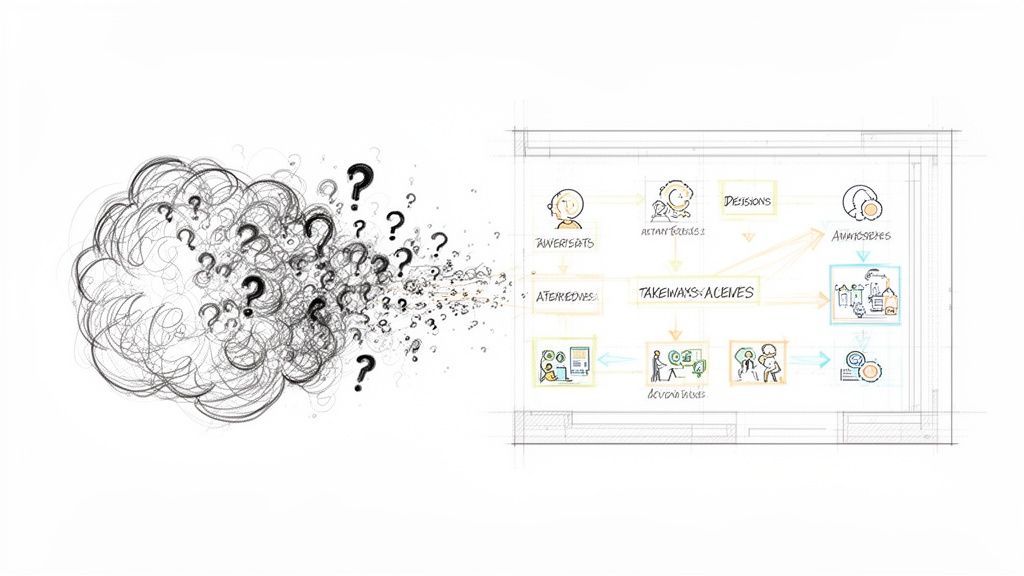
You’ve received your transcript, but a raw text file can be an overwhelming wall of words. The real value comes from extracting useful information. This is where modern transcription tools truly shine, evolving from simple dictation services to powerful productivity partners.
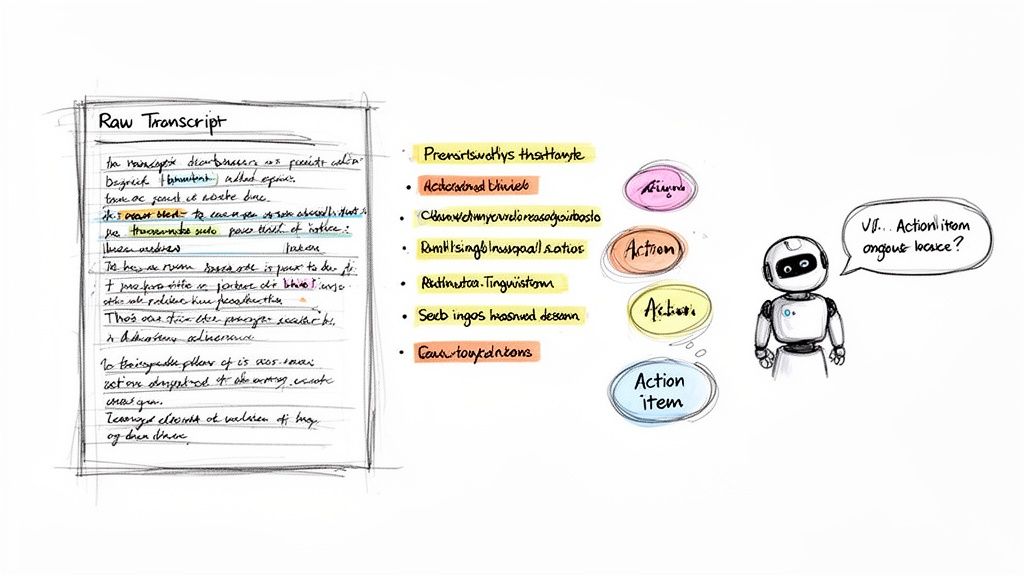
A single one-hour meeting can generate thousands of words. Manually sifting through that text to find key decisions or action items is nearly as tedious as manual transcription itself. The goal is to find what matters, faster.
Personalize the AI for Better Accuracy
The first step to making a transcript useful is to teach it your specific language. A standard AI model is powerful, but it doesn't know your company's project codenames, internal acronyms, or unique product names. It will likely misspell jargon and proper nouns.
This is where custom vocabularies become invaluable. You can provide the AI with a "cheat sheet" of terms unique to your world.
- Custom Vocabulary: Feed the tool a list of specific terms, acronyms, and names to ensure they are transcribed correctly every time.
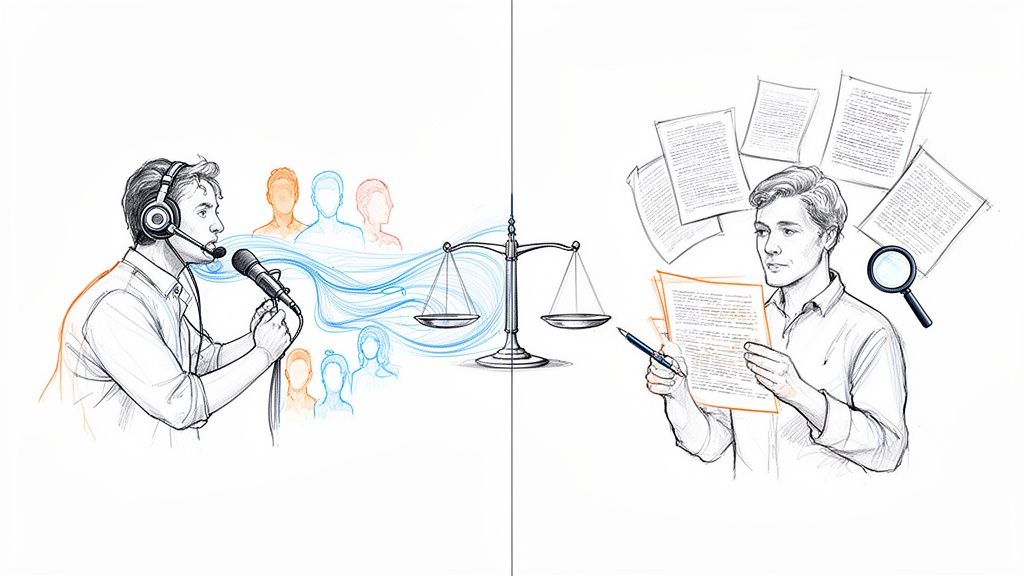
- Automatic Speaker Labels: Instead of a generic "Speaker 1" and "Speaker 2," good tools can automatically identify and label who is speaking. This transforms a confusing block of text into a clear, readable script.
These features are more than just minor conveniences; they fundamentally improve the readability and reliability of your transcript.
A transcript that correctly uses your team's unique language and clearly attributes statements to the right speakers is no longer just a record—it’s a reliable source of truth.
Let AI Find the Important Moments for You
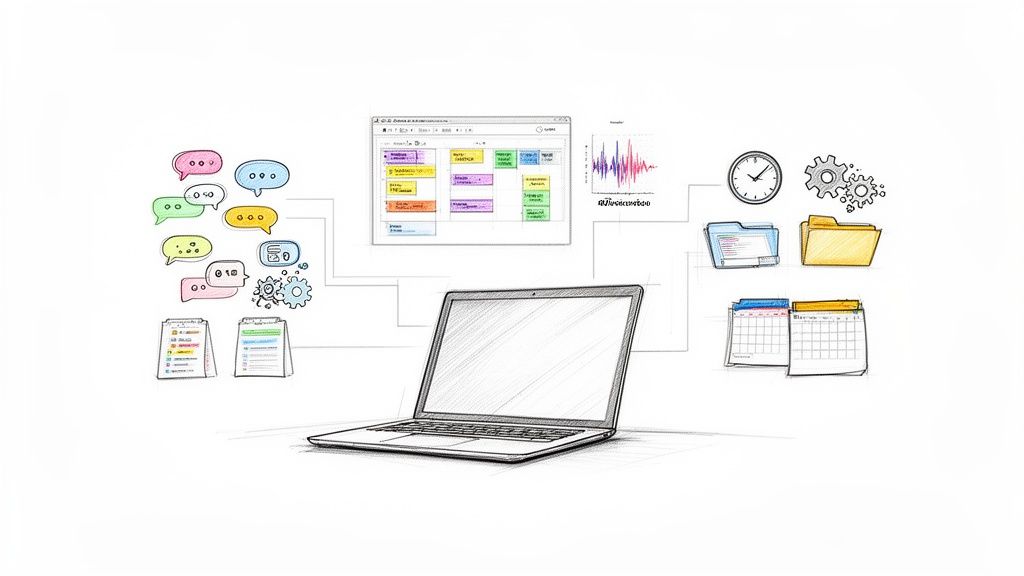
Once you have a clean, accurate transcript, you can leverage AI to analyze the content. A tool like HypeScribe can turn your text into an interactive database, helping you understand the meaning behind the words.
In seconds, you can generate:
- Smart Summaries: A high-level overview of the entire conversation, perfect for sharing with stakeholders who don't need the full details.
- Key Takeaways: The AI automatically identifies the most important decisions, conclusions, and highlights from the discussion.
- Action Items: This feature isolates specific tasks, owners, and deadlines mentioned during the conversation, ensuring nothing falls through the cracks.
Ask Questions and Get Instant Answers
The ultimate evolution of transcription is treating the output not as a static document, but as a dynamic resource you can interact with. Imagine asking your meeting notes a question and getting an immediate answer.
With HypeScribe's integrated AI chat, this is now possible. Instead of using Ctrl+F to search for keywords, you can ask direct questions in plain language:
- "What was the final budget decision for the marketing campaign?"
- "Who is responsible for following up with the client?"
- "Summarize Sarah's concerns about the project timeline."
The AI scans the transcript and provides a direct, concise answer with source attribution. This transforms your archives from a pile of digital files into a searchable, active knowledge base for your entire team.
How Professionals Use Online Transcription Daily
Features are great, but what matters is how these tools perform in real-world scenarios. For professionals across many fields, the ability to transcribe audio to text online is not just a convenience—it's an essential part of their workflow that saves them countless hours.
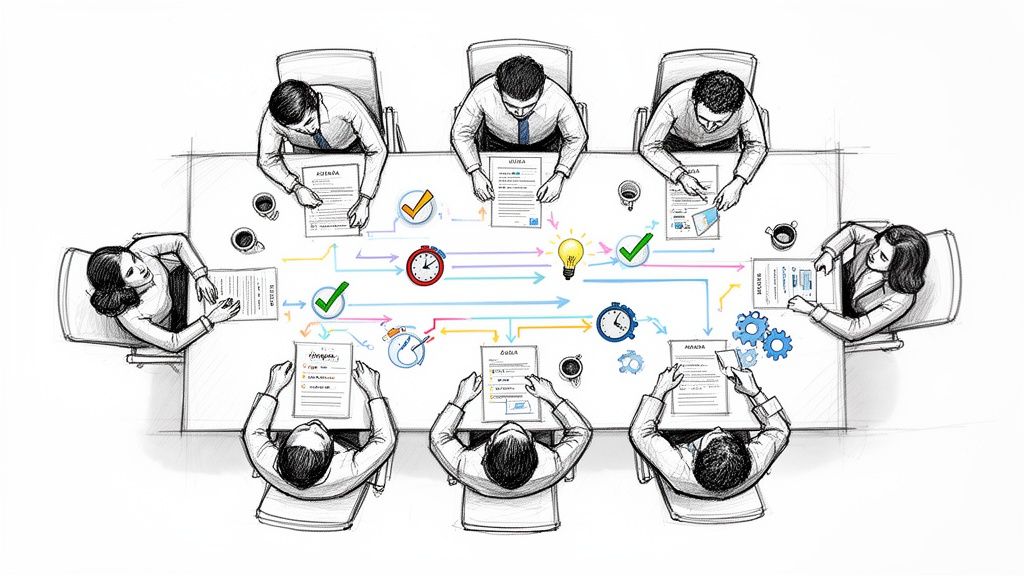
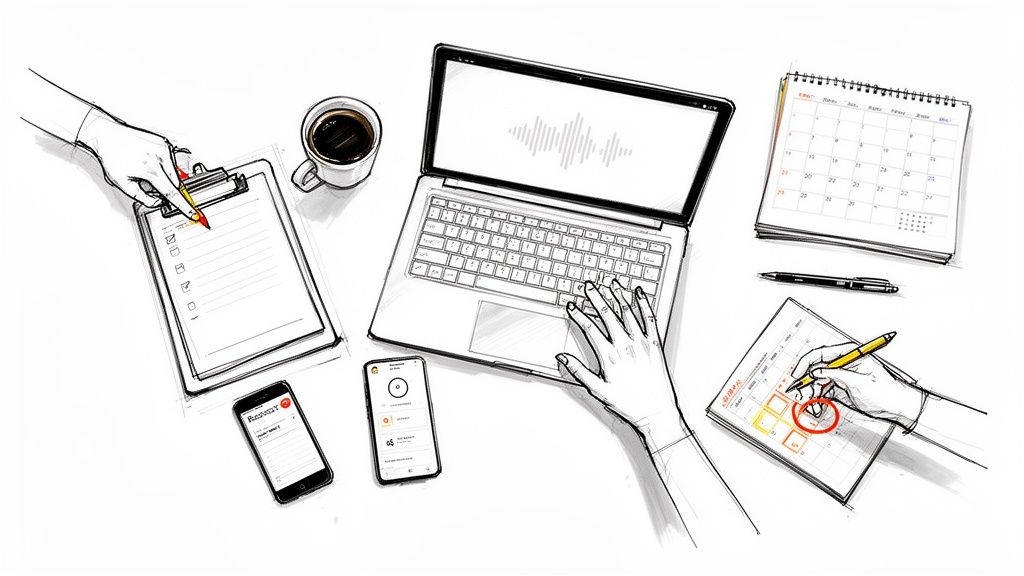
Consider a project manager finishing a long client call on Zoom. Previously, she would have needed to block out another hour to re-listen to the recording and extract key decisions. Now, she can upload the recording to HypeScribe and, in less time than it takes to get coffee, receive a full transcript with speaker labels, a summary for her manager, and an auto-generated task list to delegate.
Transforming Lectures into Study Guides
University students face a similar challenge with hours of dense lectures. By recording and transcribing each lecture, they can convert passive listening into an active study session.
Instead of scrubbing through recordings, a student can search the text for a specific concept or ask the AI chat, "What were the three main points about quantum mechanics?" This changes the dynamic from passive review to efficient, targeted learning.
A transcribed lecture is more than just notes—it's a searchable, interactive study partner. You can instantly find definitions, review complex topics, and get summaries without re-listening to the entire recording.
This principle applies beyond academia. Many modern jobs require similar skills. For instance, if you look at what a content creator does, their work often involves repurposing one piece of media into many formats—a process where transcription excels.
Speeding Up Content Creation and Repurposing
For marketers, journalists, and podcasters, speed and efficiency are critical. A journalist can finish an interview, receive a perfect transcript in moments, and immediately start pulling quotes for their article, with timestamps for easy fact-checking. A podcaster can take a single audio episode and repurpose it into numerous pieces of content.
This workflow has become a standard practice:
- An audio episode is transcribed in seconds.
- The full text becomes a blog post, boosting SEO.
- Key quotes are extracted for social media graphics.
- The main ideas are summarized into an email newsletter.
This efficiency is a major factor behind the 300% increase in podcast production since 2020. A 2024 Buzzsprout survey found that 67% of podcasters consider auto-transcription essential for both accessibility and search engine visibility. With tools like HypeScribe that can pull from YouTube, Vimeo, and Google Drive links and deliver 99% accuracy, creators can automate this entire repurposing cycle. You can explore detailed findings on AI transcription tools to see just how widespread this trend has become.
Frequently Asked Questions
If you're considering using online transcription, you likely have questions about accuracy, security, and cost. Here are straightforward answers to the most common queries, based on my experience working with these tools.
How Accurate Are These AI Tools, Really?
This is the million-dollar question. The honest answer? It all comes down to your audio quality. If you feed the AI a clean recording with little to no background noise, a top-tier service like HypeScribe can hit 99% accuracy. That's a transcript you can use almost immediately with minimal tweaks.
But let's be realistic—not all audio is perfect. Accuracy will take a hit when you're dealing with:
- Loud background noise: Think coffee shop chatter, street traffic, or a whirring air conditioner.
- Speaker crosstalk: When multiple people talk over each other, even the best AI can get confused.
- Strong accents or niche jargon: If the AI hasn't been trained on a specific dialect or a field's technical terms, it might misinterpret some words.
The key takeaway is that the prep work we discussed earlier—finding a quiet spot, using a decent mic—directly pays off in the quality of your transcript. Garbage in, garbage out still applies.
Is It Safe to Upload Sensitive Audio Files?
Yes, but only if you're using a platform that takes security seriously. This is a huge concern, and it should be, especially if you're transcribing confidential board meetings, patient sessions, or sensitive legal interviews.
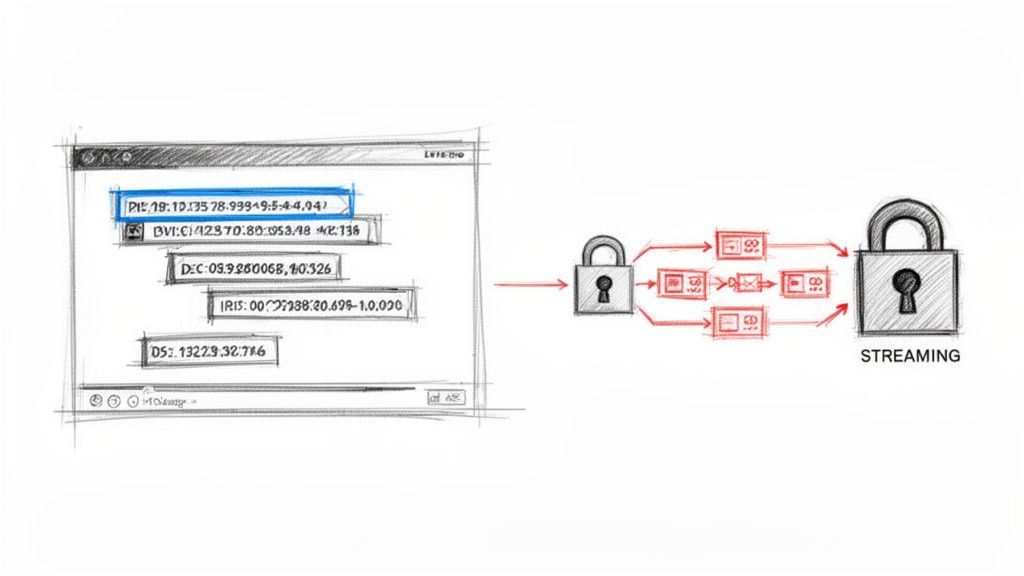
The best platforms use strong end-to-end encryption. This means your files are protected from the moment you upload them (in transit) to when they’re stored on the server (at rest).
A service like HypeScribe, for example, was designed with this in mind. It doesn't just encrypt your data; it puts you in the driver's seat. You have the power to permanently delete your original audio and the finished transcript from their servers anytime you want. That’s how you know your private information stays private.
What's This Going to Cost Me?
Pricing is all over the map, which is actually good news—it means you can find something that fits your budget and workflow. Many services push monthly or annual subscriptions, which are great if you have a consistent, high volume of audio to transcribe every month.
On the other hand, some platforms, including HypeScribe, run on a pay-as-you-go credit system. This is perfect if your transcription needs are sporadic. You just buy a block of minutes or credits, and they're yours to use whenever you need them, without a ticking clock. Most platforms also offer a free trial, so you can always test the waters before you commit.
Can I Transcribe a YouTube Video or a Podcast Directly?
Absolutely. This is one of the best use cases for modern transcription tools. Gone are the days of needing to download a huge video file just to rip the audio.
Most current platforms, HypeScribe included, are built for this. Just grab the URL of the YouTube or Vimeo video, or even a direct link to a podcast episode, and paste it into the tool. The platform does the heavy lifting, automatically pulling the audio track and transcribing it for you. It's a massive time-saver for anyone creating show notes, blog posts, or social media clips from existing content.
Ready to see how fast and simple this can be? Give HypeScribe a try and turn your audio or video into an accurate, usable transcript in just a few clicks. Experience the speed and precision for yourself.