
The 12 Best Apps for Recording Lectures in 2026
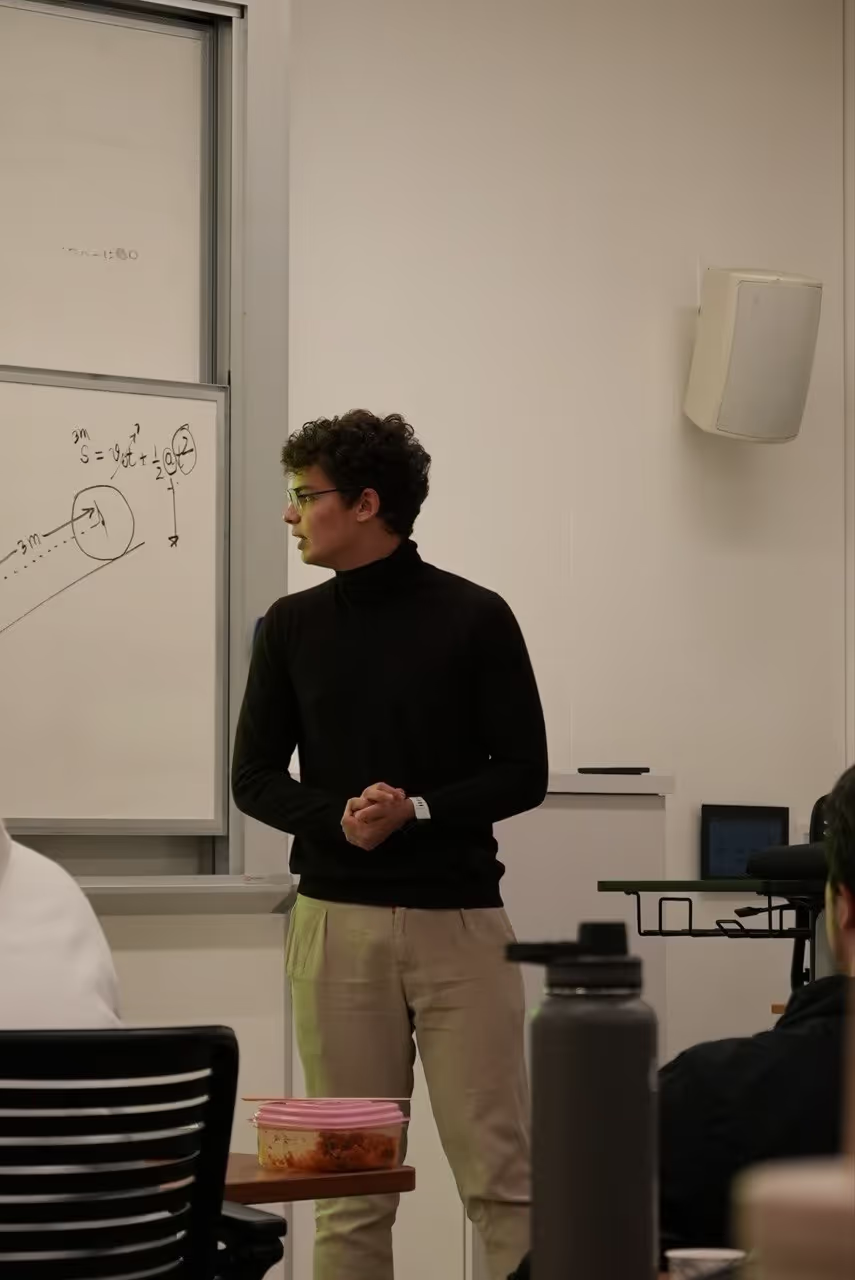
You cannot take good notes and follow a lecture properly at the same time. Recording solves that — you listen once, properly, and deal with the words afterwards. You risk missing critical details or losing the context of a key argument. The right application can solve this problem entirely, acting as a personal assistant that captures every word so you can focus on understanding the material in real time. Finding the best apps for recording lectures means more than just hitting a record button; it's about finding a tool that fits your specific workflow, whether you're a student, researcher, or professional.
This guide moves beyond simple descriptions to provide a detailed, experience-based breakdown of the top options available today. We'll analyze everything from audio quality and transcription accuracy to AI-powered features and pricing structures. To truly ensure you never miss a key point, leveraging an app that acts as an ultimate AI podcast summarizer guide can transform how you engage with lecture content.
We've done the heavy lifting to help you choose with confidence. Each entry in this list includes:
- A detailed analysis with pros, cons, and ideal use cases.
- Screenshots to give you a feel for the user interface.
- Direct links to get you started immediately.
By the end of this article, you will have a clear understanding of which platform best suits your needs, whether you require simple audio capture on your phone or a powerful, AI-driven transcription and summarization service. Let's find the perfect app to ensure you never miss a key point again.
1. HypeScribe
HypeScribe positions itself not just as a transcription tool, but as an AI-first learning assistant built for speed and immediate action. For students and educators searching for effective apps for recording lectures, this platform provides a powerful solution that transforms spoken words into structured, searchable text in seconds. Its core promise is turning passive recordings into active knowledge bases, making it an exceptional choice for academic environments where information density is high and time is limited.
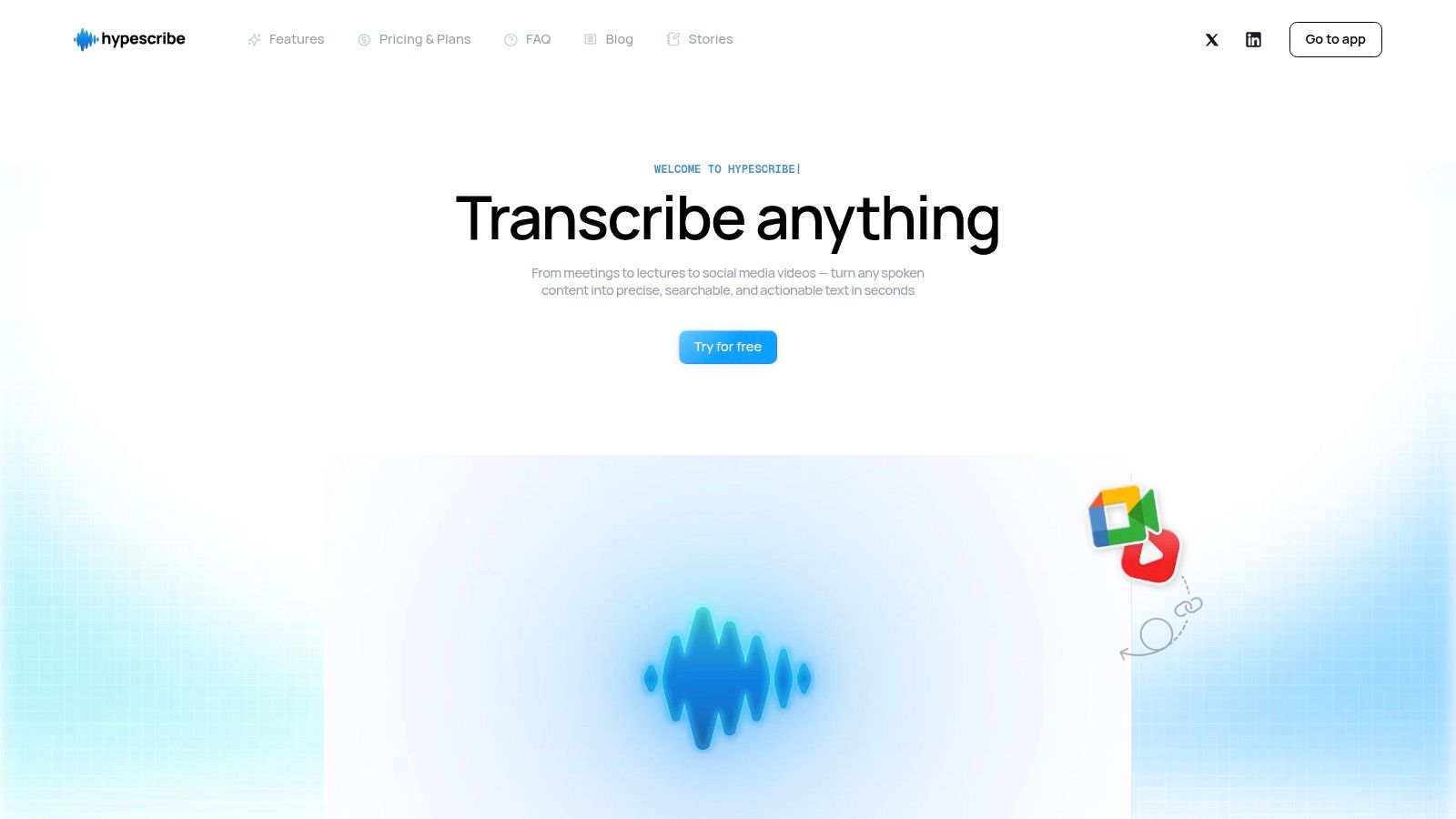
From my experience testing it, the platform’s real strength lies in its ability to process long-form audio without minute caps—a distinct advantage for hour-long seminars or multi-part lectures. Instead of billing by the minute, its token-based system (1 token = 1 file) simplifies the process. I uploaded an entire two-hour lecture and received a full transcript, along with AI-generated summaries and key takeaways, in less than a minute. This rapid turnaround is ideal for students who need to review material immediately after class.
Standout Features & Use Cases
- Real-Time Note-Taker: For live online classes, HypeScribe's bot can join Zoom, Google Meet, or Microsoft Teams meetings. It records and transcribes in real time, allowing students to focus on the discussion rather than on frantic typing.
- Multi-Source Imports: Beyond direct uploads, you can simply paste a link from platforms like YouTube, Vimeo, or Google Drive. This is perfect for transcribing guest lectures or supplemental video materials provided by instructors.
- Actionable AI Summaries: HypeScribe automatically extracts summaries, key points, and action items. For a study group, this means instantly identifying key concepts for review or assigned tasks for a group project. The platform's approach to voice-to-text note-taking focuses on creating usable outputs, not just raw text.
- Chat with Your Files: A file-aware chatbot lets you ask questions directly about your recorded lecture. For example, a user could ask, "What were the main arguments against the theory discussed?" and receive a direct answer from the transcript.
Pricing and Access
HypeScribe offers a tiered pricing model that caters to different user needs:
- Free Trial: 3 files per month (up to 1 hour each).
- Starter: $6.99/month for 30 files.
- Pro: $7.99/month for 60 files and the real-time Note-Taker for 10 meetings.
- Ultra: $12.99/month for 300 files and the Note-Taker for 30 meetings.
Significant discounts (up to 45%) are available with annual billing, making it an affordable option for a full academic year.
ProsConsExceptional Speed: Transcribes long files in seconds, not minutes.File-Based Billing: Can be less cost-effective for users with many very short recordings.AI-Generated Insights: Automatically creates summaries, takeaways, and action items.Lacks Enterprise Certifications: No explicit SOC 2 or HIPAA compliance, which might be a factor for certain institutional uses.Broad Language Support: Claims up to 99% accuracy across over 100 languages.Flexible Imports & Exports: Supports URL imports and exports to various formats (Doc, PDF, etc).
Website: HypeScribe.com
2. Otter.ai
Otter.ai is one of the most recognized apps for recording lectures because it combines audio recording with powerful, real-time AI transcription. It essentially acts as a personal assistant, capturing every word spoken and organizing it into a searchable, time-stamped script. This makes it exceptionally useful for students who want to focus on the lecture itself, knowing they can revisit specific moments later without scrubbing through an entire audio file.
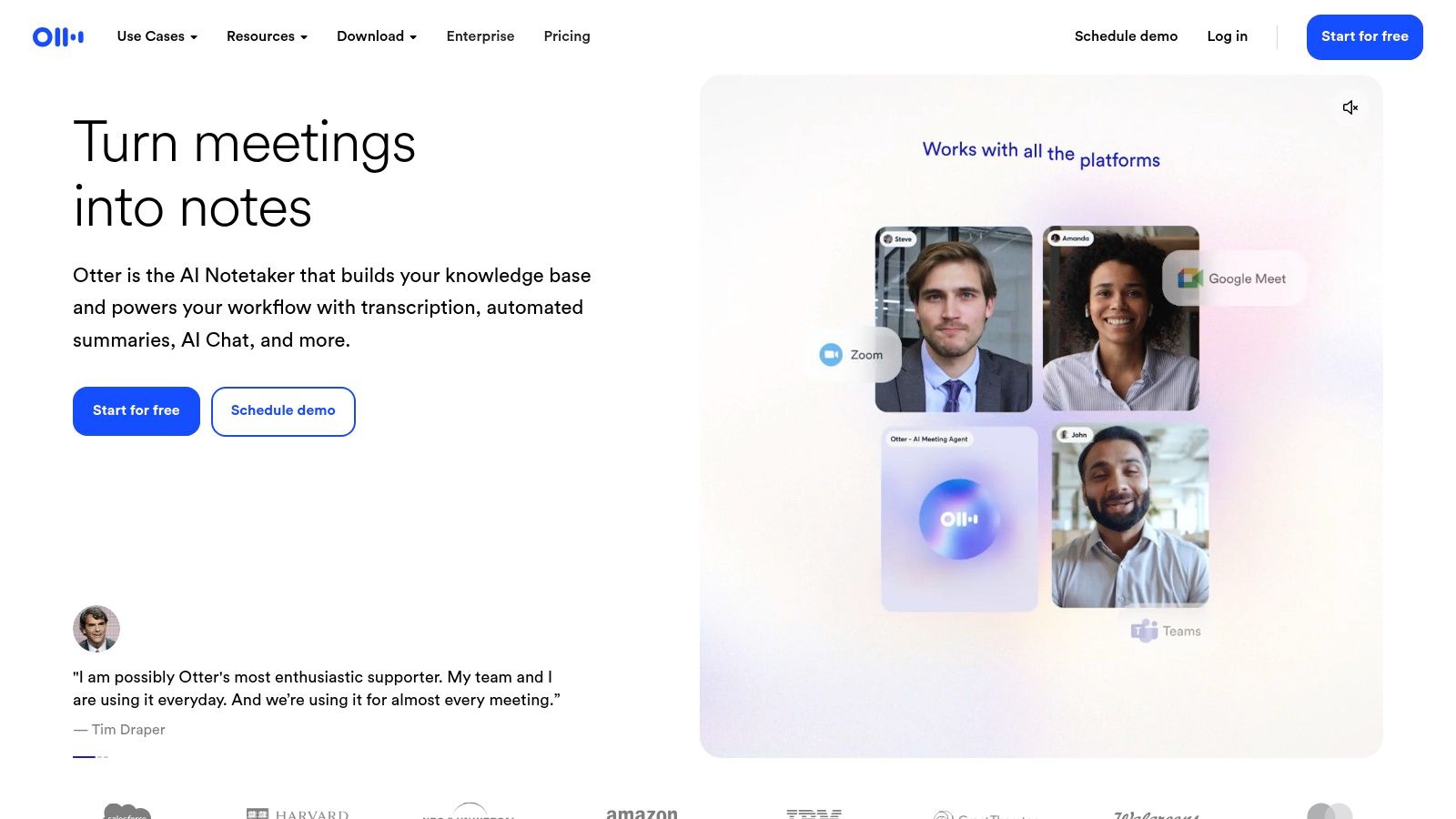
The platform’s strength lies in its live transcription accuracy and speaker identification, which automatically labels who is speaking. Its "OtterPilot" can join Zoom, Google Meet, or Microsoft Teams meetings automatically, making it ideal for both in-person and online classes. Students and educators find the ability to add comments, highlight key sections, and generate an automated summary invaluable for study and review. For a deeper dive into the benefits of converting lectures to text, explore our guide on how to transcribe lectures to text effectively.
Key Features & User Experience
- Live Transcription: Generates a running transcript with time-stamps as the lecture happens.
- Keyword Highlights: Automatically pulls out important terms and topics for quick review.
- Platform Availability: Seamlessly works on Web, iOS, and Android.
- Pricing: Offers a free tier with 300 monthly transcription minutes and a 30-minute cap per recording. Paid plans like Pro ($16.99/mo) increase limits.
Pros:
- Reliable and fast transcription
- Excellent cross-platform synchronization
- Integrates with popular meeting platforms
Cons:
- The free tier's monthly minutes can be used up quickly.
- Per-conversation limits on paid plans can be restrictive for lectures over 90 minutes.
Website: https://otter.ai
3. Notability
Notability is a top-tier choice among apps for recording lectures, especially for users within the Apple ecosystem who value handwritten notes. Its standout feature is the ability to sync audio recordings directly with what you write or type. When I tested it, tapping on a specific note I'd written played back the audio from the exact moment I wrote it, creating a powerful review tool for connecting abstract concepts with the professor's verbal explanation.
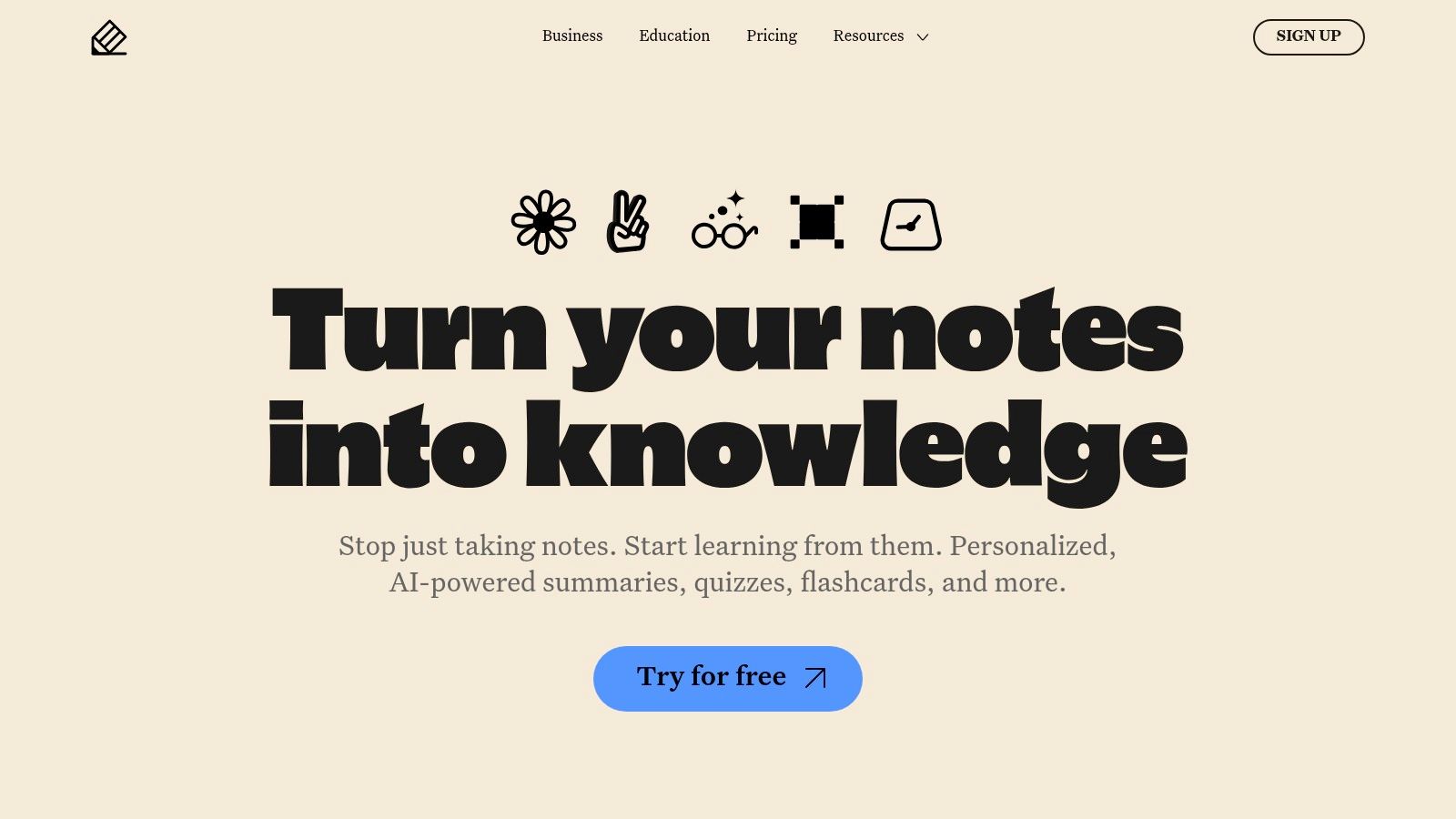
The app combines traditional note-taking with modern AI enhancements like Smart Notes, which can generate summaries and study aids from your lecture notes in real time. It goes beyond simple recording by integrating transcription and even allowing you to link and summarize YouTube videos directly within your notes. For students looking to get the most out of their lectures, combining these features with proven techniques is key; you can find more strategies on how to improve your note-taking skills in our dedicated guide.
Key Features & User Experience
- Synced Audio/Notes: Records audio and links it to handwritten or typed notes for synchronized playback.
- AI Study Tools: Smart Notes feature offers real-time summaries and study aids directly from your notes.
- Platform Availability: Designed for iPad, iPhone, and Mac.
- Pricing: A free version is available with limited features. The Plus plan ($14.99/year) unlocks full functionality, including transcription and AI features.
Pros:
- Best-in-class handwriting and audio synchronization
- Strong AI add-ons (summaries, flashcards) for effective studying
- Rich template library and multimedia integration
Cons:
- Full capabilities require a paid subscription.
- Users have reported pricing model changes, so it's wise to check current plans.
Website: https://notability.com
4. Goodnotes
Goodnotes is a powerhouse in the digital note-taking space, especially for iPad users. It's one of the best apps for recording lectures because it seamlessly integrates audio recording directly into handwritten notes. This unique feature allows students to tap on a specific word or diagram they wrote, and the app will play back the audio from the exact moment it was jotted down. This is incredibly helpful for clarifying complex concepts or filling in gaps in understanding after class.
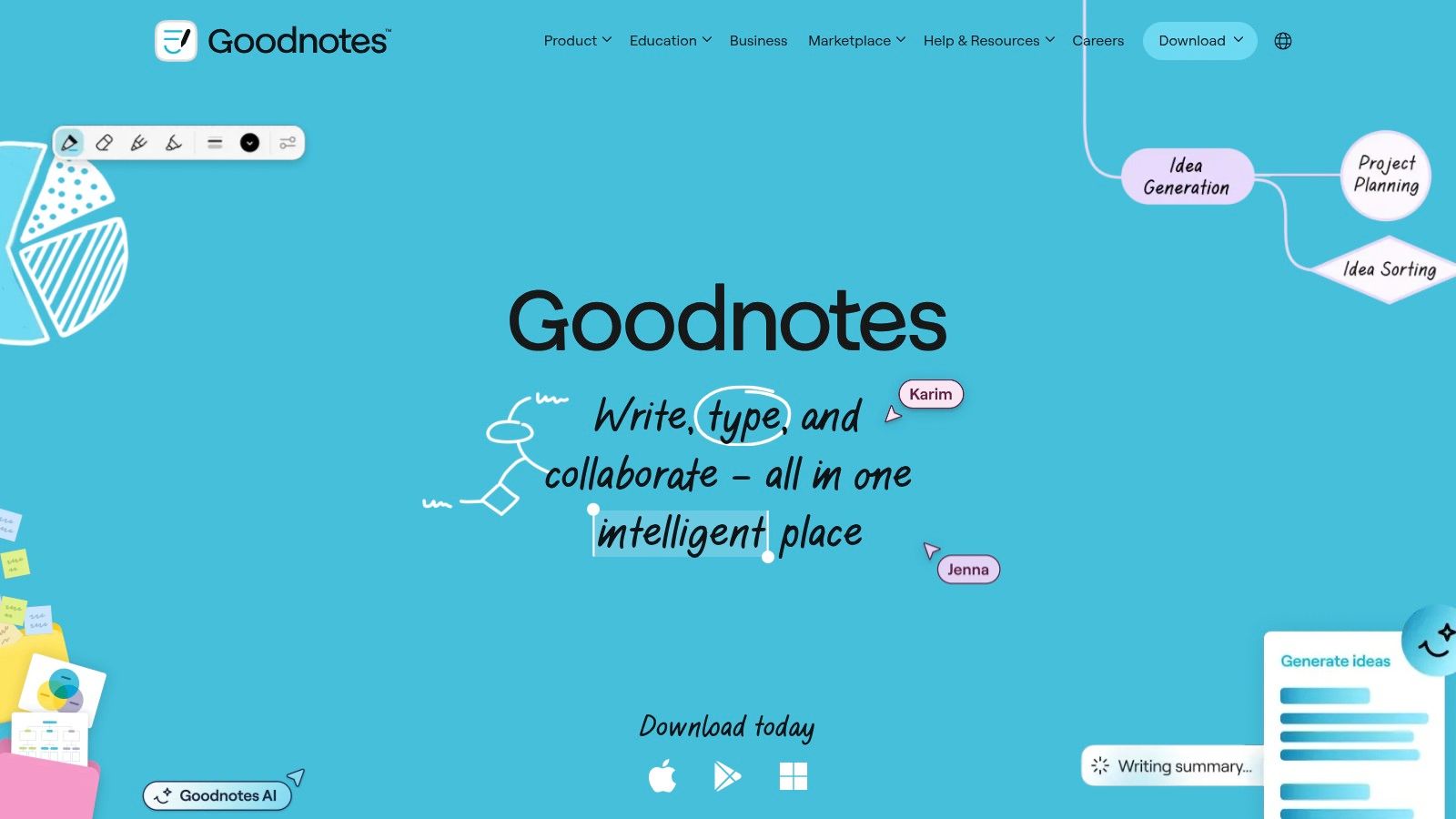
While its strength is combining handwriting with audio, Goodnotes also offers audio transcription for recorded notes on iOS, turning your spoken lecture into searchable text. The "Note Replay" feature is a standout, visually replaying your pen strokes as the audio plays, which is perfect for STEM subjects where diagrams and equations are central. With cross-platform sync and optional AI tools for summaries and math help, it has become a go-to solution for students who prefer a tactile, yet digitally enhanced, note-taking experience.
Key Features & User Experience
- Audio Recording with Note Sync: Links audio recordings to handwritten or typed notes with timestamps.
- Note Replay: Visually syncs handwriting playback with audio, showing how notes were created in real-time.
- Platform Availability: Optimized for iPad/iOS, with growing support for Windows and Android.
- Pricing: Offers a free version with limits. Goodnotes 6 is available for a one-time purchase of $29.99 or an annual subscription of $9.99.
Pros:
- Excellent workflow for combining handwriting and audio
- Affordable pricing for students with a one-time purchase option
- Note Replay is fantastic for visual learners
Cons:
- Some key audio and transcription features are iOS-only.
- Users have reported occasional instability with very long recordings.
Website: https://www.goodnotes.com
5. Microsoft OneNote
While known primarily as a digital notebook, Microsoft OneNote is also one of the most practical apps for recording lectures because it synchronizes audio recordings with typed notes. It allows students to capture audio directly within a page and, as they type, creates timestamps that link their text to specific moments in the recording. This feature is incredibly effective for reviewing complex topics; simply click a line of your notes, and OneNote jumps to the exact point in the audio where you wrote it.
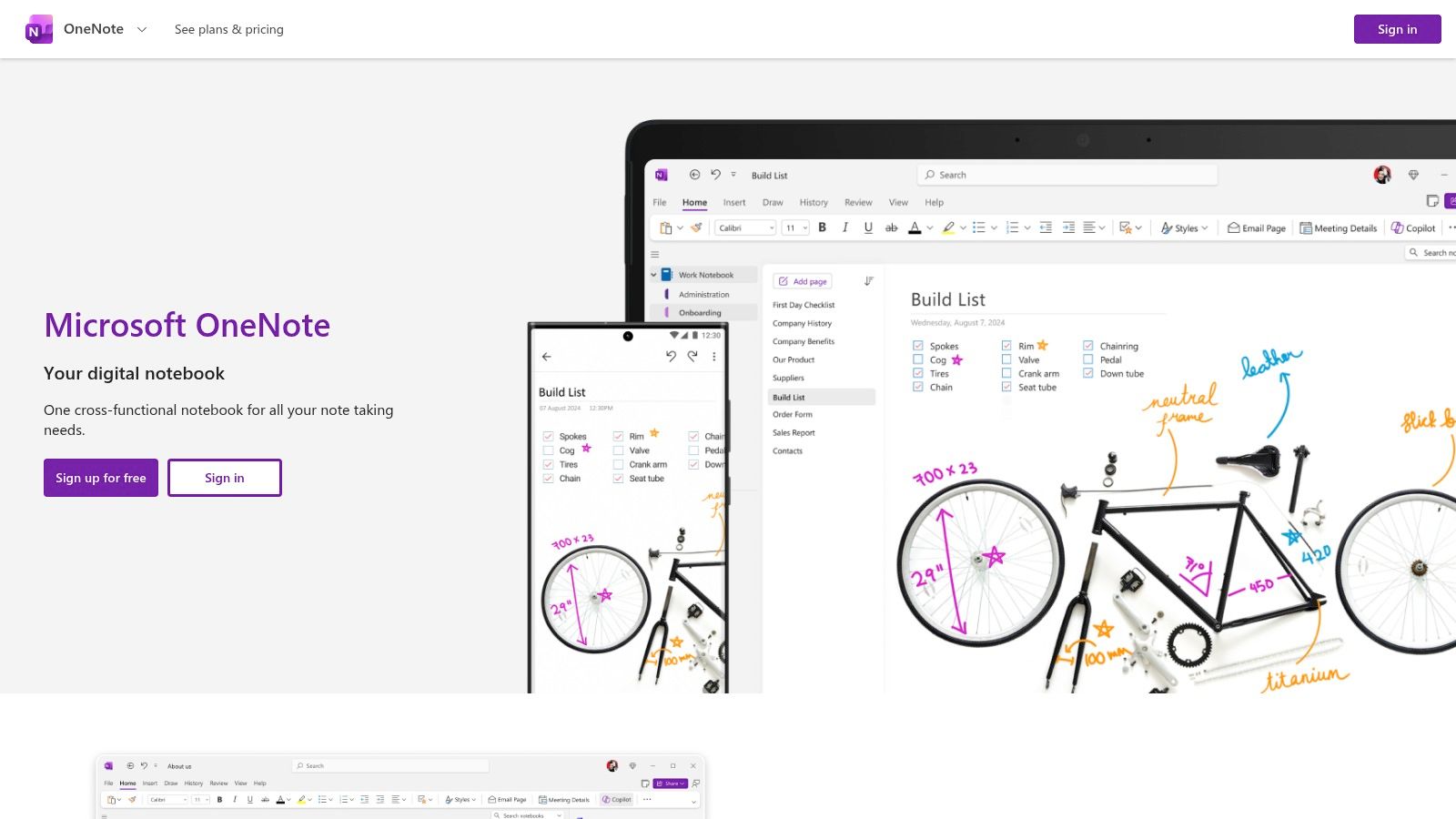
Its strength is its deep integration into the Microsoft 365 ecosystem, making it a natural choice for students already using Word, PowerPoint, and Teams. The Class Notebook tools provide a shared workspace for educators to distribute materials and for students to collaborate. While it lacks the automated transcription of AI-specific tools, its dictation feature can convert speech to text, and the core audio-to-note linking function offers a focused, distraction-free way to organize and study lecture content.
Key Features & User Experience
- Timestamped Audio: Automatically links notes to the audio recording time for quick, contextual playback.
- Video Recording: On supported Windows devices, users can also record video alongside their notes.
- Platform Availability: Free and accessible across Web, Windows, Mac, iOS, and Android.
- Pricing: OneNote is completely free to use. A Microsoft 365 subscription may be needed to access advanced features or additional storage.
Pros:
- Excellent note-to-audio timestamping speeds up review
- Free and available on all major platforms
- Deep integration with other Microsoft 365 apps
Cons:
- Audio recording and other features can vary significantly between platforms.
- Lacks the advanced AI transcription and speaker identification of dedicated services.
Website: https://www.onenote.com
6. Genio Notes (formerly Glean by Sonocent)
Genio Notes, previously known as Glean, is a purpose-built system designed to improve how students capture and study lecture content. Unlike simple recorders, it's one of the few apps for recording lectures that integrates audio recording directly with an active note-taking process. Users can record full lecture audio while simultaneously adding short text notes, labels, or tags to specific moments, creating a rich, multimedia study resource instead of just a passive audio file.
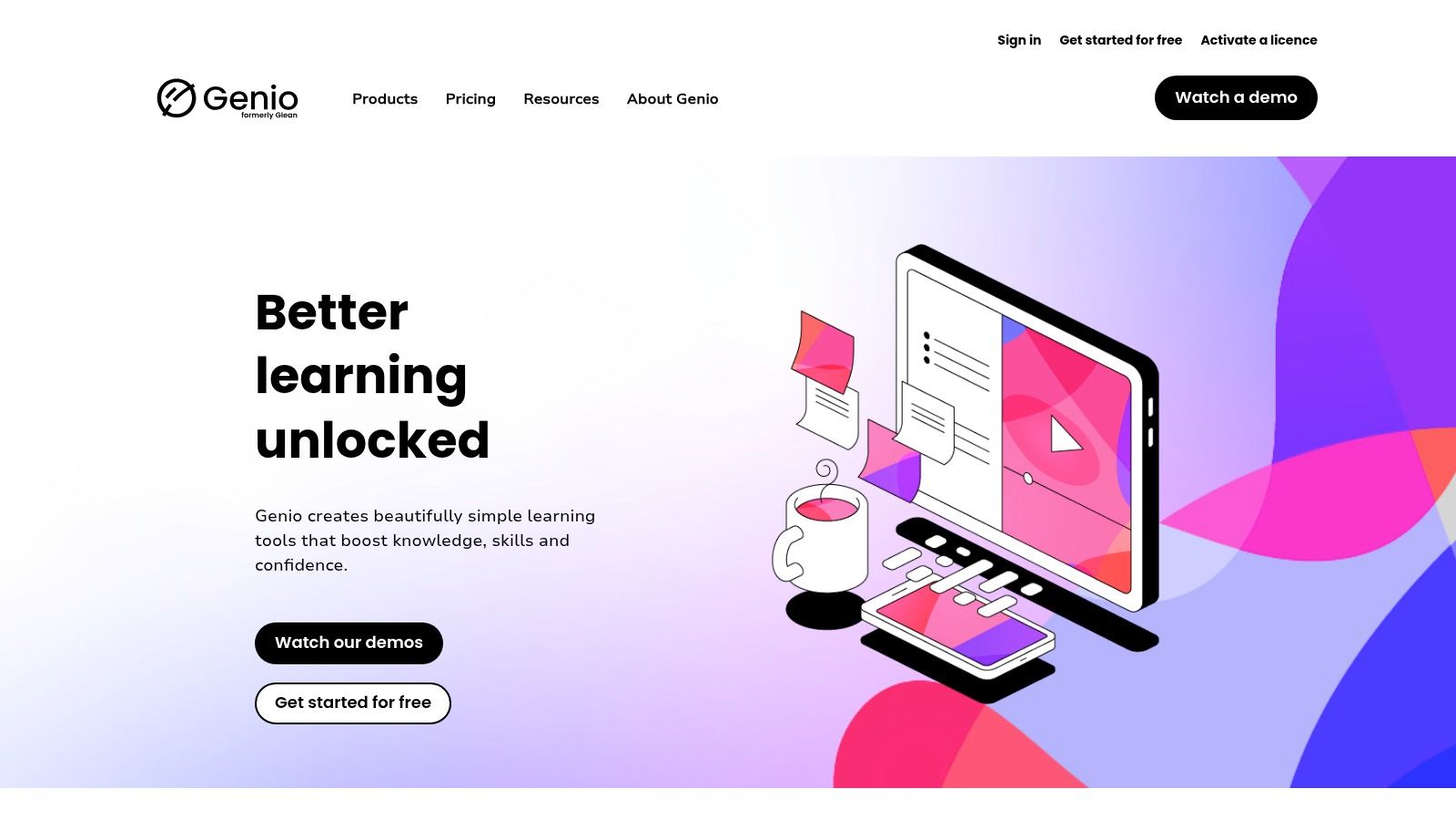
The platform’s strength is its study-focused workflow. After class, it uses AI to generate a full transcript and a structured outline from the recording, organized into bite-sized "cards." This method is especially popular within universities and is often provided through accessibility or disability services, as it supports various learning needs. Based on my review, the focus is less on real-time transcription and more on creating a powerful, organized, post-lecture study asset.
Key Features & User Experience
- Active Note-Taking: Link your personal notes, images, and labels directly to moments in the audio recording.
- AI-Assisted Outlines: Automatically generates transcripts and structured summaries after the recording is complete.
- Platform Availability: Accessible via Web, browser extension, iOS, and Android apps.
- Pricing: Pricing is often not listed publicly. Access is commonly provided through an institutional license from a university or college.
Pros:
- Specifically designed for academic study and lecture capture
- Widely adopted by educational institutions with official support
- Combines audio with active, time-stamped note-taking
Cons:
- Transcription quality can be mixed in rooms with background noise; an external mic is recommended.
- Individual pricing and access can be unclear without an institutional plan.
Website: https://genio.co
7. Notta
Notta solidifies its spot among the top apps for recording lectures with its straightforward, cross-platform approach to audio capture and transcription. It's designed for students and professionals who need a reliable tool to record on one device—like a phone in a lecture hall—and review the transcript later on another, such as a laptop. The platform focuses on a clean workflow, allowing users to go from live recording or importing an existing file to a fully-formed transcript with minimal fuss.
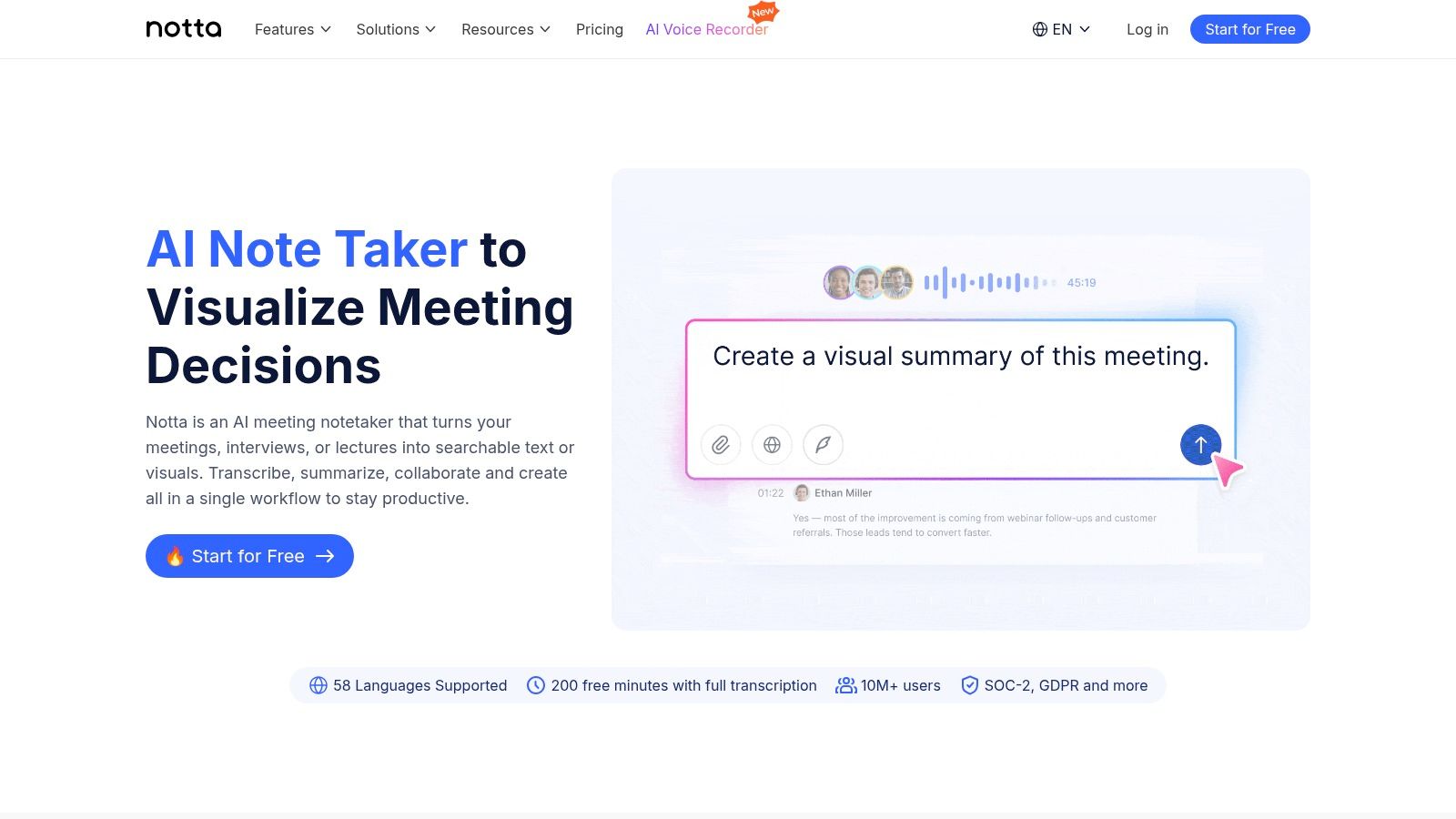
Its unified account system ensures recordings and notes are synchronized across all devices, making it practical for a hybrid learning environment. Notta also offers live transcription and translation features, adding another layer of utility for international students or those studying foreign languages. The ability to generate AI summaries and export transcripts in various formats makes it a strong contender for anyone needing quick, organized notes from audio or video content.
Key Features & User Experience
- Unified Syncing: A single account keeps recordings and transcripts consistent across web, iOS, and Android.
- Import & Export: Accepts existing audio/video files and allows export of transcripts and summaries.
- Live Transcription: Provides real-time text during a recording, with options for translation.
- Pricing: A free plan is available with limited monthly minutes. Paid plans (from $13.99/mo) unlock more minutes, advanced features, and longer recording durations. Pricing and features are subject to change, so checking the site is recommended.
Pros:
- Clean and intuitive user interface
- Efficient capture-to-transcript process
- Works well for users who switch between mobile and web
Cons:
- Pricing plans and included features have changed recently.
- The free tier's limits may be insufficient for students with multiple long lectures.
Website: https://www.notta.ai
8. Rev (Recorder + AI or Human Transcription)
Rev stands out among apps for recording lectures by offering a flexible workflow that combines a simple mobile recording app with two distinct transcription options: fast AI or premium human-powered services. This dual approach is perfect for situations where accuracy is paramount, such as with technical subject matter, poor audio quality, or when a verbatim record is non-negotiable for academic or legal purposes. You record on the app, upload the file, and choose the service that best fits your budget and needs.
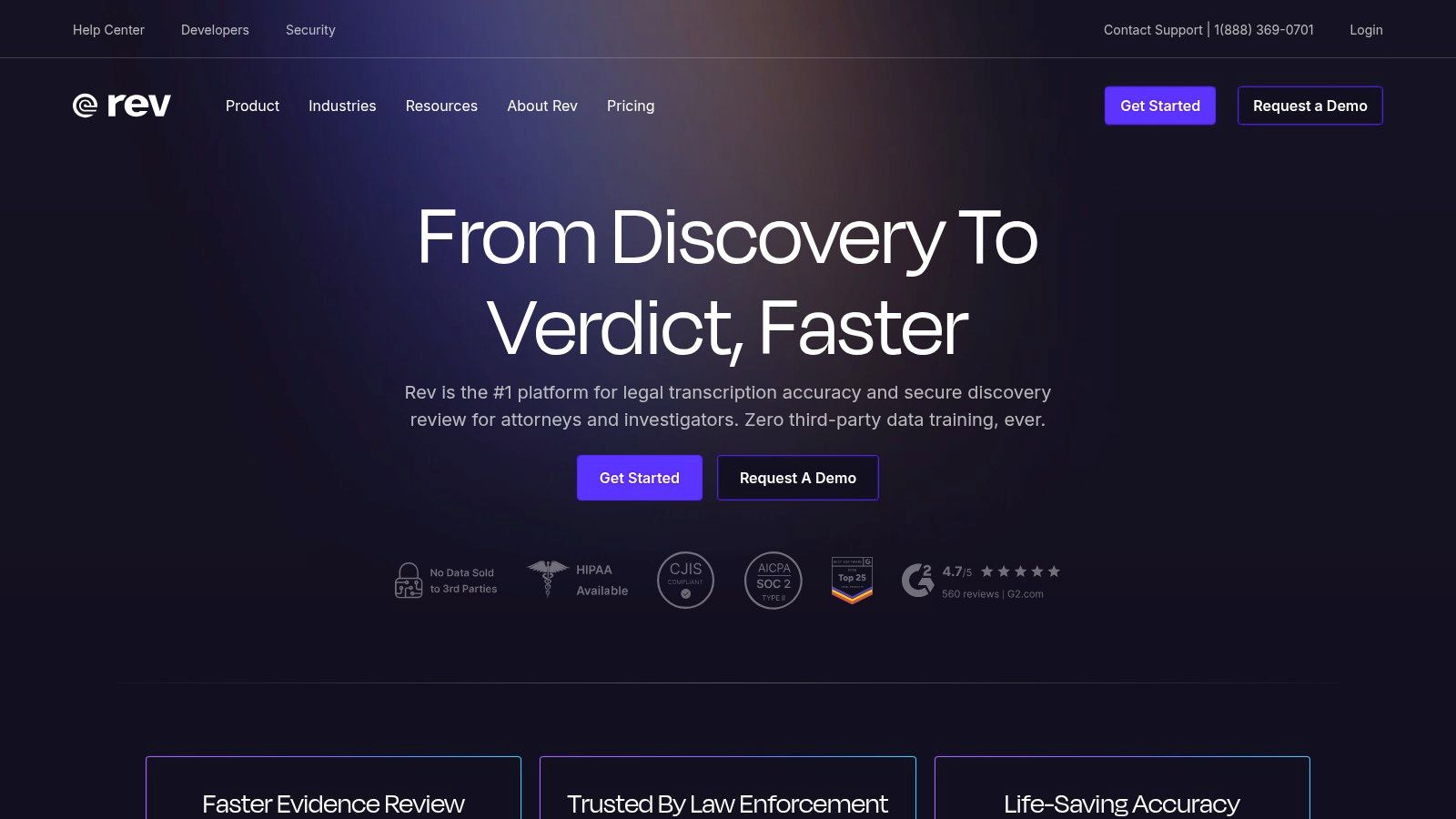
The platform’s key differentiator is its human transcription service, which guarantees 99% accuracy and is handled by a professional transcriptionist. While the AI option delivers a quick and affordable draft, the human service is ideal for high-stakes content. Once transcribed, the text is available in a web-based editor with speaker labels and easy export options. While Rev excels at turning audio into precise text, for more advanced audio processing and editing, you might explore a dedicated podcast transcription tool that offers a different set of features.
Key Features & User Experience
- Dual Transcription Options: Choose between rapid, affordable AI transcription or a premium 99% accuracy human service.
- Mobile Recording App: A straightforward app for iOS and Android to capture audio and upload it directly for transcription.
- Clear Per-Minute Pricing: Transparent pricing for both AI ($0.25/min) and human transcription ($1.50/min).
- Platform Availability: Recording on iOS/Android with a full-featured web editor for review and export.
Pros:
- Industry-leading accuracy with its human transcription service
- Flexible options to balance cost and precision
- Simple and reliable mobile recording app
Cons:
- Human transcription costs can add up quickly for long lectures.
- The mobile app is primarily for recording, not for live transcription or note-taking.
Website: https://www.rev.com
9. Descript
Descript offers a unique approach to lecture capture, positioning itself as a powerful editor first and foremost. While many apps for recording lectures simply store audio, Descript records, transcribes, and then allows you to edit the audio or video recording simply by editing the text. This is a game-changer for students who want to create concise study clips, remove tangents, or clean up poor audio from a large lecture file.
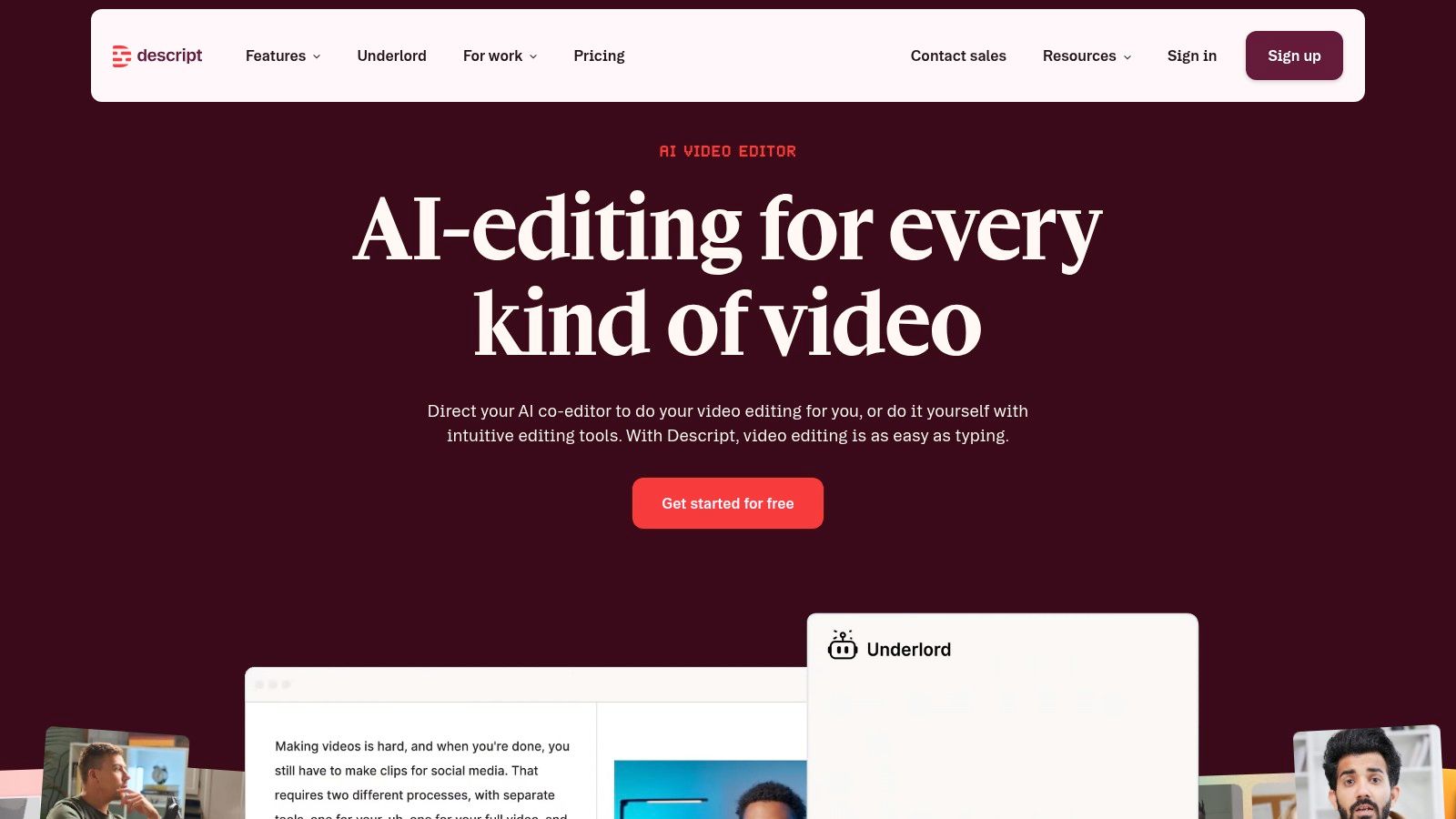
Its strength is in post-lecture processing. You can record directly on your desktop and get an automatic transcript with speaker labels. From there, features like "Studio Sound" can eliminate background noise, and the "Remove Filler Words" tool can instantly cut out every "um" and "uh" with a single click. AI tools are also integrated for creating summaries or finding key moments, making it ideal for transforming a raw recording into polished study material.
Key Features & User Experience
- Text-Based Editing: Edit video and audio recordings by simply cutting, pasting, and deleting words in the transcript.
- AI Audio Cleanup: Features like Studio Sound and filler word removal significantly improve audio quality.
- Platform Availability: Primarily a desktop and web-based application.
- Pricing: A free plan is available with 1 hour of transcription per month. The Creator plan is $15/mo for 10 hours of transcription.
Pros:
- Exceptional editing workflow for turning long lectures into short clips
- High-quality audio enhancement and AI editing tools
- Multi-language transcription support
Cons:
- More complex than simple note-taking apps, with a noticeable learning curve.
- Monthly hour limits on plans require careful management for students with many lectures.
Website: https://www.descript.com
10. Dolby On
Dolby On stands out among apps for recording lectures by focusing entirely on audio quality. Instead of offering transcription or note-taking features, it applies Dolby's renowned audio processing technology to your phone's microphone. This free tool is designed to automatically clean up recordings by reducing background noise, eliminating hum, and optimizing the equalization (EQ). It's an ideal solution for students who want to capture the clearest possible audio in a challenging environment like a large, echoey lecture hall, ensuring every word is intelligible for later review.
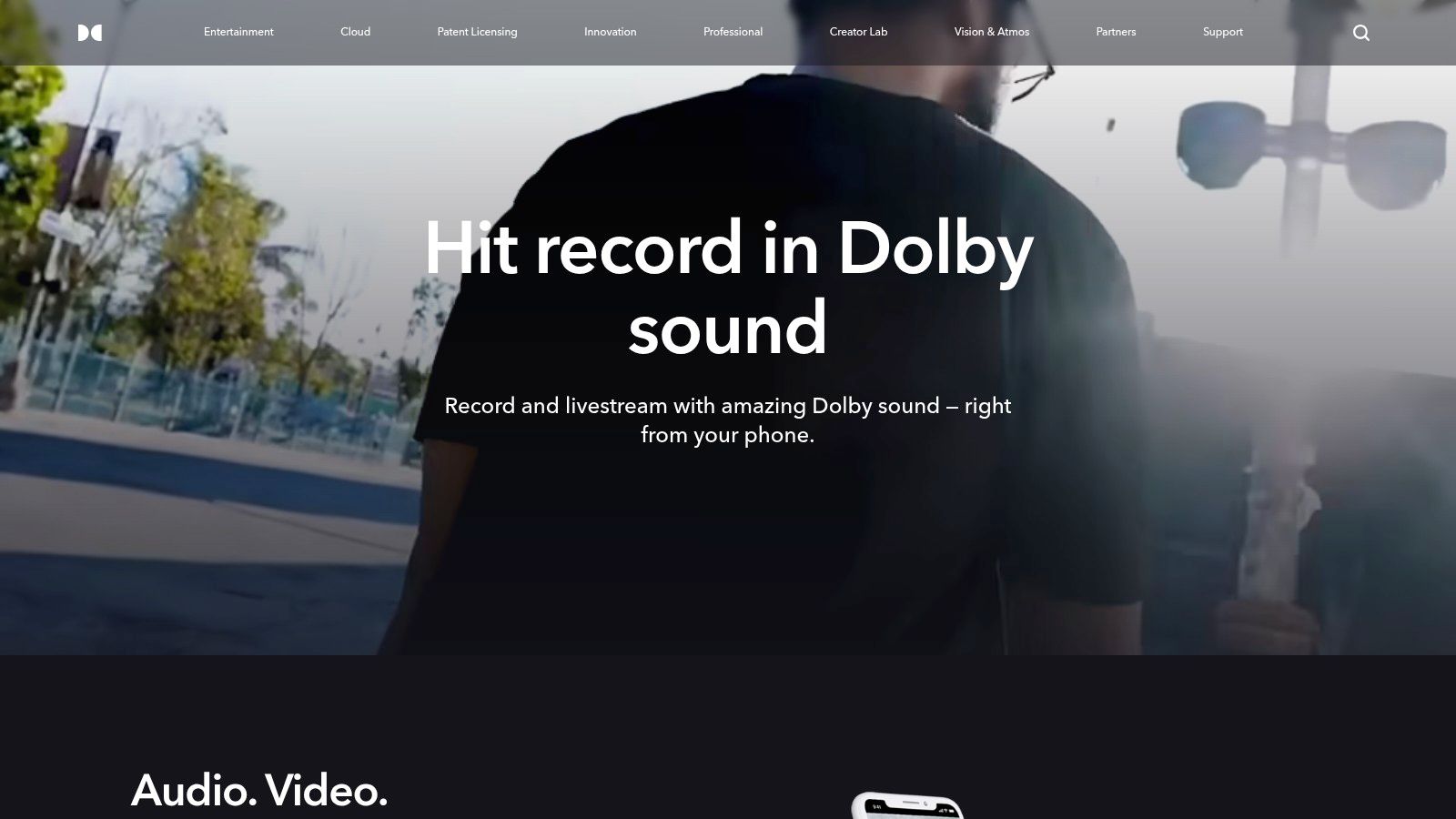
The app’s simplicity is its greatest asset. With one tap, it begins recording and applies its audio magic in real-time, preventing clipping and distortion. After the lecture, you can apply different 'Styles' which are essentially audio presets to further refine the sound. While it doesn't transcribe, the high-quality exported audio file is perfect for uploading to a dedicated transcription service like HypeScribe. This two-step workflow is perfect for users who prioritize pristine audio capture first and foremost.
Key Features & User Experience
- Automatic Audio Processing: Instantly applies noise reduction, de-essing, and dynamic EQ.
- Audio 'Styles': Post-recording presets to fine-tune the tone and clarity of the audio.
- Platform Availability: Free to download and use on iOS and Android.
- Pricing: Completely free with no feature limitations or recording caps.
Pros:
- Superior automatic audio enhancement for clear voice capture
- Extremely simple one-tap recording interface
- Completely free to use with no hidden costs
Cons:
- Lacks any form of built-in transcription.
- Some users report occasional app glitches; always test it before an important lecture.
Website: https://www.dolby.com/apps/dolby-on/
11. Voice Record Pro (iOS)
Voice Record Pro is a veteran among apps for recording lectures, built specifically for iOS users who need granular control and reliability. Unlike modern AI notetakers, its strength is in being a pure, high-fidelity audio recorder. This makes it a go-to choice for students or instructors who prioritize audio quality and file management over live transcription, especially for very long lectures where storage is the only real limit.
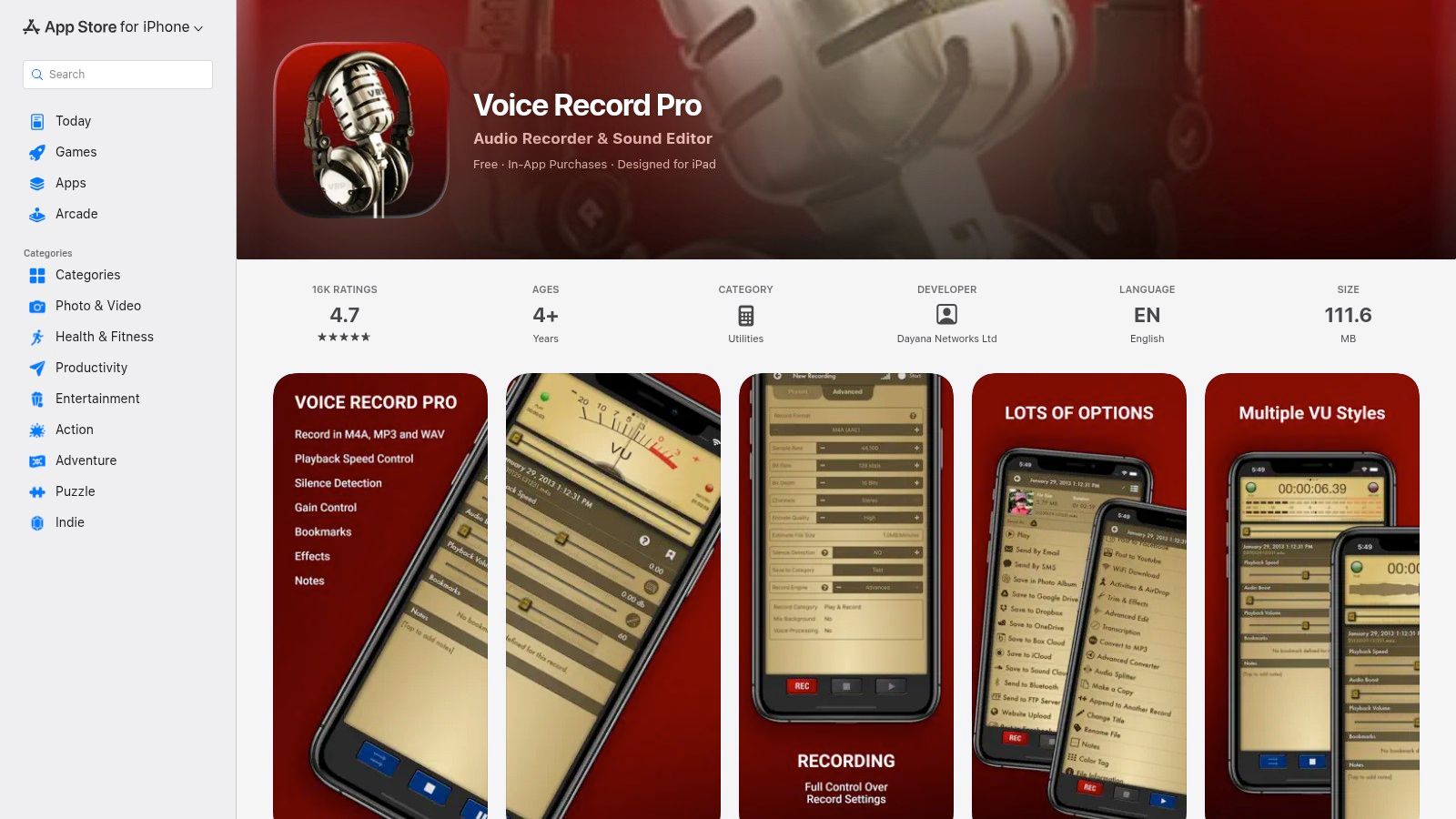
The app stands out with its incredible flexibility. Users can dictate the exact audio format (WAV, MP3, M4A), sample rate, and bitrate, a feature usually reserved for professional audio equipment. Its robust export system allows you to send recordings directly to almost any cloud service, including iCloud, Google Drive, Dropbox, and even an FTP server. While it lacks built-in transcription, it provides the high-quality source file needed for a separate, more accurate transcription service.
Key Features & User Experience
- Customizable Formats: Record in WAV, MP3, or M4A with adjustable bitrate and sample rate.
- Bookmarking: Add bookmarks and notes directly within a recording to tag important moments.
- Platform Availability: Exclusive to iOS (iPhone/iPad).
- Pricing: The app is free with ads. A one-time purchase of $6.99 removes ads and unlocks all features.
Pros:
- Extremely flexible format and export options for professional or archival use
- Proven reliability for recording long sessions without interruption
- One-time payment model instead of a recurring subscription
Cons:
- No built-in transcription; requires a separate workflow to convert audio to text.
- The interface is more technical and can be less intuitive for casual users.
Website: https://apps.apple.com/us/app/voice-record-pro/id546983235
12. Google Recorder (Pixel phones)
For users with a Google Pixel phone, Google Recorder stands out as one of the best apps for recording lectures due to its deep hardware integration and powerful on-device processing. It provides exceptionally fast and private transcription because it works entirely offline, meaning your lecture audio and its text conversion never have to leave your device unless you choose to back them up. This makes it an ideal tool for students concerned with privacy or those who may not have a reliable internet connection during class.
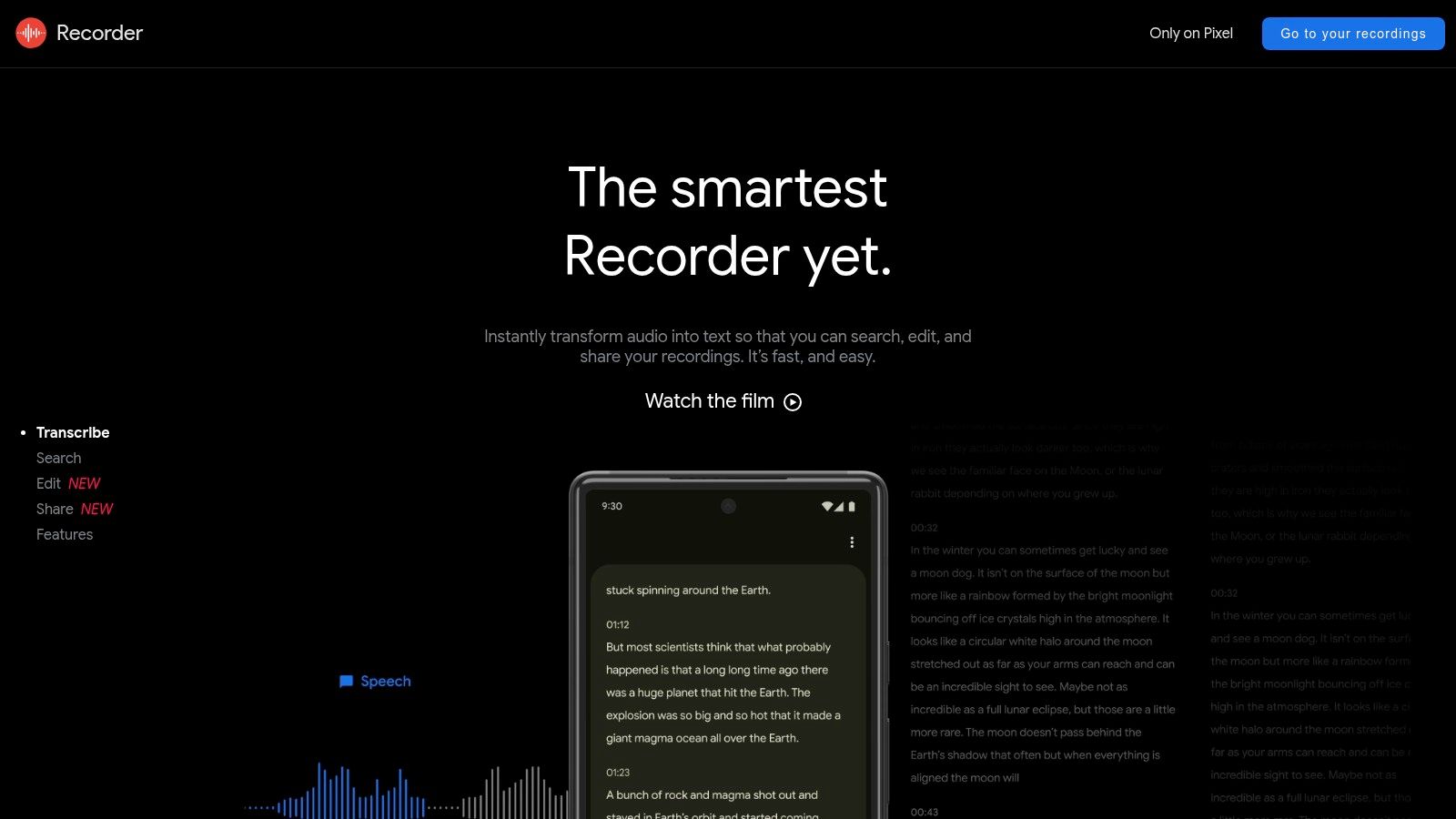
The app’s major strength is its simplicity combined with powerful search capabilities. Once a lecture is recorded, the entire transcript is searchable, allowing you to instantly find specific topics or keywords. On newer Pixel models, the app can even generate summaries and identify different speakers. Recordings can be synced to your Google account and accessed via a web interface at recorder.google.com, providing a convenient way to review and export your notes from a computer.
Key Features & User Experience
- On-Device Transcription: Creates a searchable transcript in real-time without needing an internet connection.
- Smart Search & Summaries: Allows you to search audio by a spoken word and provides automated summaries on supported devices.
- Platform Availability: Exclusive to Google Pixel phones, with web access for backed-up recordings.
- Pricing: Completely free. It comes pre-installed on Pixel phones.
Pros:
- Fast, private, and offline transcription
- No cost and no subscription fees
- Tight integration with Pixel hardware and regular feature updates
Cons:
- Officially limited to Google Pixel phones, making it inaccessible to most users.
- Advanced features like speaker labels and summaries are only on newer models.
Website: https://recorder.google.com
Recording Lectures: The Rules Nobody Tells You
Two things catch students out, and both are easier to sort before the lecture than after.
Practical note for revision: transcribe the same evening, not at the end of term. The transcript is far more useful while you still remember which parts confused you.
12-Tool Lecture Recording App Comparison
How to Choose the Right Lecture Recording App for You
Navigating the extensive list of apps for recording lectures can feel overwhelming. You have a lot of material to cover, and the right choice depends entirely on your specific study habits, academic needs, and budget. We've explored a wide spectrum of tools, from dedicated AI transcription powerhouses like HypeScribe and Otter.ai to versatile digital notebooks such as Notability and Goodnotes. The key takeaway is that the "best" app is not a one-size-fits-all solution; it’s the one that integrates smoothly into your personal workflow and actively helps you learn better.
Your decision-making process should begin with a clear self-assessment. Are you a student who just needs to capture audio and occasionally reference key moments? A simple, free tool like Voice Record Pro or Google Recorder might be all you need. Or are you a researcher who requires verbatim, speaker-identified transcripts for citation and analysis? In that case, investing in a service with high-accuracy AI or human transcription, such as HypeScribe or Rev, becomes a critical part of your academic toolkit.
A Framework for Your Decision
To simplify your choice, consider these three core questions when evaluating any of the apps we've discussed:
- How good is the recording quality? Your primary goal is to capture clear audio. An app with noise cancellation, background audio filtering, and high-fidelity recording options (like Dolby On or HypeScribe) provides a much better foundation for both listening and transcription. Always test an app in a real lecture hall environment before committing.
- How does it fit your study style? How do you actually study? If you are a visual learner who combines typed notes, handwriting, and diagrams, a digital notebook like Goodnotes or OneNote is essential. If your process is more text-based, an app that links audio directly to your typed notes, like Genio Notes, could be the perfect fit.
- What will you do with the transcript? This is where modern apps for recording lectures truly shine. Automated transcription saves countless hours. Ask yourself how you will use the transcript. Do you need a rough draft for searching keywords (Otter.ai, Notta), or do you need a highly accurate, polished document for professional or academic work (HypeScribe, Rev)? AI-generated summaries and action items can be a huge time-saver but vary in quality.
From Selection to Success
Once you’ve selected an app, success lies in building a consistent habit. Don’t wait until the day of a critical lecture to try it for the first time. Spend an afternoon setting it up properly. Organize your folders by class or project. Test the recording in different environments—a quiet room versus a noisy cafe. Practice using its key features, whether that’s annotating a PDF in Notability or creating a custom vocabulary list in Otter.ai to improve transcription accuracy for specific course material.
Remember that your needs may evolve. The perfect app for your first year of undergraduate studies might not be the right tool for your final-year dissertation. Many of these services offer free trials or freemium tiers. Use them to experiment and find the study partner that truly clicks with your learning style. The right application doesn't just record what is said; it helps you understand, retain, and recall the information when it matters most, turning passive listening into an active learning experience.
A 90-minute lecture is one file in HypeScribe, not 90 billable minutes — you get the transcript, a summary and the key points for one token. Try it free: three lectures a month, no card required.
Related reading


































































































