
Top 12 Remote Work Productivity Tools to Master Your Workflow in 2026

In today's distributed workplace, success isn't just about hiring the right people—it's about equipping them with the right remote work productivity tools. The shift to digital-first collaboration has introduced persistent challenges, from meeting fatigue and information silos to the constant struggle of staying aligned across different time zones. Without a well-chosen tech stack, teams spend more time searching for information and clarifying tasks than doing meaningful work. This problem is precisely what this guide is designed to solve.
Based on our direct experience testing and implementing these platforms, this article moves beyond generic marketing descriptions to provide an honest look at the tools that truly matter. We'll explore the essential software that addresses specific remote work pain points, from automating meeting notes with HypeScribe to managing complex projects in Asana or ClickUp. Each entry includes a breakdown of its core strengths, key features, honest limitations, and practical examples showing how we integrate these platforms into a cohesive system. To truly empower your remote team, implementing the right technology is key, and this includes referring to an ultimate guide to collaboration tools for remote teams.
Whether you're a startup building from scratch or an established enterprise refining your processes, the following sections will help you identify the best software for your specific needs. Forget sifting through countless options; this curated list is your blueprint for building a more efficient, focused, and connected remote operation. Let’s get straight to the tools that will give your team its edge.
1. HypeScribe
HypeScribe stands out among remote work productivity tools by fundamentally solving the problem of turning spoken content into actionable written assets. It moves beyond simple transcription to become a central hub for meeting intelligence, allowing teams to capture, understand, and act on conversations with remarkable speed and precision. Its ability to process an hour of audio in under 30 seconds, combined with near-human accuracy, makes it a powerful choice for fast-moving remote environments.
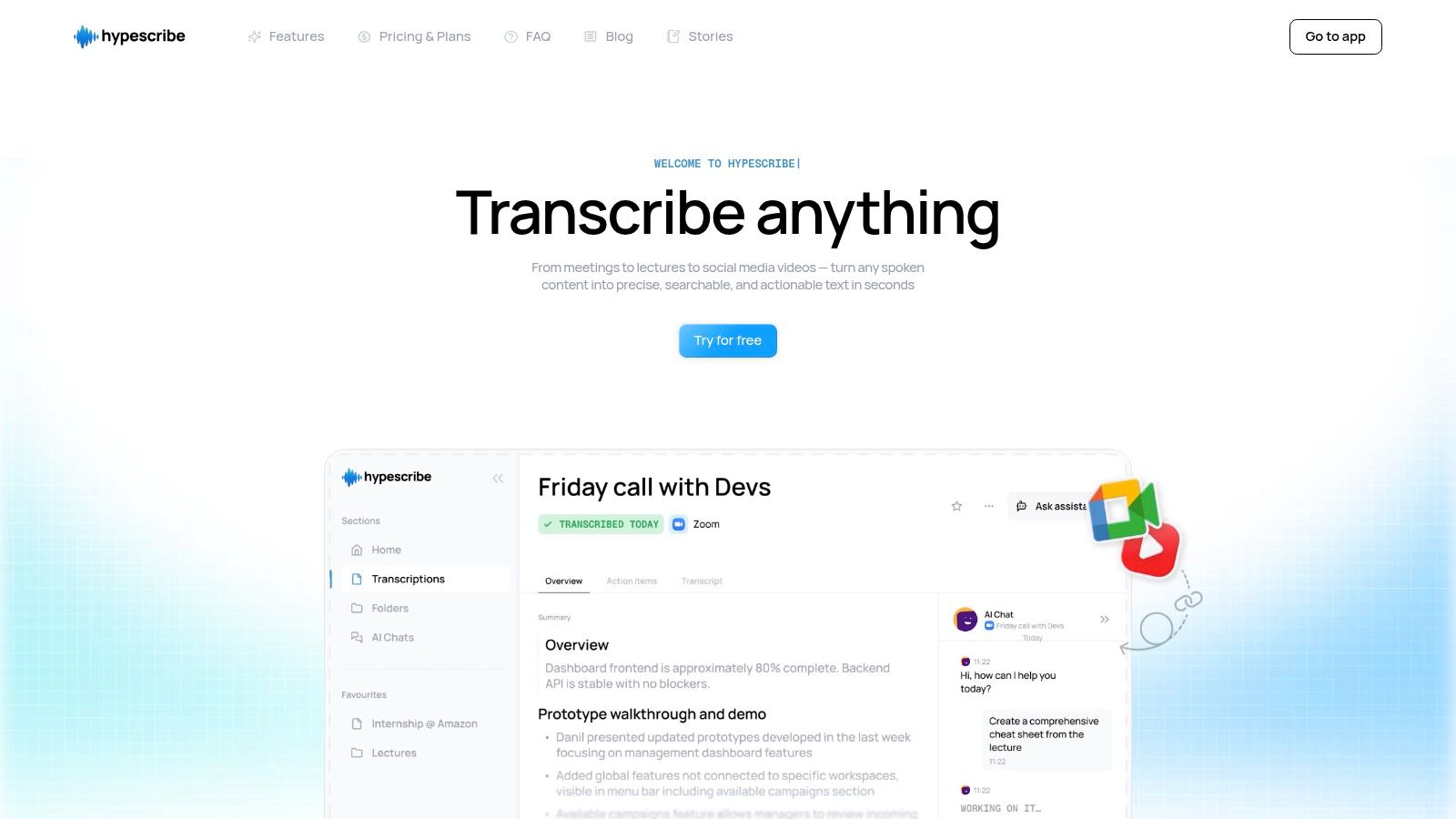
This platform excels at transforming disorganized discussions into structured outputs. Whether it's a team sync on Google Meet, a client call on Zoom, or a recorded webinar, HypeScribe's integrated note-taker joins your meetings to provide real-time transcription. After the call, it automatically generates summaries, key takeaways, and action items, which eliminates the need for manual note-taking and ensures no critical tasks fall through the cracks. This feature alone drastically reduces the administrative burden of meetings, freeing up valuable time for more strategic work.
Key Features & Use Cases
- High-Speed, High-Accuracy Transcription: With support for over 100 languages and accuracy up to 99%, HypeScribe is ideal for global teams and technical discussions filled with jargon. Journalists can get interview transcripts in seconds, while students can quickly process long lectures.
- Flexible Input Methods: You aren't limited to file uploads. Simply paste a link from YouTube, Google Drive, or social media platforms to get a full transcript and summary. This is perfect for content creators repurposing video content or researchers analyzing public talks.
- Actionable Meeting Outputs: The platform's ability to generate summaries and action items makes it invaluable for project managers and team leads. You can immediately turn a brainstorming session into a list of tasks and assignees, ready to be exported to Google Docs or a project management tool.
- File-Aware Chatbot: Ask direct questions about your recordings, such as "What were the deadlines mentioned in the Q3 planning call?" The AI chatbot finds the exact information within your transcripts, saving you from manually scrubbing through hours of audio.
Practical Application
To get the most out of HypeScribe, connect its note-taker to your recurring meetings in Zoom, Google Meet, or Microsoft Teams. Set it to auto-join, and you will have a complete, searchable archive of every discussion. For one-off projects, use the link import feature to quickly transcribe customer feedback videos from Instagram or expert interviews from YouTube, then ask the chatbot to pull out key themes and quotes for your report.
Pricing and Access
HypeScribe operates on a straightforward token-based system, which is cost-effective for users who handle long recordings like webinars or multi-hour interviews.
- Free Trial: 3 files per month (up to 1 hour each).
- Starter: $6.99/month for 30 files.
- Pro: $7.99/month for 60 files and note-taker access for up to 10 meetings.
- Ultra: $12.99/month for 300 files and note-taker access for up to 30 meetings.
The main limitation is that the token-per-file model can be less economical if your workflow involves many short audio clips, as each one consumes a full token.
Website: https://www.hypescribe.com
2. Slack
Slack has become a foundational piece of the modern tech stack, acting as the digital headquarters for countless distributed teams. It excels at centralizing both real-time and asynchronous conversations into dedicated public and private channels, significantly reducing the reliance on internal email. This structure helps keep cross-functional project discussions, team-specific updates, and social chatter organized and searchable.
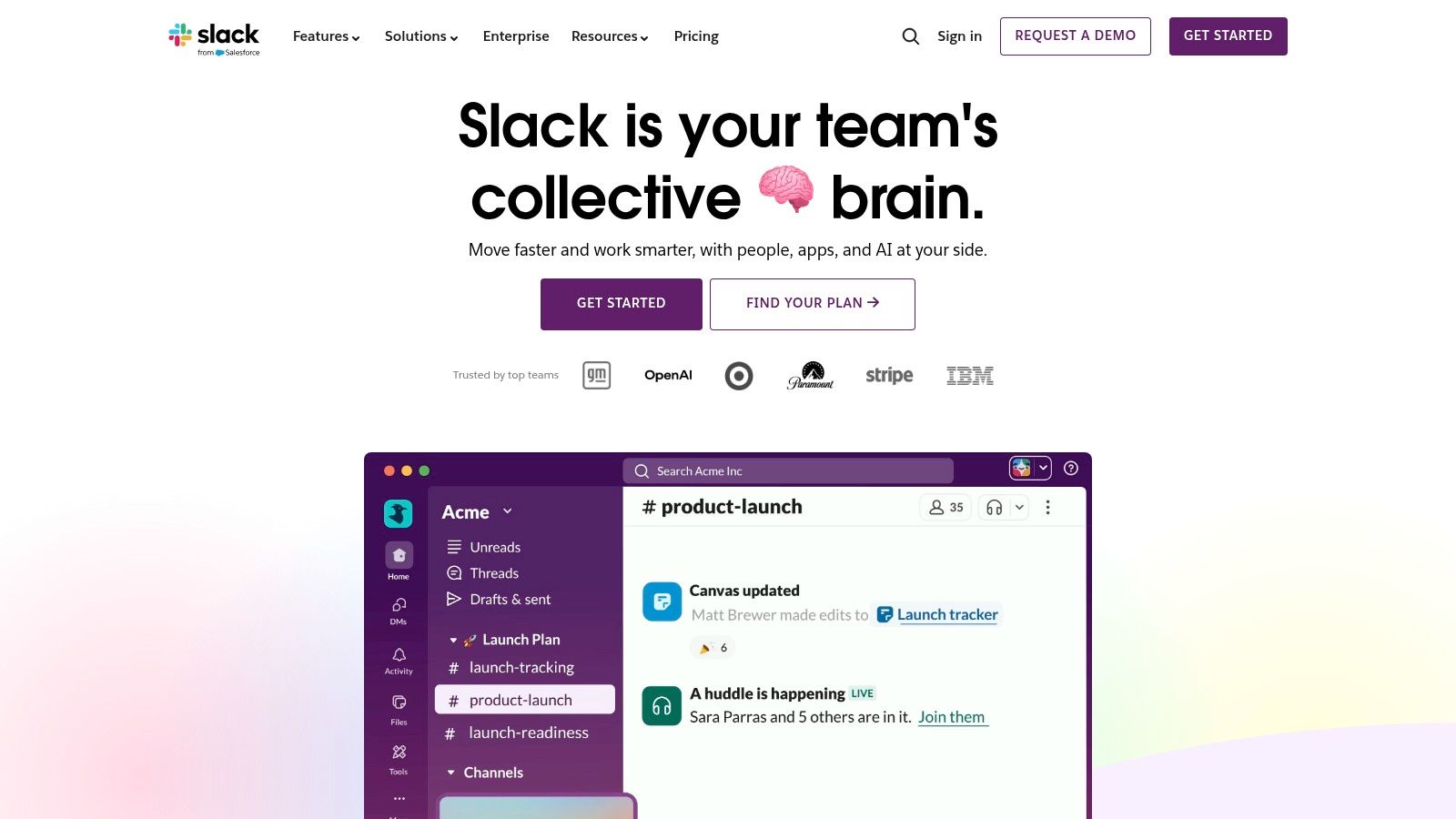
Beyond messaging, Slack incorporates lightweight productivity features like Huddles for quick audio or video calls and Canvases for creating simple documents and task lists directly within a channel. Its native AI capabilities, available on paid plans, are a major differentiator. The AI can summarize long conversations, provide daily recaps of unread channels, and improve search results, helping users catch up quickly without reading every single message. With over 2,600 app integrations and the powerful Slack Connect feature for collaborating with external partners in a shared channel, its ecosystem is difficult to match.
Pricing & Plan Considerations
- Free: 90-day message history, limited integrations, 1:1 Huddles.
- Pro: Unlimited history, group Huddles, Canvas, and core AI features.
- Business+: Advanced AI (recaps), advanced security and compliance.
Website: https://slack.com
Pro Tip: To combat notification fatigue, customize your notification settings for each channel. Set important project channels to notify you of all new messages and social channels to only mention you by name. This simple adjustment preserves focus while ensuring you don't miss critical updates.
3. Microsoft Teams
For organizations deeply integrated into the Microsoft 365 ecosystem, Microsoft Teams is a natural and powerful choice for a central communication hub. It combines persistent chat, video meetings, and file storage into a single application, effectively acting as the collaborative front-end for tools like SharePoint, OneDrive, and Outlook. Its primary strength lies in this native integration, providing a unified experience for identity, security, and compliance managed through existing Microsoft admin centers.
Teams organizes conversations into channels, similar to competitors, but its tight connection with other Microsoft 365 apps is a key differentiator. You can co-author Word documents, present PowerPoint files, and work on Excel sheets directly within the Teams interface without switching contexts. Add-ons like Teams Phone can replace a traditional business phone system, while Copilot introduces advanced AI for summarizing meetings and chats. To further enhance collaboration, you can explore available Microsoft Teams integrations that streamline workflows and connect essential tools. While its feature set is robust, navigating product packaging and licensing for advanced capabilities can sometimes be complex.
Pricing & Plan Considerations
- Teams Essentials: A standalone option with online meetings (up to 30 hours), chat, and 10 GB of cloud storage.
- Microsoft 365 Business Basic/Standard: Includes Teams along with web/desktop versions of Office apps, SharePoint, and Exchange.
- Enterprise Plans (E3/E5): Offer advanced security, compliance, analytics, and voice capabilities.
Website: https://www.microsoft.com/en-us/microsoft-teams
Pro Tip: Use the "Pin" feature to keep important channels, chats, or apps at the top of your sidebar. This creates a personalized, high-priority view, saving you from having to scroll through less critical conversations to find your most active projects.
4. Zoom Workplace (formerly Zoom One)
While best known for its market-leading video conferencing, Zoom has evolved into a unified communication platform called Zoom Workplace. It combines meetings, team chat, a phone system, whiteboard, and document collaboration into a single application. This integration makes it one of the most complete solutions for teams that live in meetings and need a centralized hub for communication and content creation surrounding those discussions.
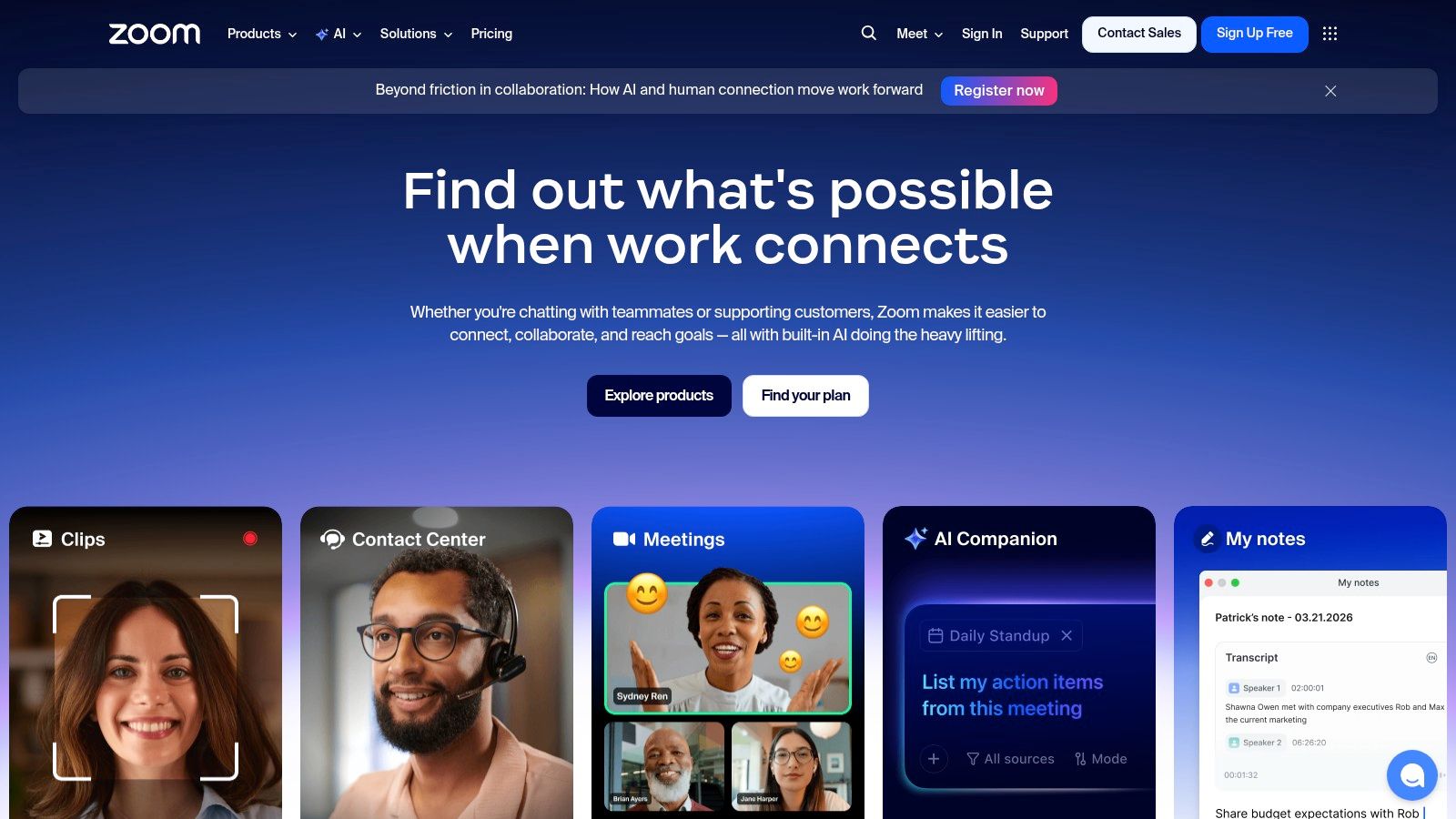
The standout feature is the AI Companion, included with all paid plans at no extra cost. It provides in-meeting assistance, generates intelligent meeting summaries, and helps draft content in Chat, Whiteboard, and the new Zoom Docs. The ability to create short, shareable video Clips and collaborate on Whiteboards both in and out of meetings adds significant value. For teams seeking an all-in-one solution, the rich add-on ecosystem, including Zoom Phone and advanced event hosting, allows the platform to scale with business needs. To get the most from your meetings, you can explore best practices to record and transcribe meetings for searchable notes.
Pricing & Plan Considerations
- Basic (Free): Meetings up to 40 minutes for groups, Team Chat, limited Whiteboards.
- Pro: Unlimited group meetings, AI Companion, 5 GB cloud recording, Clips, and essential reporting.
- Business: More participants, unlimited Whiteboards, managed domains, and SSO.
- Business Plus: Adds Zoom Phone regional service and translated captions.
Website: https://zoom.us
Pro Tip: Use the AI Companion's "Meeting Summary" feature to automatically generate a recap with highlights and action items. Share this summary in the relevant team chat channel immediately after the call to ensure everyone is aligned on next steps, even those who couldn't attend.
5. Asana
Asana moves beyond simple task lists to offer a comprehensive work management platform designed for orchestrating complex projects across distributed teams. It provides a structured environment where work is connected to strategic goals, making it an excellent platform for organizations focused on alignment and visibility. Its strength lies in its hierarchical structure, allowing teams to manage everything from individual tasks to company-wide objectives in a single, interconnected system.
The platform's Portfolios and Goals features are key differentiators, giving leaders a real-time view of project health and progress toward key results (OKRs). Asana's built-in AI assistant helps with brainstorming, writing project briefs, and creating smarter workflows, while the advanced AI Studio allows for building no-code automations. Its robust reporting and workload management capabilities help prevent burnout and ensure resources are allocated effectively. For those needing help with project follow-through, effective action item tracking is a core skill Asana supports. While it can feel heavyweight for simple task management, its capacity for cross-team program management and enterprise-grade controls makes it indispensable for scaling organizations.
Pricing & Plan Considerations
- Personal: Free for up to 10 teammates with basic task, project, and log views.
- Starter: Adds timeline view, custom fields, and task dependencies.
- Advanced: Includes Portfolios, Goals, workload management, and AI assistant features.
Website: https://asana.com
Pro Tip: Use Asana's "Rules" feature to automate routine tasks. For instance, create a rule that automatically assigns a new task to a specific person and adds it to a project board when it's moved to the "To Do" column. This reduces manual administration and keeps projects moving.
6. ClickUp
ClickUp positions itself as the ultimate all-in-one platform, aiming to replace a multitude of separate remote work productivity tools. It bundles tasks, documents, whiteboards, goal tracking, and even time tracking into a single, highly customizable environment. This aggressive consolidation appeals to teams seeking to reduce their app sprawl and centralize their entire workflow, from high-level strategic planning with Goals down to granular daily to-do lists.
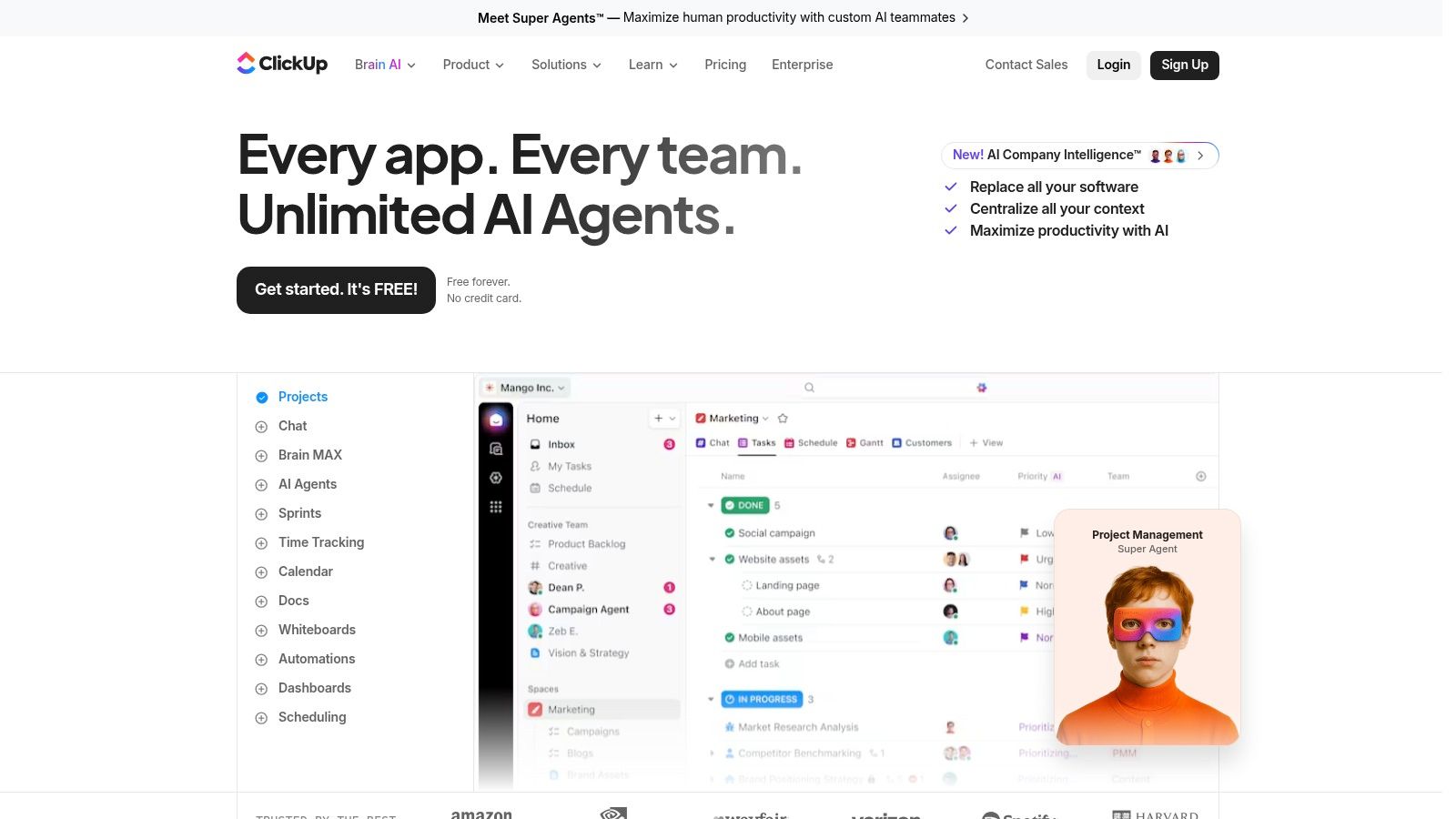
The platform’s strength lies in its sheer feature density and flexibility; users can create everything from simple task lists to complex, multi-stage project workflows with custom fields and dependencies. The introduction of ClickUp Brain brings AI capabilities for summarizing content, generating ideas, and writing tasks. The true power is in its multiple Views, allowing teams to visualize the same data as a list, board, calendar, Gantt chart, or workload view, catering to different work styles. While its extensive feature set offers immense power, some users note a steep learning curve and occasional performance friction due to its complexity.
Pricing & Plan Considerations
- Free Forever: Generous for personal use, with unlimited tasks and members.
- Unlimited: Adds unlimited storage, integrations, and dashboards for small teams.
- Business: Includes advanced automations, time tracking, and more granular permissions.
- Enterprise: Adds advanced security, SSO, and dedicated support.
Website: https://clickup.com
Pro Tip: To avoid feeling overwhelmed, start simple. Use a pre-built template for your first project instead of building from scratch. Gradually enable "ClickApps" (optional features like sprints or time estimates) one at a time as your team's needs evolve, rather than turning everything on at once.
7. Notion
Notion serves as a uniquely flexible connected workspace, blending notes, documents, project management, and wikis into a single, cohesive platform. It stands out by allowing teams to build custom systems using its powerful "blocks" and databases. This makes it one of the most adaptable tools for remote work, capable of being a simple to-do list, a complex team wiki, a CRM, or a full-scale project tracker.
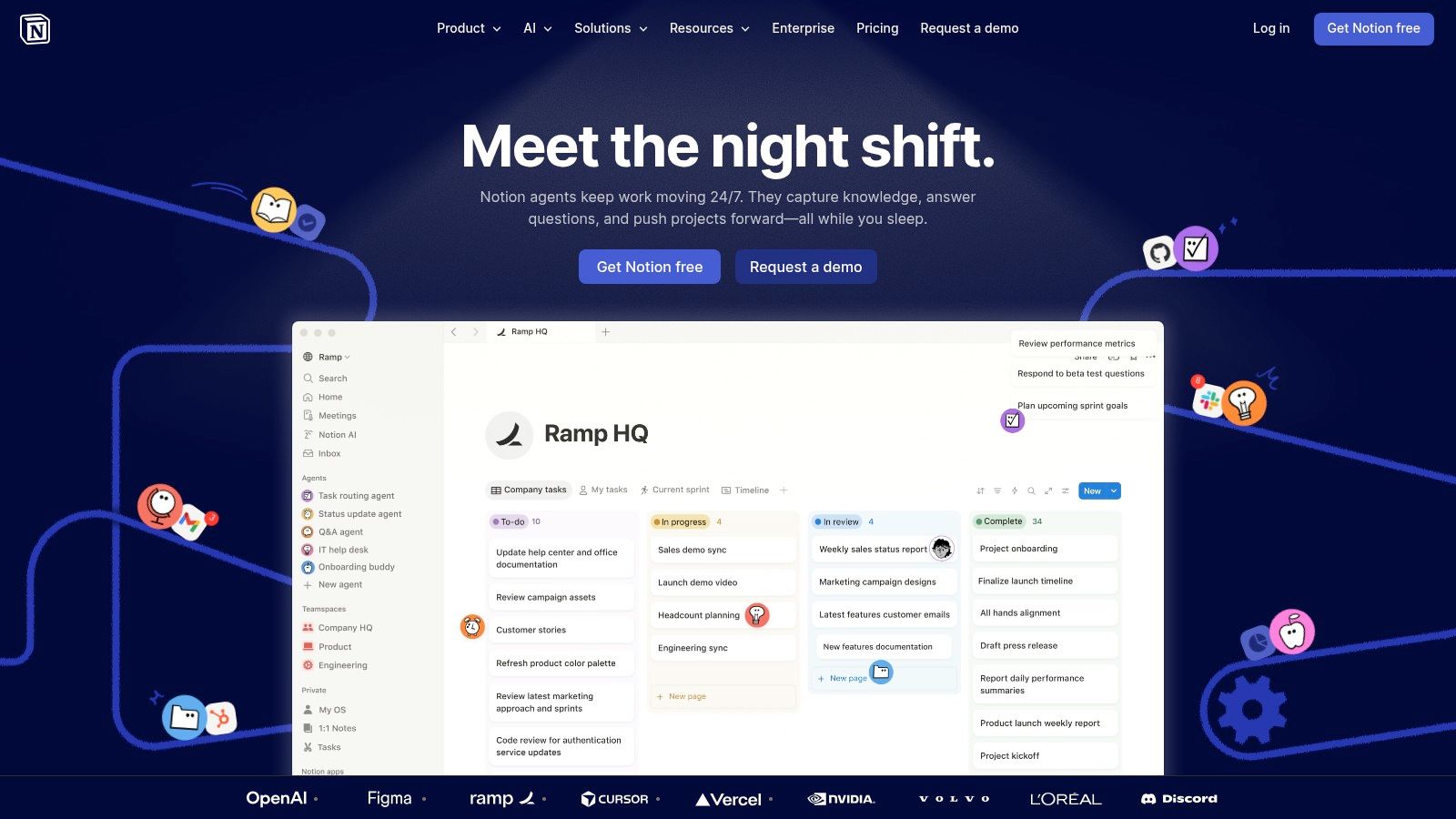
Its core strength lies in its relational databases, which let users link different sets of information, such as connecting project tasks to meeting notes or team goals. This creates a single source of truth that traditional document editors or task managers cannot easily replicate. With Notion AI, users can summarize pages, draft content, and extract action items, while features like public pages and site publishing allow teams to share knowledge externally. While its flexibility is a huge advantage, it's worth noting that establishing effective governance and structure for larger teams requires deliberate planning to avoid disorganization.
Pricing & Plan Considerations
- Free: Generous for individuals, with collaborative block limits for teams.
- Plus: Unlimited blocks and file uploads, 30-day page history.
- Business: Private teamspaces, advanced page analytics, SAML SSO.
- Enterprise: Advanced security, dedicated success manager, workspace analytics.
Website: https://www.notion.so
Pro Tip: Start with templates. Instead of building your entire workspace from scratch, browse Notion’s extensive template gallery for wikis, project trackers, or content calendars. Customizing a pre-built template is much faster and helps you understand best practices for database relations and page structures.
8. Google Workspace
Google Workspace is the default productivity suite for millions, bundling together essential applications that form the backbone of many remote and hybrid teams. Its core strength lies in its deep integration and ubiquity; nearly everyone has a Google account, making collaboration on documents, spreadsheets, and presentations incredibly straightforward. Real-time co-editing in Docs and Sheets, shared calendars, and cloud-based file storage in Drive eliminate version control issues and create a single source of truth for project assets.
The suite extends beyond file creation, incorporating communication via Google Meet for video conferencing and Google Chat for direct messaging, positioning it as a direct competitor to more specialized tools. A key advantage for remote teams is the expanding integration of Gemini AI, which assists with drafting emails in Gmail, summarizing documents, and generating formulas in Sheets. While some advanced AI features and higher meeting participant caps are reserved for more expensive plans, the platform's core functionality and powerful admin controls make it a solid choice for collaborative work.
Pricing & Plan Considerations
- Business Starter: 30 GB storage per user, 100-participant Meet video meetings.
- Business Standard: 2 TB pooled storage per user, 150-participant meetings with recording.
- Business Plus: 5 TB pooled storage, 500-participant meetings, enhanced security.
- Enterprise: Varies; custom storage, advanced controls, and full AI access.
Website: https://workspace.google.com
Pro Tip: Use the "Smart Compose" and "Help me write" features in Gmail and Docs to speed up routine communication. For shared project folders in Drive, set up "Shared drives" (available on Business Standard and up) to ensure files are owned by the team, not an individual, preventing data loss if an employee leaves.
9. Miro
Miro provides an infinite canvas for visual collaboration, making it an essential tool for distributed teams that need to think and create together. It bridges the gap between a physical whiteboard and a digital workspace, supporting everything from live brainstorming workshops to complex, asynchronous strategic planning. Teams use it to map user journeys, manage large-scale agile ceremonies like PI Planning, and create detailed system diagrams, keeping everyone aligned regardless of their location.
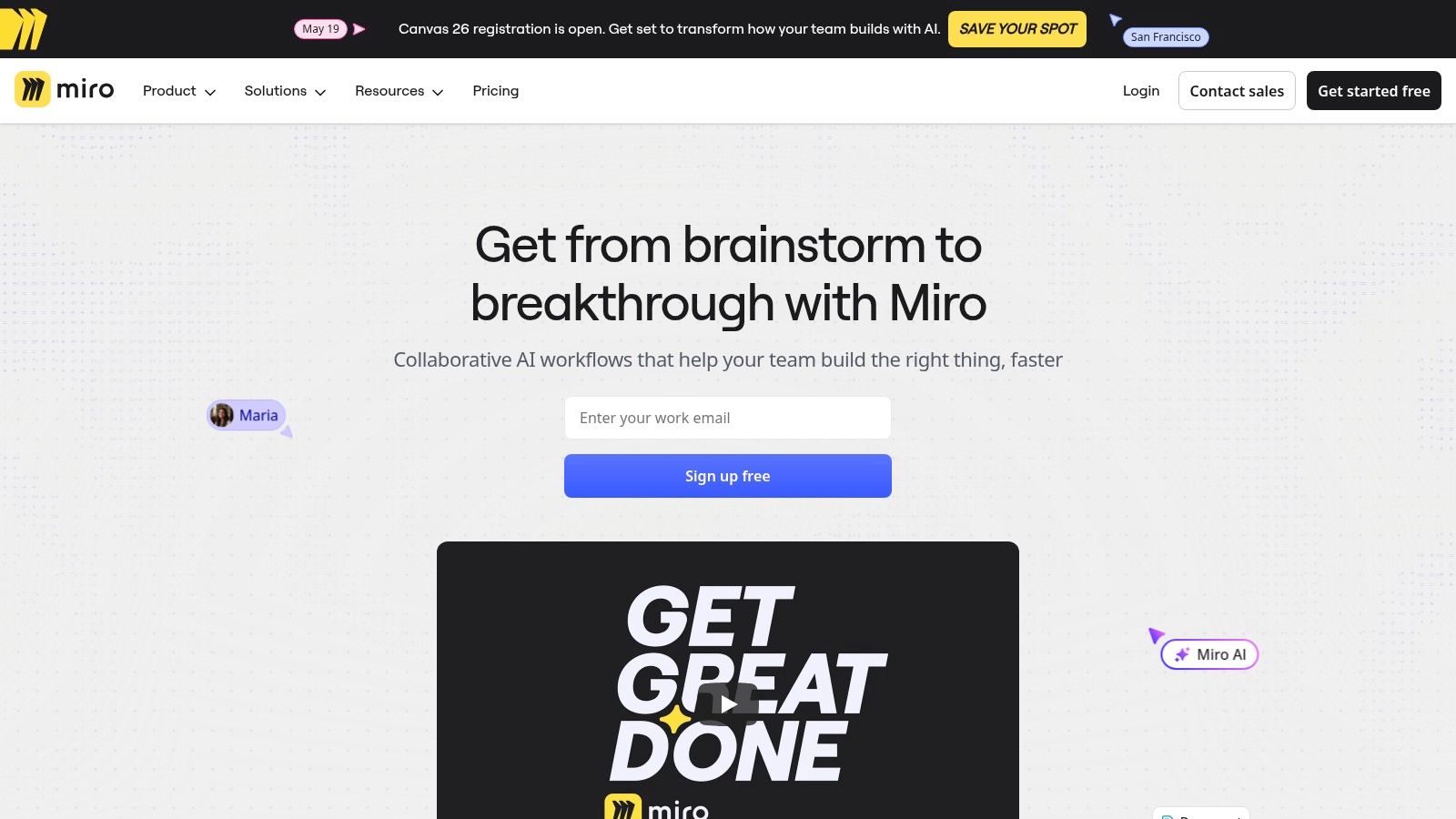
What makes Miro a top-tier choice for remote collaboration is its ability to scale from simple mind maps to enterprise-wide program boards. Its extensive template library gives teams a running start on common tasks, while native AI features can generate ideas, summarize sticky notes, and even create user story maps from raw text. With deep integrations into platforms like Jira, Asana, and Microsoft Teams, Miro embeds visual context directly into existing project management workflows. While very large boards can be demanding on older hardware, the platform's strength in both real-time and async visual work is a clear advantage for any remote team.
Pricing & Plan Considerations
- Free: 3 editable boards, core features, and pre-made templates.
- Starter: Unlimited boards, private boards, and high-resolution exports.
- Business: Adds advanced features like Miro Smart Meetings, SSO, and external editors.
- Enterprise: Includes centralized management, data residency, and the optional Enterprise Guard add-on for enhanced security and compliance.
Website: https://miro.com
Pro Tip: Use the "Follow me" feature during a live workshop. When you activate it, all other participants on the board will see exactly what you see, preventing anyone from getting lost on the vast canvas as you present ideas or navigate through a complex diagram.
10. Loom
Loom has become essential for asynchronous communication, allowing teams to replace short meetings with quick, shareable screen and camera recordings. It's a powerful tool for creating product walkthroughs, design feedback, code reviews, and status updates without needing to sync calendars. By letting users record their screen and themselves simultaneously, it adds a personal touch to explanations that text often lacks, making it a highly effective platform for clear and concise handoffs.
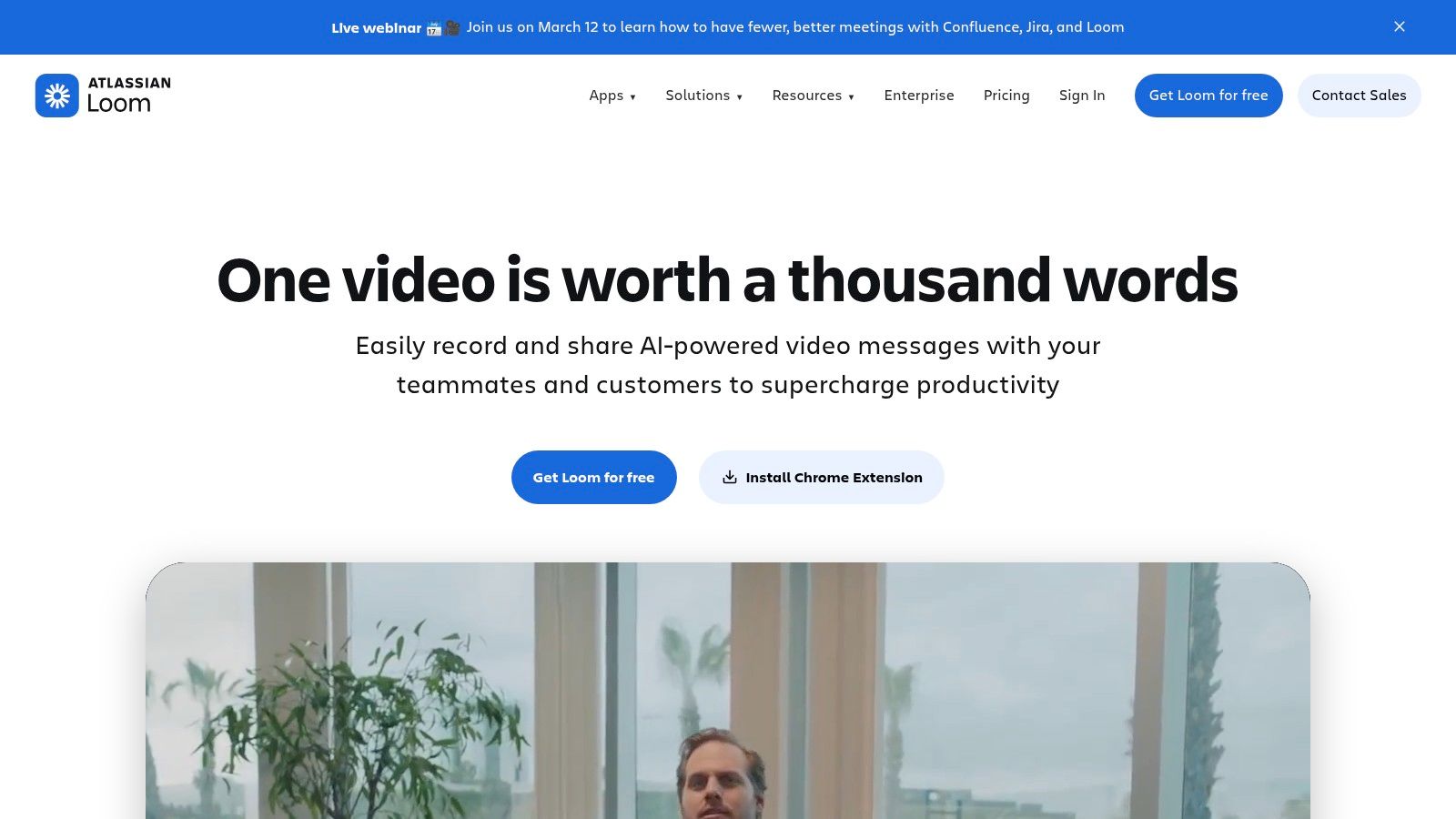
Now part of the Atlassian family, Loom is packed with AI-driven features that turn a simple video into a structured piece of content. The AI suite can automatically generate a title, a concise summary, and chapters for easy navigation. It can also identify and suggest tasks based on the video's content and remove filler words or long pauses, polishing the final output. With deep integrations into Jira, Confluence, Slack, and GitHub, and enterprise security via Atlassian Guard, Loom provides a very low-friction way for larger organizations to create and share explainers and asynchronous updates securely.
Pricing & Plan Considerations
- Starter (Free): Up to 25 videos/person, 5-minute recording limit.
- Business: Unlimited videos and recording length, AI Suite, custom branding, and engagement insights.
- Enterprise: Advanced admin and security (SSO, SCIM via Atlassian Guard), and dedicated support.
Website: https://www.loom.com
Pro Tip: For bug reports or complex technical support issues, record a Loom that shows the exact steps to reproduce the problem. Narrate what you are doing and what you expect to happen. This provides developers or support agents with the complete context they need, drastically reducing back-and-forth communication and speeding up resolution time.
11. Zapier
Zapier is the connective tissue for a modern productivity stack, allowing non-engineers to build powerful automations between different applications. It functions as a no-code automation platform that connects over 6,000 apps, letting you create workflows called "Zaps" that trigger actions in one tool based on events in another. This eliminates countless hours of manual, repetitive tasks like data entry, notifications, and file management.
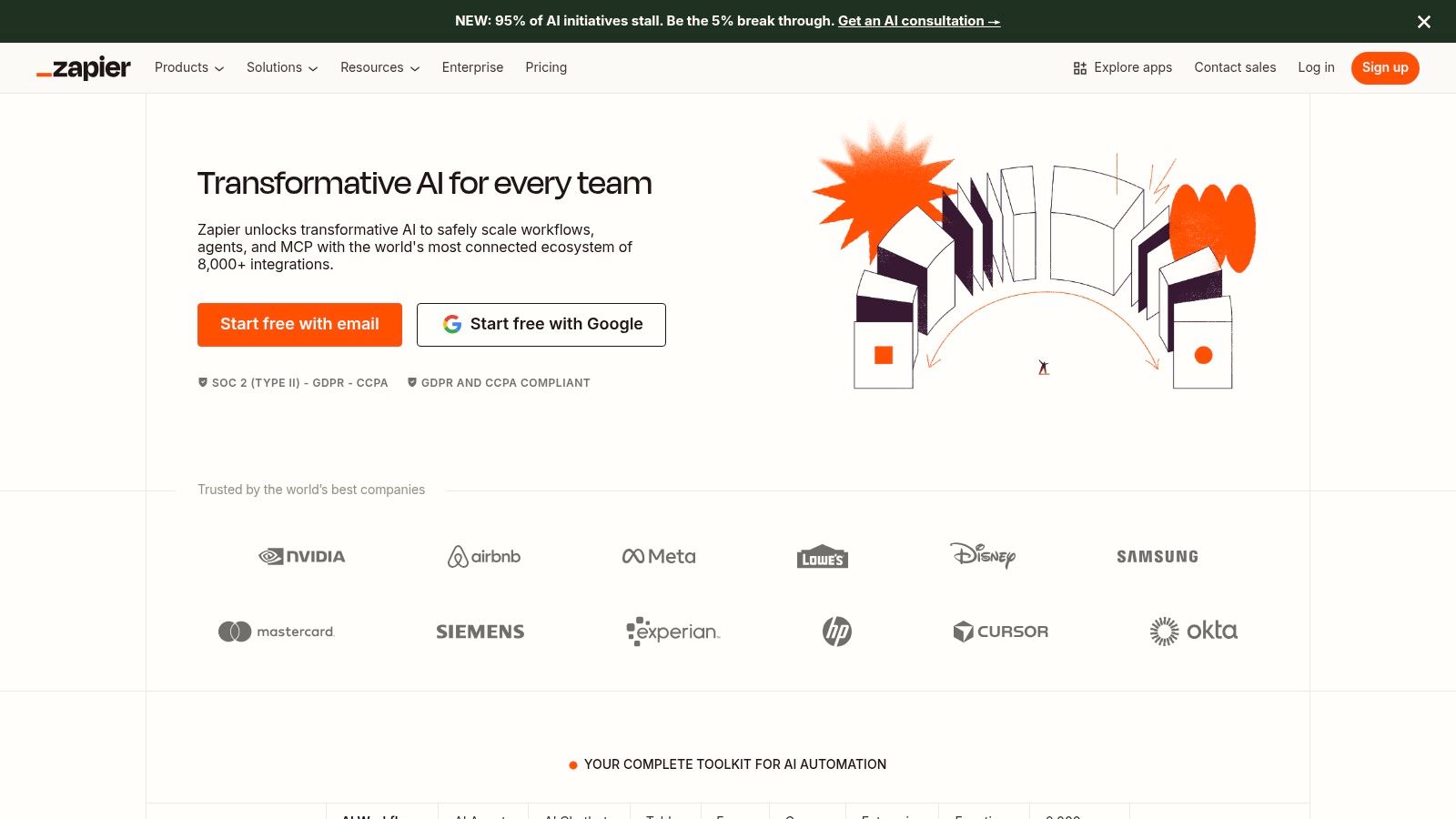
Its strength lies in its simplicity and sheer breadth of integrations. You can automatically save new Gmail attachments to a specific Dropbox folder, create a Trello card from a new Typeform submission, or post a message in a Slack channel when a sale is made in Stripe. With multi-step Zaps, you can introduce branching logic and filters for more advanced processes. The inclusion of Tables and Forms provides a lightweight data layer, while built-in AI actions can summarize text or extract data, enriching your workflows without needing a separate AI tool. Understanding how these pieces fit together is key to unlocking its potential; you can learn more about how to get started with workflow automation.
Pricing & Plan Considerations
- Free: 5 single-step Zaps, 100 tasks/month.
- Starter: Multi-step Zaps, 750 tasks/month, filters.
- Professional: Unlimited Zaps, 2,000 tasks/month, branching logic.
- Team: 5,000 tasks/month, shared app connections, advanced admin controls.
Website: https://zapier.com
Pro Tip: Start by identifying one small, repetitive task you do every day, like copying information from an email to a spreadsheet. Build your first Zap to automate that single task. This "small win" approach helps you understand the platform's logic and will quickly reveal other opportunities for automation across your workday.
12. Toggl Track
Toggl Track offers an exceptionally simple yet powerful approach to time tracking, making it a favorite among freelancers, agencies, and remote teams who need to monitor hours for productivity or billing. Its core strength lies in its one-click timer, available across desktop, web, and mobile apps, which makes starting and stopping time entries almost effortless. This ease of use is critical for adoption, as it removes the friction often associated with manual time logging, making it an effective tool for time management.
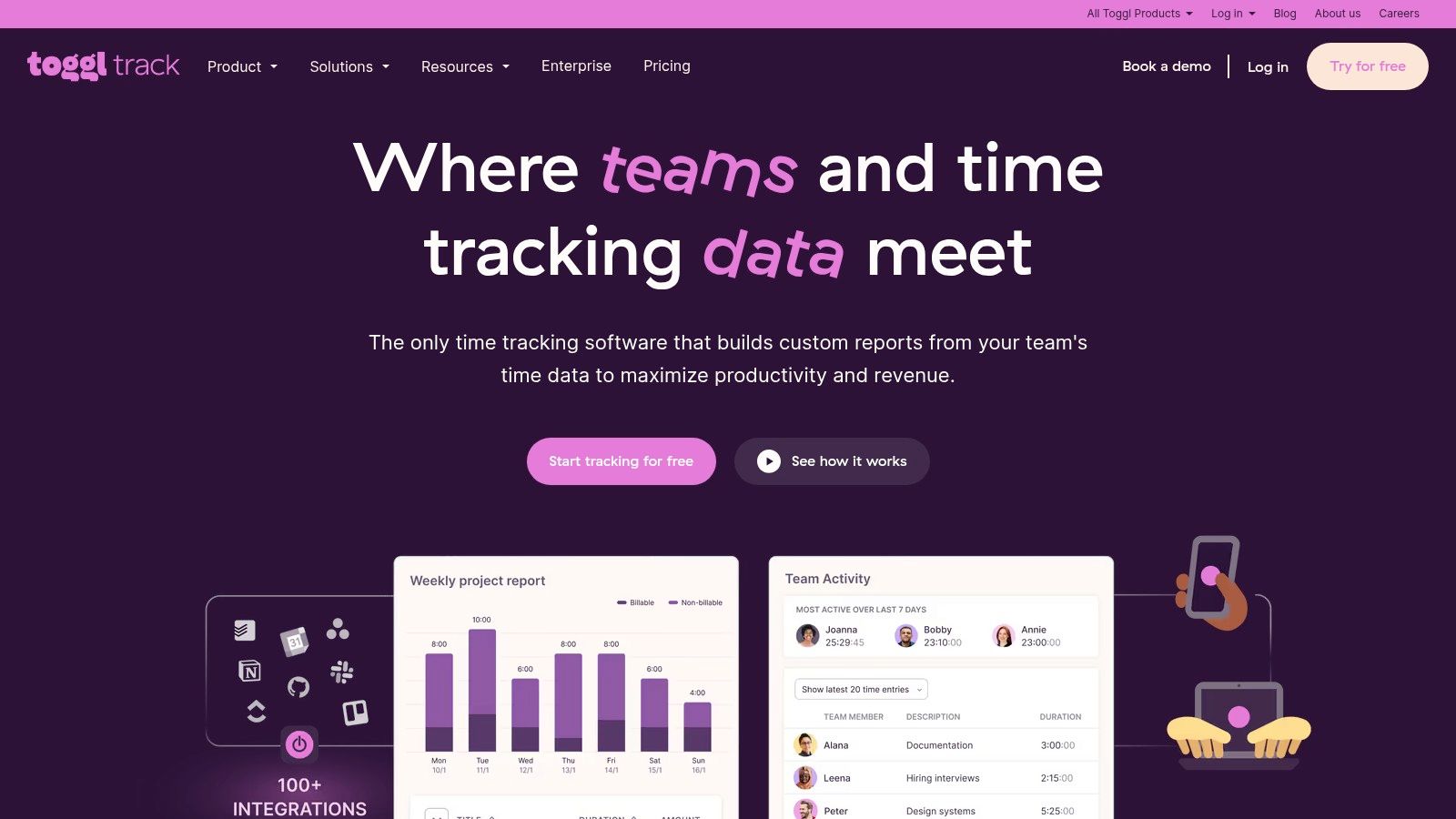
Beyond basic timing, Toggl Track provides robust features for client-focused work. Users can assign billable rates to projects, track time against estimates to receive alerts, and generate detailed reports to analyze team profitability. The platform also includes helpful productivity aids like idle detection and calendar integrations, which can automatically turn scheduled events into time entries. While its built-in invoicing is basic, the data can be easily exported to dedicated accounting software. The real value is in the clear, actionable insights it provides on where time-based resources are going.
Pricing & Plan Considerations
- Free: Up to 5 users, unlimited time tracking, projects, and clients.
- Starter: Adds billable rates, time estimates, and project templates.
- Premium: Adds scheduled reports, time approvals, and profitability analysis.
Website: https://toggl.com/track
Pro Tip: Use the browser extension to start timers directly from within other web apps like Asana, Trello, or Jira. By clicking the Toggl Track button inside a task, the timer will start and automatically populate the task description, creating a seamless link between your project management and time tracking.
12-Tool Remote Work Productivity Comparison
| Product | Core features ✨ | Speed & Accuracy ★ | Integrations & UX | Price & Value 💰 | Best for 👥 |
|---|---|---|---|---|---|
| HypeScribe 🏆 | Transcription, smart summaries, note-taker, file-aware chatbot, multi‑lang | ★★★★★ Up to 99% accuracy; <30s per hour | Zoom/Google Meet/Teams, social & cloud link import, Google Docs/Word/PDF/MD export | 💰 Free trial; Starter $6.99, Pro $7.99, Ultra $12.99; token-based for unlimited length | 👥 Remote teams, journalists, students, creators, HR/support |
| Slack | Channels, DMs, huddles, native AI recaps | ★★★★ Fast search & chat UX | 2,600+ apps, Slack Connect for external collab | 💰 Freemium → Pro/Business tiers; AI on paid tiers | 👥 Cross-functional teams, external partners |
| Microsoft Teams | Meetings, chat, recordings, Microsoft 365 integration | ★★★★ Enterprise-grade meeting & compliance | Deep MS365 + Entra identity, add-ons (Phone, Copilot) | 💰 Included in M365 plans; Essentials for SMBs | 👥 Organizations invested in Microsoft ecosystem |
| Zoom Workplace | Video meetings, AI Companion, Clips, Zoom Docs | ★★★★★ Best-in-class meeting experience | Broad device support, Phone/Rooms/events add-ons | 💰 Tiered plans; AI on Pro+; add-ons vary | 👥 Distributed teams, event and meeting-heavy orgs |
| Asana | Project/portfolio management, AI Studio, automations | ★★★★ Strong planning & reporting | Integrates with Slack/Teams + 200+ apps | 💰 Tiered (Starter→Enterprise); AI credits add cost | 👥 PMOs, cross-team program managers |
| ClickUp | Tasks, docs, whiteboards, Goals, AI Brain/Agents | ★★★★ Feature-rich; some complexity | Native docs/whiteboards, many integrations | 💰 Competitive pricing; Unlimited & Business tiers | 👥 Teams wanting an all‑in‑one platform |
| Notion | Blocks, relational DBs, Notion AI, publishing | ★★★★ Highly adaptable knowledge hub | Embeds, templates, public pages | 💰 Freemium; advanced AI/analytics on paid plans | 👥 Startups, product teams, KB owners |
| Google Workspace | Gmail, Drive, Docs/Sheets/Meet, Gemini AI | ★★★★ Ubiquitous collaboration tools | Strong sharing & real‑time editing across apps | 💰 Tiered Business/Enterprise plans | 👥 Organizations needing cloud docs & email |
| Miro | Infinite canvas, templates, AI insights for visuals | ★★★★ Excellent for workshops & mapping | Jira/Asana/Teams/Slack integrations | 💰 Free → paid for unlimited boards; enterprise add-ons | 👥 Designers, facilitators, product teams |
| Loom | Async video, auto-titles/summaries/chapters, task gen | ★★★★ Low-friction recording & summaries | Slack, Jira/Confluence, Notion, GitHub | 💰 Freemium; enterprise via Atlassian with extra security | 👥 Creators, support, onboarding & async comms |
| Zapier | No-code automations, Tables/Forms, AI actions | ★★★★ Reliable for many automations; cost scales by tasks | Connects 6,000+ apps, webhooks, multi-step Zaps | 💰 Freemium → paid; task-based pricing can be costly | 👥 Ops, growth teams, non-engineering automations |
| Toggl Track | One‑click timers, calendar sync, billable rates & reports | ★★★★ Fast adoption; strong reporting | Calendar integrations, exports to accounting tools | 💰 Freemium; Premium/Enterprise for analytics & SSO | 👥 Agencies, consultants, billing teams |
Building Your Ultimate Remote Productivity Stack
Navigating the extensive market of remote work productivity tools can feel overwhelming. Throughout this guide, we've explored a dozen powerful options, from communication hubs like Slack and Microsoft Teams to all-in-one project management platforms like Asana and ClickUp. We’ve seen how async video tools like Loom can reduce meeting fatigue and how automation engines like Zapier can connect disparate apps into a seamless workflow.
The core lesson is clear: the most effective remote teams don't just accumulate apps. They thoughtfully curate a technology stack where each tool serves a distinct purpose and integrates smoothly with the others. The goal is to build a digital environment that supports clarity, reduces friction, and empowers every team member to do their best work, regardless of location.
From Tools to a Cohesive Ecosystem
Choosing the right applications is not about finding a single "best" tool, but about building the best combination of tools for your team's specific challenges. Think of it as assembling a championship team rather than just recruiting one star player. A powerful project management system is essential, but its value diminishes if decisions made in meetings never make it into the task list.
This is where the concept of a "productivity stack" becomes critical. Your stack should be an interconnected ecosystem. For example, a discussion in Slack can lead to a task in Asana. A complex idea sketched out in Miro can be explained in a quick Loom video. A decision made during a Zoom call can be automatically transcribed, summarized, and logged in Notion by HypeScribe. This flow of information is what separates a disjointed collection of apps from a high-functioning digital workplace.
How to Choose Your Stack: An Actionable Framework
Instead of getting distracted by flashy features, start with a diagnosis of your team’s primary pain points. Use this simple framework to guide your selection process:
- Identify Your Core Needs: Where are the biggest bottlenecks? Are you drowning in back-to-back meetings? Is project progress unclear? Are important files and decisions getting lost? Be specific.
- Select Your Foundational Pillars: Every team needs a central place for communication (like Slack or Teams) and a single source of truth for work (like Asana, ClickUp, or Notion). Choose these first, as they will form the backbone of your stack.
- Layer on Specialized Enhancers: Once your foundation is set, address secondary pain points with specialized tools. If meetings are a time-sink, integrate an AI transcription tool. If async communication is a struggle, adopt a video messaging platform.
- Prioritize Integration: Before committing to any new tool, verify its ability to connect with your existing stack. Strong integrations (often powered by tools like Zapier or native connections) are what turn individual apps into a cohesive system. Check for integrations with your project manager, calendar, and communication hub.
- Start Small and Iterate: You don't need to implement everything at once. Begin with one or two new tools that solve the most pressing problems. Run a pilot program with a small group, gather feedback, and create clear guidelines for usage before rolling it out to the entire organization.
The Human Element of Implementation
Remember, even the most advanced software is only as effective as the people and processes behind it. Successful implementation requires more than just a subscription; it demands clear communication, team-wide training, and established best practices.
Key Takeaway: The ultimate goal is not just to adopt new technology, but to foster new behaviors. Encourage your team to use Loom for status updates instead of scheduling a meeting, or to rely on HypeScribe’s meeting summaries instead of having someone manually type notes. True productivity gains come from changing how you work, not just what you work with.
By taking this strategic, human-centered approach, you can move beyond simply managing remote work and begin to master it. You can build a digital headquarters that is efficient, transparent, and built for the future of work.
One of the biggest productivity drains for any remote team is the meeting itself—and the manual work that follows. If you're ready to reclaim hours spent on note-taking and follow-ups, HypeScribe can instantly turn your spoken conversations into accurate transcripts, actionable summaries, and organized notes. See how it fits into your stack by visiting HypeScribe and start making your meetings more productive today.



































































































