Home
>
Blog
>
TurboScribe Alternative: HypeScribe vs TurboScribe (2026)
Article

TurboScribe Alternative: HypeScribe vs TurboScribe (2026)

Author:
Igor Trunin
Igor Trunin
CMO at HypeScribe
November 4, 2026

Choose TurboScribe if you need a lot of transcripts for little money: one person gets no minute cap for $10 a month billed yearly, files can be 10 hours long, and transcripts translate into 134+ languages.

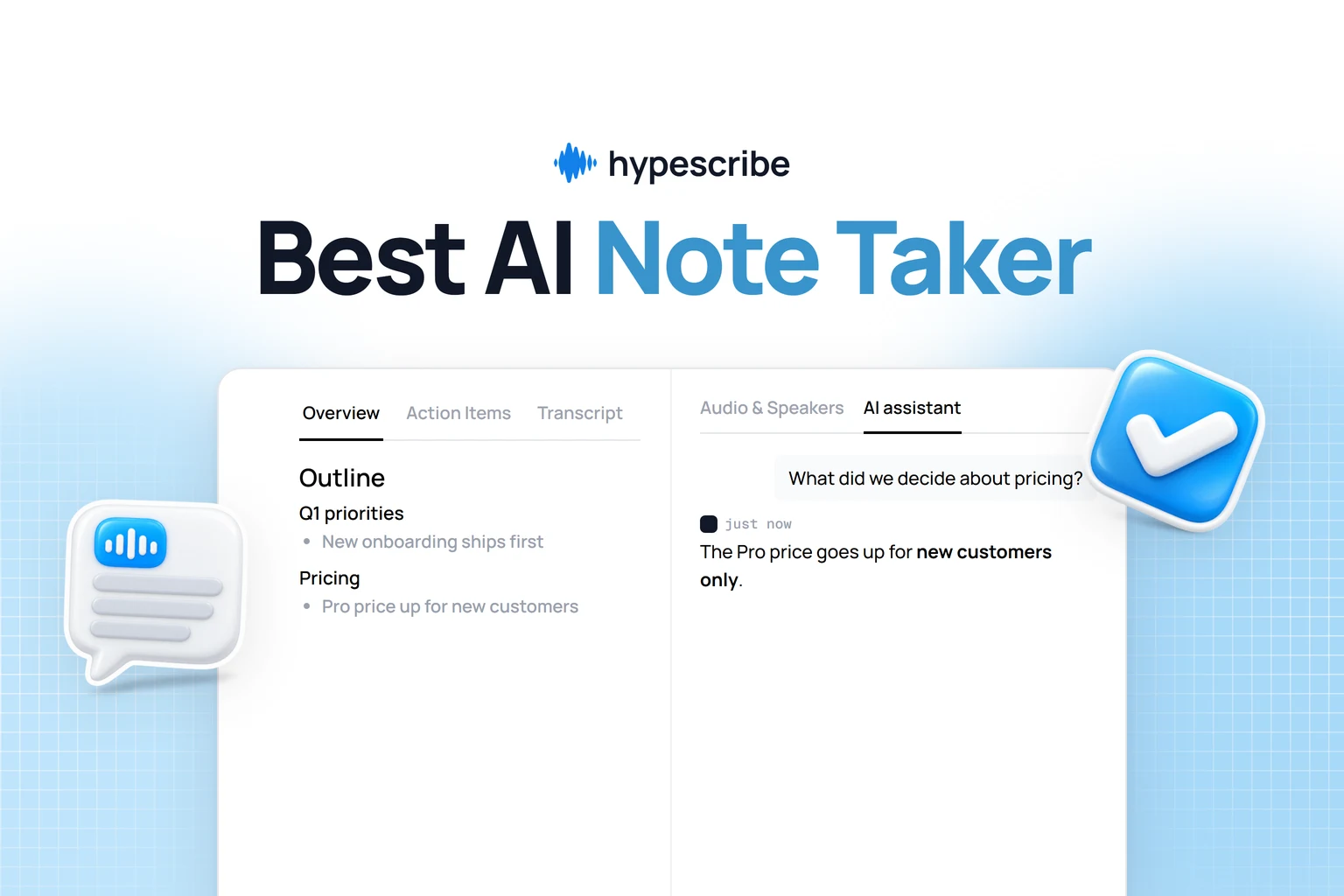
Choose HypeScribe if you need what comes after the transcript: an overview, action items and AI chat in the app, a notetaker for calls, recording in a room, and notes sent to your tools.

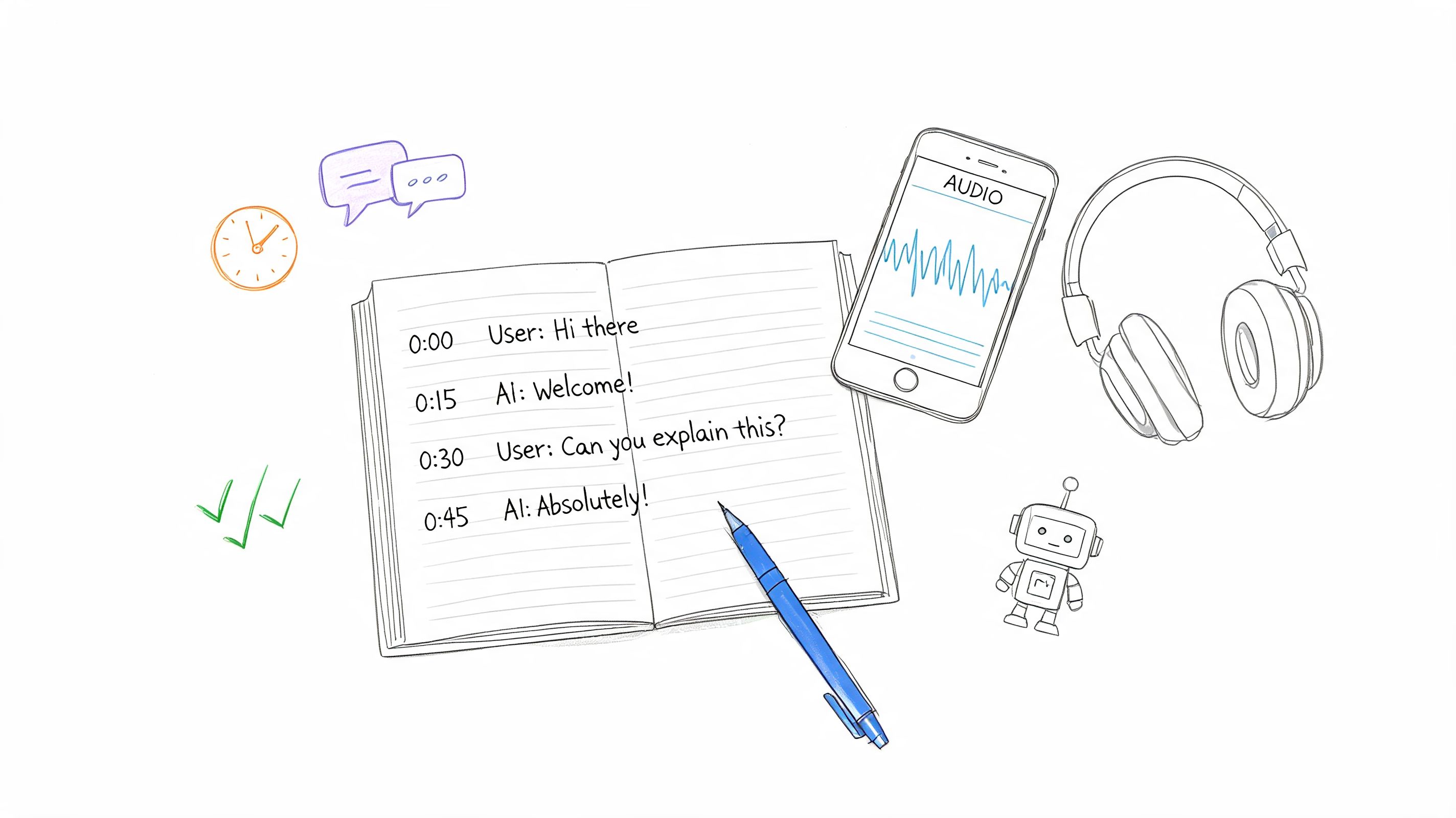
Both transcribe files and YouTube links with speaker labels, in about a hundred languages, and both play the audio from any line of the transcript.

TurboScribe or HypeScribe

Who each one is for

Pick TurboScribe if
You transcribe a lot of filesNo minute cap for one person, $10 a month billed yearly
Your files are very longUp to 10 hours or 5 GB each, 50 files at a time
You need it in another languageTranslate transcripts and subtitles into 134+ languages
Pick HypeScribe if
You want notes in the appOverview, action items and AI chat on every recording
You record calls and roomsNotetaker for Zoom, Meet and Teams; Live Record in the browser
Your work runs on other tools18 integrations, MCP and API keys

HypeScribe vs TurboScribe at a glance

HypeScribeTurboScribe
Built forRecordings you act on: meetings, interviews, lectures, videosLots of files at one flat price
How to try it7-day trial, then paid plansFree plan: 3 files a day, 30 minutes each; Unlimited $10 a month billed yearly
Upload filesFrom a computer or phoneUp to 10 hours or 5 GB each, 50 at a time
Paste a linkYouTube, TikTok, Instagram, X, Vimeo, Loom, Google Drive and moreYouTube
Notetaker for callsZoom, Google Meet, TeamsNo: upload the recording afterwards
Record in the browserLive Record on a laptop or phoneNo
Languages and speakers99+ languages, speakers labelled98+ languages, speakers labelled
Summary and action itemsOverview, outline and an action-item checklist in the appSummaries through a TurboScribe GPT in ChatGPT; action items not listed
AI chatIn the app; pick GPT, Claude, Grok or DeepSeekThrough ChatGPT
TranslationOverview and action itemsFull transcripts and subtitles into 134+ languages
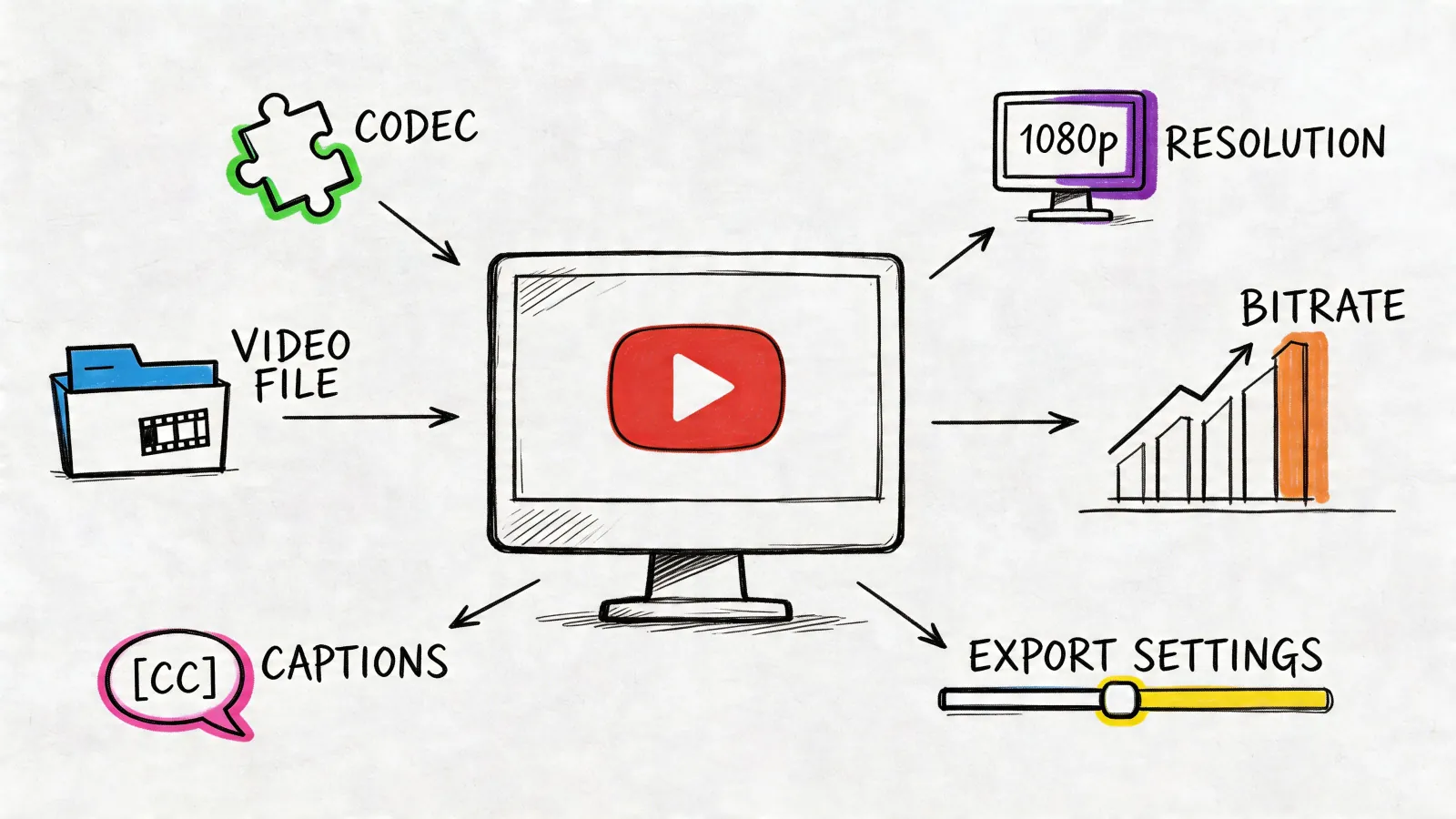
Subtitles and exportTXT, DOCX, PDF, SRT, Markdown, Google DocsPDF, DOCX, SRT, VTT, CSV, TXT; subtitle segment controls; bulk export
Integrations18 apps: Slack, Notion, Linear, Jira, HubSpot and moreChatGPT only
MCP and APIMCP and API keysNo API
PrivacyRecordings never used to train AINo training on user files; transcription runs in-house

What you do with the transcript

TurboScribe's editor plays the audio from any point, lets you edit and resegment the text and toggle timestamps, and translates and exports it. For summaries and questions it sends you to a TurboScribe GPT in ChatGPT, or copies a prompt for you to paste there. HypeScribe does this inside the recording:

  • Overview and outline of what was said, and action items as a checklist.
  • AI chat on the recording with the model you pick: GPT, Claude, Grok or DeepSeek. Find the line in the transcript and press Play from here to hear it.
  • Sending with one button, from the AI chat, or automatically for new recordings:RecapSlack, Telegram or GmailTasksLinear, Jira, GitHub, Asana or Notion
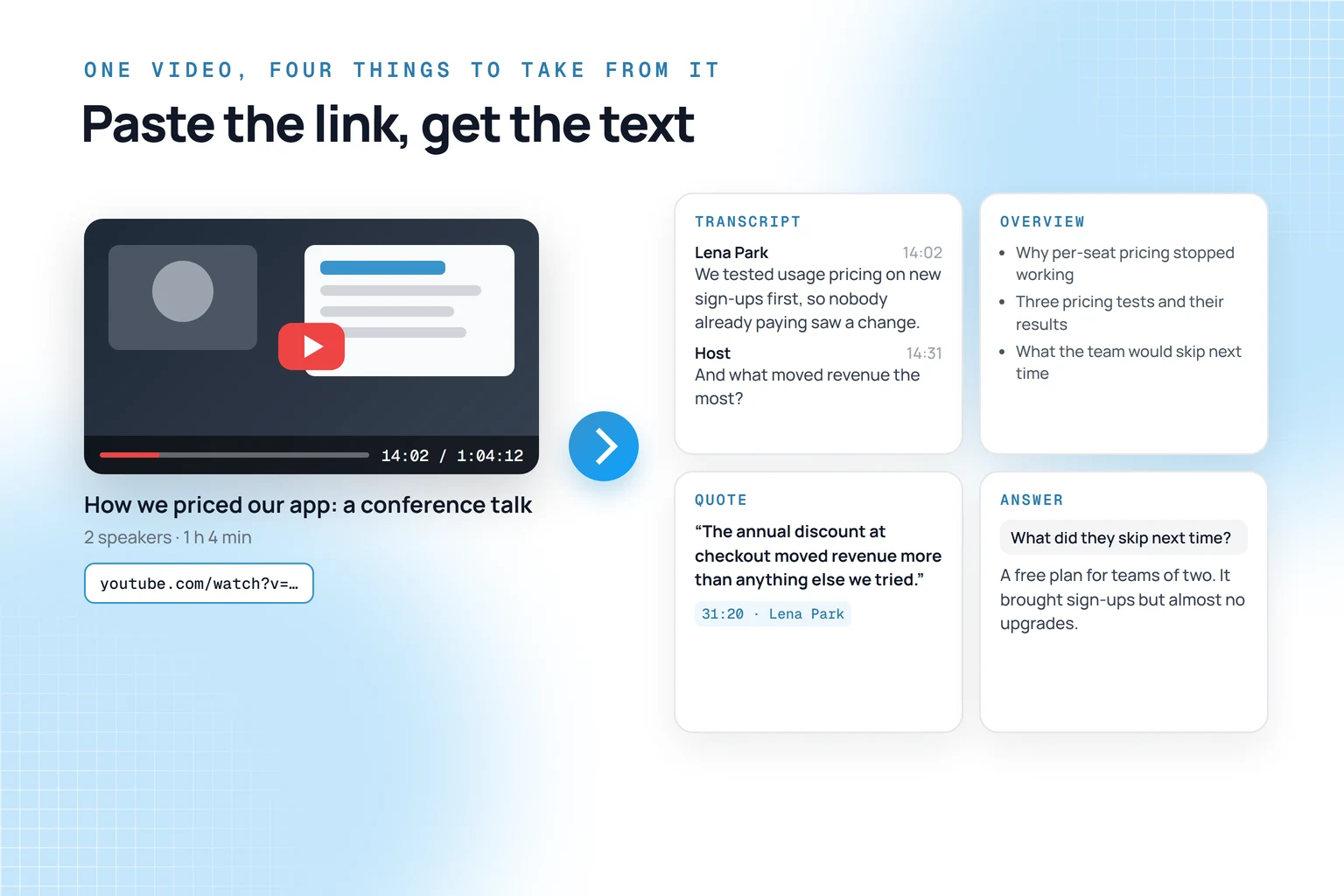
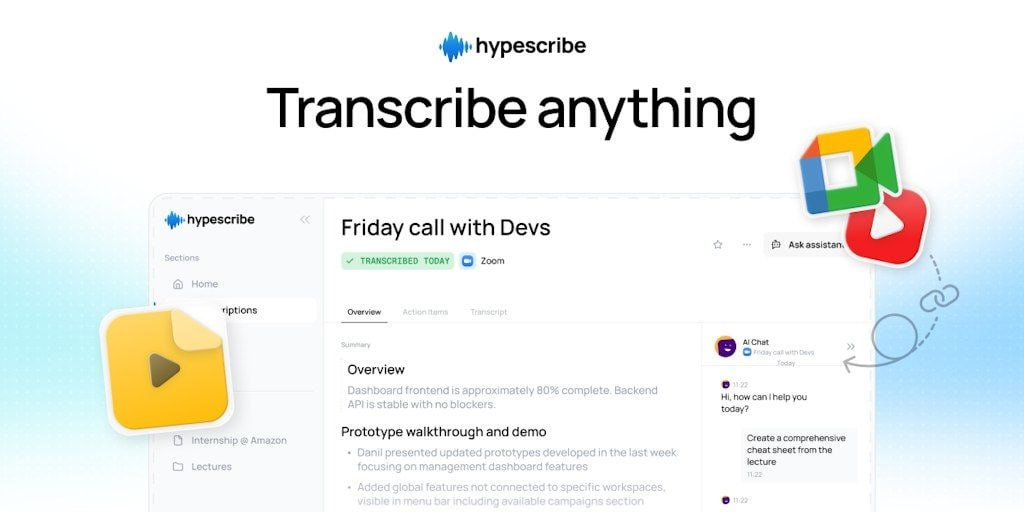
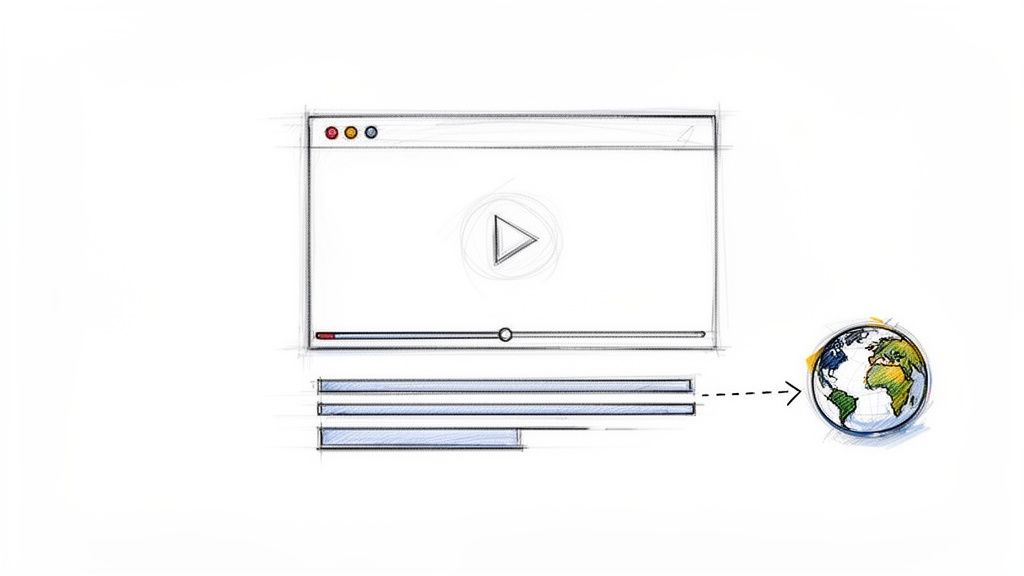
HypeScribe as a TurboScribe alternative: one video becomes a transcript, an overview, a quote and an answer from the AI chat

Where TurboScribe is better

TurboScribe homepage, unlimited audio and video transcription powered by Whisper, as of October 2026

Volume at a flat price

$10 a month billed yearly, or $20 monthly, with no minute cap for one person.

HypeScribe has a 7-day trial, then paid plans.

Very long files in bulk

Up to 10 hours or 5 GB per file and 50 files in one upload, then a bulk export of up to 1,000 transcripts from a folder.

Translation

Translate a whole transcript or its subtitles into 134+ languages, or transcribe straight to English.

HypeScribe translates the overview and action items, not the transcript.

Subtitle files

SRT and VTT with limits on words, characters and duration per subtitle segment.

HypeScribe exports SRT.

Tools for hard audio

Speed and accuracy modes, AI audio restoration for noisy recordings, and unlimited storage on Unlimited.

A permanent free plan

3 files a day, up to 30 minutes each, without a card.

Where HypeScribe is better

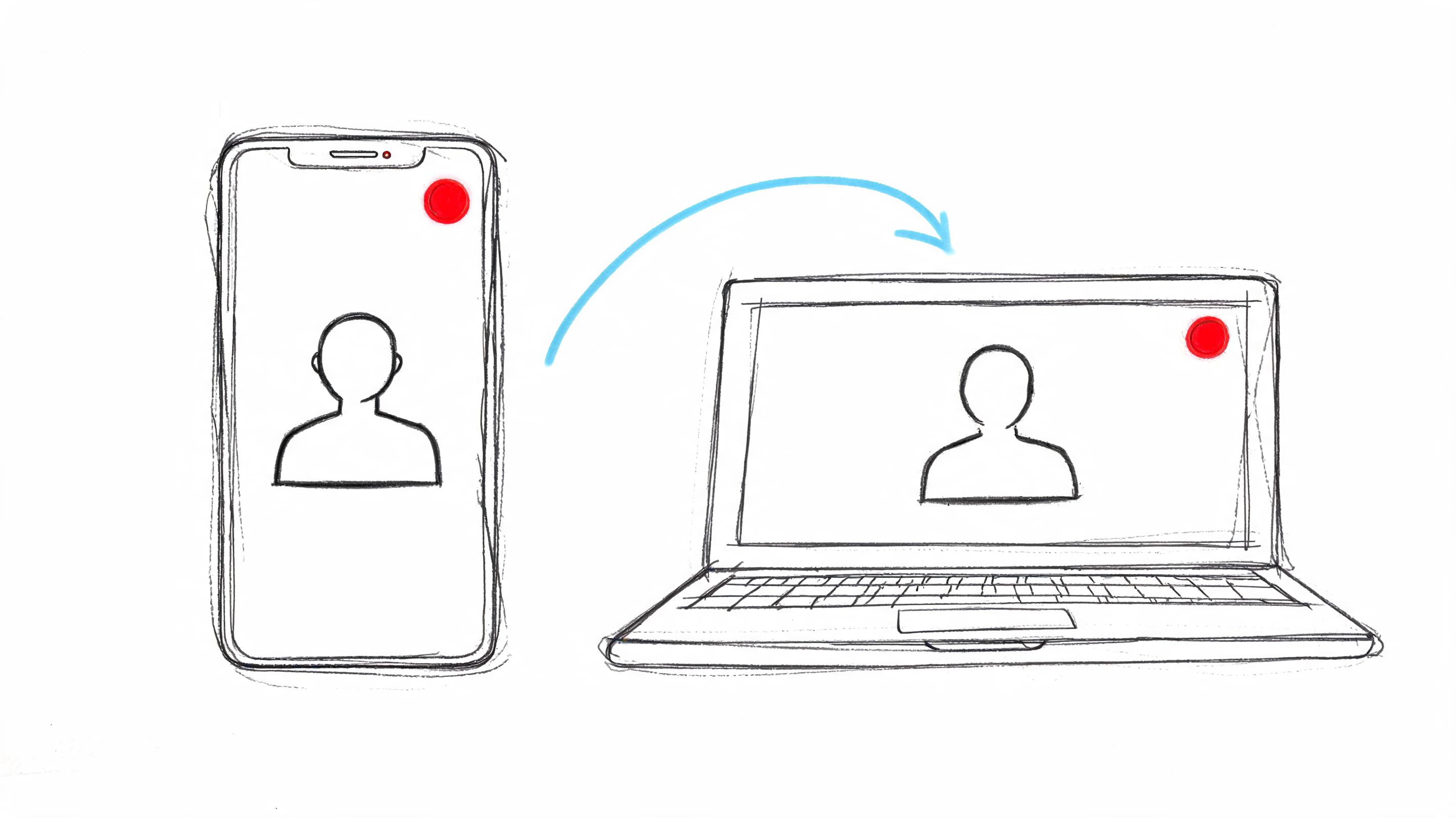
HypeScribe as a TurboScribe alternative: upload a file, paste a link, send the notetaker to a call or use Live Record

Calls without uploading

In HypeScribe, press Meeting notes and paste a Zoom, Google Meet or Teams link, and the notetaker records the call and transcribes it when it ends.

TurboScribe has no meeting bot; you record the call and upload it.

Recording in the room

Live Record uses your laptop's or phone's microphone in the browser for a lecture or an in-person meeting.

TurboScribe has no recording: you upload files or paste YouTube links.

More than YouTube links

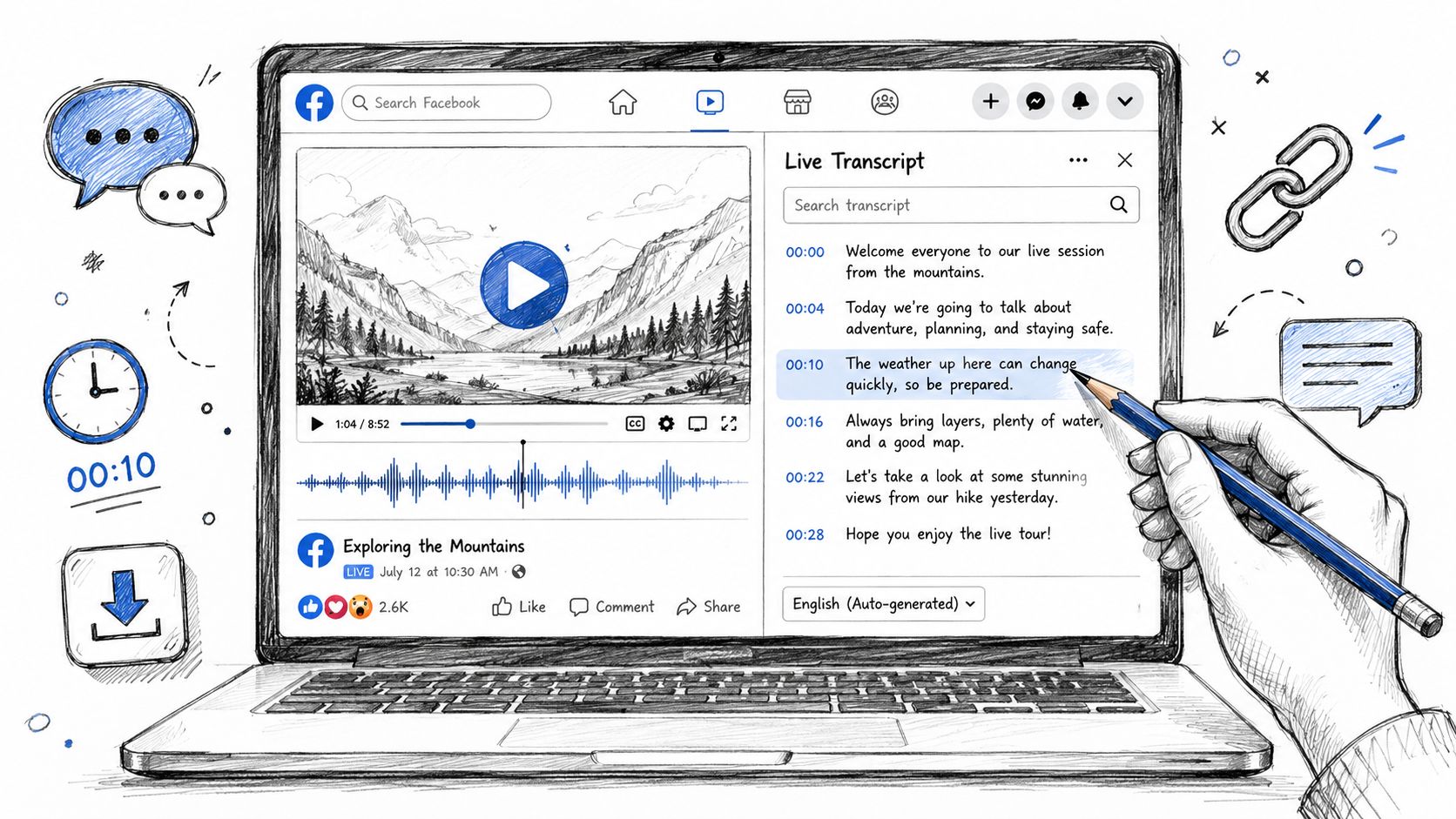
Transcribe by URL also takes TikTok, Instagram, X, Facebook, Reddit, Vimeo, Twitch, Loom, SoundCloud and Google Drive, and direct links to audio or video files.

MCP and an API

HypeScribe gives you API keys and MCP for Claude, ChatGPT, Claude Code, Codex and Cursor.

TurboScribe doesn't offer an API.

Privacy

HypeScribe doesn't see or store your recordings, and you can delete your transcripts at any time.
Nobody on the team watches, listens to or reads them, and they are never used to train AI.
Files are encrypted, and a transcript stays private until you share it.

TurboScribe encrypts files, runs transcription on its own servers without third-party APIs, and doesn't train on your files.

Want an overview and tasks from your next recording? Upload it or paste the link and send the action items to Linear, Jira or Asana. 7-day trial, then paid plans.

Try it on your recording

What TurboScribe costs

TurboScribe planMonthlyBilled yearlyWhat you get
Free$0$03 files a day, up to 30 minutes each, one at a time, lower priority
Unlimited$20$10 a month ($120 a year)No minute cap for one person, 10 hours or 5 GB per file, 50 files per upload, translation, bulk export
TeamsYearly only$10 per user a monthOne Unlimited account per member, one invoice
Unlimited Max$200$2,000 a year10x dedicated capacity for very large volumes (listed in the help center)

Prices are in US dollars, from TurboScribe's pricing page; Unlimited Max is described in its help center. An Unlimited license is for one person, and extra devices get signed out. Above about 24 hours of audio a day, High Volume Mode takes one file at a time and may answer "Try again later". Purchases aren't refundable.

Moving from TurboScribe to HypeScribe

1

Download what you need

TurboScribe lets you download any media file or transcript, and on Unlimited export a folder of up to 1,000 transcripts as a ZIP.

2

Upload the recordings you'll work on

Choose Transcribe file, forward the files to your private HypeScribe email address, or paste the YouTube link into Transcribe by URL. HypeScribe takes audio and video, not TXT or SRT files, so it transcribes them again and builds the overview and action items.

3

Add your calls

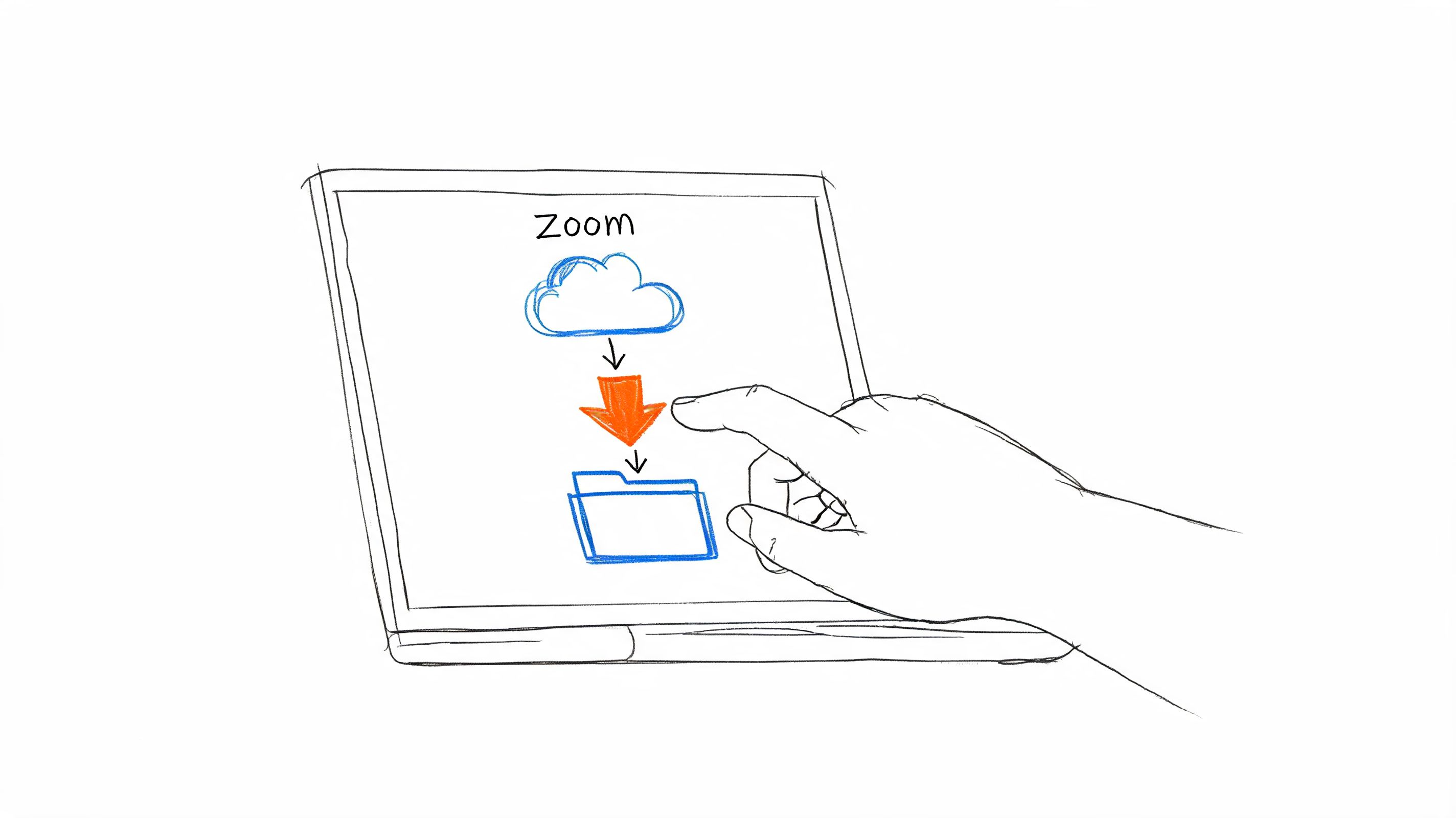
Press Meeting notes and paste the link of your next Zoom, Google Meet or Teams call, or connect Google Calendar and turn on auto-join.

You can also use both: TurboScribe for a big archive where plain text is enough, HypeScribe for the recordings you act on.

Other TurboScribe alternatives

Paste a link or upload a file

See the notes from your own recording

You get a transcript with speakers, an overview and action items you can send to Slack, Notion or Linear. Try HypeScribe for a week before you pick a plan.
FAQ

Is HypeScribe a good alternative to TurboScribe?

Yes, if you need notes and tasks from your recordings, a notetaker for calls or recording in a room. If you need large volumes of plain text at a flat price, or full translations, TurboScribe fits better.

Is TurboScribe really unlimited?

For one person there's no minute cap, with files up to 10 hours. Above about 24 hours of audio a day it takes one file at a time and may ask you to try again later.

Does TurboScribe summarize transcripts?

Not in the app. It sends you to a TurboScribe GPT in ChatGPT for summaries and questions. HypeScribe writes the overview and action items itself.

Can I move my TurboScribe files to HypeScribe?

Yes. Download the original media from TurboScribe and upload it to HypeScribe, which transcribes it again.

We checked TurboScribe's pricing page, help center and product pages on November 4, 2026. Prices and features change often. If something here is out of date, email support@hypescribe.com and we'll fix it.

Read more