7 Best Note-Taking Apps for ADHD in 2026, Plus 3 Helpers

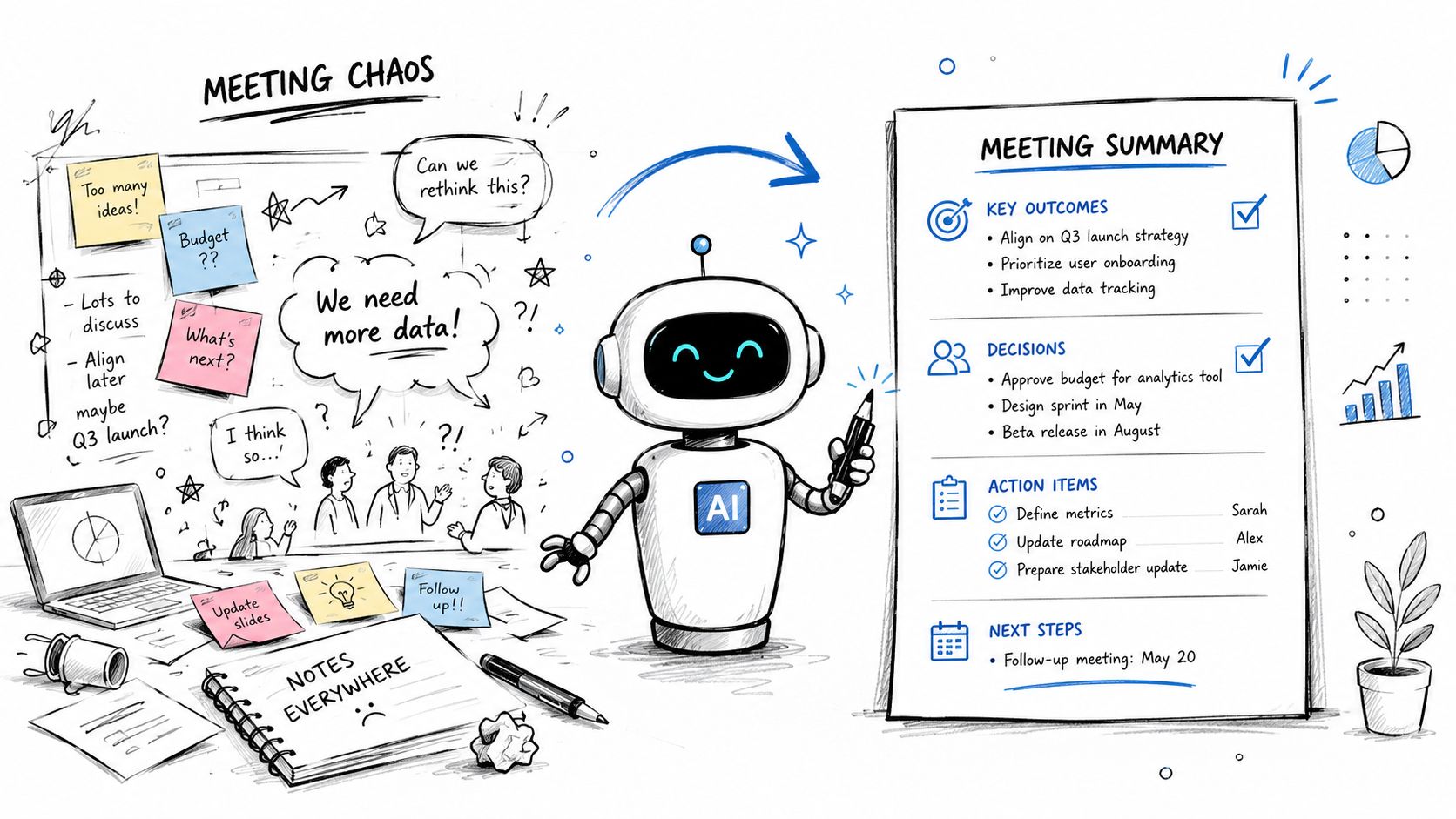
If you lose the thread when you listen and write at the same time, record the lecture or meeting and work from a summary afterwards. HypeScribe turns the recording into an overview, an outline and a list of action items. For notes you write yourself, OneNote and Google Keep are free, and Notability ties handwriting to the audio. Three helpers at the end, Goblin Tools, Tiimo and Focusmate, help with breaking down tasks, planning the day and working alongside someone.
These are study and work tools, not treatment, and they don't replace advice from a doctor or an ADHD coach.
- Hard to write while you listen: HypeScribe, then work from the overview and outline.
- Free and simple: Google Keep for short notes, OneNote for full notebooks.
- Handwriting on an iPad: Notability, which syncs the lecture audio to what you write.
Note-taking apps for ADHD compared
We looked at how each app gets notes in (typing, handwriting, recording), which devices it runs on and what the free version leaves out, using each developer's own pages, checked in October 2026. HypeScribe is our own product, so it comes first; the order is an editorial choice, not a ranking of what works best for ADHD. Where an app says it was built for ADHD or neurodivergent users, we quote it.
AI note-taking app for ADHD: notes from your recordings
1. HypeScribe
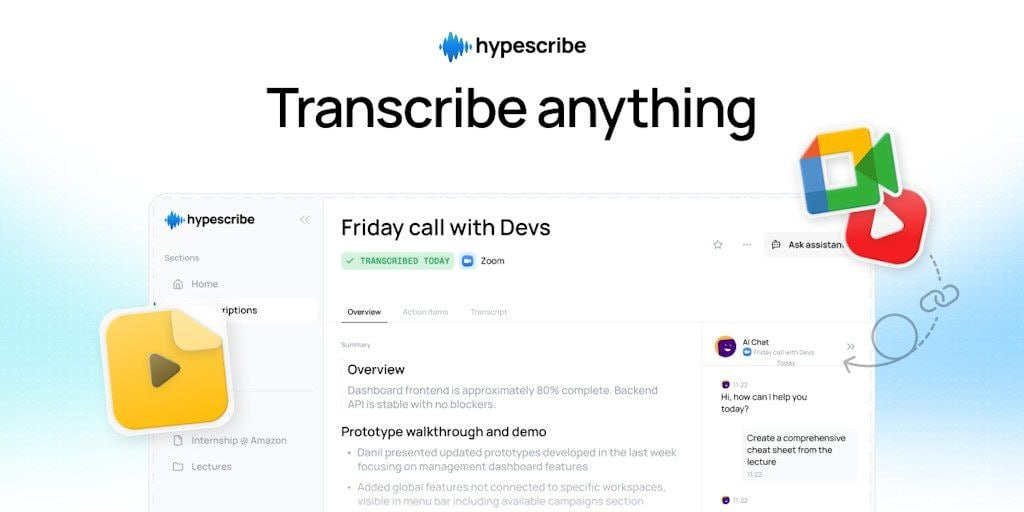
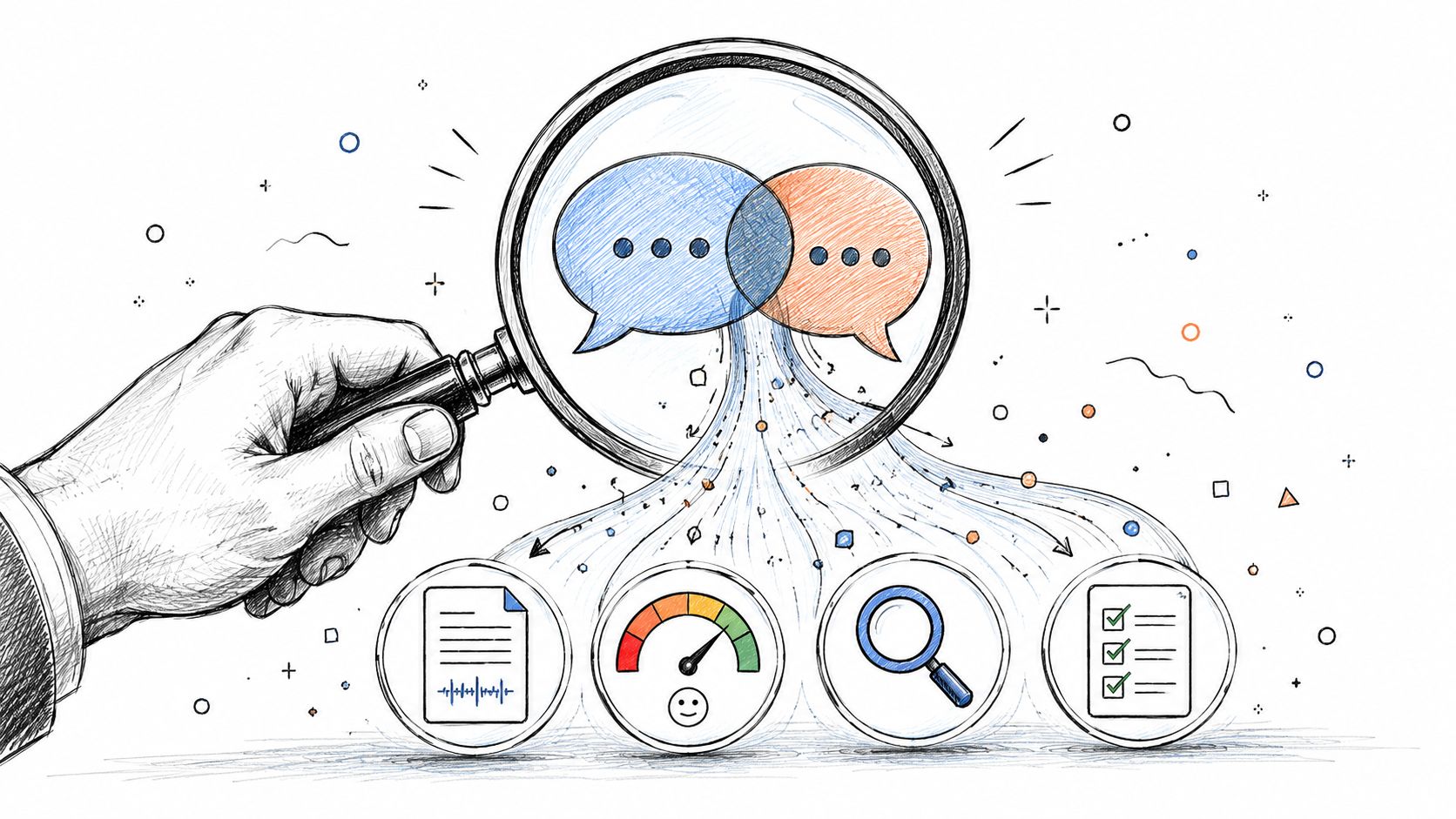
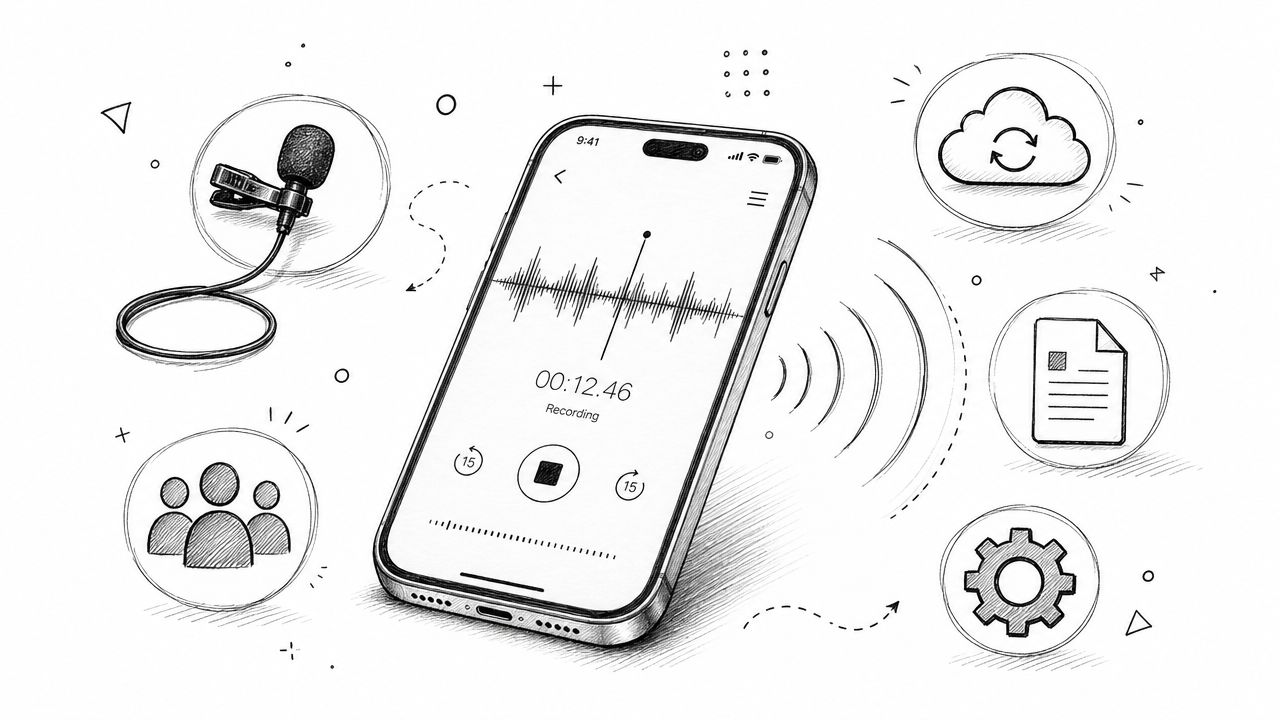
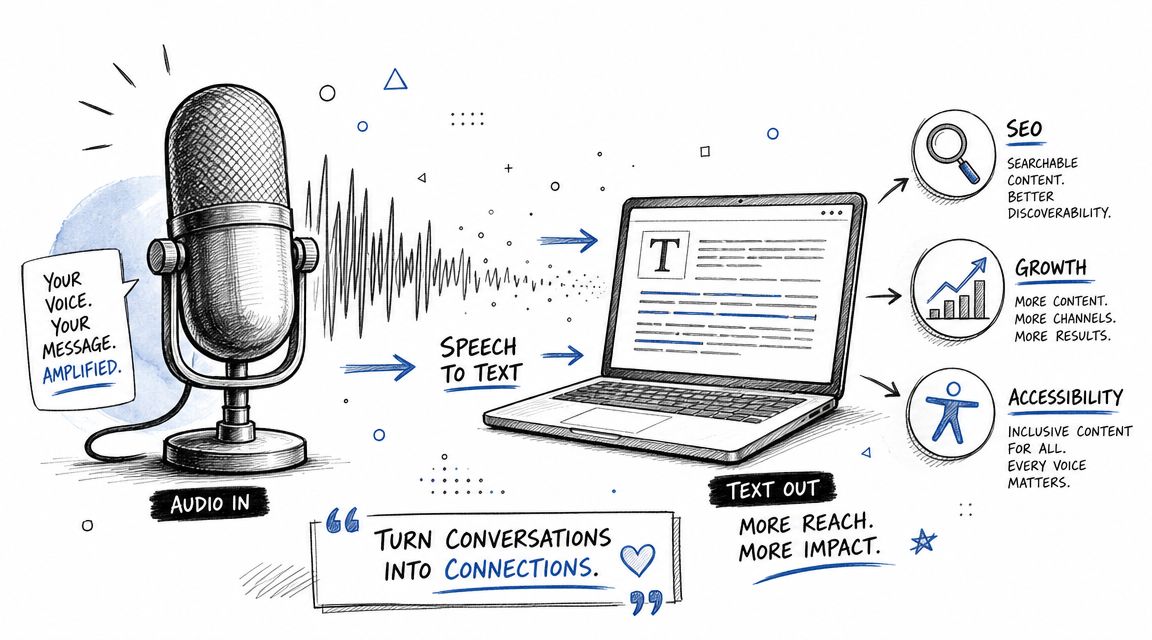
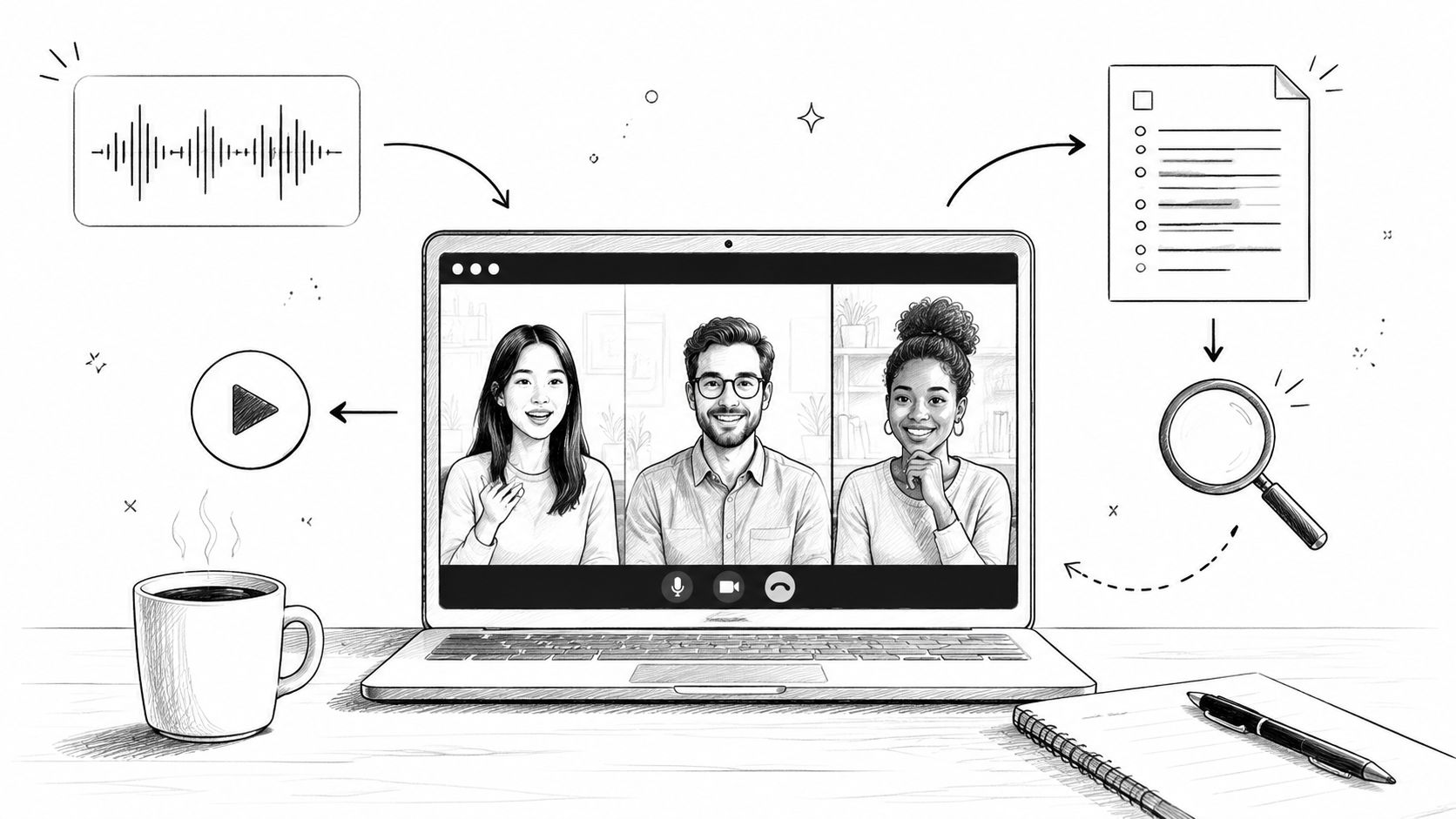
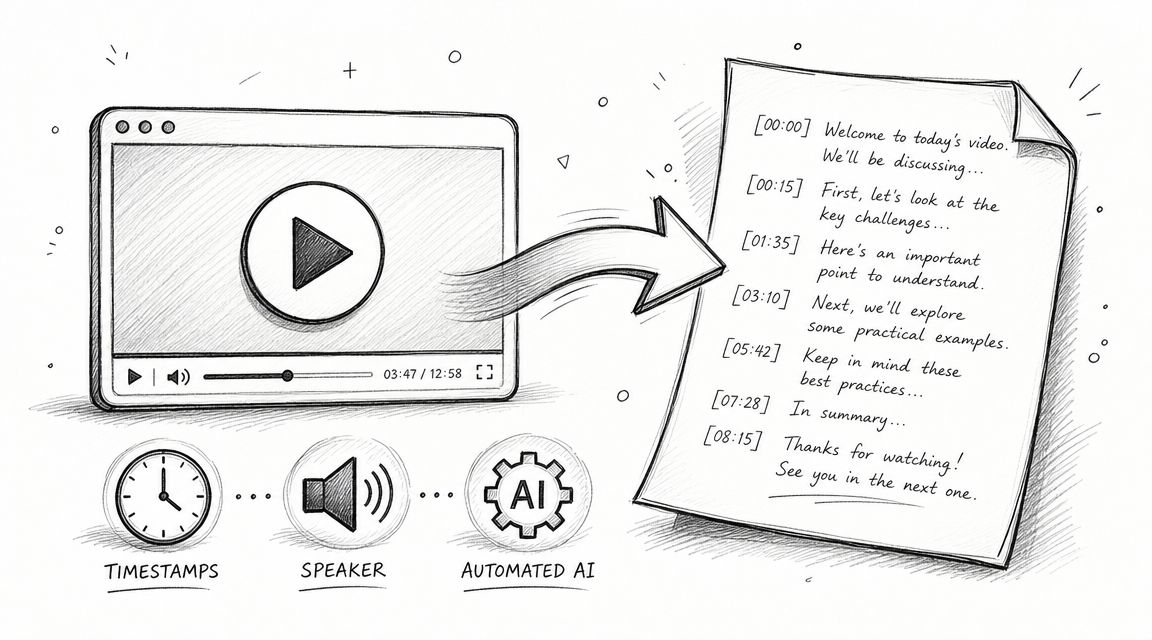
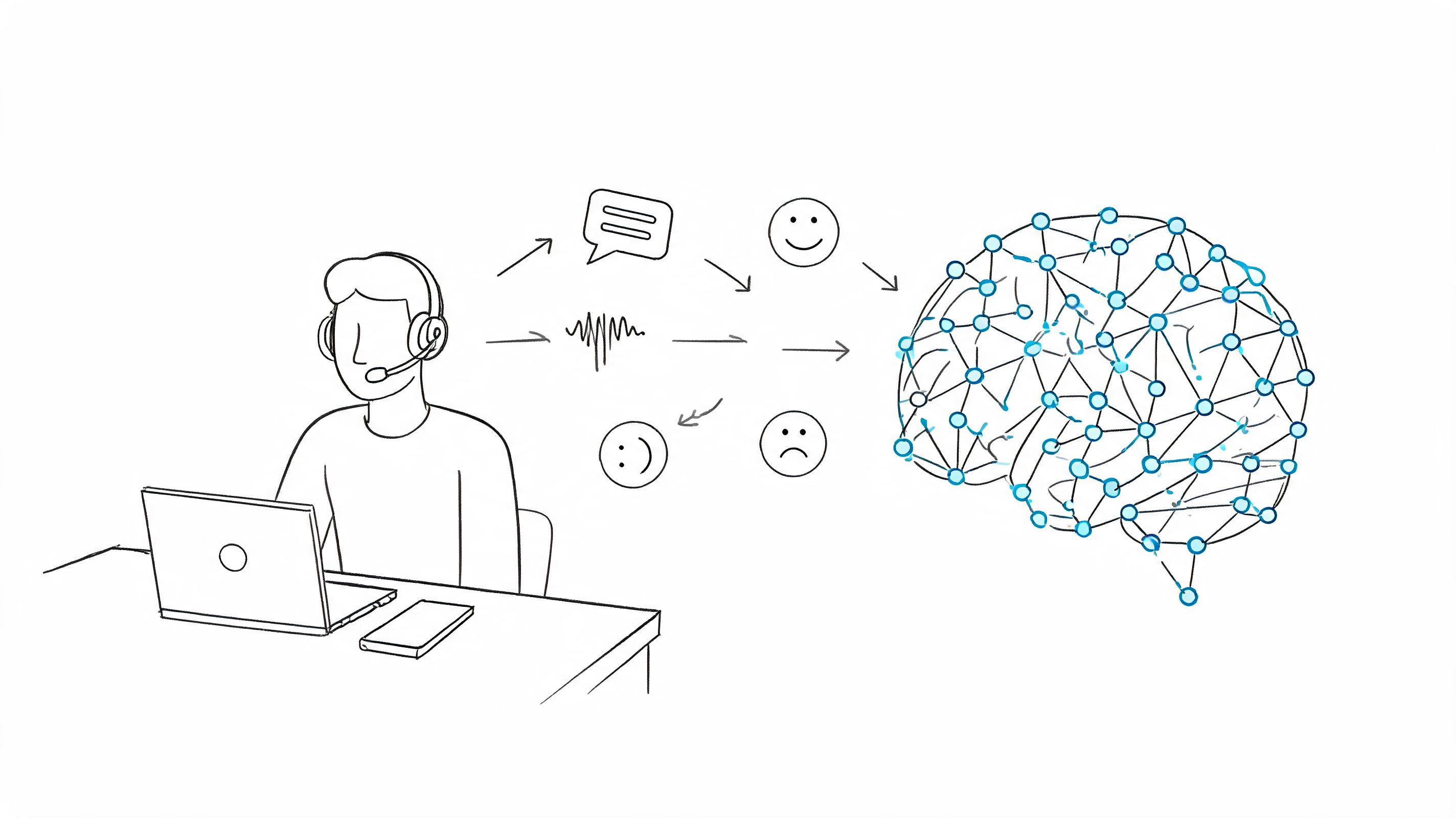
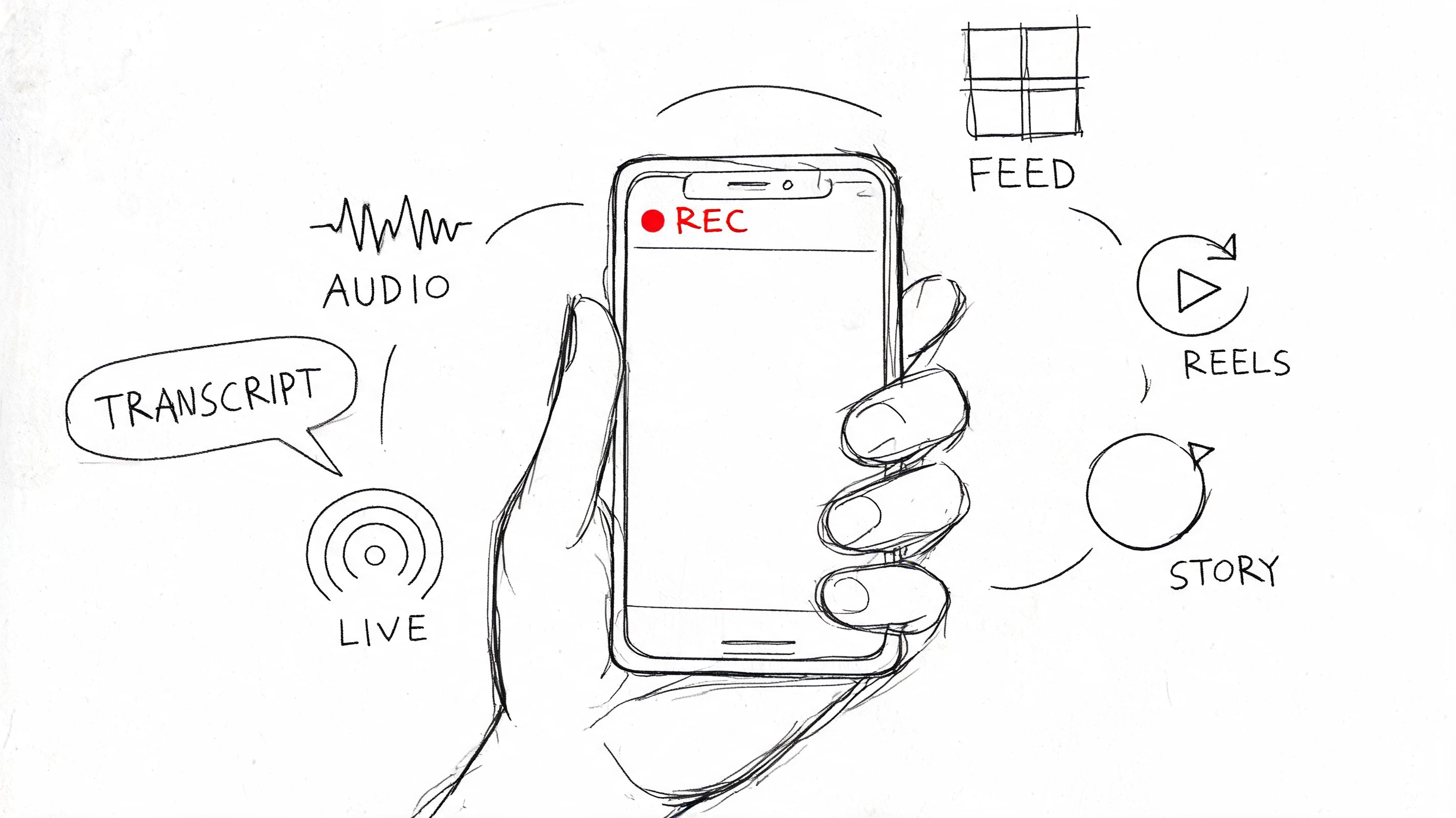
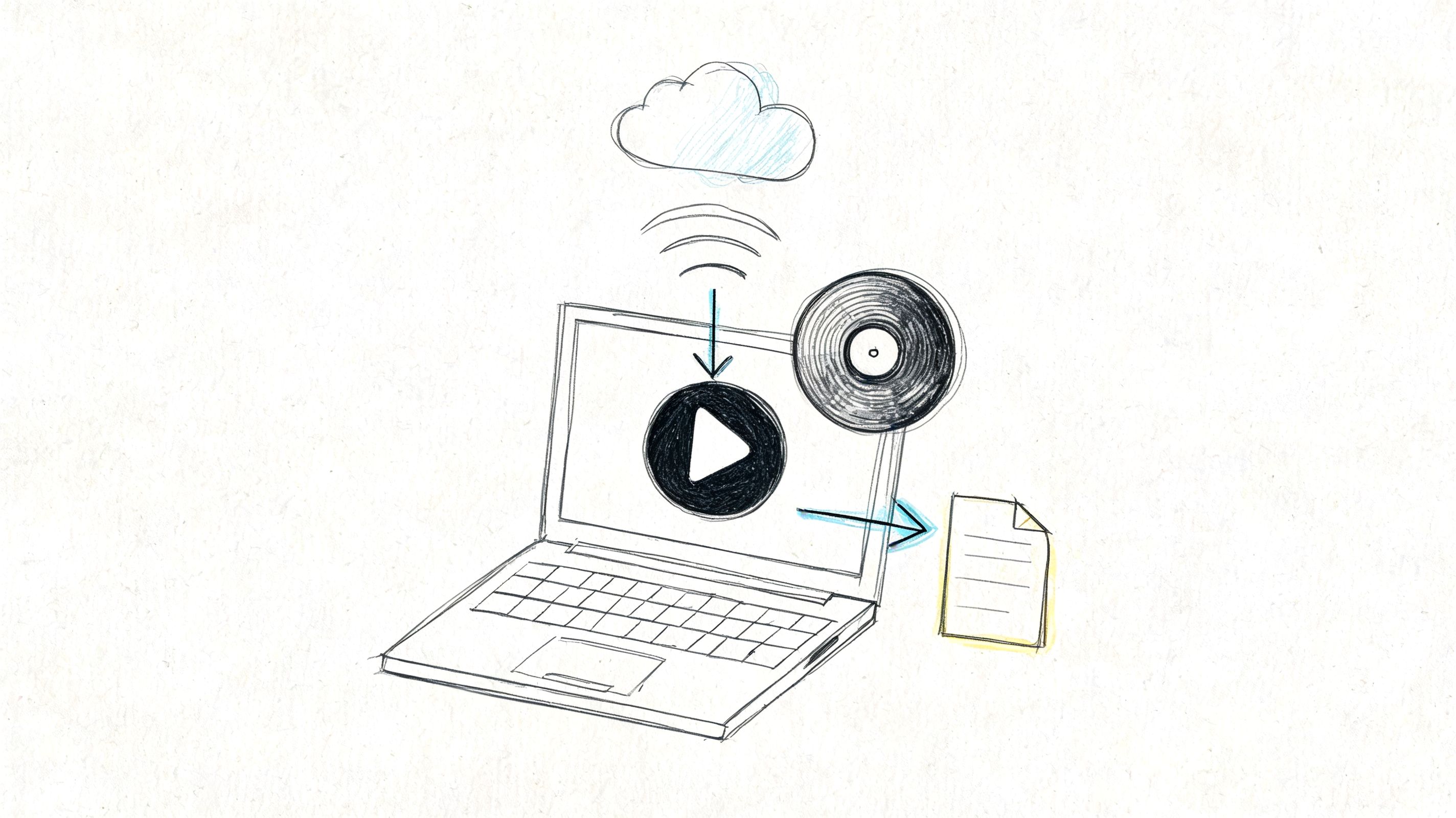
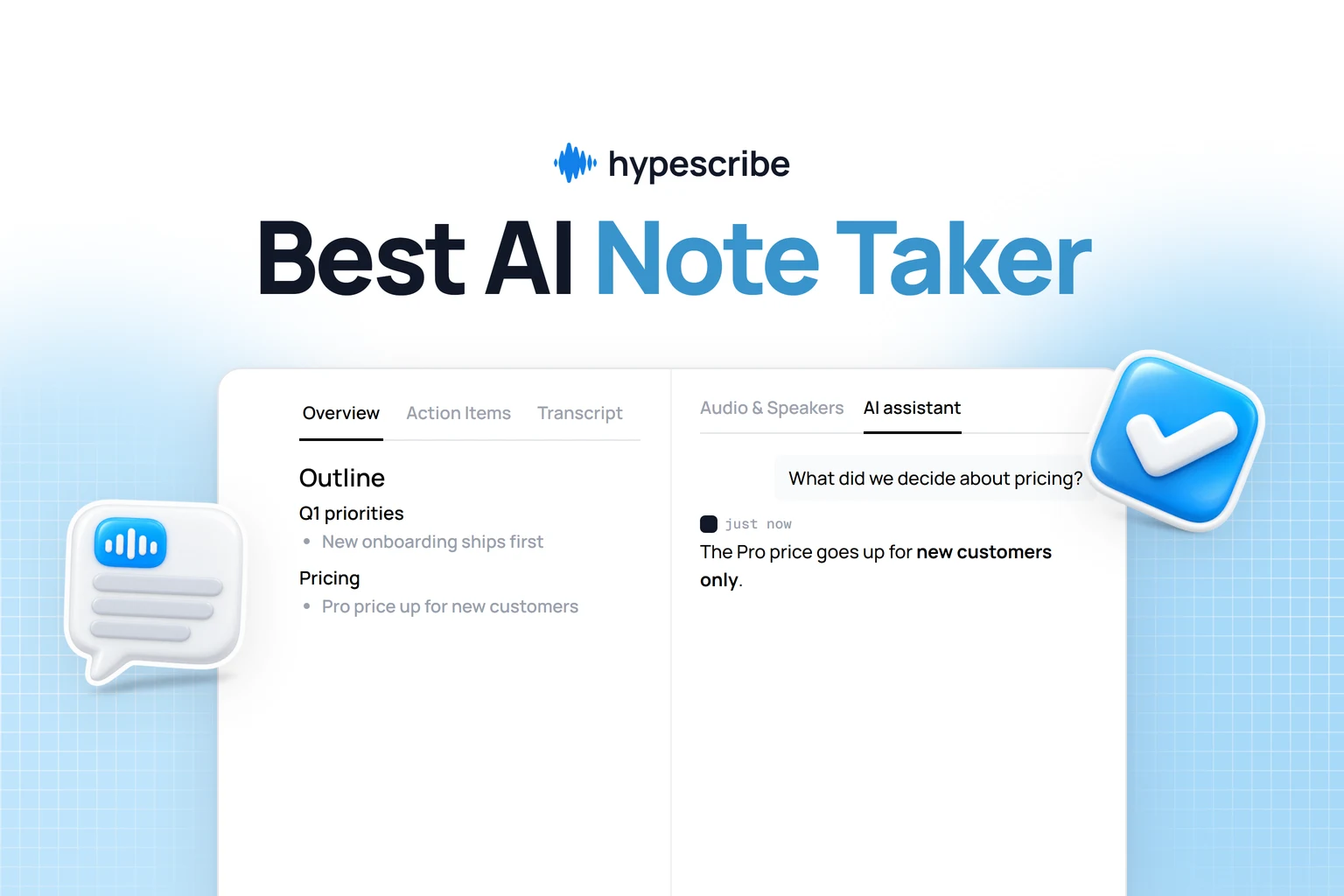
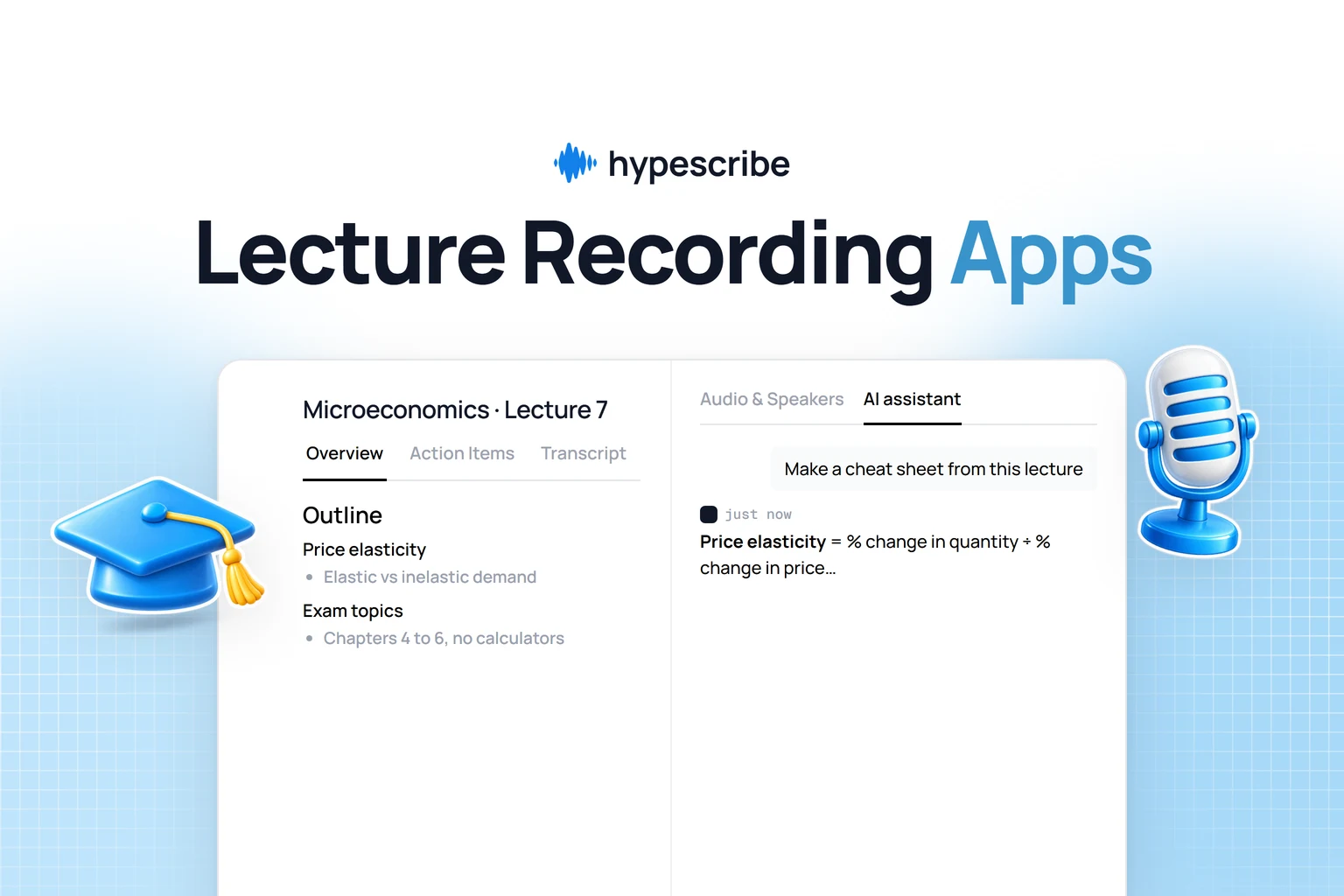
HypeScribe lets you record instead of writing while you listen. You record the class or meeting, or upload the recording, and later open an overview of what was said, an outline of the topics and a separate list of action items. There's no app to install: it runs in the browser on a laptop or phone, including Safari on iPhone. Check your school's or company's rules before recording.
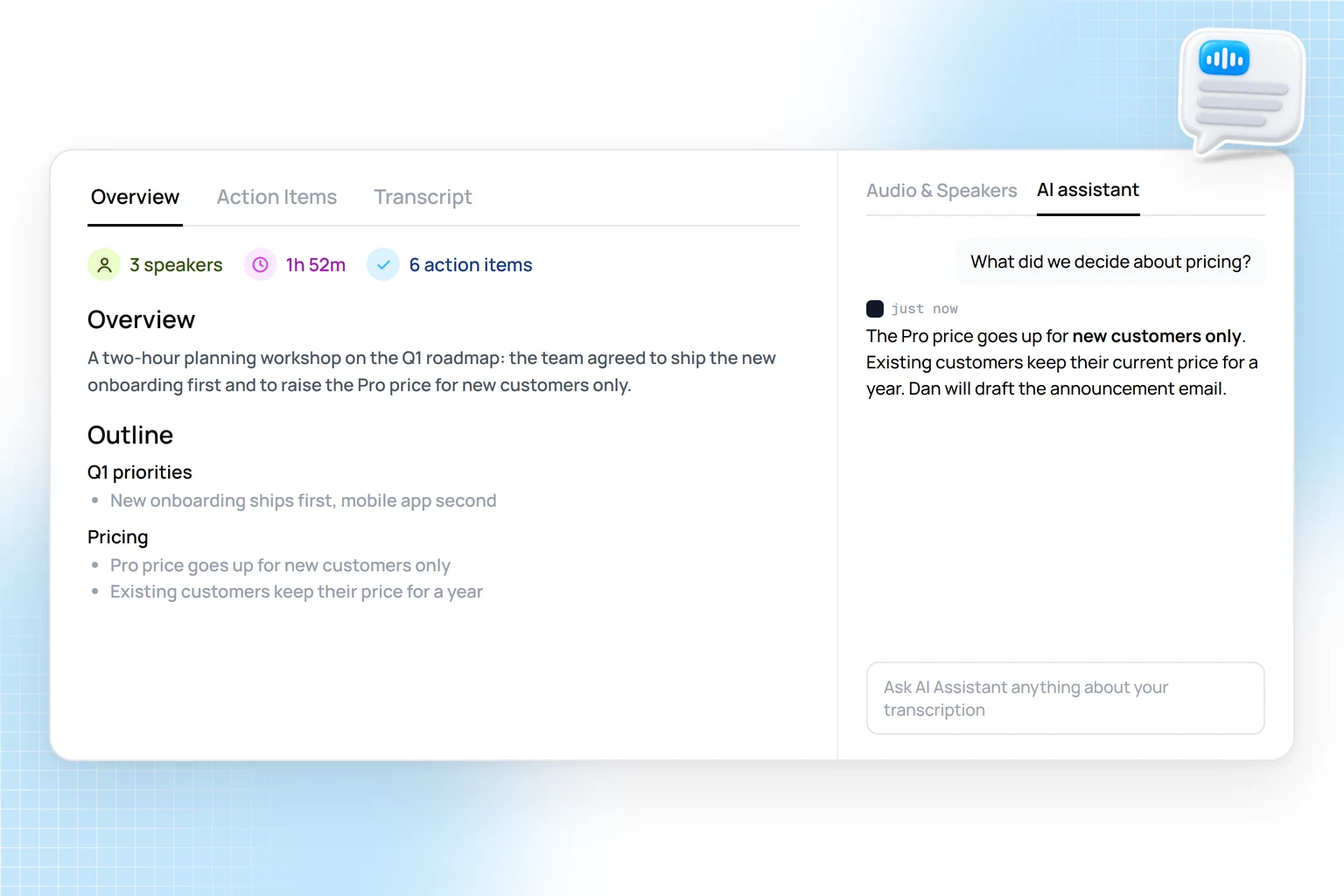
When you need something specific, ask the AI assistant, for example what the lecturer said about the exam or what was decided in a meeting. To check an answer, find that part in the transcript, select it and press Play from here to hear the moment it was said. The AI can miss a deadline or a condition in an assignment, so check anything important against the recording.
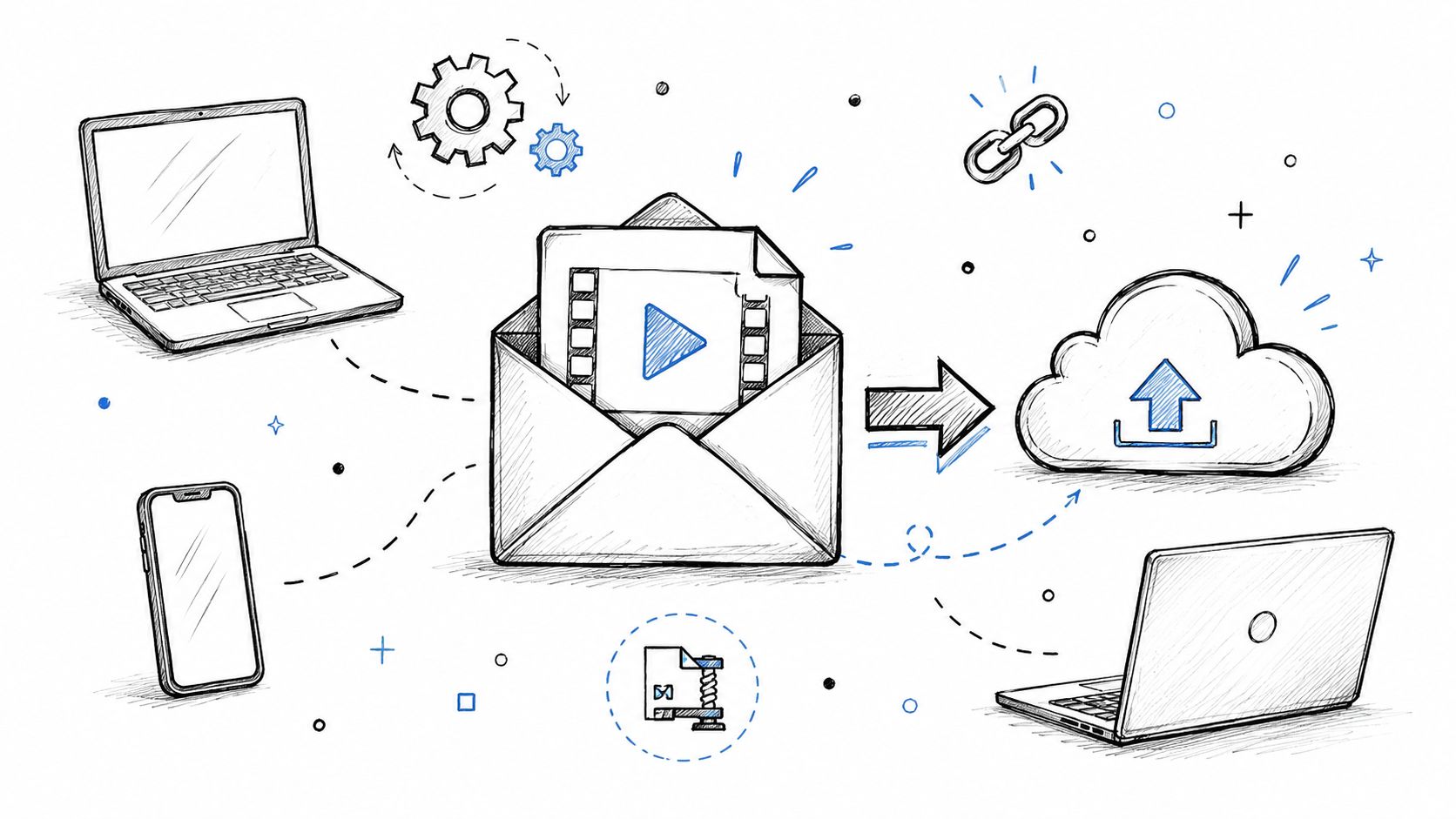
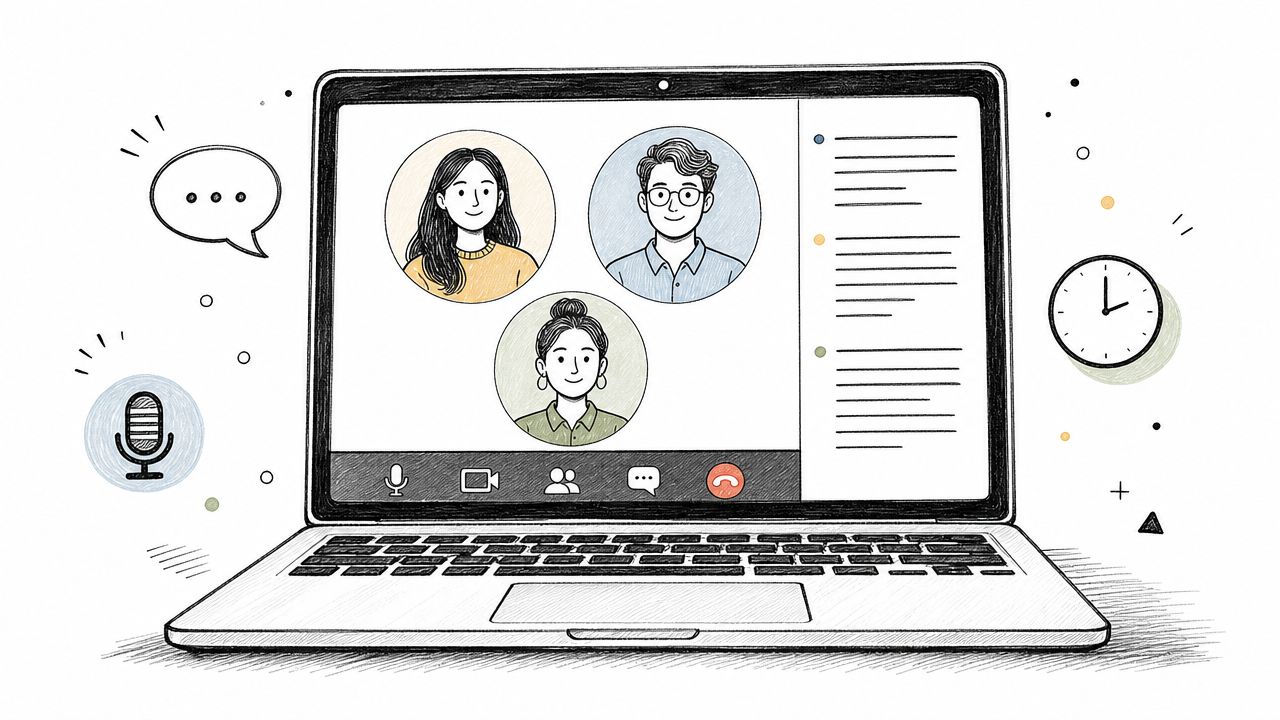
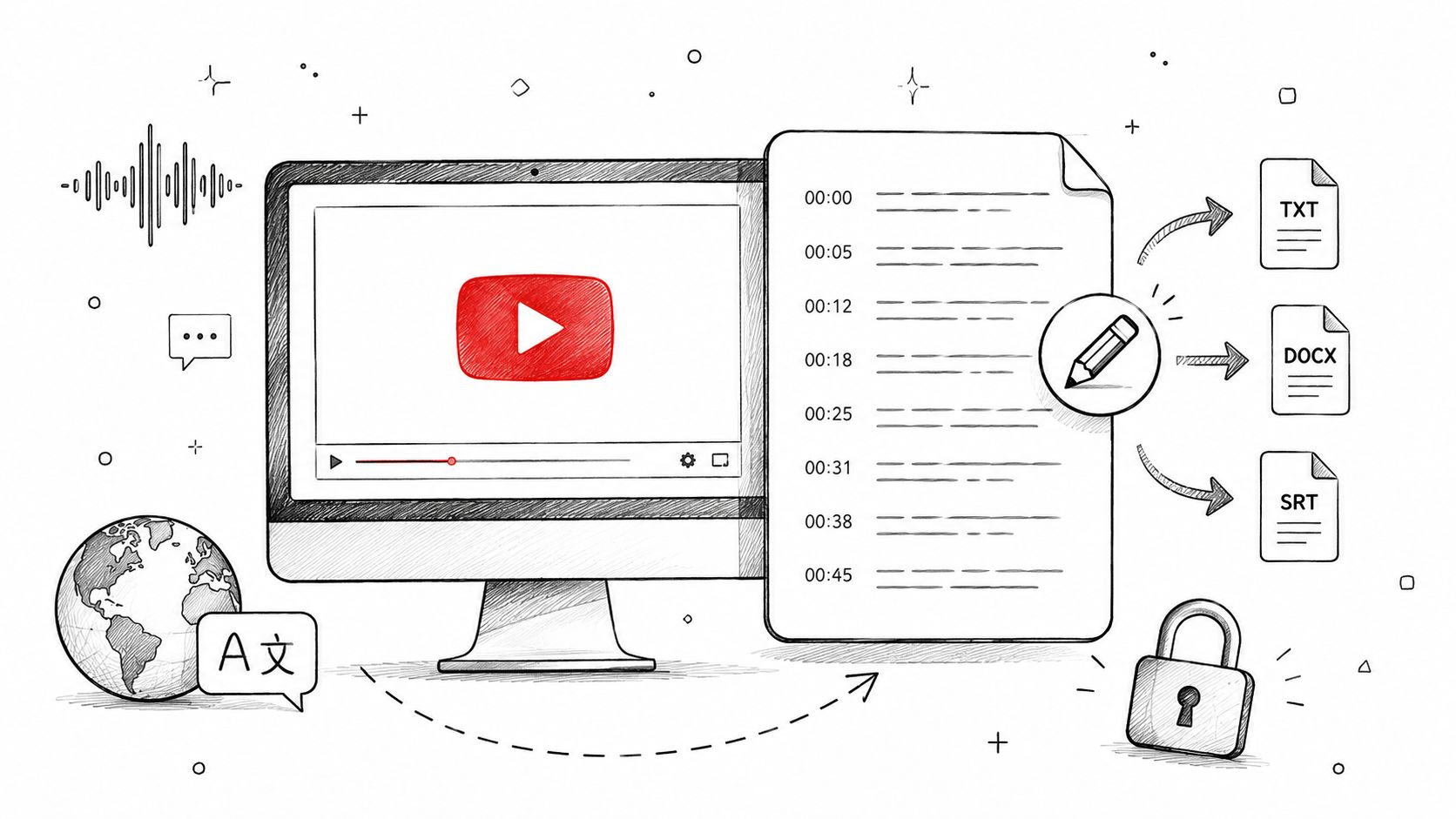
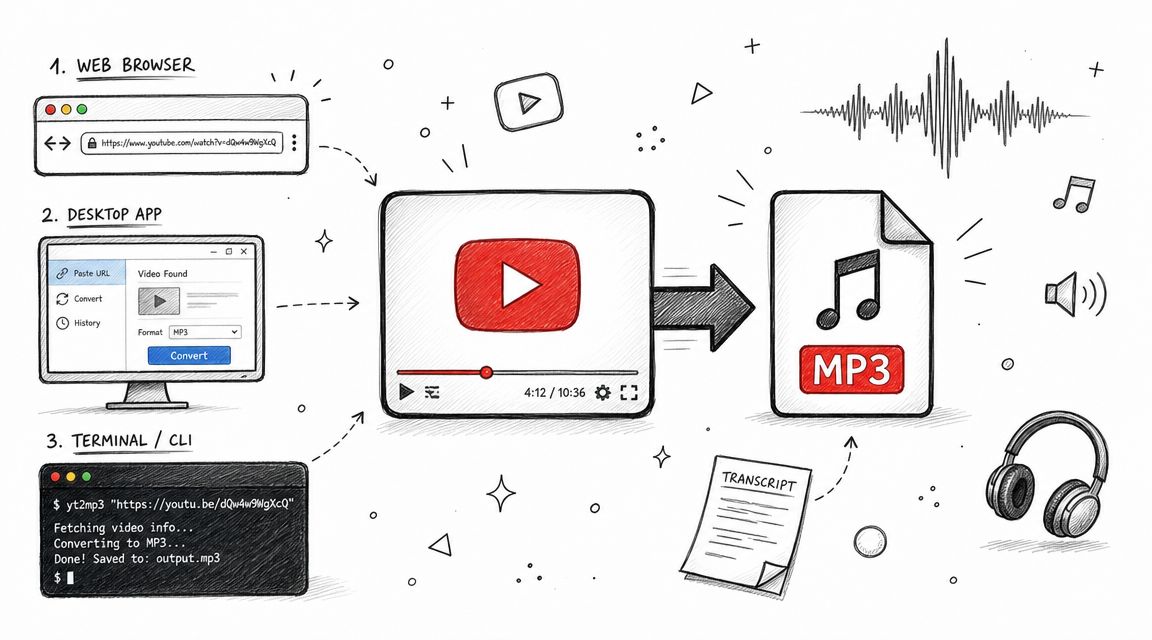
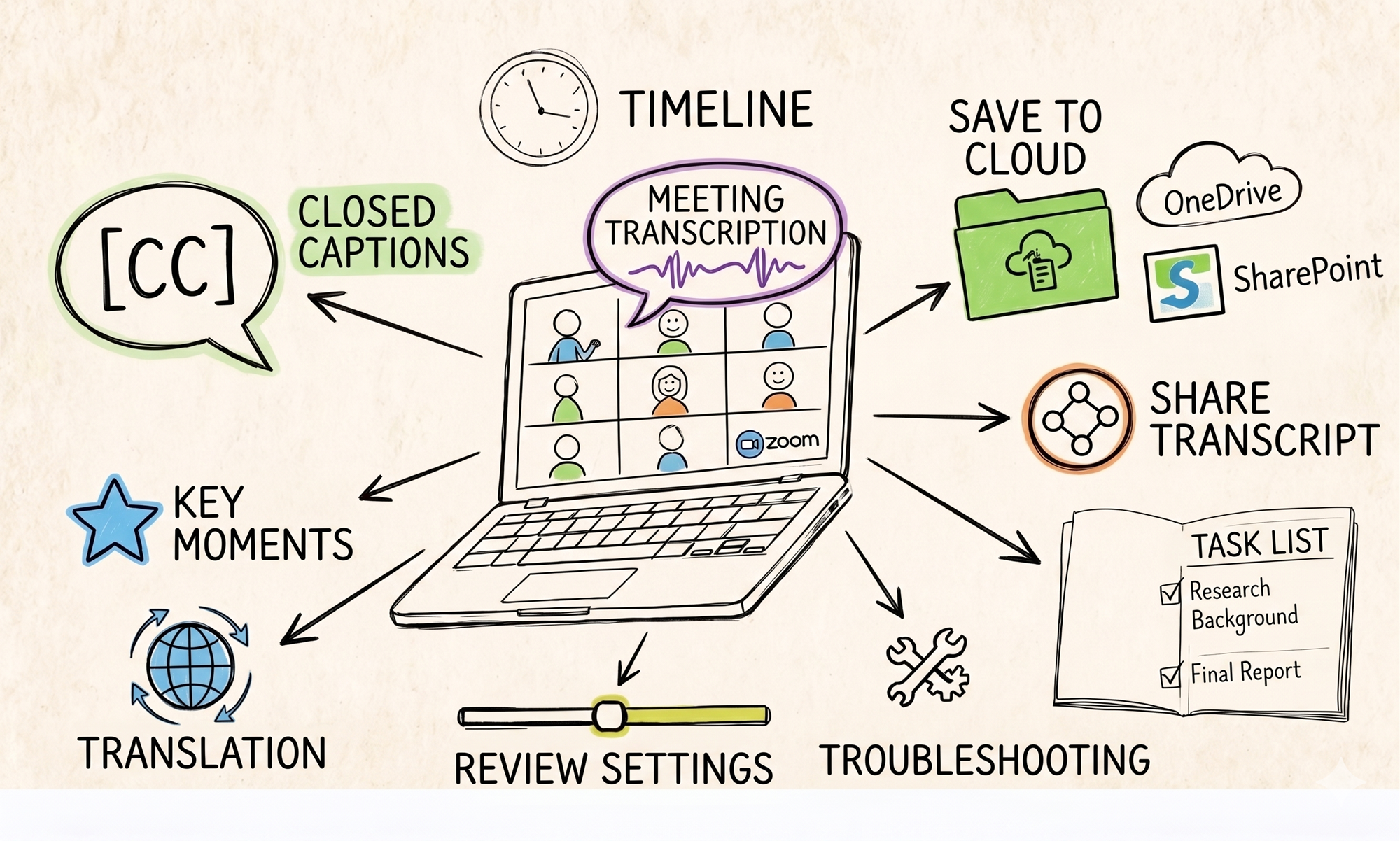
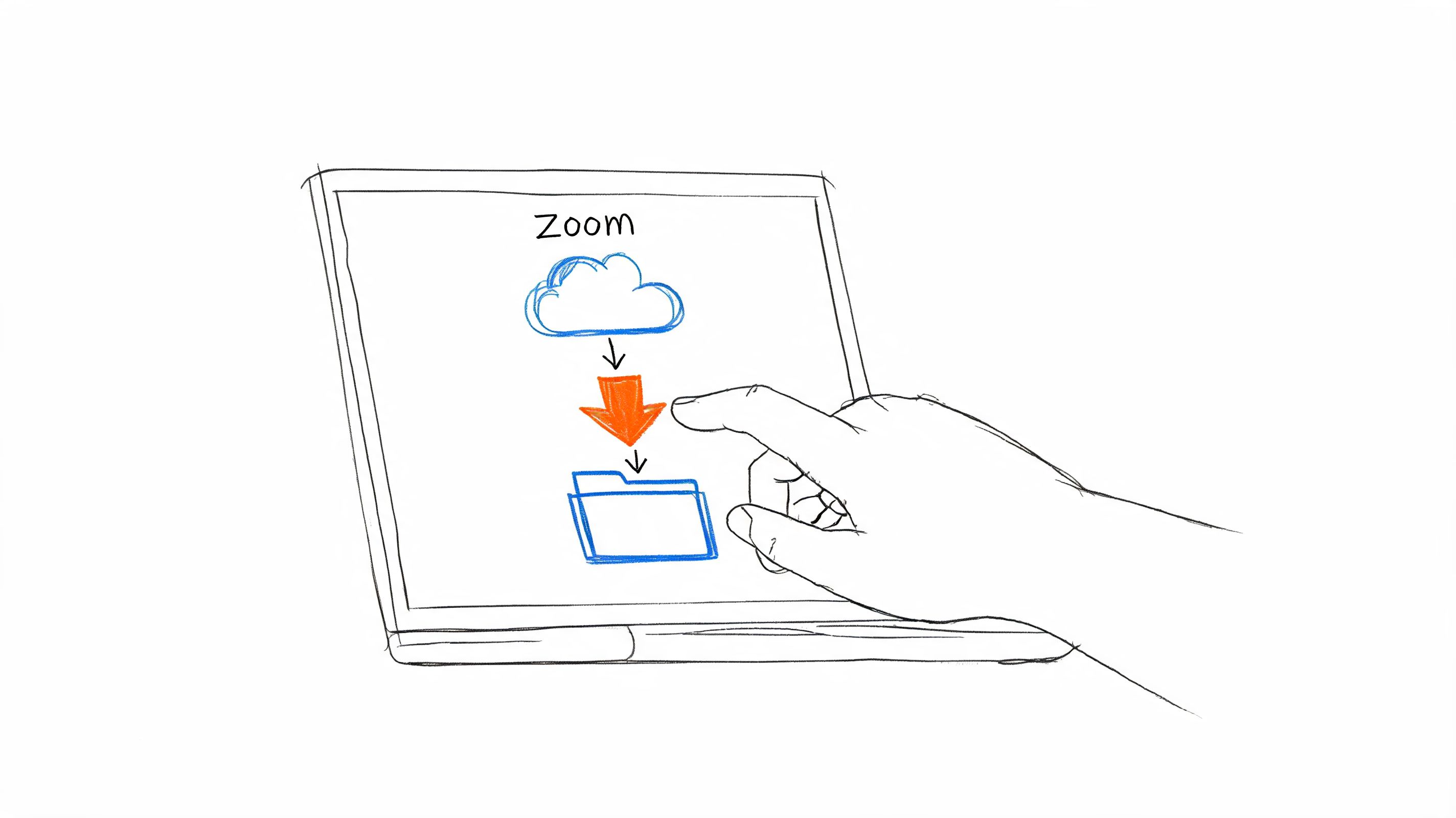
- Getting audio in: record with your laptop or phone microphone in the browser (keep the tab open; if it closes, HypeScribe offers to recover the recording), upload a file of up to 2 GB (5 GB on Ultra), or paste a YouTube or Zoom link. On the Pro and Ultra plans, a notetaker joins Zoom, Meet or Teams calls by link: 10 meetings a month on Pro, 30 on Ultra.
- Price: one credit per recording of any length, so a three-hour lecture costs the same as a short call. Starter is $6.99 a month for 30 recordings; Pro ($7.99, 60 recordings) and Ultra ($12.99, 300 recordings) add the notetaker.
- When not: the notes arrive after the recording, with no live captions during class (on a recent iPhone, Apple Notes shows a live transcript), and it needs an internet connection.

For other ways to capture a class, see our guide to apps for recording lectures; for work calls, our list of AI note-taking apps.
Note-taking apps for ADHD students who handwrite or record in class
2. Notability
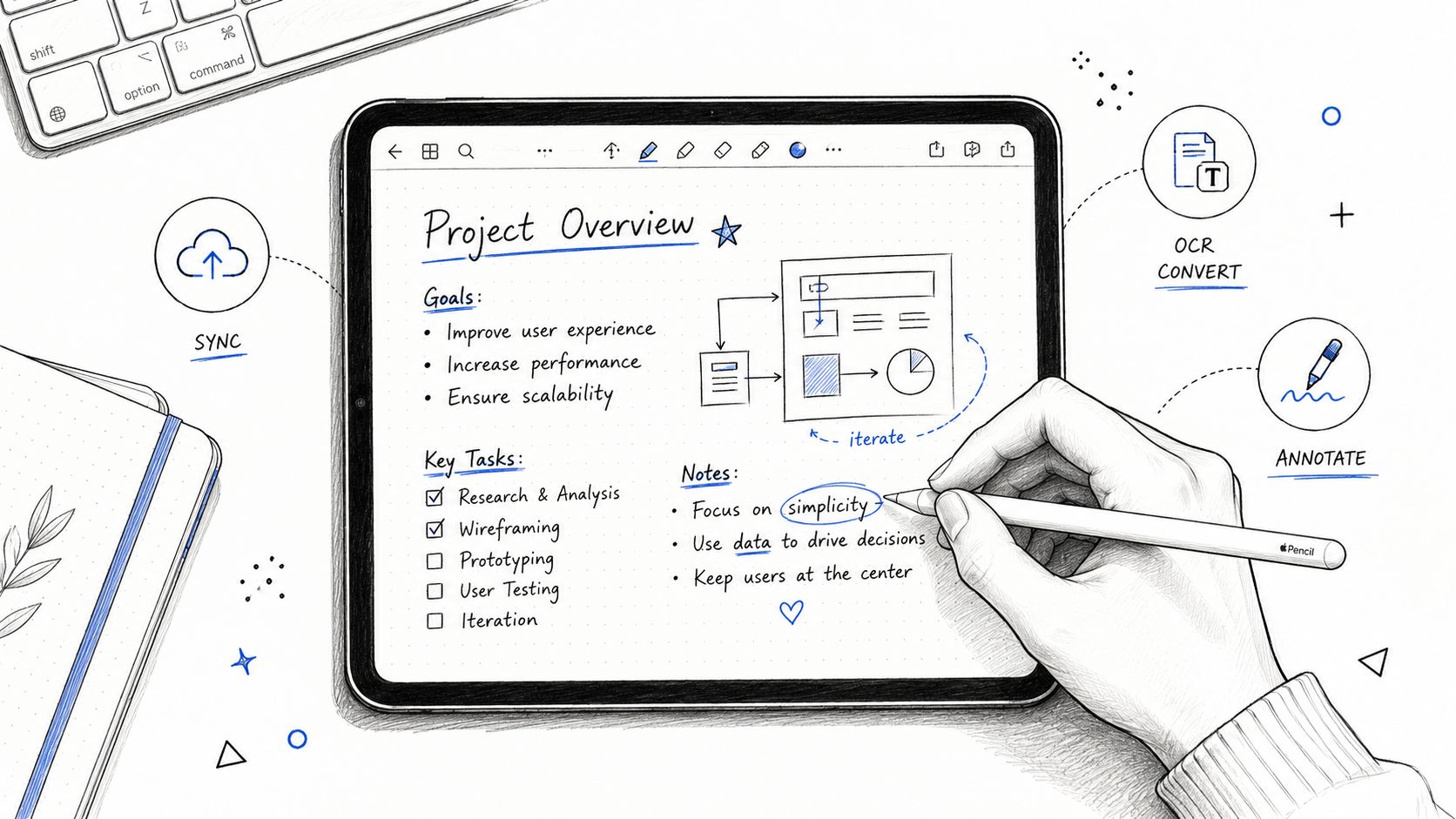
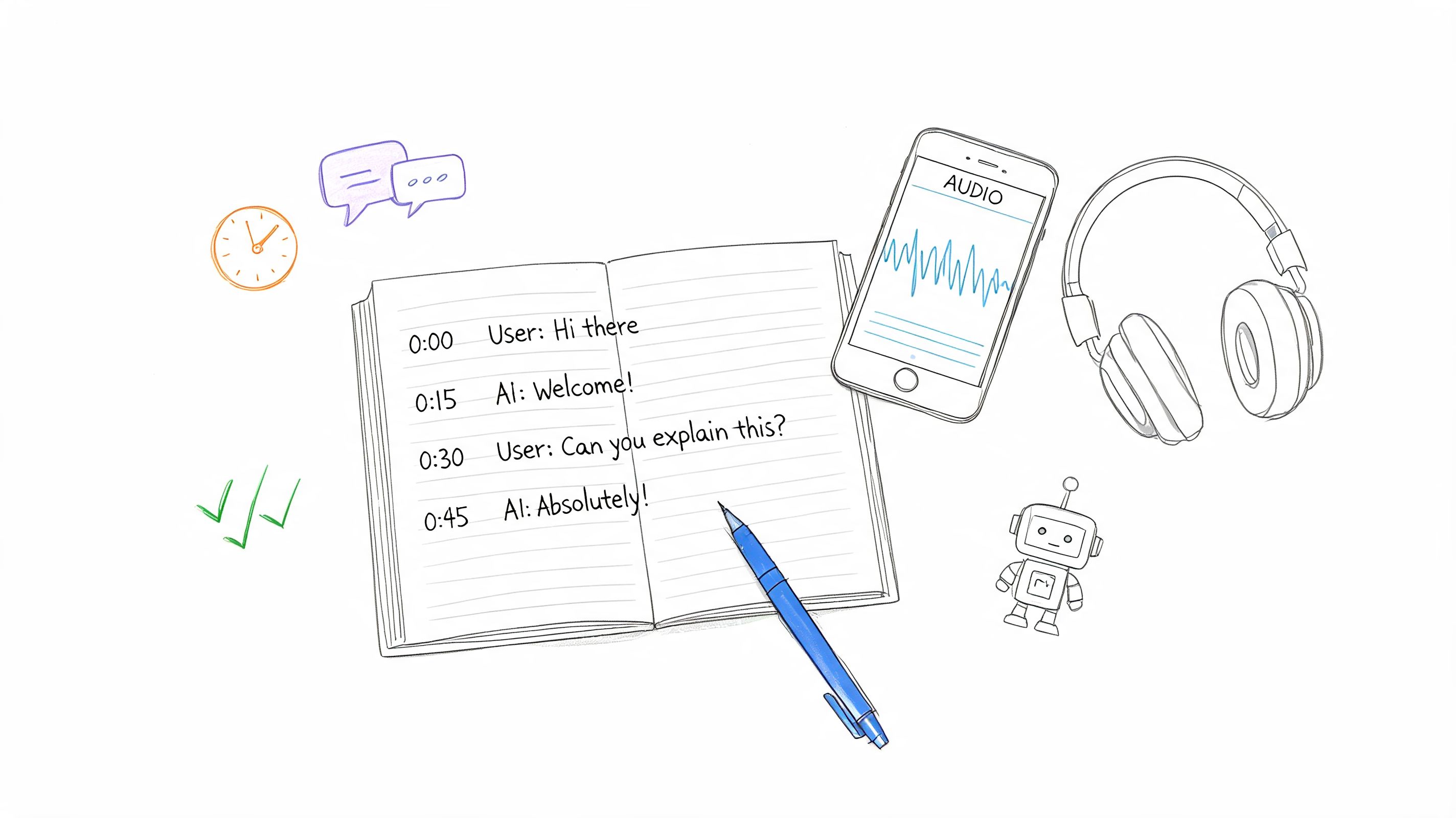
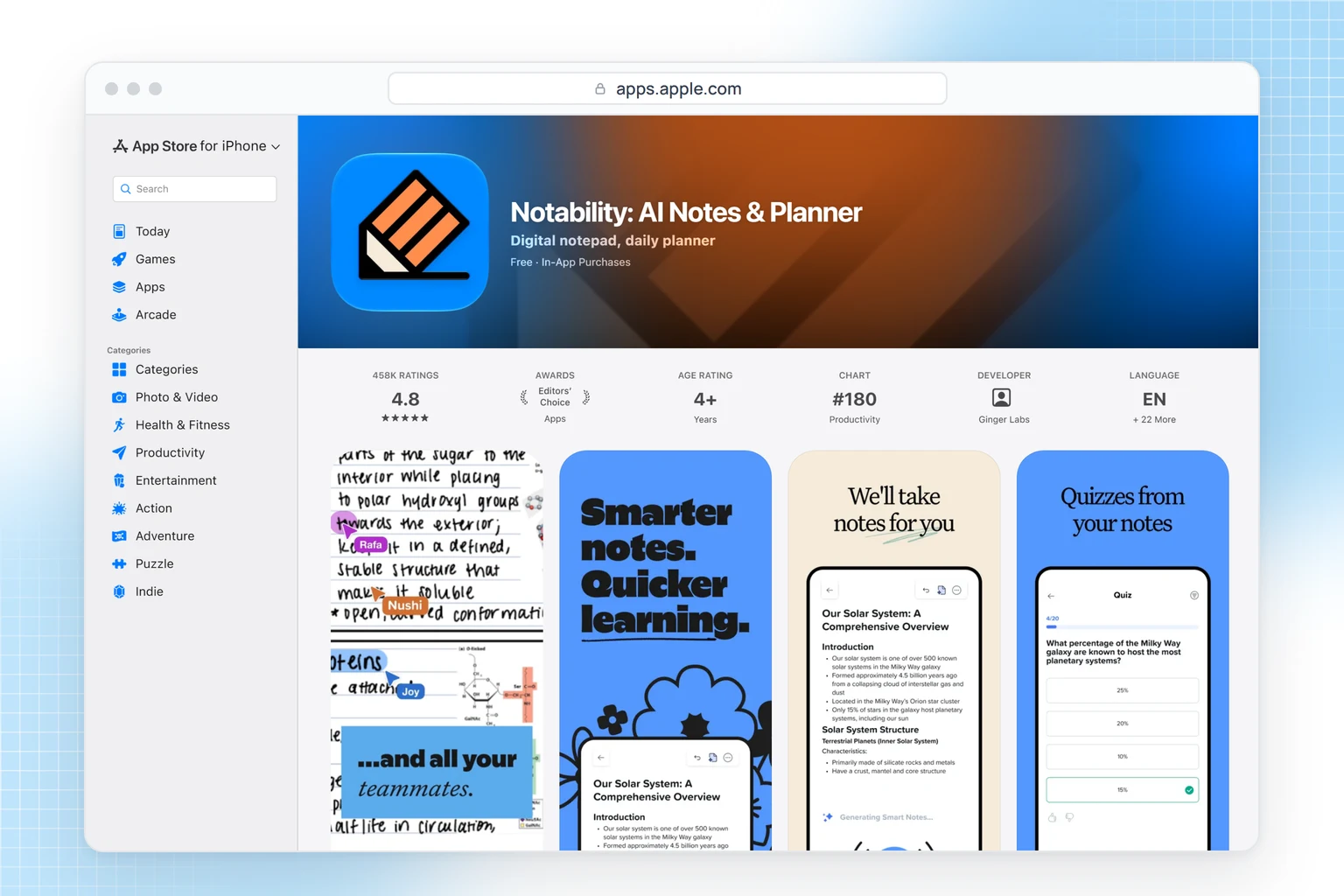
Notability records the lecture while you write and syncs the audio to the exact moment you wrote each line, so a half-finished note still leads back to what the lecturer said. Its pricing page also lists audio transcription, limited on Plus and unlimited on Pro. The free plan includes 5 notes and Lite is $14.99 a year. It's built for writing with a stylus on an iPad.
3. Goodnotes
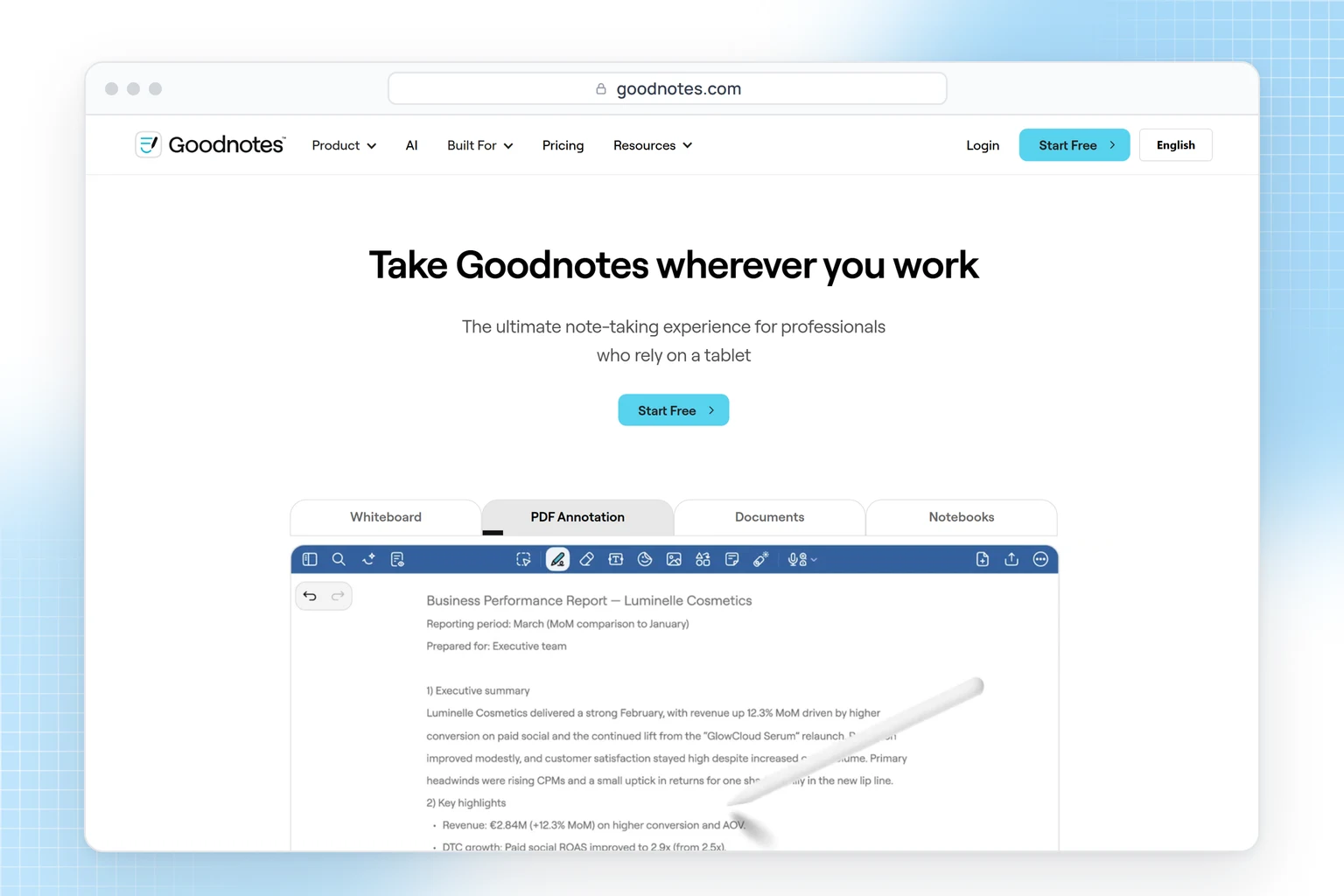
Goodnotes is a handwriting app for writing on lecture slides and PDFs, on iPad, Mac, Windows, Android and the web. The free plan gives you 3 notebooks and 20 minutes of audio recording, less than one long lecture; Essential, $11.99 a year, gives you unlimited files and audio recording, plus audio transcription with a basic summary. If you type rather than handwrite, Google Keep or OneNote is simpler.
4. Apple Notes
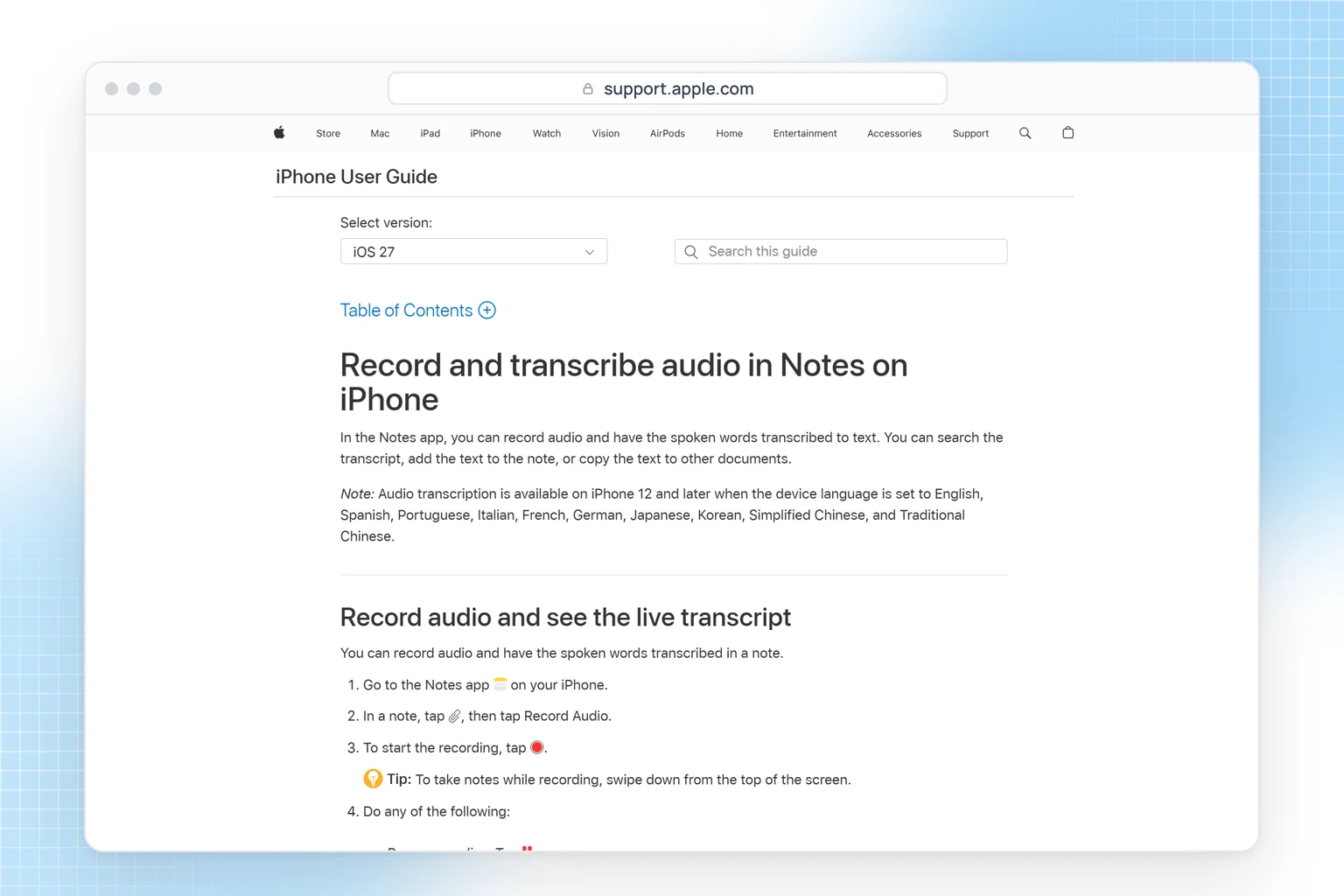
On an iPhone 12 or later, Apple Notes records audio inside a note and shows a live transcript, and you can keep typing your own points while it records. On iPhone 15 Pro, 15 Pro Max or iPhone 16 and later, Apple Intelligence can summarize the transcript. It's free and already installed; the catch is the device and language requirements, and it only works on audio you record in Notes.
What is the best free note-taking app for ADHD?
5. Microsoft OneNote
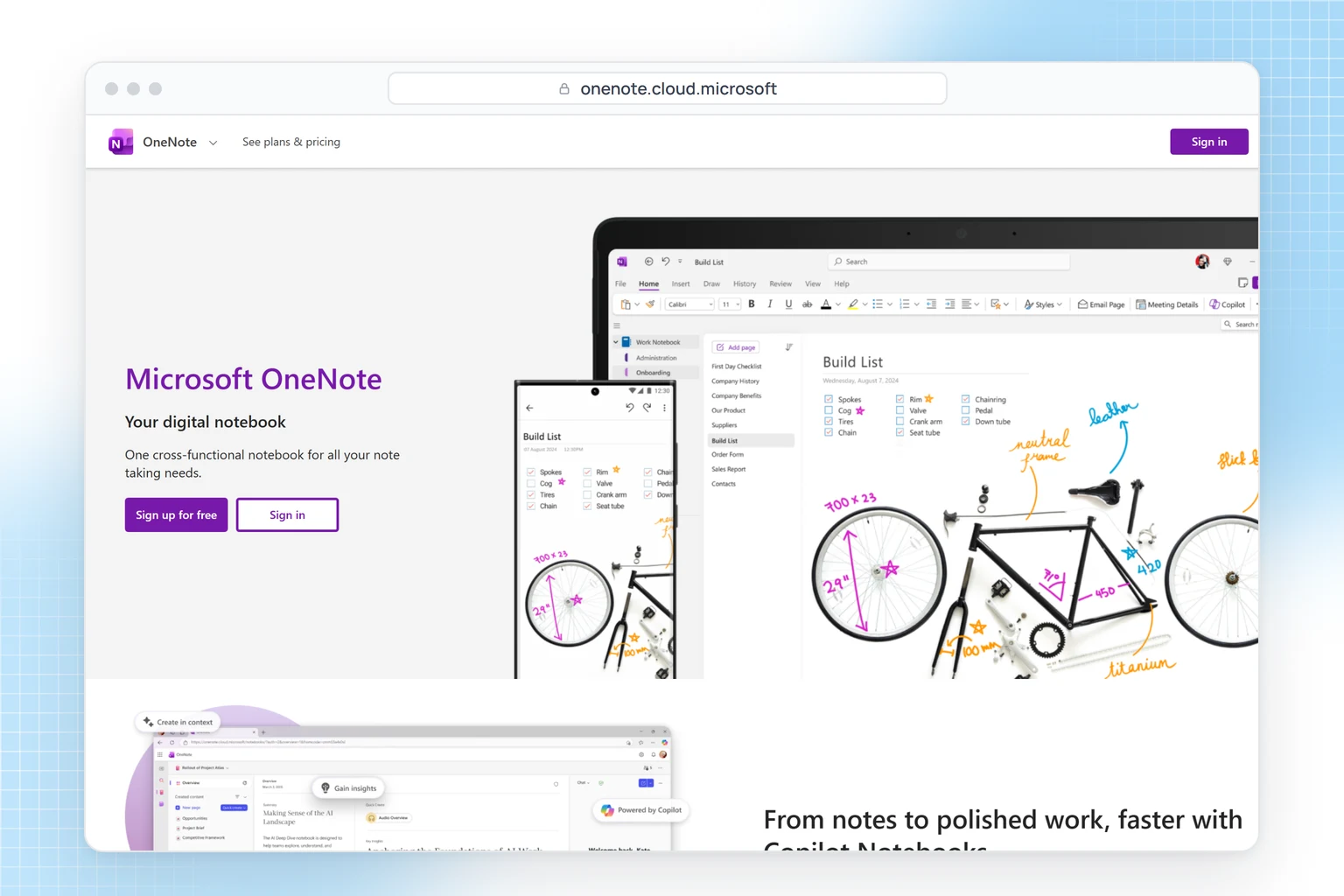
OneNote is free on Windows, Mac, iPhone, iPad, Android and the web: notebooks, sections and pages where you can type, draw or paste anywhere on the page. It includes Immersive Reader, a reading tool that a 2019 Microsoft Education blog post called particularly helpful for students with ADD and ADHD. It's made for full class notes; pair it with a planner if you track deadlines on a calendar.
6. Google Keep
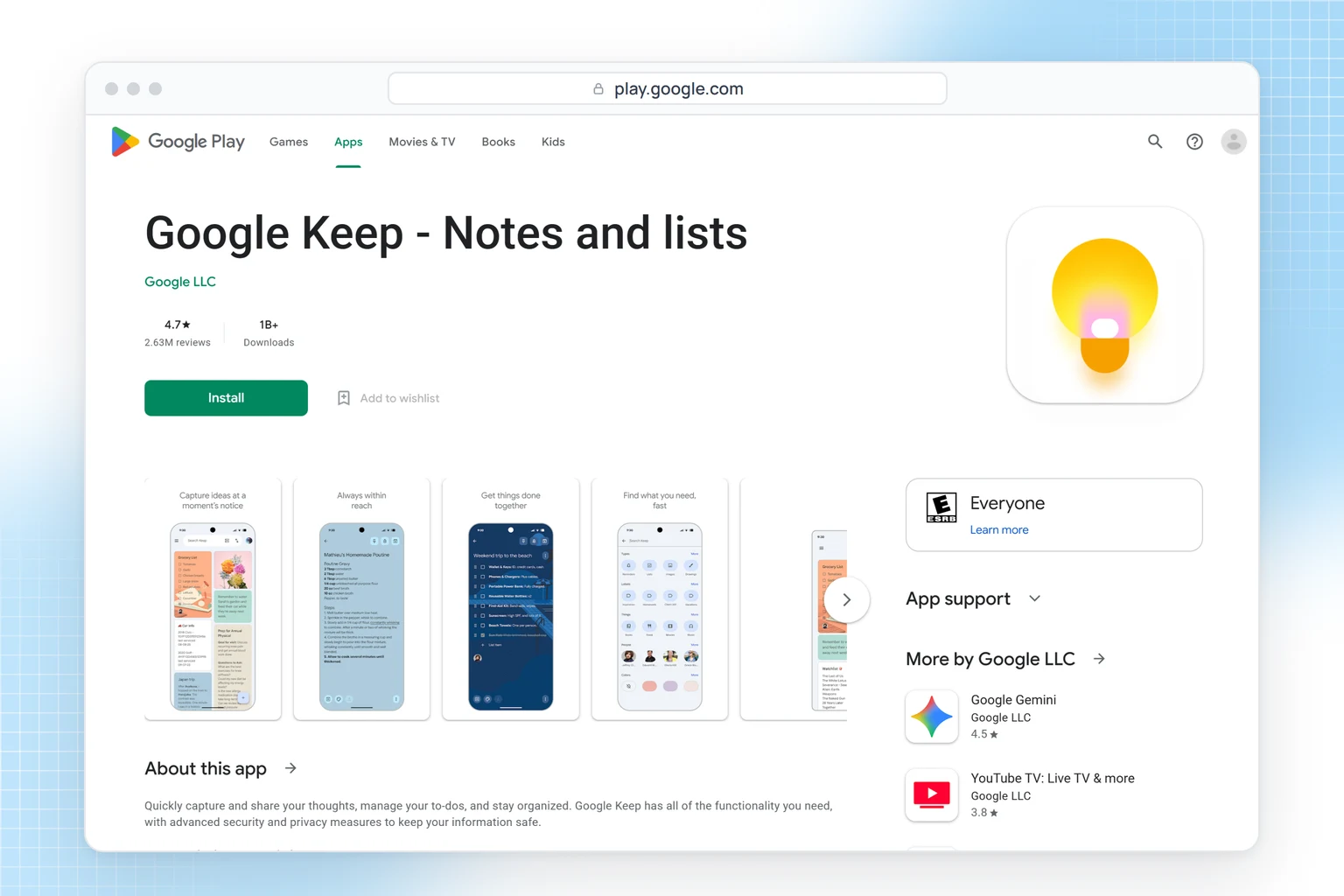
Google Keep handles quick notes, checklists, voice memos, colors, labels and reminders, free on Android, iPhone and the web. It's too light for long lecture notes; use it for short notes and lists you want on every device.
7. Obsidian
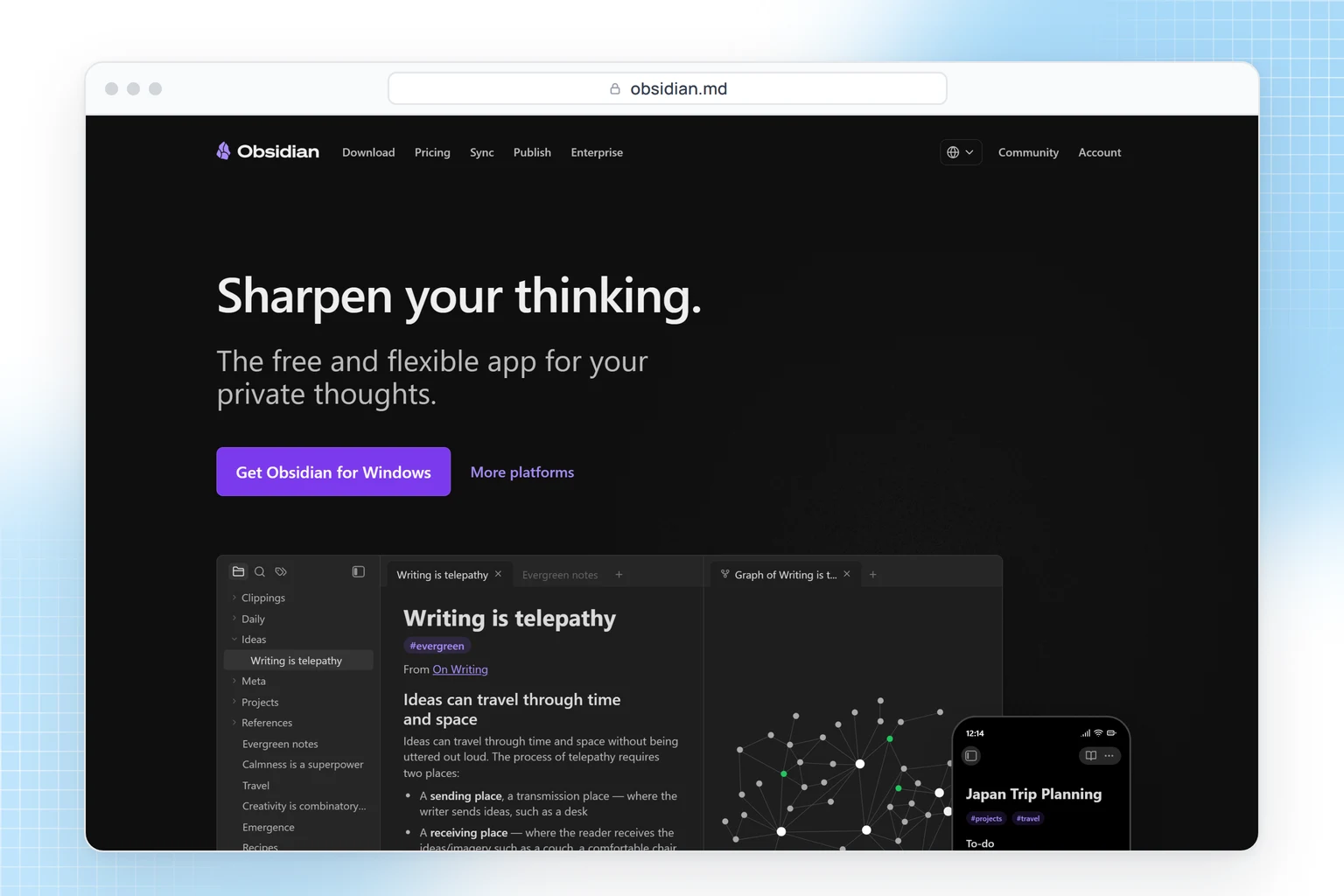
Obsidian keeps your notes as plain Markdown files on your own device and lets you link them, so ideas from different classes or projects connect instead of sitting in separate folders. It's free for personal and work use; syncing between devices through Obsidian costs $4 a month billed yearly, with 40% off for students. Links between notes work from the start; plugins add more, and picking them can become a project of its own. If you only want to jot things down fast, Google Keep is simpler.
Plus 3 helpers for tasks and planning
Goblin Tools
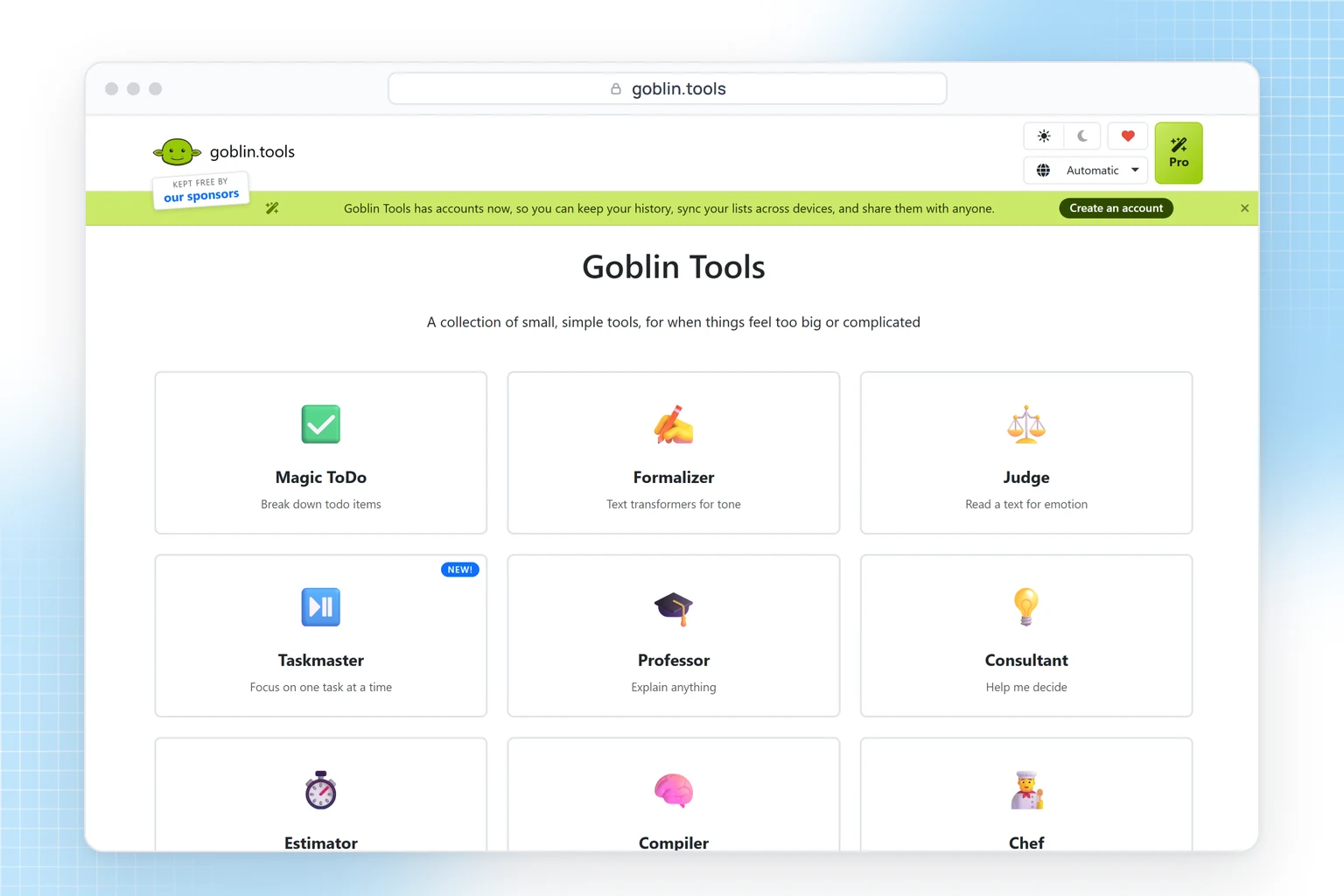
Goblin Tools is a set of small AI tools that its maker says is "mostly designed to help neurodivergent people with tasks they find overwhelming or difficult." It works on tasks you type in, not on recordings: Magic ToDo breaks a task into steps, and the more "spicy" you mark it, the smaller the steps; Compiler turns a brain dump into a list of actions. The website is free without sign-up; the apps cost $1.99 on iPhone and $0.99 on Android. Its maker notes the AI output is "only guesswork," so check the steps.
Tiimo
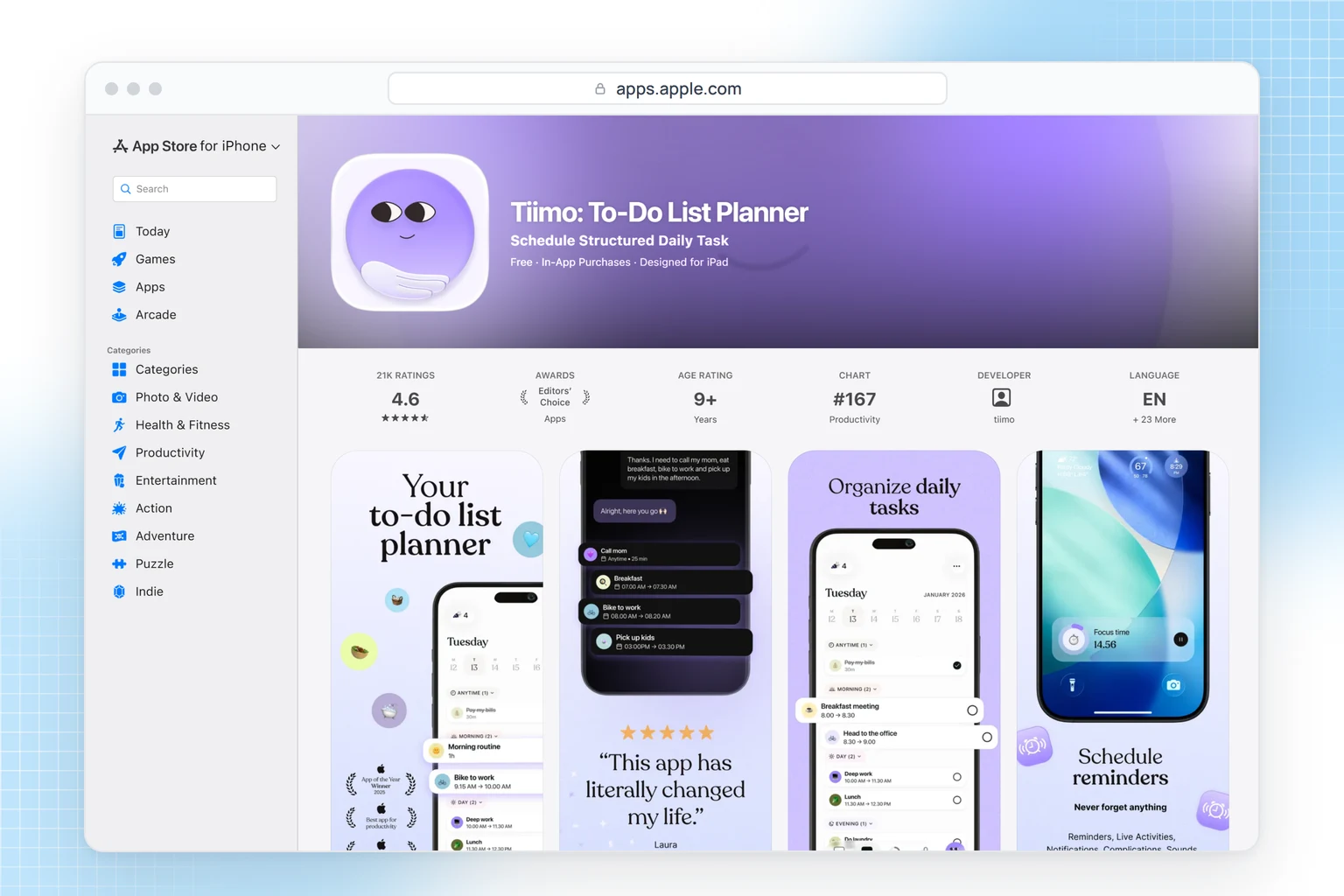
Tiimo turns your day into a visual timeline with timers, to-dos and AI that breaks plans into steps. The company says it was "built by and for neurodivergent people." The free version on the phone covers a basic planner; the web app and more AI are in Pro, whose price depends on your store and country. It's a planner rather than a notes app.
Focusmate
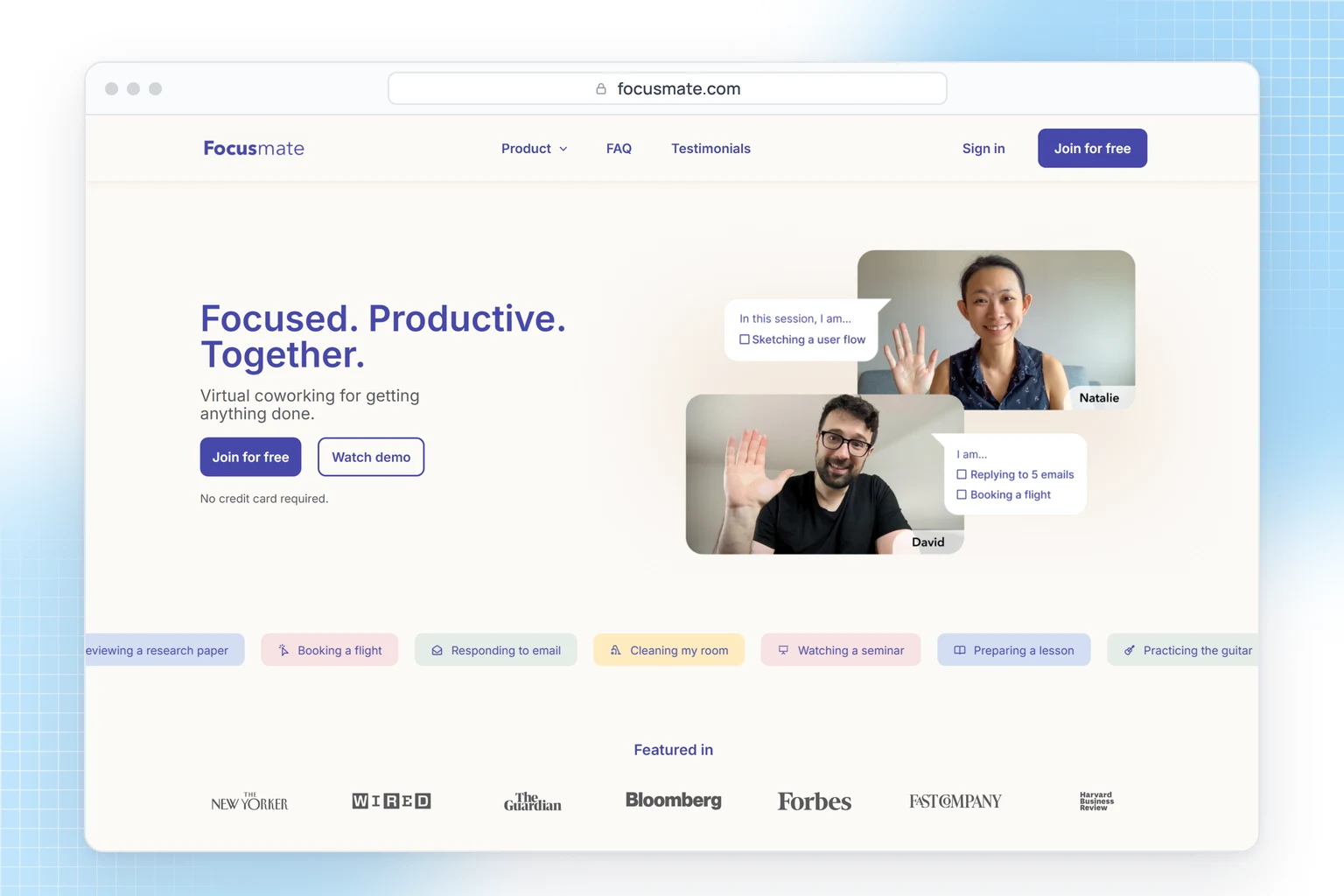
Focusmate books you a 25, 50 or 75-minute video session with another member: you each say what you'll work on, then work with cameras on. This is body doubling, and Focusmate's own FAQ says many of its members have ADHD. Three sessions a week are free; Plus is $8 a month billed yearly or $12 monthly. It runs in the browser, and being on camera with a stranger won't suit everyone.
How to take notes with ADHD
- Ask first, then record. Get permission, start the recording, and write down only what you want to ask or check later.
- Look at the summary the same day. Open the overview and outline while the class is still fresh.
- If you write instead of record, keep notes in short lines under the lecturer's headings and leave space to fill in from the slides later.
- Move action items out of your notes right away. If one feels too big, split it with Magic ToDo before it goes into your planner.
- Keep one place for short notes. Put quick thoughts in one app, such as Google Keep, and sort them once a day.
- Ask about accommodations. If you're a student, ask your school's disability services office what note-taking support it offers. It varies by school, and permission to record lectures is only one option.
For more on the habit itself, see our tips on improving your note-taking and our list of productivity apps for students.
FAQ
What is the best note-taking app for ADHD?
It depends on which part of note-taking is hardest for you. For long lectures and meetings, an AI note-taker such as HypeScribe; for handwriting, Notability; for free and simple notes, Google Keep or OneNote.
Is there a free note-taking app for ADHD?
Yes. OneNote, Google Keep and Obsidian are free, Apple Notes is built into the iPhone, and the Goblin Tools website is free without sign-up.
Can AI take notes for me in class or in meetings?
Yes. AI note-takers such as HypeScribe transcribe a recording and write a summary and a task list for you; on the Pro and Ultra plans, HypeScribe's notetaker can also join a Zoom, Meet or Teams call.
Is it OK to record a lecture?
Check your school's rules and ask the lecturer. Students with a documented disability can ask their disability services office whether recording can be part of their accommodations.
Lectures and meetings
Record it now, work from the summary later
Upload your next lecture or meeting and get an overview, an outline and a list of what you need to do.