10 Best YouTube Free Converter Video Tools for 2026

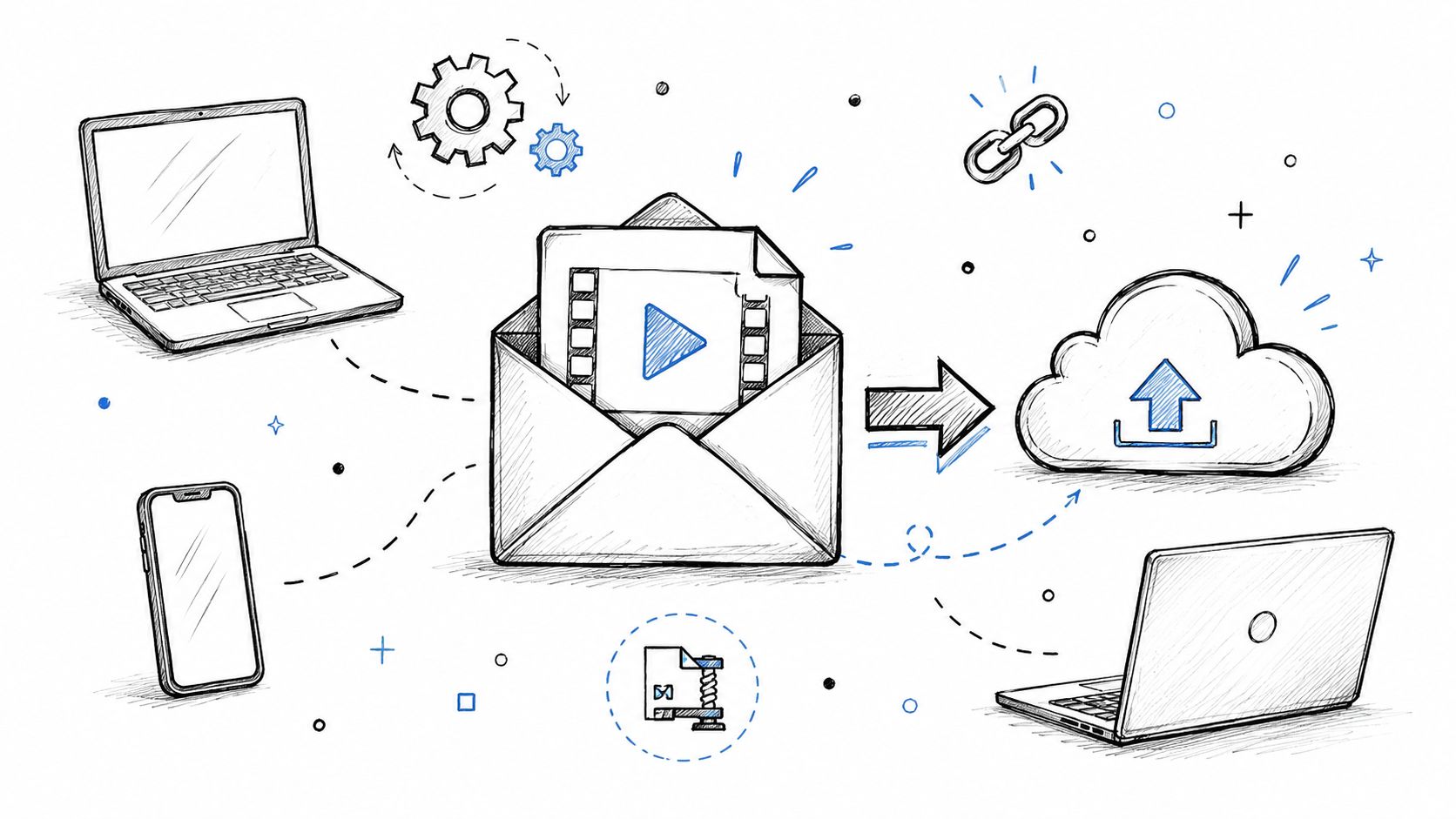
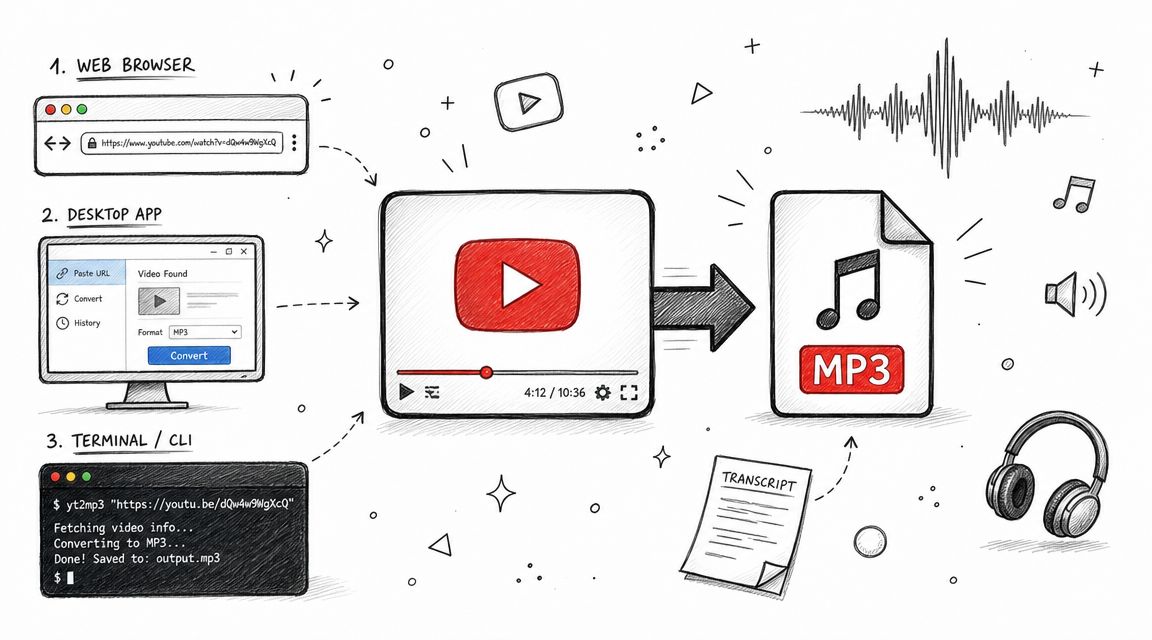
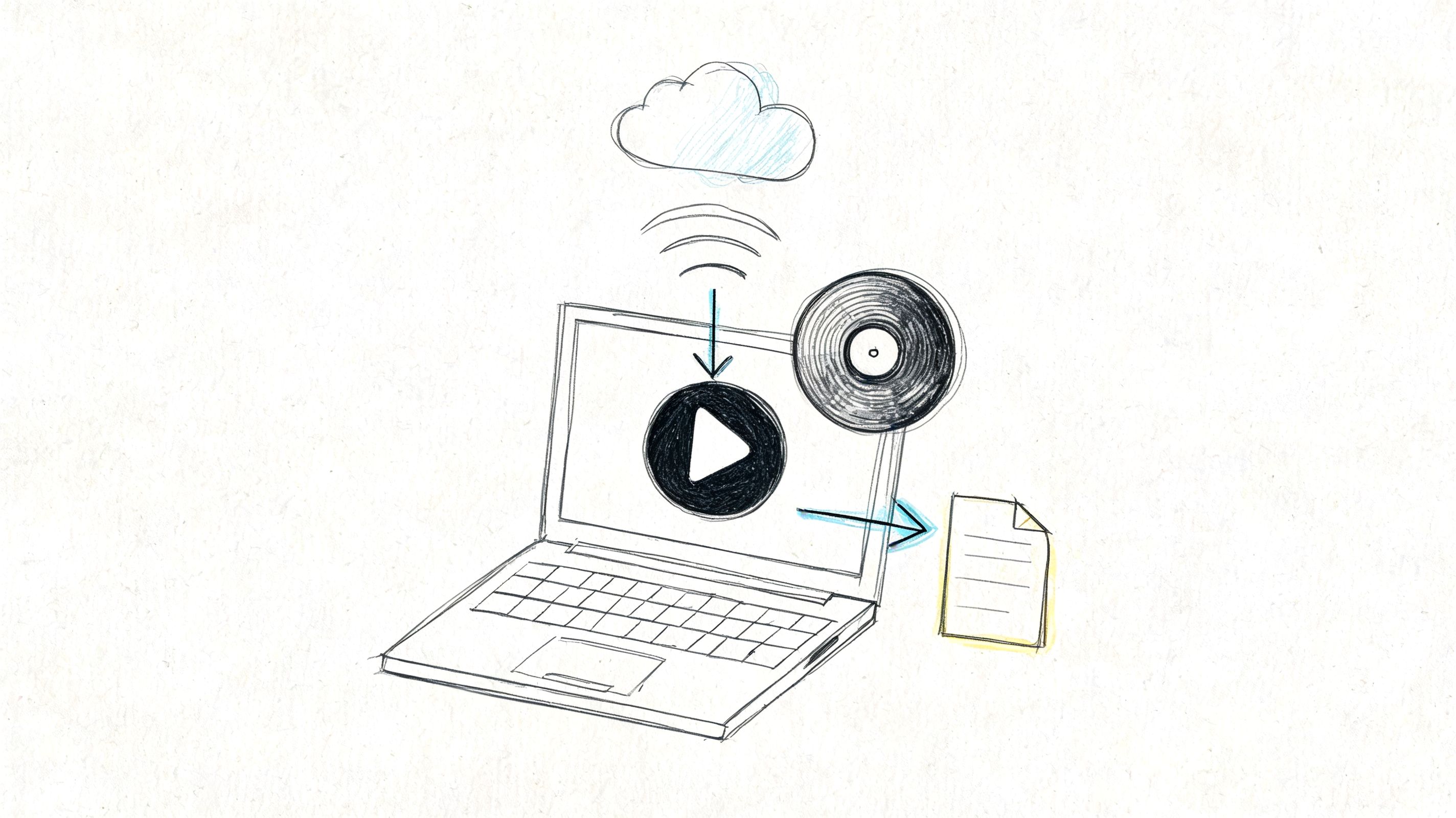
Need a YouTube video offline? You're probably under some kind of deadline. Maybe you need a clip from a tutorial for a presentation, a lecture for a flight, or a copy of a personal video before it disappears. The obvious search is for a YouTube free converter video tool, and that's exactly where many people get into trouble.
The risky path is usually the fastest-looking one. A random browser converter promises instant downloads, throws pop-ups at you, asks for strange permissions, or redirects you through pages that feel wrong. Even when those sites work, they rarely explain the legal line between downloading your own content, downloading something you have permission to use, and extracting public YouTube content without clear rights. That gap matters, and it's one of the biggest blind spots in this category.
There's also a historical reason these tools became so common. YouTube grew into one of the largest media platforms online after Google launched it in February 2005, and the platform later reached 2.7 billion monthly logged-in users in 2023. Once that much content exists behind simple share links, URL-based utilities become inevitable.
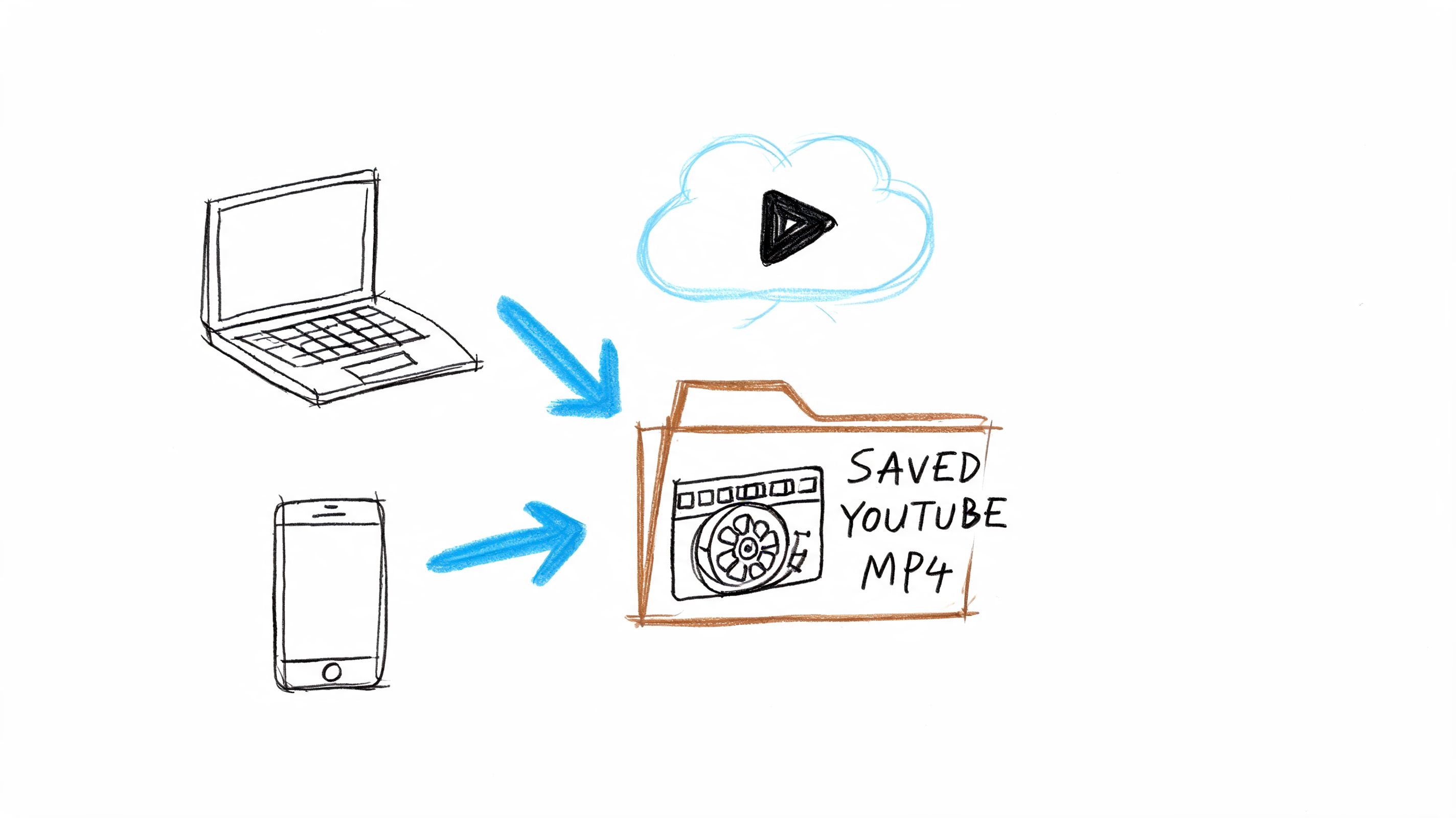
I'd skip sketchy web converters and stick with installable desktop software you can vet, update, and remove if needed. Below are the tools I would consider, plus one alternative workflow that often saves more time than downloading anything at all.
1. yt-dlp
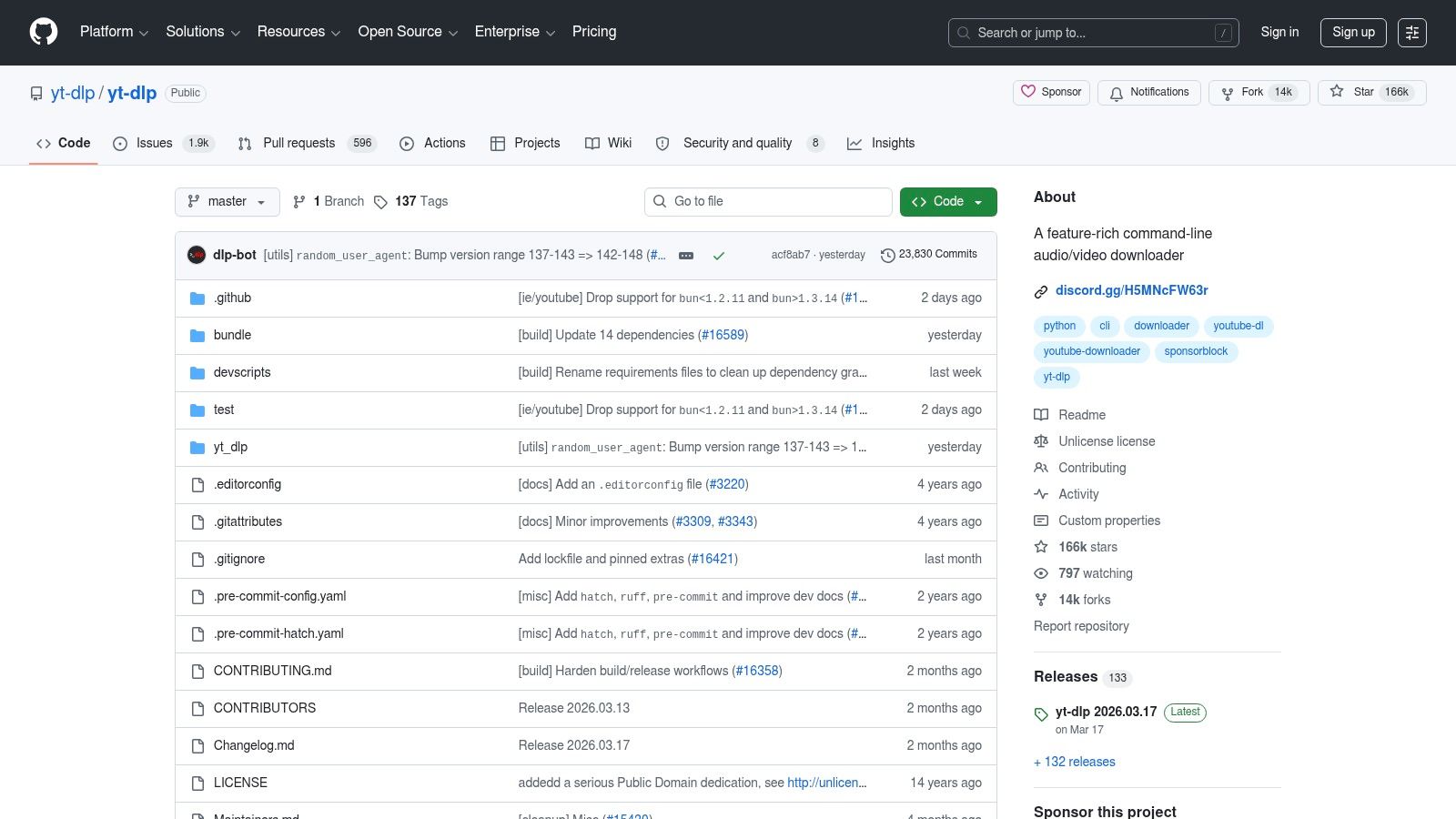
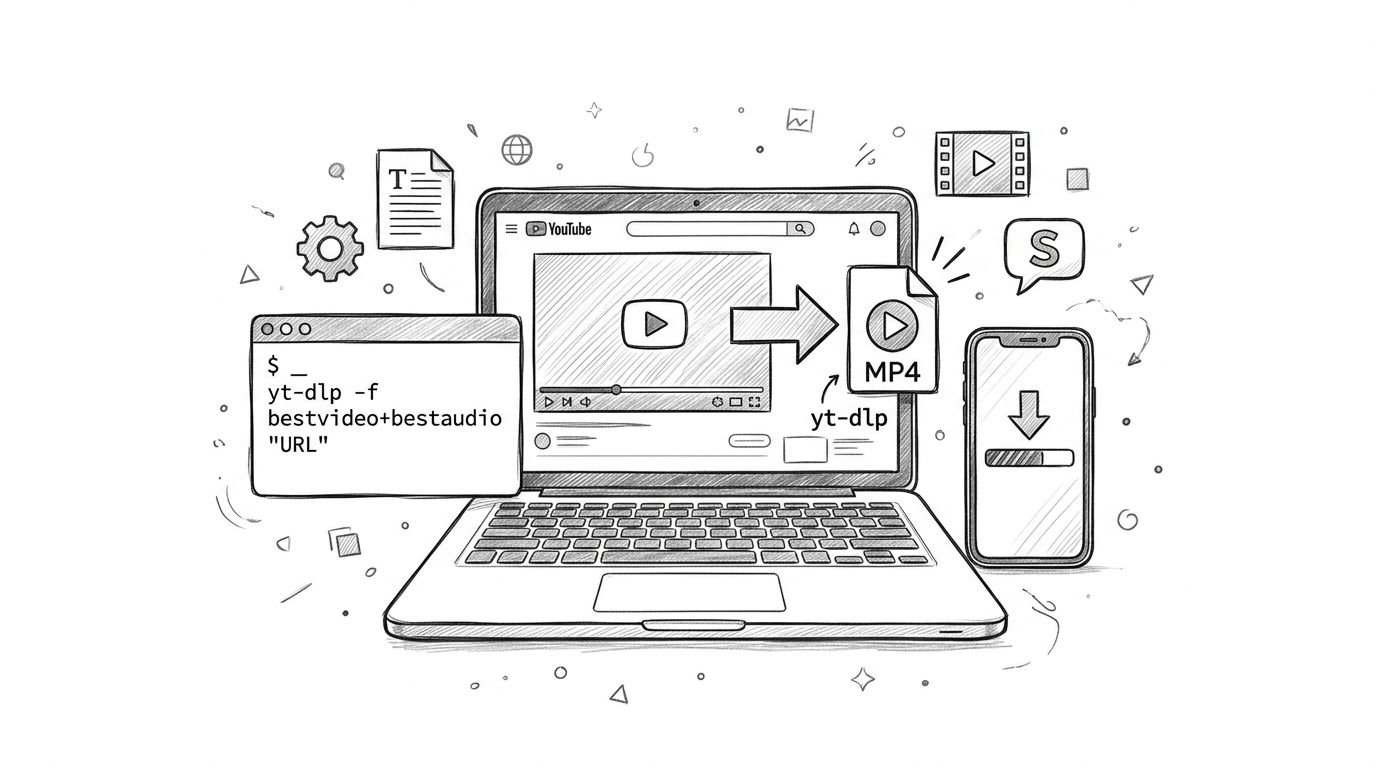
yt-dlp is the tool I'd trust first if reliability matters more than convenience. It's command-line software, which means beginners often bounce off it, but that's also why it stays so powerful. When a site changes how streams are served, tools built on weaker foundations usually break first. yt-dlp tends to get attention fast because a lot of the desktop downloader ecosystem depends on it directly or indirectly.
For YouTube free converter video searches, this is the answer power users usually end up with after trying easier tools and getting frustrated. It handles separate audio and video streams, subtitles, metadata, playlists, chapters, and post-processing without forcing you into a locked-down interface.
Where yt-dlp wins
What makes yt-dlp different is control. You can tell it exactly what format to grab, whether to merge streams, whether to embed subtitles, and whether to keep metadata intact.
- Best for difficult downloads: It handles modern streaming formats better than most casual tools.
- Best for archivists: Metadata, chapters, and subtitles are available if you want more than just an MP4 file.
- Best for long-term use: Open-source projects with active communities are easier to trust than mystery apps from ad-heavy websites.
Practical rule: If a GUI downloader keeps failing, try the same link in yt-dlp before assuming the video is impossible to save.
The catch is obvious. You need to be comfortable opening Terminal, PowerShell, or Command Prompt and reading documentation. If that sounds annoying rather than making you feel capable, you'll probably prefer a GUI built on the same engine.
For creators who also think beyond the download itself, I like pairing a saved file with a broader content workflow, especially if you're repurposing video into text, clips, or research notes. A good overview of that bigger picture is UPQODE's guide for video strategy.
2. Open Video Downloader
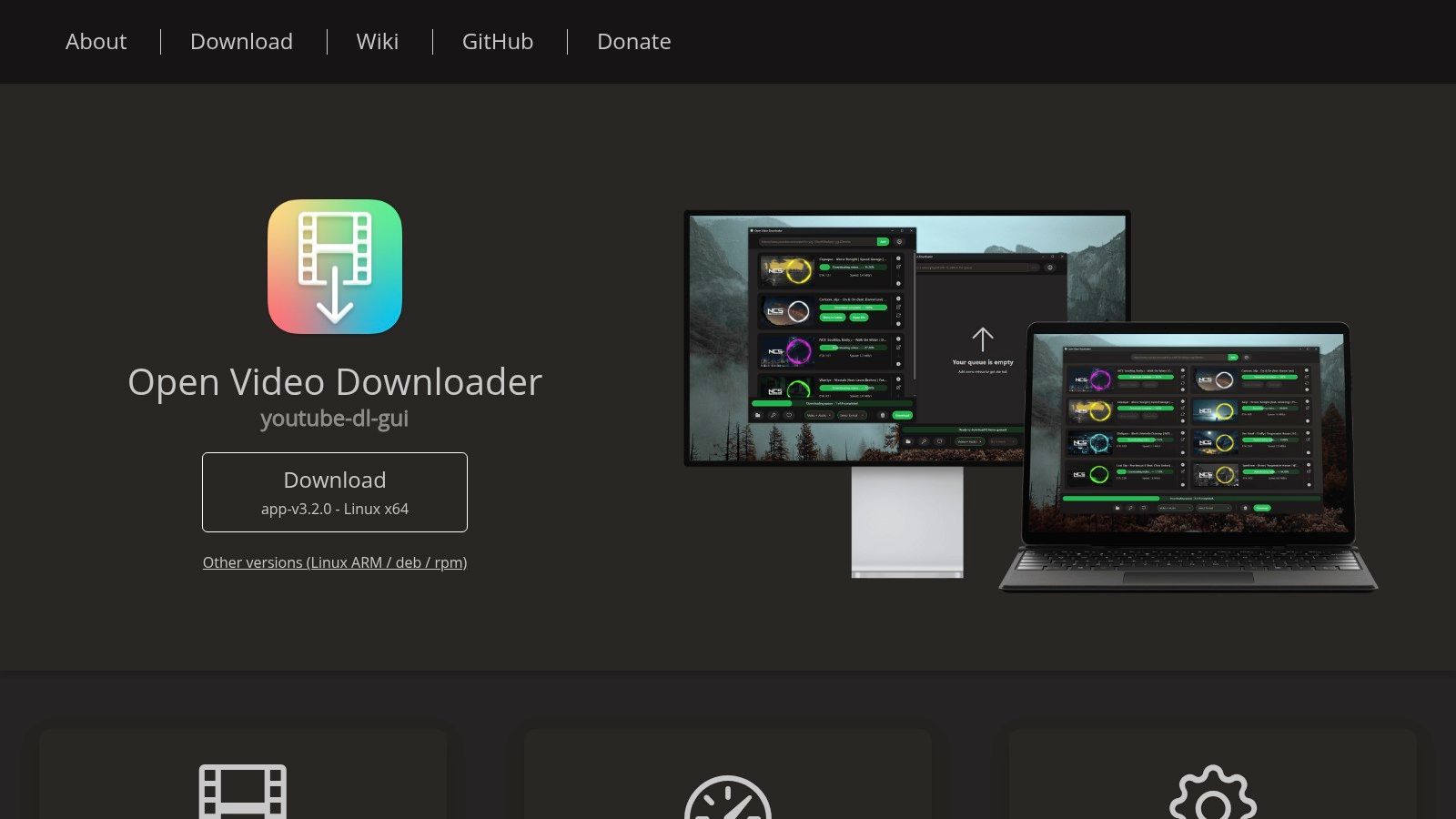
Open Video Downloader is what I recommend to people who want yt-dlp power without typing commands. It's a desktop app with a clean interface, and that matters more than it sounds. A lot of YouTube free converter video tools look simple until they bury important settings behind ads, bundled offers, or fake buttons. Open Video Downloader feels like software, not a trap.
You paste a link, pick a format, choose quality, and download. That's the whole appeal. It supports Windows, macOS, and Linux, and because it leans on yt-dlp under the hood, it inherits much of that engine's flexibility.
Best fit for most non-technical users
This is the easiest open-source option for people who still care about using something reputable. It can handle playlists, subtitle downloads, and high-quality outputs where available.
A representative web converter page shows how the broader category evolved toward browser-based speed and format flexibility, including claims of up to 1080p on the free plan and 4K on paid plans. Open Video Downloader takes the useful part of that low-friction workflow, paste URL, choose output, get file, and puts it inside installable software instead of a risky browser page.
Use this when you want the shortest path from link to file, but you still want something you can inspect, update, and uninstall like a normal app.
Its weakness is dependence. If yt-dlp has an issue, this app has an issue. It also won't satisfy people who want scripting, automation, or deep format rules. But for everyday downloading, it hits the sweet spot better than most desktop tools.
3. 4K Video Downloader+
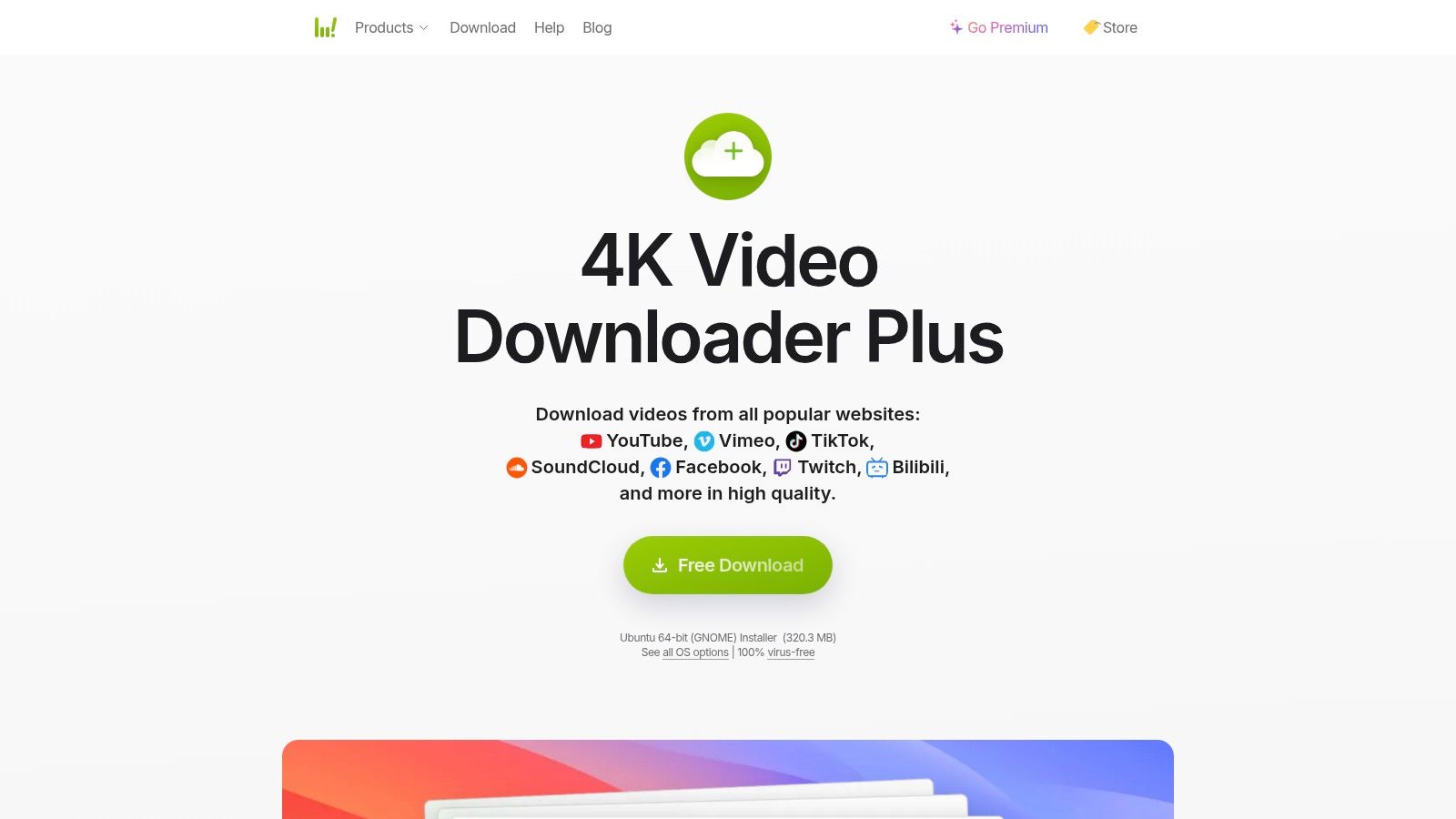
4K Video Downloader+ is the polished commercial option I'd hand to someone who doesn't want to tinker. The interface is clean, the settings make sense, and it's good at the kind of jobs people care about, single videos, playlists, channels, subtitles, and high-resolution files.
This is one of the few tools in this space that feels intentionally designed rather than merely functional. If you're collecting lecture series, downloading your own channel backups, or saving reference material in batches, that polish makes a difference.
When the paid upgrade makes sense
The free version is enough for occasional use. The paid version is what starts to matter if downloading is part of your routine rather than a one-off task. That's where the convenience features become valuable, especially presets and recurring workflows.
- Good choice for playlists: It handles larger libraries more gracefully than lightweight free apps.
- Good choice for clean output: MP4, MKV, MP3, subtitles, and more are easy to select.
- Good choice for less technical teams: It doesn't require command-line knowledge or troubleshooting habits.
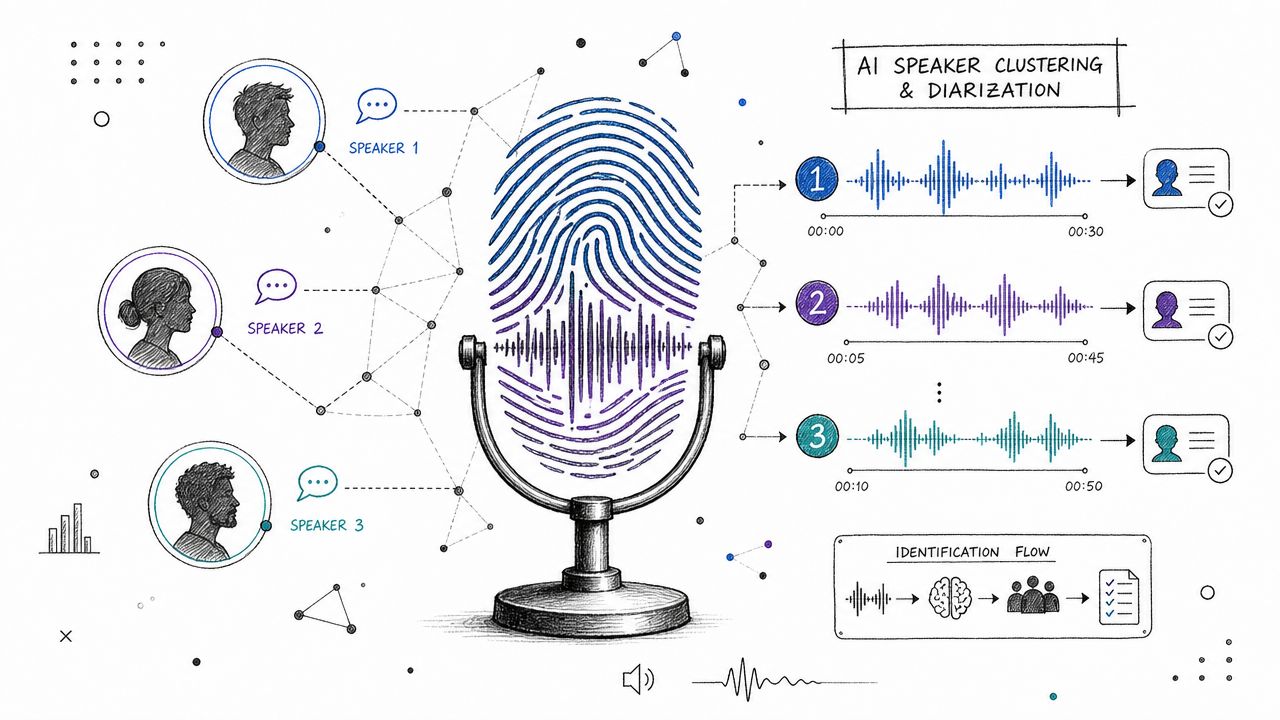
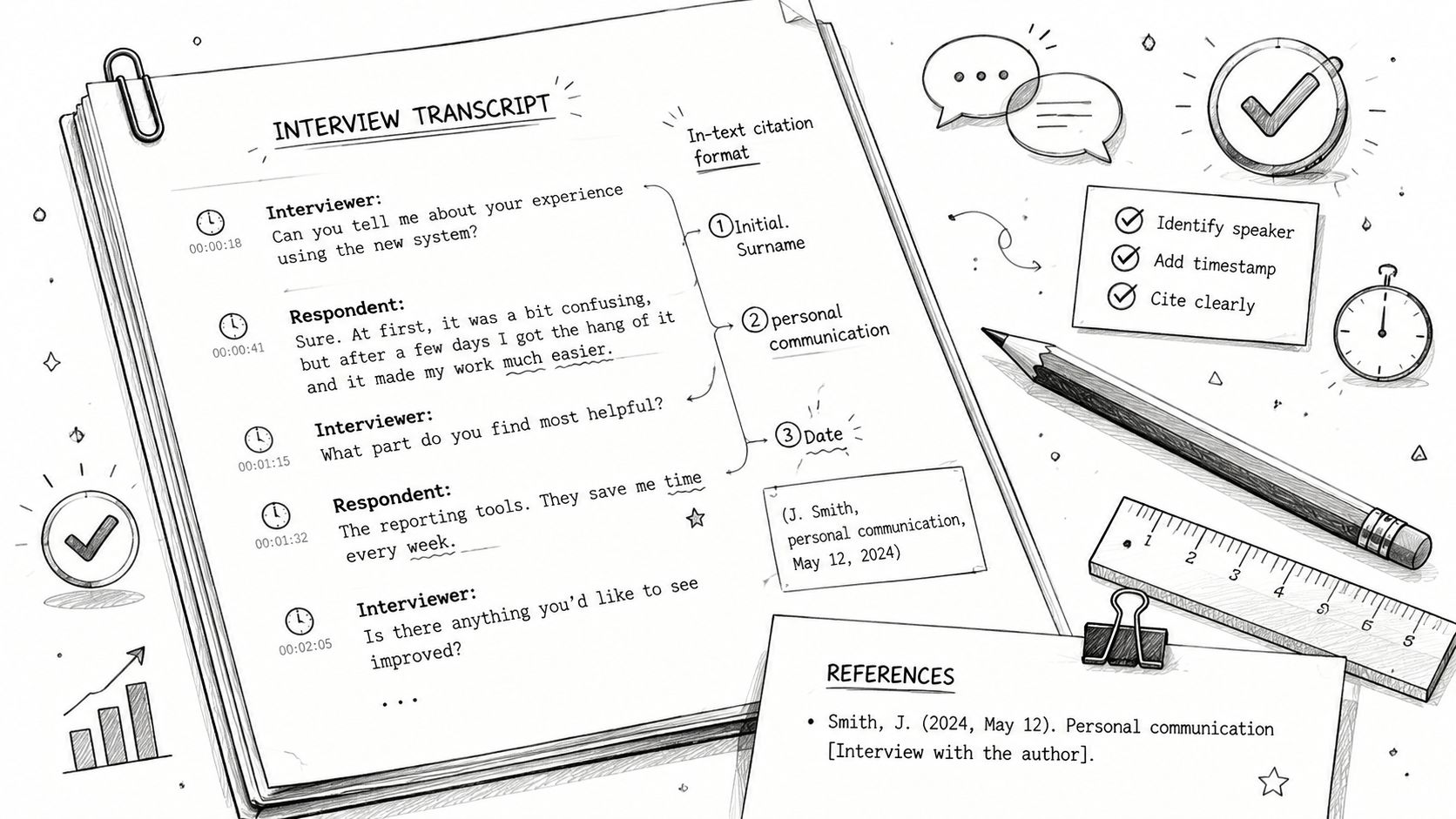
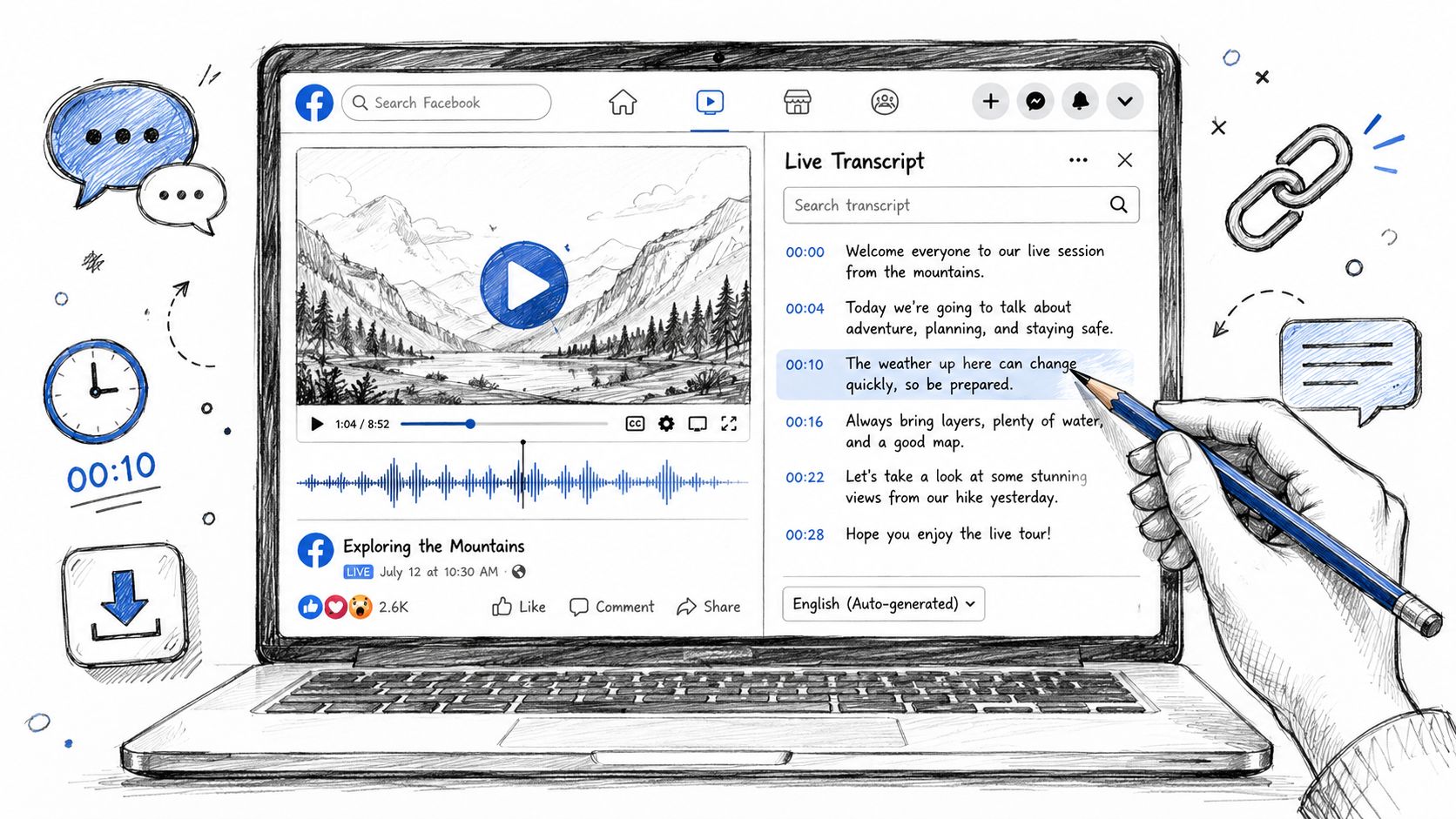
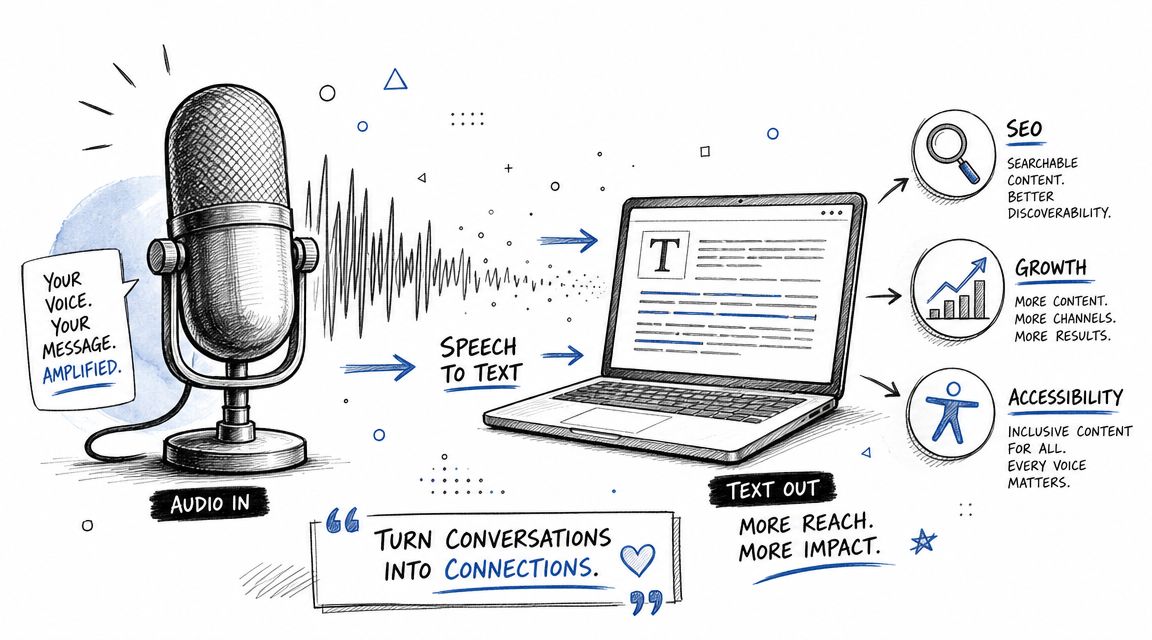
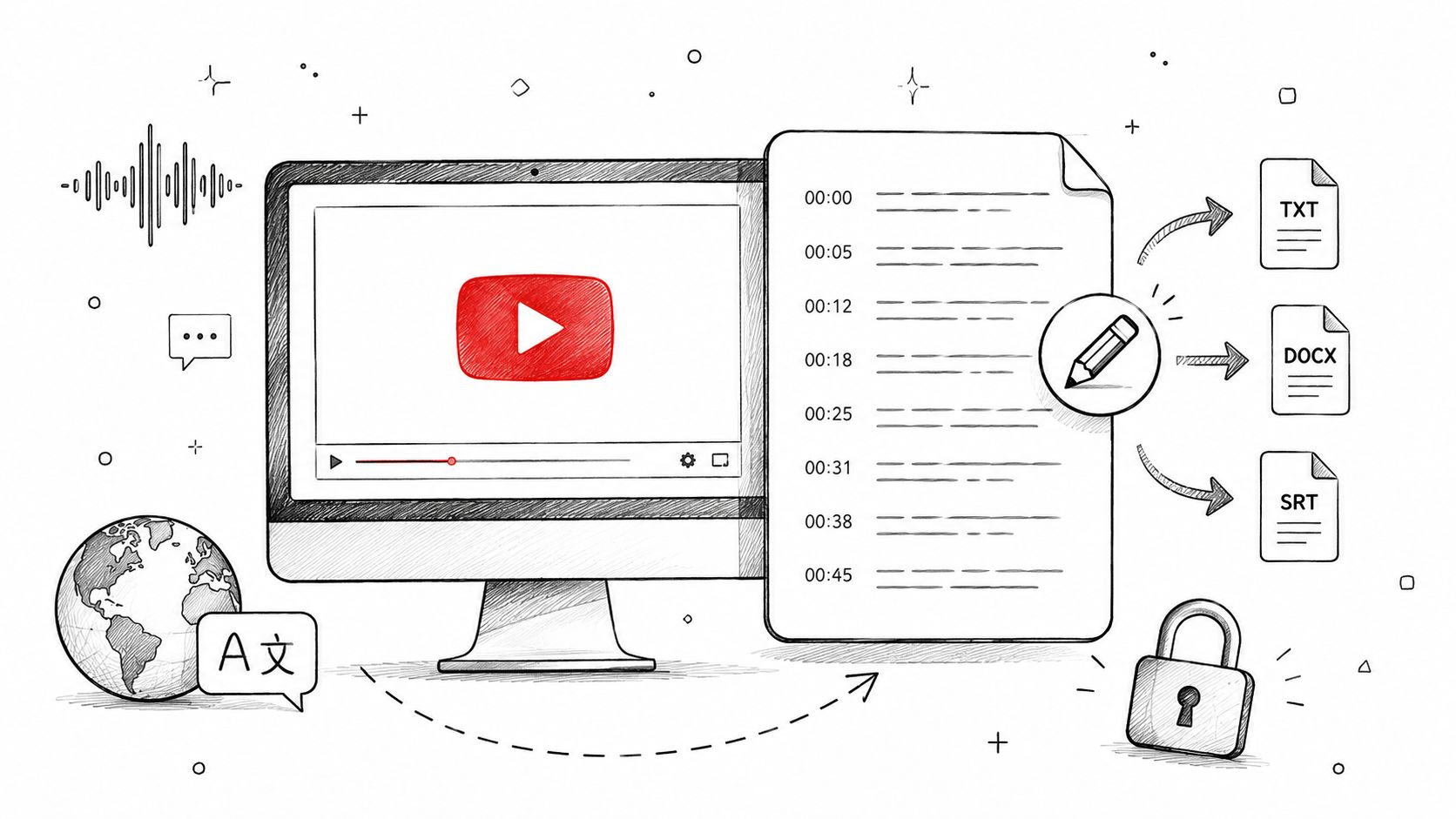
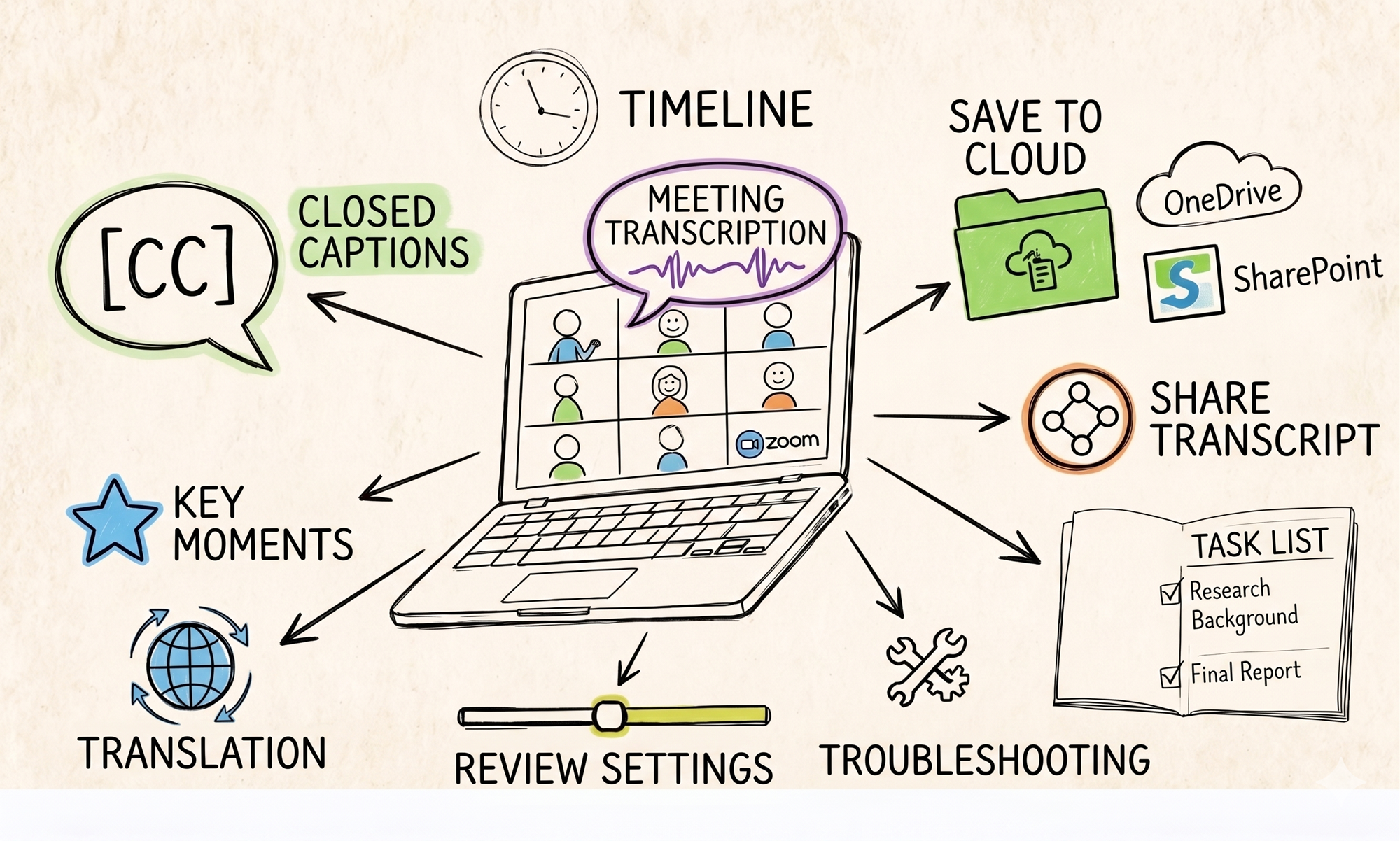
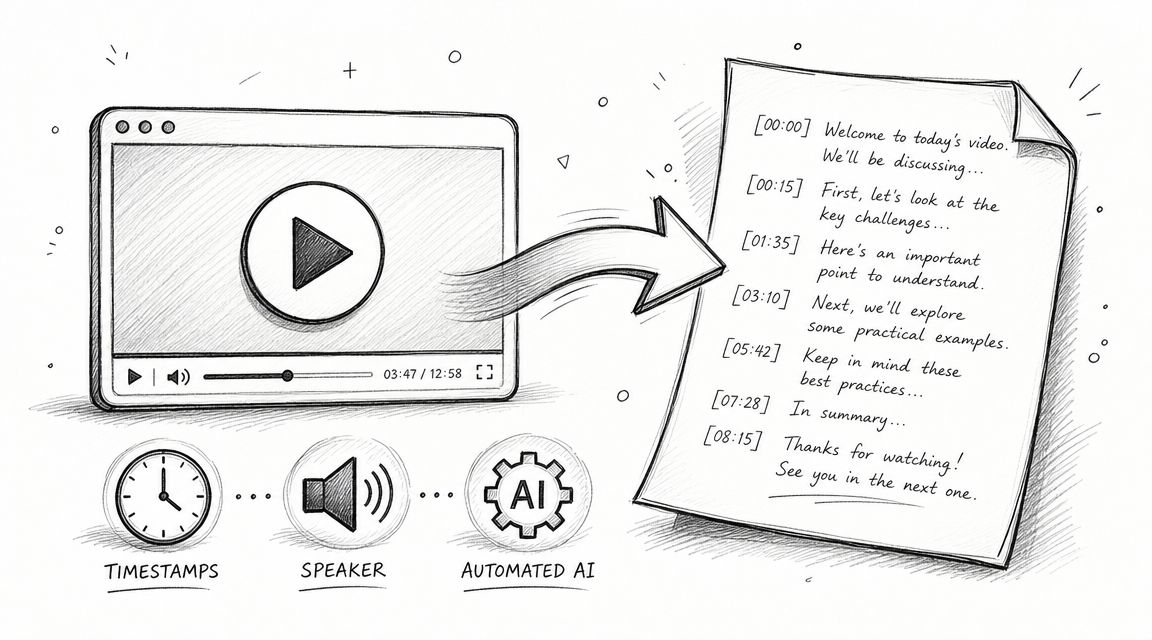
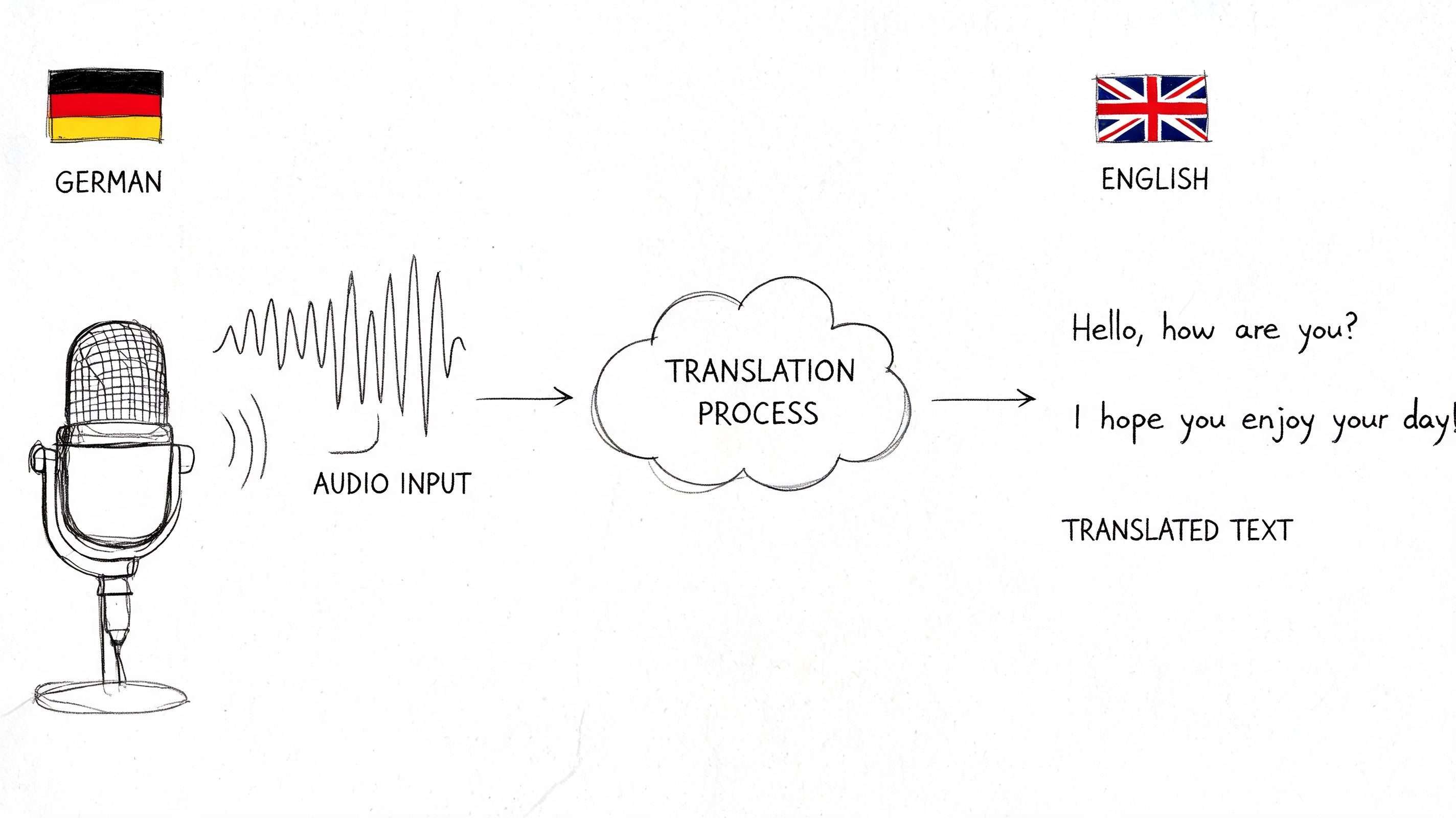
If your real goal is the spoken information in the video, not the file itself, there's a better route than converting and storing everything. A transcript is often easier to search, quote, summarize, and reuse. That's the practical reason many creators now choose a convert-video-to-text workflow instead of treating every YouTube link as a download problem.
The main downside is that free access has limits, and some of the best quality-of-life features sit behind a license. I don't mind paying for that if the tool is stable and I use it regularly. For casual users, though, open-source alternatives may be enough.
4. ClipGrab
ClipGrab is the lightweight option I still mention because not everyone wants a full download manager or a feature-heavy converter. Some people want one small desktop app that can search, grab, and convert without making the process feel technical. That's ClipGrab's lane.
It supports multiple sites, offers straightforward format selection, and keeps the UI simple enough that even infrequent users can figure it out quickly. For occasional YouTube free converter video needs, that simplicity is a real advantage.
What to watch during setup
ClipGrab has been around a long time, and that history cuts both ways. Established tools are easier to recognize, but they don't always move quickly when platforms change. If YouTube shifts something significant, you may need patience while fixes arrive.
There's also the installer issue. Here, I tell people to slow down and read each setup screen.
- Decline bundled extras: If the installer presents promotional offers, opt out.
- Download from the official site: Don't use mirror sites that repackage installers.
- Use it for straightforward jobs: Single videos and common formats are where it's most comfortable.
The simpler the tool, the more important it is to install it carefully.
I like ClipGrab for personal use cases where convenience matters more than fine control. I wouldn't choose it for a research archive, a large playlist project, or anything that depends on advanced subtitle and metadata handling. But for lightweight downloading on a clean desktop app, it still earns a place.
5. VideoProc Converter AI
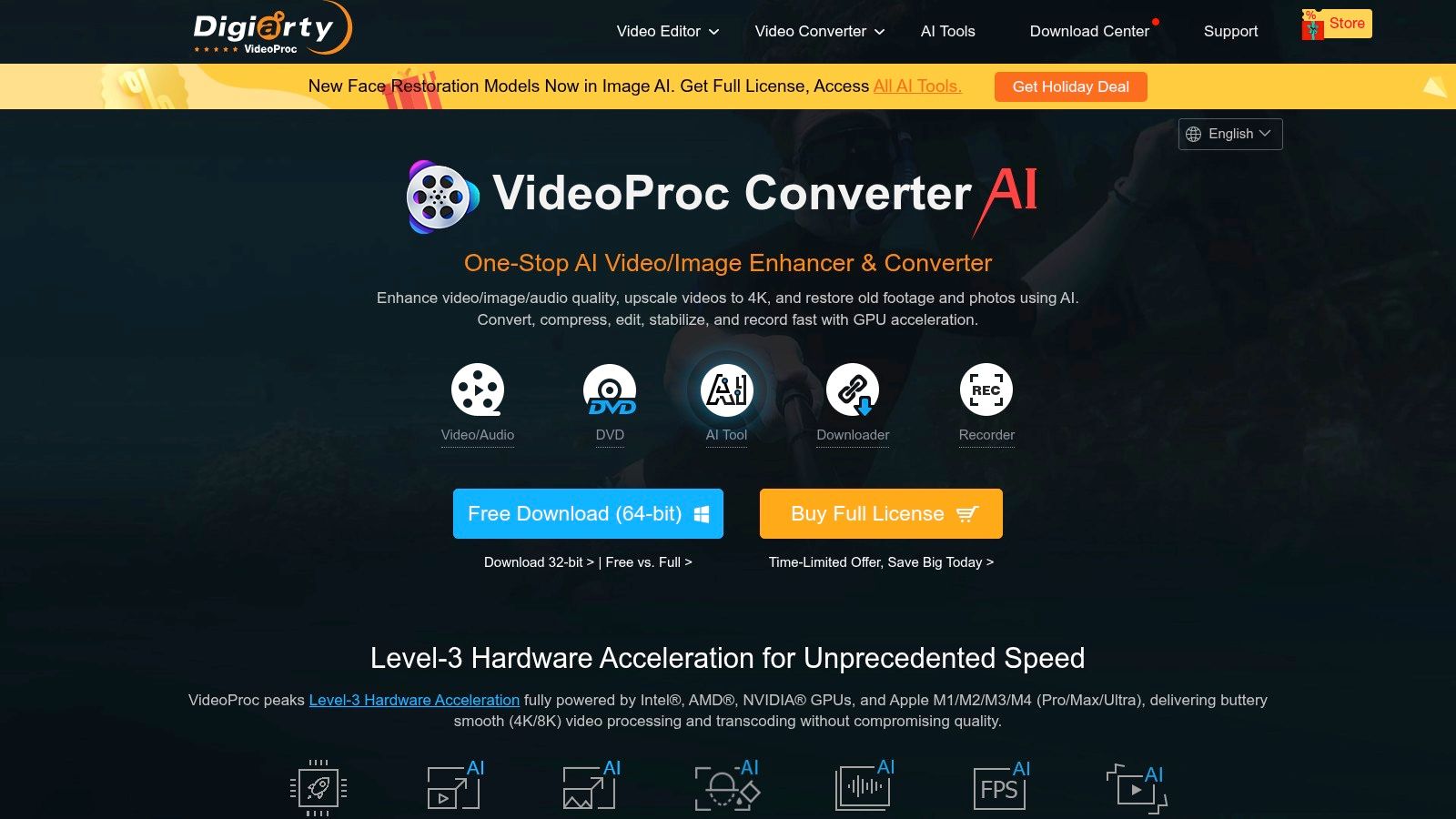
VideoProc Converter AI is what I'd pick when downloading is only one step in a bigger media workflow. It isn't just a YouTube downloader. It's a media toolbox that also converts, edits, compresses, records screens, and adds AI-assisted processing features.
That makes it a strong fit for creators who save clips and immediately do something with them. If your usual process is download, trim, resize, re-encode, and export, a single suite is often more efficient than bouncing between five separate tools.
Better for production than simple saving
This tool makes more sense once you're dealing with output constraints. Maybe you need a smaller MP4 for email, a different codec for an editor, or a cleaner export for mobile playback. In those cases, the downloader is just the first step.
Its hardware acceleration features are the appeal. On machines with supported GPUs, converting and compressing footage feels less like a chore. That matters if you're working with large files or trying multiple exports.
The downside is obvious. If all you want is a quick file from YouTube, this can feel like too much app for too little problem.
A lot of frustration with downloaded videos comes later, when the file format doesn't fit the next tool in your workflow. Before choosing any converter suite, it helps to understand which video format works best for your use case. That's where software like VideoProc earns its place. It gives you room to fix the file after download instead of starting over in another app.
6. Free YouTube Download by DVDVideoSoft
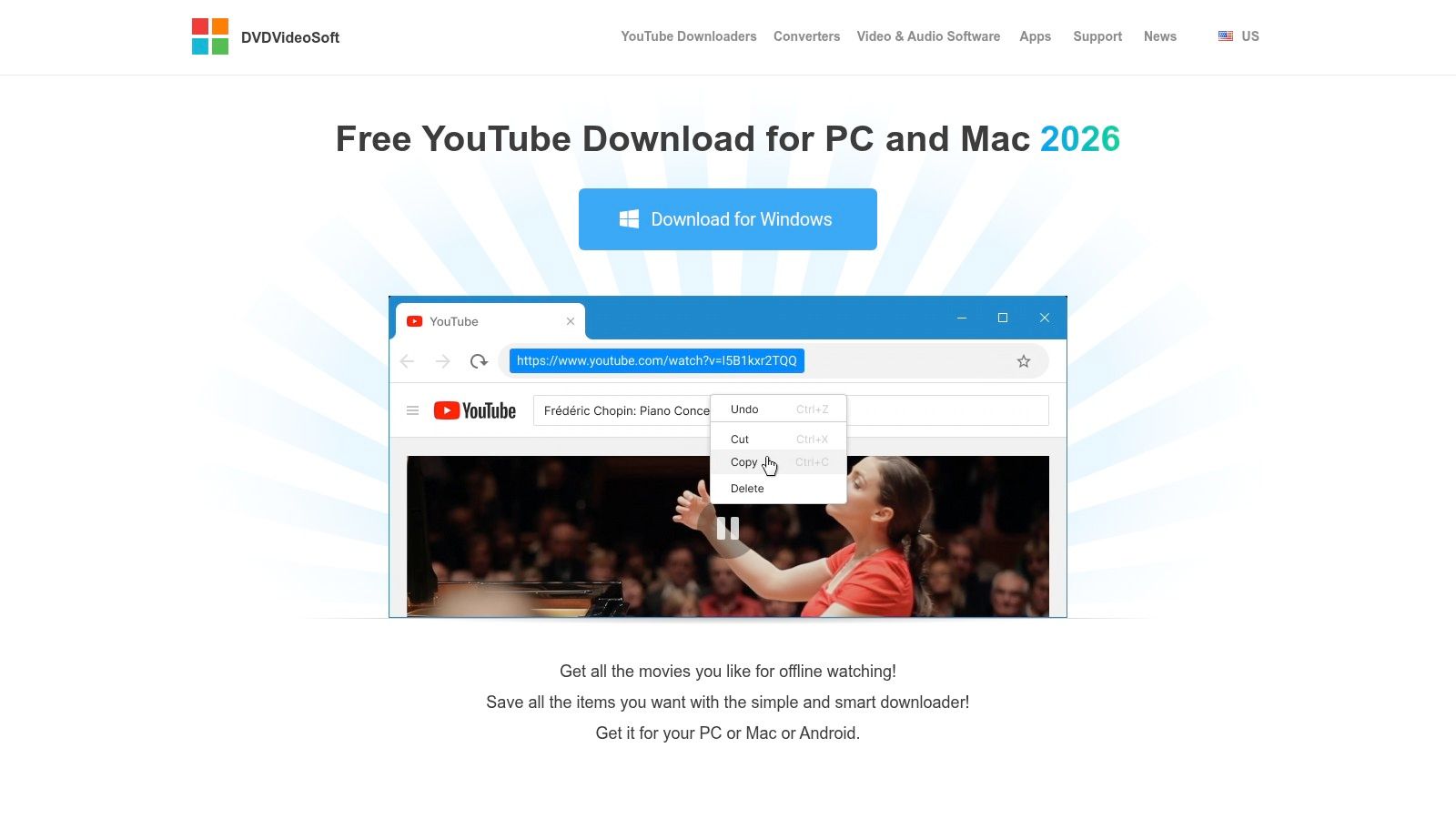
Free YouTube Download by DVDVideoSoft is one of the more familiar names in this space, and it leans hard into a copy-paste workflow. If you want a desktop app that behaves predictably, this one usually does. Paste the URL, choose output, let it run.
I think of it as a beginner's utility rather than a creator's toolkit. It does the basics without asking you to understand streaming formats or post-processing. That's useful for users who just want a saved file and don't care how the machinery works.
Where it fits
This tool is strongest when your needs are repetitive and simple. Bulk URL pasting, playlist handling, and direct format conversion are the core use cases.
- Easy to learn: New users can get comfortable with it quickly.
- Focused workflow: It stays centered on downloading rather than trying to become a full editing suite.
- Reasonable for playlists: It can handle more than one file at a time without becoming overwhelming.
What I don't love is the freemium pressure. Upgrade prompts can interrupt the experience, and the free version's limits are noticeable enough that many users will either pay or move on. That doesn't make it bad. It just means you should go in expecting a controlled free tier rather than a fully open tool.
If you value software that feels familiar and guided, it's a fair choice. If you hate being nudged toward premium plans, there are cleaner alternatives above.
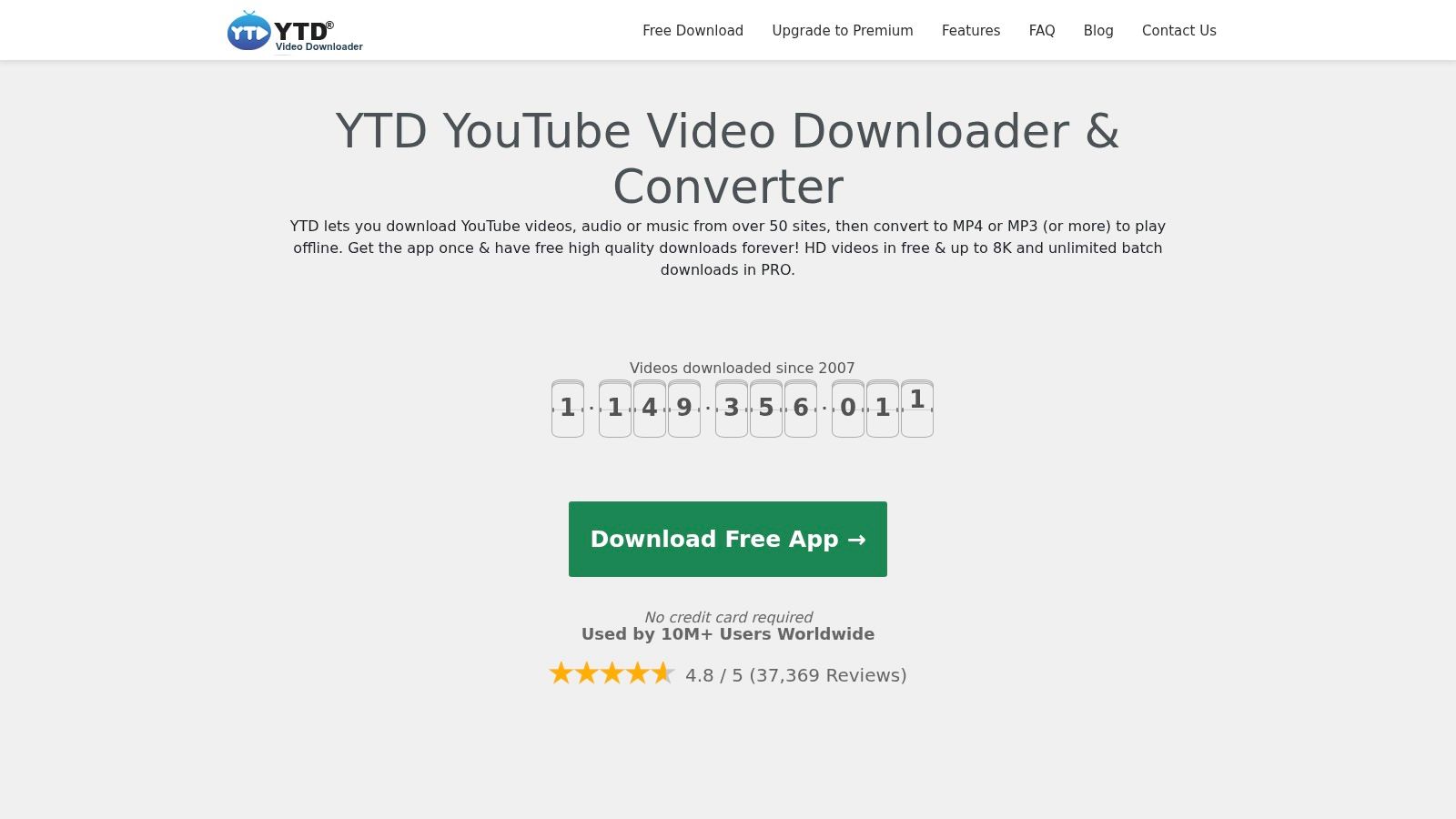
7. YTD Video Downloader & Converter
YTD Video Downloader & Converter has been around long enough that many people have either used it or at least recognize the name. Its interface still reflects that older generation of desktop utilities. Two tabs. Clear labels. Not much visual flair. For some users, that's a plus.
If your bar is “I want a known app that downloads and converts in one place,” YTD still covers that ground. It supports common output formats and includes a built-in player, which some users like for quickly checking files after download.
An older tool with a familiar workflow
This is one of those apps that doesn't need much explanation. You paste the URL, choose the target format, and let it process. That's probably why it remains popular with users who don't want to learn a new interface every year.
Still, the free version feels constrained. If you need batch downloads or faster handling of multiple files, you'll notice the limitations quickly.
Some tools are easy because they're modern. YTD is easy because it hasn't changed its basic logic much.
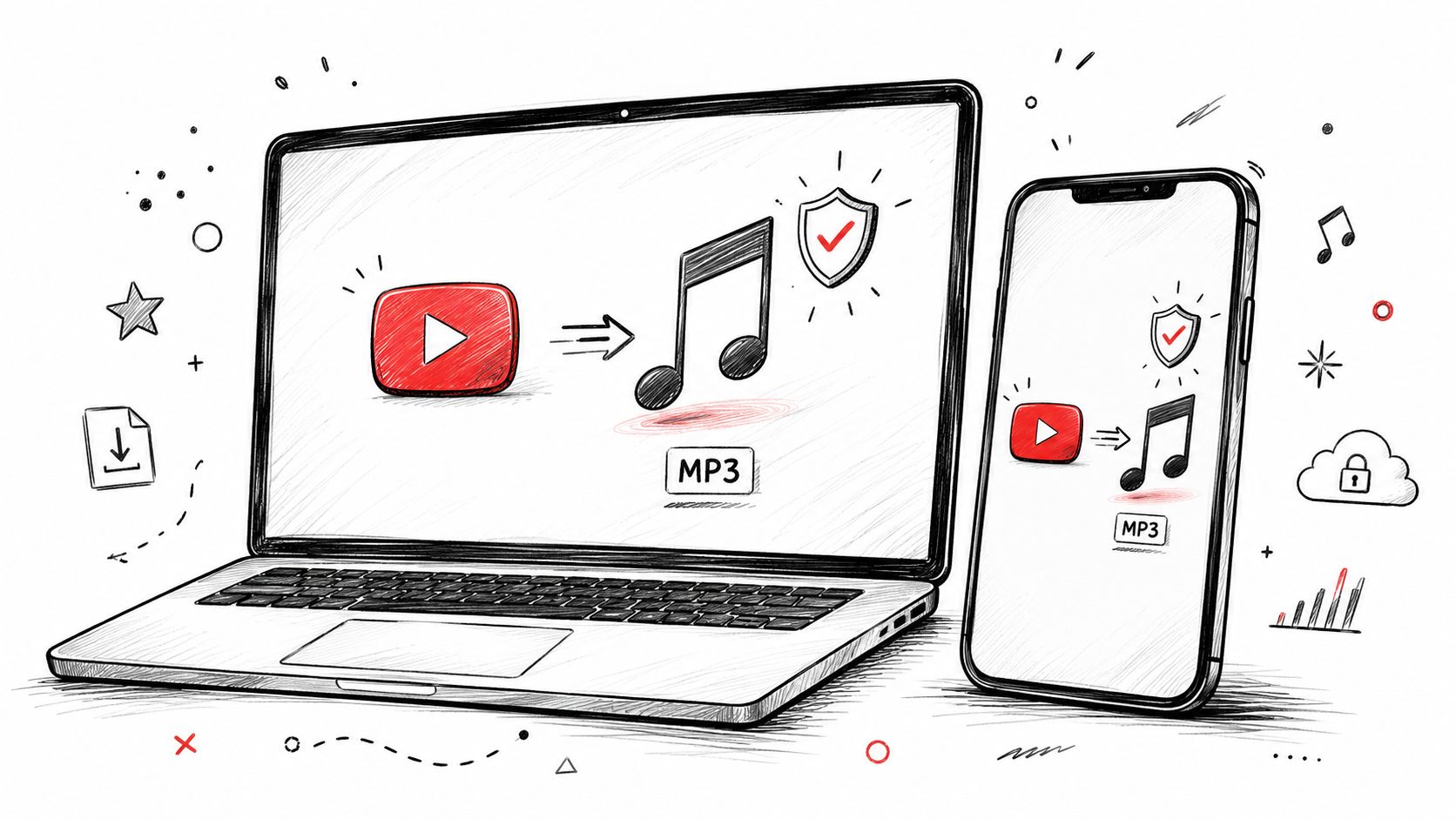
There's also a practical question a lot of people miss. Do you want the whole video, or do you just want the audio? For podcasts, interviews, music references, or spoken tutorials, extracting just the audio can be the cleaner workflow. If that's your use case, this guide on converting YouTube video to MP3 is often more relevant than a full video downloader.
I wouldn't call YTD the most elegant option anymore, but I would call it understandable. And for some users, that's enough.
8. Any Video Converter Free
Any Video Converter Free sits in an interesting middle ground. It's not as bare-bones as ClipGrab, and it's not as production-heavy as VideoProc. It's a converter first, downloader second, and that order matters. If you routinely change formats, trim clips, merge files, or export for specific devices, it's more useful than a pure downloader.
That also means it can feel bloated if all you ever do is save one YouTube video to MP4 and close the app. People searching for a YouTube free converter video tool often think they need “the downloader.” Sometimes they need a converter that also downloads.
Strong if format handling matters
The best reason to use Any Video Converter Free is flexibility after the download. Device presets, editing options, and broad format support make it easier to get a file that fits your actual destination.
- Helpful for device-specific exports: Good if the file needs to play somewhere picky.
- Helpful for light editing: Trimming and merging are available without opening another app.
- Helpful for mixed media workflows: It's useful when you download from multiple sites, not just YouTube.
Its interface is clearer than many converter suites, but there's still more going on than a casual user may want. I'd recommend it to people who regularly ask, “Can you make this file smaller?” or “Can you convert this for my phone, TV, or editing app?” Those are converter problems, not just download problems.
For occasional YouTube use, I'd still lean toward simpler tools. For ongoing media handling, this one makes more sense.
9. JDownloader 2
JDownloader 2 is less a YouTube downloader and more a general download machine that happens to be excellent for large YouTube jobs. If you're grabbing one file, it may feel excessive. If you're managing playlists, channels, mirrored links, and batches, it starts to look brilliant.
Its Link Grabber is the reason people stick with it. Drop in a URL and it parses available content, often showing separate video, audio, and subtitle options in a way that gives you a lot of control without requiring a terminal.
Best for bulk and repeat work
JDownloader 2 suits users who want automation. You can queue tasks, manage packages, filter what gets downloaded, and let it run. That's useful for researchers, archivists, and creators backing up larger libraries.
The trade-off is interface complexity. This doesn't feel like a minimalist consumer app. It feels like a utility built by people who care more about capability than beauty.
- Ideal for playlists and channels: Bulk handling is where it shines.
- Good for organized queues: You can set downloads and walk away.
- Less ideal for first-timers: There's a learning curve, and the settings can feel dense.
I usually suggest JDownloader 2 when someone says, “I don't need the prettiest option. I need the one that can handle a lot.” That's the right mindset for this tool. It rewards patience.
10. Freemake Video Downloader
Freemake Video Downloader is aimed squarely at beginners. The interface is uncluttered, the controls are readable, and the workflow is obvious within a minute or two. If someone is nervous about downloading software at all, this is the kind of UI that lowers the barrier.
That beginner-friendly design is also why the limitations stand out. The free tier is usable for simple cases, but branding, speed caps, and upgrade prompts are part of the package. For occasional use, some people accept that. For frequent use, it gets old.
Good for occasional downloads
Freemake works best when your expectations are modest. One-click behavior, straightforward conversion to MP4 or MP3, and visible controls make it approachable.
If you only download from YouTube a few times a year, ease of use may matter more than squeezing every possible feature out of the software.
There are a couple of details I do appreciate. Speed control can be useful on crowded networks, and parental controls are unusual in this category. Those aren't reasons alone to choose it, but they show the software is trying to serve mainstream users rather than only technical ones.
I wouldn't make Freemake my main tool if I downloaded often. I would consider it for a family computer or a user who values clarity over flexibility. Sometimes the best app is the one a non-technical person will use correctly.
Top 10 Free YouTube Video Converters Comparison
| Tool | Core features | UX / Reliability (★) | Price / Value (💰) | Best for (👥) | Standout (✨ / 🏆) |
|---|---|---|---|---|---|
| yt-dlp | Advanced format selection, DASH merge, subtitles, metadata, wide site support (CLI) | ★★★★★ | 💰 Free / Open‑source | 👥 Power users, scripting, automation | ✨ Rapid updates & granular format control / 🏆 Gold standard |
| Open Video Downloader | GUI front-end for yt-dlp, quality up to 8K, subtitles, parallel downloads | ★★★★☆ | 💰 Free / Open‑source | 👥 Non‑technical users wanting yt‑dlp power | ✨ Easy GUI for yt‑dlp (no ads) |
| 4K Video Downloader+ | MP4/MKV/MP3, Smart Mode, playlists/channels, 360° & up to 8K | ★★★★☆ | 💰 Free tier; paid license for full features | 👥 Users who download high‑res & playlists regularly | 🏆 Polished UI & Smart Mode for one‑click 4K downloads |
| ClipGrab | Integrated search, one‑step download+convert, lightweight UI, multi‑site support | ★★★☆☆ | 💰 Free (donationware) | 👥 Casual users needing quick downloads/conversions | ✨ Search + convert in one window; very lightweight |
| VideoProc Converter AI | Downloader + convert/edit/compress, GPU accel, AI upscaling/stabilization | ★★★★☆ | 💰 Free trial; paid for full features | 👥 Creators & pros needing editing + AI tools | 🏆 Hardware‑accelerated all‑in‑one suite |
| Free YouTube Download (DVDVideoSoft) | Bulk URL pasting, MP4/AVI/MP3, iTunes transfer, playlists | ★★★★☆ | 💰 Free w/ limits → premium upgrade | 👥 Beginners wanting simple playlist grabs | ✨ Simple paste‑and‑queue workflow; stable |
| YTD Video Downloader & Converter | Download + convert, multiple formats, built‑in player, simple two‑tab UI | ★★★☆☆ | 💰 Free limited → Pro for batch & speed | 👥 Users who want integrated convert workflow | ✨ Straightforward download → convert flow |
| Any Video Converter Free | Wide format/device presets, downloader (100+ sites), basic editing, NVENC | ★★★★☆ | 💰 Free feature‑rich; Pro for top quality/speed | 👥 Users needing conversion + occasional downloads | ✨ Strong converter profiles & editing tools |
| JDownloader 2 | Link Grabber, batch/channel archiving, captcha/login automation, plugins | ★★★★☆ | 💰 Free / Open‑source | 👥 Archivers & power users with large queues | 🏆 Best for massive automated batch downloads |
| Freemake Video Downloader | One‑click downloads, MP4/MP3 export, presets, parental controls | ★★★☆☆ | 💰 Free tier (branded/throttled); paid to remove limits | 👥 Casual Windows users who value simplicity | ✨ Very beginner‑friendly UI and presets |
Choosing the Right Tool for Your Workflow
A bad pick usually shows up after the download. The file is in the wrong format, the free tier blocks playlists, the installer pushes extras, or the tool turns out to be slower than the browser tab you were trying to avoid.
Start with the job, not the feature list.
yt-dlp is still the strongest option for people who care about reliability, precise format control, and handling messy edge cases. The trade-off is setup. It asks for command-line comfort and a little patience. Open Video Downloader makes more sense if you want much of that same engine in a desktop app. 4K Video Downloader+ fits a different buyer. It costs more over time, but the interface is cleaner, setup is easier, and daily use takes less effort.
Some tools earn their place because downloading is only part of the workflow. VideoProc Converter AI and Any Video Converter Free are better picks if you also need to convert formats, compress exports, trim clips, or prep files for another platform. JDownloader 2 is the practical choice for large queues, channel captures, and batch-heavy jobs. It is not elegant, but it saves time once you load it up properly.
For occasional use, the simpler apps are often enough. ClipGrab, Free YouTube Download by DVDVideoSoft, YTD, and Freemake are easier to learn and faster to hand off to someone who just needs a file once in a while. The catch is familiar if you have tested a few of these. Free versions often limit speed, batch features, output options, or push hard toward the paid tier once your needs grow.
One filter matters more than any comparison table. Stick with installable desktop software from developers you can verify. I would avoid random online converters altogether. That part of this category is where I see the most fake download buttons, redirects, vague ownership, and inconsistent results. A desktop installer is not automatically safe, but at least you can verify the publisher, scan the file, and keep the process off a sketchy website.
There is another question that saves time. Do you need the video, or do you need the information inside it?
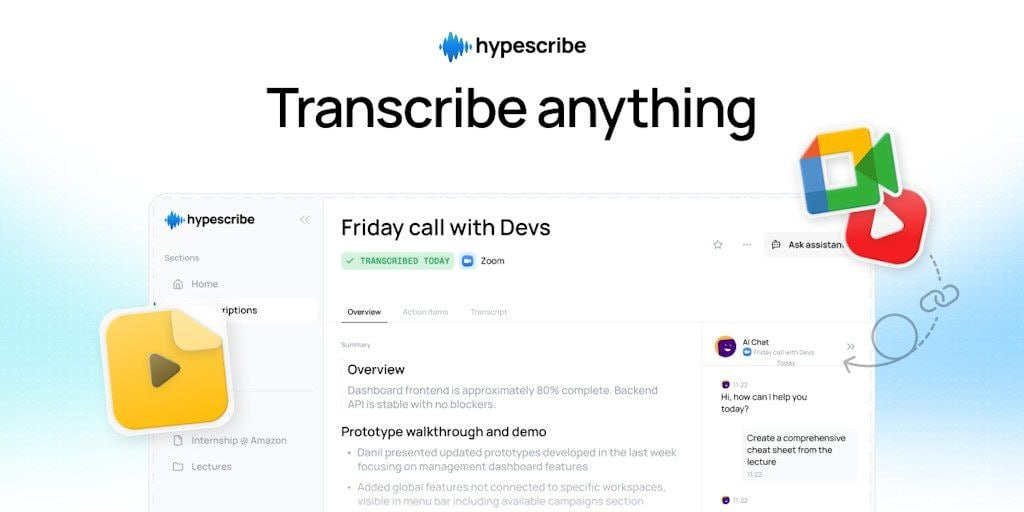
If you are pulling quotes from a tutorial, reviewing an interview, searching a lecture, or turning spoken content into notes, transcription is often the better workflow — here is our comparison of the best video transcription software. In that case, downloading and converting adds friction without adding much value. HypeScribe is a reasonable option when the goal is to work with the words rather than store another media file. You can check it at https://www.hypescribe.com.
Keep the legal side clear too. Download content you own, have permission to use, or can access lawfully for your intended use. The safest tool is still only a tool. Choose the one that fits the actual task, and keep the workflow as simple as possible.