Notta Alternative: HypeScribe vs Notta Compared (2026)
Article
Notta Alternative: HypeScribe vs Notta Compared (2026)
Author:
Igor Trunin
CMO at HypeScribe
November 4, 2026
Choose Notta if you need live transcription with real-time translation, apps for iPhone, Android, Mac and Windows, or transcription that stays on your own computer.
Choose HypeScribe if your links come from more sites than YouTube, Google Drive and Dropbox, you want speakers labelled on them, you need a language beyond Notta's 58, or you want tasks sent to Linear, Jira or Asana.
Both take files, links, Zoom, Google Meet and Teams calls, and meetings in a room. Notta shows the transcript live; HypeScribe has it ready after the call. Comparing Notta with Happy Scribe for interviews? There's a short table for that below.
Notta or HypeScribe
Who each one is for
Pick Notta if
You need translation while people talkReal-time translation and bilingual transcripts
You want native appsiPhone, Android, Mac and Windows; the desktop app records without a bot
Files must stay on your computerPrivacy Mode transcribes on your device, from Pro
Pick HypeScribe if
Your links come from many sitesTikTok, Instagram, Vimeo, Loom and more, not only YouTube
You need a language beyond Notta's 5899+ languages, speakers on every recording
Tasks go to your trackerLinear, Jira, GitHub or Asana; MCP and API keys
HypeScribe vs Notta at a glance
HypeScribe
Notta
Built for
Files, links, calls and meetings in a room
Meetings, interviews and lectures
How to try it
7-day trial, then paid plans
Free plan (first 3 minutes of each recording); Pro from $8.17 a month billed yearly
Notetaker for calls
Zoom, Google Meet, Teams
Zoom, Google Meet, Teams, Webex
Live transcript during the call
No: the transcript is ready after the call
Live transcription, real-time translation
Record without a bot
Live Record in the browser, for rooms and lectures
Desktop app records any meeting app; web and phone recorder
Paste a link
YouTube, TikTok, Instagram, X, Vimeo, Loom, Google Drive and more
YouTube, Google Drive, Dropbox (no speaker labels for links)
Languages
99+
58
Translation
Overview and action items
Full transcript into 42 languages, from Pro
Summary and action items
Overview, outline and an action-item checklist
AI notes: 10 a month on free, 100 on Pro
AI chat
Pick GPT, Claude, Grok or DeepSeek
Notta Brain across meetings, about 10 questions a month; more as an add-on
MCP and a command-line tool; no public API documented
Apps
Browser on a computer and a phone
iPhone, Android, Mac, Windows, Chrome
Privacy and compliance
Recordings never used to train AI
SOC 2 Type II, ISO 27001; SSO and audit logs on Enterprise
Notta vs Happy Scribe for interviews
For interviews
Notta
Happy Scribe
HypeScribe
Languages
58
150+
99+
A person checks the transcript
Not listed
65+ languages, from $2.00 a minute for English
No
Live transcript
Yes
Its pages disagree
No: ready after the call
Translation
42 languages, from Pro
80+ languages
Overview and action items
Speakers labelled
Yes, but not on link imports
Yes
Yes, links included
Notes and tasks
AI notes, 10 a month on free
Summaries and action items
Overview, outline, action items
Free option
120 minutes a month, first 3 minutes of each
10 minutes of files once
7-day trial, then paid plans
Entry price
$8.17 a month billed yearly
$8.50 a month billed yearly
7-day trial, then paid plans
Pick Happy Scribe when a person has to check the quotes, or the interview is in a language Notta doesn't cover. Pick Notta for live interviews you need translated as you go. Pick HypeScribe when you want the transcript with speakers, quotes you can hear with Play from here, and the notes and tasks in one place; see how to transcribe an interview.
Where Notta is better
Translation
Notta translates a whole transcript into 42 languages on Pro and up, and on every plan it can translate live or write a bilingual transcript a few times a month (more with an add-on).
HypeScribe translates the overview and action items, not the transcript itself.
A live transcript
Notta writes the text while people talk.
HypeScribe's notetaker gives you the transcript after the call.
Apps and recording without a bot
Apps for iPhone, Android, Mac and Windows, plus a Chrome extension. The desktop app records any meeting app without a bot on every plan, with your microphone and the call as separate channels.
Transcription on your own computer
Privacy Mode in Notta Desktop, on Pro and up, transcribes on your device without uploading the audio.
More meeting platforms and Outlook
The bot also joins Webex, and joins on its own from Google or Outlook Calendar on every plan.
HypeScribe connects Google Calendar.
Notta Brain
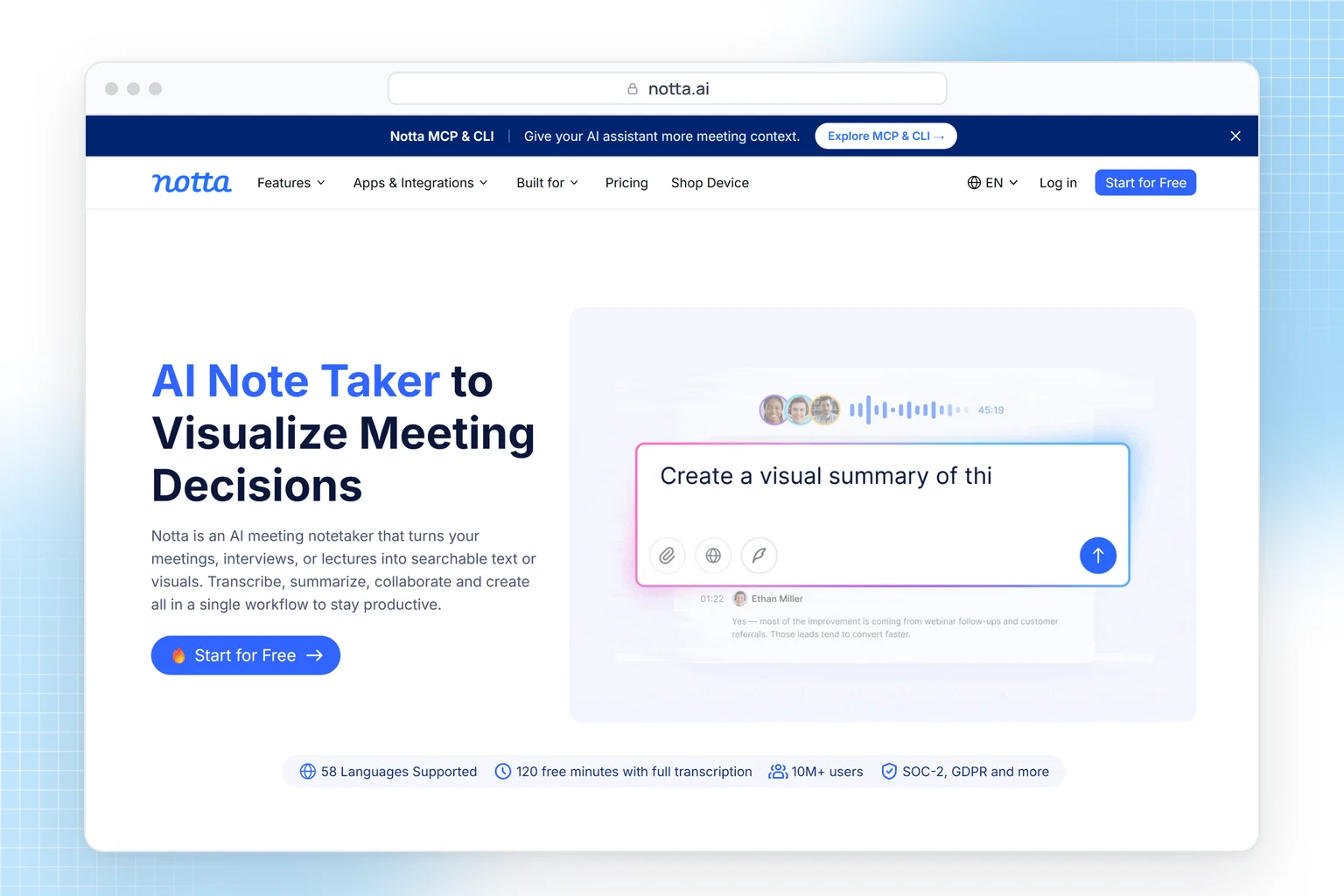
It turns your meetings into slides, infographics and follow-up emails.
Custom vocabulary and certifications
A word list for English and Japanese, SOC 2 Type II and ISO 27001, and SSO on Enterprise.
HypeScribe has no word list and doesn't list certifications or SSO.
Where HypeScribe is better
Links from many sites, with speakers
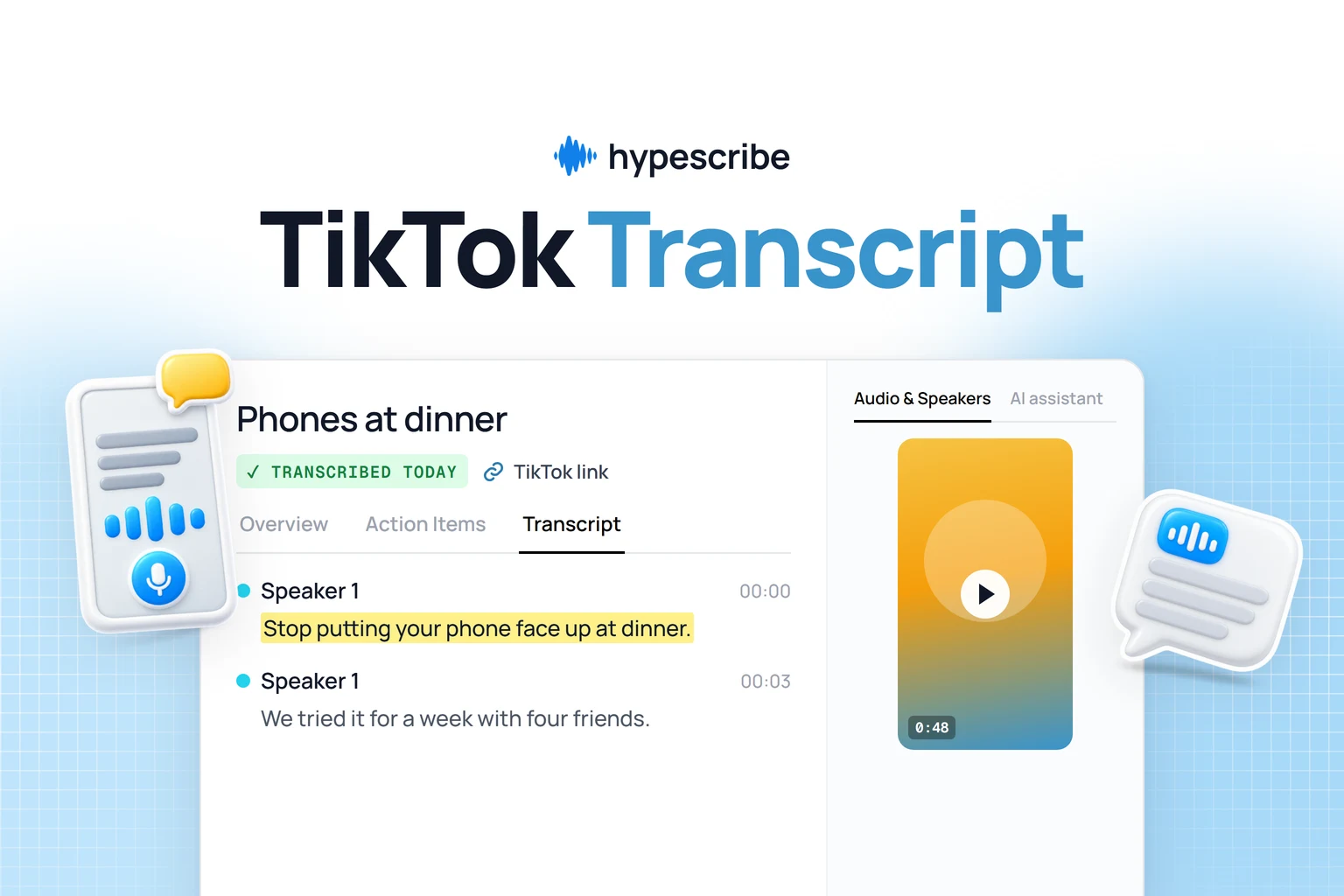
HypeScribe's Transcribe by URL takes public videos from YouTube, TikTok, Instagram, X, Facebook, Reddit, Vimeo, Twitch, Loom, SoundCloud and Google Drive, and direct links to audio or video files, and splits the transcript by speaker.
Notta takes YouTube, Google Drive and Dropbox links, without speaker labels, and can't play back YouTube audio.
Action items come as a checklist, and everything goes where your team works:RecapSlack, Telegram or GmailTasksLinear, Jira, GitHub, Asana, Trello, Todoist, Monday.com, Motion or Notion Press Send, ask the AI chat, or send new recordings automatically.
AI chat on the model you pick
Ask a recording anything with GPT, Claude, Grok or DeepSeek, then find the line in the transcript and press Play from here to hear it.
Notta Brain's monthly credits cover about 10 questions; more cost extra.
An API
HypeScribe gives you API keys for your own scripts, and MCP for Claude, ChatGPT, Claude Code, Codex and Cursor.
Notta has MCP and a command-line tool, but doesn't document a public API.
Privacy
HypeScribe doesn't see or store your recordings, and you can delete your transcripts at any time.
Nobody on the team watches, listens to or reads them, and they are never used to train AI.
Files are encrypted, and a transcript stays private until you share it.
Have a TikTok, Vimeo or Loom link? Paste it and get the transcript with speakers, the overview and action items. 7-day trial, then paid plans.
120 minutes a month, but only the first 3 minutes of each recording; 10 AI notes a month; no export
Pro
$13.49
$8.17 a month ($97.99 a year)
1,800 minutes a month, 5 hours per recording, export, transcript translation, Privacy Mode
Business
$27.99 per seat
$16.67 per seat a month
Unlimited transcription, 200 AI notes a month, Zapier and CRM, shared workspace
Enterprise
Ask sales
Ask sales
From 51 seats: SSO, audit logs, auto deletion, "no data training"
About the free plan. Notta's homepage promises 120 free minutes with full transcription. The pricing page is more precise: 120 minutes a month, but you can read only the first 3 minutes of each recording, so a 40-minute interview shows its first 3 minutes. It works for short recordings and for testing accuracy on your audio; for longer ones you need Pro.
Prices are in US dollars. Free, Pro and Business also cap file uploads at 50, 100 and 200 a month (on Business per seat), and with speaker labels on, an upload can be up to 3 hours instead of 5. The 7-day Business trial needs a payment method and renews to Business monthly. HypeScribe has a 7-day trial, then paid plans.
Moving from Notta to HypeScribe
1
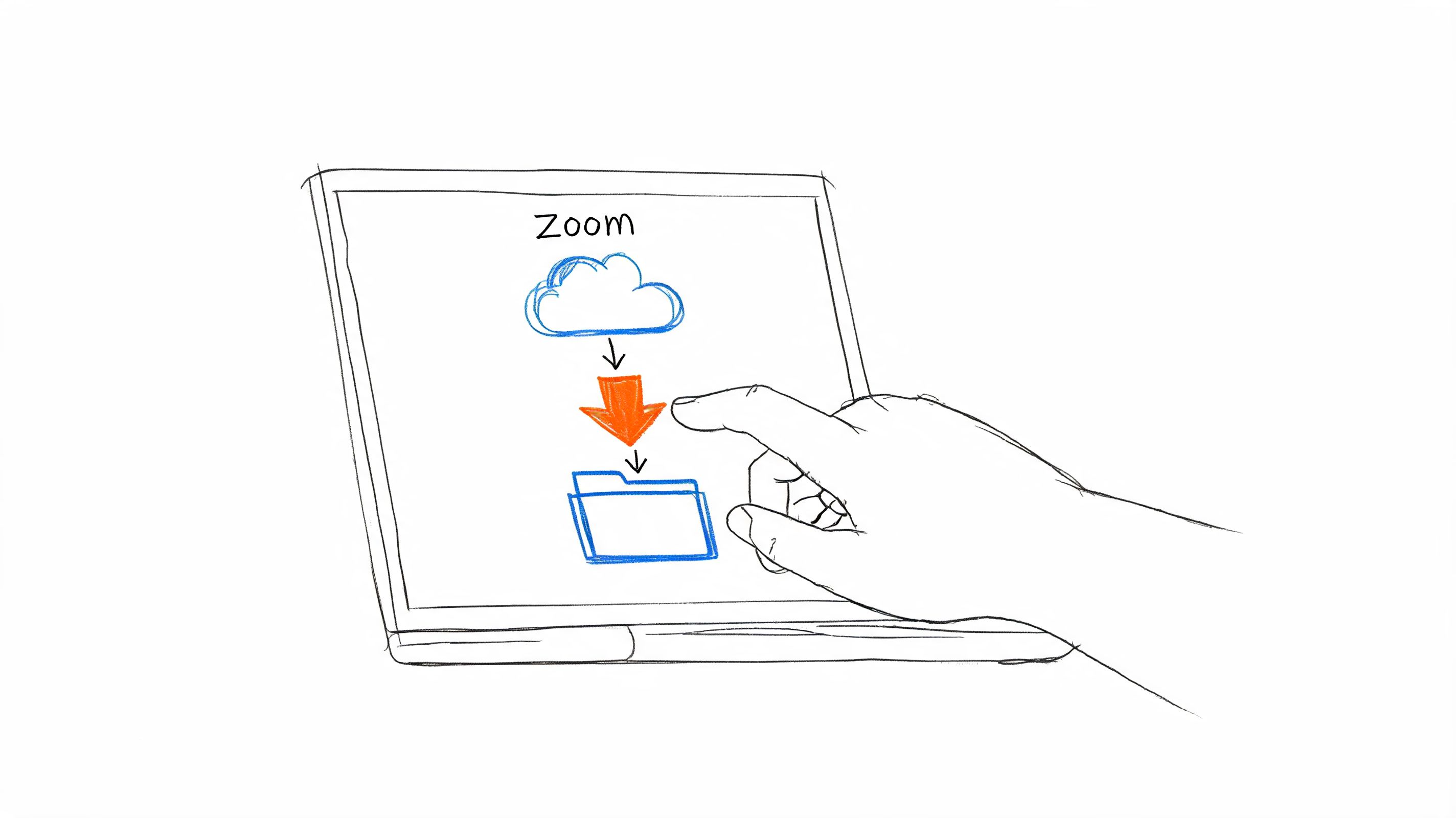
Download your recordings
On Pro and up, open a record and download the audio (MP3 or WAV) or video (MP4), or select up to 10 records for a batch download. Folders can't be downloaded in one go. Do this before a paid plan ends: after it, you can read only the first 3 minutes of each transcript.
2
Upload them to HypeScribe
Choose Transcribe file and add the recordings, forward them to your private HypeScribe email address, or paste the original YouTube link into Transcribe by URL. HypeScribe transcribes them again; Notta's text doesn't carry over.
3
Move your meetings
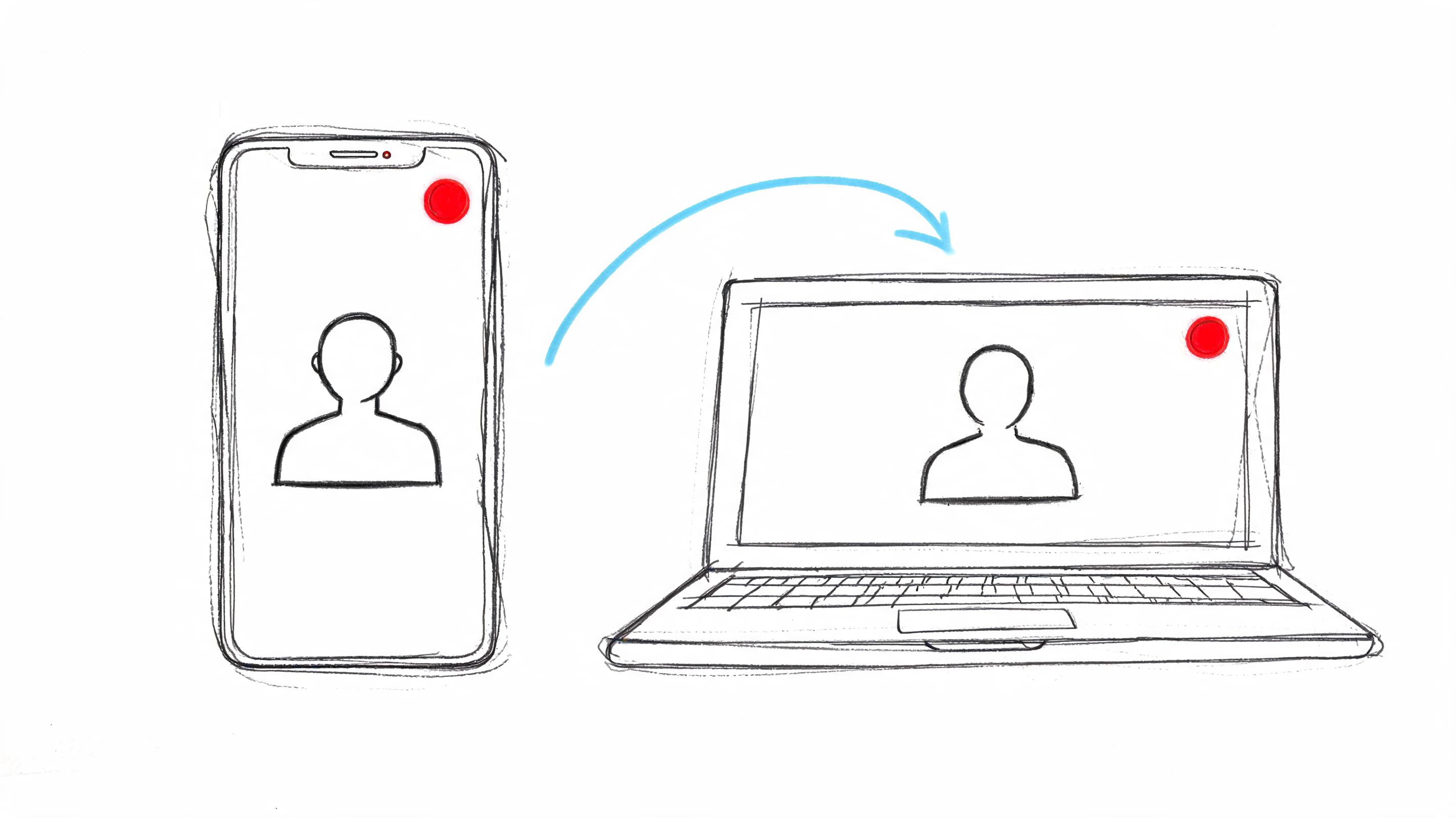
Press Meeting notes and paste the link of your next Zoom, Google Meet or Teams call, or connect Google Calendar and turn on auto-join (it's off by default).
You get a transcript with speakers, an overview and action items you can send to Slack, Notion or Linear. Try HypeScribe for a week before you pick a plan.
Yes, if you need links from more sites than YouTube, a language beyond Notta's 58, speaker labels on link imports, or tasks sent to your tracker. If you need live translation, native apps or on-device transcription, Notta fits better.
Is Notta free?
It has a free plan with 120 minutes a month. Only the first 3 minutes of each recording are readable, and there's no export.
Notta vs Happy Scribe: which is better for interviews?
Happy Scribe, if a person has to check the transcript: it offers that in 65+ languages, from $2.00 a minute for English. Notta, for live interviews and translation. The table above compares both with HypeScribe.
Can I move my Notta recordings to HypeScribe?
Yes, on a paid Notta plan: download the audio or video, up to 10 records at a time, and upload it to HypeScribe, which transcribes it again.
We checked Notta's pricing page, help center and product pages on November 4, 2026. Prices and features change often. If something here is out of date, email support@hypescribe.com and we'll fix it.