Sonix Alternatives: HypeScribe vs Sonix Compared (2026)
Article
Sonix Alternatives: HypeScribe vs Sonix Compared (2026)
Author:
Igor Trunin
CMO at HypeScribe
November 4, 2026
Choose Sonix if you translate and subtitle recordings, send transcripts into Premiere, Final Cut or NVivo, or need HIPAA and a SOC 2 report.
Choose HypeScribe if you want an overview and action items from every call, interview, lecture or video link, sent to Slack, Linear or Jira.
Both take files and video links, label speakers and let you correct the transcript against the audio. Sonix prices by hours of audio; HypeScribe has a 7-day trial, then paid plans.
Sonix or HypeScribe
Who each one is for
Pick Sonix if
You translate and subtitle54+ languages, timing editor, burned-in captions
The transcript goes into an editorExports for Premiere, Final Cut, Avid, NVivo, MAXQDA
You need HIPAA or a SOC 2 reportMedical model and BAA; SOC 2 Type 2
Pick HypeScribe if
You record calls and interviewsNotetaker for Zoom, Meet and Teams; Live Record in the room
You need more than 54 languages99+ languages; Sonix lists 54+
You want notes and tasks every timeOverview and action items, sent to Slack, Linear or Jira
HypeScribe vs Sonix at a glance
HypeScribe
Sonix
Built for
Meetings, interviews, lectures and videos you take notes from
Transcripts, translation and subtitles for media, research and legal work
How to try it
7-day trial, then paid plans
30 free minutes once, then 5, 20 or 40 hours a month or $10 an hour
Upload files
From a computer or phone
Up to 16 GB or 8 hours per file; Google Drive, Dropbox, OneDrive, Box
Paste a link
YouTube, TikTok, Instagram, X, Vimeo, Loom, Google Drive and more
Public video links, including YouTube on paid plans
Notetaker for calls
Zoom, Google Meet, Teams; can join from Google Calendar once you turn it on
On Pro ($80 a month) and Enterprise, with a live transcript; you paste each link
Record in the browser
Live Record on a laptop or phone
Not listed
Languages
99+
54+
Translation
Overview and action items
Full transcripts into 54+ languages, side by side
Summary and action items
For every recording
AI Workspaces on subscriptions; not on Pay As You Go
Subtitles
SRT export
SRT, VTT, TTML, FCPXML; timing editor, styling, burned-in video
30+: Premiere, Final Cut, Avid, NVivo, MAXQDA, Zapier, Clio
MCP and API
MCP that can also start transcriptions; API keys
API and Zapier from Core; MCP that reads and exports
Privacy and compliance
Recordings never used to train AI
Never trains on your files; SOC 2 Type 2; HIPAA with a BAA
Where Sonix is better
Translation
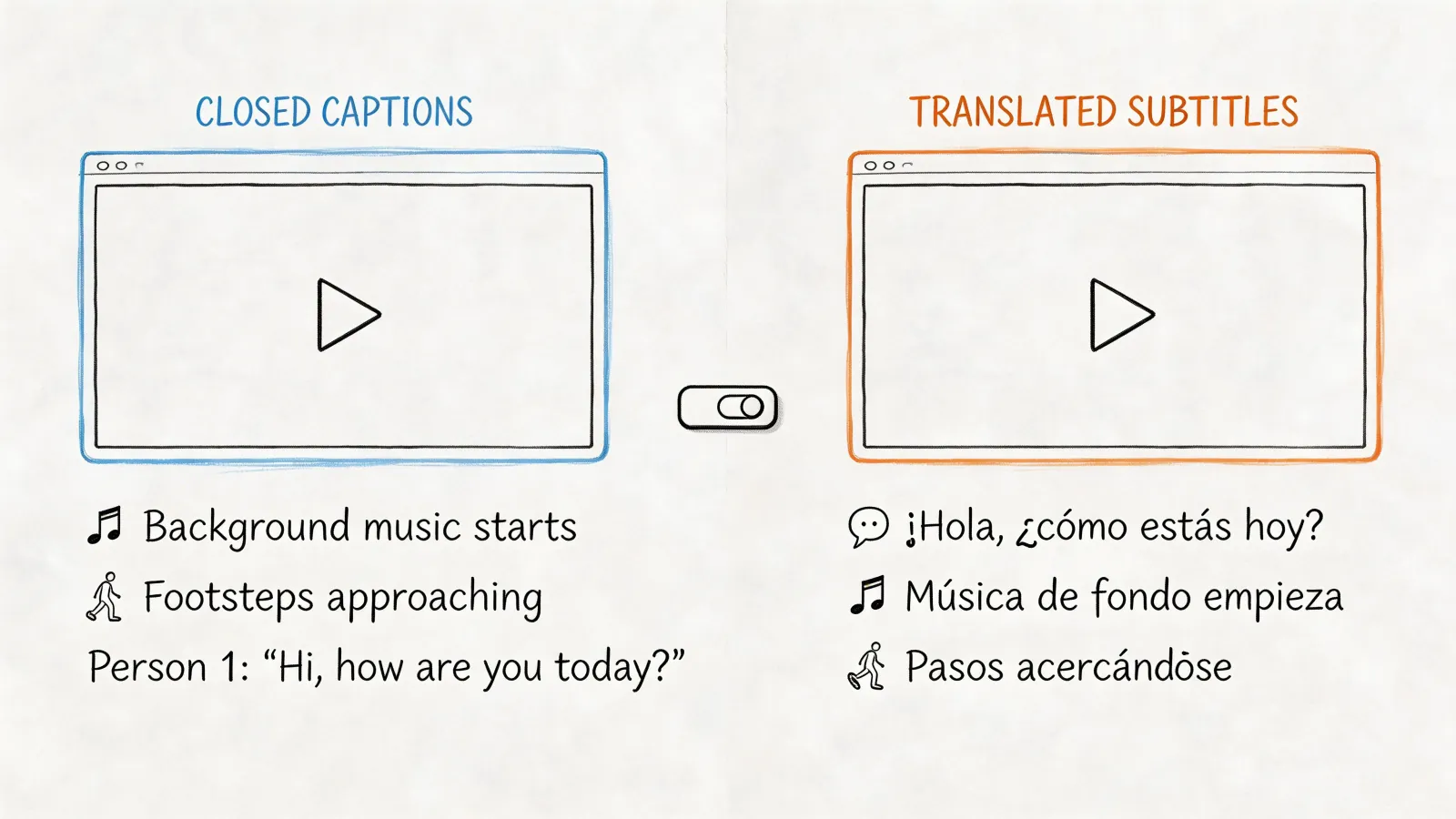
Every plan, even Pay As You Go, translates a transcript into 54+ languages, with the original and the translation side by side and translated subtitles.
HypeScribe translates only the overview and action items.
Subtitle work
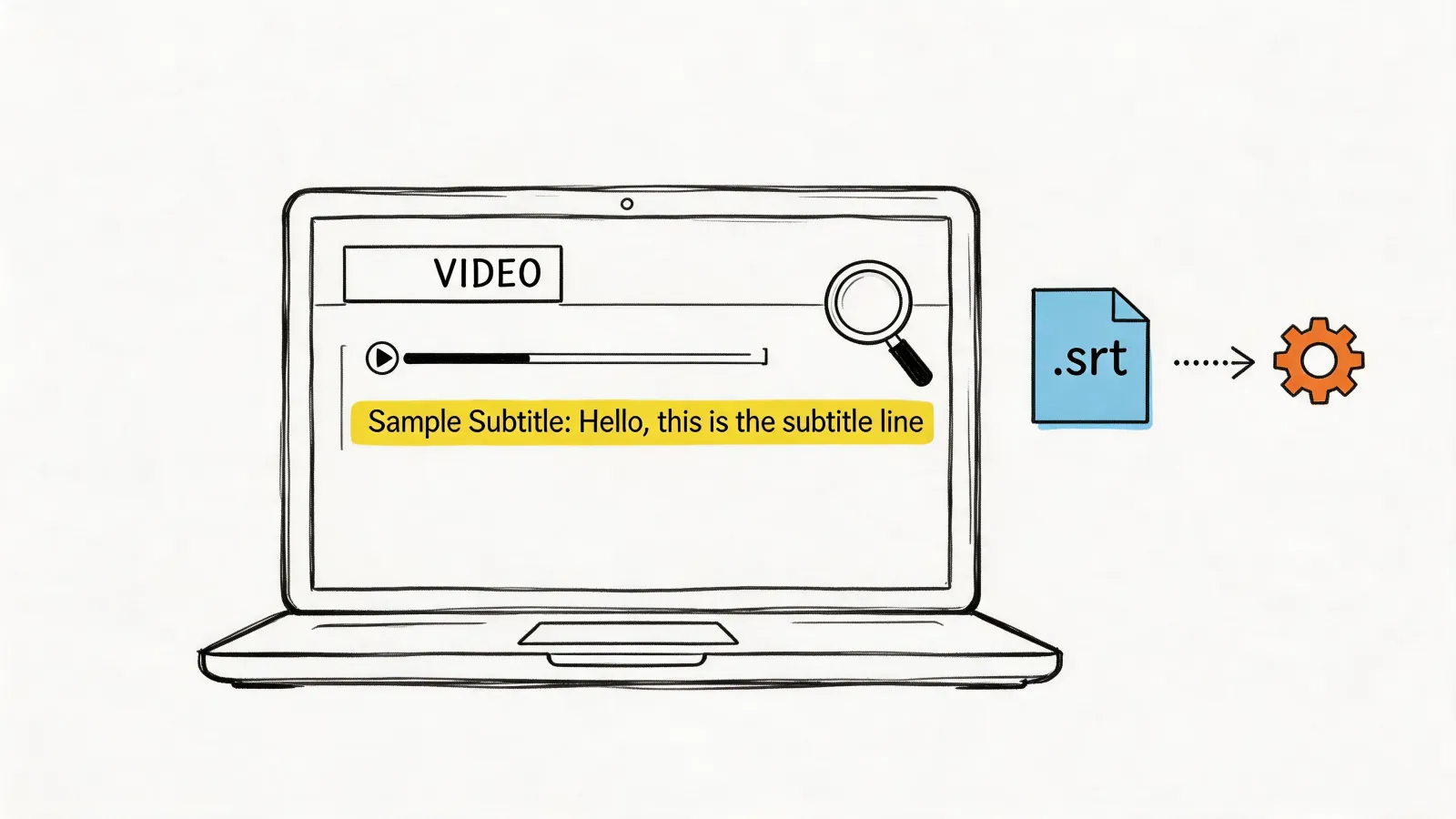
Cue-length controls, a visual timing editor, styling, and burned-in subtitles from Core.
HypeScribe exports SRT.
Exports into other tools
Premiere, Final Cut Pro, Audition, Avid and DaVinci for video, and NVivo, Atlas.ti and MAXQDA for research.
Team editing and accuracy controls
Comments and editing together on every plan, a custom dictionary of up to 400 terms, and from Advanced, voiceprints that remember speakers across files, version history and permissions.
HypeScribe has no custom vocabulary.
Compliance and developer access
SOC 2 Type 2, HIPAA with a BAA and a medical model, an API and Zapier from $25 a month, webhooks on Pro.
HypeScribe doesn't list these certifications and has no Zapier.
Questions across documents
AI Workspaces search transcripts together with PDF and Word files and cite the moment in the recording.
Where HypeScribe is better
Calls on any plan
In HypeScribe, press Meeting notes and paste a Zoom, Google Meet or Teams link, or connect Google Calendar and turn on auto-join.
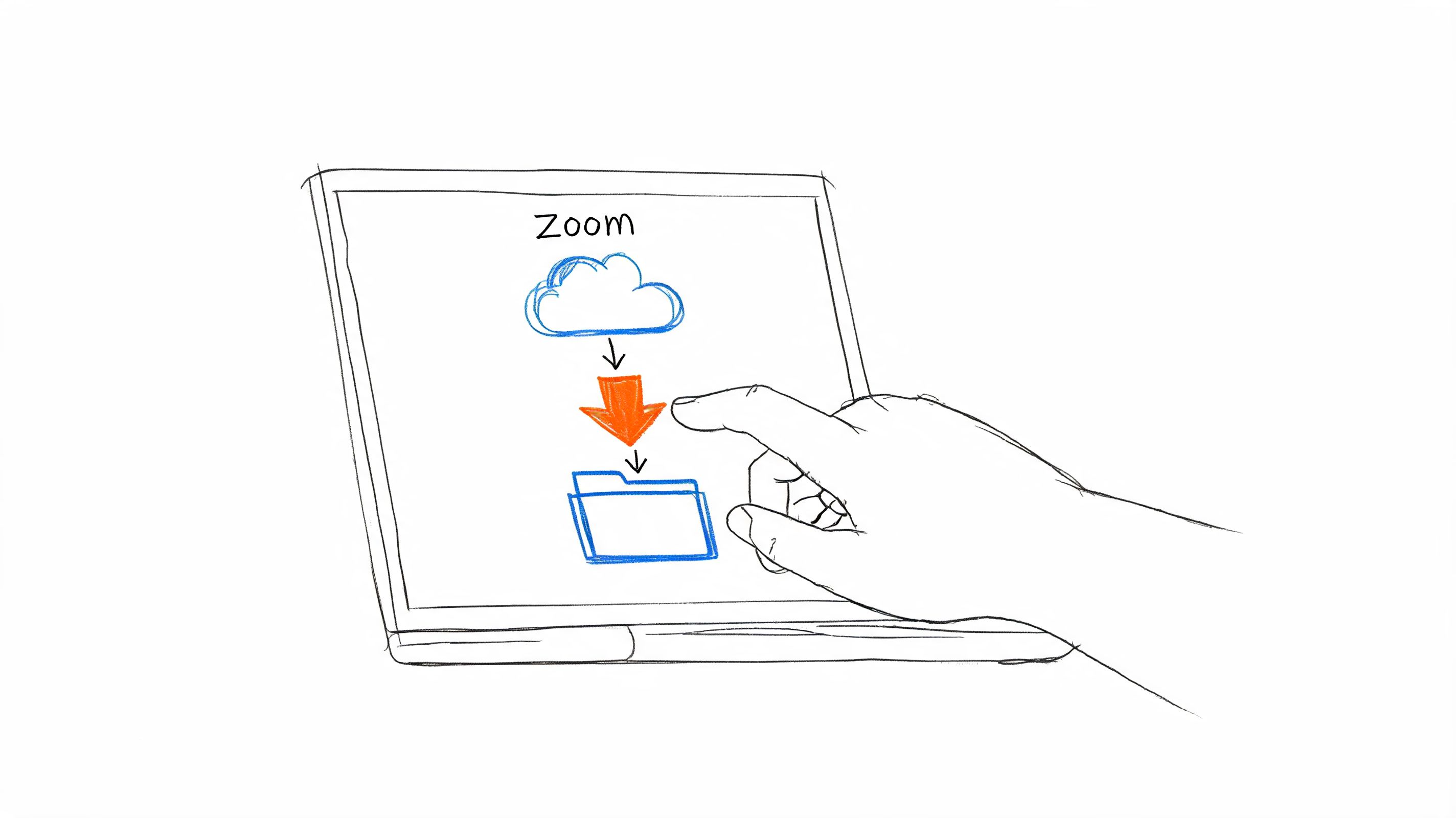
Sonix's meeting recorder comes with Pro, at $80 a month, and shows a live transcript, but it has no calendar access, so you paste every meeting link; on other plans Sonix imports Zoom cloud recordings.
Meetings in a room
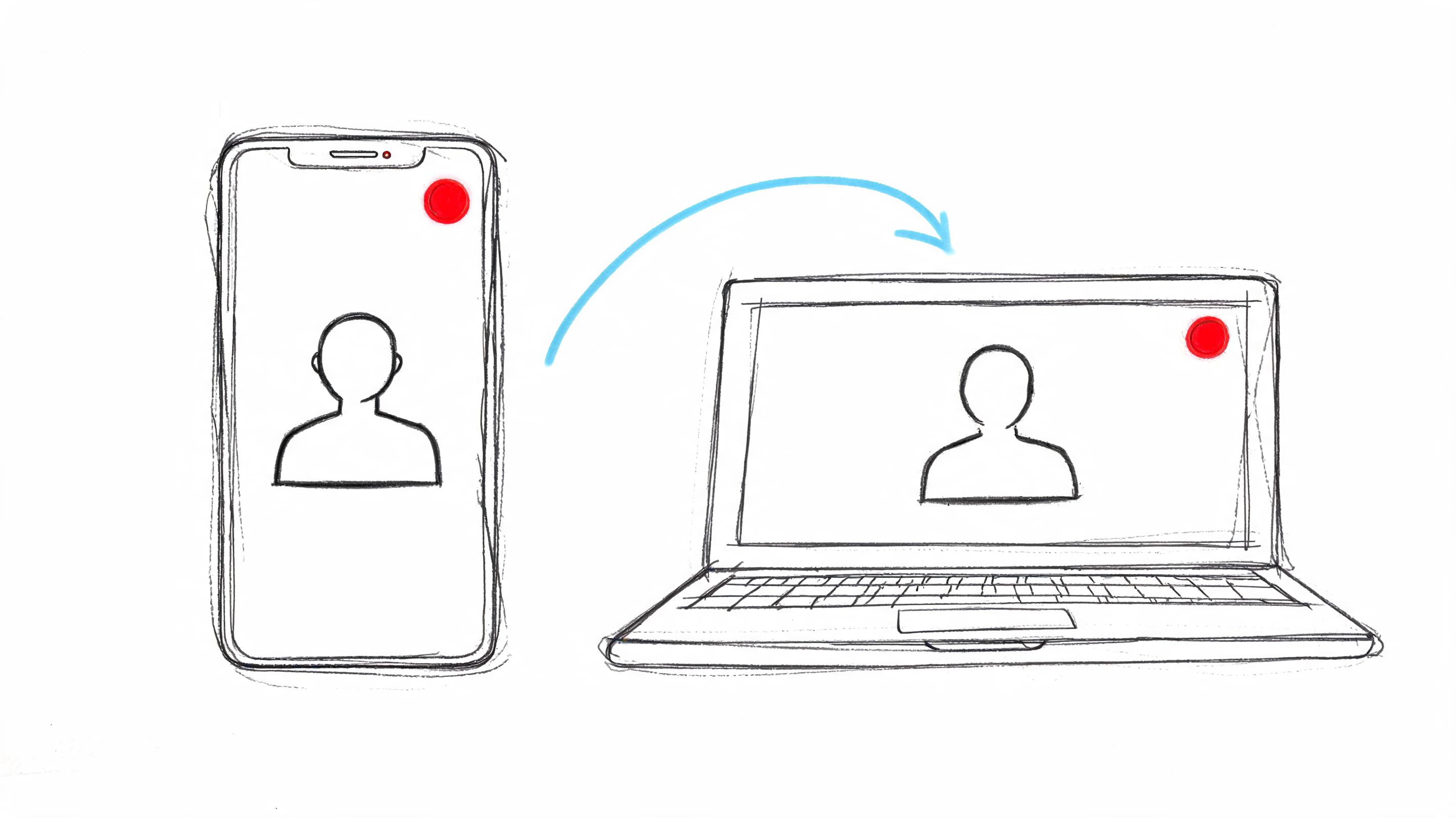
Live Record uses your laptop's or phone's microphone in the browser.
Sonix asks you to record elsewhere and upload.
Notes from every recording
Each recording gets an overview, an outline and an action-item checklist.
In Sonix, summaries and action items run in AI Workspaces, which use a separate monthly allowance and aren't on Pay As You Go.
Tasks where your team works
Everything goes where your team works:RecapSlack, Telegram or GmailTasksLinear, Jira, GitHub, Asana, Trello or NotionCall notesHubSpot Press Send, ask the AI chat, or send new recordings automatically.
How the hours work. Each subscription includes hours a month: 5 on Core, 20 on Advanced, 40 on Pro. Transcription, translation, alignment and burned-in subtitles all draw from that pool. Extra hours cost $10 each, billed to the second, and extra seats don't add hours. Summaries and AI questions have their own allowance: 5, 25 or 100 AI hours a month. Two hour-long calls a day, transcription alone, use up Core in under three days and Pro in about four working weeks.
Prices are in US dollars, from Sonix's pricing page. The trial is 30 free minutes once; the pricing page says no card is needed, while a help article updated in October says a card is required. After you cancel, transcripts stay but the original media is compressed unless you pay for storage.
Sonix alternatives
Sonix alternative
Pick it for
Free plan or trial
Compared with HypeScribe
HypeScribeOur pick
Calls, rooms and links turned into notes and tasks
7-day trial, then paid plans
This page
Happy Scribe
Subtitles and human transcription in 65+ languages
Use Export All Transcripts on the homepage, or one folder at a time, and download the original media before you cancel, while it's still uncompressed.
2
Upload the recordings to HypeScribe
Choose Transcribe file, forward the files to your private HypeScribe email address, or paste the original link into Transcribe by URL. HypeScribe transcribes them again and builds the overview and action items; your edits and speaker names in Sonix don't carry over.
3
Add your calls
Press Meeting notes and paste the link of your next Zoom, Google Meet or Teams call, or connect Google Calendar and turn on auto-join.
Paste a link or upload a file
See the notes from your own recording
You get a transcript with speakers, an overview and action items you can send to Slack, Notion or Linear. Try HypeScribe for a week before you pick a plan.
For meetings and notes, HypeScribe. For subtitles and human transcription, Happy Scribe. For a big archive at a flat price, TurboScribe. For human-checked legal transcripts, Rev.
Is Sonix free?
No. New accounts get 30 free minutes once; after that you pay $10 an hour or subscribe from $25 a month.
Can I move my Sonix files to HypeScribe?
Yes. Export your transcripts and media from Sonix and upload the media to HypeScribe, which transcribes it again.
We checked Sonix's pricing page, help center and product pages on November 4, 2026. Prices and features change often. If something here is out of date, email support@hypescribe.com and we'll fix it.