Unlocking Performance with Sales Call Recording Software

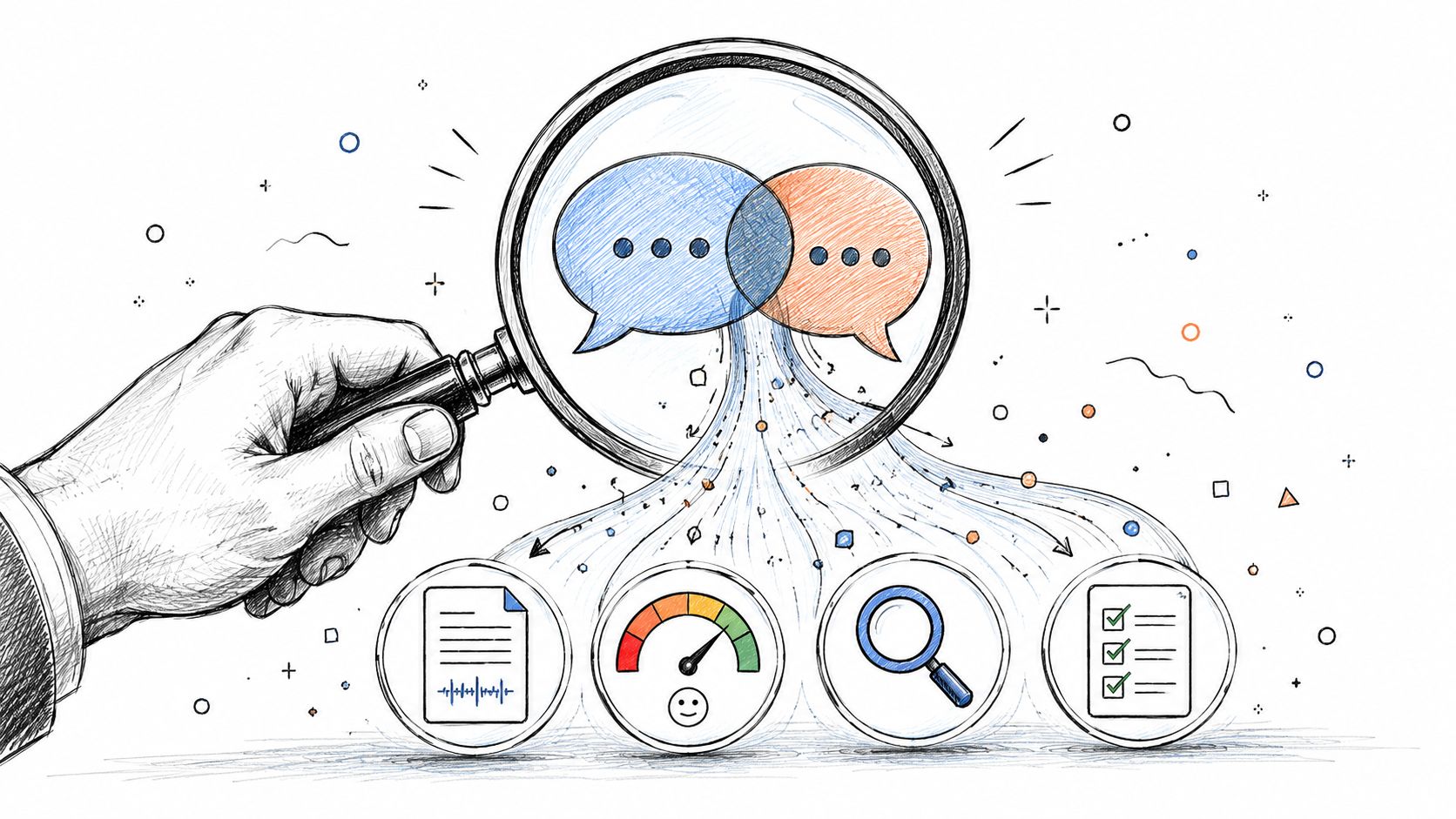
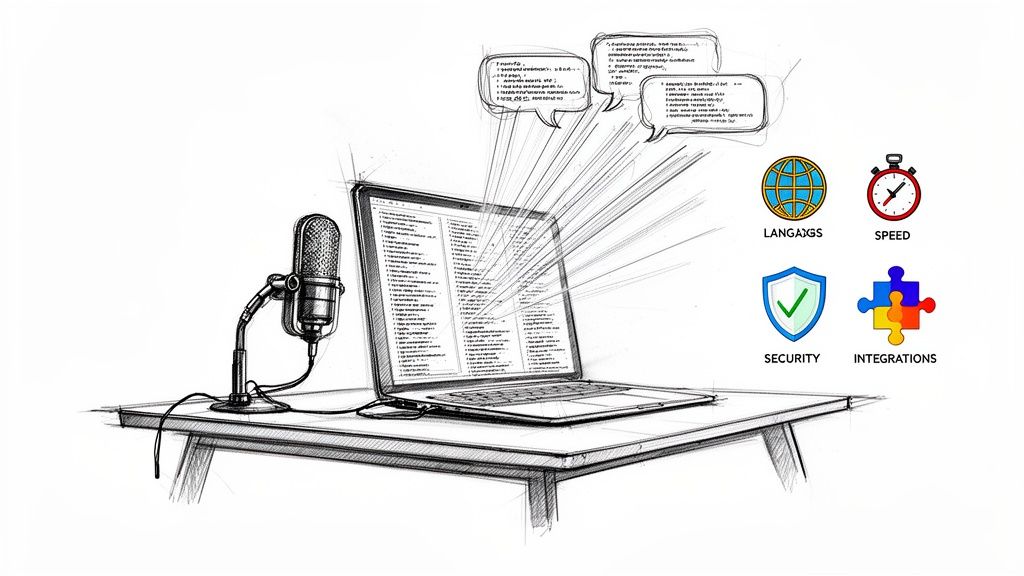
Think of it like having a game tape for every single sales call. That’s the simplest way to understand sales call recording software. This isn't just about hitting a record button; it’s a powerful tool that captures, sorts, and analyzes every conversation to help you figure out what actually closes deals.
What Is Sales Call Recording Software Really Used For?
At its core, this software automatically records calls and online meetings between your sales team and their prospects. But to call it just a recording device is like calling a modern smartphone just a phone. The real magic is in what you can do with those recordings.
These platforms turn hours of conversation into a searchable, analyzable goldmine. Instead of relying on a rep's fuzzy memory or scribbled notes, you get a perfect, unbiased record of every single interaction. This creates a single source of truth you can go back to anytime.
Beyond Simple Recording
Today's tools are so much more than just audio files. They have evolved into sophisticated business intelligence platforms that offer value across the entire company.
Here’s a look at how different teams benefit:
- For Sales Reps: They can finally coach themselves. Reps can review their own calls to see what worked and what didn't, fine-tuning their pitch without having to wait for a manager’s feedback.
- For Sales Managers: Coaching stops being vague and becomes laser-focused. Instead of saying, "You need to work on handling objections," a manager can pull up a specific call, jump to the 25:15 mark, and workshop a better response right there.
- For Operations Teams: The recordings are a direct line to unfiltered customer feedback. This is invaluable for refining marketing messages, spotting common pain points, and making the entire customer experience better.
The rapid adoption of these tools shows just how crucial they've become. The global call recording software market was valued at around USD 4.28 billion and is projected to hit USD 9.36 billion by 2031. That kind of growth highlights a massive shift in how modern sales teams operate. You can see more details about the call recording software market trends and projections on datainsightsreports.com.
Building a Foundation for Quality
Ultimately, this software gives you the raw material to improve every single customer-facing process. It’s the bedrock for effective coaching, consistent messaging, and solid quality assurance.
By knowing exactly what’s being said on every call, you can stop guessing and start making decisions based on hard evidence. To see how this plays out in a broader context, take a look at our guide on implementing call center quality assurance. It's all about moving from abstract advice to real, measurable improvement.
What Real-World Benefits Can You Expect?
When you start recording sales calls, you’re doing a lot more than just capturing audio. You’re building an engine for real, measurable growth. The technology is impressive, but the results it creates for your sales team are what truly matter. Think of it as creating a constant feedback loop where every conversation becomes a lesson.
One of the first things you'll notice is a huge improvement in sales coaching. Vague advice like “build better rapport” or “be more assertive” just doesn’t cut it anymore. Managers can finally stop guessing and start giving specific, evidence-based feedback.
Imagine being able to point to the exact minute and second in a call where a rep missed a clear buying signal. Instead of relying on hazy memories, a manager can just share a link to that moment. They can listen together and brainstorm a better way to handle it next time. This turns coaching from a once-a-quarter chore into a powerful, everyday habit.
Clone Your Top Performers
Every sales floor has one—that rep who just nails it, every time. They crush their quota, handle tough questions like a pro, and always seem to know exactly what to say. What if you could bottle up their secret sauce?
With call recording software, you actually can. By digging into the calls of your best reps, you can create a library of "golden calls" that break down what makes them so successful.
You can finally see—and replicate—their magic by identifying:
- Winning Talk Tracks: Pinpoint the exact words they use to open calls, demonstrate value, and close the deal.
- Objection Handling Techniques: Build a playbook from real examples of how they handle pushback on price, timing, or competitors.
- Pacing and Tonality: Understand the rhythm and tone they use to build trust and keep prospects leaning in.
This isn’t about just celebrating individual talent; it’s about creating a system that lifts the performance of your entire team.
By capturing and analyzing every interaction, you create an invaluable repository of institutional knowledge. This allows you to identify what separates your top reps from the rest and turn those behaviors into a repeatable, teachable process for everyone.
Get New Hires Hitting Quota Faster
Onboarding a new sales rep is notoriously slow and expensive. They spend their first few weeks shadowing calls and reading through binders, but most of it is passive learning. Call recording software flips the script by creating an active, on-demand training bootcamp.
Instead of just listening in on live calls, new hires can dive into a curated playlist of your team's greatest hits. They can study expert discovery calls, flawless demos, and masterful negotiations whenever they want. They’re absorbing proven tactics from your best people on day one, which slashes their ramp-up time and gets them producing revenue much, much faster.
This whole approach is a cornerstone of conversation intelligence, a field dedicated to pulling actionable insights out of customer conversations. If you want to go deeper, our guide on what is conversation intelligence is a great place to start. When you combine sales call recordings with advanced voice analytics software, you can uncover even deeper patterns and turn raw audio into winning strategies.
Reduce Risk and Stay Compliant
In today’s world, having an accurate record of customer conversations is non-negotiable. Sales call recordings act as a source of truth, protecting both your business and your customers.
If a dispute ever comes up over pricing, contract terms, or something promised on a call, the recording provides instant clarity. It puts an end to the "he said, she said" back-and-forth and helps you find a fair resolution quickly. This is absolutely critical in regulated industries where you have to prove you’re following scripts and disclosure rules. It’s your safety net.
Must-Have Features in Modern Call Recording Tools
Choosing the right sales call recording software is about so much more than just hitting the record button. While basic recording is the starting point, the real power comes from a set of features that turn raw audio into a goldmine of business intelligence. Think of it like buying a car: the engine gets you on the road, but it's the navigation, safety features, and driver assists that actually make for a great ride.
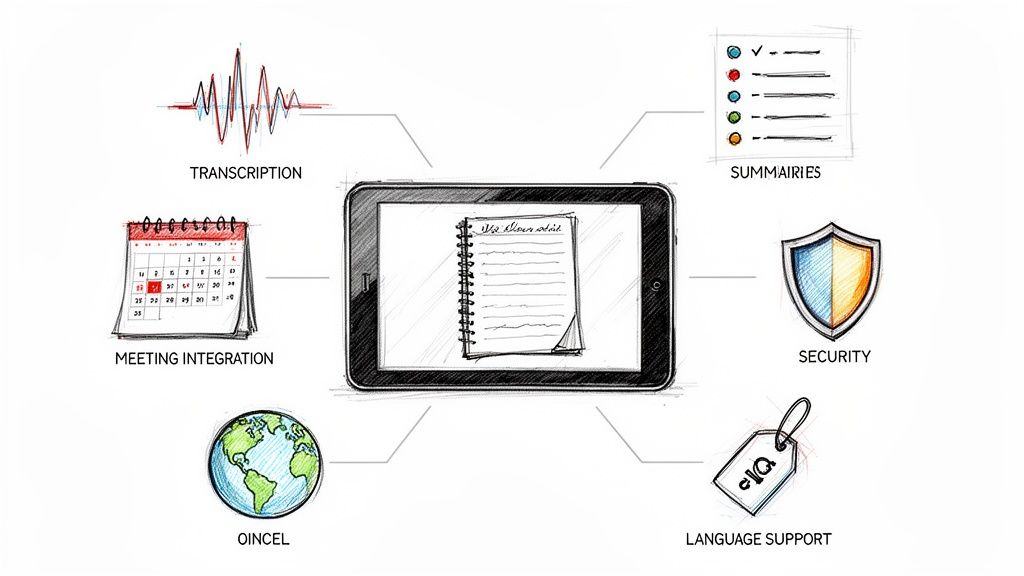
Modern platforms are loaded with capabilities built to save time, spot hidden opportunities, and drive your team's performance. When you're weighing your options, these are the non-negotiable features that separate a simple recording tool from a strategic sales platform.
AI-Powered Transcription and Searchability
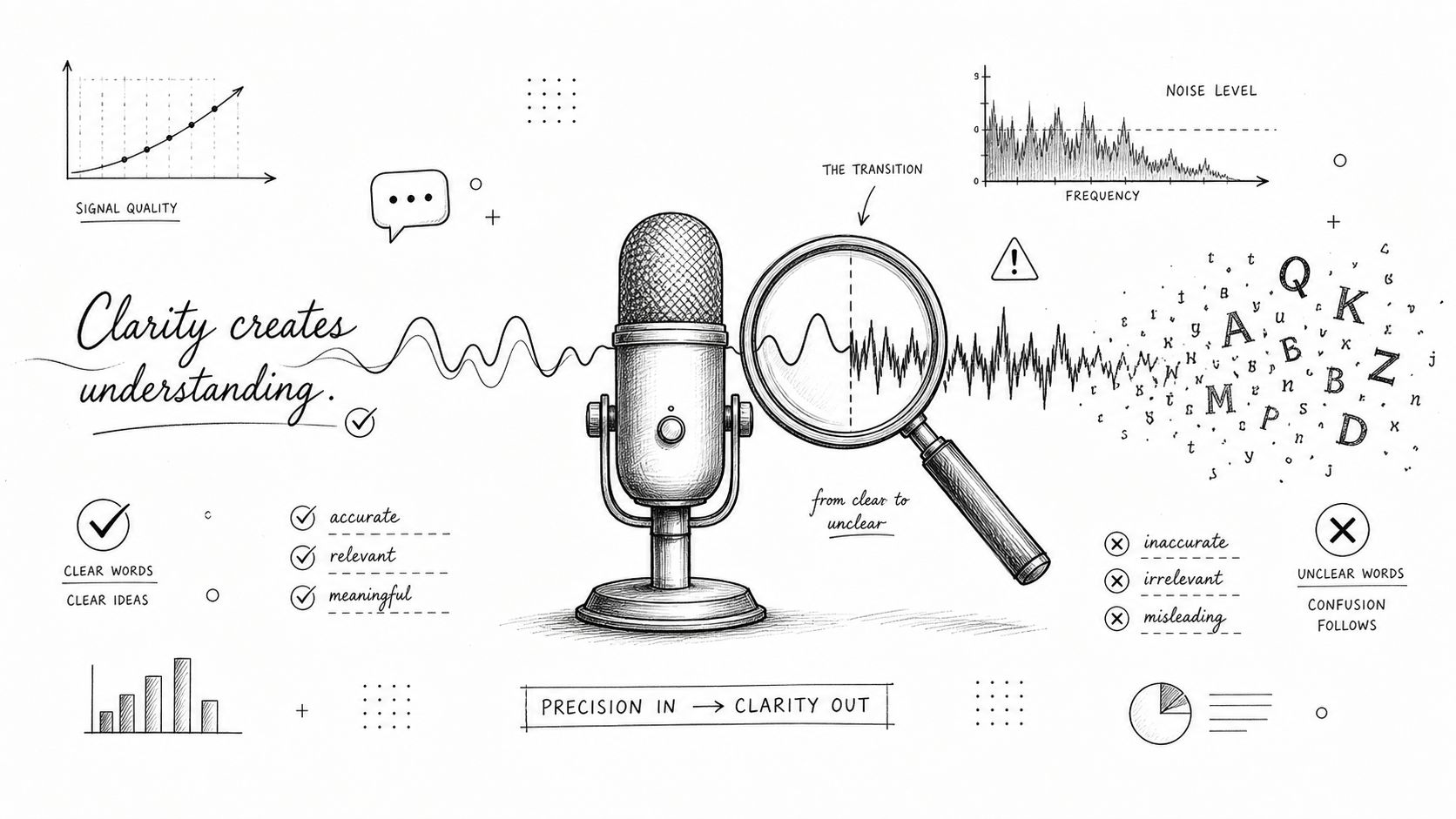
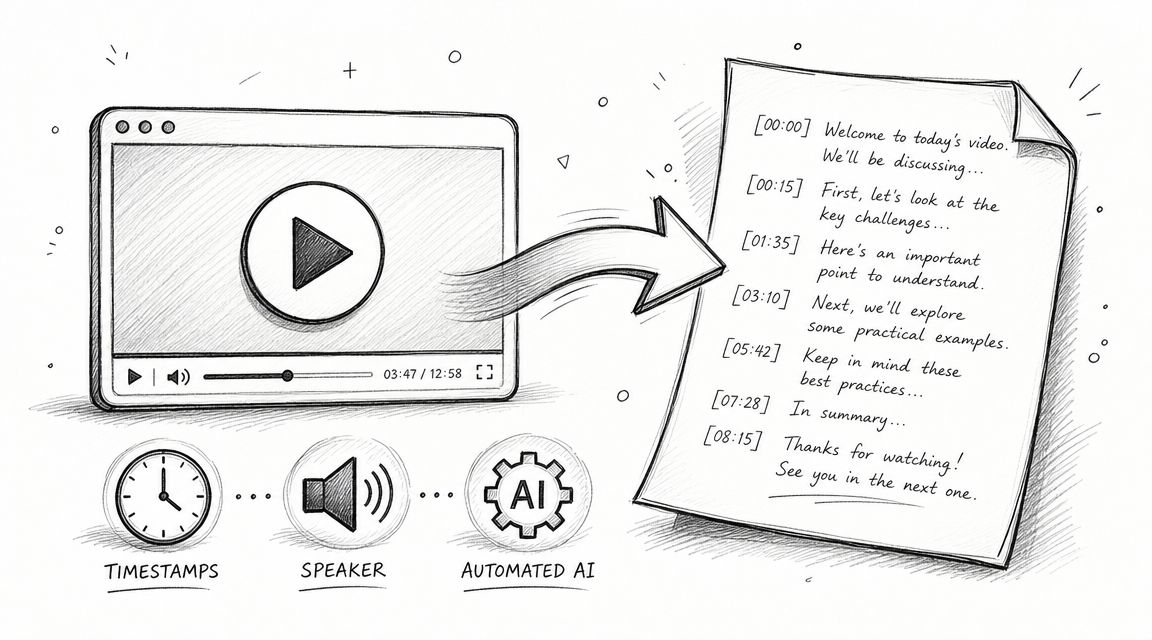
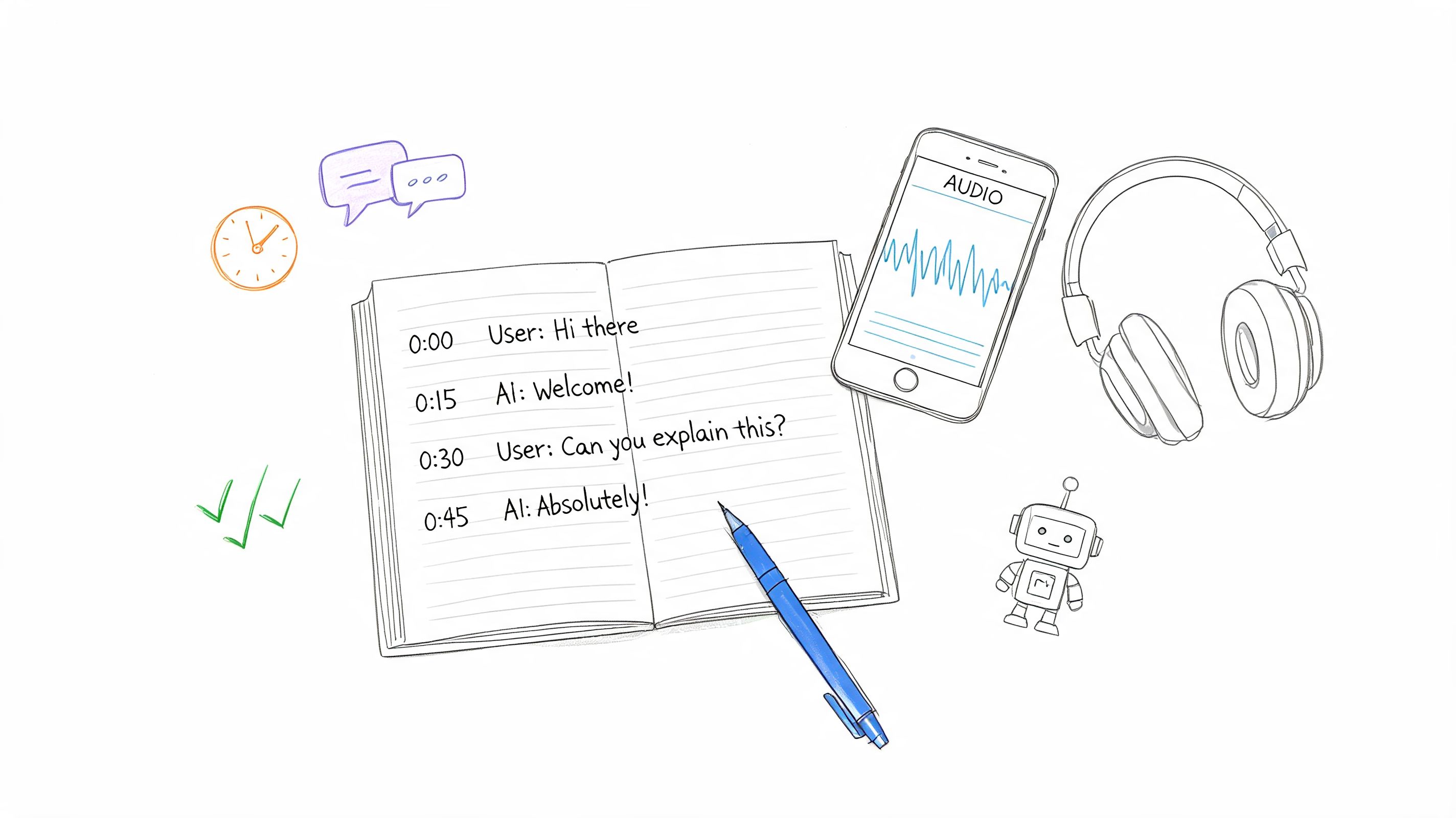
The single most important feature, right after recording itself, is high-accuracy, AI-powered transcription. Without it, you’re left with a digital library of audio files that are a pain to navigate and impossible to analyze efficiently. Transcription turns every spoken word into searchable text, making your entire archive of conversations instantly accessible.
This is the key that unlocks everything else. Instead of spending hours scrubbing through a recording to find that one key moment, you can just type in a keyword like "pricing objection" or a competitor's name. The software will instantly pull up every single time it was mentioned, across all your calls. To get a broader look at this technology, our guide on various meeting transcription software options offers some great context.
A searchable transcript is the bedrock of modern sales coaching and analysis. It transforms your call library from a passive archive into an active, queryable database of customer intelligence.
Conversation Intelligence and Analytics
This is where the software really starts to do the heavy lifting for you. Conversation intelligence uses AI to analyze not just what was said, but the context behind it, automatically pulling out the insights that matter most.
Look for tools that can deliver:
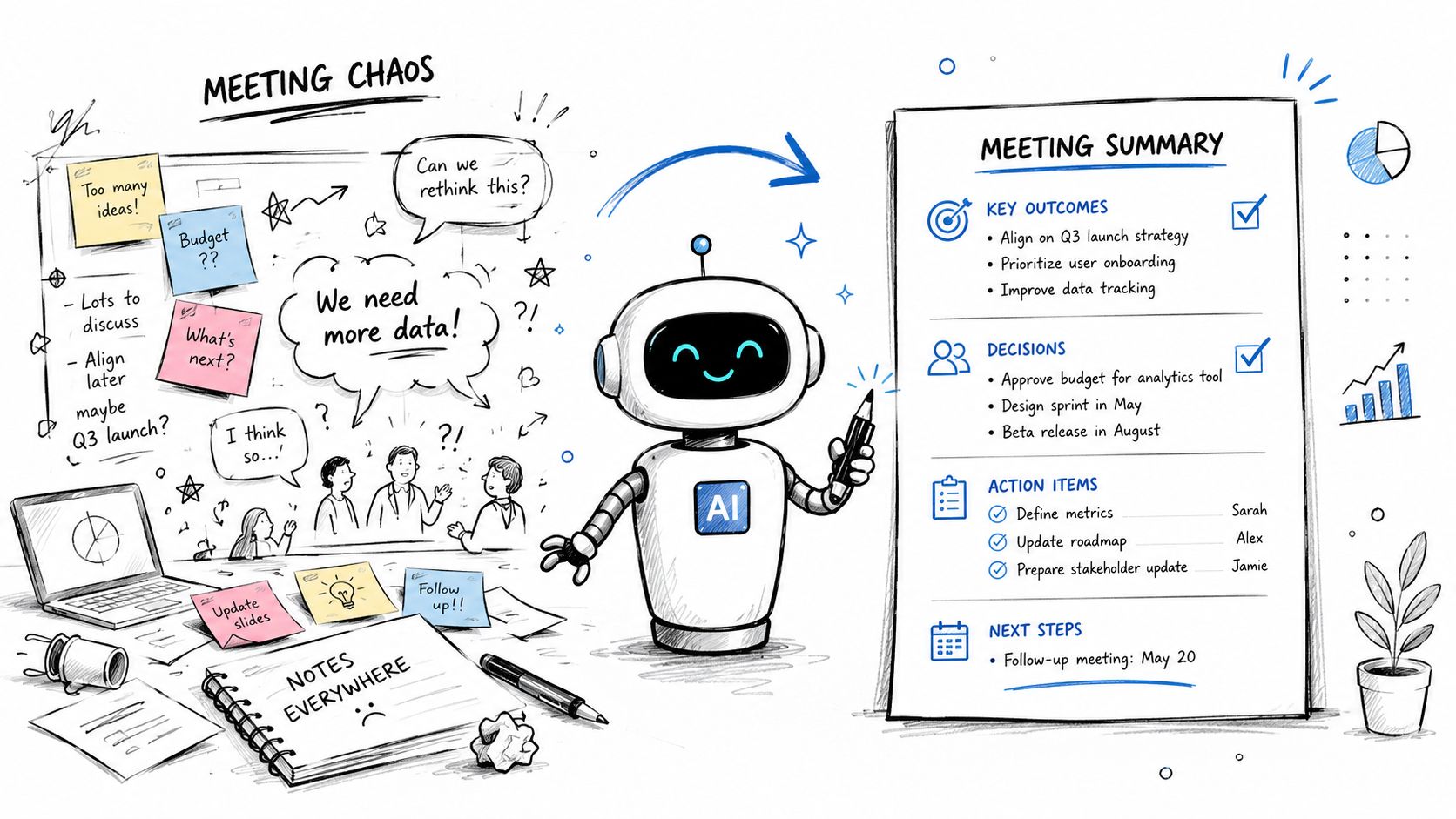
- Automated Summaries: AI generates a quick, clean summary of every call, highlighting the main topics, action items, and final outcomes. This saves reps a ton of time on manual note-taking and lets managers get the gist of a call in seconds.
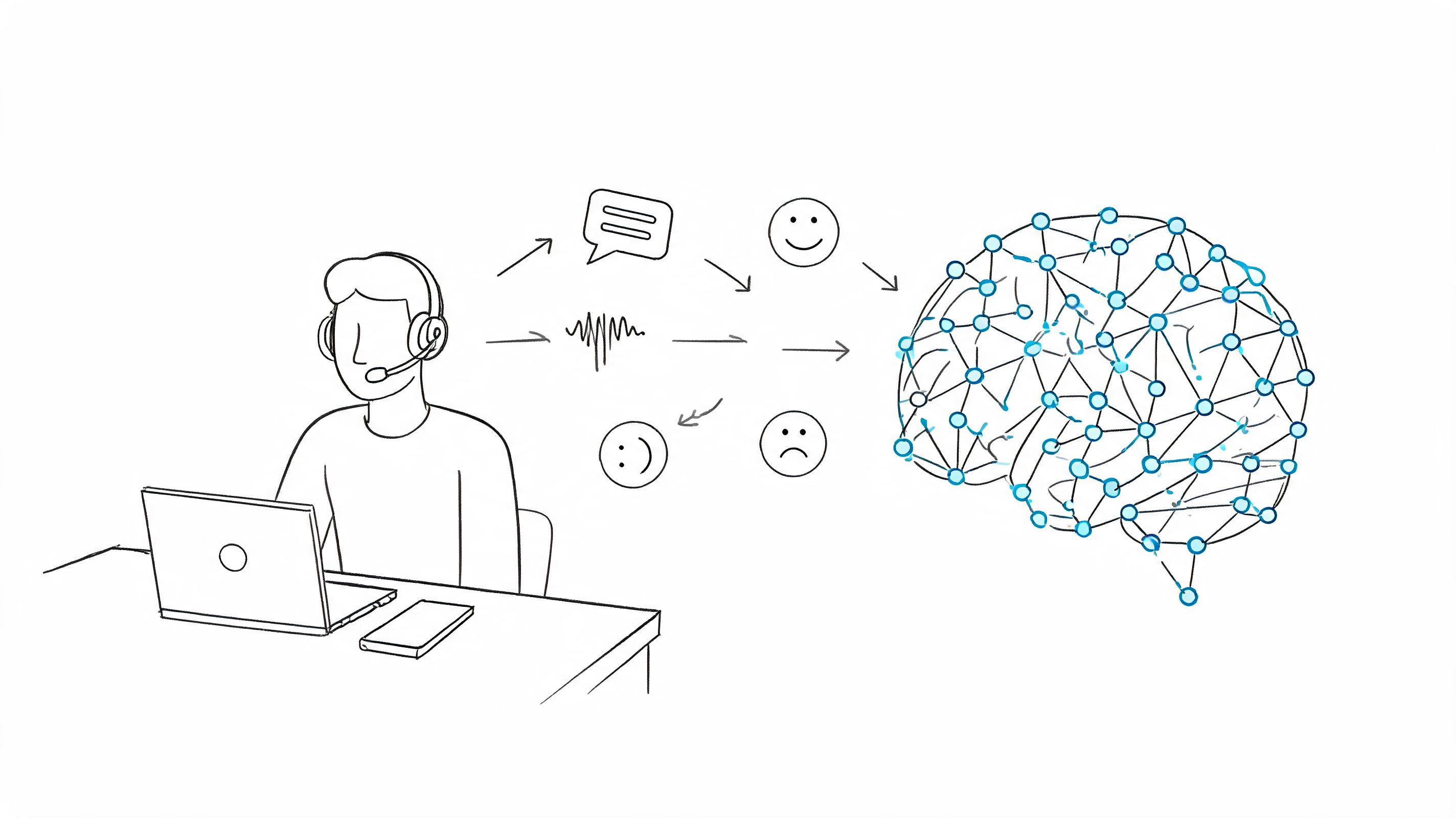
- Sentiment Analysis: The software can actually detect the emotional tone of a conversation, flagging calls where a customer was frustrated or especially happy. This helps managers know which calls to review for coaching opportunities or to prevent customer churn.
- Keyword and Topic Tracking: You can set the tool to automatically tag and categorize calls based on words you care about. This allows you to track how often competitors pop up, which product features spark the most questions, or whether your reps are consistently using the new messaging.
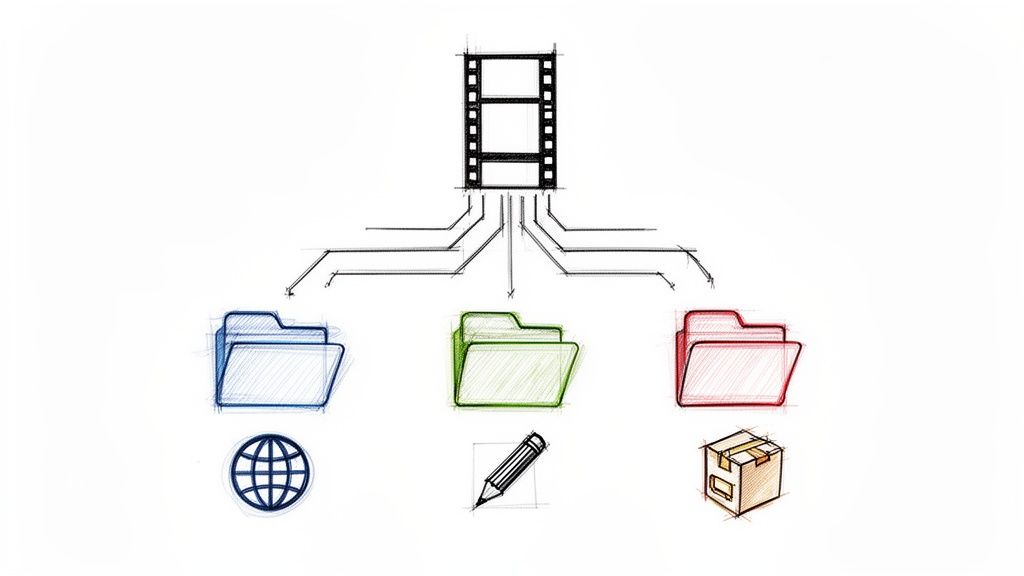
The image below shows how all these pieces fit together to support real sales growth by improving coaching, performance, and onboarding.
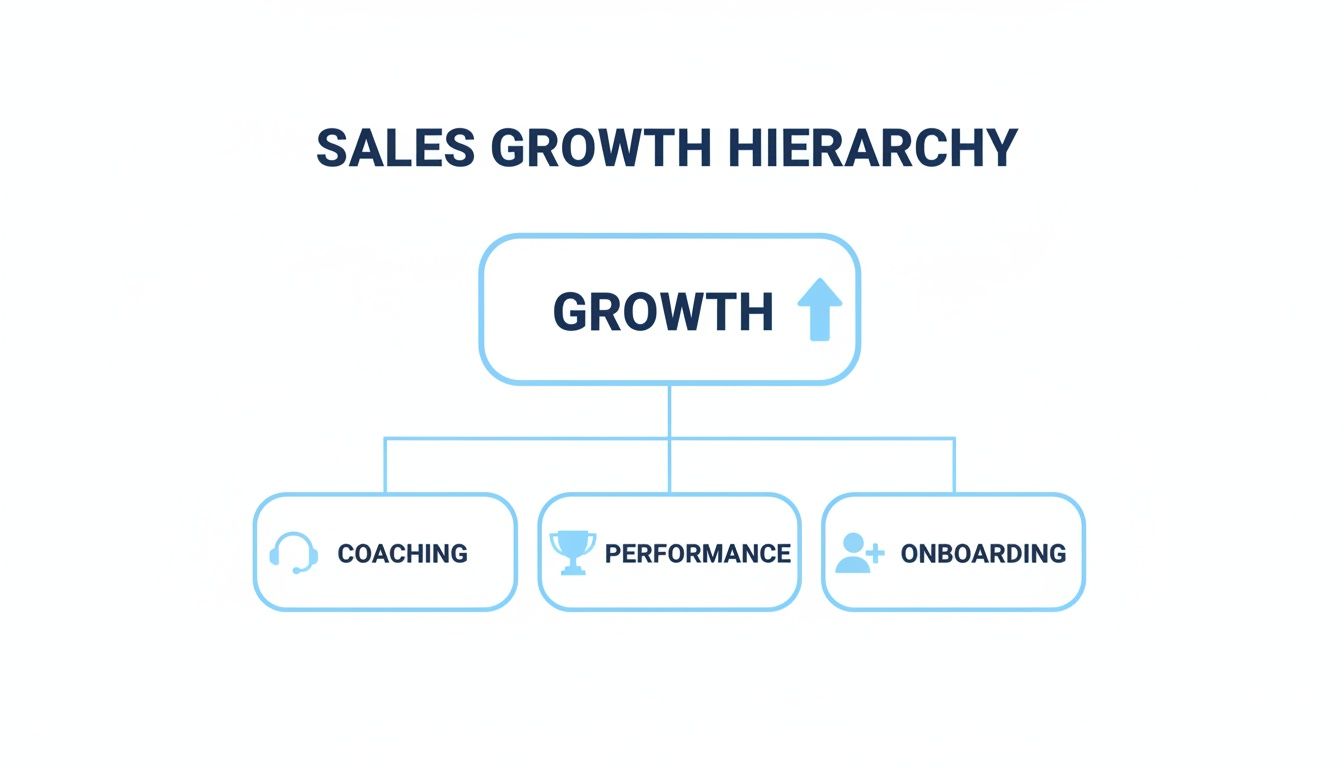
As the hierarchy shows, growth is built on a foundation of better coaching. That coaching directly boosts rep performance and makes onboarding new hires faster and more effective—all powered by the insights you get from recording and analyzing calls.
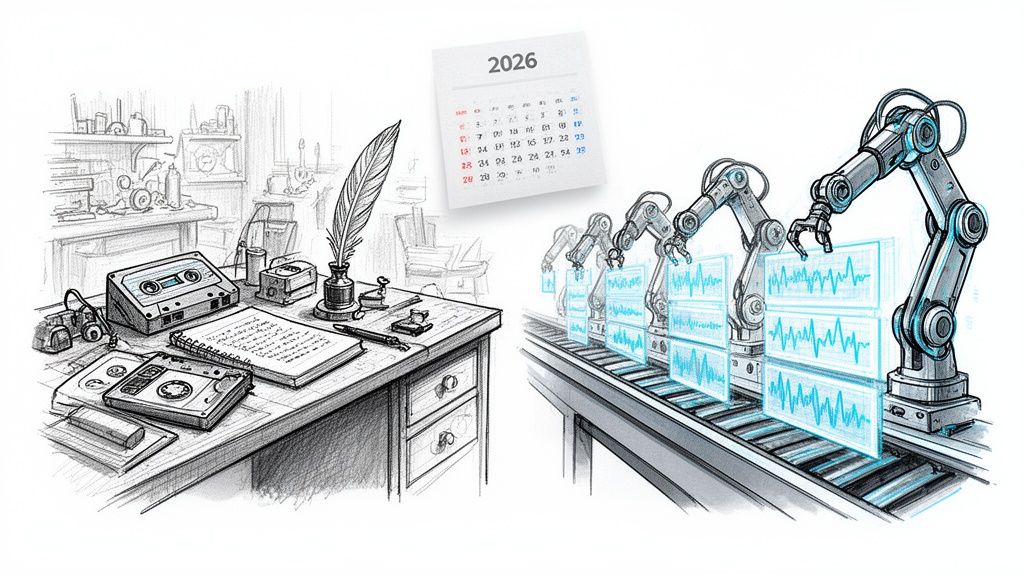
To see the difference in action, here's a quick comparison of old-school recording versus what modern AI tools bring to the table.
Comparison of Recording Software Features
The gap is pretty clear. Modern tools don't just store conversations; they dissect them to give you actionable intelligence.
Seamless CRM and Systems Integration
Your call recording software shouldn't be a silo. For it to be truly effective, it needs to connect seamlessly with the tools your team already relies on, especially your Customer Relationship Management (CRM) system, like Salesforce or HubSpot.
A solid integration automatically pushes call recordings, transcripts, and those AI-generated notes directly into the right contact or deal record in your CRM. This creates one unified source of truth for every customer interaction. No more begging reps to do manual data entry, and your CRM stays perfectly up-to-date with the real voice of the customer.
Robust Security and Compliance Features
Finally, and this is a big one, you're recording sensitive customer conversations. That means security and compliance are non-negotiable. Any platform worth its salt must offer enterprise-grade security to protect that data and help you stick to legal regulations.
Here are the key features to look for:
- Data Encryption: Make sure data is encrypted both in transit (as it's being uploaded) and at rest (while stored on their servers).
- Compliance Certifications: Look for proof of adherence to standards like GDPR for data privacy in Europe and PCI DSS for handling payment information. Many tools even offer automated redaction to scrub sensitive numbers from transcripts and recordings.
- Access Controls: You need granular permissions to control exactly who can listen to, share, or delete recordings, ensuring only the right people have access.
Choosing a platform with these core features ensures you’re not just recording calls, but investing in a system that protects your data, drives efficiency, and delivers the insights you need to grow the business.
How to Choose the Right Software for Your Team
Picking the right sales call recording software can feel like a huge decision, but it doesn't have to be overwhelming. The key is to have a clear process. You're not just buying another tool; you're investing in a system that needs to fit your business goals and actually help your team win more deals.
Before you even start looking at demos, take a step back and get really clear on your primary objective. What's the number one problem you're trying to solve right now?
- Is it all about sales coaching? Then you'll need a platform that makes it dead simple for managers to pinpoint key moments in a call, leave time-stamped feedback, and create playlists of "gold-standard" calls for new hires.
- Need to get a better handle on the competition? In that case, powerful keyword tracking is non-negotiable. You'll want a tool that can flag every single mention of a competitor, so you can see what's working against you in real-time.
- Is compliance the main driver? If so, your search must start and end with security. Look for robust data redaction, granular permissions, and ironclad adherence to regulations like GDPR.
Figuring out your "why" first acts as a powerful filter. It helps you instantly cut through the noise and ignore platforms with flashy features that won't actually help you achieve your core goal.
Test for Real-World Accuracy and Usability
Once you've got a shortlist, it's time to put these tools to a real-world test. The two most critical things to scrutinize are transcription accuracy and the user experience. A platform can promise the world, but if the transcripts are garbage or it's a pain to use, your team will abandon it in a heartbeat.
First, test the transcription with your own calls. Don't fall for the vendor's perfectly polished demo audio. Upload a few of your messiest recordings—the ones full of your company's unique acronyms, industry slang, and technical product names. This is the only way to find out if the AI can truly hang with your business's vocabulary.
Next, get your hands on the user interface (UI). Is it intuitive? Can a sales manager jump in and find a specific call, filter it by topic, and share a coaching clip in just a couple of clicks? Better yet, pull in a few of your sales reps for the trial. If they find the software clunky or time-consuming, you're dead in the water. The tool has to feel like it's saving them time, not giving them more homework.
Evaluate Integrations and Scalability
Your call recording software needs to slide right into your existing tech stack, not blow it up. This is where integrations are absolutely mission-critical, and the most important one is with your Customer Relationship Management (CRM) system.
A solid CRM integration will automatically log call recordings, transcripts, and AI summaries right into the correct contact or deal record. This creates a single source of truth and, more importantly, gets rid of the soul-crushing manual data entry that reps hate. While you're at it, checking out guides on choosing outbound call center software can offer some great parallels on what to look for in sales-focused tools.
You also have to think about tomorrow. Ask potential vendors how they'll grow with you.
A scalable solution should effortlessly handle more users, a higher call volume, and the changing needs of your business without falling over or sending your bill through the roof.
Get answers to questions like these:
- How does your pricing work as our team gets bigger?
- Can the platform support different teams with unique access and permission levels?
- What's on your roadmap for new features and AI upgrades over the next year?
Choosing a partner that plans for the future means you won't have to go through this whole stressful evaluation process again in two years.
Understand Pricing and Support
Finally, look past the shiny features and get a handle on the complete package: the price tag and the people behind the product. Pricing models are all over the map, from simple per-user subscriptions to complex usage-based plans. Make sure you know exactly what's included and be on the lookout for hidden fees for things like data storage or premium integrations.
Just as important is the quality of their customer support. During your trial, kick the tires. Send in a support ticket. See how long it takes to get a response. Do you get a helpful human who knows their stuff, or are you left to fight with chatbots and outdated help articles? A great support team is priceless during setup and will be your best friend as you learn to master the platform.
Getting Your Team On Board: A Practical Guide to Implementation
Let's be honest: even the best sales call recording software is just an expensive gadget if your team doesn't actually use it. A successful rollout isn’t about just flipping a switch and hoping for the best. It’s a deliberate process designed to get your reps genuinely excited about what this tool can do for them. The real goal is to make it a core part of your sales culture, not just another piece of admin.
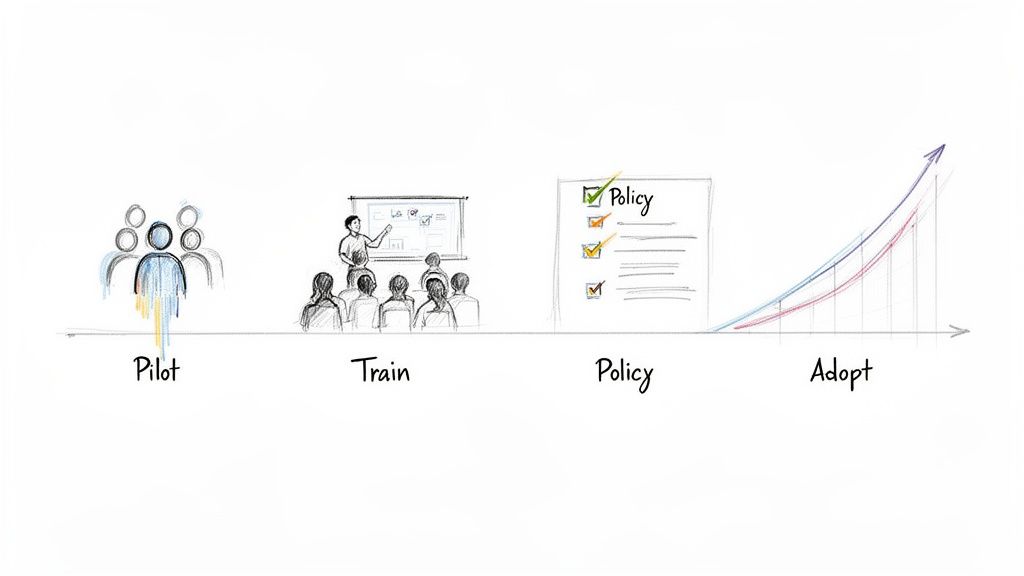
A great way to start is with a small, focused pilot group. Think of it as a friendly beta test. Hand-pick a few of your most respected reps—maybe a mix of your top performers and those who are always hungry to improve. This creates a safe space to get honest, unfiltered feedback before you go all-in.
These early adopters will quickly find the little quirks and workflows you hadn't thought of. More importantly, they'll become your internal champions. When the rest of the team sees their peers crushing it with the new tool, you'll get real buy-in, not forced compliance.
Train for Adoption, Not Just for Usage
Once your pilot is a success and you're ready for the full rollout, your training needs to be more than a feature tour. Too many software launches fail because training is all about what buttons to click, not why they should be clicked. To get people to truly adopt the tool, you have to sell them on what's in it for them.
Frame the software as their personal secret weapon.
- Close More Deals: Show them how reviewing their own calls can reveal that one missed cue or help them nail their pitch next time.
- Earn More Commission: Explain that by listening to a top performer's best calls, they're getting a free masterclass on handling tough objections and closing faster.
- Save Time on Admin: Point out that automated summaries and CRM updates mean less time typing and more time selling. That's a win everyone can get behind.
When a rep sees a clear line between using the software and a bigger commission check, their motivation to learn it goes through the roof.
Establish Clear Guidelines from Day One
The power to record every conversation comes with serious responsibility. Before a single call is recorded, you absolutely must have clear, simple guidelines on the legal and ethical side of things. This isn't just about compliance; it's about building trust with your team and your customers.
Your policy needs to be dead simple, answering questions like:
- When do we record? Is it every single call, or just specific ones like demos or discovery calls?
- How do we get consent? What's the exact script reps must use to inform people they're being recorded? This is critical for staying on the right side of one-party and two-party consent laws.
- How is the data handled? Who gets to see the recordings, where are they stored, and how long do we keep them?
Putting these rules in writing protects everyone involved: your company, your reps, and your clients.
Weave Call Reviews into Your Culture
Finally, to make this new habit stick, you have to embed it into your team's day-to-day life. Don't make call reviews feel like a new chore. Instead, weave them into the routines you already have.
The secret is to make call reviews a central part of your 1-on-1s and team huddles. When you consistently use real call snippets to coach, strategize, and celebrate wins, the software stops being a "Big Brother" tool and becomes a collaborative engine for growth.
Try this: start your next weekly sales meeting by playing a 60-second clip of a fantastic objection handle from the past week. It gives public praise to one rep and a bite-sized lesson to everyone else. This kind of consistent, practical application is what turns a new tool into an old, indispensable friend.
How to Measure the ROI of Your New Software
Bringing in a new piece of sales call recording software isn't just about adding another tool to the stack. It's a real investment, and you need to be able to prove it's paying off.
To get the green light from leadership—and keep it—you have to connect the software's features to real-world financial results. This means getting beyond vague feelings about "better calls" and zeroing in on specific, measurable numbers.
The easiest way to tackle ROI is to split your metrics into two buckets: hard numbers and soft gains. Hard metrics are the bottom-line figures that make executives sit up and pay attention. They are the direct proof of financial impact.
The goal here is to build a rock-solid business case showing that this software is a revenue driver, not just a cost center. When you can show the numbers, you turn anecdotal wins into undeniable proof of value.
Soft metrics are a bit different. They’re more about how your team works—their efficiency, their skills, and their consistency. While you can't always slap a dollar sign on them, they are crucial leading indicators that show you're building a smarter, more effective team.
Tracking Hard Financial Metrics
To see the direct impact on the P&L, you’ll want to track a few core sales KPIs that the software should immediately influence. This gives you a clear before-and-after story.
- Increased Win Rates: This is the big one. If your team’s win rate goes from 20% to 25% after you roll out the software, you can directly tie the revenue from those extra deals back to your investment.
- Shorter Sales Cycles: How long does it take to get a signature? If your average sales cycle drops from 60 days to 50, you’re closing deals faster and bringing in revenue sooner.
- Increased Deal Size: Are your reps getting better at upselling or cross-selling? Call analytics can show if they’re successfully expanding deals, bumping up your average contract value.
Monitoring Softer Efficiency Gains
These metrics are all about how the software is sharpening your team's process and skills. Think of them as the fuel that powers the hard metrics we just discussed.
- Improved Messaging Consistency: You can use keyword tracking to see if reps are actually using the approved talking points and value props on their calls. No more guessing.
- Reduced New Hire Ramp-Up Time: How long does it take a new rep to hit their first quota? With a curated playlist of "greatest hits" calls to learn from, that time should drop dramatically.
- Enhanced Coaching Effectiveness: Are managers actually using the tool to coach? Track how often they review calls and leave feedback. This shows the software is being used for active skill development, not just sitting on a shelf.
The ability to analyze what actually works on a call is a game-changer. When teams can pinpoint the exact tactics used in their biggest wins, they can replicate that success and seriously boost their performance. In fact, studies show sales reps can improve their close rates by up to 30% just by analyzing successful calls. You can learn more about these market insights on snsinsider.com.
A Few Common Questions
Diving into sales call recording software usually brings up a handful of important questions. Let's tackle some of the most common ones so you can move forward with confidence.
Is Recording Sales Calls Actually Legal?
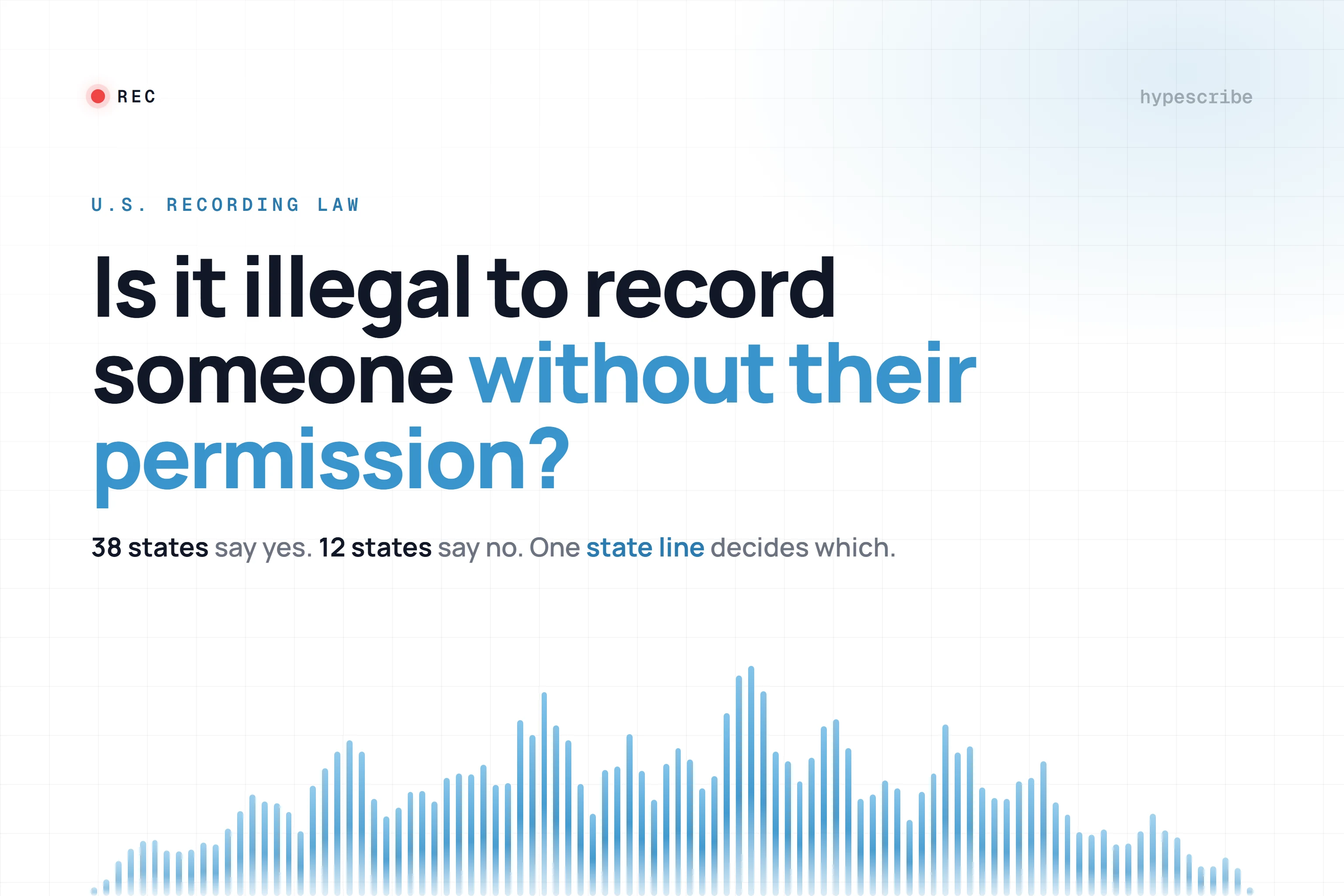
This is probably the most critical question, and the short answer is: it depends on where you and your customer are. The rules are based on either "one-party" or "two-party" consent laws.
In one-party consent regions, you're in the clear as long as one person on the line (your sales rep, for example) knows the call is being recorded. But in two-party consent areas, you absolutely must get permission from everyone involved.
The best-practice, no-exceptions rule? Always announce that the call is being recorded. It’s the safest, most transparent approach. Good software can even automate this for you, making sure every call starts off right. That said, you should always run this by your legal team to ensure you're fully compliant with all the laws that apply to your business.
How Does This Software Actually Talk to My CRM?
When it's done right, the integration with your CRM should be something you never even have to think about. Most tools connect to platforms like Salesforce or HubSpot using an API, which builds a direct bridge between your call data and your customer records.
Once it's set up, call recordings, full transcripts, and even the AI's summary notes get automatically filed under the right contact or deal. This turns your CRM into a true system of record for every single conversation. It's a huge time-saver for reps who hate manual data entry and makes your forecasting way more accurate because it's based on real interactions.
Will the AI Understand Our Industry's Lingo?
This is a fantastic question, and it's where you can really separate the great tools from the mediocre ones. The most sophisticated AI transcription engines are built to learn.
Many of the best platforms let you create a custom vocabulary by uploading a list of your company’s unique acronyms, technical terms, or even competitor names. You're essentially teaching the AI your specific language. During any trial or demo, make sure you test this out with your own real-world call recordings. It's the only way to know for sure if it can keep up with how your team actually talks.
Ready to turn your sales conversations into your biggest competitive advantage? HypeScribe uses smart AI to transcribe, summarize, and pull key insights from every call, giving your team the intel they need to win. See it in action at https://www.hypescribe.com.