What's New in HypeScribe: 18 Integrations, MCP and an API

October 2026: HypeScribe now sends the results of any recording to 18 apps, including Slack, Notion and Linear, and works inside Claude and ChatGPT.
- Integrations: send what comes out of a recording to 18 apps, by hand, from the AI chat or automatically.
- AI assistants: use your recordings inside Claude, ChatGPT, Claude Code, Codex and Cursor through MCP, and hand tasks to Manus.
- API and email: API keys for your own scripts, and a private address you can forward recordings to.
- Notetaker: joins meetings from Google Calendar, names speakers and takes in what's shared on screen.
- Smaller changes: one-click summary translation, action items sorted by urgency, readable paragraphs and video next to the transcript.
Send your notes to 18 apps
Connect an app once on the new Integrations page, and every recording's notes can go there:
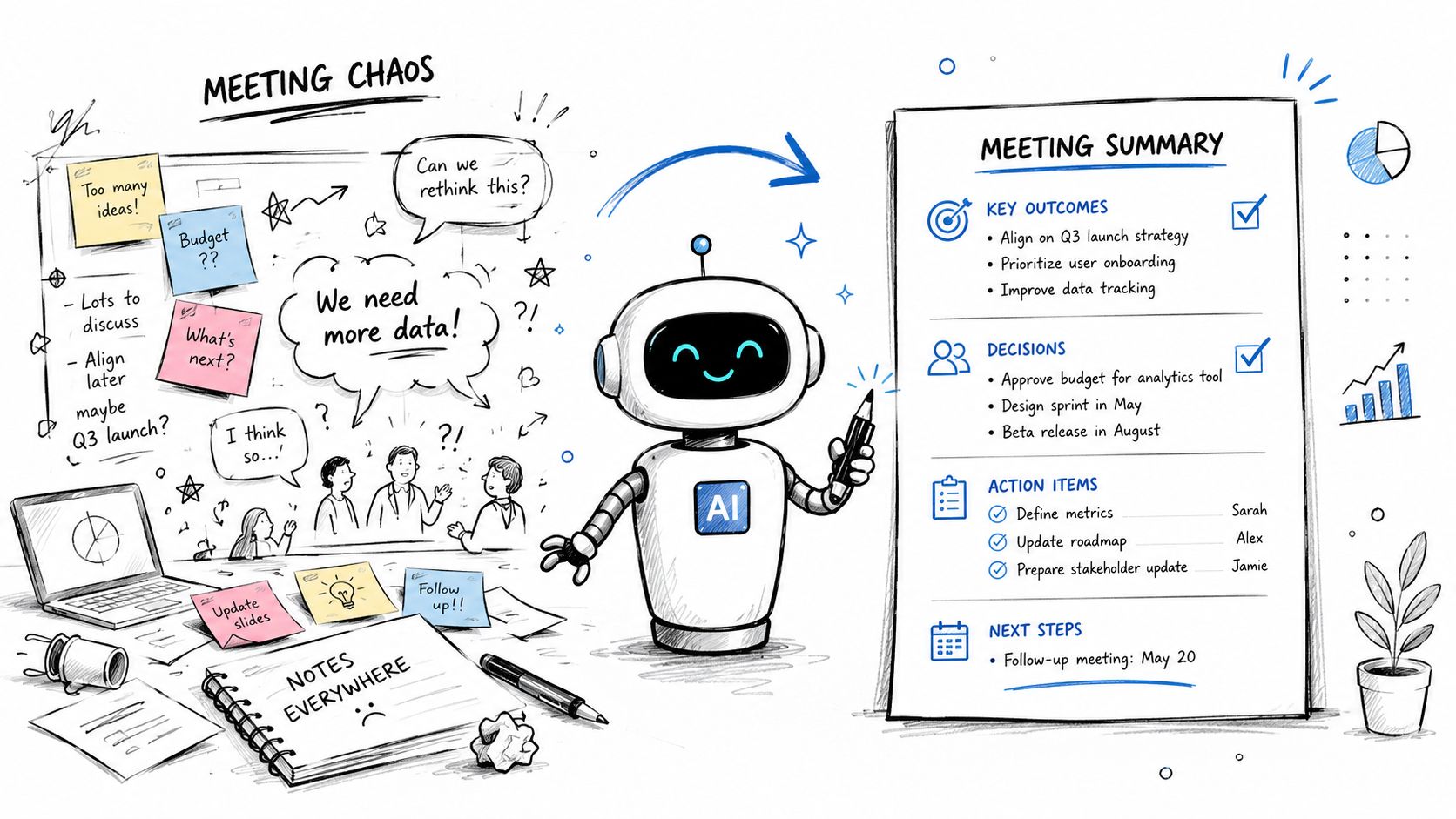
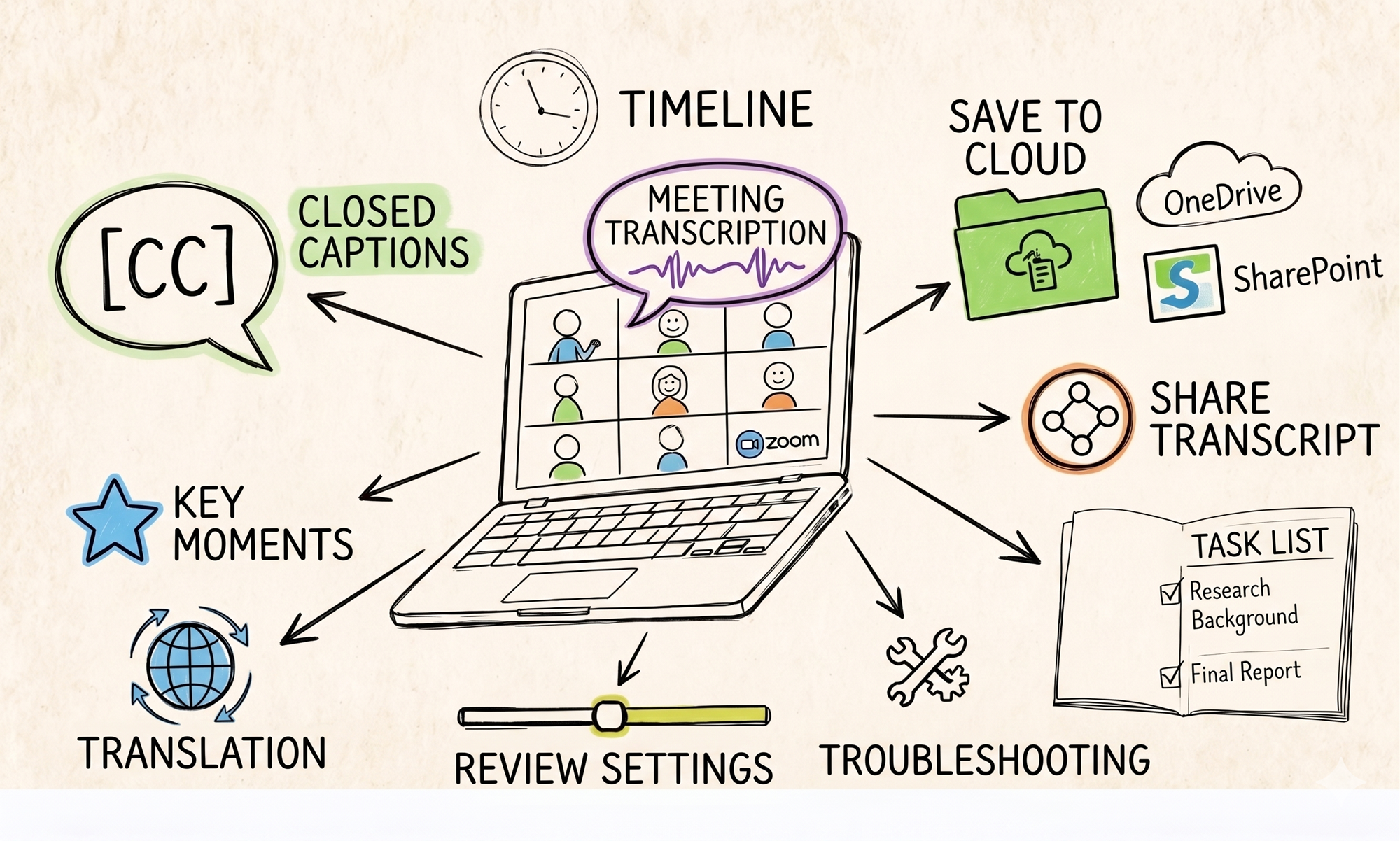
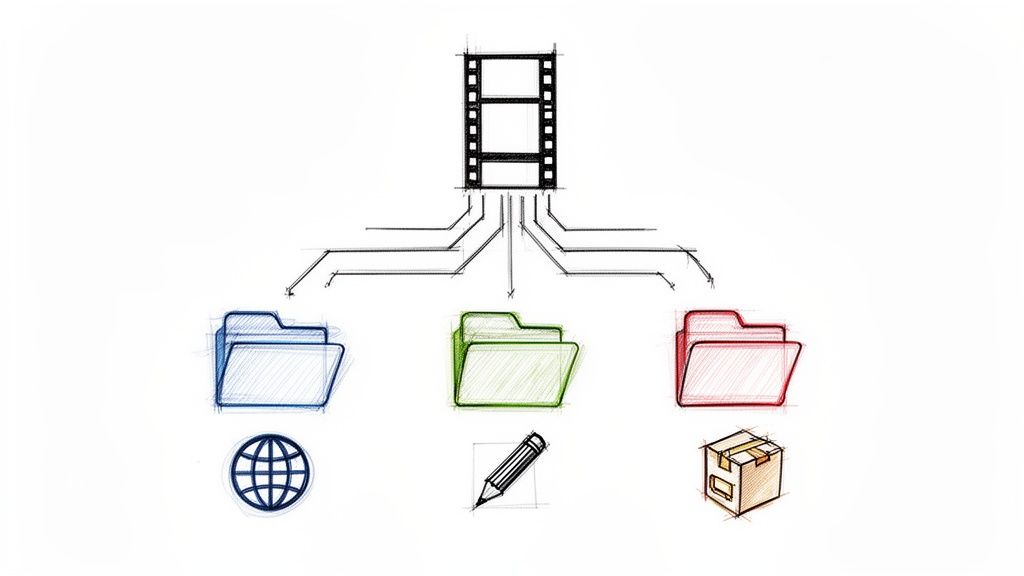
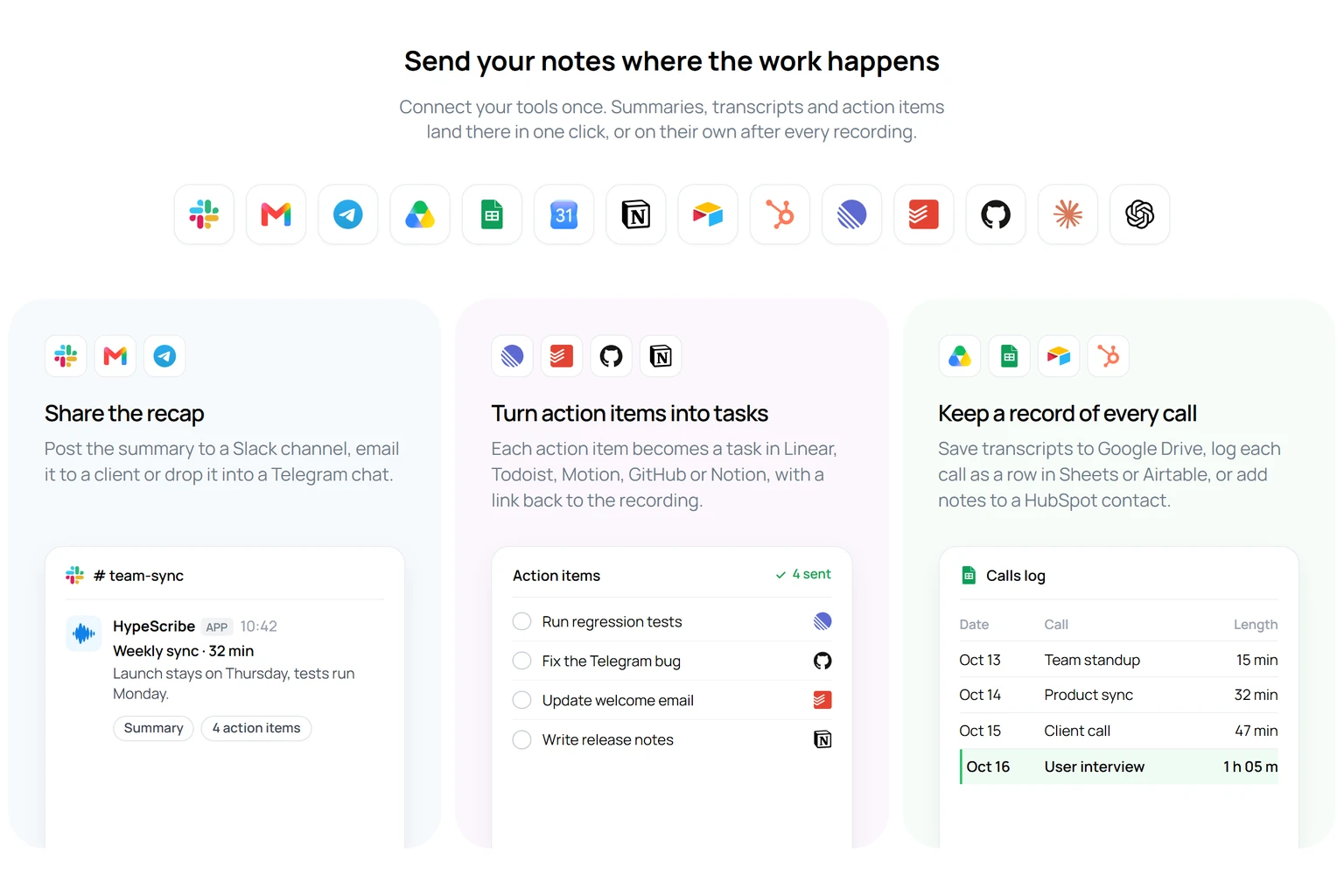
- Share the recap: post the summary to a Slack channel or a Telegram chat, or email the transcript with Gmail. Google Calendar emails the transcript to the meeting's attendees.
- Turn action items into tasks in Linear, Jira, GitHub, Asana, Trello, Todoist, Monday.com, Motion or Notion.
- Keep a record of every call: save transcripts to Google Drive as Google Docs or to Notion pages, log each call as a row in Google Sheets or Airtable, save them as notes on a HubSpot record, or turn a meeting into Google Slides.
Three ways to send
- Send button: press Send on a transcript, choose a connected app such as Slack, and confirm.
- From the AI chat: ask for it in plain words, such as "Email this summary to Anna" or "Create a Linear issue for each action item". The assistant prepares a card that shows exactly what will be sent, and nothing goes out until you press Send.
- Automatic sending: switch it on for a connected app, and every new transcript goes there as soon as it's ready.
If you used Download to export to Google Docs, Notion or Linear before, those exports now live under Send. The Download menu is still there for files.
Already using HypeScribe? Open Integrations in the app to connect your first app.
Use HypeScribe inside Claude and ChatGPT
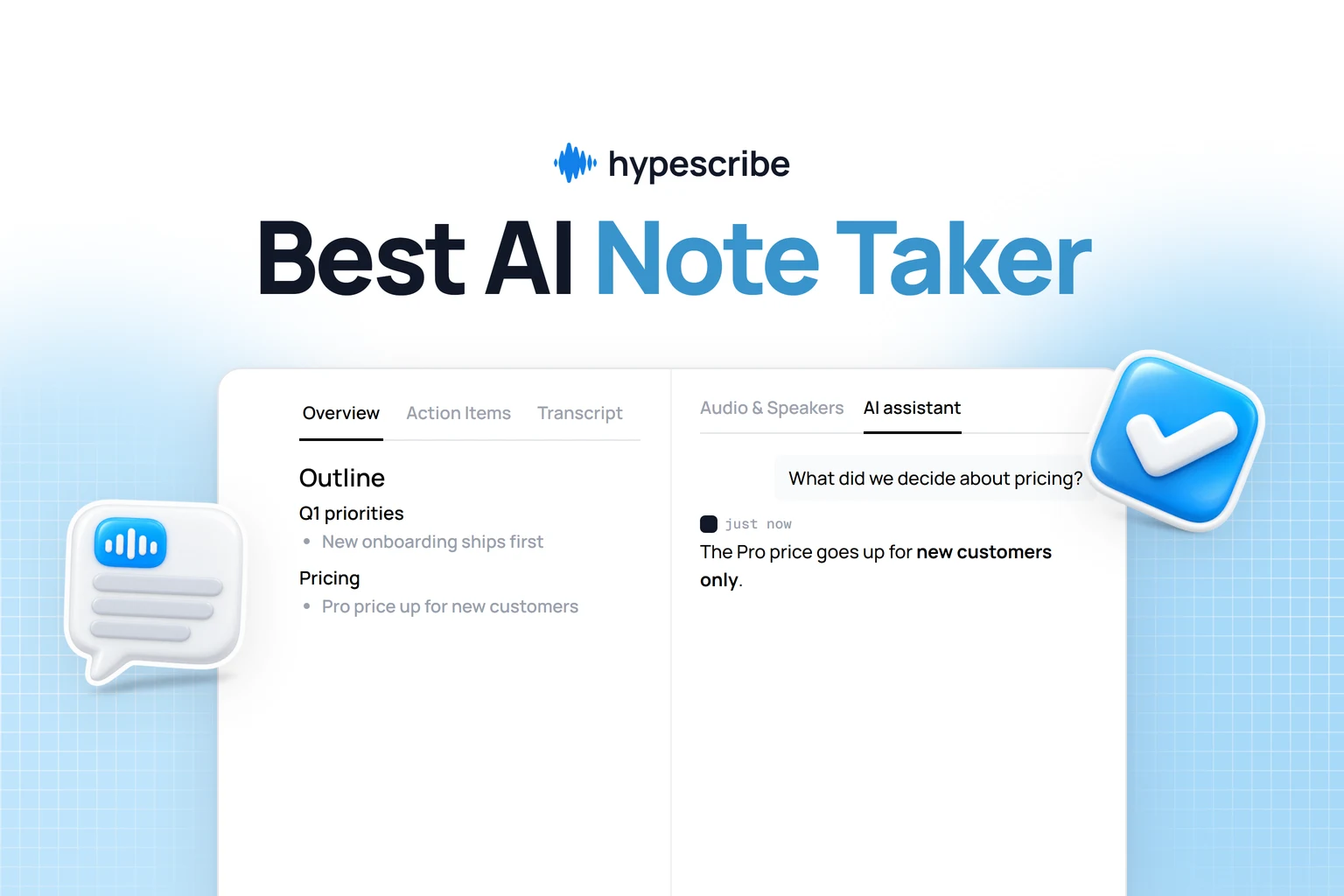
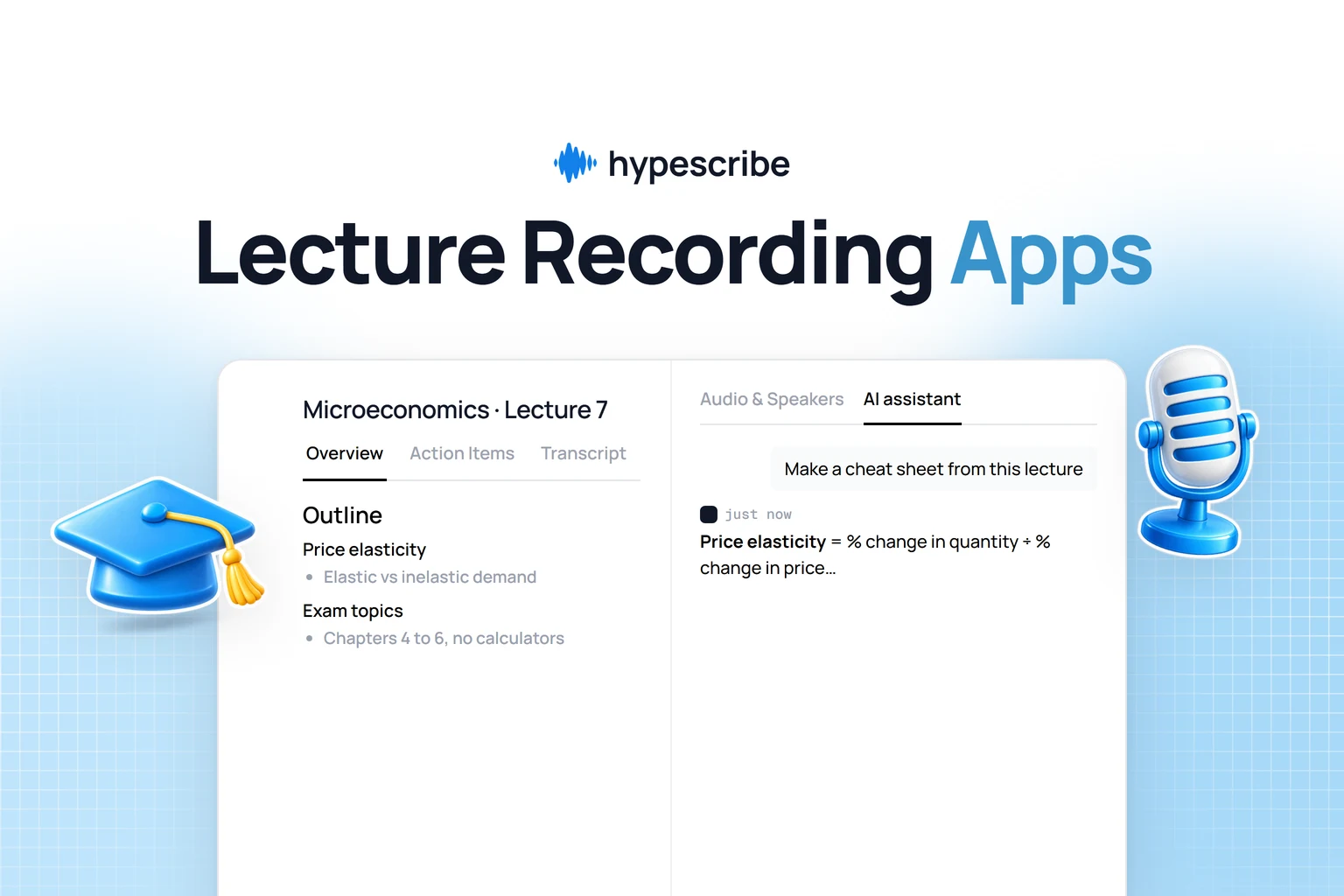
HypeScribe now has an MCP server, the standard way AI assistants connect to other apps. Once it's set up, you can search your recordings, read a transcript and start a new transcription without leaving the assistant you already work in. For example, ask Claude what a client said about the deadline in last week's call, and it looks it up in your HypeScribe library.
- Claude and ChatGPT: set them up from the AI Agents tab on the Integrations page.
- Coding assistants: add HypeScribe to Claude Code, Codex or Cursor with one command.
- Any other assistant that supports remote MCP servers.
- Manus: hand a task to the Manus agent with the full transcript attached.
API keys and transcription by email
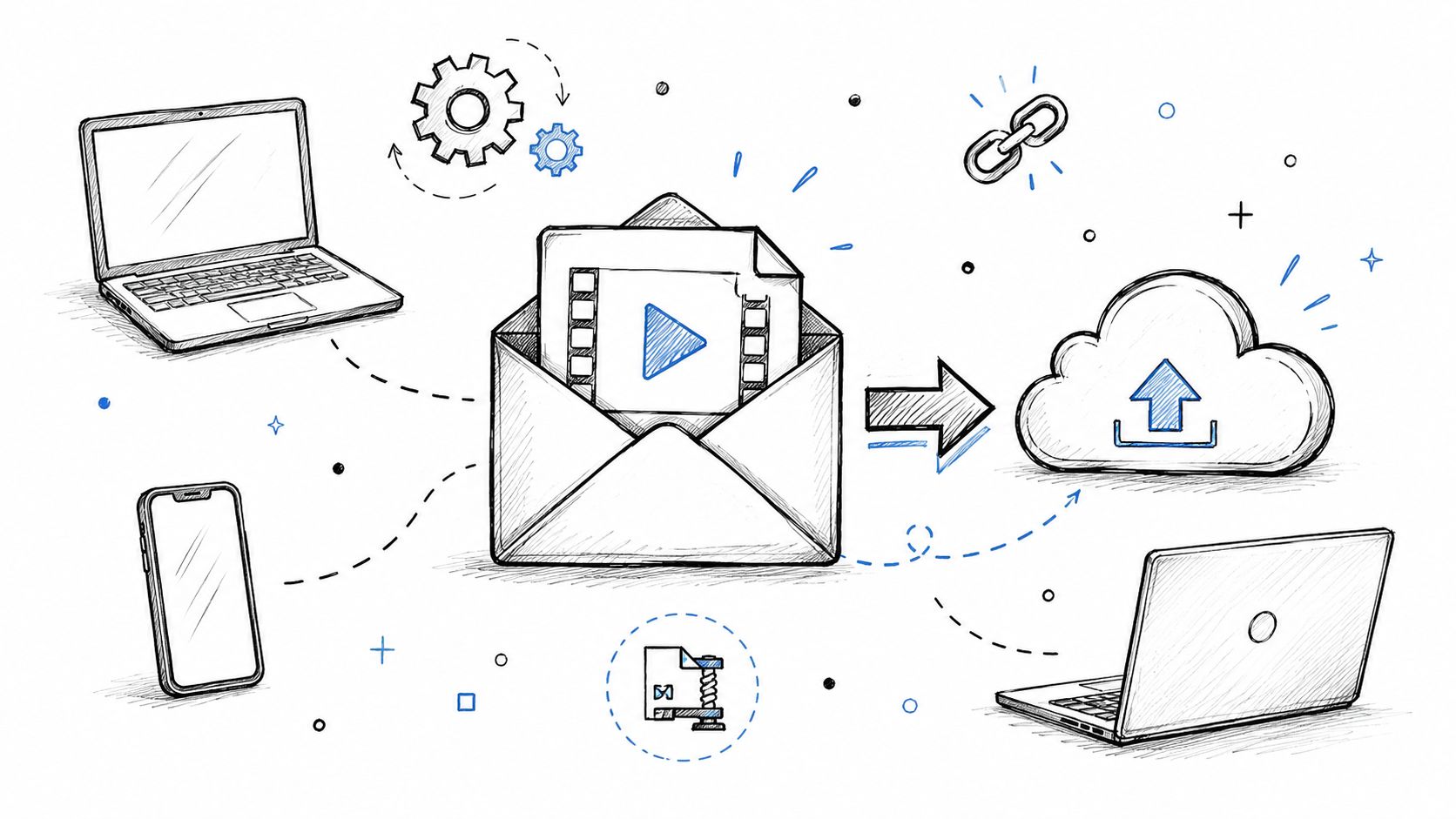
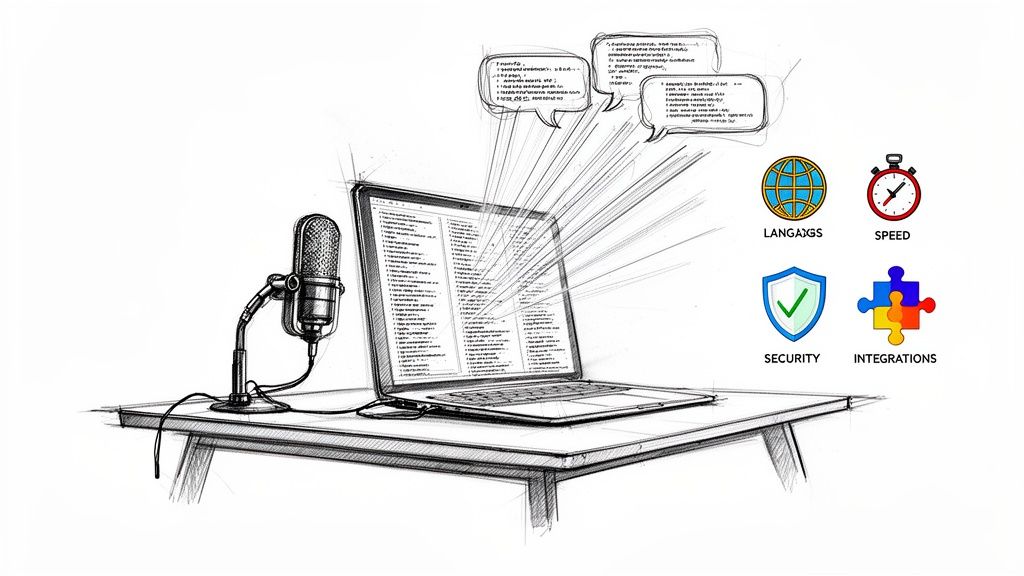
The new API & Email tab is for work that happens without a browser. API keys let your scripts, CI jobs and assistants work with your HypeScribe account. Transcribe by email gives you a private address: forward an email with an audio or video file to it, and the recording is transcribed in your account.
Notetaker: joins from Google Calendar and names speakers
- Joins from your calendar. Connect Google Calendar, and the notetaker joins meetings that have a Zoom, Google Meet or Microsoft Teams link at their scheduled start time. You no longer paste each link by hand.
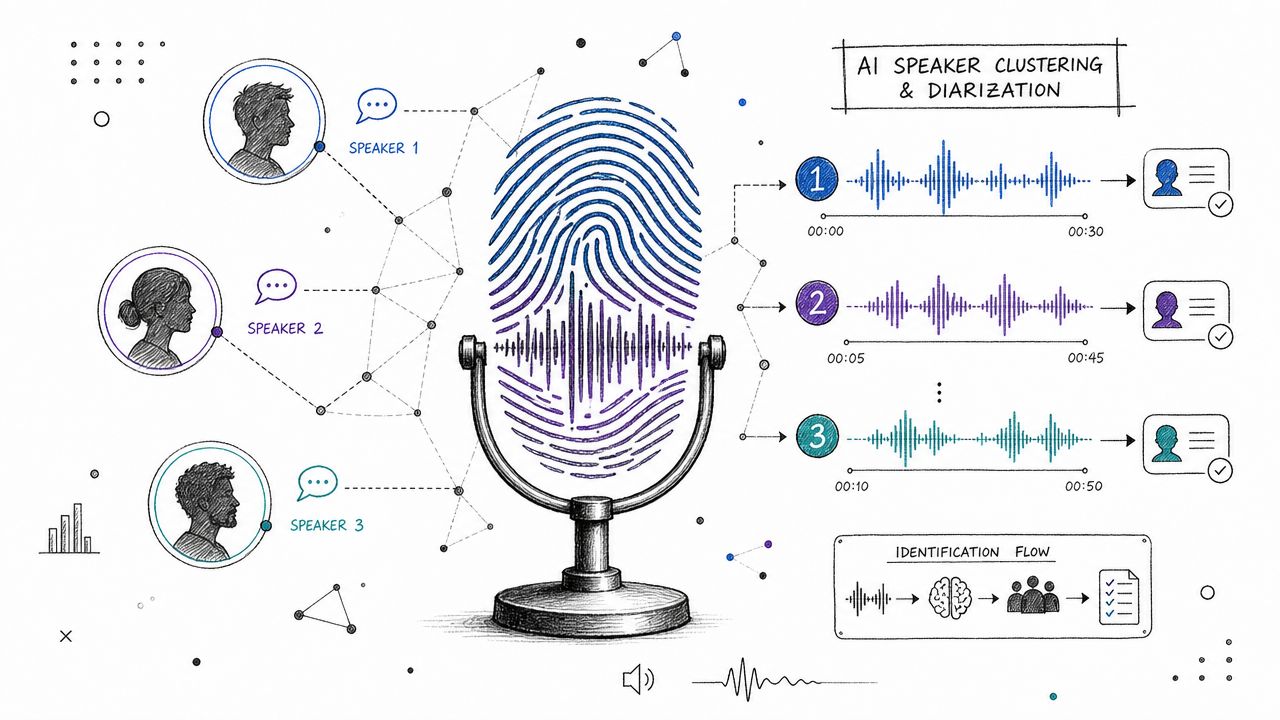
- Real names instead of "Speaker 1". Meeting transcripts now label speakers with the participants' names where the notetaker can match them.
- Reads the shared screen. When someone shares slides or a document, the notetaker uses what's on screen as extra context for the summary and notes.
- Yandex Telemost joins Zoom, Google Meet and Teams on the list of supported meeting platforms.

Translation, readable transcripts and video playback
- One-click translation. If the summary, overview or action items come out in a different language from the recording, one click translates them into the recording's language, without transcribing again.
- Interface language. If you haven't chosen one, the HypeScribe interface now follows your browser's language.
- Action items by urgency. The most pressing tasks now come first in the list.
- Readable transcripts with Speakers off. With Speakers turned off, the transcript reads as paragraphs, one per speaker turn and split after about 100 words. Copy and downloads keep the same paragraphs, apart from SRT subtitles.
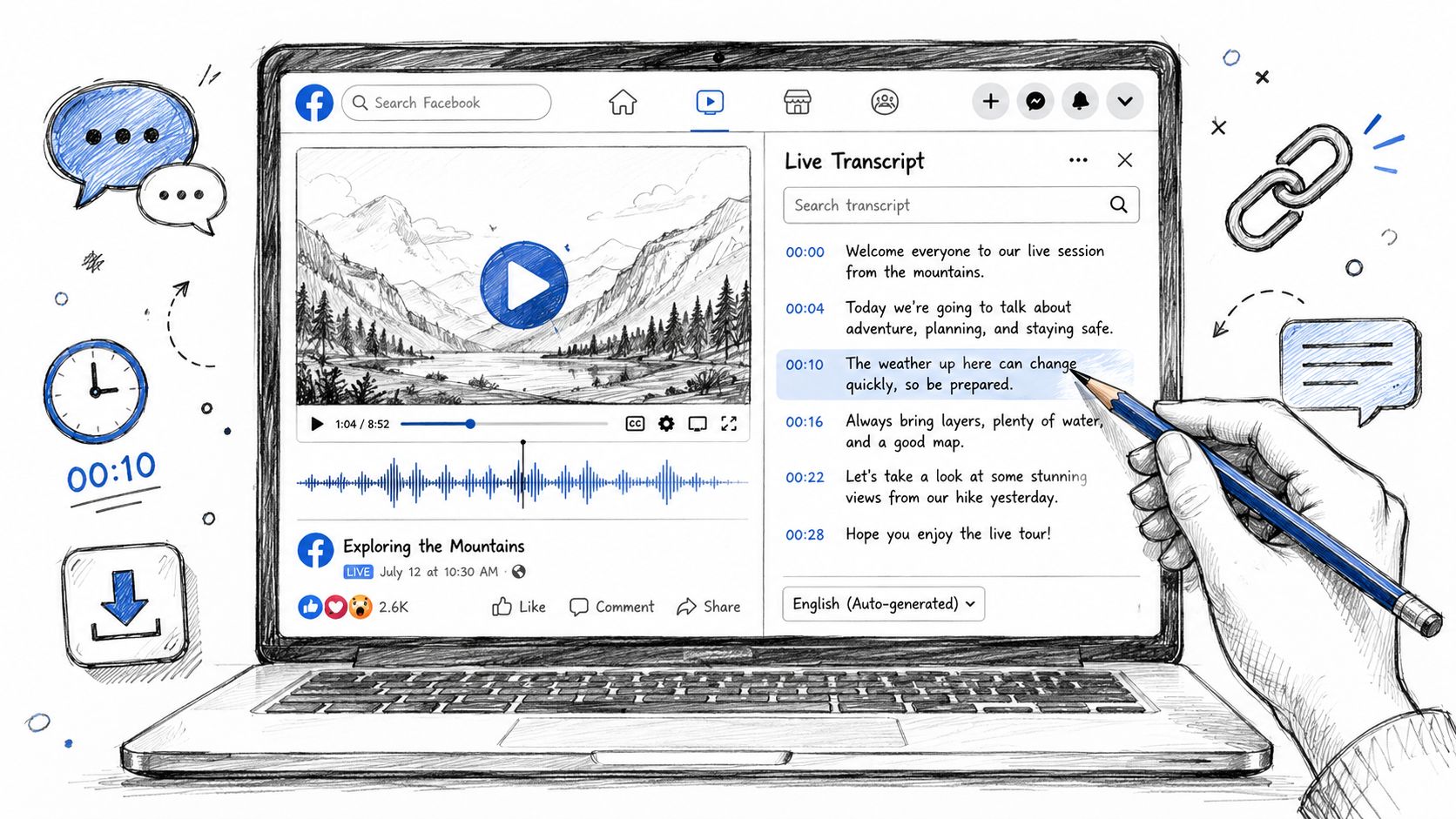
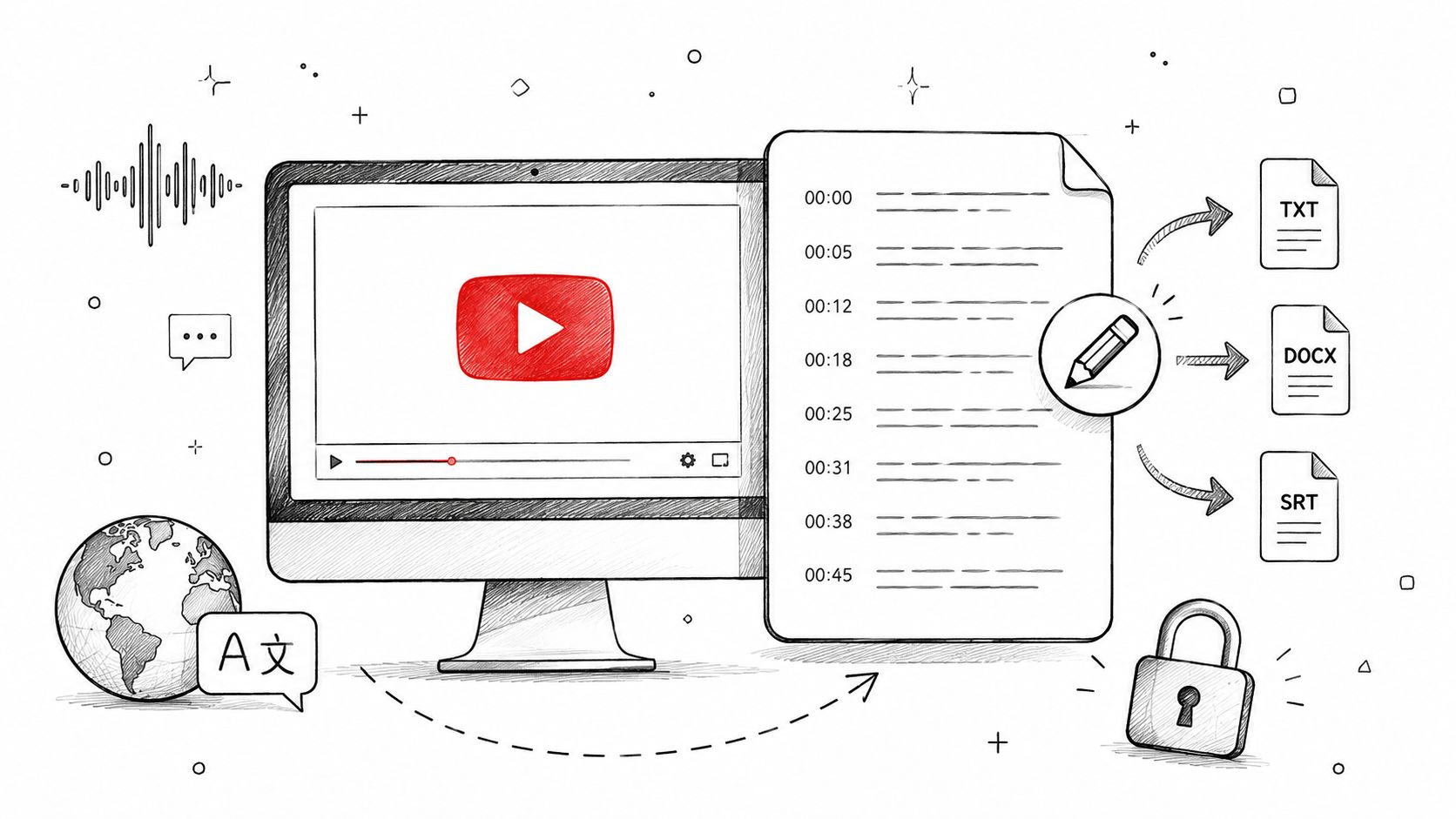
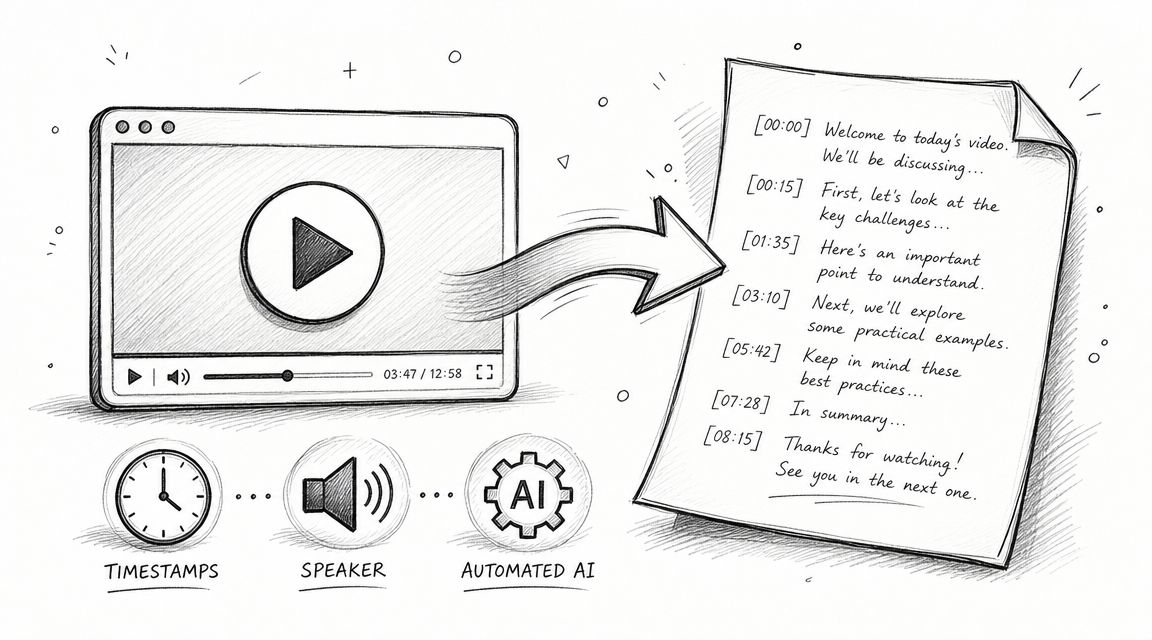
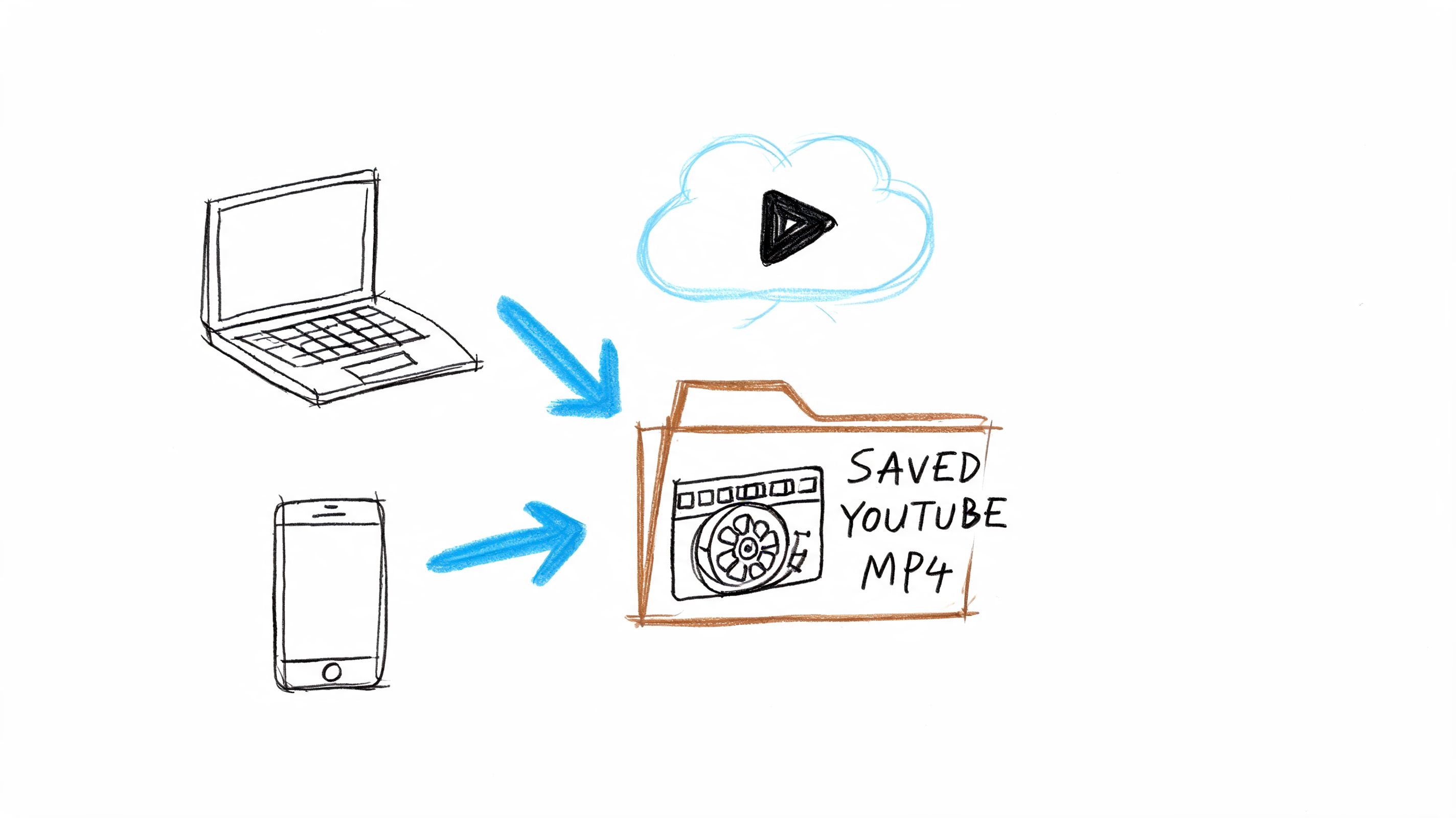
- Video next to its transcript. When you transcribe a YouTube or social media link, the video plays on the transcript page.
- Clearer progress. The progress bar now moves smoothly through each stage of a transcription.
New to HypeScribe? Our earlier update shows how file uploads work, and our list of the best AI transcription software compares HypeScribe with other tools.
FAQ
Which apps does HypeScribe integrate with?
Slack, Gmail, Telegram, Google Drive, Google Sheets, Google Slides, Google Calendar, Notion, Airtable, HubSpot, Linear, Jira, GitHub, Asana, Trello, Todoist, Monday.com and Motion. It also works inside Claude, ChatGPT, Claude Code, Codex and Cursor through MCP, and can send transcripts to the Manus AI agent.
Can HypeScribe join my meetings automatically?
Yes. Connect Google Calendar, and the notetaker joins your Zoom, Google Meet and Teams meetings at their scheduled start time.
Does HypeScribe have an API?
Yes. Create API keys on the Integrations page, under API & Email, for scripts, CI jobs and assistants that run without a browser.
October 2026 update
Send your first summary to Slack
Upload a recording, connect Slack and press Send on the transcript.