How to Transcribe Podcast to Text: Your Guide for 2026

You've published the episode. The guest was sharp, the stories landed, and the audio sounds clean in your headphones. Then the familiar problem shows up: most of the value is trapped inside a waveform.
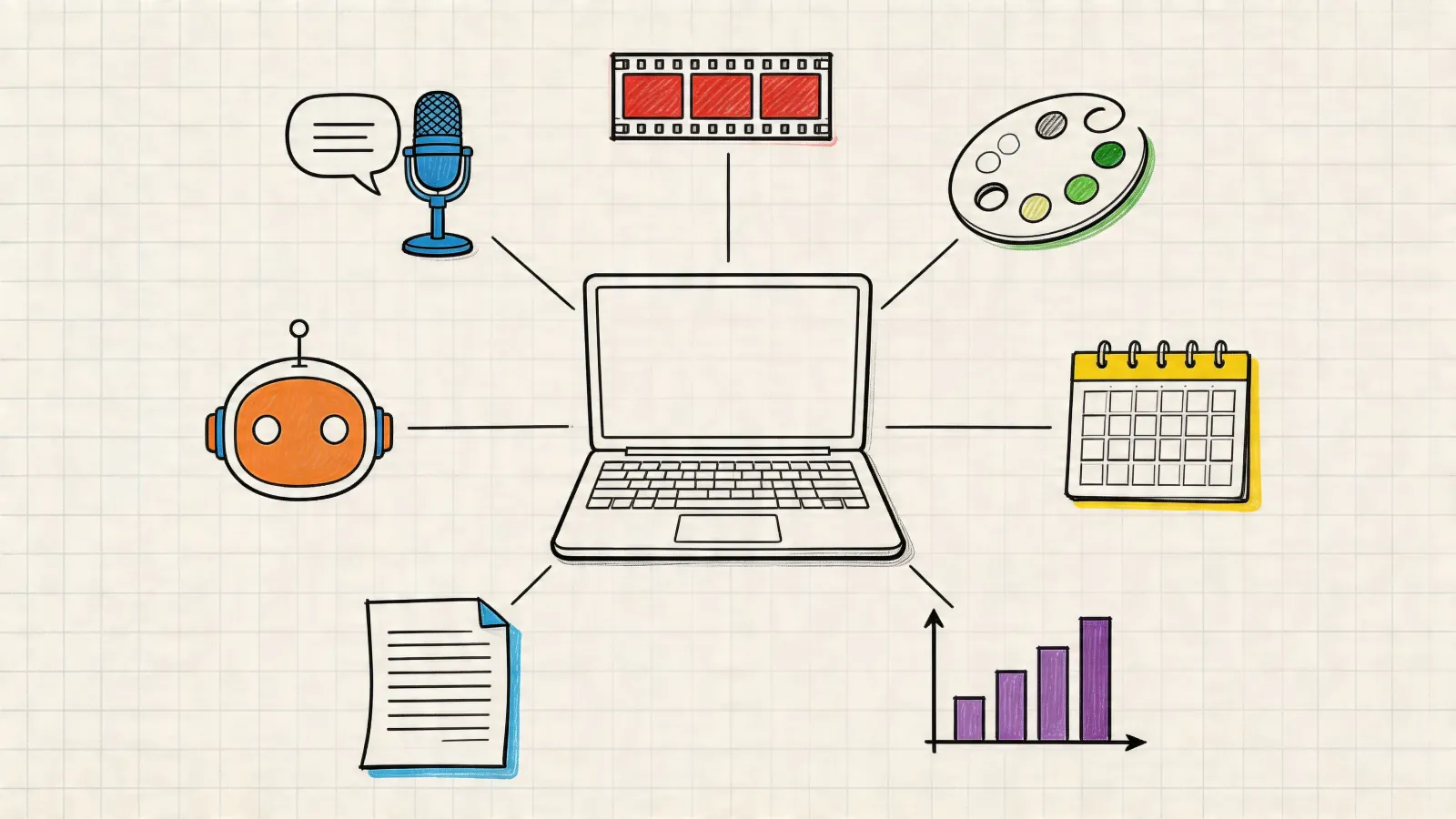
That's where podcast transcription stopped being a “nice to have” and became part of the production workflow. When you transcribe a podcast to text, you're not just making a readable copy. You're creating raw material for search, accessibility, editing, quoting, summaries, internal documentation, and future content reuse.
The catch is that most advice on podcast transcripts is either too simple or too optimistic. It tells you to upload a file and wait. It doesn't spend enough time on the two things that decide whether your transcript will be useful: audio quality in messy real conditions and what you're legally allowed to do with the text once you have it.
Why Transcribing Your Podcast Is No Longer Optional
A lot of podcasters still treat transcripts like admin work. That made sense when transcription meant long manual turnaround, expensive per-minute pricing, or hours of cleaning up a rough draft. That's no longer the case.
Modern services changed the baseline. Rev notes that podcast transcripts can be delivered in a few hours and offers an “instant first draft,” while Otter describes turning podcast audio into searchable, editable text in minutes. Those workflow benchmarks show how podcast transcription moved from a niche accessibility task into a mainstream media process for audio of any length, according to Rev's guide to getting a podcast transcript.
The transcript is the working asset
Once an episode is text, you can search it, skim it, quote it, and reshape it without replaying the full audio every time. That matters more than many producers expect.
A host usually starts with one goal, such as publishing show notes. Then the transcript ends up serving several others:
- Accessibility support so people can read instead of listen
- Search visibility because text can be indexed and scanned
- Editorial speed when you need a quote, timestamp, or key section fast
- Repurposing into newsletters, article drafts, social posts, and summaries
The practical shift is this: the transcript becomes the source file for everything that happens after the episode goes live.
Practical rule: If an episode is worth recording, it's worth turning into text. Otherwise, you're leaving most of its reuse value on the table.
Audio-only publishing creates friction
Listeners can love your episode and still struggle to use it. They may want the exact phrase your guest used, a list of books mentioned, the sponsor code, or the section where a topic changed. Audio is great for conversation. It's inefficient for retrieval.
Text fixes that. A searchable transcript lets readers jump to the part they care about, pull a quote accurately, or scan before committing to the full listen.
That's why the question isn't whether you should transcribe podcast to text. The real question is how much quality control you need for the way you plan to publish it.
Choosing Your Transcription Method Automated AI vs Manual Service
The first decision is simple on paper and nuanced in practice. Are you using automated AI transcription, or are you paying for a human transcription service?
For most weekly podcasters, the right answer is usually AI first, then human review. Fully manual transcription still has a place, but mostly when publication accuracy has to be extremely high and the audio is difficult.
What the trade-off actually looks like
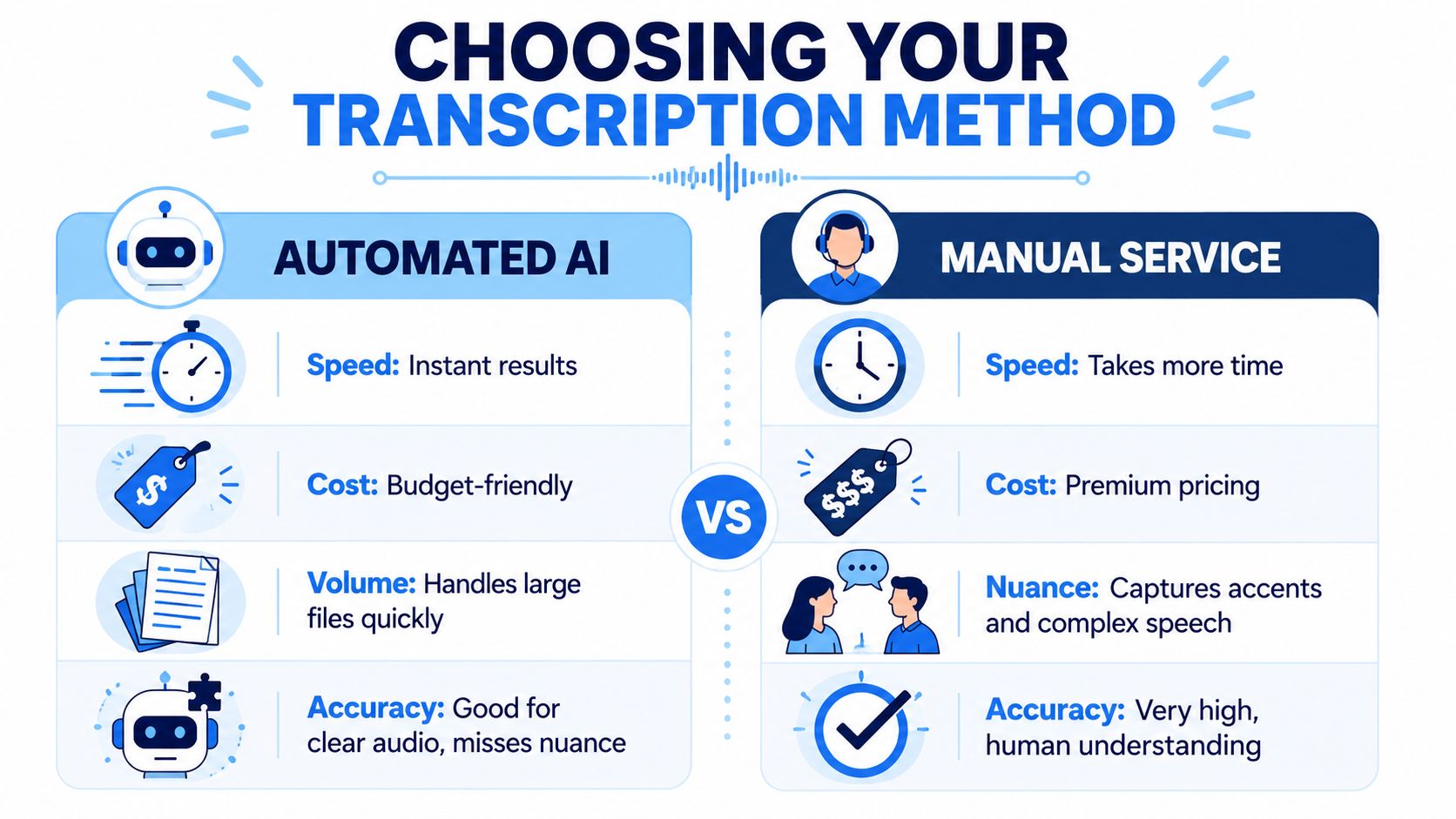
Benchmark workflow data shows that automated podcast transcription can produce a draft in minutes to about an hour, while human transcription services are commonly marketed around 99% to 99%+ accuracy. The same benchmark also cites reference pricing such as Rev at $1.50/min and GoTranscript at $0.84/min, and notes the biggest mistake is assuming auto-transcription is ready to publish without review, as explained in Buzzsprout's podcast transcription breakdown.
That gives you a clean framework: speed vs cleanup time, and cost vs final polish.
| Factor | Automated AI Transcription (e.g. HypeScribe) | Manual Transcription Service |
|---|---|---|
| Speed | Fast draft generation, often suitable for same-day workflow | Slower turnaround |
| Cost | Usually more budget-friendly for recurring episodes | Premium pricing per audio minute |
| Accuracy | Strong with clean audio, weaker on overlap, names, accents, and dense jargon | Better at nuance, speaker intent, and difficult passages |
| Scalability | Easy to run across back catalogs and frequent publishing schedules | Harder to scale if you publish often or have long episodes |
| Best use case | Show notes, SEO pages, internal notes, repurposing drafts | Legal-sensitive, client-facing, or high-stakes publication |
When AI is enough
Automated transcription is usually the better starting point when your podcast has:
- Clean recordings with decent mic technique and limited crosstalk
- A recurring schedule where turnaround matters more than perfection on first pass
- Repurposing needs such as show notes, clips, summaries, and article drafts
- A back catalog you'd never reasonably send out for full manual transcription
Teams exploring broader AI applications for podcasting often discover transcription is the gateway workflow because it feeds so many others.
If you're still comparing tools, this roundup of the best online transcription service options is useful for evaluating feature differences without reducing the decision to price alone.
When manual still earns its keep
Manual service is worth paying for when the transcript itself is the deliverable, not just a production asset.
That includes situations like:
- Messy panel discussions with frequent interruptions
- Heavy accent variation where speaker meaning matters more than rough readability
- Sensitive publishing involving legal review, compliance, or formal archival use
- Public-facing transcript pages where you don't want obvious machine errors attached to your brand
Don't compare AI to humans in the abstract. Compare AI plus a focused edit pass against a fully manual transcript, then decide whether the quality gap matters for that episode.
For most podcasters, that framing makes the choice much easier.
How to Prepare Audio for Maximum Transcription Accuracy
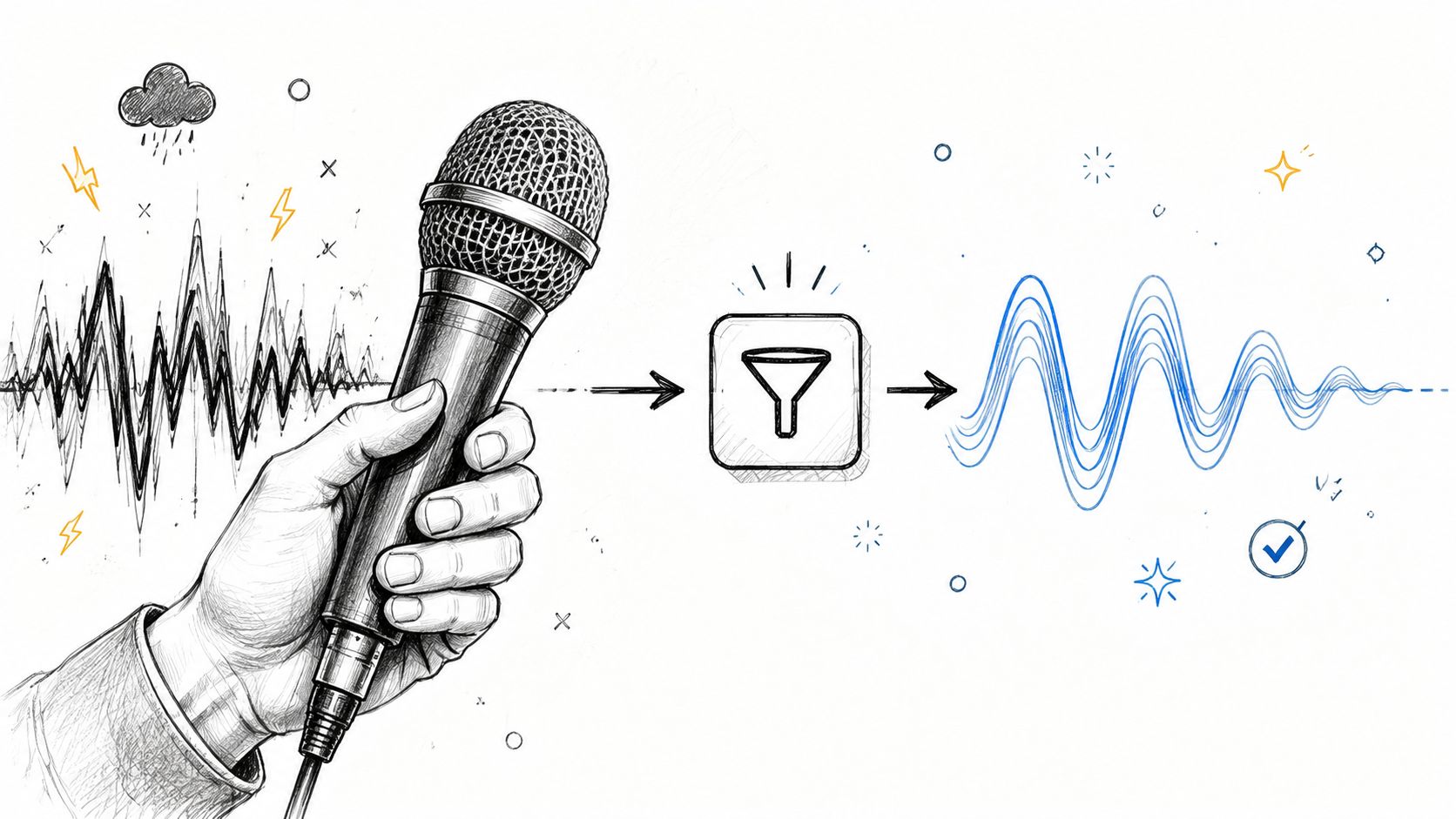
Transcript quality starts long before you upload anything. If the recording is muddy, clipped, noisy, or full of interruptions, the transcript will reflect it.
That matters because the broader AI transcription market is projected to grow from $4.5 billion in 2024 to $19.2 billion by 2034, and industry sources also report that AI transcription can reach 99% accuracy and cut costs by up to 70% versus manual alternatives. Those results depend heavily on input quality, as noted in Sonix's transcription market overview.
Clean up the recording before you export
A few production habits save a lot of transcript repair later.
- Reduce constant background noise: Air conditioning, laptop fans, traffic wash, and room hiss make words less distinct. Even light cleanup helps the model separate speech from noise.
- Tame volume differences: If one speaker is much quieter than the other, speaker detection and word recognition get worse. Basic leveling or normalization makes the transcript more stable.
- Trim dead space and obvious false starts: You don't need to over-edit, but removing long pauses, setup chatter, and repeated restarts makes speaker flow easier to read.
- Minimize overlapping speech: Crosstalk is one of the fastest ways to create bad speaker labels and broken sentences.
Export settings matter more than people think
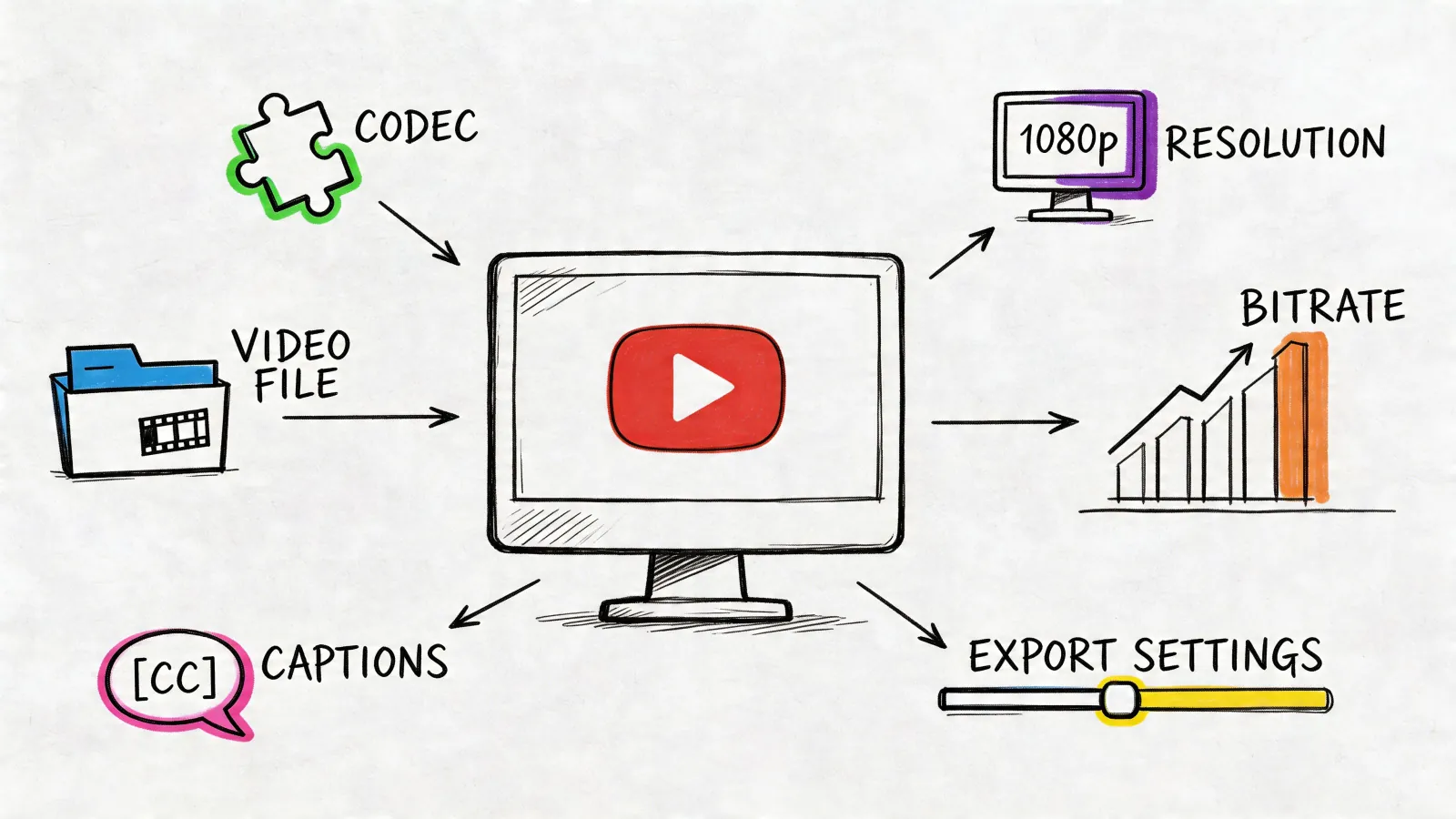
The file you upload shapes how much detail the system can detect. A heavily compressed file can still transcribe, but it gives the software less to work with.
Use the cleanest export your workflow reasonably supports. If you're recording fresh audio and want better source quality from the start, a dedicated audio recorder device guide can help you choose hardware that captures clearer speech before post-production even begins.
A practical prep checklist
I'd run this before every transcript job, especially on interview episodes:
- Listen to the first minute on speakers, not just headphones. Room rumble and harshness are easier to notice.
- Check for clipped peaks. Distortion doesn't just sound bad. It destroys word edges.
- Make sure each speaker sits in a similar loudness range. Uneven dialogue causes recognition swings.
- Remove obvious intro music overlap under speech if it's too loud. Music beds can confuse names and opening lines.
- Export a clean master, then transcribe that. Don't send a rough scratch file if you have a better rendered version.
The fastest way to improve a transcript is often not better editing. It's better source audio.
Most producers look for accuracy gains inside the transcript editor. The cheaper fix usually happens in the audio session first.
Your Step-By-Step AI Transcription Workflow
A good AI workflow should feel boring in the best way. Upload, process, review, export. If you need a long setup every time, it won't survive a weekly production schedule.
Here's the process that holds up in real use when you need to transcribe a podcast to text without creating extra busywork.

Step 1 Upload the cleanest file you have
The practical workflow for high-quality podcast transcription is straightforward: prepare a clean audio file, upload or record it, run automatic transcription, then do a targeted edit pass for speaker turns, names, punctuation, and noisy or numbers-heavy sections. Guidance on efficient QA also recommends checking the first 2 minutes and one overlap or laughter section because those spots expose many transcript errors quickly, according to TicNote's podcast transcription workflow.
Upload the final edited episode when possible, not a rough multitrack bounce with extra chatter. If your tool accepts links, imported media can be convenient, but direct upload usually gives you more control over exactly what gets processed.
Step 2 Set language and speaker expectations
Before processing starts, confirm the spoken language and turn on speaker detection if the tool supports it. This isn't a small preference. It shapes how the draft will be segmented.
If the episode includes brand names, guest surnames, product names, or technical vocabulary, keep a mini glossary nearby. Even if the software doesn't support custom terms directly, you'll use that list in the edit pass.
Step 3 Generate the first draft
At this stage, speed matters more than beauty. Let the tool produce a full transcript with timestamps and speaker splits if available.
What you're looking for in the first pass:
- Complete coverage of the episode
- Reasonable paragraphing around speaker turns
- Timestamps that help you return to difficult moments
- A workable draft, not a polished final artifact
A lot of people expect the magic to happen here. It doesn't. The magic is that the draft exists at all, quickly enough that human review becomes manageable.
Step 4 Stress-test the weak zones first
Don't start by proofreading line one to line end in order. That's slow, and it hides the areas most likely to fail.
Check these spots first:
- The opening minutes: Introductions often contain names, titles, sponsor mentions, and music under speech.
- Any section with laughter or interruption: Overlap tends to break sentence structure.
- Sponsor reads or sections with numbers: URLs, promo codes, dates, and pricing language are error-prone.
If the draft falls apart in those zones, you'll know early whether the episode needs a heavier cleanup pass.
A related workflow trick applies if your source episode lives on video platforms. For creators working from published videos, a GPT-powered YouTube transcript generator can be useful for quickly pulling a starting draft before you move into editing and formatting.
Step 5 Export only after editorial cleanup
Don't rush into export just because the text exists. First decide what the transcript is for.
If you need it for:
- Show notes, keep a clean editable document
- Website publishing, format for readability before export
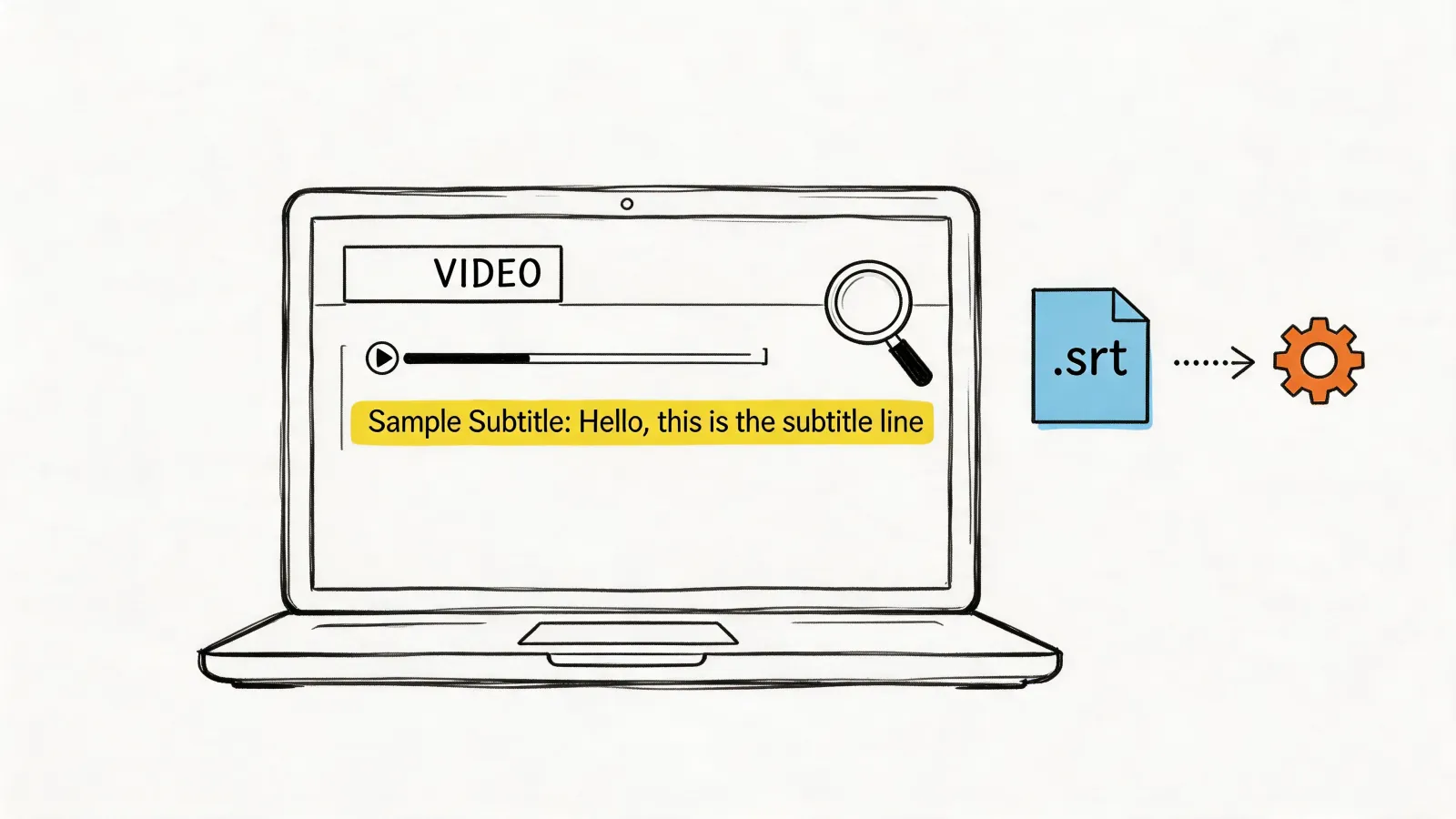
- Captions or subtitles, preserve timing structure
- Internal notes or research, searchable plain text may be enough
Here's a quick visual walkthrough of what this kind of transcription flow looks like in practice:
The core lesson is simple. The AI stage should remove manual drudgery, not remove editorial judgment.
Editing Your Transcript for Flawless Publication
A transcript becomes publishable when a human fixes the parts machines are most likely to mishandle. That usually means not grammar in the abstract, but identity, intent, and readability.
The biggest weakness in actual podcast transcription isn't basic word conversion. It's reliability under imperfect conditions. Existing advice often promises strong accuracy but skips the harder question: what editing, timestamps, speaker labeling, glossary setup, or QA process makes a transcript trustworthy when the audio includes overlap, multiple accents, or rough sections? That's the core issue highlighted in Rev's discussion of podcast transcript accuracy in messy audio.
Edit for trust, not for literalism
A flawless publication transcript doesn't need to preserve every filler word and false start unless your use case demands verbatim text. Most podcast transcripts read better when they are lightly cleaned while staying faithful to meaning.
My editing checklist
When I review a transcript for publication, I don't scan everything with equal attention. I go after the high-risk errors first.
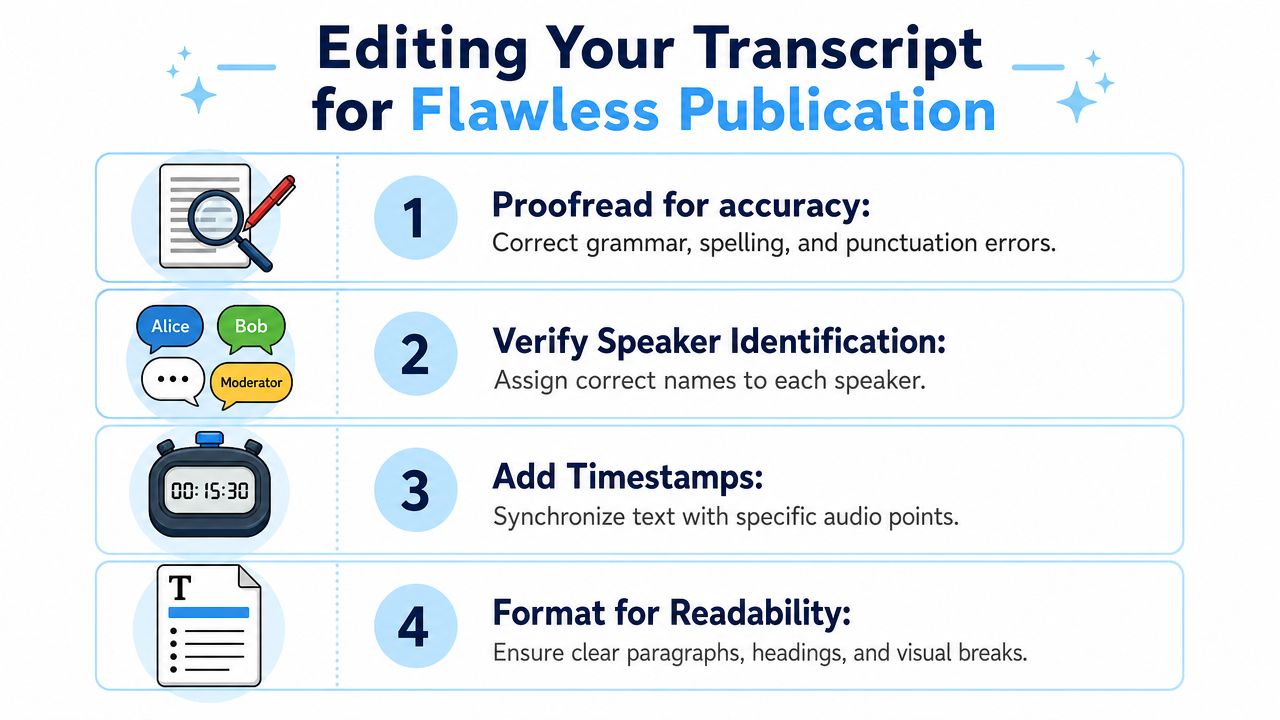
- Speaker names first: If the labels are wrong, readers lose trust immediately. Fix identity before polishing wording.
- Proper nouns next: Guest names, brands, places, books, software, and company names are frequent machine misses.
- Numbers and references: Dates, URLs, codes, statistics mentioned in the episode, and episode references need direct verification against the audio.
- Punctuation for readability: Break long blocks into readable paragraphs. Add commas and periods where natural speech didn't provide enough structure.
- Topic transitions and timestamps: Insert or tidy timestamps around major turns so readers can browse the episode.
A transcript doesn't have to sound like written prose. It has to sound like the speaker meant what the page says.
Where transcripts usually break
Certain moments deserve slower listening because they produce recurring errors:
| Trouble spot | Common failure | What to do |
|---|---|---|
| Crosstalk | Broken sentences and swapped speaker labels | Replay that section and separate lines manually |
| Accent shifts | Similar-sounding words substituted incorrectly | Verify against context, not spelling alone |
| Fast intros | Misspelled names and titles | Correct once, then use find and replace |
| Sponsor or CTA reads | Bad URLs, codes, and brand terms | Compare directly with approved copy |
| Laughter and interruptions | Lost punctuation and fragmented phrasing | Rebuild the sentence for readable flow |
A faster way to proof
Don't edit like you're copyediting a novel. Use production shortcuts.
- Listen at increased speed while reading the draft. It helps you catch mismatch quickly.
- Run find and replace for repeated mistakes, especially guest names or product terms.
- Mark uncertain sections during first review, then return after the main cleanup.
- Read key excerpts aloud if they'll be quoted on a website or in a newsletter.
A transcript can be imperfect and still useful. It cannot be careless and still feel professional.
Publishing Repurposing and Legal Notes
Once the transcript is clean, you've got more than a documentation file. You've got a flexible source asset that can feed publishing, marketing, internal research, and archive workflows.
The obvious use is to post it with your episode page. The less obvious use is to break it apart. One transcript can become tighter show notes, pull quotes, a newsletter recap, a blog draft, FAQ snippets, chapter summaries, and talking points for follow-up content. If you need ideas for turning long-form material into multiple assets, these content repurposing strategies are a solid starting point.
Good publishing formats depend on the job
Different output formats solve different problems.
- Plain text works well for internal search, archives, and raw editing
- Word or Google Docs style documents are better for collaborative cleanup
- PDF can help with formal sharing or downloadable resources
- Markdown is useful if you publish through a CMS or developer-friendly workflow
For public transcript pages, readability matters more than completeness. Add paragraph breaks, speaker names, and selective timestamps. A giant wall of text makes even an accurate transcript feel low quality.
Repurpose with restraint
The best transcript reuse doesn't copy and paste huge chunks everywhere. It reshapes them for the channel.
Useful repurposing moves include:
- Turn one strong answer into a short article section
- Pull a memorable quote into social copy
- Create an email summary built around the main argument
- Extract recurring audience questions and build an FAQ
- Use the transcript as source material for a cleaner YouTube description or episode summary
The legal part people skip
A major gap in most podcast transcription advice is legal rights, consent, and reuse boundaries. Many pages explain how to create a transcript but don't really answer whether you're allowed to transcribe someone else's podcast, republish that text, or use it for training or redistribution in different jurisdictions, as noted in Otter's overview of podcast transcription considerations.
That matters most when the podcast isn't yours.
If you recorded the episode, that doesn't automatically answer every downstream use question. Ownership, guest agreements, platform terms, and local law still matter.
A practical way to consider this:
- Your own show, your own site: Usually the simplest case, but still check guest agreements and internal policies.
- Someone else's podcast for private notes: Often a different situation from public republication.
- Quoting sections publicly: Context, amount used, and jurisdiction matter.
- Using transcripts in a shared team knowledge base: Ask whether access is internal reference or broader redistribution.
If the transcript will be redistributed, monetized, archived for external use, or fed into another system, pause before publishing. Workflow questions are easy. Rights questions are where teams get sloppy.
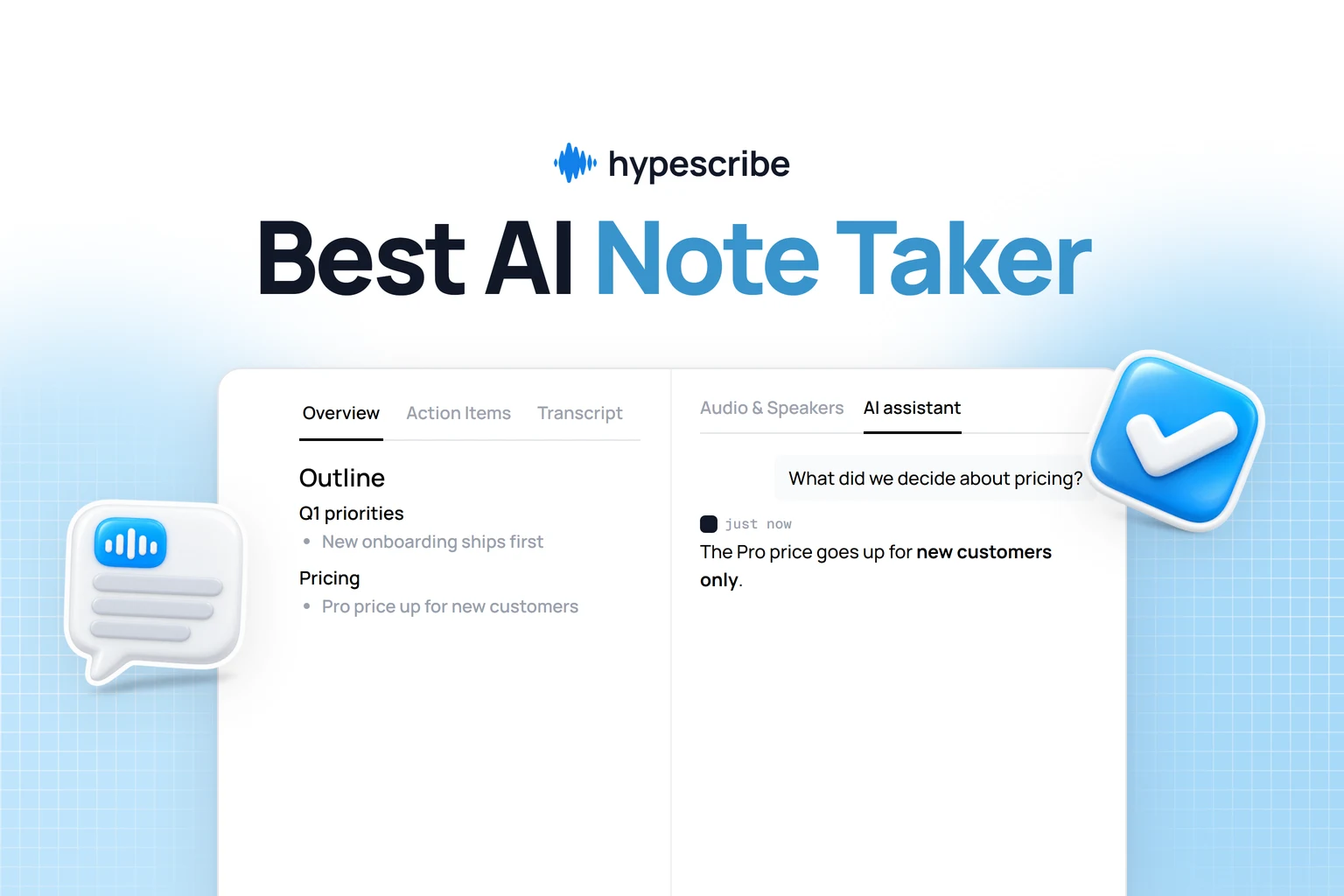
If you want a faster way to turn episodes, interviews, meetings, or video links into searchable text, HypeScribe is built for that workflow. You can upload files, paste links, generate transcripts quickly, and export them into the formats teams use. It's a practical fit when you need speed on the first draft and enough flexibility to turn spoken content into something you can edit, publish, and reuse.