Translate German Speech to English: Guide to Audio & Video

You get a German recording at 4:30 p.m. It might be a customer interview, a board update, a webinar, or a project kickoff invite where most of the discussion will happen in German. The immediate question isn't academic. It's operational. How do you turn that speech into English fast enough to use it, without losing meaning, speaker context, or sensitive details along the way?
That's where workflow matters more than novelty. If you need to translate German speech to English, the job usually isn't just “run it through a translator.” You need to decide whether the content is recorded or live, whether speaker labels matter, whether you need subtitles or a clean memo, and how much human review the final output requires.
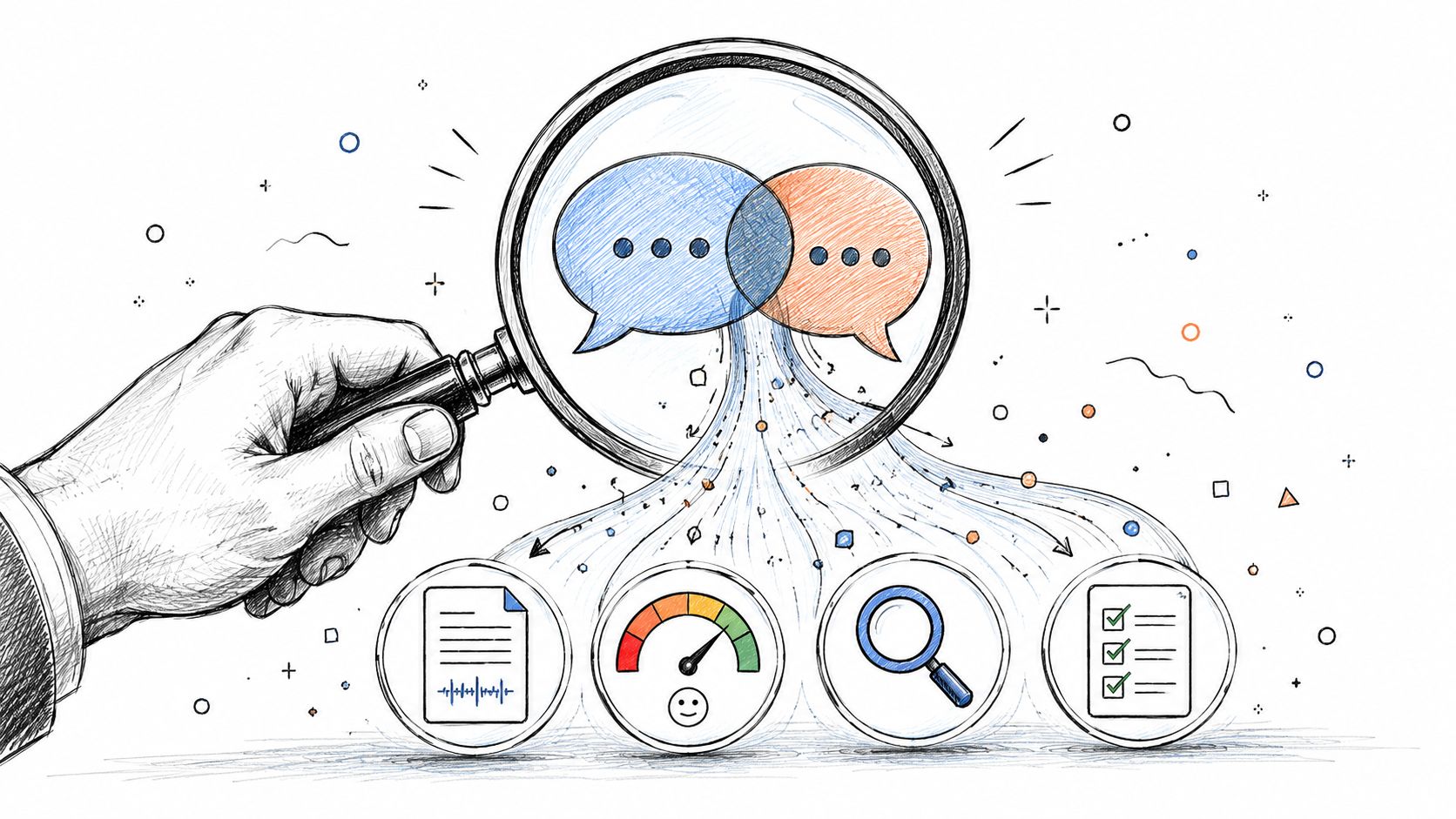
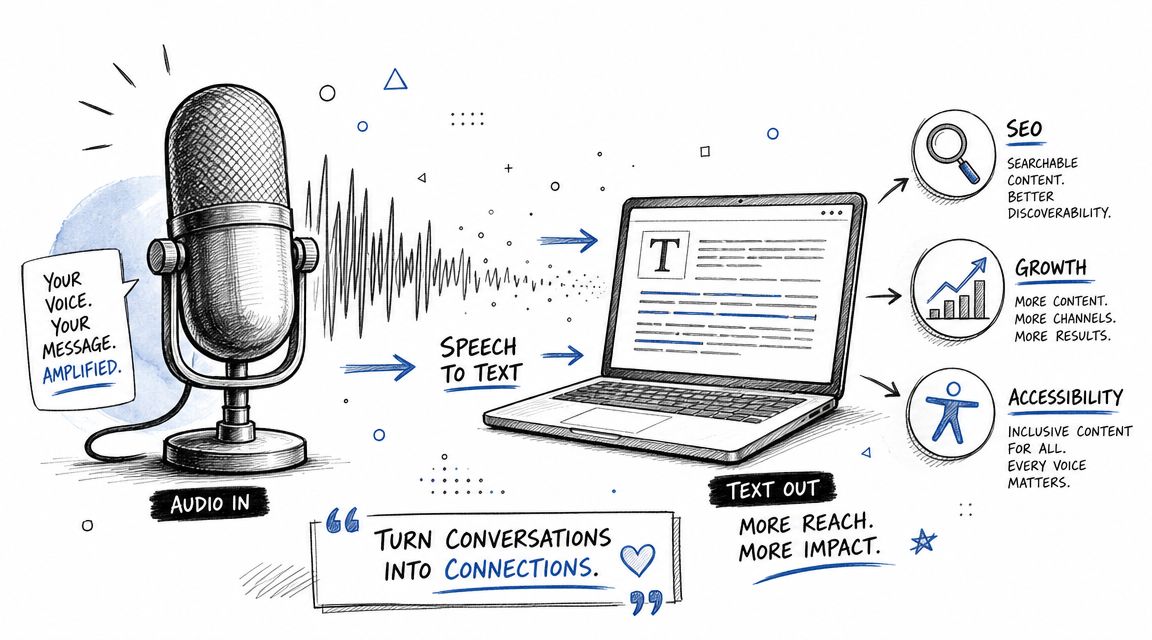
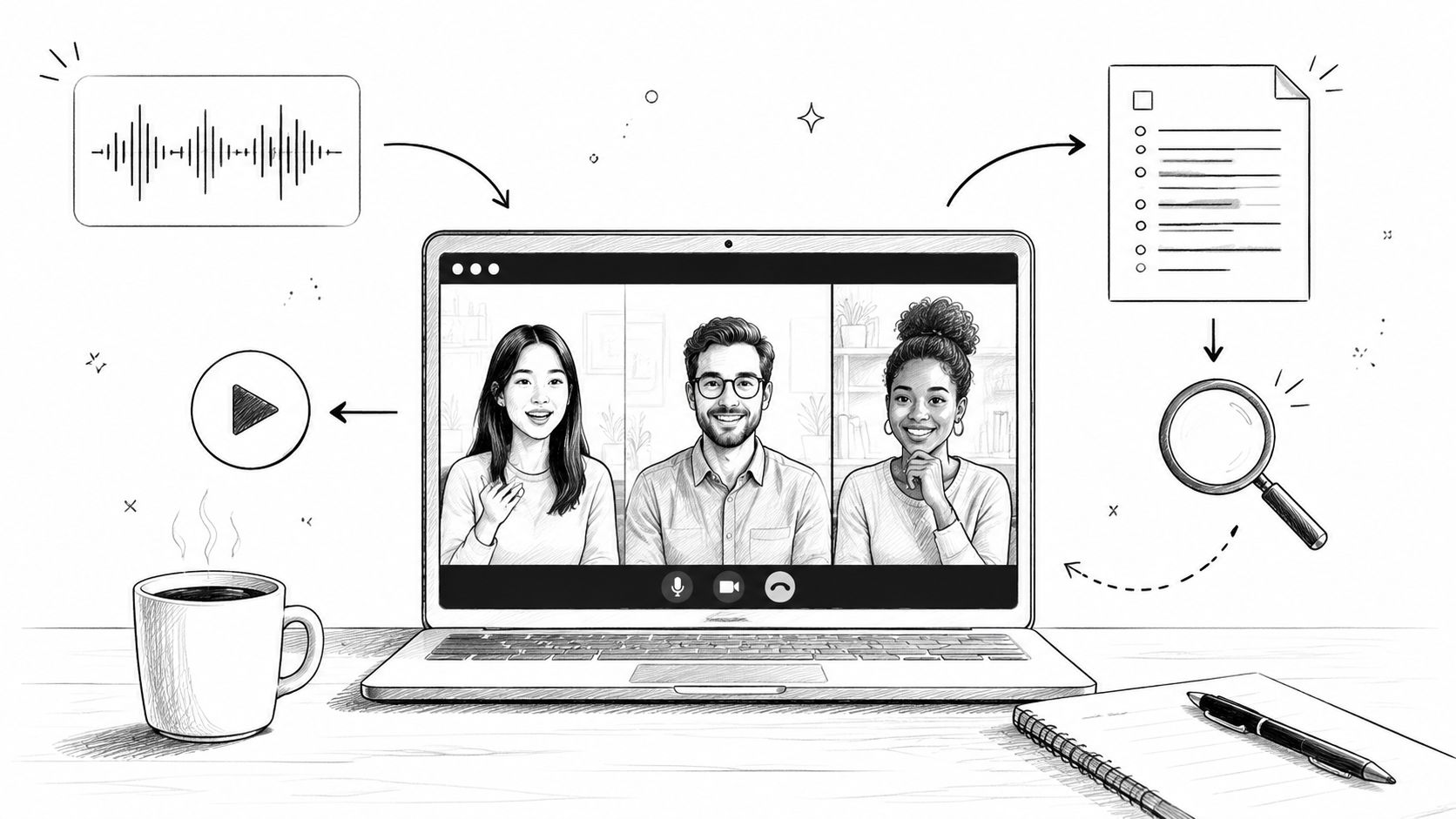
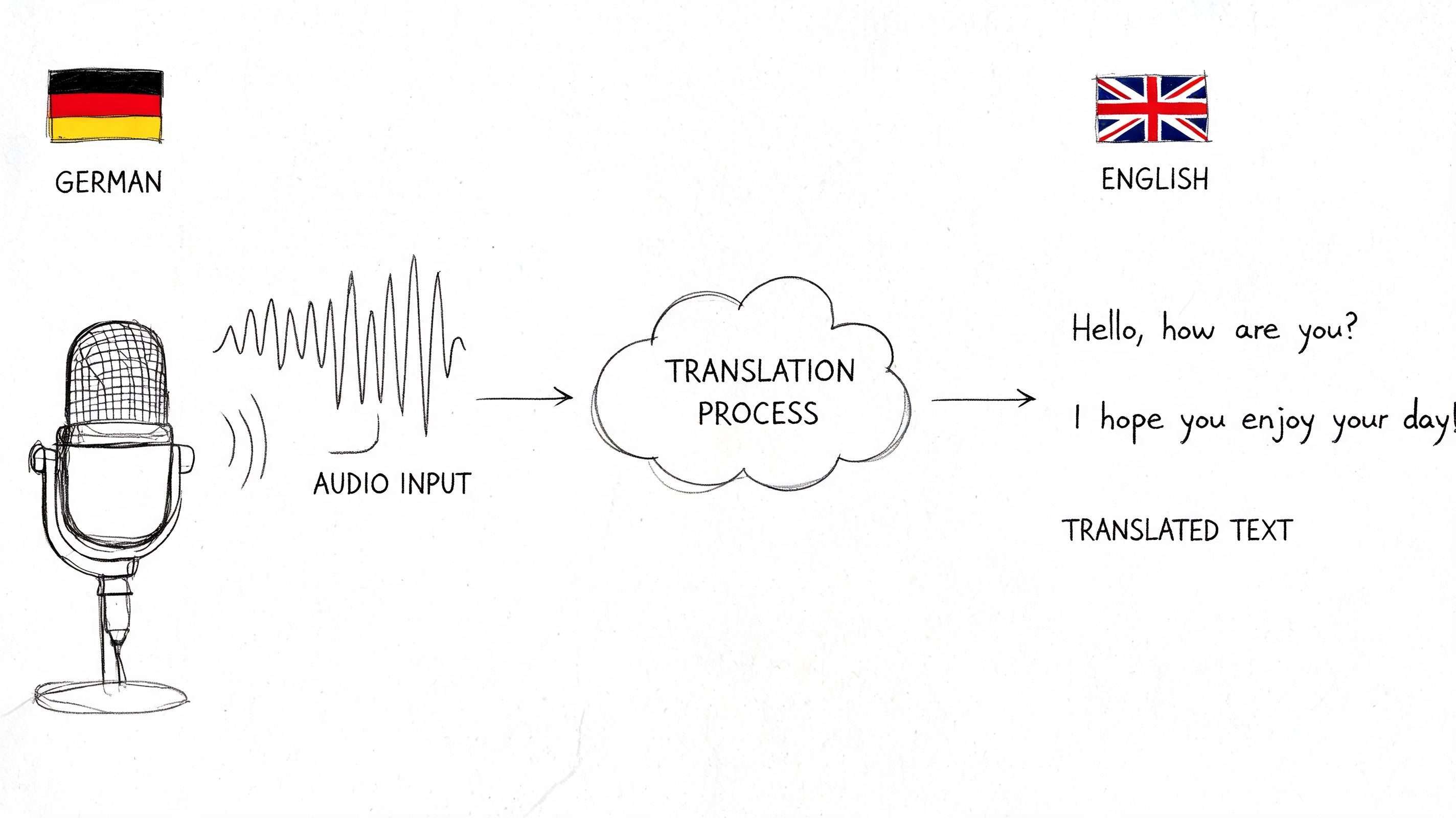
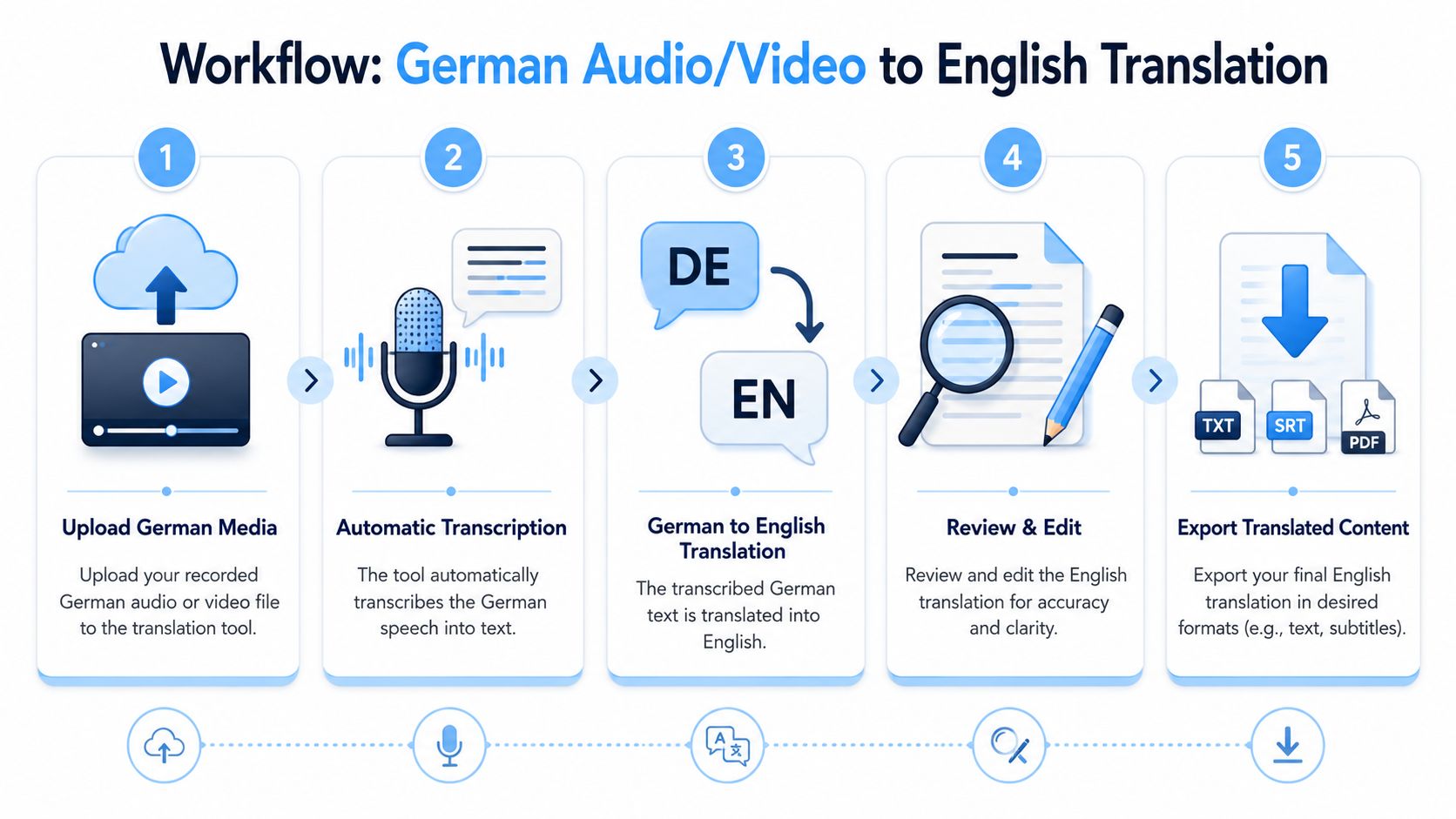
Teams that handle multilingual media regularly tend to treat translation as a pipeline. First, get clean audio in. Then create a dependable transcript. Then translate. Then review terminology, names, and tone. Then export the result into something people can use, such as meeting notes, subtitles, or a shareable document.
Bridging the Language Gap in a Global Workplace
A lot of German-to-English work starts with urgency. A sales team receives a product demo from a partner in Munich. A researcher has interviews recorded in Austria. An operations lead joins a cross-border call and realizes the discussion will move quickly, with slide commentary that never makes it into the agenda. In each case, the blocker isn't access to the file. It's access to the meaning.
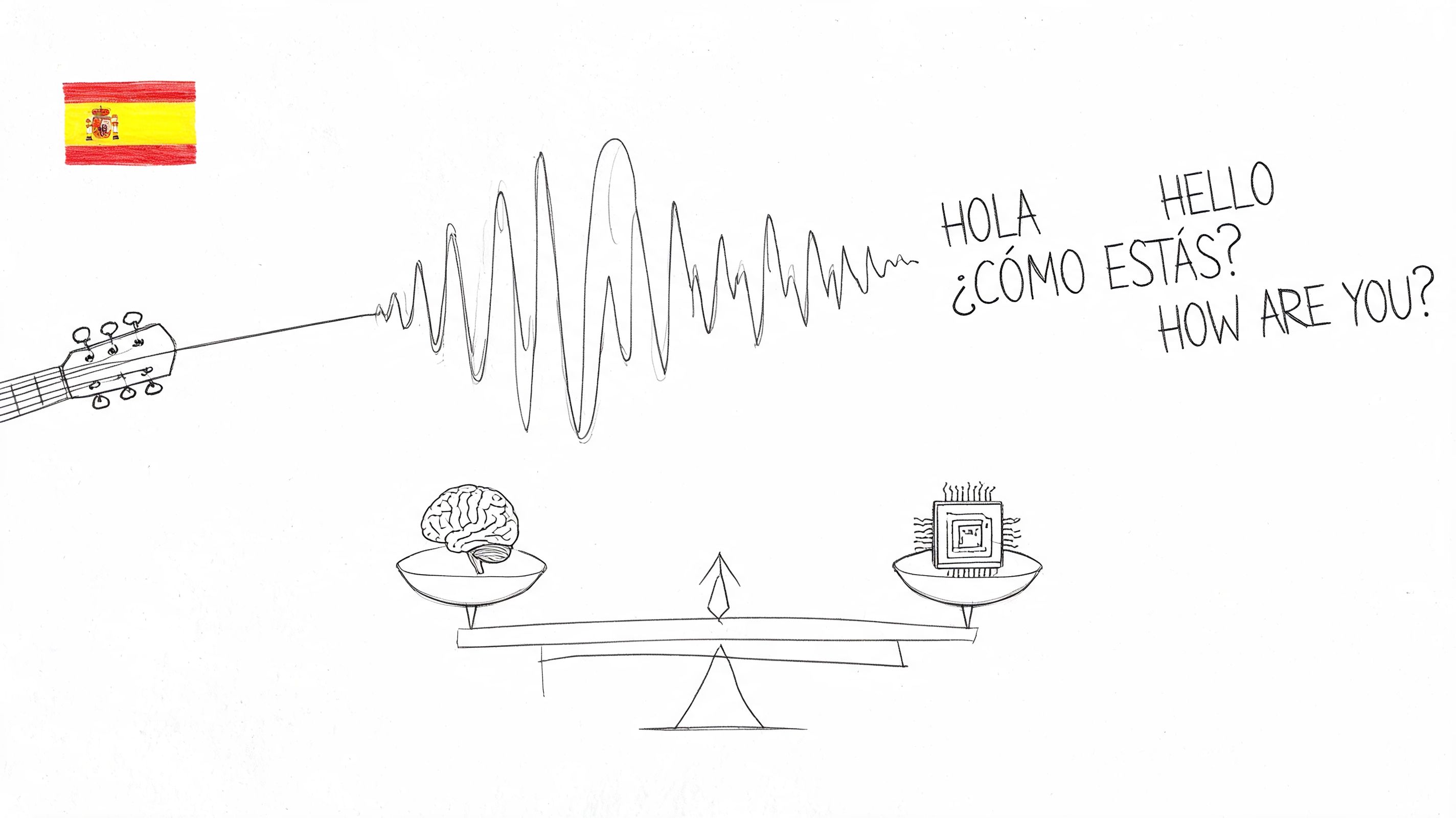
The technology behind this got much better once speech translation stopped relying only on text pairs and started learning from aligned speech and translation data. One important milestone was the LibriVoxDeEn corpus, introduced by the University of Heidelberg. It includes over 100 hours of audio and more than 50,000 parallel sentences of German audio, German text, and English translation from audiobooks, which helped establish a serious training base for German-English speech translation on real spoken material, not just written text (LibriVoxDeEn from the University of Heidelberg).
That matters in everyday work because modern tools are better at continuous speech than older phrase-by-phrase systems were. They've been shaped by longer-form audio, sentence alignment, and speaker variation. You still need review. But you no longer need to treat every German recording like a fully manual translation job from scratch.
There's also a people layer to this. Literal translation won't help much if the meeting language is formal, indirect, or culturally coded in ways your English-speaking team misreads. For teams working with German-speaking partners, a short primer on understanding German cultural norms can prevent avoidable mistakes when you interpret tone, directness, or decision-making language around the translated text.
A usable translation isn't only accurate at the sentence level. It also preserves who meant what, in what setting, and with what level of formality.
Translating Recorded German Audio and Video Files
Recorded files are the easiest place to build a repeatable process. You control the input, you can rerun the job if needed, and you have time to review before anyone acts on the output. That makes batch translation the right fit for interviews, webinars, training recordings, support calls, lectures, and video archives.
Start with the source file, not the translation button
Before uploading anything, check the media itself.
- Confirm the spoken language: If the recording shifts between German and English, note where that happens. Mixed-language audio often creates messy transcript segments if the platform expects only one language.
- Trim dead air when possible: Long silences, intros, and hold music waste processing time and can confuse segmentation.
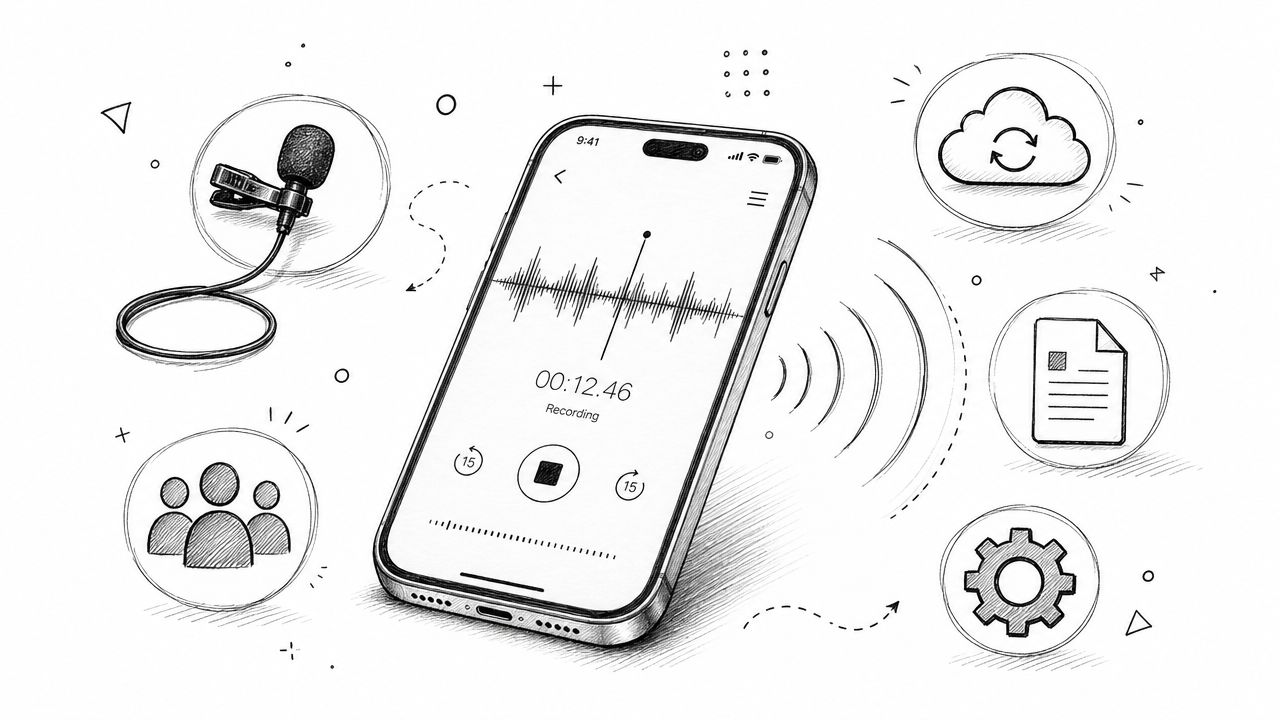
- Listen for structural issues: Crosstalk, echo, and far-field microphone audio create more problems than vocabulary does.
- Know the deliverable: A transcript for internal review needs different cleanup than subtitle text for public video.
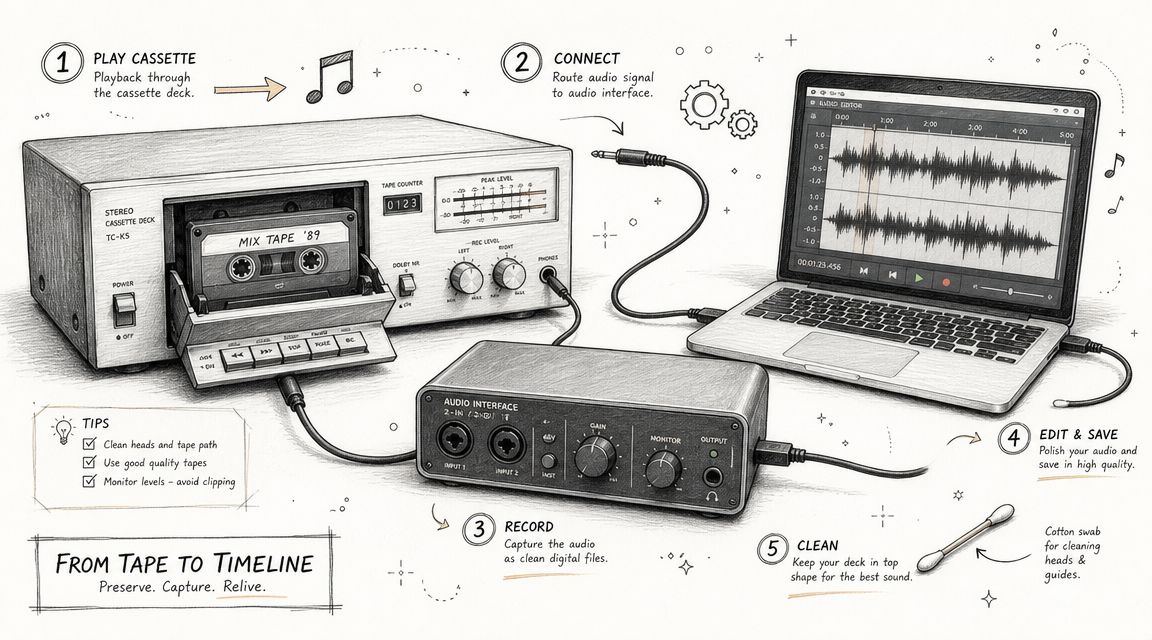
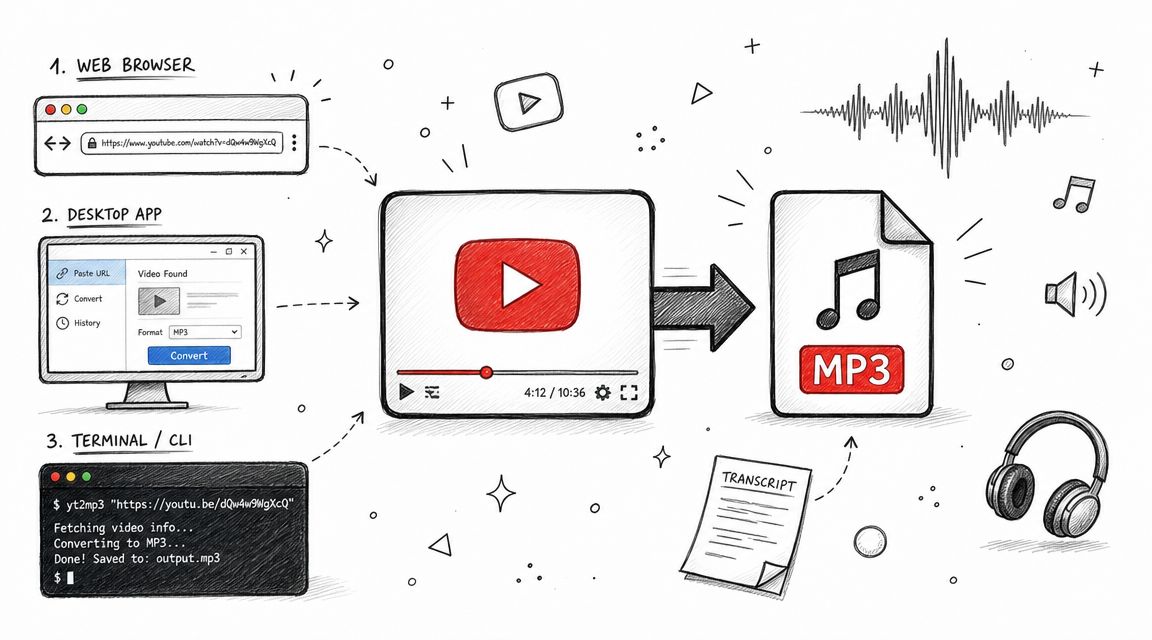
If your source is embedded in a video, pull the audio track first when that makes review easier. A quick guide to getting audio from video is useful when you need to separate the spoken content from the visual file before processing.
Here's the file-based workflow teams can standardize:
Use the right import path
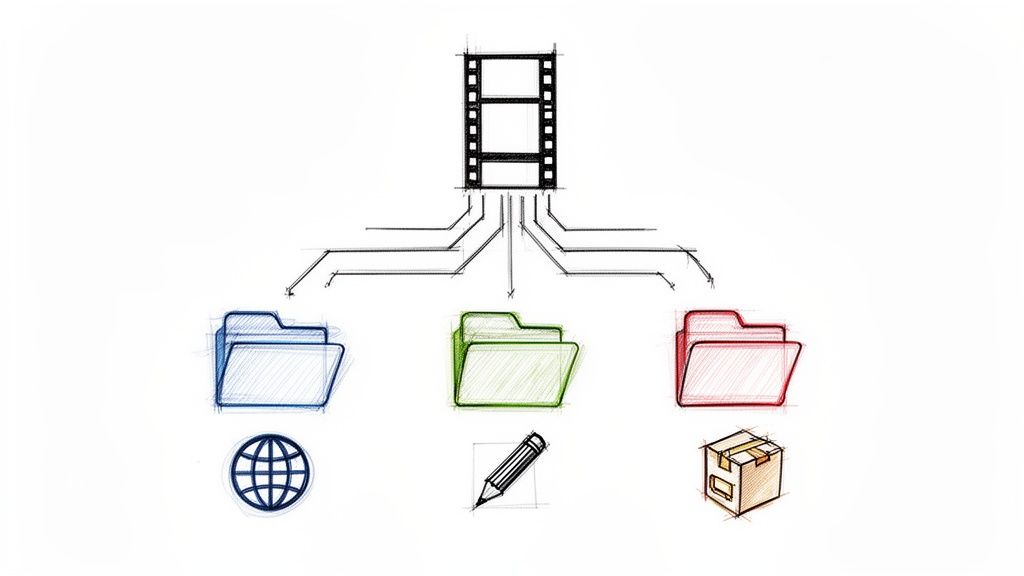
In practice, there are usually three ways to bring material into a transcription and translation workflow:
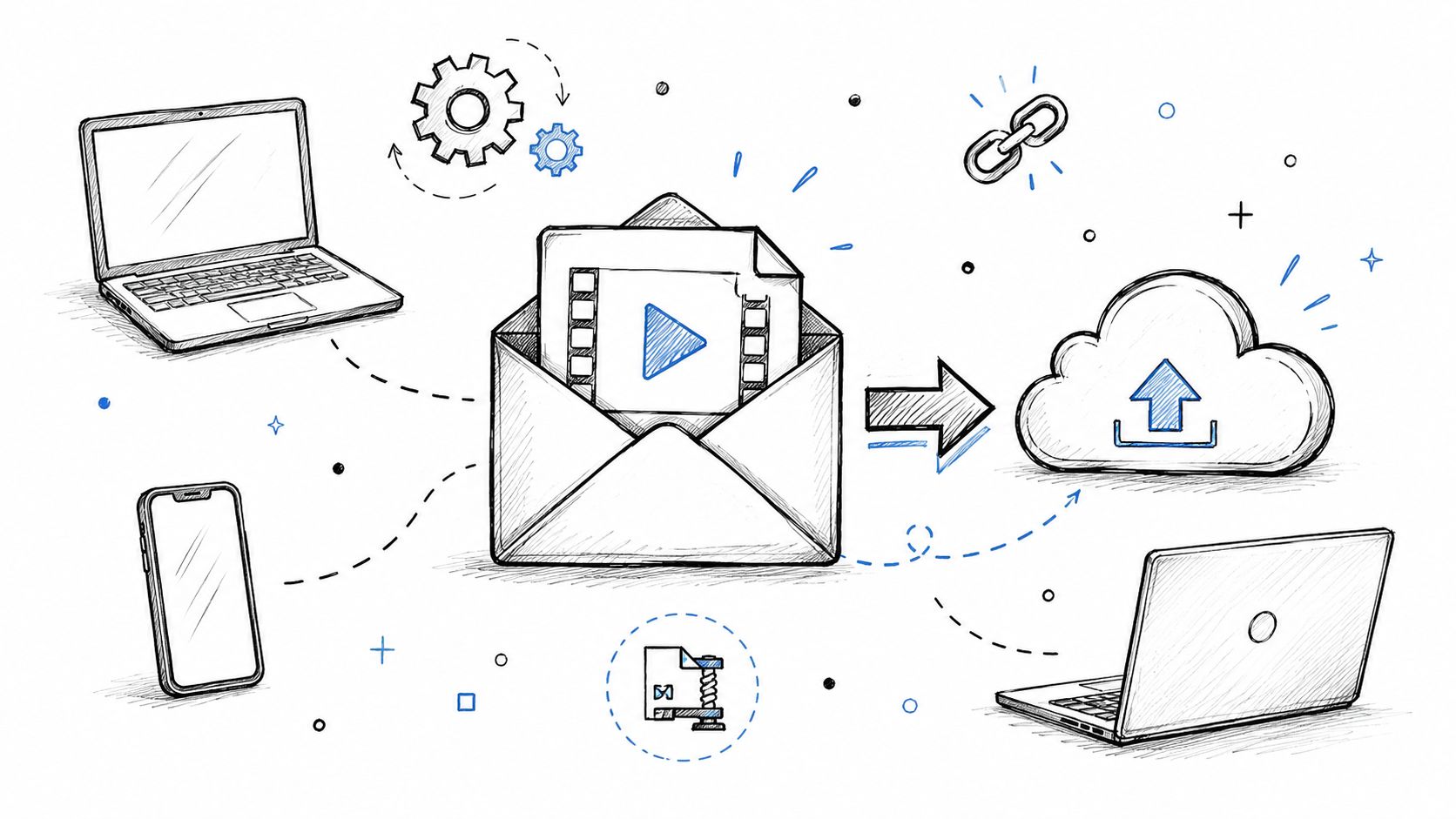
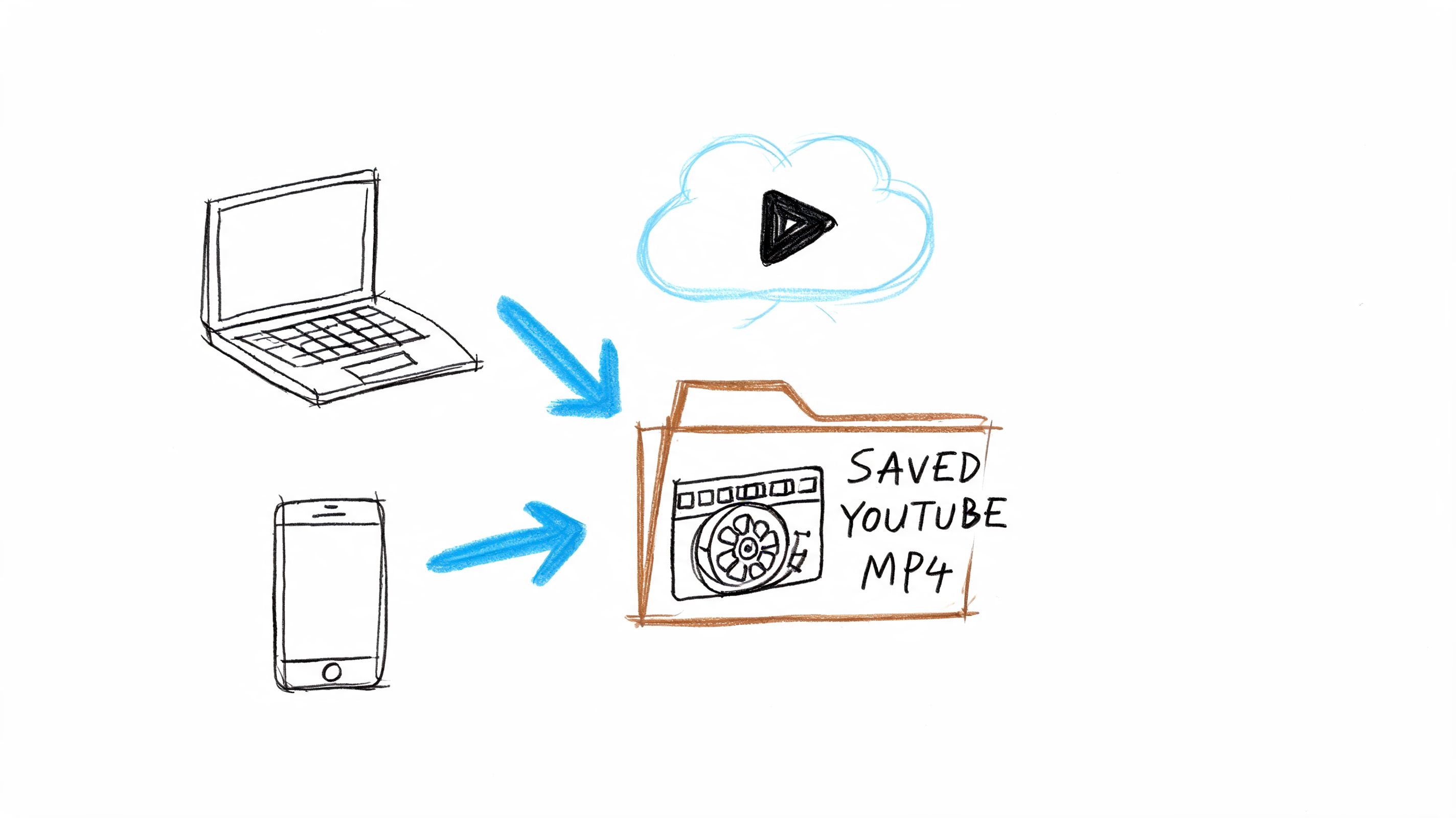
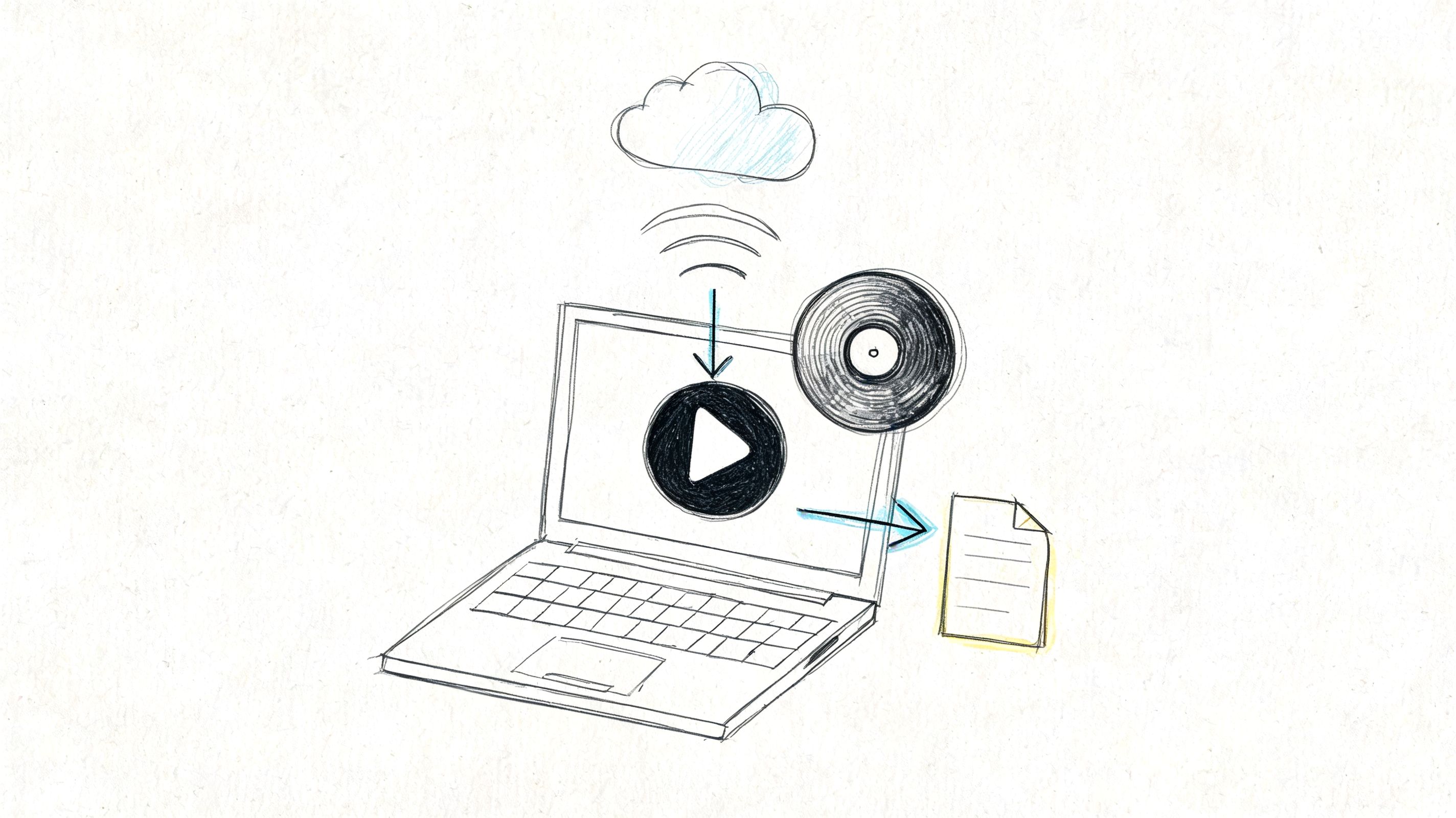
- Direct file upload for local MP3, WAV, M4A, MP4, or similar files.
- Cloud link import when the media sits in Google Drive or another shared location.
- Public URL import for hosted videos such as YouTube or Vimeo.
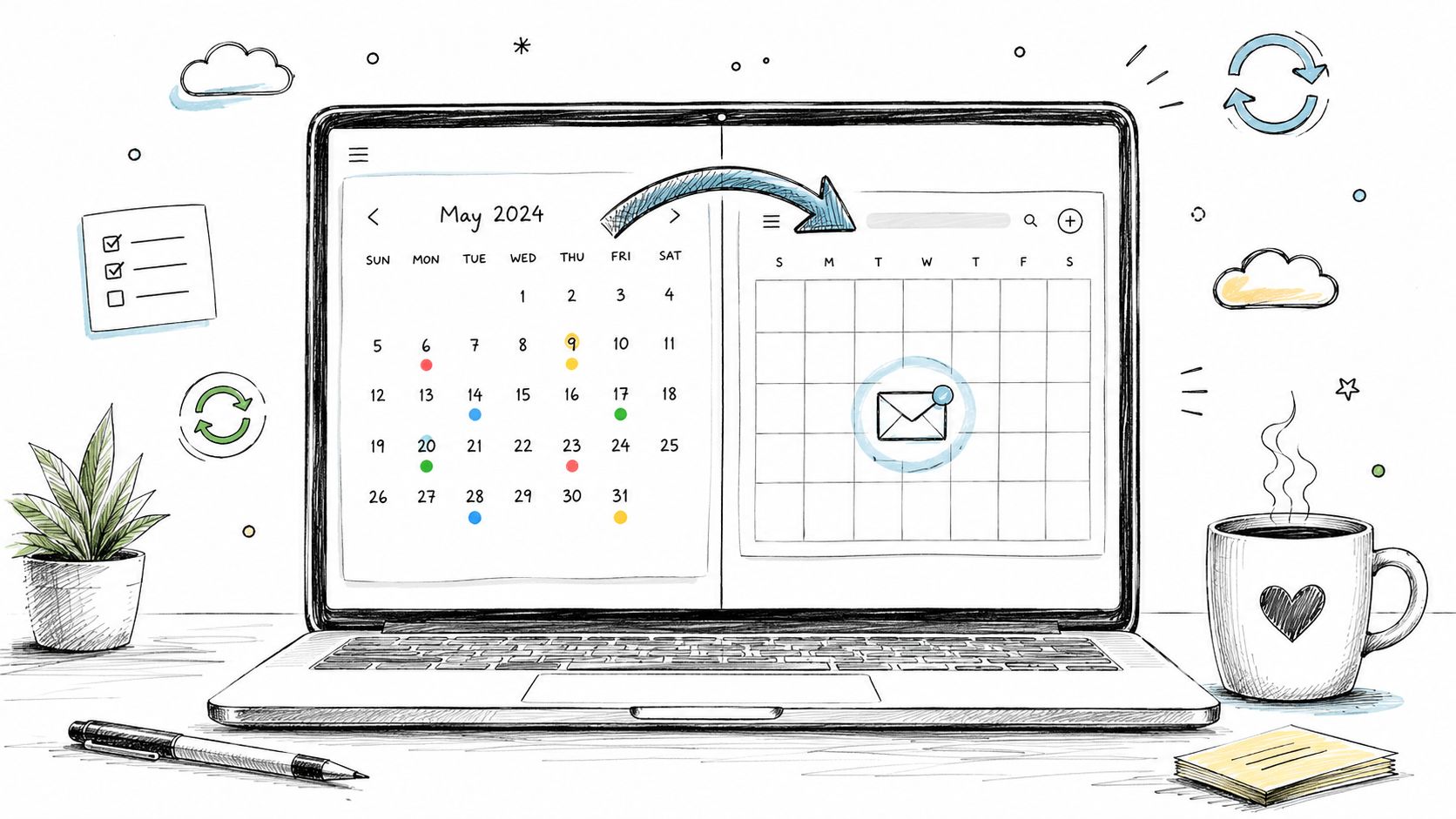
Choose the import path that matches how your team stores source media. Direct upload is usually simplest for one-off jobs. Link-based import is cleaner when multiple reviewers need access to the same source without passing files around.
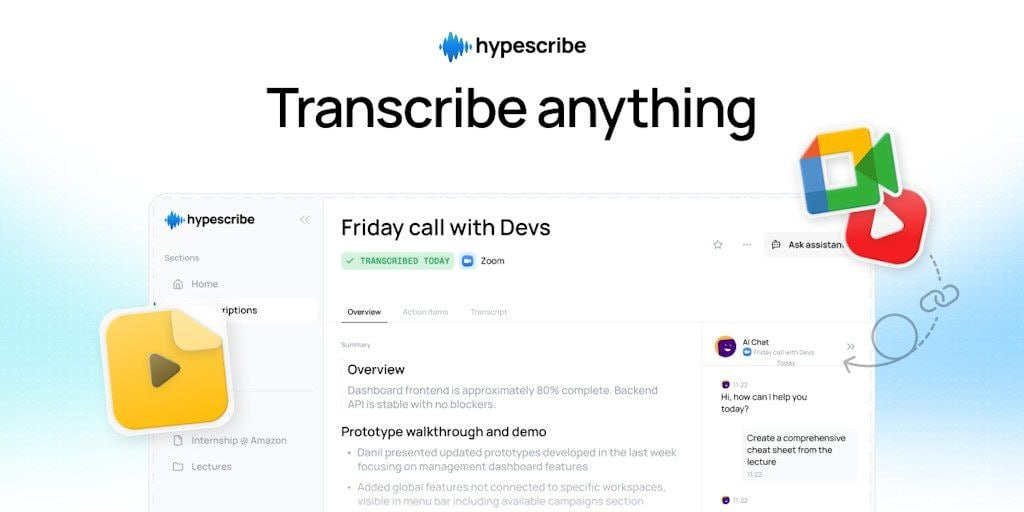
One practical example is HypeScribe, which can process uploaded audio and video files or imported links, then generate a transcript, translation-ready text, and exportable outputs for downstream editing. That's useful when the media moves through content, operations, and review teams rather than one person doing everything alone.
Set language and speaker options deliberately
The most common mistake is letting the platform guess too much.
Use these settings on purpose:
| Setting | What to choose | Why it matters |
|---|---|---|
| Source language | German | Reduces wrong-language recognition on names and sentence boundaries |
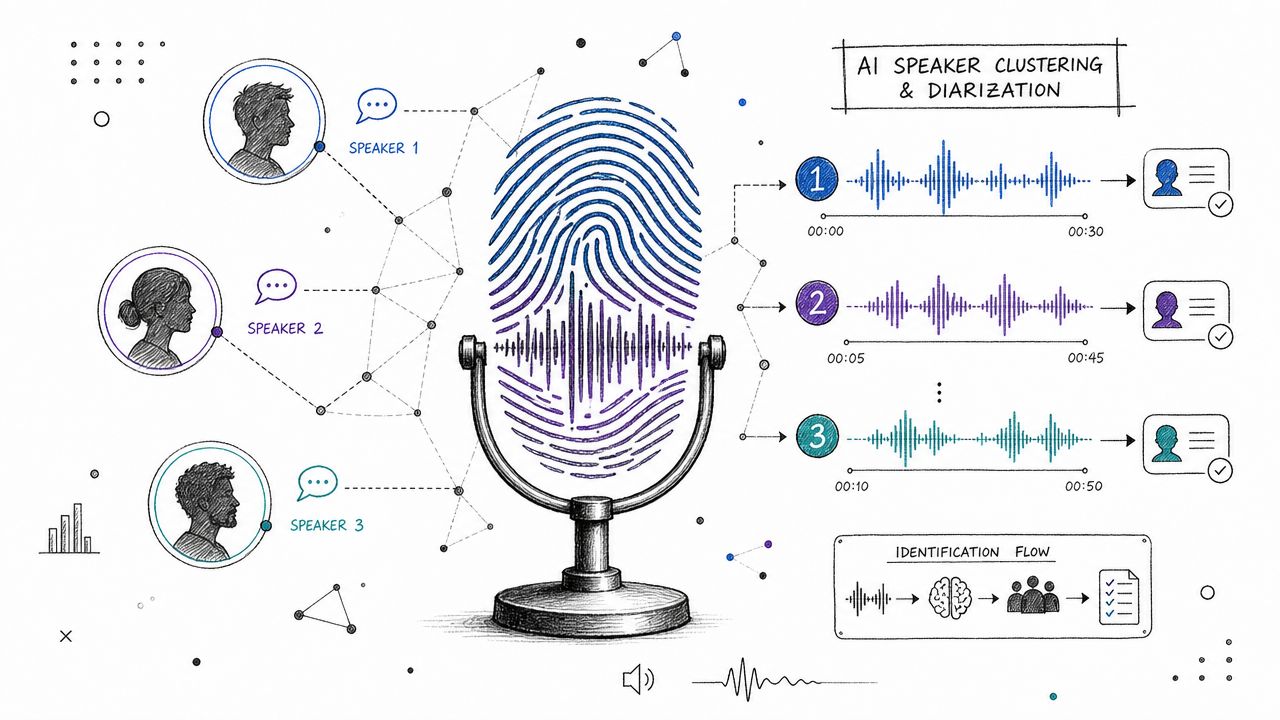
| Speaker identification | On for interviews and meetings | Helps preserve attribution before translation cleanup |
| Automatic punctuation | Usually on | Makes first-pass English easier to read and edit |
| Translation target | English | Keeps the export pipeline simple for downstream users |
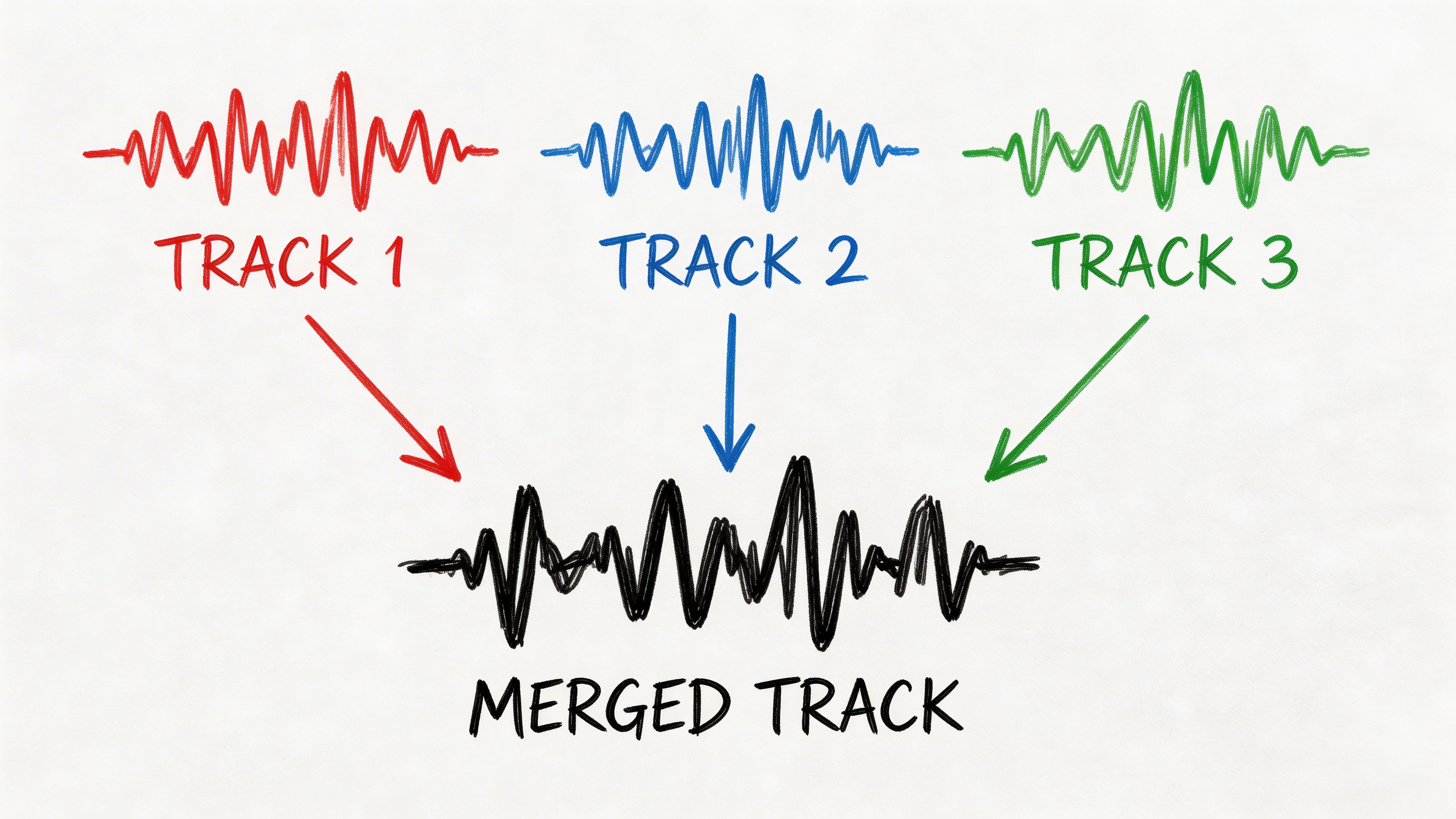
If the recording is a solo narration, you don't need speaker diarization. If it's a panel, customer call, or interview, turn it on. You can always merge speakers later, but rebuilding speaker turns after a flat transcript is slow.
Practical rule: If more than one person speaks for more than a few minutes, enable speaker identification from the start.
Review the German transcript before trusting the English
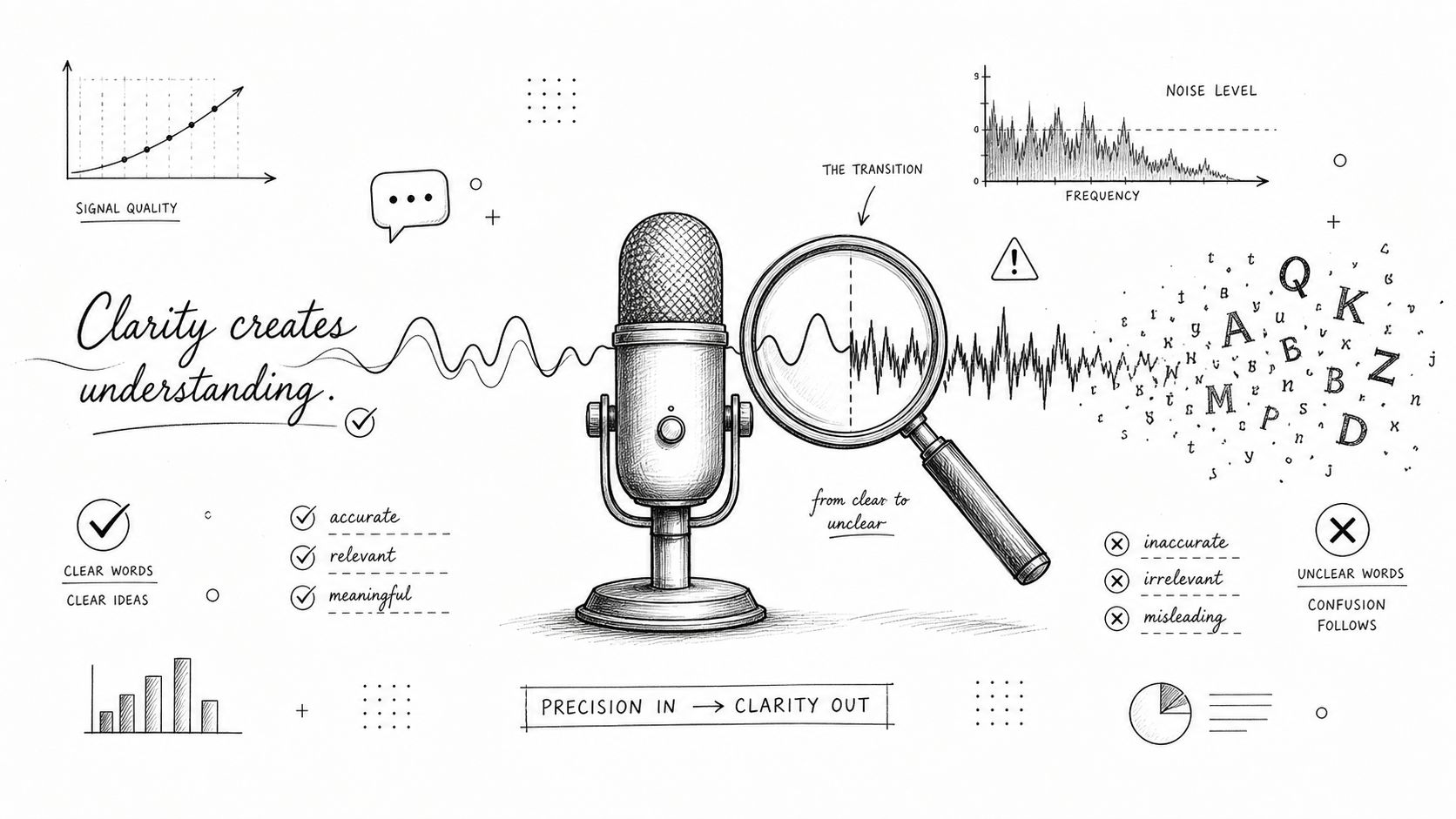
A speech translation workflow succeeds or fails at the transcription layer. If the German transcript is wrong, the English translation will be polished nonsense.
Do a quick first-pass QA on the source transcript:
- Names and organizations: Flag customer names, product brands, and place names.
- Acronyms: German speech often spells out terms or blends English acronyms into German sentences.
- Numbers and dates: These are easy to mishear and expensive to leave wrong.
- Section breaks: Long recordings benefit from chunking by topic before final editing.
I usually treat the automated English output as a strong draft, not a finished asset. For recorded media, that's enough. You're not trying to prove machine perfection. You're trying to create a reliable base that a reviewer can fix quickly.
Shape the output for the next user
After translation, don't hand off a raw block of text unless that's all the stakeholder requested. Recorded media usually needs one of these forms:
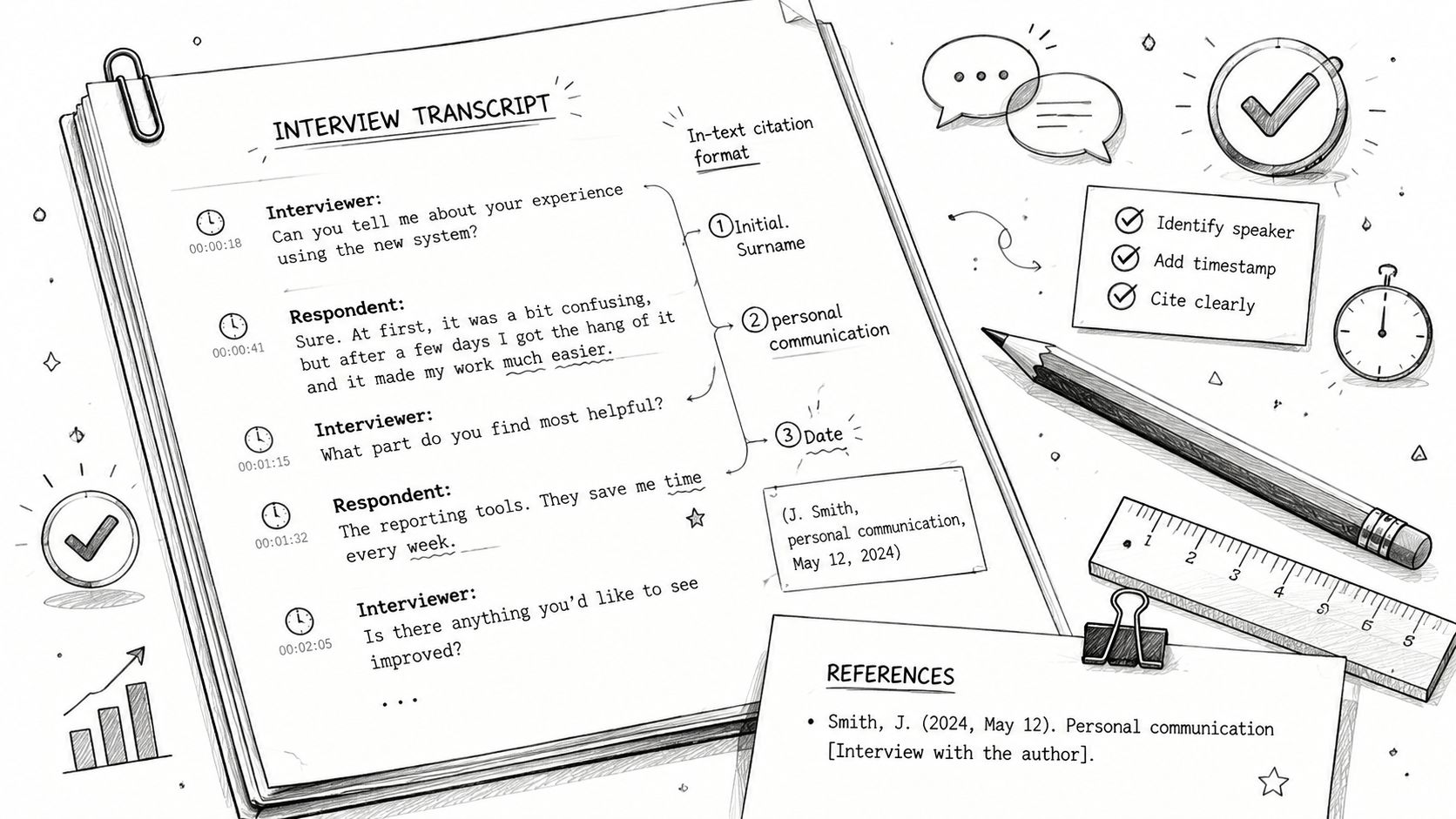
- Clean transcript: Best for internal review, research, and legal or policy checking.
- Summary memo: Better for executives who won't read a full transcript.
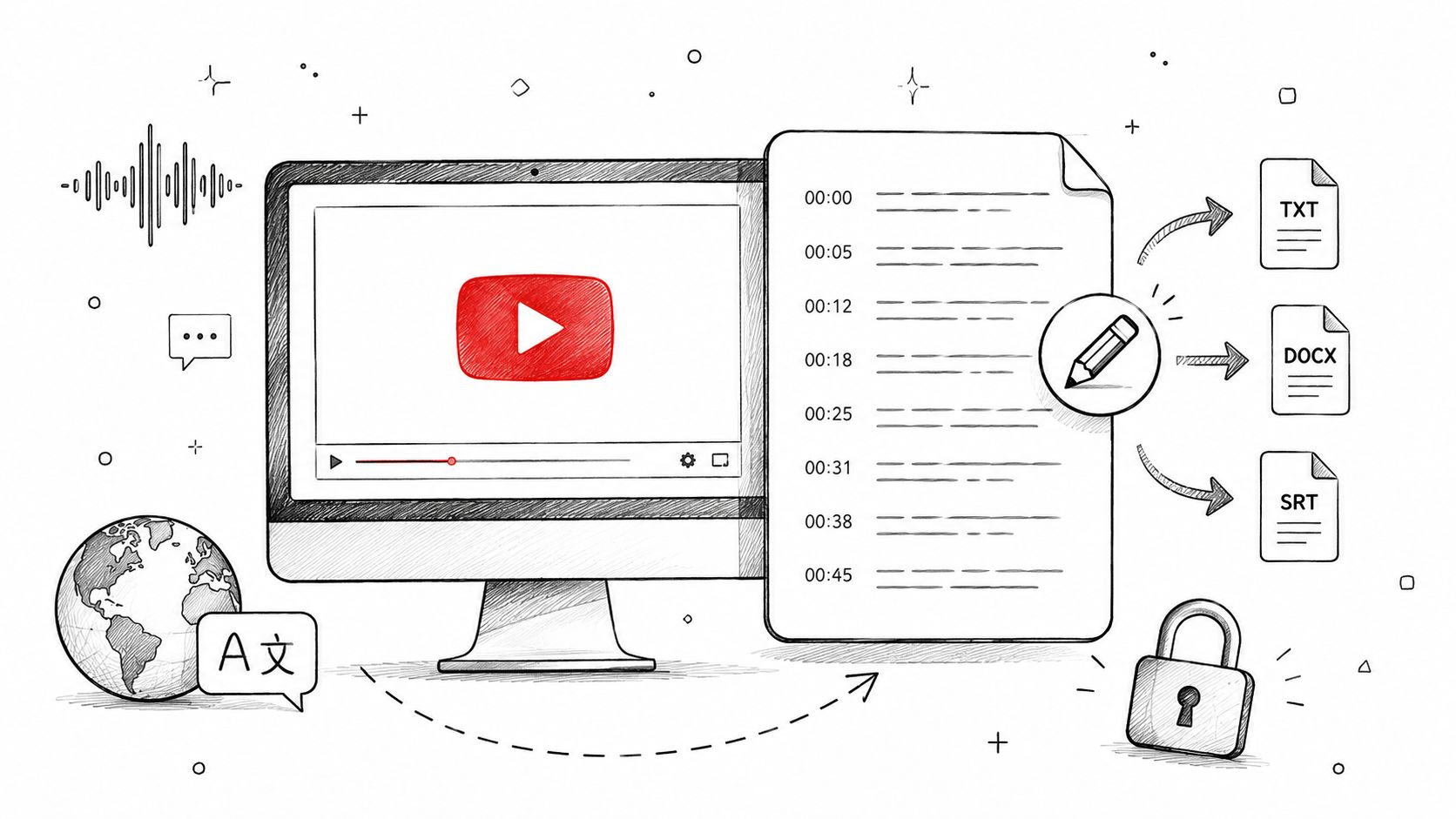
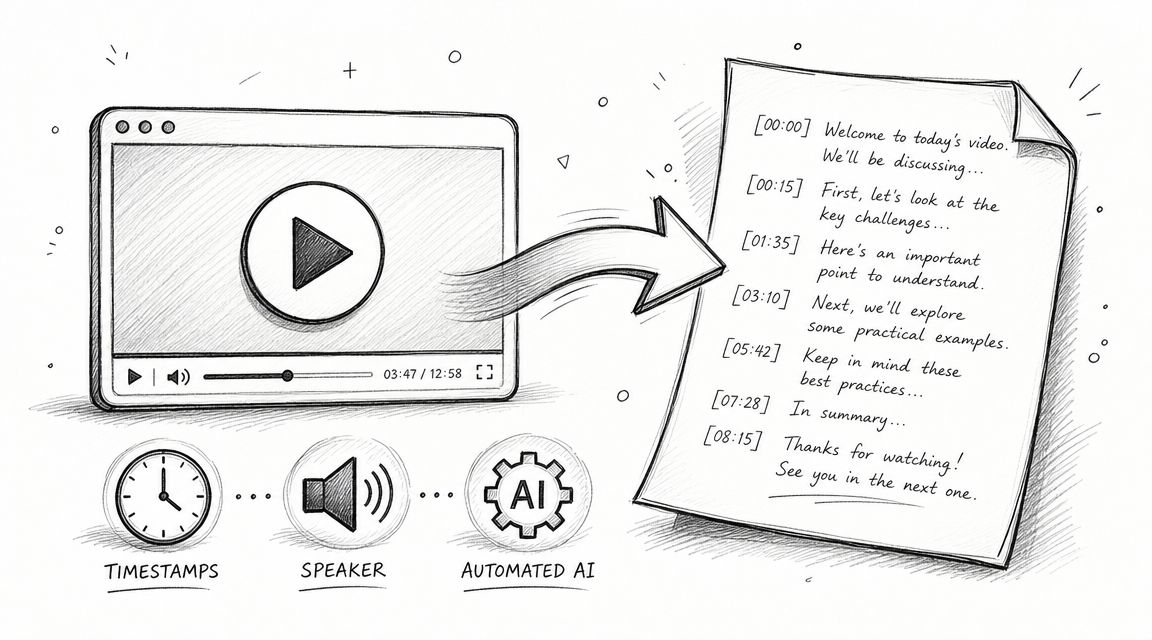
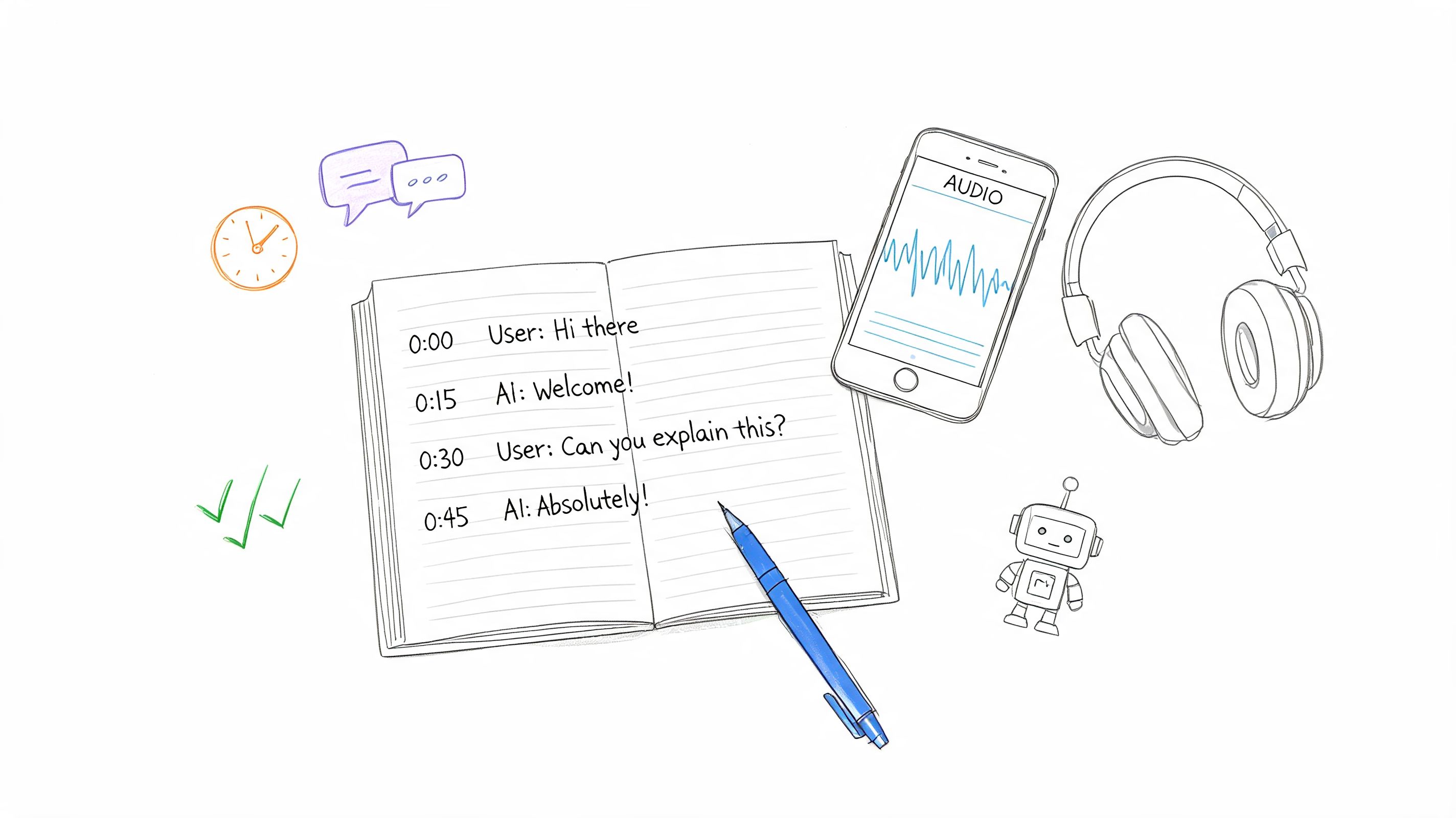
- Timestamped script: Useful for editors, producers, and subtitle teams.
- Quote-ready excerpts: Helpful for journalists and researchers extracting statements.
The translation step is only one part of the job. The primary value comes from making the output usable without another round of interpretation.
Translating Live German Speech in Meetings
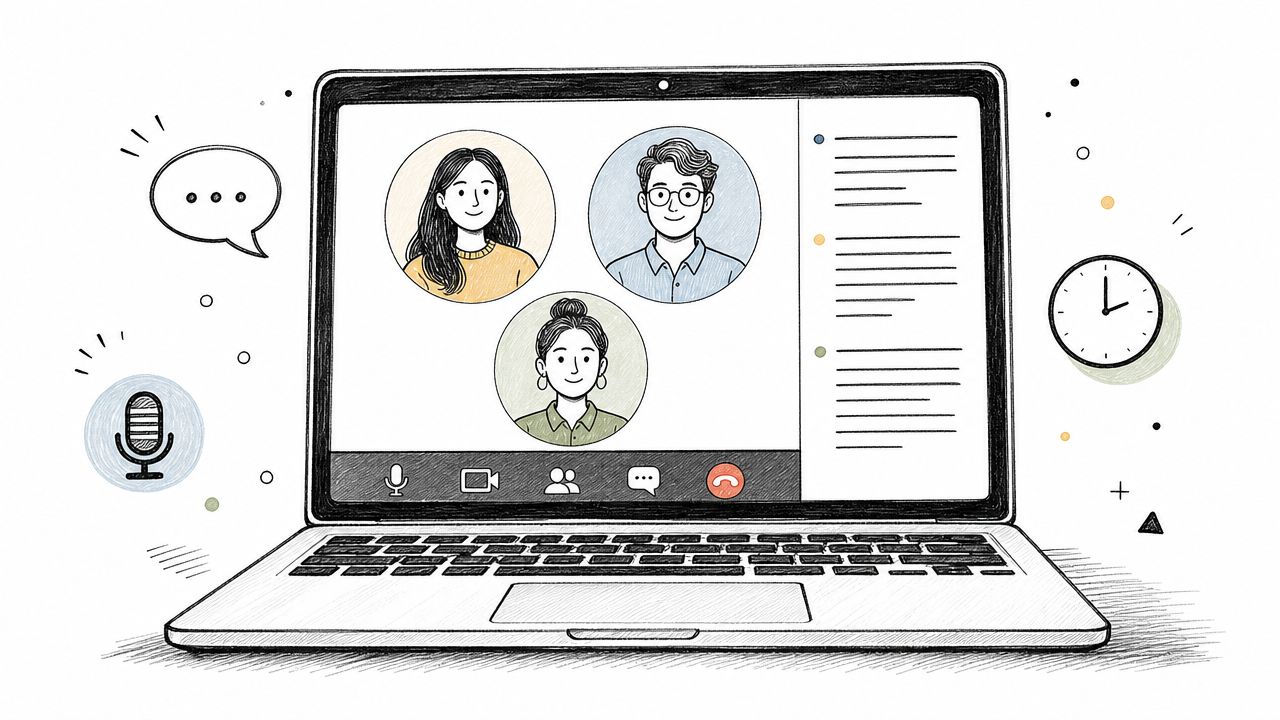
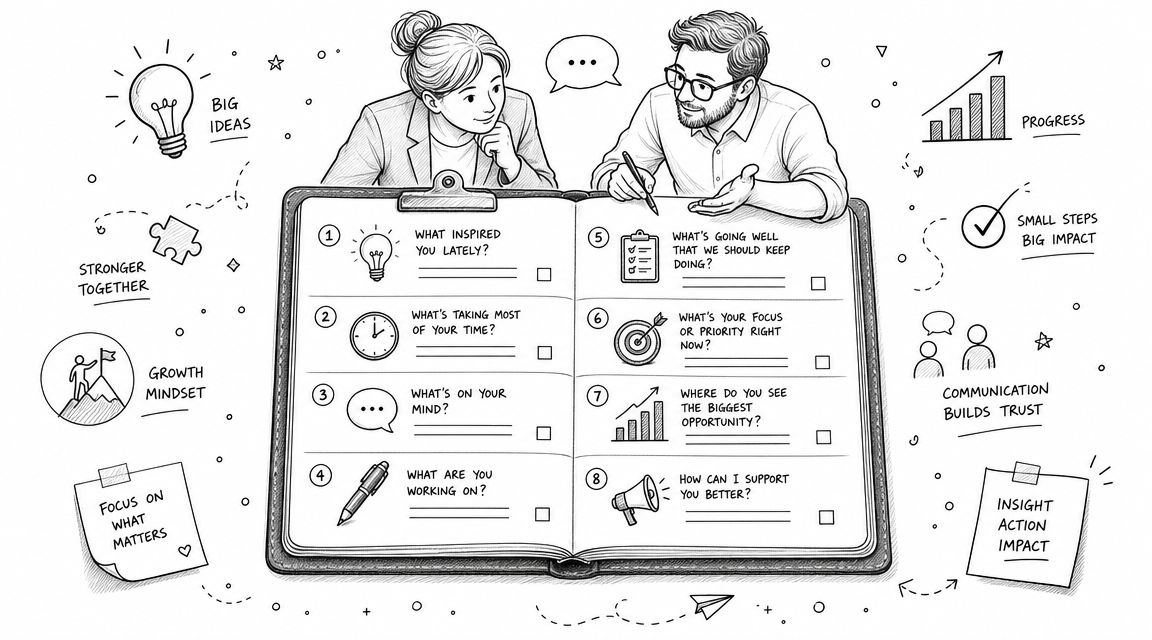
Live meetings are a different discipline. You're not trying to create a perfect archival transcript before anyone sees it. You're trying to keep people oriented while the conversation is still moving. That changes what matters. Latency, speaker separation, and meeting setup become more important than fine stylistic polish.
Recent speech-to-speech systems have pushed this forward. Google Research described real-time translation in the original speaker's voice with only a 2-second delay, and noted support among its strongest results for English paired with German and other Latin-based languages, with the technology enabling the speech translation feature in Google Meet (Google Research on real-time speech-to-speech translation).
That kind of low-latency output is what makes live German-to-English support usable in actual calls instead of only in demos.
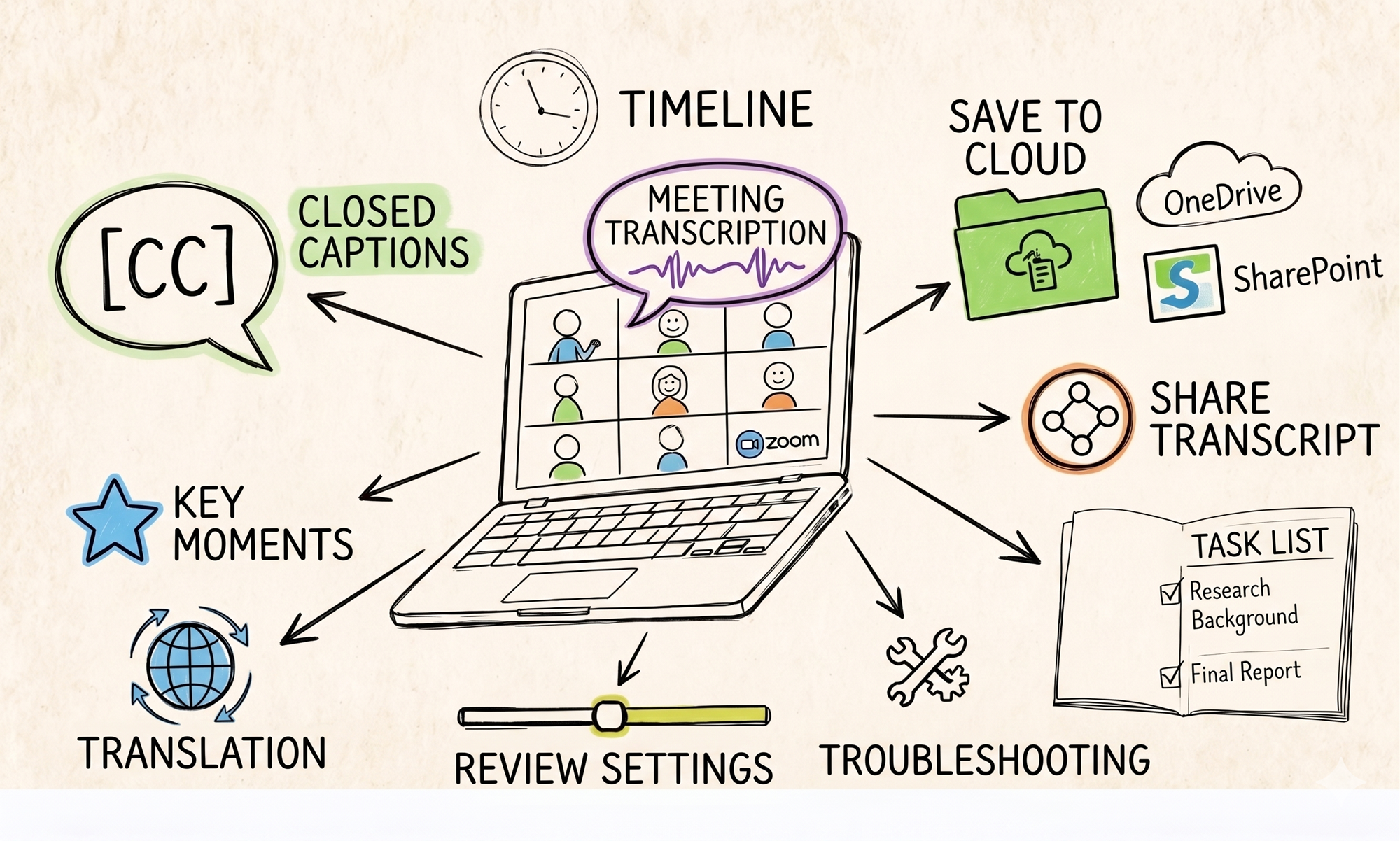
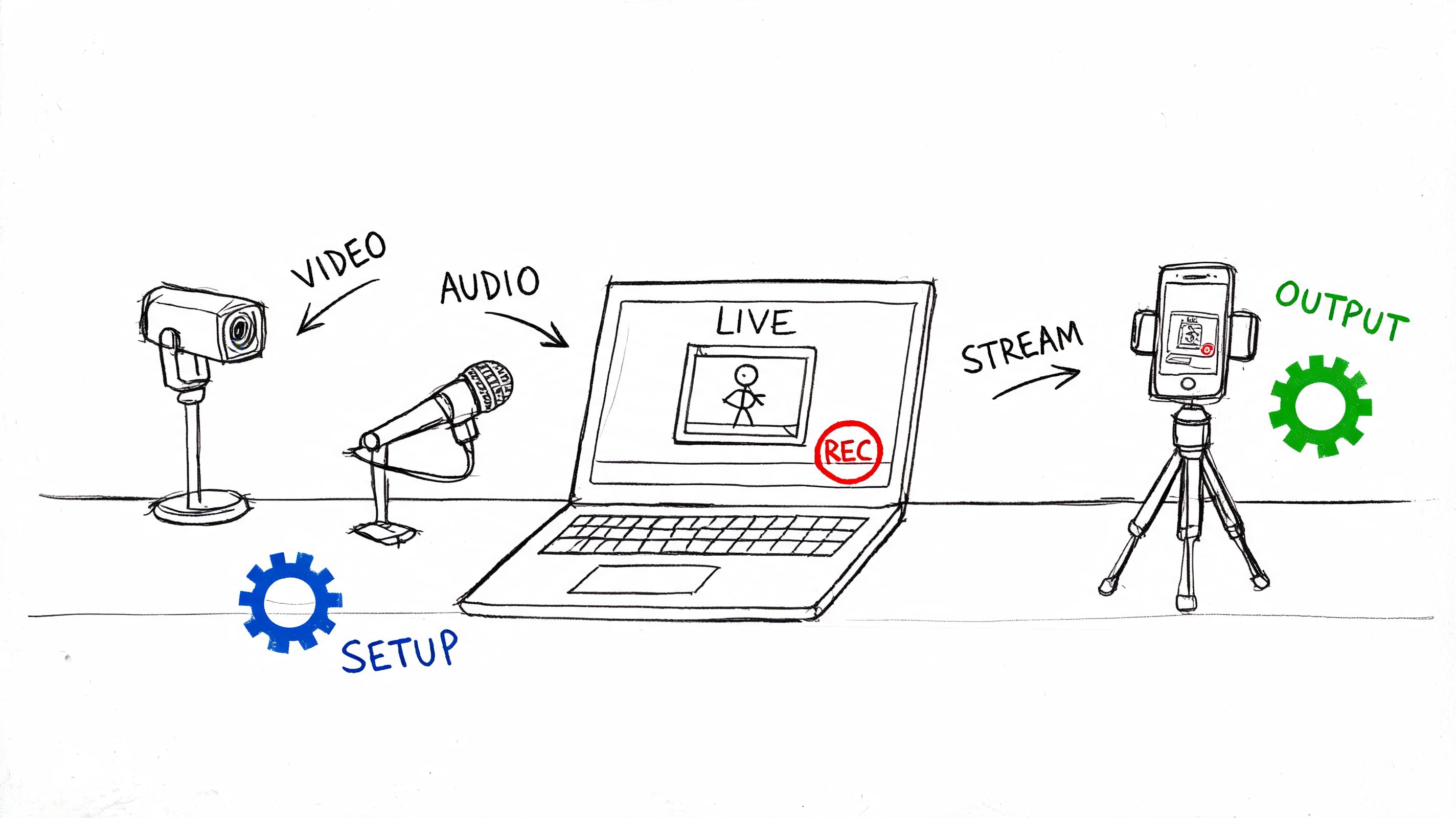
A meeting workflow looks more like this:

Decide what “live translation” needs to accomplish
Not every meeting needs the same thing. Sometimes you need live comprehension. Sometimes you need post-call documentation. Sometimes you need both.
Use this quick decision frame:
- For active participation: Prioritize low-latency captions or translated text.
- For compliance or documentation: Prioritize transcript completeness and speaker labels.
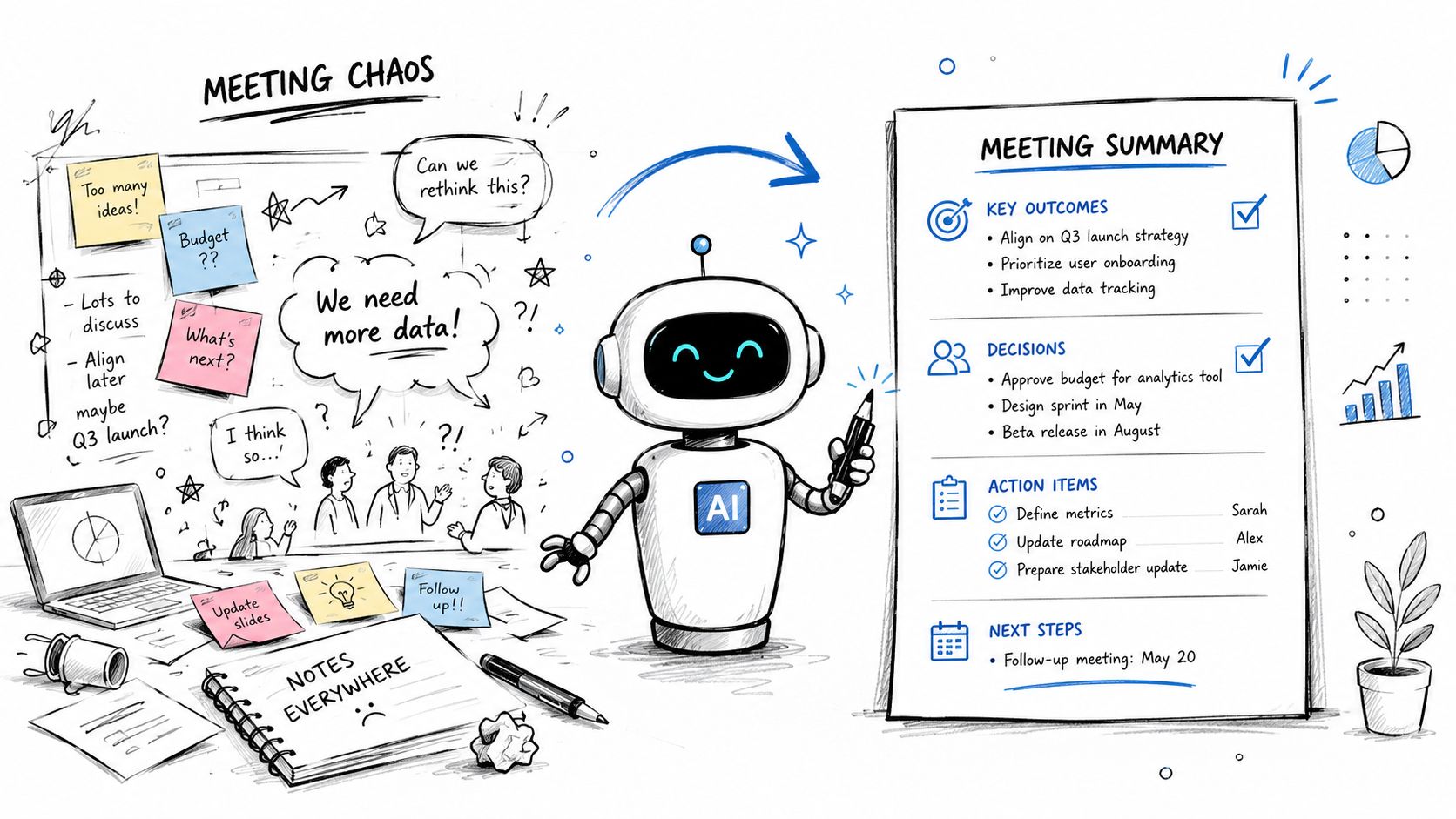
- For executive reviews: Prioritize the post-meeting summary and action items.
- For multilingual workshops: Prioritize stable audio input and turn-taking discipline.
If the room is chaotic, translation quality drops before the translation engine even starts working. Overlapping speech, laptop microphones across a conference room, and side chatter all create avoidable failure points.
Set up the meeting before the meeting
At this point, teams either save themselves or sabotage the entire session.
A good live setup usually includes:
- Invite the note-taker early: Don't add it after introductions have started.
- Ask speakers to use one microphone path each: Headset audio beats room pickup.
- Name participants clearly: Speaker attribution is much easier when meeting identities are correct.
- Share acronyms in advance: Product names and internal shorthand confuse automated systems.
- Tell participants if recording or transcription is active: This supports trust and internal policy compliance.
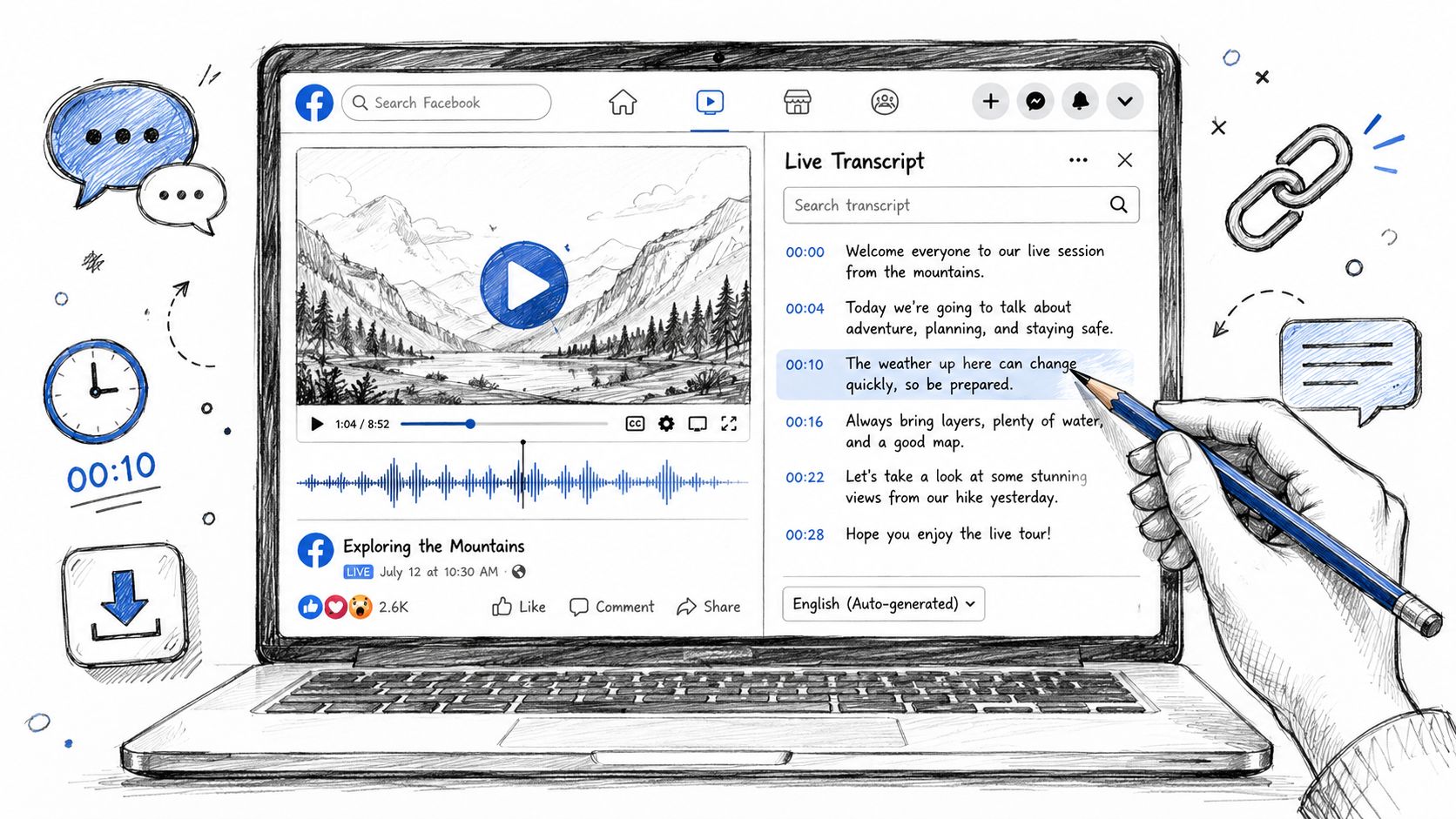
For teams comparing tools, a practical overview of real-time transcription software can help frame what to look for in a live meeting workflow.
Here's a product walkthrough that shows what a meeting capture flow can look like in practice:
Expect a working draft, not polished prose
Live translation has a different success standard than file-based translation. If participants can follow intent, identify questions, and capture decisions, the system is doing its job. You can polish wording afterward.
What usually works well in live German meetings:
| Works well | Usually needs cleanup |
|---|---|
| Structured presentations | Fast interruptions |
| One speaker at a time | Multiple people talking over each other |
| Standard business vocabulary | Internal jargon and nicknames |
| Headset or close-mic audio | Echo-heavy conference rooms |
Keep the live view for comprehension. Use the post-meeting transcript for correction, redistribution, and formal records.
The best teams also separate the live audience from the final audience. During the call, they watch for meaning. After the call, they clean the transcript, tighten the summary, and assign actions based on reviewed text, not the raw live stream.
Ensuring High-Quality Translation Accuracy
German-English translation is one of the stronger machine translation pairs, but “stronger” doesn't mean finished. It means the starting draft is often solid enough to review efficiently. The remaining work is concentrated in exactly the areas that matter most to businesses: terminology, names, nuance, and edge-case audio.
Digital.gov notes that commonly used languages such as English and German tend to have relatively high success rates because of abundant training data, while also stating that automated translation is not 100% accurate and should be checked by a competent human translator. The same body of guidance highlights that quality can vary by content type and domain (Digital.gov guidance on translation technology).
That's the right operating assumption. Use automation for speed. Use human review for accountability.

Check meaning before style
A lot of reviewers jump straight into smoothing the English. That's backward. First confirm that the meaning survived.
Start with these questions:
- Did the translated sentence preserve the original claim or instruction?
- Were negatives, conditions, and exceptions carried over correctly?
- Did the tool confuse a title, person, or department name?
- Did a compound German noun get translated too directly?
When German source material is technical, legal, medical, or compliance-related, this first layer of review should happen against the original transcript, not against memory.
Watch the high-risk error types
Some issues show up repeatedly in German audio translation workflows.
Dialects and spontaneous speech
Performance can drop significantly when the recording includes regional accents, spontaneous speech, or noisy conditions rather than clean scripted audio. That's a known problem area, especially when people speak quickly, interrupt each other, or shift register mid-sentence. A useful background read for anyone reviewing source audio is Improve your German listening, because stronger listening skills make it easier to catch where the model may have misunderstood the source.
Code-switching
German business conversations often include English product names, technical phrases, and borrowed workplace terms. If the speaker switches between German and English, the model may translate words that should stay as-is, or preserve words that should be normalized into English.
Named entities
People names, city names, brand terms, and internal project labels are the first things I scan. They're often easy for a human to fix and costly to leave wrong.
Don't judge the translation only by how fluent the English sounds. Some of the worst errors read smoothly.
Use a short QA pass that fits the deliverable
Different outputs need different review depth. A meeting summary isn't held to the same standard as subtitles for a public video or a transcript used in legal review.
A practical QA checklist looks like this:
- Source check for names, terms, dates, and acronyms.
- Meaning check on claims, instructions, and commitments.
- Readability pass to remove awkward literal phrasing.
- Speaker audit where attribution affects decisions or quotes.
- Final format pass based on where the translation will be published.
For critical content, human review isn't optional. It's part of the production process.
Putting Your Translation to Work with Exports and Subtitles
Once the English text is reviewed, the next question is format. The right export depends on who needs the output and what they'll do with it. A product team might want a clean document. A video team might need subtitle files. A manager might want a short summary they can paste into a project update.
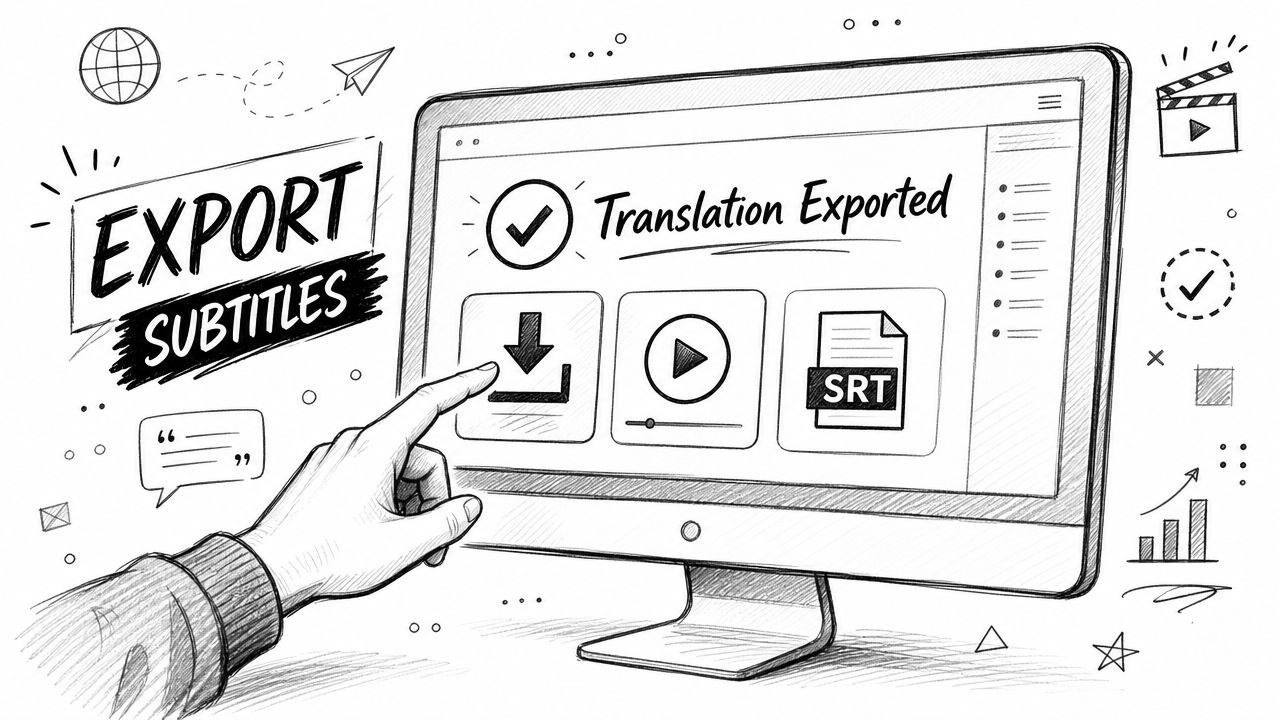
Match the export to the job
Use the output type that fits the downstream task:
| Export type | Best use |
|---|---|
| TXT | Archiving, search, quick internal reference |
| Word or Google Docs | Collaborative editing and stakeholder review |
| Sharing a fixed record | |
| Markdown | Publishing pipelines and structured notes |
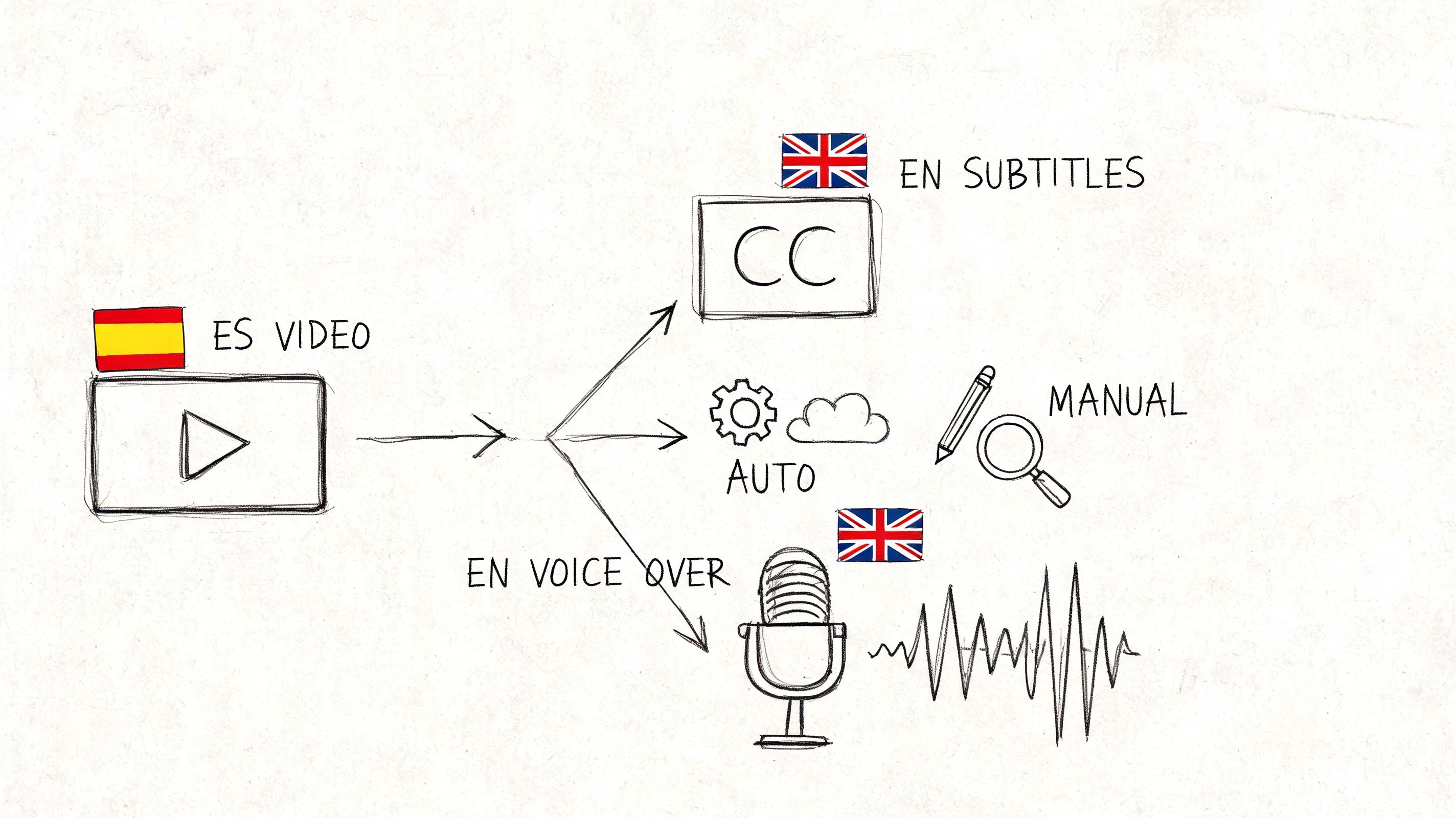
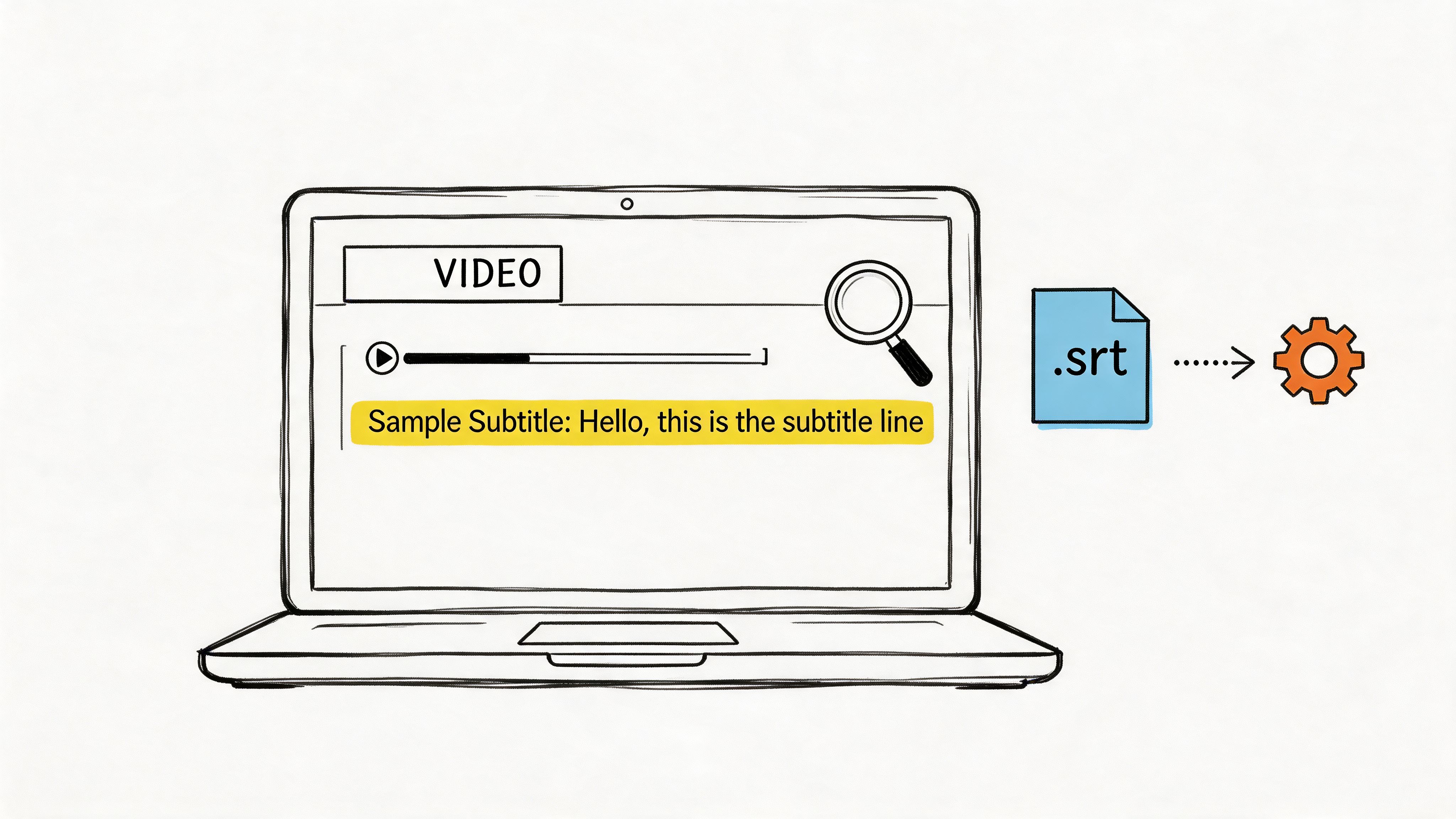
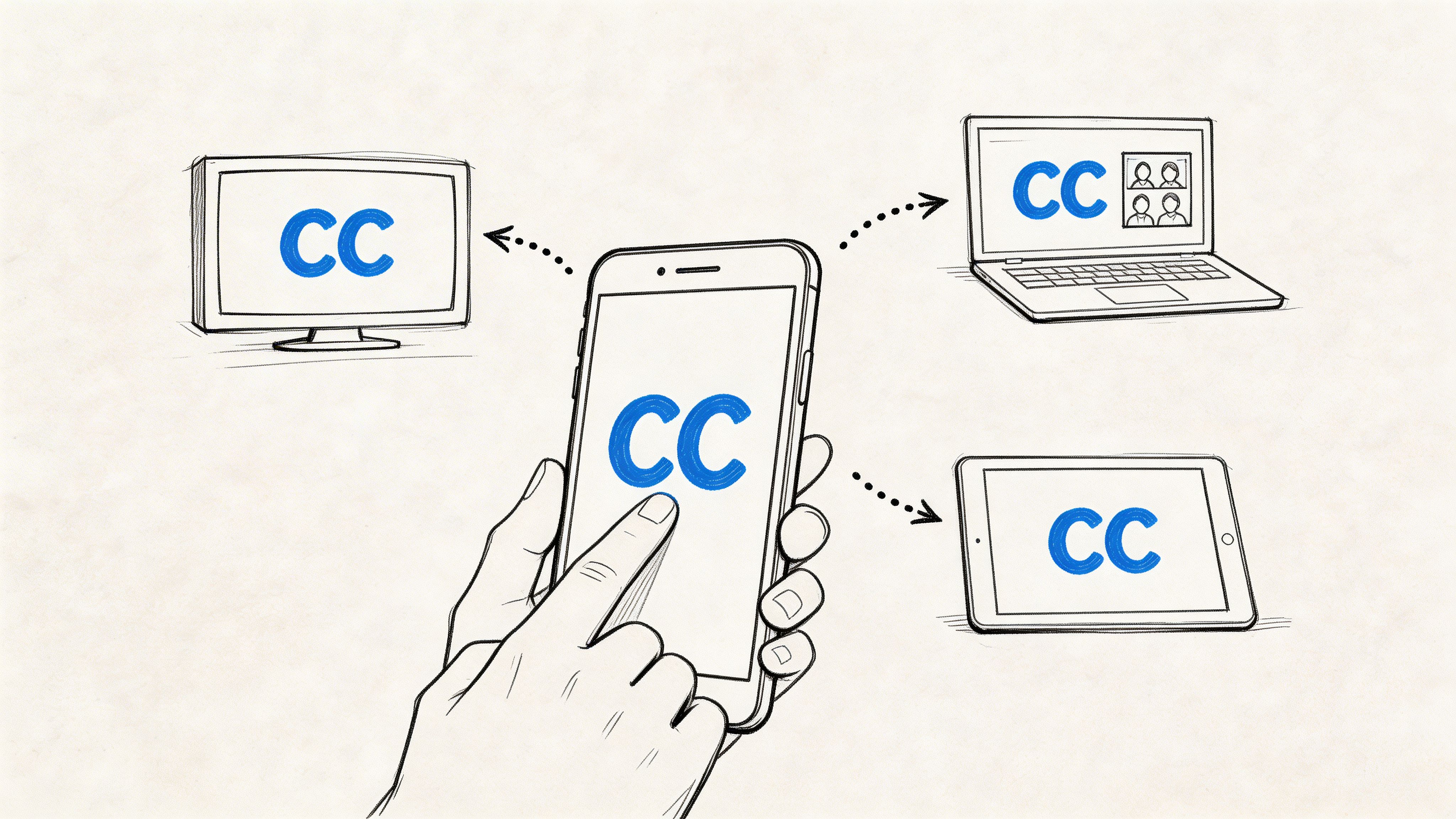
| SRT or VTT | Video subtitles and caption workflows |
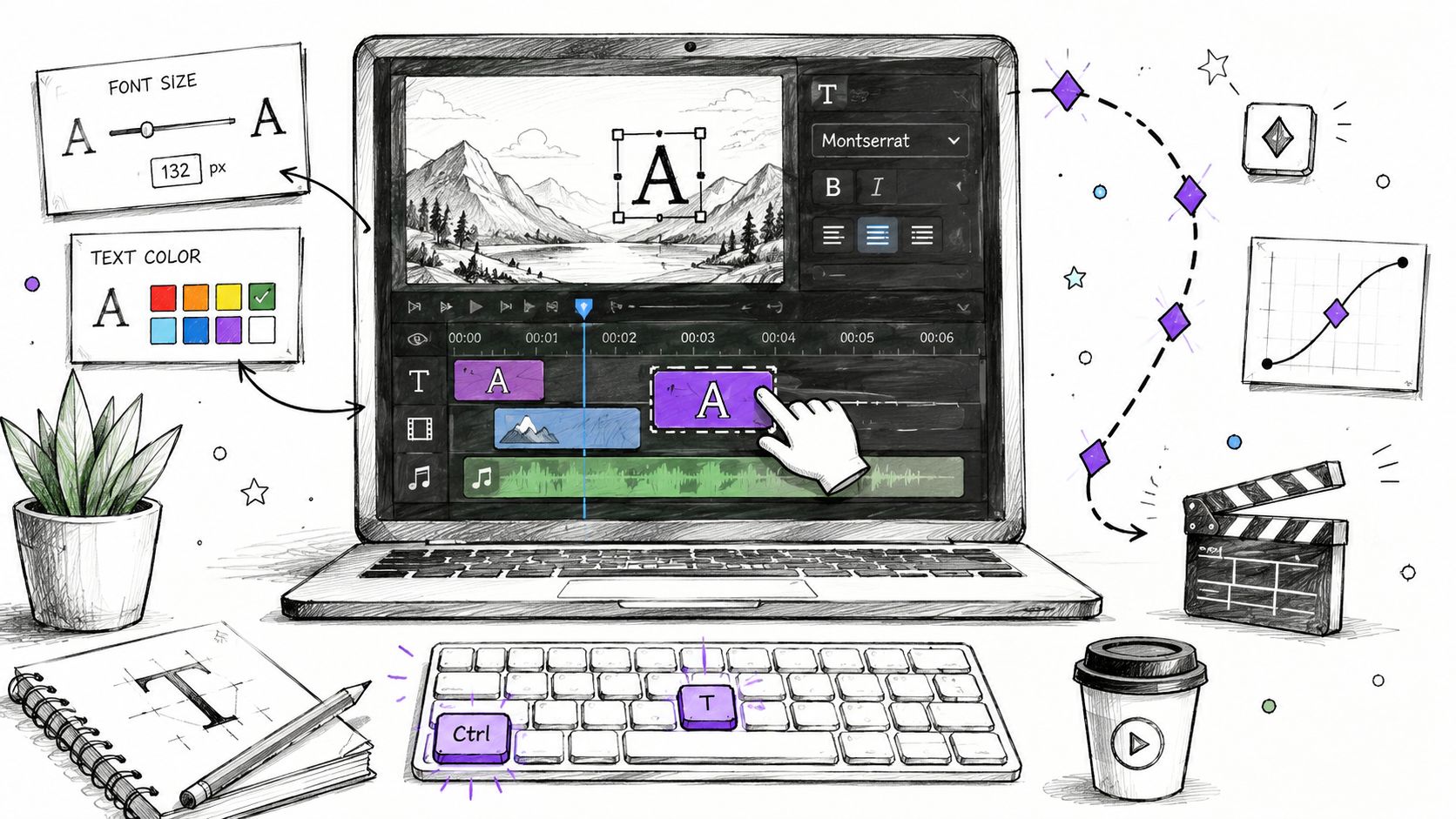
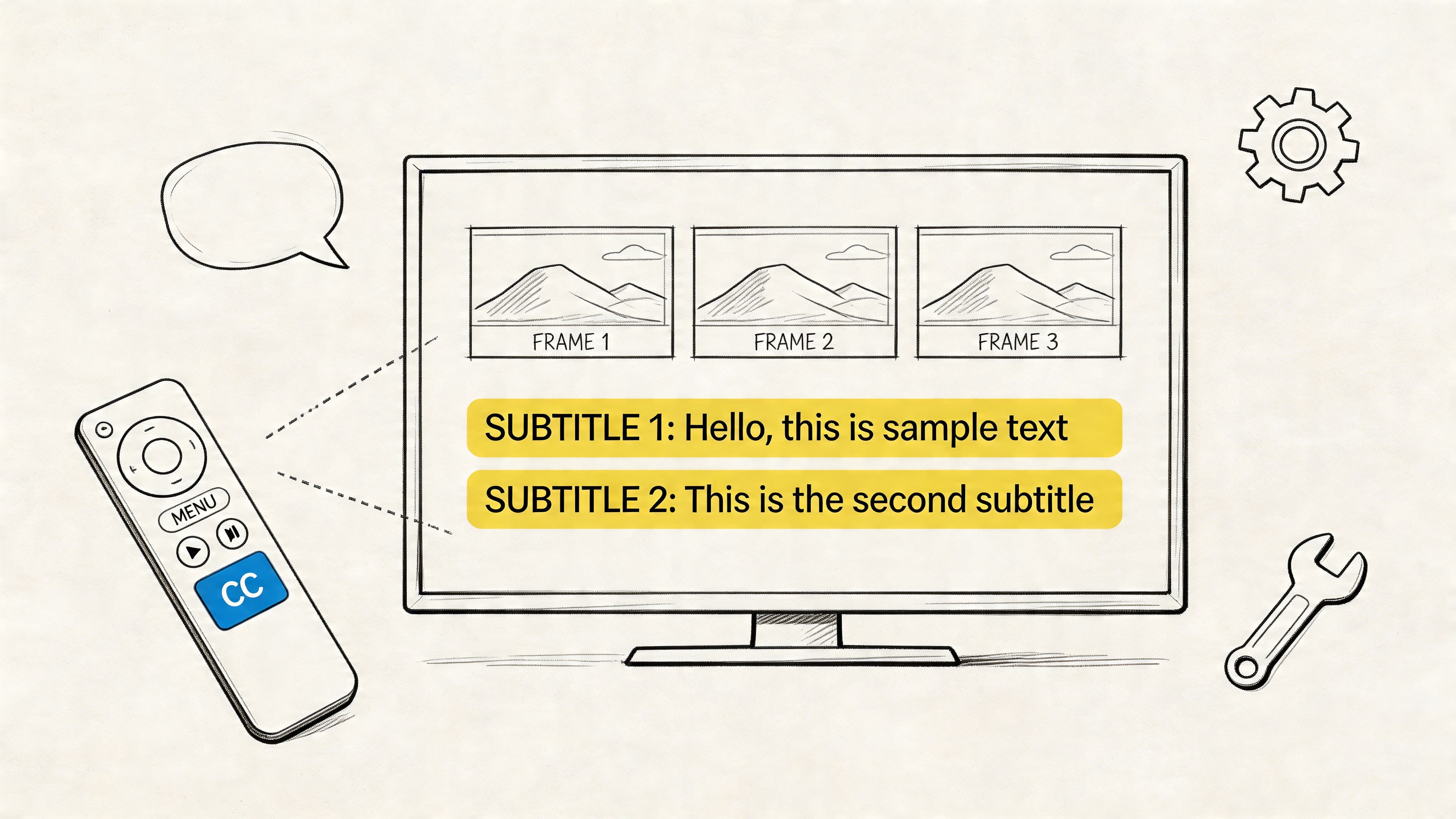
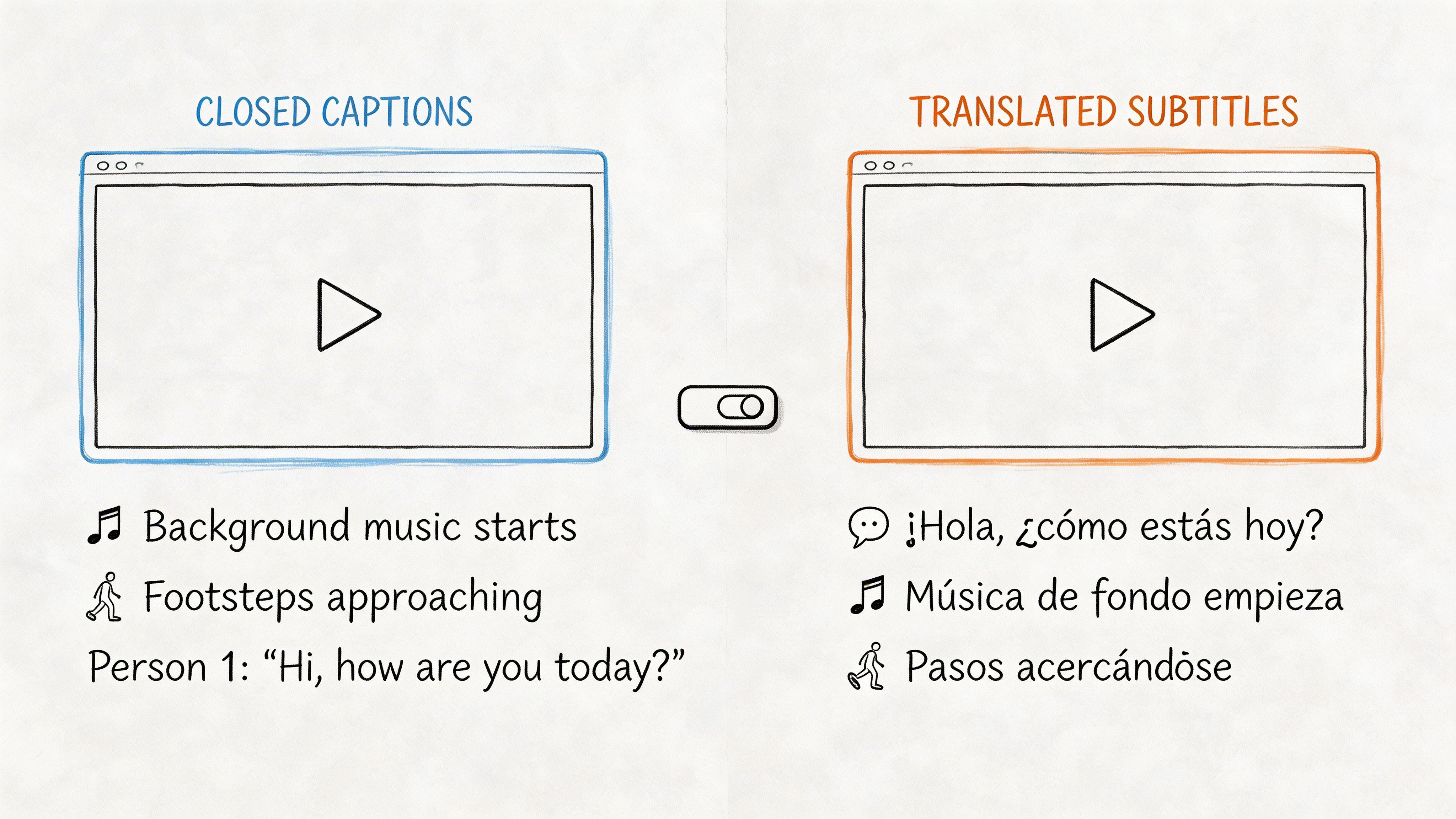
If your final deliverable is video, subtitle timing matters as much as wording. A quick explainer on what a subtitle is helps when teams need to distinguish between plain transcripts and time-synced caption files.
Build subtitles that read naturally
Good translated subtitles aren't a pasted transcript. They need segmentation, timing, and restraint.
Use these rules:
- Keep lines readable: Break long literal sentences into shorter subtitle units.
- Preserve meaning, not German sentence shape: English subtitles should read like English.
- Check timing against speech pace: Fast subtitle bursts overwhelm viewers even when the text is correct.
- Leave key terms consistent: Product names and recurring terminology should match across the whole video.
For webinars, training clips, and interviews, I usually review subtitle exports once in a text editor and once inside the video player. Problems that hide in the file become obvious on screen. A subtitle might be technically correct and still feel rushed, late, or hard to follow.
Reuse the same translation in multiple assets
One reviewed translation can support several deliverables at once:
- A subtitle file for the published video
- A meeting summary for internal distribution
- A cleaned transcript for documentation
- Pull quotes or notes for articles, reports, or research writeups
That's why cleanup should happen before final export. Once the text is stable, every downstream asset gets easier.
Managing Security, Privacy, and Common Issues
If you translate German speech in business settings, you're often handling recordings from interviews, HR meetings, customer calls, internal briefings, or research sessions. Treating that material like disposable upload data is a bad habit and, in some environments, a compliance risk.
For global teams, privacy matters because audio and transcripts can qualify as personal data. Guidance tied to GDPR principles emphasizes data minimization and storage limitation, which makes features like controlled retention and deletion workflows important when tools process identifiable recordings and transcripts (GDPR-related privacy considerations for speech workflows).
That changes how you should choose a platform. Look for clear controls around who can access transcripts, whether files are encrypted in transit and at rest, and whether the source media and text output can be deleted after use. If a tool is vague about retention, assume you'll need to ask harder questions before using it for sensitive material.
Operational issues are usually simpler than governance issues, but they still matter:
- Poor audio quality: Clean the file first if possible. Even modest noise reduction can help.
- Overlapping speakers: Split channels when available, or expect heavier review.
- Wrong language behavior: Manually set German as the source language instead of relying on auto-detection.
- Processing failures: Retry with a shorter clip to identify whether the issue is file corruption or a specific problematic segment.
The teams that get the best results don't just ask how to translate German speech to English. They ask where the recording came from, who's speaking, how sensitive it is, and what the final artifact needs to do.
If you need one workflow for uploaded files, live meetings, searchable transcripts, summaries, and export-ready outputs, HypeScribe is built for that operational use case. It supports audio and video uploads, link-based imports, real-time meeting capture, editable transcripts, and exports for documents or subtitles, which makes it a practical option when German-language media has to move from raw recording to usable English deliverables.