Best Tools for Podcasters: Transcripts, Show Notes and a Searchable Episode Archive

Key takeaways
- Most shows need tools for recording, editing, and transcripts with show notes; an archive site starts to matter once the back catalog grows.
- Check your host first: Buzzsprout includes transcripts on paid plans in English, Spanish and French, and Transistor sells them as a $5 add-on for 300 minutes a month.
- For transcripts of finished episodes in other languages or of any length, HypeScribe charges per file: Starter is $6.99 a month for 30 files.
- For a searchable back catalog, SpreadSimple turns a Google Sheet into a site with search and filters; Podpage builds one from your RSS feed.
Check what your host already includes before adding a subscription: some hosts transcribe every episode for you. Below are nine tools sorted by job, from recording a remote guest to an archive listeners can search, with prices from each vendor's pricing page in October 2026.
Which podcast tool does which job?
We grouped the tools by the job they do in a weekly show and took prices and limits from each vendor's own pages; we didn't test every workflow hands-on. Prices change, so check the vendor page before you pay.
How do you record a remote guest cleanly?
Riverside
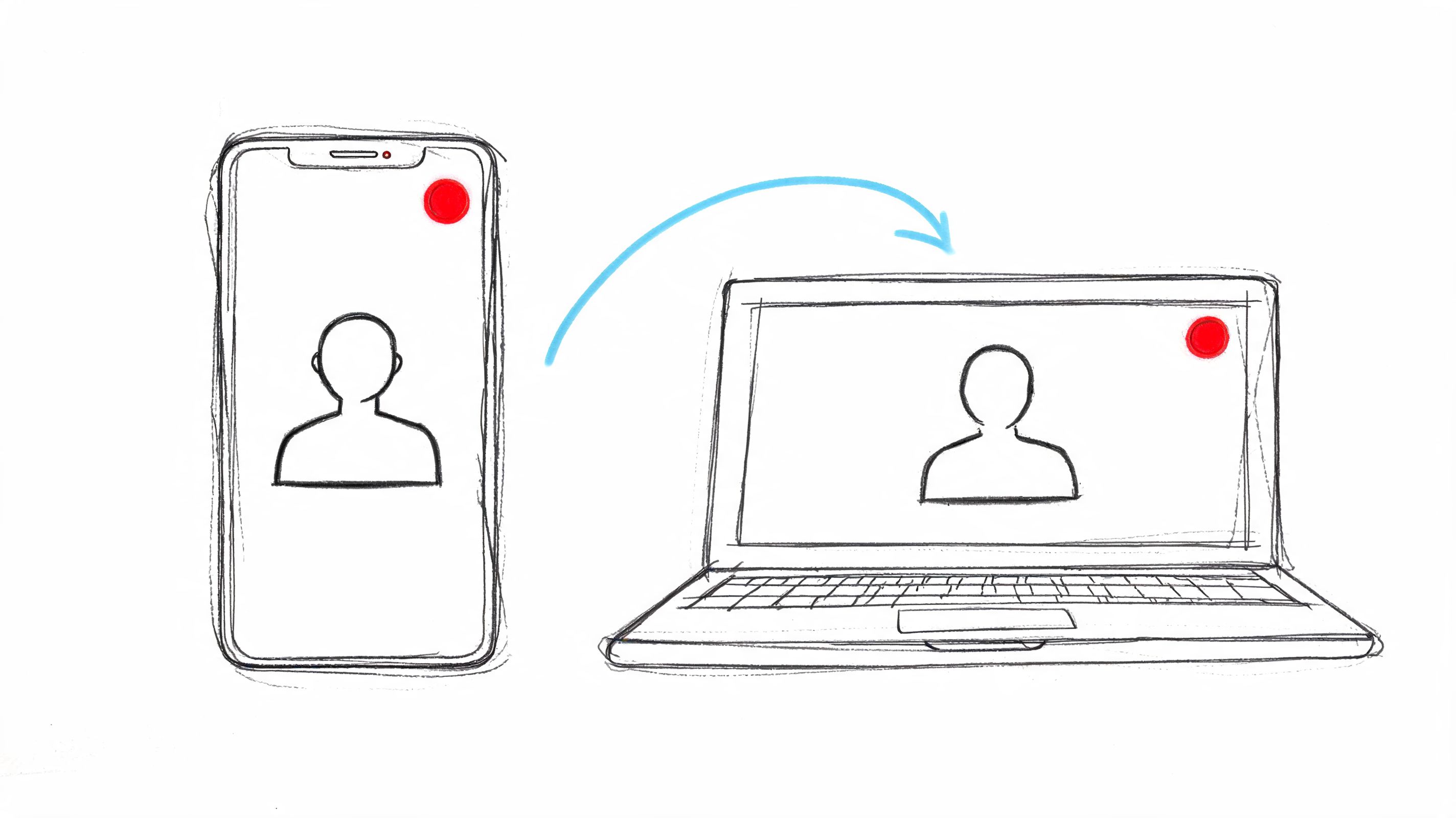
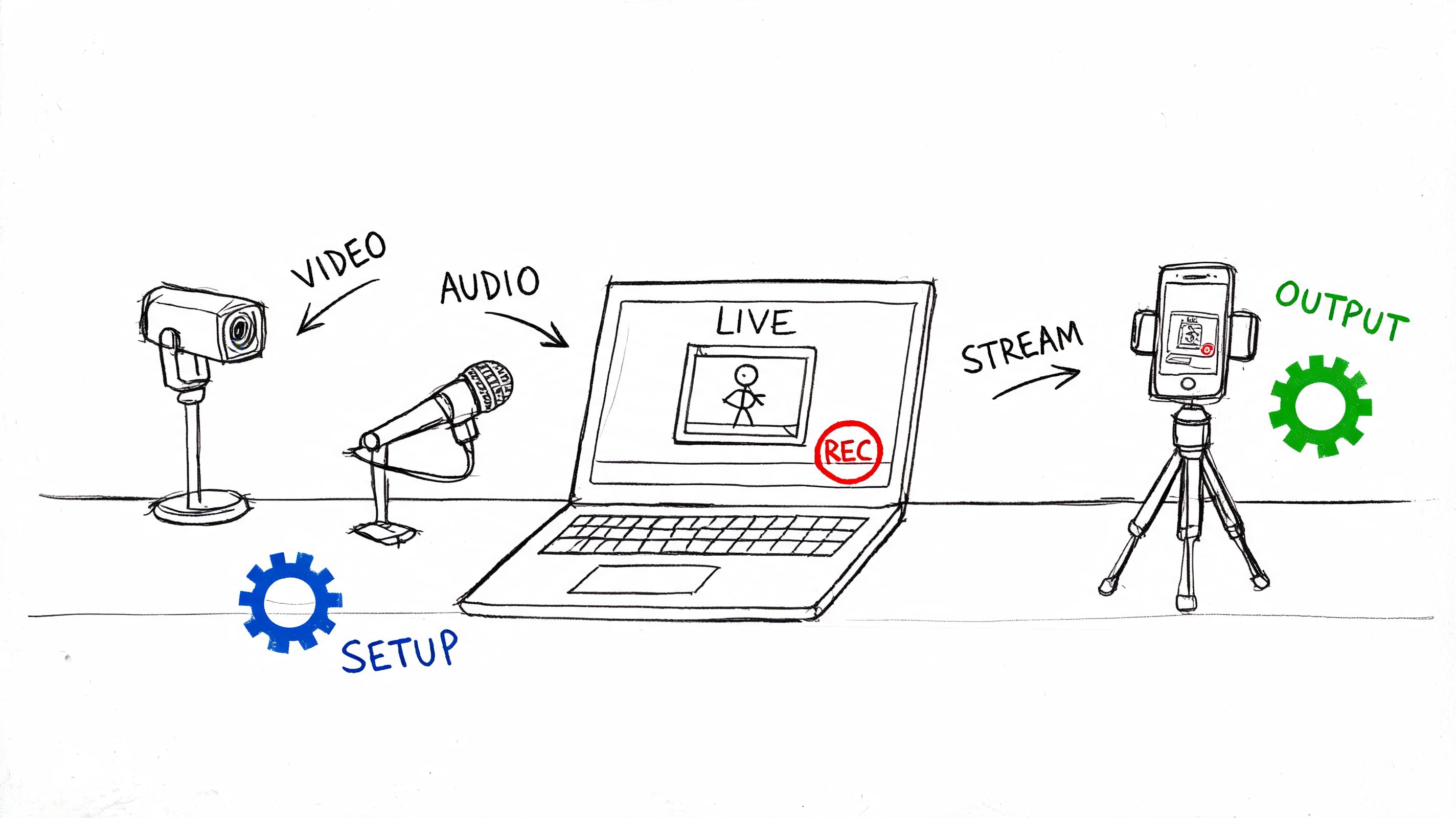
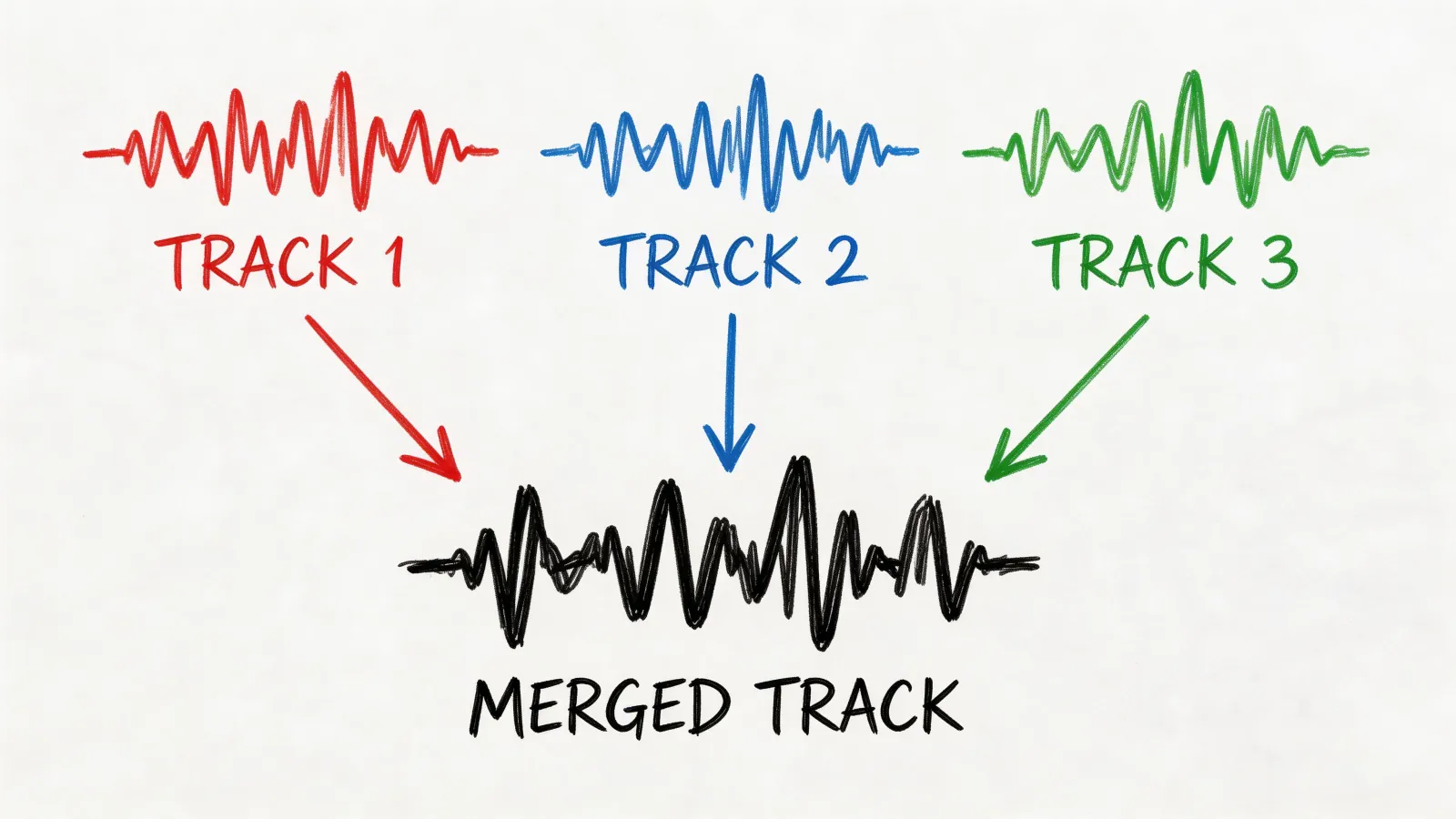
Riverside records each participant on their own device and uploads the files in the background during the call, then gives you a separate audio and video track for every person, up to 10 people. Separate tracks let an editor level or clean up each voice on its own instead of working on one mixed file. Pro and higher plans record up to 4K video and 48 kHz audio, and transcripts in 100+ languages export as SRT or TXT.
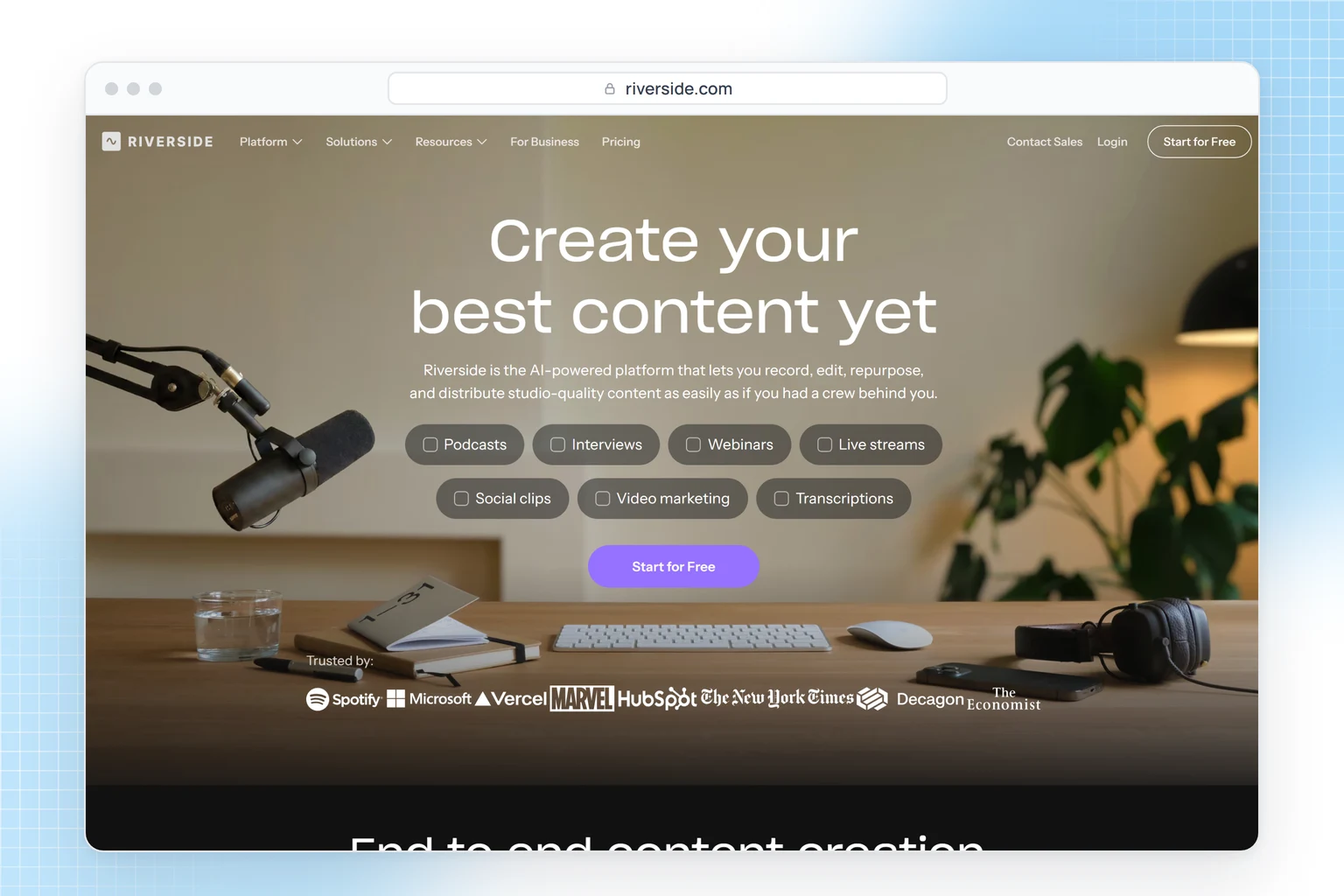
Choose it for interview shows with remote guests. The free plan is a one-time two hours at 720p with a watermark; Pro is $29 a month, or $24 billed yearly. If you record on a phone instead, see our guide to podcasting with an iPhone.
Which editor works from the transcript?
Descript
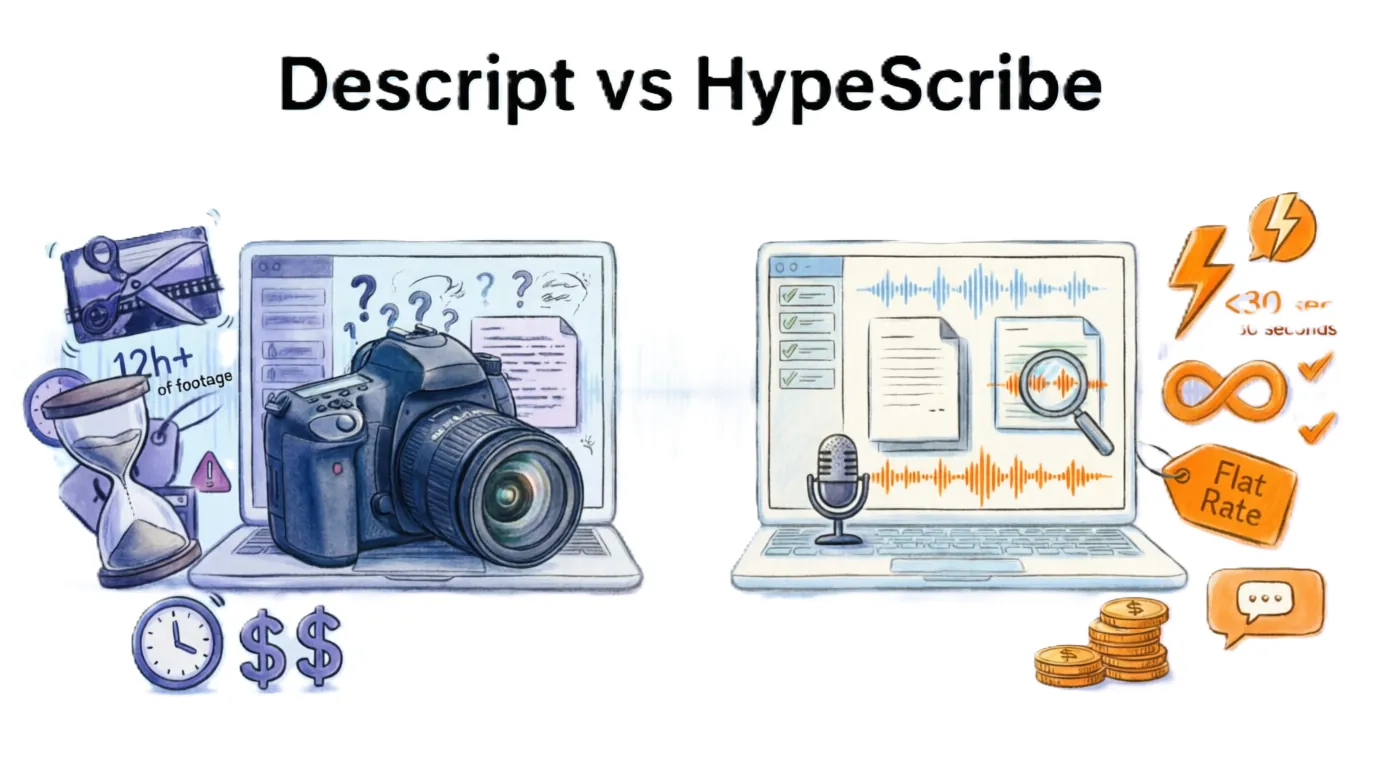
Descript lets you edit audio and video by editing its transcript: delete a sentence in the text and it's gone from the recording. Studio Sound cleans up voices, Remove Filler Words cuts the ums, and Publish drafts show notes with timestamps.
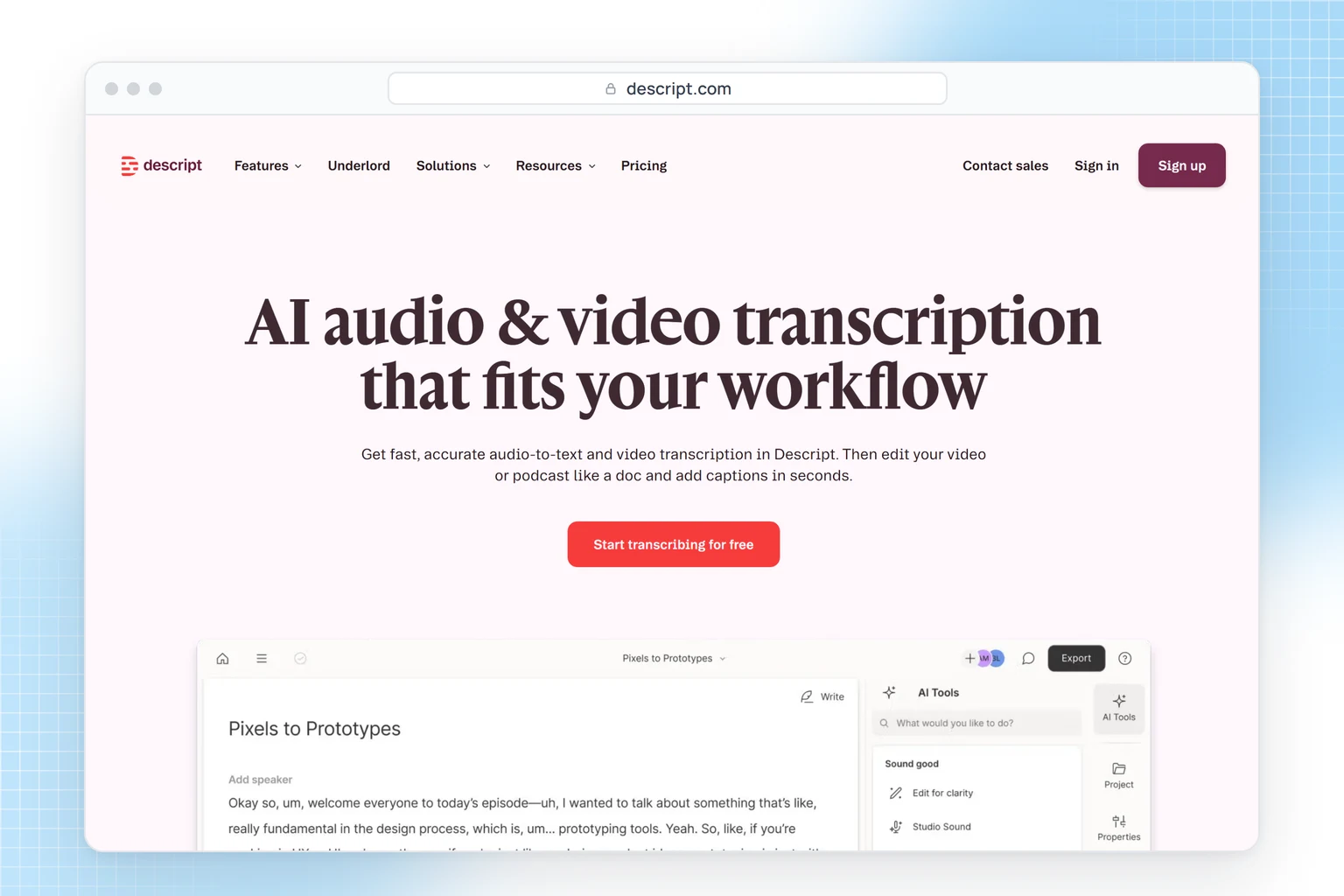
Media hours are the constraint: 1 a month on Free, 10 on Hobbyist at $24 a month or $16 billed yearly, and 30 on Creator. Its 25 transcription languages don't include Japanese, Chinese or Russian; skip it if your show is in one of those.
Where do you get transcripts and show notes for finished episodes?
HypeScribe
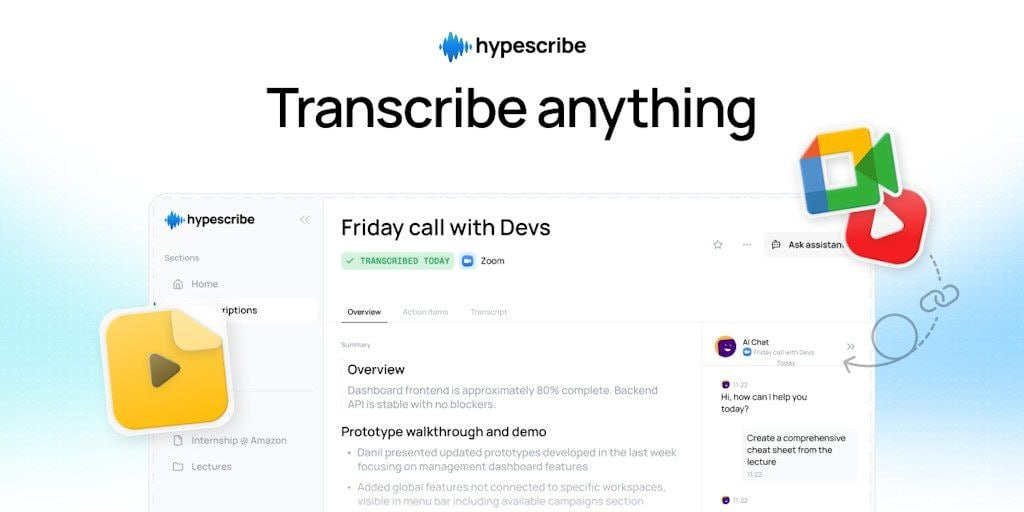
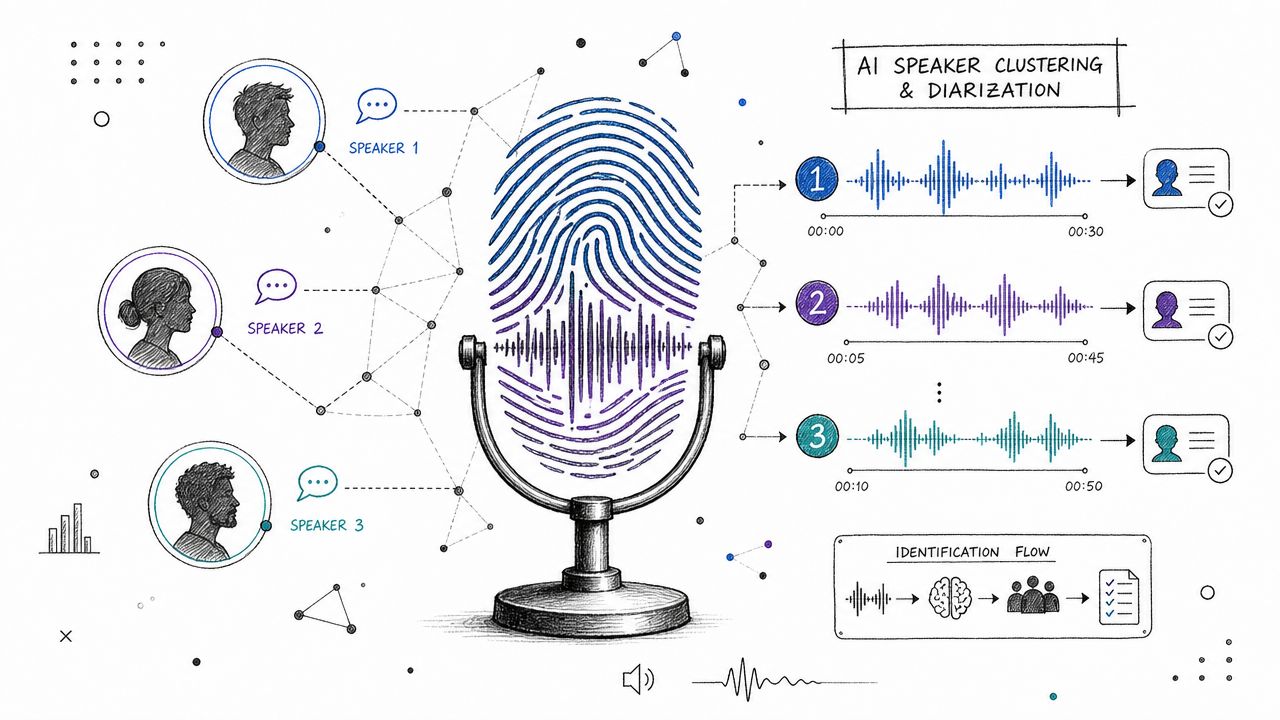
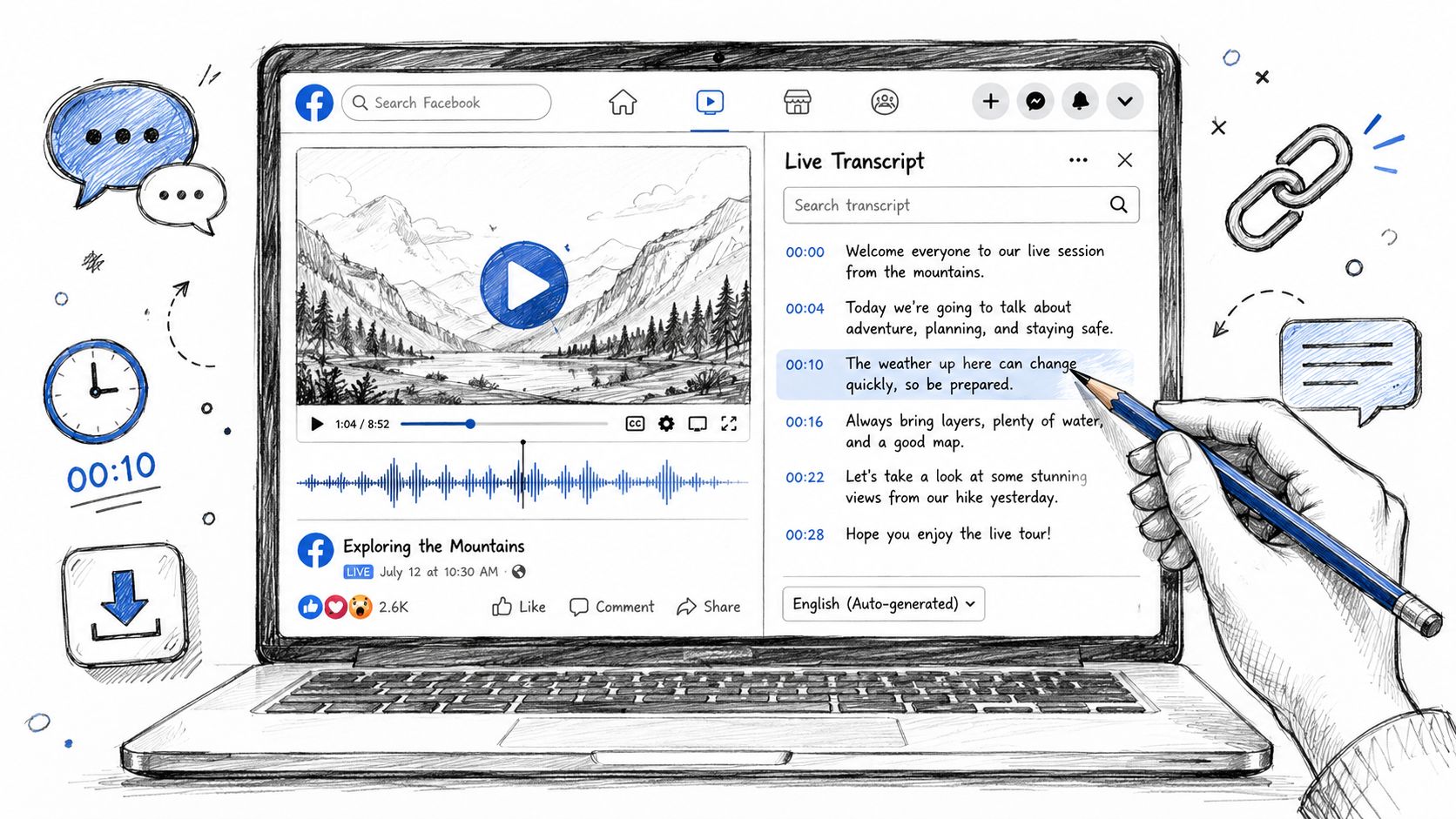
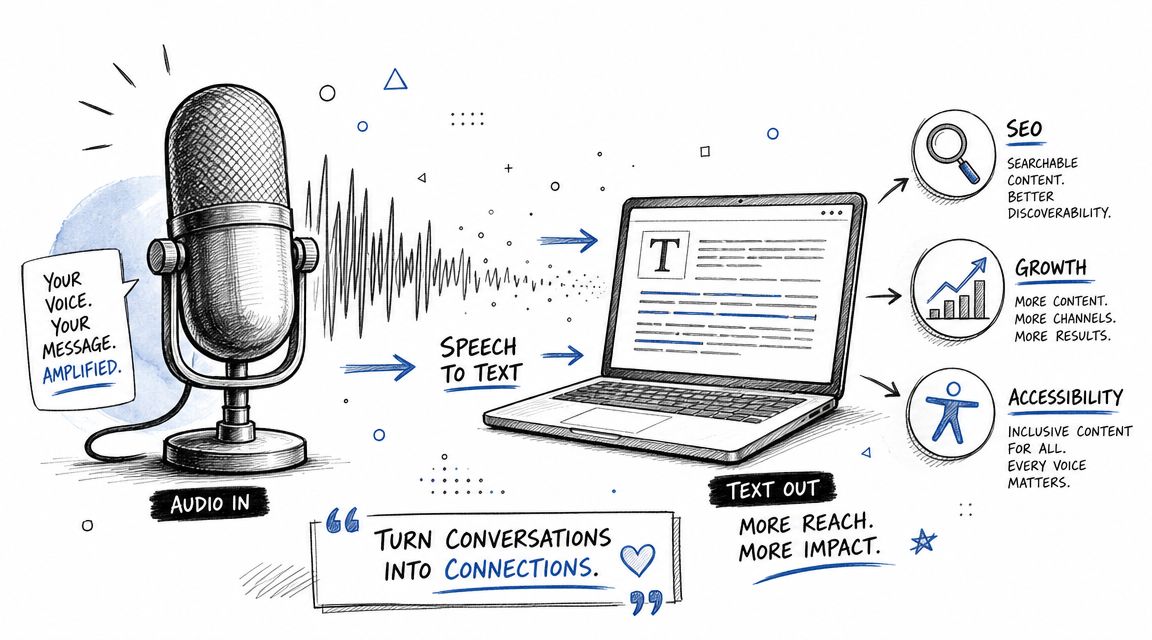
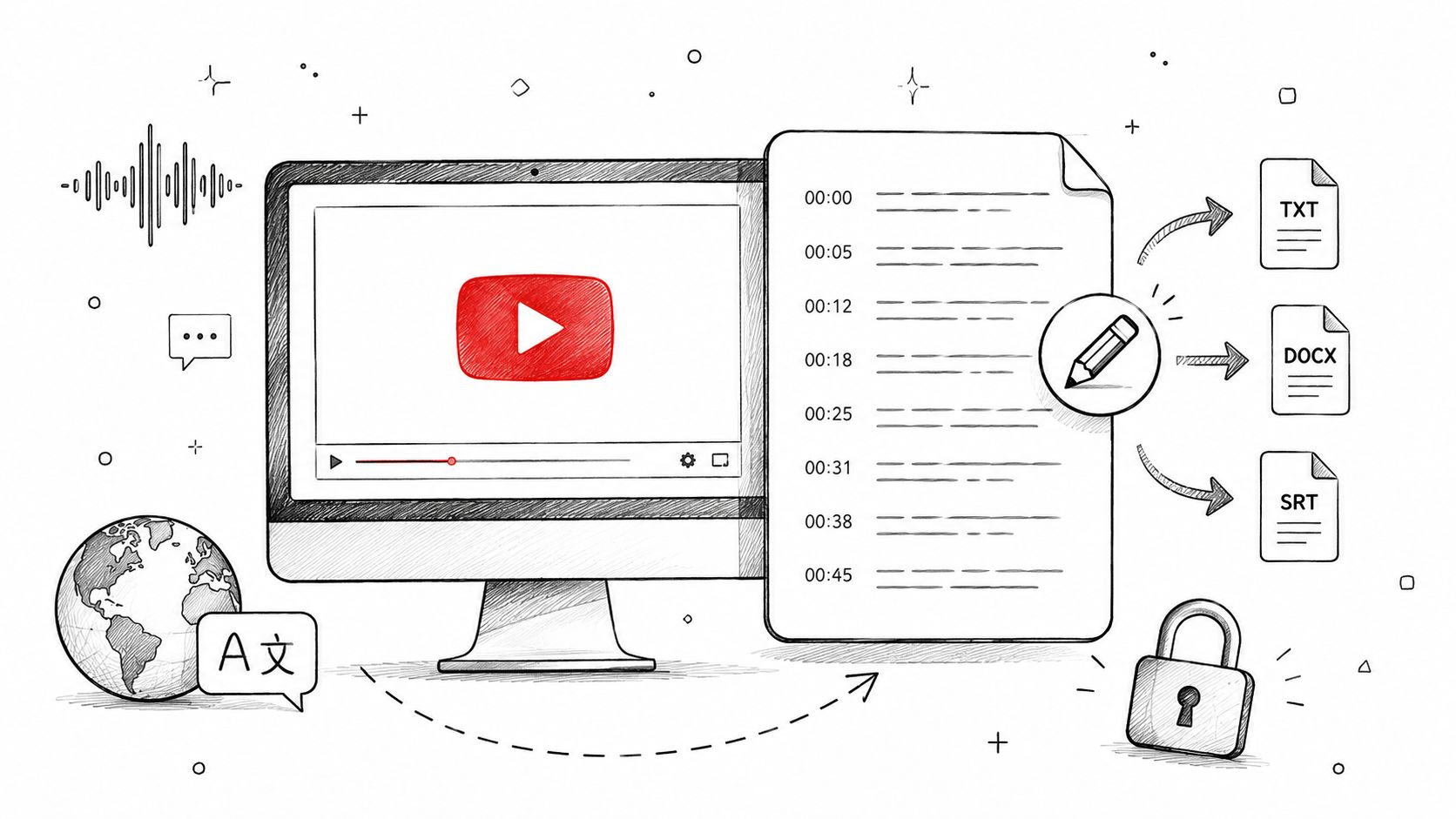
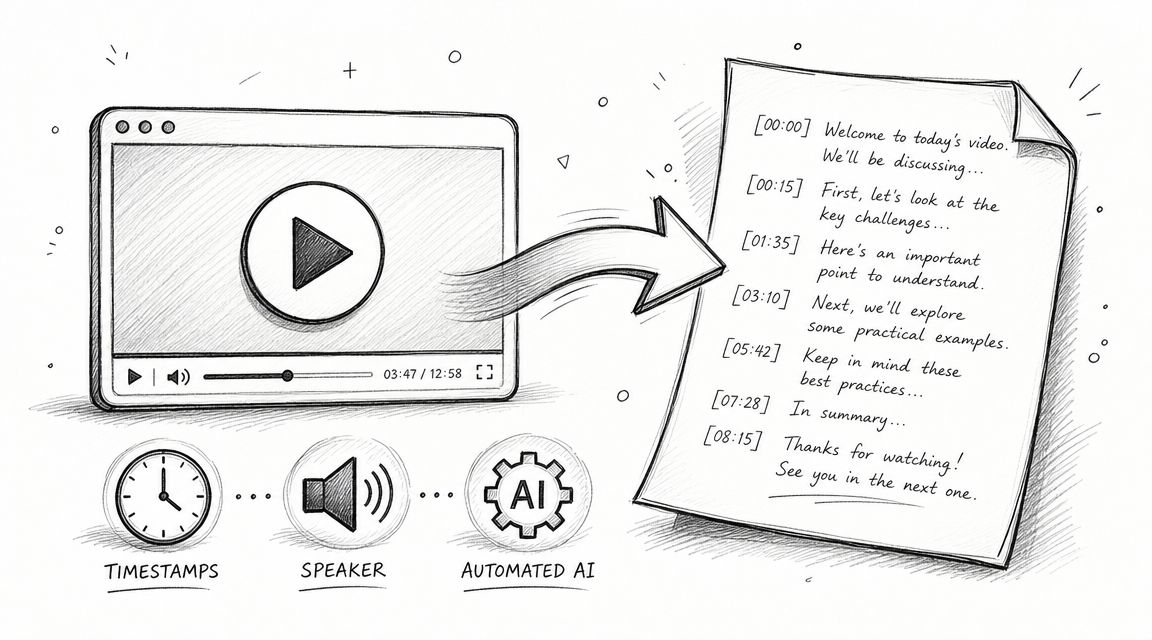
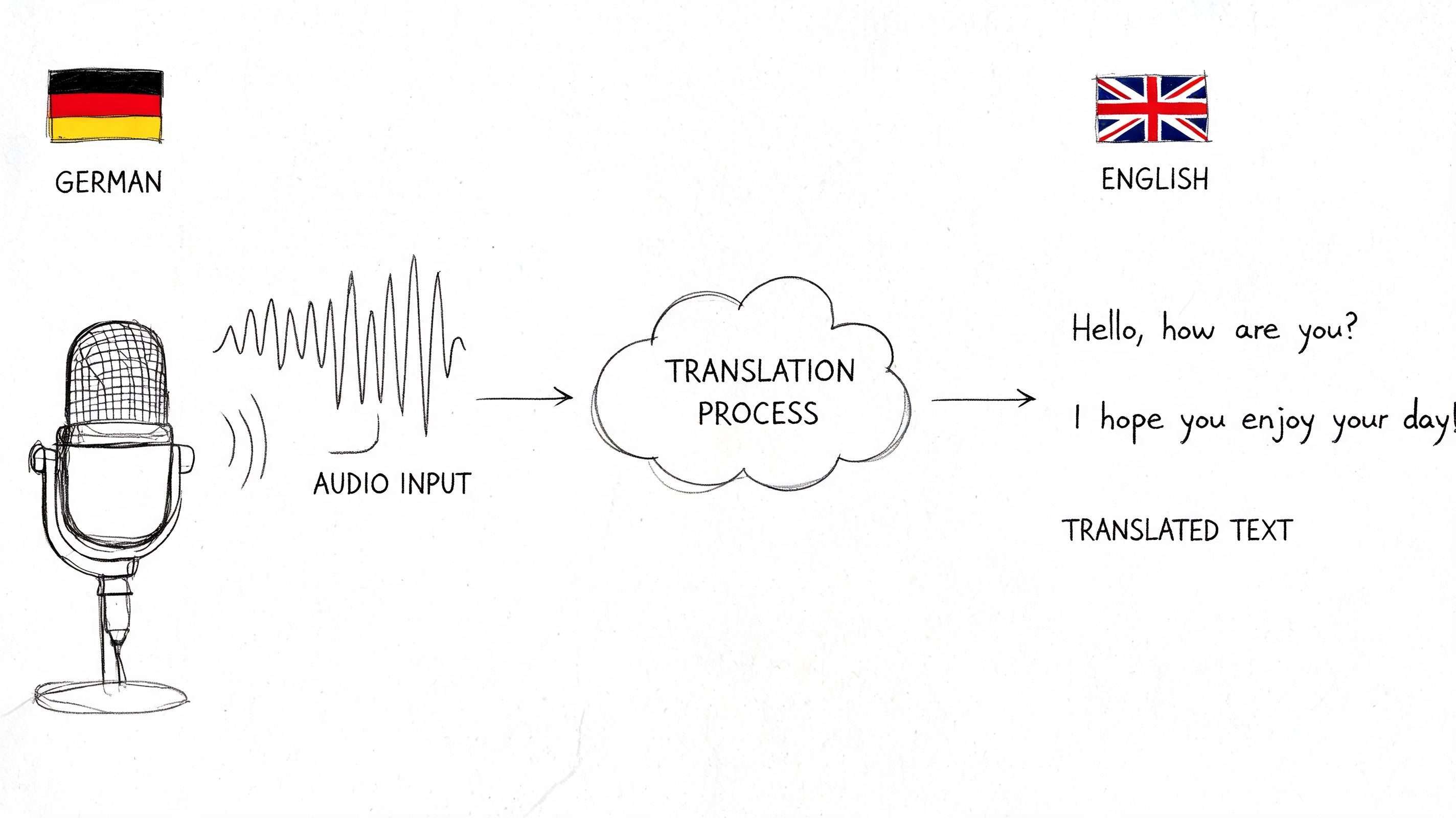
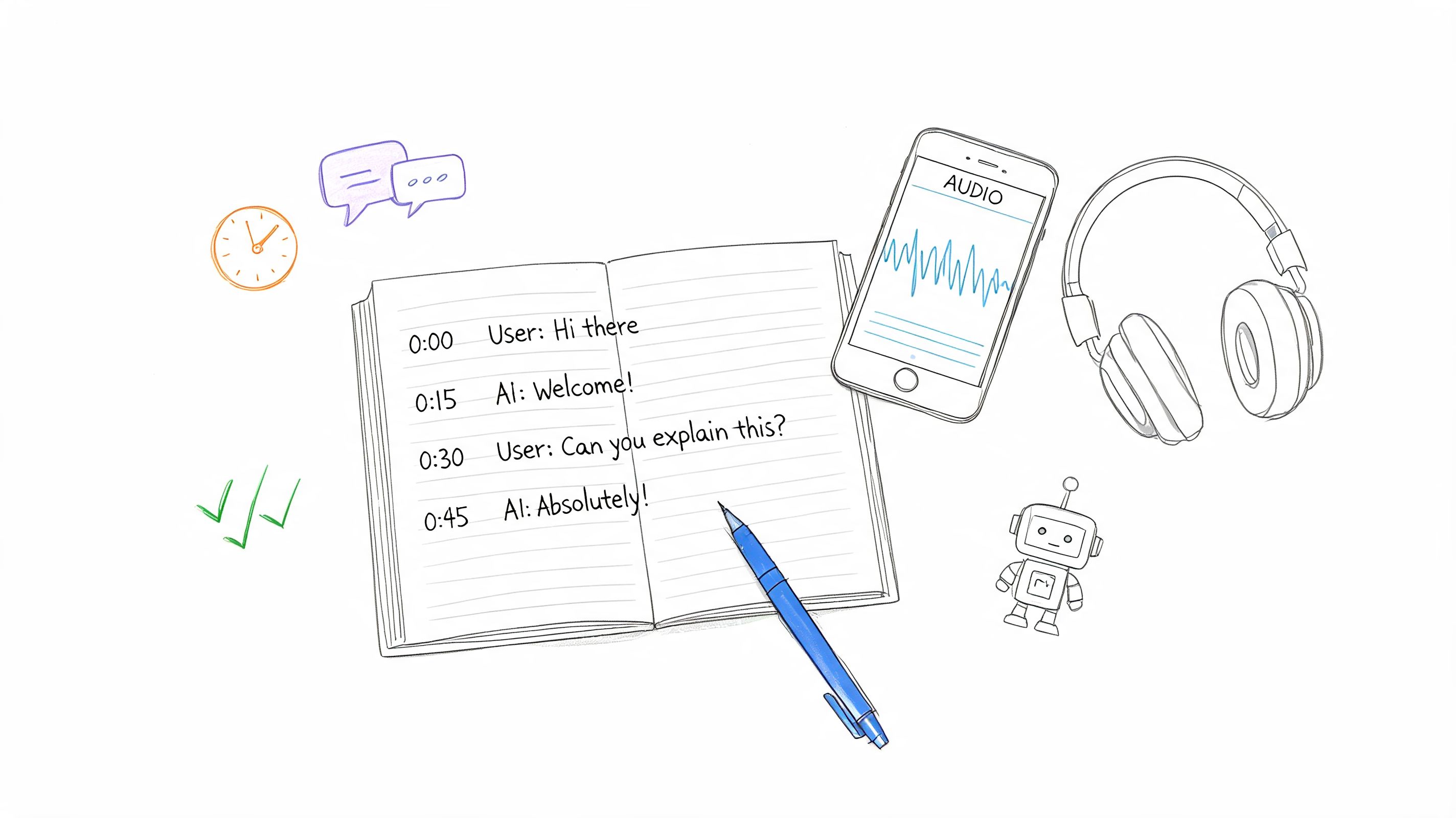
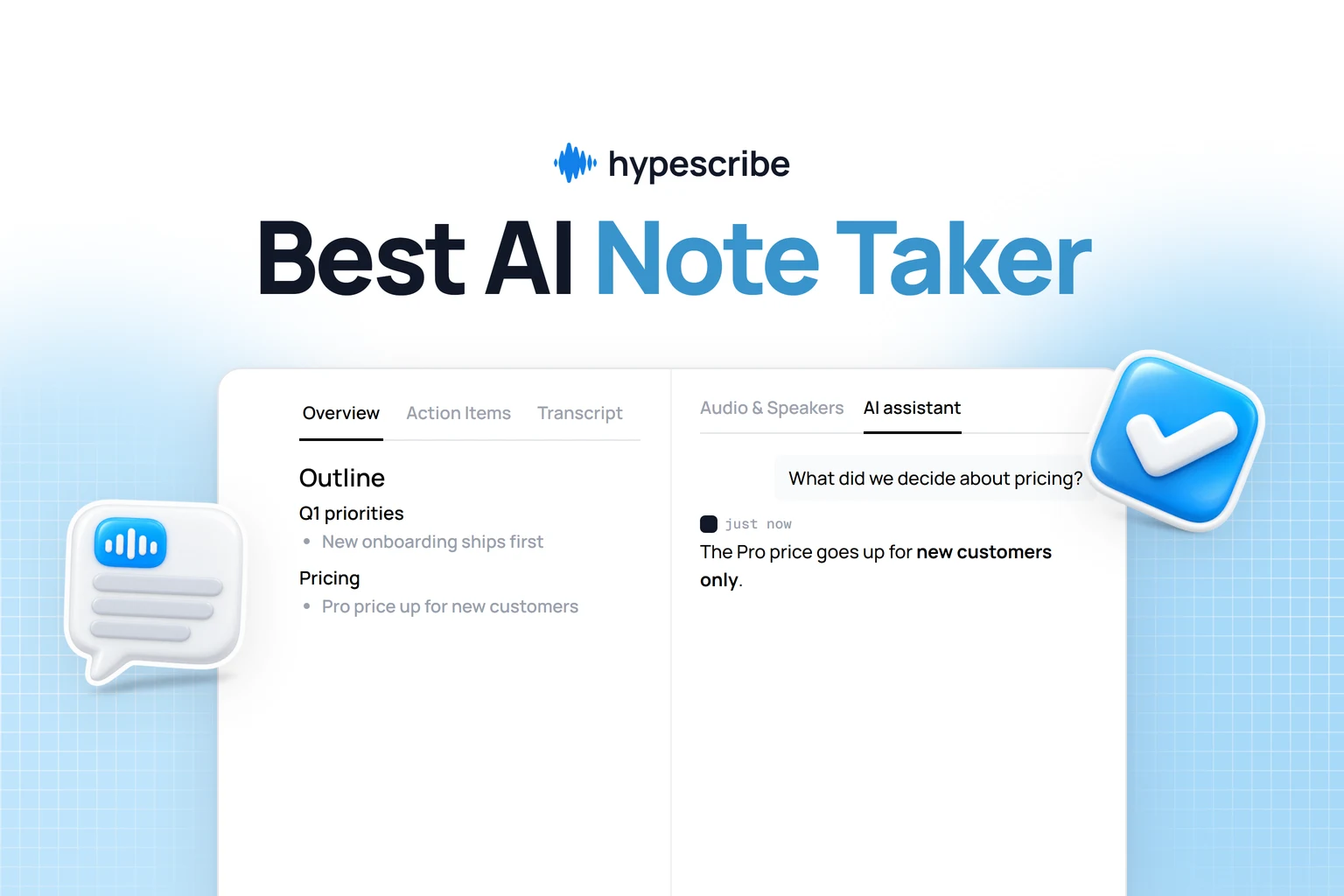
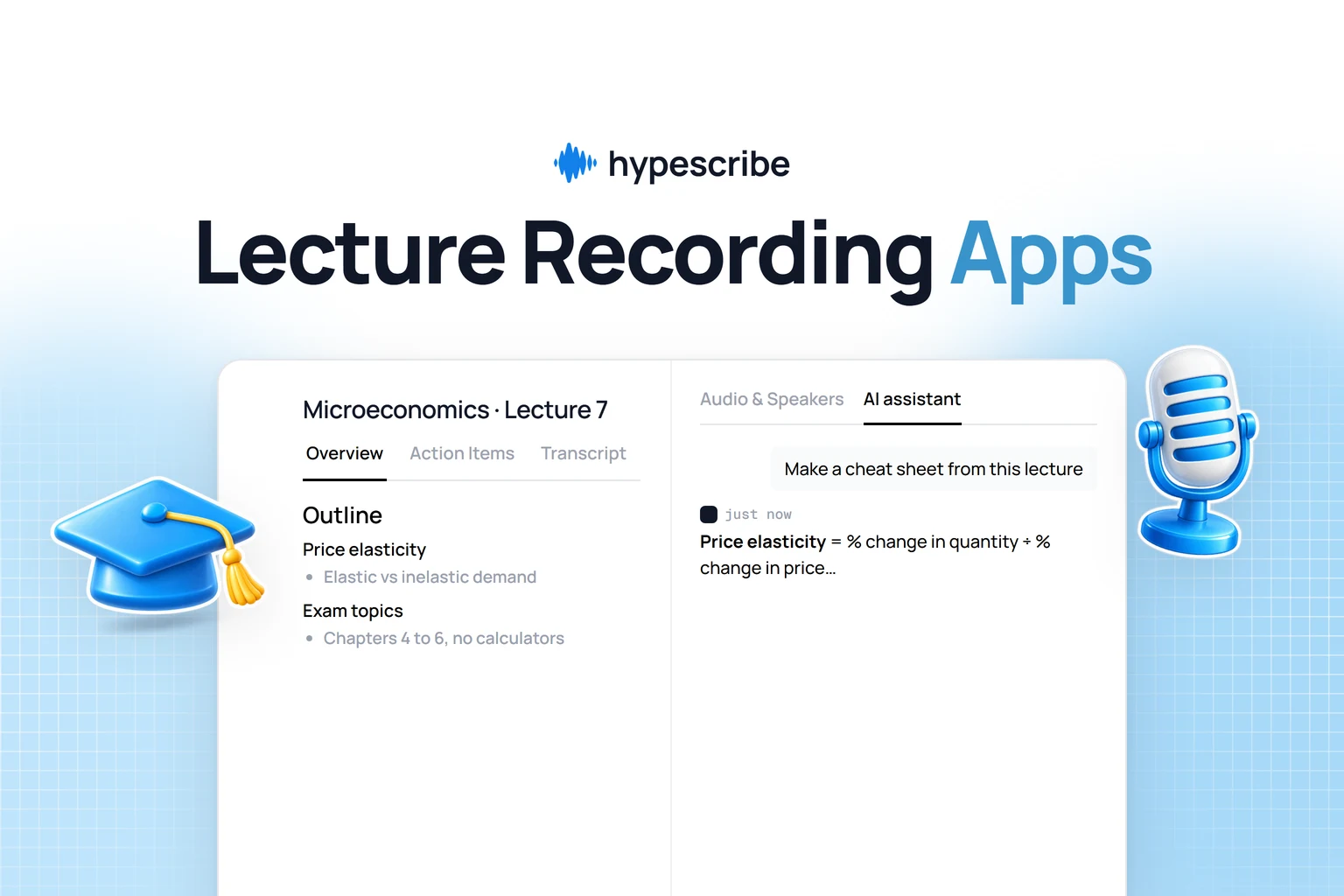
HypeScribe charges per file of any length, so a two-hour episode costs the same as a ten-minute one: Starter is $6.99 a month for 30 files. Upload the finished episode (up to 2 GB) or paste a YouTube or SoundCloud link, and you get a transcript with speakers and timestamps in any of 99+ languages, an overview with an outline of topics, and an AI assistant you can ask about the episode.

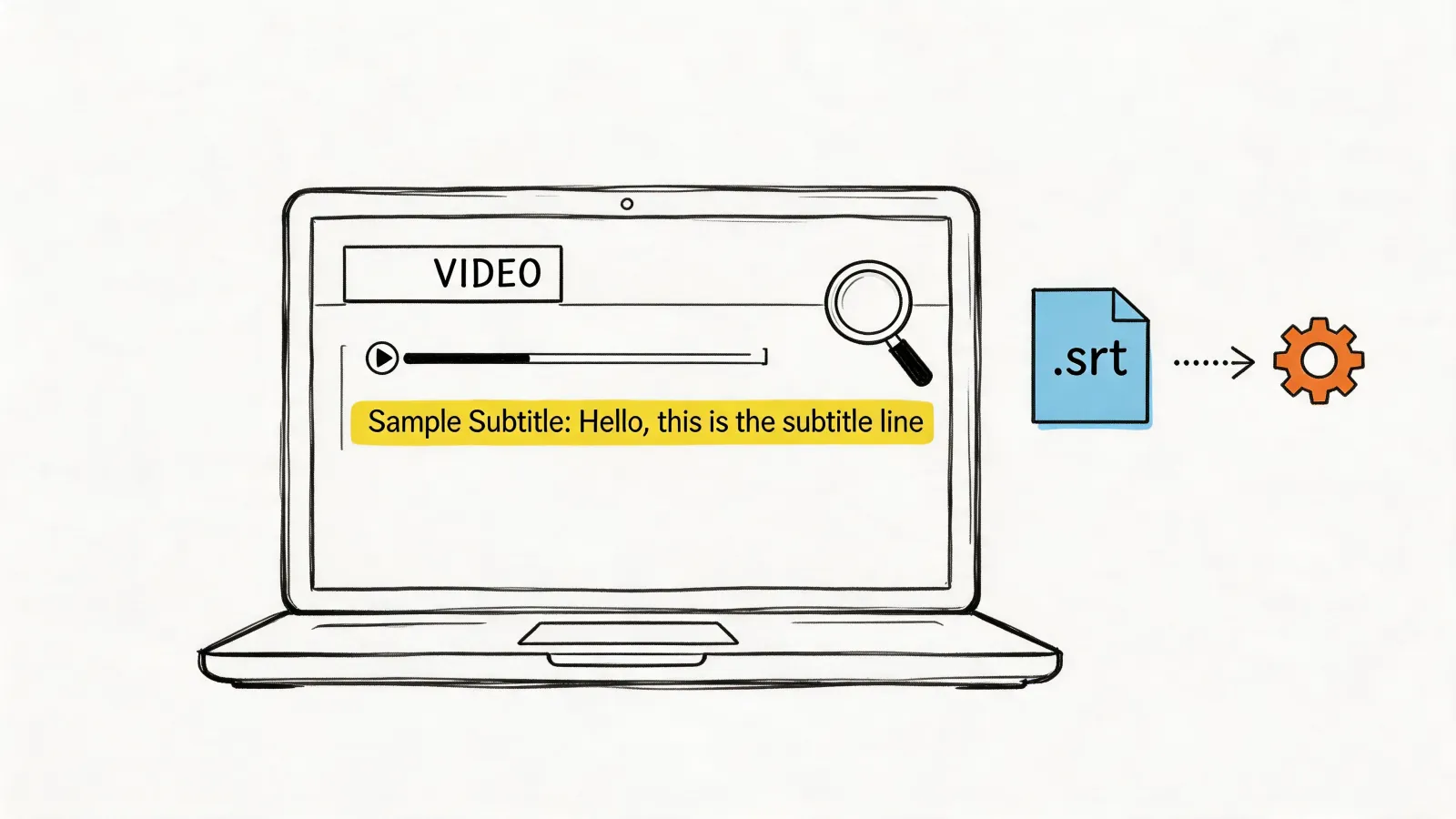
Two practical uses. Show notes: start from the overview and outline, and take chapter times from the transcript. Clips: ask the assistant for quotable moments, then highlight a line and press Play from here to check it in context before you cut it. SRT export covers YouTube captions. It doesn't record remote guests on separate tracks, edit audio or host episodes. More in our guide to transcribing a podcast.
Episode transcripts
Transcribe a finished episode
Upload a finished episode or paste a YouTube link, and get the transcript with speakers and timestamps plus an outline to write show notes from.

Castmagic
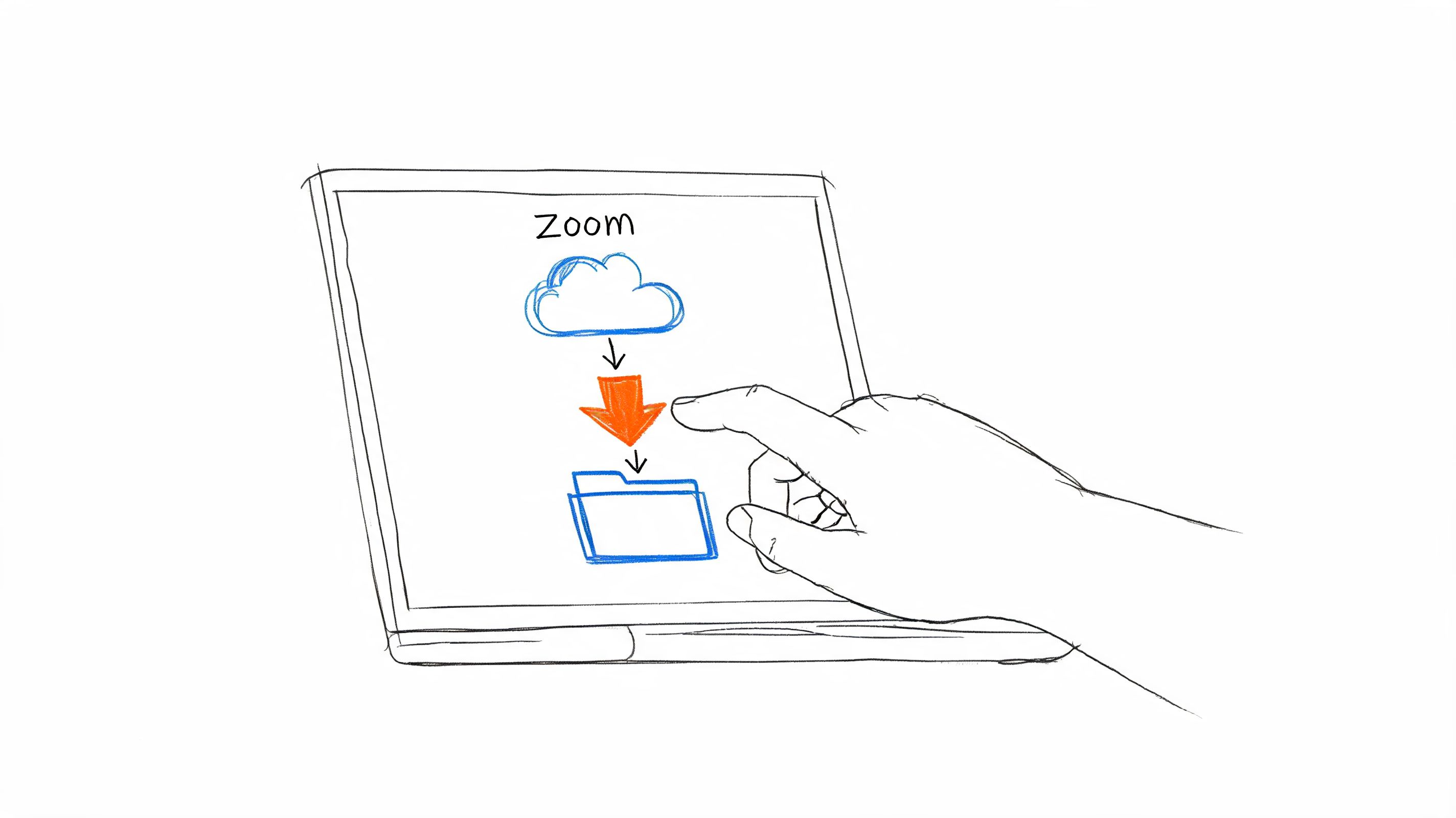
Castmagic generates the promo copy for an episode from its recording: timestamped show notes, summaries, quotes, YouTube descriptions, newsletters and social posts, with your own prompts when the defaults don't fit. Import from RSS, YouTube, Apple Podcasts, Google Drive or Zoom, or upload a file up to 10 GB; transcripts cover 60+ languages.
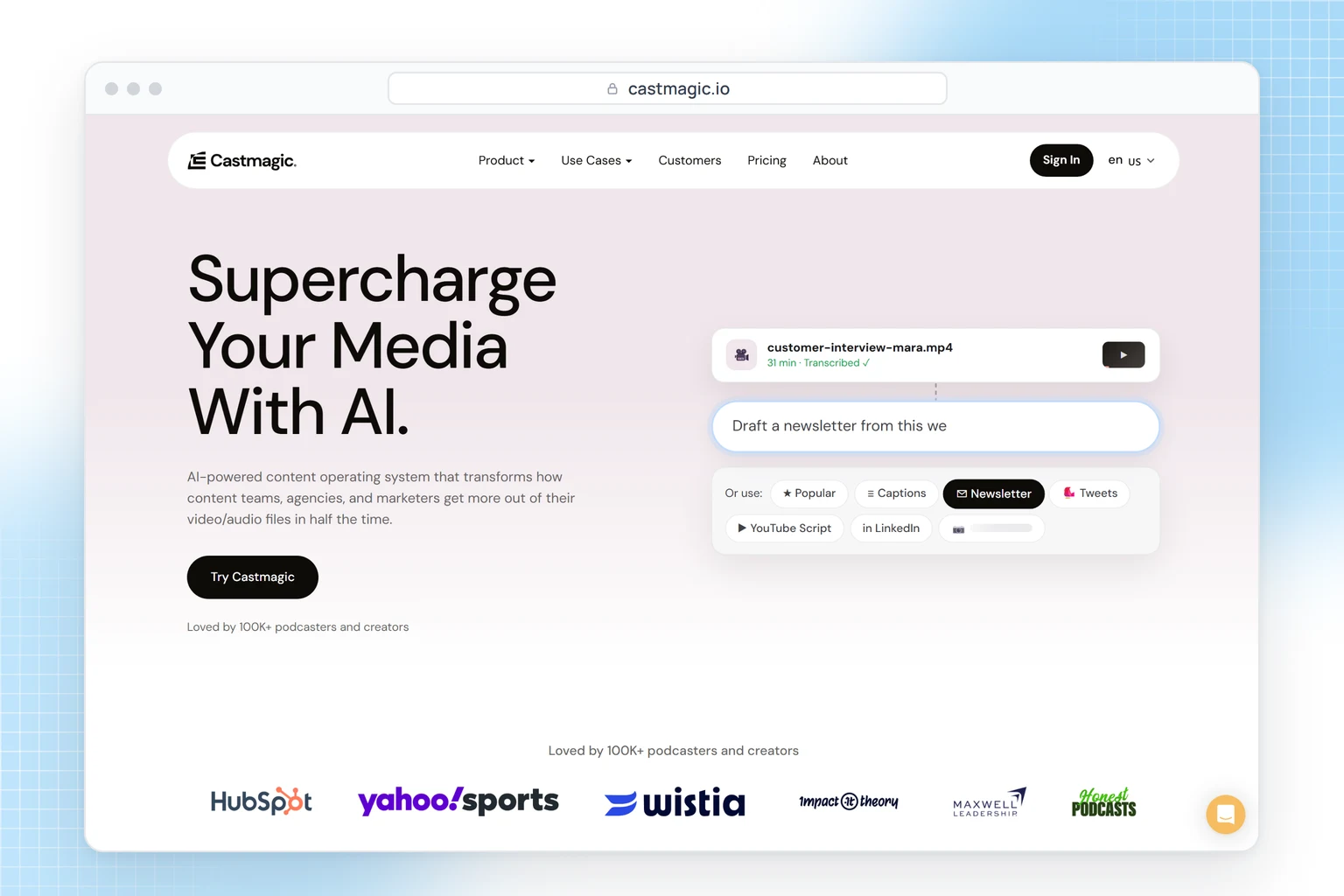
Check the hours before you buy. Hobby ($19 a month billed yearly) includes 30 transcribed hours in total, not per month, so a weekly one-hour show uses them up in about seven months. It suits shows that record and host elsewhere and publish across many channels; if all you need is a transcript, you'd be paying for copywriting you won't use.
What turns an episode into promo clips?
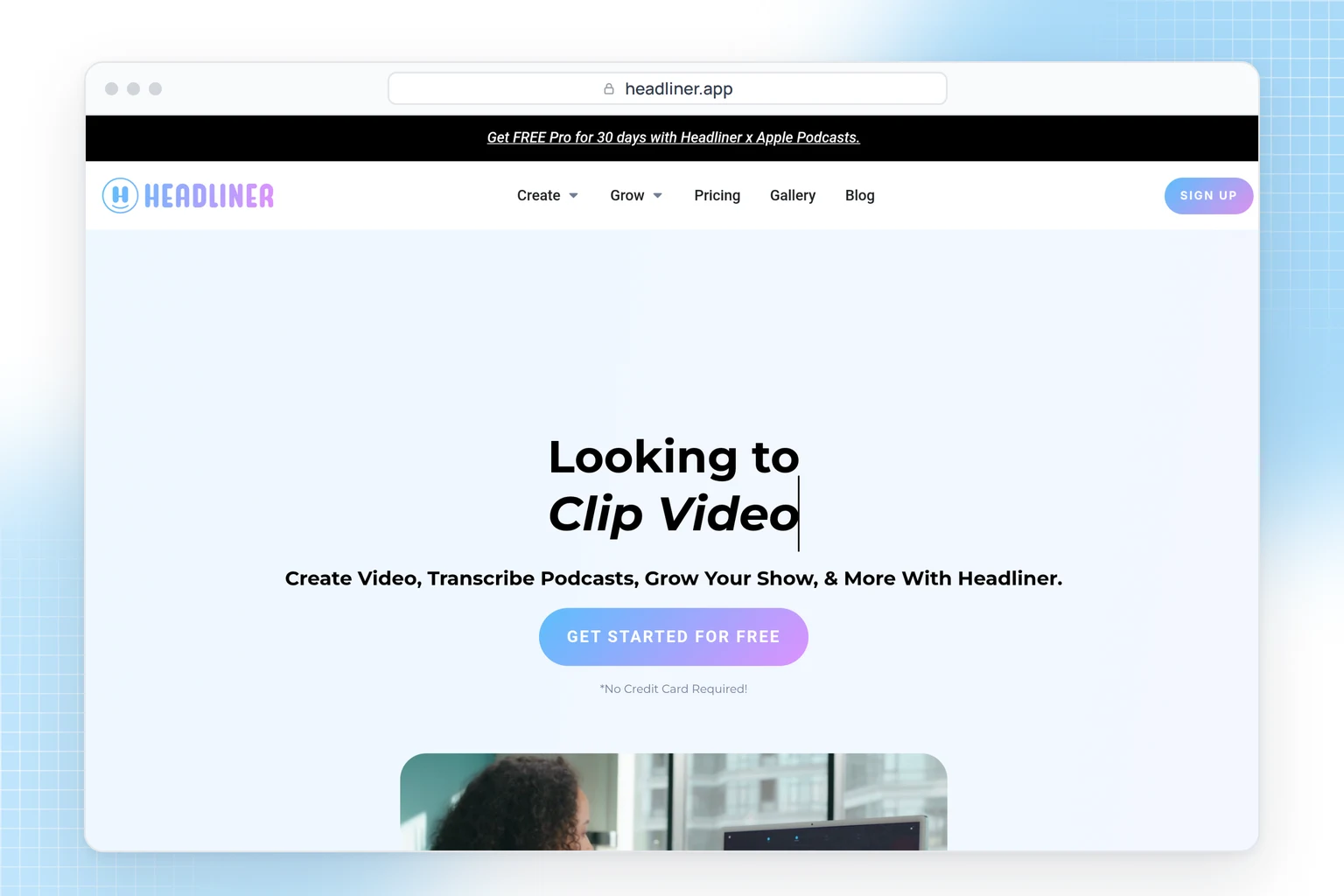
Headliner
Headliner turns episode audio into audiograms and captioned clips, and can create them from your RSS feed and post them to social media and YouTube each time a new episode goes out. The free plan includes one audiogram a month without a watermark (the rest carry one) and two hours of full-episode transcription; Basic is $9.99 a month, or $7.99 billed yearly. Videos on Free and Basic are capped at 10 minutes, which is fine for promos but rules out full video episodes.
Which hosts put transcripts in your feed?
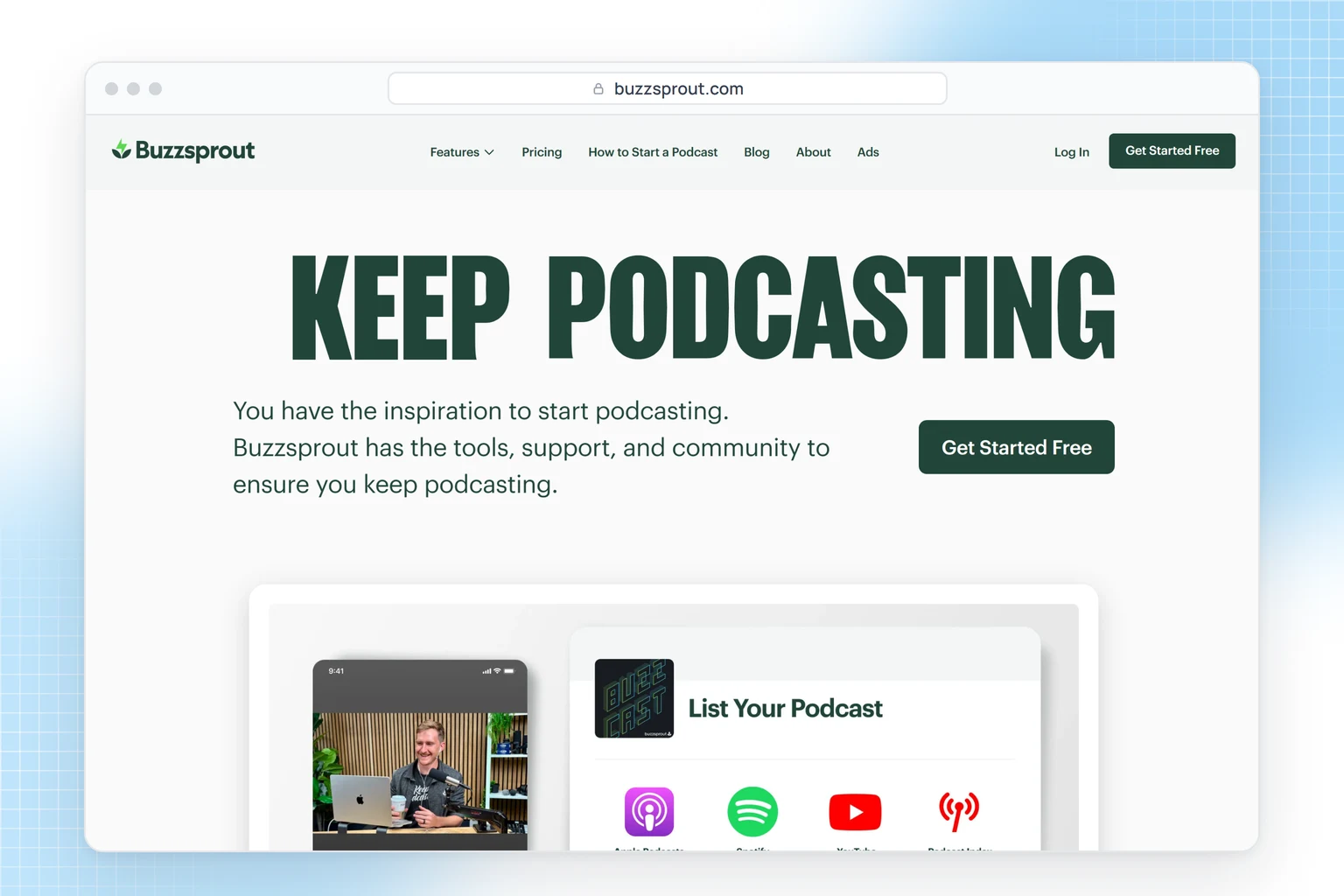
Buzzsprout
Buzzsprout transcribes every new episode automatically on its current paid plans, and the transcript goes into your RSS feed, out to podcast apps and onto your Buzzsprout website. That covers solo and new shows recording in English, Spanish or French; other languages aren't supported, the free plan gets no transcripts, and Cohost AI, which drafts descriptions, chapters and social posts, is a paid add-on. Audio is $18 a month, or $15 billed yearly, with 6 upload hours a month. The free plan keeps episodes online for 90 days.
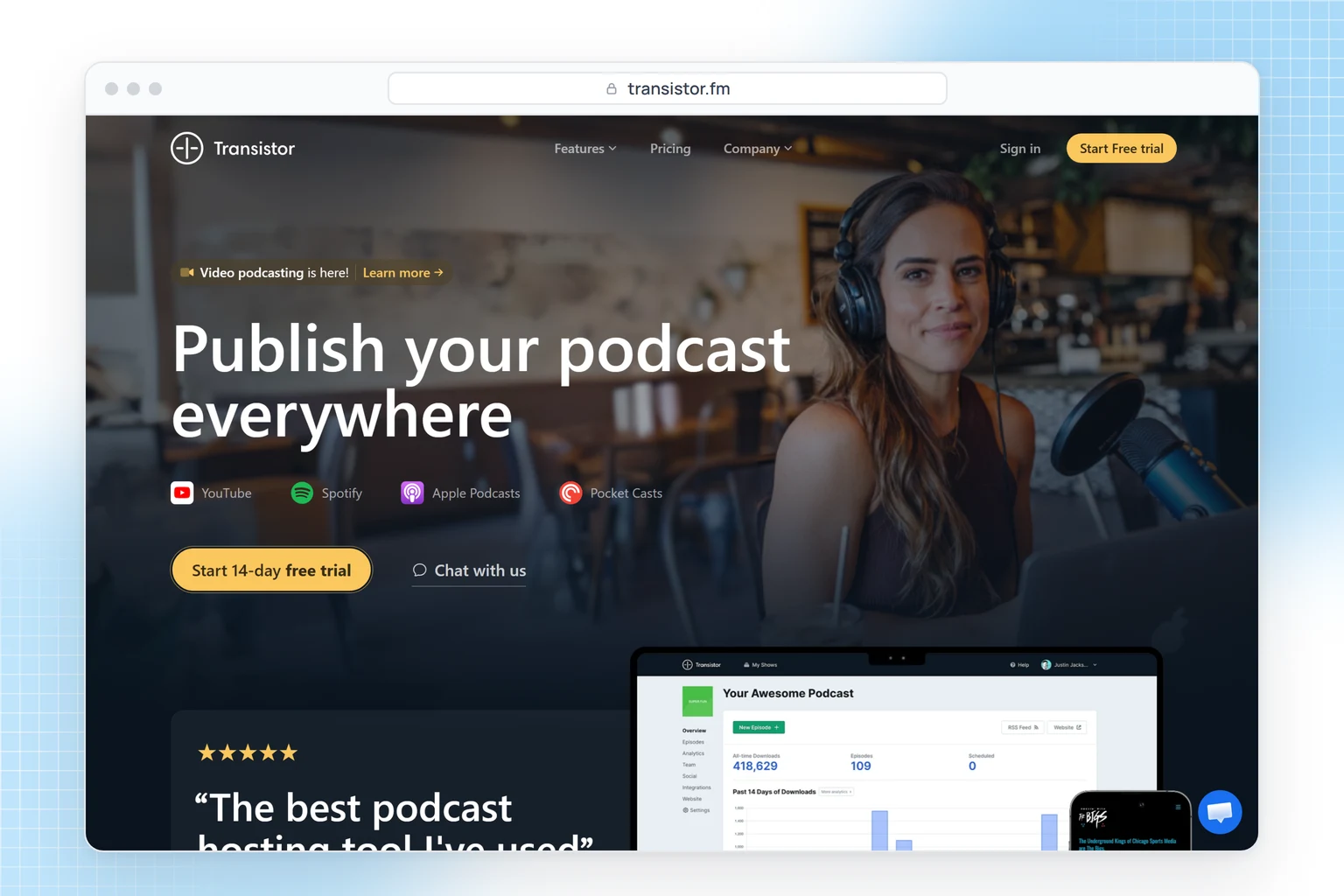
Transistor
Transistor prices hosting by downloads (Starter: 20,000 a month for $19) and includes unlimited shows and team members on every plan, which suits companies with several podcasts or private feeds. Transcription is an add-on at $5 a month for 300 minutes; each episode then gets its own transcript page, linked in the RSS feed. There's no free plan, only a 14-day trial.
How do you make old episodes searchable?
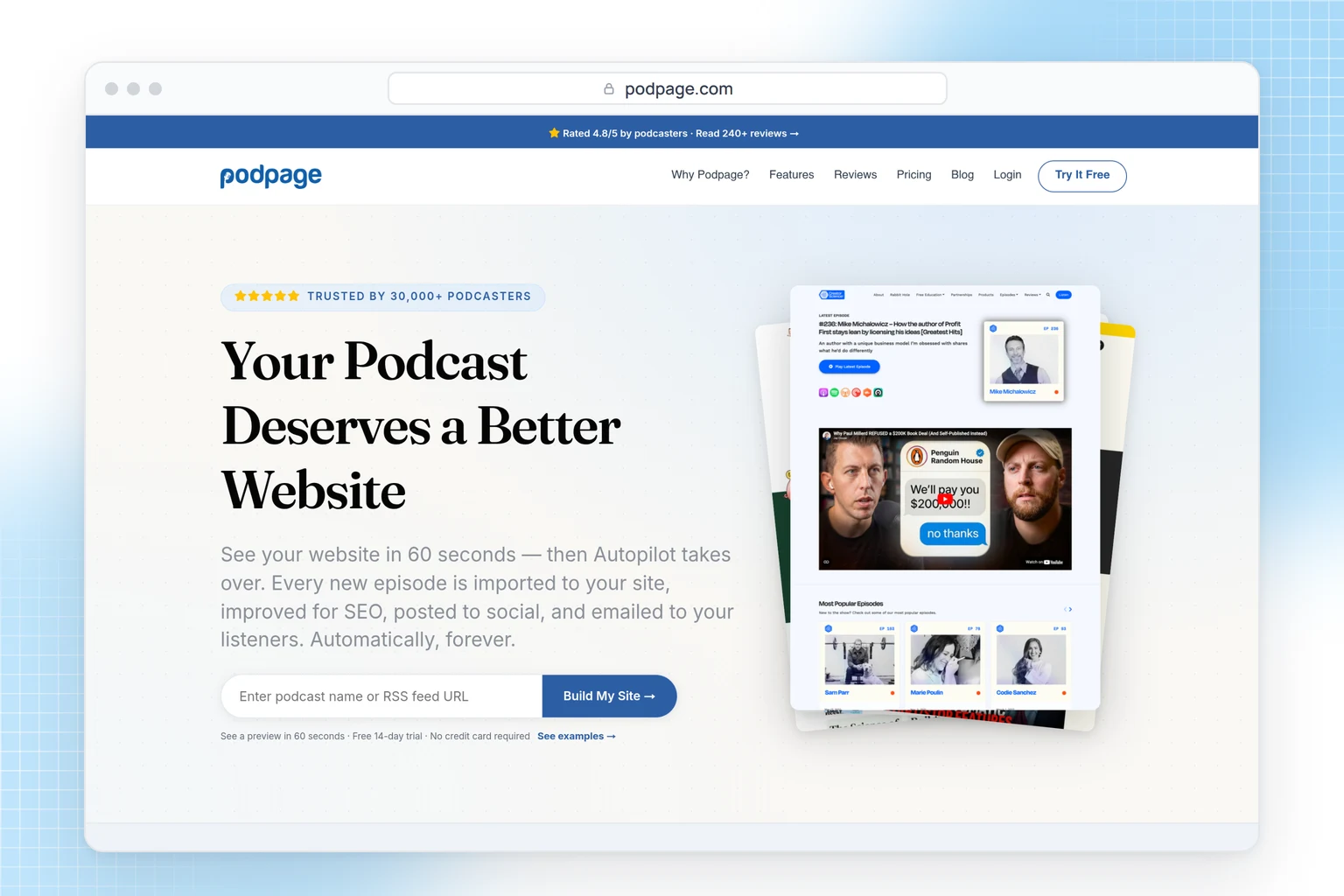
Podpage
Podpage builds a show website from your RSS feed and keeps syncing it, so new episodes appear on their own. If your host puts transcripts in the feed, Podpage imports them into a Transcript tab on each episode page, or you can paste them in; it doesn't create transcripts itself. Transcripts, episode search and guest pages need the Pro plan ($29 a month, or $19 billed yearly); Basic is $19, or $12 billed yearly. Choose it if you want the site to update itself from the feed; if you'd rather curate each entry by hand, a sheet-based site gives you more control.
SpreadSimple
SpreadSimple turns a Google Sheet into a website with search, filters, sorting and a page for each row, so the archive lives in a spreadsheet. It suits shows that log episodes in a sheet anyway and want listeners to find old episodes by guest or topic. An official Podcasts template includes episode pages and an embedded player.
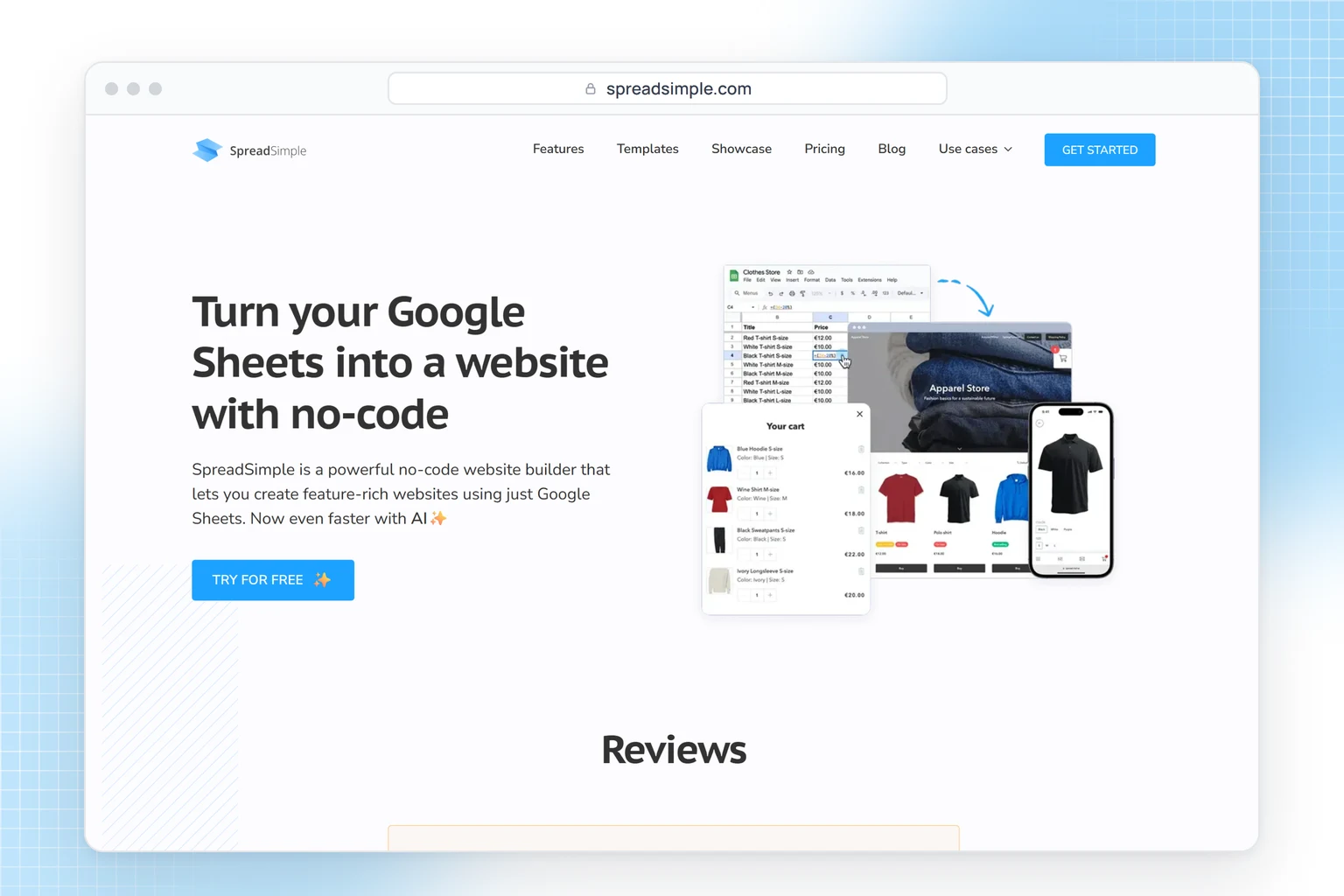
A simple setup: one row per episode with title, date, guest, topics, a two-line summary, the player embed and a link to the transcript, for example a Google Doc shared as "anyone with the link can view". The transcript text then lives in the doc, not on the archive page, so paste the best quotes into the summary if you want them searchable. Turn on search by title, guest, topics and summary, filters by guest and topic, and detail pages. Search runs on the sheet's columns, not inside linked documents, so the topics and summary make an episode findable. The free plan (50 rows) keeps the site out of search engines; Starter is $12.90 a month billed yearly for 500 rows, with a custom domain.
FAQ
Do podcast transcripts help SEO?
A transcript can only help if search engines can reach it: on your episode page or an archive site, not behind a login or in a file nothing links to. Even then it's one signal among many, not a guarantee of rankings. For page-friendly formats, see our guide to podcast transcripts.
What's the cheapest way to transcribe a weekly podcast?
If you already host on a Buzzsprout paid plan, transcripts in English, Spanish and French cost nothing extra; on Transistor, the add-on is $5 a month for 300 minutes. If you're choosing a separate service, compare per-minute and per-file pricing against your episode length; HypeScribe Starter is $6.99 for 30 files of any length.
How do you write show notes from a transcript?
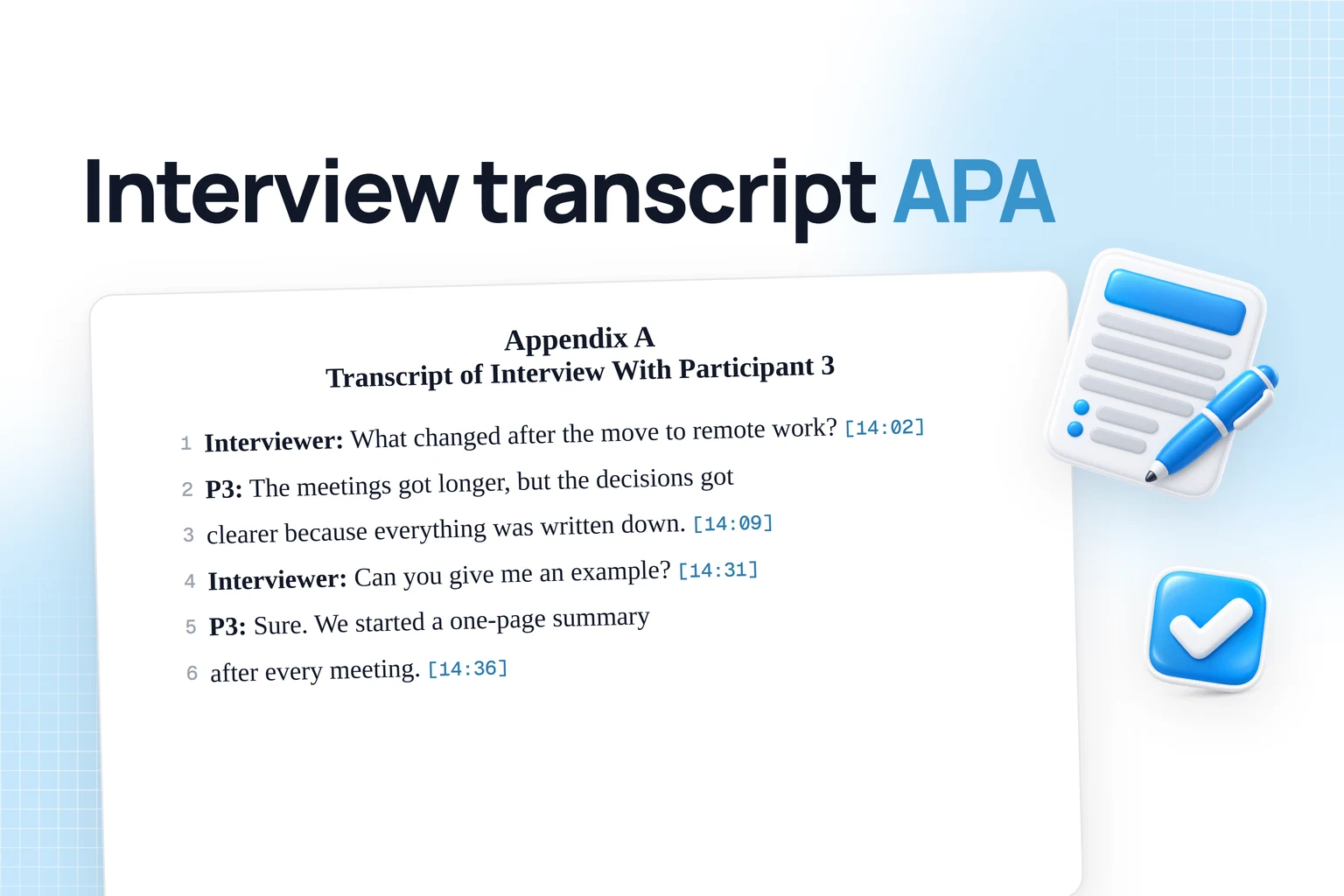
Write a two- or three-sentence summary and a list of topics, add the timestamp where each topic starts, then link everything mentioned in the episode and the guest's profiles. Descript and Castmagic draft show notes for you; in HypeScribe, the overview and outline are the starting point.