Can Claude Transcribe Audio and Watch Videos? We Tested It

We gave Claude the same job three times: get the words out of a recording. First we dropped an MP3 into the chat. Then we pasted a YouTube link. Then we pasted that link again with HypeScribe connected, a transcription app that joined Claude's plugin directory in November 2026.
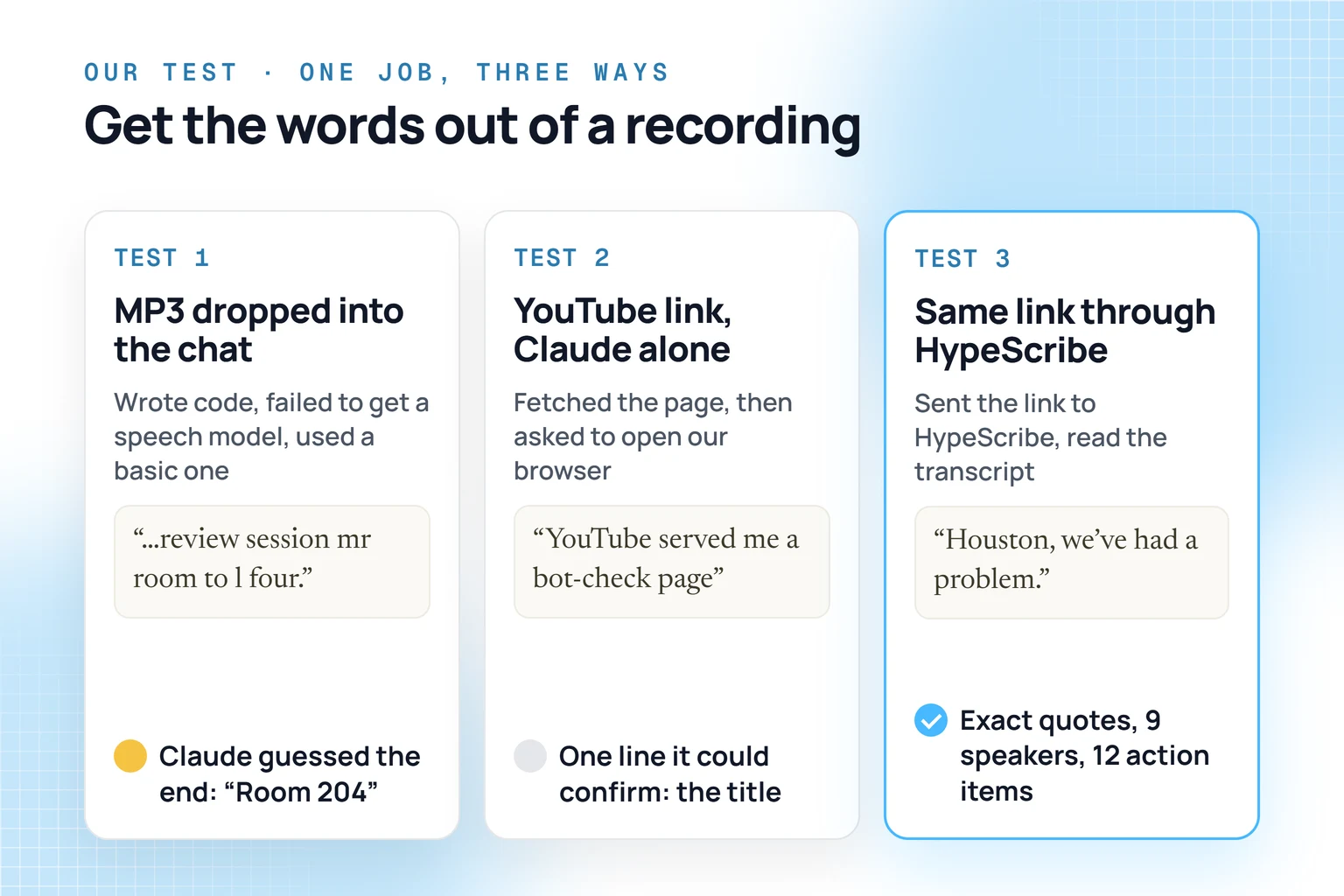
So can Claude transcribe audio and watch videos? It took the MP3, even though Anthropic's upload list has no audio formats, and got 8 seconds right with one guess. It couldn't watch the YouTube video on its own: it got stuck at YouTube's bot check. With HypeScribe connected, it came back with three key moments, each quoted word for word.
Test 1: an MP3 in the chat
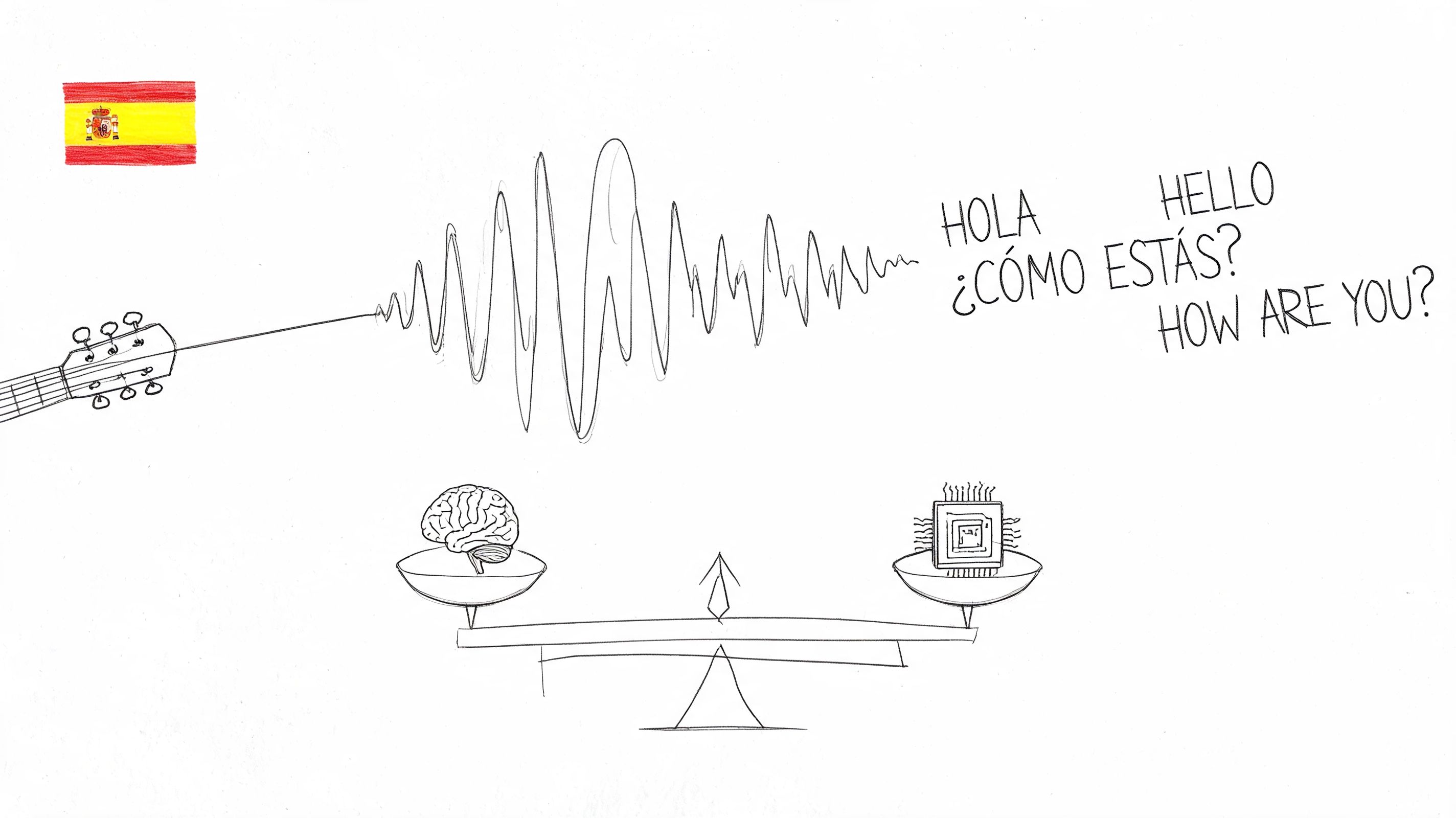
Anthropic's help page on uploads lists documents and images, so we expected Claude to turn the file down. It took it. Our clip was 8 seconds of a text-to-speech voice reading a class reminder, about as clean as audio gets. We ran all three tests on November 17, 2026, in claude.ai on a Max plan with code execution on.
Claude opened its code sandbox and tried to download a speech recognition model. The download failed. It went looking for Python packages with speech models built in and ended up with a basic offline recognizer. Seven commands later it gave us this:
Quick reminder before Thursday: the midterm covers chapters five to eight, and the review session moves to Room 204.
Correct, with help. The recognizer heard the ending as "mr room to l four". Claude matched that against the other guesses, picked "Room 204" and told us to listen to the last two seconds if the room number mattered. Eight clean seconds already needed one guess. We didn't try a 90-minute lecture recorded from the back row.
Test 2: can Claude watch a YouTube video on its own?
Next, with no transcription plugin switched on, we pasted a 7-minute NASA video, Apollo 13: Houston, We've Had a Problem, and asked for the three key moments with an exact quote for each.
Claude fetched the page and ran into YouTube's bot check. It got the title, the date and the description, but nothing anyone says in the video. It asked to open the video in our browser. We said no, so it gave us the one line it could stand behind, the title, and refused to make up the rest:
I won't guess the other two quotes, because a misquoted "exact line" would be worse than none.
Fair enough. It also suggested a workaround: open the transcript under the video on YouTube, copy it and paste it into the chat. That works for videos with captions, one copy and paste at a time.
Test 3: the same link through HypeScribe
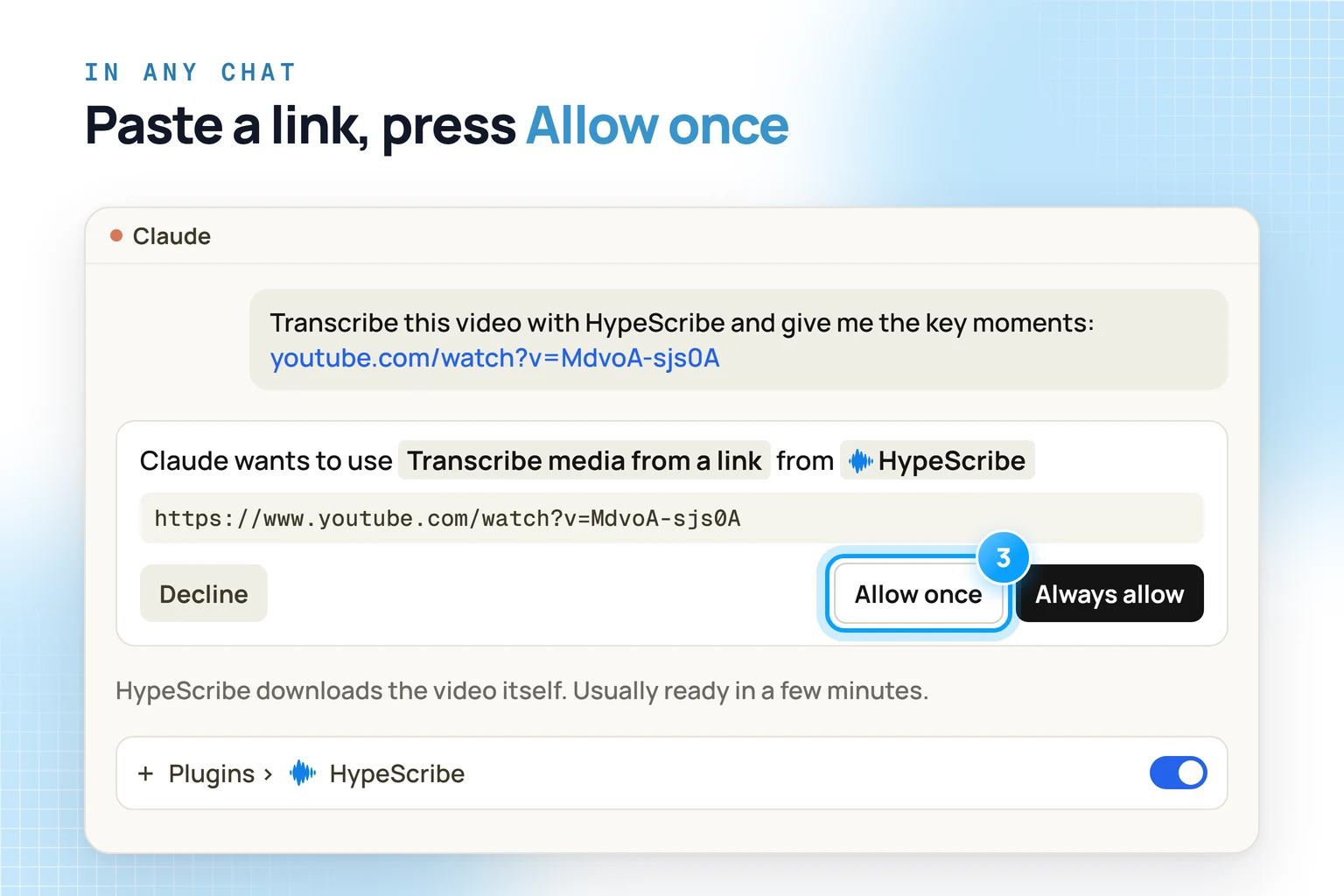
Then we switched HypeScribe on and pasted the link again. Claude asked permission to use a HypeScribe tool called Transcribe media from a link, and we pressed Allow once. HypeScribe downloaded the video itself, so nothing went through Claude's upload box, and the transcript was ready a few minutes later. You can ask Claude "Is it ready?" or, as we did, come back later and ask for the recording by name.
In a fresh chat we asked: "Find the Apollo 13 video in my HypeScribe and give me the 3 key moments. Quote the exact line for each." Claude searched our recordings, opened the transcript and came back with three moments, each with the speaker, plus a link to the recording:
- The explosion: "Houston, we've had a problem."
- The landing is off: "…it was not a third landing on the moon, but a survival of how to get home."
- The lifeboat: "We got LEM still attached. The LEM spacecraft's good."
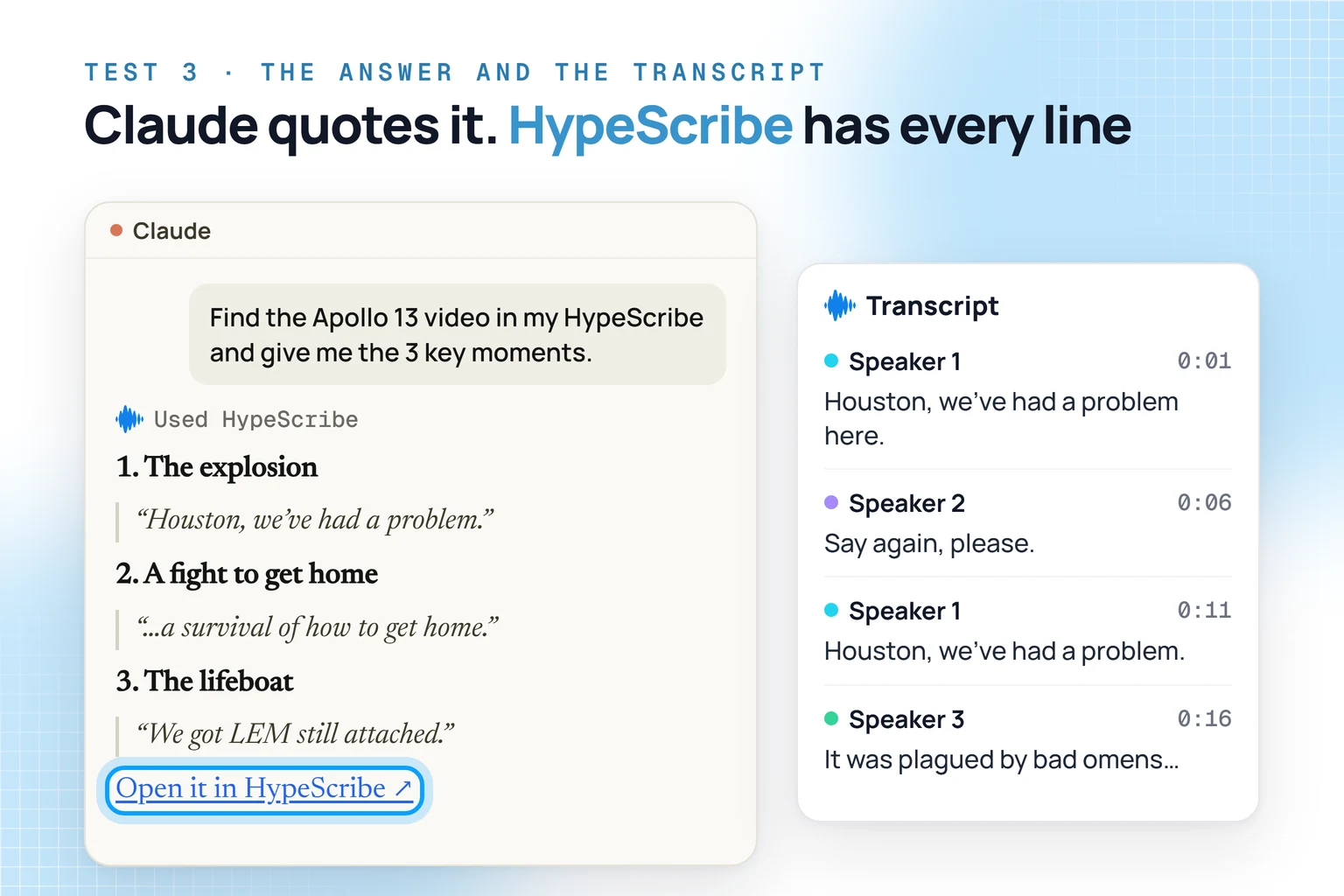
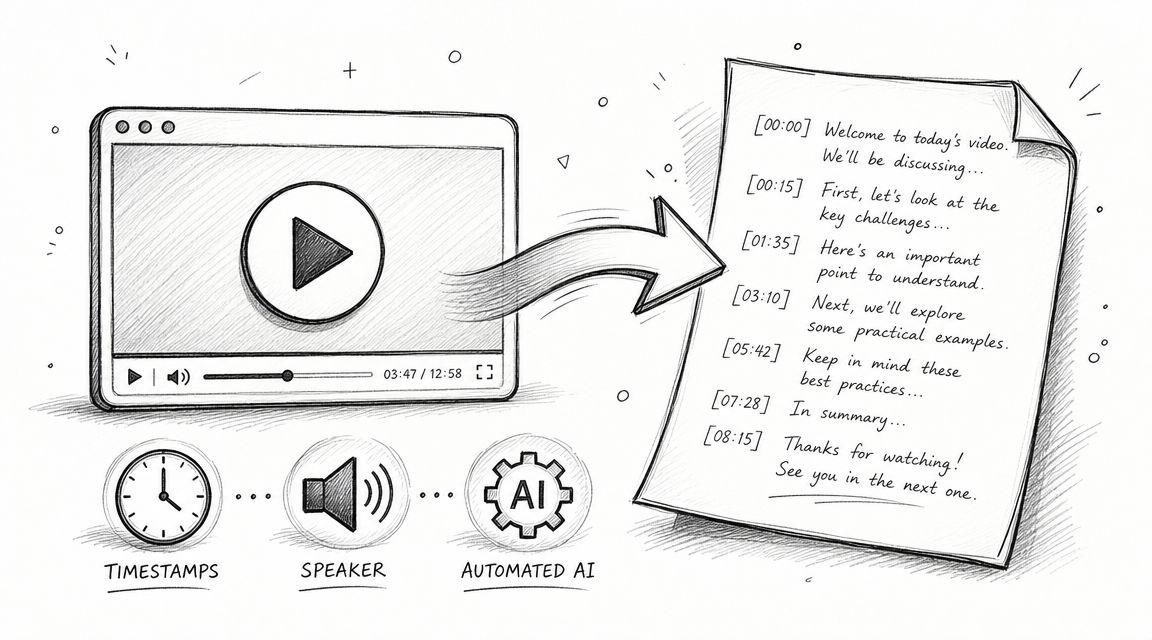
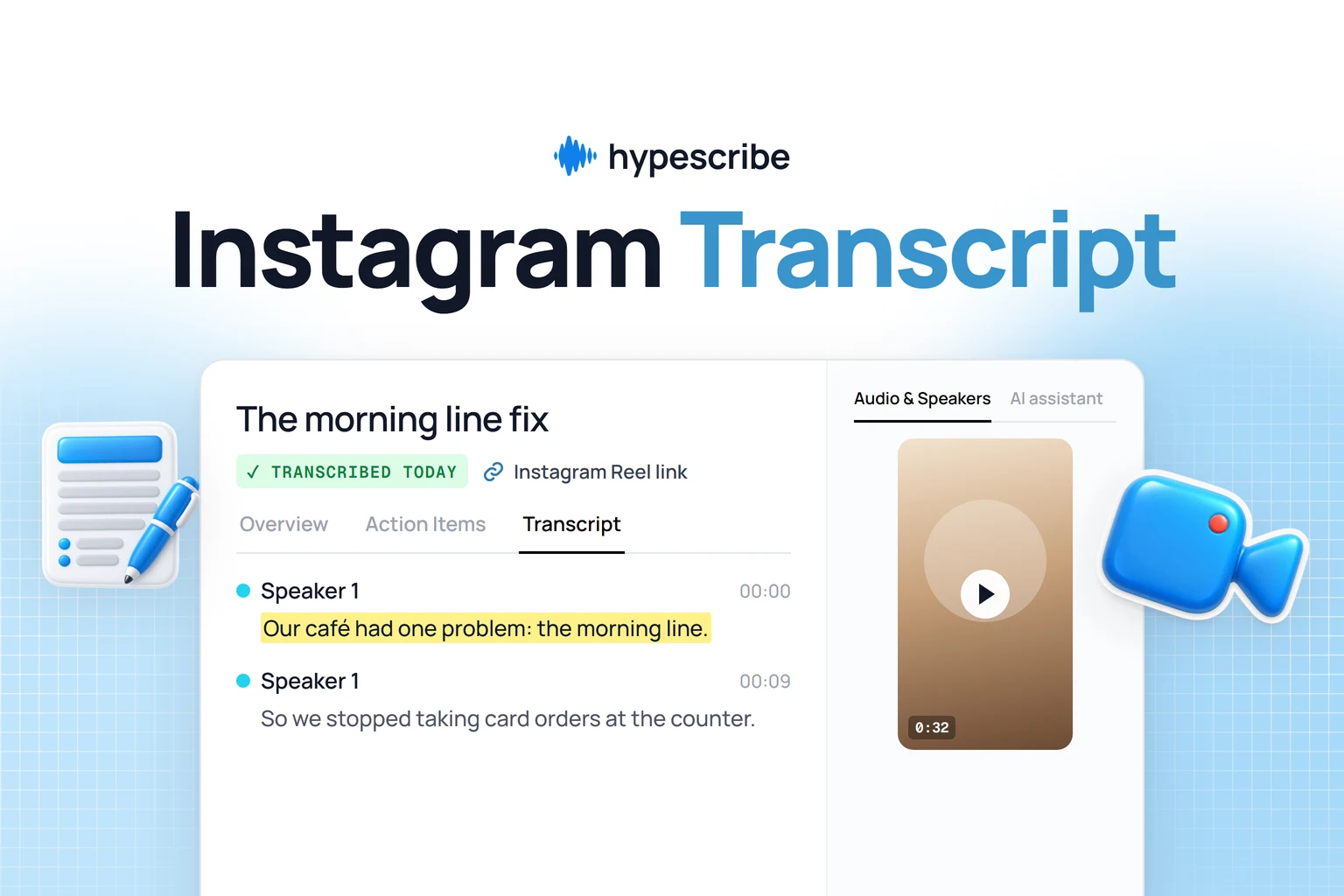
The link opens the whole transcript in HypeScribe. Every line there has a speaker and a timestamp, and Play from here plays the recording from that line. For a 7-minute clip HypeScribe also found 9 speakers, wrote an overview and pulled out 12 action items, which is a lot of homework for a 1970 moon mission. On the same page, HypeScribe's own AI assistant answers questions about that one recording with GPT, Claude, Grok or DeepSeek. Rename a speaker once and the name changes across the transcript. Download saves it as TXT, DOCX, PDF or SRT.
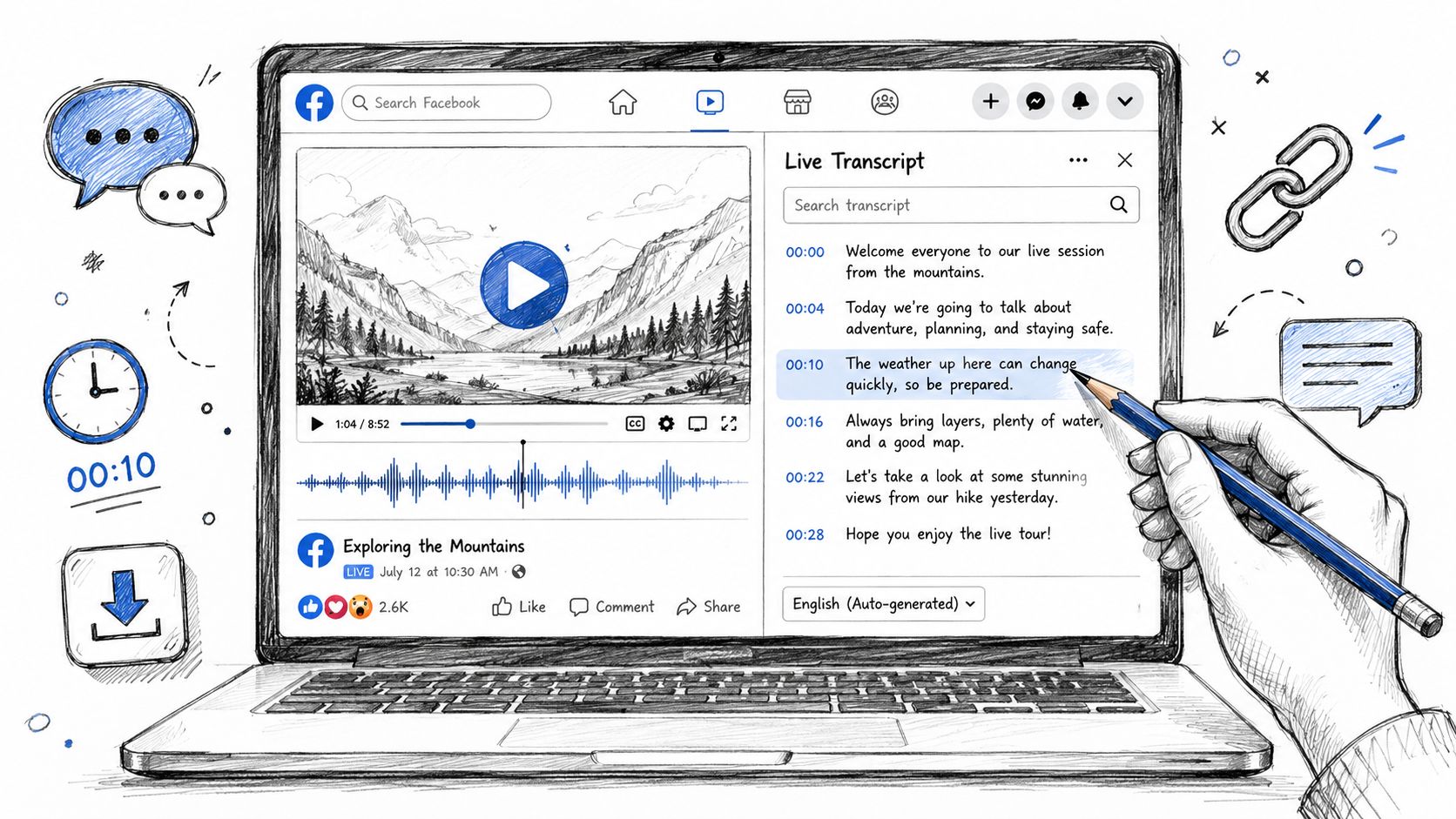
YouTube is one of many sources. Public links from Instagram, TikTok, X, Facebook, Reddit, Vimeo, Twitch, Loom, SoundCloud and Google Drive work the same way, and so do direct links to a file. HypeScribe has a 7-day trial, then from $6.99 a month.
If all you have is a short clip, you can try dropping it into Claude as we did and check any word it says it guessed.
How to connect HypeScribe to Claude
Plugins from Claude's directory show up on the Pro, Max, Ultra, Team and Enterprise plans. On Free, use the custom connector route in the table below.
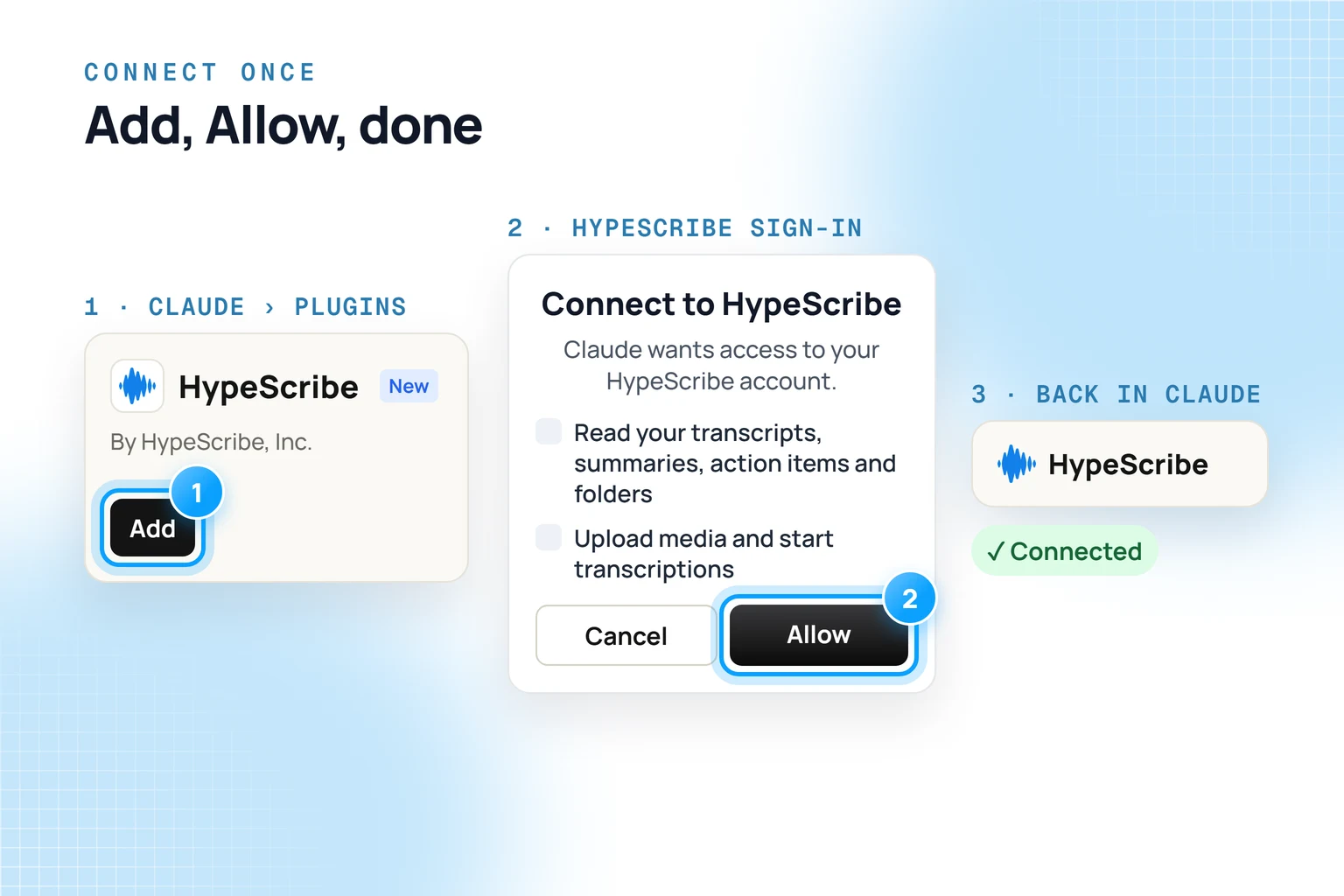
- Open the HypeScribe plugin page in Claude and press Add. You can also find it yourself: Plugins in the sidebar, then search for HypeScribe.
- Claude sends you to HypeScribe. Sign in or create an account, read what Claude will be allowed to do and press Allow. Each transcription Claude starts counts the same as one you start yourself.
- Back in Claude, the connector says Connected.
Now paste a link and say what you want, for example: "Transcribe this with HypeScribe and give me the key moments: [link]". The first time Claude reaches for a HypeScribe tool, it asks. Allow once runs it this time, Always allow stops the question for that tool. If Claude doesn't use HypeScribe, check the switch under + › Plugins.
On the Free plan, in a team, in Claude Code or on a phone, the route is a little different:
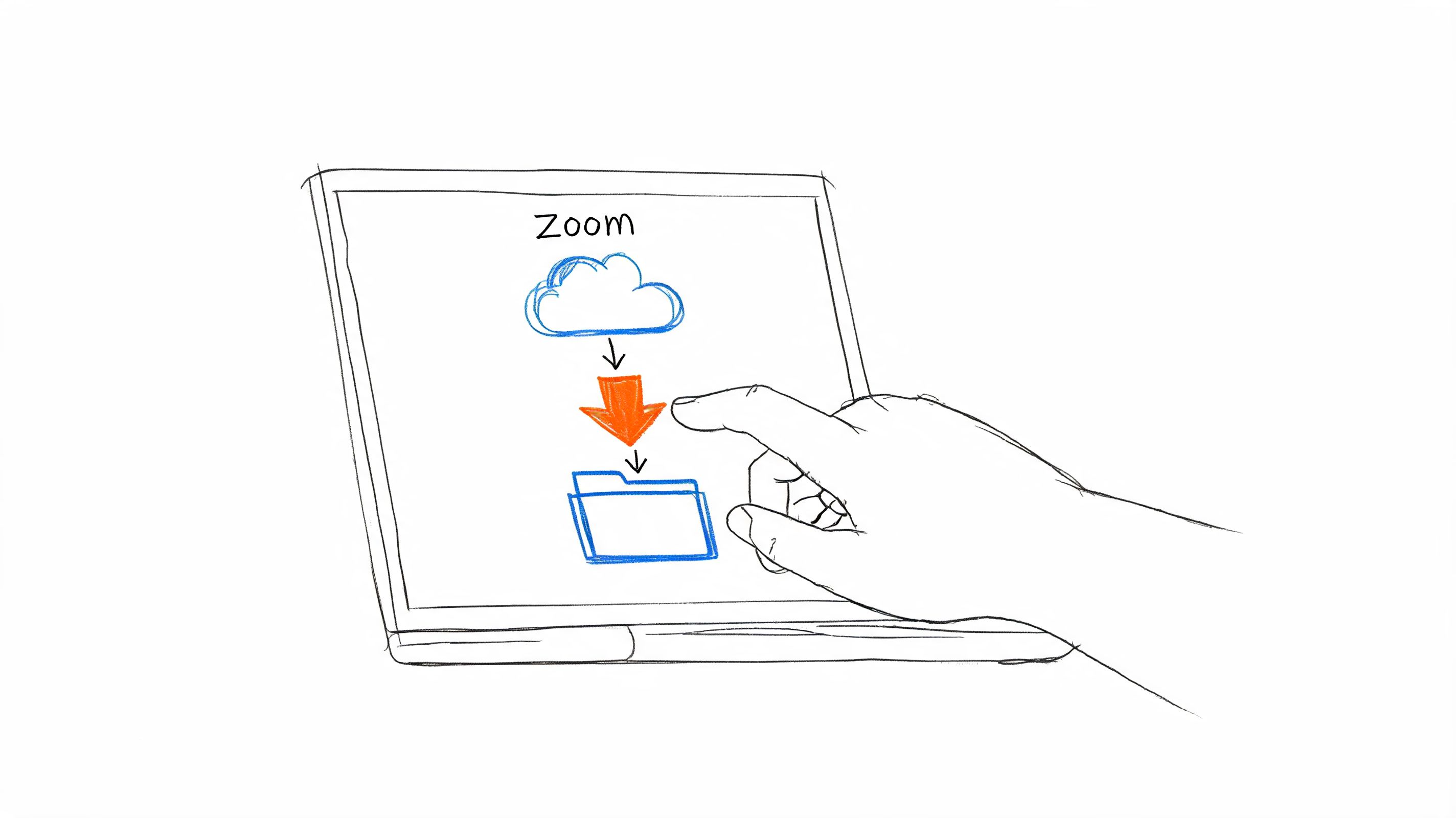
A recording on your laptop or phone
Send the file to HypeScribe first: upload it from a computer or a phone browser, or forward it to your personal HypeScribe email address. MP3, M4A, WAV and most other audio formats work, and so do video files like MP4 and MOV, in 99+ languages. When the transcript is ready, ask Claude about it by name. In Claude Code you can skip the upload page and ask: "Upload ~/Downloads/interview.m4a to HypeScribe and summarize it."
What to ask once it's connected
Tell Claude which recording you mean: a distinctive title or the project, plus a date when it helps.
More ways to get a video's words out are in our guide to turning a YouTube video into text.
What Claude can see and change
Claude only reaches the HypeScribe account you connected. It can read your transcripts and start new transcriptions, and it has no tool for deleting anything. Every HypeScribe tool starts as Needs approval, so in a normal chat Claude asks first. To cut access, disconnect Claude on the Integrations page in HypeScribe.
HypeScribe doesn't see or store your recordings, and you can delete your transcripts at any time. Nobody on the team watches, listens to or reads them, and they are never used to train AI. Files are encrypted, and a transcript stays private until you share it.
The same MCP connection works in ChatGPT, Cursor and Codex, and API keys let your own scripts use it. Summaries go to Slack, Notion or Google Docs with one button, as our post on integrations, MCP and API shows.
For calls you already had
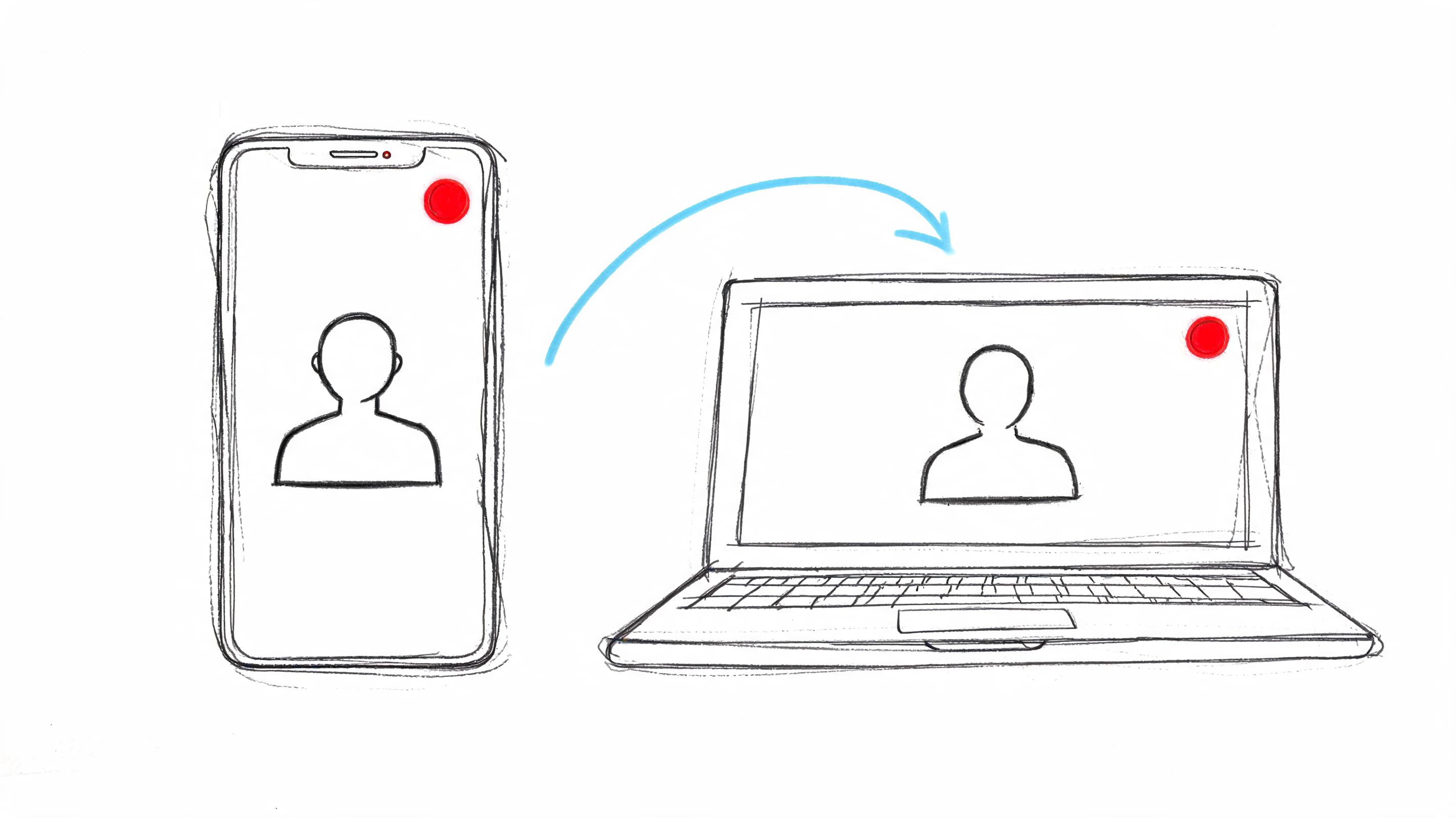
Ask Claude about last week's calls
The HypeScribe bot records your Zoom, Google Meet and Teams calls, and any file you upload joins them. Claude quotes who said what and drafts the follow-up.
FAQ
Can Claude watch YouTube videos?
Not in our test: on its own it got the title and description, not the words. With HypeScribe connected, it reads the video's transcript and quotes it.
Can Claude transcribe an audio file without a plugin?
It managed 8 seconds in our test, with one guess, using a recognizer it installed in its sandbox. Anthropic's upload list doesn't include audio formats, so treat it as a workaround for short clips.
What about Claude Meetings?
Claude Meetings is a bot that joins live Google Meet calls. Anthropic announced it in November 2026 as a beta for Team and Enterprise plans. It doesn't take recordings you already have. HypeScribe covers those, plus calls in Zoom, Google Meet and Teams, and it works on any Claude plan that can add a connector.