How to Record a Phone Call on iPhone and Get a Transcript

Say a plumber named Luis quotes you $380, part included, to fix the leak under your sink, and says he can come Thursday at 9. Before you hang up, he tells you to shut off the valve until then.
To record a phone call on iPhone, you need iOS 18.1 or later. You and the other person hear a short notice that the call is being recorded.
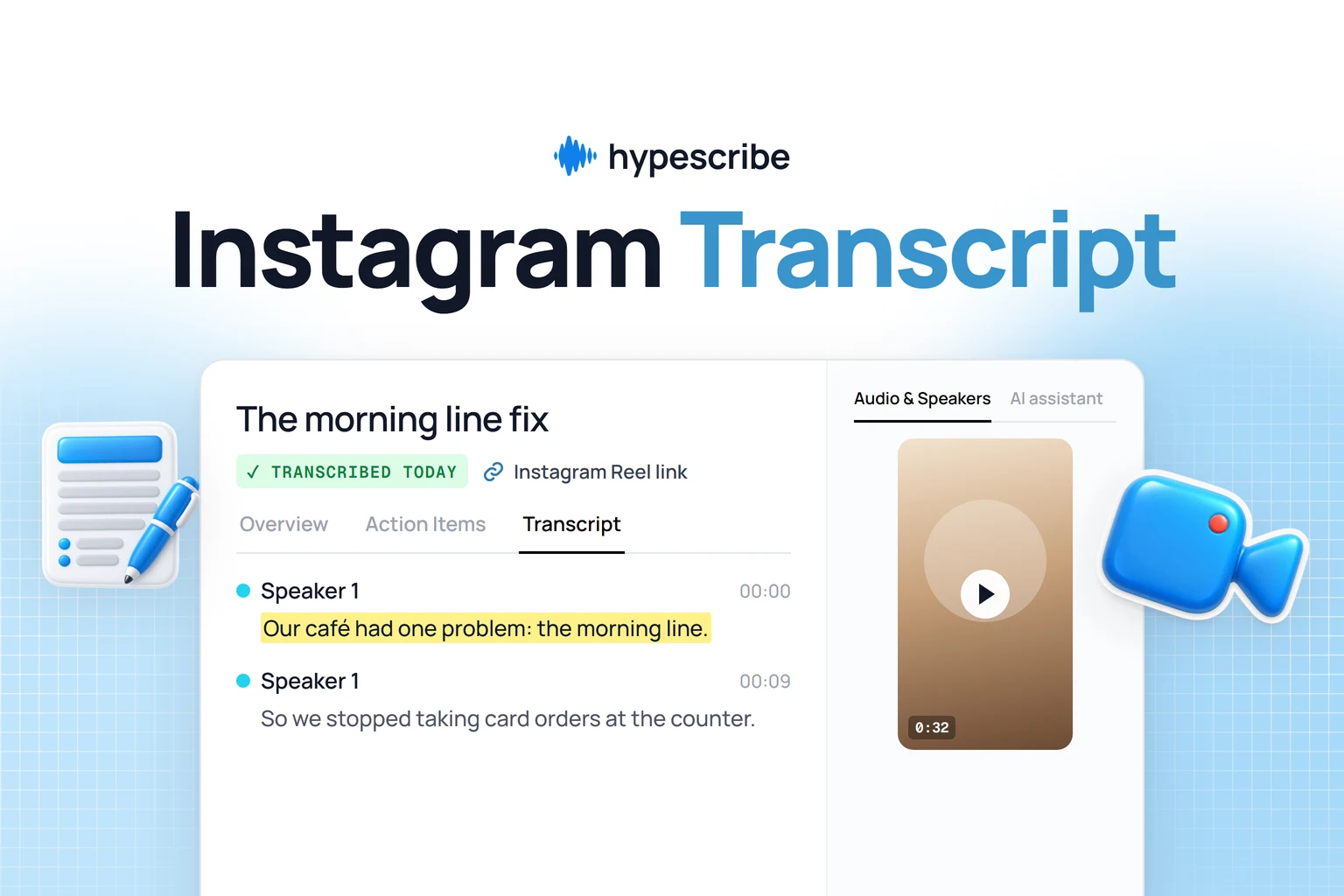
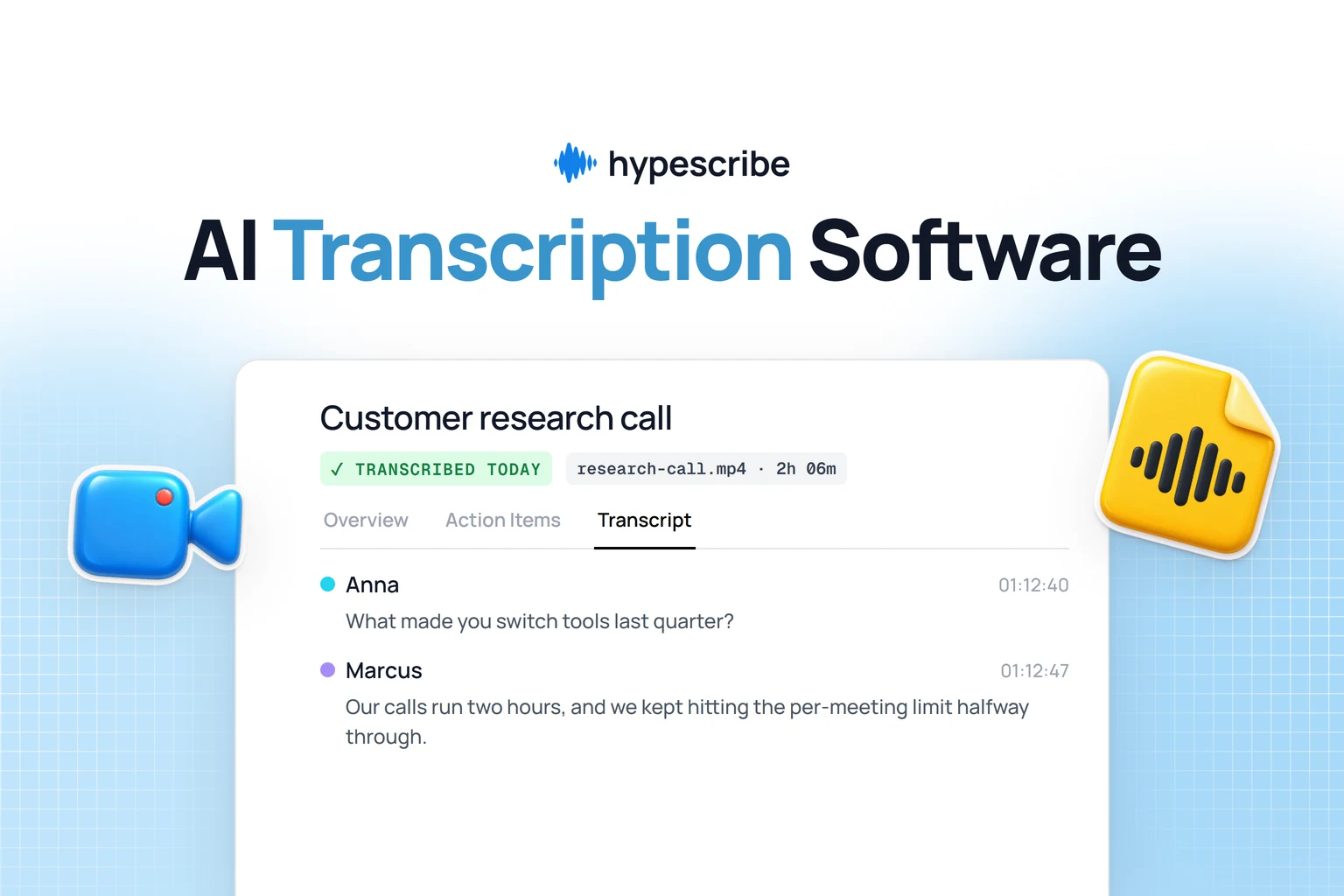
To turn the saved audio into a to-do list, upload it to HypeScribe.
How to Record a Phone Call on iPhone, Step by Step
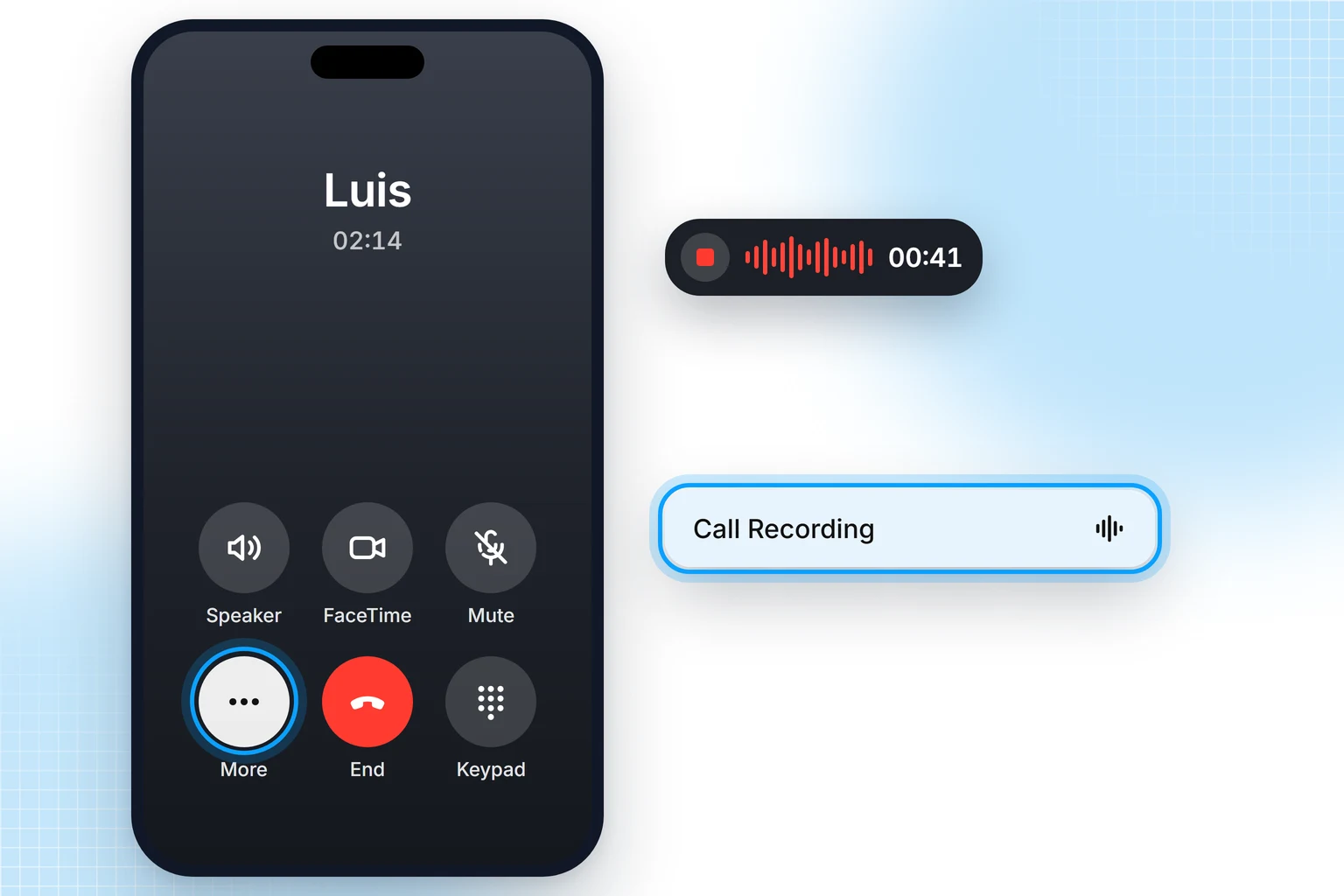
The same option is in one-to-one FaceTime audio calls. It works only when you're talking to one other person, so conference calls are out.
What the Other Person Hears
The notice doesn't play just once. Apple's safety guide says it plays again from time to time during the call, and another message plays when the recording stops.
The recording is saved in the Notes app of the person who started it.
Apple doesn't offer a way to turn the notice off. The one setting it documents turns off the whole feature: Settings › Apps › Phone › Audio Call Recording (just Call Recording on iOS 26). It's on by default.
So the built-in recorder can't record a call without the announcement. In some US states everyone on the call has to agree to a recording anyway. Our guide to recording a phone call explains the rules, and the one on recording without consent goes state by state.
Where the Recording and Transcript Go
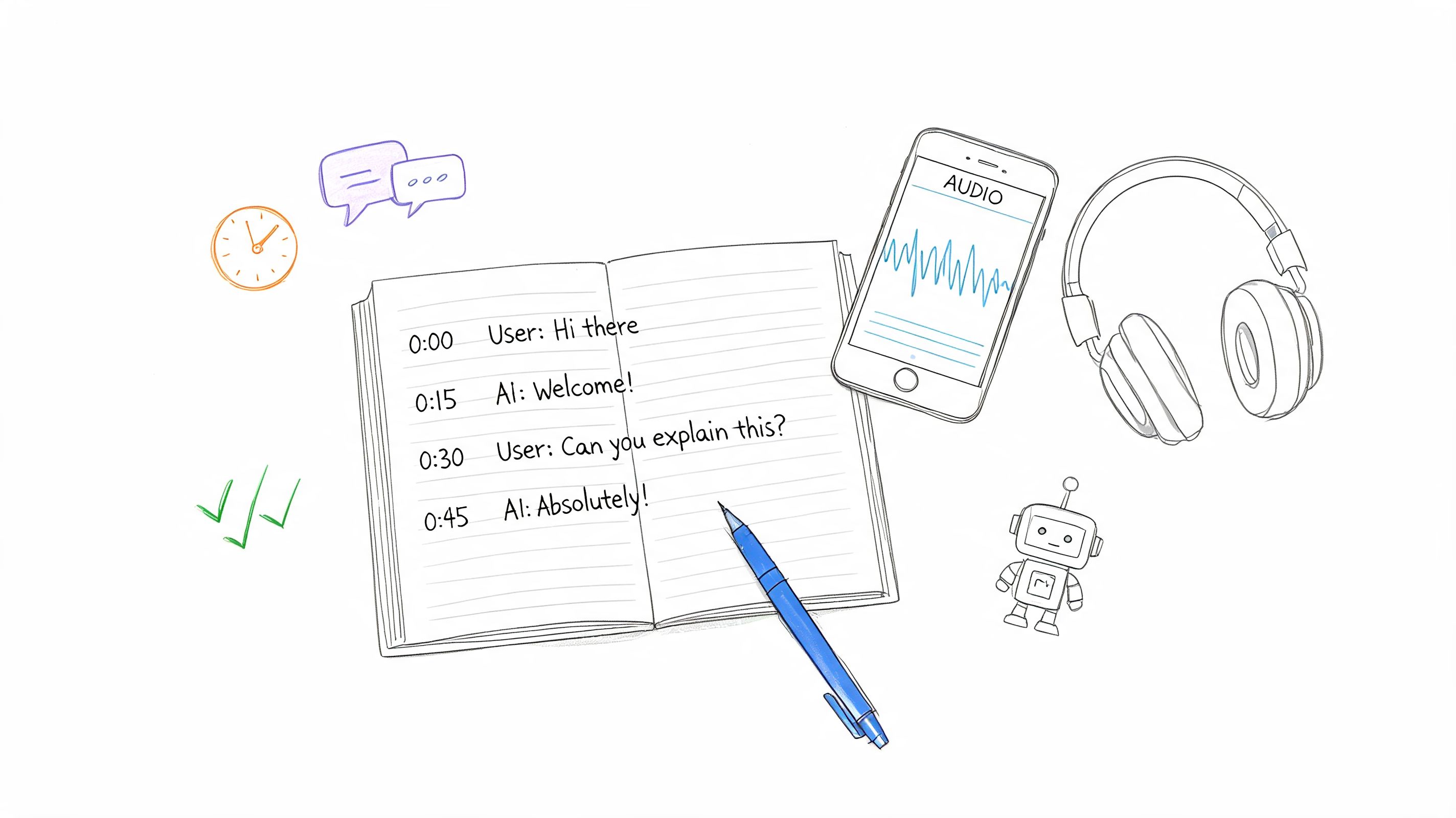
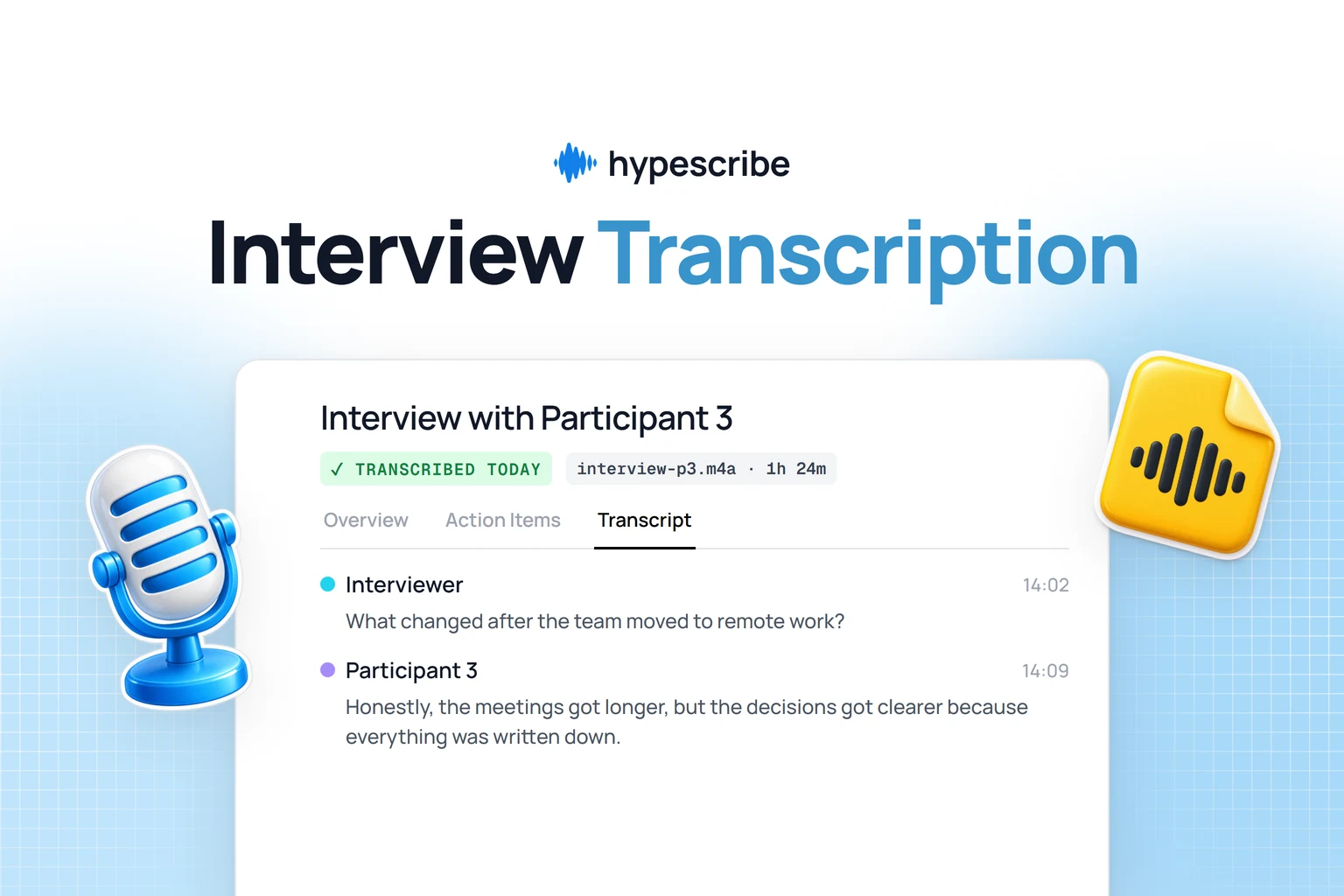
Each recorded phone call becomes a note in the Call Recordings folder. Open the note and tap the recording to play it and read the transcript.
The transcript may not be there right away. Apple shows who said each line, and selecting a line plays the audio from that spot.
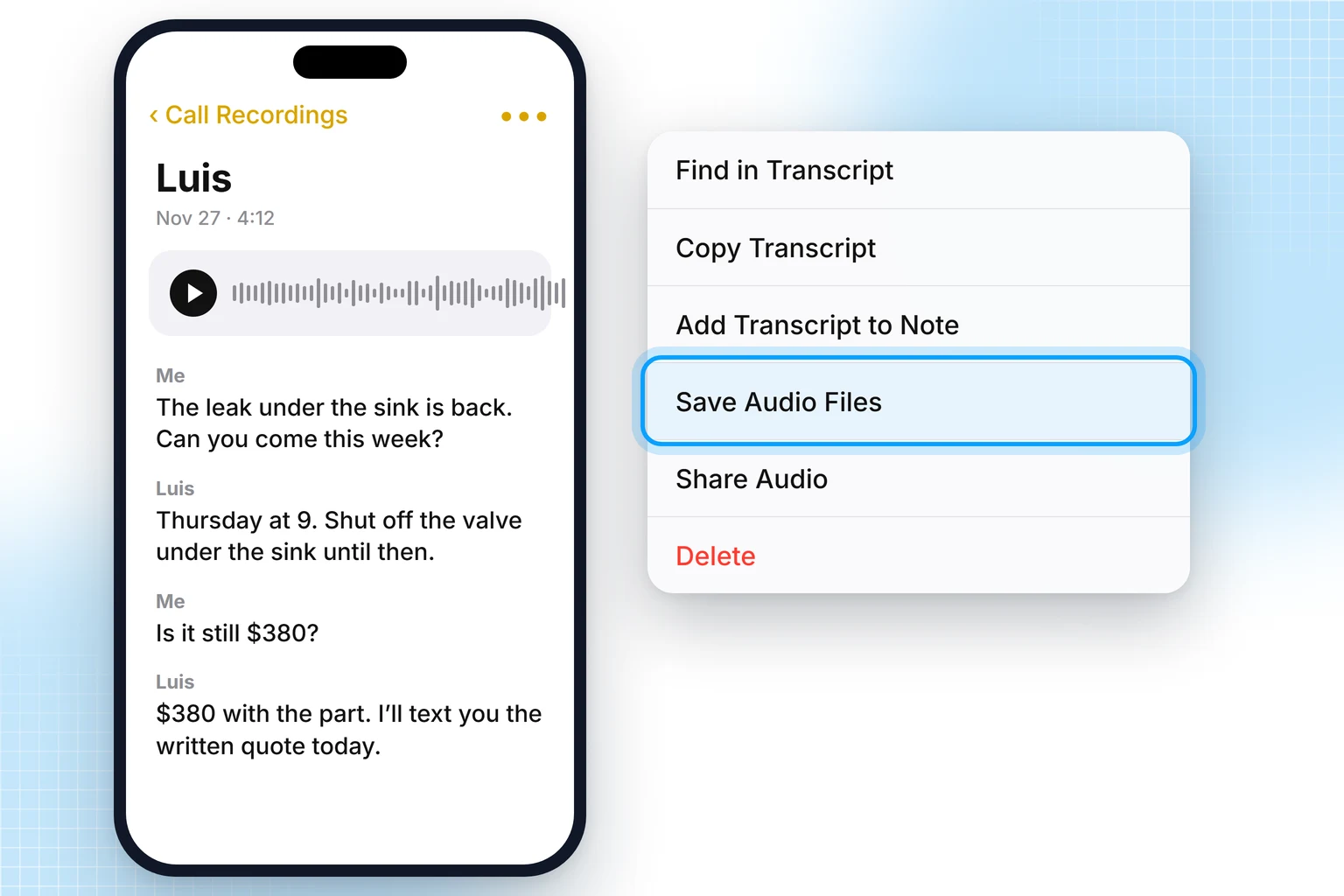
The More menu on the recording lets you find a word, copy the transcript and save or share the audio. If you delete the audio, the transcript goes with it.
Not every recorded call gets a transcript or a summary:
Turn the Call Into Notes and Tasks
The Notes transcript is fine for checking one line. For Luis's call you'd rather have the valve on a to-do list than in the middle of a paragraph.
And if you called your mom in French, Notes has the audio but no transcript at all. Here is how to get both from the recording:
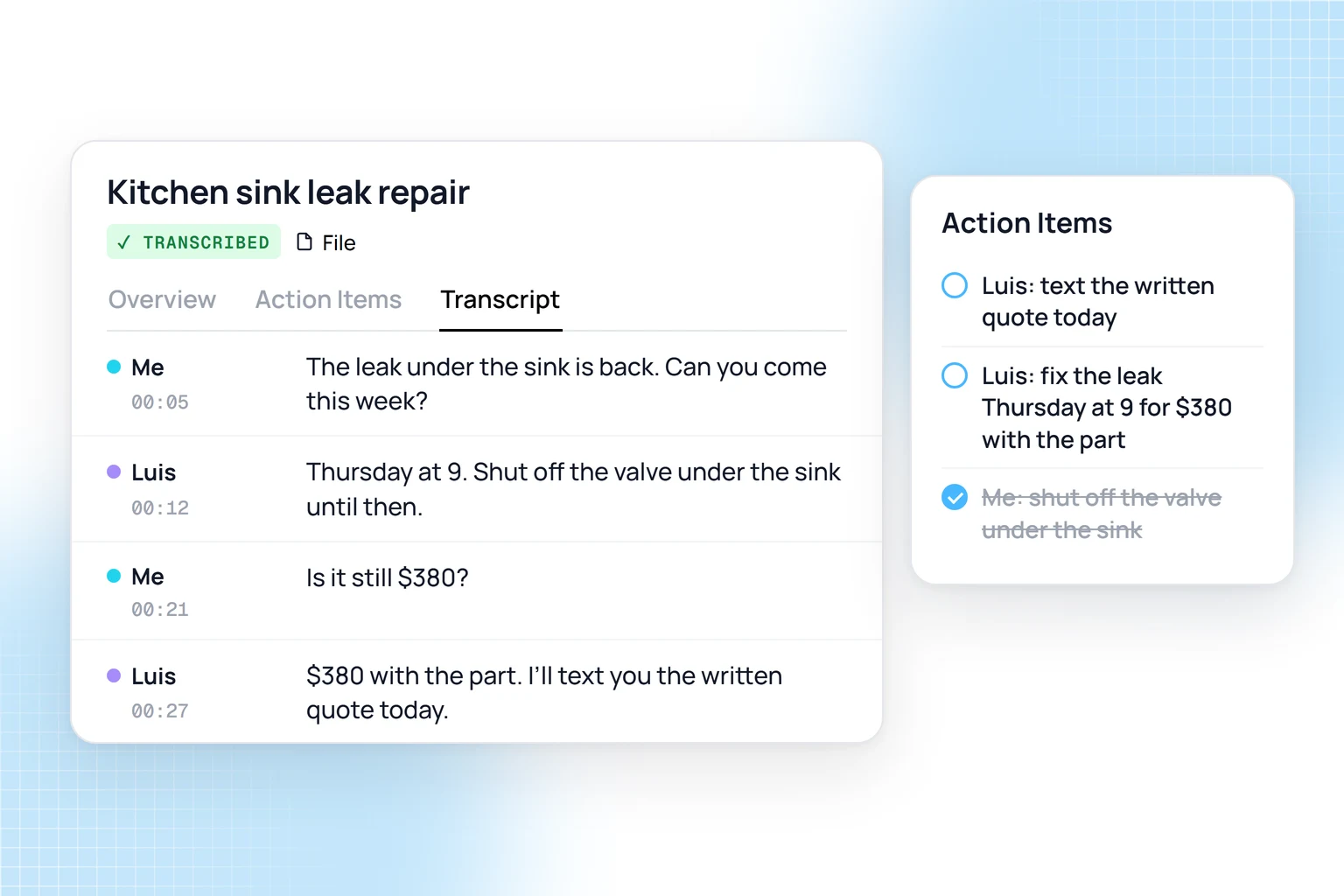
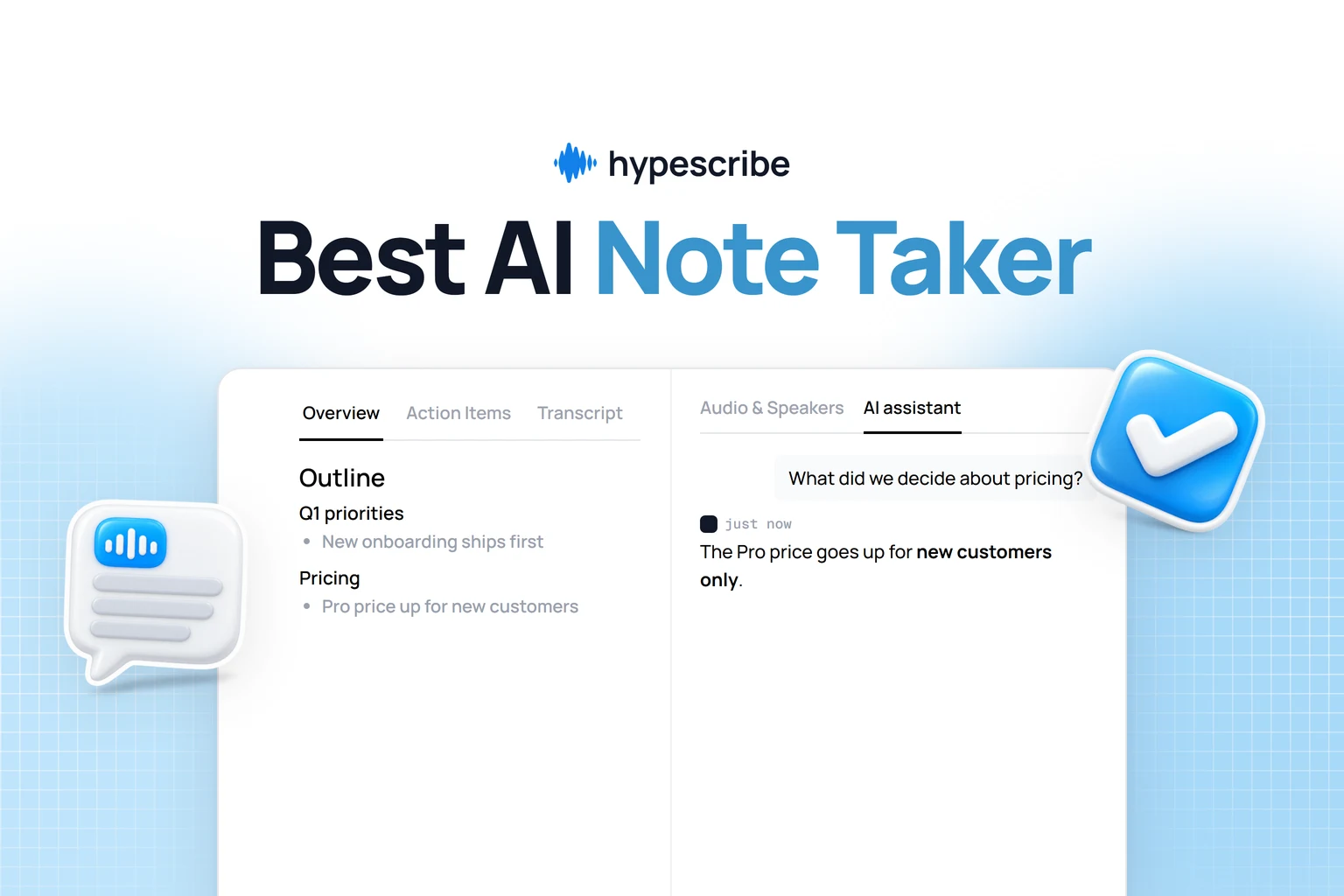
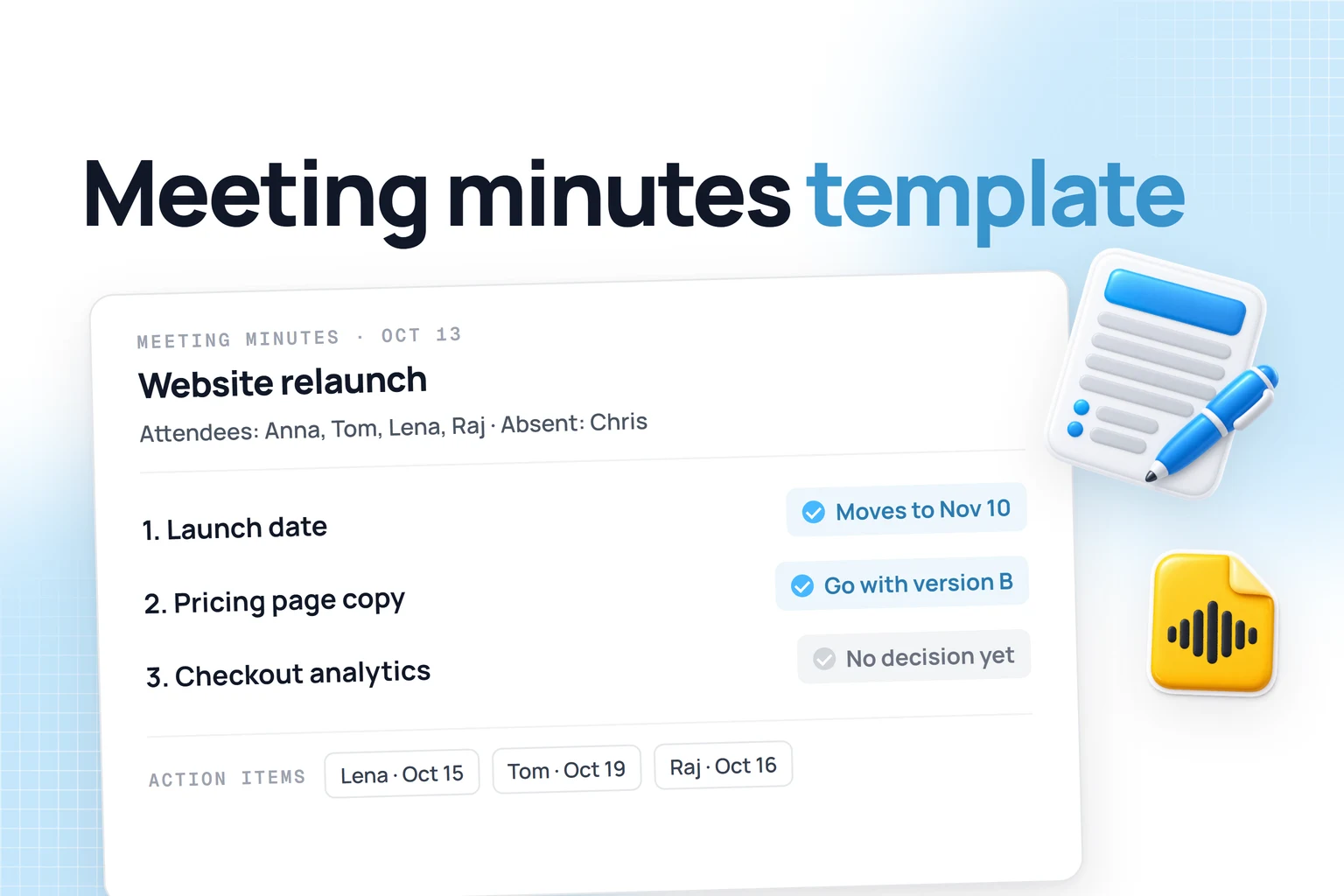
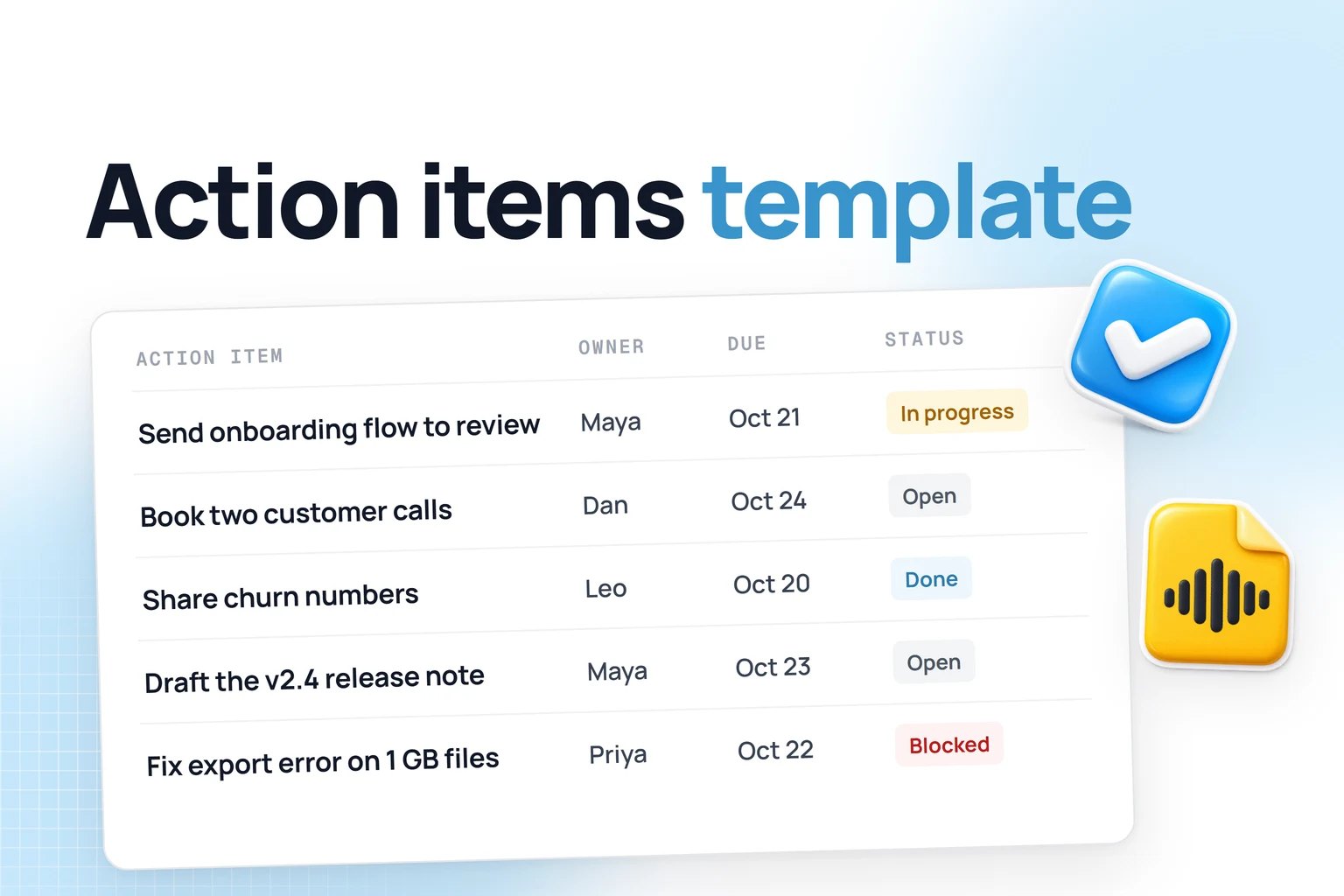
For a call like Luis's, the Action Items look something like "Luis: fix the leak Thursday at 9 for $380 with the part" and "Me: shut off the valve under the sink".
Rename a speaker once and the name changes in the whole transcript. Ask the AI assistant "What did Luis say about the price?" and it answers from the call.
HypeScribe understands 99+ languages and detects the language on its own, so the call in French gets a transcript too.
Send the visit to Todoist as a task with the Send button. To forward what Luis said to your landlord, download the transcript as DOCX or PDF.
Claude and ChatGPT can search your calls over MCP, and API keys are there for your own scripts. HypeScribe has 3 free transcriptions a month, then plans from $6.99 a month.
HypeScribe doesn't see or store your recordings, and you can delete your transcripts at any time. Nobody on the team watches, listens to or reads them, and they are never used to train AI. Files are encrypted, and a transcript stays private until you share it.
Recording a Conversation in Person
When the other person is in the room, open Voice Memos and tap the red Record button. On an iPhone 12 or later it shows a transcript in English, Spanish, French, German and a few more languages.
For a meeting where people take on tasks, use Live Record in HypeScribe in Safari, or upload the Voice Memos file afterward. Our guides to voice recorders with transcription and to transcribing Voice Memos cover both.
Every call in one place
Ask about any call later
Months later, search your library for the plumber's call and open its transcript and Action Items in one place.
FAQ
Can I record a call on iPhone when someone calls me?
Yes. Tap More during the call, then Call Recording. Apple's safety guide says either person on a call can start a recording, and both hear the notice.
Can you record a call on iPhone without the other person knowing?
Not with the built-in recorder. Both people hear a notice when it starts, and it plays again during the call.
Does call recording on iPhone cost anything?
No. Call recording is part of iOS 18.1 and later in the countries where Apple offers it, and transcripts come with it in the supported languages. Summaries need Apple Intelligence on a supported iPhone.
Can I record a WhatsApp call on iPhone?
Apple's recorder works in the Phone app and in one-to-one FaceTime audio calls. Apple doesn't list WhatsApp.
How do I transcribe a recorded phone call?
Open it in Notes under Call Recordings to read Apple's transcript, if Apple supports the call's language. For speakers you can rename, Action Items and 99+ languages, save the audio to Files and upload it to HypeScribe.